

Enterprise Pricing Log in

音声をテキストに変換(音声文字起こし)

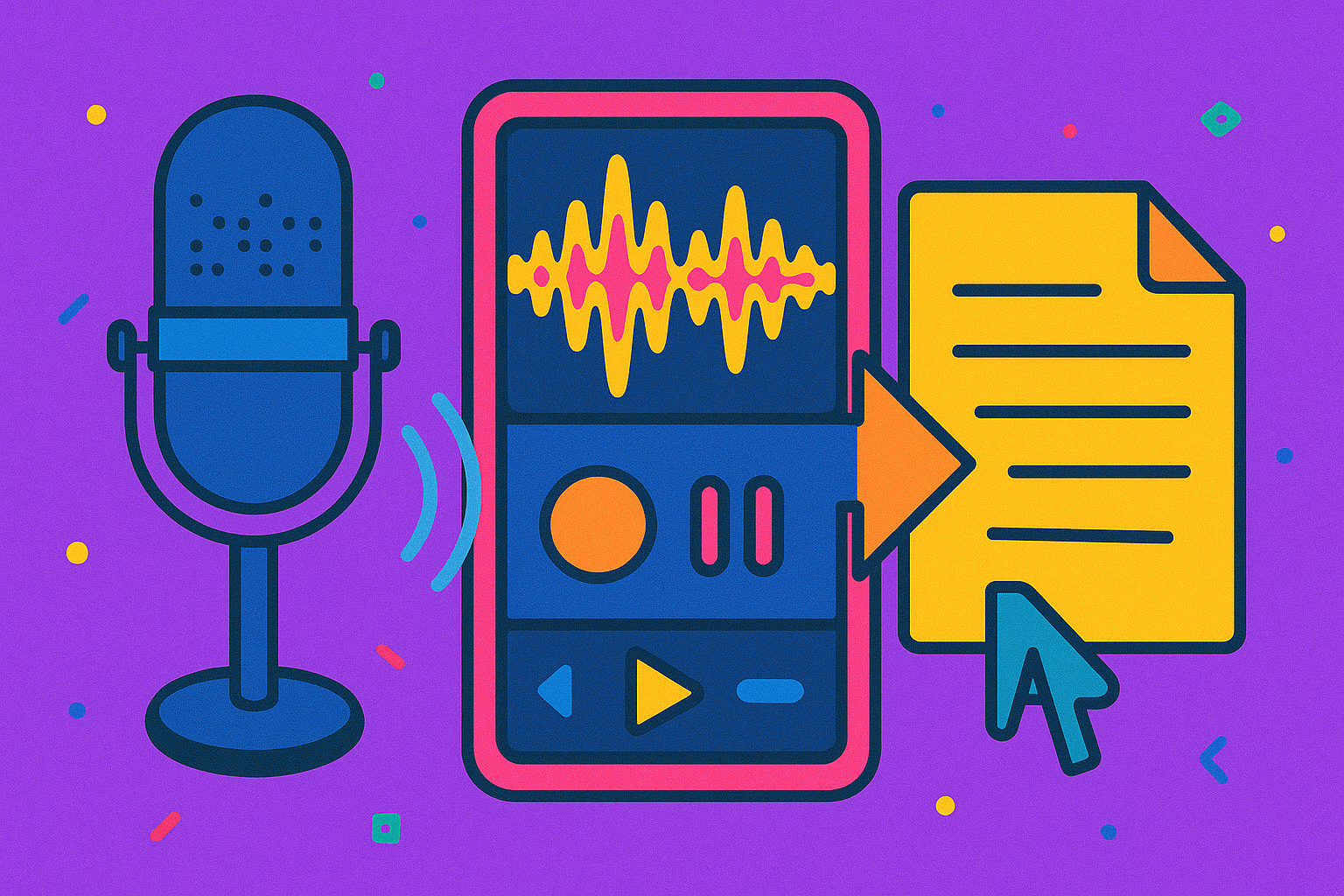
音声認識ソフトウェアで、音声を数分でテキストに変換。HappyScribeの文字起こしサービスで時間を短縮しましょう。

チームや大量利用のニーズに 営業に相談する

ここにファイルをドロップしてアップロード

Upload file

クリックまたはドラッグ&ドロップで音声をアップロード

5段階評価で4.8の高評価
Free to start icon
無料で始められる
Language icon
150以上の言語

600万人以上のユーザーと、あらゆる規模の41,000以上のチームに信頼されています

使い方は?

音声をテキストに変換するには?

  1. ステップ 1

    1. 音声ファイルをアップロードします。

    With our uploader, you can import your file from anywhere, whether it's on your laptop, Google Drive, Youtube, or Dropbox. The first 10 minutes are free and there's no file limit.

  2. ステップ 2

    2. 音声ファイルの言語を選択します。

    We support more than 150 languages, dialects, and accents.

  3. ステップ 3

    3.「自動(AI)」または「人力」を選択します。

    Our automatic transcription software is lightning fast and 85% accurate. With our human service, your transcript will be transcribed and proofread by an expert and native speaker and delivered with 99% accuracy.

  4. ステップ 4

    4. 文字起こし結果を受け取ります。

    Our automatic transcription software will convert your voice to text in just a few minutes (depending on the length of your file). If you select our human service, your transcript will be ready within 24 hours.

  5. ステップ 5

    5.「エクスポート」をクリックし、お好みのファイル形式を選びます。

    You can export to TXT, DOCX, PDF, HTML, and many more. It's that easy to get your voice transcribed!

よくある質問

音声をテキストに変換する文字起こしとは?

音声をテキストに変換する文字起こしとは、音声ファイルをテキストファイルに起こす作業のことです。直近のインタビューから記事用の引用を選びたい記者、会議の記録を文書で残したいビジネスパーソン、講義の学習ノートが欲しい学生など、音声録音よりもテキストファイルの方が便利な場面はたくさんあります。文字起こしはポッドキャストや電話、口述筆記などにも役立ちます。こうした場面でこそ、文字起こしサービスが力を発揮します。

音声をテキストに変換するのにどれくらい時間がかかりますか?

音声をテキストに変換するのにかかる時間は、音声ファイルの長さ、音質、そして自分で文字起こしするか音声文字起こしソフトを使うかによって変わります。音質が良く、音声からテキストへの文字起こしに慣れている場合、1時間の音声を変換するのにおよそ4時間かかると考えてよいでしょう。音質が悪い場合や文字起こしに不慣れな場合は、さらに時間がかかることがあります。一方、自動の音声文字起こしなら、数分で音声をテキストに変換できます。さらにHappyScribeのプロの文字起こし担当者なら、校正済みの高品質な文字起こしを24時間以内にお届けします。

自動文字起こしソフトウェアの精度はどのくらいですか?

技術の進歩は、自動文字起こしの精度を絶えず向上させ続けています。音質、話者のアクセント、専門用語などにもよりますが、当社の自動文字起こしソフトウェアは最大85%の精度を実現できます。

音声をテキストに変換する文字起こしの精度を上げるには?

音声をテキストに変換する文字起こしで可能な限り高い精度を得るには、高品質な音声ファイルをアップロードする必要があります。高品質な音声を得るには、録音環境を一定に保ち、背景ノイズを避け、質の良いマイクを使い、話者がマイクに向かって話し、複数人が同時に話さないようにすることをおすすめします。

利用者の声

Rated
★★★★★
4.7/5 on Trustpilot
Rated
by Jamil hussen

I know how to succeed in HappyScribe of course I will succeed in my life it's a very easy just 7 hours have to work

Rated
by Antti Mäki

Amazingly easy to use interface! HappyScribe recognizes so many languages - it is wonderful! This is the first truly and well-working subtitle service for Finnish for example.

Rated
by Sabine “Klara” H.

HappyScribe works super easy and simple, I like working with that tool.

Rated
by Qui Gon Gene

Although the transcription is not perfect by any means, the size makes it easier to transcribe.

Rated
by Valdomir Loiola

Gostei bastante. Bem dinâmico e eficiente.

Rated
by Kelly McClelland

Very pleased with ease of use right out of the box ha ha

Rated
by ricky

Great service with an intuitive design packed with translation and exporting features. I particularly like the top-up based pricing system meaning you only pay for what you need.

Rated
by Fiona Meadows

So easy, so efficient, so cheap. Thank you so much

Rated
by Molly Suber Thorpe

Very user-friendly, affordable, and accurate! Only very minimal proofreading was required.

Related articles

How to Transcribe Voice Recordings into Text

How to Transcribe Voice Recordings into Text

Learn how to transcribe voice recordings to text quickly with AI tools. Convert lectures, interviews, and meetings into searchable documents. Step-by-step guide + tips for students, journalists, and professionals.
How To Record And Transcribe Interviews

How To Record And Transcribe Interviews

Explore the essentials of selecting equipment, recording high-quality interviews, and optimizing the interview transcription process for clarity and accuracy using AI and online software.

audio to text transcription: microphone, laptop and office items

Best audio to text software in 2026: Which is best for you? (Top 7)

HappyScribe is a professional and efficient audio to text tool for businesses and content teams. Want to test it for yourself? Get started with a free trial.