
AI Notetaker for Zoom, Google Meet & Teams
HappyScribe joins your calls to record, transcribe and summarize every meeting, in 150+ languages. Free to start, no credit card.
4.6 on G2 4.7 on Trustpilot

 SOC 2 Type II
 GDPR compliant
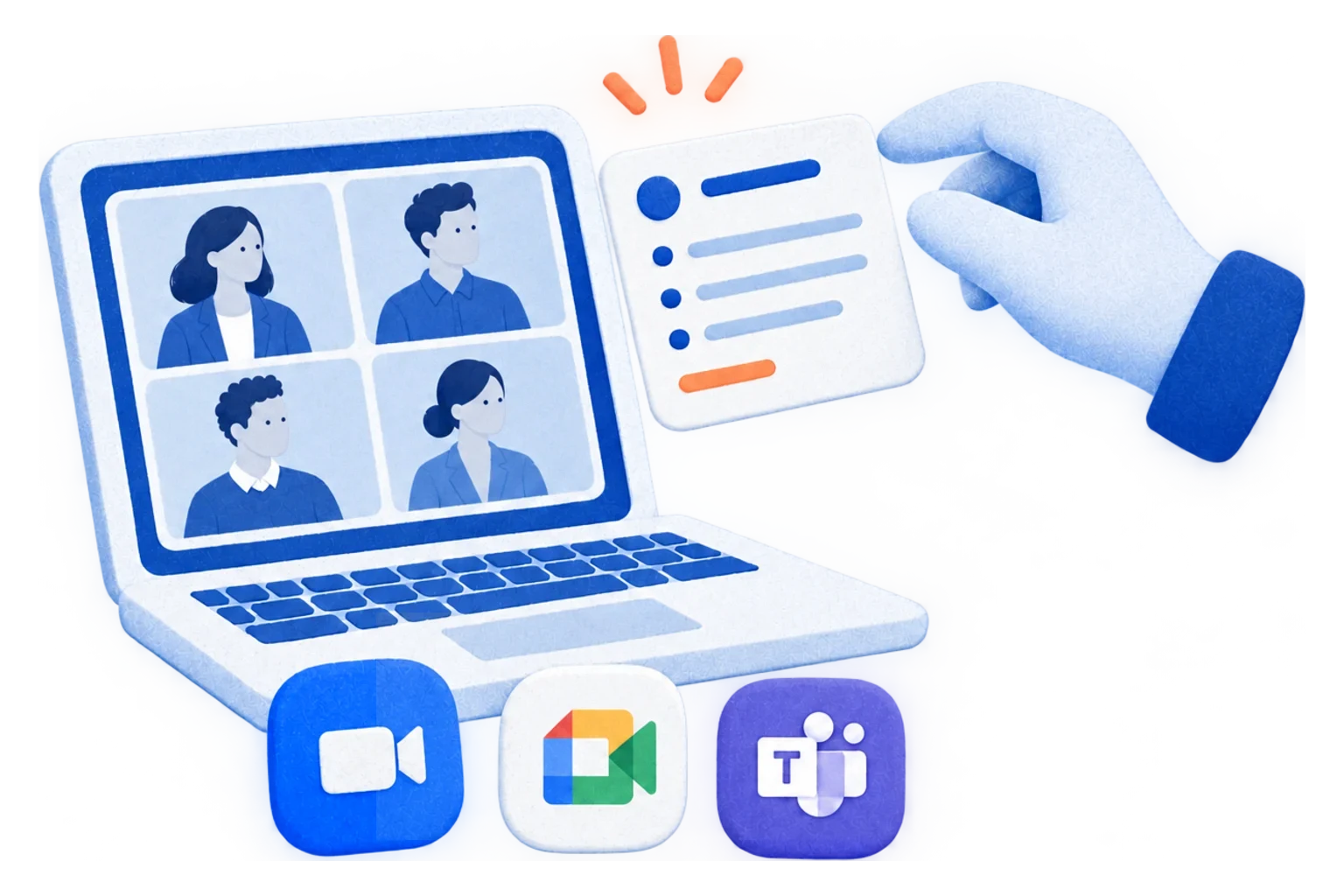
The AI Notetaker trusted by 6M+ users and 41,000+ teams of all sizes


AI Notetaker in 150+ Languages
HappyScribe's free AI notetaker automatically recognizes the language you speak and delivers precise AI note taking in minutes — across more than 150 languages and dialects.
It’s the only AI meeting note-taker supporting more than 150 languages and dialects, including English, Spanish, French, German, Italian, Portuguese, Dutch, Swedish, Polish, Greek, and many more.
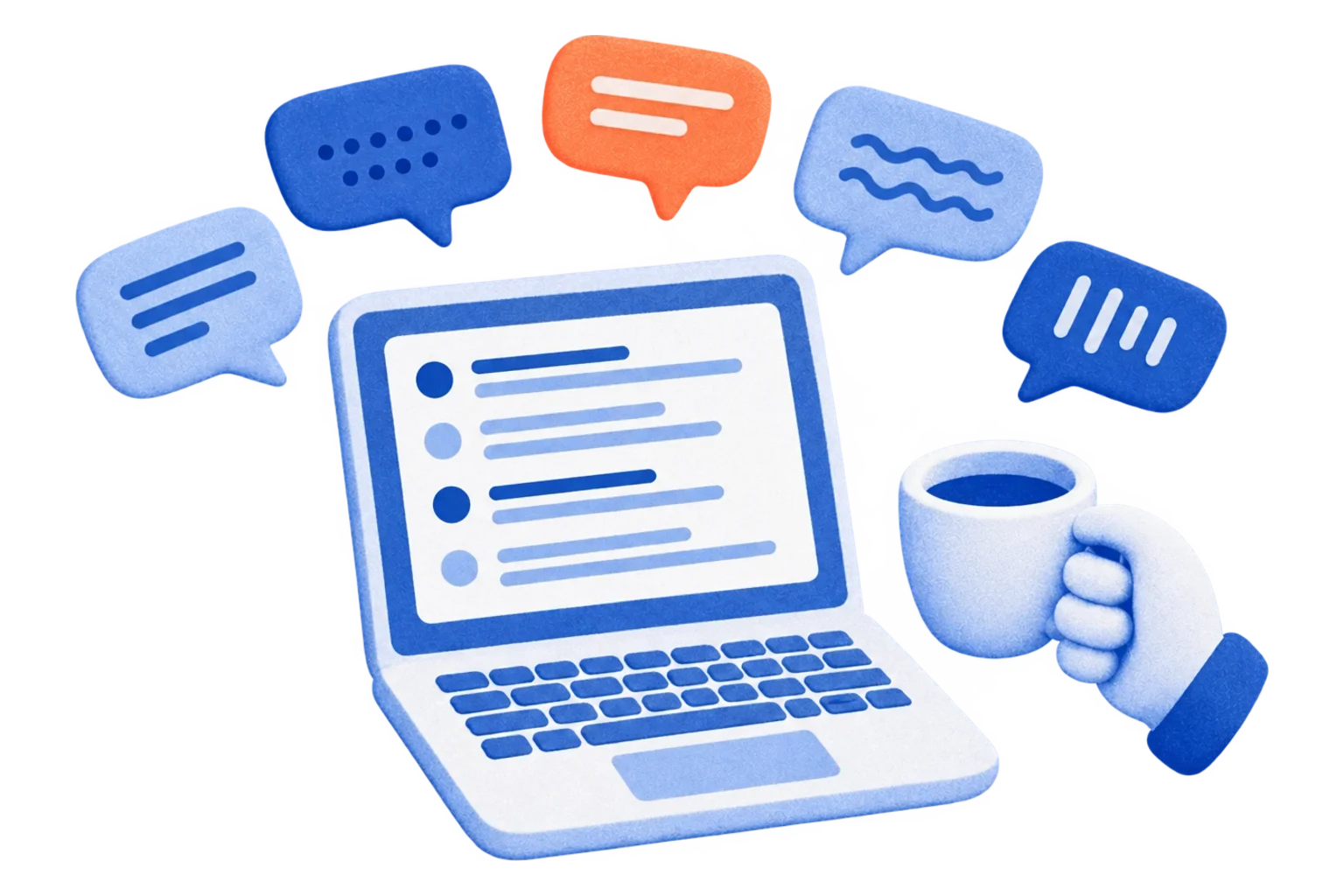
AI Notetaker for Google Meet, Microsoft Teams & Zoom
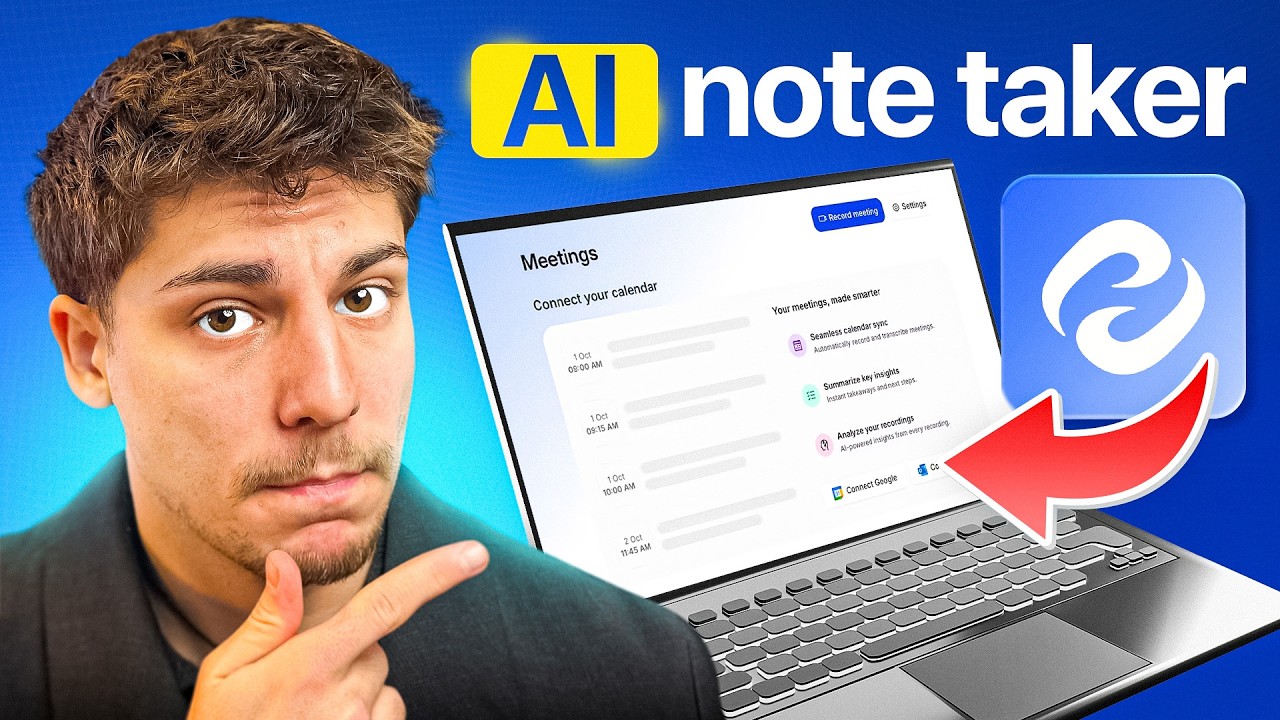
HappyScribe’s AI Notetaker connects seamlessly with your Google or Outlook calendar and automatically joins your meetings. Whether you’re meeting on Google Meet, Microsoft Teams, or Zoom, the AI notetaker records, transcribes, and summarizes every conversation with precision.
Integrates with:
Google Calendar • Microsoft Outlook • Google Meet • Microsoft Teams • Zoom
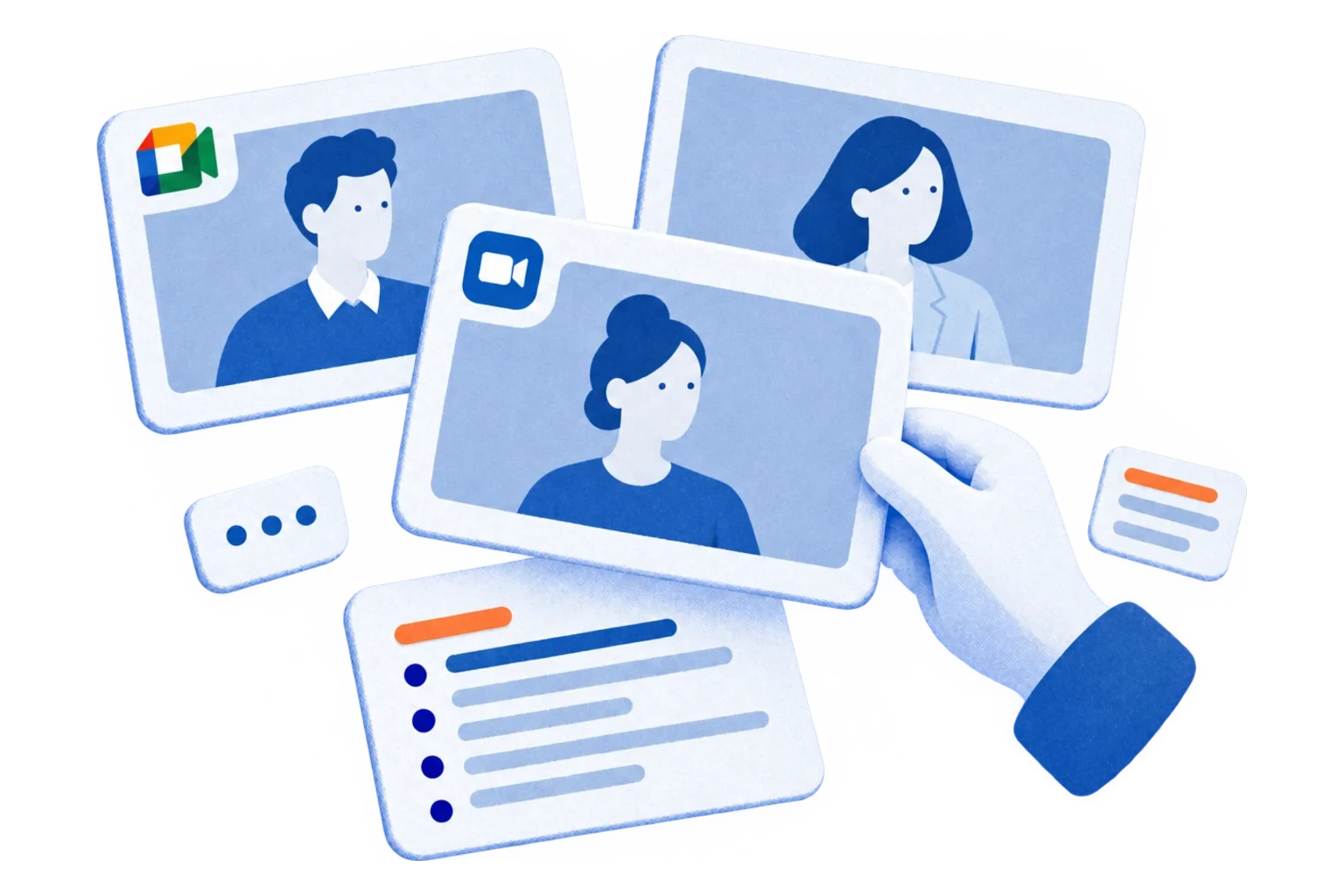
Take the AI Notetaker anywhere — even offline
When meetings move off-screen, HappyScribe Mobile keeps capturing. Tap record on iOS or Android to transcribe in-person interviews, field conversations, conferences, and lectures — with the same AI accuracy, speaker detection, and 150+ language support you get on the web.
Everything syncs to your HappyScribe account. Search across every meeting you've ever recorded — online or in-person — and pick up the same transcript, summary, and action items on any device.
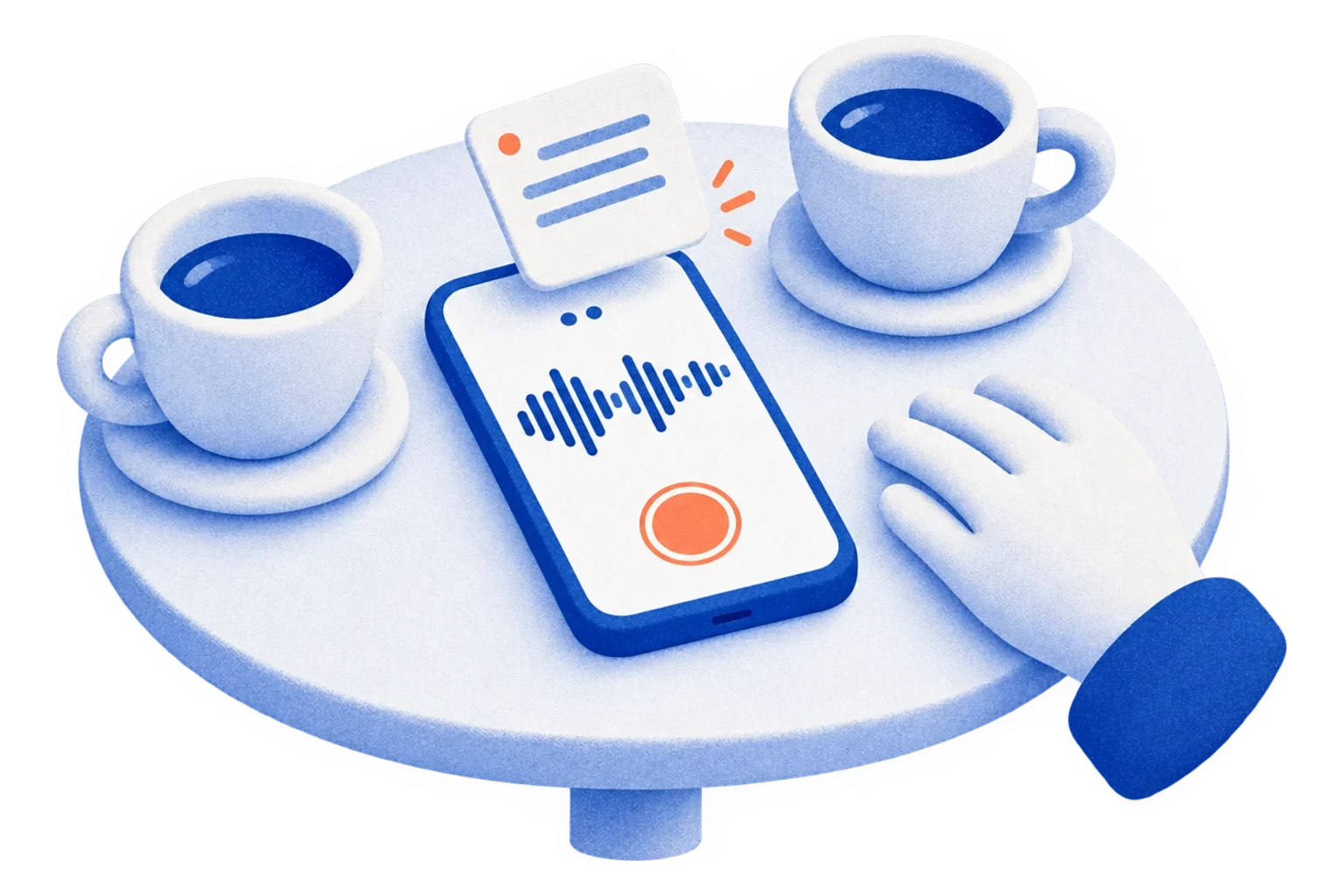
Customize Your AI Notetaker’s Look and Feel
Make your AI notetaker look, sound, and perform exactly how you need. Make your AI notetaker part of your brand. Add your logo, colors, name, and a custom welcome message so every meeting feels personal and professional.
The Most Accurate AI Notetaker — Over 95% Precision
Experience crystal-clear meeting notes powered by advanced speech-to-text AI.
HappyScribe’s AI Notetaker delivers unmatched transcription accuracy across every language and accent. Our models are continuously trained and tested to ensure over 95% accuracy, so you capture every word.
What Your AI Notetaker Does
Make every meeting smarter with AI tools that go beyond transcription. Summarize, organize, and act.
Smart Summaries
Instantly generate concise meeting summaries that capture key decisions, topics, and next steps.
Action Notes
Let AI highlight follow-ups, tasks, and deadlines automatically, so nothing gets missed.

Insight Extraction
Easily extract key quotes or insights from your transcript for reports, blog posts, or documentation.

Create with AI
Turn meeting content into posts, briefs, quiz or recaps. Effortlessly.
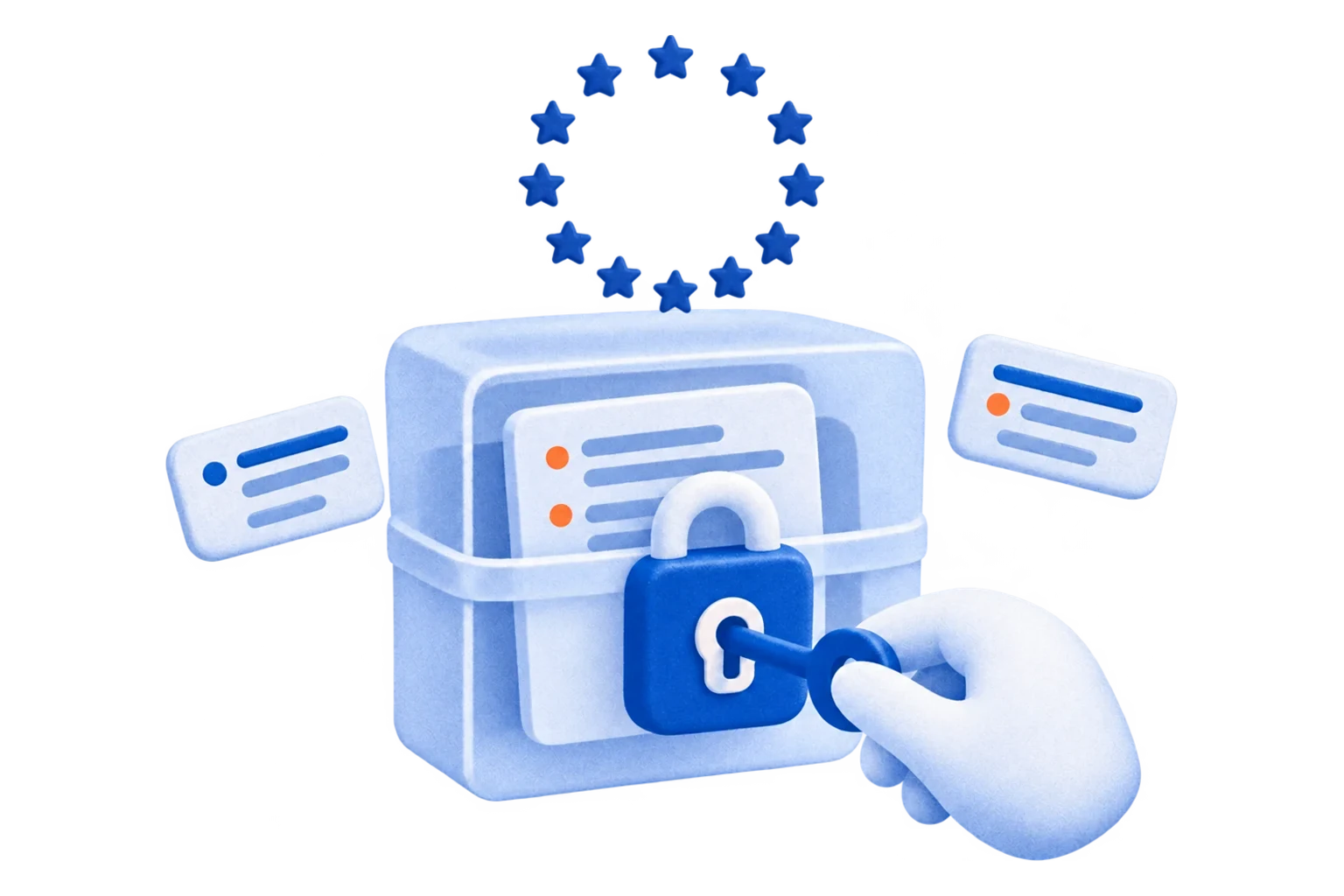
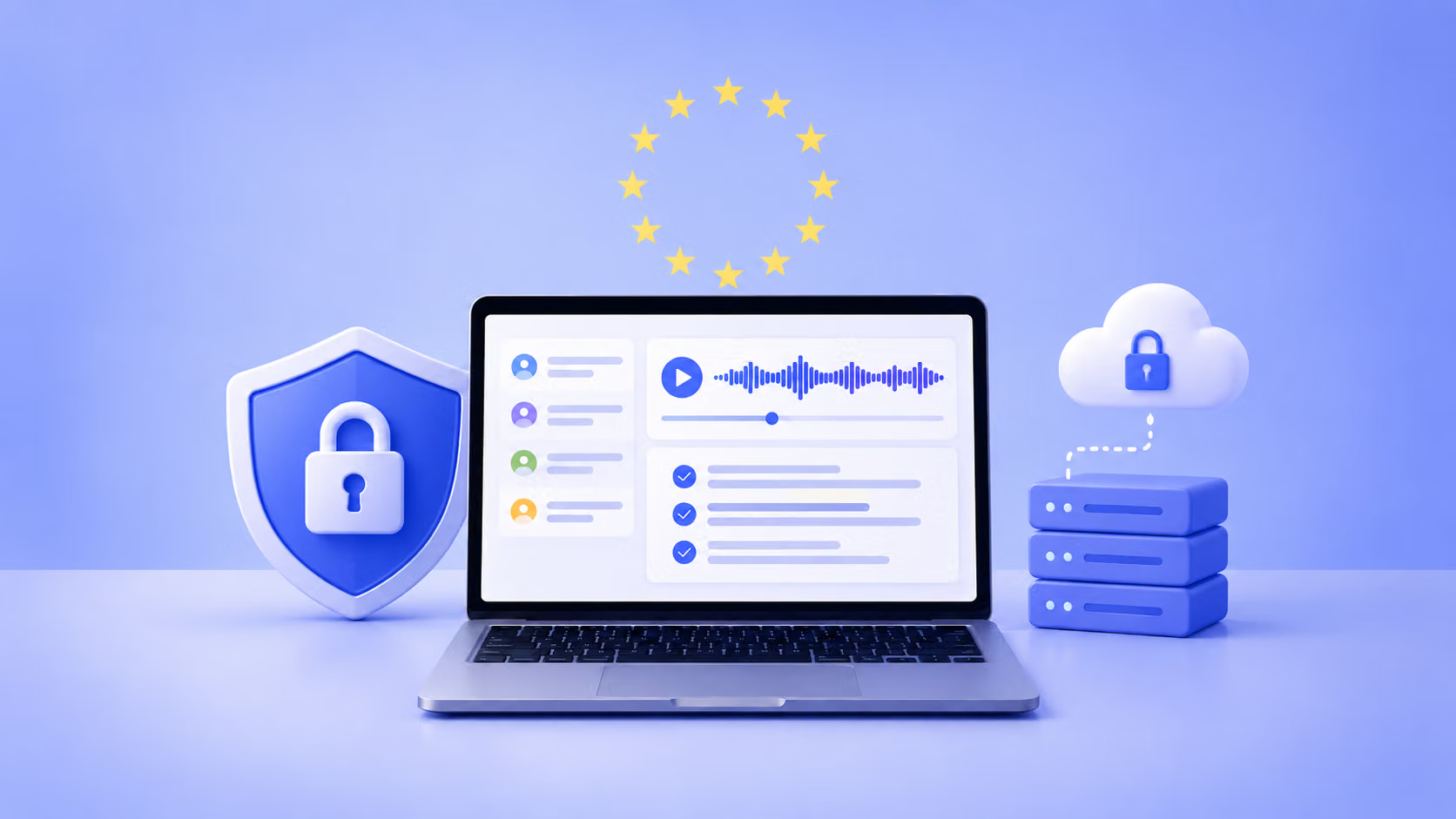
GDPR-Compliant AI Notetaker — EU Data Residency Included
Your privacy comes first. HappyScribe’s AI Notetaker is built on secure, GDPR-compliant infrastructure and certified SOC 2 Type II.
All meeting data is encrypted in transit (TLS) and at rest (AES-256), stored safely in EU-based Tier IV data centers.
Our systems are protected by firewalls, intrusion detection, DDoS mitigation, and role-based access control.
The Most Advanced AI Notetaker for Teams
HappyScribe AI Notetaker provides you with a range of features to help you turn meeting notes into actions.
-

Language Detection
Automatically detects and transcribes meetings in over 150 languages without any manual setup.
-
Calendar Integration
Connect Google or Outlook Calendar so the AI Notetaker joins meetings on time and starts recording automatically.
-

Speaker Identification
Identifies and labels each speaker for clear, organized notes that make follow-ups effortless.
-
GDPR & SOC 2 Type II Certified
Your meetings and notes stay fully private and compliant with European and global data protection standards.
Also included
-
Smart Summaries
Generates meeting recaps with key decisions, next steps, and takeaways in natural, fluent language.
-
Email Summary
Delivers AI-generated summaries directly to your inbox or preferred workspace within minutes.
-
In-call Controls
Pause, resume, or remove the AI Notetaker anytime during your meeting.
-
Browser Recorder
Record impromptu conversations directly from your browser, even without a meeting link.
-
Custom Glossaries
Teach the AI your product names, acronyms, and team vocabulary so industry-specific terms are spelled correctly in every meeting.
-
Joins Meetings Early
The Notetaker bot is ready in the call up to 3 minutes before your meeting starts — no scrambling, no missed openings.
-
Meeting Privacy Controls
Choose who can view each meeting transcript — only you, your team, or specific people — and keep sensitive calls in private folders.
-
Editable AI Summaries
AI-generated summaries you can edit, regenerate after corrections, and share — auto-saved continuously in the browser.
-
Export & Share Anywhere
Download meeting recordings as MP3 or MP4, summaries as Markdown, and share calls directly from your Meetings Hub.
AI Notetaker for Every Industry
-

Journalists & Newsrooms
Record and transcribe interviews or editorial meetings in any language.Smart summaries and multilingual transcription help teams brief editors and reuse quotes quickly.
-

Researchers & Market Research Firms
Capture and analyze insights from focus groups and interviews with automatic speaker detection and structured AI summaries. Export media for further analysis or collaboration.
-

Business Leaders & Project Teams
The AI Notetaker extracts key decisions and next steps instantly and can sync summaries to CRMs or project tools
-

Content Managers & Producers
Centralize creative reviews, localization check-ins, and production meetings. Access recordings, manage permissions, and customize branding to keep every client project secure and consistent.
-

Academics & Researchers
Transcribe multilingual interviews and research discussions with accuracy and clarity.
FAQ
What is an AI note taker?
An AI note taker (also called an AI notetaker) is software that automatically records, transcribes, and summarizes spoken conversations using artificial intelligence. HappyScribe's AI notetaker joins your Zoom, Google Meet, and Microsoft Teams calls, transcribes them in 150+ languages with 95%+ accuracy, identifies speakers, and delivers a structured summary with action items minutes after the meeting ends.
Is there an AI notetaker?
Yes — HappyScribe's AI meeting notetaker automatically joins your Zoom, Google Meet, and Microsoft Teams calls, then records, transcribes, and summarizes every conversation. It captures key decisions, action items, and quotable moments in 99+ languages with 95%+ accuracy, and delivers them to your inbox minutes after the meeting ends.
Which AI is best for making notes?
HappyScribe is one of the most accurate AI notetakers, with 95%+ transcription accuracy across 99+ languages, automatic speaker identification, and editable AI summaries. It's SOC 2 Type II certified and GDPR-compliant, with EU-based data storage — a strong fit for teams that need both accuracy and enterprise-grade security.
Is there a free AI notetaker for Zoom?
Yes — HappyScribe offers a free AI notetaker that works with Zoom, Google Meet, and Microsoft Teams. Connect your Google or Outlook calendar and the Notetaker joins automatically up to 3 minutes before each meeting, then delivers a full transcript, summary, and action items afterwards.
Is AI notetaker safe?
Yes. HappyScribe's AI notetaker is SOC 2 Type II certified and GDPR-compliant. All meeting data is encrypted in transit (TLS) and at rest (AES-256), stored in EU-based Tier IV data centers, and never used to train AI models. You can also restrict who sees each meeting with built-in privacy controls.
How accurate is HappyScribe's AI meeting notetaker?
HappyScribe's AI notetaker delivers 95%+ transcription accuracy across 99+ languages and accents. Custom glossaries let you teach the model your product names, acronyms, and team terminology, so industry-specific vocabulary is captured correctly in every meeting.
Does the AI notetaker work with Zoom, Google Meet, and Microsoft Teams?
Yes — HappyScribe's AI notetaker integrates natively with Zoom, Google Meet, and Microsoft Teams. Once you connect your Google or Outlook calendar, the bot joins every scheduled meeting automatically, records the call, and posts a transcript and summary when the meeting ends.
Can I customize how the AI notetaker appears in meetings?
Yes. You can fully brand the AI notetaker with your company logo, colors, name, and a custom welcome message — so participants see your brand instead of a generic bot. This is especially useful for client calls, sales demos, and customer interviews.
Is there a free AI notetaker for Microsoft Teams?
Yes — HappyScribe's free AI notetaker works with Microsoft Teams, as well as Zoom and Google Meet. Connect your Google or Outlook calendar and it joins your Teams meetings automatically, then delivers a full transcript, summary and action items in 150+ languages after the call — no credit card required to start.
Does Microsoft Teams have a built-in AI notetaker?
Microsoft Teams offers built-in AI recap features on certain paid plans, but a dedicated AI notetaker like HappyScribe works across Teams, Zoom and Google Meet from one place, transcribes in 150+ languages with 95%+ accuracy, and keeps your data GDPR-compliant in the EU — ideal when your meetings span multiple platforms or languages.
Is an AI notetaker legal?
Yes, AI notetakers are legal as long as participants are informed that the meeting is being recorded — most regions require consent from at least one party, and some require all parties. HappyScribe supports transparent recording notifications and is SOC 2 Type II certified and GDPR-compliant with EU data residency, so you can record and transcribe meetings responsibly.
How much does an AI notetaker cost?
HappyScribe's AI notetaker is free to start, with no credit card required. Paid plans add more transcription minutes, unlimited AI features and team capabilities, so you can scale from individual use to a full team as your needs grow.
Can ChatGPT take meeting notes?
ChatGPT can summarize a transcript you paste into it, but it can't join, record or transcribe a live meeting on its own. A dedicated AI notetaker like HappyScribe joins your Zoom, Google Meet or Teams call automatically, records and transcribes it in 150+ languages, and generates the summary and action items for you — with no copy-pasting required.
Can an AI notetaker write meeting minutes?
Yes — HappyScribe turns every meeting into structured minutes automatically, with a summary, key decisions and assigned action items. You can edit the AI-generated minutes, adjust the summary format, and export or share them with your team within minutes of the call ending.

The AI Notetaker is a real game-changer for us. There’s no need to write everything during meetings anymore; now I can actually engage.
 Darius Čenys
Performance Operations Coordinator
Darius Čenys
Performance Operations Coordinator
Related articles
-
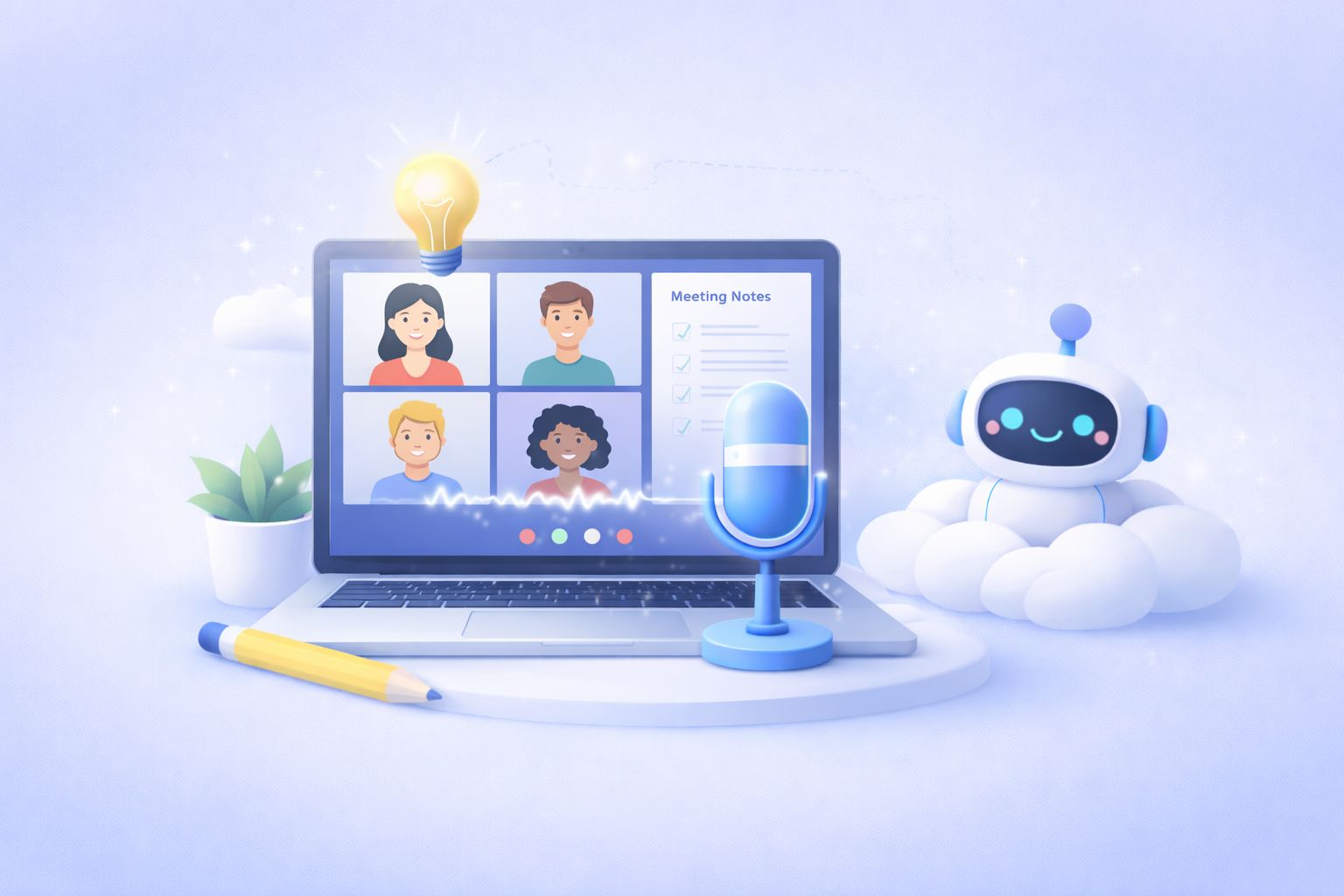
6 Best AI Note Taking Tools for Meetings [2026]
I tested 10+ AI note taking so you don't have to. Here are the best ones that deliver high-quality notes without compromising on privacy.
-
5 Best Free AI Note Takers You Must Try [2026]
Compare the best free AI note takers: HappyScribe, Fathom, Tactiq, tl;dv, and Otter. See free plan limits, accuracy, language support, recording modes, and privacy and pick the right fit.
-
5 Best Otter AI Alternatives for AI Meeting Notes [2026]
Looking for Otter alternatives? Compare the top 5 tools for AI meeting notes and discover why HappyScribe is the best one for security and accuracy.
-
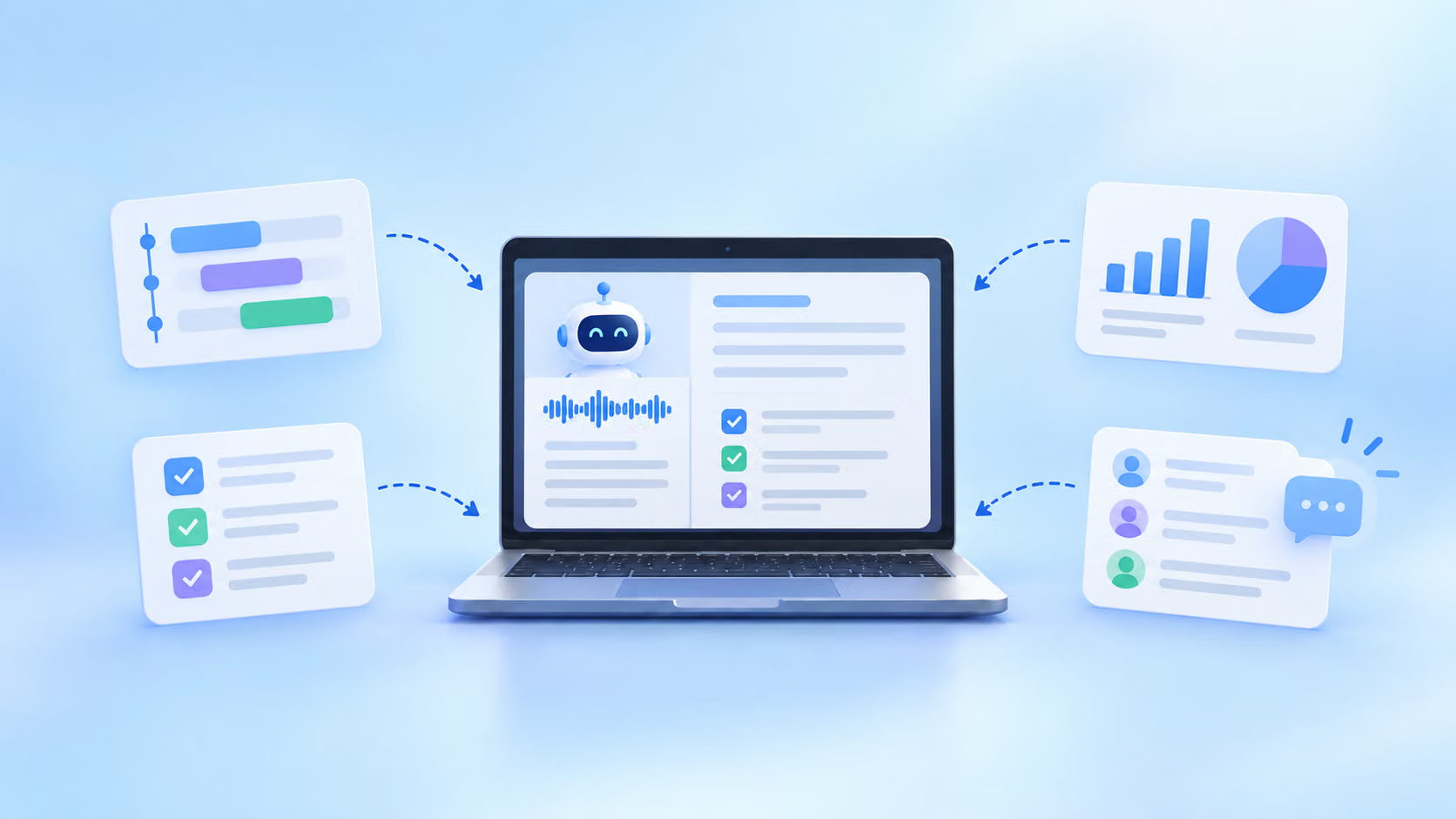
Best AI Note Takers for Product Managers [2026]
Looking for an AI note taker for product managers? I ranked 5 tools on transcript accuracy, PM integrations, and decisions you can trust.
-
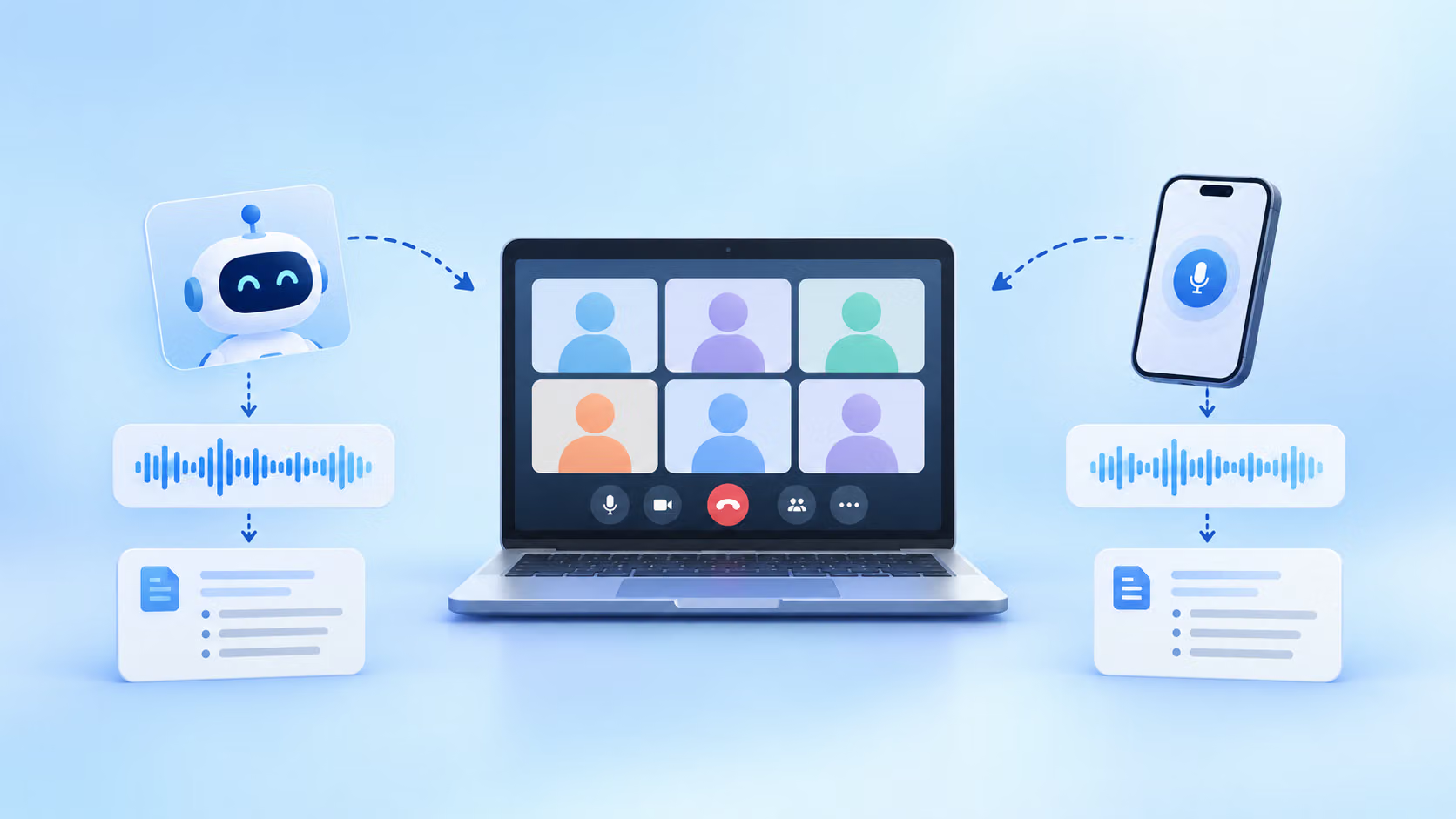
Bot-Based vs. Bot-Free AI Note Takers: When Should You Use Which?
Should your AI note taker join the call or record bot-free from your device? Here's how to pick the right method for each meeting.
-
How Secure is Your AI Meeting Note Taker?
Is your AI meeting note taker safe? Learn what US consent laws, GDPR, and SOC 2 mean for your meetings, plus a 5-step checklist to secure your setup.