


AI Note Taker for Google Meet
HappyScribe joins your Google Meet calls and delivers notes and action items your whole team can act on. Works across 150+ languages. No paid Google account needed.
4.6 on G2 4.7 on Trustpilot
 SOC 2 Type II
 GDPR compliant
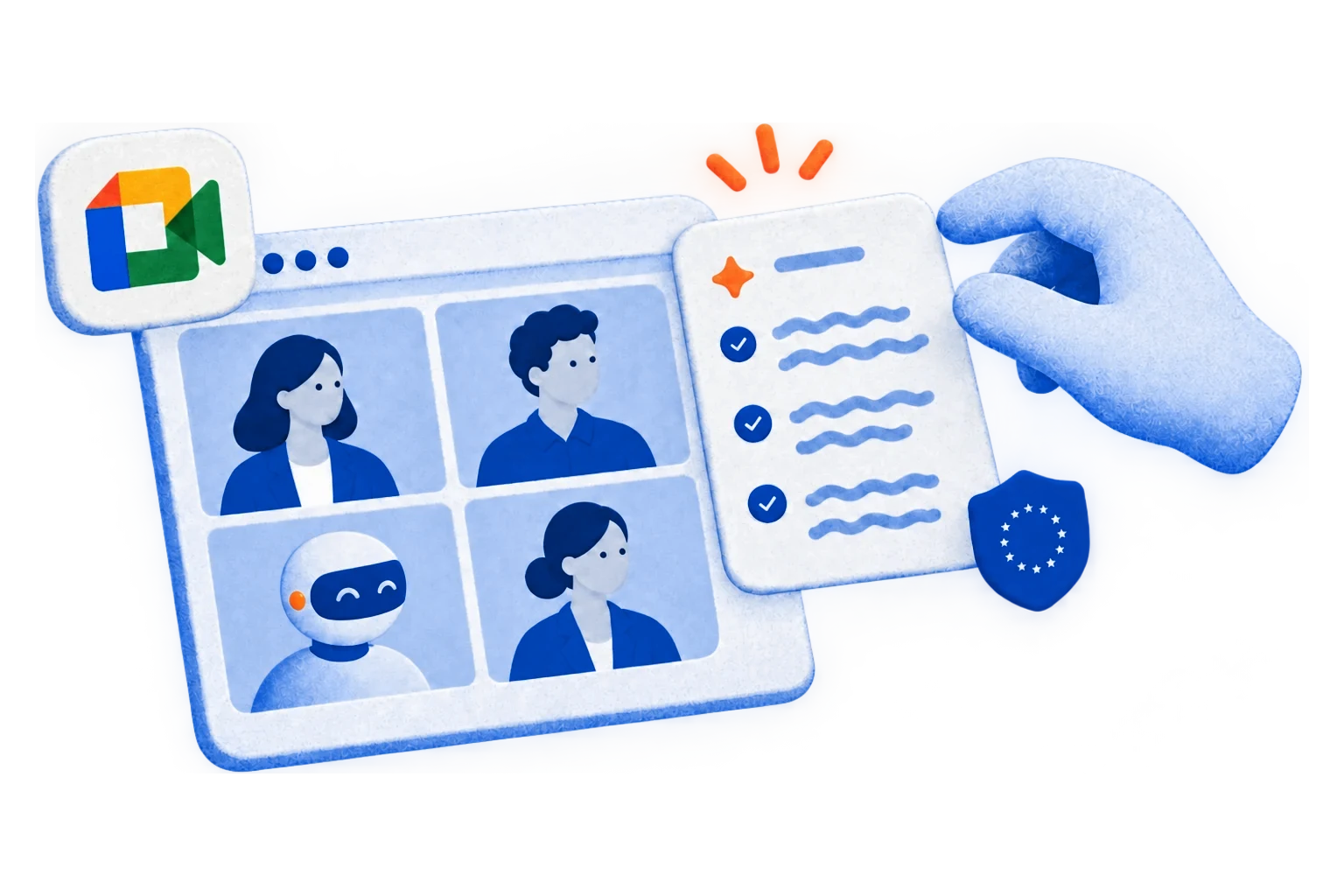
Trusted by 6m+ users and 41,000+ teams of all sizes


Your meeting, your method. Use a bot, go bot-free, or upload a recording.
HappyScribe gives you three flexible ways to capture your Google Meet conversations.
-
Bot joins via calendar sync
Connect your calendar. HappyScribe joins every Google Meet automatically — no manual invites.
-

Bot-free browser recorder
Capture audio straight from your browser. No bot in the meeting. Built for sensitive conversations.
-

File upload
Already have a recording? Upload it and get full meeting notes in minutes.
-

API, Zapier & MCP
Push transcripts to Notion, HubSpot, Google Drive, or wherever your team works.
On-point transcripts. Every single time.
95%+ accuracy with speaker labels and timestamps.
Work in a specialized field? Add a Custom Glossary so the industry jargon never gets lost in translation.
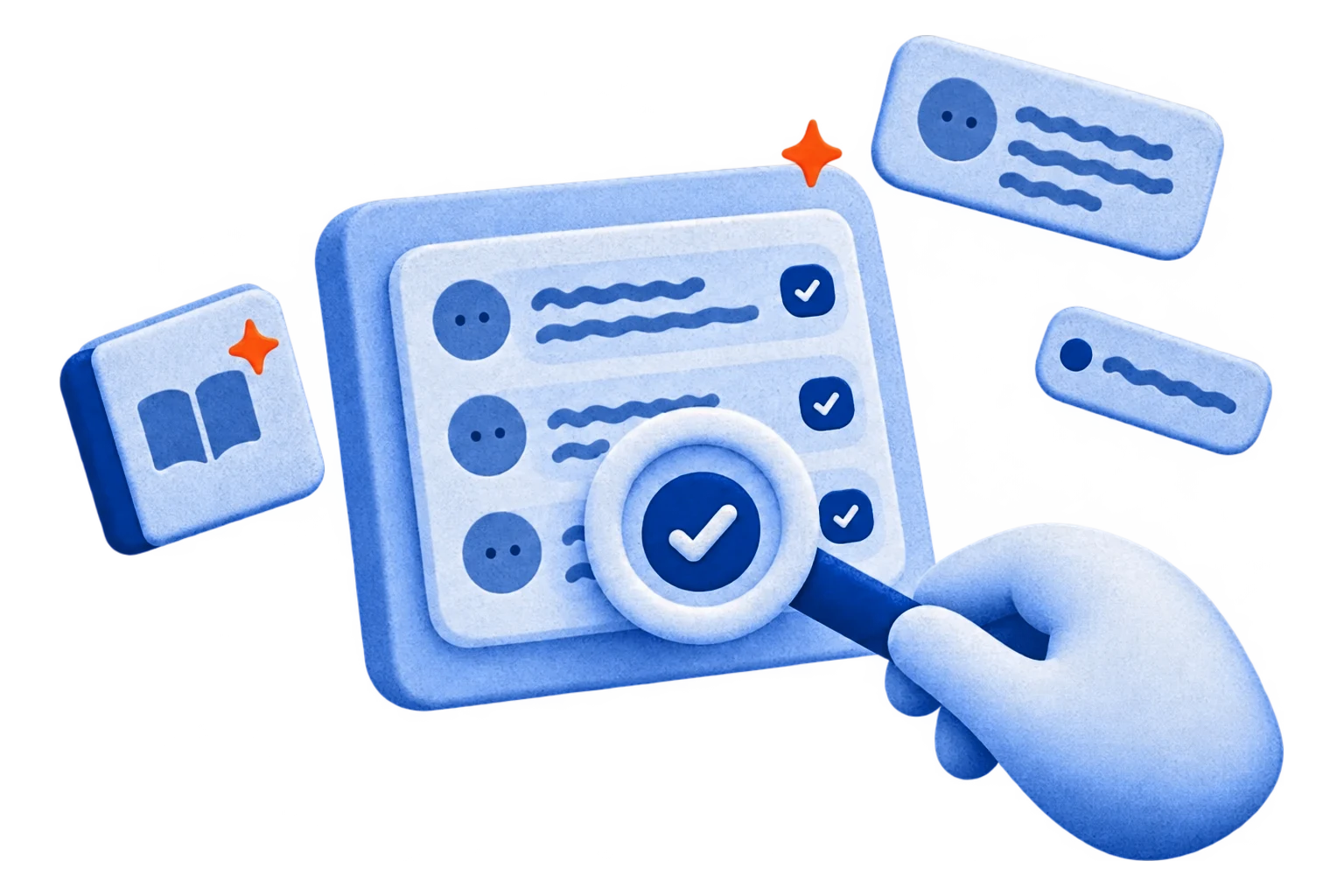
Be present in your meetings. HappyScribe takes care of the notes.
Get key decisions and action items from every Google Meet delivered straight to your inbox, minutes after the call ends.
Everyone gets the same source of truth. No more asking "Can someone send the notes?"
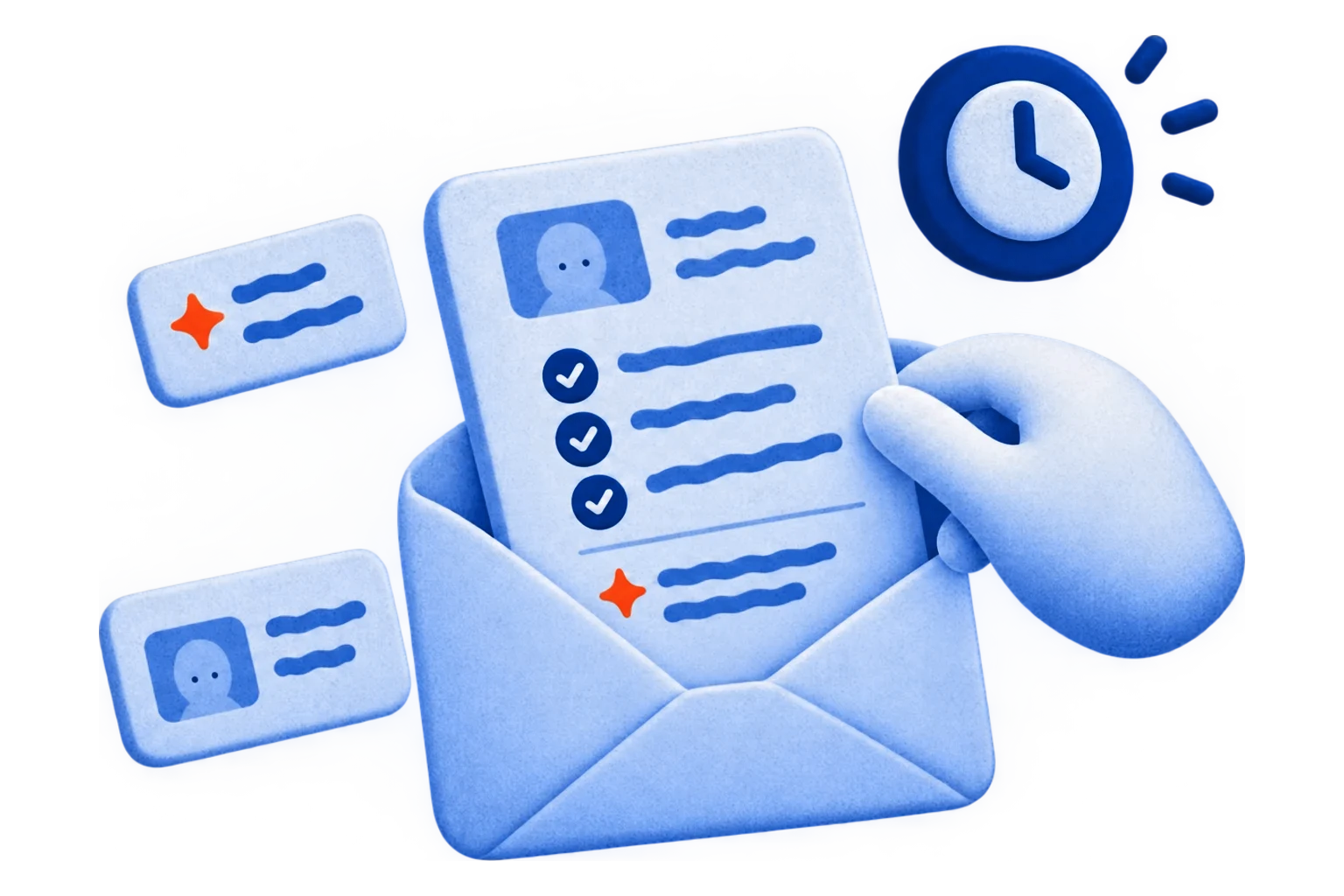
Your team speaks many languages. HappyScribe understands them all.
HappyScribe auto-detects the language being spoken and handles mid-call switching.
Supports 150+ languages and dialects. Built for global teams from day one.

Transcripts go where your team already works.
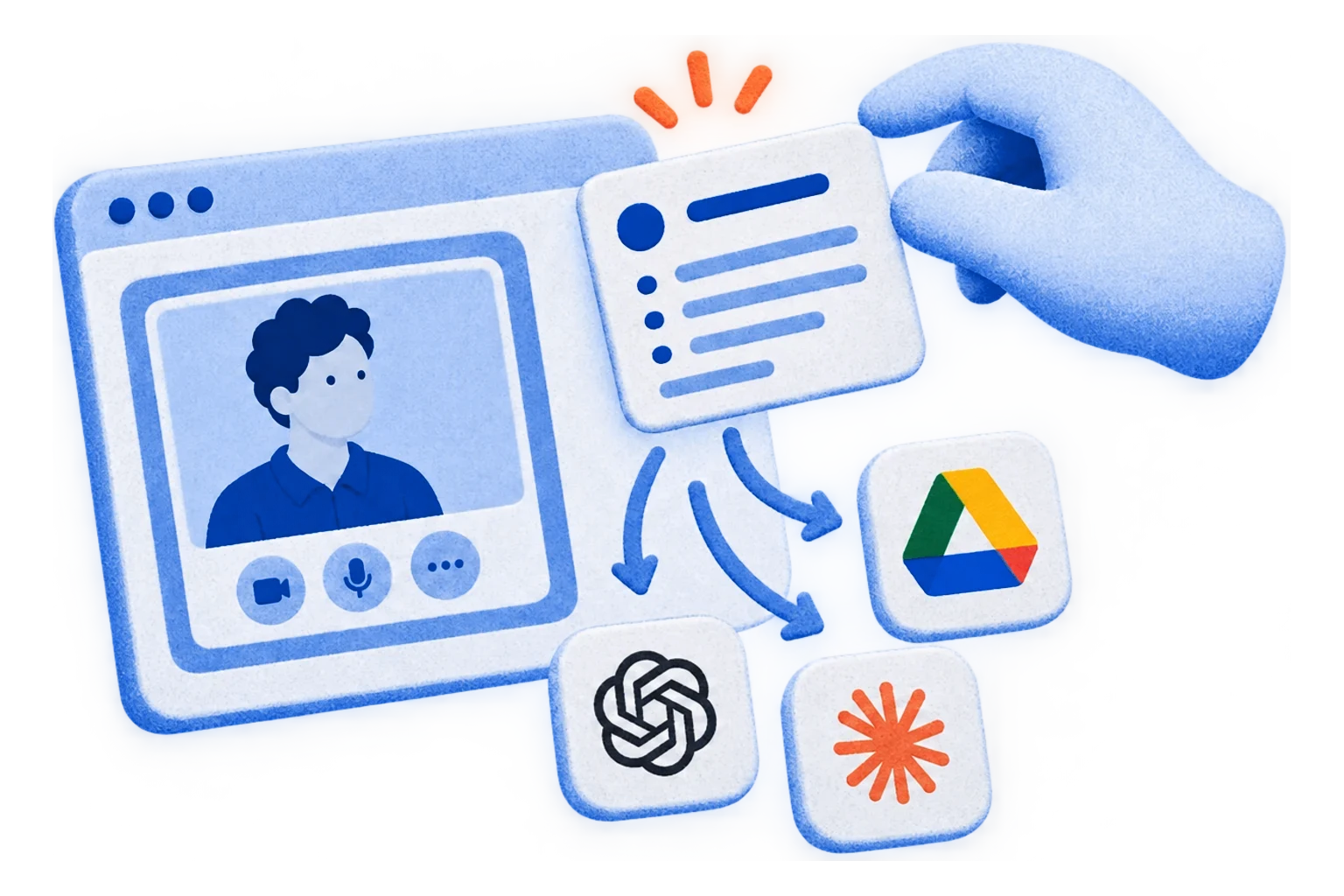
Connect HappyScribe to your tech stack via API, Zapier, or MCP. Meeting notes land in Google Drive, Notion, HubSpot, Slack, ChatGPT, or Claude, automatically.
No copy-pasting or switching tabs. Your notes just show up.
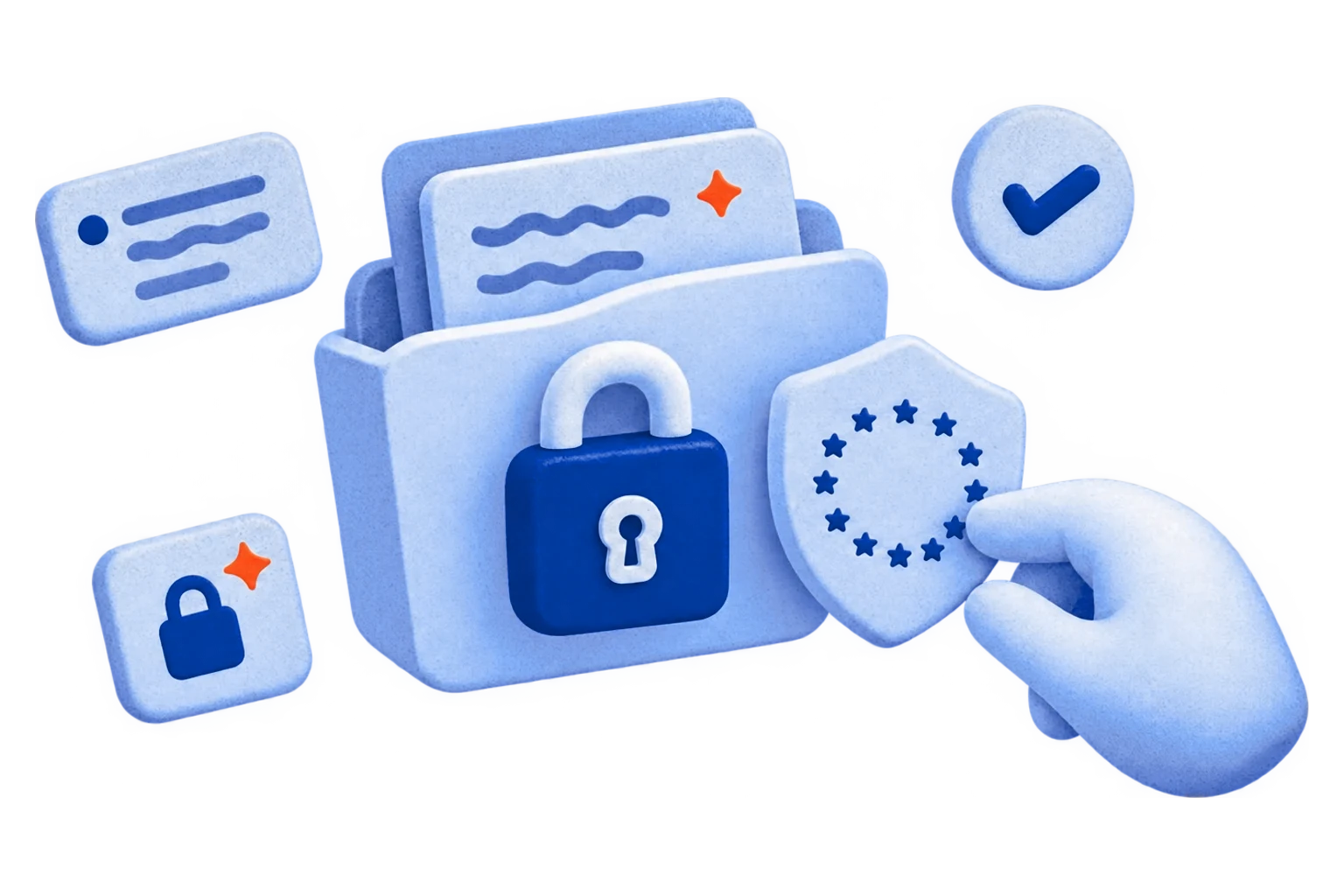
Your meeting data stays in Europe.
HappyScribe is SOC 2 Type II-certified and GDPR-compliant.
Headquartered in Barcelona, with data stored in PCI DSS and ISO 27001-compliant EU data centers. All data is encrypted in transit and at rest.
Turn Every Google Meet Call into a Shareable Asset.
Ask questions, playback specific moments, write follow-ups, and create content from your meeting notes.
Smart summaries
Key decisions, open questions, next steps. In your inbox before the next call starts.

Chat with a meeting
"Did the client approve the budget?" Ask the recording. Get the answer with the timestamp.

Chat across meetings
Search every call from the last quarter. Find who promised what, and when.

Create with AI
Turn any Google Meet into a recap email, project brief, or action plan. One click.
Get started in under two minutes.
-
Connect your calendar
Link your Google or Outlook calendar. Takes 30 seconds.
-
HappyScribe joins the call
Shows up as a participant. Records audio and video. You don't lift a finger.
-
Notes hit your inbox
Summary, action items, full transcript. Export as PDF, DOCX, TXT, MP3, MP4, or SRT.
Built for how you actually use Google Meet.
-

Sales Calls
Your prospect said yes to something. Make sure you have it in writing.
-

Team Standups
Monday's blockers. Wednesday's updates. Friday's wins. All searchable.
-

Client Meetings
"I thought we agreed on..." Now you have the receipt.
-

Interviews
You talked to eight candidates. You'll remember two. HappyScribe remembers all of them.
-

Webinars & Training
An hour of content. One searchable document. Your team actually uses it.
-

All-Hands & Town Halls
Three hundred people on the call. Everyone gets the same takeaways.
Every question you're about to Google.
Does HappyScribe work with free Google Meet accounts?
Yes. HappyScribe works with free Google accounts, Google Workspace, and Google Workspace Enterprise.
How does HappyScribe compare to Gemini's "Take notes for me"?
Gemini's note-taking requires a paid Google Workspace plan (Business Standard or higher). It supports 8 languages, one at a time. No multilingual meetings. Speaker attribution is unreliable.
HappyScribe works with both free and paid Google accounts. It supports 150+ languages, accurately identifies speakers, and handles language switching mid-call. You get full transcripts alongside AI summaries and the option to export to DOCX, PDF, SRT, or VTT. Works across Zoom and Microsoft Teams too.
How do I add HappyScribe to my Google Meet calls?
Sign up at happyscribe.com (it’s free!), connect your Google Calendar, and HappyScribe joins your Google Meet calls automatically. For one-off meetings, paste the meeting link and manually invite HappyScribe.
What languages does HappyScribe support for Google Meet?
150+ languages and dialects. HappyScribe automatically detects the language, even when speakers switch languages mid-call.
Where is my Google Meet data stored?
All data is stored in ISO 27001-compliant, Tier IV EU data centers. HappyScribe is headquartered in Barcelona and is SOC 2 Type II-certified and GDPR-compliant. No third-party model training on your content.
How accurate is HappyScribe's Google Meet transcription?
HappyScribe offers 95%+ accuracy across all supported languages. HappyScribe handles accents, crosstalk, technical vocabulary, and fast speakers. Speaker identification labels who said what.
Is there a free AI note taker for Google Meet?
Yes. HappyScribe AI note taker offers a generous free plan with unlimited meeting recordings, capped at 45 minutes per recording. No credit card required.
How do I take notes in Google Meet without a paid Workspace plan?
Create a free HappyScribe account. Connect your Google Calendar or paste a meeting link. HappyScribe joins your Google Meet, transcribes the conversation with speaker labels, and sends you notes and action items after the call. No Workspace subscription or Gemini add-on required.
Customer Reviews

 4.7/5 on Trustpilot
-
HappyScribe’s summaries are concise, accurate, and actionable.
Laura Z. G2 -
The application is easy to use and offers great formatting options for meeting minutes and action items.
Howard Humphrey Trustpilot -
I can stay present in the conversation instead of worrying about taking detailed notes, knowing that I can go back to the transcript afterward.
Desideria G. G2
The AI Notetaker is a real game-changer for us. There’s no need to write everything during meetings anymore; now I can actually engage.
 Darius Čenys
Performance Operations Coordinator
Darius Čenys
Performance Operations Coordinator
AI Notetaker for other platforms
Related articles
-
5 Best Bot-Free AI Note Takers [2026]
I tested the best bot-free AI note takers. Compare features, privacy, pricing, and see which tool fits your workflow best.
-
6 Best GDPR-Compliant AI Note Takers [2026]
Need accurate meeting notes without violating EU privacy laws? Compare the 5 best GDPR-compliant AI note takers of 2026 and find the right fit for your team.
-
Best AI Note Takers for Google Meet [2026]
From multilingual calls to noisy rooms, discover AI note-takers for Google Meet that summarize, highlight action items, and keep your team on track.
-
5 Best AI Meeting Minutes Generators [2026]
Compare the top AI meeting minutes generator platforms. Find the right tool to record decisions and turn discussions into clear action items.
-

Best Meeting Productivity Tools to Get Your Week Back [2026]
Compare the best meeting productivity tools for 2026. See how Reclaim, Miro, HappyScribe, Asana, and Loom cover every step from scheduling to follow-up.
-

5 Best Wispr Flow Notetaker Alternatives for Meetings [2026]
Wispr Flow Notetaker is desktop only and caps free meetings weekly. These 5 alternatives record on your phone and transcribe uploaded files too.