Compare the best AI meeting note takers with Claude connectors. See which ones only let Claude read your meetings, and the one that lets it fix the transcript.
Compare the best meeting productivity tools for 2026. See how Reclaim, Miro, HappyScribe, Asana, and Loom cover every step from scheduling to follow-up.
My honest Granola AI review after weeks of real meetings. What the design gets right, where the transcript slips, and the fine print before you subscribe.
Compare the best AI meeting note takers for enterprise users. I tested tools on SOC 2 security, data residency, admin controls, and transcript accuracy.
Build a customer research repository with HappyScribe and Claude. Transcribe interviews, organize by folder, and query months of customer evidence on demand.
Want to record college lectures on iPhone? Compare Voice Memos, Notes, and HappyScribe for recording, transcription, searchable notes, and study tools.
My Notes by Zoom review after months of use. The capture is the best Zoom has built, but the transcript quality and the corporate strings are another story.
Take meeting notes on iPhone with Voice Memos, Apple Notes, or an AI assistant. HappyScribe transcribes in-person and virtual meetings with speaker labels, summaries, and action items.
I tested 12+ AI note takers for Microsoft Teams and picked five that meet European compliance standards. Here's how they compare on GDPR, languages, and pricing.
Step-by-step guide to taking notes in Microsoft Teams meetings. Compare native options with HappyScribe for better AI notes, language support, and accuracy.
Zoom AI Companion falling short? Compare 5 alternatives that deliver accurate notes, broader platform support, and reliable multilingual transcription.
Stop guessing which free AI meeting assistant is worth your time. We’ve listed our top 5 picks after evaluating them on accuracy, free plan limits, and privacy.
Looking for a reliable Granola alternative for note taking? We tested 5 tools that fix Granola's biggest gaps in accuracy, playback, and platform support.
When Notion AI's text summaries fall short, you need a specialized meeting assistant. Compare the top 5 alternatives to capture precise audio and video.
Tired of Jamie's strict meeting limits and missing audio playback? Compare the best Jamie alternatives for secure transcripts and verifiable meeting notes.
Learn the top tips and tricks for hosting Zoom meetings that will ensure better collaboration and engagement. Elevate your virtual meetings to the next level!
Recording Zoom meetings is essential for collaboration, storage, and compliance; understanding how to use Zoom Cloud for recording can enhance these functions.
Explore the best Circleback alternatives for 2026. Compare features, pricing, privacy, and language support to find the right AI note taker for your workflow.
Need accurate meeting notes without violating EU privacy laws? Compare the 5 best GDPR-compliant AI note takers of 2026 and find the right fit for your team.
Compare the best free AI note takers: HappyScribe, Fathom, Tactiq, tl;dv, and Otter. See free plan limits, accuracy, language support, recording modes, and privacy and pick the right fit.
Looking for the best Fireflies alternatives? Discover top AI meeting note tools like HappyScribe, Fathom, and Fellow for secure and accurate transcripts
Compare the top AI note-taking tools for Zoom in 2026. See features, pricing, language support, integrations, and security to find the best fit for your team.
A comparison of the best AI note takers for content managers. See which tools reduce editing, rewriting, and manual structuring across Teams, Zoom, and Meet.
Explore the top AI scribe tools and see how they improve clinical documentation, reduce charting time, capture meeting recordings, and ensure full security
We tested the 5 best AI meeting note takers for teams and client calls, discover which tools deliver the most accurate summaries and boost productivity.
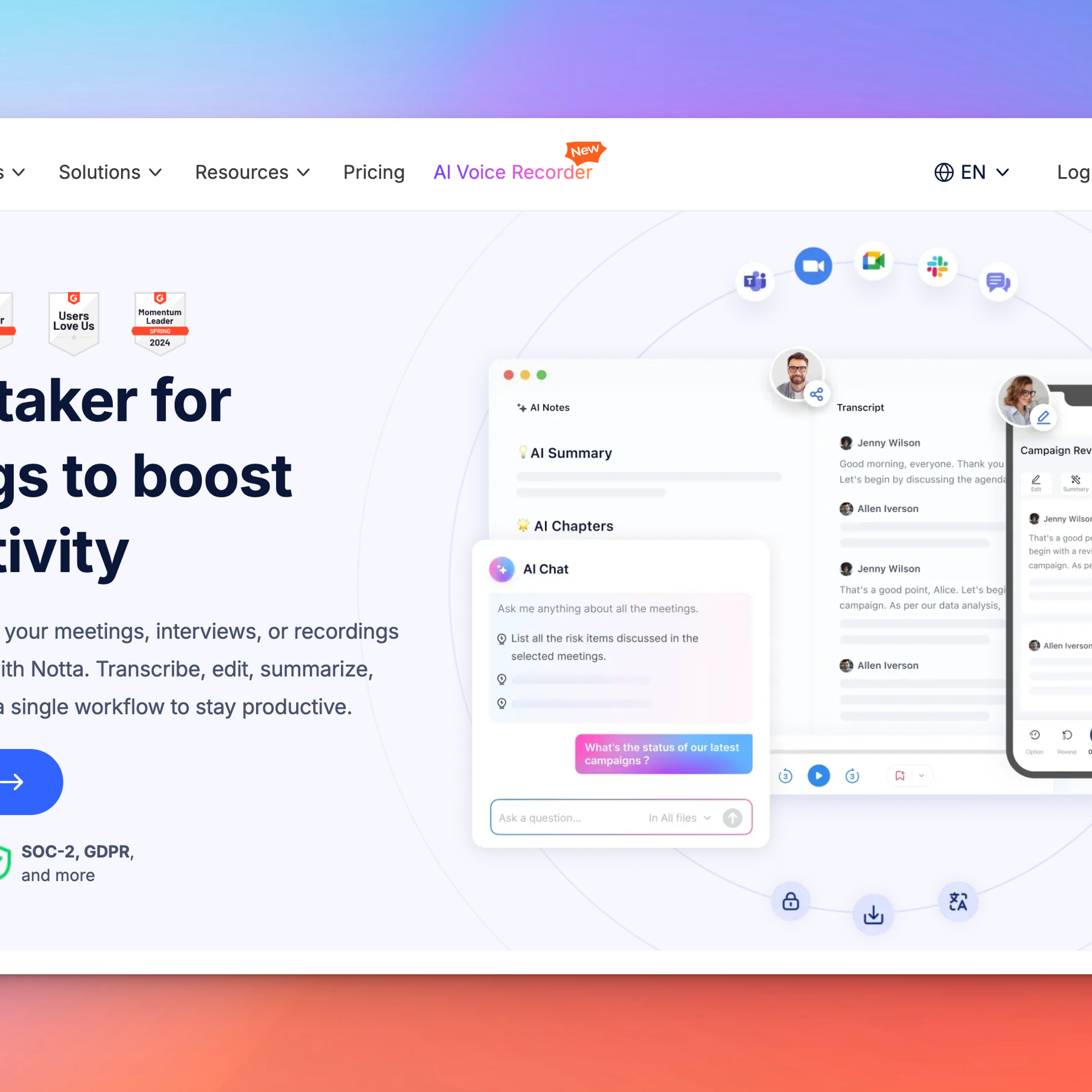
Explore the top alternatives to Notta for accurate audio-to-text, smarter AI meeting notetakers, and more powerful workflows. Compare the best tools now.
Find the best AI meeting note takers for accurate transcripts, multilingual meetings, privacy-first recording, AI summaries, and searchable meeting insights.
Google Meet has become a go-to tool for seamless online communication, whether you’re hosting a team meeting or a global webinar. But when it comes to documenting discussions and decisions, automation can save you time and effort while ensuring accuracy.
Learn how to automate note-taking in Google Meet with AI transcription tools. Step-by-step guide covering setup, best practices, and tips for accurate meeting notes.
In this article, we’ll break down everything you need to know about Zoom Cloud—how it works, its features, and a few common issues you might run into, along with tips to solve them. Let’s dive in!
Wondering how to tackle the obstacles of remote work? Audio transcription software has a load of benefits. Read about them here and try the HappyScribe AI Notetaker for meetings.
Navigating the digital age, this article delves into retrieving Zoom recordings and enhancing the experience with transcription and captioning services.
In the Zoom era, efficient note-taking ensures better decision-making, continuity, and accessibility for meeting attendees. Learn how to optimize this essential task.
In the evolving digital landscape, Zoom recordings have revolutionized the way we relive and revisit virtual interactions, offering convenience and accessibility across devices.
Whether for professional collaborations or personal gatherings, knowing how to effectively record Zoom sessions is crucial. With the options of free and paid plans, Zoom caters to a variety of needs, ensuring that no moment is lost.
In today's digital era, understanding Zoom's diverse offerings—meetings and webinars—is essential for optimized online interactions. This guide elucidates their distinct features and applications.
Dive into the transformative world of Zoom Webinars with this guide, unlocking the platform's potential for global outreach and engagement in our virtual era.
Explore the comprehensive guide to efficiently sharing Zoom recordings via email, optimizing virtual collaboration in our increasingly digitalized world.
Amidst Zoom's surge in popularity, non-host attendees often wonder how they can record sessions. This guide delves into ethical, legal, and technical considerations for non-host Zoom recording.
Navigating Zoom Cloud storage limits is essential for users of this popular video conferencing tool. This article guides you through managing and understanding storage capacity and offers practical solutions.
Zoom recordings serve various purposes, from information retrieval to correspondence. Understanding how to locate, replay, and recover these files, and maximizing their use, can be invaluable.
Concerned about Zoom recording expiration? This article guides you on retaining Zoom recordings, accessing expired files, and changing retention settings for both local and cloud storage.
Learn how to export Zoom recordings to your computer, cloud storage, or through third-party tools with this step-by-step guide for sharing and archiving virtual meetings.



 Biplab Mazumder
·
12 min read
Biplab Mazumder
·
12 min read