![5 Best Meeting Agenda Software [2026]](/sanity-images/ejgwz1gl/redesign/999992fb9c40d4db9cc7d0254650213b96381f38-1536x1024.png?auto=format&w=1536.0&rect=0,128,1536,768&h=768)
Most meetings are a waste of time because we don't follow through on what’s been discussed. Humans aren't actually good at multitasking, so we either take part in the discussion or focus on noting down what’s being said.
The solution? A great meeting agenda software.
In 2026, the best meeting management software not only lists what you plan to talk about, but it also tracks what you decided, who is responsible, and what happens next.
I tried a bunch of meeting agenda tools to zero down on the one that fits my workflow. Based on my experience, here’s a list of the best meeting agenda software that bridges the gap between planning and doing.
If being more productive and in sync with teammates are your goals for 2026, you’ll love this one.
TL;DR
- HappyScribe: Best for accurate meeting records and action items with an AI assistant
- Fellow: Best for teams looking to enforce agenda‑first meeting culture
- ChatGPT Record: Best for ChatGPT subscribers looking for quick meeting notes
- Zoom AI Companion: Best for teams who live entirely inside the Zoom ecosystem
- Notta: Best for unified workspace to generate agendas and record meetings
How did I evaluate the top meeting agenda software?
I evaluated these apps based on how they handle the entire lifecycle of a meeting and whether they make my life easier.
1. Clarity on topics and tasks
A great agenda tool should naturally flow into post-meeting tasks. I looked for software that can turn hours of jargon and crosstalk into clear, actionable bullet points without forcing you to copy-paste between three different apps.
2. Audio and context capture
Sometimes a bullet point isn't enough context. I’ve chosen tools that record the conversation alongside the agenda items, giving you an instant replay of exactly why a decision was made.
3. Integration with your calendar
If you have to open a separate tab to start note-taking, you won't use it. I looked for tools that live inside your Google Calendar, Outlook, or Zoom window, reducing the hassle of setting up a notetaker for each new meeting.
4. Ease of use
The best tools prevent context switching so you can stay focused and productive. Adoption drops fast if checking notes feels like extra steps, so I prioritized apps that drop summaries right in the inbox.
Best meeting agenda software in 2026: At a glance
| Feature | HappyScribe | Fellow | ChatGPT Record | Zoom AI Companion | Notta |
| Best for | Teams looking for fast and accurate meeting records and action items | Cross-functional teams looking for agenda-first meetings | ChatGPT subscribers looking for a lightweight meeting notes tool | Teams that live entirely inside the Zoom ecosystem | Unified workspace to generate agendas and record meetings |
| Key strength | Human-in-the-loop accuracy, AI features, and support for 140+ languages | Collaborative pre-meeting briefs and templates | One-tap recording and prompt-based refinement | Embedded entirely in Zoom | Combines scheduling, agenda building, and recording |
| Starting price | Free plan available; Basic from $9 per month | Free plan available; Team from $11 per month | Included in Plus at $20 per month | Free for Pro users or $10 per month standalone | Free plan available; Pro from $13.49 per month |
1. HappyScribe
Best for: Teams looking for accurate meeting records and action items
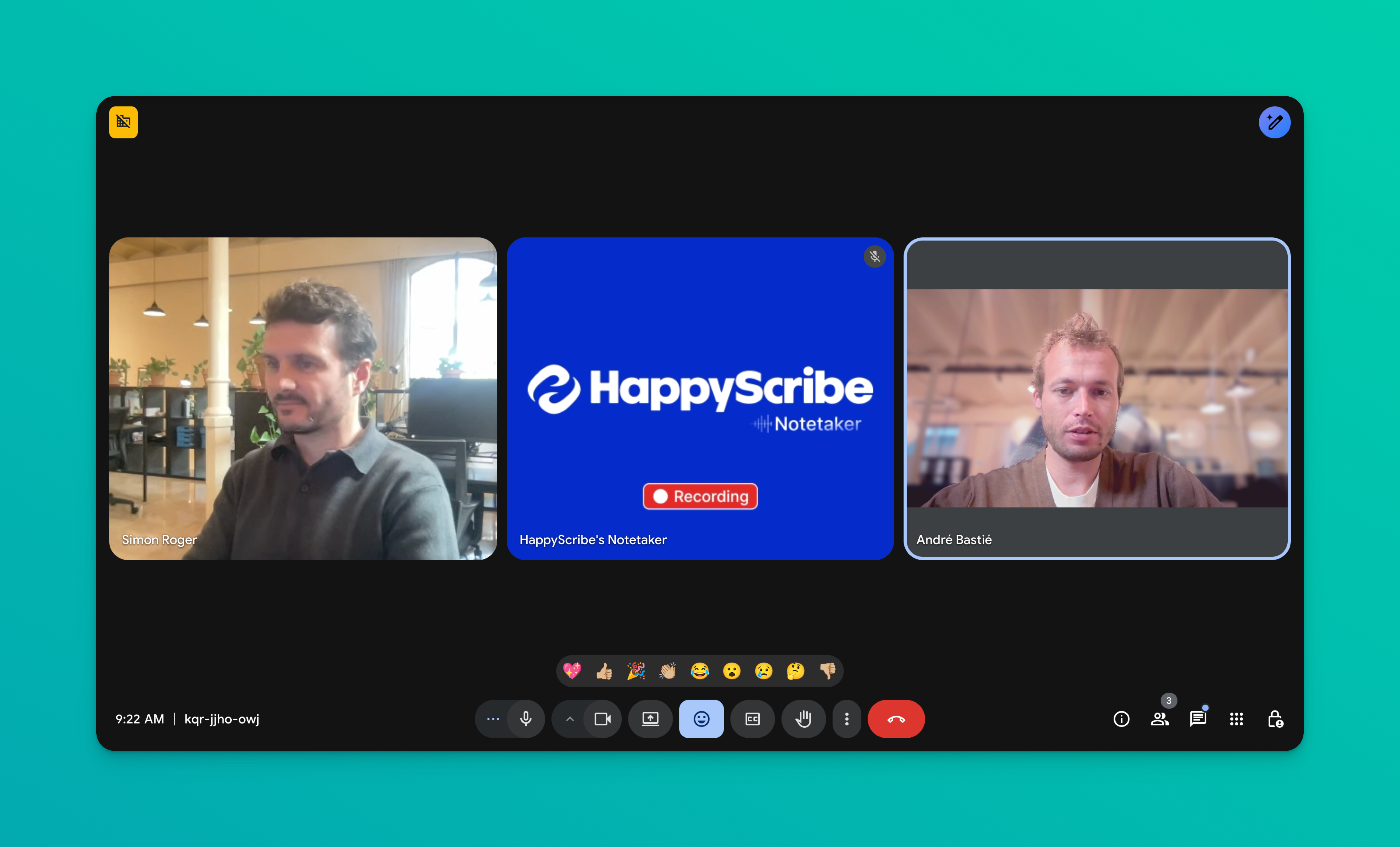
HappyScribe is primarily known as a top-tier transcription platform, and that’s how it solves the big problem with meeting agendas: miscommunication. While other tools just list topics, HappyScribe records the entire context of the discussion.
You can upload a recording from a client call or record a brainstorming session directly. Once the meeting is done, a summary is automatically sent to the inbox.
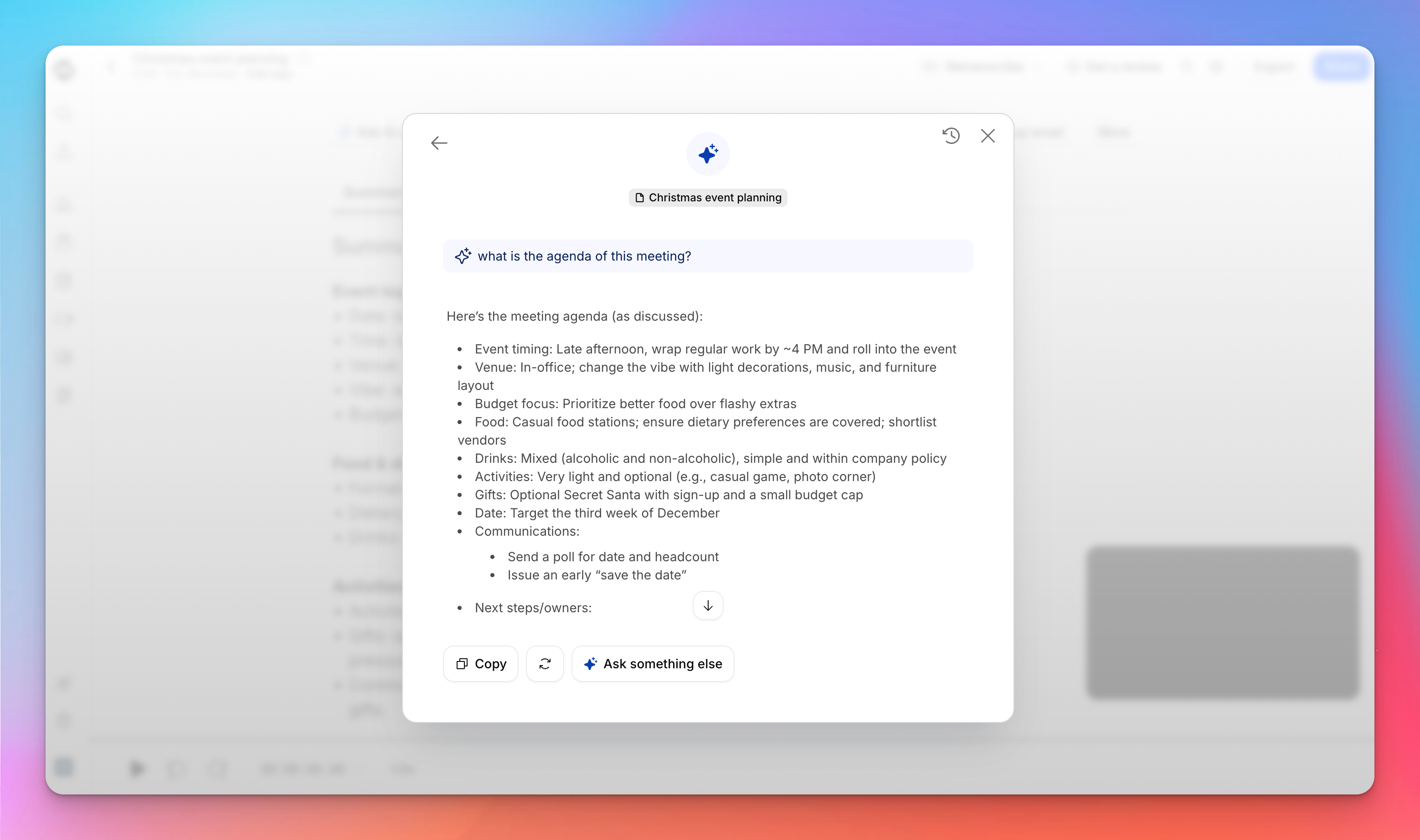
What sets it apart is the human-in-the-loop option. You can request a human linguist to review your transcripts and receive summaries and agendas with 99% accuracy; perfect for legal, medical, or international teams.
Here’s why HappyScribe is rated highly as a meeting management software:
HappyScribe’s key features
Fast meeting notes in 140+ languages
Global teams often struggle with accents and dialects in meetings. If your meeting agenda tool is not up to the task, you might get completely inaccurate items and tasks.
HappyScribe supports over 140 languages, ensuring that whether your stakeholder is in Tokyo, Berlin, or New York, their input is captured accurately. The AI distinguishes between speakers effectively, so you always know who is committed to which agenda item.
“I've been using it for a few days and I'm quite impressed about the accuracy and summary of each transcripton.”
Meeting summary and quote highlights
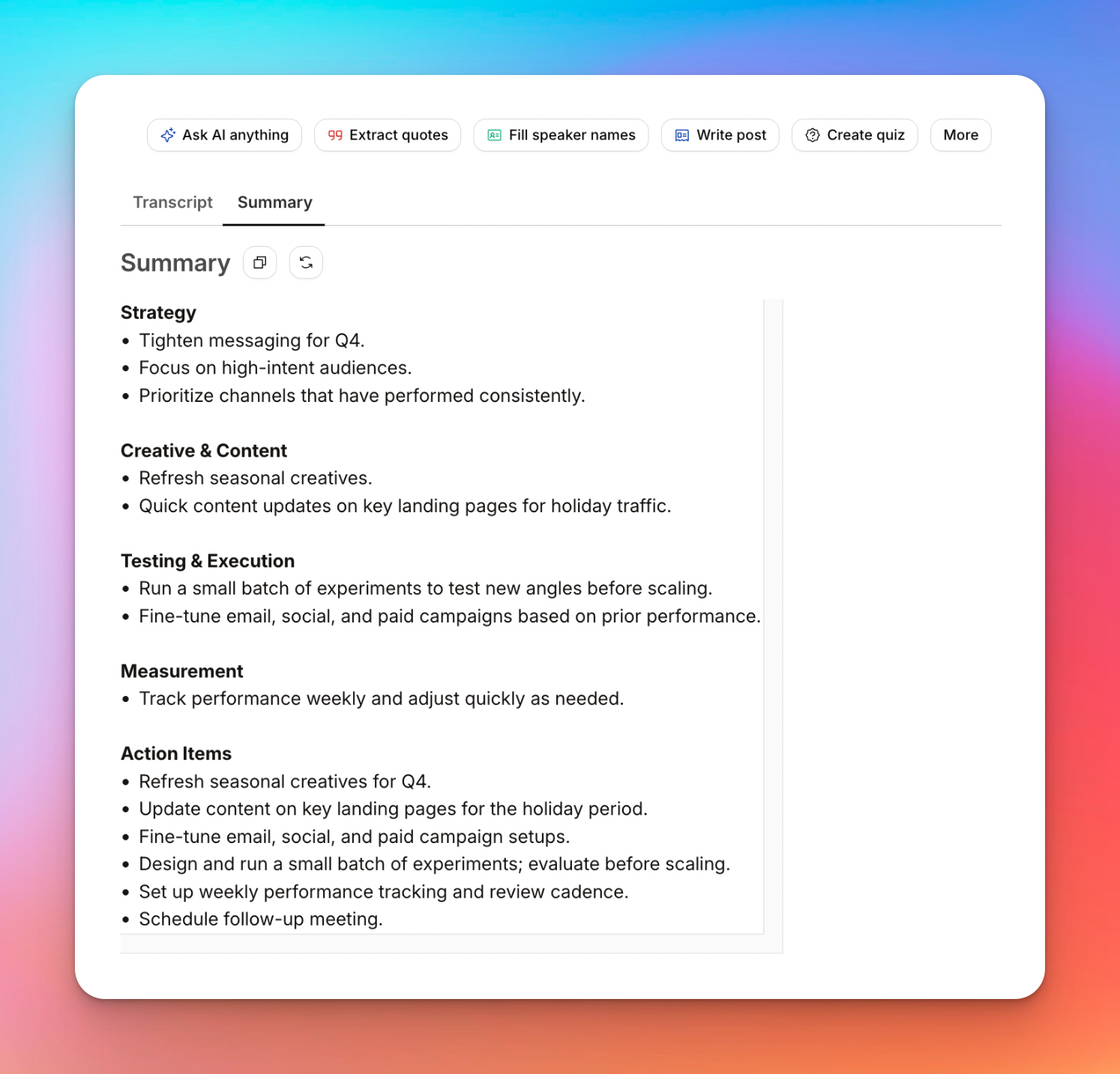
Instead of re-watching an hour-long recording to find one decision, use HappyScribe’s AI helper. It can generate a concise summary of the meeting, extract key quotes for your follow-up email, and list action items automatically. This turns a transcript into a usable post-meeting agenda in seconds.
Interactive editor for collaboration
Good meeting notes are never static. HappyScribe’s editor allows your whole team to jump in to share their ideas. You can tag colleagues, add comments to specific timestamps, edit speaker IDs, and highlight critical sections. It works like a live meeting doc, so everyone is aligned on the outcomes before the next meeting.
HappyScribe lets you manage granular access to preserve privacy and share notes as links or files of your choice.
Video chapters for context tracking
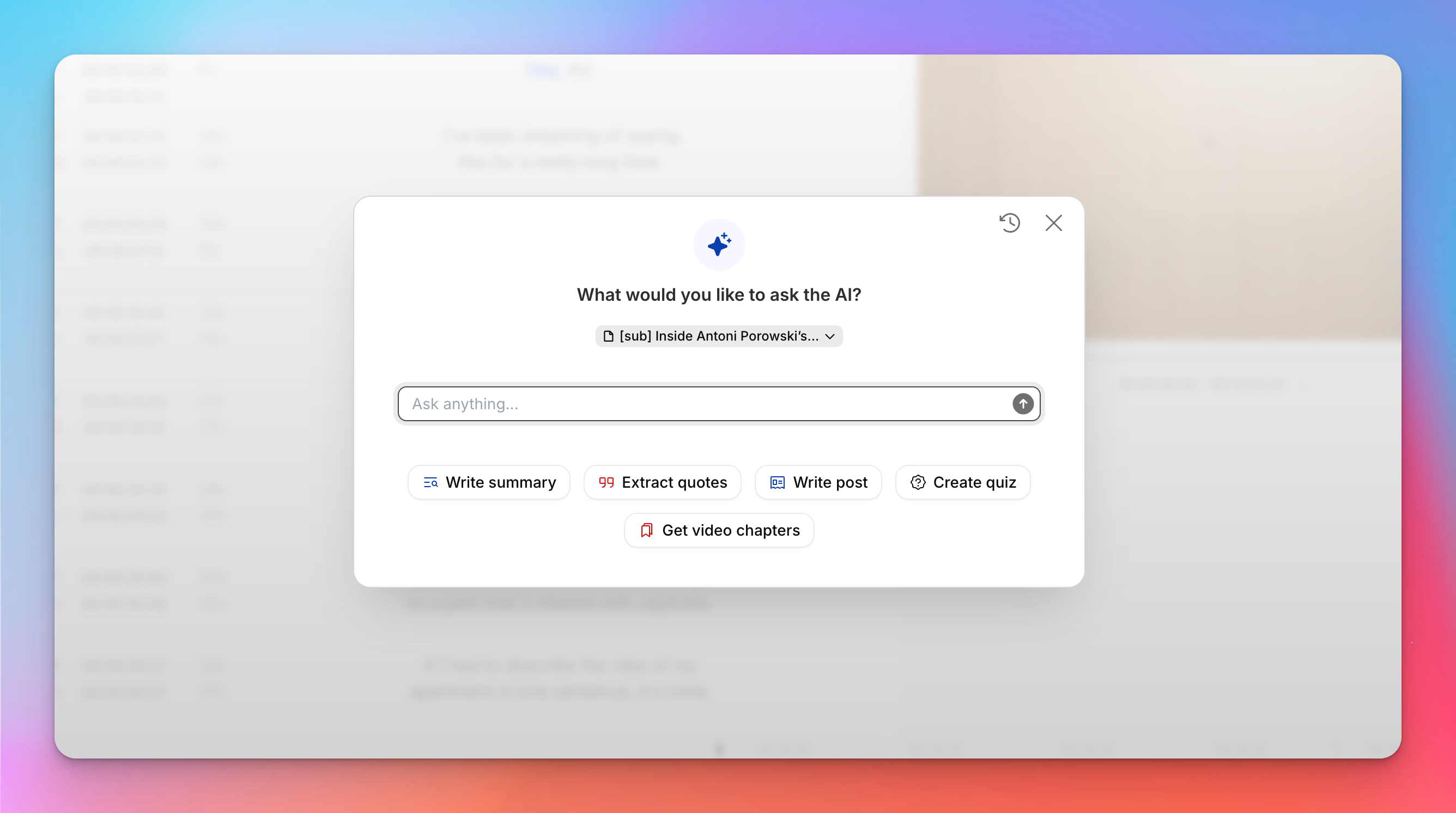
Long strategy sessions are often loaded with info, but there's only so much we can process at a time.
HappyScribe breaks your recording into smart chapters based on the topics discussed. It allows stakeholders to skim the meeting by jumping directly to the relevant agenda point.
As you follow the recording, you understand the tonality of the spoken words, so nothing is left for interpretation.
Calendar and CRM integration
HappyScribe fits seamlessly into your existing workflow, so it doesn't feel like another tool you must pay attention to.
You can integrate it with your Outlook and Google calendar and let it automatically join Google Meet, Microsoft Teams, and Zoom meetings.
Want to do more with what's discussed in the meeting? HappyScribe can connect with Slack, Airtable, Typeform, Qualtrics, Notion, WordPress, Gmail, OneDrive, HubSpot, and other tools via Zapier.
Thanks to HappyScribe, TV production company Twofour saved time and money.
"We’re so happy with HappyScribe that we’re actively recommending it to other shows. It’s the best balance of speed and accuracy we’ve found."
- Georgie Nicholls, Production Manager at Twofour
HappyScribe’s pricing
- Free: Unlimited meeting recordings (60 mins/recording)
- Basic: $8.50/month
- Pro: $29/month
- Business: $89/month
- Enterprise: Contact sales to get tailored solutions directly
Pros
- Fast and accurate meeting agenda and action items, even with accents and jargon
- Custom vocabulary and style guide for branded terms
- GDPR and SOC 2 Type II compliance for enterprise-grade security
- Easy-to-use interface for teammates
- Ask AI to run tasks within meeting transcripts
- Subtitles and translation within the same platform
- Affordable pricing and bulk discounts
Cons
- No native mobile app for recording directly
- Focus is on post-meeting tasks rather than pre-meeting agenda building. Useful for subsequent meetings
Try HappyScribe for free today!
2. Fellow
Best for: Cross‑functional teams looking for agenda‑first meetings
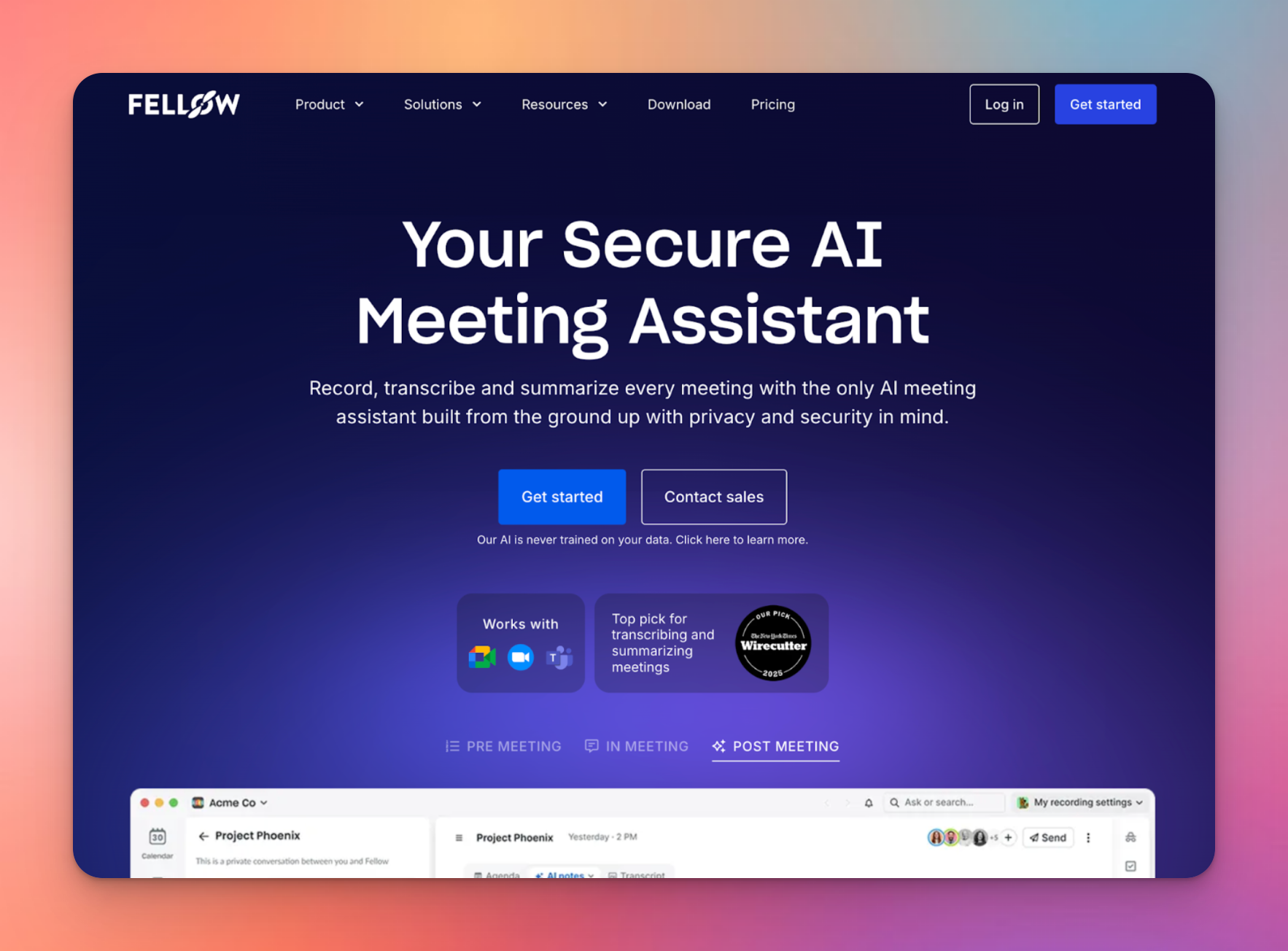
Fellow is a full-fledged meeting operations platform. Instead of just recording what happens, Fellow uses AI to generate pre-meeting briefs and collaborative agendas based on your calendar events, to make sure you walk into every call prepared.
It has a structure for every conversation, and supports you before, during, and after the meeting by offering an all-in-one hub for agendas, transcription, and action items.
Fellow’s key features
- AI pre‑meeting briefs automatically generate context and agendas based on meeting titles and previous notes, so you are ready in seconds
- The collaborative agenda builder lets participants add topics and documents to a shared view before the call starts
- Fellow automatically joins Zoom, Google Meet, and Teams to capture the discussion and extract key decisions
- Deep integrations with tools like Jira, Asana, Miro, Notion, and others
Fellow’s pricing
- Free
- Team: $11/month
- Business: $23/month
- Enterprise: $25/month (billed annually)
Pros
- Agenda‑first workflow forces structure on meetings
- Smooth UI makes it easier to adopt for teams
- AI summaries are highly structured, reducing the need for manual cleanup after the call
Cons
- Free and Team plans have strict quotas on AI recordings, which might not be enough
- Fellow tends to slow down and feel sluggish when power users manage multiple meetings
- Doesn't have a human verification option for notes and transcripts
3. ChatGPT Record
Best for: ChatGPT subscribers looking for a lightweight meeting notes tool
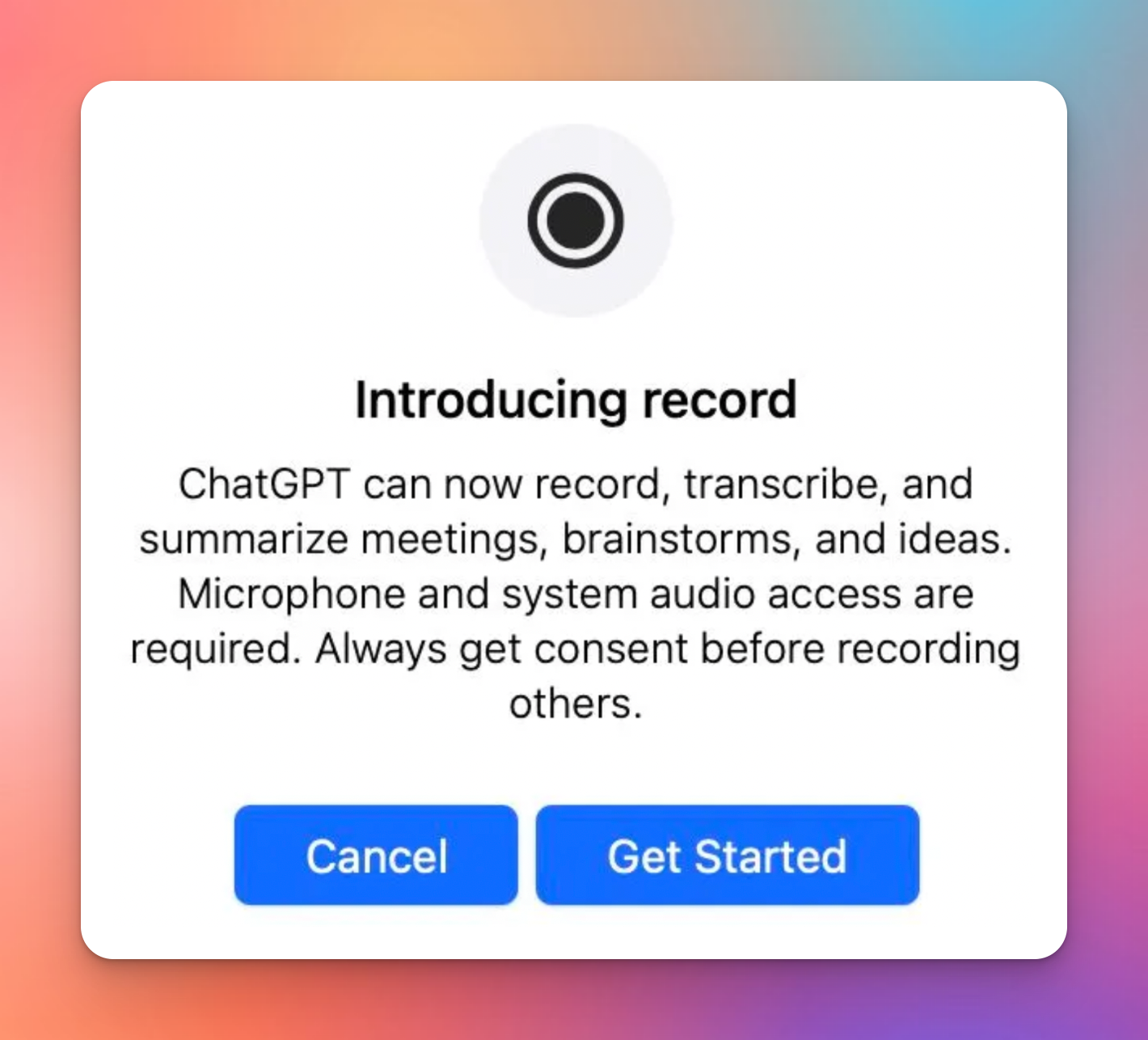
ChatGPT Record behaves like a low-stakes meeting assistant, which is a nice departure from the intensity of Fellow. Available directly within the ChatGPT macOS app, it allows you to record meetings, calls, or brainstorming sessions and instantly turn them into transcripts and summaries.
While it lacks the quality of life features of dedicated meeting tools, it excels at catching insights quickly.
ChatGPT Record’s key features
- One‑tap recording captures up to two hours of audio per session directly from the ChatGPT interface on macOS
- Prompt-based refinement lets you ask the AI to structure the transcript into a specific format, like a formal email or a Jira ticket
- Cross-device sync ensures your meeting notes and audio are available instantly on both your phone and laptop
- Bundled access means you get advanced recording and summarization features included with your existing ChatGPT Plus or Team subscription
ChatGPT Record’s pricing
- Plus: $20/month
- Business: $30/month
- Pro: $200/month
- Enterprise: Custom pricing
Pros
- Extremely convenient for existing users, eliminating the need to manage or pay for a separate meeting bot
- Flexible post-meeting workflows allow you to turn a single transcript into multiple outputs
- Great for personal use cases like interviews, classes, or solo brainstorming, where formal agenda software feels like overkill
Cons
- Lacks structured agenda templates and recurring meeting workflows, making it insufficient for team-wide governance
- No automated bot in the meeting means you must manually manage consent and recording notifications
- Only available in Plus and above, and in macOS
4. Zoom AI Companion
Best for: Teams who live entirely inside the Zoom ecosystem
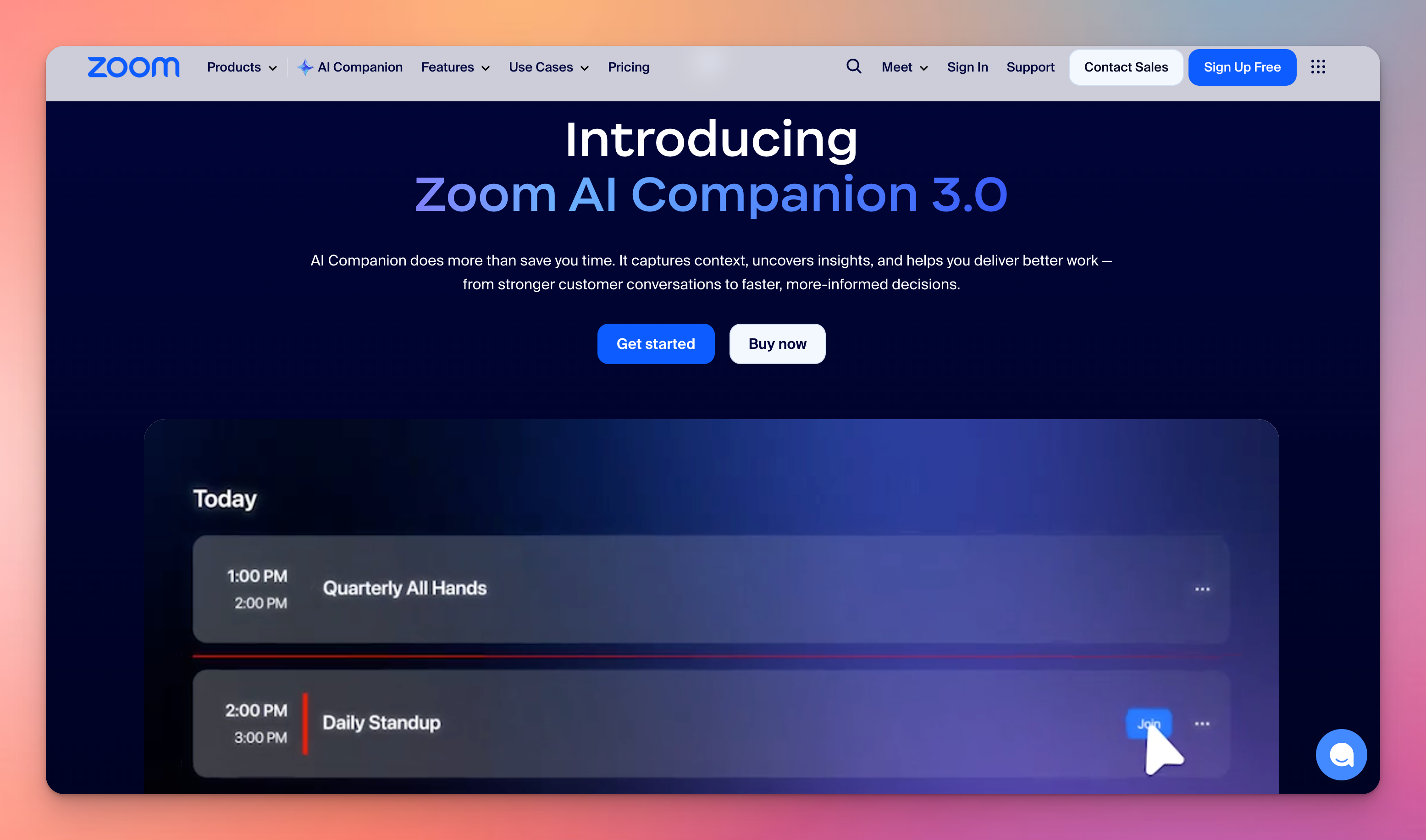
If your company already pays for Zoom, you likely have AI Companion included for free.
When it comes to managing Zoom agendas, it’s supposed to be the path of least resistance. You don't need to install anything or create a new account; AI Companion is embedded directly into Zoom Meetings, Team Chat, and Docs.
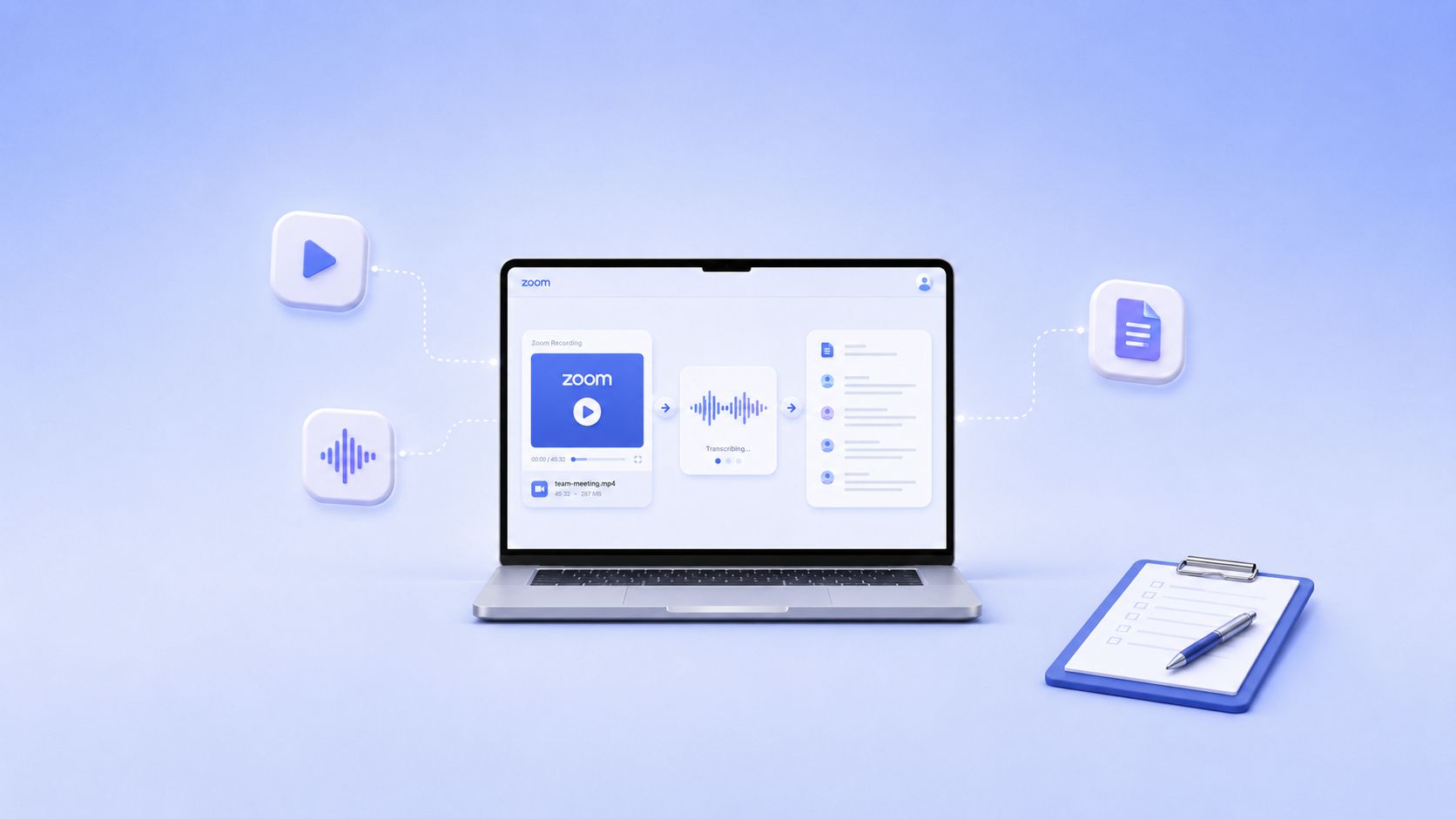
In meeting workflows, it tracks the discussion in real-time, surfaces clarifications for late joiners, and automatically generates structured recaps that can feed directly into Zoom Tasks.
Zoom AI Companion’s key features
- In-meeting questions let you ask the AI to bring you up to speed if you join late
- Meeting summary and next steps automatically generate a recap and suggested tasks after the call, sharing them via email and Team Chat
- Smart recording chapters organize cloud recordings into sections with highlights, making it easy to review specific agenda points
- Cross-channel context summarizes related Team Chat threads and documents to give you a complete picture of a project's status
Zoom AI Companion’s pricing
- Free for Pro and above
- Basic (standalone): Free
- AI Companion (standalone): $10/month
Pros
- Free for existing Zoom customers
- AI Companion lives entirely inside Zoom, eliminating context loss between your meetings, chats, and phone calls
- Auto-captures action items and key decisions with zero configuration overhead
- Centralized admin controls to manage compliance and security features
Cons
- Only works for Zoom calls; useless if your client sends a Teams or Google Meet link
- The pop-ups and suggestions might come off as intrusive and counterproductive
5. Notta
Best for: Unified workspace to generate agendas and record meetings
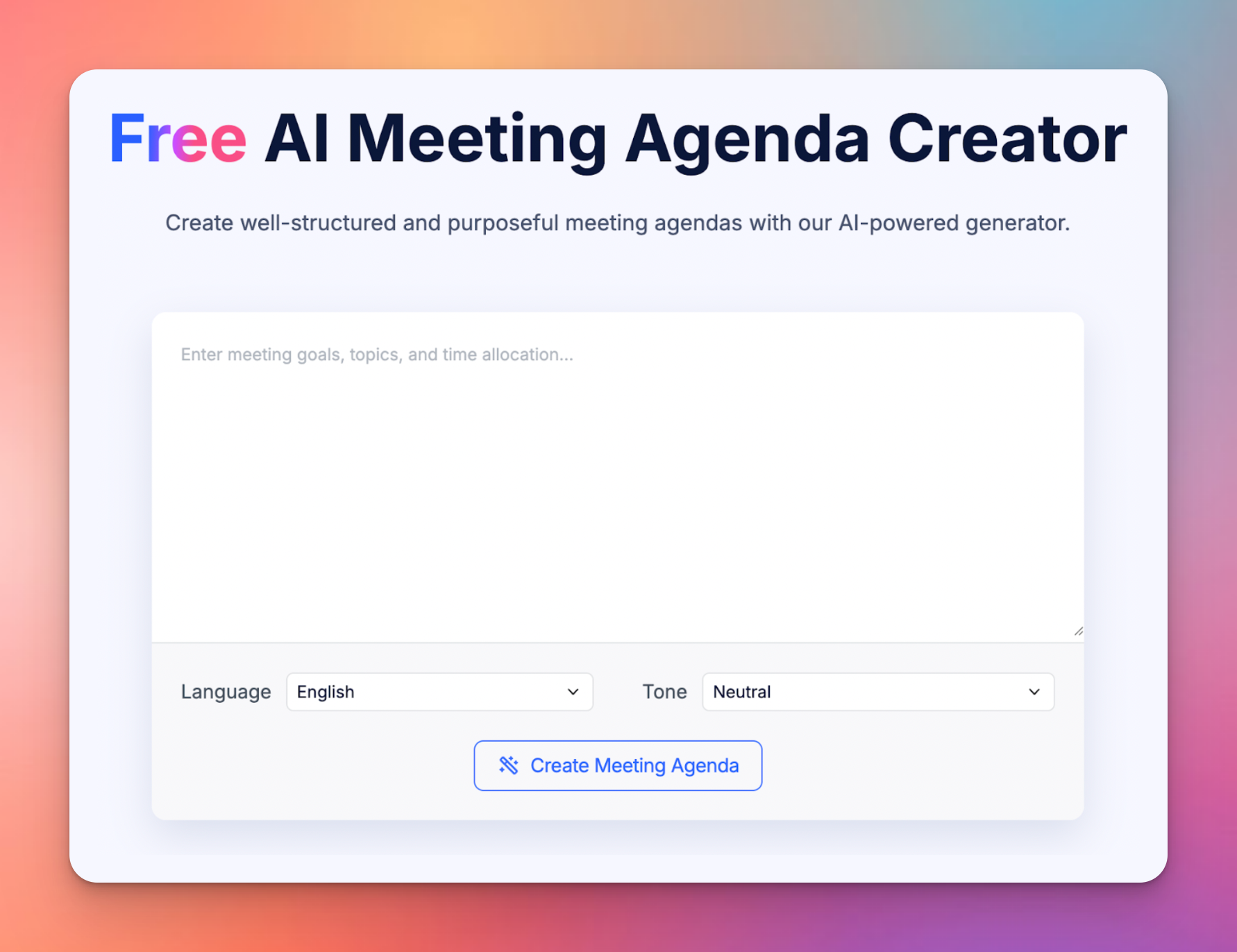
Notta connects the dots between scheduling, planning, and recording. Its AI agenda creator takes your rough goals and time constraints and turns them into a structured, time-boxed agenda that you can share before the call.
But it doesn't stop at planning. Notta is tightly connected to its recording and transcription features, meaning you can plan the session, capture it on Zoom, and share cleaned-up notes from the same workspace.
Notta’s key features
- AI agenda generator auto-builds agendas with clear objectives and time slots based on a short description of your goals
- Universal recorder captures audio and video from Zoom, Google Meet, Teams, Webex, and in-person sessions
- Notta’s AI chat allows you to search your entire meeting history to find out what was decided or what a specific person said weeks ago
- Third-party integrations with tools like ClickUp, Notion, PipeDrive, Slack, and Zendesk to push agendas, notes, and action items
Notta’s pricing
- Free
- Pro: $13.49/month
- Business: $27.99/month)
- Enterprise: Custom pricing
Pros
- High transcription accuracy and reliable summaries that capture key points without heavy manual editing
- Generous minute quotas on the Pro plan make it a high-value option for power users
- Reduces context switching by combining scheduling, agenda building, and recording in one flow
Cons
- The free tier is extremely restrictive, making it useless for actual meetings
- Notta has occasional stability issues with the web extension
- User data is used for training unless you’re in the Enterprise tier
Which meeting agenda software should you pick?
The right tool depends on whether you need a strict planner or a post-meeting enforcer.
If you need to force structure on your team before you talk, Fellow is a good choice. For users who just want a personal, ad-hoc assistant to catch action items, ChatGPT Record or Zoom AI Companion offer the lowest friction.
However, if your goal is to ensure that every agenda item is accurately captured and actioned, HappyScribe is the most reliable solution. It makes sure that your meeting record is not just an AI summary, but a source of truth you can trust for critical business decisions.
FAQs on the best meeting agenda software
What is meeting agenda software, and how does it work?
Meeting agenda software helps teams plan, run, and document meetings in one place. It works by allowing hosts to outline topics, assign time slots, and attach documents before the call starts. During the meeting, these tools often record and transcribe the conversation, ensuring that the meeting process stays focused on the agreed-upon points. Advanced options like HappyScribe go a step further by using AI to generate meeting minutes and action items automatically, turning a static plan into a dynamic record of decisions.
How can meeting agenda software improve the efficiency of meetings?
Meeting agenda software improves efficiency by enforcing structure and accountability. By requiring agenda creation before the call, these tools ensure every session has a clear purpose, reducing aimless chatter. Features like time-boxing keep discussions on track, while automated AI meeting recaps eliminate the need for manual note-taking. This leads to more productive meetings because attendees can focus on participating rather than scribbling down notes. Also, integrating a task manager directly into the agenda ensures that every decision creates a trackable next step.
What is the best software for meetings?
The best software depends on your team's specific workflow. For agenda planning and structured 1:1s, Fellow is a top choice because of its collaborative templates. However, for teams that prioritize accuracy and post-meeting documentation, HappyScribe is the superior option. Its ability to handle 1:1 meeting recordings or large public meetings with 99% accuracy ensures that no detail is lost. For hybrid meetings where audio clarity varies, HappyScribe's human-in-the-loop service guarantees a perfect record every time.
Does Google have a meeting agenda template?
Yes, Google Docs offers basic meeting templates that you can access by typing "@meeting notes" inside a document. This feature pulls in event details from your Google Calendar and creates a simple structure for attendees and action items. While useful for quick notes, it lacks the advanced governance practices and automation of dedicated meeting management tools. It does not record audio or track time, meaning you still have to manually type out the minutes while trying to listen.
What are the 5 P's of a meeting agenda?
The 5 P's are a framework for agenda creation that ensures every meeting is necessary and effective:
- Purpose: Why are we meeting?
- Product: What outcome or decision do we need by the end?
- Process: How will we achieve that outcome (e.g., brainstorming, voting)?
- People: Who are the essential attendees needed to make the decision?
- Preparation: What materials or meeting templates need to be shared beforehand?
How do you take notes in meetings?
The most efficient way is to stop taking notes manually. Instead, use an AI tool to record and transcribe the session while you focus on the conversation. Tools like HappyScribe act as a personal assistant, capturing every word and organizing it into clear minutes. If you prefer manual notes, use the Cornell Method to separate key points from action items. Regardless of the method, ensure your notes feed into a task management system so that to-dos don't get lost after the call ends.
Which are the best meeting agenda software options available in 2026?
The top meeting management tools for 2026 include:
- HappyScribe: Best for high-accuracy recording, AI insights, and global teams needing enterprise security with end-to-end encryption
- Fellow: Ideal for structuring recurring meetings and 1:1s
- Zoom AI Companion: Best for teams who want native integrations inside their existing video tool
- Notta: Great for scheduling and recording in a unified workflow
- ChatGPT Record: Perfect for ad-hoc, private note-taking
For teams that value transparency and need a reliable source of truth for their decisions, HappyScribe remains the most robust choice for bridging the gap between face-to-face meetings and digital documentation.

Rodoshi Das
Rodoshi is the Content Lead at HappyScribe, the privacy-first transcription and AI notetaker platform based in Barcelona. Shaping content strategies and building AI workflows excites her as much as exploring new SaaS tools. She specializes in product-led content that informs rather than sells, grounded in honest product benchmarking and low tolerance for empty marketing speak.