![What Are the Best AI Meeting Note Takers? My Top 7 Picks [2026]](/sanity-images/ejgwz1gl/redesign/2a960ea13348bb36c9ead4aebb9c9c1d84e497d1-1448x1086.png?auto=format&w=1448.0&rect=0,181,1448,724&h=724)
TL;DR ⏩
The best AI meeting note taker tools in 2026 are HappyScribe, MeetGeek, Fathom, Notta, Read AI, Circleback, and Tactiq.
I tested each one across real client calls, internal syncs, and research interviews over several months. This guide compares them on transcription accuracy, summary quality, privacy practices, language support, and how well the output fits into the way remote teams already work.
- HappyScribe is the best AI meeting note taker for researchers, journalists, and multilingual teams that need reliable meeting notes with 95%+ accuracy and strict privacy controls
- MeetGeek works well for teams that want meeting analytics and auto-categorized summaries alongside their notes
- Fathom is a strong fit for individuals and small teams looking for unlimited free recording with fast, polished summaries
- Notta is built for professionals who work across languages and need real-time transcription with bilingual translation add-ons
- Read AI is designed for managers and team leads who want to understand meeting dynamics beyond just what was said
- Circleback suits professionals who need structured notes backed by powerful post-meeting automations
- Tactiq is a solid choice for individuals who prefer a lightweight, bot-free Chrome extension for real-time transcription
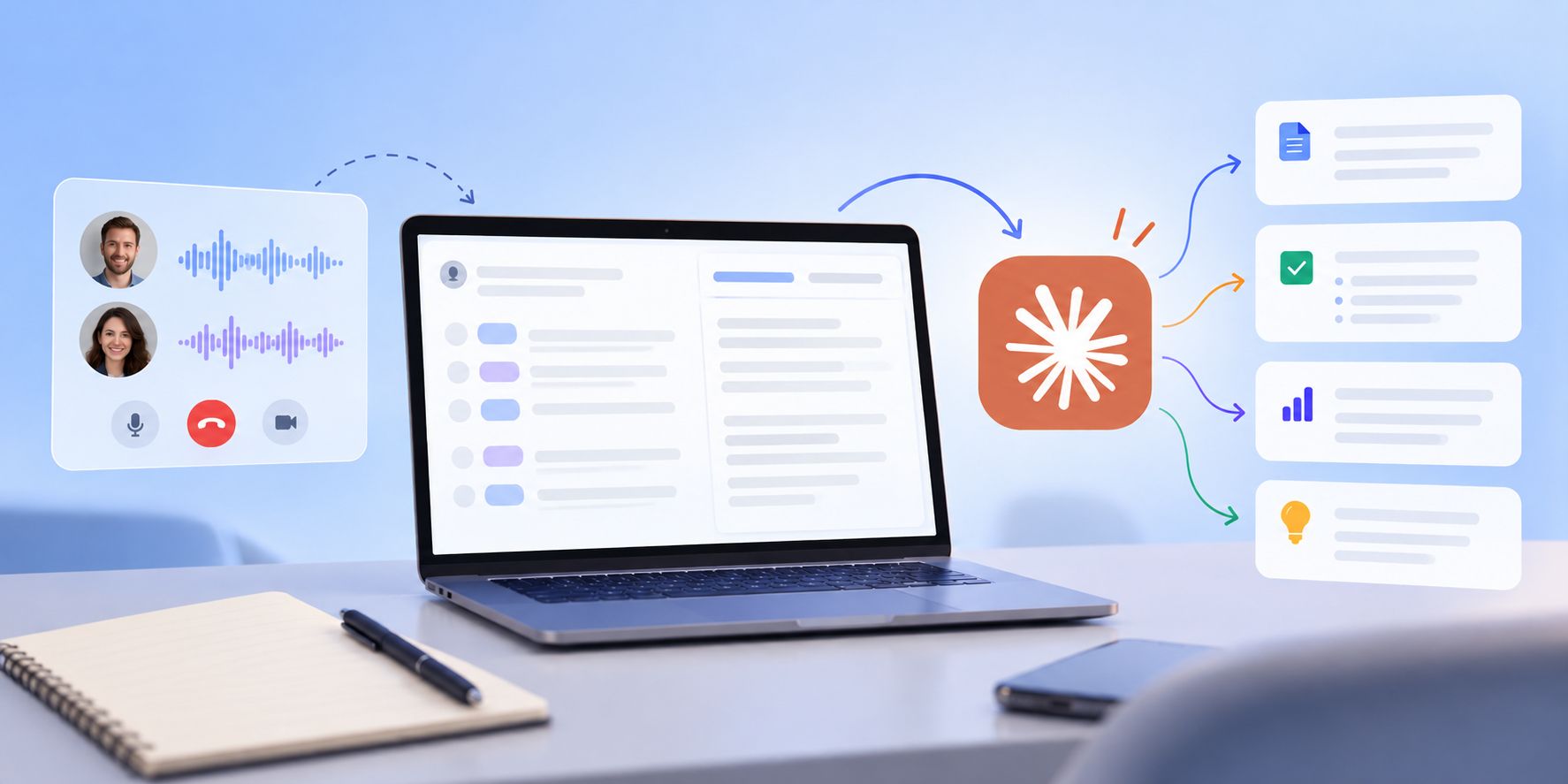
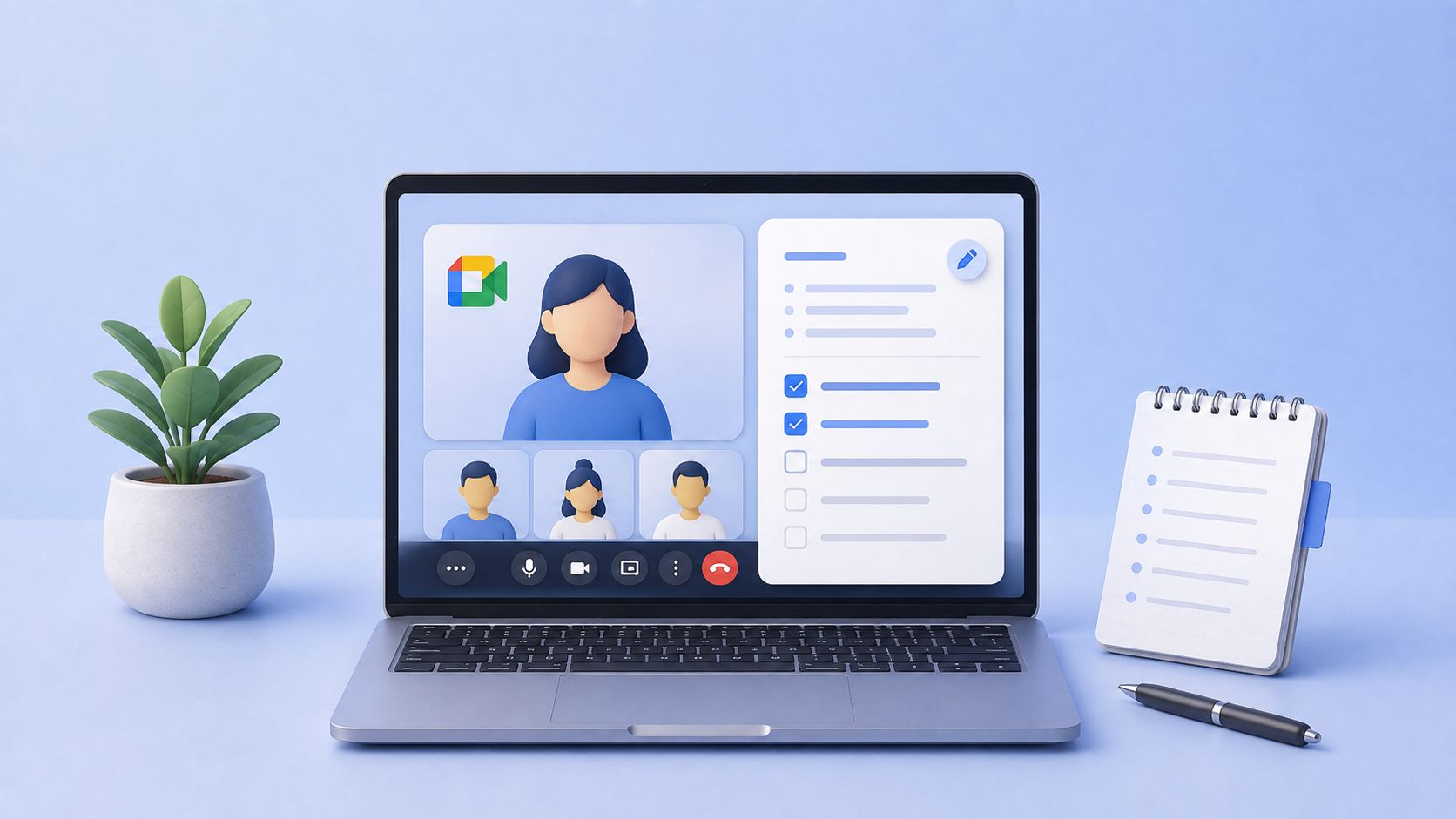
When you’re jumping between five or six calls a day, meeting details start collapsing into each other fast. By the time you sit down to send follow-ups, the decision from the 2 PM call is tangled up with feedback from the 3 PM one.
And that disconnect adds up. A survey by McKinsey & Company found that 61% of executives said that at least half of their decision-making time, much of it spent in meetings, was ineffective. Harvard Business Review reported that 70% of meetings get in the way of employees completing their actual work.
In between back-to-back calls, action items disappear into transcripts, ownership becomes fuzzy, and important context gets buried under hours of recordings.
That’s why I spent the past few months testing more than 10 AI meeting note takers across real client calls, internal team syncs, and research interviews.
I wasn’t evaluating ideal-case demos or scripted workflows. I wanted to see which tools still felt useful at the end of a long day of meetings. Which one could quickly tell me what was decided, who committed to what, and what still needed follow-up, without making me rewatch recordings or skim through endless transcripts.
I've listed down the AI meeting note takers that actually helped.
What’s the top AI meeting note taker? At a glance
| CATEGORY | HAPPYSCRIBE | MEETGEEK | FATHOM | NOTTA | READ AI | CIRCLEBACK | TACTIQ |
|---|---|---|---|---|---|---|---|
| BEST FOR | Researchers, journalists, and multilingual teams that need accurate notes with strong privacy controls | Teams looking for meeting analytics and auto-categorized summaries alongside notes | Individuals and small teams that want unlimited free recording with fast, clean summaries | Professionals who need real-time transcription with translation add-ons | Managers and team leads who want to understand meeting dynamics | Professionals seeking polished notes with strong post-meeting automations | Individuals looking for a lightweight, bot-free Chrome extension for real-time transcription |
| STANDOUT FEATURES |
|
|
|
|
|
|
|
| LANGUAGE SUPPORT | 150+ languages and dialects with auto-detection | 100+ languages | 30+ languages | 50+ languages | 20+ languages | 100+ languages | 60+ languages |
| FREE PLAN | Unlimited recordings, 45 min per recording | 3 hours transcription/month; transcripts stored for 3 months only | Unlimited recordings and transcriptions; advanced features limited to 5 calls/month | 120 min/month with 3-min cap per recording; no exports | 5 meeting transcripts per month | No free plan; 7-day trial only | 5 meeting transcripts per month |
| PAID PLANS START FROM | $8.50/month | $15.99/month | $20/month | $8.17/month | $19.75/month | $20.83/month | $12/month |
1. HappyScribe
Best for: Researchers, journalists, business professionals, and multilingual teams that need accurate meeting notes with strong privacy controls
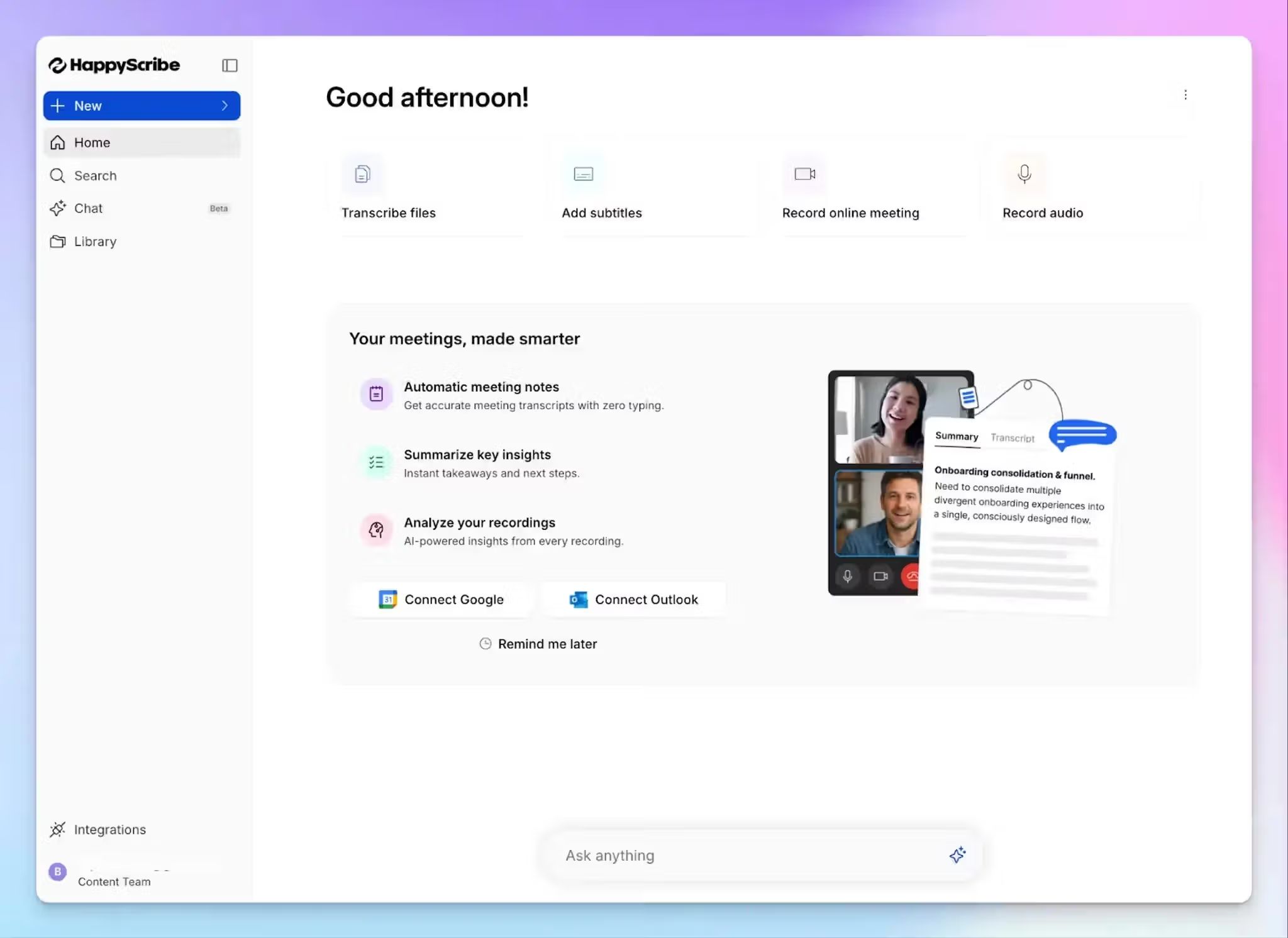
Full disclosure: HappyScribe is our tool. For this article, I’ve tested all the mentioned tools on equal grounds and I’m here to present my honest take.
Of all the tools I tested, HappyScribe AI meeting note taker is the one I keep coming back to. The reason is that it delivers exactly what I need after a meeting ends: accurate transcripts, usable summaries, and a searchable meeting library.
HappyScribe records, transcribes, and summarizes meetings on Zoom, Google Meet, and Microsoft Teams. It works for online and in-person conversations and gives you three ways to capture audio: a calendar-synced bot, a browser-based recorder that joins without a visible participant, or a direct file upload for recordings you've already made.
The output quality stays consistent across all three methods.
HappyScribe’s key features
Transcription accuracy across 150+ languages
I ran HappyScribe across calls with non-native English speakers and heavy regional accents. The accuracy remained consistently at 95%+.
With support for 150+ languages and accents, HappyScribe auto-detects the language being spoken and generates notes in that same language without manual switching. A custom glossary keeps product names and industry-specific terminology intact across sessions.
AI Chat across your meeting library
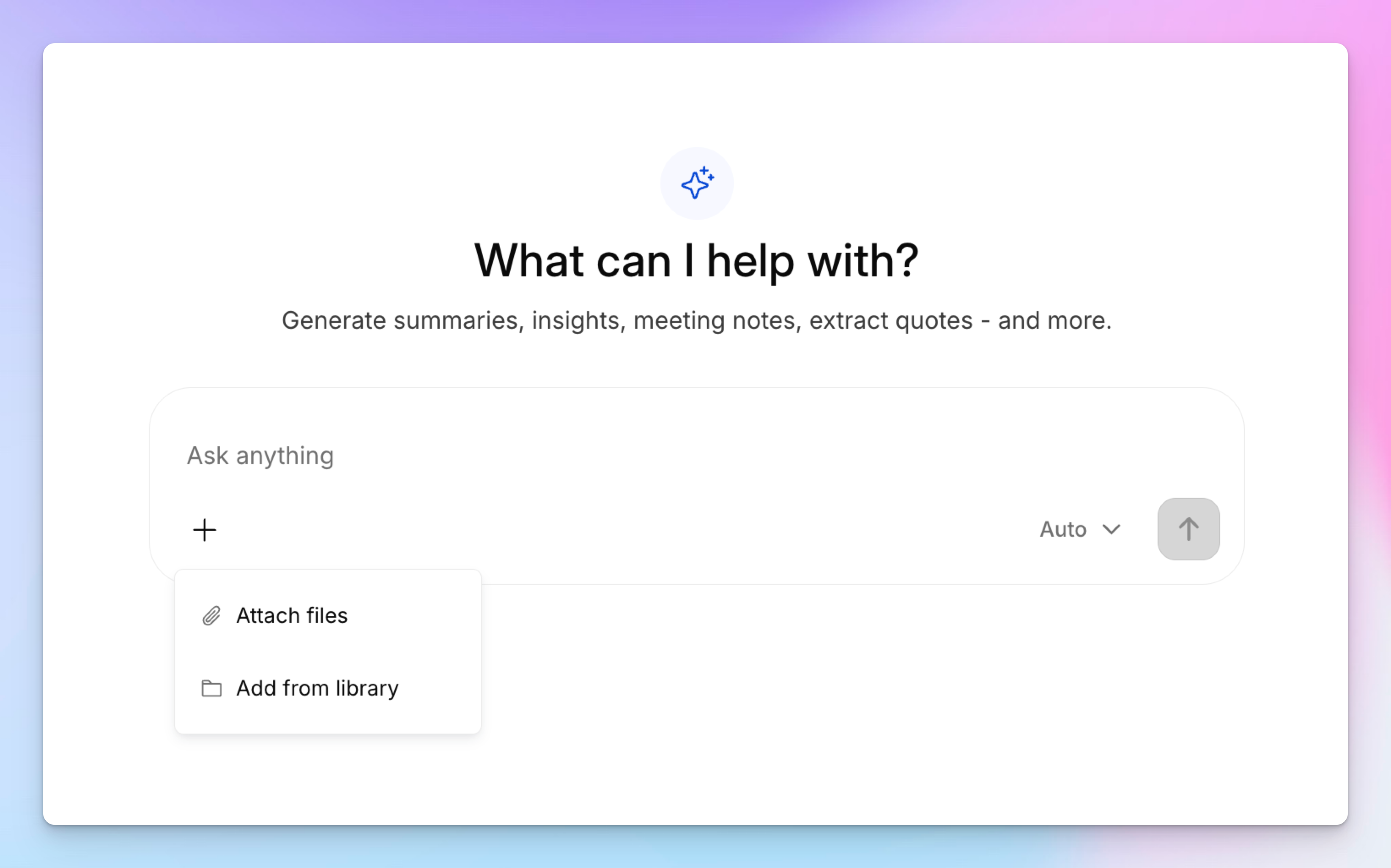
After a long day of calls, the last thing I want is to dig through individual transcripts. HappyScribe's AI Chat feature lets you ask questions across your entire meeting history: what was decided, who said what, what needs a follow-up.
It works conversationally, similar to using Claude or ChatGPT, and pulls answers in seconds.
Over time, this becomes your organizational memory. A decision made three months ago is just a question away.
Bot-free and bot-based recording
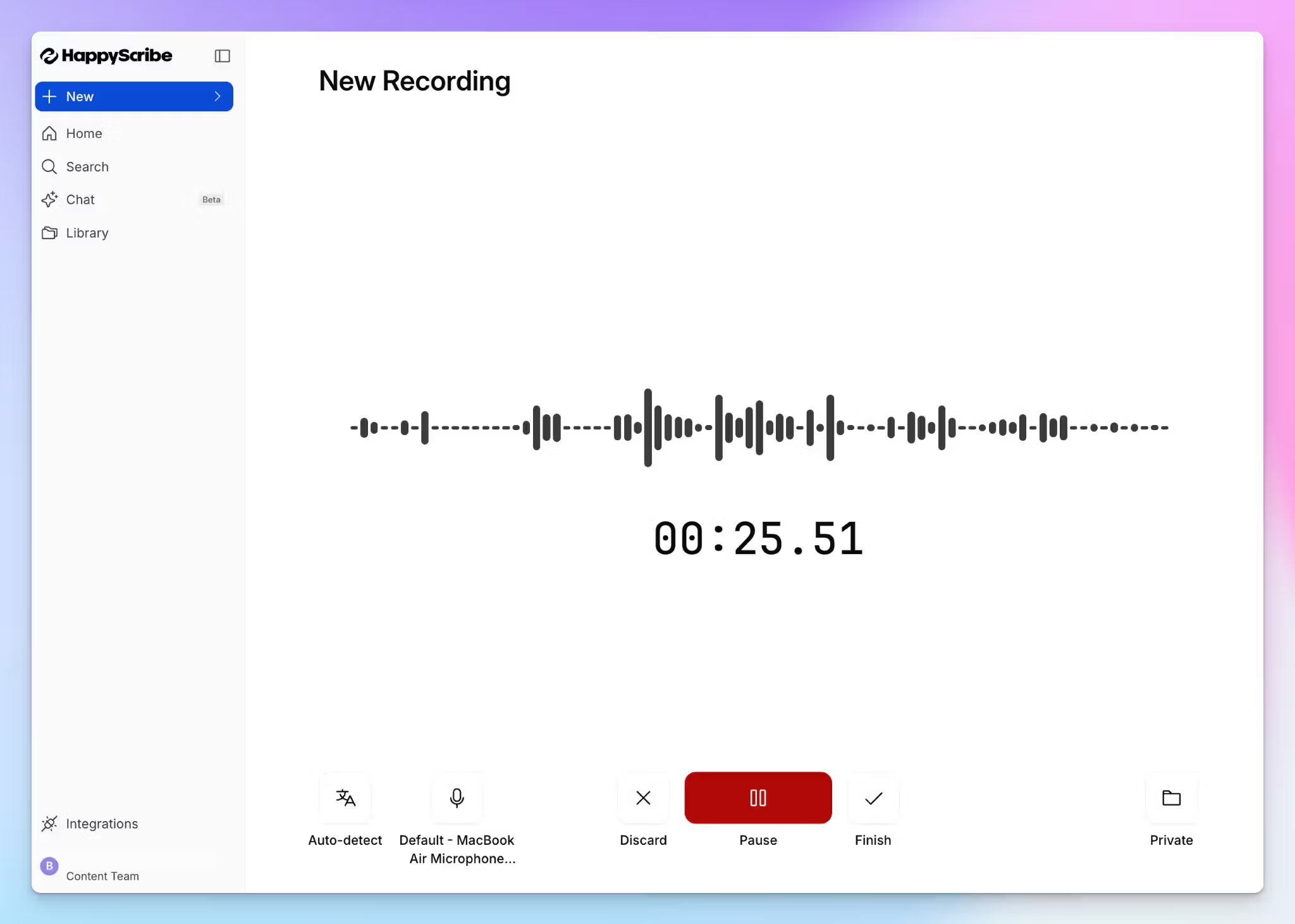
The browser recorder captures audio directly from your device, bot-free. No participant joins the call, and nothing shows up in the attendee list.
For scheduled calls, the calendar bot auto-joins. For pre-recorded files, upload directly. The transcript and summary quality are identical regardless of how the audio came in.
Privacy and compliance
HappyScribe is Barcelona-based. All data is stored in a Tier IV, PCI DSS, and ISO 27001-compliant EU data center, making it ideal for security-conscious European teams. The SOC 2 Type II certification was issued by an independent auditor in 2025. GDPR compliance is built in.
You can opt out of AI training with one toggle. When you delete a file, it's permanently removed from the servers. If you're recording conversations with sensitive sources, confidential business context, or personal data, this level of control is crucial.
Integrations and workflow fit
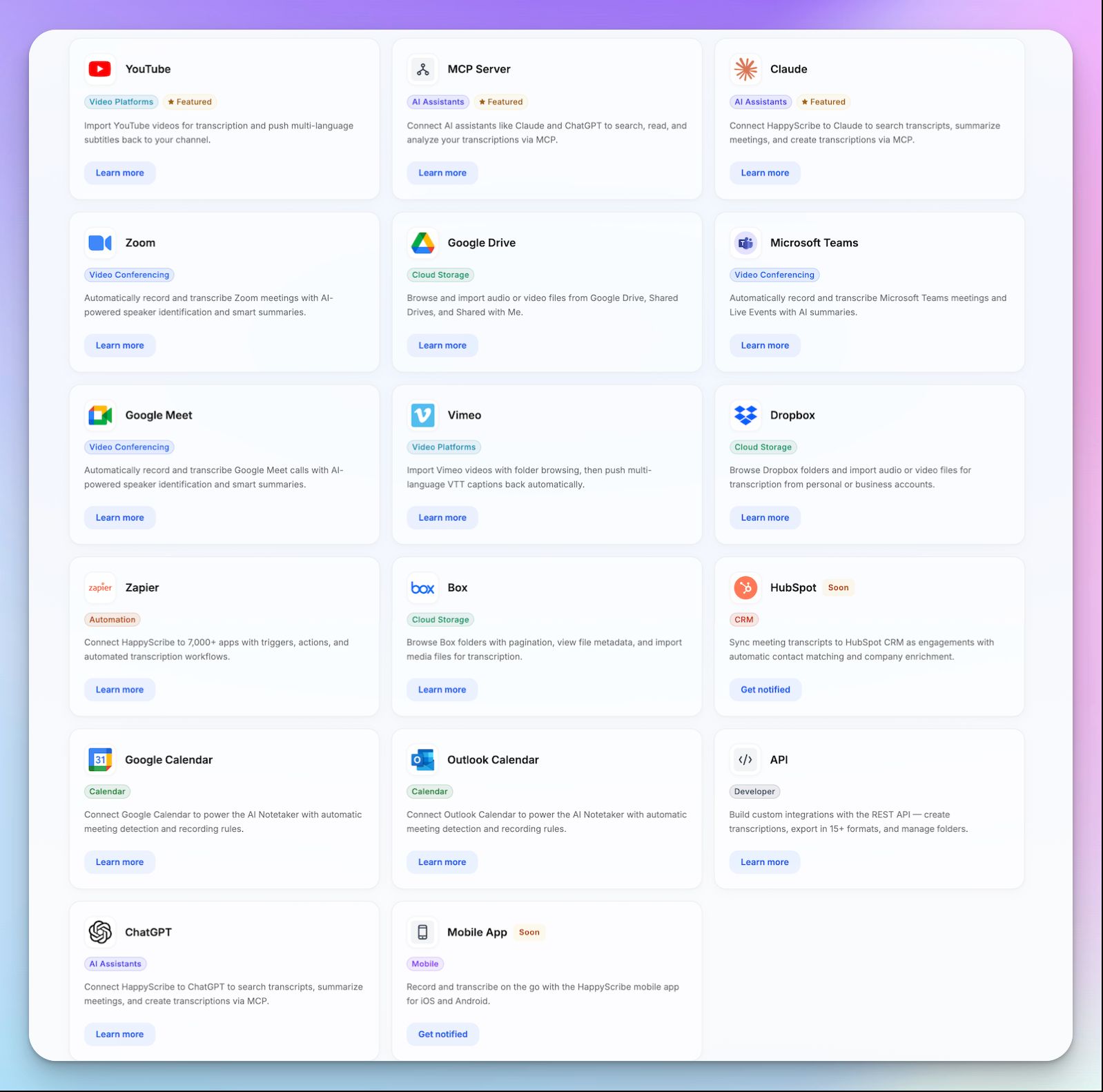
HappyScribe connects to your existing stack through Zapier, API, and an MCP server. That last one lets you push meeting data directly into Claude, ChatGPT, Microsoft Copilot, or Gemini.
You can also translate notes into 80+ languages and generate subtitles from any recording, eliminating the need for a separate tool when repurposing meeting content.
HappyScribe’s pricing
- Free: Unlimited meeting recordings (45 mins per recording)
- Basic: $8.50/month (billed annually) or $17/month (billed monthly)
- Pro: $19/month (billed annually) or $29/month (billed monthly)
- Business: $59/month (billed annually) or $89/month (billed monthly)
- Enterprise:Contact sales
HappyScribe’s pros
- iOS and Android mobile apps let you capture meeting notes on-the-go
- AI Chat works across your full meeting history, not just individual sessions
- SOC 2 Type II-certified and GDPR compliant with EU-only data storage
- Style Guide lets you maintain uniformity across your transcriptions and meeting notes
- Use summary templates to format meeting takeaways the way you want
- Translate notes into 80+ languages and generate subtitles from recordings
- Generous free plan for AI note-taking with unlimited recordings and affordable paid plans for teams to scale
- Responsive customer support from real humans, not chatbots
HappyScribe’s cons
- Doesn’t offer real-time transcription during live calls
What are real-life users saying about HappyScribe?
I just started using HappyScribe but the customer service alone makes it highly recommendable! The transcriptions come out very clean and their AI tools are of higher quality than the last service I used. I'm impressed.
In a meeting with 25 people I recorded a talk on debt restructuring with my phone from the back of the room. The notes were concise, albeit not totally to the point, since this was not a formal meeting. The AI prompted narrative summary of less than 500 words nailed it though!
How to use HappyScribe AI meeting note taker: A step-by-step guide
- Link your Google or Outlook calendar to let HappyScribe auto-join scheduled meetings. For ad hoc calls, paste the meeting link to invite the bot manually. For in-person meetings, record audio without a bot.
- Click on your profile menu from the bottom left menu and select Settings to customize when the note taker should join, who can view transcripts, and who should receive the email summary.
- During the call, the host admits the bot to start recording. Anyone on the call can type "!help" in chat to pause, resume, or remove it.
- Once the meeting ends, notes and transcripts are saved in your Workspace or Private section, depending on your privacy settings.
2. MeetGeek
Best for: Teams that want meeting analytics and auto-categorized summaries alongside their notes
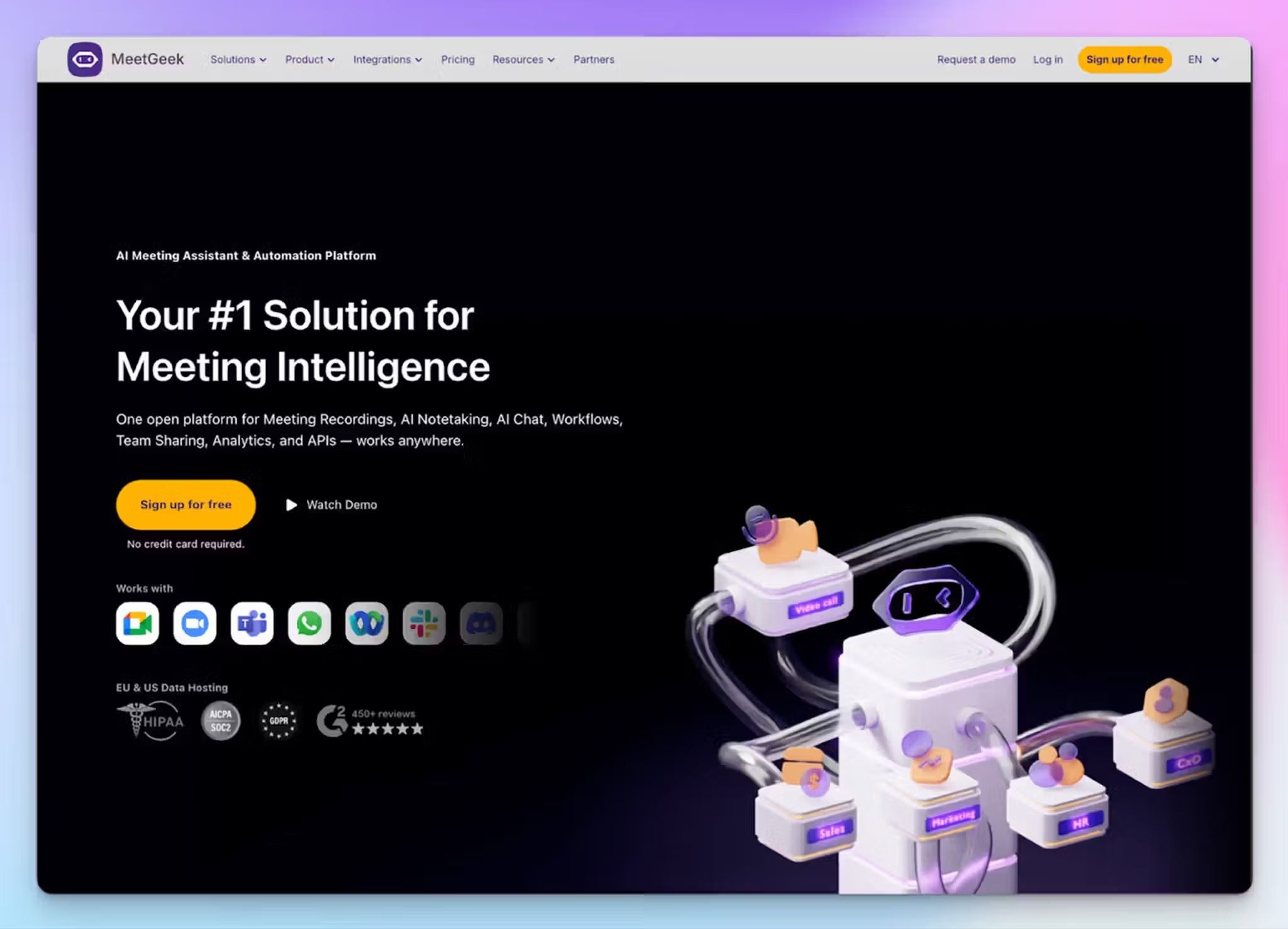
MeetGeek stood out during testing for one specific reason: it pays attention to what kind of meeting you're in. A sales call gets a different summary template than a team standup or a hiring interview.
Auto-detection worked correctly in about 8 out of 10 meetings I ran it through, and when it didn't, switching templates manually took only seconds.
The tool is Romanian-built, which means EU data storage is available on all plans, not just enterprise. It records on Zoom, Google Meet, Microsoft Teams, and Webex, and offers both a bot that auto-joins from your calendar and a bot-free option through a Chrome extension and desktop app.
MeetGeek’s free plan is where it stumbles. 3 hours of transcription per month get consumed fast if you're in meetings daily, and transcripts are only stored for 3 months on that tier.
MeetGeek’s key features
- Talk-time analytics and engagement distribution tracking
- Integrates with Salesforce, HubSpot, Slack, Notion, Jira, Zapier, Make, n8n, plus API and MCP server access
- Transcription in 100+ languages with automatic language detection
- Mobile app for in-person meeting recording on iOS and Android
- SOC 2 Type II, GDPR, HIPAA, and CCPA compliant
MeetGeek’s pricing
- Basic: Free (3 hours transcription/month)
- Pro: $15.99/month per user
- Business: $27/month per user
- Enterprise: Custom pricing
MeetGeek’s pros
- Meeting-type-aware summaries reduce manual cleanup significantly
- EU data storage on all plans, not gated behind enterprise pricing
- Bot-free option works across all major platforms via Chrome extension
- Analytics layer adds value for managers and team leads reviewing meeting patterns
- Your data is never used to train AI models
MeetGeek’s cons
- The free plan's 3-hour monthly cap is restrictive for anyone with a full meeting schedule
- AI summaries often miss nuance and context in complex, multi-topic discussions, pushing users to look for MeetGeek alternatives
- The analytics-heavy interface can feel like overkill if you just need clean notes
📚 Also read:
3. Fathom
Best for: Individuals and small teams that want unlimited free recording with fast, clean summaries
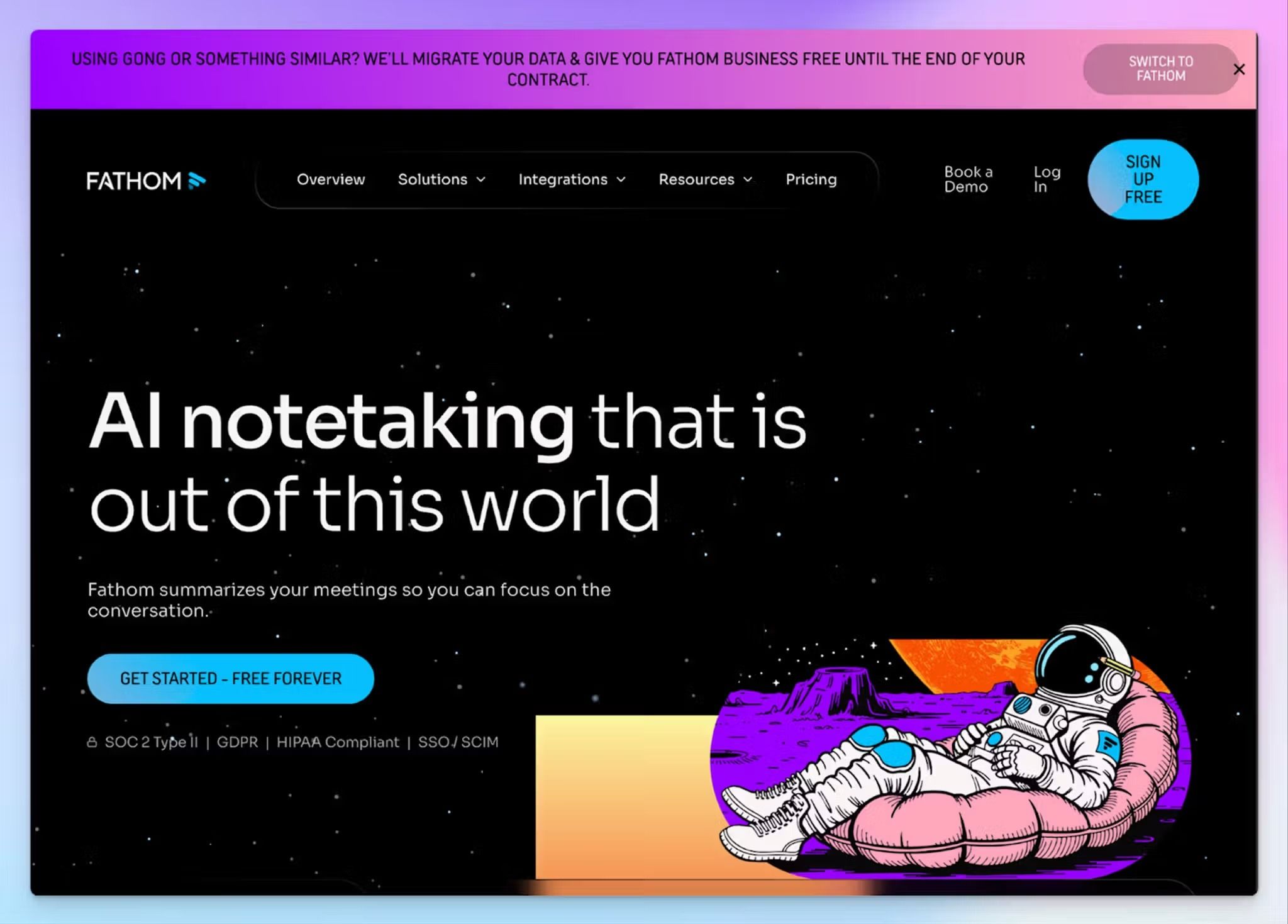
Fathom is the tool I'd recommend to someone who has never used an AI meeting note taker before and wants to try one without committing a dollar.
The free plan includes unlimited recordings, unlimited transcriptions in 25 languages, and instant AI summaries with no monthly cap on calls.
The summaries arrive quickly, usually within a minute of the call ending, and they're well-structured enough to share without edits. During testing, I found the output clean and reliable for straightforward meetings. Where it fell short was on more complex, multi-topic calls where the summary flattened important nuance into generic bullet points.
However, advanced summaries, AI-generated action items, Ask Fathom (their conversational AI search), and custom meeting bot branding are all locked behind paid plans. The free plan gives you a taste of these features on your first 5 calls per month, then reverts to a basic chronological summary format.
Fathom’s key features
- Instant AI summaries with clips, playlists, and search across calls
- Ask Fathom conversational AI to query past meetings (Premium and above)
- AI-generated action items and follow-up emails (Premium and above)
- Integrates with HubSpot, Salesforce, Close, Slack, Asana, Zapier, Claude, ChatGPT, plus public API and MCP server
- SOC 2 Type II audited and HIPAA compliant
Fathom’s pricing
- Free: Unlimited recordings and transcriptions
- Premium: $20/month per user
- Team: $19/month per user
- Business: $34/month per user
Fathom’s pros
- Summaries are fast and structured well enough to share without cleanup
- Clean, simple interface that stays out of your way
- CRM sync available even on the free plan for up to 3 users per domain
Fathom’s cons
- Bot-free recording is still in beta, and available only for Mac
- Only supports 38 languages, far fewer than multilingual AI meeting note taker tools like HappyScribe
- Summaries can oversimplify complex, multi-topic discussions
4. Notta
Best for: Professionals who need real-time transcription with translation add-ons for cross-language meetings
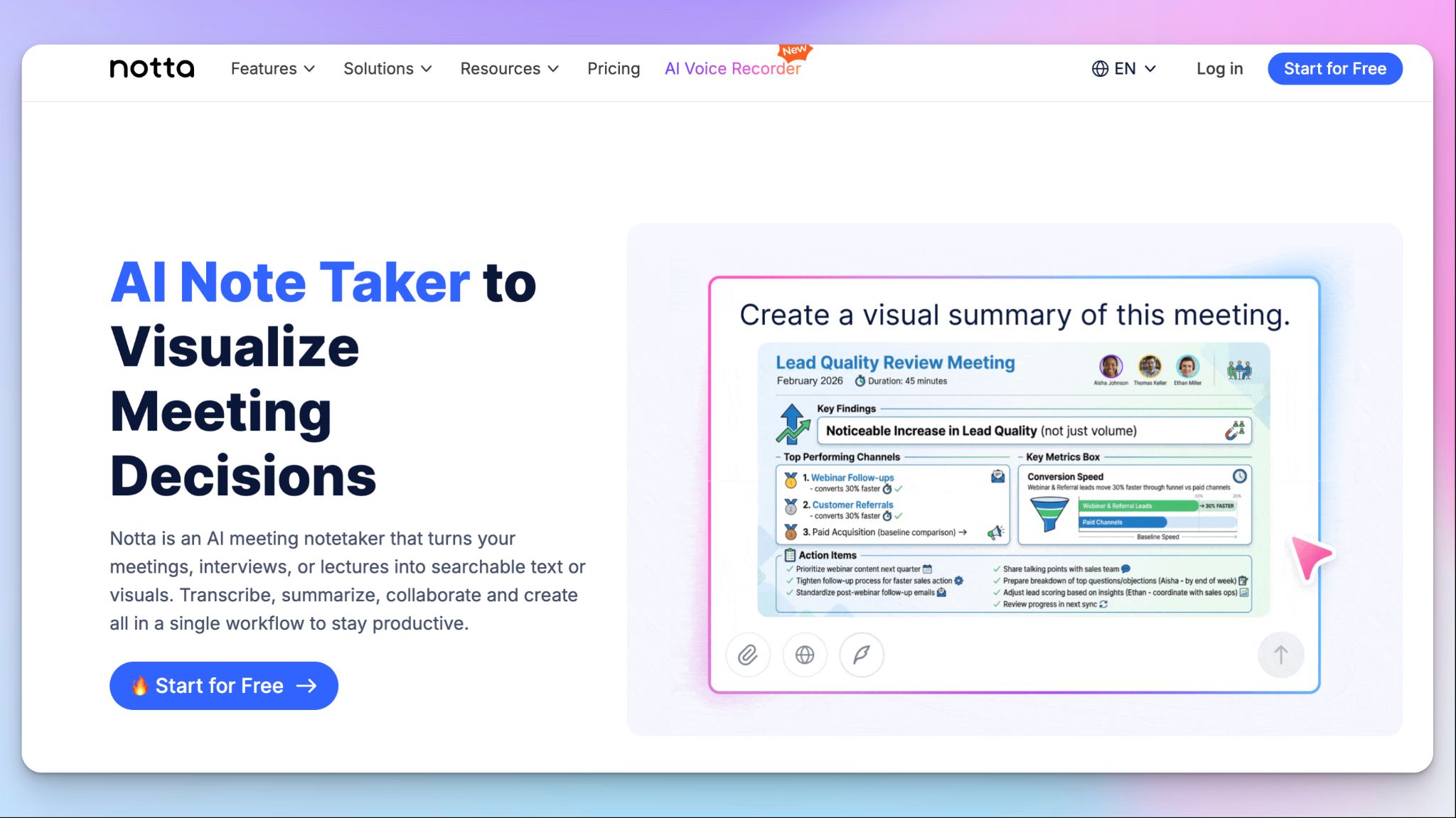
Notta supports 58 languages, handles real-time transcription, and offers bilingual transcription as a paid add-on that displays two languages side by side during a single call. For teams that work across language barriers daily, that's a feature worth paying attention to.
Where Notta falls short is the free plan. It caps individual recordings at 3 minutes per session, which is barely enough to evaluate the tool, let alone use it for real work. You also can't export transcripts on the free tier.
The paid plans are where it opens up. Notta’s Pro plan gives you access to AI summaries, transcript translation, and custom vocabulary, though custom vocabulary only works for English and Japanese.
Notta’s key features
- Real-time transcription in 58 languages
- Bilingual transcription add-on that displays two languages side by side during a call
- AI summaries, action items, and Notta Brain for cross-meeting queries
- Meeting recording on Zoom, Google Meet, Microsoft Teams, and Webex
- Mobile app for in-person meeting recording on iOS and Android
- Transcript translation included in Pro and Business plans
Notta’s pricing
- Free: $0 (120 minutes/month, 3-minute cap per recording)
- Pro: $13.49/month ($8.17/month billed annually)
- Business: $27.99/seat/month ($16.67/seat/month billed annually)
- Enterprise: Custom pricing
Notta’s pros
- Notta Brain turns meeting data into presentations and visual summaries
- Integrates with Slack, Notion, HubSpot, and Salesforce (CRM integrations available on Business plan and above)
- SOC 2 Type II and ISO 27001 certified
Notta’s cons
- Free plan's 3-minute per-recording cap makes it nearly unusable for real evaluation
- Custom vocabulary restricted to English and Japanese only
- No automatic language detection, pushing users toward better Notta alternatives
5. Read AI
Best for: Managers and team leads who want to understand how their meetings are going, not just what was said
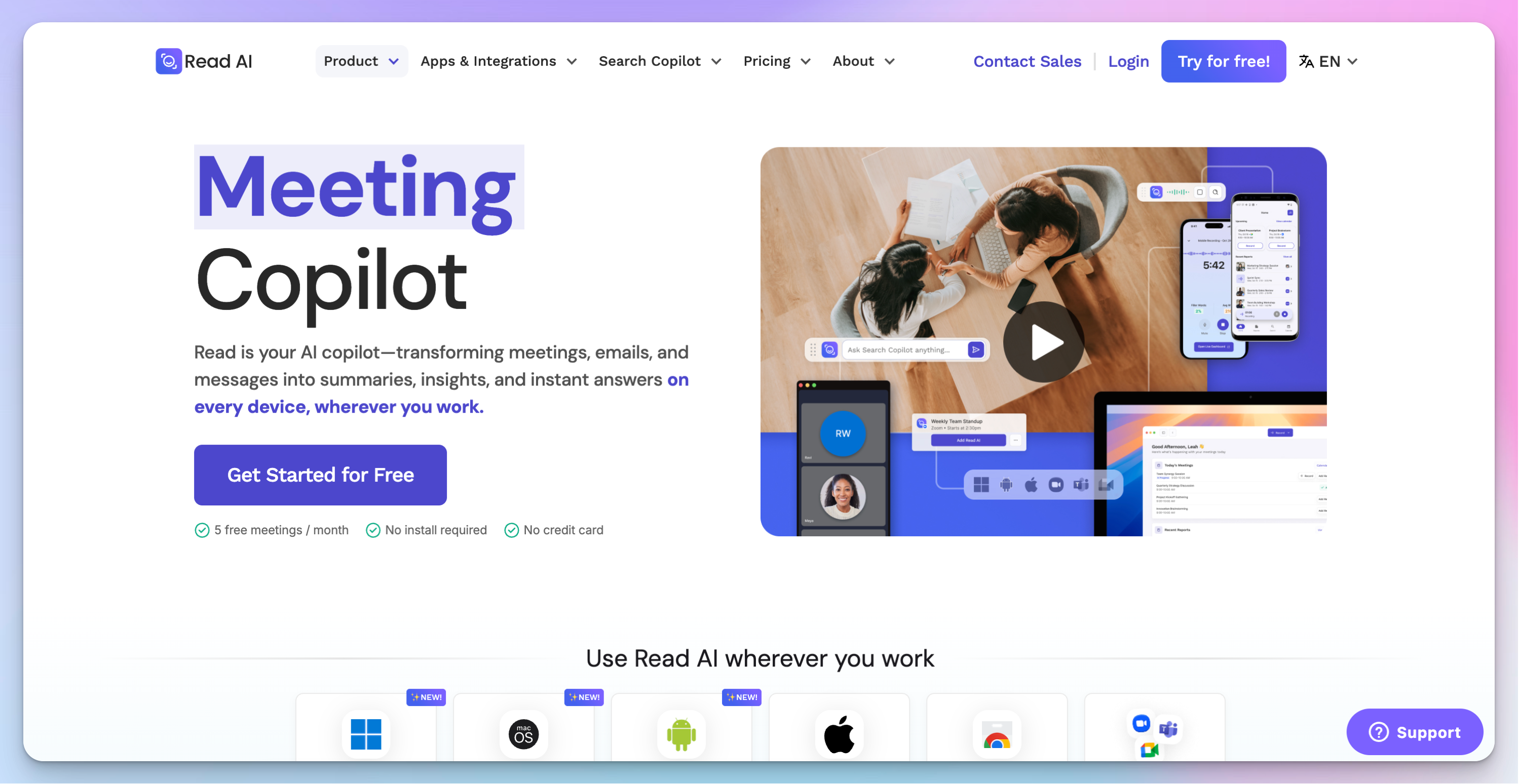
Read AI measures the dynamics of a conversation by tracking engagement scores, sentiment shifts, talk-time ratios, filler word counts, speaking pace.
I tested it across a mix of internal syncs and client calls.
After each meeting, the report included the usual summary and action items. Along with that, I also got a breakdown of who dominated the conversation, where engagement dropped, and a private speaker-coaching section with specific suggestions on clarity, inclusion, and impact. If you manage a team or run regular client calls, you’ll find the feedback loop helpful.
Read AI works on Zoom, Google Meet, and Microsoft Teams. The Read Assistant joins as a participant and provides real-time transcription, a meeting timer, and talk-time tracking during the call itself.
It also extends beyond meetings: enterprise search pulls answers from emails, Slack messages, and CRM records, along with your meeting history.
Read AI’s key features
- Summaries with action items, key questions, and topic readouts
- Enterprise search across meetings, emails, Slack, and CRM records
- Real-time transcription and in-meeting notes with the ability to star quotes
- Audio and video playback with highlights (Enterprise plan and above)
- Integrates with HubSpot, Salesforce, Notion, Slack, Asana, Jira, Confluence, Zapier, and webhooks
- Windows, macOS, Android, iOS apps, and Chrome extension
- 20+ languages supported
Read AI’s pricing
- Free
- Pro: $19.75/month per user
- Enterprise: $29.75/month per user
- Enterprise+: $39.75/month per user
Read AI’s pros
- Speaker Coach gives private, actionable feedback on your communication patterns across meetings
- Enterprise search spans meetings, emails, messages, and CRM, not just transcripts
- ChatGPT and Claude access bundled into all paid plans at no extra cost
Read AI’s cons
- Free plan is limited to 5 meeting transcripts per month
- Video playback requires the Enterprise plan
- Language support is narrower than other tools on this list
📚 Also read:
6. Circleback
Best for: Professionals who want polished meeting notes with strong post-meeting automations and workflow integrations
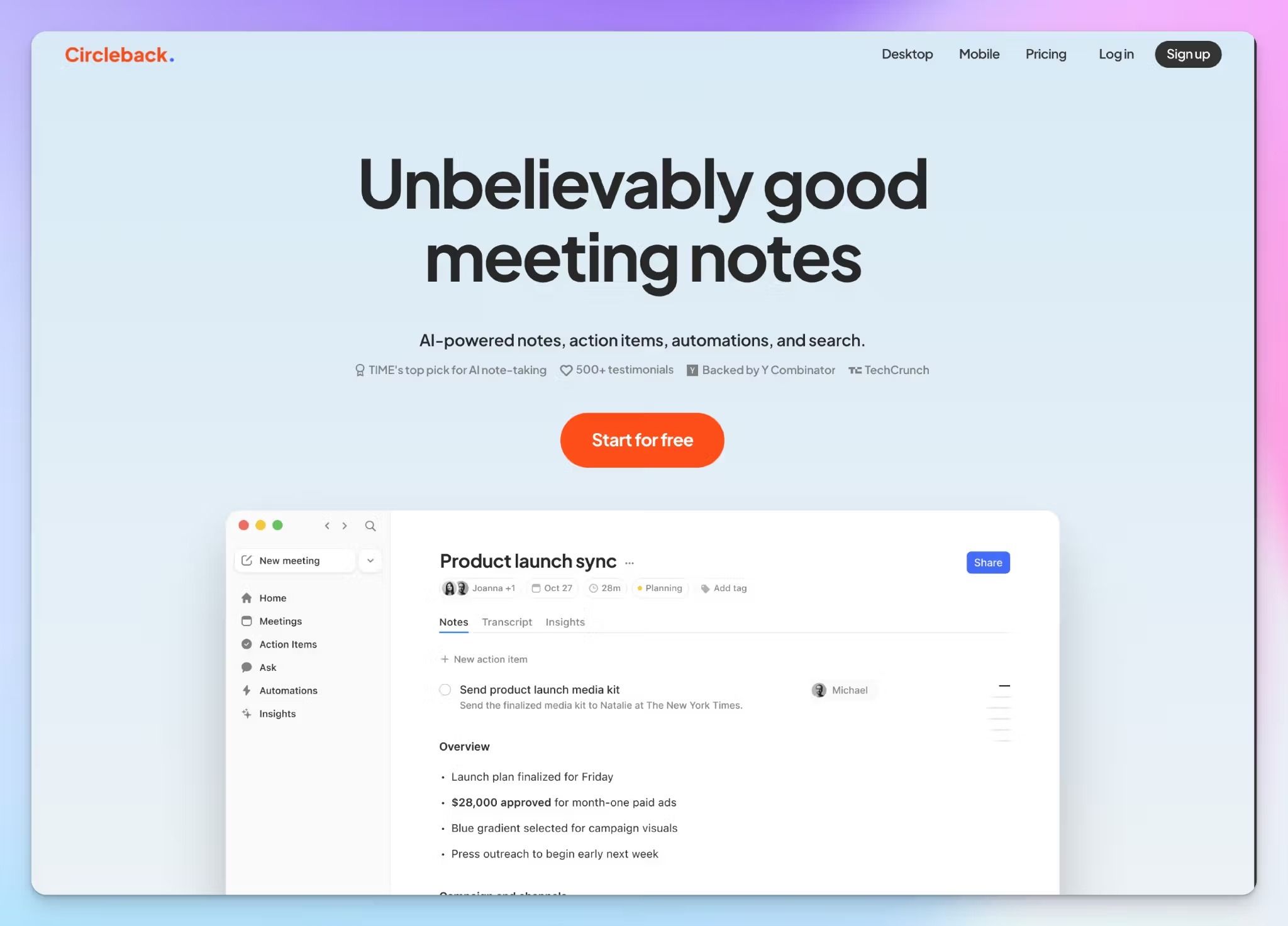
Circleback stands out for its automation engine. You can build workflows that trigger after specific types of meetings. For example, you can identify feature requests from demo calls and create Linear tasks for each one, update HubSpot deals after sales calls, or push summaries to a Slack channel.
Circleback works on Zoom, Google Meet, Microsoft Teams, and Webex via a bot that auto-joins from your calendar.
For bot-free recording, the desktop app (macOS and Windows) captures system audio directly, which means it also works with Discord, RingCentral, and any other platform you join on your computer without a visible participant.
The mobile app (iOS and Android) handles in-person recording. The Team plan also adds Slack huddles support.
However, there's no permanent free plan.
Circleback’s key features
- AI notes grouped by topic with auto-assigned action items
- Post-meeting automations that trigger custom workflows based on meeting type, participants, or tags
- MCP server for connecting meeting context to Claude, ChatGPT, Cursor, and other AI tools
- Integrates with Slack, HubSpot, Salesforce, Attio, Zoho, Notion, Linear, Monday, Zapier, Make, plus CLI, API, and webhooks
- SOC 2 Type II, HIPAA, GDPR compliant; EU-U.S. Data Privacy Framework certified; does not train on customer data
Circleback’s pricing
- Individual: $20.83/month per user (billed yearly)
- Team: $25/month per user (billed yearly)
- Enterprise: Custom pricing (contact sales)
- 7-day free trial available
Circleback’s pros
- Offers agentic search across all past conversations
- Bot-free desktop recording works across any meeting platform without a visible participant
- Supports 100+ languages with speaker identification and technical-term accuracy
Circleback’s cons
- No permanent free plan; only a 7-day trial
- Speaker identification can struggle in crowded conference rooms or large group calls
- Pricing is on the higher end for individual users compared to tools with free tiers
- Bot auto-join limited to Zoom, Google Meet, Teams, and Webex; other platforms require the desktop app for bot-free capture
📚 Also read:
7. Tactiq
Best for: Individuals who want a lightweight, bot-free Chrome extension for real-time meeting transcription
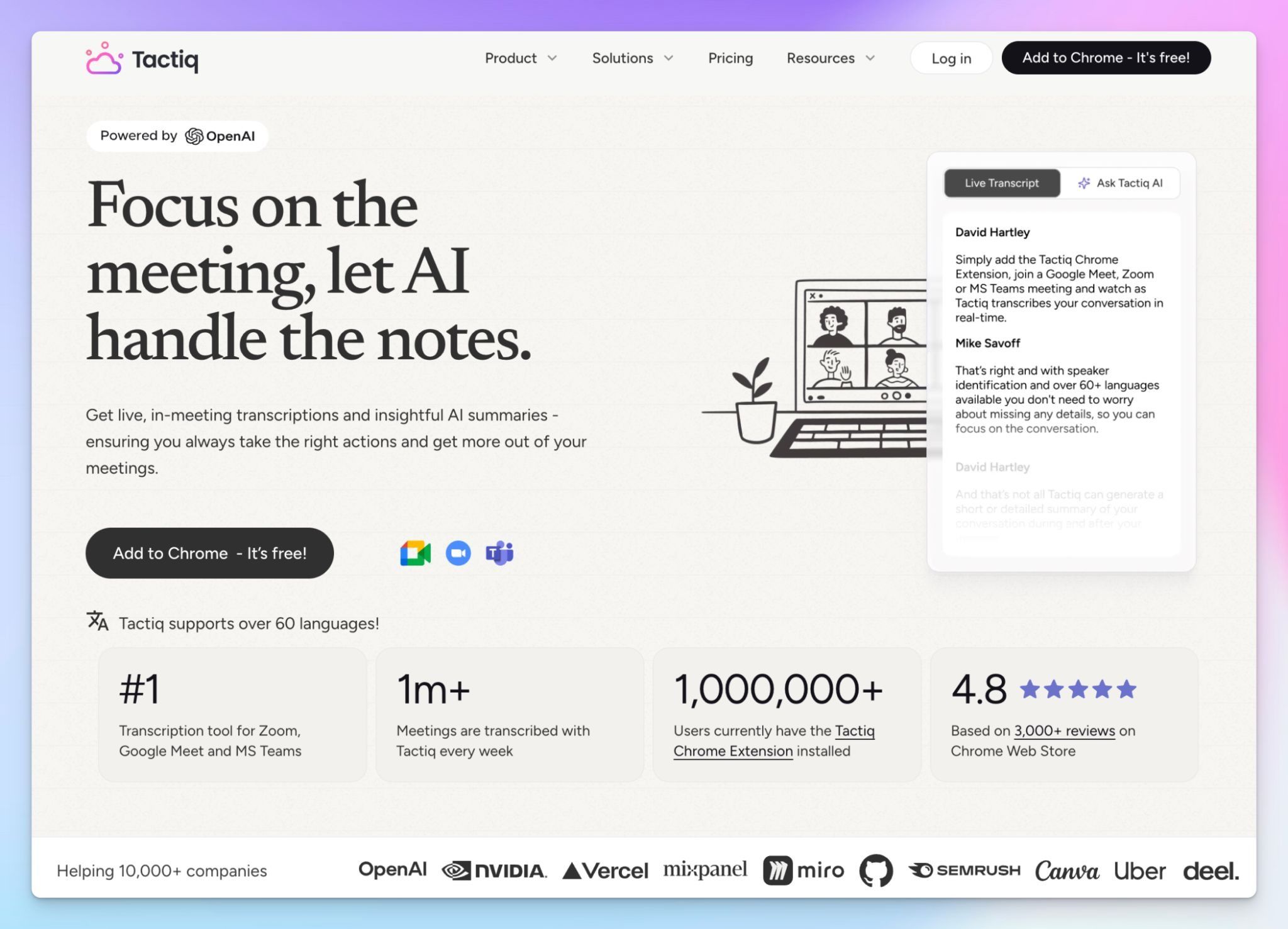
Tactiq runs as a Chrome extension that captures audio directly from your browser during Google Meet, Zoom, and Microsoft Teams meetings.
During testing, I appreciated how minimal it felt. The extension sits silently in the corner, transcribing in real time, and you can interact with AI during the meeting itself to ask questions or pull quick summaries while the conversation is still happening.
After the call, Tactiq generates summaries, action items, and custom AI insights based on the transcript.
Where Tactiq lacks depth is in post-meeting workflows. It recently launched AI Workflows with integrations to Slack, HubSpot, and Linear, plus an MCP server and Claude connector (both in beta on the Business plan). But these are newer additions and not as mature.
Tactiq’s key features
- Bot-free Chrome extension for real-time transcription on Google Meet, Zoom, and Microsoft Teams
- In-meeting AI for real-time questions, summaries, and insights during the call
- AI-generated summaries, action items, and custom AI prompts post-meeting
- AI Workflows to extract and share insights to Slack, HubSpot, Linear, and more
- Custom AI prompts that can be saved and reused across meetings
- Share and export transcripts in multiple formats
- MCP server and Claude connector (beta, Business plan)
- SOC 2 Type II certified; data not used for AI model training
Tactiq’s pricing
- Free
- Pro: $12/month per user
- Team: $20/month per user
- Business: $40/month per user
- Enterprise: Custom pricing
Tactiq’s pros
- Truly bot-free: no participant joins your call, no notification to attendees
- Supports 60+ languages
- In-meeting AI lets you get answers and summaries while the call is still happening
- Custom AI prompts can be saved and reused, which saves time across recurring meeting types
Tactiq’s cons
- Pro plan still limits AI credits to 10 per month; unlimited only on Team and above
- Chrome extension-only capture means it doesn't work on desktop apps or mobile; browser-only
📚 Also read:
How to choose the right AI meeting note taker
The tools on this list overlap in obvious ways. They all record, transcribe, and summarize.
But the difference between them shows up in the details: how well they handle accents and languages, whether the summary is useful enough to share without editing, how tightly the output connects to the tools your team already uses, and how much control you have over where your data lives.
👉 If your priority is transcription accuracy across languages, a searchable meeting library you can query months later, and privacy controls that hold up under compliance reviews, HappyScribe covers all of that without forcing you into a single capture method.
HappyScribe’s bot-free browser recorder, calendar bot, and file upload give you flexibility depending on the meeting type, and the AI Chat feature turns your entire call history into something you can actually reference instead of archive.
👉 For teams focused on meeting analytics, MeetGeek adds a layer of engagement tracking and talk-time data that managers will find useful.
👉 Fathom is the easiest entry point if you've never used an AI note taker and want to start with zero cost.
👉 Notta fills a specific gap for bilingual transcription during live calls.
👉 Read AI goes deepest on behavioral feedback with its Speaker Coach.
👉 Circleback shines when you need post-meeting automations that push data into your CRM or project management tools.
👉 Tactiq works well if you want something minimal that runs inside your browser without anyone on the call knowing.
The right AI meeting note taking tool is the one that improves your post-meeting productivity. Start with HappyScribe's free plan, record as many meetings as you want, and find out what your afternoons look like when the notes take care of themselves.
FAQs on the best AI meeting note taker
Can AI meeting note taker tools handle strong accents and non-native speakers?
Yes, but accuracy varies significantly between AI note taker tools. Models trained on diverse speech patterns produce more reliable meeting transcripts than those optimized only for native English. HappyScribe maintains 95%+ accuracy across Google Meet and Microsoft Teams calls with non-native speakers and heavy regional accents. Its custom glossary keeps product names and industry terms intact across multiple meetings. If your team regularly includes participants from different language backgrounds, prioritize AI note taker apps that support auto-detection.
Do AI meeting assistants work for in-person meetings or just video calls?
HappyScribe, MeetGeek, Notta, and Circleback offer mobile AI note taker apps that capture in-person meetings through your phone's microphone. HappyScribe also supports direct uploads of video files and audio recordings, so you can record brainstorming sessions or internal meetings and get AI summaries, meeting recaps, and follow-ups afterward. For virtual meetings on Google Meet, Microsoft Teams, or Zoom, HappyScribe's meeting bot handles video recording automatically.
Can I search across past meetings instead of opening each transcript?
Yes, several AI meeting assistants support cross-meeting intelligence. HappyScribe's AI Chat lets you ask natural-language questions across your full meeting history, pulling answers from any past meeting in seconds, turning your entire library into a searchable database. Fathom's AI-powered search and Circleback's agentic search offer similar multi-meeting intelligence on their paid plans. Without this kind of feature, your unlimited meeting recordings become a growing archive nobody revisits.
Which AI note taker has the most generous free plan?
HappyScribe offers the most generous free plan with unlimited meeting recordings (45 minutes per recording), making it the strongest entry point for anyone exploring free AI note takers. Fathom is also completely free for unlimited transcripts and meeting transcriptions, though AI features like AI summaries, action items, and AI-powered search are limited to five calls per month on the free tier before requiring a paid plan. Tactiq and Read AI each offer five free meeting transcripts monthly. If you want the best free AI meeting note taker that doesn't gate core features behind a pro plan, start with HappyScribe's free plan, record as many meetings as you want, and upgrade when your team needs collaboration features or unlimited storage.

Rodoshi Das
Rodoshi is the Content Lead at HappyScribe, the privacy-first transcription and AI notetaker platform based in Barcelona. Shaping content strategies and building AI workflows excites her as much as exploring new SaaS tools. She specializes in product-led content that informs rather than sells, grounded in honest product benchmarking and low tolerance for empty marketing speak.