You recorded everything. Then buried it
Let's be honest about what's really happening with your transcriptions.
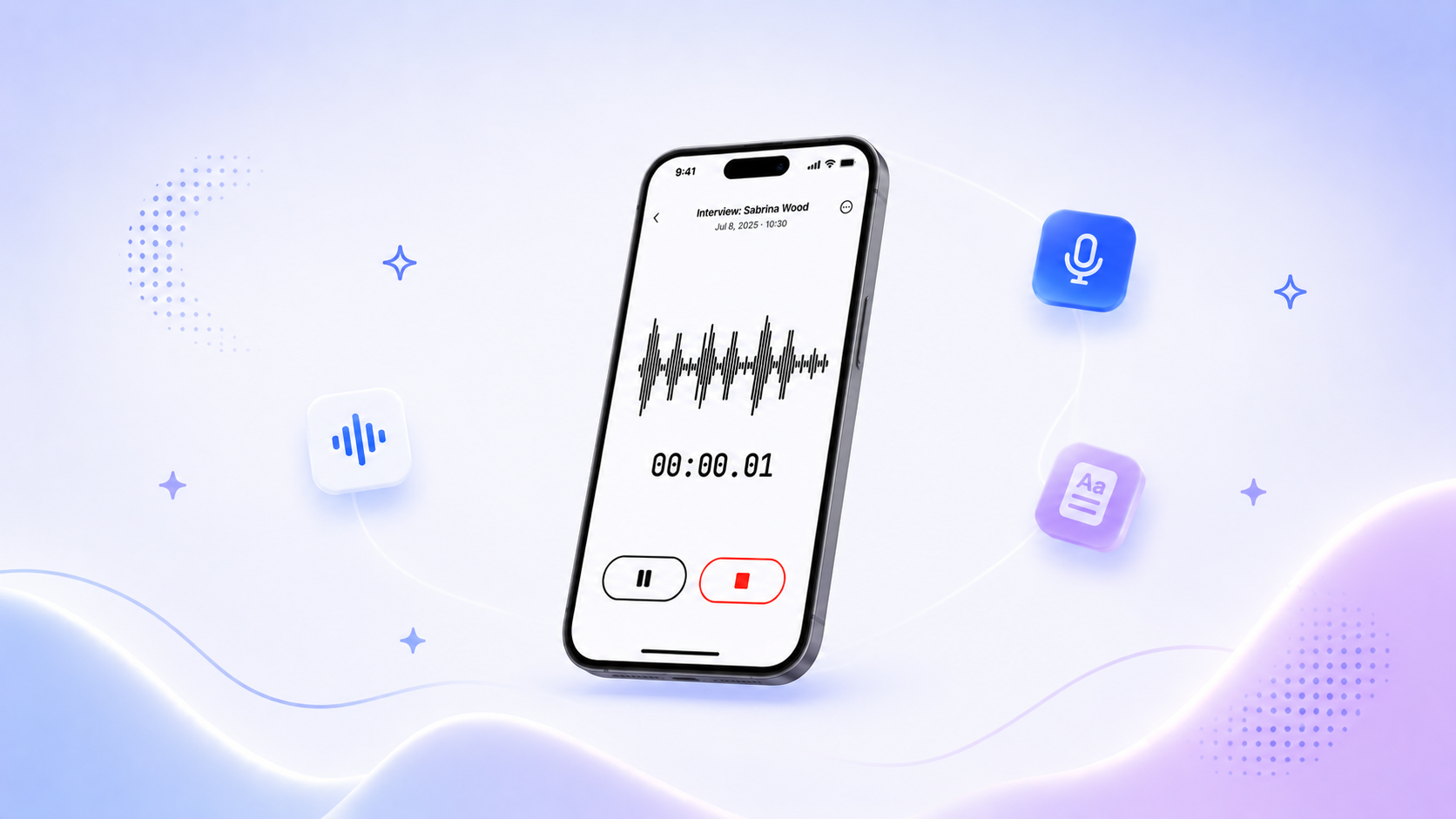
You run a 90-minute user interview. You record it. You transcribe it. And then you do one of two things: you skim the first few pages and move on, or you Ctrl+F a keyword and hope for the best. Either way, 80% of what was said (the nuance, the contradictions, the exact quote your stakeholder needs) stays buried in a wall of text nobody will ever read again.
Multiply that by every meeting, every interview, every focus group, every call your team records. Now multiply it across your entire organization. That's not a knowledge base. That's a graveyard.
The irony is painful: you invested in transcription so nothing would be lost. But everything became unfindable.
Search doesn't solve this. Keyword search assumes you already know the exact word someone used. But what if you need "every time a participant mentioned frustration with onboarding" or "all the action items from last week's leadership calls"? Keywords can't do that. You need something that actually understands what was said.
Introducing HappyScribe Chat
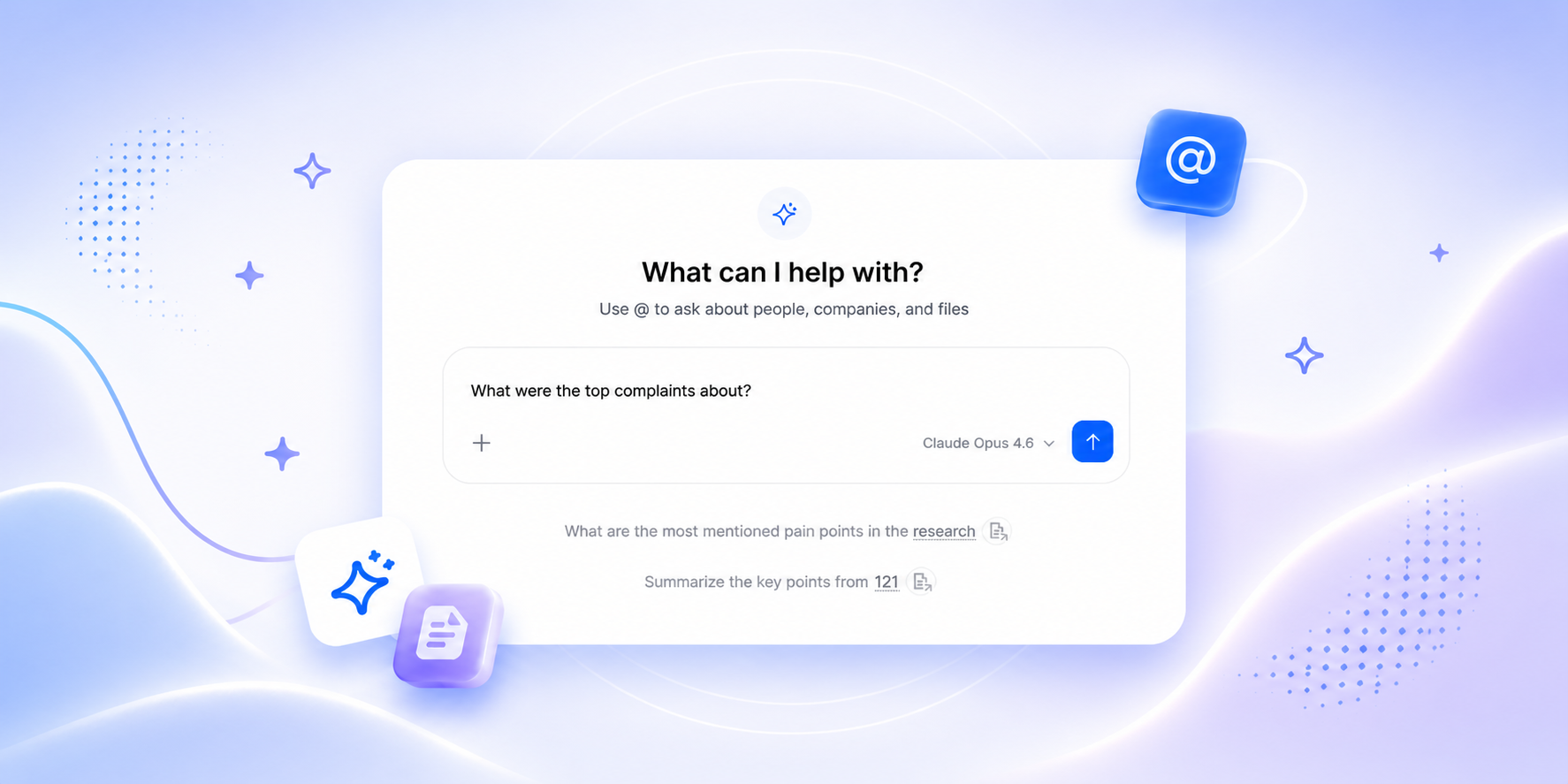
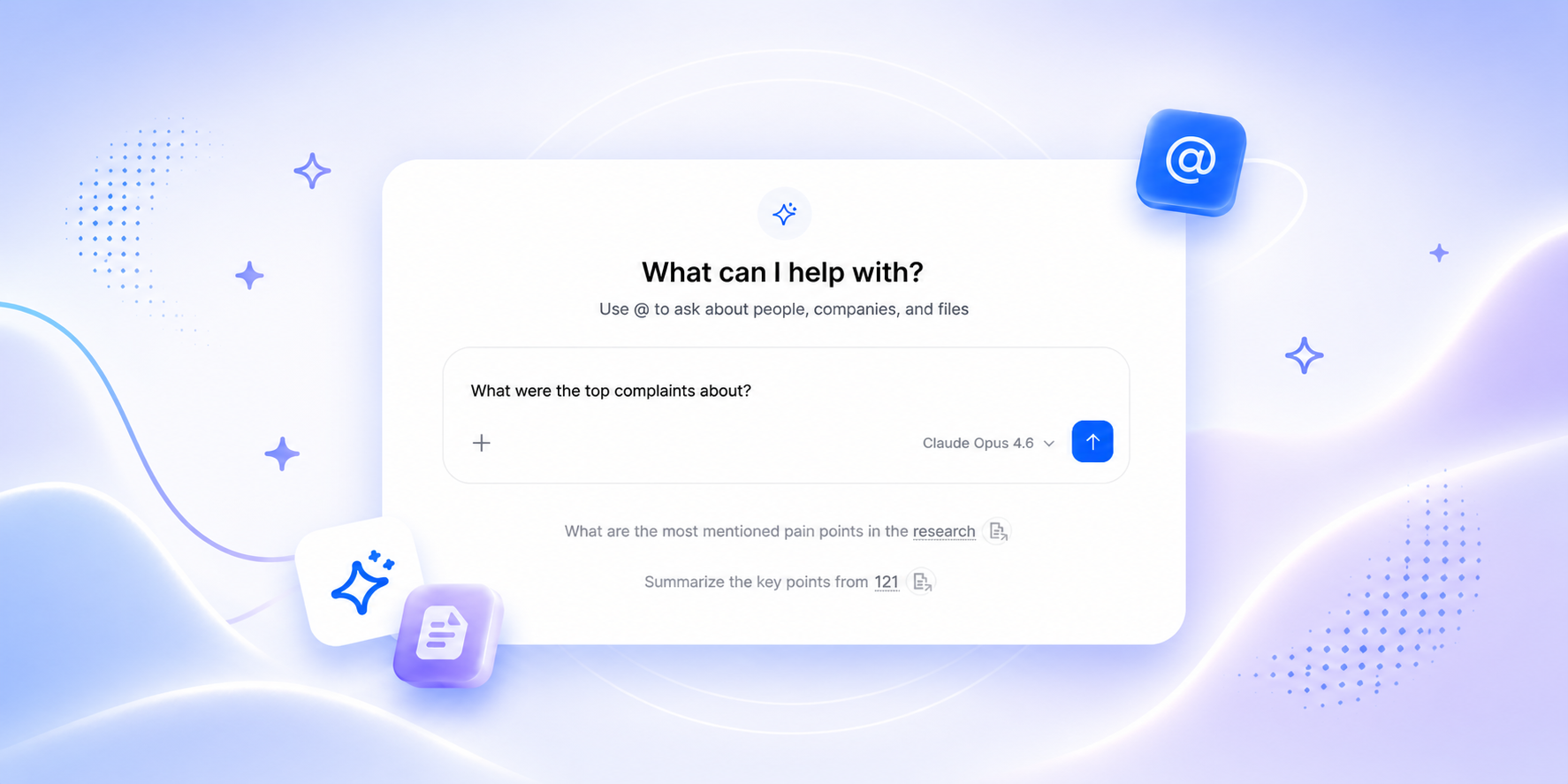
HappyScribe Chat is a conversational AI chat layer built directly into your transcription workspace. Instead of reading transcripts, you talk to them.
During our beta, users searched across 30+ hours of interview transcripts and extracted quotes by topic, replacing days of manual Ctrl+F with a single conversation. One research team QC'd 15 interviews against their questionnaire without listening to a single recording.
Ask a question in plain language. Get an answer grounded in exactly what was said, with the context to back it up. No more scrolling. No more guessing. No more lost insights.
And here's the part that changes everything: Chat doesn't just work on a single file. It works across your entire library.
One Chat. Three levels of depth
HappyScribe's AI chat adapts to the scope of your question. Need to drill into one file? Done. Need to search across your entire company's transcription history? Also done. You choose the scope, and Chat adjusts.
File-level Chat: Go deep on a single transcript
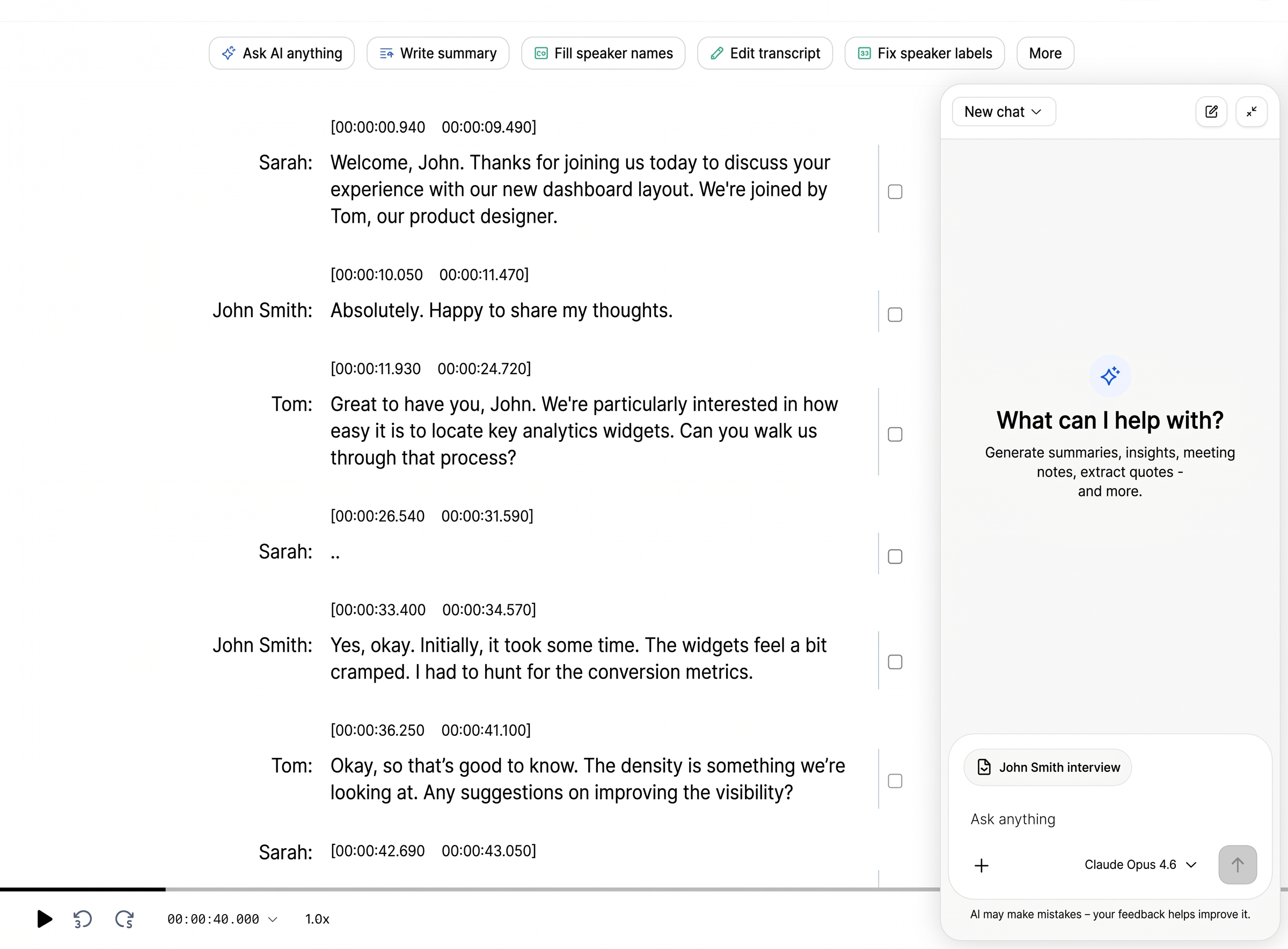
Open any transcription, and Chat appears as a button on top. Ask anything about what was discussed. Extract the exact quote you need. Pull action items. Summarize the key themes. It's like having a research assistant who read the entire transcript three times and is ready to answer.
- "What action items came out of this meeting?"
- "Find every time the participant mentioned competitor X."
- "Summarize the main arguments for and against the proposal."
Folder-level Chat: Search across a project
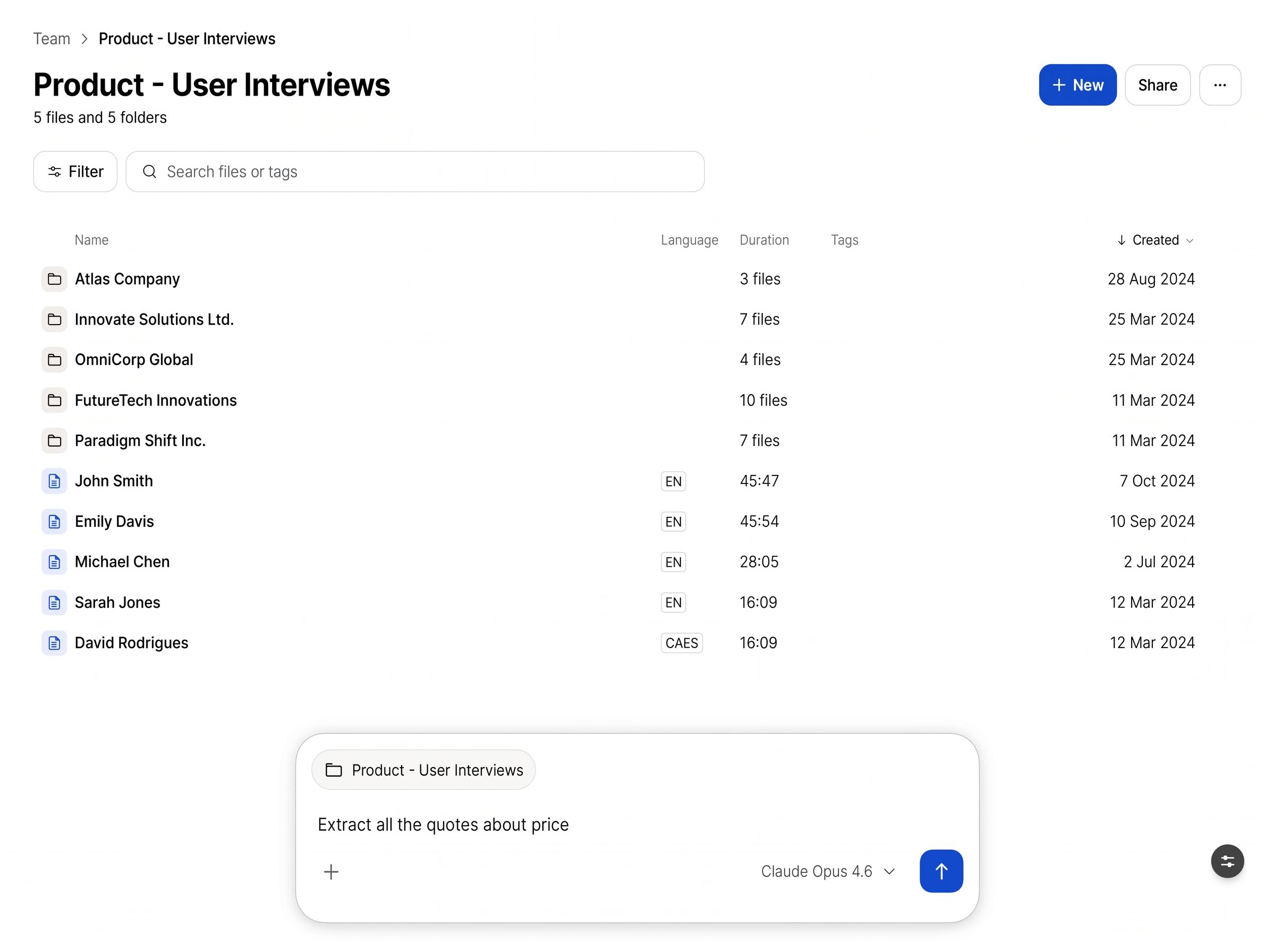
Working on a research project with 30 interviews? A due diligence review with dozens of calls? Navigate to the folder, open Chat, and ask questions that span every file inside it. Chat synthesizes across all of them and gives you one coherent answer.
No more opening files one by one. No more building manual spreadsheets to track themes across interviews. Folder-level Chat does the cross-referencing for you.
- "Across all 25 user interviews, what were the three most common feature requests?"
- "Which participants expressed willingness to pay more? Quote them."
Organization-level Chat: Your company's memory, unlocked
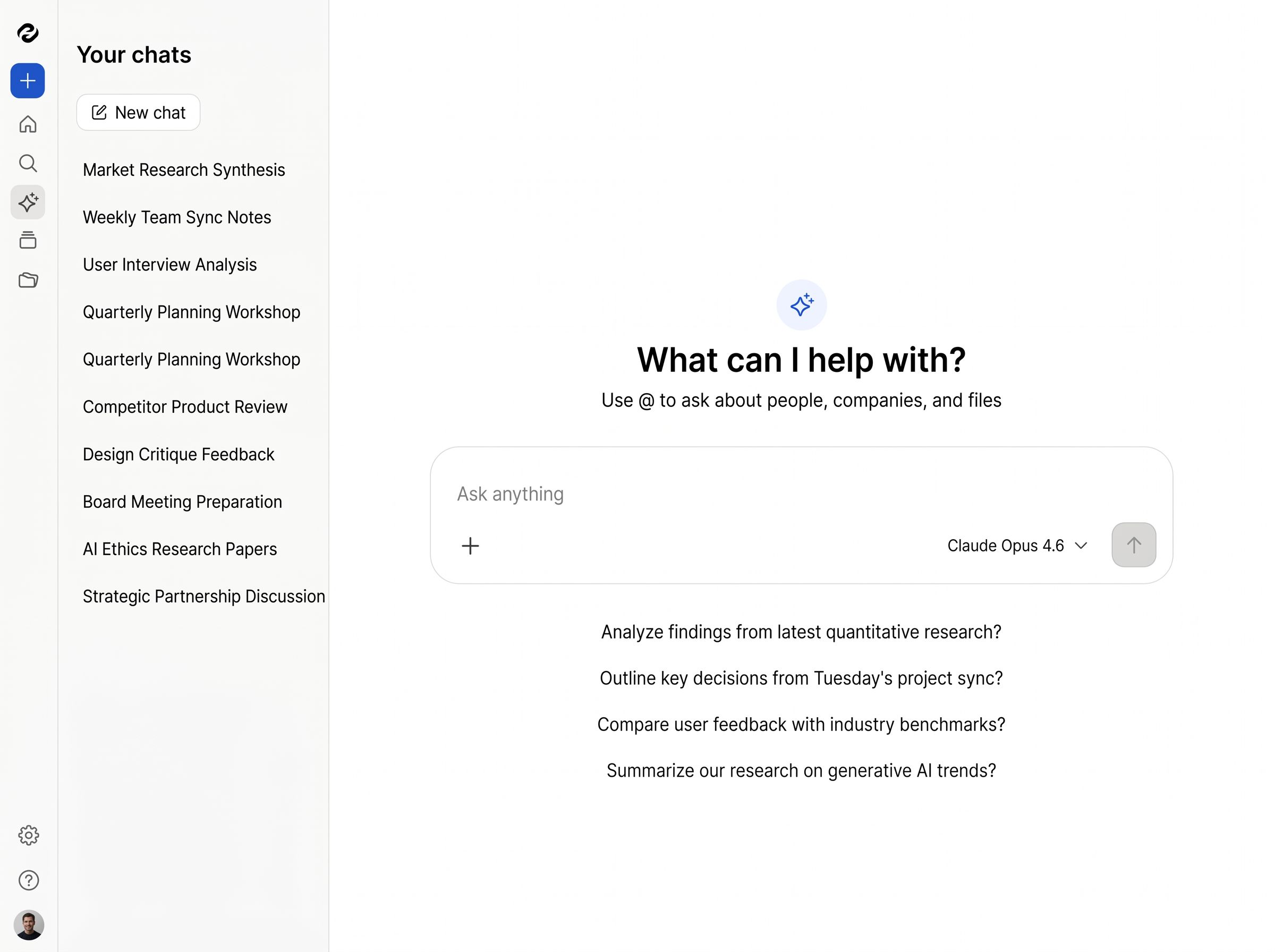
This is the big one. Open Chat from the sidebar, and it searches across every transcription in your entire organization. Every meeting. Every interview. Every call. Every recording your team has ever made.
Think of it as institutional memory that actually works. The knowledge isn't trapped in someone's head or lost in a file from six months ago. It's all accessible, instantly, through a single question.
- "What has our VP of Product said about the Q3 roadmap across all recent meetings?"
- "Find every conversation where a customer mentioned churn risk."
Built for the people who actually use transcriptions
Chat isn't a feature bolted on for a press release. It's designed for the workflows that make transcription valuable in the first place.
For researchers: extract quotes. Identify themes. In seconds.
If you've ever spent days coding qualitative interviews manually, you know the pain. HappyScribe's AI chat lets you ask for specific themes, extract verbatim quotes, compare what different participants said about the same topic, and identify patterns across dozens of interviews, all without opening a single spreadsheet.
Ask "What did participants say about trust in AI?" and get a synthesized answer with direct quotes pulled from across your entire research corpus. Our beta users extracted every quote on a single topic from 30 interviews at once, work that used to take days of manual coding. This is what qualitative analysis looks like when it's no longer bottlenecked by human reading speed.
For teams: never lose an action item again
Meetings produce decisions, action items, and commitments. They also produce transcripts that nobody reads after the fact. Chat fixes this. Ask "What did we decide about the launch timeline?" or "What are my action items from this week's meetings?" and get a clear, grounded answer.
If you're already using HappyScribe's AI meeting notetaker, every call, sync, and company-wide meeting is already transcribed and ready to search with Chat.
Managers can search across a whole folder of weekly team meetings to spot recurring blockers. Leadership can search across the entire org to understand what's really happening on the ground, without scheduling another meeting to find out. One beta team used Chat to QC 15 recorded interviews against their questionnaire without listening to a single one. Every gap, every missed question, surfaced in seconds.
For content teams: turn hours of footage into the story you need
Journalists, podcasters, and documentary makers: you know the ratio. Hours of recorded material for minutes of published content. Chat lets you query your raw material like a database. "Find the moment where the CEO contradicts the earlier statement about layoffs." "What's the most emotionally compelling quote from any of these interviews?"
Stop scrubbing timelines. Start asking questions.
How it works
No setup. No model training. No add-on.
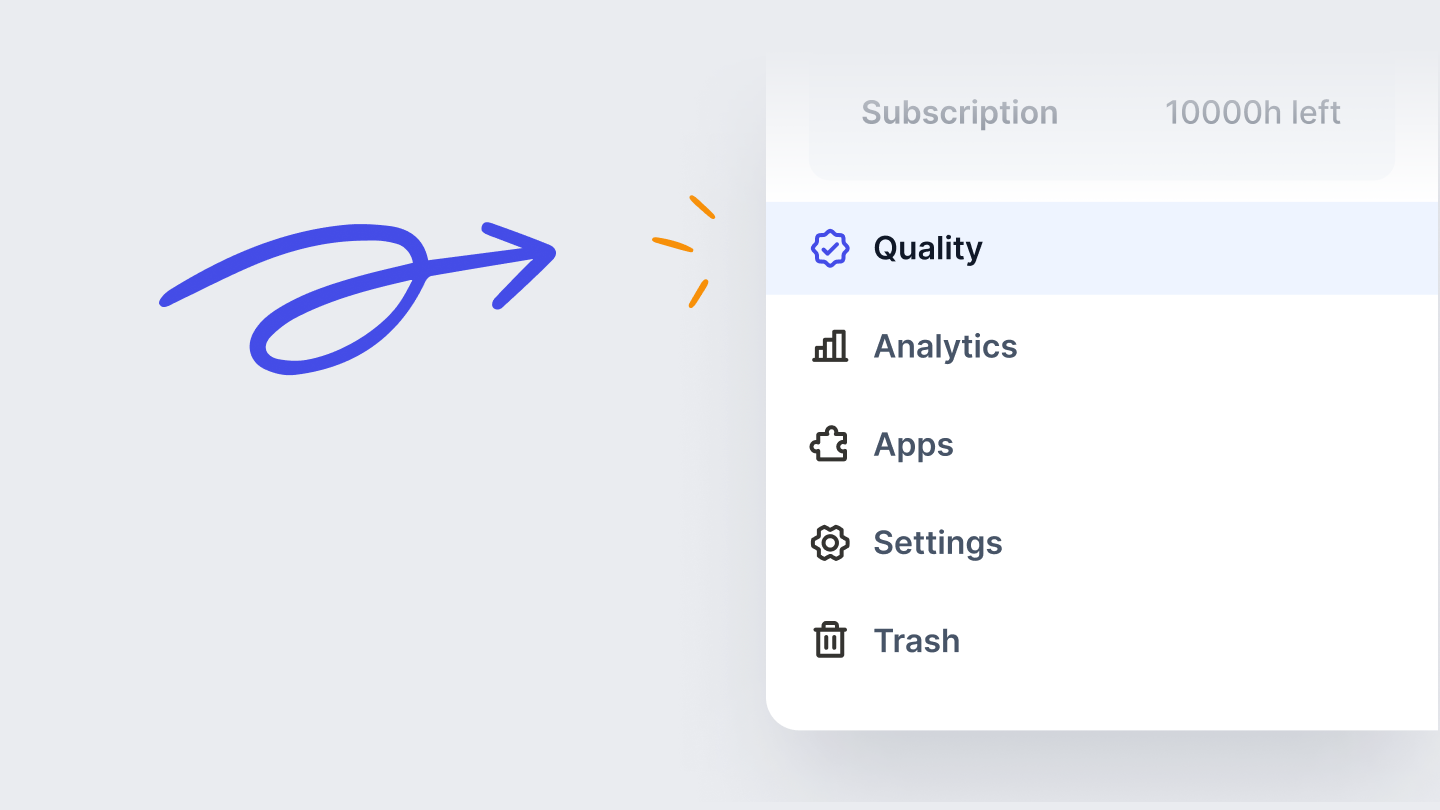
- Open Chat from the sidebar (org-wide), inside a folder (project-scoped), or inside a file (single-transcript).
- Ask in plain language. "What themes came up?" "Extract all action items."
- Get an answer with sources. Every claim cited back to the transcript.
- Keep going. It's a conversation. Follow up. Drill deeper. The context carries.
Included on every plan
HappyScribe Chat is available across all plans. Free and Basic plans include file-level chat, with limits on folder-level and organization-wide queries. Pro and Business plans unlock the full power of Chat across your entire organization's transcription library.
No add-on. No separate subscription. If you have a HappyScribe account, you have Chat.
Nothing lost. Everything findable
This is the promise we made when we built HappyScribe: nothing important should be lost just because it was spoken instead of written.
Transcription was always step one. It captured the words. But capturing isn't enough. The real value isn't in having a transcript, it's in being able to extract exactly what you need from it, exactly when you need it.
HappyScribe's AI chat is step two. It turns your transcriptions from static documents into a living, queryable knowledge base. Memory at its best: total recall, zero effort.
Your transcriptions already know everything. Now it's your turn to ask.
Ready to talk to your transcriptions? Try HappyScribe Chat

Cristina G
Cristina G is a former journalist who transitioned into PR and Communications before diving into growth marketing and ultimately product marketing. She loves learning and writing about how HappyScribe customers use the product to achieve their goals.