
Online Audio Cutter
Cut any audio file in seconds. No quality loss, no watermark, 100% free.
Why use HappyScribe’s audio cutter?
No quality loss
We cut without re-encoding, so your clip keeps the exact sound quality and format of the original.
Free, no account
No signup, no watermark and no cap on how many files you cut.
Deleted after 1 hour
Transfers are encrypted, and your files are deleted from our servers automatically one hour after processing.
40+ formats
Cut any common audio format, on desktop or phone. Nothing to install.
How to cut an audio file online
-
Step 1
1. Upload your audio file
Drag and drop your audio file into the upload area or click to select it from your device.
-
Step 2
2. Select the part you want to keep
Drag the handles on the waveform to set the start and end. Use the −5s and +5s buttons to fine-tune.
-
Step 3
3. Preview and download your clip
Listen to the clip, then click Cut and download it. The file keeps its original format and quality.
Free online audio cutter
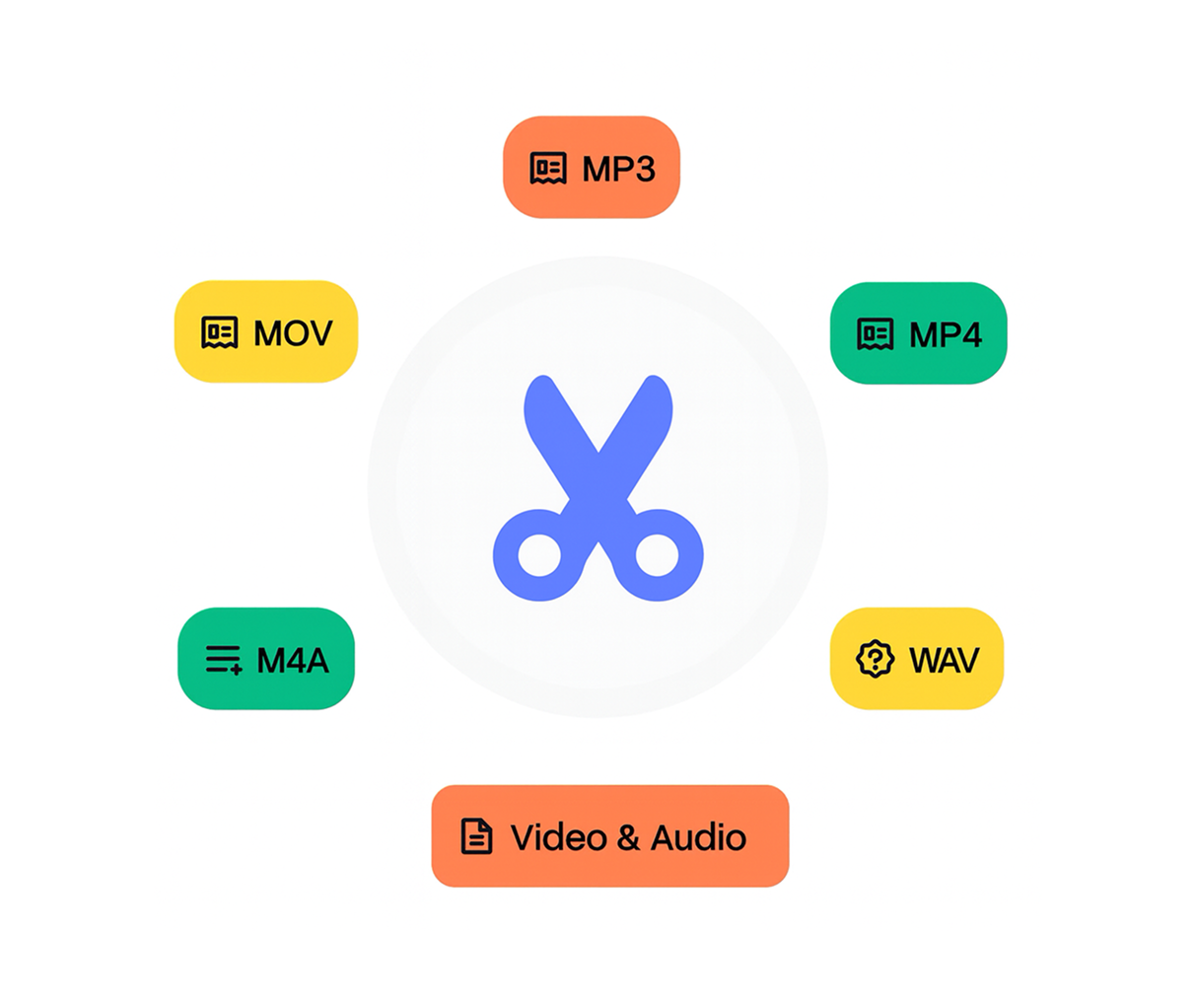
HappyScribe’s free audio cutter trims audio files online. Drag the handles on the waveform to pick the part to keep, preview it and download. The cut isn’t re-encoded, so the clip keeps the exact quality of the original. No signup, no watermark, and files are deleted after one hour.
Cut, crop or trim: same thing
Whether you call it cutting, cropping or trimming, the job is the same: keep the part of the recording you need and drop the rest. Use it to shorten a podcast clip, pull a quote from an interview, remove silence at the start of a voice memo or make a ringtone.
When you’re done trimming, you can convert your audio to text with HappyScribe in one click. Just hit “Transcribe File” to get an accurate transcript in minutes.
Frequently Asked Questions
Does cutting audio reduce its quality?
No. HappyScribe cuts the file without re-encoding, so the clip has exactly the same quality as the original.
What audio formats can I cut?
Any of 40+ audio formats, and the clip is saved in the same format you upload. For a specific format, you can also use the dedicated MP3 cutter, WAV cutter, M4A cutter or OGG cutter.
Can I make a ringtone with it?
Yes. Cut the part you want (about 30 seconds works for most phones) and download it. Android uses MP3 files directly. iPhone ringtones need the M4R format.
Can I remove a section from the middle?
Not in one step. The cutter keeps one continuous section. To drop a middle part, cut the two halves separately, then join them with the HappyScribe audio joiner.
Does it work on my phone?
Yes, in Safari on iPhone and Chrome on Android. No app needed.
Is there a length or file size limit?
There is no length limit. Long recordings simply take longer to upload.