
Connect your calendar
Sign up for free and connect your Google or Outlook calendar. Takes under two minutes. After that, HappyScribe joins every scheduled meeting on its own.
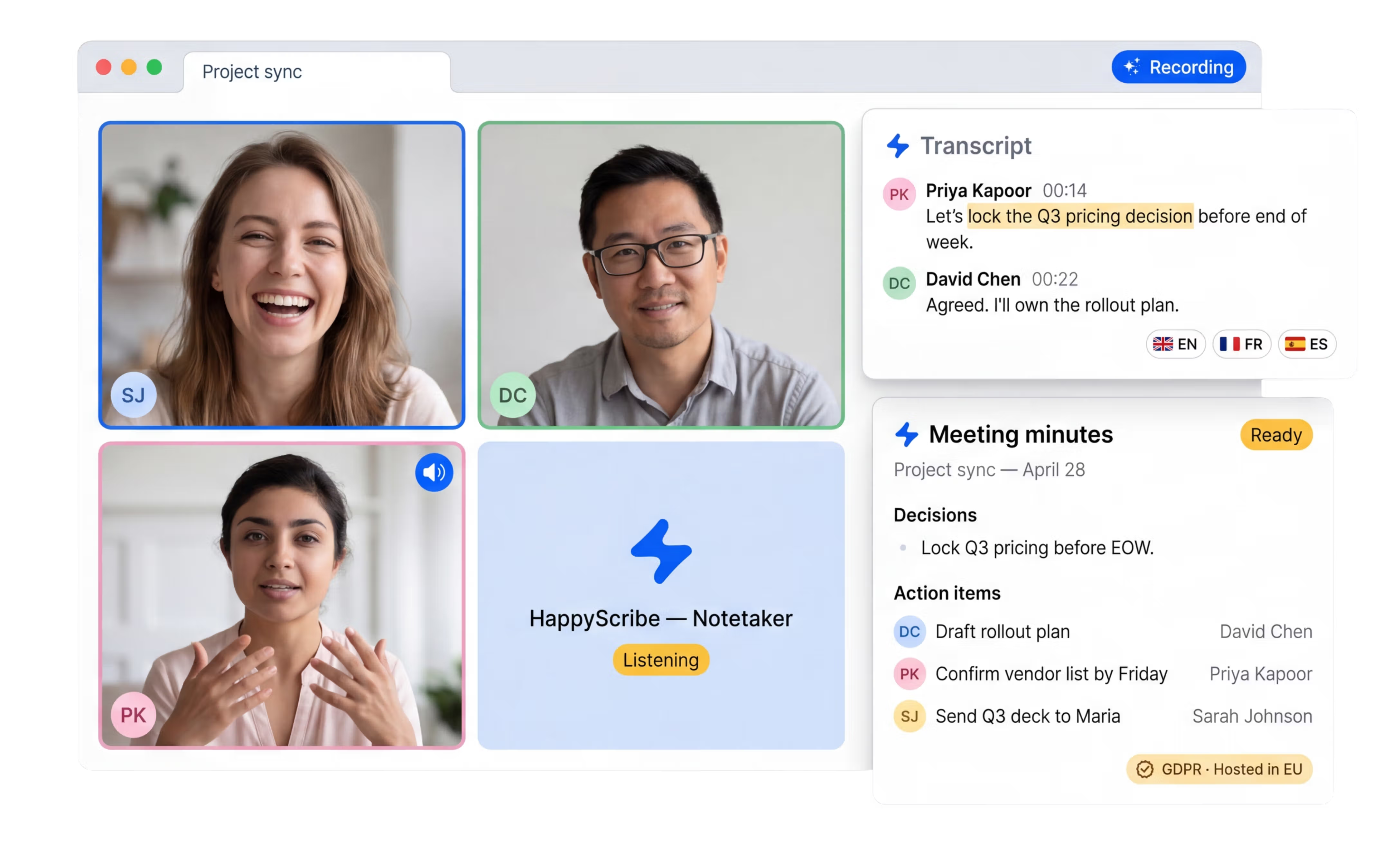
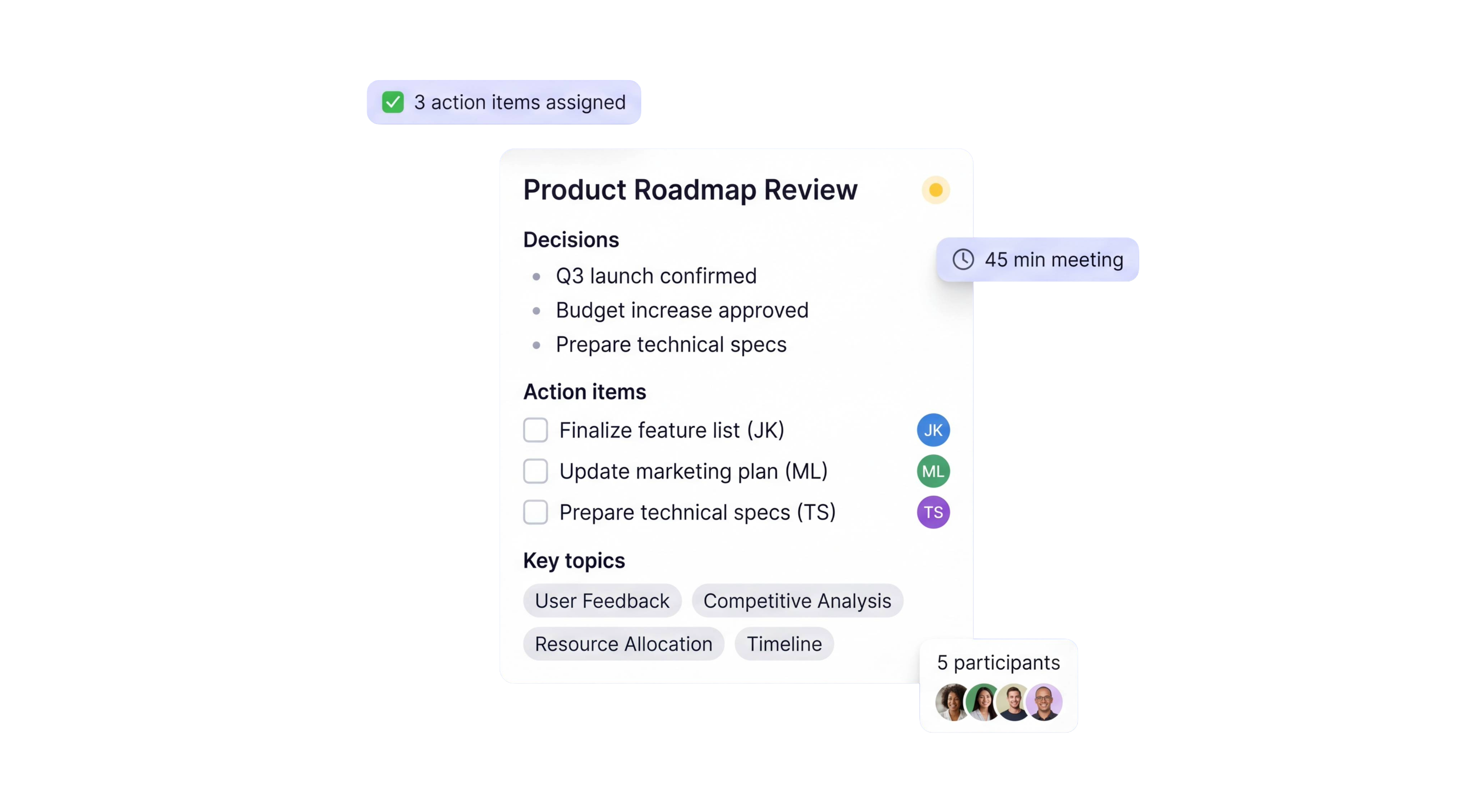
HappyScribe joins your Zoom, Teams, or Google Meet and delivers meeting minutes with decisions, action items, and owners. Works in 150+ languages.
Trusted by 6m+ users and 41,000+ teams of all sizes
Sign up for free and connect your Google or Outlook calendar. Takes under two minutes. After that, HappyScribe joins every scheduled meeting on its own.
HappyScribe joins your Zoom, Teams, or Google Meet as a participant and records both audio and video.
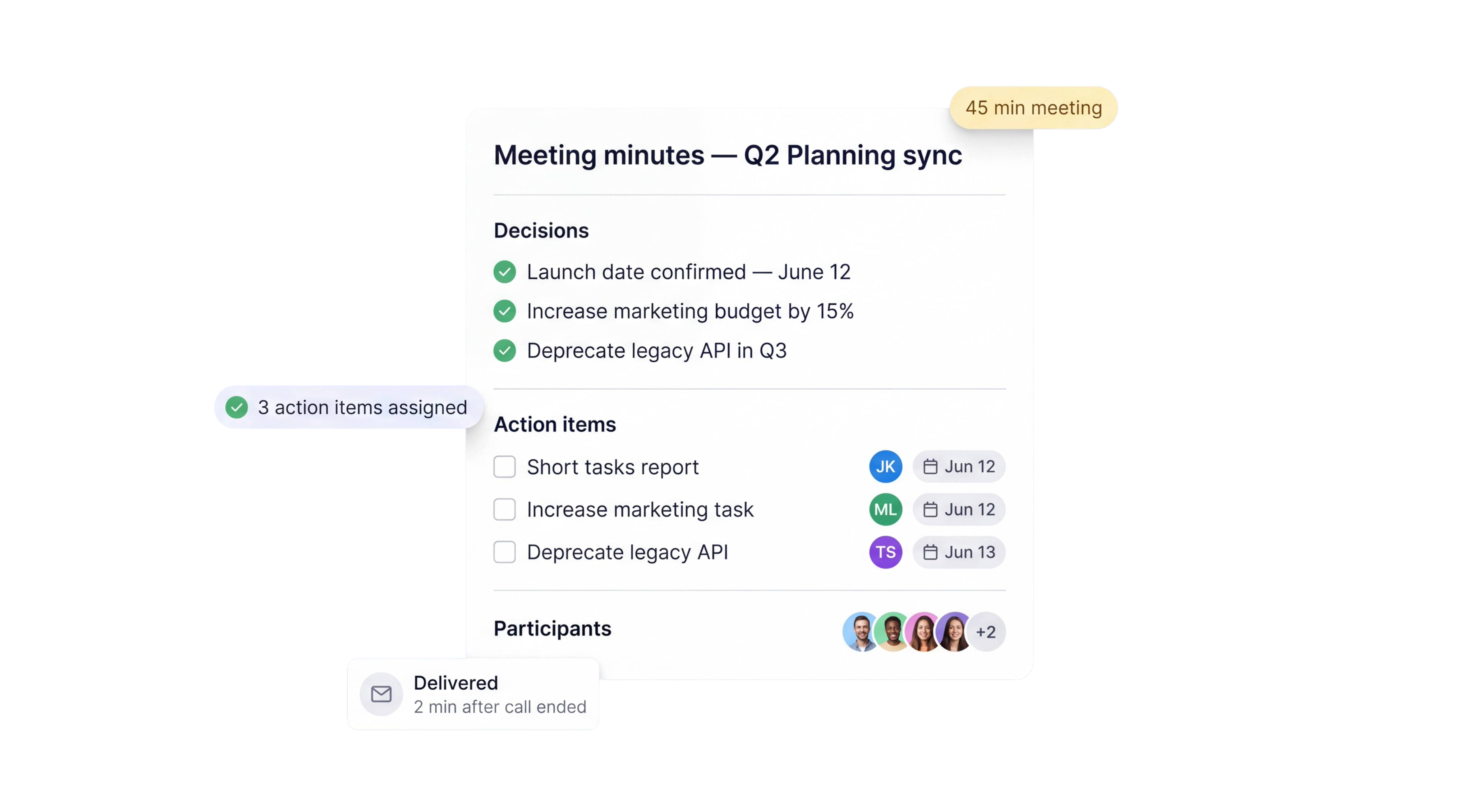
Structured AI meeting minutes land in your inbox moments after the call ends. Every decision captured, every action item assigned to an owner. Export to PDF, DOCX, or TXT.
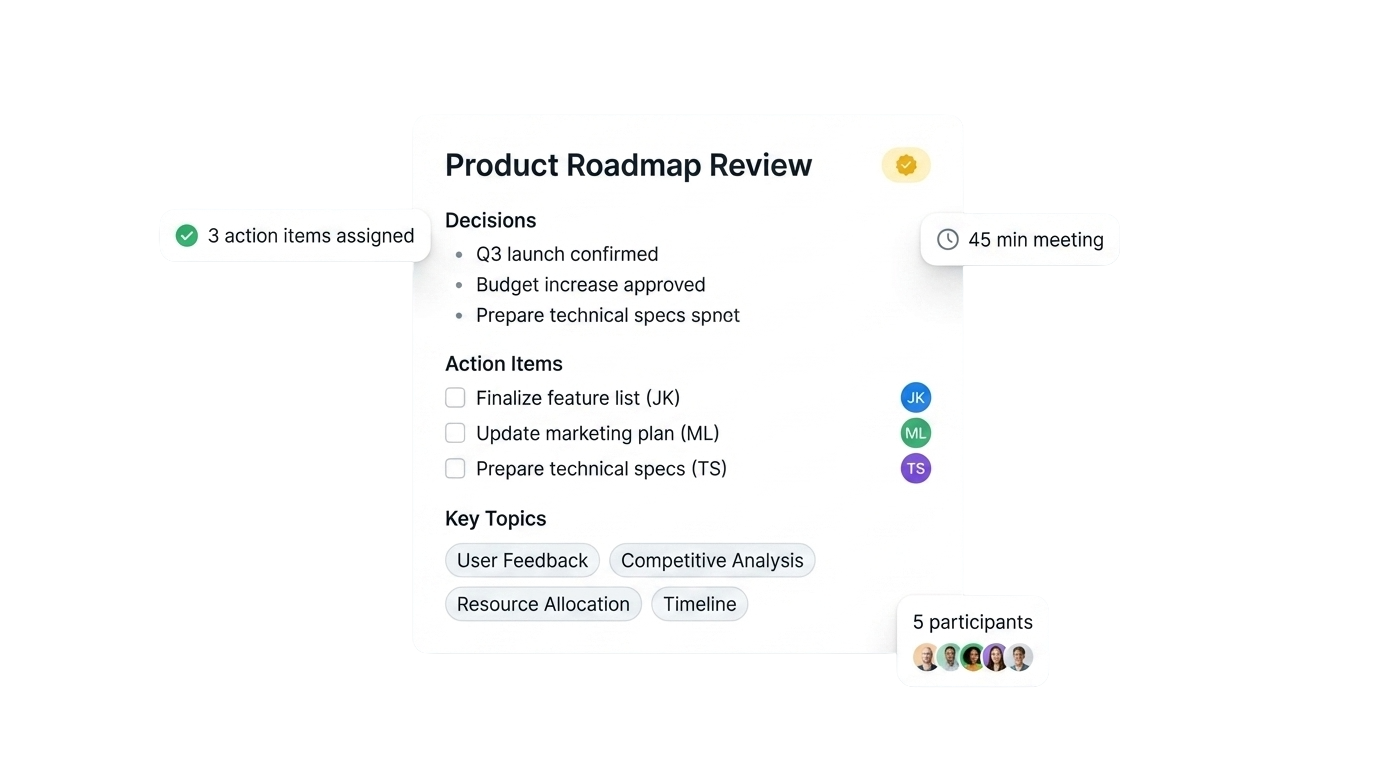
Decisions, topics, and next steps pulled into a single overview you can forward to anyone who missed the call. Ready before your next meeting starts.
Ask a question about any past recording and get an answer with the exact timestamp. No more scrubbing through an hour of audio to find who said what.
Search across every meeting you've ever recorded. Find when a decision was made, who made it, and whether it changed three meetings later.
Turn any recording into a blog post, a client report, or an internal doc. One click is all it takes.
Every call is recorded and stored, with audio and video. Revisit the source whenever you need context.
Connect HappyScribe to your tech stack through Zapier, MCP server, or API. Minutes flow straight to Slack, Notion, HubSpot, your CRM, or anywhere you work.
Configure the output format to match your workflow. Standups, client calls, board meetings, sales calls — different templates for each.
Every voice on the call labeled automatically. See exactly who raised each concern, who committed to what, and who owns every action item.
The AI Notetaker is a real game-changer for us. There's no need to write everything during meetings anymore; now I can actually engage.
Decisions and action items, assigned to the right people.
No more "Can you send me what we agreed on?" emails. One source of truth for everyone on the call.
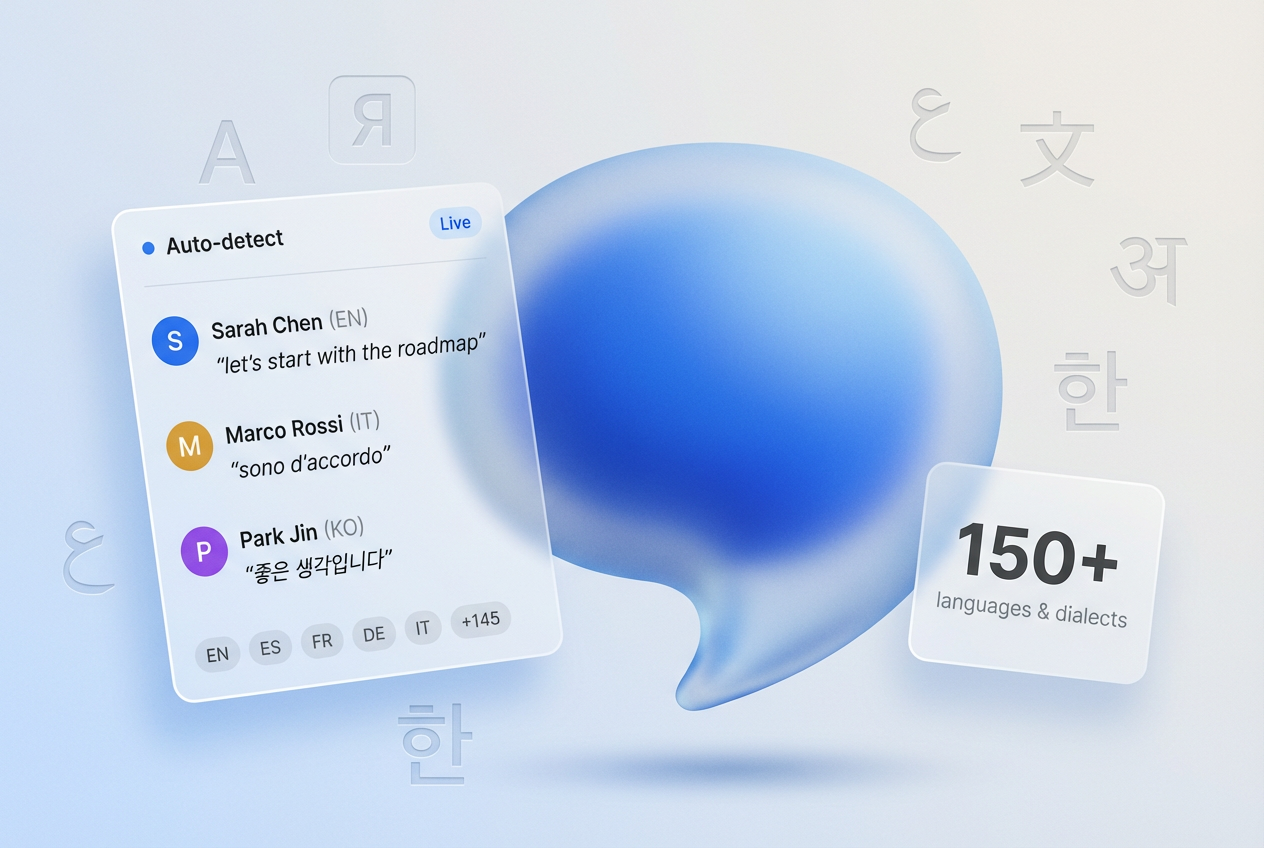
HappyScribe auto-detects the language being spoken and handles mid-call switching. Supports 150+ languages and dialects.
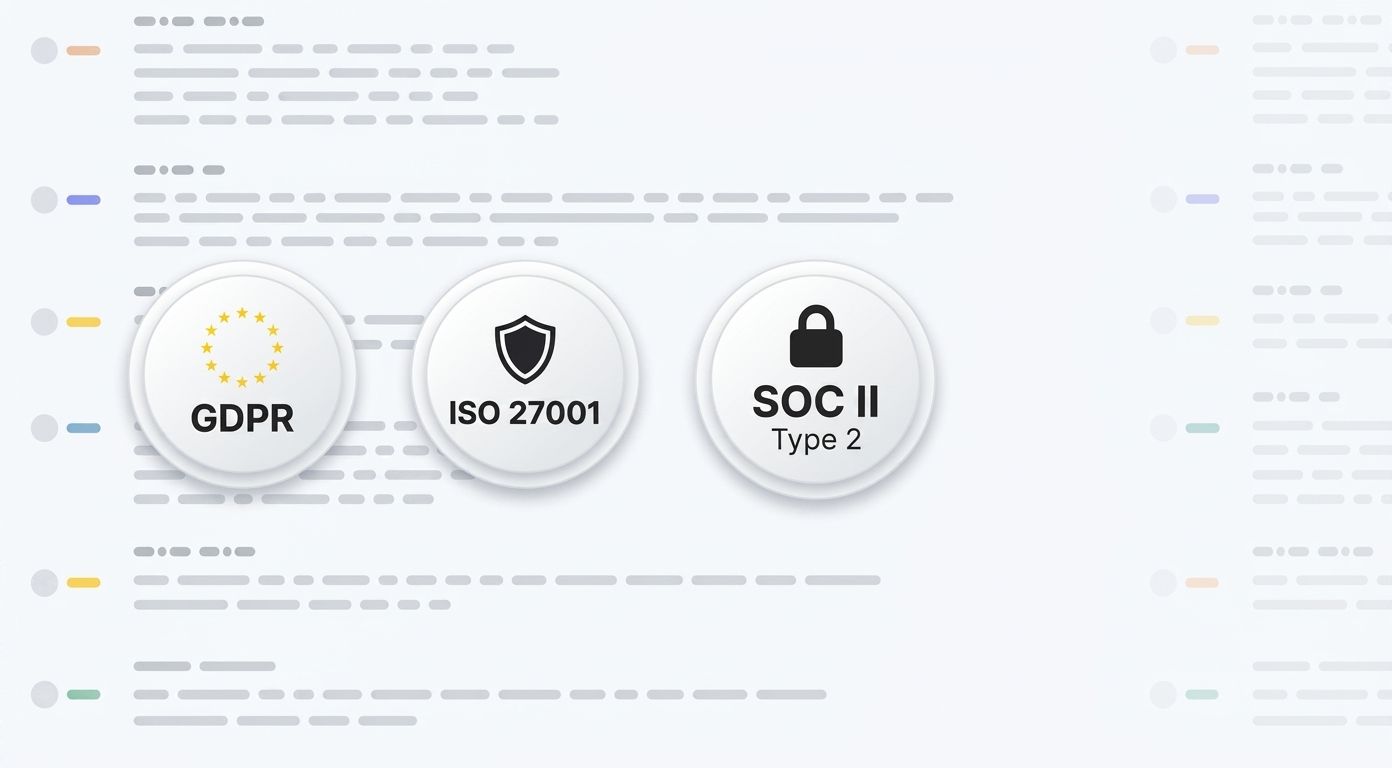
SOC 2 Type II-certified. GDPR-compliant. Headquartered in Barcelona with data stored in PCI DSS and ISO 27001-compliant EU data centers.
Data is encrypted in transit and at rest. Your content is never used to train AI models.
HappyScribe joins your scheduled meetings as a participant, or you can use the browser-based recorder to go bot-free.
You control how your meetings are recorded.
30 min
saved per meeting on average
95%+
transcription accuracy
150+
languages and dialects supported
41,000+
teams already using HappyScribe
|
|
Manual notes |
AI meeting minutes |
|---|---|---|
|
Time to produce |
20-30 minutes after the meeting |
Ready in a couple of minutes after the meeting ends |
|
Accuracy |
Depends on the note taker's attention |
95%+ with full transcript backup |
|
Consistency |
Inconsistent |
Same structured format every time |
|
Action items |
Often missed or vague |
Extracted with owners assigned |
|
Speaker attribution |
Rarely tracked |
Automatic speaker labels |
|
Languages |
One at a time |
150+ with auto-detection |
|
Searchable |
Only if stored properly |
Full-text search across all meetings |
And why teams are switching from manual notes
An AI meeting minutes generator listens to your meeting, identifies speakers, and produces structured minutes automatically. Instead of one person typing while everyone else talks, everyone participates and the AI handles the documentation.
Traditional meeting minutes take 15 to 30 minutes to write after every call. They depend on one person's memory and attention. Details get missed. Action items get forgotten. Two people leave the same meeting with different recollections.
HappyScribe solves this by joining your Zoom, Teams, or Google Meet as a participant. It records, transcribes, and generates structured minutes with topics discussed, decisions made, action items, and owners. Delivered within minutes of the call ending.
Unlike Otter AI or Fireflies, HappyScribe supports 150+ languages with automatic detection. It handles mid-call language switching, exports to PDF, DOCX, and TXT, and works across all major meeting platforms with a single account.
Great app. Really helpful and learns as you do more and more. Very happy.
Great software, most accurate I’ve used and reasonably priced.
Very happy with my first transcription. Easy to upload and download, and various formats. Impressed with quality, speed and cost compared with a "human" typist in the past. Eager to use again.
Impressively accurate and very fast transcription service! I saved so much time on my Master's thesis by using HappyScribe! Really great value and I would highly recommend!
Amazingly easy to use interface! HappyScribe recognizes so many languages - it is wonderful! This is the first truly and well-working subtitle service for Finnish for example.
I'm so happy with the subtitles, are amazing and so easy to use
I don't have the need for a lot of transcription, but when I do HappyScribe is the best source for me.
Excellent accuracy. Review and edit interface is very good.
They were accommodating and helped me rather quickly.
AI meeting minutes are structured notes automatically generated by AI note taker software that capture and transcribe meetings. They highlight key discussion points, decisions made, action items, and next steps.
HappyScribe joins your Zoom, Teams, or Google Meet as a participant. It records and transcribes the conversation, then uses AI to extract structured minutes. Delivered to your inbox within minutes after the call ends.
Yes. HappyScribe offers a free plan that offers unlimited meeting recordings and AI meeting minutes. No credit card required.
Yes. Upload any meeting recording (MP4, M4A, MP3, WAV) and HappyScribe will transcribe it and generate structured minutes.
HappyScribe delivers 95%+ transcription accuracy across all supported languages. The AI extracts decisions and action items from this transcript. You can review and edit before sharing.
HappyScribe's meeting minutes generator supports 150+ languages and dialects. Automatic language detection handles meetings where speakers switch languages mid-call.
Open a free HappyScribe account and connect your calendar. HappyScribe automatically joins your meetings, records them, and delivers structured minutes. No manual setup per meeting.
HappyScribe is the best AI tool for meeting minutes, with 150+ language support, SOC 2 Type II certification, and compatibility across Zoom, Teams, and Google Meet.
Yes. HappyScribe offers a bot-free browser recorder that captures audio directly from your device. You can also upload recordings and generate meeting minutes.
All data is stored in an EU-based data center that is PCI DSS and ISO 27001-compliant.
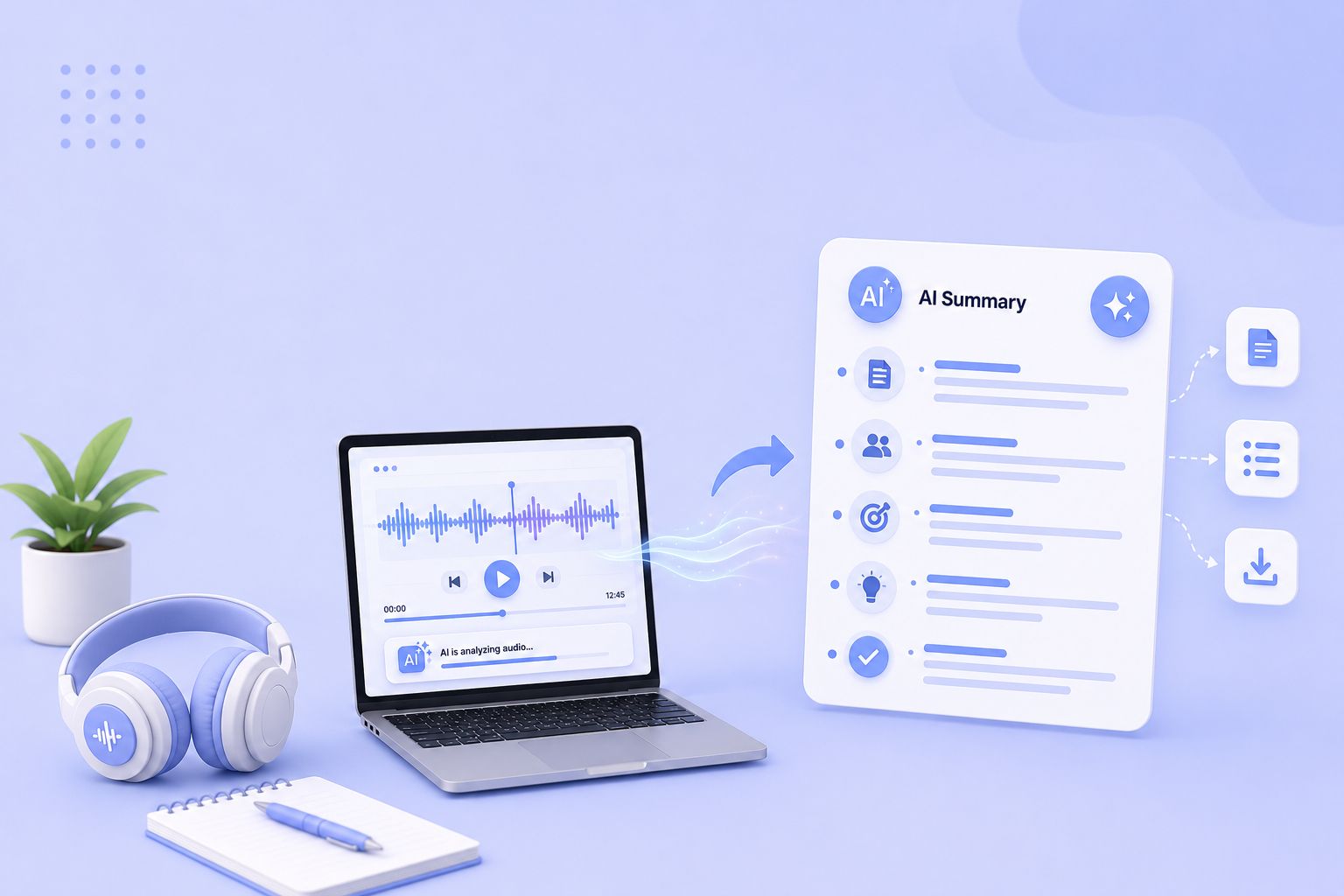
Compare the 5 best free audio summarizer tools in 2026. I tested each for accuracy, languages, and free plan limits so you can choose fast.
MeetGeek not keeping up? We've picked 5 alternatives that offer better accuracy, stronger language support, and more control over your meeting notes.
Looking for Otter alternatives? Compare the top 5 tools for AI meeting notes and discover why HappyScribe is the best one for security and accuracy.

Build a customer research repository with HappyScribe and Claude. Transcribe interviews, organize by folder, and query months of customer evidence on demand.

Turn recorded lectures into study guides with Claude. Transcribe in HappyScribe, connect the two, and build revision material from a whole module.
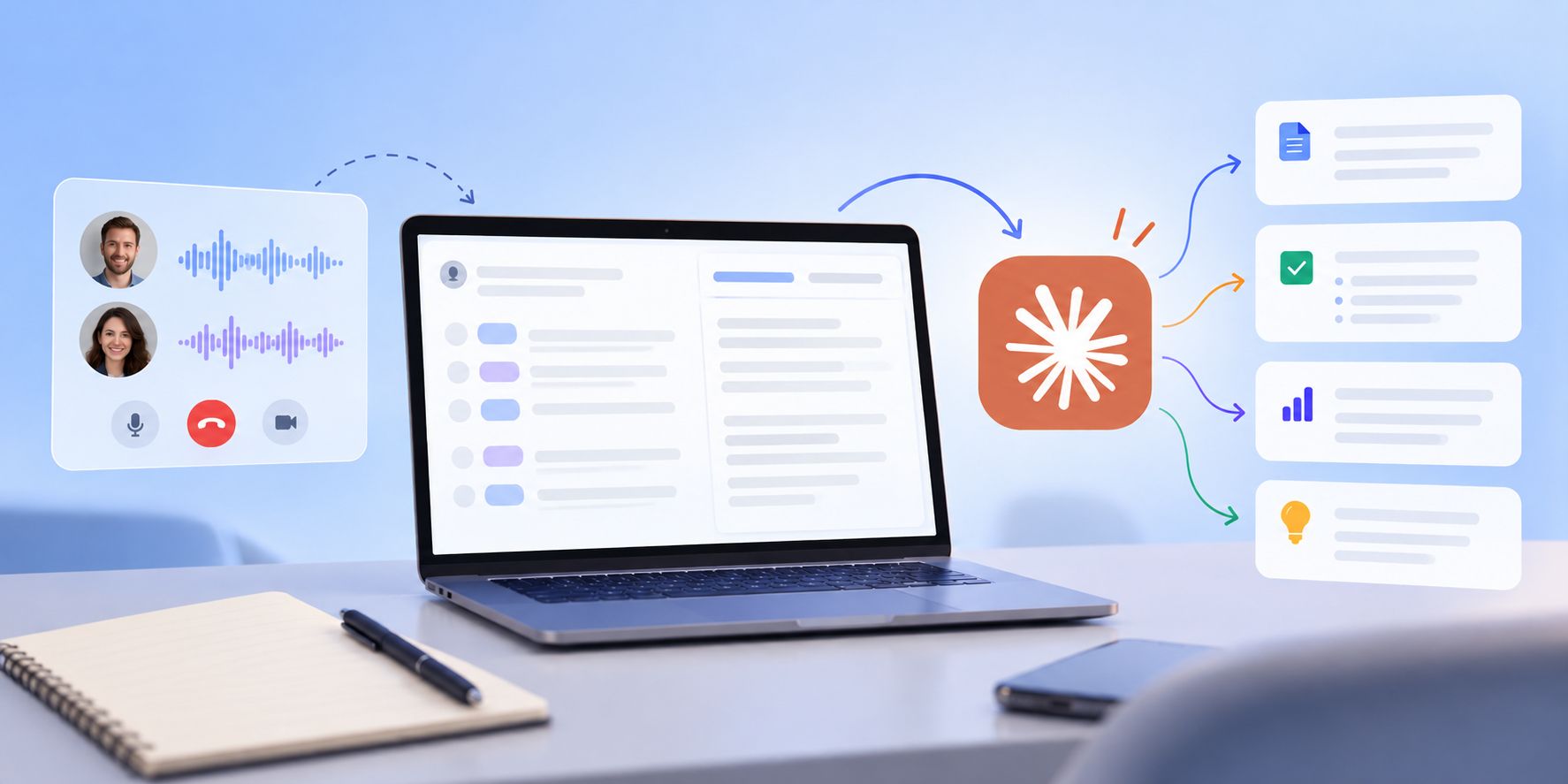
See how Claude helps sales teams analyze calls, review objections, coach reps, compare deals, and find recurring buyer themes.