![5 Best Otter AI Alternatives for AI Meeting Notes [2026]](/sanity-images/ejgwz1gl/redesign/47602ced0dc6effaf3e061ea568cc779061acc45-2240x1260.png?auto=format&w=2240.0&rect=0,63,2240,1120&h=1120)
Otter has been a staple in online meetings for years, and for many, it's the first tool that comes to mind for live transcription. But we’re in 2026, and Otter still supports only 4 languages. Perhaps even a bigger red flag is the class action lawsuit Otter is fighting for snooping on users without consent.
To find better Otter AI alternatives for note taking, I personally tested several leading competitors, spoke with power users, and analyzed hundreds of customer reviews to see which tools actually solve these problems. If your goal is structured records of every call, look for an AI meeting minutes generator that turns the transcript into a formatted minutes document automatically.
TL;DR
- HappyScribe: Best for global teams that need secure and accurate AI meeting notes in 140+ languages and accents, along with bot-free recording for in-person meetings
- Fathom: Best for users who need unlimited free recordings with decent accuracy
- Trint: Best for journalists and media teams who turn interviews into published stories and use news production systems
- Notta: Best for international consultants looking for a meeting scheduler and quick notes in over 50 languages
- Sonix: Best for getting transcripts for pre-recorded meetings and trimming video files via text
Why users are looking for Otter AI alternatives
Otter, as a company, follows a certain way of doing things that’s not always pro-consumer. These are the most common reasons people look for Otter AI alternatives:
1. Intrusive OtterPilot bot
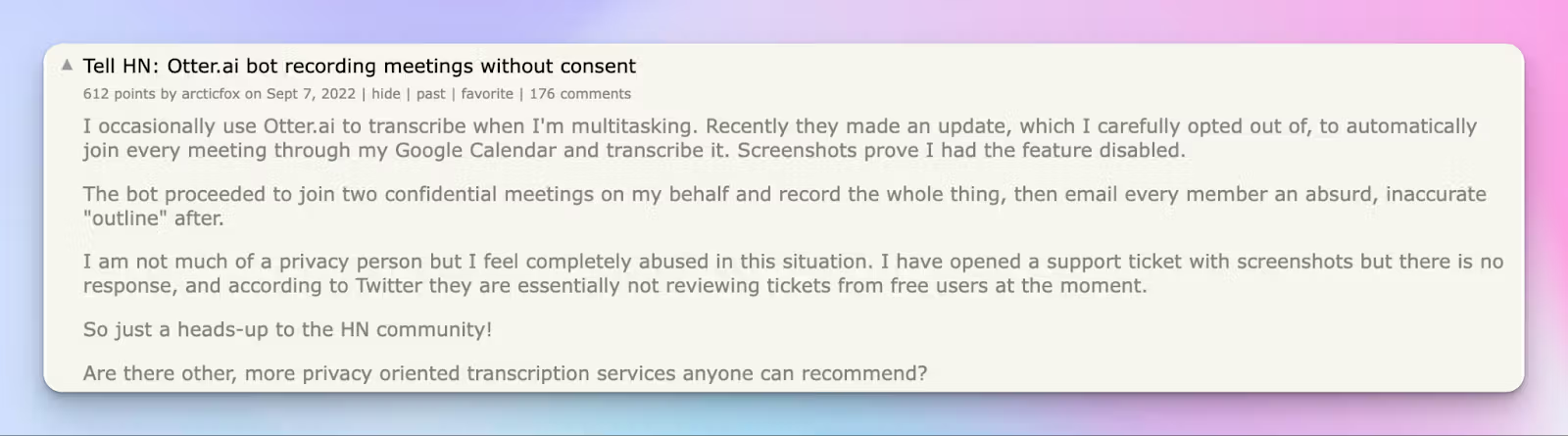
Otter’s meeting bot has a long history of disrupting meetings unannounced. Users complain about the spammy tactics the company uses and how frustrating it is to deal with the sticky bot.
2. Weak transcription and speaker identification
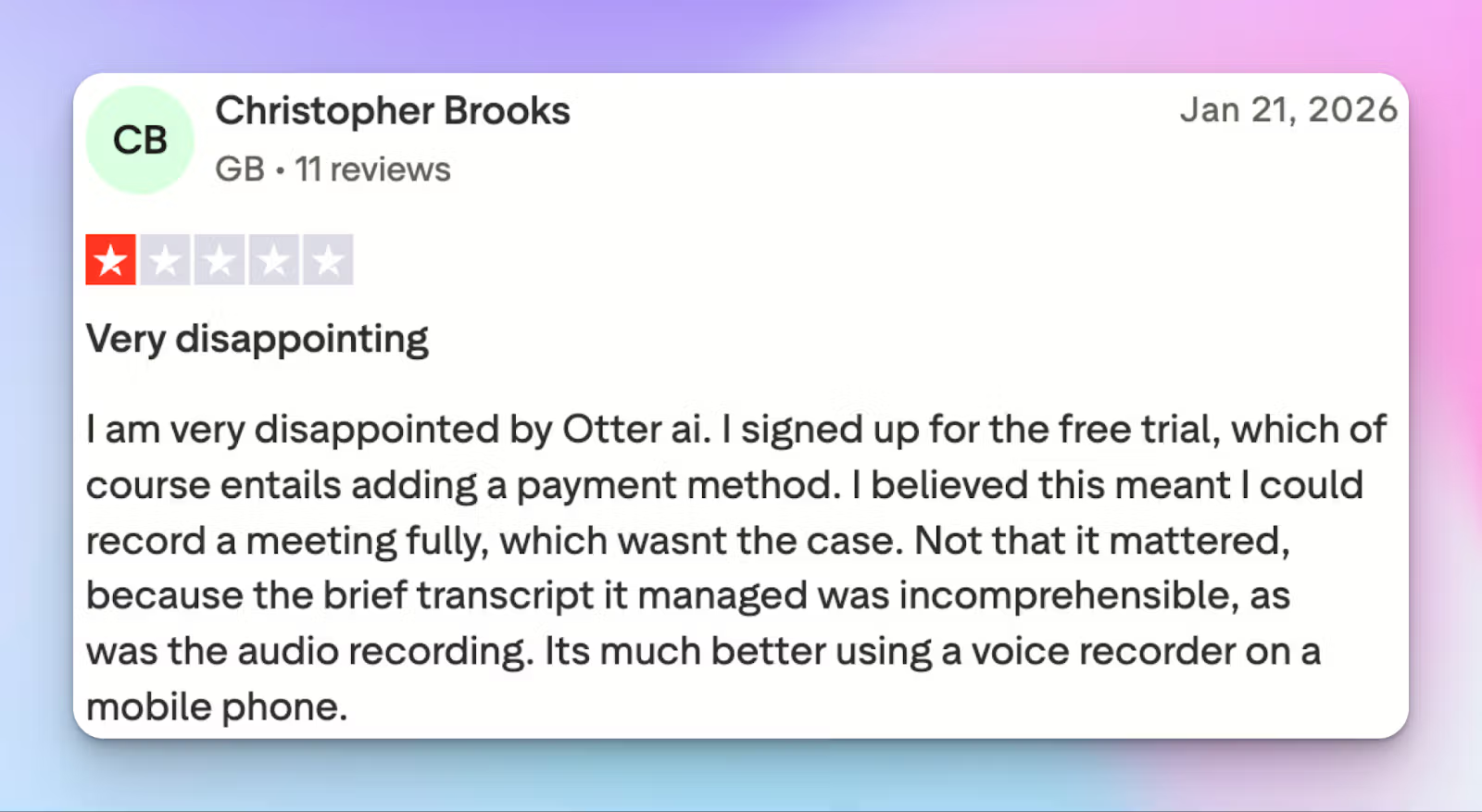
A few years back, Otter had an edge in transcription quality, but not anymore. During my usage, Otter consistently struggled to identify speakers, and the transcripts I got required heavy edits before they could be used for anything.
3. Limited language support
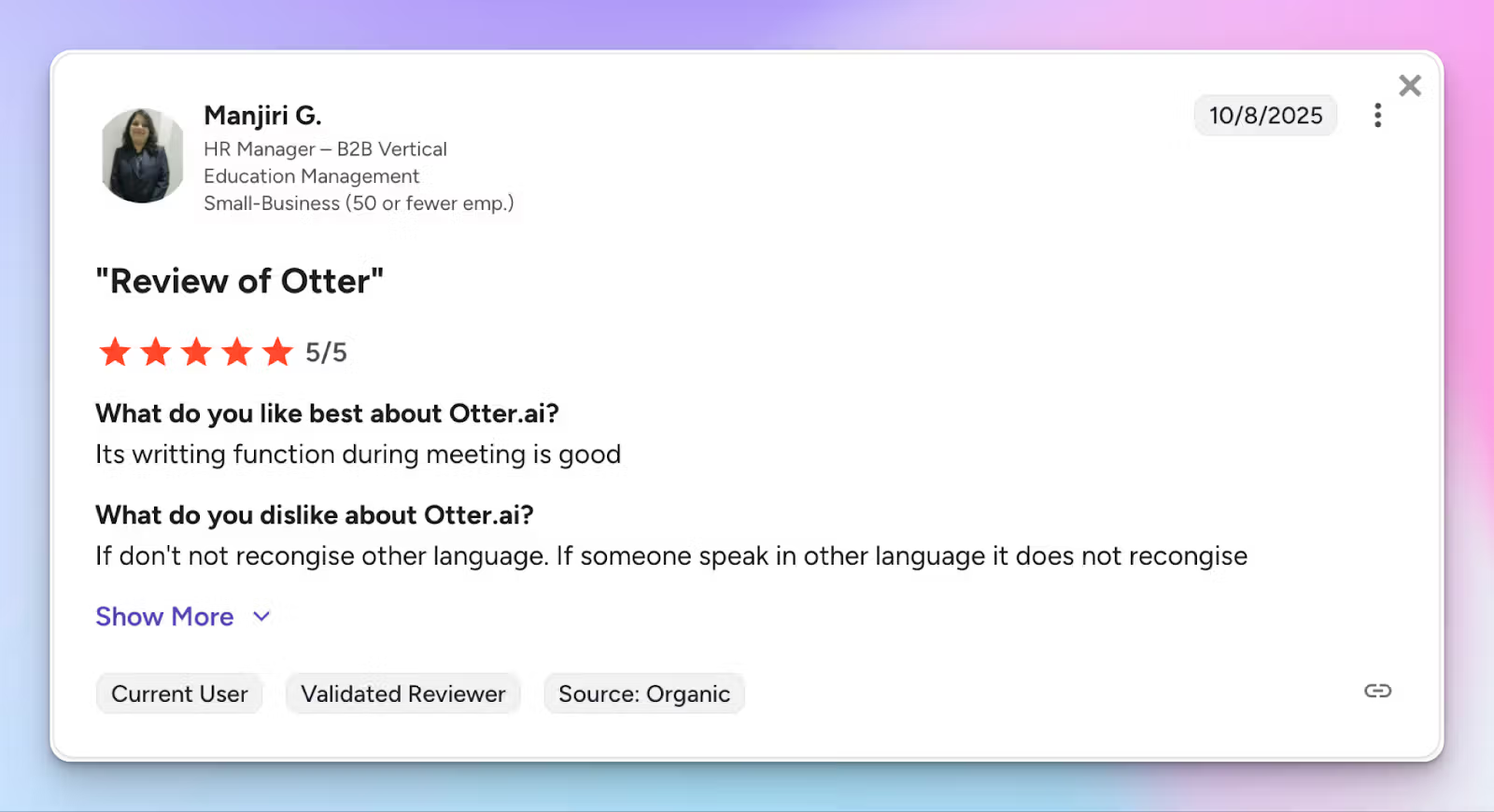
While many competitors are supporting businesses with 50+ languages, Otter is still limited to only four languages: English, French, Japanese, and Spanish. For global teams that work across markets, Otter simply doesn’t work.
4. The 2025 privacy class action lawsuit
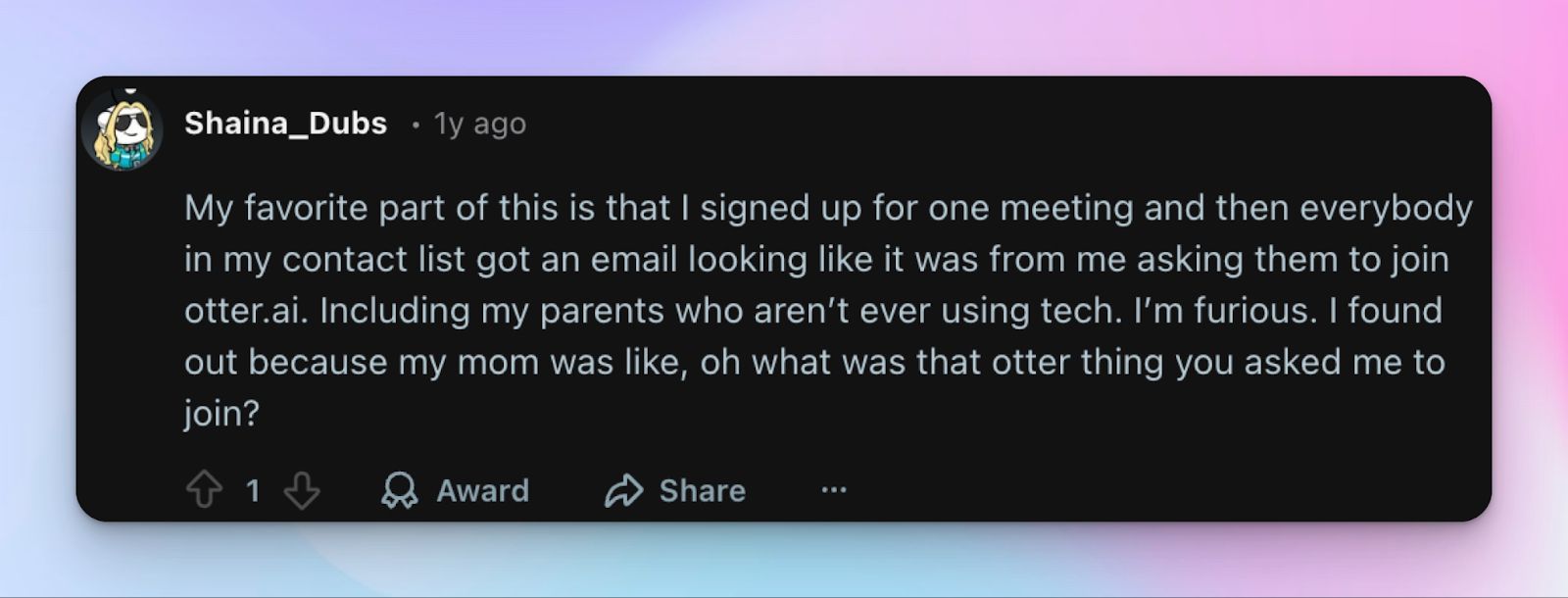
Trust is one of the biggest drivers for the recent exodus. In August 2025, a federal class action lawsuit (Brewer v. Otter.ai) was filed in California. The suit alleges that Otter’s bot secretly records meeting participants, including non-users who never signed up for the service, and uses that data to train its AI models without explicit consent.
Top 5 Otter AI alternatives at a glance
| Feature | HappyScribe | Fathom | Trint | Notta | Sonix |
|---|---|---|---|---|---|
| Best For | Global teams that need accurate and secure AI meeting notes | Users needing unlimited free recordings | Journalists working with newsroom storytelling tools | Consultants needing a meeting scheduler | Editors trimming video via text |
| Key Features | Customizable bot, subtitle editor, Ask AI summaries | One-click highlights, CRM syncing, pre-built templates | Story Builder, live rewind, collaborative quotes | Bilingual recording, AI mindmaps, built-in scheduler | AudioText editor, 40+ export formats, word-level timing |
| Languages | 140+ languages and accents | 38 languages | 40+ transcription languages | 58 languages (42 translations) | 53+ languages and dialects |
| Integrations | Zoom, Google Meet, Teams, In-person (bot-free) | HubSpot, Salesforce, Asana, Slack, Zapier | LiveU, Saga, AP ENPS, Octopus, Mimir | Notion, Salesforce, Box, ClickUp, etc | RingCentral, GoToMeeting, BlueJeans |
| Security | GDPR, SOC 2 Type II, ISO 27001, PCI DSS-compliant EU data center | SOC 2 Type II, HIPAA, GDPR | ISO 27001, Cyber Essentials, US/EU storage | SOC 2 Type II, ISO 27001, HIPAA, GDPR | SOC 2 Type II, HIPAA, GDPR |
| Pricing | Free / $8.50/mo | Free / $19/mo | $100/mo | Free / $13.49/mo | $10/hr or $22/mo |
1. HappyScribe
Best for: Secure and accurate AI meeting notes for global teams in 140+ languages and accents
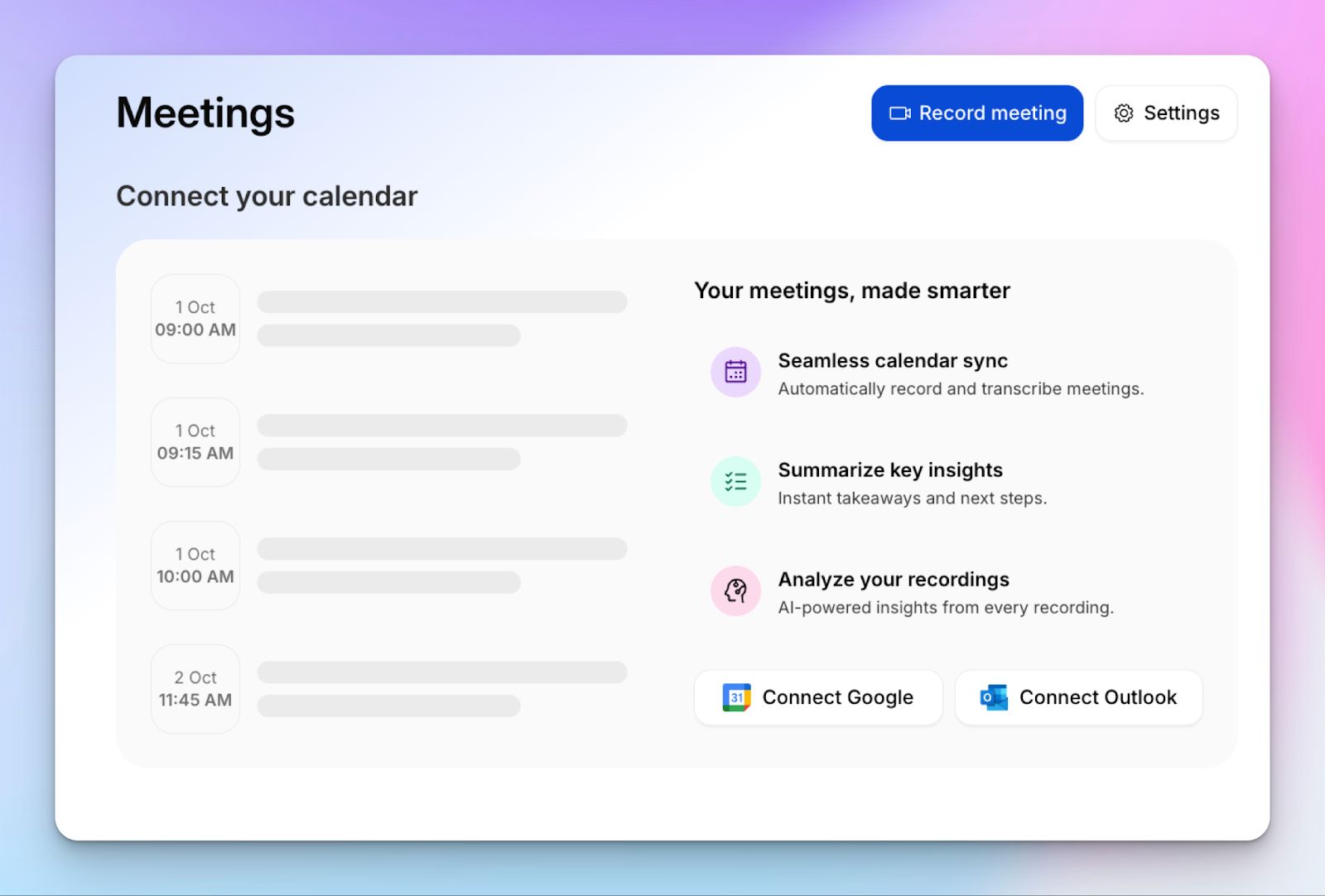
HappyScribe AI note taker is one of the most comprehensive Otter AI alternatives for four key reasons: wide language support, a transparent meeting bot, simple billing, and letting you record meeting videos in every plan.
You can also use HappyScribe audio recorder for in-person meetings, which gives you a bot-free experience.
HappyScribe vs Otter
| Feature | HappyScribe | Otter |
|---|---|---|
| Focus | Professional meetings and content workflows | Live meeting notes and summaries |
| Languages | 140+ languages and accents | 4 languages (English, French, Spanish, Japanese) |
| Accuracy | 95% accurate AI transcripts and meeting notes | 85%-90% accurate AI transcripts |
| File uploads | Transcribe and generate by uploading pre-recorded files | Limited to 3 lifetime uploads on the Free plan and 10 files per month on the Pro plan |
| Video recordings | HappyScribe allows you to record Zoom, Google Meet, and Teams meetings in all plans | You cannot record video meetings in Otter without an Enterprise plan |
| Privacy | GDPR and SOC 2 Type II compliant, easy opt-out of AI training data | Covert data usage for AI training and legal disputes |
HappyScribe’s key features
1. Take meeting notes in 140+ languages and accents with 95% accuracy
Otter’s transcription accuracy has reduced in the last few years. In comparison, HappyScribe AI consistency generates 95% accurate transcripts and notes, so you can save time in editing.
But the biggest edge HappyScribe has over Otter is the language support. Unlike Otter, HappyScribe lets you run meetings and take notes in 140+ languages and dialects.
2. Transparent and customizable meeting bot
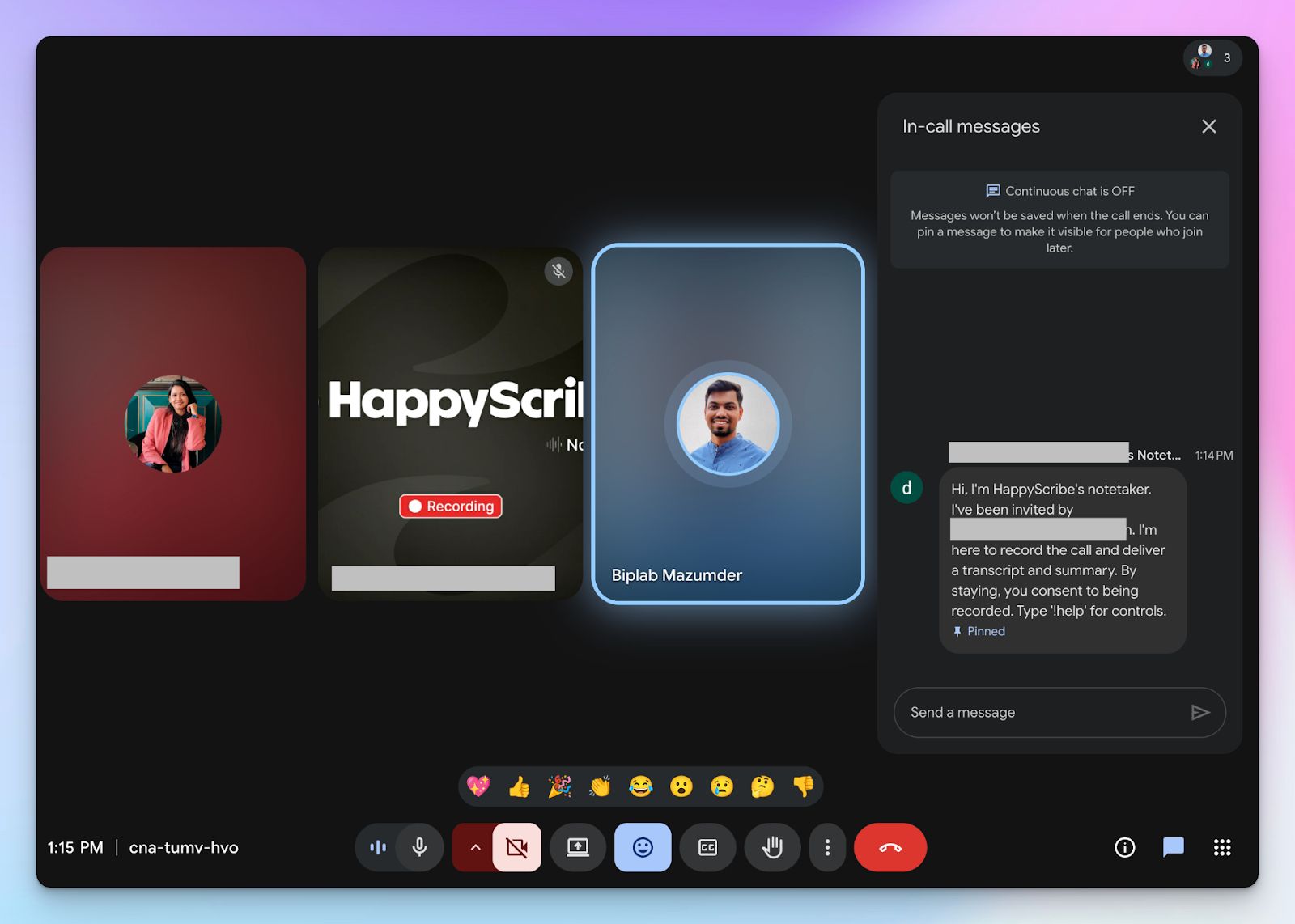
You can personalize the HappyScribe AI meeting bot to match your company branding. You can customize the name, logo, and even background color.
Unlike other bots that join meetings unannounced, HappyScribe’s note taking tool provides in-call controls that let you pause/resume and remove the notetaker at any moment. You also have full control over when the bot joins and who receives the final email summary.
3. Ask AI for summaries, video chapters, quotes, and email drafts
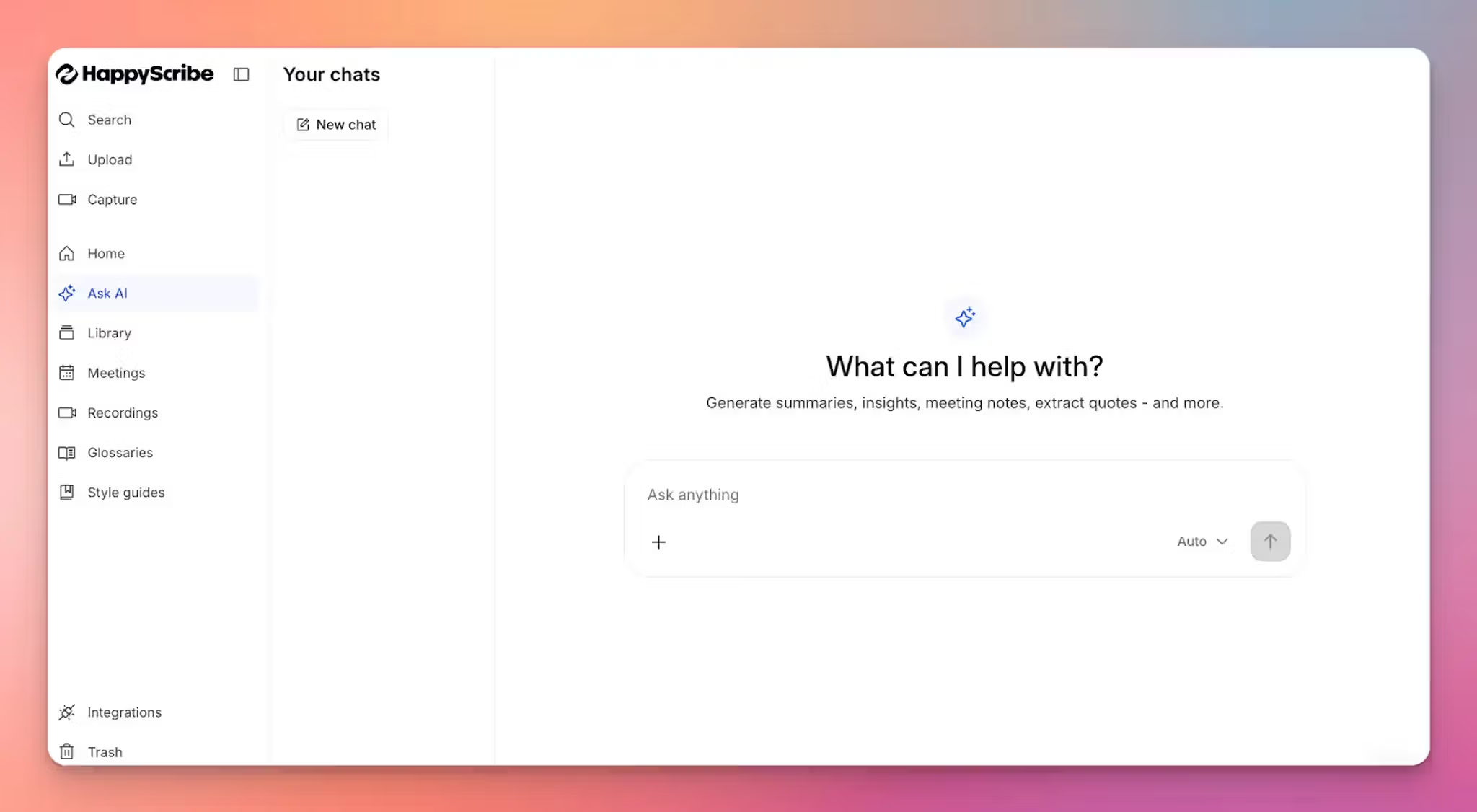
Frustrated with walls of text after every meeting? Simply ask HappyScribe AI to extract actionable insights, generate objective summaries, highlight video chapters, and find specific quotes to track decisions.
If you need to share outcomes quickly, the AI can also draft follow-up emails and announcement posts for you to review and send.
4. Translate notes and create video subtitles
Once your meeting is over, you can turn your transcript into a global asset by translating it into hundreds of different languages.
HappyScribe also includes a professional subtitle editor where you can create, edit, and burn in subtitles directly onto your meeting recordings. It allows you to repurpose your internal discussions into content for media or training…something you can’t do with Otter.
5. Enterprise-grade security and privacy
HappyScribe is GDPR and SOC 2 Type II certified, utilizing AES-256 encryption to protect your recordings at rest. For added security, it offers role-based access control and hosts data in an EU-based Tier IV, PCI DSS, and ISO 27001 compliant data center.
While Otter trains AI on user data without consent, HappyScribe gives you the choice. You can always go to Settings to toggle off data usage. For enterprise users, it’s turned off by default.
HappyScribe’s pros
- Accurate meeting notes with 95% accuracy in 140+ languages and accents
- Ask AI for video chapters, quotes, follow-up emails, and post drafts
- GDPR and SOC 2 Type II compliance, along with EU data residency and a simple opt-out of AI training for security and privacy
- Create and edit subtitles and mix audio for fast content sharing
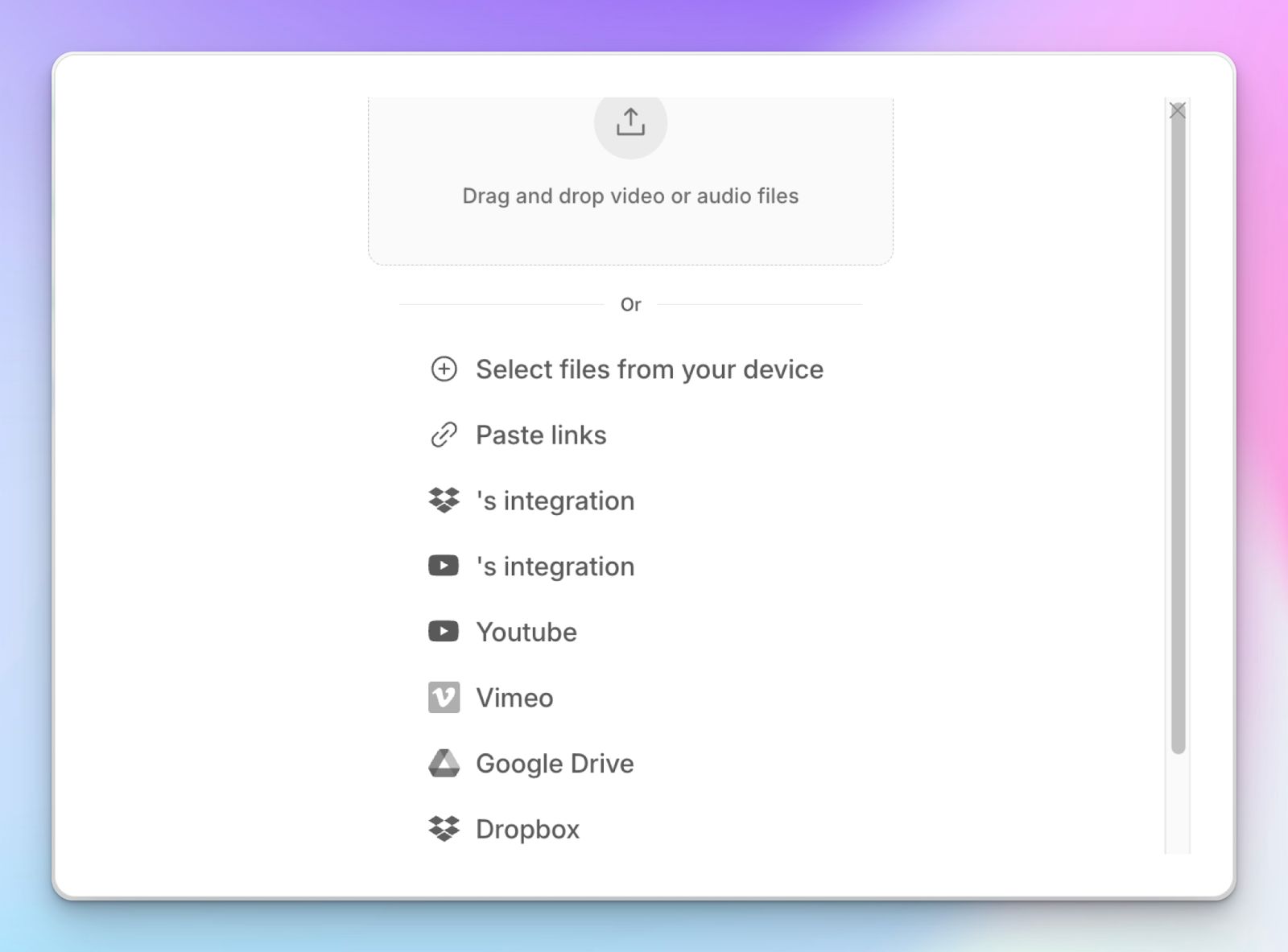
- Upload and transcribe video files and pre-recorded meetings from your device, YouTube, Vimeo, and Dropbox
- Transparent and flexible billing support for users
HappyScribe’s cons
- HappyScribe is not ideal for live call transcriptions
HappyScribe’s pricing
- Free: Unlimited meeting recordings (45 mins/recording)
- Basic: $8.50/month (billed annually) or $17/month (billed monthly)
- Pro: $19/month (billed annually) or $29/month (billed monthly)
- Business: $59/month (billed annually) or $89/month (billed monthly)
- Enterprise:Contact sales to get tailored solutions directly
What are real users saying about HappyScribe?
I had to get a conversation translated in a flash and happy scribe did it with amazing speed and accuracy. I’m already back!! I’ll always use this service in my work and personal life because we live in an international world and I’m staying ahead of it with happy scribe!!
The most important is that "HappyScribe" look after the customer as a person not with AI Whenever I had a problem they have written to me in a very short time and per Email with the apropiate explanation.
How to use HappyScribe’s AI note taker? A step-by-step guide
- Link your Google or Outlook calendar or paste the meeting link to invite the HappyScribe note taker. For in-person meetings, you can record audio without a bot.
- Select Meetings in the left sidebar and then check the options at the right to customize when the notetaker should join and who should receive the email summary.
- Click on the Settings button at the top right to select when the notetaker should start recording and who can view the meeting transcription.
- During an online call, the notetaker must be admitted by the meeting host to start recording. You can chat with the notetaker to control it.
- And that's it! The meetings should be saved in your Workspace files or in the Private section, depending on your privacy settings.
2. Fathom
Best for: Users who need unlimited free recordings with decent accuracy
You might feel restricted by the 300-minute monthly limit on Otter's free plan. Fathom removes this barrier by offering truly unlimited recording and storage for individual users. It captures full video sessions so you can see your customer's reactions and screen shares rather than relying on an audio-only transcript.
Fathom processes summaries in seconds after your call ends and generates follow-up emails that include clickable links back to specific video timestamps.
Otter vs. Fathom
| Feature | Fathom | Otter |
|---|---|---|
| Focus | Video highlights and sales automation | Real-time audio transcription |
| Languages | 38 languages | 4 languages |
| Free tier | Unlimited minutes and storage | 300 minutes per month |
| Video capture | Full-screen recording across platforms | Audio only, unless you’re in the Enterprise tier |
| Core platform | Desktop app and browser extensions | Web and native mobile apps |
Fathom’s key features
- Fathom automatically pushes your meeting insights into specific fields in HubSpot or Salesforce without manual data entry
- You can capture short video segments during a live call to share important prospect feedback with your product team, something you can’t do with Otter
- Host as many meetings as you need because Fathom does not impose monthly minute limits or storage caps like Otter
- You can choose from 14 pre-built structures, like BANT or Sandler, to ensure your sales notes follow your specific methodology
Fathom’s pricing
- Free
- Premium: $19/month
- Team: $19/user/month (minimum 2 users)
- Business: $29/user/month (minimum 2 users)
Fathom’s pros
- The video context helps you recall shared screens and technical demos accurately
- From Asana and Slack to Pylon and Zapier, Fathom integrates natively with popular tech stacks to keep your customer records updated
- High-speed processing delivers your meeting summary almost immediately after you hang up
- You can opt out of in-house AI training, something Otter struggles to implement
Fathom’s cons
- Fathom does not support file uploads, so you can’t transcribe pre-recorded videos from your device
- Fathom’s transcripts might struggle with accuracy, so make sure you double-check the notes
3. Trint
Best for: Journalists and media teams who need to turn interviews into published stories
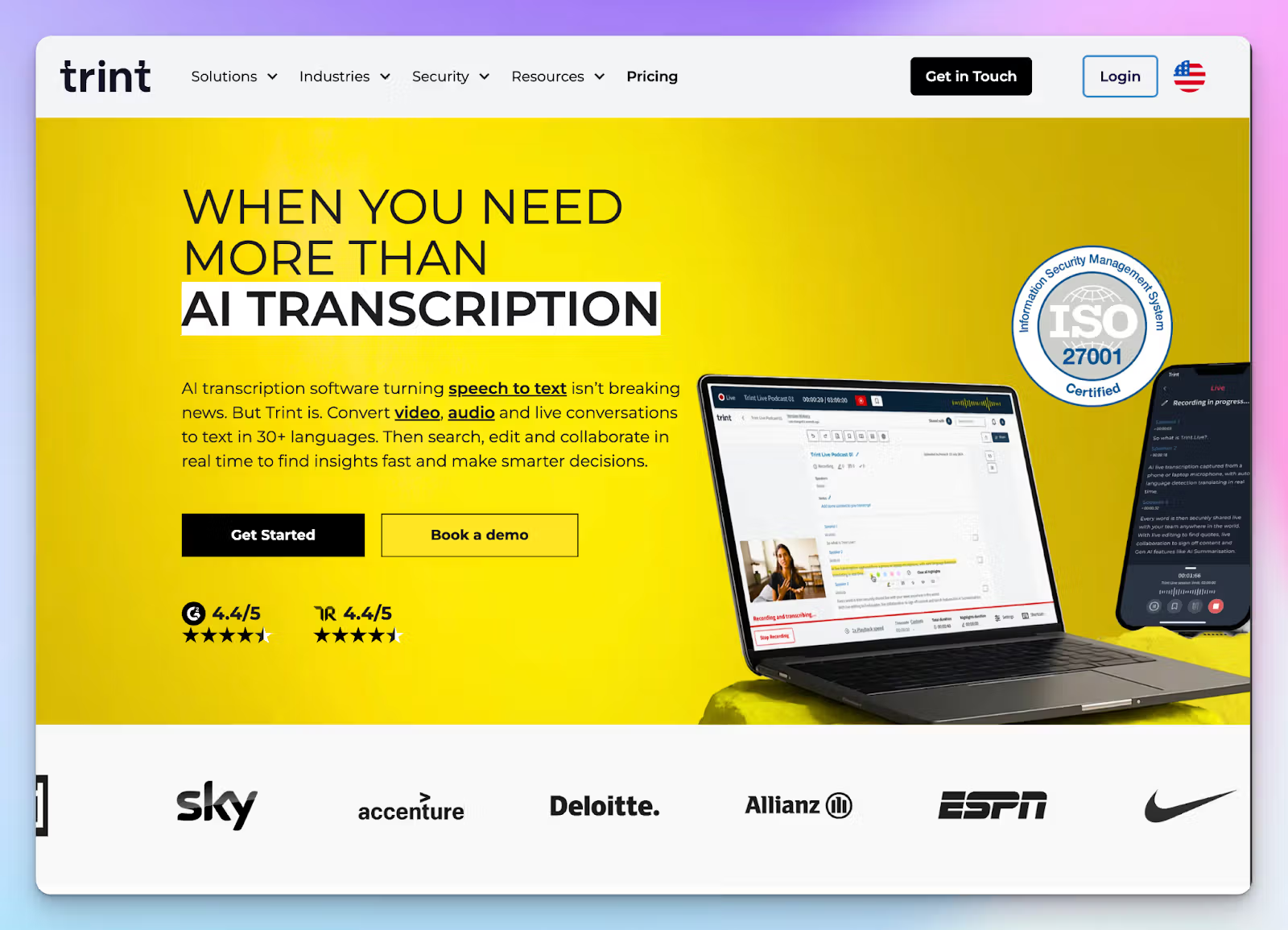
While Otter just sits in your meetings, Trint is the active editor for the high-pressure environment of a newsroom. Trint has several storytelling features that contrast with Otter’s passive note taking.
Trint focuses on content velocity and verification. You not only get transcripts, but a collaborative workspace where multiple reporters can highlight key soundbites in real-time.
Otter vs. Trint
| Feature | Trint | Otter |
|---|---|---|
| Focus | Media production and storytelling | Internal team meetings and summaries |
| Languages | 40+ transcription languages | 4 languages (English, French, Spanish, Japanese) |
| Security | ISO 27001 certified. No AI training | Class-action lawsuit over data usage |
| Live Collaboration | Real-time verification, team editing, and storytelling tools | View-only live stream and email notes |
Trint’s key features
- Unlike Otter’s live notes, Trint allows team members to rewind and verify quotes during the broadcast, so the story is ready for the CMS
- Trint’s Story Builder lets you drag and drop key soundbites from your transcripts directly into a narrative script
- While Otter struggles to leave the English-speaking world, Trint supports transcription in 40+ languages and translation in 50+ languages
- Trint is ISO 27001 and Cyber Essentials certified, while offering US or EU data storage options
Trint’s pricing
- Pro: $100/month (individuals)
- Team: $90/month (2-5 team members)
- Business: Custom pricing
Trint’s pros
- You get a professional editing interface for rapid quote extraction, making it one of the best AI note takers for journalists
- Trint mobile apps allow you to record and transcribe interviews in the field with up to 99% accuracy for clear audio
- Native integrations with LiveU, Saga, AP ENPS, Octopus Newsroom, and Mimir
Trint’s cons
- The pricing is significantly higher than Otter or any other Otter AI alternatives, making it a poor choice for startups
- Trint is built for file-based workflows rather than automated meeting bot integration
Also read:HappyScribe vs Trint
4. Notta
Best for: International consultants looking for quick meeting notes in over 50 languages
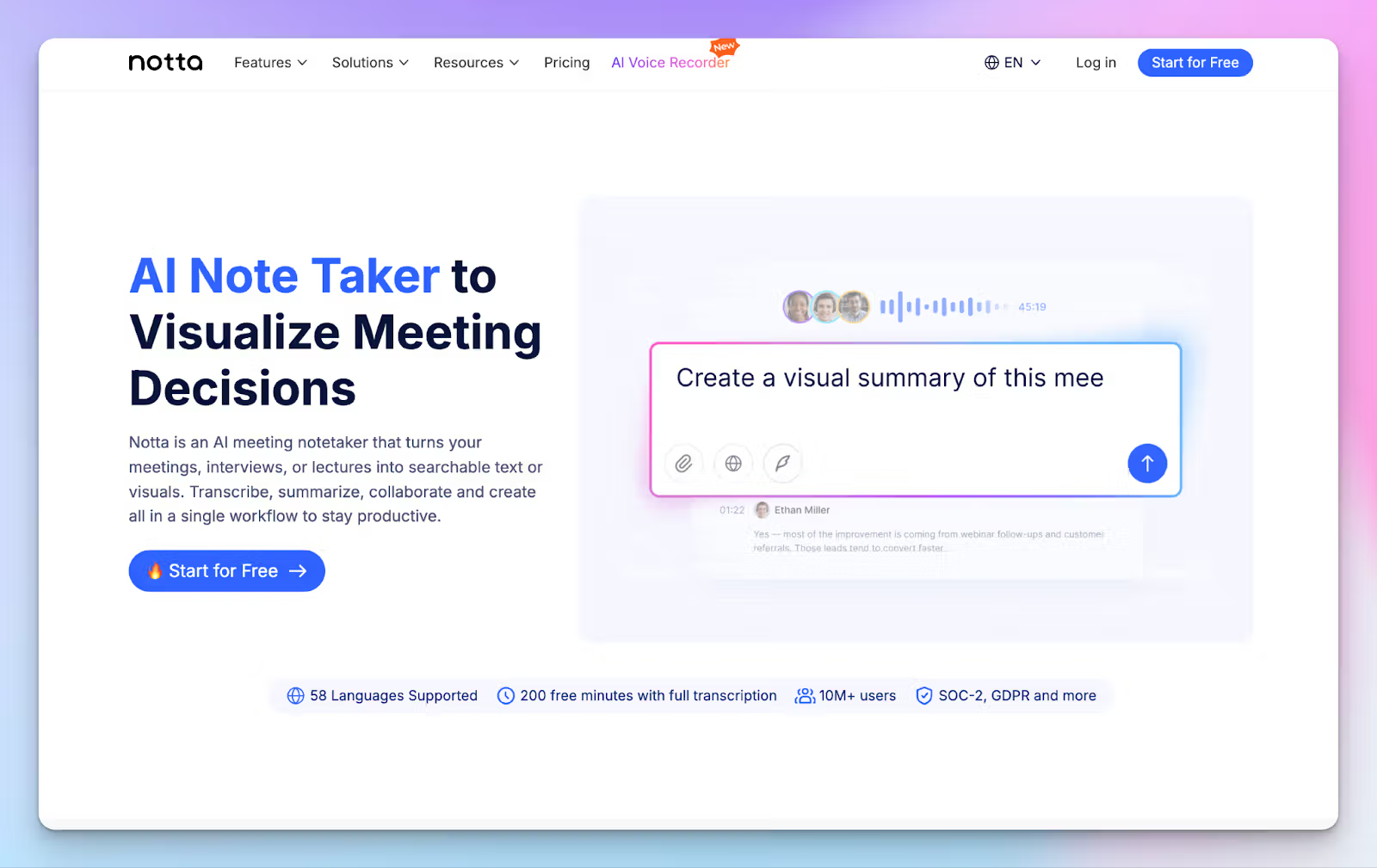
If you find Otter’s four-language limit too restrictive for your global operations, Notta provides a much wider net. It supports transcription in 58 languages and offers real-time translation for more than 30 of them. This allows you to conduct a meeting in Japanese and receive an English summary after the call ends.
Notta includes a built-in meeting scheduler that replaces the need for separate booking tools. You can send a link to your clients, and the Notta bot will automatically join the call to record the discussion.
Otter vs. Notta
| Feature | Notta | Otter |
|---|---|---|
| Language Support | 58 languages and 42 translation options | 4 languages (English, French, Spanish, Japanese) |
| Accuracy | Claims up to 98.8% accuracy | An estimated 85%-95% accuracy |
| Scheduling | Native built-in meeting scheduler | Requires third-party calendar integration |
| Workspace Tools | AI-generated mindmaps and custom templates, Notta Brain for tasks | Basic AI chat and summary notes |
Notta’s key features
- Notta lets you record meetings involving two languages simultaneously and receive a translated transcript in real time
- Send customized booking links to participants to automate the process of inviting the recording bot to your calendar events
- Unlike Otter, Notta converts your meeting transcripts into visual mindmaps so that you can see the connection between different ideas and decisions
- You can add specific industry jargon or brand names to the dictionary to improve the accuracy of technical transcriptions
Notta’s pricing
- Free: 200 transcription minutes/month)
- Pro: $13.49/month
- Business: $27.99/month
- Enterprise: Custom pricing
Notta’s pros
- You can access transcription services in 58 languages, which is a significant upgrade for teams working across Europe and Asia
- The high transcription accuracy reduces the time you spend manually correcting errors and speaker labels
- Notta integrates natively with popular productivity tools like Notion, Salesforce, Box, and ClickUp to streamline your post-meeting work
- The mobile app allows you to record meetings on the go and sync your transcripts across devices
Notta’s cons
- The free plan is very limited because it only transcribes the first three minutes of any recording or live meeting
- Notta uses Japanese customer data to train its AI models on most plans, and only Enterprise users can choose to opt out
- Notta uses shady billing practices to acquire customers
Also read:HappyScribe vs Notta
5. Sonix
Best for: Best for getting transcripts for pre-recorded meetings and trimming video files via text
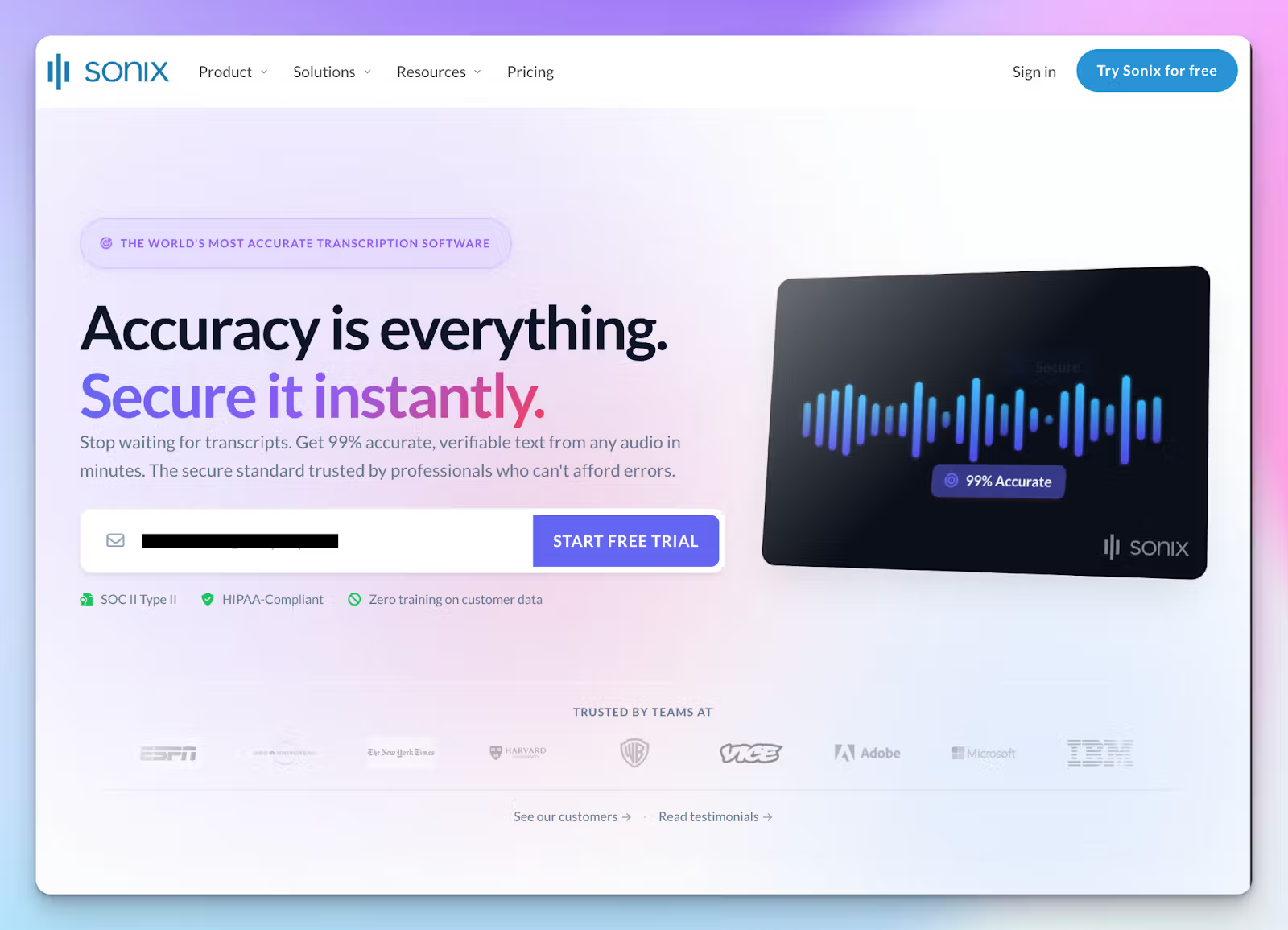
If you find yourself manually fixing every second sentence Otter generates, Sonix offers a significant step up in precision. It’s built for executives and team leaders who need a 99% accurate transcript from meetings rather than a rough summary of a Zoom call.
Sonix allows you to upload heavy video files and turn them into interactive scripts with word-level timestamps, allowing you to edit your file simply by deleting text in the transcript.
Otter vs. Sonix
| Feature | Sonix | Otter |
|---|---|---|
| Focus | High-accuracy post-production | Live meeting notes and summaries |
| Languages | 53+ languages and dialects | 4 languages (English, French, Spanish, Japanese) |
| Accuracy | 99% accuracy on clear audio | An estimated 85%-95% accuracy |
| Video Editing | Edit video by editing text (AudioText Editor) | Basic text-only summaries, no video editing feature |
| Privacy | SOC 2 Type II, HIPAA, and GDPR compliant | An active lawsuit for using data for AI training without consent |
Sonix’s key features
- Unlike Otter’s basic text field, Sonix’s AudioText editor connects your transcript directly to the audio and video source and lets you edit the files via text
- While Otter cannot create video captions, Sonix supports subtitling in 53+ languages
- Edit, import, and export your transcripts, translated notes, and subtitles in 40+ formats, one of the widest file support after HappyScribe
- Sonix is SOC 2 Type II and HIPAA compliant, offering a level of data protection that Otter currently lacks. Your data is never used to train their AI models
Sonix’s pricing
- Standard: $10/hour (Pay-as-you-go)
- Premium: $22/month (plus $5/hour usage)
- Enterprise: Custom pricing
Sonix’s pros
- You get 99% accuracy on clear recordings, which virtually eliminates the need for manual proofreading
- Sonix integrates natively with tools like RingCentral, GoToMeeting, and BlueJeans
- You can use the custom dictionary feature to teach the AI technical jargon and brand names that Otter often misspells
Sonix’s cons
- Sonix has poor customer support, so if you have an issue, brace for delays
- Sonix does not have a live meeting bot to join your calls, so you must record and upload your files manually
- The hybrid pricing model (platform + per hour) can feel complicated if you have a high volume of monthly transcriptions compared to Otter’s flat subscription
Also read:HappyScribe vs Sonix
Which Otter AI alternative is right for you?
Choosing the right one from the Otter AI alternatives comes down to your priorities. Fathom is the top choice if you want unlimited free transcriptions that might not be very accurate. Journalists breaking stories should choose Trint for its newsroom integrations and live quote verification, while international consultants can try Notta for wide language support and visual mindmaps.
However, HappyScribe remains the most comprehensive solution for professionals. It bridges the gap between simple notes and publish-ready assets with support for over 140 languages. While other tools focus on narrow niches, HappyScribe combines a transparent meeting bot, enterprise-grade security, and 95% AI accuracy.
FAQs on the best Otter AI alternatives for AI note taking
What are the best alternatives to Otter AI?
HappyScribe is the leading AI meeting assistant because it supports 140+ languages, making it one of the best Otter.ai alternatives for global business. For sales teams needing conversation intelligence, Fathom is a strong choice. If you require video editing capabilities, Sonix is great, while Trint is ideal for journalists. These Otter AI alternatives offer more accurate transcription and compliance than Otter.
What is the controversy with Otter AI?
The main controversy involves a class-action lawsuit alleging that Otter processes meeting data from non-users without consent. Users have also raised concerns about poor customer success teams and support responsiveness. Unlike Otter, HappyScribe ensures your AI features are only used with your permission, protecting your privacy.
Can ChatGPT replace Otter AI?
No, because ChatGPT lacks live speech recognition technology except in macOS and real-time transcription capabilities to record live calls. It also cannot handle video and audio files directly from a video conferencing tool to identify speakers. An AI tool like HappyScribe is better because it captures key moments from your meetings and turns them into valuable insights automatically.
Is Otter AI better than Copilot?
Microsoft Copilot is excellent if you live inside Microsoft Teams and need native collaboration tools. However, for teams that also use Zoom, Webex, and Google Meet, HappyScribe is more flexible. If you need conversation intelligence that works across every platform, a dedicated solution is often better than a platform-specific add-on.
Is Otter AI safe?
Otter uses automated transcription data to train its models, which raises security concerns. For better safety, HappyScribe offers human transcription services and automatic transcription that is GDPR and SOC 2 compliant. It handles both audio and video securely, ensuring your sensitive information remains private.
What are affordable alternatives to Otter AI?
Fathom offers a generous free plan for individuals. For scalable paid plans with advanced features, HappyScribe is a cost-effective transcription tool. Many users switch to these Otter AI alternatives because they offer transparent pricing without locking essential features behind enterprise walls. You can start with a Free plan to test the quality before upgrading.
What are free Otter AI alternatives?
Fathom is a popular free tool for unlimited transcription, while HappyScribe offers a free version that lets you test its multilingual support and video clips. If you need to fix poor audio quality or need translation capabilities for international teams, these Otter AI alternatives are superior. Unlike other free transcription options that limit you to just a few minutes, these alternatives to Otter.ai provide a robust Free plan that actually adds value. Another transcription tool worth checking is Notta for its scheduler. But HappyScribe remains the most versatile of the Otter AI alternatives for handling multiple language files and real-time transcription needs.

Rodoshi Das
Rodoshi is the Content Lead at HappyScribe, the privacy-first transcription and AI notetaker platform based in Barcelona. Shaping content strategies and building AI workflows excites her as much as exploring new SaaS tools. She specializes in product-led content that informs rather than sells, grounded in honest product benchmarking and low tolerance for empty marketing speak.