
Upload your audio
Drag-and-drop any audio file (MP3, WAV, M4A, AAC, 45 + formats) or paste a public link. Our audio AI summarizer detects the language and prepares it for processing.
Transform audio content into key insights in seconds. Turn your audios into concise, clickable summaries so you can grasp the key points without listening the full recording.


Trusted by 1 M+ podcasters, students & business teams
Drag-and-drop any audio file (MP3, WAV, M4A, AAC, 45 + formats) or paste a public link. Our audio AI summarizer detects the language and prepares it for processing.
Our speech-to-text engine delivers multilingual and high-accuracy transcription (up to 99 %) even on multi-hour recordings and noisy podcasts.
Click “Summarize”. In seconds the AI audio summarizer tool produces: Concise summaries or paragraphs, Bullet-point action items & key insights and more.
HappyScribe blends OpenAI GPT-4 Turbo with our proprietary language models to create context-aware, ai-powered summaries that capture nuance, speaker changes and sentiment.

Our audio summarizer offers multiple insight formats so you can pick the workflow that suits you best whether that’s a quick, one-paragraph recap, bullet-point action items for next steps, an interview-style Q&A, a headline timeline with clickable timestamps, or a custom-length summary that ranges from tweet-size highlights to an in-depth deep dive.
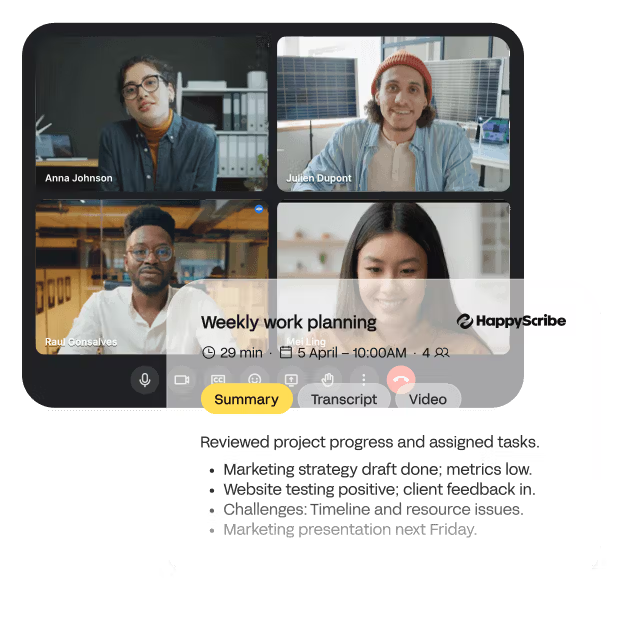
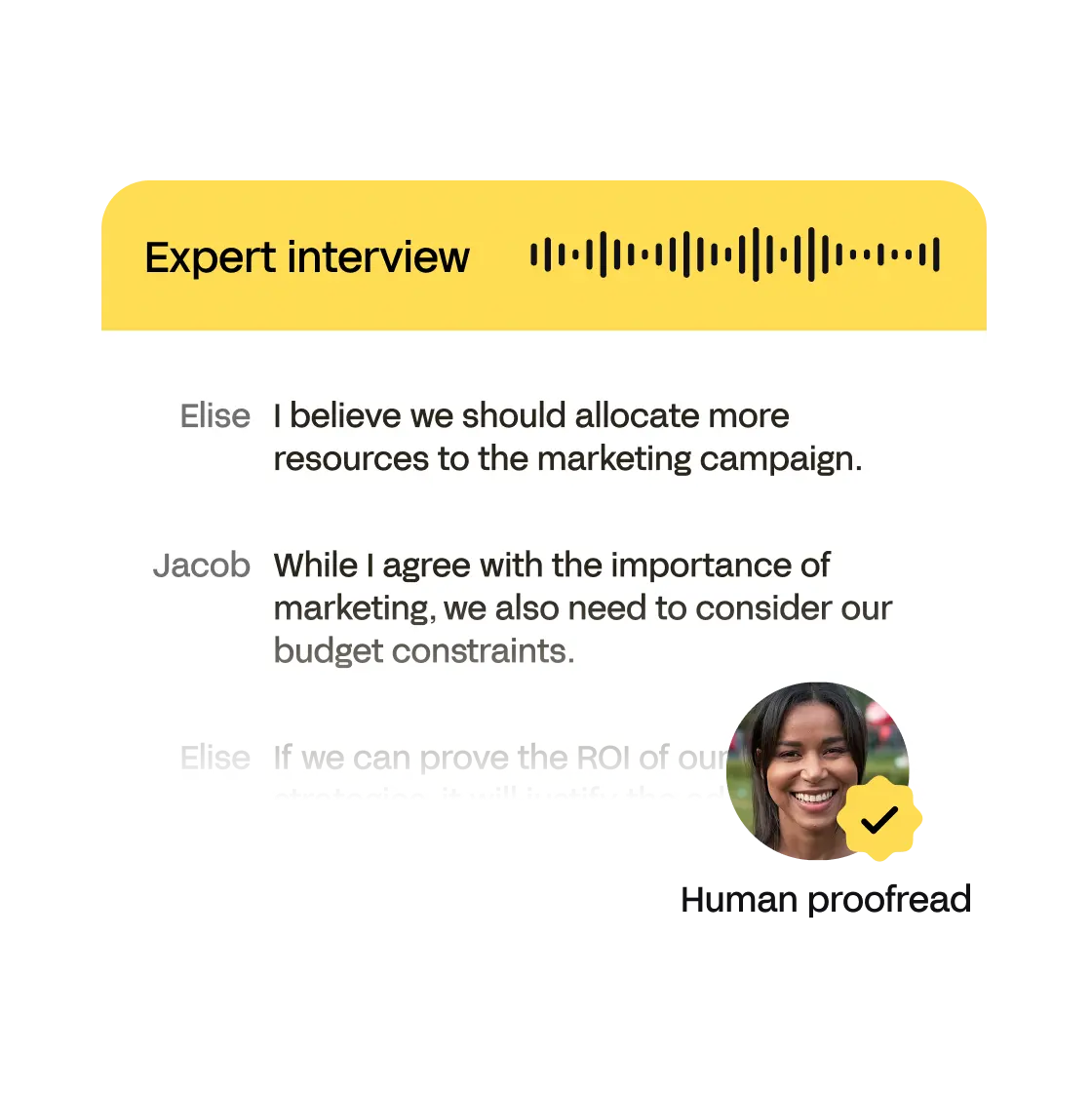
Turn any transcript into SEO-ready show notes, keyword-rich blogs, newsletter drafts or punchy social captions—our AI adds keywords, tone and timestamps so you can repurpose audio across every channel with one click.
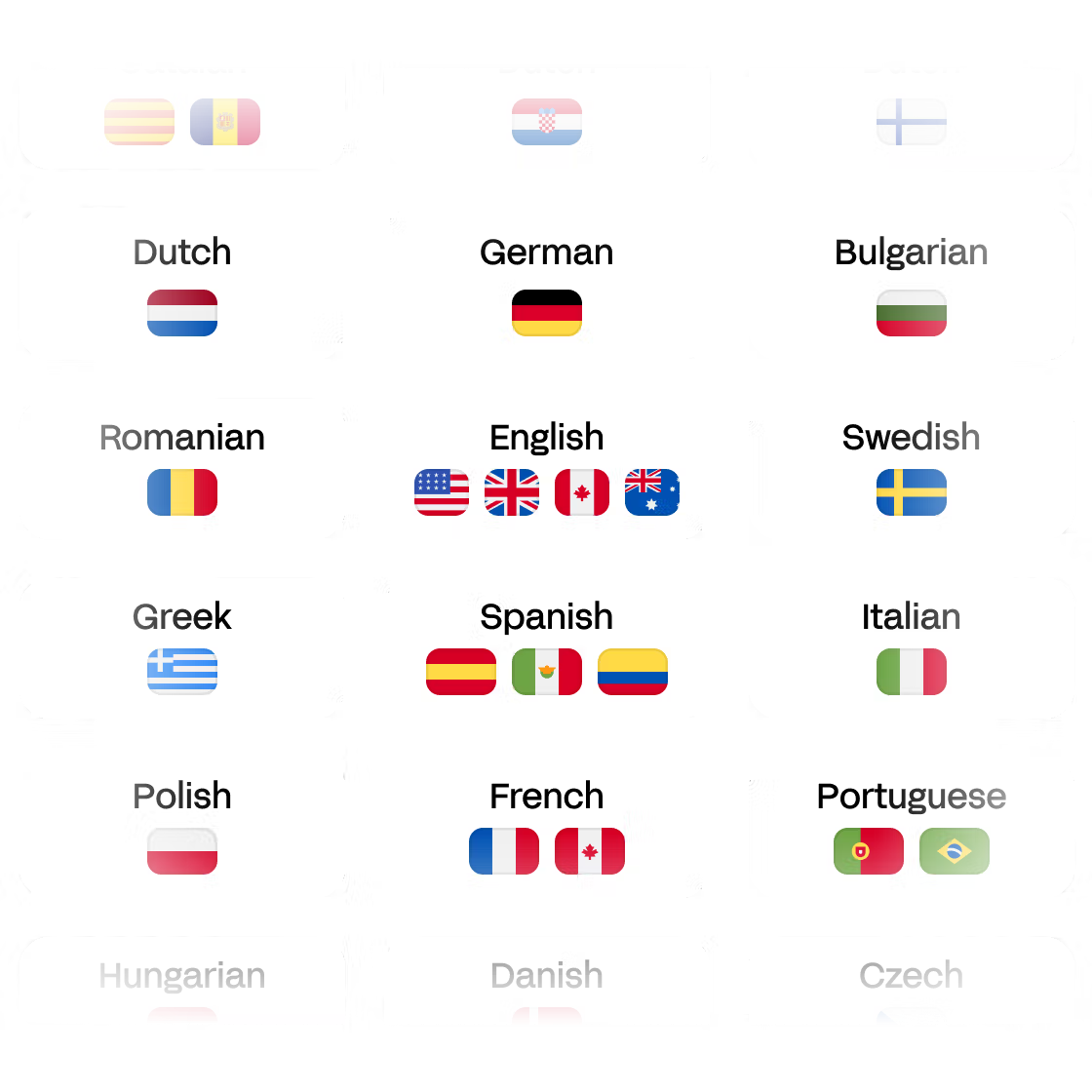
Our audio summarizer supports content in over 150 languages so you can generate accurate summaries no matter the language of your audio.
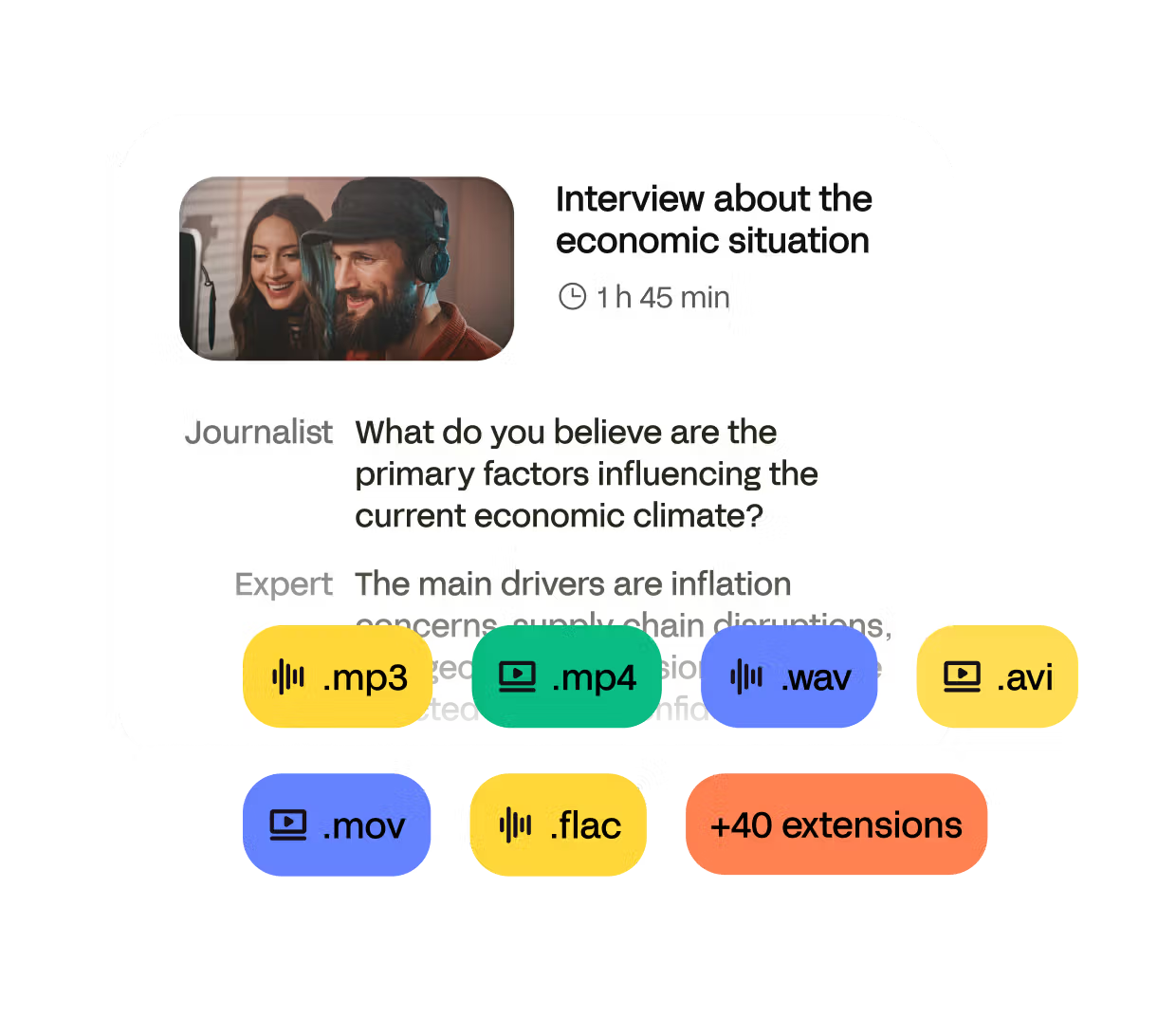
MP3, WAV, M4A, AAC, OGG, FLAC and more; our audio file summarizer handles them all.
SOC 2 Type II & GDPR-compliant. Files are encrypted at rest and deleted on request.
An audio summarizer AI is software that transcribes and condenses any recording into an easy-to-read synopsis.
Upload your file or paste a link, click “Transcribe & Summarize.” Our AI returns the transcript and summary in under a minute.
Yes, HappyScribe offers a free audio summarizer tier with three summaries. Upgrade for unlimited files, custom lengths and team features.
Absolutely. Our AI audio summarizer processes multi-hour sessions, highlights key points, and adds clickable timestamps.
Absolutely. We're GDPR compliant and SOC 2 certified. Videos are processed securely and deleted immediately after summarization unless you choose to save results.
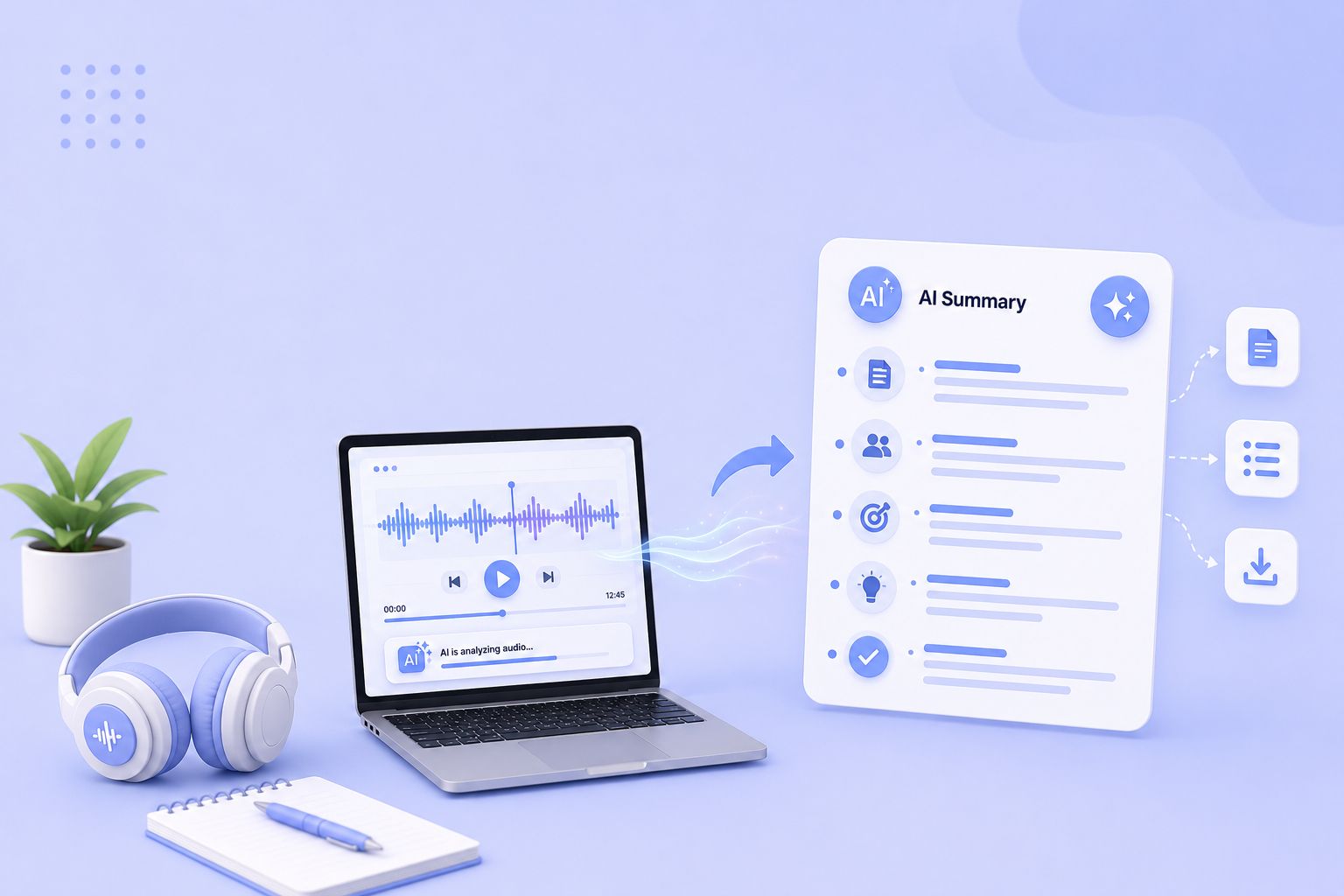
Compare the 5 best free audio summarizer tools in 2026. I tested each for accuracy, languages, and free plan limits so you can choose fast.
Learn how to write an objective summary with AI, plus examples, best practices, and tools to keep summaries factual and unbiased.

Google Meet has become a go-to tool for seamless online communication, whether you’re hosting a team meeting or a global webinar. But when it comes to documenting discussions and decisions, automation can save you time and effort while ensuring accuracy.
Find the best European alternatives to Sonix for file transcription, subtitles, and meeting notes, with verified EU data residency
Find the best European alternatives to Rev for human transcription, subtitles, and meeting notes, with verified EU data residency.

Discover the best transcription tools for European teams, from secure cloud platforms and human services to local Mac apps and APIs.