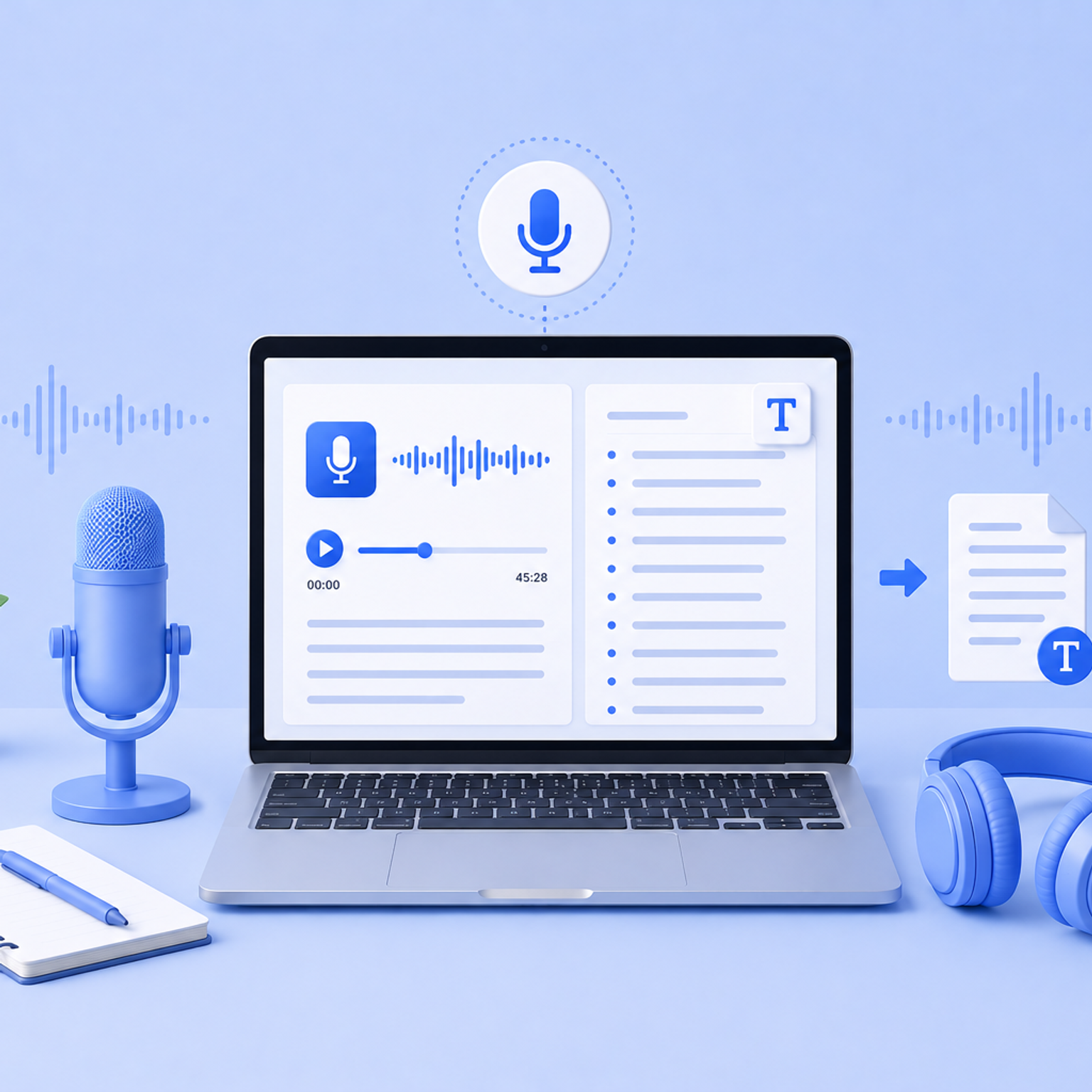
Dive into the realm of transcription and its influence on content engagement. Discover how transcriptions can enhance accessibility, understanding, and broader audience connection.
Is Rev worth it in 2026? After 4 years of usage, its human tier is still reliable, but the AI falls short. My tested review, with proofs and alternatives.
I tested 15 speech-to-text tools to find the 6 best for diverse use cases. Compare accuracy, languages, and pricing to pick the right one for your work.
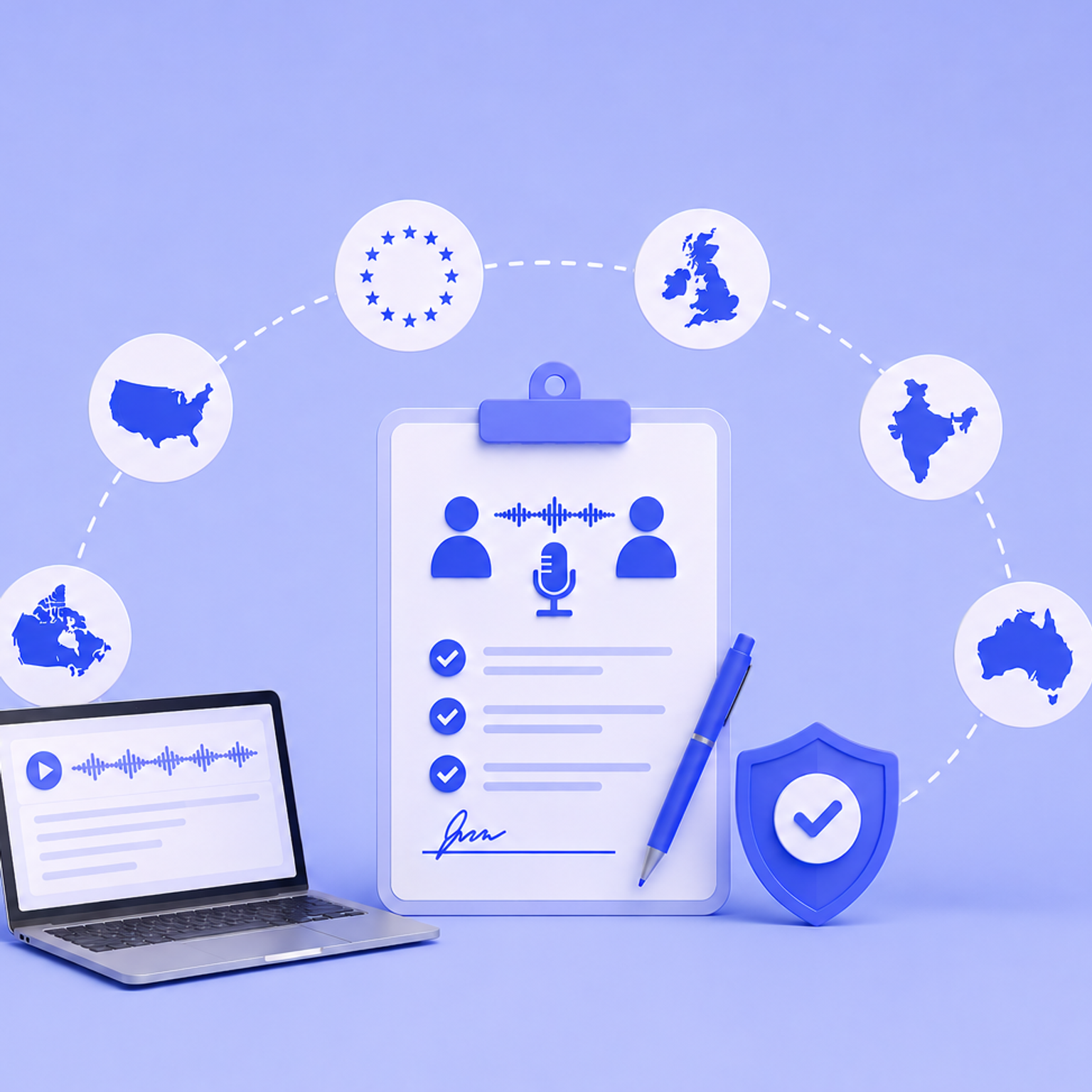
Research recording consent goes beyond local law. Learn what GDPR, IRBs, and data protection frameworks require across the US, EU, UK, Canada, Australia, and India.
What's the best meeting transcription software right now? I tested and shortlisted the top 5 based on accuracy, language support, integrations, and workflow fit.
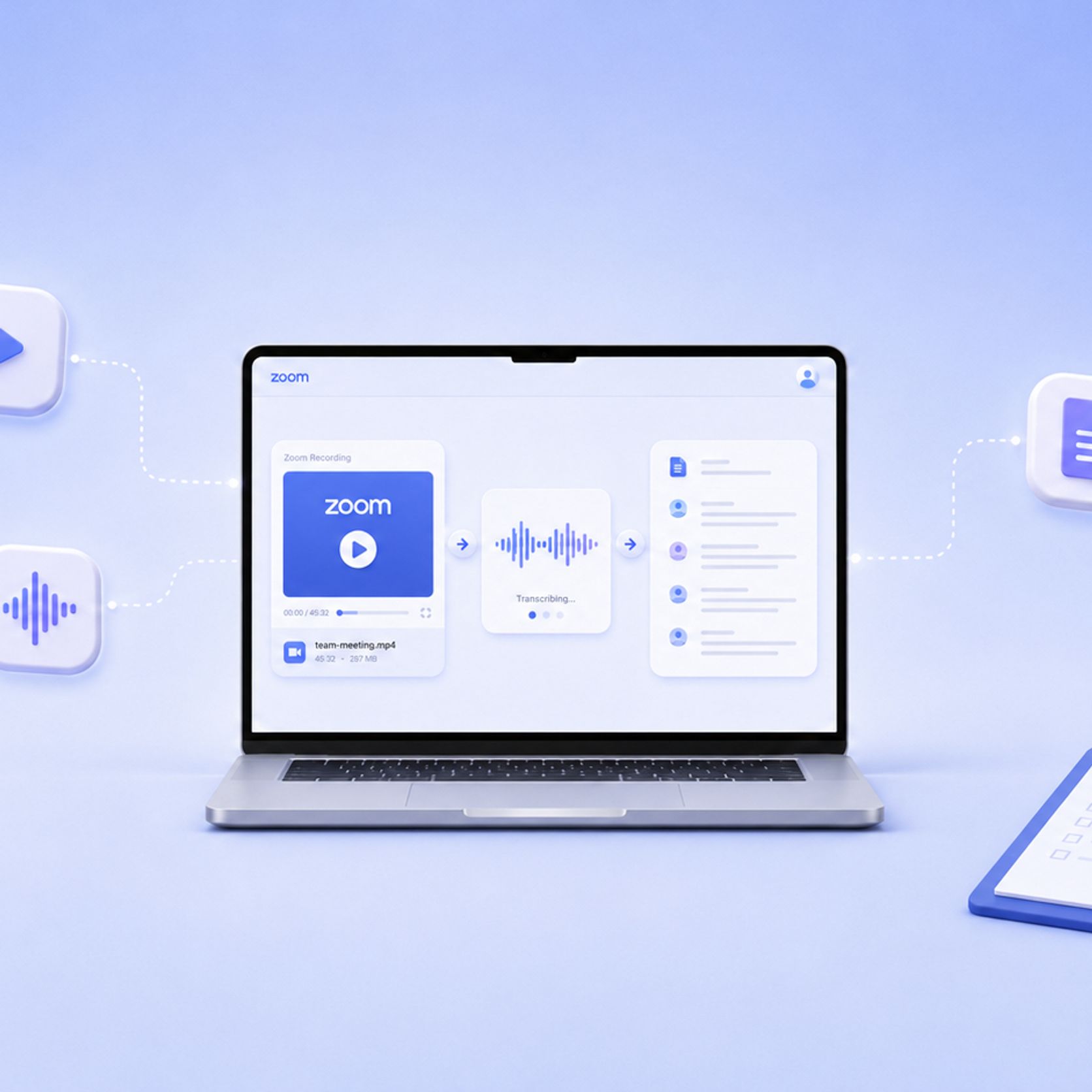
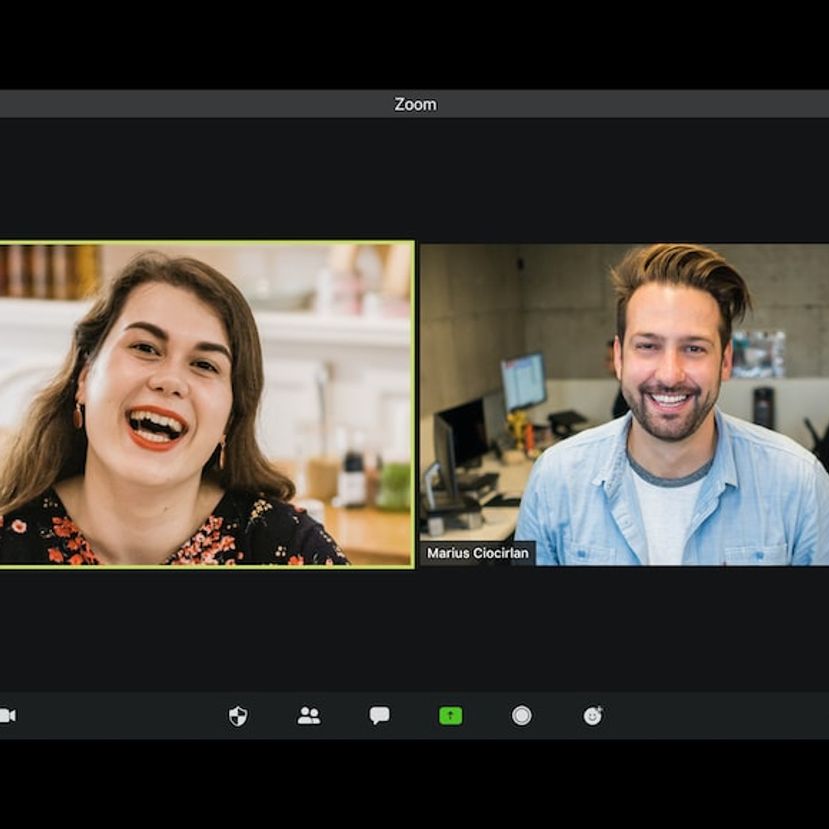
Learn how to record and transcribe Zoom meetings seamlessly on Google Drive, with practical steps to enhance your virtual communication and storage practices.
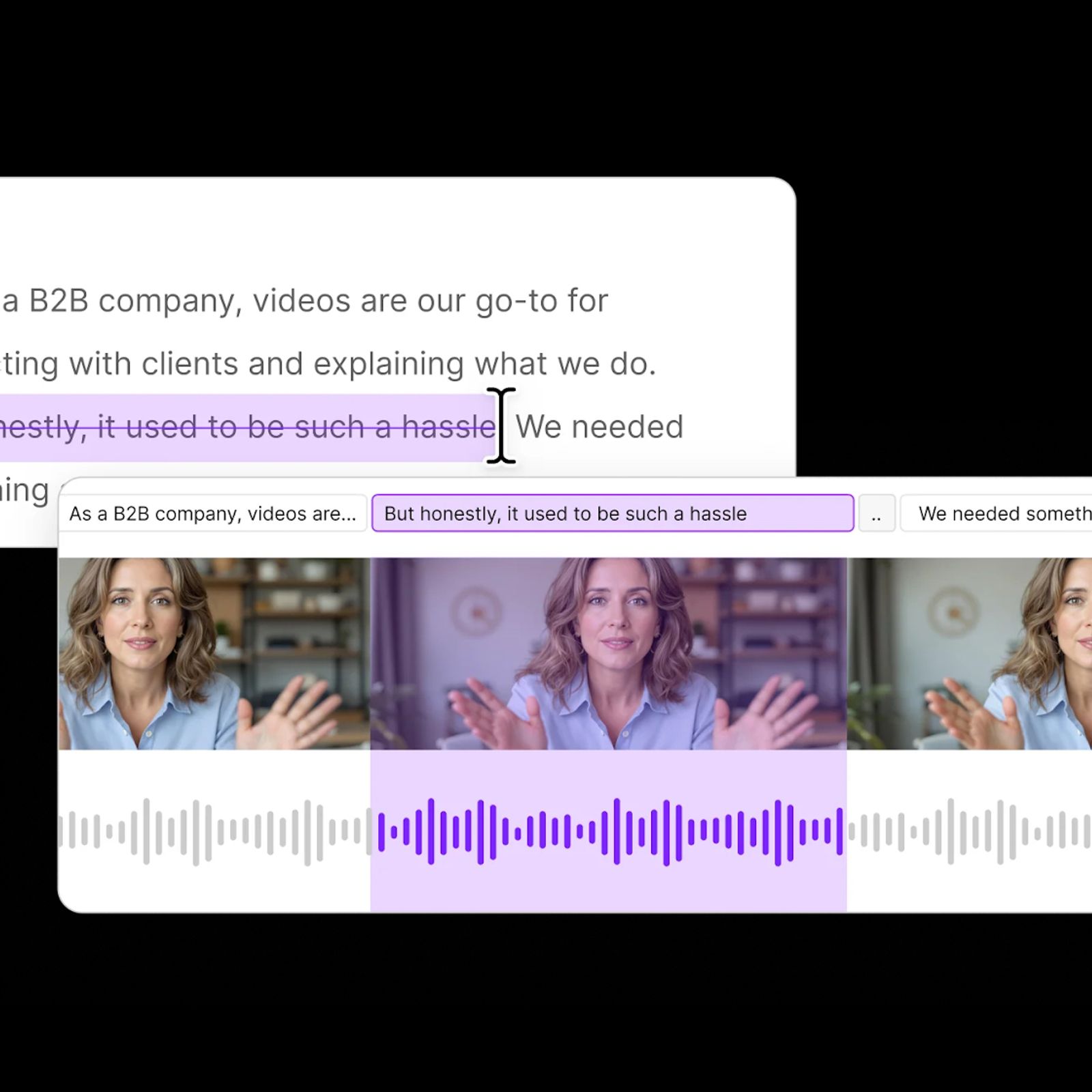
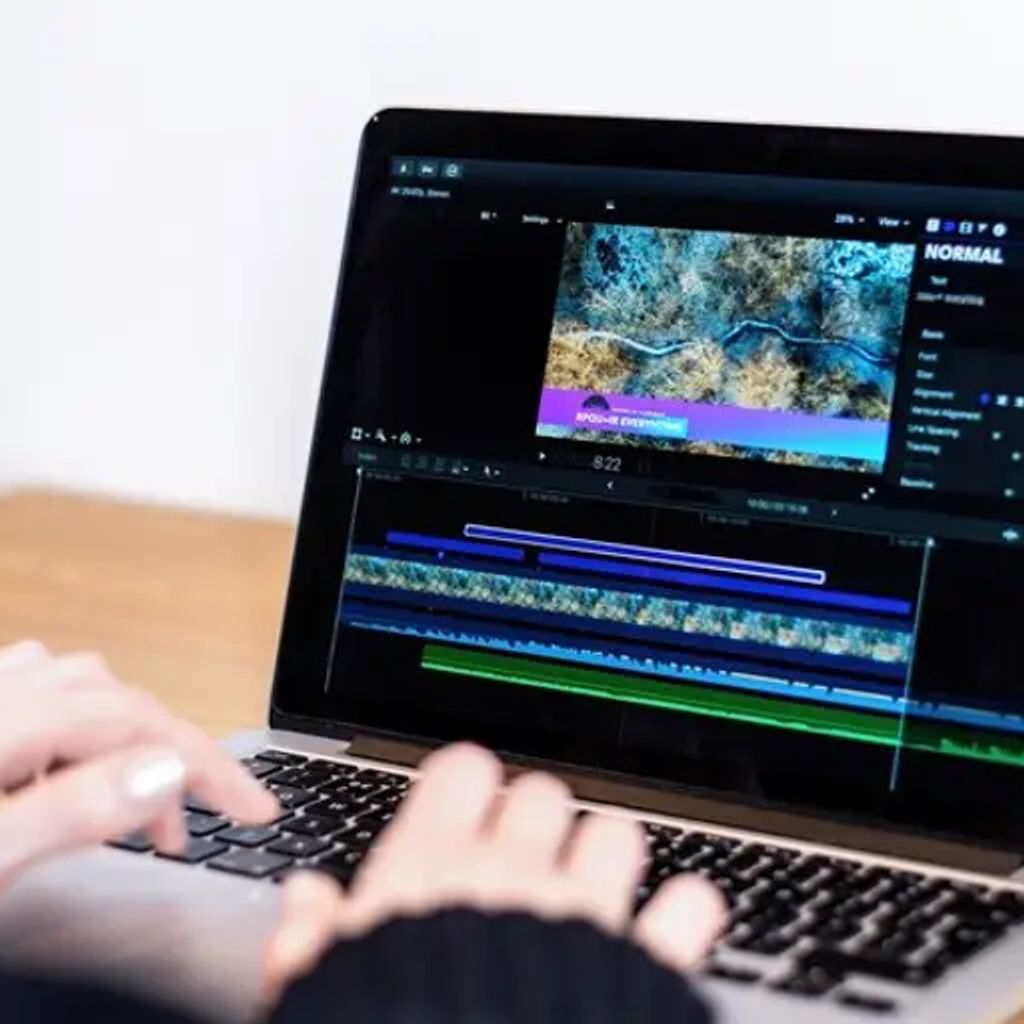
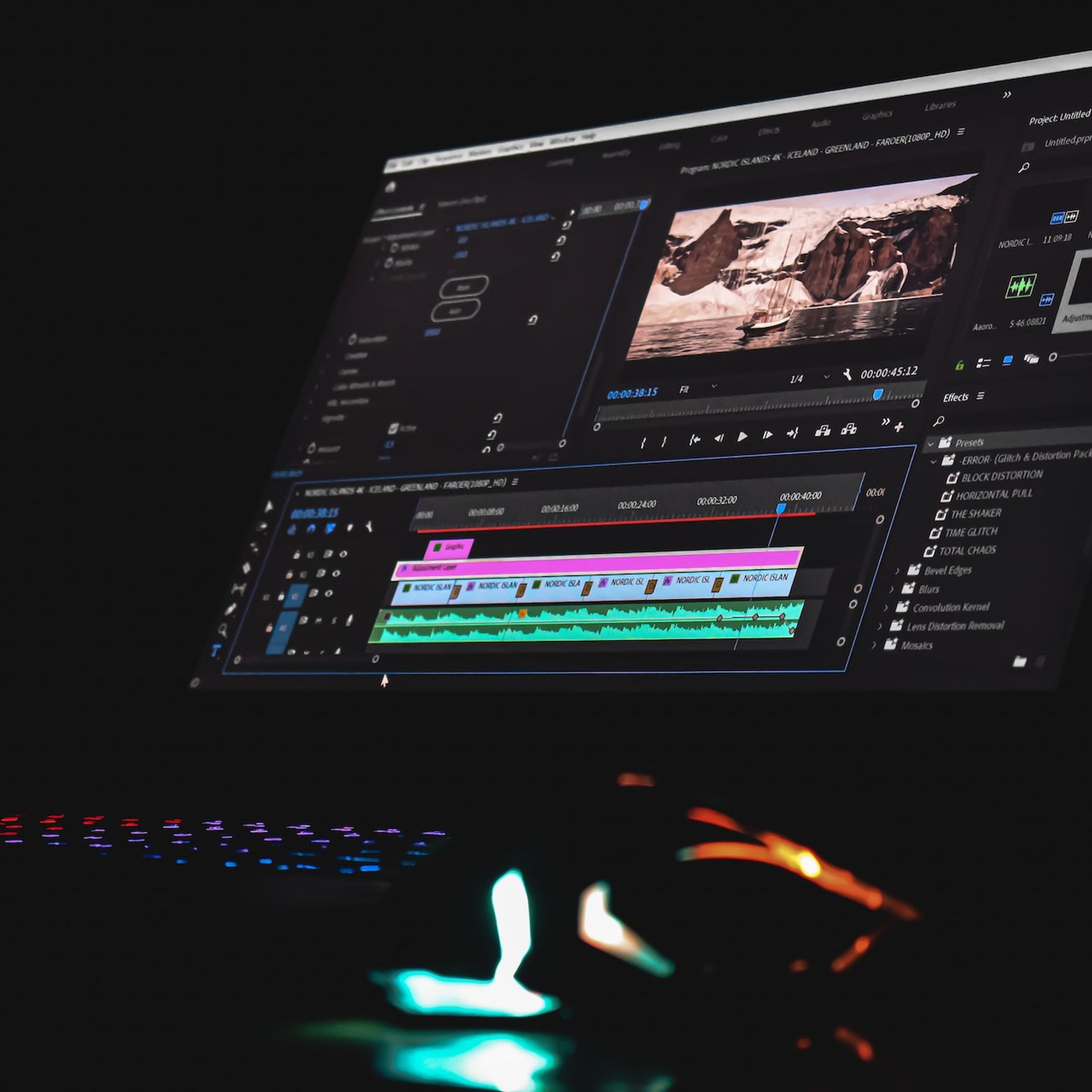
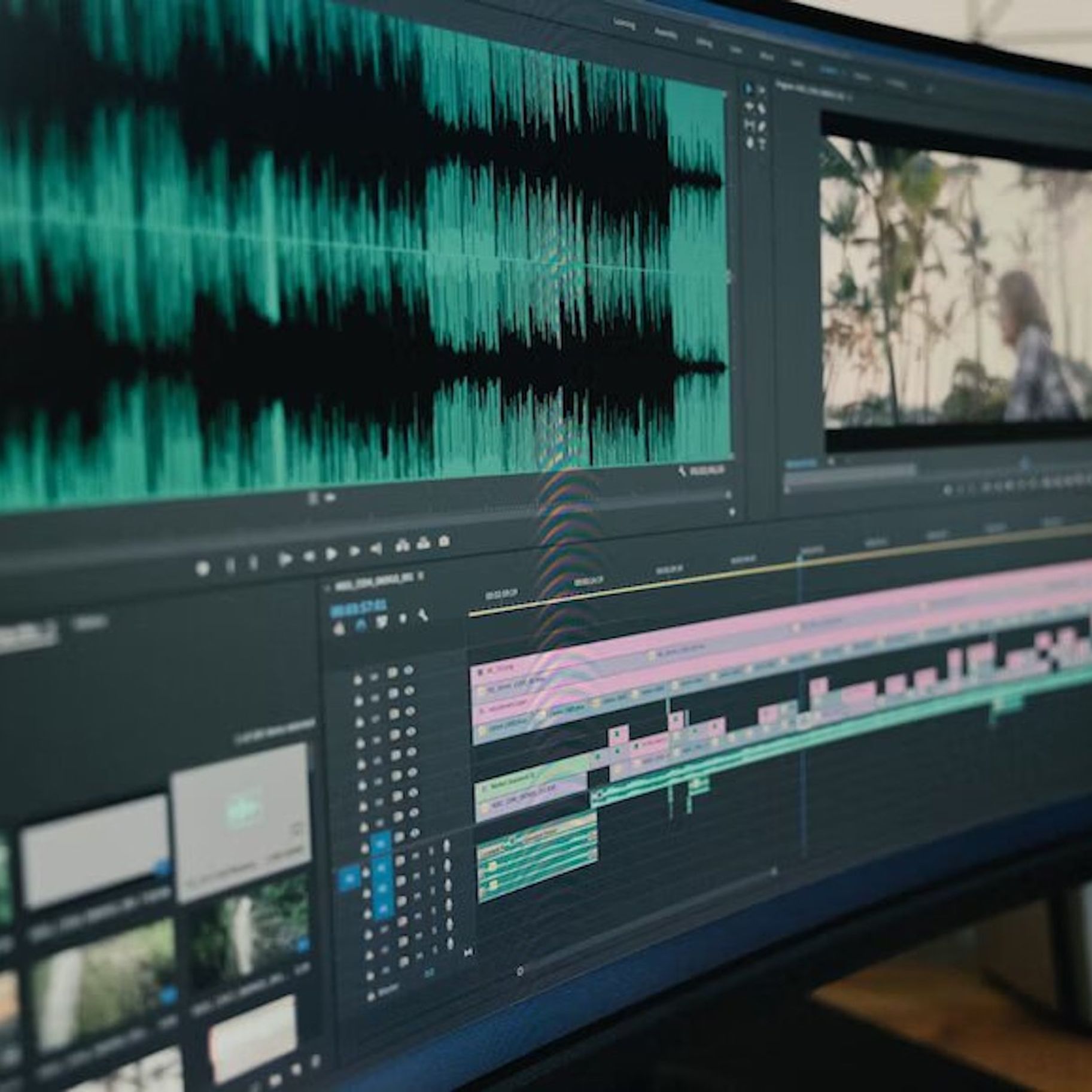
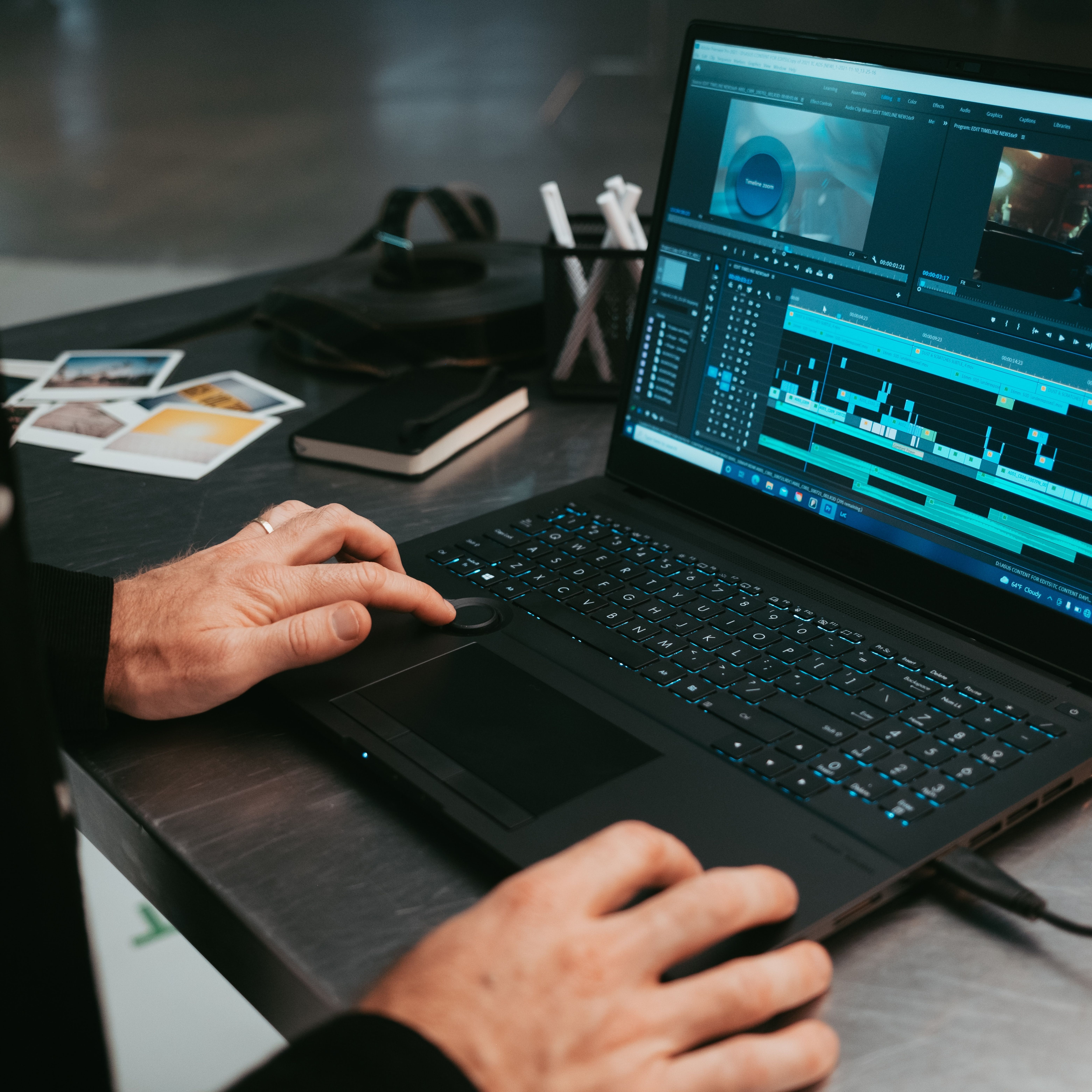
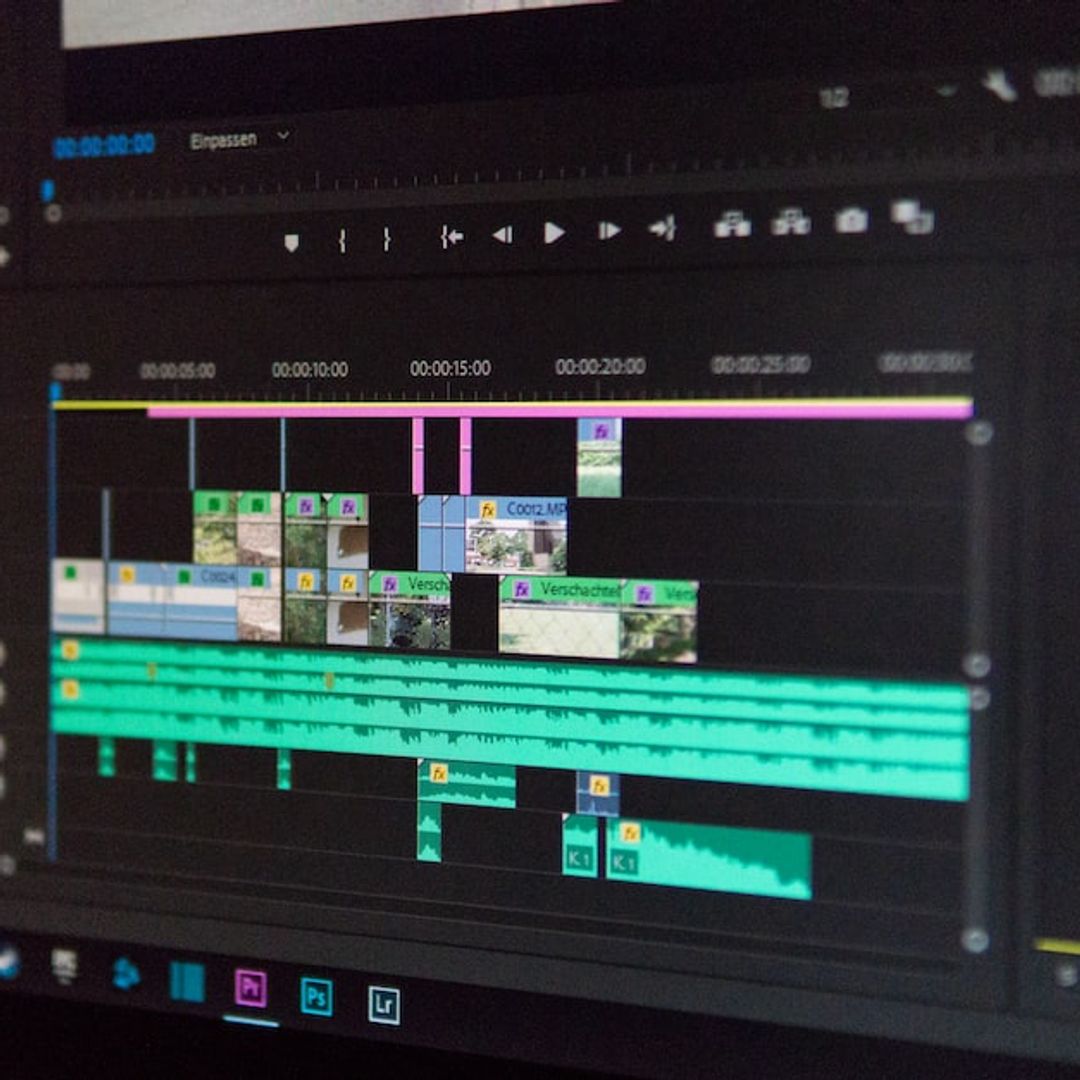
Transcripts have a number of vital uses that can both speed up and simplify the editing process. If you are a video editor, then take a look at how transcripts can help.
This article serves as a guide for transcribing Zoom meetings and webinars, discussing the use of third-party services, the choice between automatic and human transcription, and considerations of accuracy, security, and organizational needs.
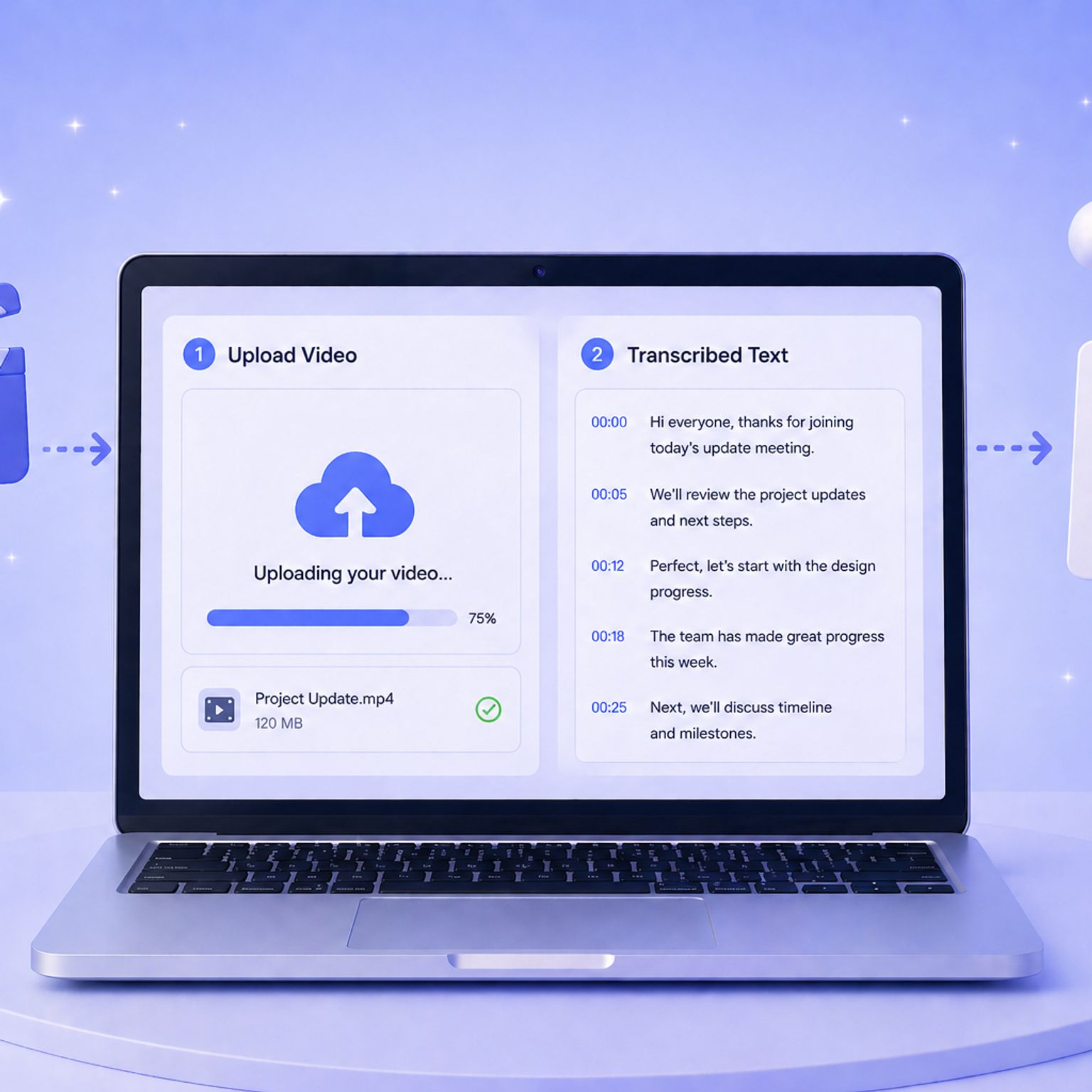
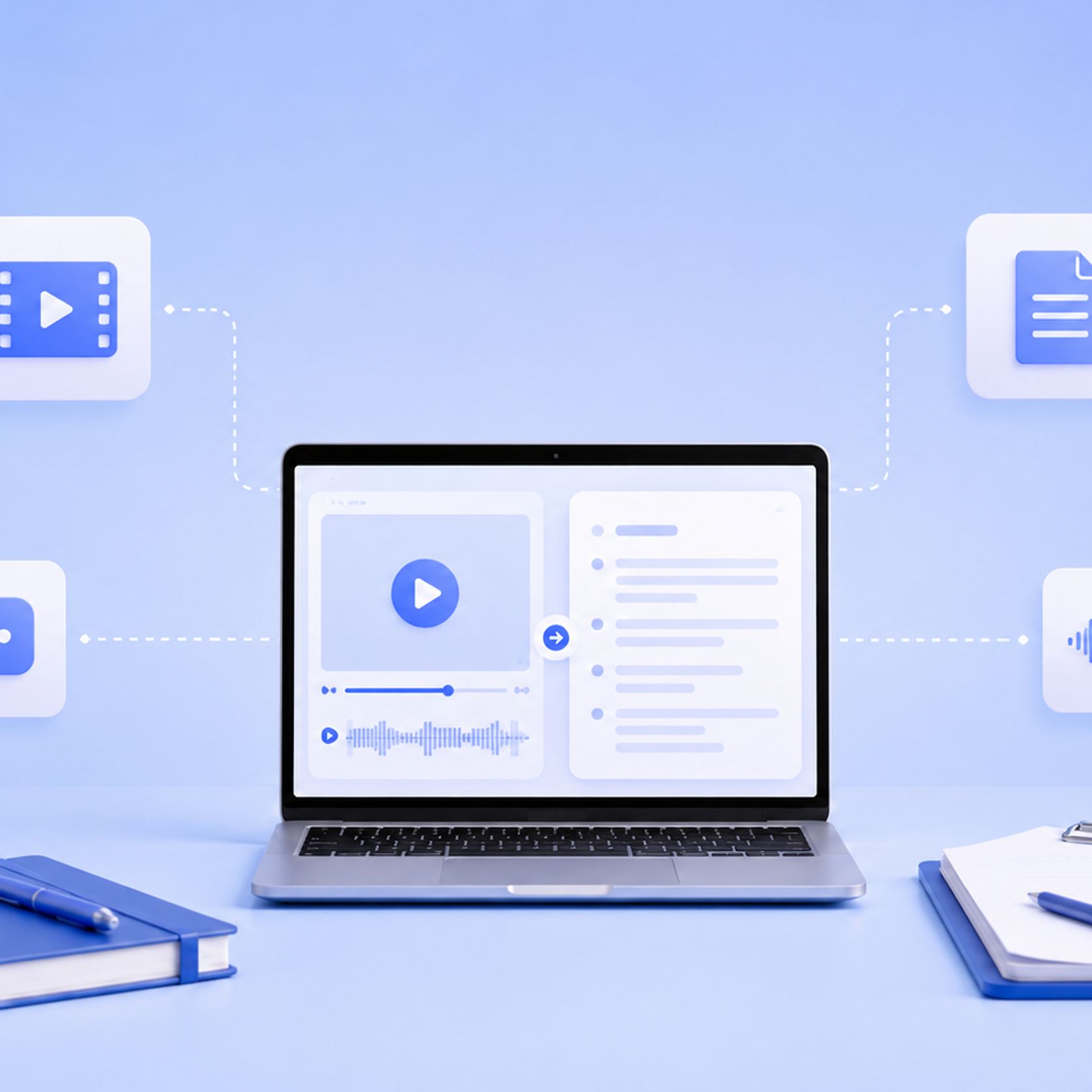
Learn how to create transcript from video quickly and accurately. Follow our simple steps to turn any video into searchable, editable text using HappyScribe.
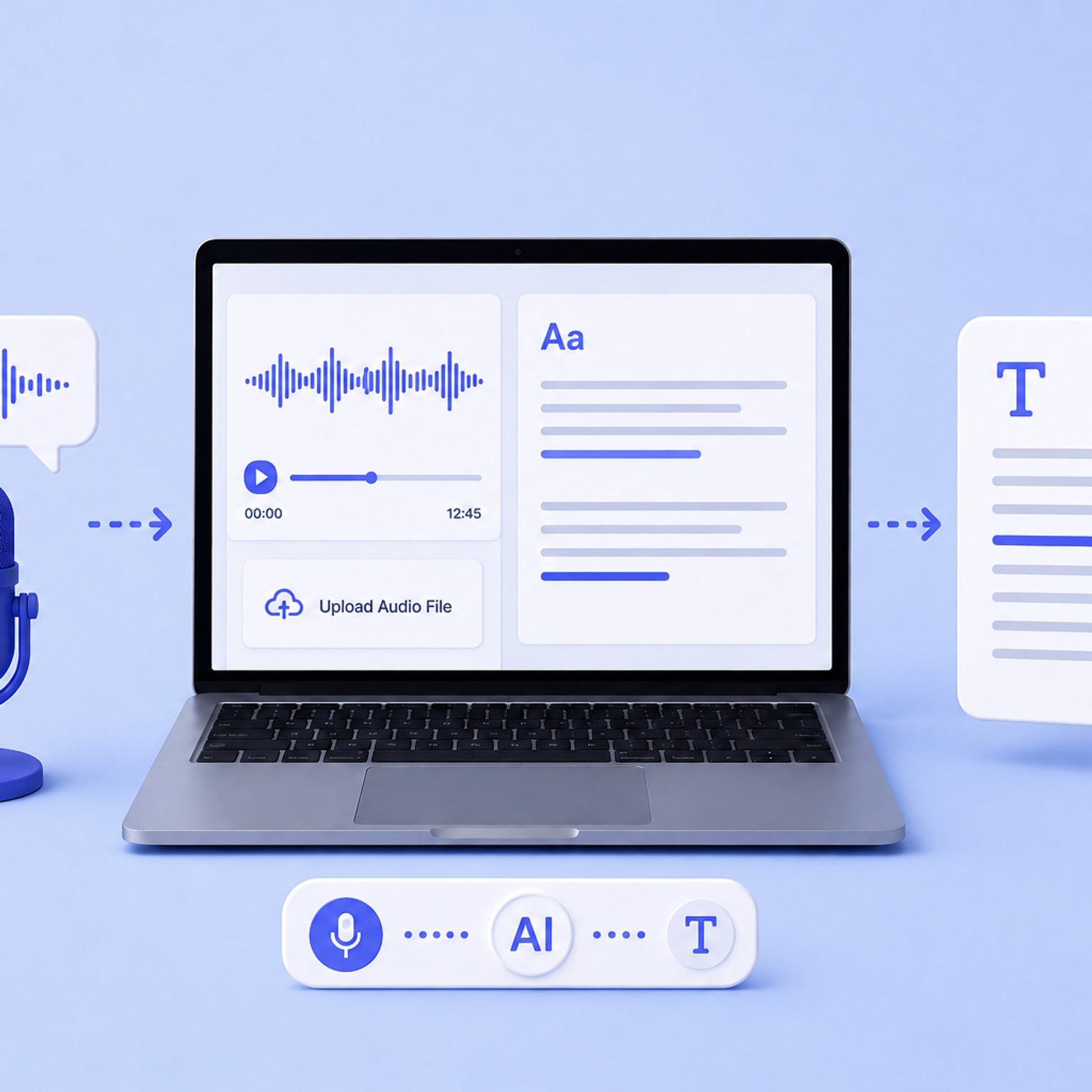
Discover 5 easy ways to transcribe audio files to text in 2026. Compare AI tools, manual methods, and free options to get accurate transcriptions fast.
Looking for the best lecture recorder for students? I tested popular apps to see which one is easy to use, accurate, and creates the best study guides.
We reviewed the top transcription software for teams and agencies to help you work faster and stay organized. See the best tools for smooth collaboration.
Discover the top Any2Text alternatives for accurate transcription, subtitles, and workflows in 2026. Compare the best tools and pick the right upgrade.
Learn when recording without consent is legal, when it isn’t, and how privacy laws differ by state. Understand the rules before you hit record. Read now.
Learn how to record Microsoft Teams meetings in 2026 and discover an easier way to save, transcribe, and manage calls with HappyScribe’s AI meeting recorder.
Level up your 2026 creator workflow with 11 essential AI tools for transcription, editing, voiceovers, and distribution to publish more content in less time
Need a transcript maker that actually saves time? See which platforms deliver accuracy, speed, and clean editing workflows in 2026. Read the full guide.
We compared HappyScribe, Rev, Sonix, and Descript so you don’t have to. Here’s the ultimate AI transcription breakdown to help you choose the best fit.
Discover the top Rev alternatives for 2026 - faster AI transcription, lower costs, multilingual support, subtitles, and better collaboration for modern teams.
AI tools for journalists must have a specific set of features to help you. HappyScribe reviews the best transcription tools for journalists available in the market.
Explore the best Descript alternatives in 2026. See how top platforms differ, where they fit, and which one aligns with the way you work. Read the guide.
Looking for a Clideo alternative? Compare top tools with better transcription accuracy, multilingual captions, and AI-powered workflows built for professionals.
Discover the 5 best business transcription services that turn meetings, client calls, and media recordings into accurate, secure, and ready-to-use transcripts.
Discover the top Trint alternatives for 2026. Compare HappyScribe, Otter.ai, Descript, Rev, and Sonix for accuracy, pricing, and professional workflows.
Discover the best audio and video trimmers in 2026: free and paid. Compare speed, precision, formats, and features to cut, merge, and export clips fast.
Discover the top 5 online voice recorders for 2026: free & paid. Compare audio quality, recording limits, formats, and collaboration to choose the best tool.
In this guide, you’ll learn how these extensions work, what features matter, which add-ons are worth installing, and when it’s smarter to switch to a full transcript service like HappyScribe for better accuracy, formatting, and export options.
This guide will show you the easiest and most accurate ways to extract transcripts from YouTube videos for free, introduce the best tools available, and explain how HappyScribe stands out as a top solution for both free and professional transcription needs.
In this guide, we’ll compare the best free YouTube transcript tools, show you how to download YouTube transcripts, and explain why HappyScribe stands out as one of the most accurate and flexible options in 2026.
HappyScribe is a professional and efficient audio to text tool for businesses and content teams. Want to test it for yourself? Get started with a free trial.
Learn how to transcribe voice recordings to text quickly with AI tools. Convert lectures, interviews, and meetings into searchable documents. Step-by-step guide + tips for students, journalists, and professionals.
AI transcription has revolutionized the way we document Google Meet conversations, providing speed and accuracy that far outpace traditional methods. In this guide, we’ll walk you through the steps to set up and leverage AI-powered tools like HappyScribe to transcribe your meetings effortlessly and efficiently.
In this article, you’ll learn how meeting transcription services can streamline your production workflow, ensure nothing gets lost in translation. We’ll explore the advantages, limitations, and key factors to consider, helping you decide if transcription tools are the right choice for your media projects.
In this article, you’ll learn how to efficiently convert video content into text, whether for accessibility, SEO, or broader audience engagement. We’ll explore top tools like HappyScribe, and offer practical tips for ensuring accurate and high-quality transcriptions to make your content conversion process smooth and effective.
In this article, we’ll dive into the importance of high-quality audio in recordings. Whether you're creating a podcast, video, or music, we’ll walk you through essential steps to make sure that your audio is clear, professional, and keeps your audience engaged, with a few handy tips from HappyScribe along the way.
This article provides a comprehensive guide on how to convert video content into text. It discusses the basics of video content conversion, the benefits, the top tools for transcription like HappyScribe, and offers tips and tricks.
In this article, you’ll discover how using a solution like HappyScribe’s AI- and human-assisted transcription can drastically cut down production time while boosting the quality of your transcriptions. Learn how accuracy in ASR (Automatic Speech Recognition) is measured, what factors influence it, and how every improvement translates to time savings and better content workflows.
Live captioning, which is sometimes called real-time transcription, is the process of converting spoken dialogue or narration into text in real time. This can be done during live events or from recorded video.
Discover why the Web Content Accessibility Guidelines (WCAG) are crucial for subtitling and transcription, helping media companies ensure inclusivity and reach a wider audience. This article explains how WCAG standards support the deaf and hard-of-hearing community with high-quality, accurate subtitles. Learn how following these guidelines can improve your content’s accessibility and create a more inclusive digital experience. Written by Henni Paulsen, June 2024.
This blogpost discusses three simple methods for SaaS companies to convert audio to text. It highlights the benefits of using transcription services, automated speech recognition software, and manual transcription. The post aims to help SaaS companies save time and improve their productivity.
Business transcription involves converting audio or video recordings of meetings, interviews, or market research into written text. This service provides accurate records that can be easily referenced, shared, or analyzed, saving time and improving productivity for businesses.
At HappyScribe we have a team of 6 Product Engineers building and maintaining a web application that serves 500k users per month. One of our secret tools: Ruby on Rails.
This blogpost explains Vimeo's fee structure for creators, highlighting the different membership options and the costs associated with each. It provides a clear breakdown of pricing and features, helping aspiring creators make informed decisions about their video hosting platform.
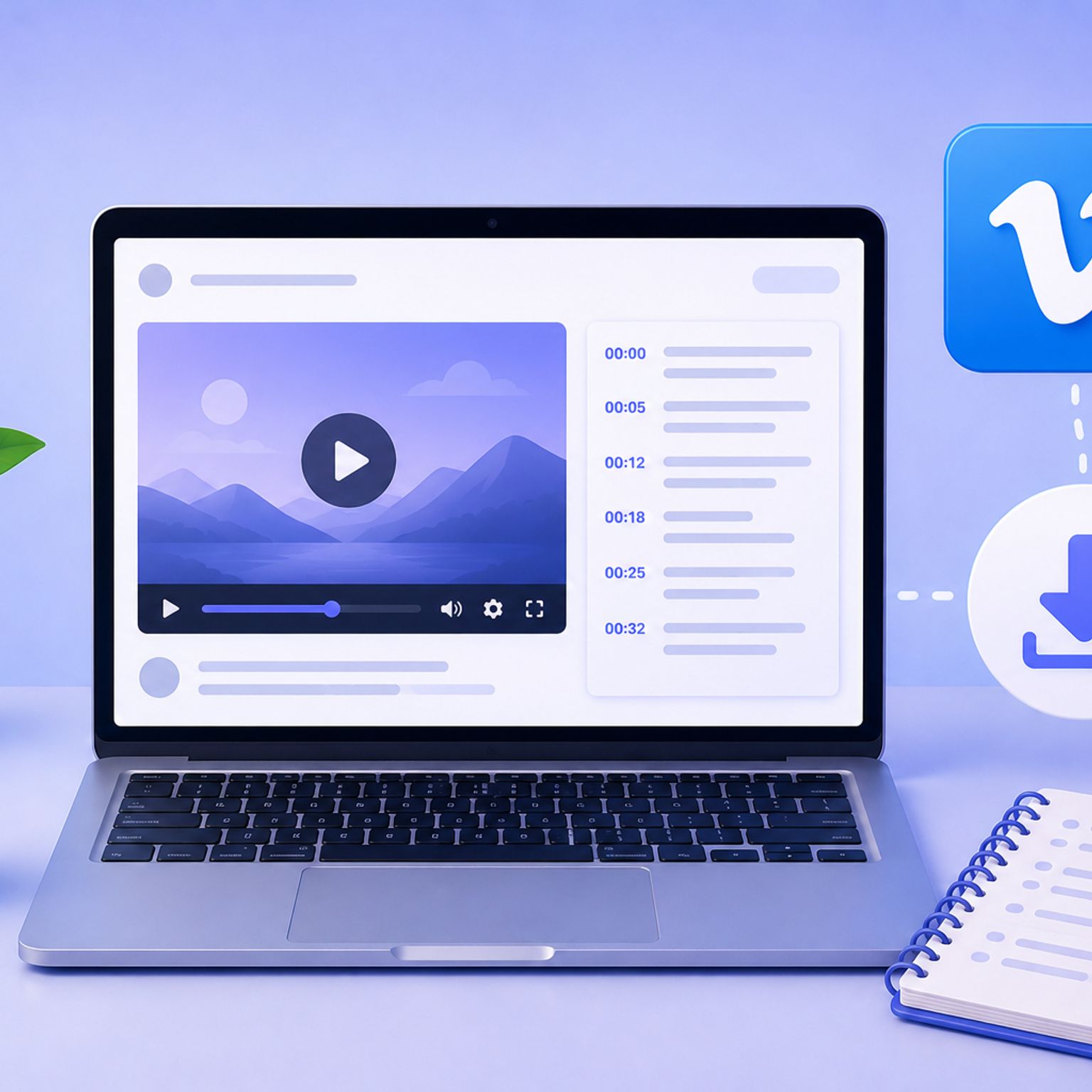
To download a video from Vimeo, you can use various online tools such as SaveFrom.net, KeepVid, or ClipConverter. These tools allow you to copy the video's URL and paste it into their platform to download the video in your desired format.
Transcribing interviews can be time-consuming, but there are ways to do it faster. Learn how to transcribe interviews and use transcription tools like HappyScribe.
This guide outlines the key steps to launch a successful podcast. It covers topics such as choosing a niche, purchasing equipment, recording and editing, creating engaging content, promoting your podcast, and monetizing it. Whether you're a beginner or have some experience, this guide has you covered. Happy podcasting!
This blogpost discusses the latest innovations in corporate subtitling and transcription services. It covers advancements such as AI-powered transcription tools, automated subtitling software, real-time captioning solutions, and improved accuracy and efficiency in transcribing and subtitling content.
Learn how to analyze interview transcripts in qualitative research with step-by-step coding methods, thematic analysis frameworks, examples, and AI-assisted tools.
Learn how to validate transcription accuracy in qualitative research using member checking, WER measurement, peer review, and AI-assisted workflows. Step-by-step guide with checklist.
Delve into the intricacies of interview transcription, from capturing speech details to employing the best editing tools and techniques for polished results.
Step-by-step guide to transcribing an interview, editing it and using the best software to reach your audience. Get the best interview transcription for journalist, researchers and more.
Learn how to code and tag qualitative interview transcripts with thematic analysis. This guide covers Braun & Clarke's six phases, coding methods, and tools.
Interview transcription converts spoken content into written form, with factors like audio quality and length influencing cost; various methods exist, including automated transcription services like HappyScribe.
Explore the essentials of selecting equipment, recording high-quality interviews, and optimizing the interview transcription process for clarity and accuracy using AI and online software.
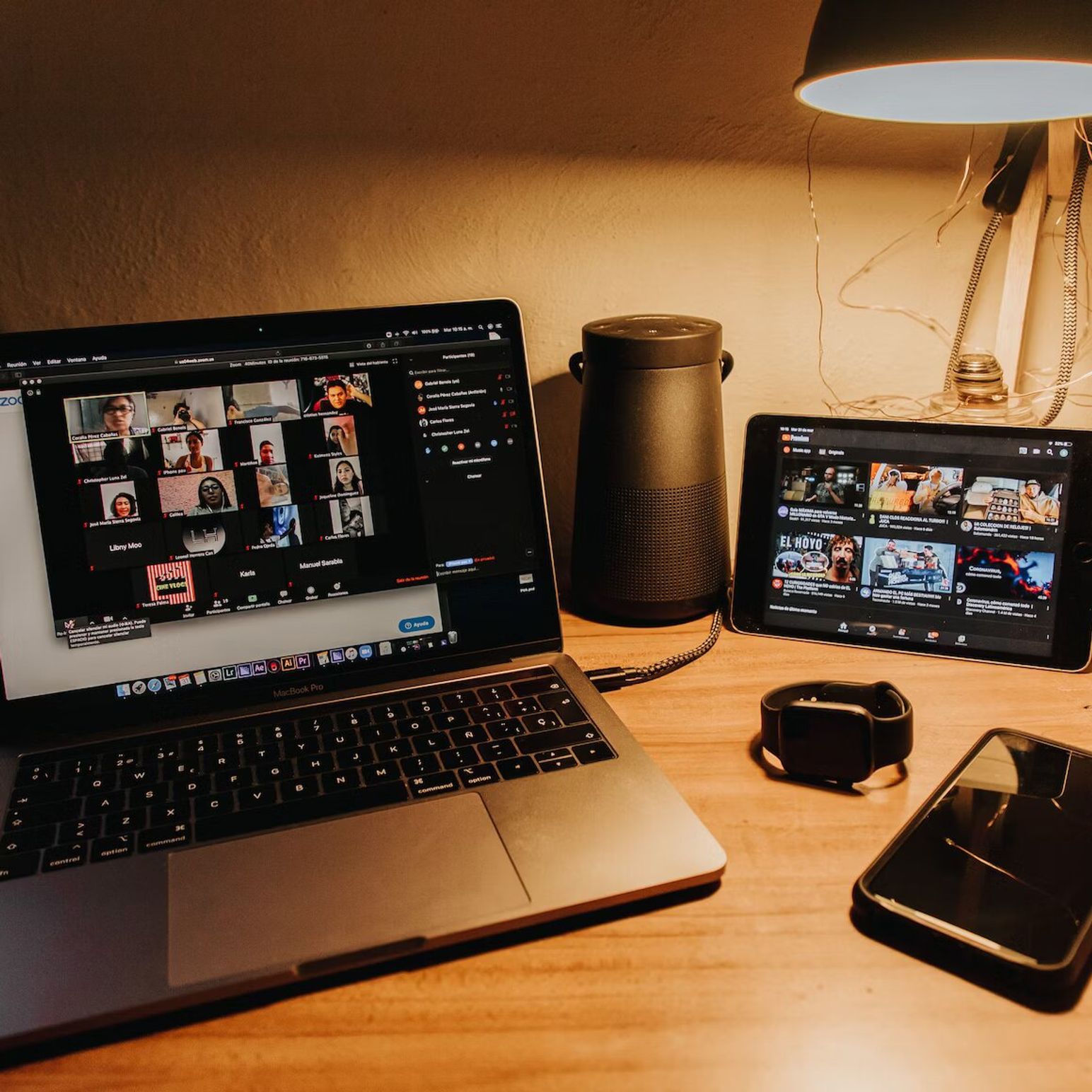
AI-powered note-taking tools for Zoom, focusing on the benefits, best practices, and the powerful capabilities of HappyScribe, a premier Zoom transcription service.
Enhance your Zoom experiences by seamlessly recording sessions and transcribing them effortlessly with HappyScribe. Dive into our detailed guide below.
Understanding Zoom's transcription feature is essential in today's virtual world. This article explains the what, why, and how of Zoom transcription, including third-party service integration.
Explore the intricacies of transcription authorization within Zoom, the role of hosts in meetings and webinars, and how tools like HappyScribe can enhance virtual communication.
Learn how to integrate Zoom and Google Drive for seamless storage and sharing of video recordings, and discover the benefits of this connection, including HappyScribe's transcription service.
Zoom Cloud offers users a way to store and manage their virtual meetings securely. This post guides you through accessing, locating, sharing, and transcribing Zoom Cloud recordings.
Explore the features and benefits of Zoom Cloud, including how to record, store, and transcribe meetings, with this comprehensive guide to cloud-based recording on Zoom.
Explore comprehensive steps to send Zoom transcriptions via email, ensuring seamless communication and effective documentation of your meetings and webinars.
Struggling with tracking online meetings or wondering about transcription services? Explore Zoom transcription prices, methods, and how HappyScribe can be your efficient solution.
Discover how to convert Zoom transcripts into Word documents using automatic transcription tools like HappyScribe. Enhance efficiency, communication, and record-keeping for your meetings.
HappyScribe: Your essential tool for transcription and subtitling, empowering media teams to overcome language barriers and connect with global audiences efficiently and effectively."
Transcripts, students' best friends, enhance online learning through accurate note-taking, easy archiving, effective studying, and collaborative efforts, revolutionizing education in the digital age.
Increasing eLearning accessibility and efficacy, transcripts are textual representations of course content, aiding student retention, searchability, catering to diverse learning styles and improving SEO.
Creating accessible E-learning videos can be a complex task. HappyScribe simplifies the process by offering transcription, subtitling and customizable features, ensuring an engaging learning experience for everyone.
Subtitling for e-learning improves accessibility and comprehension by providing a text version of audio content. It involves transcribing, timecoding, editing, and formatting captions, syncing them with visual content. This process enhances learning experiences and ensures inclusivity for all learners.
Explore the benefits of including transcripts in e-learning videos, from improved accessibility and comprehension to SEO advantages and legal compliance, and discover effective integration tips.
Diving deep into Vimeo's free and paid streaming options and their integration with HappyScribe, we explore benefits and features for content creators.
This article is your go-to guide for converting Vimeo videos into audio files, with reasons why you might want to do it and the best third-party tools to make it happen.
This article provides a comprehensive guide on optimizing your Vimeo video uploads for best quality and experience, highlighting the importance of choosing the right video format.
Experience interactive and high-quality live video streaming with Vimeo Live, offering an easy-to-navigate platform and features for audience engagement.
Vimeo, cherished for its high-quality streaming and flexible storage options, offers a comprehensive video-sharing platform with unique features such as customizable branding
The Vimeo Video Library, designed for collaborative workspaces, offers organizations a secure and organized platform to share and manage videos, with features such as automatic transcription
While both YouTube and Vimeo are popular video-sharing platforms, Vimeo provides more comprehensive privacy settings and maintains higher video quality, but YouTube has a larger audience.
Vimeo, established by filmmakers and preferred by creative professionals, offers high-quality video hosting and sharing, customizable players, advanced analytics, and integration with transcription services.
Transcribing Vimeo library videos through third-party services like HappyScribe enhances accessibility, comprehension, data management, and SEO discoverability.
This article discusses the advantages and distinctive features of Vimeo's transcription service, which enhances video accessibility, aids in SEO, and attracts a broader audience.
This article outlines various methods for copying Vimeo videos, whether you're a creator using Vimeo Create or a viewer seeking to download, screen record, or use third-party solutions, all while emphasizing adherence to Vimeo's content sharing rules.
Vimeo offers various methods for translating videos, including automatic captions, machine translation technology, professional manual translation services, and support for third-party apps like HappyScribe, ultimately enhancing video accessibility, SEO, and user experience for a global audience.
To transcribe live Zoom meetings without recording, one can use tools like Zoom's Live Transcription and HappyScribe, each offering unique features like closed captions, easy note-taking, or speaker identification."
Explore how HappyScribe, an AI-powered transcription tool, can effortlessly convert Zoom recordings into text-based transcripts, benefiting interviews, video subtitles, captions, and academic lectures while offering affordable plans.
Discover how to convert Zoom recordings into text-based transcripts using transcription tools like HappyScribe and Rev.com, allowing easy access, sharing, and reference of meeting contents.
This guide presents the best apps for transcribing Zoom meetings including HappyScribe, Otter AI, Fireflies AI, Rev, and Colibri, emphasizing their unique features and benefits while highlighting best practices for improved transcription accuracy.
HappyScribe is a top-tier transcription software lauded for its high accuracy, ease of use, cost-effectiveness, robust features, seamless integrations, outstanding customer support, and user-friendly interface.
This guide outlines the need for accurate live transcription services during Zoom webinars and presents several options including Zoom's Live Transcription, Otter AI, Colibri, Rev, Verbit, and HappyScribe, each offering unique features and benefits.
Discover how to simplify the process of navigating through lengthy transcripts by creating chapters with HappyScribe's AI transcription tool, enhancing readability and productivity across various professions.
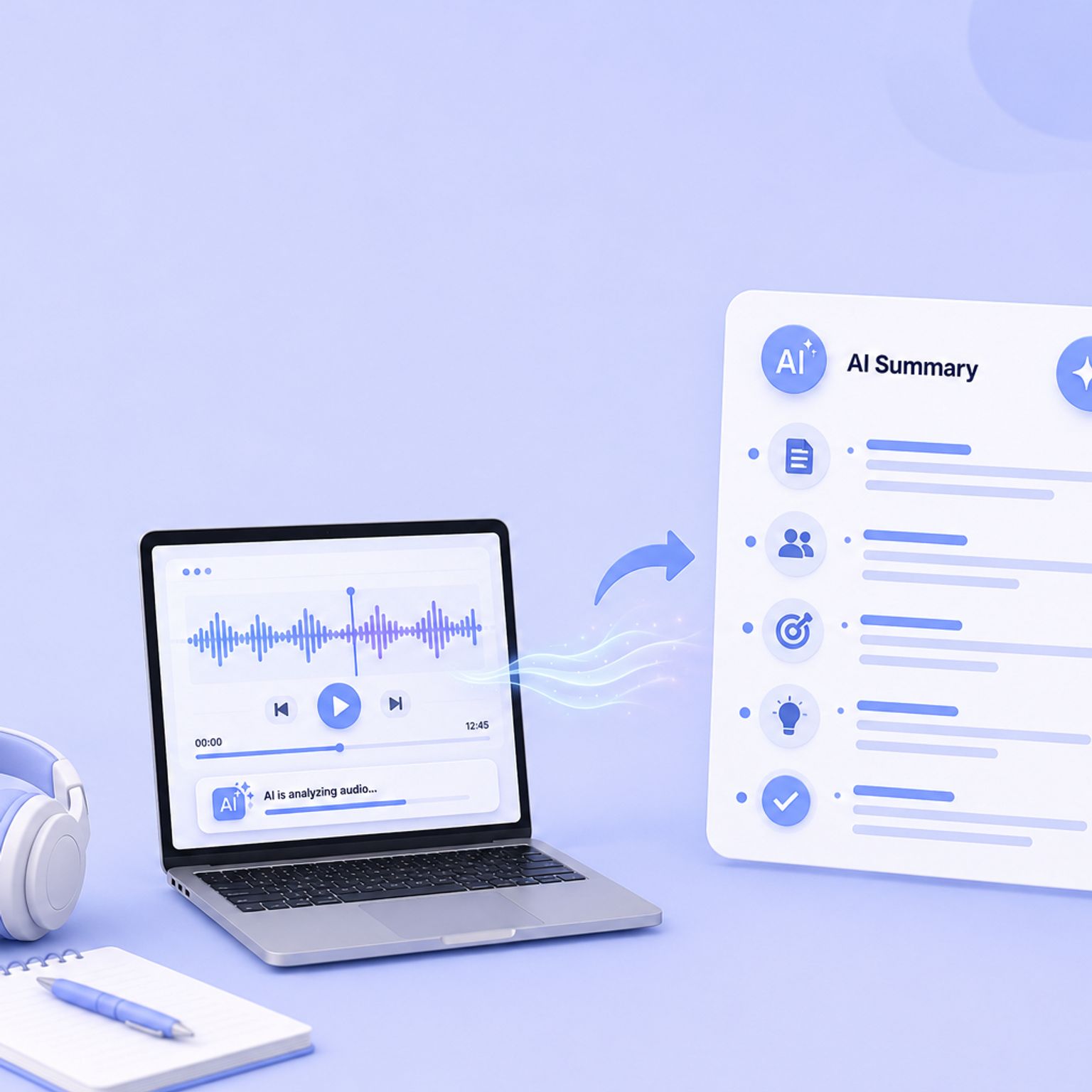
This article explains how HappyScribe's Make With AI tool can make your life easier by automatically summarizing your transcriptions into short, medium, or long summaries, saving you both time and money.
Dive into the differences between SDH and closed captions, and discover how HappyScribe can revolutionize your video accessibility with automatic, customizable, and multilingual transcriptions.
Discover how to effectively use Vimeo video transcription for interviews. Learn the step-by-step process of transcribing interviews on Vimeo and the benefits it brings.
Learn how to transcribe audio on Vimeo and make your videos more accessible. Explore the steps to obtain video and audio transcriptions using services like HappyScribe.
Discover how Vimeo video transcription optimizes user experience by improving accessibility, enhancing user understanding, enabling content searchability, and allowing viewers to watch without audio.
Transcription platforms automatically convert speech into text files or have human transcriptionists type out the video’s audio to text. We discuss the most important platforms.
Learn why subtitles don't always appear on Vimeo, how to enable them, and how to add your own captions and subtitles or use third-party software to create transcriptions in different languages.
Third-party transcription tools offer highly accurate transcripts written by human transcriptionists. Users can upload their video transcription files to Vimeo by creating an account with a transcription service, ordering the transcription, downloading it, and uploading it to Vimeo.
Transcribing Zoom meetings using a third-party application increases engagement, inclusivity, and comprehension while making content searchable and better documented. Third-party transcription apps offer greater accuracy, ease of use, readability, time savings, and extra features like automatic summaries and language support.
Transcription tools efficiently convert Zoom video recordings into Microsoft Word, increasing productivity. Some popular tools offer varying features, supported languages, and pricing. These tools make transcription easier with features like advanced punctuation, speaker recognition, and customizable templates. Choosing the right tool depends on project type, frequency of use, budget, transcript accuracy, and turnaround time.
Transcribe Zoom video recordings for free using tools like Happyscribe. These tools use AI and natural language processing to convert speech to text, enabling easy reference and storage. Factors to consider when selecting a transcription service include accuracy, turnaround time, cost, and compatibility with other platforms. Happyscribe stands out for its features, integrations, and ease of use, making it a top choice for transcribing Zoom recordings.
Zoom Live Transcription offers basic automatic transcriptions, while HappyScribe provides more accurate, professional results with a free trial. Other tools are available: evaluate options based on your transcription needs and desired accuracy.
Transcription tools for Zoom meetings and webinars vary in price and accuracy, depending on whether they are machine-generated or human-generated. Machine-generated transcripts have an 80-85% accuracy rate and cost around $0.25 per audio minute, with monthly plans ranging from $8-$30. Human-generated transcripts boast a 99% accuracy rate but cost around $1.50-$3 per minute.
Looking for the best captioning software of 2026? We tested the top AI and human transcription tools for accuracy, speed, and price. See why HappyScribe is our #1 pick.
In this post we analyse the best ai transcription software you can use in 2026 to auto generate transcripts. Compare the best tools for transcription available in the market.
Transcribing your Instagram stories is great way to improve your SEO and maintain strong Google Search rankings for your videos. Instagram stories are one of the most popular features of Instagram, but most aren’t accessible to deaf and hard of hearing people. So what to do? How do you
Creating minutes of a meeting doesn't have to be time-consuming. Use an automatic transcription service provider to get meeting minutes accurately and quickly.
Staff burn-out and high costs by trying to manually transcribe over 1500 radio broadcasts stored in the Library and Archives Department. As a result of using HappyScribe’s services, Biola University was able to reduce their costs by 80%.
Whether you are a professor who records oral histories for your research or a market researcher looking to document the conversations that took place during your most recent focus group, HappyScribe’s transcription services allow us to easily transcribe your audio files to text in just a few minutes.
Crafting quality show notes has many benefits, but creating them doesn't have to be time-consuming. We show you the benefits and how automatic transcription can speed up the process.
Learn how to record and transcribe a Google Hangouts Meet video in any language: French, Spanish, German, Arabic, Italian or +114 other languages and accents.
Have you ever received a WhatsApp voice message that you would rather read? Here we explain how you convert a WhatsApp audio to text. And we explain why voice messages are becoming popular again.
High-quality recordings are essential to transform an interview into a high-quality transcription. To achieve crystal clear sound quality invest in this essential equipment.
Conference rooms around the world are now in darkness, with many businesses relying on virtual meetings to stay connected. Follow these tips to host, record and transcribe a successful virtual meeting.
For documentary producers, it can be very important to create markers to fast-track the editing process. Postproduction and production companies can use HappyScribe to fast-track their projects. Creating transcripts is making the post-editing process much more efficient. However, when you have dozens if not hundreds of recording hour to
Two weeks ago we question ourselves on what happy scribers were doing with the transcripts ordered on HappyScribe. We saw that the final purpose of most transcriptions was to have a basis to collaborate with peers. So, here we are, today, we are releasing HappyScribe for Teams.Teams
Video calls and meetings are essential in the business world, but language barriers can be a challenge. Zoom's transcription service helps bridge the language gap, supporting a variety of languages for live transcription. While the accuracy of Zoom's captions is generally high, it lacks a dictionary tool, leading to occasional errors with names, acronyms, and content-specific terms. Additionally, Zoom's supported languages are limited to 22, which may not cover all users' needs.
 Rodoshi Das
·
11 min read
Rodoshi Das
·
11 min read