![5 Best Transcription Apps for iOS & Android [2026]](/sanity-images/ejgwz1gl/redesign/7eba860a3bbd96937a44fbfeff59825a780bc823-1536x1024.jpg?auto=format&w=1536.0&rect=0,0,1536,1024)
TL;DR ⏩
Based on my experience of using 15 transcription apps across iOS and Android, here are the best ones for mobile transcription:
- HappyScribe: Best for researchers, professionals, and journalists who want to transcribe audio in 150+ languages with 95% accuracy via a mobile app without compromising on security or ease of use
- Notta: Best for professionals who need real-time transcription and translation in 50+ languages
- Rev: Best for users who need human-verified accuracy via mobile app on legal records or published interviews
- Trint: Best for editorial teams and journalists who need collaborative mobile transcription for breaking news and live events
- Riverside: Best for podcasters and creators who need broadcast-quality mobile recording with transcription built into the same workflow
Not all conversations worth transcribing happen when you’re prepared for them. But if you have a transcription app installed on your phone, you can quickly record those spontaneous chats without skipping a beat. When you’re back at your desk, you can edit and analyze the transcripts and plug them into your workflows.
Over the past few weeks, I tested transcription apps on both iOS and Android. I recorded interviews and team presentations on my phone to see how the tools performed and how easy they were to use. I focused on apps that work on both platforms, which ruled out iOS-only options like Aiko and Just Press Record. Let’s explore!
What are the top transcription apps for iOS and Android? At a glance
| Category | HappyScribe | Notta | Rev | Trint | Riverside |
|---|---|---|---|---|---|
| Best for | Students, researchers, professionals, and journalists who want simple mobile capture with accurate transcription | Professionals who want real-time transcription | Legal and editorial users who want human-verified accuracy | Editorial teams and newsrooms that want collaborative transcripts | Podcasters and creators who want studio-quality recordings |
| Key features | Easy-to-use mobile app, AI meeting note taker, AI Chat, and optional human-verified accuracy | Real-time live transcription, in-recording bookmarks, Notta Bot | Live AI transcription, transcript chat, and human transcription option | AI summaries, collaboration, multi-color highlights | Multi-track recording, text-based editing, and AI Magic Clips |
| Supported languages | 150+ | 58 | 38 (AI transcription) | 30+ | 100+ |
| Security | GDPR, SOC 2 Type II, ISO 27001-compliant EU data hosting | SOC 2 Type II, ISO 27001, GDPR, HIPAA | CJIS, GDPR, SOC 3 | SOC 2, ISO 27001, GDPR | SOC 2 Type 2, GDPR, ISO 27001 |
| Starting price | Free (unlimited recordings). Paid from $8.50/month (billed annually) or $17/month | Free. Paid plan starts from $13.49/month | Free. Paid plan starts from $29.99/month | $100/month (not free) | Free (doesn’t support transcription). Paid plan starts from $14/month |
1. HappyScribe
Best for: Researchers, professionals and journalists who want a mobile recorder connected to a 150+ language transcription platform with human proofreading and EU-grade security
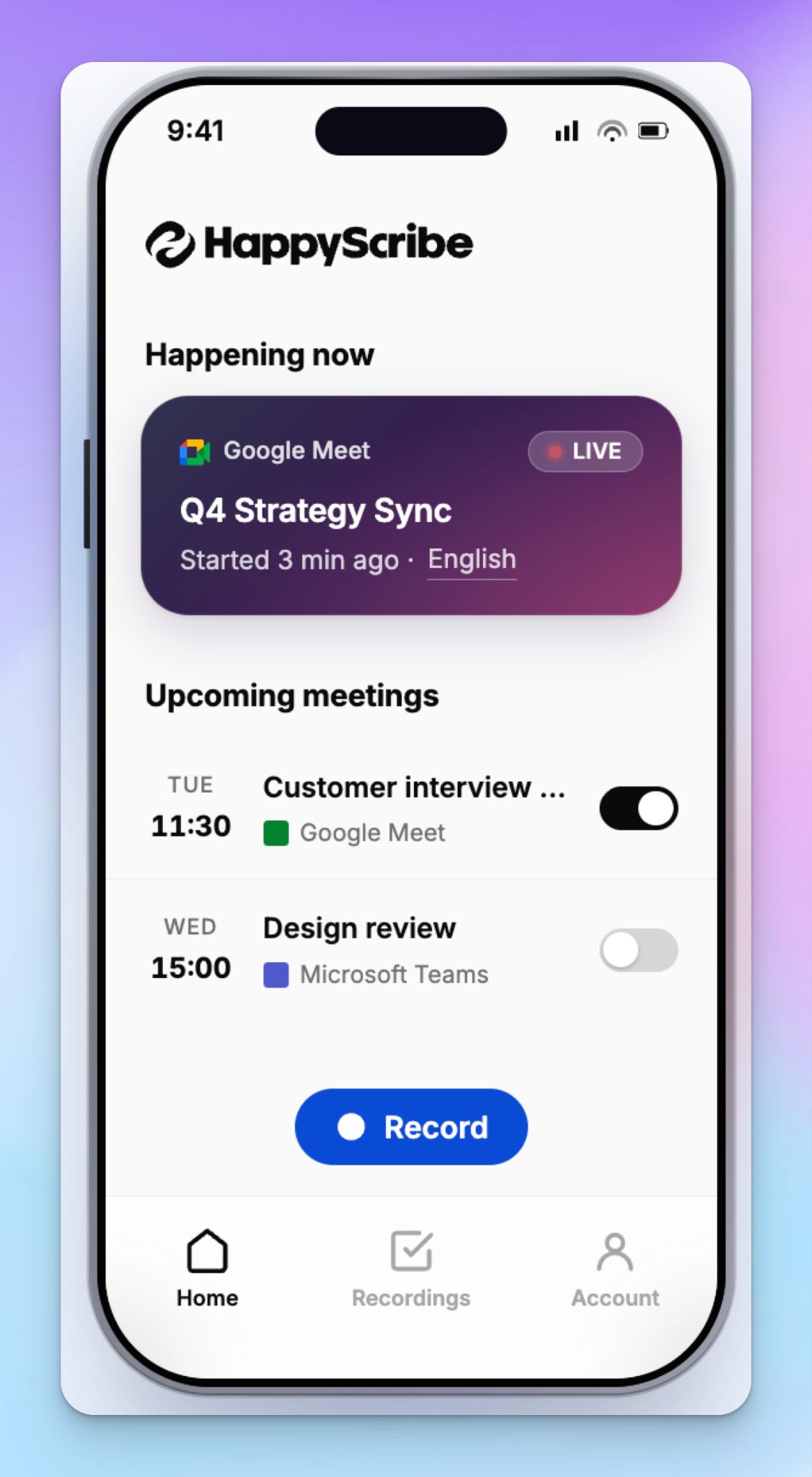
HappyScribe mobile app connects the advanced workflows of HappyScribe with a mobile app ready to capture conversations anywhere. From students and researchers to journalists, content creators, and professionals, anyone can quickly record and transcribe audio accurately.
HappyScribe's key features
1. Fast and simple mobile transcription with 95%+ accuracy, even on a weak signal
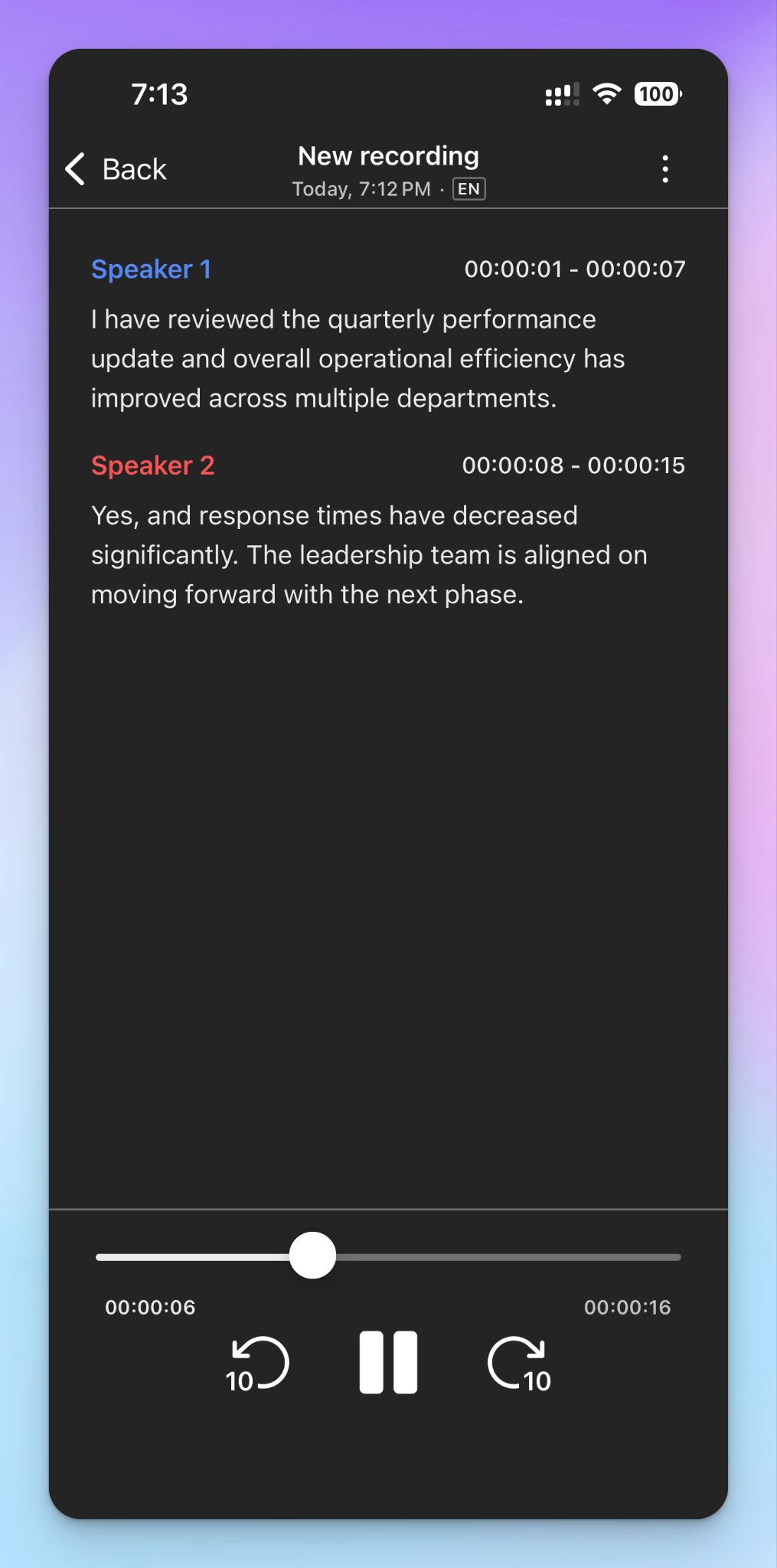
Open the HappyScribe mobile app, tap Record, and your phone becomes an audio recorder for the workspace you already use. When you're done, tap Stop and save. The recording uploads in the background while you move on.
Even if you’re offline or the connection drops mid-upload, it picks back up automatically once you're online.
The AI engine on mobile is the same one the original HappyScribe platform uses, which delivers up to 95% accuracy with speaker detection and timestamps. When a file needs flawless accuracy, you can send it for human review.
2. Record and transcribe in 150+ languages and dialects
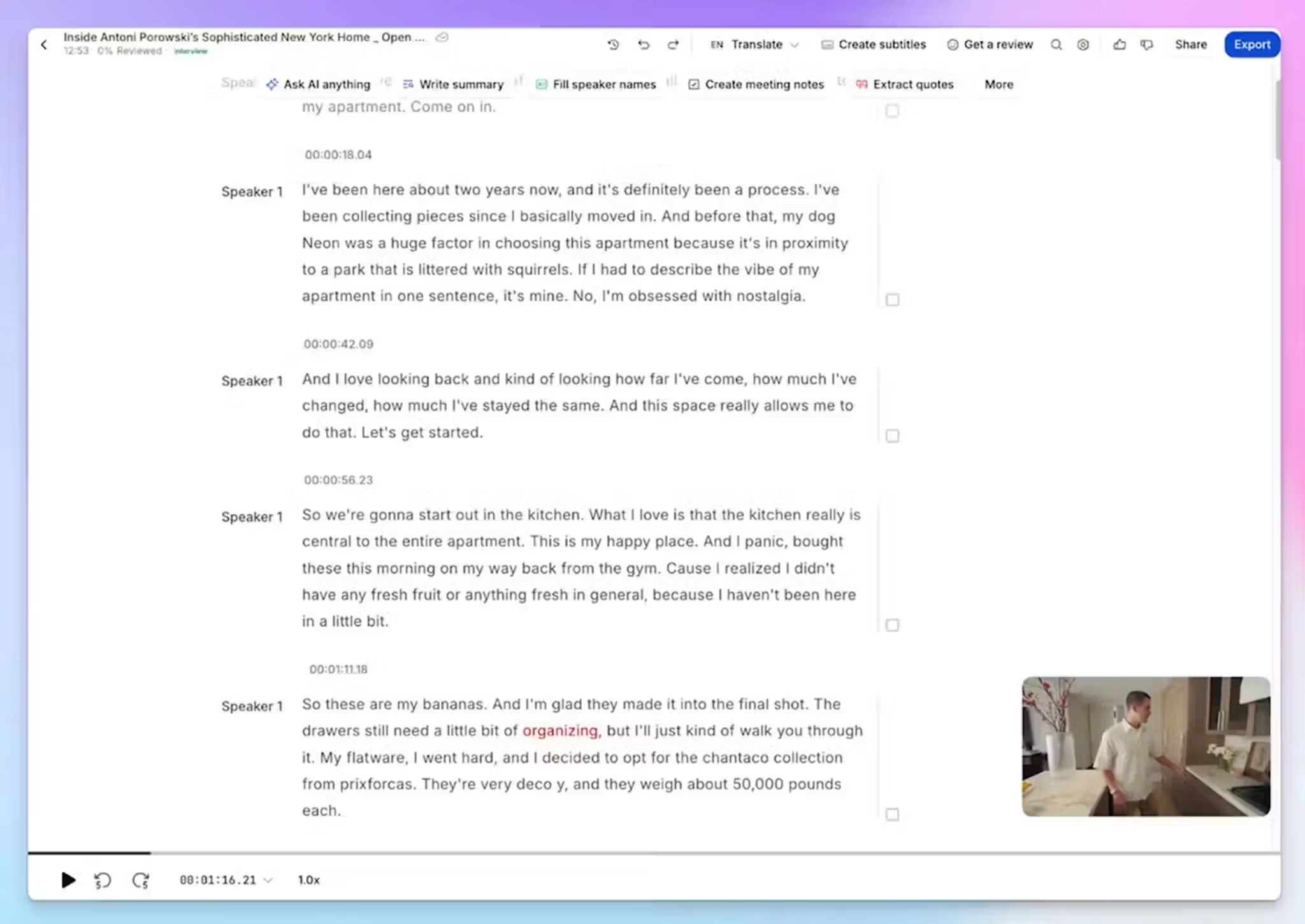
HappyScribe transcribes mobile recordings in over 150 languages and dialects, with automatic language detection. It covers a wide range of dialects, so you never have to worry about language barriers slowing you down.
Whether you're capturing a field interview in Catalan or a customer call in mixed English and Korean, the app handles it automatically every time.
After the recording syncs to your library, you can translate transcripts into 80+ languages from the web editor.
3. Manage and join calendar meetings from your phone
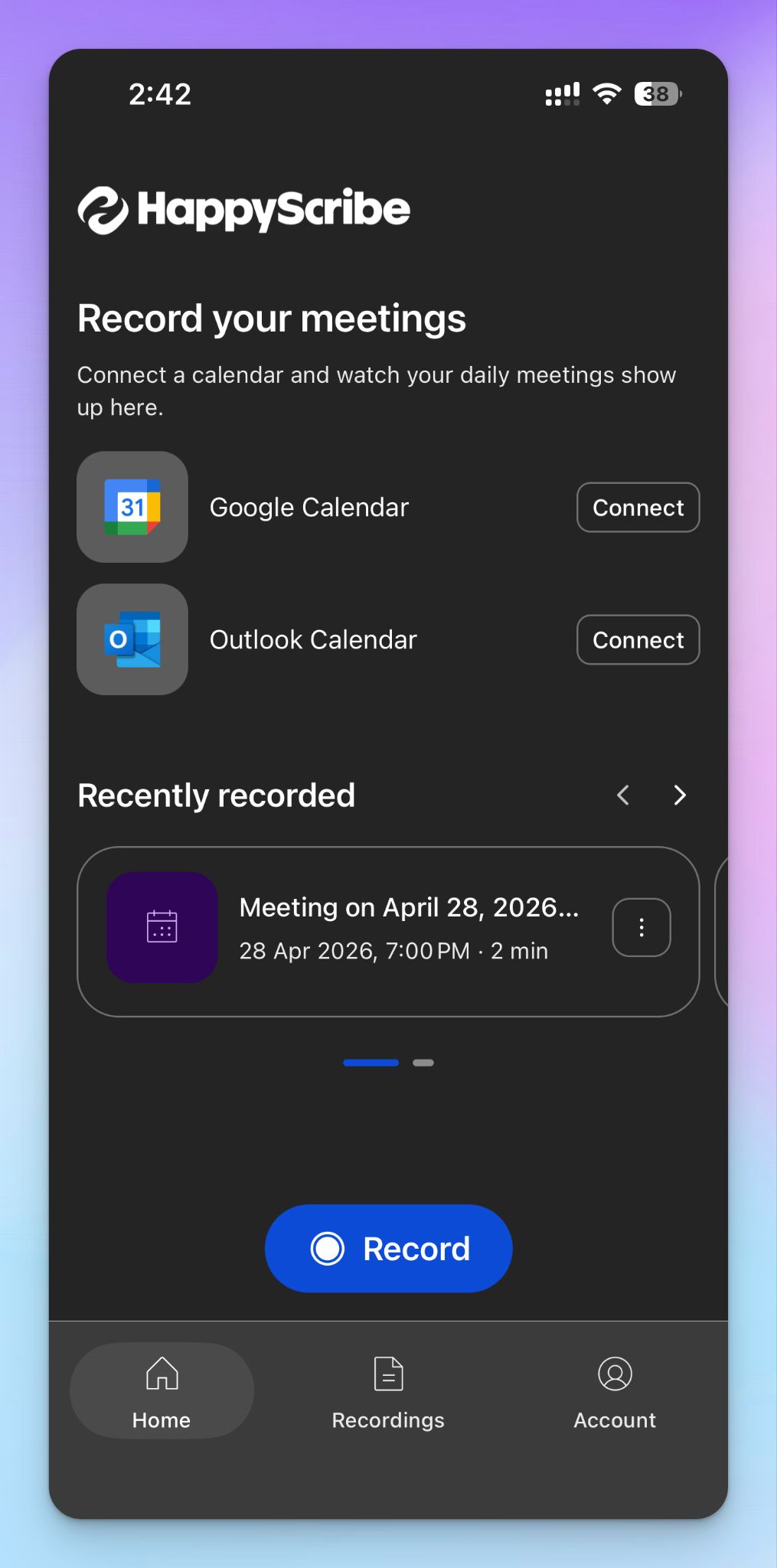
HappyScribe mobile app handles your virtual meetings alongside in-person recordings. Connect your Google Calendar or Microsoft Outlook, and HappyScribe AI meeting note taker auto-joins your scheduled Google Meet, Zoom, and Microsoft Teams calls.
From the mobile dashboard, you can see upcoming meetings and control which ones the note taker should join, all without opening a laptop. For instance, if you're between client visits, you can let HappyScribe take notes on a Zoom call while you focus on the drive.
4. Cross-device features like AI Chat and integrations
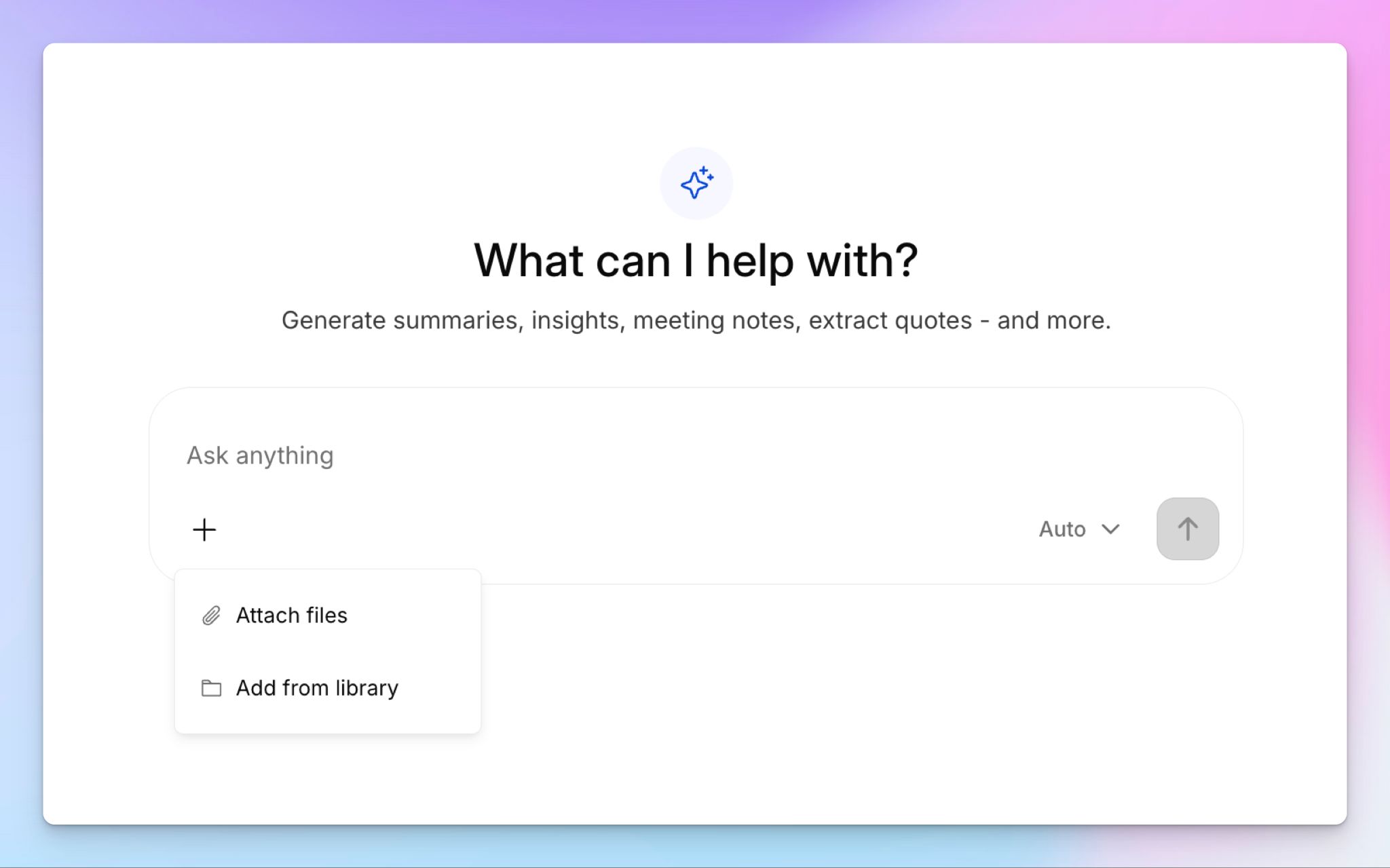
Mobile recordings sync into the same library as your file uploads and meeting notes, so the full HappyScribe toolkit applies to anything you capture on your phone. Use AI Chat to summarize a 60-minute lecture or extract decisions across multiple interviews and files. The conversational chatbot helps you dive deep into decisions and lessons.
And that’s not all.
You can speed up bulk transcription and what you can do with the transcripts by integrating with the HappyScribe MCP server, API, Zapier, and several other cloud storage options.
5. Enterprise-grade security for sensitive conversations
When you're recording impromptu conversations on a phone, security becomes a bigger consideration. HappyScribe is a GDPR-compliant and SOC 2 Type II-certified note taker with all data stored in a Tier IV and PCI DSS and ISO 27001-compliant EU-based data center. Files are encrypted in transit and at rest with AES-256.
For research interviews or confidential business conversations, that means your mobile recordings aren't routed through overseas servers or fed into third-party AI training without disclosure. You can opt out of AI training and delete files permanently from the workspace settings.
HappyScribe's pricing
- Free: Unlimited mobile and meeting recordings (45 mins per recording)
- Basic: $8.50/month billed annually or $17/month billed monthly
- Pro: $19/month billed annually or $29/month billed monthly
- Business: $59/month billed annually or $89/month billed monthly
- Enterprise: Contact sales for tailored solutions
HappyScribe's pros
- HappyScribe mobile app supports offline recordings
- 95% accurate AI transcription in 150+ languages and dialects in both iOS and Android
- Free plan covers unlimited mobile recordings and transcriptions up to 45 minutes each, which is enough for long lectures and field trips
- Track and join calendar-connected meetings via the mobile app
- Recordings land in the same workspace as web uploads and meeting notes, all searchable from one place
- EU-hosted data with SOC 2 Type II and GDPR compliance for note-taking
HappyScribe's cons
- Not ideal for real-time transcription during live calls
What are users saying about HappyScribe?
In a meeting with 25 people I recorded a talk on debt restructuring with my phone from the back of the room. The notes were concise, albeit not totally to the point, since this was not a formal meeting. The AI prompted narrative summary of less than 500 words nailed it though!
Straight forward and easy to use this app is extremely accurate in my experience so far. Love it.
How to use HappyScribe's mobile app: a step-by-step guide
- Download the HappyScribe app from the App Store or Google Play, then sign in with your account.
- From the home screen, tap the red Record button to start capturing audio.
- You can pause/resume the recording midway, and when you're done, tap Stop. Give it a name and tap Save.
- It gets uploaded to your HappyScribe workspace across devices, and within minutes, you’ll have the transcript ready.
2. Notta
Best for: Professionals who need real-time transcription and translation
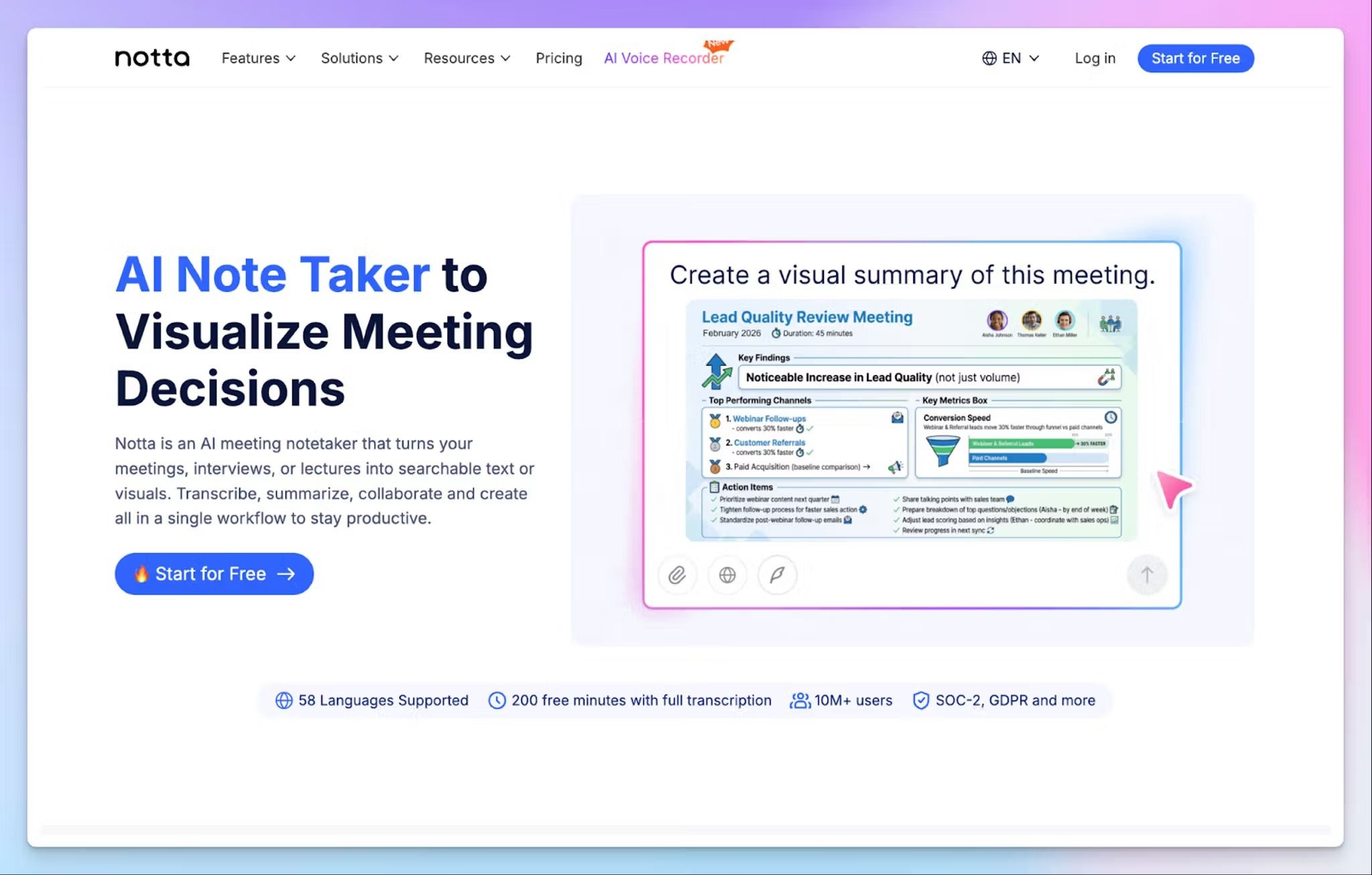
Notta is a useful option for people who run transcription on their phone first and use the desktop for advanced tasks. The iOS and Android apps are easy to use and work as reliable recorders.
What sets Notta apart is its bilingual mode. It’s a paid add-on that can transcribe two languages automatically, which is good for in-person interviews and client calls across borders.
Notta's key features
- Record and transcribe in real time on iOS and Android in 58 languages, where audio capture and live text appear on the same screen
- You can add bookmarks during a recording to mark key moments, making it easy to find specific quotes when you review the transcript later
- Sync recordings and transcripts across iPhone, Android, web, and Chrome extension automatically, so you’re not limited to the device you’re using
- Notta Bot joins Zoom, Google Meet, and Microsoft Teams calls from the mobile app via calendar sync
Notta's pricing
- Free
- Pro: $13.49/month
- Business: $27.99/month
- Enterprise: Custom pricing (51+ seats)
- Monolingual Translation (add-on): $10/month
- Bilingual Transcription & Translation (add-on): $15/month
- Notta Brain (add-on): $12.99/month
Notta's pros
- You can import files from your phone to transcribe in the Notta app
- With SOC 2 Type II, ISO 27001, GDPR, CCPA, and HIPAA compliance, Notta covers most regulated-industry requirements out of the box
- You can translate transcripts and summaries into 50+ languages
Notta's cons
- The free plan caps individual recordings at 3 minutes, which makes it almost unusable for real meetings or interviews. Users often look for better Notta alternatives that offer generous free plans
- Custom vocabulary is limited to English and Japanese on paid plans, which weakens accuracy for industry-specific terms in other languages
- Notta’s AI summary quality isn’t as good on long recordings with multiple speakers, forcing you to review and edit manually
3. Rev
Best for: Users who need human-verified accuracy via mobile app on legal records or published interviews
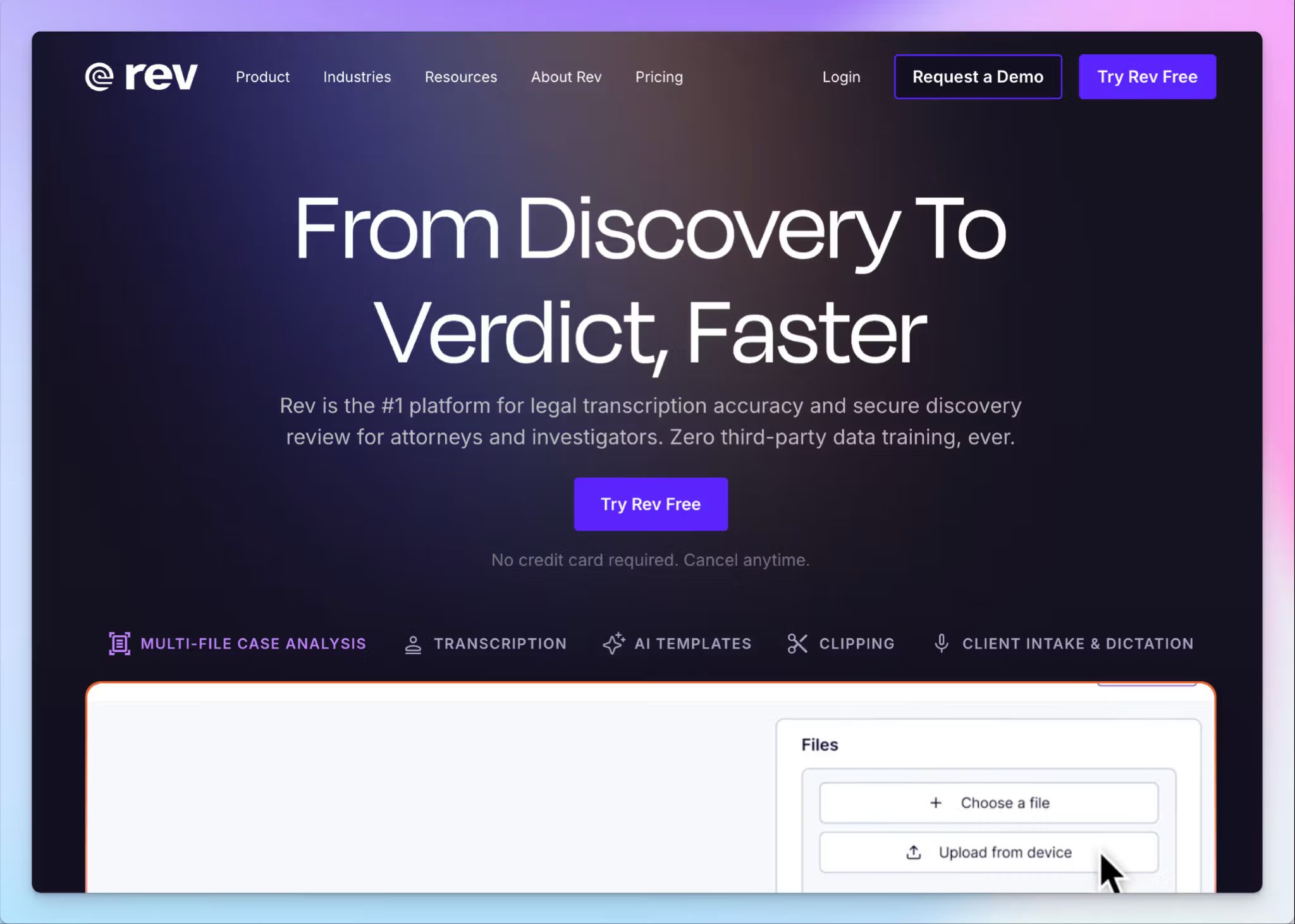
Rev is a solid option for professionals who need human-verified transcription accessible from their phone. The mobile app combines on-the-go recording with direct access to Rev's network of thousands of human transcriptionists for 99% accuracy.
Despite being feature-packed and geared towards heavy workflows, the Rev app is intuitive enough for regular recordings.
Rev's key features
- Record audio in-app and see live AI transcription appear in real time, with bookmarks you can drop at key moments
- You can chat with your transcripts on your phone to surface quotes and action items without scrolling through the full text
- Sync and edit transcripts on your phone to fix errors and share with others, with strong privacy controls
- Rev lets you connect calendars to see all upcoming meetings in the meeting dashboard, and access transcripts across mobile and desktop
Rev's pricing
- Free: 45 AI minutes/month
- Essentials: $29.99/month
- Pro: $59.99/month
- Unlimited: Custom pricing
Rev's pros
- If you have the budget for it, human transcripts come back in 12 hours or less, which is fast for long field recordings
- Rev has industry-specific templates and court-ready document options for legal teams
- CJIS, GDPR, and SOC 3 readiness with AES-256 encryption for regulated industries
Rev's cons
- Rev’s multilingual transcription is limited compared to platforms designed for international use, pushing users to look for Rev alternatives
- Rev generally runs costlier than most mobile transcription apps in the market, and the pivot to legal services makes it less suitable for other industries
4. Trint
Best for: Editorial teams and journalists who need collaborative mobile transcription for breaking news and live events
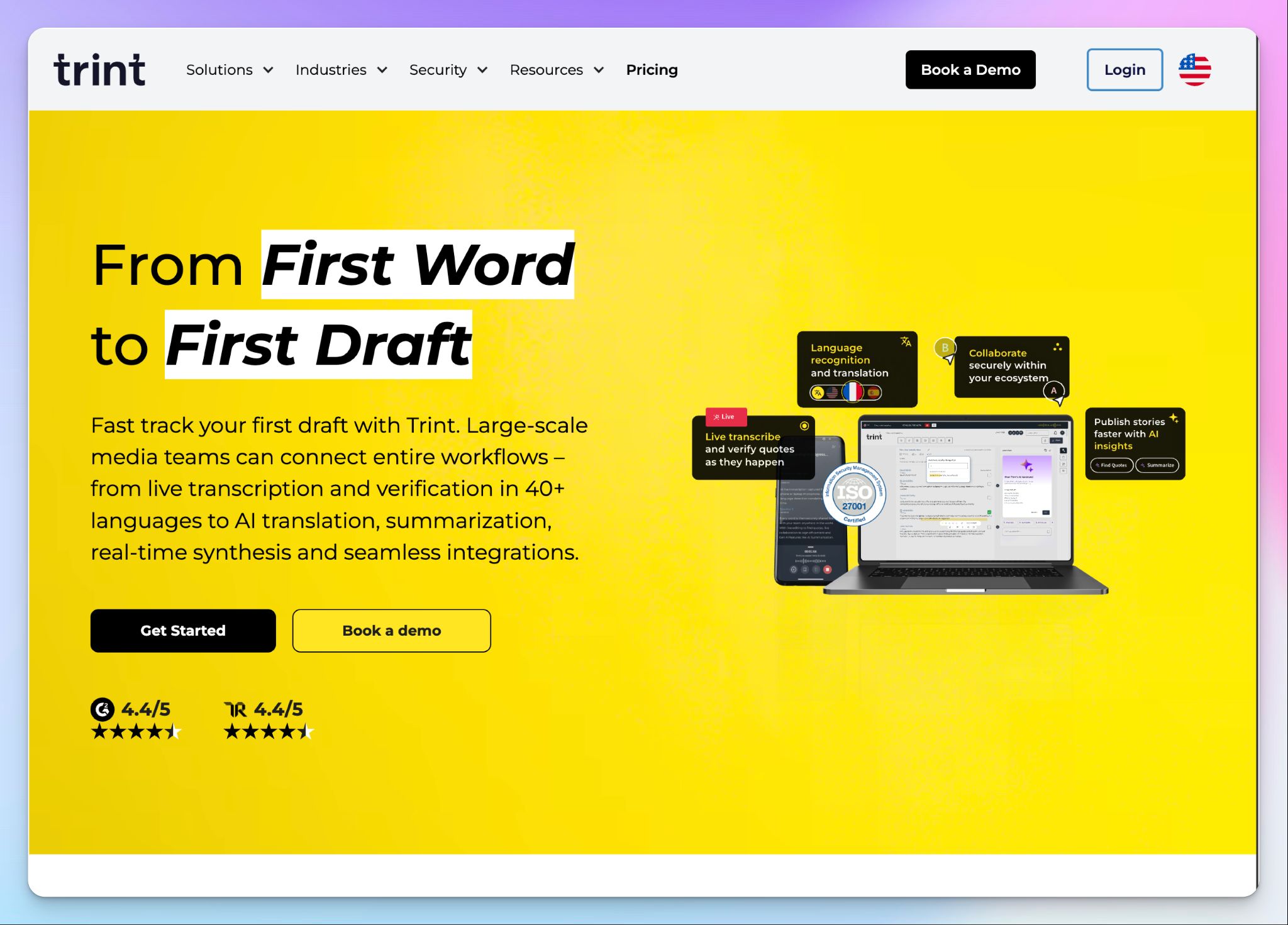
Trint is built for newsrooms and editorial teams that handle large volumes of transcripts daily. The mobile app brings Trint's collaborative editor and transcription to iOS and Android, with deeper integration into team review than most apps.
Keep in mind that Trint’s mobile experience varies by subscription tier. Trint Live, which lets a reporter capture audio from the field while remote colleagues review and comment in real time, is part of advanced plans.
Trint's key features
- Record audio in the app or upload existing files from your phone, with all audio transcribed in 30+ languages and automatic language detection on supported plans
- Generate AI summaries on demand from the mobile app, where you can pick bullets or paragraphs and adjust the length
- You can mention teammates and add comments on the transcript directly from your phone, with replies syncing to the web app
- Highlight and color-code quotes, strike through errors, and add bookmarks for sections you want to revisit later
Trint's pricing
- Pro: $100/month
- Team: $90/user/month (2-5 users)
- Business: Custom pricing
Trint's pros
- Trint app supports translation into 50+ languages for content creators and media teams
- You can record offline and with patchy signals without disrupting live transcriptions
- Trint connects you to MAMs and newsroom production systems like Mimir, LiveU, AP ENPS, Octopus, and Saga
- The mobile app interface can be configured into English, French, and German
Trint's cons
- Trint doesn’t have a permanent free plan, which makes it hard to evaluate for individual journalists or small teams
- Trint Live on mobile is locked behind advanced plans, so users on the basic plan don’t have access to higher usage and advanced features
- Trint is heavily focused on media production houses, and the pricing reflects that
5. Riverside
Best for: Podcasters and creators who need broadcast-quality mobile recording with transcription built into the same workflow
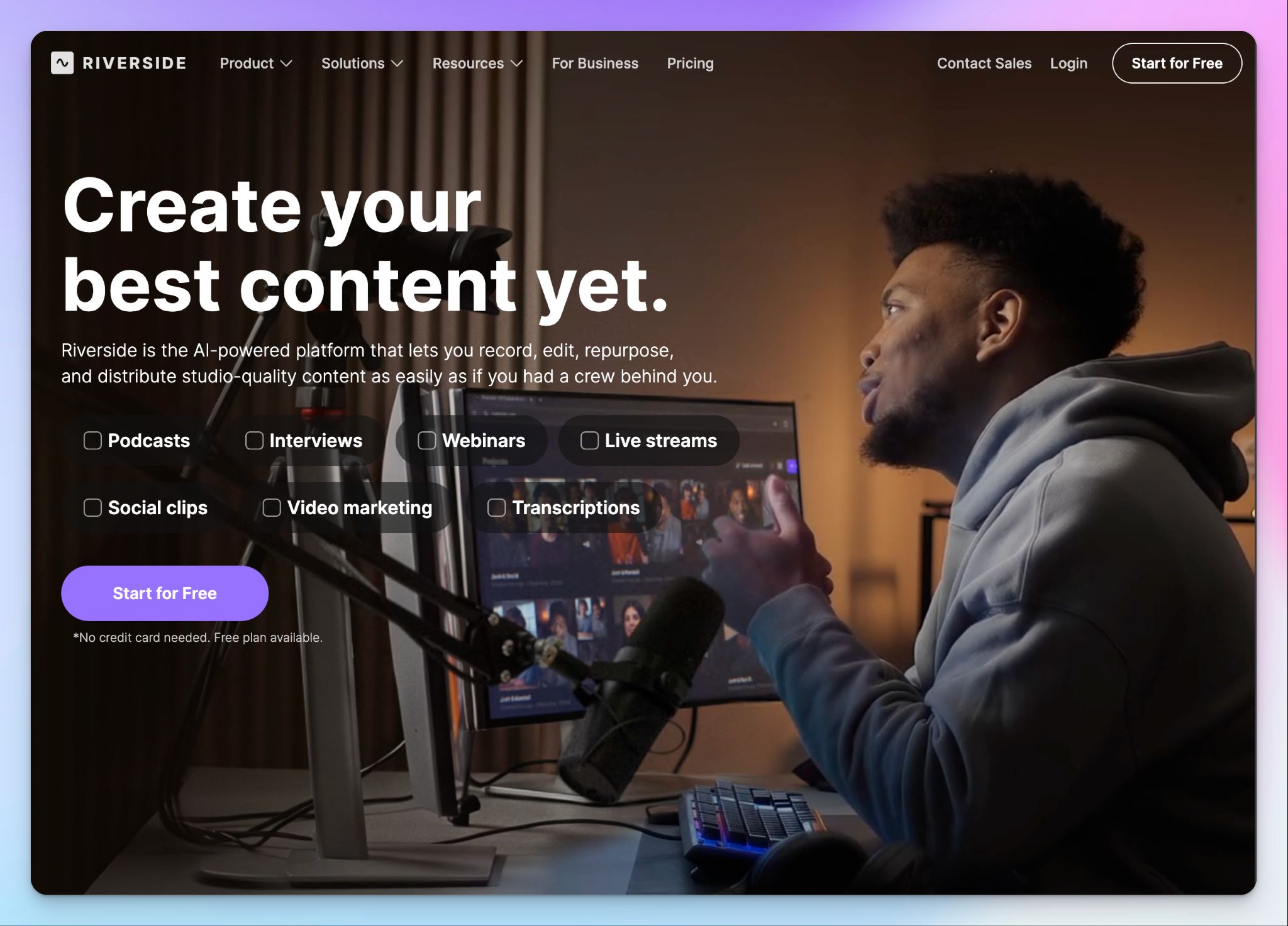
Riverside is a remote recording studio that happens to do transcription. Most tools on this list are built around transcription, but Riverside focuses more on studio-quality recording with 4K video and 48kHz WAV audio.
The mobile app brings the same studio experience to iOS and Android. Since recording happens locally on your device, quality stays consistent even if your connection wobbles mid-session. That said, a completely offline or near-zero signal environment won't work. Riverside requires some connectivity for live communication and file uploading. For weak but existing signals, the app’s low data mode keep things running smoothly.
Riverside's key features
- Capture each participant on a separate audio and video track so you can edit individual voices without affecting the rest of the recording
- Cut audio and video by deleting words from the transcript instead of working in a traditional timeline
- AI Magic Clips analyzes the transcript to surface quotable moments from longer recordings, useful for repurposing into short-form social content
Riverside's pricing
- Free
- Pro: $14/month
- Grow: $19/month
- Webinar: $49/month
- Business: Custom pricing
Riverside's pros
- You can plug in a USB or wired external microphone for podcast-quality audio that goes beyond the phone's built-in mic
- Use the built-in teleprompter to read your script while maintaining eye contact with the camera, with adjustable scroll speed and font size
- One-click distribution to Spotify, YouTube, Apple Podcasts, and other platforms cuts the post-recording workflow for content creators
Riverside's cons
- Mobile app requires an active internet connection to record, so it can't capture audio in low-signal locations or fully offline scenarios
- Transcription is secondary to Riverside, so pure transcription users might find all the media production features distracting
- Transcription is only supported in Pro and beyond, so free users get no value out of this
📚 Also read:
Which transcription app for iPhone and Android should you choose?
All five apps work on both iPhone and Android. But the right pick depends on what you record and where the transcripts need to go next.
👉 Notta is for professionals who want real-time transcription with quick bookmarks during recording, as long as they’re willing to look past data sharing policies.
👉 Rev is for users with a large budget who need human-verified transcripts for legal records and published interviews.
👉 Trint is for editorial teams and newsrooms that need collaborative transcripts with live sharing.
👉 Riverside is for podcasters and video creators who want studio-quality mobile recording alongside transcription.
👉 HappyScribe is the strongest all-rounder for mobile transcription on iPhone and Android. It combines mobile capture with a transcription platform that supports 150+ languages, EU-grade security, and human review when AI alone isn't enough.
Start with the free plan to record unlimited mobile meetings and test the AI transcription before upgrading to a paid tier.
FAQs on best transcription apps for iOS and Android
What is the most accurate transcription app?
HappyScribe’s human transcription services, followed by Rev, deliver the most accurate transcripts, with 99% accuracy on tough audio that has multiple speakers or background noise. Among AI tools, top transcription apps reach 95% AI transcription accuracy with speaker identification, though no AI tool matches human-powered transcription services for absolute high accuracy.
What are the best mobile apps to transcribe audio to text?
HappyScribe, Notta, Trint, and Rev are the strongest mobile transcription tools in 2026. All these apps let you record audio for fast transcription. The best picks also support offline transcription and offer a clean interface for capturing quick voice notes.
What's the best free transcription app on iOS?
HappyScribe ranks among the best transcription services on iOS for a free plan. It covers unlimited audio recordings up to 45 minutes per file in 150+ languages, with one-tap audio recording that works better than Apple's Voice Memos. Across all the apps we tested, this HappyScribe app outperforms iOS's built-in transcription and most free AI transcription tools.
What's the best free transcription app on Android?
HappyScribe is the best free transcription app on Android. Unlike Google's built-in voice typing or voice command tools that work for short notes only, HappyScribe runs full automatic transcription services on 45-minute recordings. It syncs across all the apps you use and covers 150+ languages on the free plan.
Can ChatGPT do audio transcription?
ChatGPT transcribes audio through OpenAI's Whisper AI model, but it accurately converts spoken words only for short clips and isn't built for meeting transcription or team collaboration. For longer files or content creation, dedicated AI tools handle multiple languages and integrate with desktop app and mobile workflows.

Biplab Mazumder
Biplab is a content marketer and writer who helps high-growth brands scale content visibility across AI search channels. His works have been published in HubSpot, Freshworks, Atlassian, SurferSEO, etc. When he's not planning content strategy, he's testing AI content workflows and use cases.