


![5 Best Transcription Tools with EU Data Residency [2026]](/sanity-images/ejgwz1gl/redesign/446d4fee233b267be6af9d979946a200f62c2960-1659x948.jpg?auto=format&w=1659.0&rect=0,0,1659,948)
TL;DR ⏩
Based on my research and real-life experience, the top transcription tools with EU data residency are:
- HappyScribe: Best overall for European teams that need EU-based data storage, AI transcription in 150+ languages, an editor, mobile recording, and optional human proofreading
- MacWhisper: Best for Mac users who want to process sensitive recordings locally, without sending files to a cloud service
- Qualtranscribe: Best for research, legal, and qualitative projects that need EEA processing alongside human-made transcripts
- Gladia: Best for developers building EU-resident speech-to-text, live transcription, and audio intelligence into their own product
- Speechmatics: Best for enterprise teams that need an EU real-time endpoint or the flexibility to deploy speech technology in the cloud, on premises, or on-device
Accuracy tells you whether a transcript is usable. Data residency tells you whether you can use the software at all.
If your recordings contain personal data covered by the GDPR, their storage location deserves scrutiny. The GDPR does not prohibit transfers outside the EU, but those transfers may require an adequacy decision or additional safeguards.
Schrems II made that assessment harder, particularly when data moves to US-based providers.
EU data residency reduces that complexity by keeping stored recordings and transcripts within the region. It can make vendor approval easier for teams handling confidential interviews, customer calls, internal meetings, or legal proceedings.
In this article, I’ve compiled the 5 best transcription tools with EU data residency. If you’re based in the European Union, or work with teams based in the EU, this list is for you.
What Are the Best Transcription Tools with EU Data Residency? At a Glance
| Category | HappyScribe | MacWhisper | Qualtranscribe | Gladia | Speechmatics |
| Best for | Teams that need secure, multilingual transcription with AI and human review options | Mac users who want sensitive recordings to stay on their device | Research, legal, and qualitative projects that need human transcription | Developers building speech-to-text into a product | Enterprises that need flexible speech deployment |
| Data residency | EU-based Tier IV data center that is PCI DSS and ISO 27001-certified | Local models process files on the user’s Mac | EEA processing with Frankfurt-based storage | EU data residency | Dedicated EU endpoint for real-time transcription |
| Language support | 150+ languages and dialects | 100+ languages | 20+ languages | 100+ languages | 56+ languages |
| Transcription approach | AI transcription (95%+ accuracy), optional human proofreading (99%+ accuracy), translation, subtitles | Local or cloud transcription models | Human transcription, AI drafts, and translation | Real-time and asynchronous transcription API | Real-time and batch speech-to-text API |
| Workflow features | Browser-based transcript editor, speaker labels, AI Chat, mobile recording, exports, glossary tools | Batch processing, meeting and app-audio capture | Speaker labels, timestamps, verbatim options, NVivo and ATLAS.ti support | Diarization, PII redaction, sentiment, entities, summaries, webhooks | Speaker diarization, custom vocabulary, cloud, on-premises, and on-device deployment |
| Price | Free trial available, paid plans from $8.50/month | Free plan available, Pro license for €64 | From $1.20 per audio minute | From $0.61 per hour | Free plan available, Pro from $0.129 per hour |
1. HappyScribe
Best for: Teams that need accurate, multilingual audio and video transcription, without moving their files outside the EU
HappyScribe is a strong fit for researchers, journalists, media teams, and businesses that operate in the EU, or work with teams based in the EU.
HappyScribe gives them a complete transcription workflow in one place: upload a file, generate a transcript, refine it in the editor, and export it in the format the next person needs.
EU data residency is built into that workflow, so teams do not have to treat the location of their recordings as a separate procurement issue.
HappyScribe’s key features
1. EU-based storage for sensitive recordings
HappyScribe stores data in a European Union data center that meets Tier IV, PCI DSS, and ISO 27001 standards. The platform is GDPR-compliant and SOC 2 Type II-certified, and user data is encrypted in transit and at rest with AES-256 encryption.
The tool gives teams a clearer foundation for handling confidential interviews, internal recordings, research sessions, and client material.
2. AI transcription with a human-reviewed option
You can transcribe files with AI in minutes, with automatic speaker detection to help distinguish who said what. It delivers 95%+ accuracy, which works well for everyday transcription work.
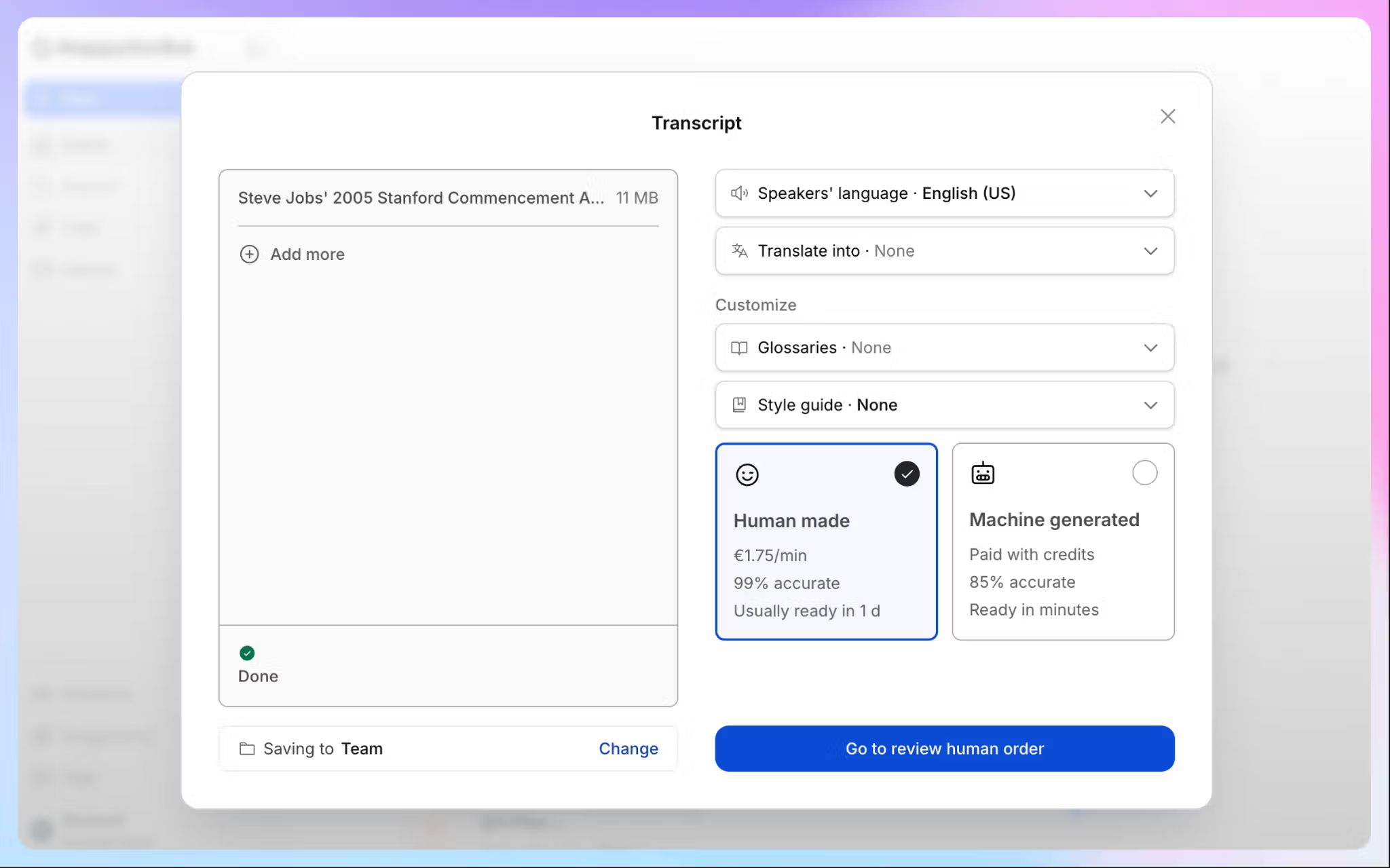
When an AI-generated draft is not enough, such as for published interviews, legal materials, or high-stakes research, HappyScribe also offers human transcription services with up to 99% accuracy.
The files go to rigorously vetted native speakers with proven subject-matter expertise, trained to handle complex accents and technical terms, under strict NDAs that keep your data protected.
You can add custom glossaries and style guides, so AI and human output alike stay consistent with your product names, specialist vocabulary, and recurring terminology, and reduce the amount of cleanup required after transcription.
3. Broad language coverage for European and international teams
HappyScribe supports AI transcription in more than 150 languages and dialects, with automatic language detection. Human transcription is available in 60+ languages.
You can also translate content into 80+ languages, which is useful when the recording language and the final working language differ.
4. Record on mobile, then continue on desktop
The HappyScribe mobile app works on iPhone and Android, allowing users to record interviews, lectures, and voice notes away from their desk. Recordings can continue in the background, then sync to the same workspace used for uploaded files and meeting recordings.
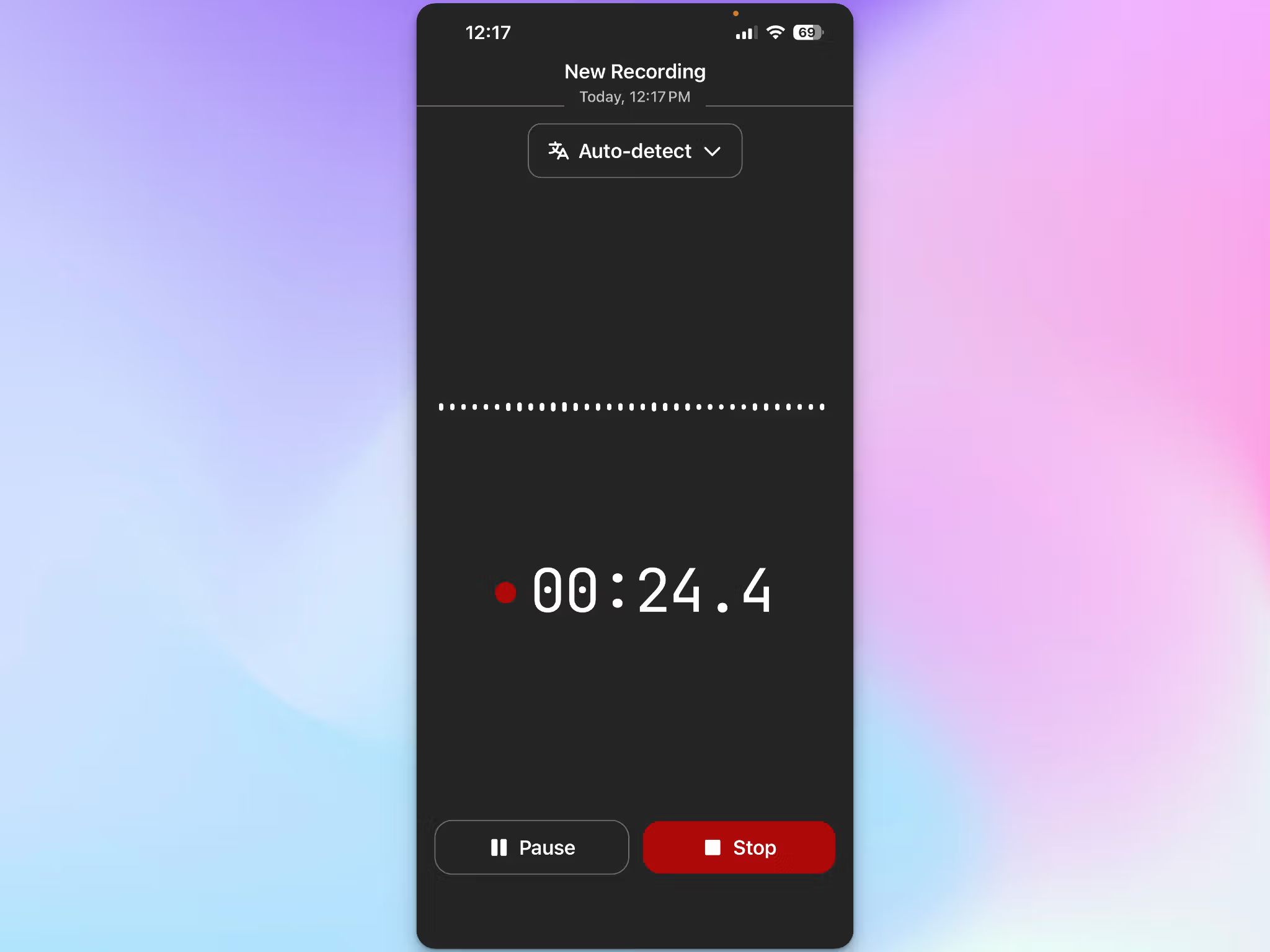
The app is especially handy for fieldwork. You can capture audio offline and upload it for transcription once the device reconnects.
5. Use the transcript editor to make changes
The browser editor keeps text locked to the audio: click any word to jump to that moment, and colored highlighting tracks the playback so you never lose your place.
Editing a transcript works like a normal document editing, and find-and-replace fixes a misheard product name across the whole file in one pass. Rename a speaker once and it updates everywhere.
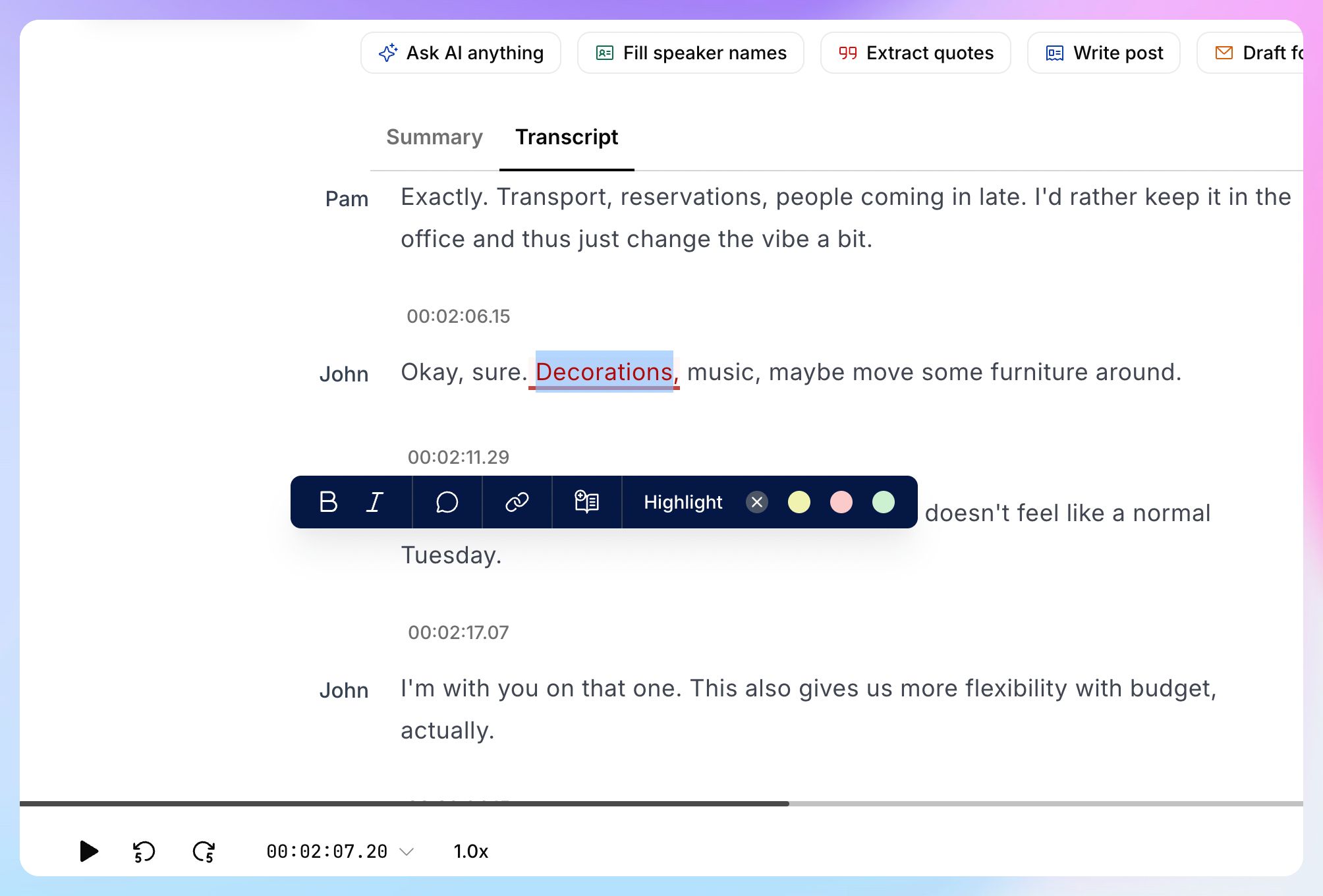
You can also highlight passages for later, leave comments for teammates, and share with view-only or edit access. Version history keeps earlier drafts recoverable.
Export as DOCX, PDF, TXT, SRT, VTT, or research formats like MAXQDA, either the full transcript or just the highlights.
6. Chat with your transcripts
HappyScribe’s AI Chat sits inside the workspace and lets you ask questions; no need to scroll down a long transcript.
Pull a summary, find a specific quote, list action items, or draft a follow-up email straight from the transcript.
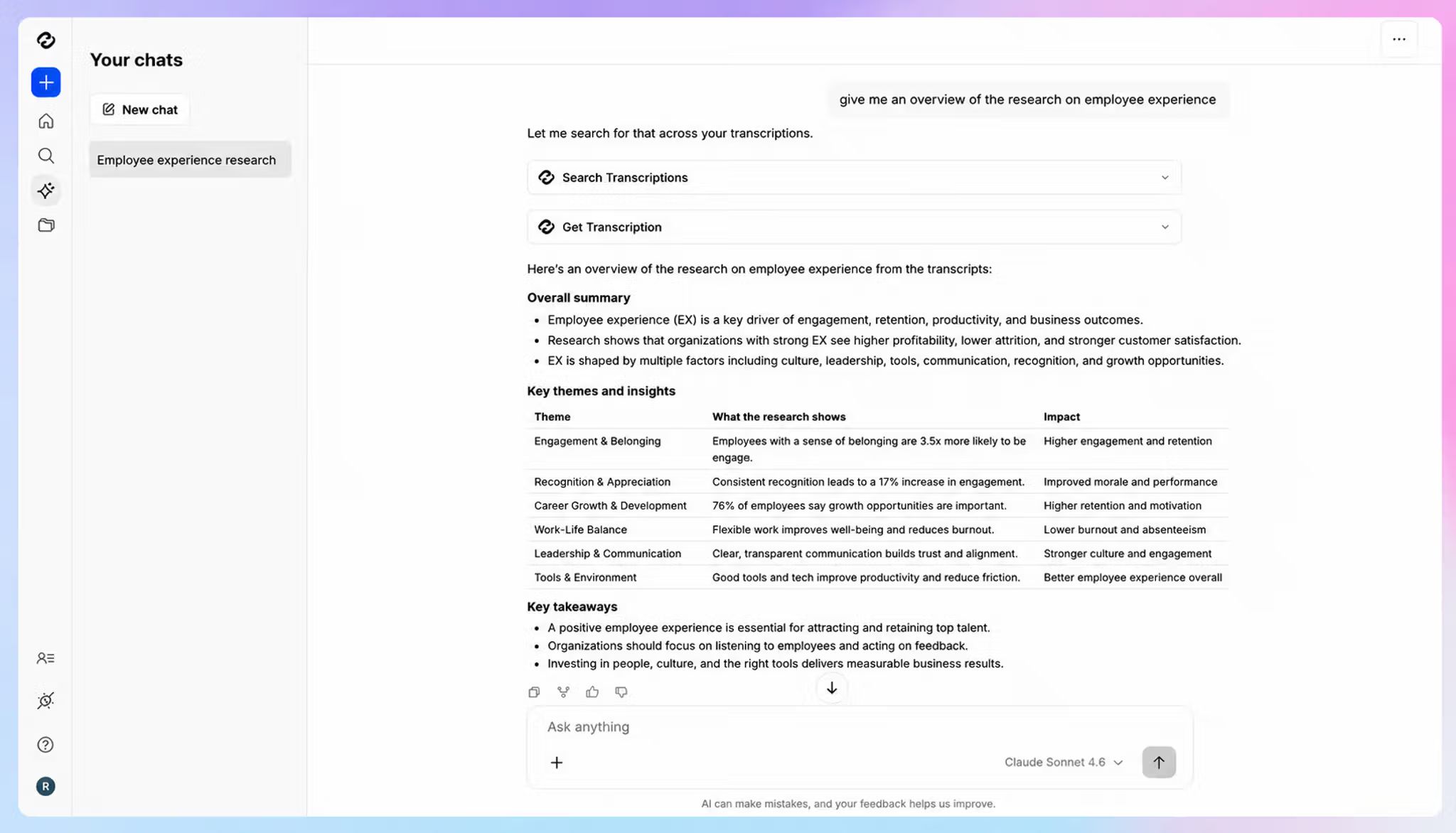
Because it can understand the nuances of human speech, you can ask something like "where did the client push back on timeline?" and get an answer with the exact timestamp.
The scope extends past a single file. Query one recording, a folder, or your whole organization's library at once, which helps when you need to trace how a topic evolved across months of calls or pull every mention of a recurring issue from a set of interviews.
Free accounts get 3 file analyses per month, and paid plans lift the cap.
You can also connect HappyScribe to ChatGPT, Claude, or Copilot through its MCP server, so transcripts, meeting notes, and metadata become available in whichever AI tool your team already works in.
HappyScribe's pricing
- Free: First 10 minutes of AI transcription free, no credit card required
- Basic: $8.50/month (billed annually) or $17/month (billed monthly)
- Pro: $19/month (billed annually) or $29/month (billed monthly)
- Business: $59/month (billed annually) or $89/month (billed monthly)
- Enterprise:Contact sales for tailored solutions
HappyScribe's pros
- Media plays right next to the transcript in the editor, so checking context never means opening another tab
- Translation into 80+ languages, plus subtitle generation for video
- Custom glossaries and style guides hold terminology steady across every file you run
- Integrate HappyScribe with your existing tech stack using Zapier
- Get customer support from real people, not a chatbot
HappyScribe’s cons
- Doesn’t offer real-time transcription
- Human-reviewed transcription costs extra and takes longer than AI transcription
What are real-life users saying about HappyScribe?
Fast, accurate transcripts with easy export. HappyScribe's AI transcription is fast, accurate, and easy to use with minimal training. Speaker detection and timestamps are reliable, and the ability to download clean Word docs without timestamps saves real time. The Chat feature is a great bonus for generating summaries and quizzes from content. Adding a glossary terms improved accuracy immediately, a small tweak with a big payoff for technical content.
I can upload raw recordings, select human transcription, and confidently know the final deliverable will be ready on time and virtually error-free. In addition, HappyScribe has a user-friendly interface: navigating the dashboard, managing projects, and viewing transcriptions is clean, simple, and requires zero learning curve.
How to transcribe audio or video using HappyScribe: A step-by-step guide
Step 1: Upload your audio or video file from your computer, YouTube, Zoom, Google Drive, or Dropbox. HappyScribe supports many formats, including MP3, WAV, M4A, MP4, MOV, AVI, MKV, and more.
Step 2: Choose the language and transcription type. The AI can automatically detect the language, or you can select it manually from 150+ supported languages. Then choose AI transcription for fast results or human transcription for higher accuracy.
Step 3: Review, export, and share your transcript. Your transcript is generated in minutes. Edit it in the online editor, then export or share it in formats like DOCX, PDF, TXT, SRT, or VTT
2. MacWhisper
Best for: Mac users who want to transcribe sensitive files locally instead of uploading them to a cloud service
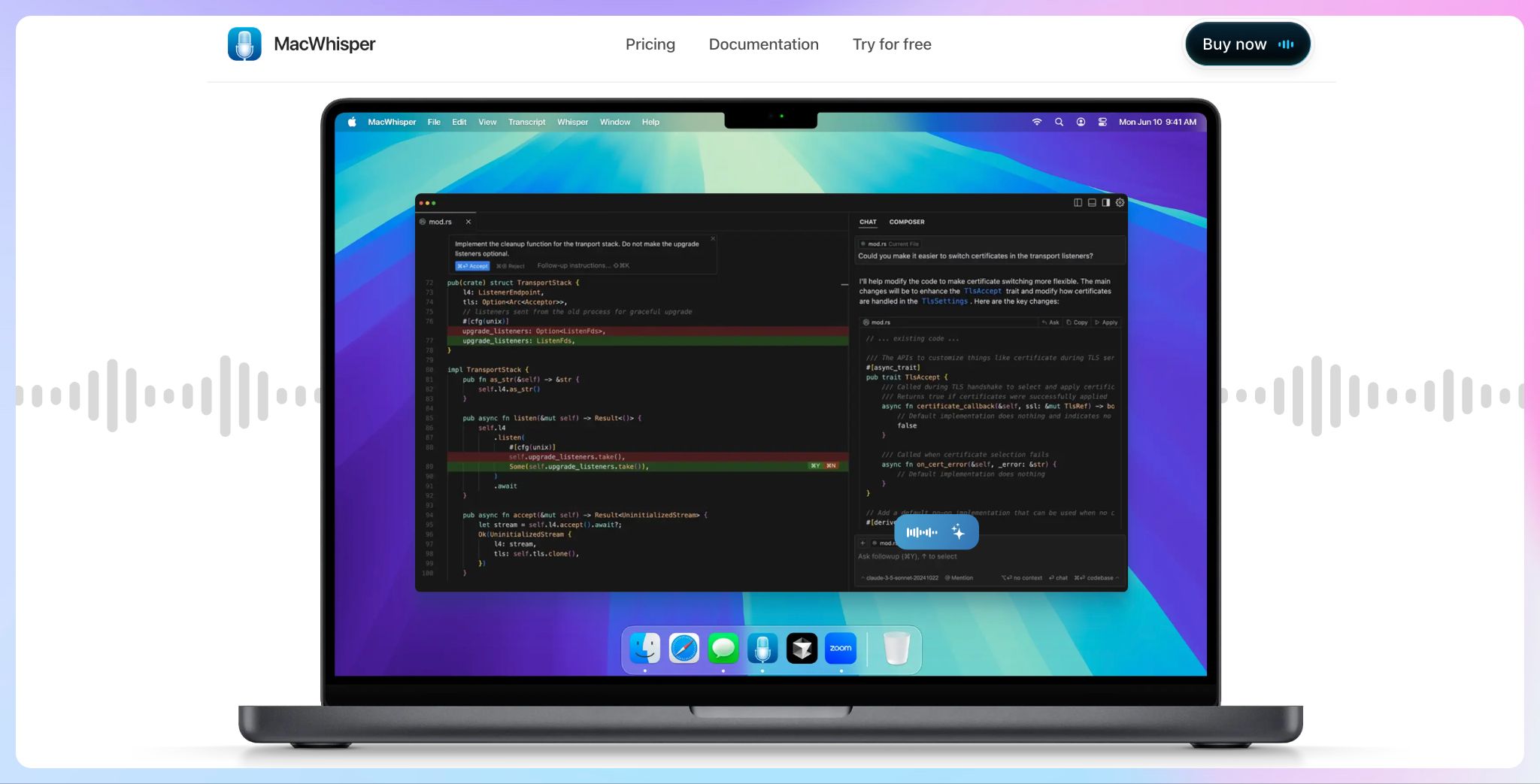
MacWhisper takes a different approach to EU data residency. Rather than storing recordings in a European cloud environment, it can process them directly on a Mac using local AI models.
When you work with confidential client files, it can be the easiest answer to the question of where the audio goes: it stays on the device.
But remember that it’s a desktop transcription app, not a shared workspace built around cloud collaboration. You can drag in a recording, run the transcription locally, edit the text, and export it.
MacWhisper also supports remote models and external AI services, so teams should use local models when keeping data on-device is the priority.
MacWhisper’s key features
- MacWhisper supports transcription in 100+ languages, speaker recognition, translation, and automatic filler-word removal
- Users can correct transcripts in the built-in editor, search for key passages, and export subtitles, documents, or structured text files
- It can process multiple audio files in one go
- Summaries, chat, and custom prompts are available through local or connected cloud models
MacWhisper’s pricing
- Free, with local transcription available at no cost
- MacWhisper Pro: €64 one-time license with lifetime updates
MacWhisper’s pros
- Sensitive recordings can remain on the user’s Mac
- No recurring subscription for the Pro license
- Works offline with local models
- Supports uploaded files, meeting audio, and app audio
MacWhisper’s cons
- Available only for macOS
- It is less suited to teams that need a central, shared transcription library
- Using remote models or connected AI services changes the data-handling setup
📚 Also read:
3. Qualtranscribe
Best for: Research, legal, and business teams that need human transcription within an EU-hosted workflow
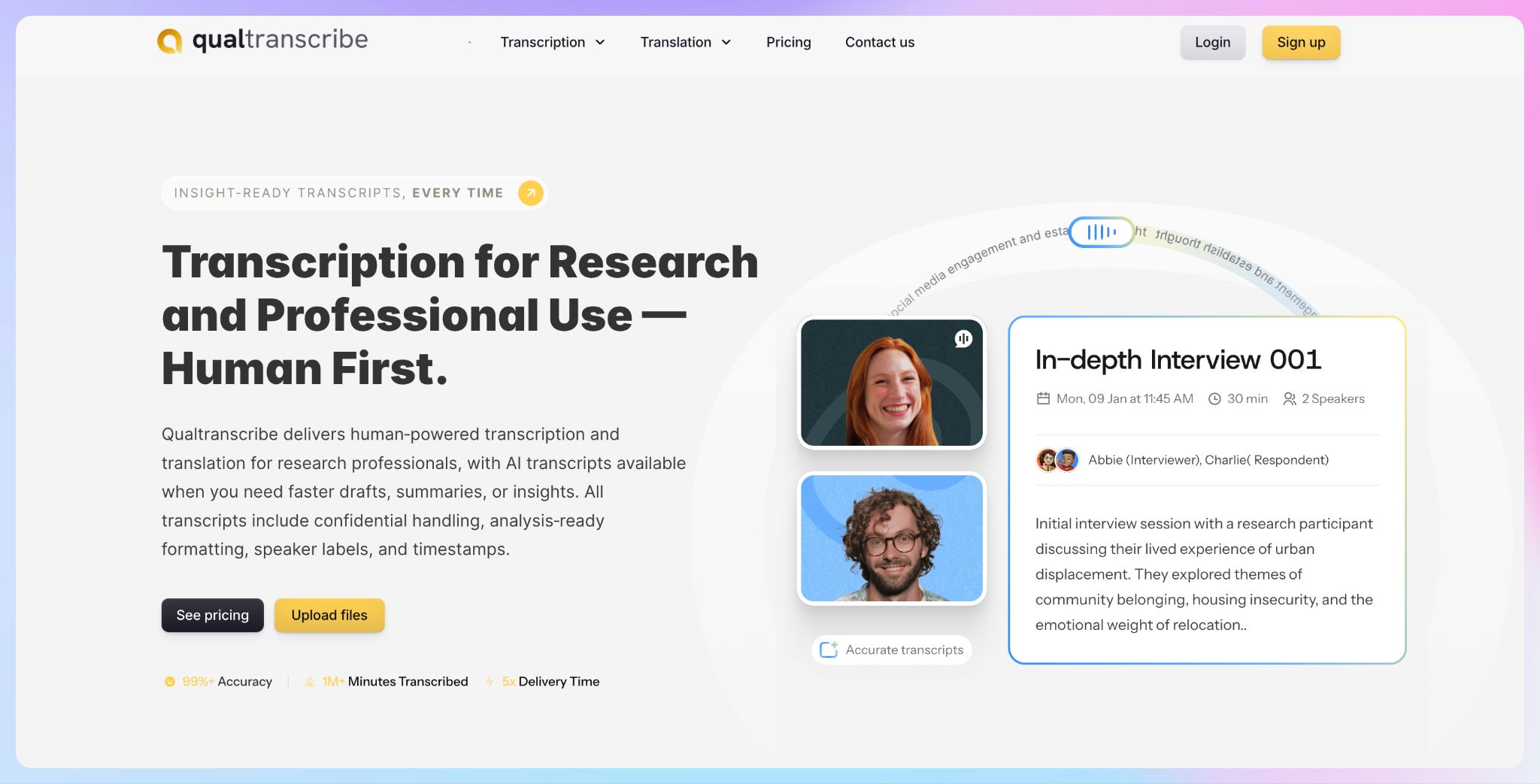
Qualtranscribe is a managed transcription service first and an AI tool second. That makes it a sensible option for projects where a clean AI draft will not do: in-depth interviews, focus groups, regulated research, and recordings with several overlapping speakers.
Its European offering keeps data in the EEA, with storage in Frankfurt’s eu-central-2 region.
At account creation, customers can select data residency.
Qualtranscribe’s key features
- Data is processed and stored within the EEA, with Frankfurt-based storage for its European service
- Trained transcriptionists produce clean verbatim or full verbatim transcripts with speaker identification and timestamps
- Machine-generated transcripts and Smart Insights are available when speed takes priority over human review
- Outputs can be prepared for qualitative analysis workflows, including NVivo and ATLAS.ti
Qualtranscribe’s pricing
Human transcription is billed per audio minute:
- English: From $1.20 per minute
- Spanish, French, German, Italian, and Portuguese: From $2.50 per minute
- Russian, Arabic, and Turkish: From $3 per minute
- Selected additional languages: From $4 per minute
- Volume projects: Custom pricing
Qualtranscribe’s pros
- Clean verbatim and full verbatim options suit different research methods
- Speaker labels, timestamps, and analysis-ready formatting are included
- AI-generated drafts provide a quicker route for less critical files
- Client files are not used for AI training or secondary purposes
Qualtranscribe’s cons
- Human transcription costs more than AI-only platforms
- Standard human transcription delivery needs a 72-hour turnaround
- Files are uploaded for processing, so it is not an on-device transcription option
4. Gladia
Best for: Developers building EU-based transcription into a voice product, internal tool, or automated workflow
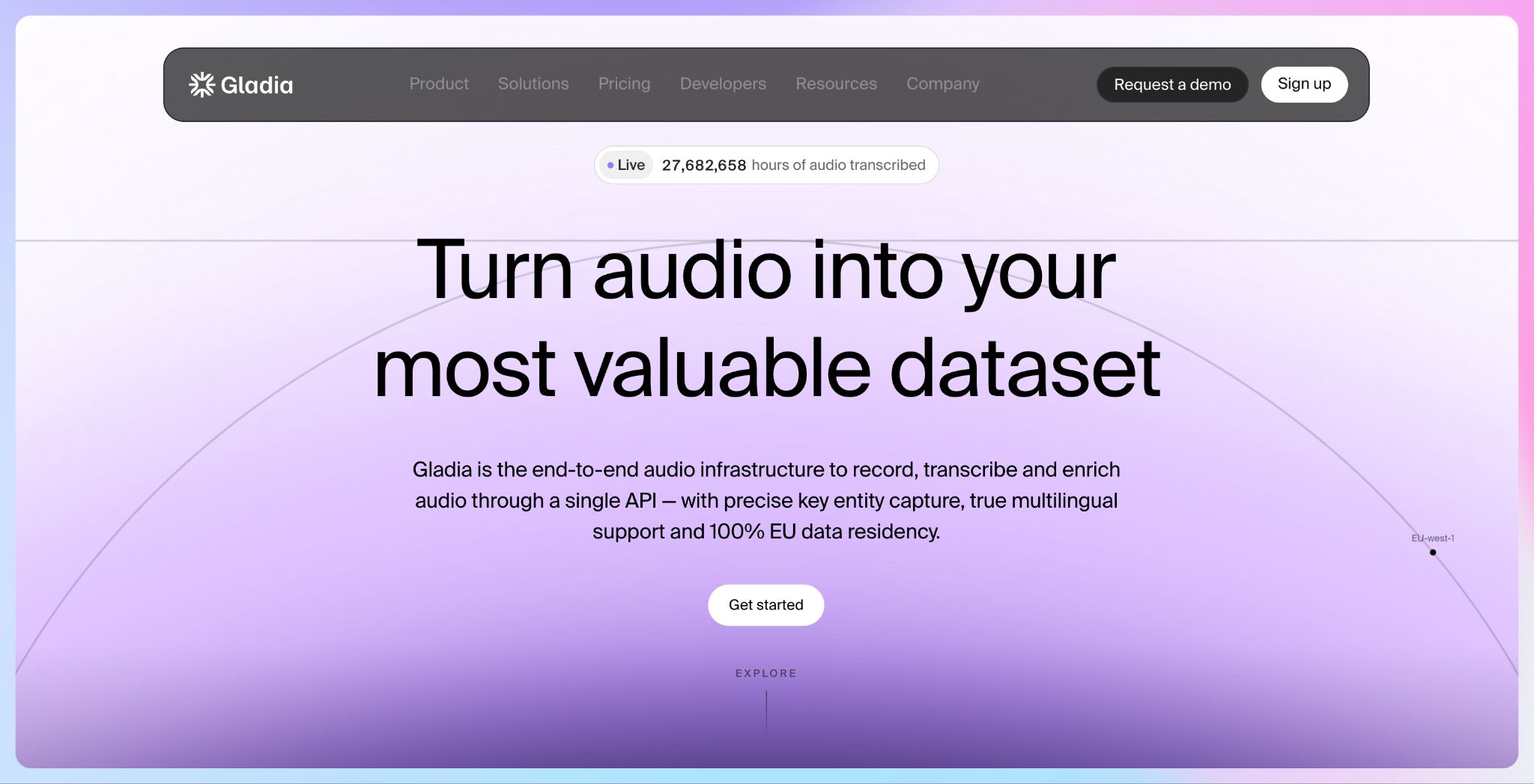
Gladia is not a traditional transcription app. It’s an audio infrastructure delivered through an API, giving developers a way to add speech-to-text, live captions, speaker labels, and audio intelligence to their own product without hosting the speech stack themselves.
For European software teams, Gladia offers 100% EU data residency, with data sovereignty and training opt-out included on paid plans.
It’s a compelling building block for meeting assistants, contact-center tools, voice agents, media platforms, and any application that processes customer audio at scale.
Gladia’s key features
- Gladia provides EU data residency, GDPR compliance, and data opt-out controls for paid plans
- Teams can transcribe uploaded recordings asynchronously or stream live speech with real-time speech-to-text
- The API supports automatic language detection and switching, including multilingual conversations in 100+ languages
- Transcripts identify speaker turns, helping downstream tools understand who said what
- Offers PII redaction, entity recognition, sentiment analysis, summaries, and action item identification
- REST, WebSocket, Python, and Node.js options make it easier to connect the transcription layer to an existing product or workflow
Gladia’s pricing
- Starter: $0.61 per hour for asynchronous transcription or $0.75 per hour for real-time transcription
- Growth: Asynchronous transcription from $0.20 per hour and real-time transcription from $0.25 per hour
- Enterprise: Custom pricing
Gladia’s pros
- 100% EU data residency for audio infrastructure
- Real-time and asynchronous transcription through one API
- Strong multilingual support and automatic language switching
- Enrichment features reduce the need to stitch together several speech and AI services
Gladia’s cons
- Built for developers; not ideal for users who want a ready-made transcription workspace
- Requires implementation work before a team can use it in production
- Costs rise with processing volume and real-time usage
🤓 Did you know?
Under GDPR, a voice recording of an identifiable person counts as personal data. And if what's discussed reveals something like health, religious beliefs, or political views, that content can fall into a "special category" with stricter handling rules. That's why interview and focus-group recordings get scrutinized so closely.
5. Speechmatics
Best for: Enterprise teams that need speech-to-text with control over where and how the technology runs
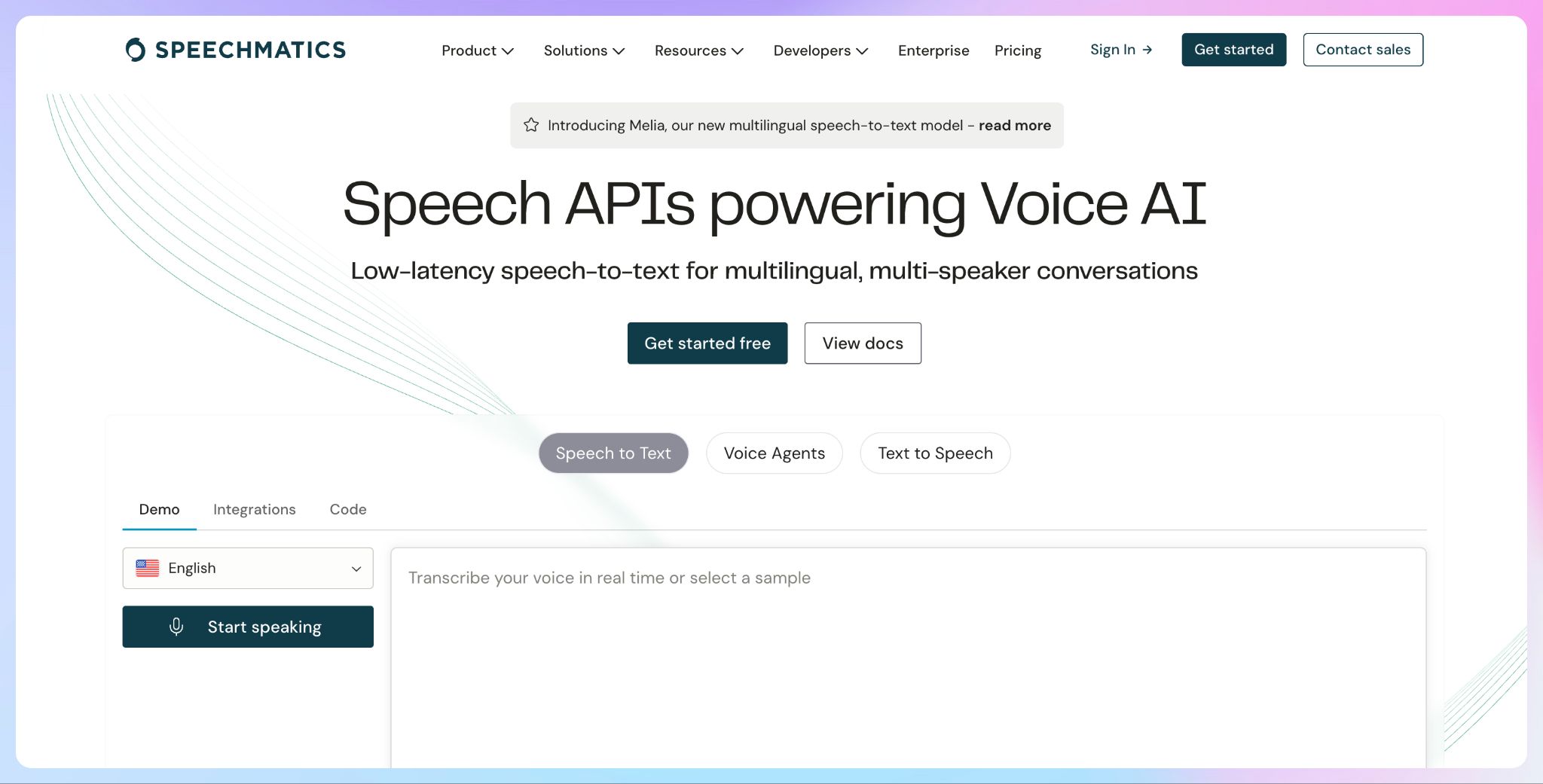
Speechmatics is a speech-to-text platform that runs in the cloud, on premises, or inside your own infrastructure. It gives teams room to match the deployment model to their compliance requirements.
For EU data residency, the cloud API offers a dedicated European real-time endpoint.
The default global option works differently: it routes each connection to the nearest region for lowest latency, so you do not have to pick one.
Batch transcription follows the same logic. A European region is available to all customers alongside US and Australian options, and jobs are created in whichever region you point at. Enterprise accounts get a second European batch region, but it exists for high availability and failover, and jobs created there do not appear in the web dashboard.
Speechmatics’ key features
- The real-time API supports a dedicated EU endpoint for teams that need to pin processing to a specific region
- The platform supports 50+ languages and dialects
- Teams can identify speakers and add specialist terminology for fields such as healthcare and legal services
- The platform is GDPR-compliant, ISO/IEC 27001:2022 accredited, and SOC 2 Type II certified
Speechmatics’ pricing
- Free: Free 1 million characters (~20hrs) per month
- Pro: From $0.129 per hour
- Enterprise: Custom pricing
Speechmatics’ pros
- It supports real-time speech-to-text with sub-second latency alongside transcription for recorded files
- Speaker diarization and custom vocabulary help with specialized workflows
- Free plan gives technical teams room to test the API
Speechmatics’ cons
- It is an API platform, not ideal for non-technical users
- On-premises and on-device deployments need technical resources to implement and maintain
- Some enterprise language availability can depend on the customer contract
📚 Also read:
Which transcription software with European data residency is right for you?
EU data residency should make transcription safer to adopt, not harder to use. The right option depends on whether your team needs a finished transcript, a local-only workflow, human review, or speech technology to build into a product.
👉 HappyScribe is the strongest all-round option for teams that need secure transcription for everyday audio and video files, broad language coverage, an editor, mobile recording, and optional human proofreading.
👉 MacWhisper suits Mac users who want sensitive files to stay entirely on their own device.
👉 Qualtranscribe is worth considering when human-made, research-ready transcripts take priority over instant turnaround.
👉 Gladia fits product teams building EU-resident transcription into an application.
👉 Speechmatics offers greater deployment flexibility for enterprise environments with technical resources.
For most European teams, HappyScribe offers the best balance. Files are stored in an EU-based data centre, AI transcription is available in 150+ languages and dialects, and human review is there when an automated draft needs a higher level of confidence.
Instead of using separate tools for recording, transcribing, editing, translating, and exporting, you can keep the entire workflow in one secure place.
FAQs on best transcription software with EU data residency
What does European data residency mean?
European data residency means your data is stored and processed on servers physically located within the EU, keeping it under EU jurisdiction and privacy laws like GDPR. This ensures sensitive information, like files, uploads, and account data, never leaves European infrastructure. It's important for organizations with regulatory or compliance requirements around where their data lives.
Does EU data residency automatically make transcription software GDPR compliant?
No. EU data residency reduces the complexity of international data transfers, but GDPR compliance also depends on how the provider collects, processes, secures, retains, and deletes personal data. Check the vendor’s data processing agreement, encryption standards, subprocessors, retention controls, and training policies. You should also confirm whether recordings remain in the EU during processing, rather than only being stored there afterward.
Is local transcription safer than using an EU-hosted cloud platform?
Local transcription can offer stronger control because recordings never leave your device, provided you use local models and avoid connected cloud services. However, security still depends on device encryption, access controls, backups, and how exported transcripts are handled. An EU-hosted platform may be more practical for collaboration, centralized file management, mobile uploads, and team permissions while still keeping customer data inside the region.
Which transcription tool is best for European teams?
HappyScribe is the strongest fit for teams that want a complete transcription workspace. It combines EU-based data storage with AI transcription in 150+ languages, a browser editor, mobile recording, translation, subtitles, and multiple export formats. Teams can also request human proofreading when interviews, research, legal material, or published content needs a more closely checked transcript.
When should I choose human transcription over AI transcription?
Human transcription makes sense when accuracy carries a higher cost of failure. Examples include legal proceedings, published interviews, academic research, complex focus groups, heavy accents, overlapping speech, or recordings filled with specialist terminology. AI transcription is usually faster and more affordable for internal meetings and searchable notes. A hybrid workflow can work well: generate an AI draft first, then use human review for critical files.
Can HappyScribe handle multilingual research or international interviews?
Yes. HappyScribe supports AI transcription in more than 150 languages and dialects, human transcription in over 60 languages, and translation into 80+ languages. It’s useful when participants speak different languages or the final transcript must be delivered in another language. Custom glossaries can improve the handling of names and technical terms, while speaker labels and research-friendly exports simplify analysis afterward.

Rodoshi Das
Rodoshi is the Content Lead at HappyScribe, the privacy-first transcription and AI notetaker platform based in Barcelona. Shaping content strategies and building AI workflows excites her as much as exploring new SaaS tools. She specializes in product-led content that informs rather than sells, grounded in honest product benchmarking and low tolerance for empty marketing speak.