
AI Transcription App for iPhone & Android
Record meetings, lectures, and voice notes on your phone, with AI transcription in 150+ languages. The AI Notetaker auto-joins your Google Meet, Zoom, and Microsoft Teams calls so you stay focused on the conversation.


Everything HappyScribe does, in your pocket
AI transcription, voice recording, and AI meeting notes — built for capturing audio anywhere on iPhone and Android.
Voice recorder & live transcription
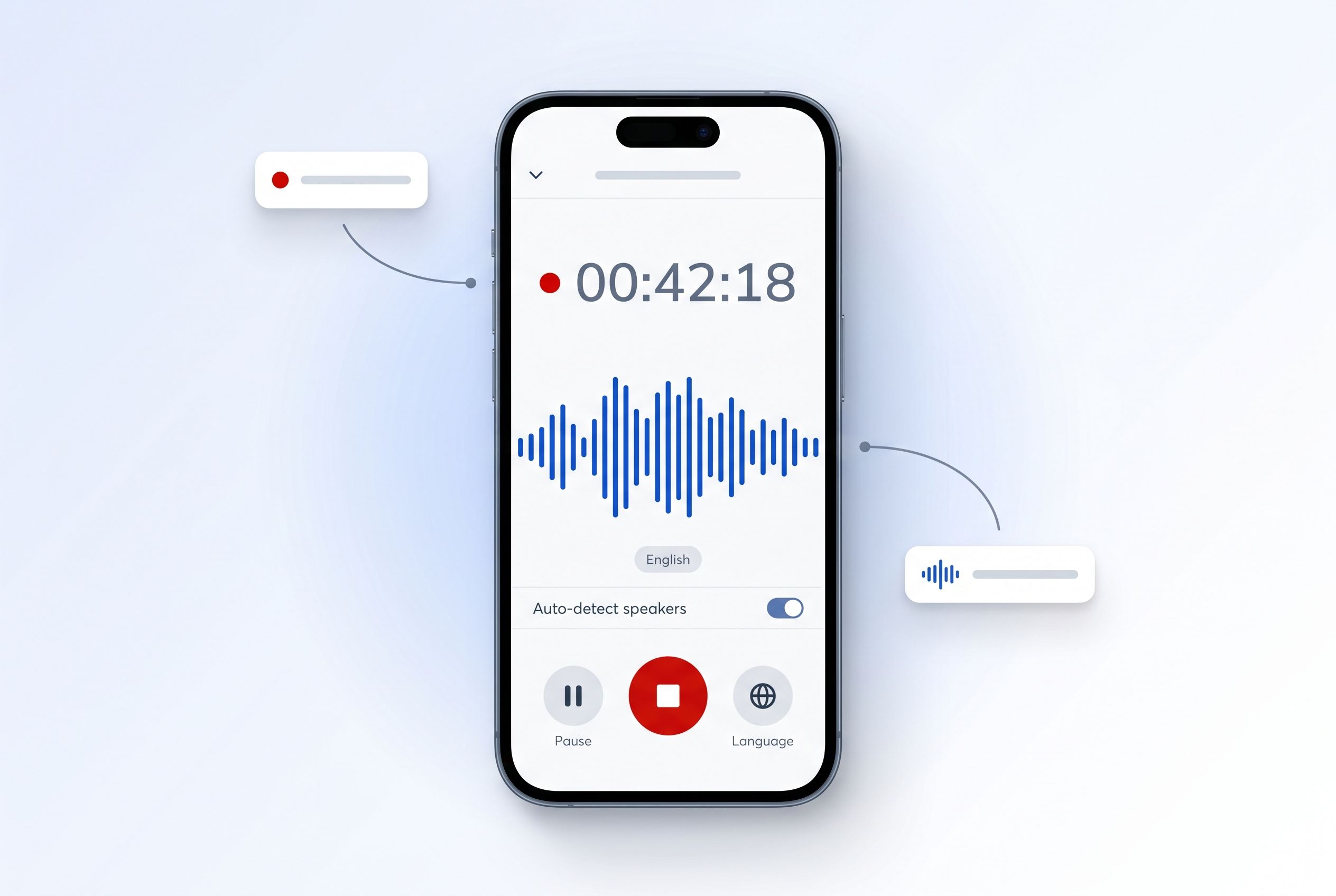
Tap record to capture meetings, interviews, lectures, or voice notes. Get an AI transcript in minutes with speaker detection and timestamps.
AI Notetaker for video calls
Send the AI Notetaker into your Google Meet, Zoom, and Microsoft Teams calls. It joins, transcribes, and delivers structured meeting notes.
150+ languages with AI accuracy
The same speech-to-text engine that powers HappyScribe on the web, optimized for mobile. English, Spanish, French, German, Mandarin, and 145+ more.
Cloud sync with your account
Recordings and transcripts sync seamlessly between phone and web. Start on your phone, polish in the web editor, share with your team.
Record any conversation. We do the rest.
Hit the record button and capture audio with a single tap. HappyScribe Mobile uses your phone's microphone to capture clean audio in any setting — meetings, interviews, lectures, voice memos, field recordings.
Once you stop recording, AI transcription kicks in automatically. Speaker detection, timestamps, and 150+ language support come standard.
AI Notetaker, now in your pocket
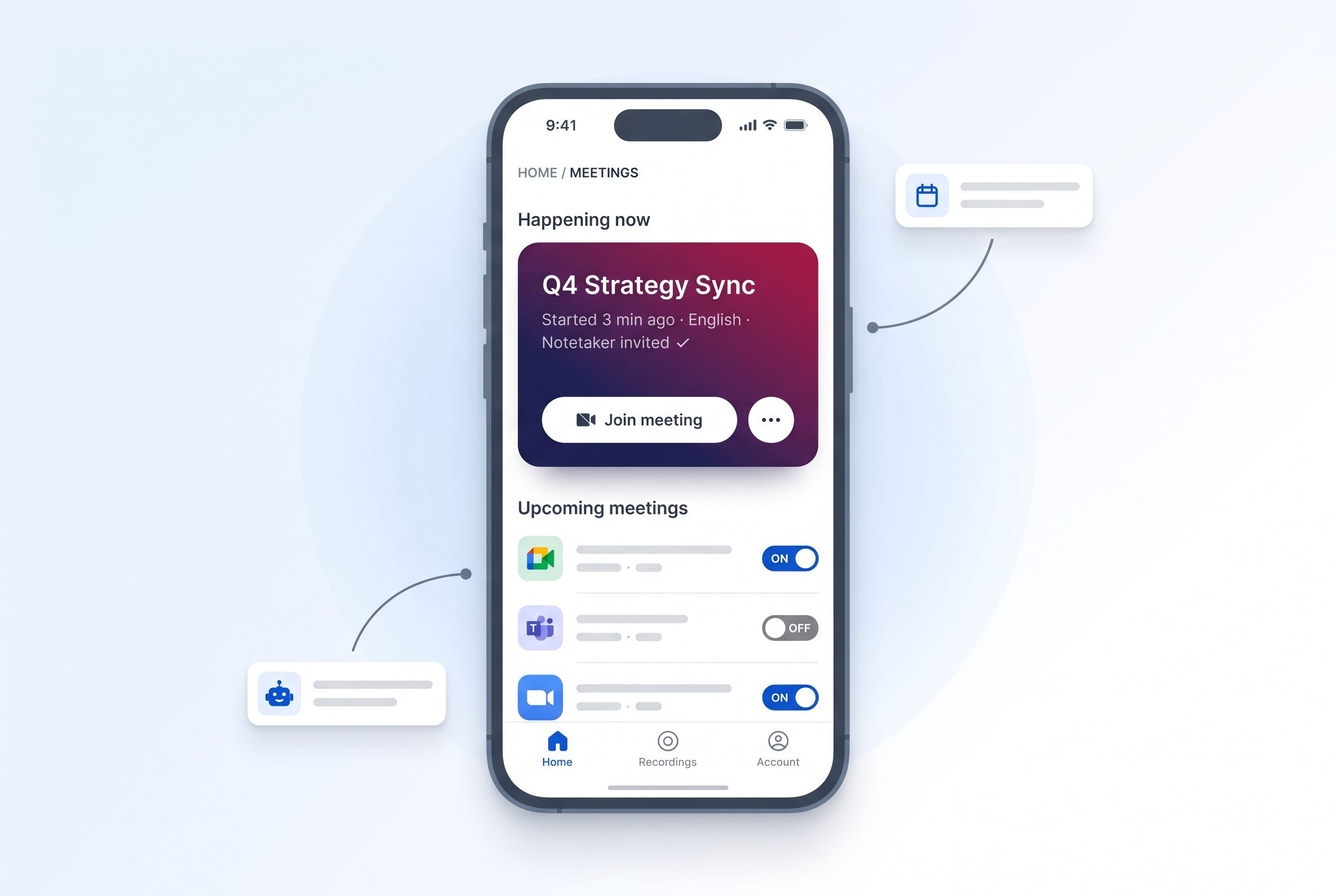
Schedule the AI Notetaker to auto-join your Google Meet, Zoom, and Microsoft Teams calls. It captures the conversation, transcribes it in real time, and produces structured meeting notes — you stay focused on the conversation.
Connect your Google Calendar or Microsoft Outlook and the Notetaker handles the rest. Notes sync to your HappyScribe account and are searchable across every meeting you've ever recorded.
Made for people who need words, fast
From journalists in the field to product teams in remote calls — HappyScribe Mobile fits the way you work.
Journalists
Capture interviews on your phone and get a publishable transcript before you're back at your desk. Speaker detection means you skip the manual cleanup.
Students
Record lectures and turn them into searchable, study-ready notes. Highlight key passages and export as PDF for revision.
Researchers
Archive field recordings and qualitative interviews with timestamps. Run secondary analysis on accurate transcripts instead of audio.
Product & sales teams
Let the AI Notetaker join customer calls. Walk away with structured notes, action items, and a searchable transcript every time.
Frequently asked questions
Is the HappyScribe app free?
Yes — HappyScribe Mobile is free to download on the App Store and Google Play. It works with any HappyScribe plan, including the free tier. You only pay for transcription minutes the same way you do on web.
Which is the best AI transcription app for iPhone and Android?
HappyScribe Mobile is among the most accurate AI transcription apps for iPhone and Android, supporting 150+ languages and the same speech-to-text engine that powers HappyScribe on the web. It transcribes meetings, interviews, lectures, and voice notes with speaker detection and timestamps, and the AI Notetaker auto-joins Google Meet, Zoom, and Microsoft Teams calls.
Is there a free AI app to transcribe audio to text?
Yes. HappyScribe Mobile is free to download on iOS and Android, and the free HappyScribe plan includes free transcription minutes every month so you can try AI audio-to-text transcription without paying.
Which AI can transcribe audio for free on iPhone or Android?
HappyScribe Mobile transcribes audio for free on iPhone (iOS 16+) and Android (13+). Tap record, stop, and an AI transcript appears in minutes — no credit card required for the free tier.
Which languages does HappyScribe support?
HappyScribe transcribes in 150+ languages with AI, including English, Spanish, French, German, Portuguese, Italian, Dutch, and Polish. The mobile app uses the same speech-to-text engine as the web app.
Can I record meetings with the HappyScribe app?
Yes. Use HappyScribe Mobile as a voice recorder for in-person meetings, or send the AI Notetaker to auto-join your Google Meet, Zoom, and Microsoft Teams calls. The Notetaker captures the conversation, transcribes it in real time, and produces structured meeting notes.
Does the AI Notetaker work with Zoom, Google Meet, and Microsoft Teams?
Yes. The AI Notetaker auto-joins Zoom, Google Meet, and Microsoft Teams calls. Connect your Google Calendar or Microsoft Outlook and the Notetaker handles the rest — meeting notes appear in your HappyScribe account, searchable across every call you've recorded.
Does HappyScribe Mobile work for lectures and interviews?
Absolutely. Students use HappyScribe to record lectures, journalists capture interviews on the go, and researchers archive field recordings. Anything you can record on your phone, HappyScribe transcribes accurately with speaker detection and timestamps.
How do I sync the app with my HappyScribe web account?
Sign in with the same email you use on happyscribe.com. Recordings and transcripts sync automatically between your phone and the web editor — start a transcript on your phone, edit it in your browser later.
Is my data private and secure?
Yes. HappyScribe is GDPR-compliant and SOC 2 Type II certified. Recordings are encrypted in transit and at rest.
What devices does HappyScribe Mobile support?
iPhone running iOS 16 or later, and Android phones running Android 13 or later. The app is universal — same experience on iPad and Android tablets.