
Connect your calendar
Sign up for free and connect your Google or Outlook calendar in under two minutes. HappyScribe joins every recurring 1:1 on its own, and you pick which meetings to record from the dashboard.
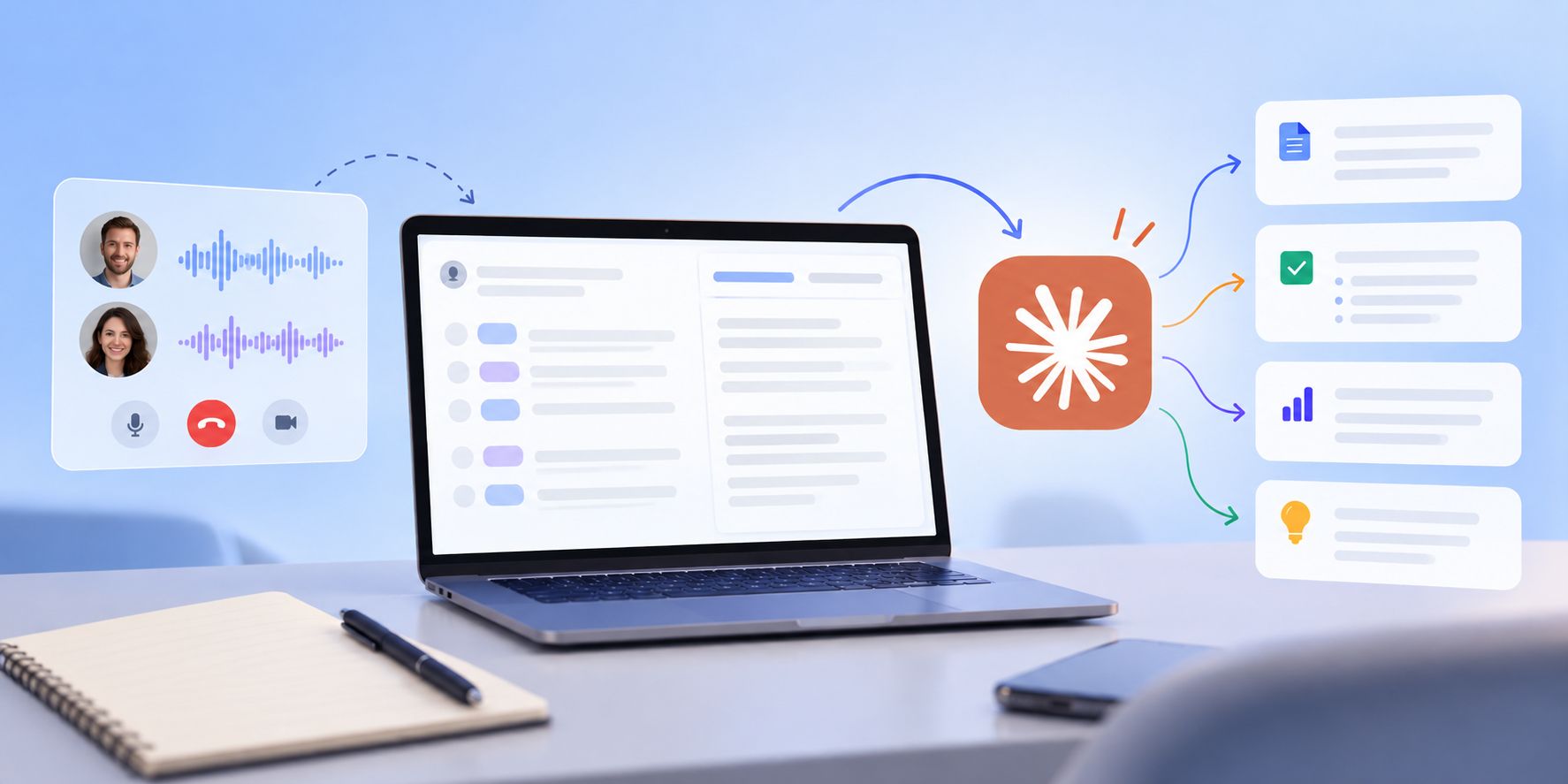
HappyScribe joins your recurring 1:1s on Zoom, Teams, or Google Meet and delivers one on one meeting notes with goals, blockers, and follow-ups carried across weeks. Works in 150+ languages.
Trusted by 6m+ users and 41,000+ teams of all sizes
Sign up for free and connect your Google or Outlook calendar in under two minutes. HappyScribe joins every recurring 1:1 on its own, and you pick which meetings to record from the dashboard.
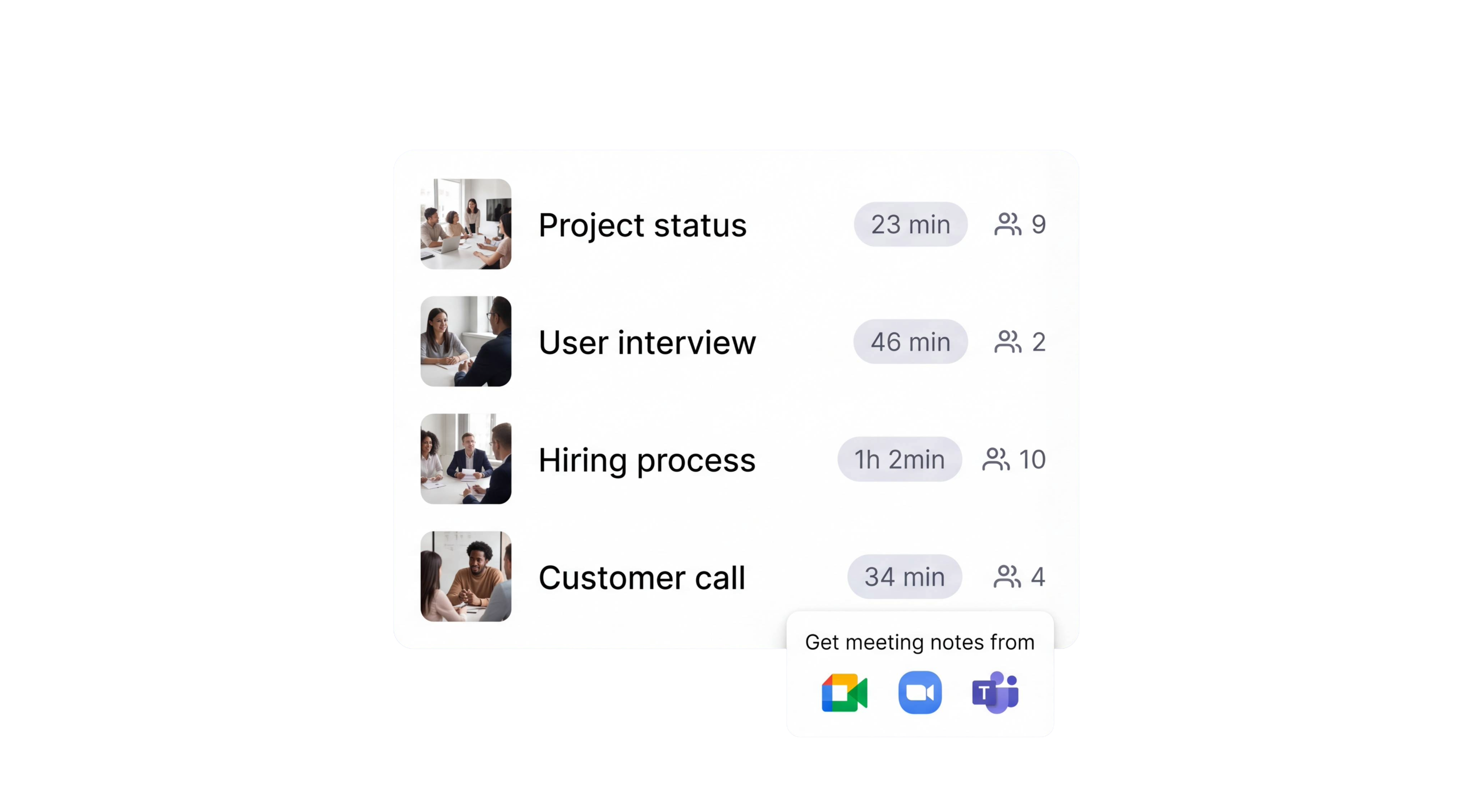
HappyScribe joins your Zoom, Teams, or Google Meet as a visible participant so consent is clear. For sensitive 1:1s, switch to the bot-free browser recorder and skip the bot entirely.
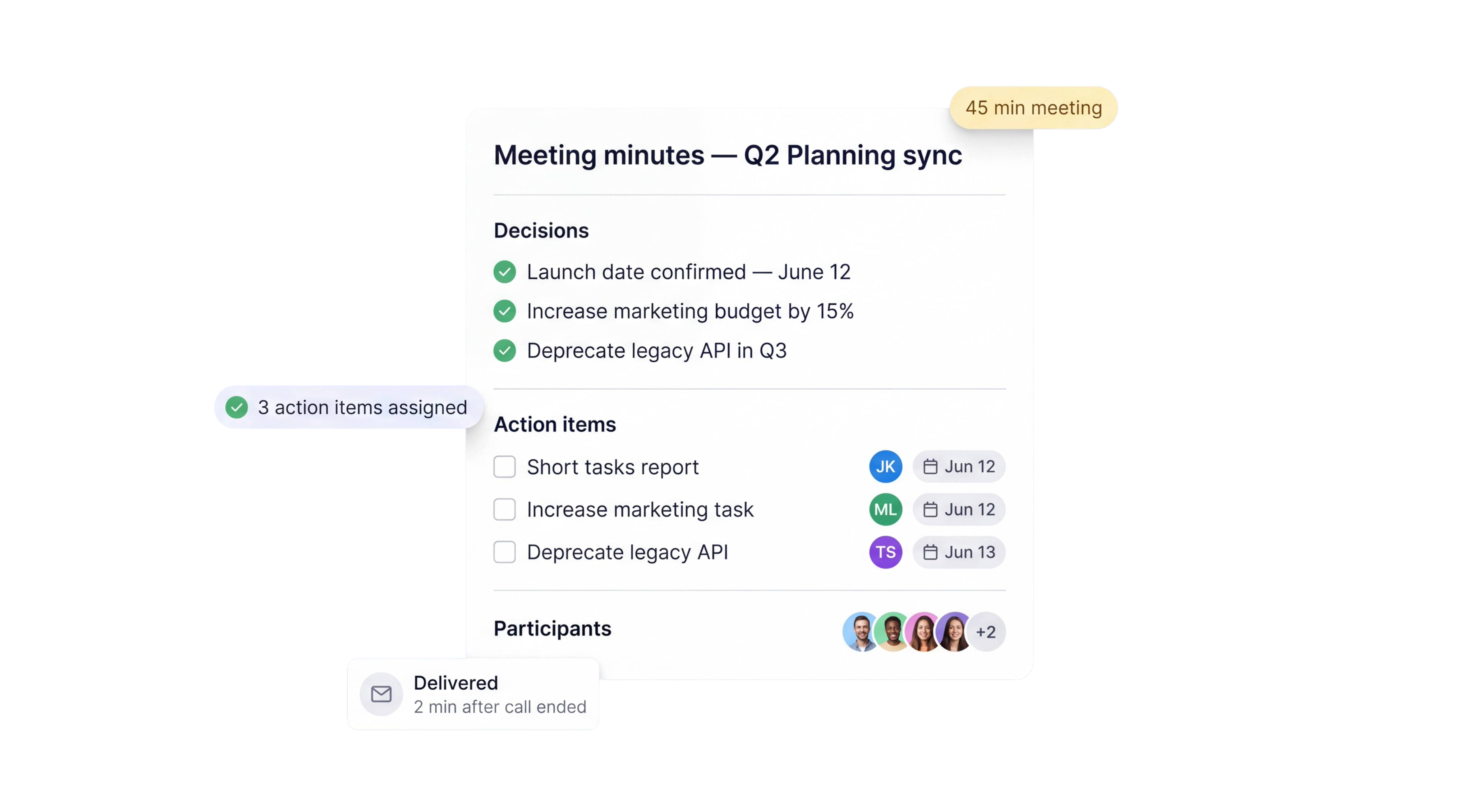
Structured 1:1 notes land in your inbox moments after the call. Goals tracked, blockers flagged, feedback logged, and each commitment assigned to you or your direct report. Export to PDF, DOCX, or TXT, or push into Lattice, 15Five, Leapsome, or Notion before your next sync.
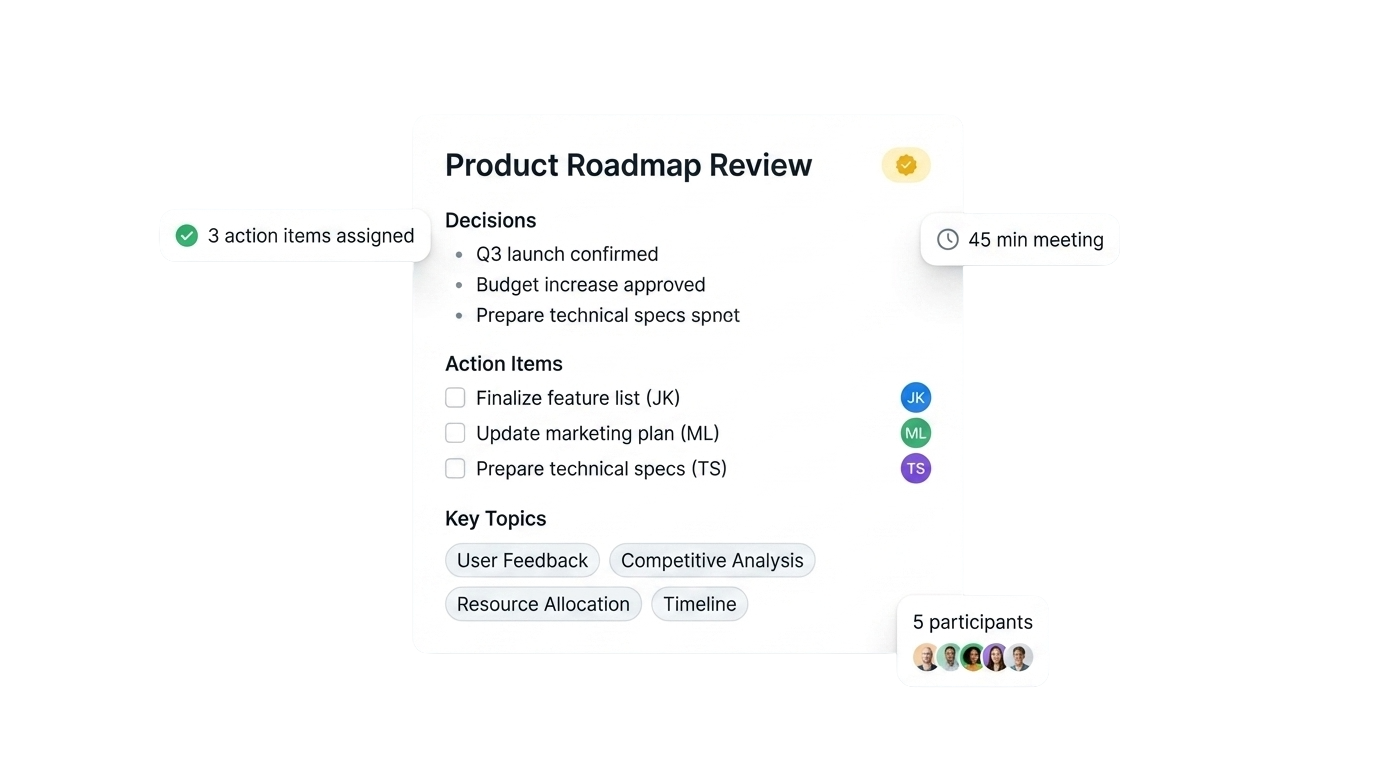
Goals, blockers, feedback, and next steps pulled into a single doc you can share with your direct report before the next sync.
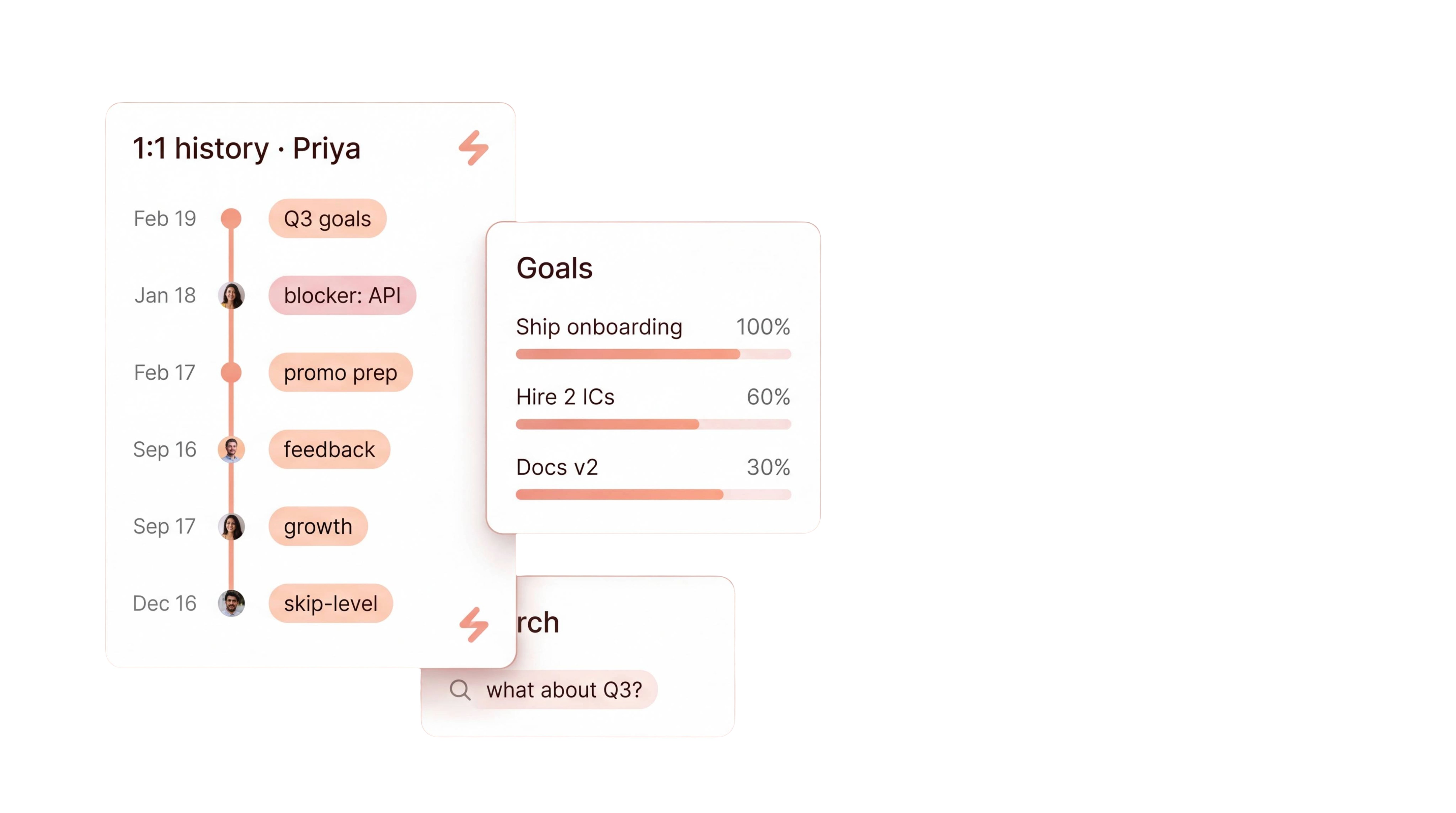
Ask a question about any past 1:1 and get an answer with the exact timestamp. No more scrubbing through an hour of audio.
Search every 1:1 with a direct report. Ask what Priya said about the Q3 project last month and get the answer with a date.
Turn a quarter of 1:1s into a promo packet, performance review draft, or career-conversation summary in one click.
Every 1:1 recorded and stored with audio and video. Revisit the source when a feedback conversation needs the exact words.
Minutes flow into Lattice, 15Five, Leapsome, CultureAmp, Notion, or Slack via Zapier, MCP server, or API.
Different templates for weekly check-ins, career conversations, skip-levels, and PIP reviews. Configure the output per conversation type.
Manager and direct report labeled automatically. See who raised each concern, who committed to what, and who owns every follow-up.
The AI Notetaker is a real game-changer for us. There's no need to write everything during meetings anymore; now I can actually engage.
Goals, blockers, and follow-ups assigned to you or your direct report, with the next sync opening on last week's open items instead of a blank page. If your team is running daily team syncs instead of recurring 1:1s, see our standup notes page for that rhythm. For the general formal-record parent, see meeting minutes.
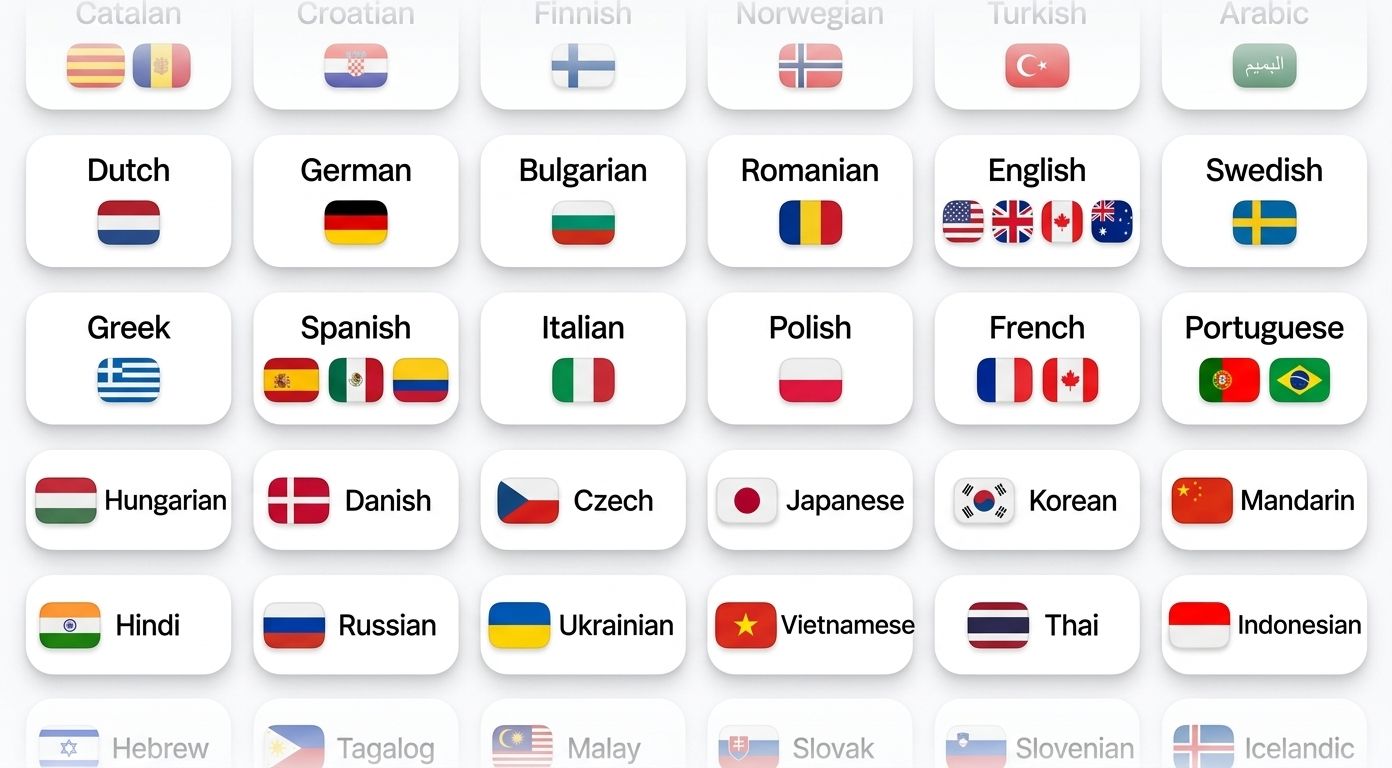
HappyScribe auto-detects the language being spoken and handles mid-call switching. Supports 150+ languages and dialects.
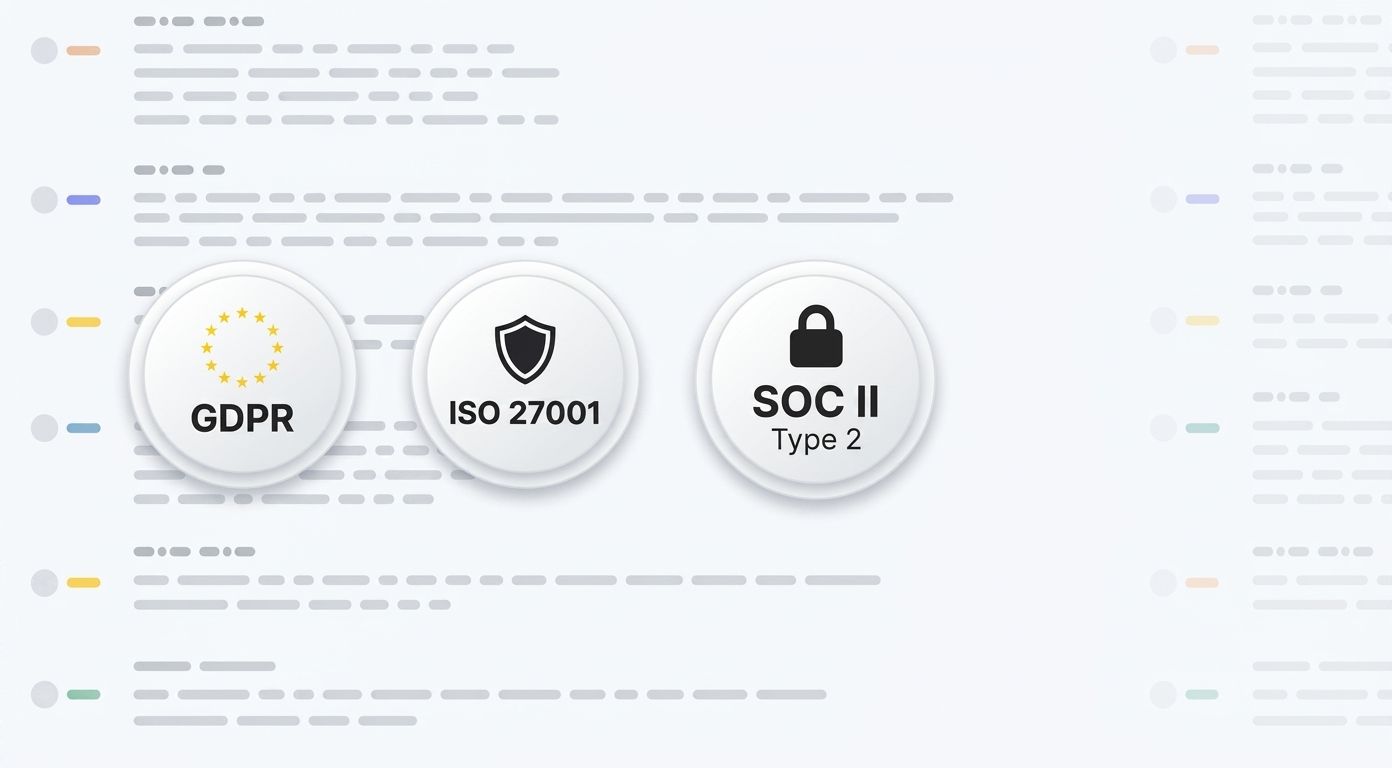
SOC 2 Type II-certified. GDPR-compliant. Headquartered in Barcelona with data stored in PCI DSS and ISO 27001-compliant EU data centers.
Data is encrypted in transit and at rest. Your content is never used to train AI models.
HappyScribe joins your scheduled meetings as a participant, or you can use the browser-based recorder to go bot-free.
You control how your meetings are recorded.
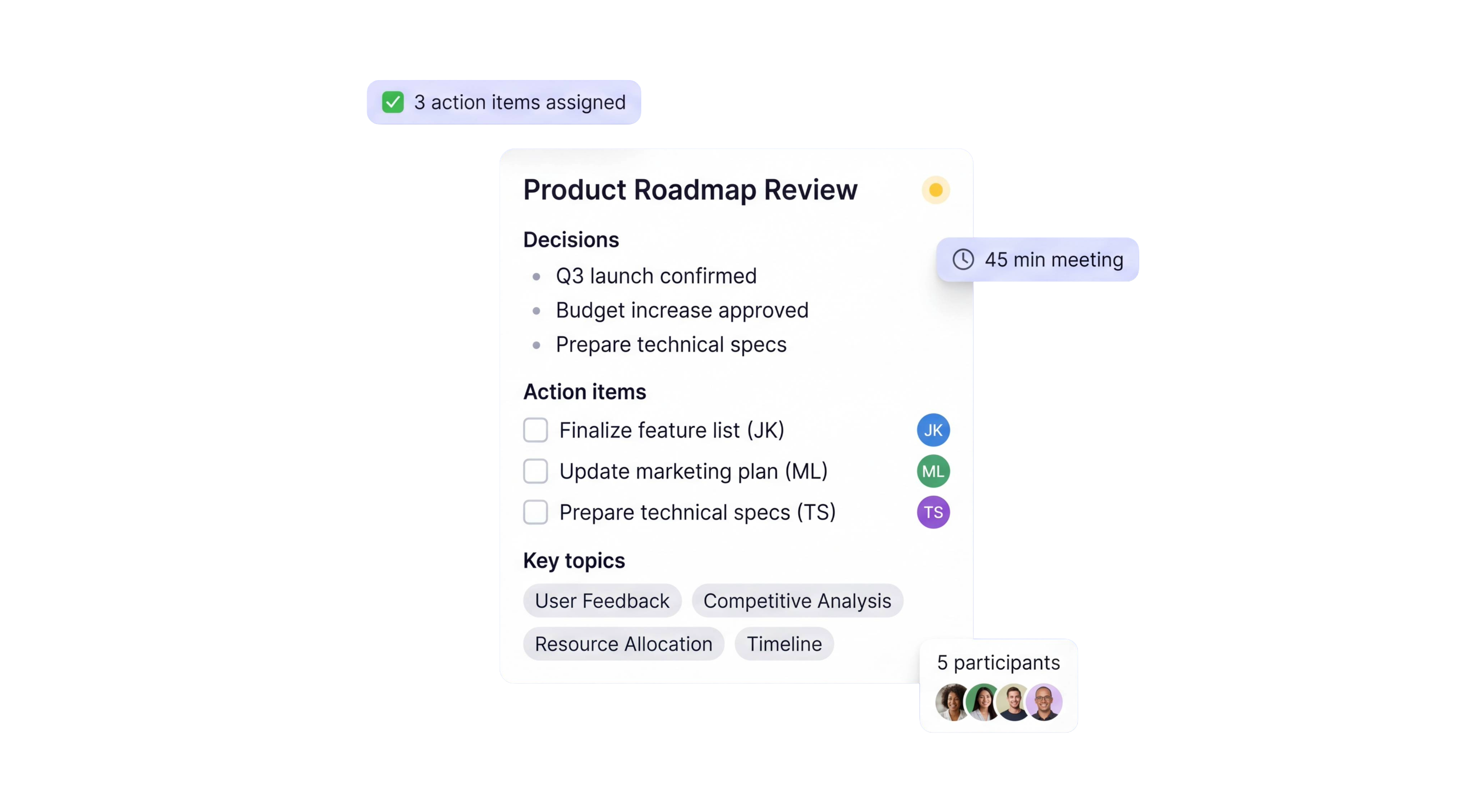
Every recurring sync produces three artefacts you can use whenever the moment calls for it.
Goals, blockers, feedback, and follow-ups organized into a clean document. Speaker attribution on every item and owners assigned to each action. Paste straight into Lattice, 15Five, or Notion, or export to PDF, DOCX, or TXT.
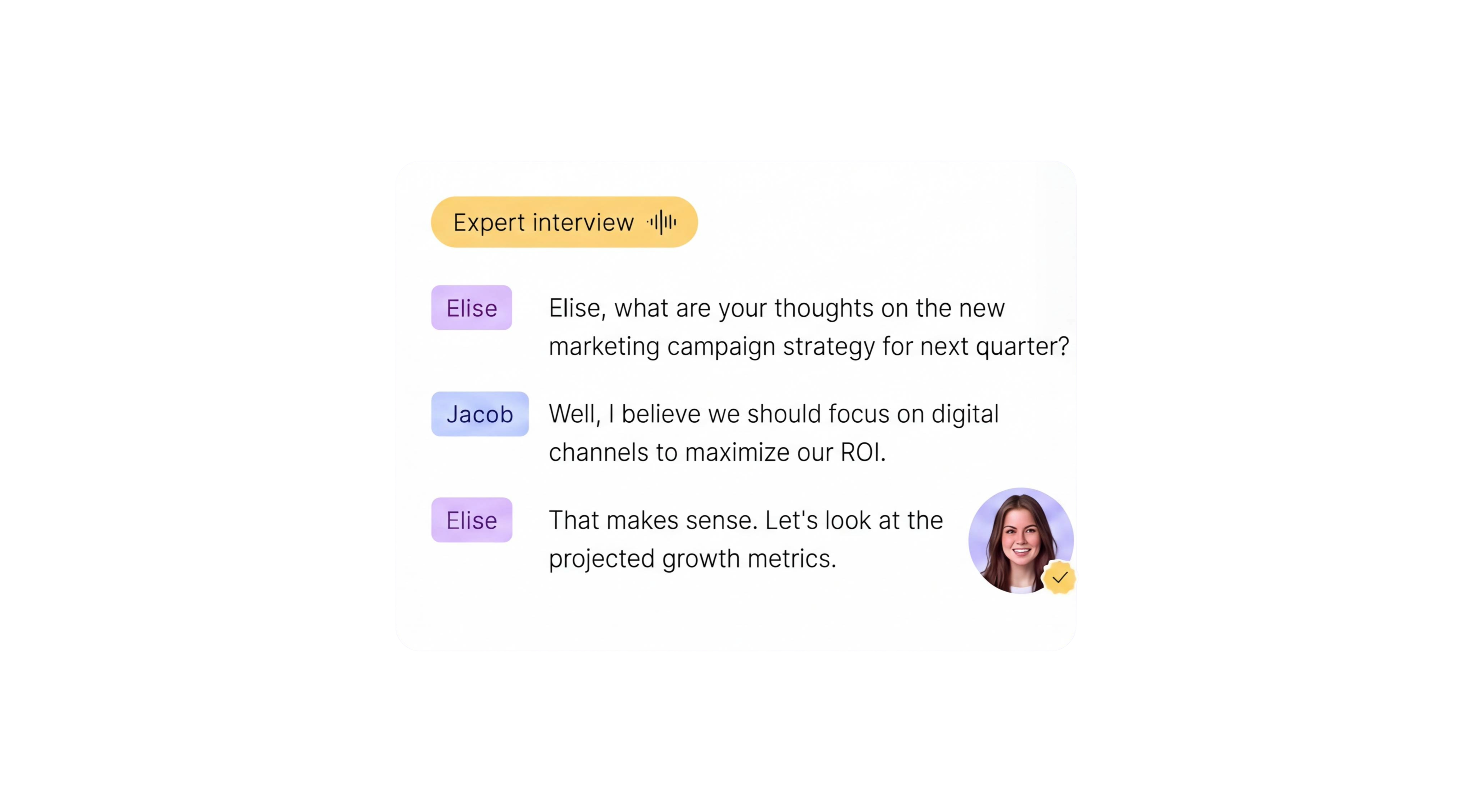
Wins, blockers, and commitments highlighted with open questions flagged for the next 1:1. A concise recap delivered to your inbox after every check-in. Short enough to read between meetings, detailed enough that nothing slips.
Word-for-word record of the 1:1 with manager and direct-report labels and timestamps. 95%+ accuracy across accents and 150+ languages. Searchable across every 1:1 you have ever run, so a feedback conversation from three months ago is one search away.
4 weeks
of 1:1 context searchable in one question
95%+
transcription accuracy
150+
languages and dialects supported
41,000+
teams already using HappyScribe
|
|
Manager's memory + scratchpad |
AI one on one meeting notes |
|---|---|---|
|
Time to produce |
15-20 minutes after each 1:1, if it happens at all |
Ready a couple of minutes after the call ends |
|
Continuity across weeks |
Lost between meetings, rebuilt from scrolled-back Slack |
Ask what they said last month and get an answer with a date |
|
Goals & OKRs tracking |
Scattered across Notion pages and Slack DMs |
Pulled into the notes every week, owner-tagged |
|
Blocker follow-up |
Often forgotten by the next 1:1 |
Carried forward until resolved |
|
Feedback log for promo or review |
Rebuilt from memory at review time |
Timestamped quotes searchable across a full quarter |
|
Speaker attribution |
Not tracked |
Manager and direct report labeled automatically |
|
Export to performance tool |
Copy-paste, if at all |
Zapier, MCP server, or API into Lattice, 15Five, Leapsome, CultureAmp |
Great concept and product. I've used it on many occasions! Also wonderful customer service.
It's good. Great customer service!
Very impressed with transcriptions of recorded interviews for MSc research. Saved a lot of time and stress. Thank you.
I like using HappyScribe, and I recommend everybody if he wants
I used the free (approximate) transcription and it was nearly perfect. The obvious misinterpretations were easily fixed by editing the .srt file. Great product.
My experience with this site was great and I can't wait to experience more
Perfect tool to work with. Put the cursor somewhere in the text and the video plays flawlessly from there.
The accuracy of HappyScribe's transcription is amazing. Hardly any manual corrections needed.
Excellent service with an exceptional speed
AI one on one meeting notes are structured records of a recurring 1:1 between a manager and a direct report, generated automatically after the call. HappyScribe records the meeting, transcribes it, and produces notes with goals, blockers, feedback, and follow-ups assigned to an owner. You stop taking notes by hand and still walk away with a better record than you had before.
Every 1:1 you record is stored and searchable. The chat-across-meetings feature lets you ask a question like what did my direct report say about the Q3 project last month and returns the answer with the date and timestamp. You walk into each 1:1 knowing what was discussed before, and the next agenda builds itself from the open items in the last one. Managers with eight direct reports get a searchable record per person, so each thread stays separate.
Yes. Consent rules vary by country and jurisdiction, and HappyScribe follows a bot-visible participant model so everyone on the call knows recording is happening. For sensitive conversations like PIPs, career changes, or hard feedback, use the bot-free browser recorder and confirm with your direct report before recording. If your direct report asks you to stop recording for a specific 1:1, you can pause or skip that session without losing continuity on the rest.
Yes. Use the Create from meetings feature to turn a quarter of 1:1s into a performance-review draft or promo packet. Timestamped quotes and feedback notes give you evidence instead of relying on memory. At calibration time, you can cite exact moments from March or June without rebuilding the year from your inbox. The same record works for PIP documentation where dated, attributed feedback across consecutive 1:1s is often what HR or legal will ask for.
Minutes flow into Lattice, 15Five, Leapsome, CultureAmp, Notion, and Slack through Zapier, MCP server, or API. Action items and feedback land in your performance system without manual copy-paste, and the audit trail stays intact. Goals discussed in a 1:1 can sync back to the OKR tool of record, so the manager's view and the performance tool's view don't drift apart over a quarter.
Yes. HappyScribe offers a free plan with unlimited meeting recordings. No credit card required.
95%+ across all supported languages.
150+ languages and dialects, with automatic language detection.
Yes. HappyScribe offers a bot-free browser recorder that captures audio from your device.
All data is stored in an EU-based data center that is PCI DSS and ISO 27001-compliant.
Compare the 5 best free audio summarizer tools in 2026. I tested each for accuracy, languages, and free plan limits so you can choose fast.
MeetGeek not keeping up? We've picked 5 alternatives that offer better accuracy, stronger language support, and more control over your meeting notes.
Looking for Otter alternatives? Compare the top 5 tools for AI meeting notes and discover why HappyScribe is the best one for security and accuracy.

Build a customer research repository with HappyScribe and Claude. Transcribe interviews, organize by folder, and query months of customer evidence on demand.

Turn recorded lectures into study guides with Claude. Transcribe in HappyScribe, connect the two, and build revision material from a whole module.
See how Claude helps sales teams analyze calls, review objections, coach reps, compare deals, and find recurring buyer themes.