


AI Meeting Action Items Tracker. Built in Europe.
HappyScribe sits in your Zoom, Teams, or Google Meet calls and captures every meeting action item with owners and due dates. Works in 150+ languages.
4.6 on G2 4.7 on Trustpilot
 SOC 2 Type II
 GDPR compliant
Trusted by 6m+ users and 41,000+ teams of all sizes


How to turn meeting action items into tasks with HappyScribe?
-
Connect your calendar
Sign up for free and connect to Google or Outlook calendar. HappyScribe joins every scheduled meeting on its own. You pick which ones get joined by default.
-
HappyScribe records the call
HappyScribe joins your online meetings and records audio and video. Speakers are labeled automatically, so every commitment has a name on it.
-
Your meeting action items, ready in minutes
Every commitment made on the call is pulled out as a task with an owner and a due date. Get them delivered straight to your inbox.
Do more with every meeting.
Owner assignment via speaker ID
When someone says "Sam, can you take this one?", the action item lands on Sam. Every task gets tied to the person who actually owns it, whether the commitment was explicit or buried in conversation.

Due-date extraction
"By Friday" and "before the Q3 review" become actual dates on the task. No deadline mentioned? The item gets flagged, so you can set one yourself.

Route action items to your stack
Use Zapier or API, and all action items flow straight into whatever your team already uses. Owner, due date, and description land exactly where they belong.

MCP server
Connect HappyScribe to Claude, ChatGPT, Gemini, Microsoft Copilot, and other MCP-compatible AI tools. Query your transcripts, pull action items, and work with meeting data without leaving your AI workspace.

Chat with a meeting
Open AI Chat on any past recording, ask a question, and get an answer pinned to the exact timestamp. Check what was actually agreed before a single task goes out the door.

Chat across meetings
Think of AI Chat as a search engine for every meeting you've ever had. Ask who took over a task, when it was first assigned, or why the deadline moved, and get answers pulled from across all recorded calls.

Speaker identification
"I'll take care of it" means nothing without knowing who said it. Speaker identification tags every voice on the call. Every promise has a face behind it.
Your notes, your way
Set up Summary Templates, build Custom Glossaries, and add your own Style Guide. Every meeting note and action item comes out the way your team wants.

The AI Notetaker is a real game-changer for us. There's no need to write everything during meetings anymore; now I can actually engage.
 Darius Čenys
Performance Operations Coordinator
Darius Čenys
Performance Operations Coordinator
Every commitment. Perfectly captured.
Over 95% accuracy, right out of the box. HappyScribe catches tasks buried in crosstalk and quick back-and-forths without missing a beat. Speaker identification pins every action item to the person who said it.
Your action items shouldn't get lost in translation.
HappyScribe auto-detects the language on the call and captures action items in 150+ languages and dialects. Run meetings across time zones and continents without switching tools.
Built in Europe. Stays in Europe.
HappyScribe is headquartered in Barcelona, Spain. Data is encrypted in transit and at rest, and stored in PCI DSS and ISO 27001-compliant EU data centers. SOC 2 Type II and GDPR compliant. Every meeting record stays within European borders.
Works with or without a meeting bot.
HappyScribe joins your scheduled meetings as a participant, or you can use the browser-based recorder to go bot-free.
You control how your meetings are recorded.
-
100%
Of action items get an owner, automatically
-
95%+
transcription accuracy
-
150+
languages and dialects supported
-
41,000+
teams already using HappyScribe
EVERY COMMITMENT. CAPTURED AND ROUTED.
Stop spending time on tracking task owners and searching through endless email threads. Get back 4+ hours per week.
Customer Reviews
 4.7/5 on Trustpilot
-
HappyScribe’s summaries are concise, accurate, and actionable.
Laura Z. G2 -
The application is easy to use and offers great formatting options for meeting minutes and action items.
Howard Humphrey Trustpilot -
I can stay present in the conversation instead of worrying about taking detailed notes, knowing that I can go back to the transcript afterward.
Desideria G. G2
Every question you're about to Google.
What are meeting action items?
Meeting action items are the specific tasks people commit to during a call: who will do what, and by when. HappyScribe automatically pulls them out of the transcript, assigns each task to the right speaker, and parses any stated due date into a real calendar date.
How does HappyScribe extract action items from meetings?
HappyScribe transcribes the call using AI and identifies each speaker and their respective commitments. Each action item is tagged with an owner and, when stated, a due date. The same process applies whether HappyScribe joined your meeting as a bot or you recorded it with the browser-based recorder.
How are due dates assigned to action items?
HappyScribe parses natural-language phrases such as "by Friday", "end of next week", or "before the Q3 review" into actual calendar dates.
Can I extract action items from an existing recording?
Yes. Upload an audio or video file in any format, and HappyScribe will transcribe it, identify speakers, and pull out action items. Works for recorded Zoom, Teams, Google Meet, or Webex sessions.
Does HappyScribe have a free plan?
Yes. HappyScribe offers a free plan with unlimited meeting recordings, capped at 45 minutes per meeting. No credit card required.
How accurate is the transcription?
HappyScribe offers 95%+ accuracy across all supported languages.
What languages are supported?
HappyScribe supports 150+ languages and dialects, with automatic language detection.
Can I use HappyScribe without a bot joining the meeting?
Yes. HappyScribe offers a bot-free browser recorder and iOS and Android mobile apps that capture audio without a bot.
Where is my meeting data stored in HappyScribe?
All data is stored in an EU-based data center that is PCI DSS and ISO 27001-compliant.
AI Note Taker For Every Use-Case
AI note taker by platform
Related articles
-
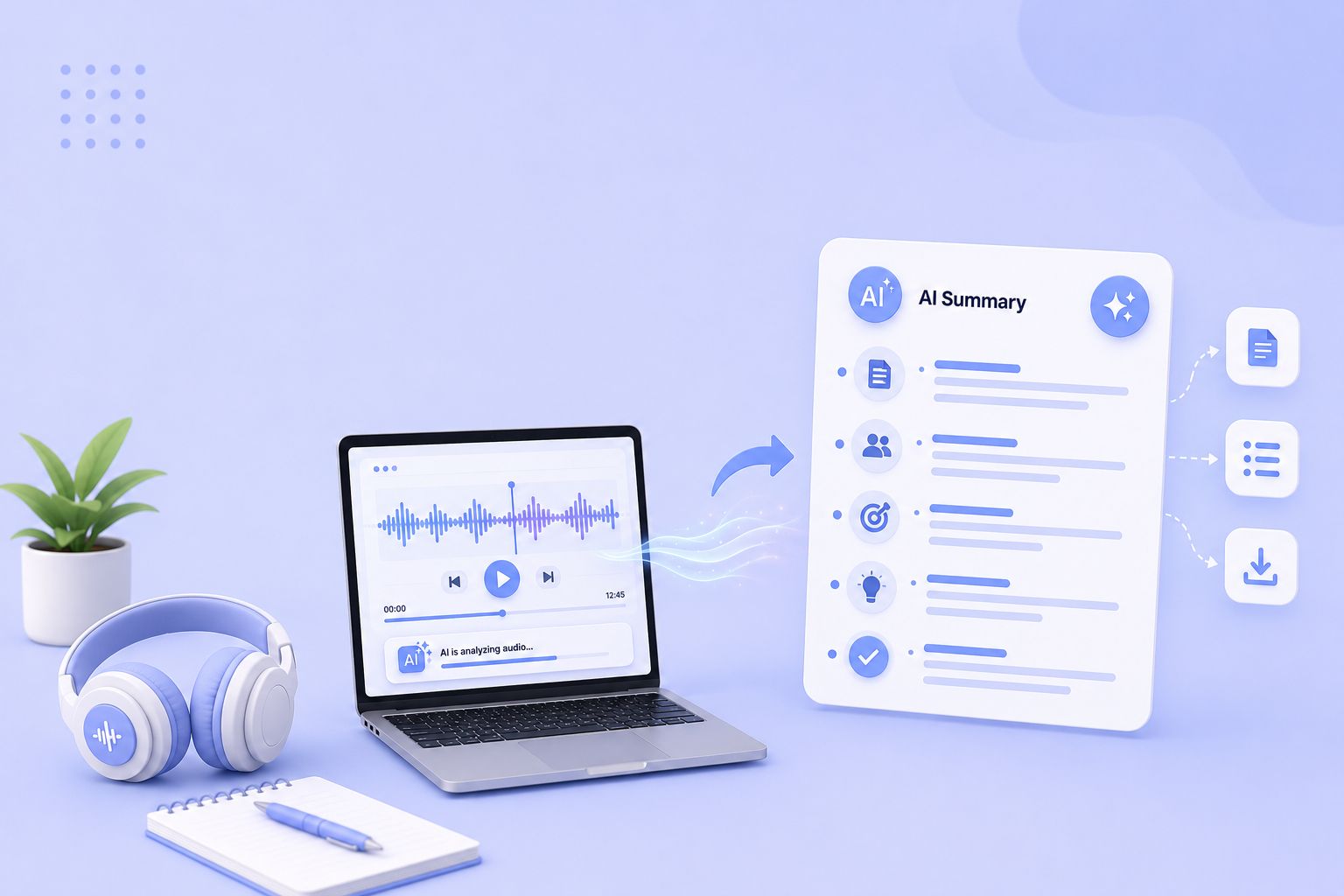
Best Free AI Audio Summarizer: AI Tools for MP3, Meetings & Podcasts
Compare the 5 best free audio summarizer tools in 2026. I tested each for accuracy, languages, and free plan limits so you can choose fast.
-
5 Best MeetGeek Alternatives for AI Meeting Notes [2026]
MeetGeek not keeping up? We've picked 5 alternatives that offer better accuracy, stronger language support, and more control over your meeting notes.
-
5 Best Otter AI Alternatives for AI Meeting Notes [2026]
Looking for Otter alternatives? Compare the top 5 tools for AI meeting notes and discover why HappyScribe is the best one for security and accuracy.
-

Can Lawyers Use AI Note Takers Without Risking Privilege?
Explore the legal risks of AI note takers for lawyers, what the Heppner ruling means for attorney-client privilege, and how to protect confidential communications.
-

7 Best AI Meeting Note Takers With Claude Connectors
Compare the best AI meeting note takers with Claude connectors. See which ones only let Claude read your meetings, and the one that lets it fix the transcript.
-
5 Best AI Meeting Note Takers for One-on-One Calls [2026]
Looking for an AI note taker for one on one calls? Compare HappyScribe, Fellow, Granola, Avoma, and built-in tools on capture, free plans, and recall.