![5 Best MeetGeek Alternatives for AI Meeting Notes [2026]](/sanity-images/ejgwz1gl/redesign/1d58ced773bfa2297c052ec8d965b93e85208973-1600x900.jpg?auto=format&w=1600.0&rect=0,50,1600,800&h=800)
MeetGeek does many things right. It auto-joins your calls, generates summaries, and keeps your meeting history organized in one place. For straightforward English meetings with a small team, it performs well.
The fact that you're here looking for MeetGeek alternatives means you have outgrown it.
Maybe the transcripts aren't accurate enough to share without a full review. Maybe your calls are multilingual, and MeetGeek keeps dropping the ball. Or maybe you hit the sharing feature and immediately knew it wouldn't work for your team.
Whatever brought you here, I've done the legwork. I tested 10+ AI note takers on real calls, spoke directly with ex-MeetGeek users, and went through hundreds of reviews on G2, Trustpilot, and Reddit to shortlist the tools that hold up under daily pressure. Here are my top 5 picks.
Here's what I found.
TL;DR ⏩
- HappyScribe: Best for researchers, journalists, business leaders, and professionals who need high-accuracy meeting notes in 150+ languages
- Circleback: Best for professionals and teams that want structured meeting notes with powerful workflow automation
- Tactiq: Best for teams that use Chrome and want bot-free, live transcription with reusable AI prompts and fast post-meeting follow-ups
- tl;dv: Best for sales teams and UX researchers who want to build shareable meeting highlights, analyze patterns across multiple calls, and get AI coaching
- Fireflies: Best for revenue teams that need deep CRM automation, conversation intelligence, and real-time web search during calls
Why users are looking for MeetGeek alternatives
1. Transcription accuracy falls apart in real-world conditions
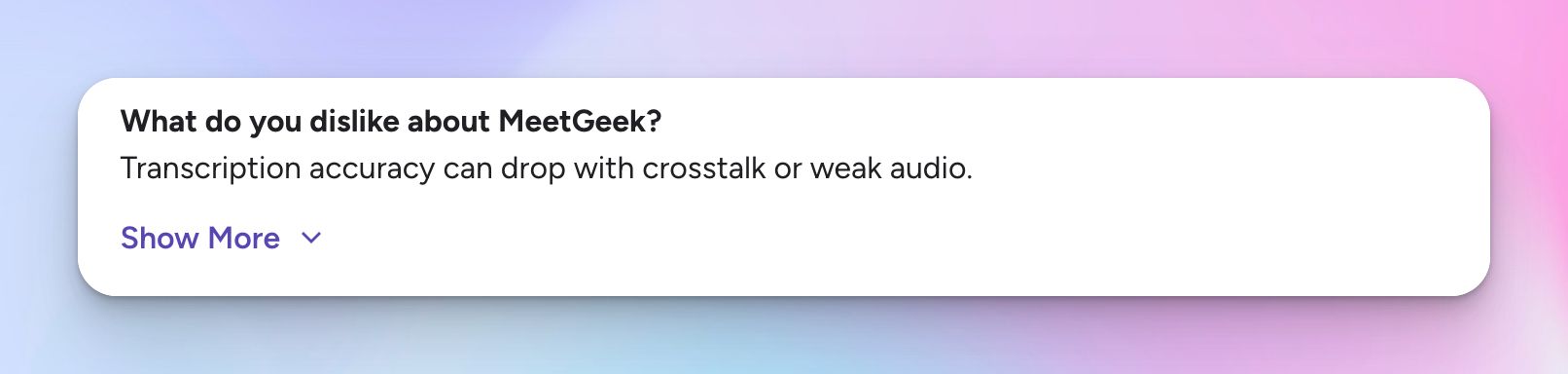
MeetGeek's transcription works reasonably well in clean, controlled audio. But the moment conditions get messy with overlapping speakers and background noise, accuracy drops noticeably. MeetGeek struggles to differentiate small talk from important conversations.
🕵️♀️ Did you know?
It takes around 25 minutes to refocus after an interruption. Every time you revisit a messy transcript, you’re not just fixing notes, you’re also breaking your flow and paying that context-switching penalty again.
2. Language support feels restrictive
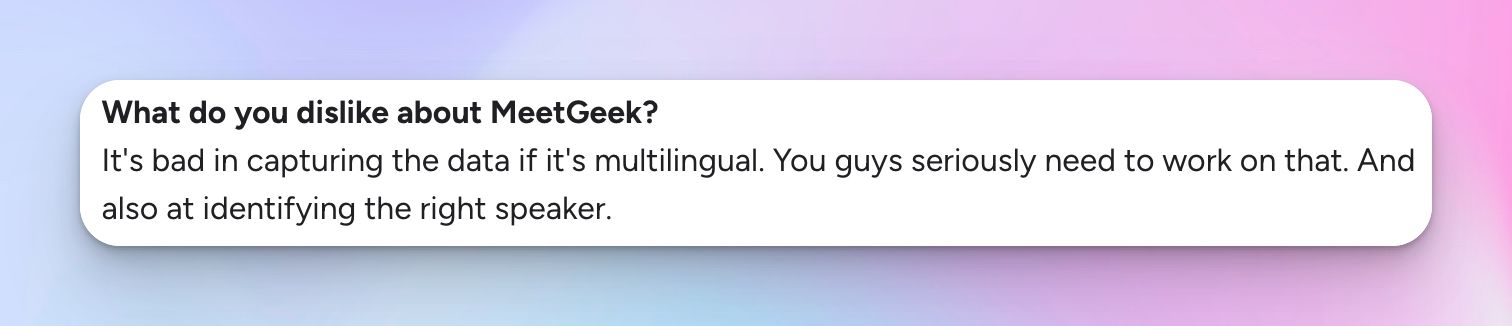
MeetGeek supports a wide range of languages, but it can feel limiting when dealing with global teams. Compared to tools that support 150+ languages, the gap shows up in how consistently it handles different accents, mixed-language conversations, or less common languages.
3. Meeting bot feels invasive
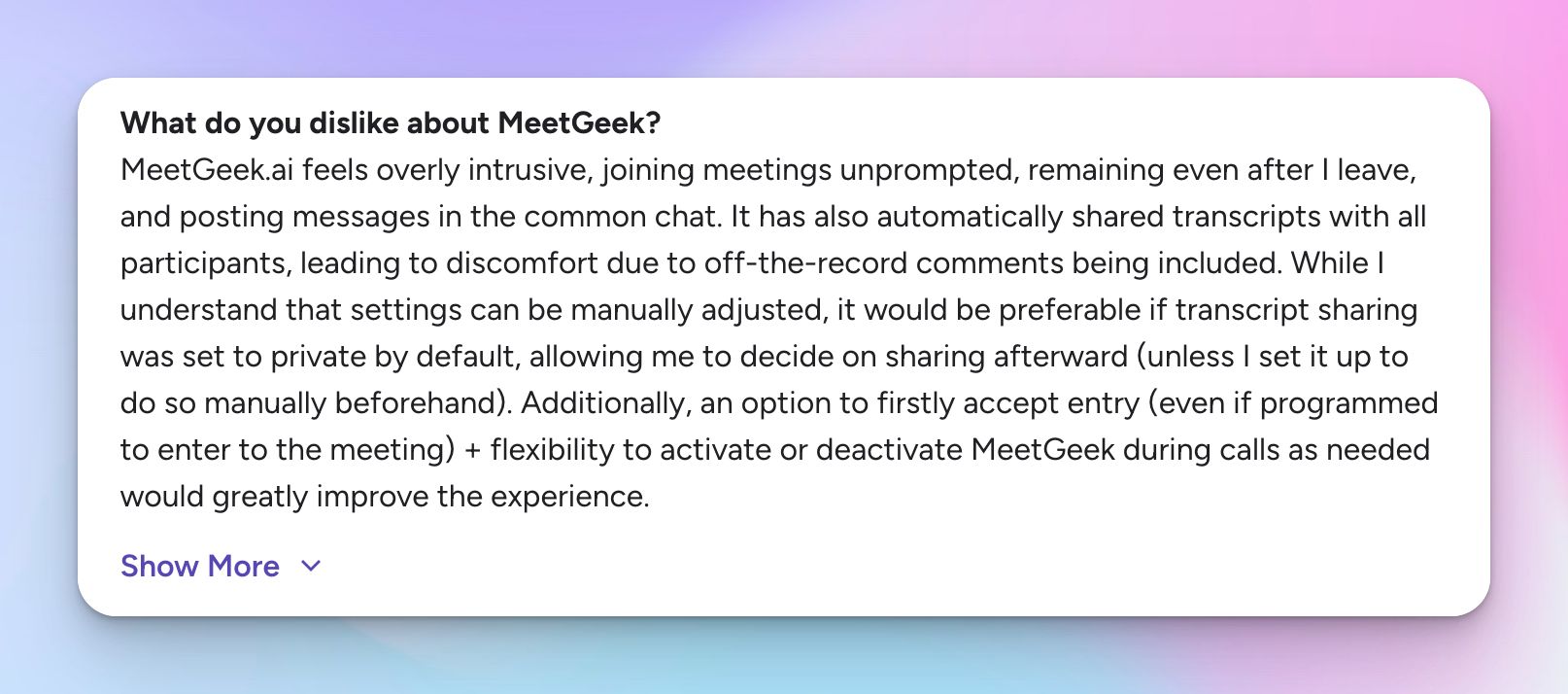
Sometimes, the MeetGeek meeting bot joins meetings and stays even after you leave. It posts in the shared chat and, by default, shares transcripts with all participants. This can expose off-the-record comments and raise privacy concerns unless you change the settings manually.
4. Free plan limits make proper evaluation difficult
MeetGeek’s free plan limits how much you can actually test over time. You get 3 hours of transcription per month, transcripts are stored for 3 months, and audio recordings are stored for just 1 month. That makes it difficult to evaluate the tool properly before committing.
🤔 Interesting to note:
Meetings now take up a huge chunk of the workweek. Senior executives spend nearly 23 hours a week in meetings, up from less than 10 hours in the 1960s.
At that scale, even small gaps in what gets captured or shared don’t stay small for long.
What are the best alternatives to MeetGeek? At a glance
| Category | HappyScribe | Circleback | Tactiq | tl;dv | Fireflies |
| Best for | Global teams, researchers, and professionals who need high-accuracy multilingual notes | Teams that want structured notes with automation workflows | Chrome users who want bot-free live transcription | Sales teams and UX researchers analyzing multiple calls | Revenue teams that need deep conversation intelligence |
| Key features | 95%+ accuracy, AI chat across meetings, translation (80+), subtitle editor, bot + bot-free recording, granular sharing | Auto action items, workflow builder, CRM integrations, AI search, MCP integration | Real-time transcription, reusable AI prompts, slide capture, daily digest, no audio storage | Timestamped highlights, multi-meeting insights, AI coaching, recurring reports, CRM integrations | Talk-time analytics, sentiment tracking, AskFred AI, live web search, soundbites, CRM automation |
| Languages supported | 150+ languages and accents | 100+ languages | 30+ languages | 30+ languages (auto-detect) | 100+ languages |
| Privacy | GDPR, SOC 2 Type II, EU data storage, strict sharing controls | SOC 2 Type II, GDPR, HIPAA, EU–US Data Privacy Framework | SOC 2, GDPR, HIPAA, no audio stored, private by default | GDPR, SOC 2, EU-hosted, no AI training on user data | SOC 2, GDPR, US-based storage |
| Pricing | Free plan with unlimited meeting recordings. Paid plan starts from $8.50/month (billed annually) or $17/month (billed monthly) | Free plan not available; starts from $25/month | Free plan available; Pro from $12/month | Free plan available; Pro from $29/month | Free plan available; Pro from $18/month |
1. HappyScribe
Best for: Researchers, journalists, business leaders, and professionals who need high-accuracy meeting notes in 150+ languages
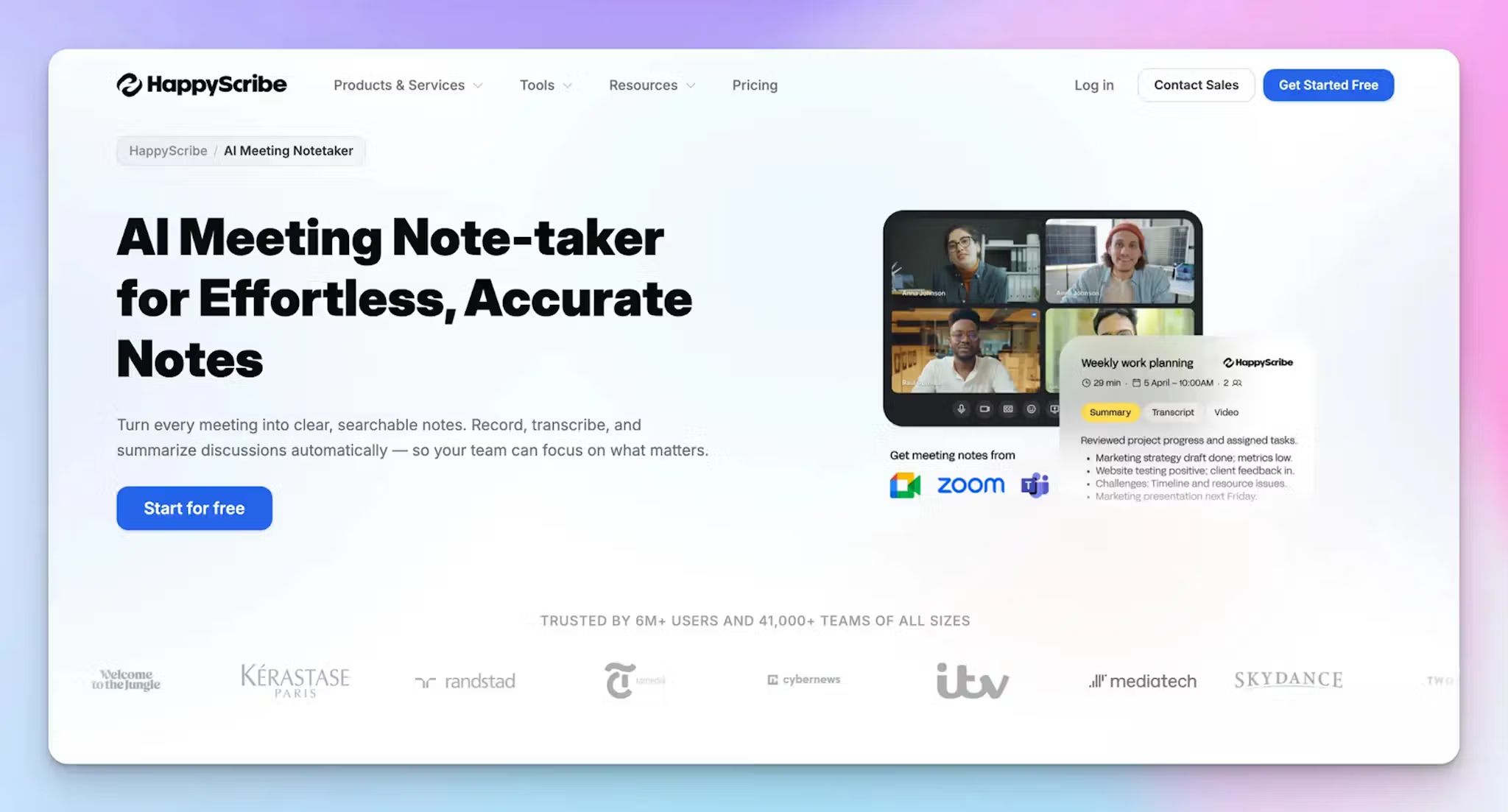
HappyScribe AI note taker is the best MeetGeek alternative because it addresses the shortcomings of MeetGeek while offering more features and affordable plans.
You can link your Google or Outlook calendar to allow HappyScribe to auto-join scheduled meetings or simply paste the meeting link to invite the bot.
Unlike MeetGeek, where the bot drives the experience, HappyScribe puts you in the driver's seat. You decide when it joins, who it records, and who sees the output.
Built for global teams and anyone handling sensitive conversations, HappyScribe offers strict EU data residency and GDPR compliance.
HappyScribe vs MeetGeek
| Category | HappyScribe | MeetGeek |
| Multilingual accuracy | 95%+ accuracy across 150+ languages and accents, including mixed-language calls | Supports 100+ languages, but accuracy drops in multilingual conversations, requiring a full review before sharing |
| Sharing controls | Granular per-meeting permissions to control exactly who sees each transcript and summary; having an account is not necessary for viewing notes | Sharing notes often triggers automatic platform enrollment for anyone who creates an account to view your notes |
| In-person recording | Bot-free web recorder works directly from your laptop, no app download required | Available via mobile app on iOS and Android, and browser extension |
| Free plan | Unlimited meeting recordings up to 45 minutes each | 2 hours of transcription per month, transcripts stored for 3 months only |
| Translation | Translate meeting notes and transcripts into 80+ languages natively | No native translation workflow |
| Data privacy | GDPR compliant, SOC 2 Type II certified, strict EU data residency | GDPR and SOC 2 compliant, EU or US-based data storage |
📚 Also read:
HappyScribe's key features
1. 95%+ accurate meeting notes in 150+ languages and accents
Global businesses require nuance. When attendees drop technical acronyms or speak with regional dialects, MeetGeek's transcription engine guesses and fails. You end up with notes you have to review line by line before it's fit to share with anyone.
HappyScribe has been developed from the ground up to serve global multilingual teams. From Spanish and Cantonese to Swiss German and Japanese, you get 95%+ accurate transcripts across 150+ languages and accents.
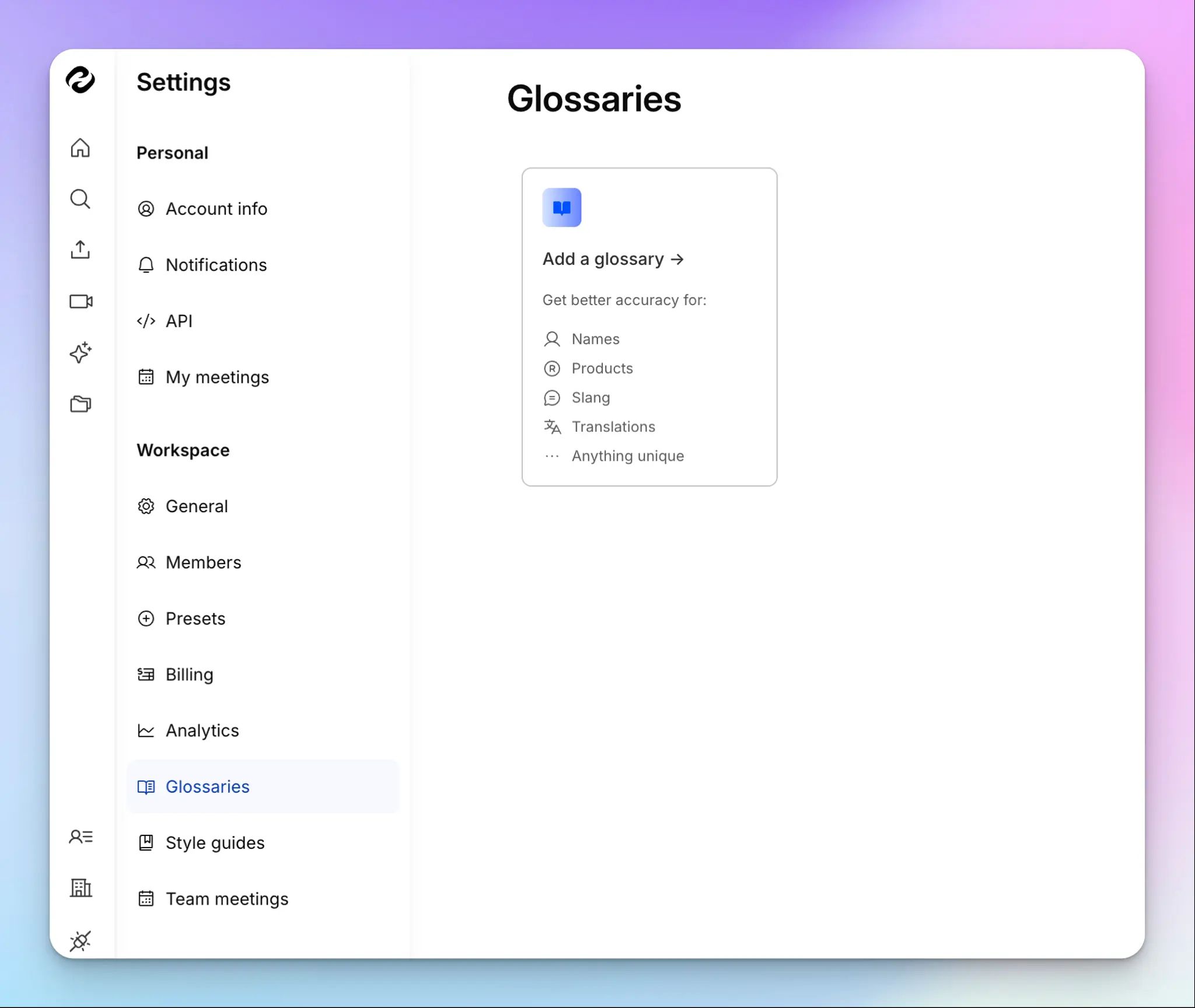
Once a meeting finishes, you receive a structured document with precise speaker labels and action items so you can jump straight into work. You can also create custom glossaries and style guides to make sure HappyScribe always gets your industry jargon right.
2. Translate meeting notes and edit subtitles for video files
MeetGeek offers no native workflow to translate meeting notes or edit subtitles, but HappyScribe does.
If you want to share insights with stakeholders sitting in other parts of the world, HappyScribe lets you translate your notes and action items into 80+ languages.
It also features a dedicated subtitle editor where you can adjust timing and fix layouts, and burn captions directly into video files to create accessible internal training materials or client presentations.
3. Ask AI for meeting insights across all your conversations
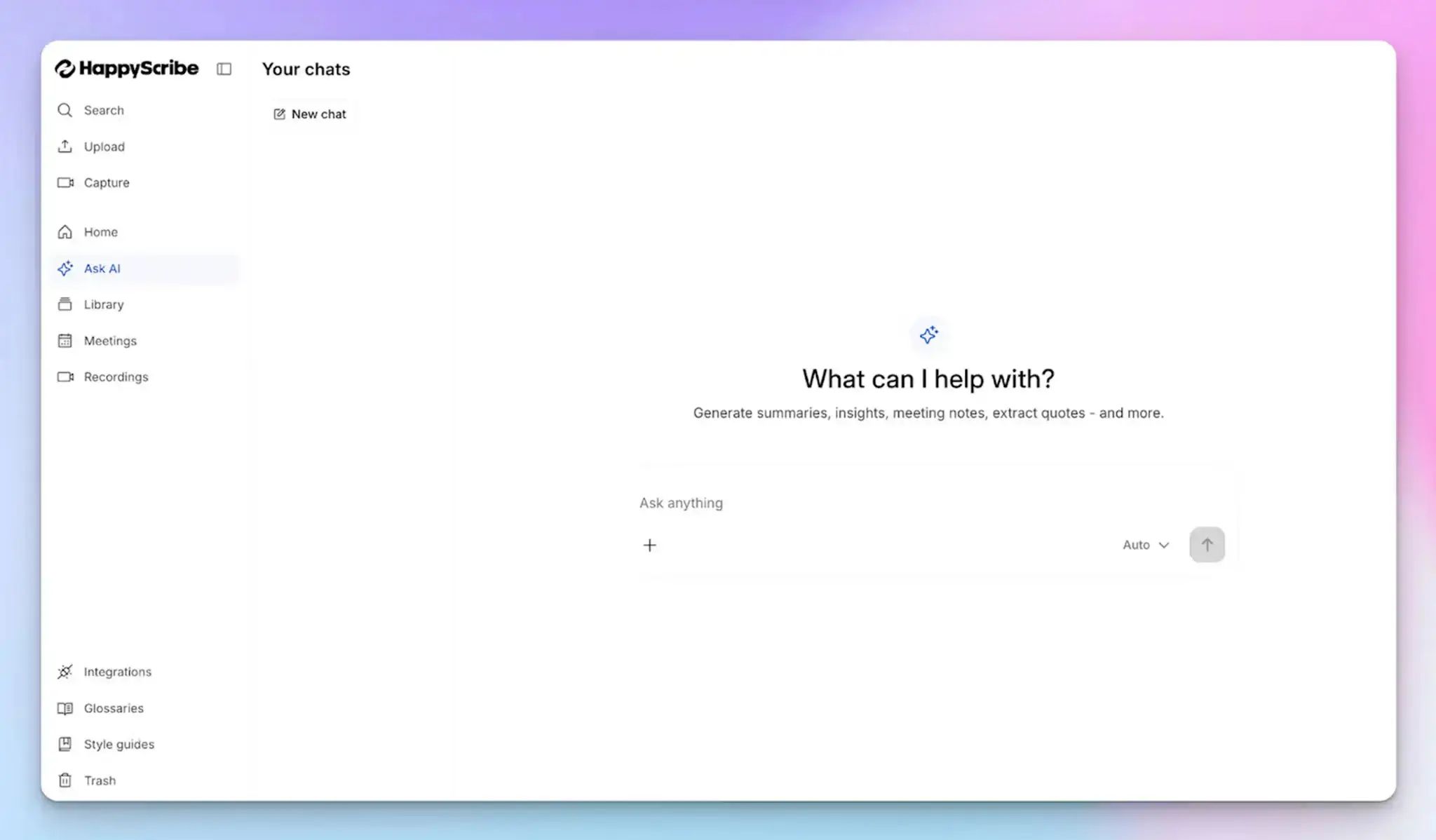
HappyScribe's Ask AI assistant goes beyond summarizing a single meeting. You can ask questions across your entire meeting history, from recurring objections on client calls to decisions made last quarter.
It surfaces the exact moments in the transcript where things were said. If the first answer is too broad, keep pushing with follow-ups the way you would in a natural conversation, until you have exactly what you need.
From speaker quotes and video chapters to follow-up email drafts and post summaries, Ask AI handles it all in one place.
4. Granular sharing controls and privacy at the core
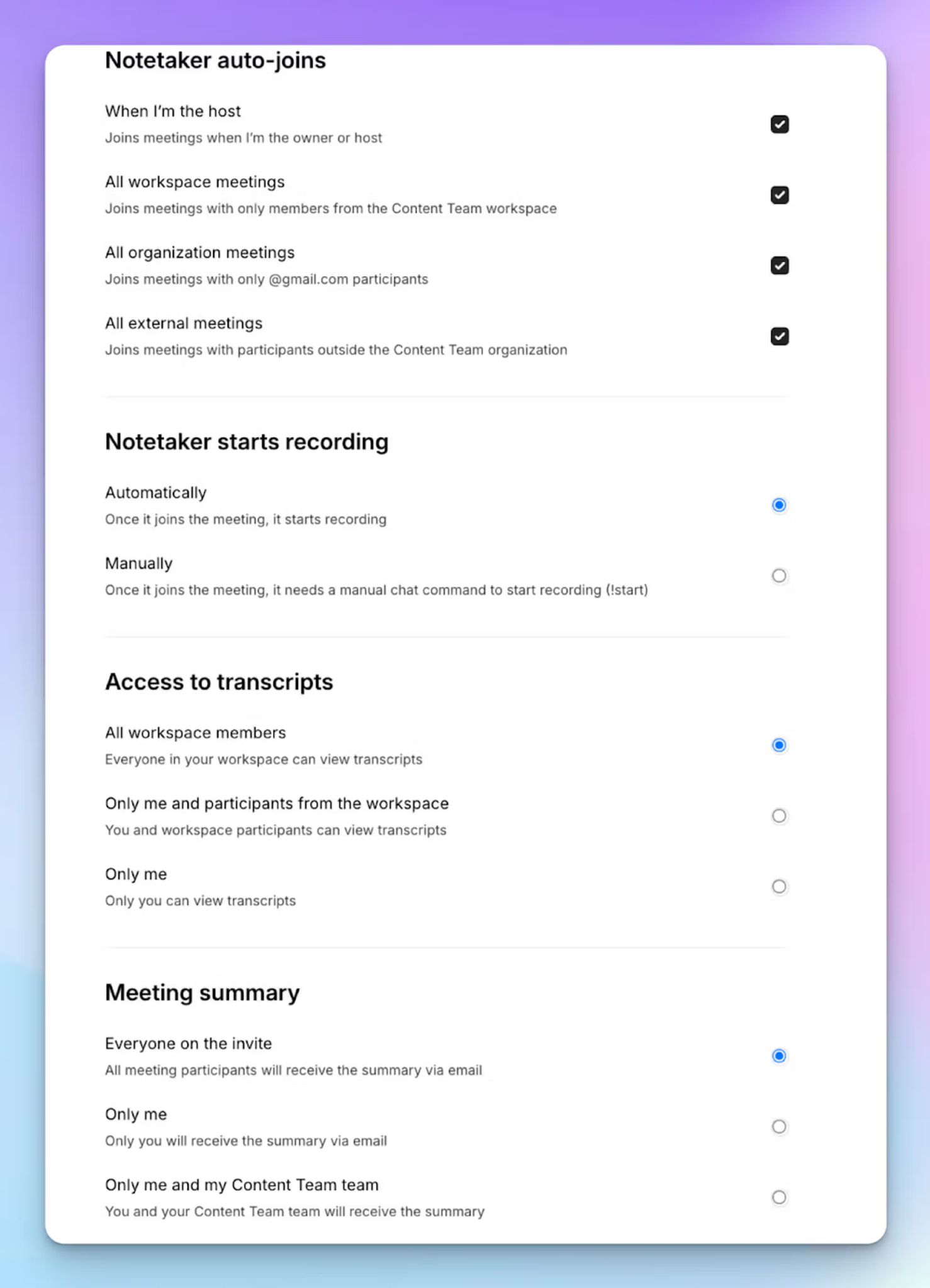
With HappyScribe, you decide exactly who sees each transcript, whether that's a specific teammate, a client, or the full workspace, on a meeting-by-meeting basis.
Sensitive discussions stay private by default, and nothing about sharing your notes ever affects your attendees.
HappyScribe is GDPR compliant and SOC 2 Type II certified, and stores all in the EU. Thanks to its strong focus on privacy and compliance, HappyScribe is one of the best AI note takers for European teams and anyone handling confidential conversations.
5. Record in-person meetings bot-free
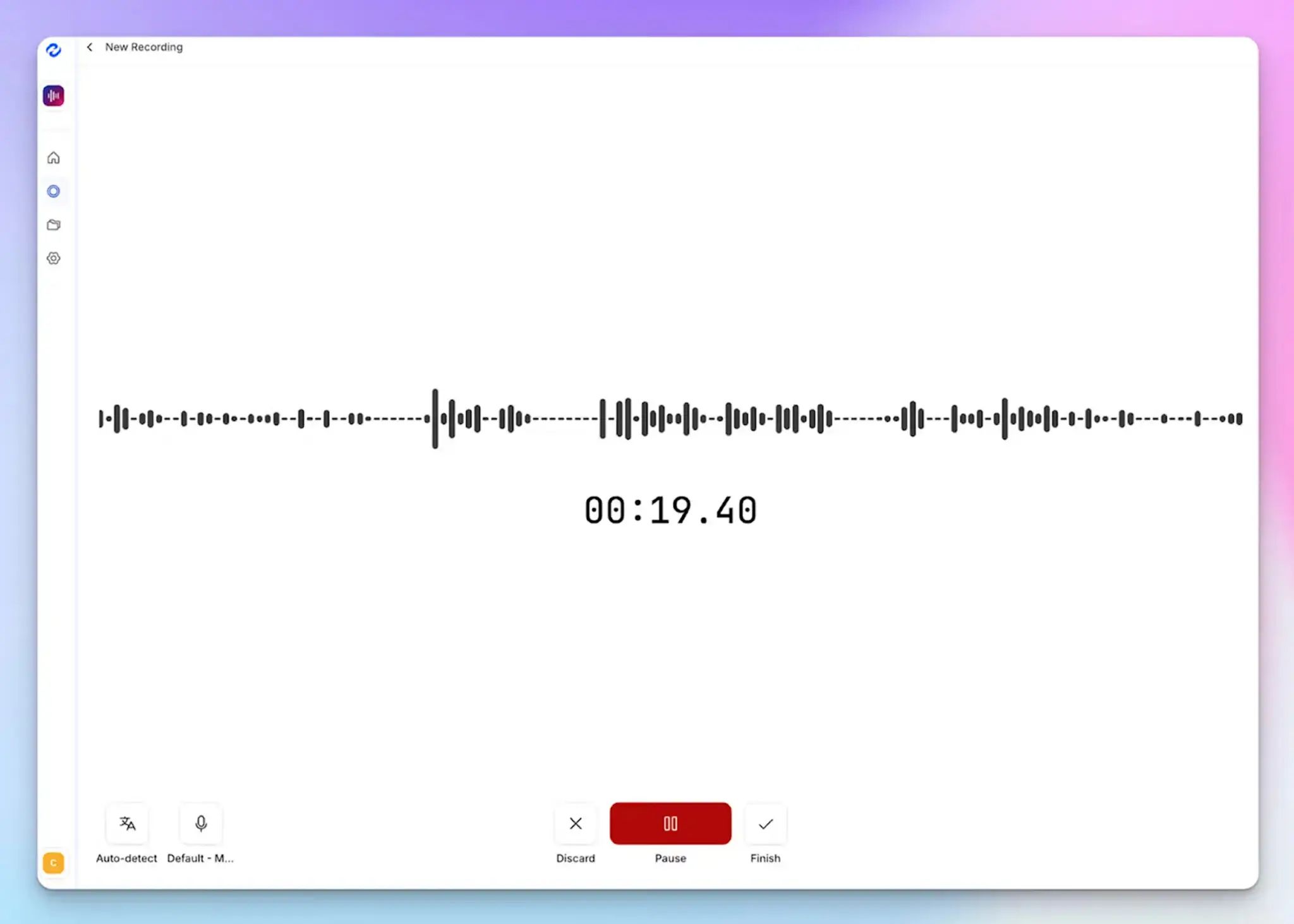
Not every important business conversation happens on a scheduled video call. When you're at a client site, running a workshop, or in a confidential 1:1, a visible meeting bot changes the dynamic entirely.
HappyScribe offers a secure web-based audio recorder that works directly from your laptop browser, with no app download required. You can capture your in-person discussions and have structured notes ready within minutes.
6. Generous free plan for individual users
MeetGeek caps its free plan at just 3 hours of transcription per month, which runs out fast for anyone in back-to-back meetings.
HappyScribe gives you unlimited meeting recordings on the free plan (up to 45 minutes each), so you can properly validate the tool in your real workflow before spending a cent.
HappyScribe's pros
- Both audio and video are preserved alongside the transcript, so you can always go back to verify context or pull a clip
- Ask AI conversational chatbot for multi-meeting insights, speaker quotes, video chapters, follow-up emails, and post drafts, all in one place
- HappyScribe MCP lets you securely connect your meeting data to Claude and ChatGPT so your transcripts and insights are accessible right where you already work
- Tags let you organize and filter meeting notes across projects, clients, or teams, making it easy to find what you need weeks later
- Import files from Google Drive, Dropbox, Box, YouTube, and Vimeo to get transcripts and summaries
- On paid plans, you can personalize the bot with your company name, logo, and a custom welcome message
- Connect HappyScribe to your existing tech stack using Zapier or through API integration
- Responsive human customer support, not chatbots
HappyScribe's cons
- Does not offer real-time transcription
HappyScribe’s pricing
- Free: Unlimited meeting recordings (45 mins/recording)
- Basic: $8.50/month (billed annually) or $17/month (billed monthly)
- Pro: $19/month (billed annually) or $29/month (billed monthly)
- Business: $59/month (billed annually) or $89/month (billed monthly)
- Enterprise: Contact sales to get tailored solutions directly
What are real users saying about HappyScribe?
I use HappyScribe extensively for our editorial work. In 2025 alone, I’ve already used almost 400 hours to produce transcripts for journalists and the newsroom, as well as SRT subtitles. I highly recommend it. It’s great that it offers an API — I rely on it for automations. I’ve tried cheaper alternatives, but their quality just doesn’t compare.
Transcript was much more accurate than the guaranteed 85%. It was more like 98%. And it was really inexpensive and fast. I could not ask for a better experience.
How to use HappyScribe’s AI note taker? A step-by-step guide
1. Link your Google or Outlook calendar or paste the meeting link to invite the HappyScribe note taker. For in-person meetings, you can record audio without a bot.
2. Select Meetings in the left sidebar and then check the options at the right to customize when the notetaker should join and who should receive the email summary.
3. Click on the Settings button at the top right to select when the notetaker should start recording and who can view the meeting transcription.
4. During an online call, the notetaker must be admitted by the meeting host to start recording. You can chat with the notetaker to control it.
5. And that's it! The meetings should be saved in your Workspace files or in the Private section, depending on your privacy settings.
2. Circleback
Best for: Professionals and teams that want structured meeting notes with powerful workflow automation
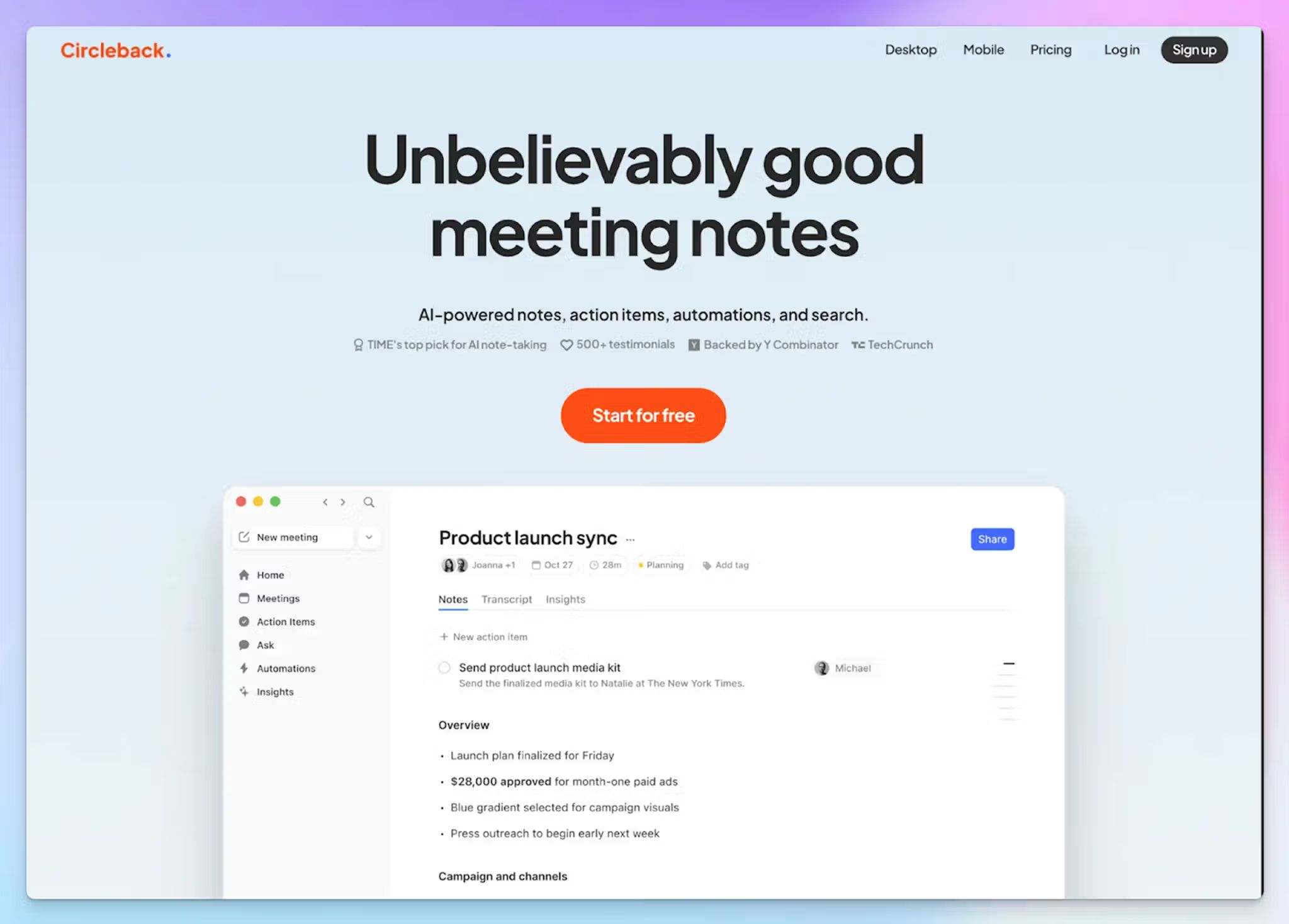
If your main frustration with MeetGeek is having to review every transcript before it's fit to share, Circleback is worth a close look. It focuses on getting the notes right the first time and automatically routing the right information to the right tools, without the invasive bot behavior that pushes people away from MeetGeek.
It works across Zoom, Google Meet, Microsoft Teams, BlueJeans, and in-person meetings, with bot-free capture available natively on desktop and mobile apps for Windows, Mac, iPhone, and Android.
Circleback vs MeetGeek
| Category | MeetGeek | Circleback |
| Best for | Teams that want meeting analytics and KPI tracking | Teams that want clean, actionable notes with strong CRM automation |
| Key differentiator | Analytics-heavy dashboard with engagement metrics and talk-time insights | Action item extraction and automation-first workflow |
| Languages supported | 30+ languages | 100+ languages |
| Free plan | Yes; 2 hours of transcription/month, transcripts stored for 3 months | No; 7-day free trial only |
Circleback's key features
- Notes are grouped by topic, and action items are automatically identified, assigned, and organized after every meeting
- The workflow builder lets you define exactly what to extract from each meeting and where to send it, across Slack, Notion, Linear, HubSpot, Salesforce, Attio, Zoho, and Monday
- AI-powered search pulls answers from your entire meeting history with cited sources, turning past conversations into a searchable knowledge base
- MCP integration connects your meeting data directly to external AI tools like Claude, ChatGPT, and Cursor
Circleback's pricing
- Individual: $25/month
- Team: $30/user/month
- Enterprise: Custom pricing
Circleback's pros
- Clean, well-organized notes that are ready to share without manual review
- Workflow automation is genuinely powerful for teams that need meeting data to flow into other tools automatically
- SOC 2 Type II, GDPR, HIPAA compliant, and EU-U.S. Data Privacy Framework certified
- Supports 100+ languages with strong transcription accuracy
Circleback's cons
- No free plan, only a 7-day trial, which makes it harder to evaluate properly before committing
- No multi-meeting analytics or sales coaching features
- Significantly more expensive than competitors
📚 Also read:
3. Tactiq
Best for: Teams that use Chrome and want bot-free, live transcription with reusable AI prompts and fast post-meeting follow-ups
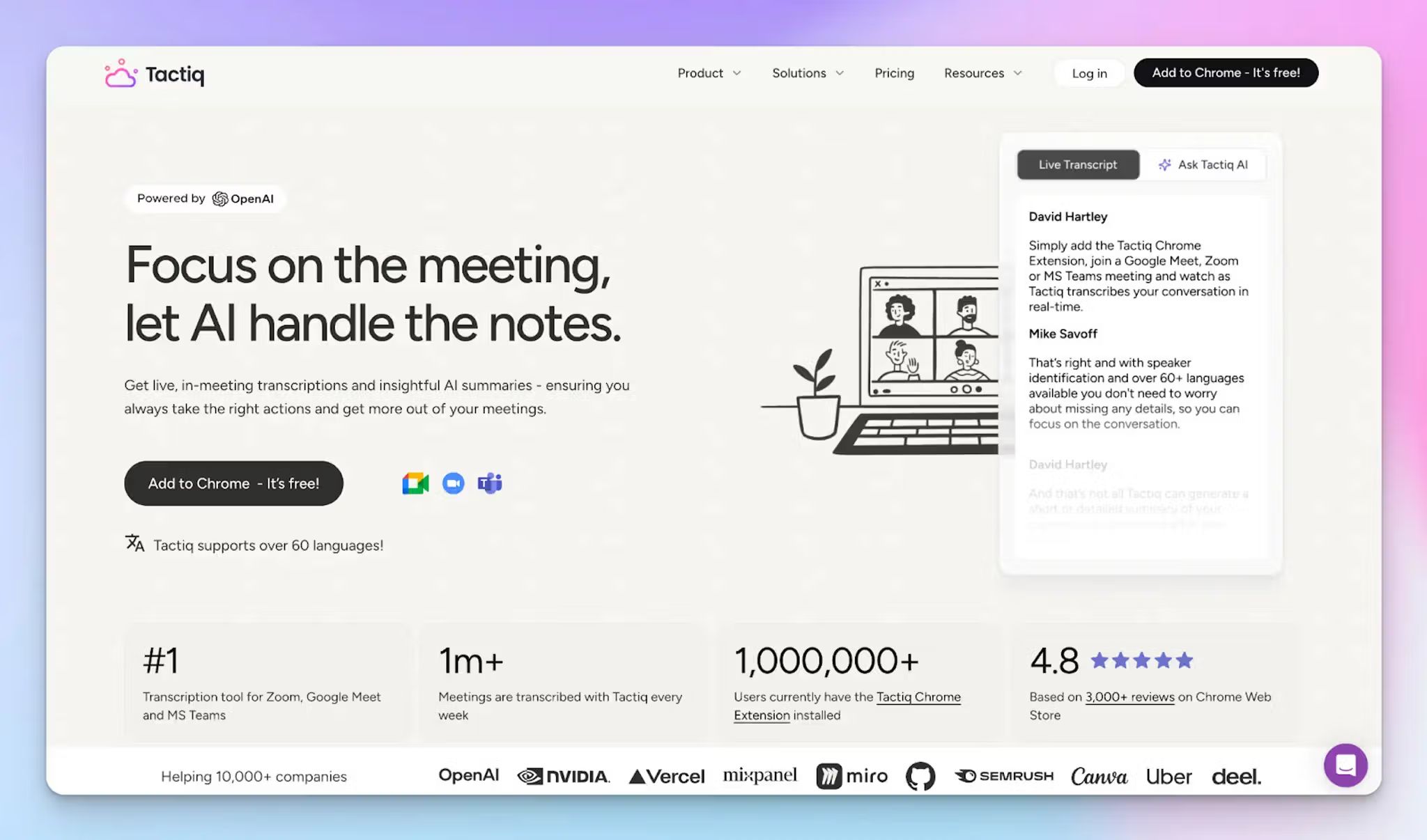
Tactiq works as a Chrome extension, captures live transcription as the conversation happens, and turns it into summaries, action items, and follow-up emails without a bot ever joining the call.
If MeetGeek's invasive sharing behavior is what pushed you to look elsewhere, Tactiq takes the opposite approach entirely. Transcripts are only visible to you by default; nothing is shared with participants unless you choose to, and no audio is ever stored.
Tactiq vs MeetGeek
| Category | Tactiq | MeetGeek |
| Capture method | Chrome extension captures live transcription during the call, no bot required | Bot joins the call by default, with browser extension as an alternative |
| Audio storage | Does not record or store audio, transcripts are saved as text only | Records and stores audio and video alongside transcripts |
| Language support | 30+ languages with real-time capture | 100+ languages |
| Free plan | 10 transcripts and 5 AI credits per month | 3 hours of transcription per month |
Tactiq's key features
- Offers custom AI prompts you can save and reuse across all future meetings, so you get consistent outputs like summaries, action items, and follow-up emails without rebuilding them each time
- If a presenter shares slides during a call, Tactiq automatically captures screenshots and inserts them directly into the transcript for visual context
- Daily Digest gives you a consolidated summary of everything discussed across all your meetings in one place
- Integrates with Notion, Slack, HubSpot, Salesforce, Asana, Confluence, and more via Zapier
Tactiq's pricing
- Free
- Pro: $12/month per user
- Team: $20/month per user
- Business: $40/month per user
- Enterprise: Custom pricing
Tactiq's pros
- Bot-free by design, nothing joins your call, and no audio is ever stored
- Real-time transcription means the output is available instantly after the call, with no post-processing delay
- SOC 2 Type II certified, fully GDPR and HIPAA compliant
Tactiq's cons
- Chrome dependency is a hard constraint for teams using desktop meeting apps or non-Chromium browsers
- No audio or video storage means there is no recording to fall back on if a transcript detail needs verifying after the call
- No direct support for recording in-person meetings; you have to upload recorded files to get transcripts
📚 Also read:
4. tl;dv
Best for: Sales teams and UX researchers who want to build shareable meeting highlights, analyze patterns across multiple calls, and get AI coaching
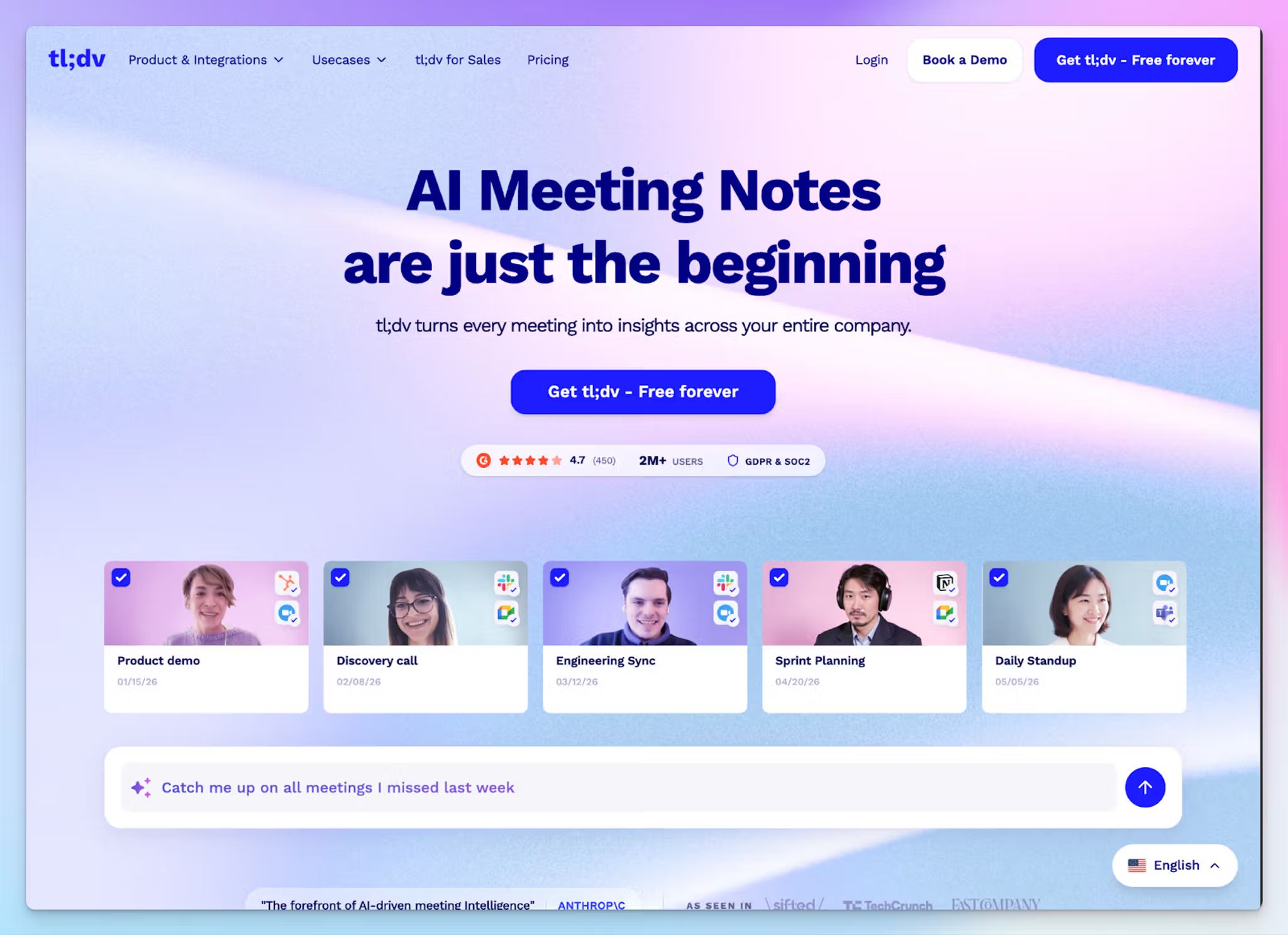
If your frustration with MeetGeek is that the notes are unreliable, tl;dv takes a cleaner approach. It joins your calls, records everything, and gives you a searchable, timestamped library of every conversation your team has ever had. More importantly, it lets you do something useful with that library.
tl;dv's multi-meeting intelligence is where it genuinely pulls ahead. You can ask it questions across months of customer calls, set up recurring AI reports delivered straight to your inbox, and clip exact moments from any transcript into shareable video highlights without sending anyone a full recording.
tl;dv vs MeetGeek
| Category | tl;dv | MeetGeek |
| Video highlights | Clip any transcript moment into a shareable video highlight without downloading files | Video playback and clips available but less flexible for external sharing |
| Sales coaching | Dedicated AI coaching, playbooks, and objection handling on Business plan | Meeting health scores and basic talk time analytics |
| Language support | 30+ languages with automatic detection | 100+ languages, but still struggles with accuracy in multilingual settings |
| Free plan | Unlimited video recordings, with data retention up to 3 months | 3 hours of transcription per month, with 3 months of transcript storage and 1 month of audio storage |
tl;dv's key features
- Timestamped clip creation lets you pull exact moments from any transcript and stitch them into a shareable highlight reel
- Ask tl;dv lets you query your entire meeting history in natural language, pulling out specific decisions, customer objections, or competitor mentions with cited timestamps
- Sales coaching on the Business plan tracks playbook adherence, objection handling patterns, and rep performance across all calls without requiring a separate coaching tool
- Integrates natively with HubSpot, Salesforce, Slack, Notion, and more tools via Zapier, with CRM auto-fill available on paid plans
tl;dv's pricing
- Free
- Pro: $29/month per user
- Business: $98/month per user
- Enterprise: Custom pricing
tl;dv's pros
- Multi-meeting intelligence and recurring AI reports make it easy to track trends across large volumes of customer calls over time
- GDPR compliant, SOC 2 certified, with EU-hosted data storage and a strict no-AI-training policy on customer data
- Supports automatic language detection mid-call; it keeps up when conversations switch between languages without manual input
tl;dv's cons
- Language support is limited to 30+ languages, which is significantly narrower than most alternatives in this list
- AI coaching and native CRM integrations are locked behind the Business plan
- Transcription accuracy can drop with heavy accents and background noise, occasionally requiring manual edits
📚 Also read:
5. Fireflies
Best for: Revenue teams that need deep CRM automation, conversation intelligence, and real-time web search during calls
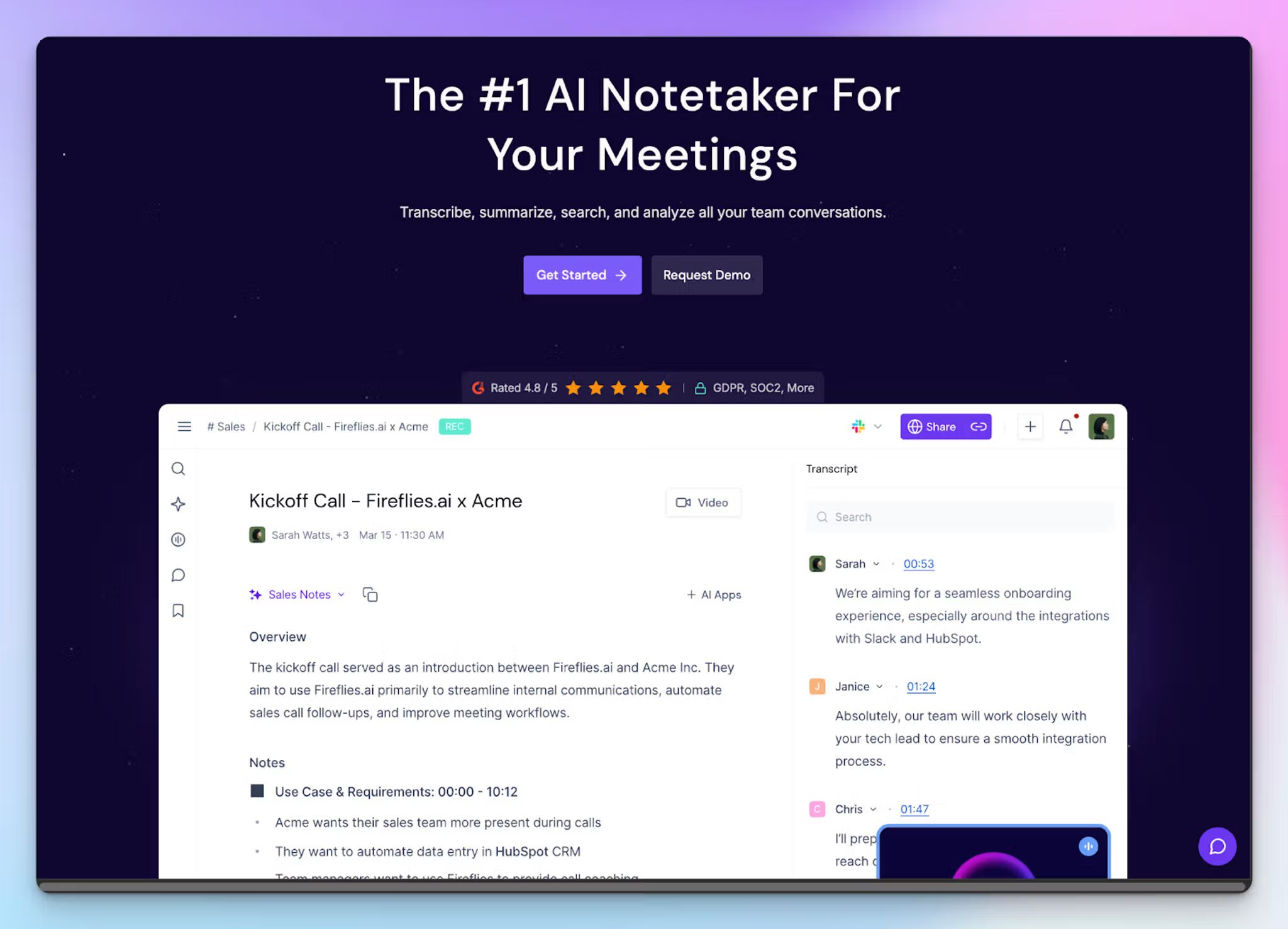
Fireflies is a strong MeetGeek alternative for sales and customer success teams that need more than meeting notes.
Where MeetGeek gives you a summary and basic analytics, Fireflies goes deeper with conversation intelligence, CRM automation, and a live web search feature that lets you fact-check claims or look up competitors without leaving the call.
It works across Zoom, Google Meet, Microsoft Teams, and phone dialers, and supports transcription in 100+ languages.
Fireflies vs MeetGeek
| Category | Fireflies | MeetGeek |
| Conversation intelligence | Talk time, sentiment analysis, topic tracking, and team analytics across all calls | Meeting health scores and basic talk time analytics |
| Live web search | Talk to Fireflies, powered by Perplexity, lets you run live web searches during a call | Not available |
| Video recording | Locked behind the Business plan | Available on all paid plans |
| Free plan | 800 minutes of storage per seat | Only 3 hours of transcription per month |
Fireflies' key features
- AskFred lets you query any past meeting in natural language, pulling exact timestamps and cited context without scrubbing through a recording
- Talk to Fireflies, powered by Perplexity, lets you run live web searches during the call so you can fact-check claims, research a competitor, or look up a prospect without switching tabs
- Custom topic trackers automatically flag competitor mentions, pricing objections, or specific keywords across your entire meeting library
- Soundbites let you clip and share key moments from any transcript, with comments and bookmarks for team annotation
Fireflies' pricing
- Free: 800 minutes of storage, limited AI summaries
- Pro: $18/month per user
- Business: $29/month per user
- Enterprise: Custom pricing
Fireflies’ pros
- Pre-built summary templates covering BANT, sales calls, and team meetings
- Offers a meeting preparation feature that briefs you on attendees and the agenda before a call starts
- From BambooHR and Confluence to Close and Aircall, Fireflies natively connects with a wide set of tools across sales, HR, and project management
Fireflies' cons
- AI features like AskFred run on a credit system that caps at 20 credits/month on Pro and 30 on Business, with add-on packs required at extra cost if you hit the limit
- Video recording is locked behind the Business plan, so Pro users only get audio
- US-based data storage on AWS and Google Cloud, which may be a concern for teams with strict EU data residency requirements
Which MeetGeek alternative should you switch to?
If you made it this far, you probably already know which problem you're trying to solve. Here's where each MeetGeek alternative fits best.
👉 Circleback is worth a close look if you want notes that are ready to share the moment the call ends, with automation that routes the right information to the right tools without any manual effort.
👉 Tactiq makes sense if your entire workflow runs in Chrome and you want bot-free live transcription during the call.
👉 tl;dv is a strong fit if your team runs high volumes of customer calls and needs to surface patterns across months of conversations, not just summaries from individual meetings.
👉 Fireflies works well if your workflow revolves around sales calls and you need conversation intelligence, CRM automation, and live web search all in one place.
👉 And if what broke with MeetGeek was the accuracy, the invasive sharing model, or both, HappyScribe is the best all-rounder MeetGeek alternative. It's built for teams that can't afford to babysit their transcripts or worry about who the bot is enrolling behind the scenes. You get 95%+ accurate notes across 150+ languages, the ability to translate those notes into 80+ more, and a sharing model that never touches your attendees' calendars or future meetings.
If your work crosses borders, involves sensitive conversations, or simply requires notes you can trust and send straight away, HappyScribe covers it all.
FAQs on the best MeetGeek alternatives
What are the best MeetGeek alternatives for accurate meeting notes?
The best MeetGeek alternatives focus on improving accuracy, language support, and control over your meeting notes. Tools like HappyScribe stand out with 95%+ accurate multilingual transcription, strong speaker identification, and flexible ways to capture both online meetings and in-person conversations.
How do AI meeting assistants improve meeting efficiency?
An AI meeting assistant improves meeting efficiency by replacing manual note taking with automated meeting notes and structured meeting summaries. Instead of revisiting past meetings or past calls, you get searchable transcripts, key points, and follow up emails. Tools like HappyScribe also let you query meeting content across multiple meetings, turning conversations into usable insights without extra effort.
What is the best MeetGeek alternative for multilingual transcription?
HappyScribe is the best MeetGeek alternative for multilingual transcription. It supports 150+ languages and delivers more accurate transcription across accents and mixed-language meeting discussions, making it a strong fit for international teams.
What are the best MeetGeek alternatives for sales teams?
If your priority is conversation intelligence and meeting analytics across sales calls, tools like Fireflies and tl;dv stand out. They help track objections, analyze performance, and surface key moments from past calls with built-in coaching features and insights across multiple meetings.
If you care more about accurate transcription, clear AI meeting notes, and structured meeting summaries you can share without rework, HappyScribe is a strong option. It focuses on clean meeting documentation, reliable speaker identification, and delivers high-quality notes that help teams move quickly from meeting discussions to action.
The right choice comes down to whether your team needs deeper analytics and sales tracking, or more accurate, usable notes from every conversation.
Can these MeetGeek alternatives transcribe meetings across different platforms?
Yes, most tools can transcribe meetings across major video conferencing platforms like Google Meet and Microsoft Teams, along with Zoom and other video meeting tools. HappyScribe supports bot-based capture for scheduled meetings, browser-based bot-free recording for flexibility, and file uploads. Tools like Tactiq rely on browser capture.
Can you rely on a free plan to properly evaluate AI meeting note tools?
In most cases, a free plan or free tier isn’t enough to fully evaluate an AI-powered meeting assistant. Limits on meeting transcription, storage, or access to advanced features mean you can’t see how the tool performs across multiple meetings or real workflows. For example, if you can’t revisit past meetings, access all the meeting recordings, or test automated meeting notes on longer video meetings, you’re only seeing a partial picture. That becomes a problem for small teams or international teams that rely on consistent, high-quality meeting documentation.
Tools like HappyScribe make this easier by offering a free plan with unlimited meeting recordings, so you can properly test meeting summaries, accurate transcription, and overall meeting management before committing to paid plans.

Rodoshi Das
Rodoshi is the Content Lead at HappyScribe, the privacy-first transcription and AI notetaker platform based in Barcelona. Shaping content strategies and building AI workflows excites her as much as exploring new SaaS tools. She specializes in product-led content that informs rather than sells, grounded in honest product benchmarking and low tolerance for empty marketing speak.