![5 Best AI Meeting Assistants in Europe [2026]](/sanity-images/ejgwz1gl/redesign/e41a42cd63a72a8acd5ff003f0bb0d68bb32dc5e-1536x1024.jpg?auto=format&w=1536.0&rect=0,128,1536,768&h=768)
Most AI meeting assistants were built for Silicon Valley.
They record your calls, process your data, and store everything on servers thousands of miles away, often under legal frameworks that give European businesses very little control over what happens next.
And as a European business…you should have a problem with that.
Under GDPR, companies handling EU personal data are responsible for where it goes and how it's processed, even when a third-party tool is involved.
Even a single careless vendor choice can expose your organization to regulatory scrutiny or hefty fines. Or worse, breach of client trust that's nearly impossible to walk back from.
And yet, most teams are still using whichever AI meeting assistant showed up first in a Google search.
The US-based defaults are well-marketed and deeply integrated into popular workflows. But behind the convenience is a data residency gap that compliance teams are only now starting to flag seriously.
So I did the vetting for you. I researched the AI meeting assistants in Europe you can actually rely on.
TL;DR ⏩
- HappyScribe: Best all-rounder for researchers, journalists, and professionals who need 95%+ accurate notes across 150+ languages with EU-grade privacy built in
- Leexi: Best for sales and customer success teams that need meeting intelligence fed directly into their CRM
- tl;dv: Best for cross-functional teams that want multi-meeting intelligence and sales coaching without leaving Europe
- MeetGeek: Best for HR teams and people managers who need engagement analytics alongside their meeting notes
- Noota: Best for recruiters and hiring teams who need structured, auditable interview notes that flow directly into their ATS
How did I evaluate the best AI meeting assistants in Europe?
Finding tools that work well in European contexts meant filtering out a lot of popular names. Most didn't make the cut based on four key factors:
1. GDPR compliance
A non-negotiable. GDPR gives EU users the right to access their data, restrict how it's processed, and request permanent deletion. I evaluated each tool on how comprehensively it supports these rights and how straightforward the process actually is in practice.
2. EU data residency
GDPR does not automatically require data to be stored within the EU, but the risks of processing data outside it are significant. I verified where each tool stores and processes your files and user data, and gave preference to tools with clear, contractually defined EU data residency.
3. Multilingual accuracy
I tested each assistant across major European languages and assessed how well they handle regional accents and mid-conversation language switching. Tools that treated non-English speech as an edge case didn't advance.
4. Meeting performance
Once compliance and infrastructure were vetted, I evaluated how each tool performs in real conditions: overlapping speakers, poor audio quality, and domain-specific vocabulary. I also assessed summary quality, action item extraction, AI chat, and how much manual editing the output required.
📚 Also read:
What are the best AI meeting assistants in Europe? At a glance
| Category | HappyScribe | Leexi | tl;dv | MeetGeek | Noota |
|---|---|---|---|---|---|
| Best for | Researchers, journalists, and professionals who need highly accurate multilingual meeting notes with EU-grade privacy | Sales and customer success teams that want meeting intelligence synced directly to CRM | Cross-functional teams that want insights across multiple meetings and sales coaching | HR teams and managers who want engagement analytics along with meeting notes | Recruiters who need structured interview notes pushed into ATS systems |
| Privacy and compliance | GDPR compliant, SOC 2 Type II, EU-only storage, encrypted data | GDPR compliant, ISO 27001 certified, encrypted data | GDPR compliant, SOC 2 certified, AES-256 encryption | GDPR, SOC 2 Type II, HIPAA, CCPA | GDPR, SOC 2, ISO 27001 |
| Languages supported | 150+ languages and dialects | 100+ languages with automatic detection | 30+ languages | 60+ languages | 80+ languages |
| Key features | AI summaries, Ask AI chat, subtitles, translation, calendar-based auto-joining, bot-free setup, file upload | AI meeting summaries, searchable meeting insights, CRM-ready notes | Multi-meeting intelligence, recurring AI reports, sales coaching insights | Meeting analytics, sentiment tracking, speaker balance insights | AI interview summaries, structured candidate reports, highlight clips |
| Integrations | Zapier, API, MCP server connectivity with AI tools, media imports | Salesforce, HubSpot, Pipedrive, Zoho, Aircall, Ringover | Salesforce, HubSpot, Zapier integrations | Salesforce, HubSpot, Slack, Notion, Jira, Zapier | Bullhorn, SmartRecruiters, Recruitee, Flatchr, Salesforce, HubSpot |
| Pricing | Free plan available; paid plans start at $8.50/month | Plans start at $15/month | Free plan available; paid plans start at $29/month per user | Free plan available; paid plans start at $15.99/month per user | Free plan available; paid plans start at $29/month per user |
1. HappyScribe
Best for: Market researchers, journalists, business leaders, and professionals in European teams looking for a secure note taker with extensive language coverage
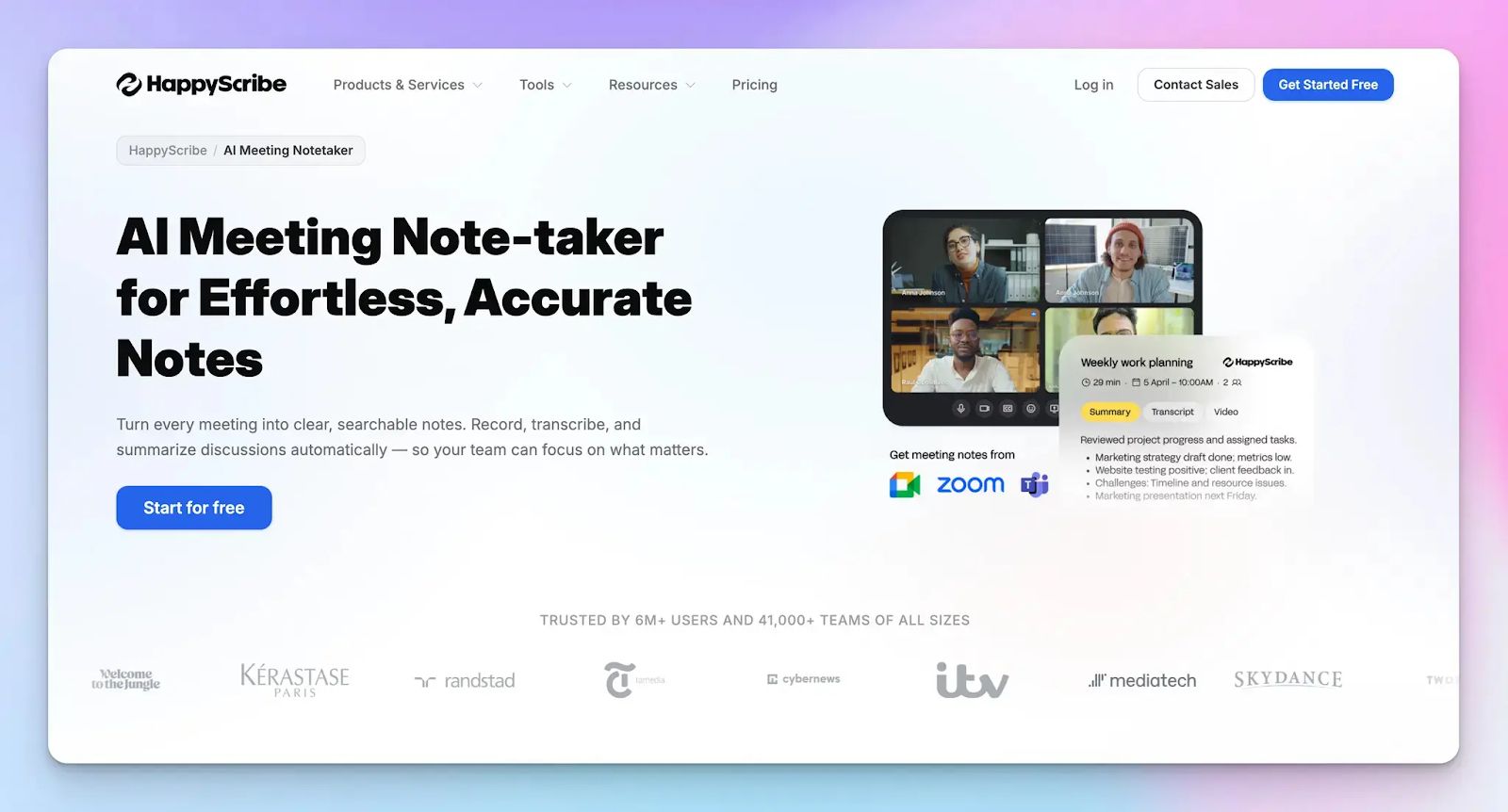
If you are going to trust one tool with your most sensitive conversations, it should be one that was built with European privacy law in mind from day one.
Barcelona-based HappyScribe stores all data within EU borders, and is designed to handle the linguistic and regulatory complexity that most US-built tools were simply never made for.
Setup is straightforward. Connect your calendar and HappyScribe joins your scheduled calls automatically. For last-minute meetings, paste the link and invite the bot manually. Prefer to keep bots out of the room entirely? Record audio directly for a clean, bot-free experience.
HappyScribe's key features
1. GDPR compliance and EU data storage
HappyScribe does not treat EU compliance as a mere legal formality. It is fully GDPR-compliant and SOC 2 Type II certified. Its security controls go through independent audits by a certified public accountant firm rather than internal self-assessments.
Its data center is located in the EU and holds Tier IV, PCI DSS, and ISO 27001 certifications. Everything is encrypted in transit and at rest, and when you delete a file, it is permanently removed from HappyScribe's servers.
2. Transcribe in 150+ languages with 95% accuracy
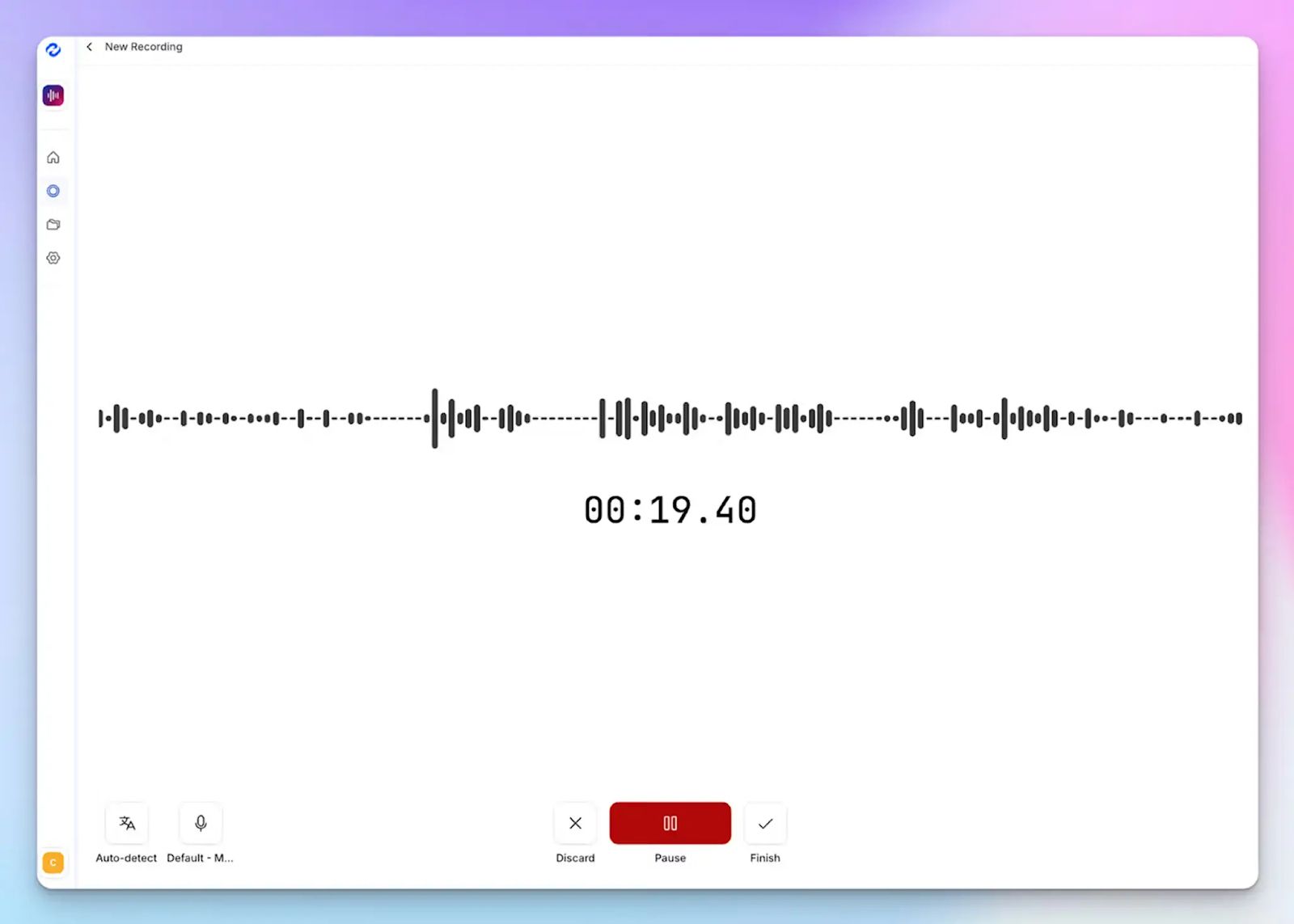
A lot of tools claim multilingual support. HappyScribe actually delivers it.
From Spanish and German to Lithuanian and Danish, it handles European languages without losing context or dropping accuracy. It is also fine-tuned for notoriously tricky dialects like Swiss German and Swiss French, which regularly trip up competing tools.
With support for 150+ languages and dialects globally, it offers one of the widest coverage options in the market.
3. Transparent meeting bot with granular consent controls
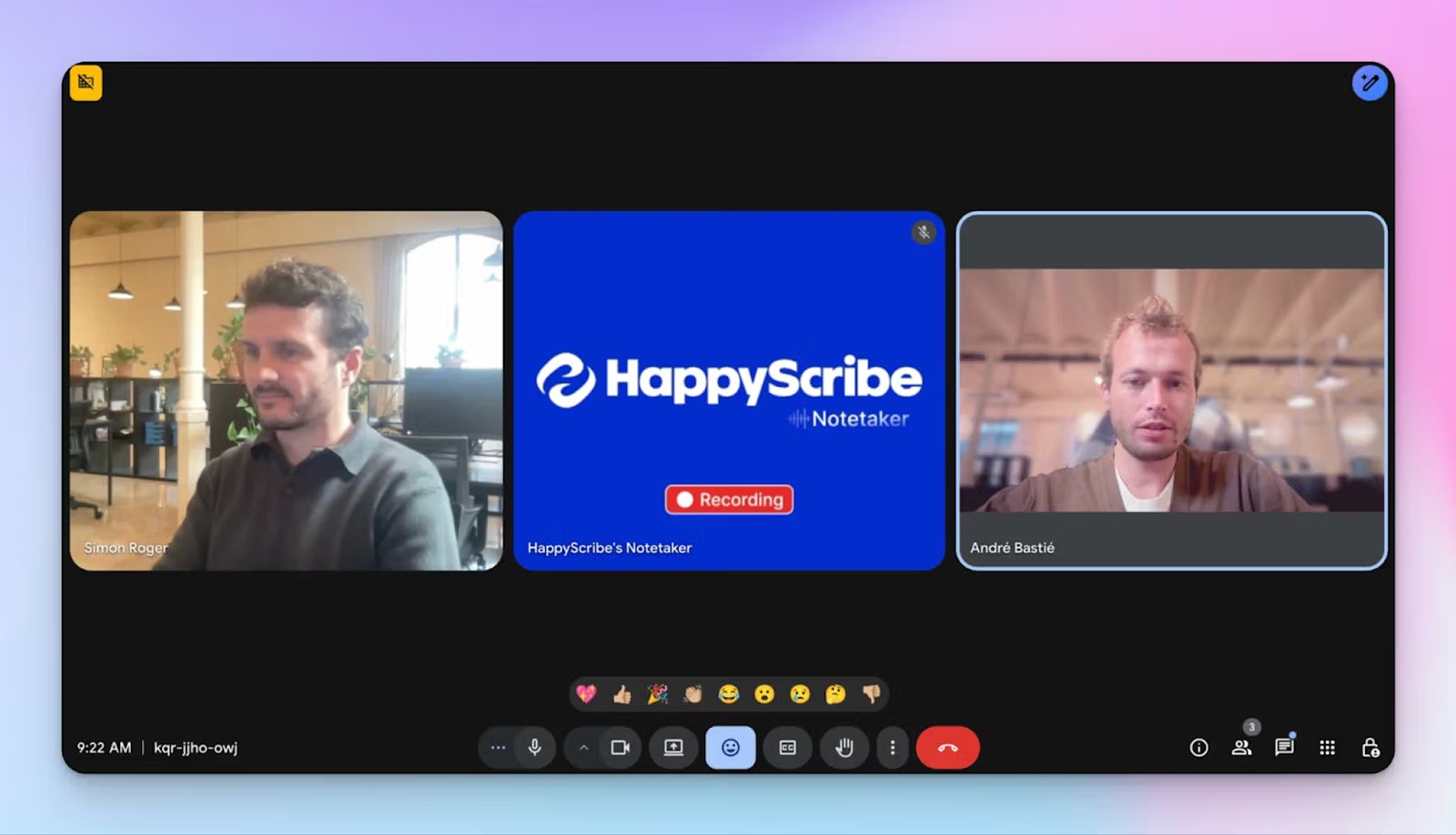
Recording a client without their knowledge is a GDPR violation. HappyScribe’s bot announces itself clearly when it joins a call. Midway through a meeting, anyone can type "!help" in chat to pause, resume, or remove the bot entirely.
For offline or in-person sessions, you can skip the bot altogether and record audio directly. But in that case, we highly recommend you to inform the participants that the meeting is being recorded. Either way, you stay in control of what gets captured and when.
Already have recordings? Upload them and HappyScribe transcribes and summarizes them the same way it would a live call.
4. Ask AI chat for summaries, quotes, and follow-ups
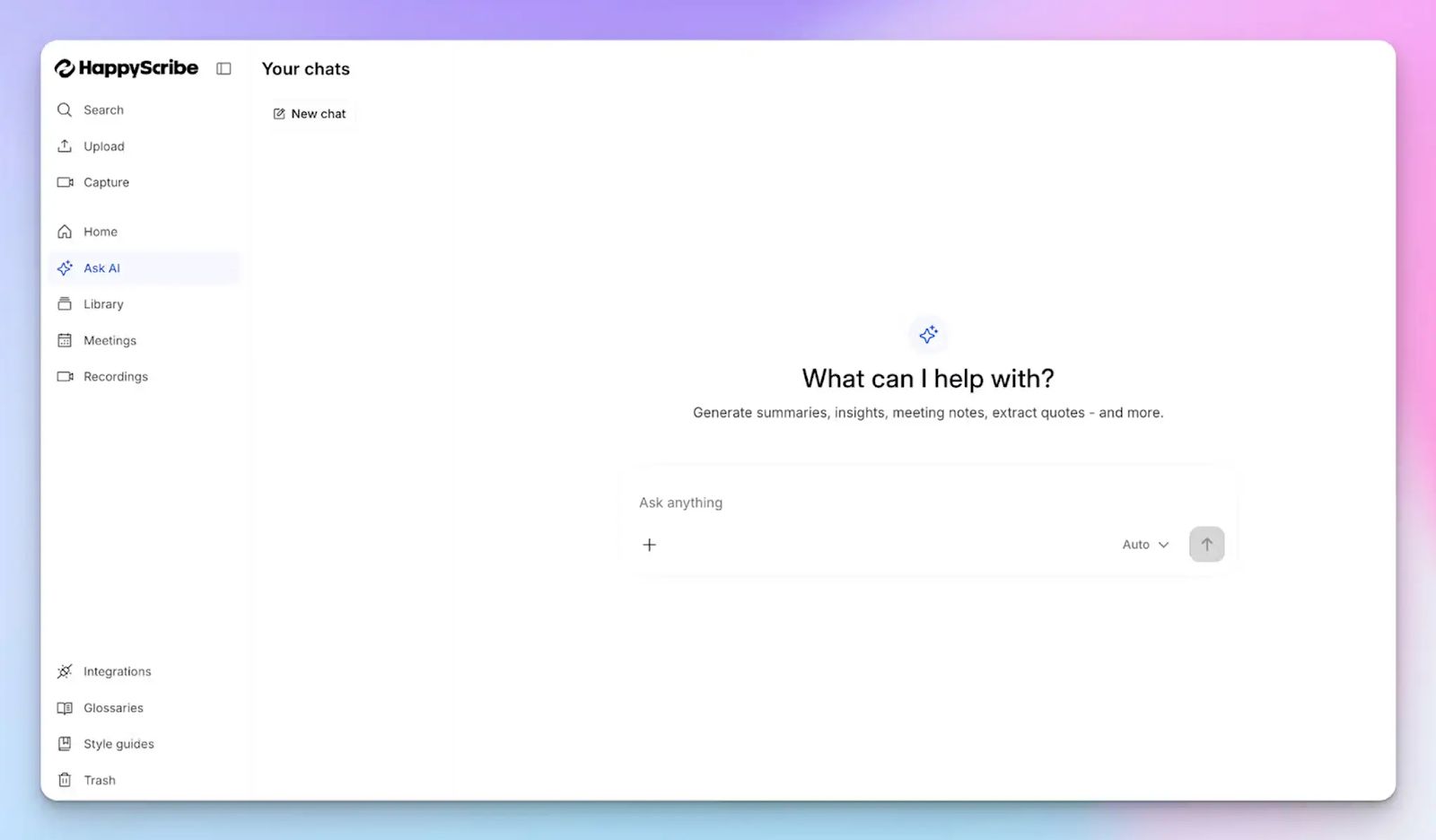
HappyScribe's Ask AI lets you have a back-and-forth chat with your meeting notes instead of scrolling through walls of text.
Ask it to surface key decisions, pull a specific speaker's quote, generate timestamped video chapters, or draft a follow-up email based on what was discussed.
Everything happens inside HappyScribe, so you can go from meeting to action without switching tabs.
5. Subtitles, translation, and productivity tools
HappyScribe covers more ground than most meeting assistants. It creates subtitles for video content, translates transcripts into 80+ languages for cross-border teams, and includes audio trimming and file conversion tools built right into the platform.
For teams that produce content alongside their meetings, the time savings add up fast.
HappyScribe's pricing
- Free: Unlimited meeting recordings (45 mins/recording)
- Basic: $8.50/month (billed annually) or $17/month (billed monthly)
- Pro: $19/month (billed annually) or $29/month (billed monthly)
- Business: $59/month (billed annually) or $89/month (billed monthly)
- Enterprise: Contact sales for tailored solutions
HappyScribe's pros
- GDPR and SOC 2 Type II compliant with full EU data residency
- 95%+ accurate transcripts across 150+ languages and dialects
- Transparent, configurable meeting bot with active consent controls
- Get both audio and video recordings of meetings
- Import media from YouTube, Vimeo, Google Drive, Dropbox, and Box
- Connect your meeting notes to AI tools like ChatGPT, Claude, Gemini, and Microsoft Copilot using MCP server
- Integrate HappyScribe with your existing tech stack using Zapier
- Build your own integration with the HappyScribe API
- HappyScribe mobile app (iOS and Android) is on the way
HappyScribe's cons
- Generates transcripts and notes after the meeting; does not offer real-time transcription
What are users saying about HappyScribe?
"I have tried many systems in the past to convert speech to text. I recently did an initial test with HappyScribe and I have to say, it worked sensationally well. And that was with German. It really makes work easier!"
"Really happy with this service. I'm using HappyScribe to transcribe interviews in French and the accuracy is great, punctuation good. It also doesn't pick up all of my 'mhmms' which is a very good thing!"
How to use HappyScribe's AI meeting assistant: A step-by-step guide
- Link your Google or Outlook calendar to let HappyScribe auto-join scheduled meetings. You can also paste a meeting link to invite the bot manually.
- Select Meetings in the left sidebar and customize when the notetaker should join and who receives the email summary.
- Click Settings at the top right to choose when recording starts and who can view the transcript.
- During the call, the host must admit the bot to begin recording. Type "!help" in chat to pause, resume, or remove it at any point.
- Once the meeting ends, your notes and transcript are saved in your Workspace or Private section depending on your privacy settings.
2. Leexi
Best for: Sales and customer success teams that need meeting intelligence fed directly into their CRM
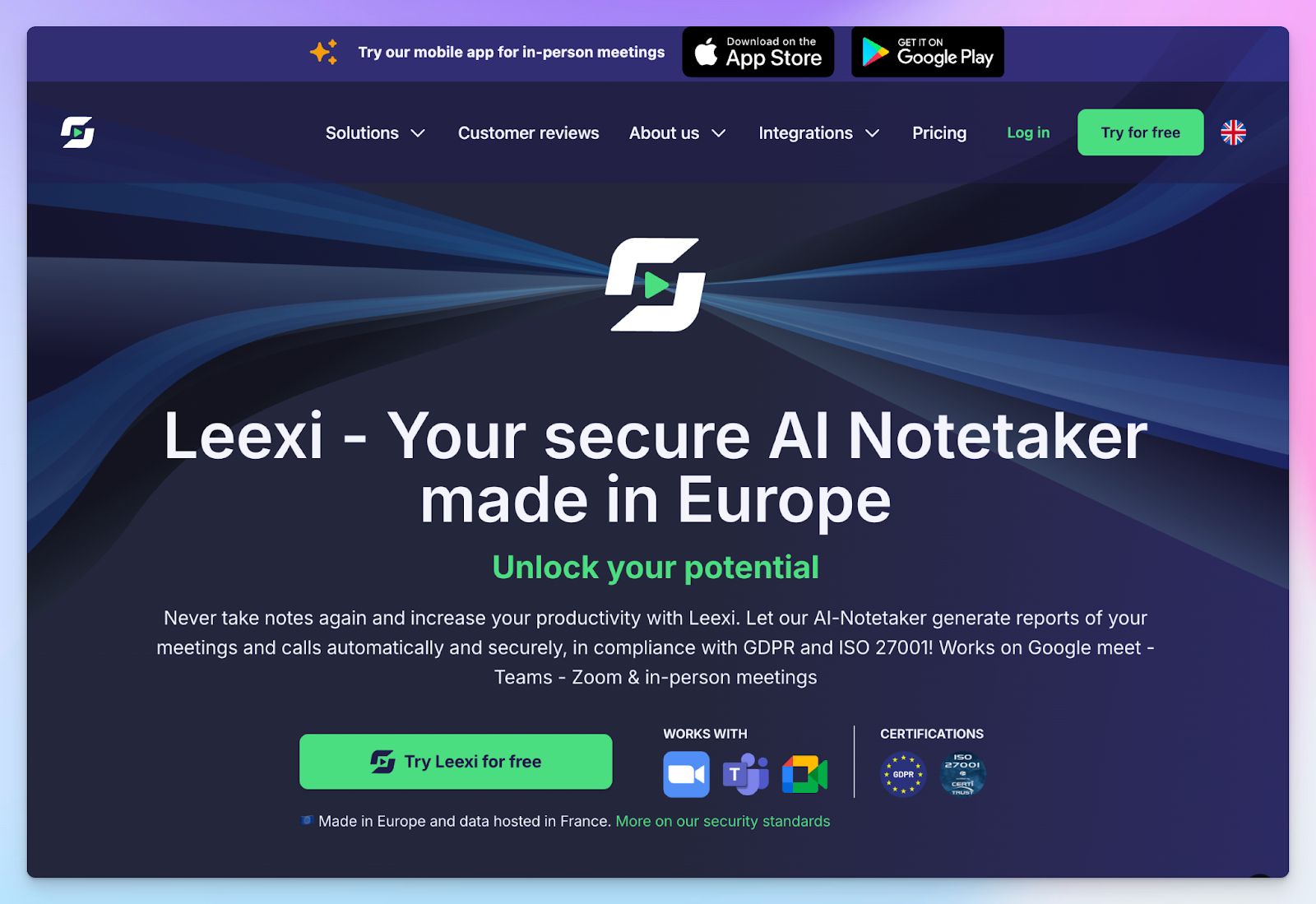
Leexi is a Belgian AI meeting assistant that keeps your data in Europe and automates the admin that eats into your team's day.
This AI note taking tool records calls across video conferencing and VOIP platforms, generates structured summaries, and pushes the output straight into the tools your team already uses.
Data is stored and transited exclusively within France. Setup takes less than an hour, and once it's running, Leexi gets out of your way and lets you focus on the conversation.
Leexi's key features
- Automatic transcription and AI summaries across 100+ languages with automatic language detection
- Ask Leexi to pull answers and insights from any past meeting, with custom prompts to shape summary structure
- CRM integration with Salesforce, HubSpot, Pipedrive, Zoho, and VOIP connectivity with Aircall, Ringover, and Teams Phone on the Business plan
- Data stored and transited within France, with end-to-end encryption, ISO 27001 certification, and GDPR compliance across all plans
Leexi's pricing
- Starter: $15/month
- AI-Meeting: $29/month
- Business: $49/month
- Enterprise: Contact sales
Leexi's pros
- Data stored and transited within France with ISO 27001 and GDPR compliance across all plans
- CRM and VOIP integrations push meeting data directly into your existing tools
- Mobile app supports in-person meeting recording
Leexi's cons
- CRM and VOIP integrations are locked to the Business plan, which may feel limiting for smaller teams
- The Starter plan caps usage at 20 hours per month and a maximum of 5 licenses
- AI analytics and automated alerts are only available on the Enterprise plan
3. tl;dv
Best for: Cross-functional teams that want multi-meeting intelligence and sales coaching
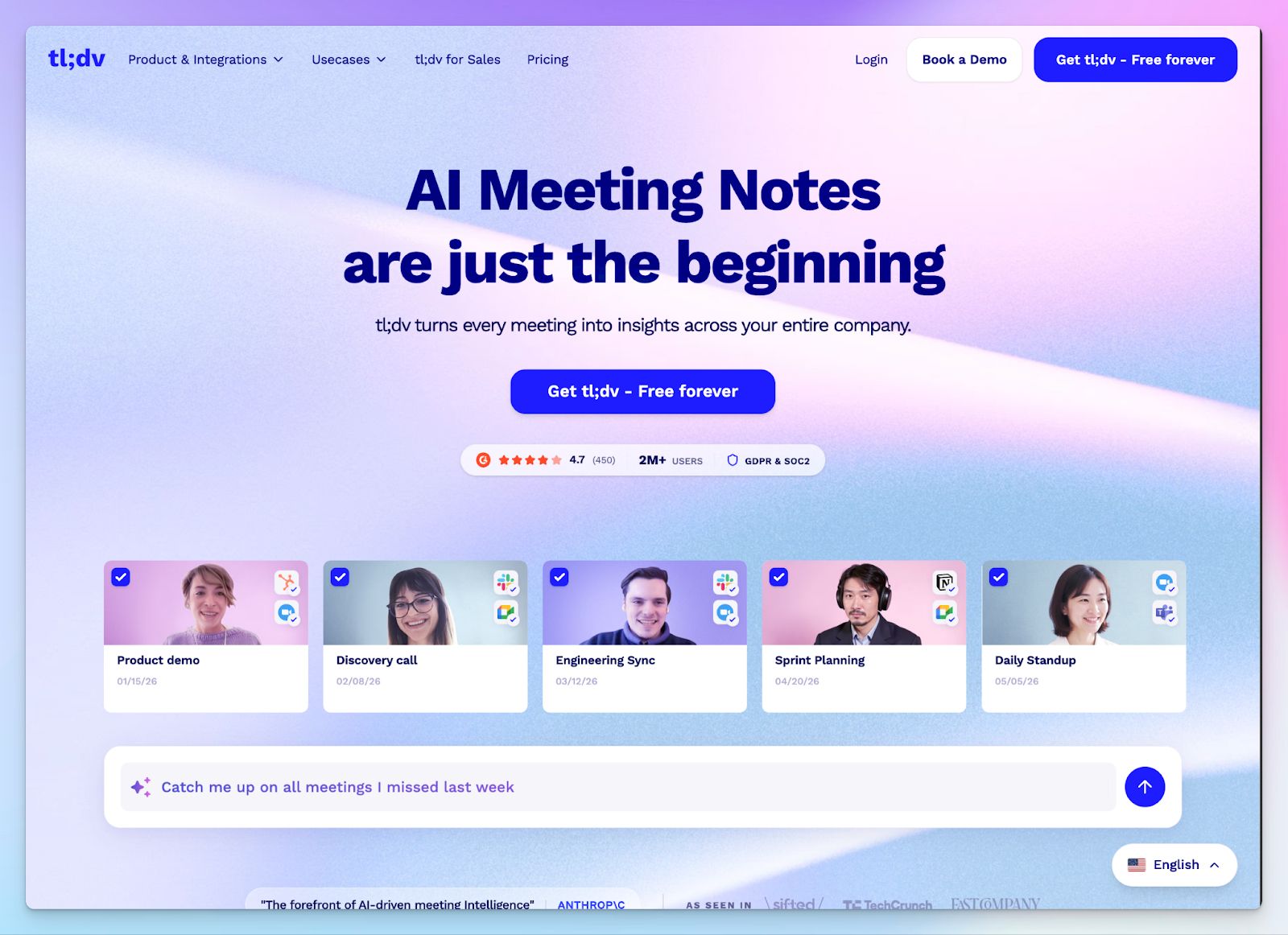
tl;dv is a German AI meeting assistant headquartered in Aachen. It records, transcribes, and summarizes meetings, then lets you pull insights across multiple calls at once. You can retrieve patterns and trends that would otherwise get buried in individual recordings.
The tool is GDPR compliant and stores data in the EU. Customer data is never used to train AI, and you can choose whether the AI processing runs on European or US infrastructure.
tl;dv's key features
- Multi-meeting intelligence analyzes patterns across past calls, with recurring AI reports delivered straight to your inbox
- Offers sales coaching tools, including playbook adherence tracking, objection handling insights, and rep performance monitoring
- Automatic CRM sync to push meeting notes, action items, and follow-up drafts into Salesforce, HubSpot, and other tools via Zapier
- All data is stored in Europe with AES-256 encryption, GDPR compliance, SOC 2 certification, and a strict no-AI-training policy
tl;dv's pricing
- Free
- Pro: $29/month per user
- Business: $98/month per user
- Enterprise: Contact sales
tl;dv's pros
- Generous free plan with unlimited recordings and no time cap
- Multi-meeting AI reports give managers visibility across calls, not just individual meetings
- User-controlled choice of EU or US AI hosting for flexibility across compliance needs
- Supports 30+ languages with automatic transcription across Zoom, Google Meet, and Teams
tl;dv's cons
- The free plan is limited to 10 meetings with AI notes
- Business plan pricing is steep compared to other European tools on this list
- Sales coaching features are powerful but may feel like overkill for non-revenue teams
4. MeetGeek
Best for: HR teams and people managers who need engagement analytics alongside their meeting notes
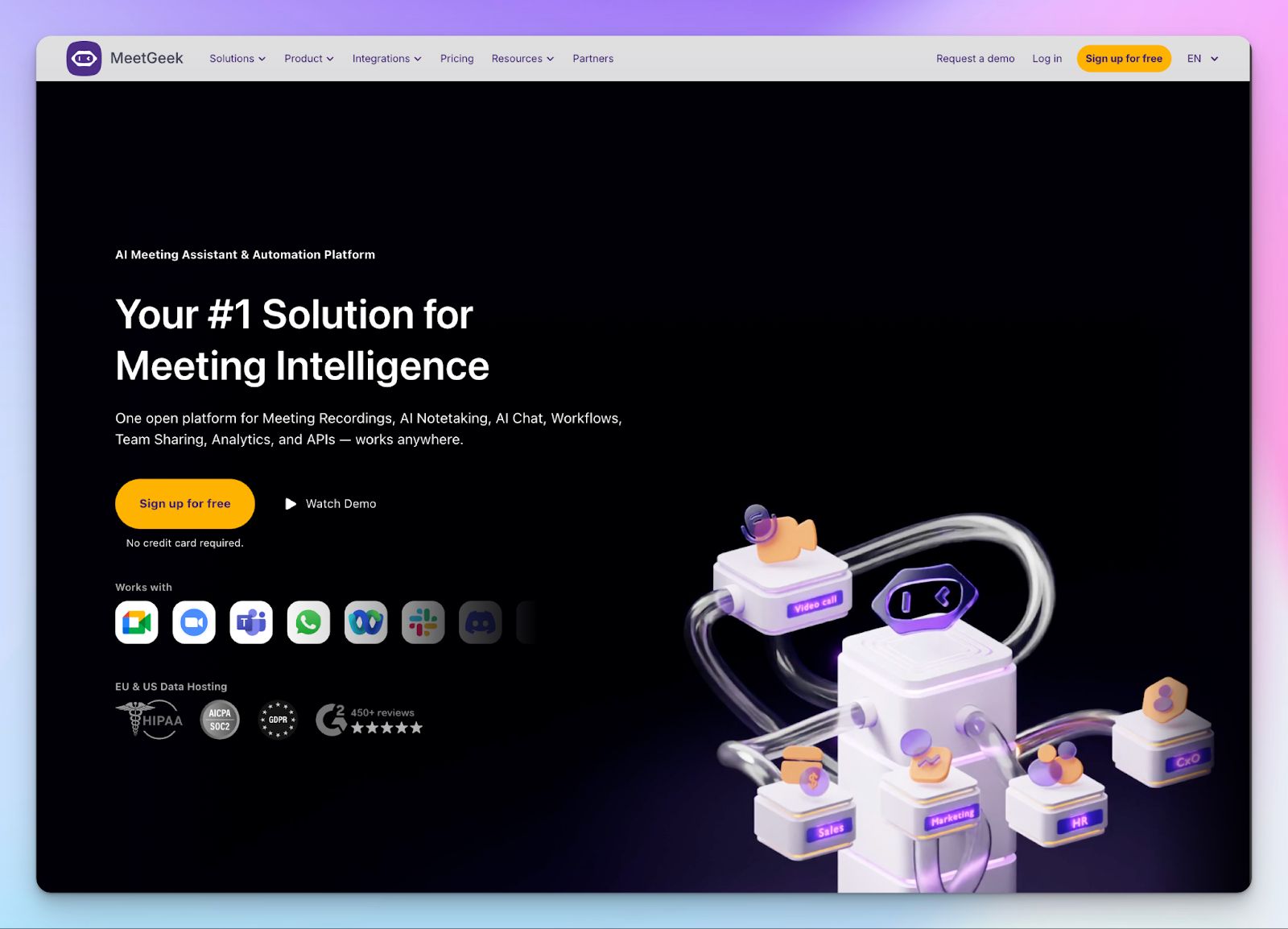
MeetGeek is a Romanian AI meeting assistant built for teams that run a lot of calls daily and need more than just transcripts.
Beyond capturing what was said, it analyzes how meetings went, tracking engagement, sentiment, and speaker balance so managers can spot patterns and improve over time.
It holds SOC 2 Type II, GDPR, HIPAA, and CCPA certifications across all plans. You can choose between EU and US data storage and control where your data lives.
MeetGeek's key features
- Automatic recording and transcription across Zoom, Google Meet, Teams, and 60+ languages, with AI summaries and follow-up email generation
- Meeting analytics covering engagement, sentiment, talk time, and speaker balance to help teams improve meeting quality over time
- Voice agents can join and conduct preliminary calls on your behalf; useful for sales and recruiting teams running high-volume outreach
- No data training on user content
MeetGeek's pricing
- Basic: Free
- Pro: $15.99/month per user
- Business: $27/month per user
- Enterprise: Custom pricing
MeetGeek's pros
- Upload previously recorded meetings to extract insights
- Mobile app supports in-person meeting recording on iOS and Android
- Integrates with Salesforce, HubSpot, Slack, Notion, Jira, and more apps via Zapier and Make
MeetGeek's cons
- The free plan limits transcription to just 3 hours per month, which active users will outgrow quickly
- AI summaries can occasionally miss action items from meetings with heavy crosstalk or strong accents
- Voice agents and advanced agentic workflows are not yet fully refined
📚 Also read:
5. Noota
Best for: Recruiters and hiring teams that need structured, auditable interview notes that flow directly into their ATS
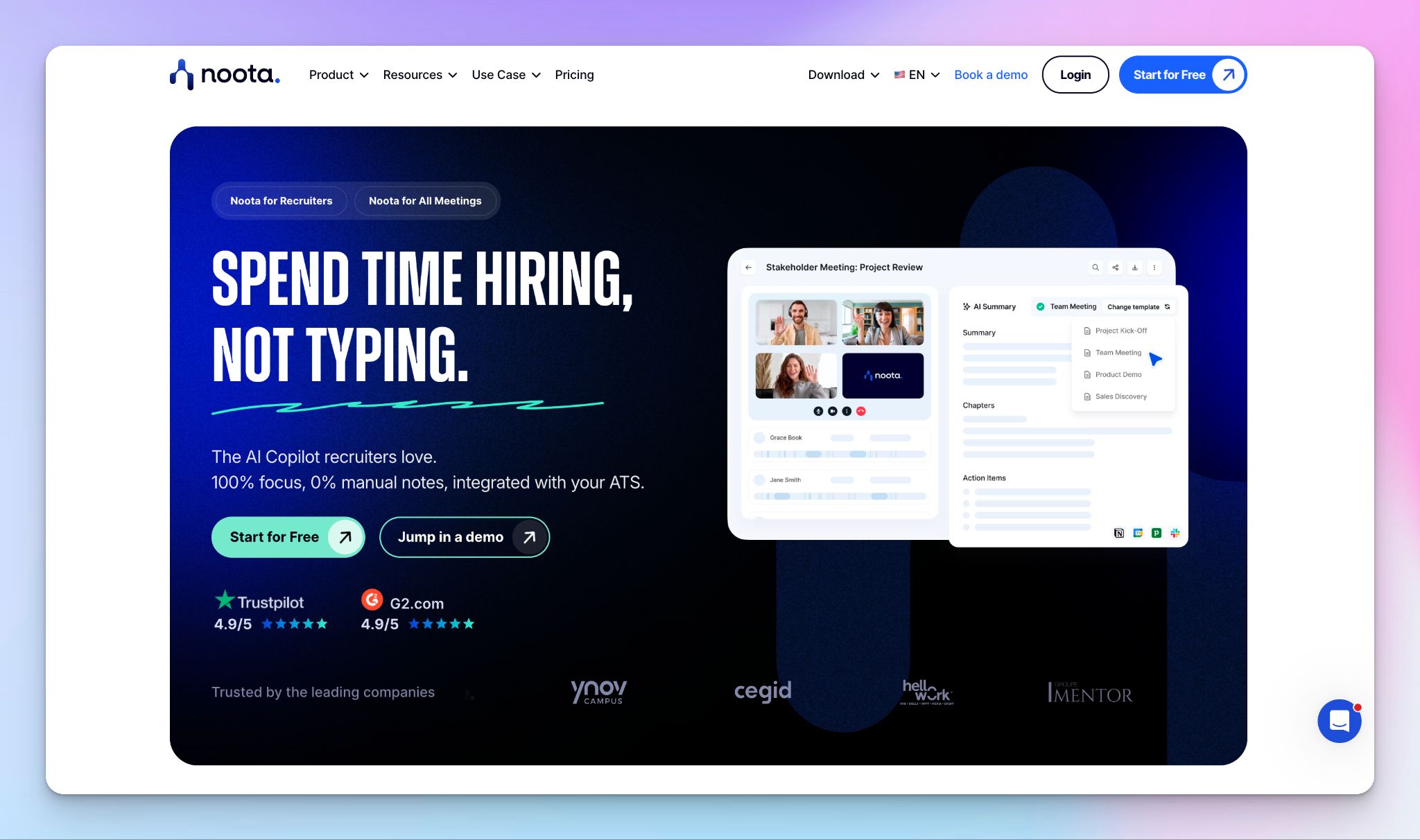
Noota is a French AI meeting assistant built with recruiters at its core. It records interviews, generates structured candidate reports, and pushes the data directly into your ATS, so your hiring team can focus on evaluating talent rather than taking notes after every call.
All data is encrypted and stored in EU data centers in France, Belgium, and the Netherlands, with GDPR, SOC 2, and ISO 27001 compliance across all plans.
Noota's key features
- Automatic transcription and AI-generated meeting summaries across Google Meet, Teams, Zoom, Webex, and in-person meetings in 80+ languages
- Interview scorecards and structured candidate reports that extract qualifications, communication style, and soft skill signals from each conversation
- Native ATS integrations with Bullhorn, SmartRecruiters, Recruitee, Flatchr, and more, with CRM syncing to Salesforce, HubSpot, and Pipedrive on paid plans
- Has a text-only mode that discards audio after transcription for extra privacy
Noota's pricing
- Free
- Pro: $29/month per user
- Business: $49/month per user
- Enterprise: Custom pricing
Noota's pros
- Offers a generous free plan
- Lets you highlight key parts of a meeting and generate clips
- Mobile app supports in-person meetings and phone call recording
Noota's cons
- The free plan restricts data storage to just one month, which is impractical for teams that need to reference past meetings regularly
- Outside of recruitment and sales, Noota's feature set feels less developed compared to more general-purpose tools
So, which AI meeting assistant should European teams choose?
The right answer depends on what your team actually does after a call ends.
👉 If your sales or customer success team needs meeting intelligence flowing directly into a CRM, Leexi handles that workflow with full EU data residency.
👉 If you want multi-meeting intelligence and sales coaching without compromising on where your data lives, tl;dv gives you that depth with the option to keep AI processing within European infrastructure.
👉 If you run a lot of calls and want visibility into how those meetings are going, not just what was said, MeetGeek offers engagement analytics and conversation intelligence.
👉 If recruitment is your primary use case and you need structured interview notes flowing straight into your ATS, Noota is built specifically for that workflow.
👉 HappyScribe is the all-rounder for European teams, offering 95%+ accurate transcripts across 150+ languages, data stored exclusively within EU borders, and flexible capture whether you prefer a transparent meeting bot, a browser-based bot-free recorder, or file uploads.
For professionals who cannot afford to compromise on accuracy, privacy, security, or language coverage, HappyScribe is way more comprehensive than any other option on this list.
FAQs on the best AI meeting assistants in Europe
1. What should European teams look for in an AI meeting assistant?
Prioritize EU data storage, GDPR compliance, and transcription accuracy across multiple languages. Most popular tools were built for US workflows and treat European requirements as an afterthought.The best AI meeting assistants handle consent transparently. HappyScribe, for example, offers bot free recording and announces its bot clearly when it joins calls. It stores all meeting data exclusively within EU borders, is SOC 2 Type II certified, and supports 150+ languages with 95%+ transcription accuracy. For European teams handling sensitive meetings, that combination is hard to match.
2. Which AI meeting assistant is best for sales teams?
Sales teams need more than AI meeting notes. They need meeting intelligence that flows directly into their CRM, plus actionable insights across multiple meetings. Leexi pushes structured meeting data into Salesforce, HubSpot, and Pipedrive automatically, making it a strong dedicated meeting assistant for revenue teams. tl;dv goes further with cross meeting search and sales coaching insights across all your meetings. For teams that also need strong language support and bot-free recording on client calls, HappyScribe works well as an all in one tool with AI summaries, follow up emails, and an AI chat feature to query your meeting content.
3. How do free plans compare across the best AI meeting assistants in Europe?
Free plan quality varies widely:
- HappyScribe offers unlimited recordings (45 min/session), AI summaries, EU data storage included
- tl;dv offers unlimited recordings but AI generated notes are capped at 10 meetings
- MeetGeek offers only 3 hours of transcription per month on the free plan
- Noota offers generous features but meeting documentation is deleted after one month
For teams that want a free plan that doesn't compromise on the number of meetings or data privacy, HappyScribe offers the most usable starting point before upgrading to paid plans.
4. Can AI meeting assistants handle in-person meetings and phone calls?
Yes. HappyScribe supports bot free recording for offline meetings and accepts uploaded audio or video files, so you're covered whether it's a boardroom session or a recorded phone call. Leexi and MeetGeek both have mobile apps for in person meetings, and Leexi connects directly to VOIP platforms like Aircall for sales calls. For teams running a mix of Google Meet calls, Microsoft Teams sessions, and in-person conversations, HappyScribe handles all formats in one place with consistent transcription quality and automatic meeting notes.
5. How does AI chat improve how teams use their meeting notes?
Rather than scrolling through detailed meeting notes, AI chat lets you query your meeting content conversationally. HappyScribe's Ask AI feature lets you pull key decisions, extract specific speaker quotes, draft follow up emails, or generate follow up tasks, all without leaving the platform. It also connects to AI tools like ChatGPT, Claude, and Microsoft Copilot via MCP server. It's also easy to plug your meeting data into your existing project management tools and team collaboration workflows using Zapier.
6. Which tool is best if you run meetings in multiple European languages?
Most AI transcription tools treat non-English speech as an edge case. HappyScribe is the exception, with support for 150+ languages and dialects, it delivers consistent transcription accuracy across European languages. It also translates transcripts into 80+ languages, making it the strongest choice for cross-border teams that need reliable AI meeting note-taking capabilities regardless of the language of the conversation.

Rodoshi Das
Rodoshi is the Content Lead at HappyScribe, the privacy-first transcription and AI notetaker platform based in Barcelona. Shaping content strategies and building AI workflows excites her as much as exploring new SaaS tools. She specializes in product-led content that informs rather than sells, grounded in honest product benchmarking and low tolerance for empty marketing speak.