![5 Best AI Meeting Assistants [2026]](/sanity-images/ejgwz1gl/redesign/749d398a54fc4ea1ec03a889973e536d44108483-1536x1024.png?auto=format&w=1536.0&rect=0,0,1536,1024)
A Microsoft report found that employees now spend 57% of their working week in meetings and communication. That’s more than half the week gone, before any deep work begins.
Most teams still walk away from those meetings with nothing reliable to show for them.
➡️ For market researchers, a missed quote can invalidate hours of fieldwork.
➡️ For journalists, a reconstructed conversation is a liability.
➡️ For business leaders, a follow-up call just to clarify what was agreed is a waste of everyone's time.
➡️ For content professionals, turning a raw recording into something usable can take longer than the meeting itself.
The market for AI meeting assistants has grown fast enough that picking one has become its own research project. Dozens of platforms claim to do the same things, but the experience of actually using them in real meetings tells a very different story.
I tested the top AI meeting assistants across real calls. I evaluated transcription accuracy, summary quality, language support, and privacy standards. Here's what I found.
TL;DR ⏩
- HappyScribe: Best for market researchers, journalists, business leaders, and content professionals who need accurate, multilingual meeting notes with EU-grade privacy built in
- Fellow: Enterprise organizations in regulated industries that need a secure AI meeting assistant
- tl;dv: Best for teams that want to turn long meeting recordings into a browsable library of shareable moments
- Grain: Best for sales and customer success teams that need meeting insights to flow directly into their CRM
- Fireflies.ai: Best for teams that want real-time AI coaching during calls
- MeetGeek: Best for HR and recruiting teams that need structured interview notes delivered automatically without any manual template setup
How did I evaluate the best AI meeting assistants?
1. Accurate notes you can actually use
I tested how well each tool handles diverse accents, fast talkers, and domain-specific vocabulary. I also looked at summary quality: does the tool pull out decisions and action items with precision?
2. Privacy and compliance
I reviewed each tool's data storage practices, encryption standards, AI training policies, and GDPR compliance. Tools that were vague about where data lives or how long it is retained didn’t make the list.
3. Multilingual capabilities
I evaluated how each AI note taker handles non-English meetings and mixed-language conversations. This is especially important for European teams and those with a global workforce.
4. Easy notes sharing and collaboration
I looked at how easy each tool makes it to share summaries, export transcripts, and push key information to the right place, whether that is a teammate or a CRM.
5. Works across all video conferencing apps
I checked compatibility across the major platforms, including Zoom, Google Meet, Microsoft Teams, as well as support for in-person and uploaded recordings.
Best AI meeting assistants: At a glance
| Category | HappyScribe | Fellow | tl;dv | Grain | Fireflies.ai | MeetGeek |
|---|---|---|---|---|---|---|
| Best for | Market researchers, journalists, business leaders, and content professionals | Enterprise organizations in financial services, legal, and healthcare industries | Teams that need a searchable library of meeting moments | Sales and customer success teams that need to push notes into CRM | Teams that want live coaching and meeting intelligence | HR and recruiting teams that need structured interview notes |
| Transcription and languages | 150+ languages and accents; 95%+ accuracy | 100+ languages | 30+ languages | 100+ languages | 100+ languages | 100+ languages |
| Privacy and compliance | GDPR compliant, EU-only data storage, AES-256 encryption, SSO and SAML | SOC 2, GDPR, HIPAA | SOC 2 compliant, GDPR compliant, EU-based hosting | US-hosted on AWS | SOC 2 Type II, GDPR compliant, HIPAA on Enterprise | GDPR, SOC 2, and HIPAA-aligned workflows |
| Meeting capture and AI features | Calendar-based auto-joining, bot-free recorder, file uploads, Ask AI across all meetings, subtitles, and translations | Botless recording (desktop app), bot recording, Ask Fellow AI chief of staff, MCP connector for Claude | Multi-meeting AI reports, Ask tl;dv, and clip sharing | CRM sync, smart search, clips, and AI recaps | AskFred, Talk to Fireflies, soundbites, and conversation intelligence | Bot and bot-free capture, AI Chat, and auto-applied templates |
| Pricing | Free; paid plans from $8.50/month | Free plan available; paid plans from $11/month per user | Free; paid plans from $29/month per user | Free; paid plans from $19/month per seat | Free; paid plans from $18/month per user | Free; paid plans from $15.99/month per user |
1. HappyScribe
Best for:Market researchers, journalists, business leaders, and content professionals who need accurate, multilingual meeting notes with EU-grade privacy built in
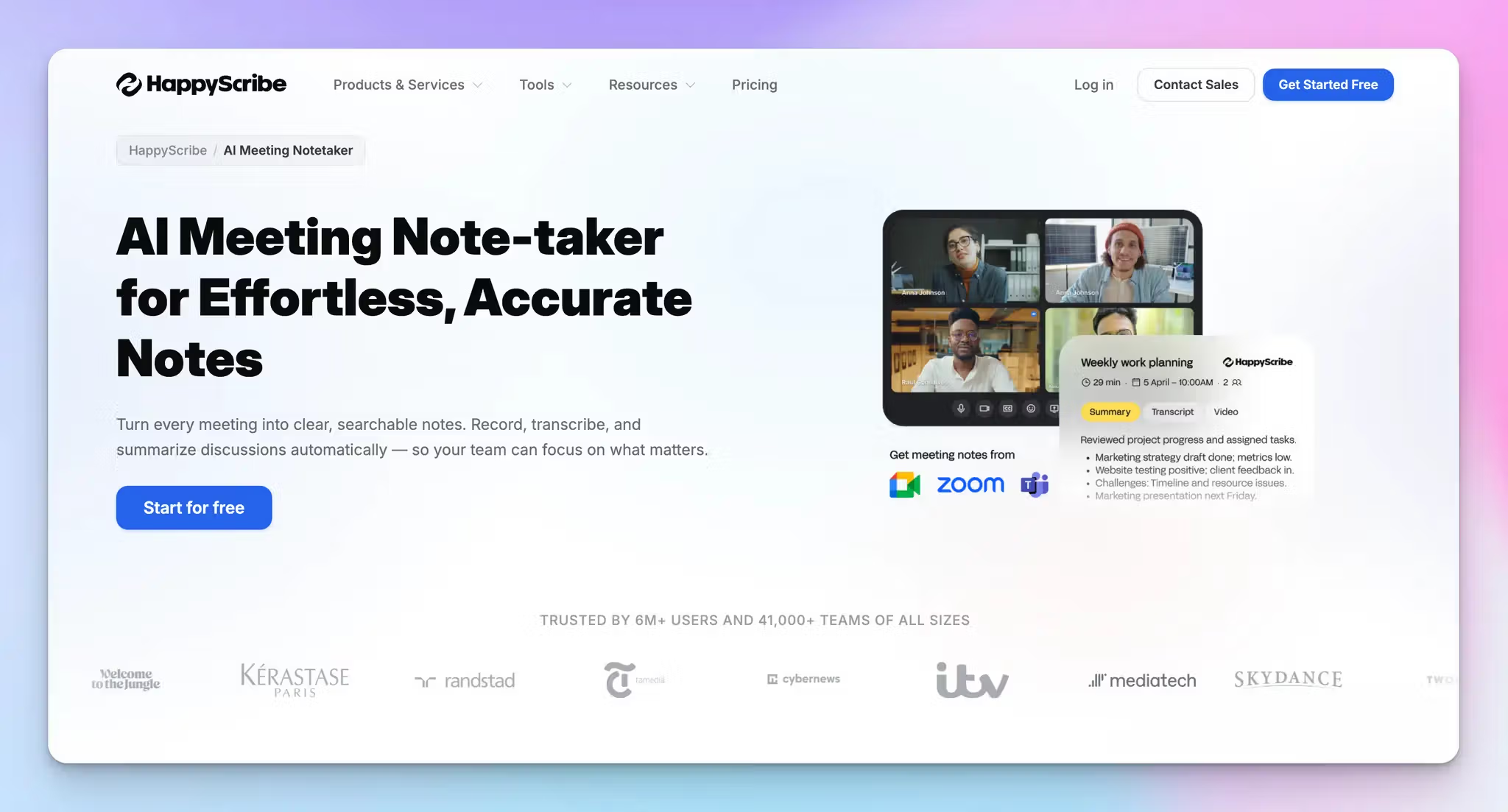
Barcelona-based HappyScribe is the most complete AI meeting assistant on this list for teams that cannot afford to compromise on accuracy, language coverage, or data privacy.
HappyScribe handles the full meeting workflow: it auto-joins scheduled calls via calendar sync, records and transcribes in 150+ languages with over 95% accuracy, and delivers structured summaries and action items the moment a call ends.
For Microsoft 365 teams, HappyScribe's Microsoft Teams AI note taker auto-joins scheduled calls via calendar sync and delivers structured notes within minutes of the meeting ending.
For teams that work across borders and handle sensitive conversations, HappyScribe covers more ground than any other option here.
HappyScribe's key features
1. GDPR compliance, EU data storage, and granular privacy controls
Privacy is not a checkbox for HappyScribe. If privacy is a top priority, or your team is in Europe and you must comply with strict regulations, you’re in good hands.
HappyScribe is GDPR-compliant and SOC 2 Type II-compliant, with all data stored and processed in an EU-based data center that is Tier IV, PCI DSS, and ISO 27001-compliant. Every file is encrypted in transit and at rest using AES-256 block-level encryption.
You stay in complete control of your data at all times. You can opt out of anonymized AI training from settings, request permanent deletion of any file, and configure exactly who can view or access your meeting transcriptions.
For enterprise teams, SSO and SAML login add an additional layer of access control.
2. 95%+ accurate meeting notes in 150+ languages and accents
HappyScribe's speech recognition engine is fine-tuned for the way real meetings actually sound: crosstalk, regional accents, fast speakers, and domain-specific vocabulary.
From French to Swiss German, it delivers transcripts with over 95% accuracy without requiring you to manually clean up the output afterward.
You can add a custom glossary and style guide so the AI consistently recognizes industry jargon and recurring terminology across all your meetings.
If your team works across language boundaries, HappyScribe automatically detects the language being spoken and generates notes in that same language without any manual switching.
3. Flexible meeting capture: bot, bot-free, and file uploads
Most meeting assistants give you one way to capture a meeting and expect you to work around it. HappyScribe gives you three.
Connect your Google or Outlook calendar and the note taker auto-joins scheduled calls on Zoom, Google Meet, and Microsoft Teams. For impromptu calls, paste the meeting link and the bot joins on demand
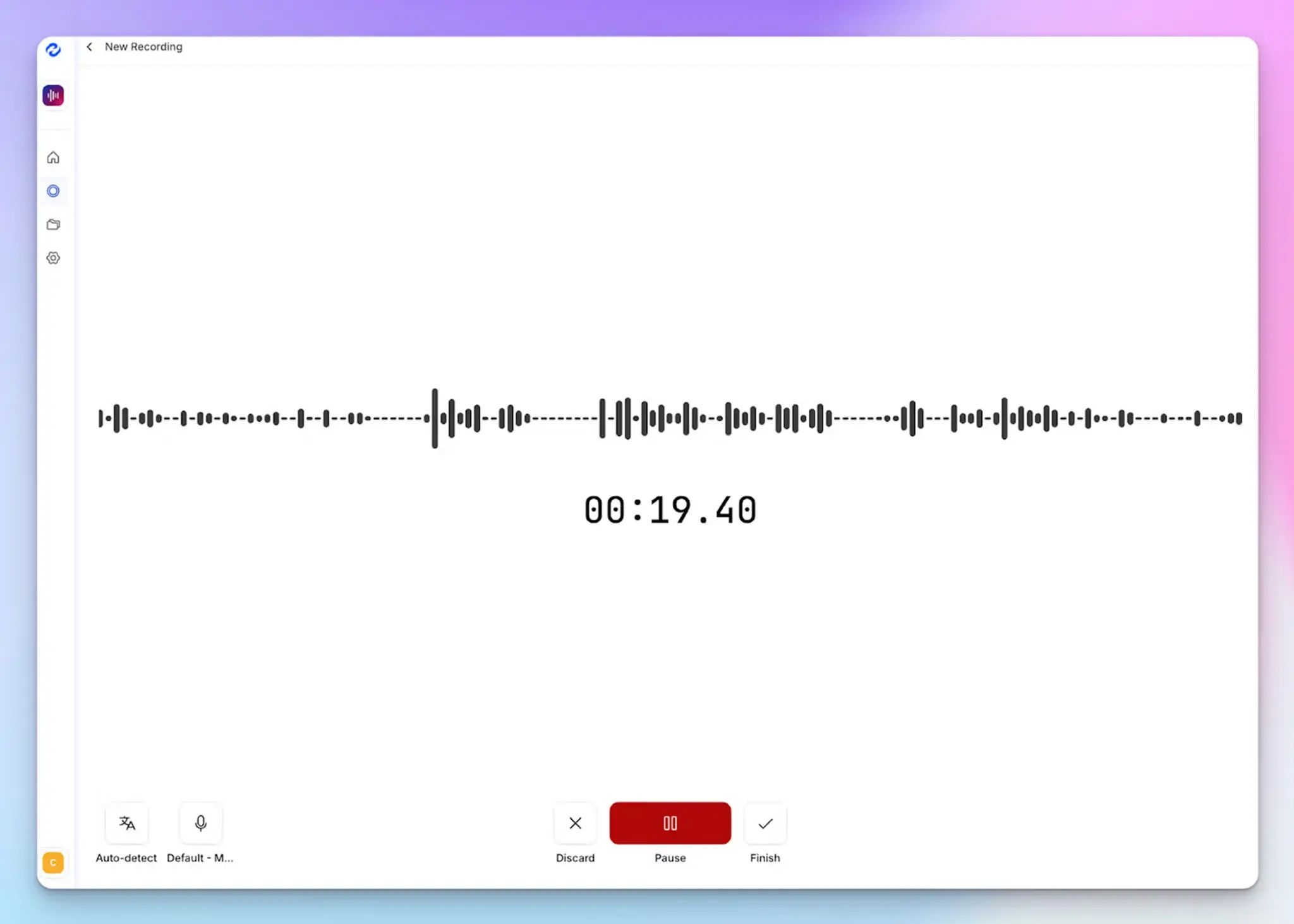
For in-person meetings or situations where a visible bot would create friction, HappyScribe's browser-based recorder captures audio directly from your device without any bot joining the call
You can also upload pre-recorded audio and video files from your device, YouTube, Vimeo, or Dropbox and generate full meeting notes from those as well
4. Ask AI for meeting insights across all your conversations
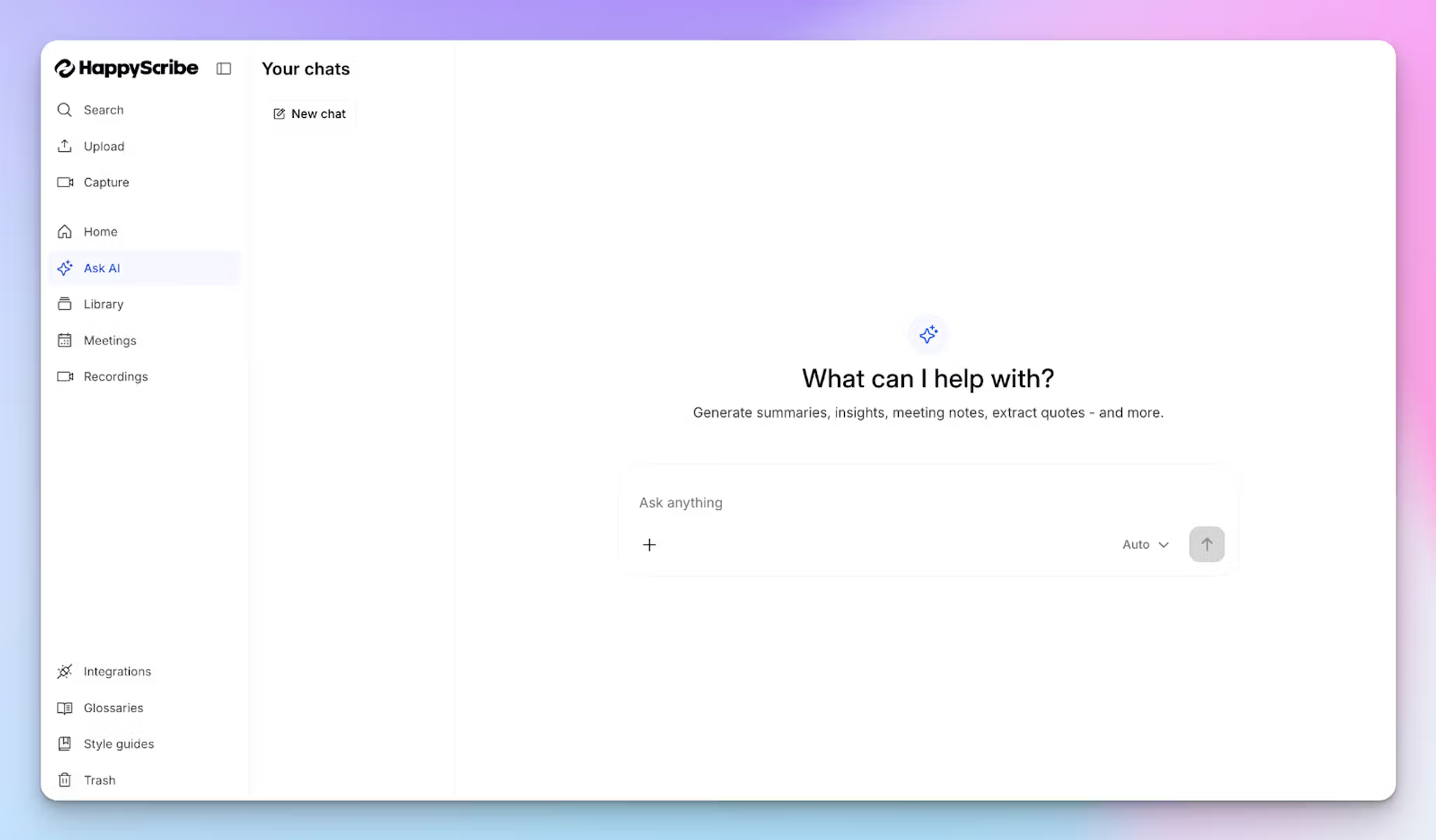
HappyScribe's Ask AI goes beyond summarizing individual meetings. You can ask questions across your entire meeting library in natural language to pull out recurring objections, track decisions made over multiple calls, or surface what a specific stakeholder said three weeks ago. No need to manually search through transcripts.
You can also ask it to extract timestamped video chapters, highlight the best speaker quotes, or draft a follow-up email based on what was discussed.
If the first answer is too broad, keep pushing with follow-up questions until you have exactly what you need.
5. Subtitle generation and translation for global teams
Beyond meeting notes, HappyScribe lets you generate and edit subtitles for any recorded meeting and translate content into 80+ languages.
For content professionals repurposing meeting recordings into shareable assets, or teams collaborating across language barriers, this removes a step that would otherwise require a separate tool entirely.
HappyScribe's pricing
- Free: Unlimited meeting recordings (45 mins/recording)
- Basic: $8.50/month (billed annually) or $17/month (billed monthly)
- Pro: $19/month (billed annually) or $29/month (billed monthly)
- Business: $59/month (billed annually) or $89/month (billed monthly)
- Enterprise: Contact sales to get tailored solutions directly
HappyScribe's pros
- Both audio and video are preserved alongside the transcript, so you can always go back to verify context or pull a clip
- Offers a genuinely useful free plan with unlimited recordings, so you can test it across real meetings before committing to a paid plan
- On paid plans, you can personalize the bot with your company name, logo, and a custom welcome message
- Works across all popular video conferencing apps, and you can also use it for in-person meetings
- Integrates natively with HubSpot, Google Drive, Dropbox, Box, YouTube, and Vimeo, so meeting notes flow into your existing workflow without manual exports
- Tags let you organise and filter meeting notes across projects, clients, or teams, making it easy to find what you need weeks later
- Responsive human customer support, not chatbots, which makes a real difference when you are working under a deadline
HappyScribe's cons
- Doesn’t offer real-time transcription
What are real users saying about HappyScribe?
Transcript was much more accurate than the guaranteed 85%. It was more like 98%. And it was really inexpensive and fast. I could not ask for a better experience.
At some point, I had to contact customer support about my subscription and to my surprise my email wasn’t left on read for months. They replied within the hour and solved my issue right away (shoutout to Simon for that!). And honestly, that’s what inspired me to write this review—when a product has real people behind it who genuinely care, it makes all the difference. It turns a great tool into a great experience, and knowing that your experience can always be personalized if needed? That’s a win.
How to use HappyScribe AI meeting assistant?
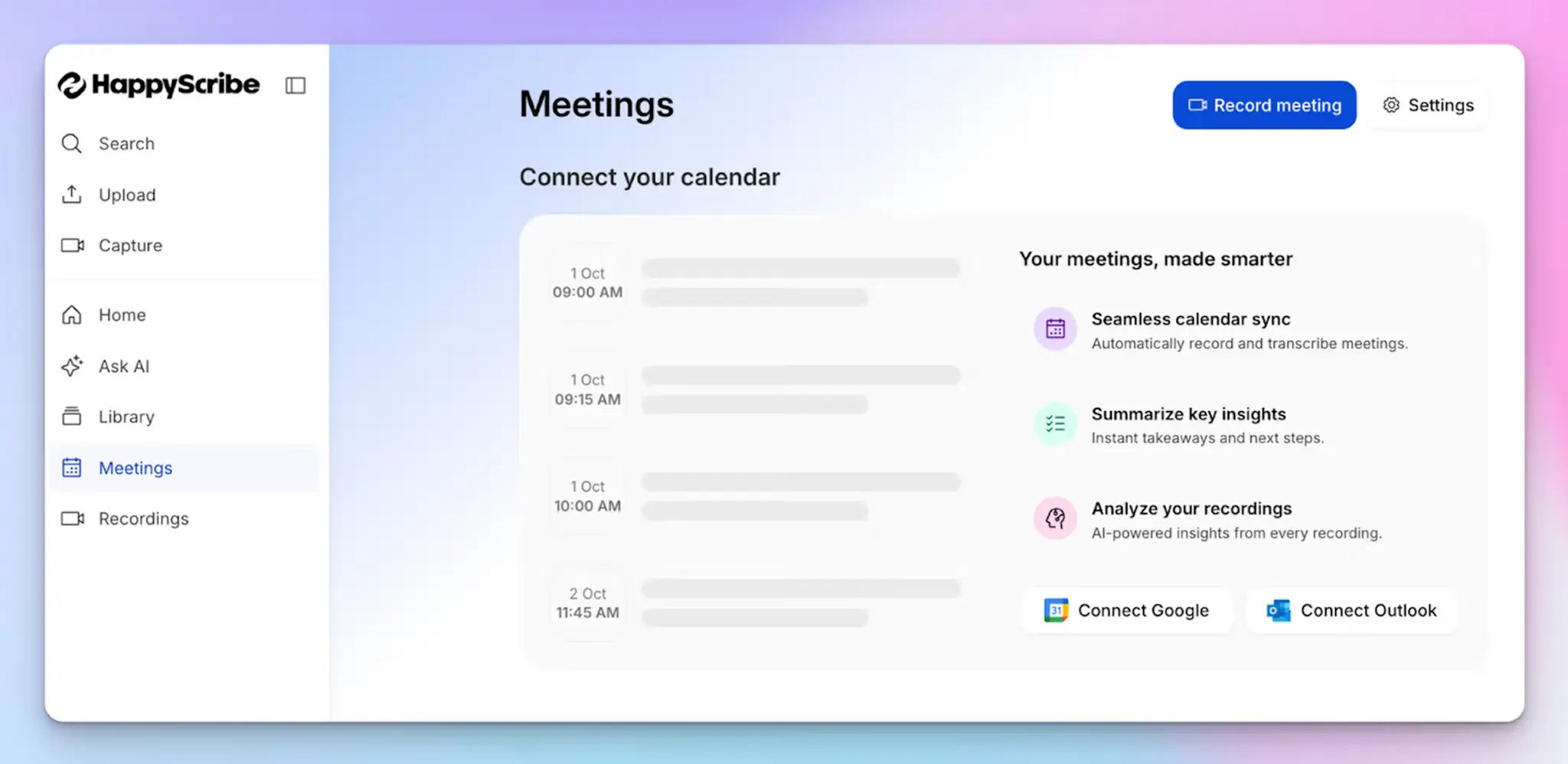
1. Link your Google or Outlook calendar or paste the meeting link to invite the HappyScribe note taker. For in-person meetings, you can record audio without a bot.
2. Select Meetings in the left sidebar and then check the options at the right to customize when the notetaker should join and who should receive the email summary.
3. Click on the Settings button at the top right to select when the notetaker should start recording and who can view the meeting transcription.
4. During an online call, the notetaker must be admitted by the meeting host to start recording. You can chat with the notetaker to control it.
5. And that's it! The meetings should be saved in your Workspace files or in the Private section, depending on your privacy settings.
2. Fellow
Best for: Enterprise organizations in regulated industries that need a secure AI meeting assistant
Fellow is useful for organizations that can't afford privacy shortcuts, like financial services firms handling MNPI, healthcare teams bound by HIPAA, or legal teams managing privileged conversations.
The platform transcribes meetings via bot or bot-free recording and delivers structured summaries and action items as soon as a meeting ends.
Ask Fellow, the built-in AI chat, lets anyone on the team query their full meeting history and pull insights from past conversations.
Fellow's key features
- SOC 2, GDPR, and HIPAA certified with optional zero-day data retention. Recordings and transcripts can be automatically deleted immediately after AI processing while summaries and action items are preserved
- Pause and resume recording lets any attendee pause in one click. Anything said during the pause is automatically excluded from the transcript and notes
- Access permissioning gives organizations a customizable recap library with channel-level rules controlling exactly who can view which recordings, transcripts, and summaries
- Integrates with Slack, Asana, Jira, HubSpot, Salesforce, Glean, Claude, and more; integration availability varies by plan
Fellow's pricing
- Free: 5 AI notes (lifetime) per user, 5 AI recordings (lifetime) per user
- Team: $11/month per user
- Business: $23/month per user
- Enterprise: $25/month per user (billed annually)
Fellow's pros
- The compliance stack covers the full lifecycle of a sensitive meeting, from recording controls during the call to automatic deletion after AI processing, with no gaps in the chain
- Pause, resume, and redaction give individual attendees direct control over what gets documented, without admin intervention
- Platform-agnostic design ensures security controls apply consistently whether a team uses Zoom, Teams, Meet, or any other conferencing tool
Fellow's cons
- The free plan caps both AI notes and AI recordings at 5 lifetime per user
- Botless recording requires the desktop app; it's not available through a browser
- The depth of compliance and admin controls is built for enterprise teams. Individual users or small teams with simpler needs may find the configuration options more than they require
3. tl;dv
Best for: Teams that want to turn long meeting recordings into a browsable library of shareable moments
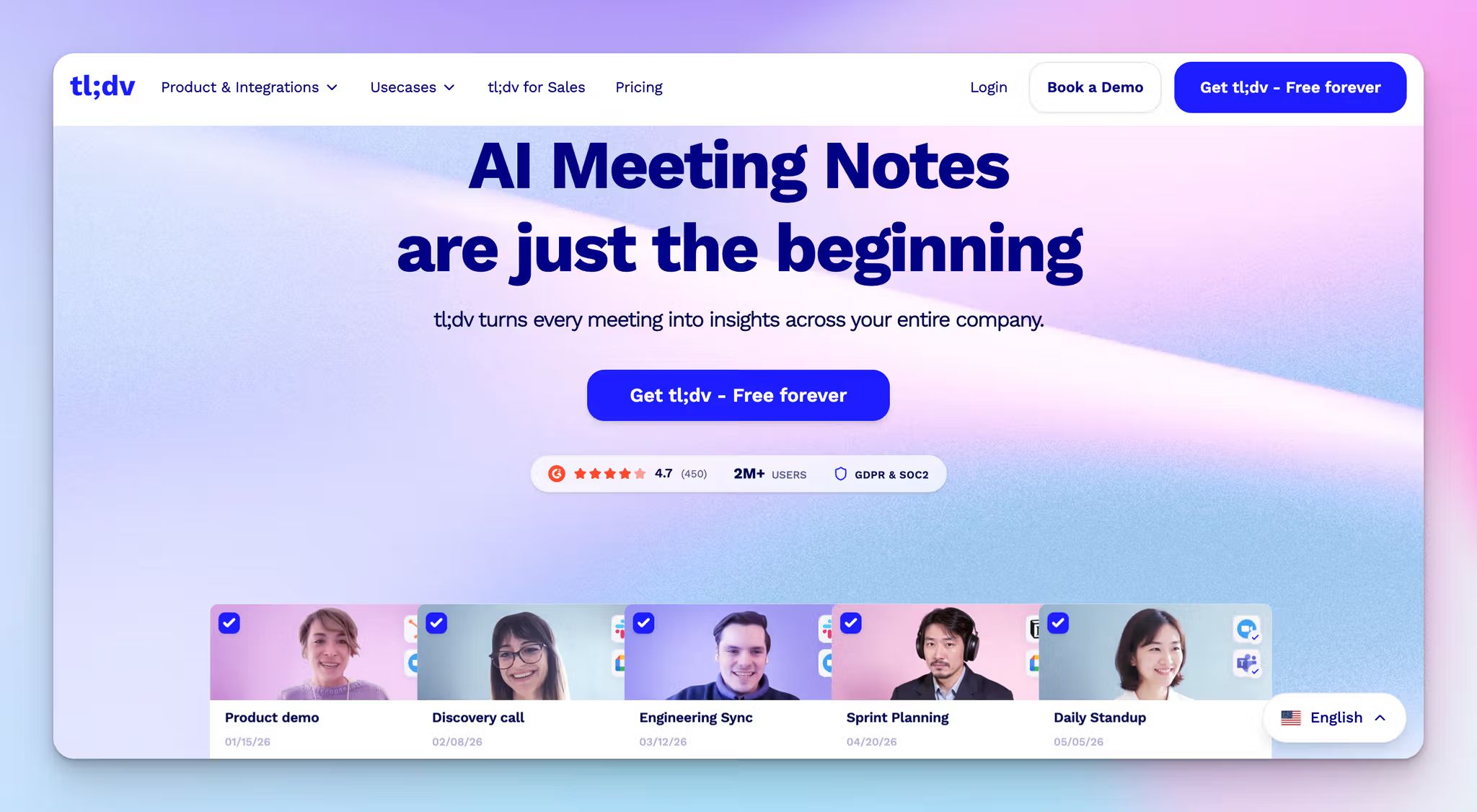
tl;dv stands for "Too Long, Didn't View," and that is exactly the problem it solves. Every recording becomes a timestamped, searchable library of moments you can clip, tag, and share without asking anyone to sit through a full replay.
With multi-meeting AI reports, you can analyze patterns across multiple conversations and get scheduled reports delivered to your inbox automatically.
tl;dv's key features
- Records and transcribes meetings on Zoom, Google Meet, and Microsoft Teams in 30+ languages, with automatic speaker detection and keyword search across your full library
- On the Pro plan, unlimited "Ask tl;dv" prompts let you query any meeting or group of meetings in natural language
- Integrates with HubSpot, Salesforce, Asana, and Notion
- Business plan adds sales playbook monitoring, AI coaching, objection handling tips, and multi-meeting speaker insights
tl;dv's pricing
- Free: Unlimited recordings and transcripts, 10 AI meeting notes
- Pro: $29/month per user
- Business: $98/month per user
- Enterprise: Custom pricing
tl;dv’s pros
- Supports automatic language detection mid-call, so it keeps up when conversations switch between languages without manual input
- SOC 2 compliant and GDPR compliant with EU-based hosting, and does not train AI on customer data
- Customizable summary templates let you structure notes around specific frameworks like BANT or MEDDIC, or build your own
tl;dv’s cons
- The video library gets difficult to navigate over time, with no option to sort recordings by date or meeting name on Google Meet
- Slow customer support response time
- The Business plan is significantly more expensive than Pro. With AI coaching being the only major new addition, the price jump is hard to justify for teams that do not run sales calls
📚 Also read:
4. Grain
Best for: Sales and customer success teams that need meeting insights to flow directly into their CRM
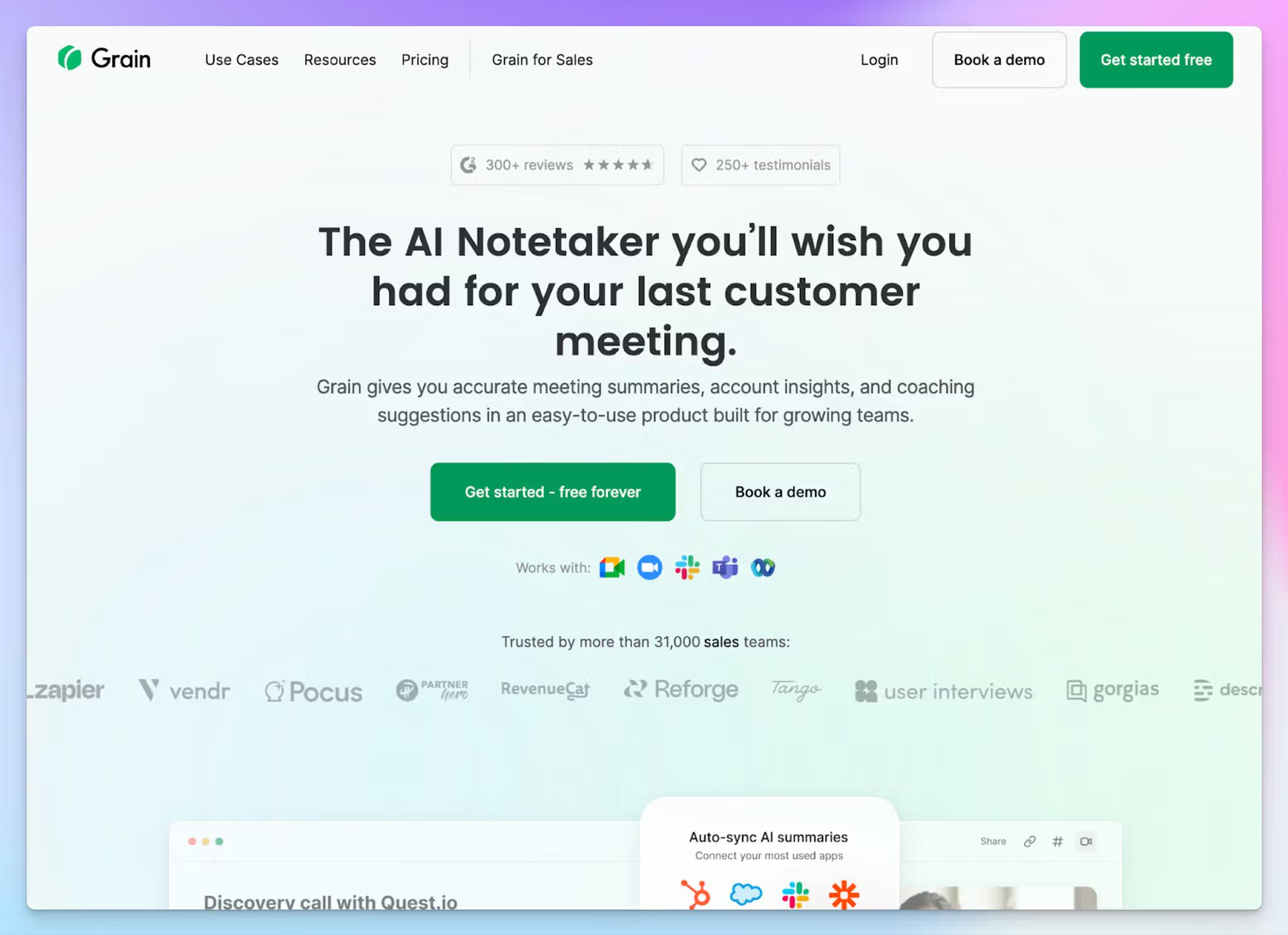
Grain utomatically matches meeting participants to existing CRM records and syncs notes, action items, and deal data to HubSpot or Salesforce the moment a call ends.
For sales teams, that means no post-call admin. For customer success leads, it means every customer interaction is logged and searchable without anyone having to remember to update the CRM.
On top of that, Grain strips filler words from transcripts, transcribes in 100+ languages, and lets you clip any moment from a transcript into a shareable video highlight.
Grain's key features
- Custom AI prompts and note templates available from the Starter plan onwards
- Clip and playlist creation happens directly from transcripts, so you can share key moments without sending a full recording
- Smart search lets you ask questions from your entire meeting library by participant, company, date range, or keyword
- Native HubSpot and Salesforce sync with auto field enrichment, along with Slack, Zapier, and MCP server support
- Business plan adds AI coaching, custom follow-up email generation, and team interaction insights
Grain's pricing
- Free: 20 meetings, basic AI notes
- Starter: $19/month per seat
- Business: $39/month per seat
- Enterprise: Custom pricing
Grain's pros
- Free viewer seats let the whole team access meeting notes and insights without paying for everyone
- 30-day money-back guarantee on paid plans makes it low-risk to test seriously before committing
- Desktop capture records without a bot joining the call, which removes friction in sensitive client meetings
Grain's cons
- All data is hosted on AWS servers in the US, which may be a dealbreaker for teams with strict EU data sovereignty requirements
- Smart tag phrase recognition is inconsistent across longer calls
- Teams that need advanced analytics or sales forecasting will find Grain limited compared to more premium tools like Gong
📚 Also read:
5. Fireflies
Best for: Teams that want real-time AI coaching during calls
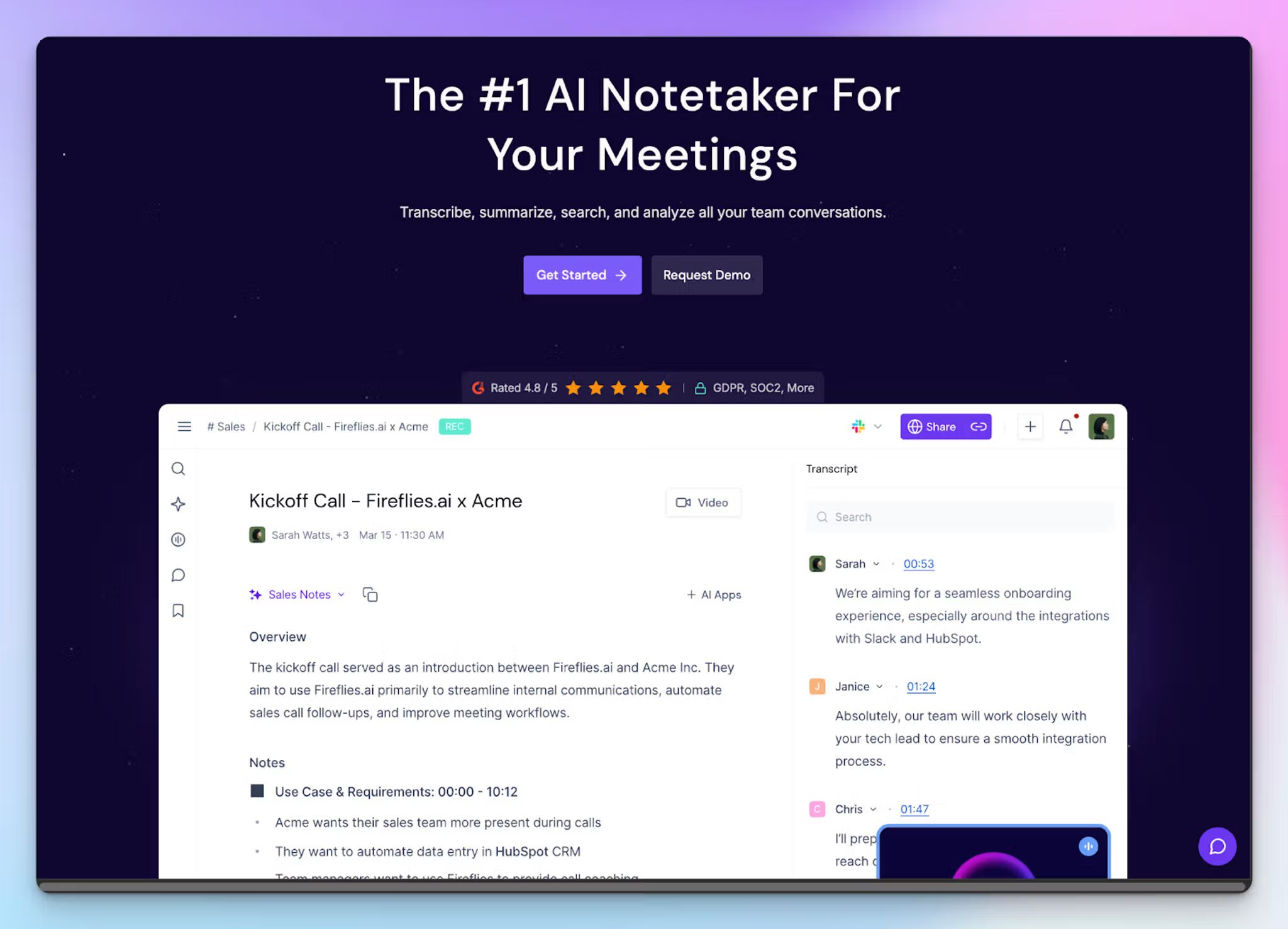
Fireflies handles both sides of a meeting: it can surface relevant context while a conversation is still running, and deliver structured notes and summaries once it ends.
Beyond transcription, it gives managers visibility into how meetings are actually going, with conversation intelligence that tracks talk time, sentiment, and topic trends across the whole team. You can use it for video calls, phone dialers, and uploaded recordings.
Fireflies connects natively with Salesforce, HubSpot, Slack, and Asana, and supports 100+ languages.
Fireflies' key features
- AskFred lets you query any past meeting in natural language, pulling exact timestamps and context without scrubbing through a recording
- Talk to Fireflies, powered by Perplexity, lets you run live web searches during a meeting, so you can fact-check claims or look up competitor info without leaving the call
- Get AI apps to automate post-meeting workflows, from generating candidate scorecards to drafting follow-up emails, without any manual setup
- Soundbites let you clip and share key moments from any transcript, with comments and bookmarks for team annotation
Fireflies' pricing
- Free: 800 minutes storage, limited AI summaries
- Pro: $18/month per user
- Business: $29/month per user
- Enterprise: $39/month per user
Fireflies' pros
- Talk to Fireflies is one of the most genuinely novel features in the category, bringing live web search into the meeting itself
- Free plan is usable enough for light users
- SOC 2 Type II and GDPR compliant, with HIPAA available on Enterprise for regulated industries
Fireflies' cons
- Advanced AI features like AskFred consume credits that run out quickly on lower plans
- Video recording is locked behind the Business plan, so Pro users only get audio, which can be a frustrating limitation
- Speaker identification struggles in meetings with more than five or six participants
6. MeetGeek
Best for: HR and recruiting teams that need structured interview notes delivered automatically without any manual template setup
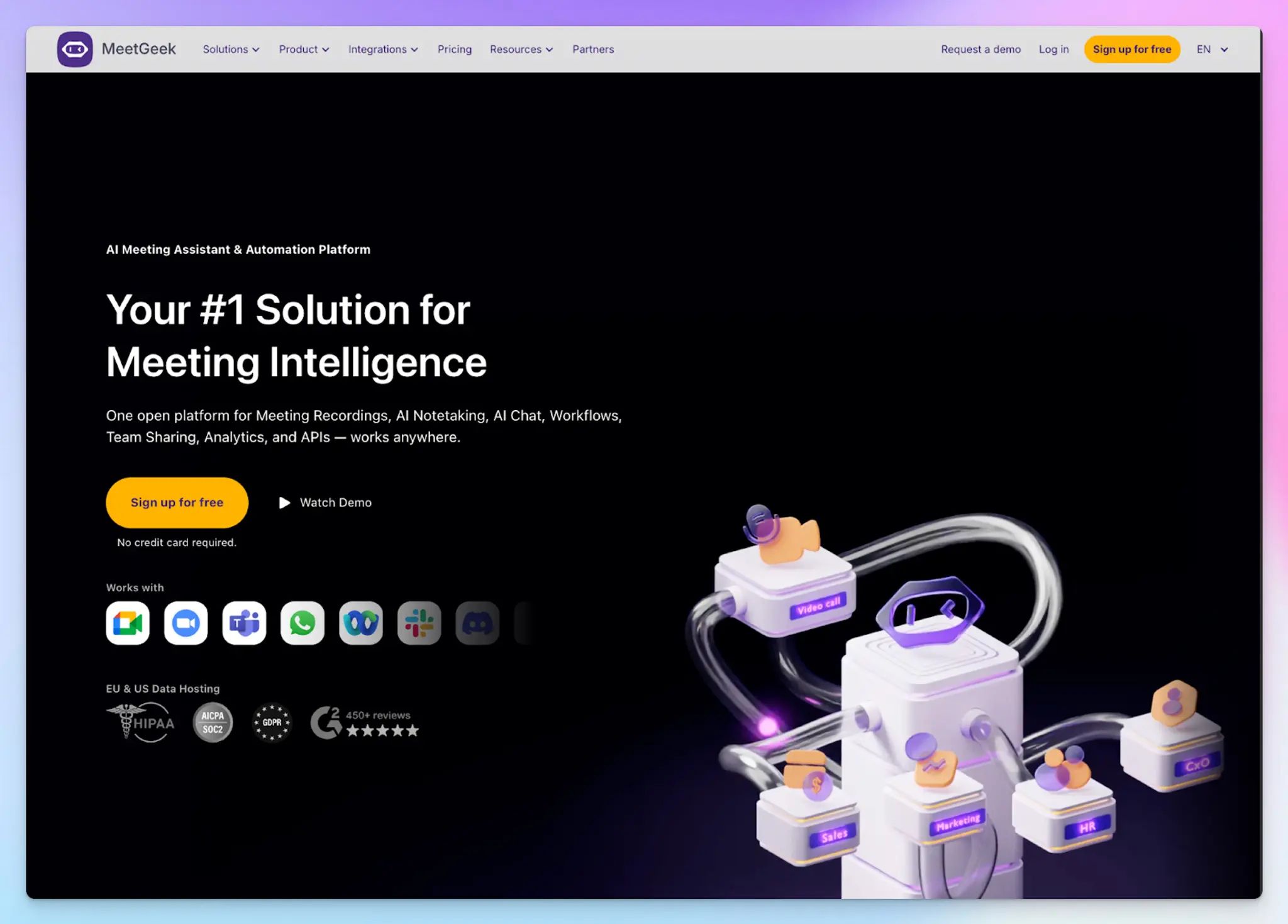
MeetGeek automatically detects the type of call, whether that is a sales discovery, an onboarding session, or a job interview, and applies the right summary template without any manual setup.
For HR teams, that means structured interview notes the moment the call ends. For team leads, it means visibility into talk time distribution, engagement levels, and participation balance across the entire team.
It works with a bot, a browser extension, or a desktop recorder, so teams that cannot have a visible bot join client calls still have a workable option.
MeetGeek's key features
- Records and transcribes meetings in 100+ languages across Zoom, Google Meet, and Microsoft Teams
- AI Chat lets you search across one or multiple past meetings and get contextual answers in natural language
- MCP Server connects meeting data directly to AI models like Claude and ChatGPT for custom workflows
- Connects to a wide range of tools via native integrations, Make, Zapier, and n8n for post-meeting automation
MeetGeek's pricing
- Free: Limited transcription minutes per month
- Pro: $15.99/month per user
- Business: $27/month per user
- Enterprise: Custom pricing
MeetGeek's pros
- Mobile app on iOS and Android supports in-person recording
- GDPR, SOC 2, and HIPAA-aligned workflows make it a viable option for regulated industries
- Meeting health scores give team leads an at-a-glance view of participation balance and engagement trends over time
MeetGeek's cons
- AI Chat only searches recent meetings on lower plans, not the full meeting history
- Summary quality drops on calls with overlapping speech, with some action items missed entirely in fast-paced conversations
- The analytics dashboard can feel overwhelming for beginners
So, which AI meeting assistant should you choose?
Choosing the right AI meeting assistant comes down to one question: what does your workflow actually need after a call ends?
👉 Fellow is worth a look for enterprise teams that operate in heavily regulated industries
👉 tl;dv is worth considering if your team needs a searchable library of past conversations and multi-meeting reports delivered automatically
👉 Grain makes the most sense for sales and customer success teams where getting meeting data into a CRM without manual entry is the priority
👉 Fireflies suits teams that want live context and coaching during a call
👉 MeetGeek is a strong fit for HR and recruiting teams that want structured interview notes without any manual template setup
👉 HappyScribe is the all-rounder AI meeting assistant that delivers 95%+ accurate transcripts in 150+ languages, keeps all your data within EU servers, and gives you the flexibility to capture meetings with a bot, without one, or from uploaded files.
Whether you’re a researcher running multilingual interviews or a busy professional who needs clean notes from back-to-back calls, HappyScribe handles the full workflow without asking you to compromise on privacy or ease of use.
FAQs on the best AI meeting assistants
What are the best AI meeting assistants in 2026?
HappyScribe tops the list of the best AI meeting assistants for teams that need accurate AI meeting notes across multiple languages with strong security controls. It works across all major video conferencing software including Zoom, Google Meet, and Microsoft Teams, supports both virtual meetings and in-person recordings, and stores all data on EU servers. For sales teams that need revenue intelligence and CRM sync, Grain is worth considering. For HR teams that need structured meeting templates and speaker insights, MeetGeek is a strong fit.
How do AI meeting assistants work across different meeting platforms?
Most AI meeting assistants use meeting bots joining your calls automatically via Google Calendar or Outlook Calendar to transcribe meetings and generate AI meeting notes. HappyScribe automatically joins scheduled calls across all major video conferencing apps including Zoom, Google Meet, Microsoft Teams, and Webex. It also supports bot-free recording for in-person and internal meetings, and lets you upload pre-recorded files.
What AI meeting assistant has the best free plan?
HappyScribe offers the most generous limited free plan in the category, with unlimited transcription capped at 45 minutes per call, along with AI generated notes and AI chat access. tl;dv offers unlimited recordings with AI notes for up to 10 meetings on its free version, and Fireflies includes 800 minutes of storage. Unlike companies that force you to pay from day one, HappyScribe lets you test its AI note taker across real meetings and existing tools integrations before upgrading to paid plans.
Can AI meeting assistants extract key insights and action items automatically?
Yes, and this is one of the most valuable time saving features the category offers. A good AI meeting assistant uses natural language processing to generate AI summaries, pull out follow up tasks, and surface relevant points without you having to re-read the full transcript. HappyScribe's Ask AI lets you extract key insights and key points across your entire meeting library. Fireflies uses AI-powered search to deliver instant answers from past meeting transcripts, while MeetGeek generates AI-generated summaries with smart chapters and meeting recaps tailored to the type of call.
Are AI meeting assistants useful for sales teams and customer calls?
Yes, AI tools have become essential productivity tools for sales teams running high volumes of customer calls. Grain automatically syncs meeting transcriptions, follow up emails, and deal data into HubSpot or Salesforce the moment a call ends, so the entire team avoids manual CRM updates. Fireflies adds sentiment analysis and talk time tracking to help managers coach reps and schedule meetings more effectively. HappyScribe is a strong fit for customer calls involving multilingual participants, with 95%+ accurate AI transcription and the ability to draft follow-ups directly from the transcript.
How do AI meeting assistants improve a team's productivity?
AI meeting assistants save time by removing the note taking burden entirely, so your entire team stays present during the conversation. They generate AI notes, meeting summaries, and meeting recaps automatically, flag follow up tasks, and push data into collaboration tools, project management tools, and video conferencing apps without manual effort. Features like automatically join via Google Calendar, meeting agendas prepared before a call, and AI generated notes delivered straight to your inbox mean internal meetings are far easier to document and act on. HappyScribe goes further with Ask AI, letting you query across all past meetings to surface key points, relevant points, and AI summaries from weeks of conversations, which is one of the most useful advanced features for busy professionals managing back-to-back calls.
What is the best free AI meeting assistant?
HappyScribe is the best free AI meeting assistant, with a generous free plan that offers unlimited meeting recordings, capped at 45 minutes per meeting. If you're looking to test the tool before paying or you're a small team and don't yet have the budget for a meeting assistant, HappyScribe gives you a solid starting point without any upfront cost.

Rodoshi Das
Rodoshi is the Content Lead at HappyScribe, the privacy-first transcription and AI notetaker platform based in Barcelona. Shaping content strategies and building AI workflows excites her as much as exploring new SaaS tools. She specializes in product-led content that informs rather than sells, grounded in honest product benchmarking and low tolerance for empty marketing speak.