![Best AI Note Takers for Content Managers [2026]](/sanity-images/ejgwz1gl/redesign/36268809d76198d5ac687563d71540850f375f0d-1536x1024.png?auto=format&w=1536.0&rect=0,169,1536,768&h=768)
Content managers don’t need more meeting notes. They need meetings to wrap up with a usable output.
Most content work is shaped by conversations, be it editorial planning calls, live draft reviews, interviews with subject matter experts, or alignment on messaging. Many AI note takers capture the conversation, then drop the ball. You have to manually clean up notes and extract action items after every meeting.
I get it because I’ve done that way too many times. I tested a bunch of tools to explore their features and also dug into real user reviews to see how much manual work they truly remove from real content workflows.
After lots of trial and error, I can finally say I’ve found a few tools that I can vouch for. I’ve compiled them in this article: here are the 5 best AI note takers for content managers.
TL;DR
- HappyScribe: Best for multilingual meeting notes and summaries that can be reused for drafts or published content
- Otter: Best for live transcription and searchable summaries during meetings
- Notta: Best for fast transcription and easy exports when meetings need to be reused quickly
- Fireflies: Best for storing, searching, and reviewing meeting notes over time
- Krisp: Best for clean transcripts in noisy environments with bot-free recording
What should you look for when evaluating AI note takers for content managers?
1. Output quality
For content work, raw transcripts are rarely enough. When you transcribe your Google Meet meetings, you’re looking for summaries that already separate decisions, context, and next steps, not one dense paragraph you still have to rewrite.
2. Multilingual capability
If you work with global stakeholders or interview non-native speakers, language support affects trust. Limited language coverage increases cleanup time.
3. Easy export for content reuse and repurposing
Meeting notes should move cleanly into docs, briefs, or CMS drafts. The more friction between the note taker and your writing tools, the more manual work you’d have to undertake.
4. Searchable meeting history
Meeting content should be searchable at the sentence and topic levels, so you can easily refer to them later.
5. Collaboration features
The note taker should offer shared visibility so you can collaborate on meeting notes, be it with your team members, clients, partners, or other stakeholders.
6. Privacy and security
Content discussions often include unreleased ideas or client context. Look for a privacy-first tool that’s GDPR compliant and keeps your data safe.
What are the best AI note takers for content managers? At a glance
Let’s compare the top AI note takers for content managers across features, language support, security, and pricing.
| Attribute | HappyScribe | Otter | Notta | Fireflies | Krisp |
|---|---|---|---|---|---|
| Best for | Turning meetings into reusable content | Searchable transcripts with AI chat | Broad exports and integrations | Meeting memory and analytics | Clean audio with bot-free capture |
| Key features | Multilingual notes, editable summaries, visibility controls | Live transcription, AI chat, action items | Transcription, summaries, exports | Search, summaries, integrations | Noise cancellation, notes, summaries |
| Supported languages | 140+ | Limited | 50+ | 100+ | 16+ |
| Collaboration | Workspace-based sharing | Shared workspaces | Team sharing | Channels, comments | Workspace sharing |
| Meeting integrations | Zoom, Teams, Meet, Webex | Zoom, Teams, Meet | Zoom, Teams, Meet, Webex | Zoom, Teams, Meet | Any app |
| Security | GDPR, SOC 2 Type II | Public documentation available | SOC 2, GDPR | SOC 2, GDPR | SOC 2, GDPR, HIPAA |
| Pricing starts from | Free plan available. Paid plan starts from $8.50/month (billed annually) or $17/month (billed monthly) | Free plan available. Paid plan starts from $16.99/month | Free plan available. Paid plan starts from $13.49/month per user | Free plan available. Paid plan starts from $18/month per user | Free trial available. Paid plan starts from $16/month |
Now that we have an overview, let’s examine each tool in detail, starting with HappyScribe.
1. HappyScribe
Best for: Content managers who want multilingual support and ready-to-publish meeting notes
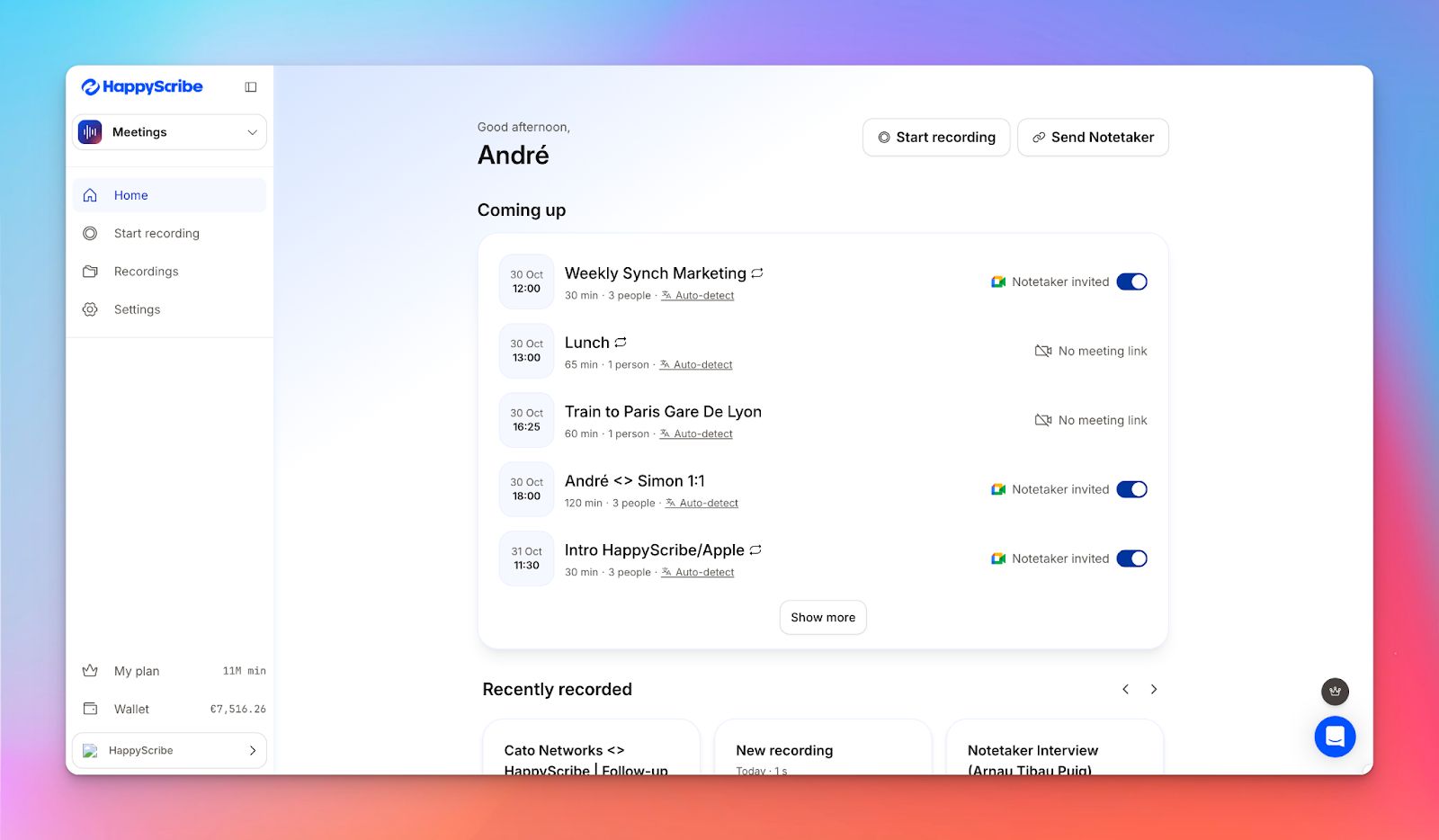
If your meetings regularly turn into content: editorial planning calls, SME interviews, draft reviews, or stakeholder alignments, HappyScribe’s AI note taker is built for that workflow.
Instead of treating meetings as isolated conversations, it helps you turn them into structured outputs you can edit, repurpose, and publish.
Use the HappyScribe AI note taker to capture discussions once and reuse them across your content pipeline.
HappyScribe’s key features
Take notes in 140+ languages
HappyScribe automatically transcribes meetings in over 140 languages and dialects, which makes it suitable for international teams and multilingual interviews. If a meeting happens in a different language than expected, you can re-transcribe it without starting over.
Get 95%+ accuracy
From one-on-one meetings to group discussions, HappyScribe’s AI note taker gives you highly accurate meeting notes every time. Speaker labels stay consistent and key points are easy to scan, even when people talk over each other or switch topics quickly.
Customize your note taker
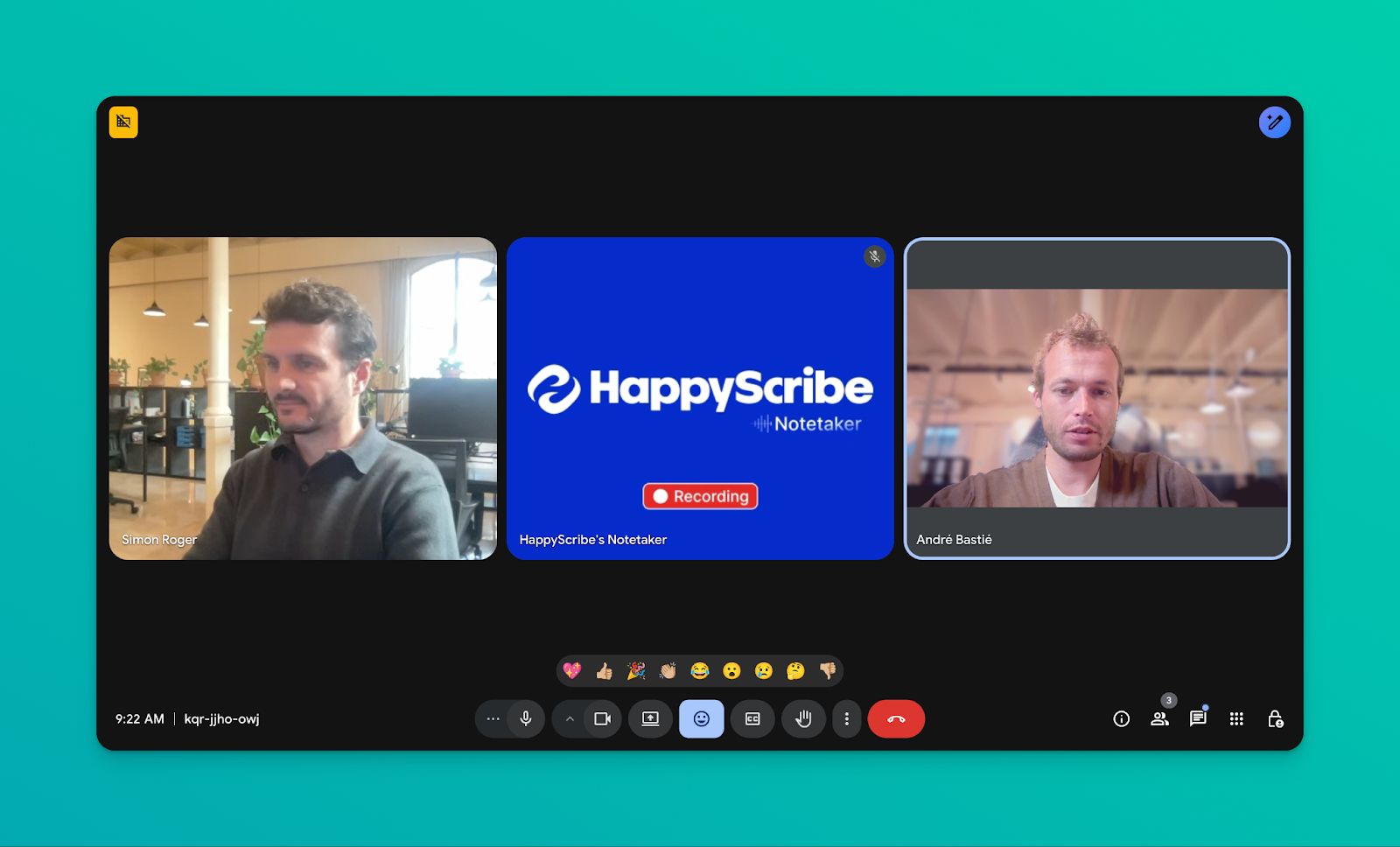
HappyScribe lets you customize your AI note taker so it feels like part of your team. Brand it with your logo and colors, give it a name, and add a short welcome message so every meeting experience feels on-brand and professional.
Generate summaries, action notes, and insights
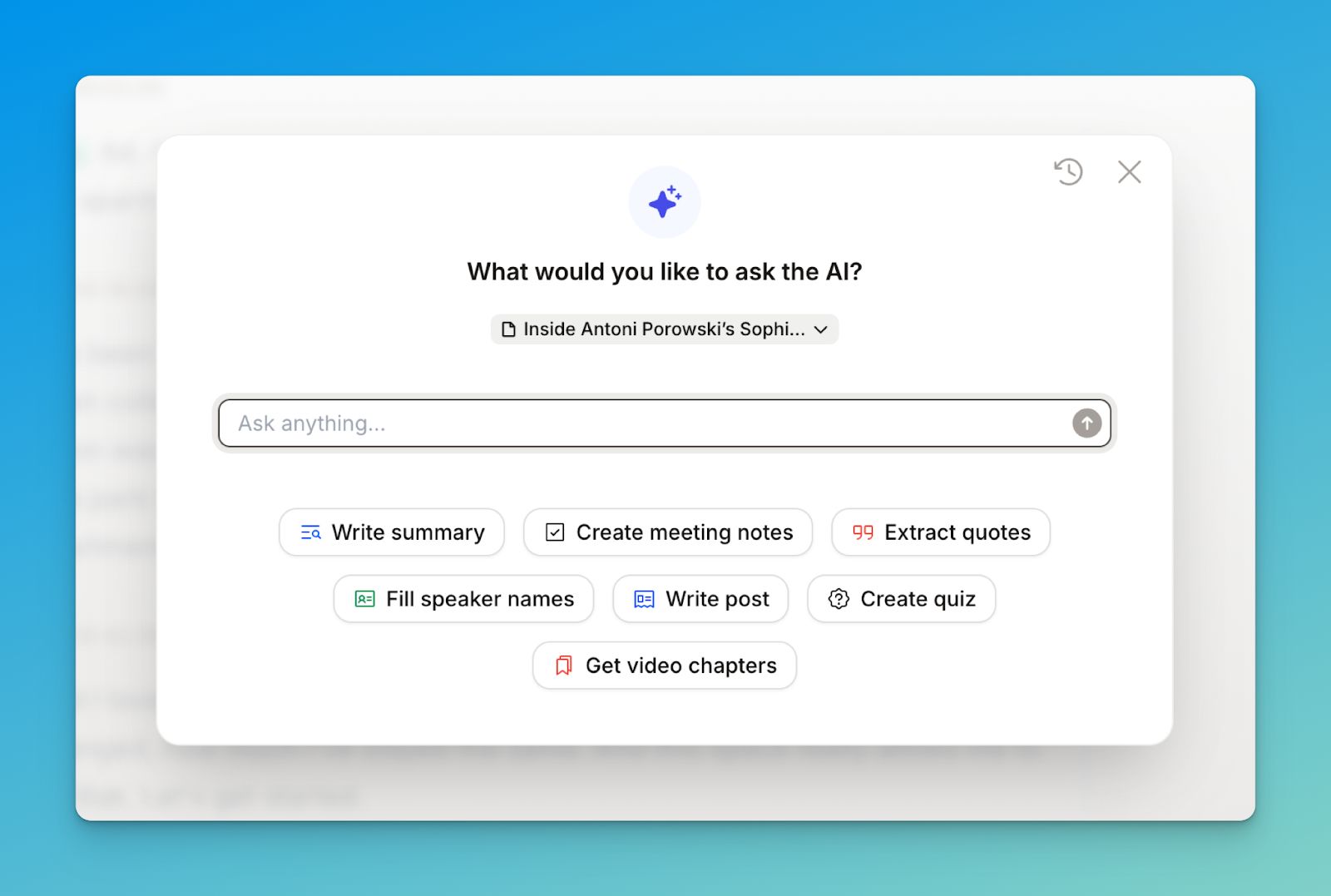
Each meeting includes a structured summary focused on decisions and next steps. If you edit the transcript later, the summary can be regenerated, so it stays aligned with the final content.
Repurpose meeting notes
Transcripts and summaries can be exported in multiple formats for editors, video teams, or documentation workflows. You can also re-transcribe the same meeting in another language without re-uploading the recording.
Work across your favorite video conferencing tools
HappyScribe connects to your calendar and can automatically join meetings on Google Meet, Zoom, Microsoft Teams, or Webex. You can also record ad-hoc conversations directly from the browser when a meeting link isn’t available.
HappyScribe’s pros
- Automatically detects and transcribes meetings in 140+ languages and dialects without manual setup
- Joins scheduled meetings via Google or Outlook Calendar and starts recording on time
- Identifies and labels speakers for clearer interview transcripts and follow-ups
- Delivers AI-generated summaries by email or workspace within minutes
- Lets you pause, resume, or remove the AI note taker during a meeting
HappyScribe’s cons
- Built for meeting recording and post-meeting notes. Not ideal for live transcription
HappyScribe’s pricing
- Free: Unlimited meeting recordings (45 mins/recording)
- Basic: $8.50/month (billed annually) or $17/month (billed monthly)
- Pro: $19/month (billed annually) or $29/month (billed monthly)
- Business: $59/month (billed annually) or $89/month (billed monthly)
- Enterprise:Contact sales to get tailored solutions directly
What are real-life users saying about HappyScribe’s AI note taker?
I tried several applications, but this one is very user-friendly and straightforward. Easy to start at low cost. - DirkCa
Great product! I'm just starting a podcast and the transcript was invaluable in helping me create notes to go along with the video. The accuracy was better than I expected. It was helpful to also have the timecode noted. I highly recommend this product. - Jan L Fishler
How to use HappyScribe’s AI note taker: A step-by-step guide
1. Connect your Google or Outlook calendar, and HappyScribe will automatically join your scheduled meetings. If you prefer to stay hands-on, you can paste a meeting link and invite the notetaker yourself.
2. From the left sidebar, open Meetings. On the right, choose when the notetaker should join and who should receive the email summary once the call wraps up.
3. Next, head to Settings in the top right. This is where you control when recording starts and who can access the transcript.
4. When the meeting begins, the host needs to admit the notetaker so recording can start. You can also use chat commands during the call to manage the session.
5. After the meeting ends, your recording and notes are saved either to your Workspace or your Private section, depending on your privacy preferences.
2. Otter
Best for: Teams that want live transcripts during meetings
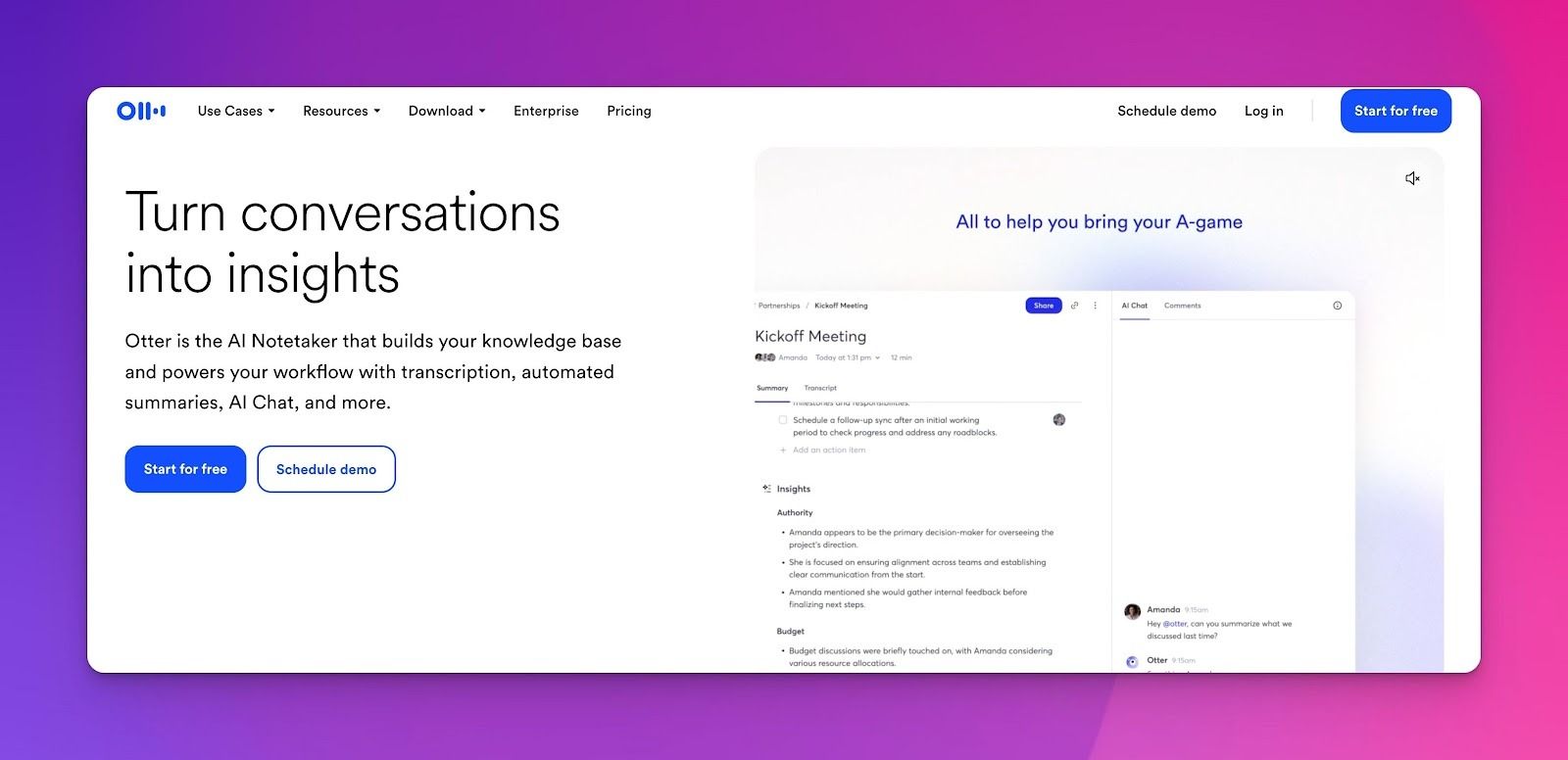
Otter AI is built around real-time transcription, with words appearing on screen as they’re spoken. This makes it useful not just for documenting meetings afterward, but for staying aligned while discussions are still happening.
Otter AI’s key features
- Displays transcripts in real time during Zoom, Google Meet, and Microsoft Teams
- Post-meeting summaries surface key points, decisions, and tasks to speed up follow-through
- Channels help you organize meetings by team, project, or topic to keep related conversations grouped
- Works with Slack, Salesforce, HubSpot, Dropbox, and Microsoft tools to share transcripts and updates automatically
Otter AI’s pros
- In-meeting highlights and comments reduce follow-up confusion
- Mobile app supports interviews and in-person conversations
- Integrations fit into existing team workflows
- AI Chat lets you pull answers from past meetings
- Supports transcription of uploaded audio and video files
Otter AI’s cons
- Limited language support compared to global tools
- Users occasionally report that Otter starts recording without permission
Otter AI’s pricing
- Free
- Pro: $16.99/month
- Business: $30/month per user
3. Notta
Best for: Turning meeting conversations into usable text quickly
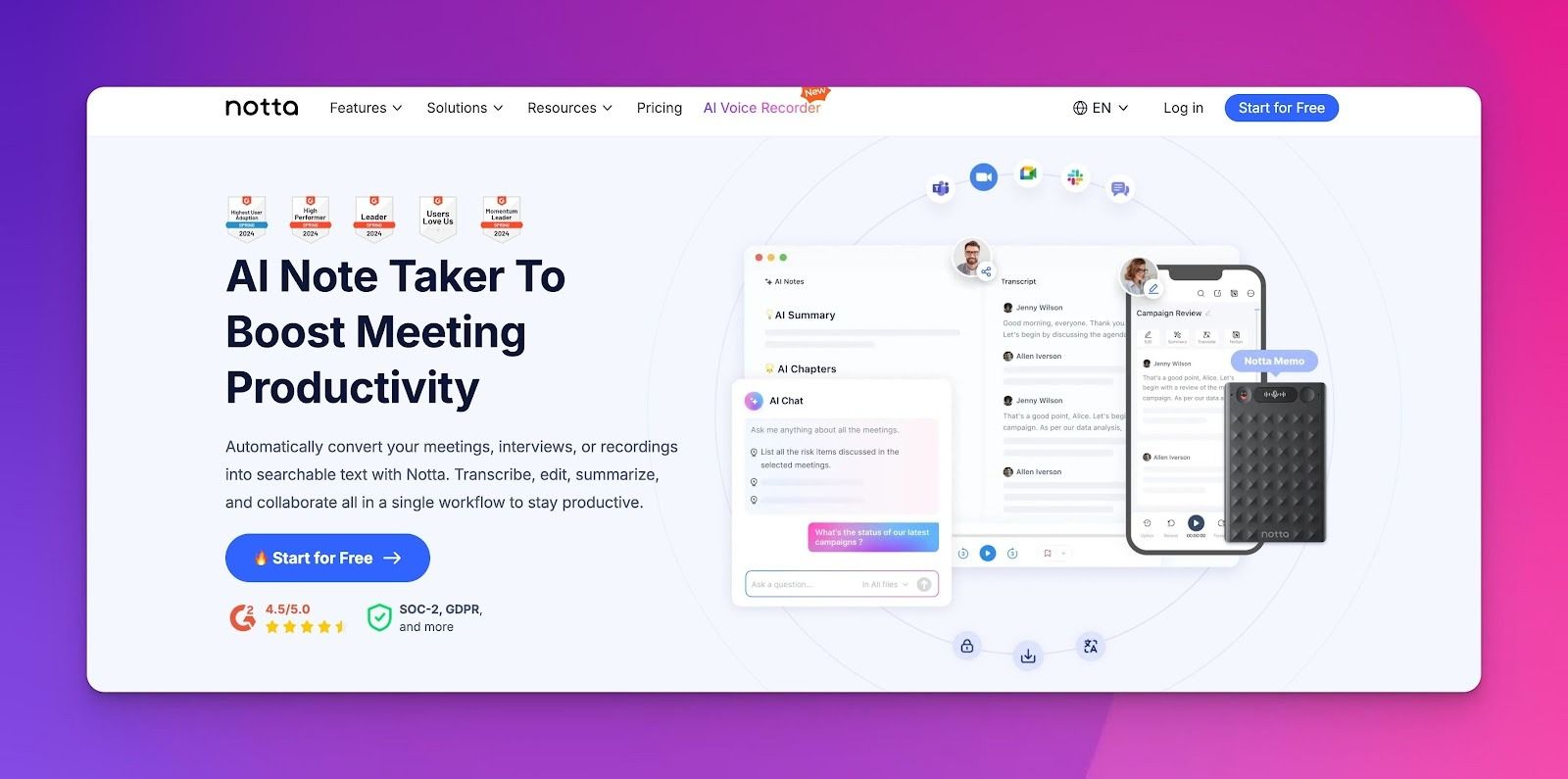
Notta fits workflows where conversations quickly turn into written material.
For content managers, Notta captures every detail of calls and conversations without manual typing, and it generates concise summaries and actionable insights you can use as the foundation for briefs, outlines, podcast scripts, or article drafts.
Notta’s key features
- Transcribes meetings in real time, then generates summaries highlighting decisions, action items, and key points
- Supports 50+ languages, which makes Notta useful for multilingual teams
- Share summaries, transcripts, or selected highlights via links, email, or Slack
- Export notes as TXT, Word, PDF, or SRT, or send them to tools like Notion and Google Docs
- Automatically labels speakers to make longer discussions easier to review
Notta’s pros
- Fast transcription turnaround, even for longer recordings
- Clean summaries that reduce the need to rewatch meetings
- Broad language support compared to many note-taking tools
- Multiple export formats make reuse straightforward
- Integrates with common collaboration and documentation tools
Notta’s cons
- Paid plans are needed once transcription volume increases
- Collaboration controls are limited compared to tools built for shared knowledge bases
Notta’s pricing
- Free
- Pro: $13.49/month per user
- Business: $27.99/month per user
- Enterprise: Custom pricing
4. Fireflies
Best for: Teams that want to analyze meetings over time and spot recurring themes across calls
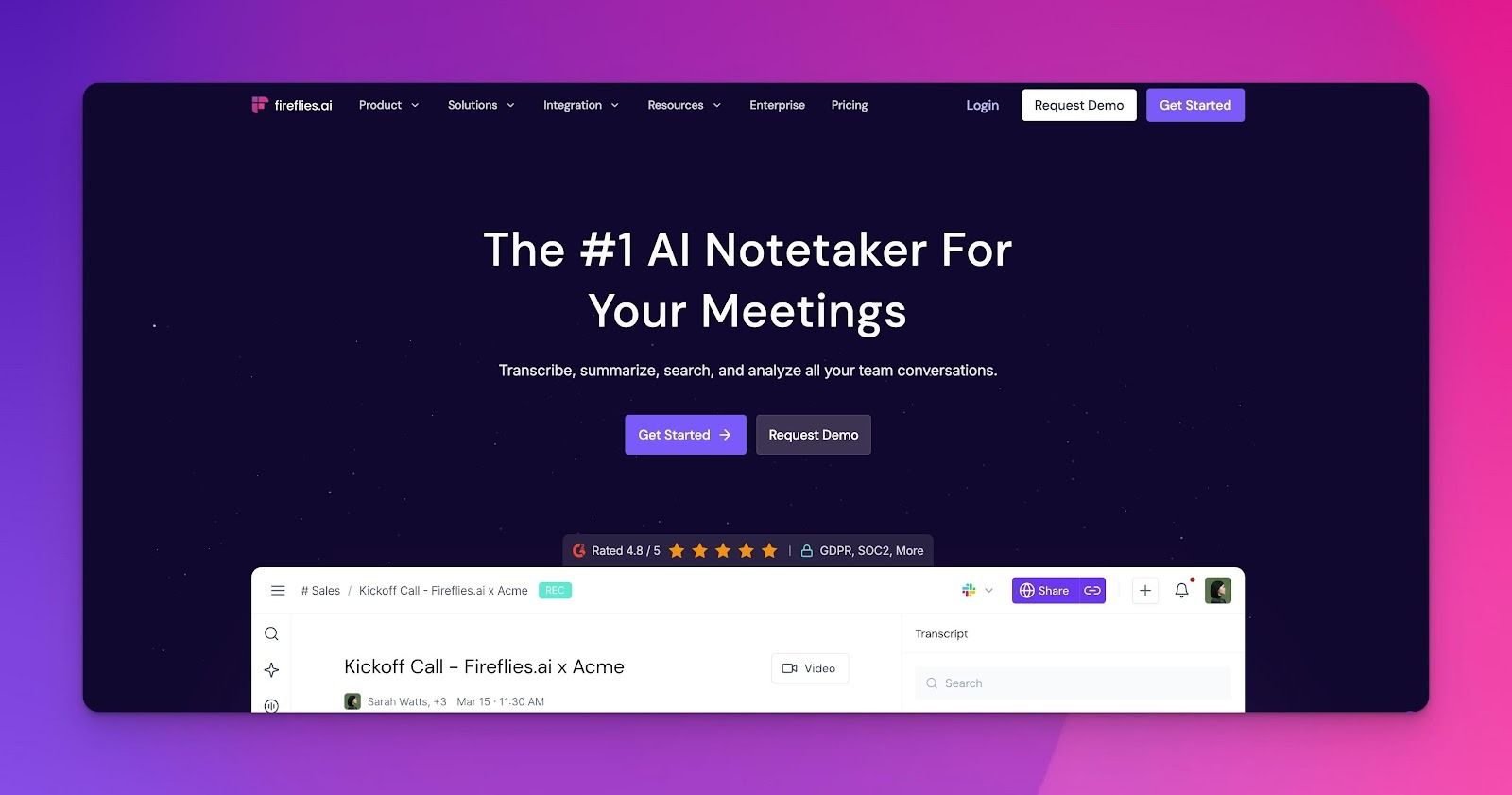
Fireflies is more of a conversation intelligence tool rather than a simple transcription software. It analyzes patterns, tracks themes over time, and extracts insights that would otherwise require manual review of dozens of calls.
Fireflies’ key features
- Fred bot joins Zoom, Meet, Teams, and 40+ platforms via calendar; transcribes in 100+ languages with 95% accuracy
- Structured AI summaries includes overview, key topics, action items, questions, and next steps, adapted to meeting type
- Speaker analytics features allow you to track talk time distribution and engagement levels
- Syncs with Asana, Monday, ClickUp, and Jira to turn tasks into tracked work items
- Create highlight reels of customer testimonials, product feedback, and competitive intel
Fireflies’ pros
- Works across meetings, in-person conversations, and uploaded audio or video files
- Accessible via web, desktop, mobile apps, and Chrome extension
- Offers channels, user groups, and admin controls for organizing team access
- Provides enterprise-grade security with SOC 2, GDPR, and optional HIPAA compliance
Fireflies’ cons
- Feature depth may be unnecessary if you only need transcripts
- Free storage fills quickly with frequent meetings
Fireflies’ pricing
- Free
- Pro: $18/month per user
- Business: $29/month per user
- Enterprise: $39/month per user
5. Krisp
Best for: Content teams running meetings in less-than-ideal audio conditions who still need clean transcripts and usable notes
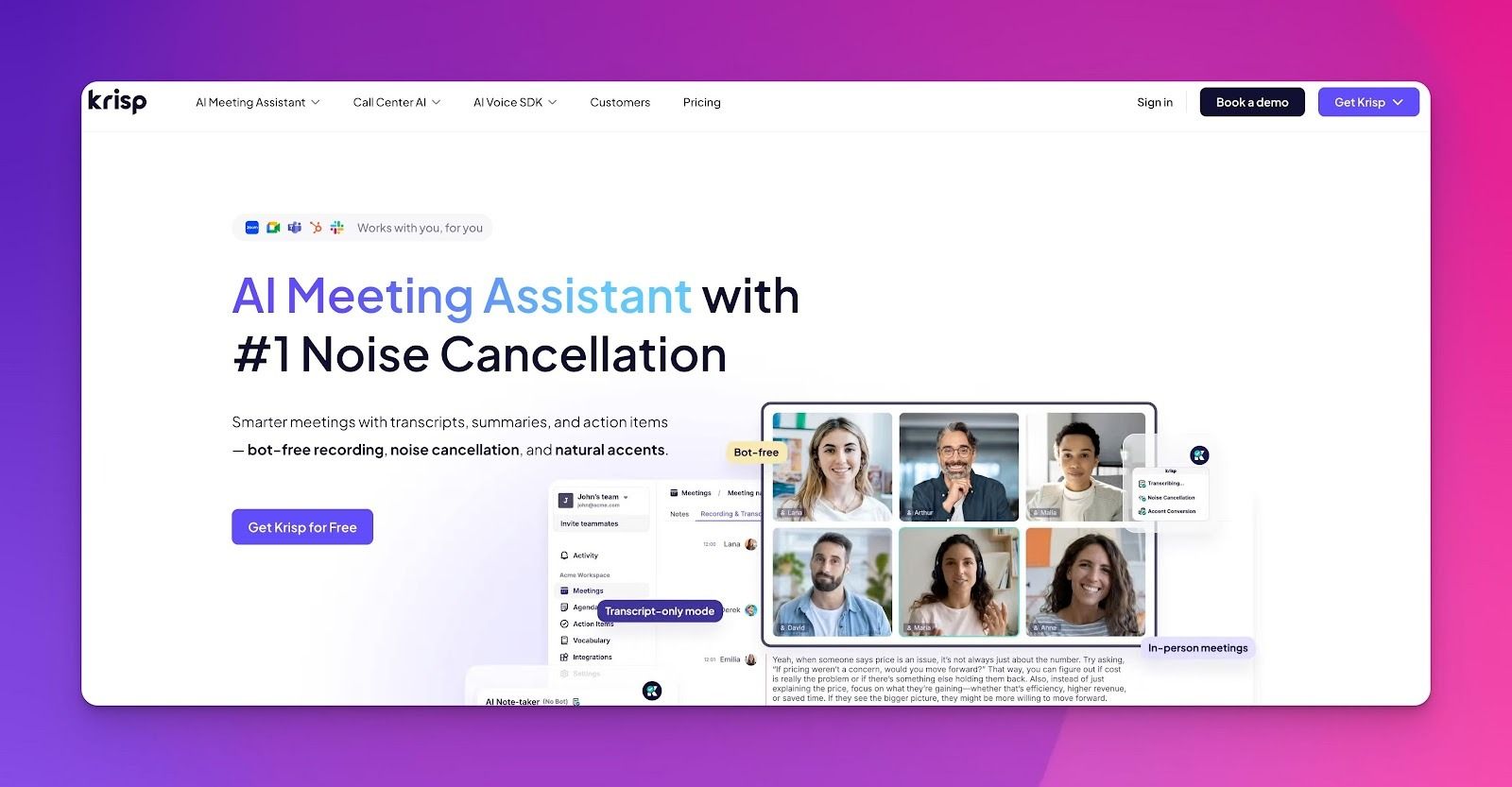
Krisp approaches AI note-taking from a different angle. Instead of adapting transcription to noisy input, it fixes the audio first, then layers transcription and summaries on top of clean sound.
Because Krisp processes audio before transcription begins, its AI notes are built on clearer input by default.
Krisp’s key features
- Removes background noise from both incoming and outgoing audio so conversations stay clear in busy environments
- Adjusts accents like Indian or Filipino English in real time to improve clarity without changing the speaker’s voice
- Generates AI transcripts, summaries, and action items, and delivers them directly to your inbox
- Integrates with Google and Outlook calendars, and allows control over which meetings are recorded
- GDPR, HIPAA, and SOC 2 compliant, with encrypted data in transit and at rest
Krisp’s pros
- Produces clearer transcripts by improving audio quality before transcription
- Handles noisy or informal environments where other tools struggle
- Bot-free recording avoids friction in external or sensitive calls
- Accent conversion improves comprehension in global team discussions
- Strong privacy posture with local processing for English audio
Krisp’s cons
- Collaboration and knowledge-management features are lighter than tools built for shared documentation
- No permanent free plan; limited to a 7-day trial
- Video recording is restricted to higher-tier plans
Krisp’s pricing
- Free trial
- Pro: $16/month
- Business: $30/month
- Enterprise: Custom pricing
Tips to choose the right AI note taker for content managers
Choosing an AI note taking tool depends on how you interview sources, collaborate with teams, and reuse transcripts across content workflows.
Otter works best when you need live transcripts during meetings. Notta is a better fit if you want quick transcripts and summaries you can reference or export soon after a meeting.
Fireflies makes sense when the goal is spotting patterns across multiple meetings, such as recurring feedback or themes over time. Krisp stands out in noisy or informal environments, where improving audio quality leads to cleaner transcripts.
For content managers who need clear, structured notes after meetings, HappyScribe is the most practical choice. It combines multilingual transcription, smart summaries, and insight extraction, with granular control over security and privacy.
If your meetings regularly turn into drafts, quotes, or published content, HappyScribe removes manual cleanup.
FAQs on the best AI note takers for content managers
What are the best AI note taker tools?
For AI note takers for content managers, HappyScribe is the strongest pick when you need reliable AI meeting notes you can reuse for a blog post, plus multi language support and strong data security. Otter works well for real time transcription and AI chat. Notta is useful when you need quick exports to Google Docs. Fireflies is better for long-term meeting insights across team meetings. Krisp is a solid option when background noise ruins otherwise good meeting notes.
Are AI note takers legal?
Usually, yes, with consent. Rules vary by region and company policy. If you use meeting bots or an AI meeting assistant that can automatically join, make sure attendees are informed before recording starts. For client calls and internal meetings, prioritize tools with clear disclosure controls and transparent policies on AI training and retention.
Is there a free AI note taker?
Yes. Most AI tools offer a free plan or free version, but minutes, storage, and exports are limited. For instance, HappyScribe offers unlimited meetings, with each meeting capped at 45 minutes. If you have recurring virtual meetings and want consistent meeting summaries, you’ll likely move to a paid plan after testing. Free tiers are best for trying workflows like note taking, quick AI summaries, and light follow up tasks.
Is there an AI that can take notes from a video?
Yes. Many tools can transcribe uploaded video files and audio files, then generate meeting recaps and high quality summaries. This helps when you record interviews, webinars, or screen recordings with system audio and want to generate notes you can turn into content without rewatching everything.
What are some European note taker tools?
HappyScribe is a popular European choice for teams that prioritize GDPR-first handling and stronger regional positioning for data security. If your team evaluates “European” based on where data is processed and stored, check each vendor’s documentation carefully since many tools support GDPR while still relying on non-EU infrastructure.
What are the best AI note takers for CRM integration?
For CRM integration, Fireflies and otter AI are often the most practical picks, especially for sales teams that need meeting records to flow into Salesforce or HubSpot. That’s useful for tracking action items, critical tasks, and follow ups across accounts, while keeping the entire team aligned.
Do AI note takers work well with Google Meet and Microsoft Teams?
Most do, but confirm support for the meeting platforms you use. Also check how the tool joins. For some tools, a bot joins your meetings; others capture locally. For content teams, the best setup is the one that captures clean meeting content without adding friction to team member workflows. HappyScribe offers the best of both worlds: you can capture meetings via Google Calendar or Outlook Calendar with a bot joining the calls, or record directly from your browser.
Can AI note takers help with project management and follow up emails?
Yes, if the tool extracts action items and assigns owners clearly. The better tools turn decisions into structured meeting summaries, then support follow up emails or push follow up tasks into your project management system so everyone stays on the same page with key insights right after the call.

Akshay Kumar
Akshay builds pieces meant to reach people and stay visible where it matters. For him, it’s less about the name and more about whether the words did what they were meant to.