![5 Best AI Note Takers in Europe [2026]](/sanity-images/ejgwz1gl/redesign/dd9aa9a50b416ccaa97dc8e5b99af380e1c3f923-1536x1024.png?auto=format&w=1536.0&rect=0,95,1536,768&h=768)
Data sovereignty is a real issue, and Europeans are scrambling to find tech that doesn't siphon off data overseas. One of the hotly debated ones has been AI note takers because of how much private info they process.
So we went over the current options and reviewed the popular AI note takers in Europe. Based on our research, we’ve shortlisted the top 5 options that met our strict criteria of evaluation: tools that are exclusively based in Europe and are transparent about their data practices.
Enjoy!
TL;DR
- HappyScribe: Best for European teams looking for secure, multilingual AI notes across all workflows
- Leexi: Best for sales and customer success teams pushing meeting data into CRMs
- Seedext: Best for enterprises and public bodies running recurring meetings
- Joplin: Best for users who want a self-hosted, open-sourced note taker
- Noota: Best for recruiters who need auditable interview notes inside ATS systems
How did I evaluate the top note takers in Europe?
While curating our list of European AI note takers, we filtered out more tools than we did in other tests. Most tools didn't make the cut based on five key factors. These were:
1. GDPR compliance
A non-negotiable, if there was ever one. GDPR is more than just a framework for data handling; it also gives EU users the right to access, restrict processing, and be forgotten. We evaluated each tool on its GDPR compliance and checked how easy and comprehensive the process was.
2. Multilingual accuracy
Europe is not a single-language market, and tools that treat it like one were binned fast. We tested each note taker across major European languages and reviewed how well they handled accents and context switching. Tools that catered to European variety moved to the next step.
3. Localized support
Support quality showed us how seriously a company takes the European market. We looked beyond response times and checked whether customer support actually understands EU working hours and regulatory questions. Tools that weren't prepared for EU business issues had their journey cut short.
4. Data residency in Europe
One thing GDPR does not mandate is data residency in the EU. We verified where files and user data are stored and processed. Preference went to tools that offer clear, contractually defined EU data residency, ideally with options to choose specific regions.
5. Transcription quality
Once compliance and infrastructure were vetted, we evaluated transcription quality in practical scenarios: meetings with overlapping speech, poor audio, and domain-specific vocabulary. Accuracy alone was not enough. We also assessed formatting and speaker labels, along with summaries. Tools that required heavy edits did not make the final cut.
What are the best AI note takers in Europe? At a glance
| Category | HappyScribe | Leexi | Seedext | Joplin | Noota |
|---|---|---|---|---|---|
| Best for | Multilingual European teams that need secure and accurate AI notes | Sales, CS, and recruiting teams that need CRM and call intelligence | Enterprises and public bodies running recurring meetings | Tech enthusiasts looking for a self-hosted or local note taker | Recruiters and sales teams needing auditable ATS/CRM documentation |
| Key features | AI meeting notes, summaries, AI Chat, subtitles, translations, mobile apps | AI summaries, action items, CRM and VOIP automation, analytics | Structured decisions, follow-ups, and persistent meeting history | Encrypted notes, plugins, self-hosting, technical documentation | Templates, scorecards, CRM/ATS sync, AI chat |
| Supported languages | 150+ languages and dialects | 150+ languages | 15 languages | 100 languages | 50 languages |
| Collaboration features | Shared workspaces, summaries, interactive editor, file exports, integrations | Team analytics, coaching, shared reports | Shareable summaries for stakeholders | Shared notebooks via sync | Shared summaries via CRM and tools |
| Meeting platform integration | Calendar sync, Zoom, Teams, Meet | Zoom, Teams, Meet, VOIP tools | Zoom, Microsoft Teams, and Meet | API and plugin-based integrations | Zoom, Teams, Meet, phone recorder |
| Security and data residency | EU data center, GDPR, SOC 2 Type II, ISO 27001, encryption, no US data transfer | EU-hosted (France), GDPR, ISO 27001, encryption | GDPR, AI Act, CNIL compliance, EU data center (France optional) | End-to-end encryption, local or self-hosted storage | EU Google Cloud, SOC 2, ISO 27001, double encryption |
| Pricing | Free plan; paid plan starts from $8.50/month | $15–$49/month, Enterprise custom | Contact sales | €2.99–€7.99/month, server custom | Free, $29/month, $49/month, Enterprise custom |
1. HappyScribe
Best for: European teams looking for secure, multilingual AI notes across all workflows
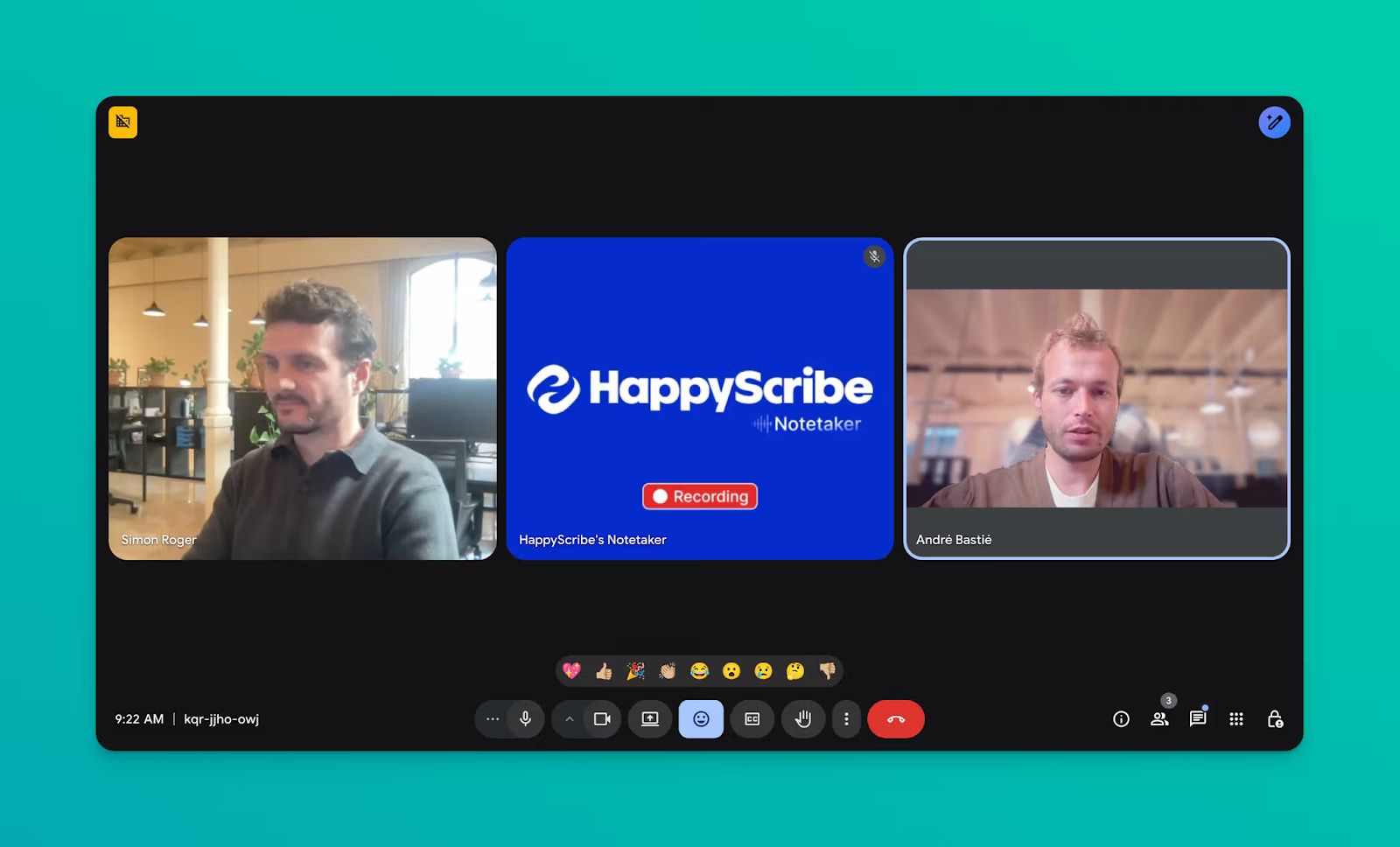
HappyScribe AI note taker is one of the best options in Europe because it ticks all the right boxes. It's based in Barcelona, Spain, follows all security standards of the EU, and it's built to serve diverse European users.
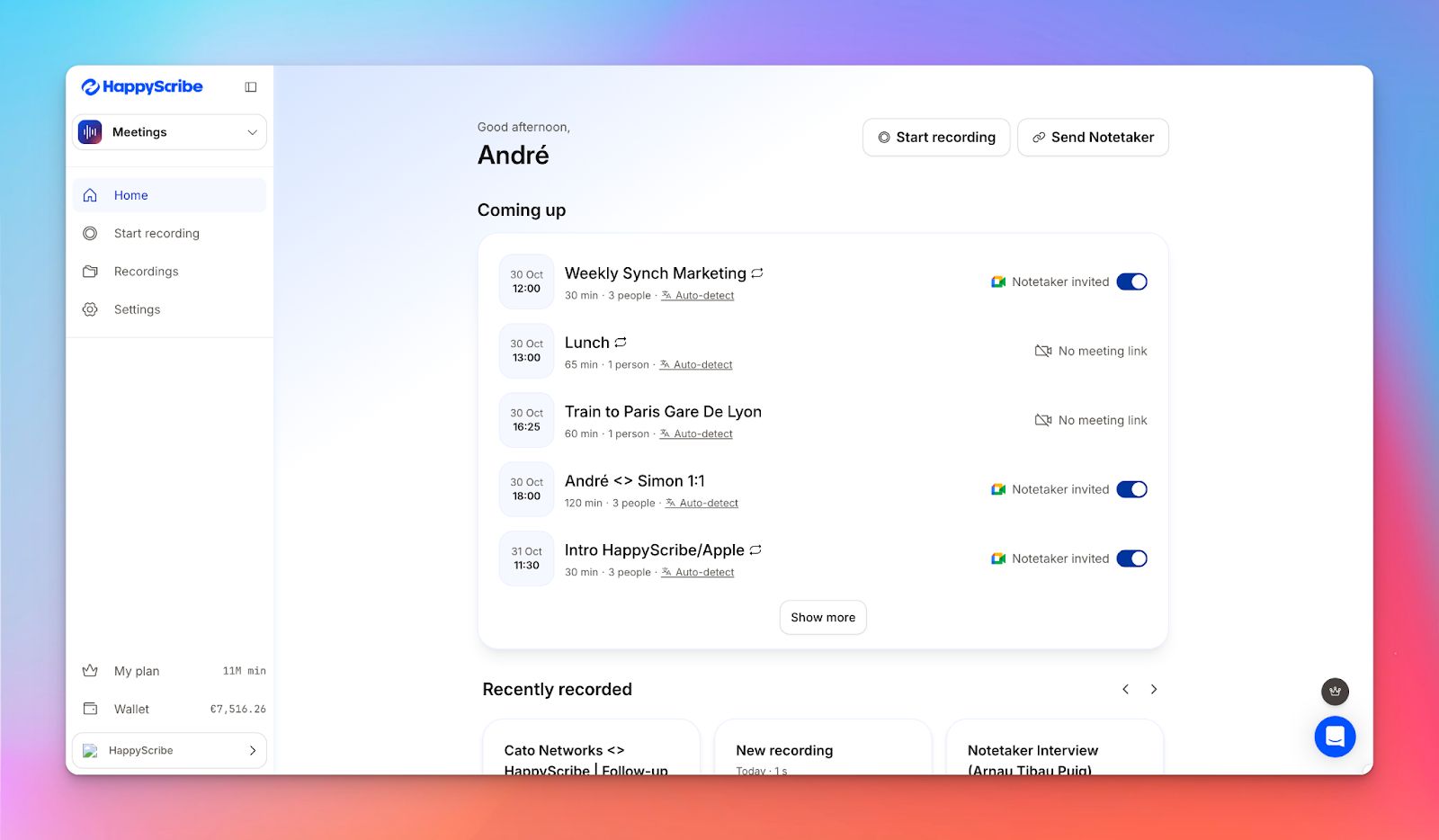
You can connect your calendar to let HappyScribe note taker automatically join calls and take notes. Hopping on an impromptu meeting? You can paste the link to invite HappyScribe or simply record audio for a fast, bot-free experience.
HappyScribe’s key features
1. GDPR-compliant and EU data storage
Since HappyScribe is an European tool through and through, it doesn't treat EU security laws as an afterthought. It's fully GDPR-compliant, which means you control how and when your data is processed, if at all. Want to take a closer look? It's SOC 2 Type II compliant, which means the platform is audited thoroughly by a CPA.
HappyScribe’s data center is located in the EU, and the facility is Tier IV, PCI DSS, and ISO 27001 compliant. This setup prevents your data from traveling across the Atlantic or falling under the U.S CLOUD Act.
All traffic is encrypted, and once you delete a file, HappyScribe completely removes it from the system.
2. Transcribe in 150+ languages with 95% accuracy
HappyScribe handles all popular European languages with ease. Be it a Greek, Polish, Lithuanian, or Danish meeting, HappyScribe understands speech and preserves contexts across regions. Not just languages, it is also fine-tuned to work with complex dialects like Swiss German and Swiss French.
Beyond European languages, HappyScribe's 150+ global language support is one of the widest in the market.
3. Re-watch meeting recordings and check summaries
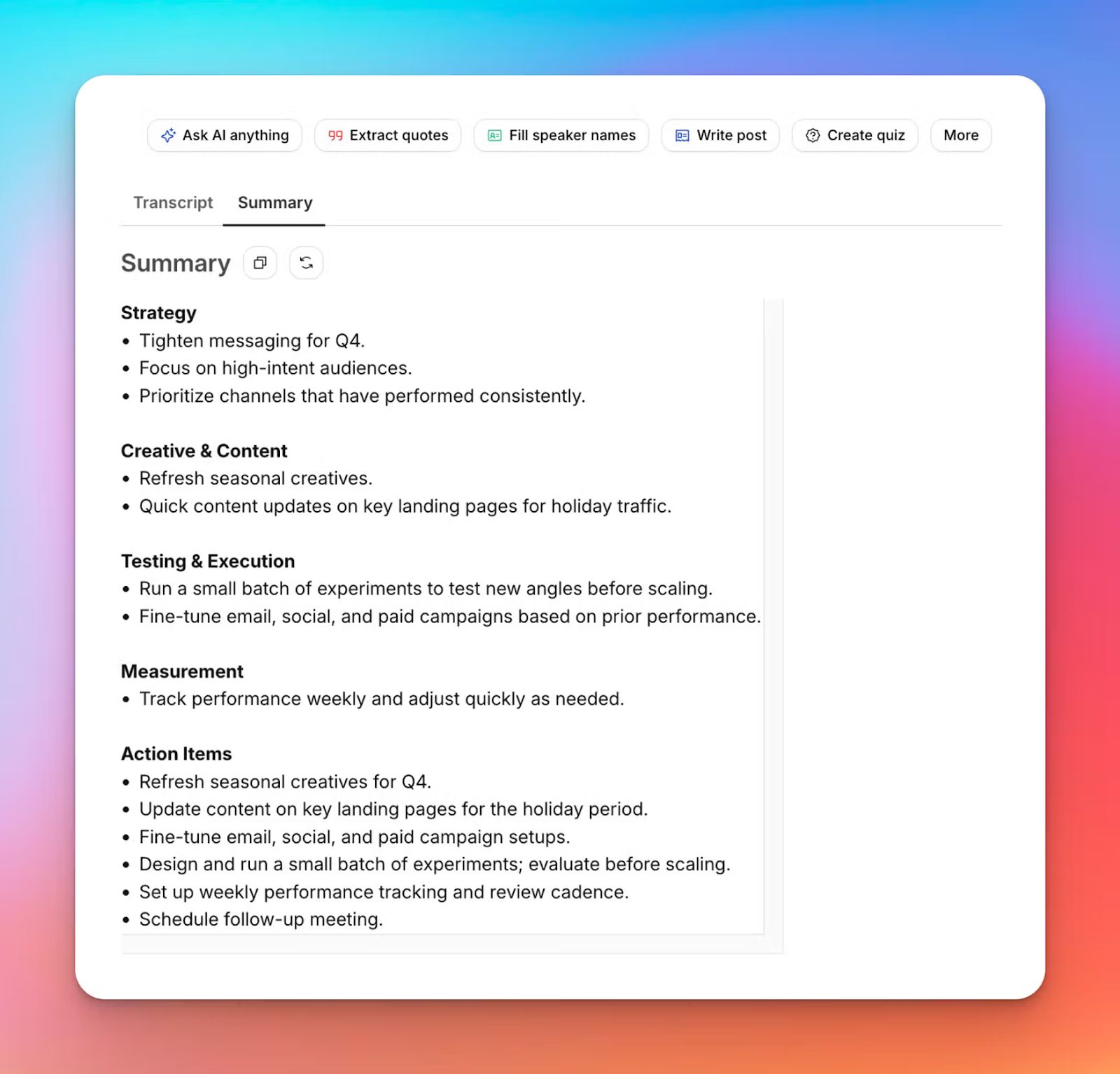
Notes are just the start; to get the full context behind decisions, you might need to watch the clips. HappyScribe records the video files so you can track the decisions and highlights.
You can check the summary created by HappyScribe AI and cross-reference that with recorded files for informed decision-making.
4. Ask AI to highlight quotes and draft posts
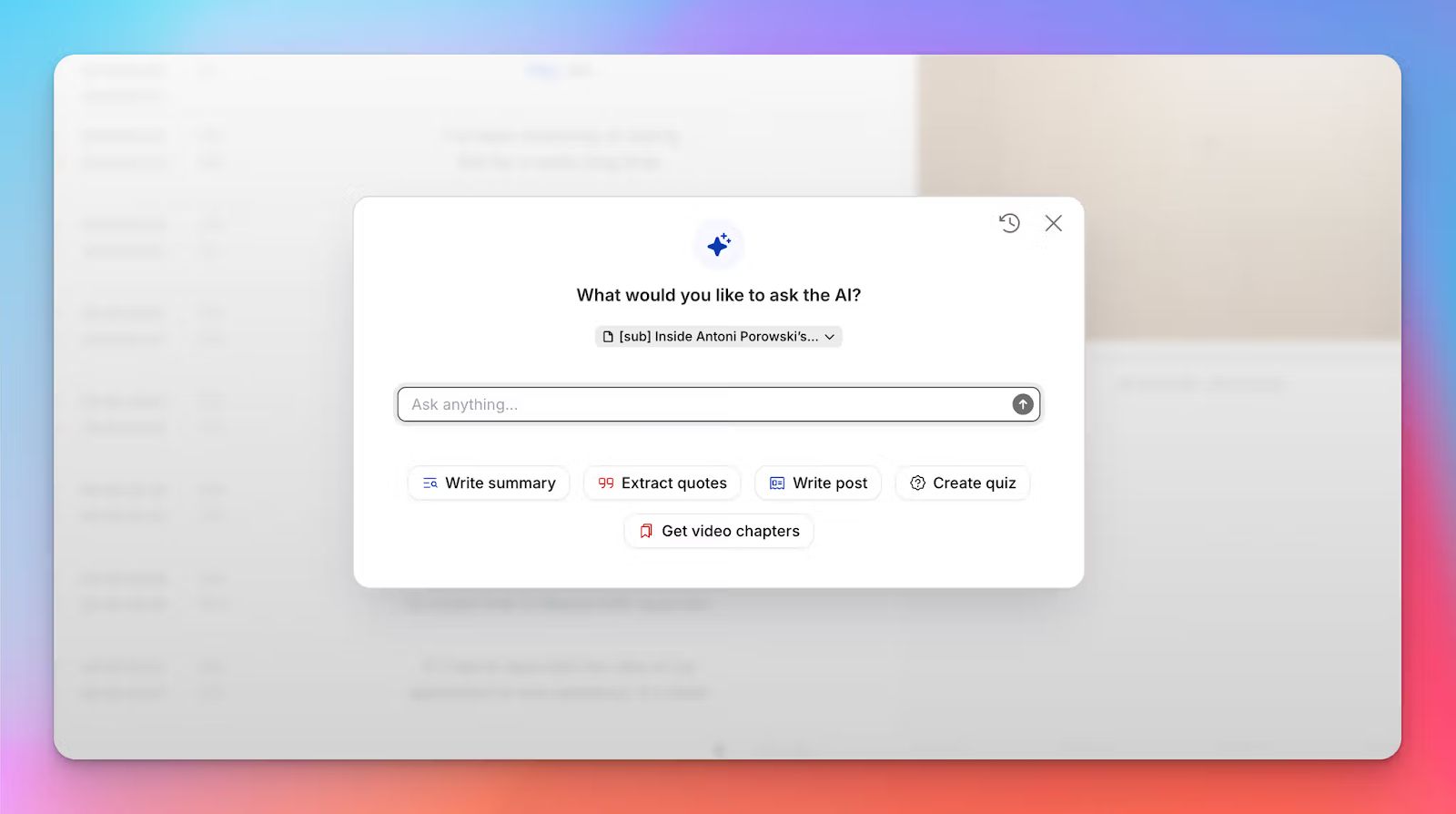
HappyScribe AI goes beyond transcripts and summaries. From long meetings, you can ask the AI to extract quotes and turn the meeting into a post that you can share in internal chat, email, or as a LinkedIn post.
The first draft gives you an idea to package the meeting as content, and you can get started with it right inside HappyScribe.
5. Create subtitles and translate content
HappyScribe not only helps you take notes, but also creates and edits subtitles for videos, translates texts you can share with teams in other countries, and even trims audio. The extra productivity tools save you time and speed up content creation tasks.
HappyScribe’s pro
- GDPR and SOC 2 Type II compliant data control and transparency
- 95%+ accurate transcripts in 140+ languages
- Easy-to-use audio recorder and meeting-calendar sync
- AI note taker highlights quotes, quizzes, and video chapters
- Integrate HappyScribe natively with YouTube, Google Drive, Box, Dropbox and to Slack, Zoom, SharePoint, Microsoft Teams, Notion, HubSpot, monday.com, and Jotform via Zapier
HappyScribe’s cons
- Generates transcripts and notes after the meeting; doesn’t offer real-time transcripts
HappyScribe’s pricing
- Free: Unlimited meeting recordings (45 mins/recording)
- Basic: $8.50/month (billed annually) or $17/month (billed monthly)
- Pro: $19/month (billed annually) or $29/month (billed monthly)
- Business: $59/month (billed annually) or $89/month (billed monthly)
- Enterprise: Contact sales to get tailored solutions directly
What are users saying about HappyScribe?
“I have tried many systems in the past to convert speech to text. I recently did an initial test with Happyscribe and I have to say, it worked sensationally well. And that was with German. It really makes work easier!”
“Really happy with this service. I'm using HappyScribe to transcribe interviews in French and the accuracy is great, punctuation good. It also doesn't pick up all of my "mhmms" which is a very good thing!”
How to use HappyScribe’s AI note taker: A step-by-step guide
1. Link your Google or Outlook calendar to let HappyScribe auto-join meetings. If you prefer flexibility, you can paste the meeting link to manually invite the notetaker.
2. Select Meetings in the left sidebar and then check the options at the right to customize when the notetaker should join and who should receive the email summary.
3. Click on the Settings button at the top right to select when the notetaker should start recording and who can view the meeting transcription.
4. During a call, the notetaker must be admitted by the meeting host to start recording. You can chat with the notetaker to control it.
5. And that's it! The meetings should be saved in your Workspace files or in the Private section, depending on your privacy settings.
2. Leexi
Best for: Sales and customer success teams pushing meeting data into CRMs
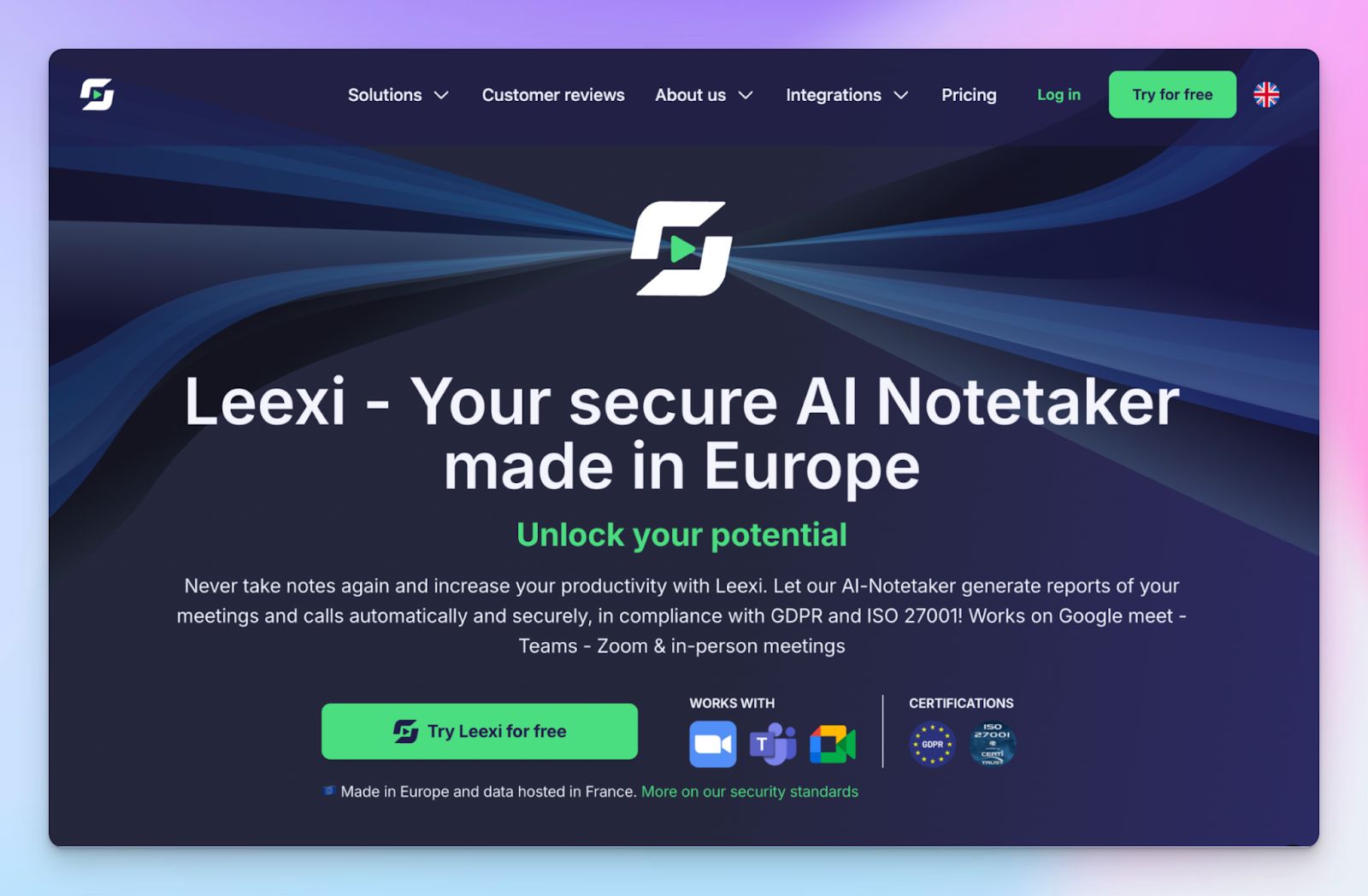
Leexi is another European AI note taker built around one clear promise: meeting intelligence without data leaving Europe. Once it records your Zoom meetings, it generates structured summaries and pushes the data into the tools teams already use.
Data is hosted and processed in France, with GDPR and ISO 27001 baked into the product. Leexi’s setup is fast via calendar sync, and once running, it helps European sales, customer success, recruiting, and consulting teams run frequent calls and feed data into other workflows.
Leexi’s key features
- Automatic meeting and call recording across video, VOIP, and in-person
- Transcribe in 150+ languages with customizable AI summaries
- Ask Leexi's assistant for prompt library and push action items to CRMs
- EU-hosted infrastructure with encryption and analytics on higher plans
Leexi’s pricing
- Starter: $15/month
- AI-Meeting: $29/month
- Business: $49/month
- Enterprise: Contact sales
Leexi’s pros
- Leexi offers high-quality summaries that feel genuinely useful
- Strong fit for sales coaching and call analysis with MEDDIC and BANT frameworks
- It has a responsive, hands-on customer support
- From Salesforce, Zoho, and Notion to RecruitCRM, Aircall, and Zapier, Leexi boasts a long list of native integrations
Leexi’s cons
- Its UI has room for improvement, especially for heavy users
- Search and topic detection struggle in long tasks
- Leexi’s AI insights aren’t as advanced as many competitors
3. Seedext
Best for: Enterprises and public bodies running recurring meetings
Where Leexi leans into sales workflows, Seedext plays a different role. It’s a French note taker built for enterprises that run a lot of meetings and need to reduce the post-meeting workload over time.
It captures meeting outcomes and highlights follow-ups, especially in recurring governance meetings where contextual memory speeds up decision-making. Security-wise, it’s one of the most comprehensive ones in the European market.
Seedext’s key features
- Automated meeting summaries with structured decisions for remote and hybrid meetings
- Templates and workflows tailored for business leaders, PMs, consultants, HR, and sales teams
- The Foxy assistant surfaces key points and answers questions from the persistent meeting history
- Strong support for European data sovereignty via GDPR, EU AI Act, and CNIL compliance and European data center. You can request data to be shifted to France, specifically
Seedext’s pricing
- Contact sales for a custom quote
Seedext’s pros
- Saves time for governments and enterprises dealing with daily meeting campaigns
- It adds structure to agreed actions and lets you easily share documents with stakeholders
- Seedext doesn't train AI on user data
- Native integrations with Microsoft 365, Google Meet, Slack, and Salesforce
Seedext’s cons
- Seedext operates in a niche, so you might find benchmarking harder
- Because of its focus on French and EU contexts, Seedext has limited global exposure
- Pricing is bafflingly opaque, even for an enterprise-focused platform
4. Joplin
Best for: Users who want a self-hosted, open-sourced note taker
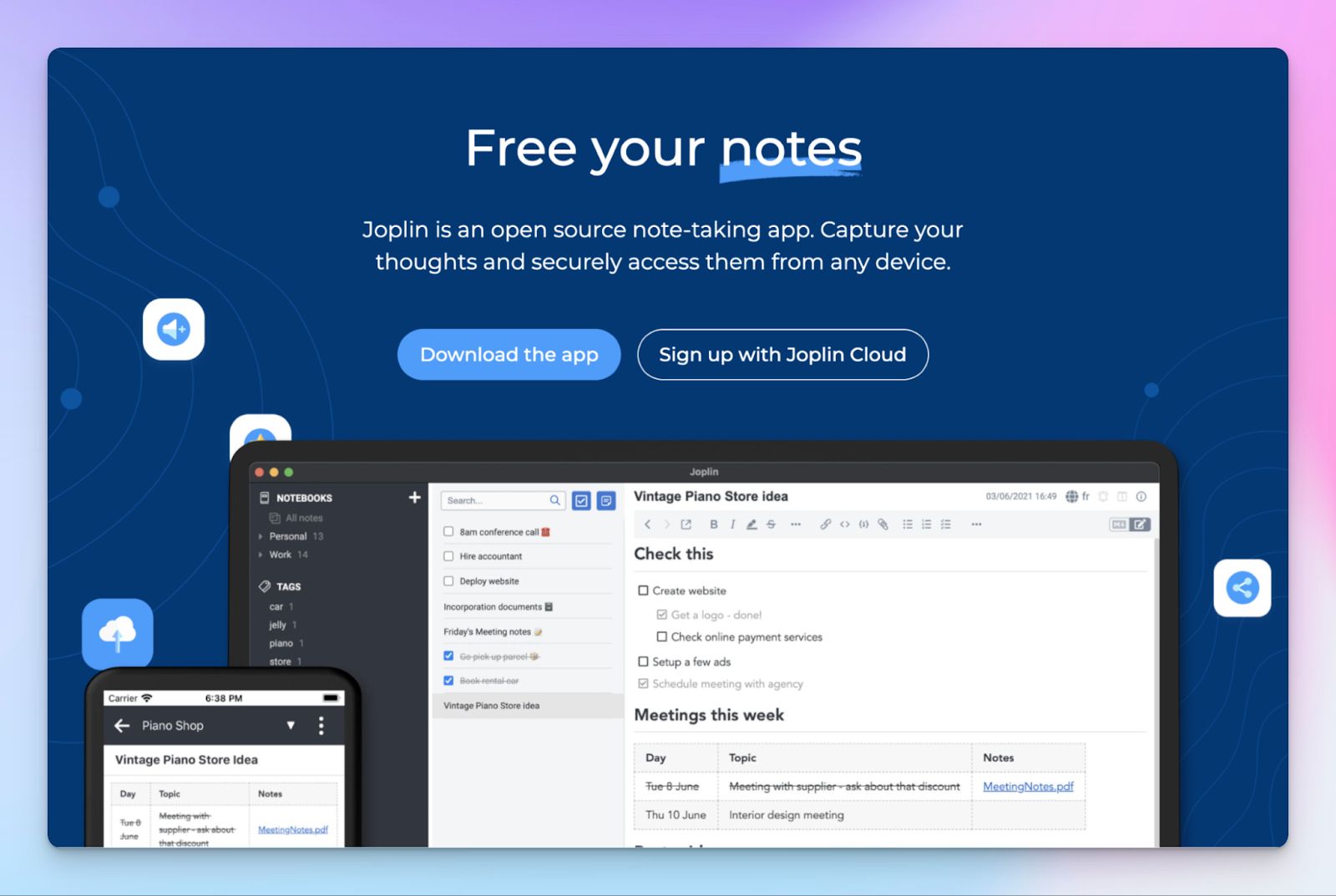
Joplin is an open-source note-taking app that runs on a different philosophy than most cloud tools. It stores your data in open formats in your device with full end-to-end encryption.
Joplin works for European users who need control over data residency or want to self-host. It runs on Windows, macOS, Linux, Android, iOS, and terminal, so teams with mixed devices can standardize without locking into one ecosystem.
Joplin's key features
- Multimedia notes with support for images, videos, PDFs, audio, math expressions, diagrams, and OCR for rich meeting documentation
- Cross-platform sync via Joplin Cloud, Dropbox, OneDrive, WebDAV, and Joplin Server with E2E
- You can customize Joplin via plugins, themes, multiple editors, custom CSS, and an Extension API
- Full-text search, notebooks with sub-notebooks, tags, note history, and to-do reminders to speed up productivity
Joplin Cloud pricing
- Basic: €2.99/month
- Pro: €5.99/month
- Teams: €7.99/month (minimum 2 seats)
- Joplin Server Business: Custom quote
Joplin’s pro
- Joplin handles technical documentation and complex meetings reliably with structured content and formulas
- If you're a heavy user with technical know-how, Joplin gives you a lot of freedom for plugin setup
- Joplin is open-sourced and has a thriving community powering it, which makes it ideal for European users
Joplin’s cons
- Joplin's mobile apps aren't as smooth as compared to desktop, with limited media handling and basic tables
- Syncing and long-term use come with caveats, as Joplin tends to break file names while exporting
5. Noota
Best for: Recruiters who need auditable interview notes inside ATS systems
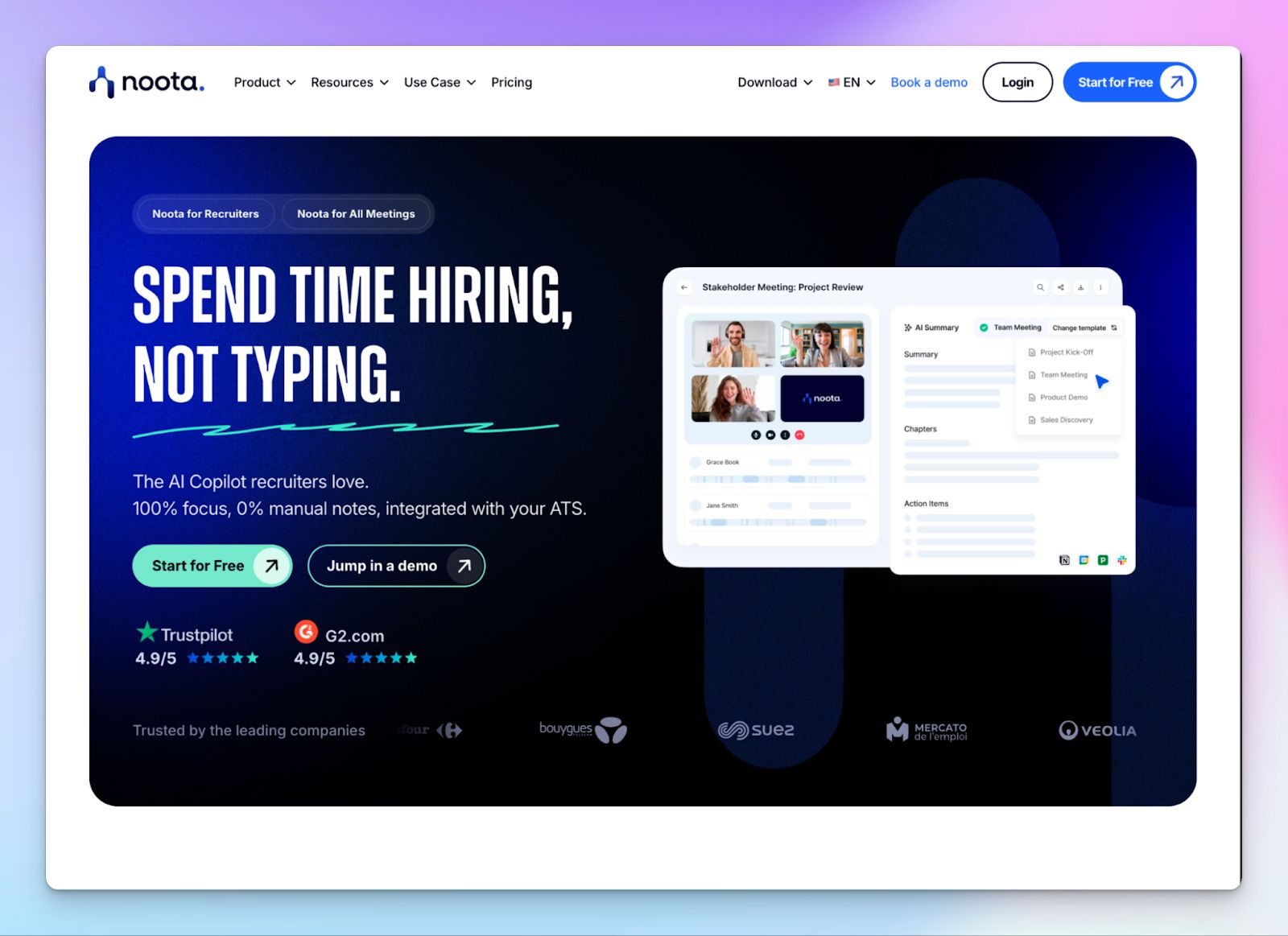
We wrap up the list with another French tool Noota, which positions itself as an AI copilot for Europeans. It does the basic right: recording remote and in-person meetings and converting them into structured reports that sync directly with your tools. Even though it works for most industries, Noota is especially built to help recruiters and sales teams who need auditable documentation in their ATS and CRM systems.
All customer data resides within European Google Cloud regions, protected by SOC 2 and ISO 27001 compliance.
Noota’s key features
- You can record calls and instantly generate custom candidate scorecards and meeting minutes using reusable templates
- Noota integrates natively with platforms like Webex meetings, Bullhorn, Salesforce, HubSpot, Pipedrive, Workable, Aircall, Ringover, Notion, and Slack
- Interactive AI chat lets you search past conversations to surface decisions and key points
- Noota offers double encryption in an isolated environment, with options to discard media files immediately after transcriptions
Noota’s pricing
- Free
- Pro: $29/month
- Business: 49/month
- Enterprise: Custom quote
Noota’s pros
- It reduces cognitive loads for recruiters during calls since they can focus on the conversation rather than typing
- Noota’s phone recorder app lets you run meetings on the go
- The integration of summaries into CRMs improves follow-up consistency and conversion rates for sales
- Noota is easy to set up and use across departments
Noota’s cons
- In our experience, Noota’s transcription accuracy falls noticeably when dealing with strong accents
- Recently, Noota has gone through frequent UI changes, which have made the platform inconsistent
Choosing the right AI note taker in Europe
Each tool on this list serves a different use case, but they all abide by European data sovereignty and multilingualism. So which one to choose?
Leexi is best if your focus is on sales workflows and call analysis. Seedext, on the other hand, works better for recurring operational meetings where traceability and institutional memory matter more than advanced AI features.
If you want full control through self-hosting or local storage, Joplin is the right choice, and Noota suits recruiters and sales teams that need auditable documentation inside ATS and CRM tools.
HappyScribe stands out because it covers all bases. It combines EU-based infrastructure, strict compliance, strong language support, and flexible workflows that work for meetings, interviews, and research. Instead of optimizing for one role, it scales across teams and use cases without compromising data sovereignty.
If you want a single European AI note taker that performs consistently across languages, workflows, and compliance needs, HappyScribe is the most reliable choice.
FAQs on the best AI note taker in Europe
1. Is it legal to use AI note takers?
Yes, using an AI meeting note taker is legal in most regions, provided you follow local consent and data protection laws. In Europe, participants must be informed when meetings are recorded, especially for online meetings and video meetings on platforms like Google Meet or Microsoft Teams. The bigger legal risk is not the AI tools themselves but how meeting notes and AI generated notes are stored, shared, and retained across all your meetings.
2. How much do AI note takers cost?
AI note taking tools generally cost between free and $50 per user per month, depending on features. Basic plans cover AI generated notes for multiple meetings, while higher tiers add meeting intelligence, integrations, and collaboration for global teams. Tools like HappyScribe offer flexible pricing that works for individual users, business leaders, project management needs, and revenue teams handling frequent customer calls.
3. Are AI note takers GDPR compliant?
Some are, many are not. GDPR compliance depends on how consent is processed, how AI models are trained, and whether users can control deletion and access. A GDPR-compliant AI note taking tool must support EU data residency and strong data protection practices. HappyScribe is built in Europe and designed to keep meeting notes and AI note taking workflows compliant by default.
4. What is the best AI note taker in Europe?
The best AI note taker in Europe is one that balances accuracy, security, and usability across online meetings and offline meetings. HappyScribe stands out because it combines EU-based data storage, high multilingual accuracy, and fast setup for Google Meet and Microsoft Teams. With just a few clicks, teams can extract key insights, keep everyone on the same page, turn AI generated notes into reliable outputs across all your meetings, and maintain a repository of past meeting notes.
5. Do AI note takers work for multilingual and international teams?
For international teams, the real challenge is supporting multilingual teams where speakers switch languages, accents, or phrasing mid-discussion. HappyScribe is designed with European diversity in mind and offers reliable multi language transcription support (140+ languages and accents) that holds context across conversations, rather than treating non-English speech as an exceptional case.
6. Where is meeting data stored and how is it protected?
With AI transcription tools, meeting data stored outside the EU may fall under foreign legal frameworks. HappyScribe keeps all processing within European infrastructure and applies strict controls for access and deletion. That level of clarity is critical when meetings involve sensitive data such as internal strategy or regulated interviews.
7. Can AI note takers replace manual note taking completely?
In most workflows, yes. A well-designed AI meeting notetaker like HappyScribe removes the need for manual note taking and produces clean meeting transcripts after the call ends. Instead of raw text dumps, teams get structured summaries that surface actionable insights from each meeting.

Biplab Mazumder
Biplab is a content marketer and writer who helps high-growth brands scale content visibility across AI search channels. His works have been published in HubSpot, Freshworks, Atlassian, SurferSEO, etc. When he's not planning content strategy, he's testing AI content workflows and use cases.