


AI YouTube Video Summarizer Tool
Summarize any YouTube video or video file in seconds. Paste a link and get a concise YouTube summary with clickable timestamps, so you get the key points without watching the whole thing.
 Free to try, no credit card
 150+ languages
- Rated 4.7 on Trustpilot


Trusted by 1M+ content creators, students, researchers & business teams


How to summarize a YouTube video with AI
-
Paste your YouTube link or upload a video file
Paste a YouTube link or drag‑and‑drop any video file: MP4, MOV, AVI, MKV and 45+ formats. Our AI instantly scans your media and prepares it for processing.
-
Create YouTube transcript automatically
Our speech‑to‑text engine transcribes the entire video with up to 98% accuracy, even on long videos. By creating the YouTube transcript first, our models understand context, speakers and sentiment before summarising.
-
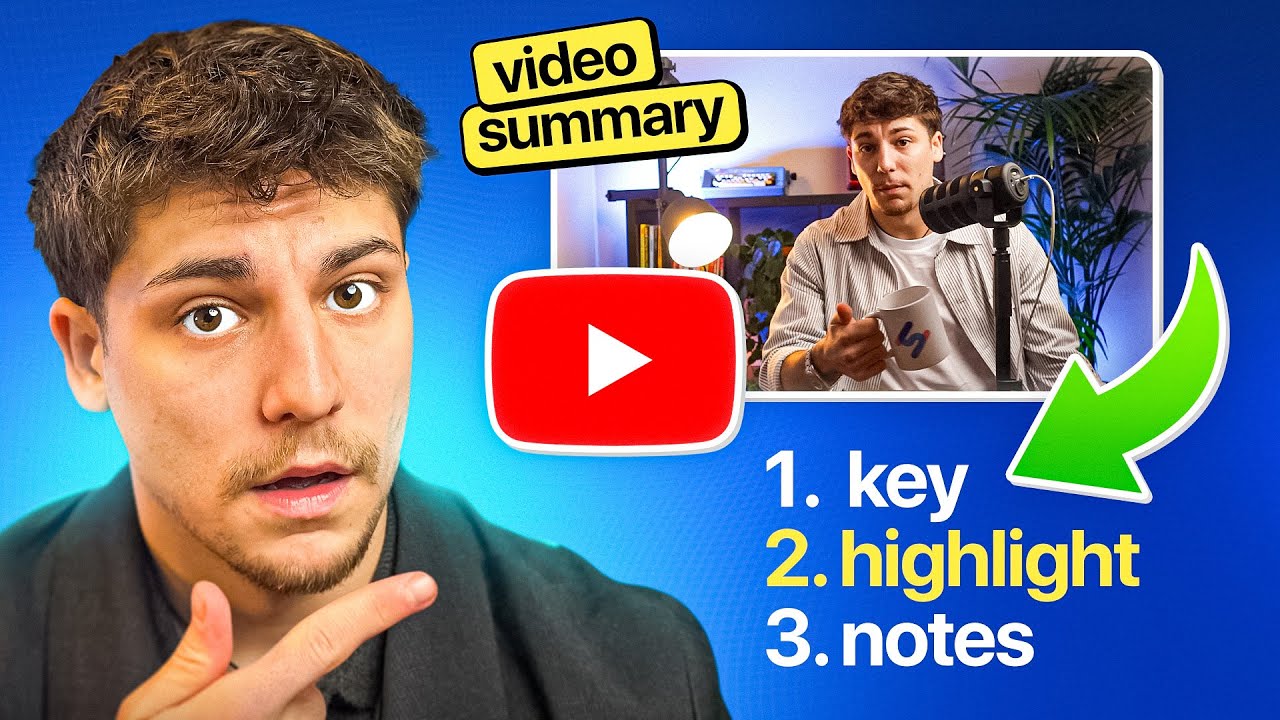
Get your AI YouTube video summary
Click “Summarize” and our summary tool distils hours of footage into bullet points, Q&A or timestamped key insights. You can also ask follow‑up questions.
Advanced AI Technology
Our AI tools blend leading large language models with HappyScribe’s proprietary language models to capture nuance and deliver reliable summaries. Whether you’re analysing interviews, webinars or training sessions, our video summary tool gives you accurate, context‑aware results, fast.

Multiple Insights Formats
Get the right video summary in the format that fits your workflow: choose a concise paragraph for quick context, bullet‑point takeaways for actionable next steps, a Q&A outline for interview‑style videos, timestamped headlines that jump straight to key moments, or set a custom length from brief highlights to deep‑dive analysis.

YouTube Video Summary
From every YouTube transcript we can create engaging blog posts, social captions, email drafts, SEO‑optimized show notes, or even chapterized video descriptions. Generate YouTube summaries in seconds, turn them into timestamped headlines, or repurpose them across channels all with the same AI tool.

Who uses our video summarizer?
-

Students
Skim lectures, tutorials and course recordings to study smarter.
-

Content creators
Repurpose video summaries into blog posts, scripts and newsletters.
-

Researchers
Review webinars, conference talks and interviews faster.
-

Podcasters
Turn episodes into timestamped show notes and shareable highlights.
-

Business
Convert meetings and training into searchable knowledge.
Why choose HappyScribe’s AI video summarizer?
-

Summarize videos in 150+ languages
Our AI summarizer supports content in over 150 languages so you can generate accurate summaries no matter the language of your video. Perfect for global teams, educators, and content creators.
-

Compatible with 45+ video formats
Upload videos in virtually any format MP4, MOV, AVI, MKV, and more. Our summarizer handles it all and converts them into clean, readable summaries with clickable timestamps and format flexibility.
-

Secure and confidential
Your video content stays safe with enterprise-grade protection. We’re SOC 2 Type II and GDPR compliant, so your data is always handled with confidentiality and care.
FAQ
What is a YouTube video summarizer?
A YouTube video summarizer is an AI‑powered tool that turns any YouTube link or uploaded video into a concise, easy‑to‑read synopsis.
How do I summarise a YouTube video with HappyScribe?
Paste the URL (or upload a file), click “Transcribe & Summarise,” and our AI delivers the transcript and summary in 30–60 seconds.
Is it free to use?
Yes, every account gets three free summaries. Upgrade to Pro for unlimited videos and advanced features like custom lengths and formats.
Can HappyScribe handle long videos and highlight key points?
Yes. We process multi‑hour recordings with up to 98% accuracy, pinpointing key points and providing timestamped links for instant navigation.
Is my data secure when using the service?
Absolutely. We're GDPR compliant and SOC 2 certified. Videos are processed securely and deleted immediately after summarization unless you choose to save results.
Can AI summarize any video, not just YouTube?
Yes. Paste a YouTube link or upload any video file (MP4, MOV, AVI, MKV and 45+ other formats), such as a lecture, webinar or Zoom recording. HappyScribe transcribes it with up to 98% accuracy and summarizes the key points in seconds, in 150+ languages.
Discover Related tools
Related articles
-
How to Write An Objective Summary with AI
Learn how to write an objective summary with AI, plus examples, best practices, and tools to keep summaries factual and unbiased.
-

How to Transcribe YouTube Videos + 3 Best Tools to Do it Accurately in 2026
Need a quick YouTube transcript? Compare the best methods and see how HappyScribe delivers the most accurate transcripts for creators and students.
-

How to Summarize YouTube Videos in Seconds + 5 Tools That Do It Best [2026]
Looking for a quick way to summarize YouTube videos? Learn how to do it in seconds and compare the top AI tools for fast and reliable summaries.
-

AI vs. Human Transcription: Which One Should You Use?
AI or human transcription? Learn when each works best, where accuracy can vary, and when human review is worth the extra time.
-

5 Best European Alternatives to Sonix [2026]
Find the best European alternatives to Sonix for file transcription, subtitles, and meeting notes, with verified EU data residency
-
5 Best European Alternatives to Rev [2026]
Find the best European alternatives to Rev for human transcription, subtitles, and meeting notes, with verified EU data residency.