
Connect your calendar
Sign up for free and connect your Google or Outlook calendar to HappyScribe. HappyScribe joins every scheduled research session on its own.
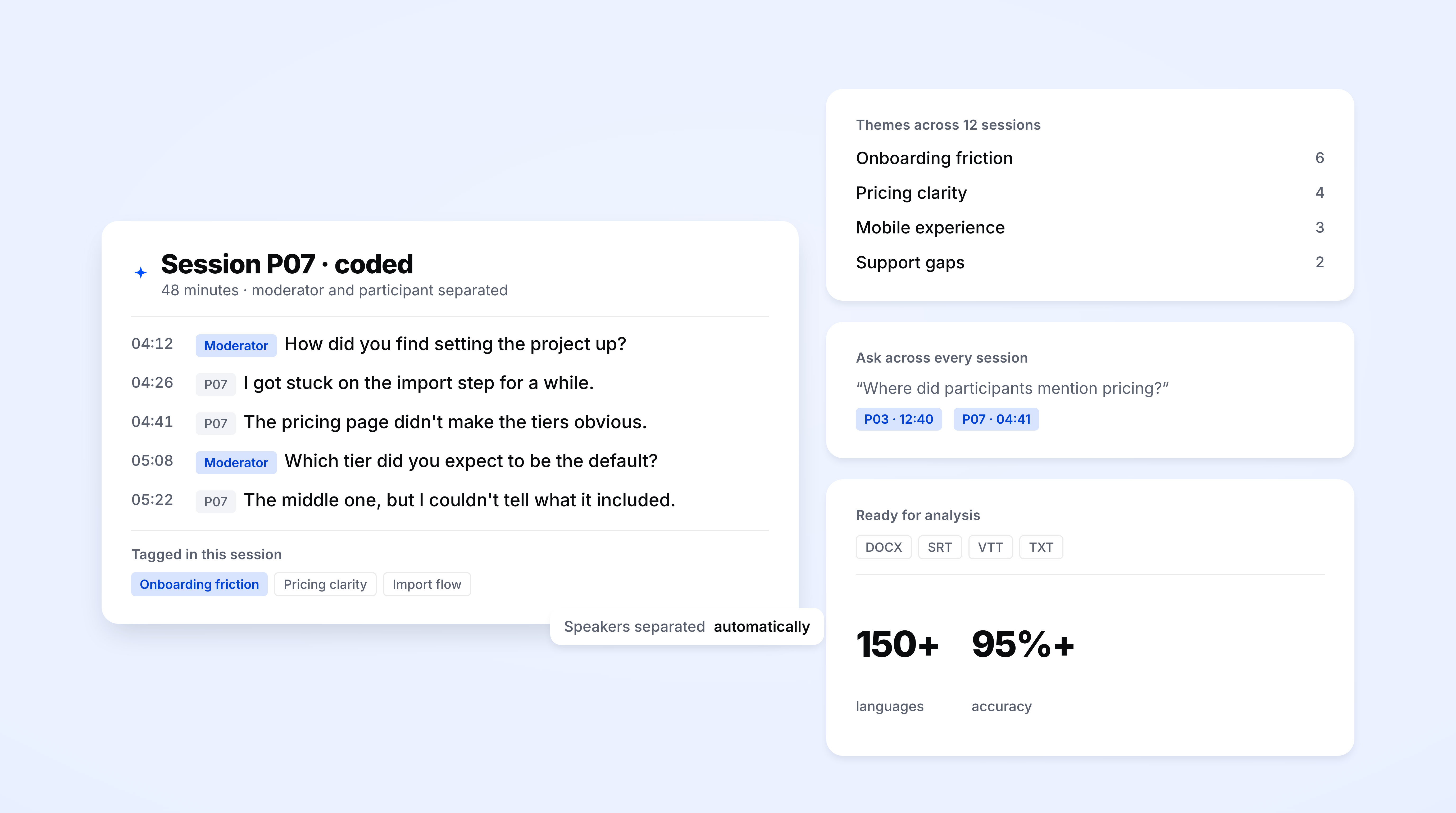
HappyScribe joins your Zoom, Teams, or Google Meet call and separates the moderator and participant into their own timestamped tracks. Transcripts export straight to your research repository, in 150+ languages.
Trusted by 6m+ users and 41,000+ teams of all sizes
Sign up for free and connect your Google or Outlook calendar to HappyScribe. HappyScribe joins every scheduled research session on its own.
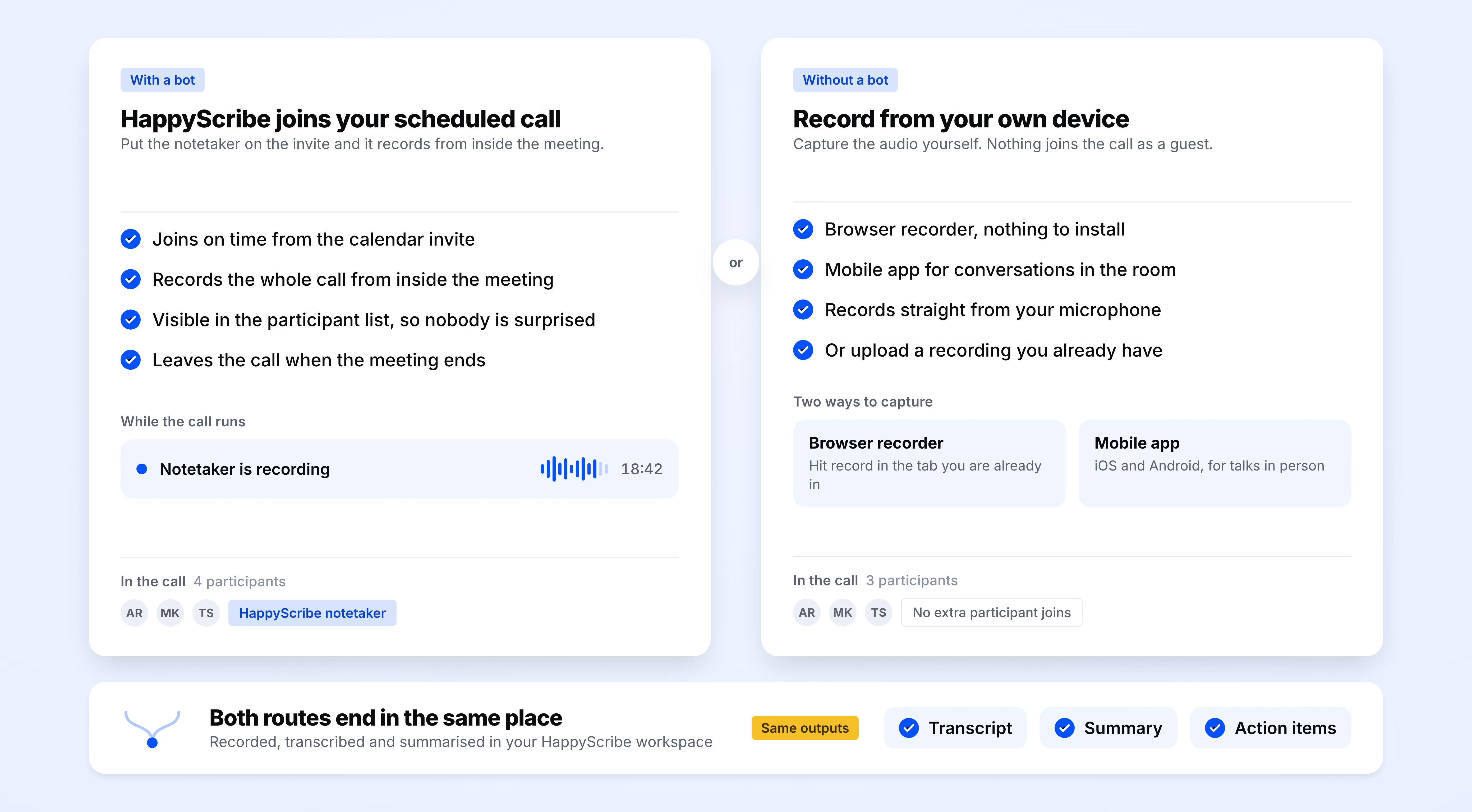
HappyScribe joins your Zoom, Teams, or Google Meet as a participant and records audio and video.
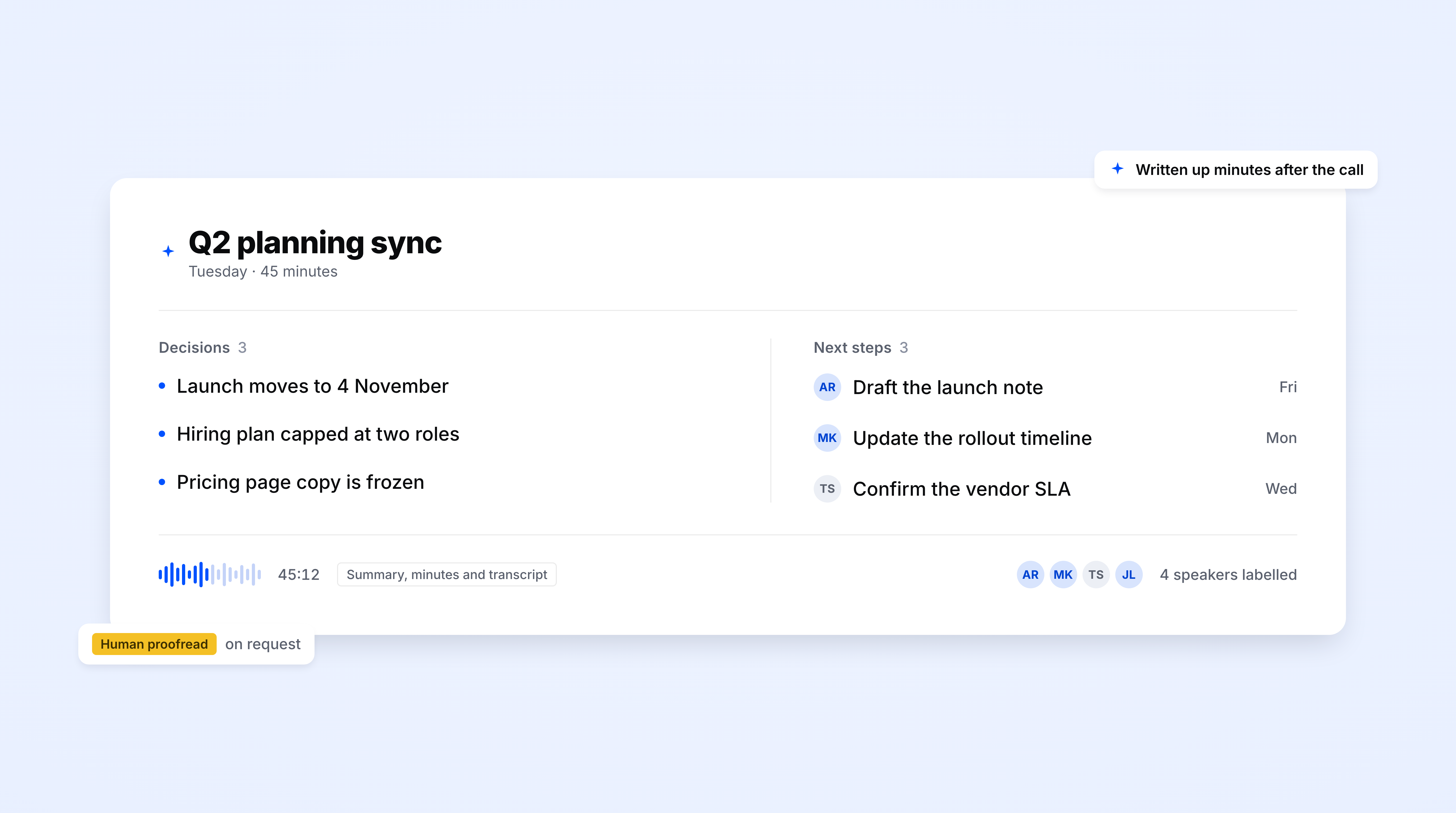
A speaker-separated transcript lands in your inbox moments after the session ends, with clear timestamps. Export to DOCX, TXT, and SRT.
Every line is tagged with the speaker, even in focus groups with multiple participants.
Use HappyScribe’s Ask AI to query past interviews, and get the answer with an exact timestamp.
Transcripts land where your analysis already happens. Push to Dovetail, Notion, Airtable, or Miro through Zapier, or download raw DOCX, TXT, and SRT.
When a stakeholder pushes back on a finding, you can show them the moment it happened. Every session is captured in audio and video, ready to replay.
Don't just download your transcript; refine it. Play audio as you edit, fix repeated terms, add speaker labels, and collaborate with your team, all in one place.
Transcripts are ready to code as soon as you receive them. Each speaker turn appears in a separate paragraph, with timestamps preserved and no extra formatting to clean up.
Run research across markets without changing your workflow. The transcript automatically detects spoken languages across 150+ languages and dialects.
Keep research data aligned with your policies. Delete participant sessions on request, set retention windows, and keep data in EU data centers, with the option to opt out of AI model training.
The AI Notetaker is a real game-changer for us. There's no need to write everything during meetings anymore; now I can actually engage.
Get 95%+ accurate AI transcription. Use custom glossaries to keep research terminology consistent and apply summary templates to structure key findings from each session.
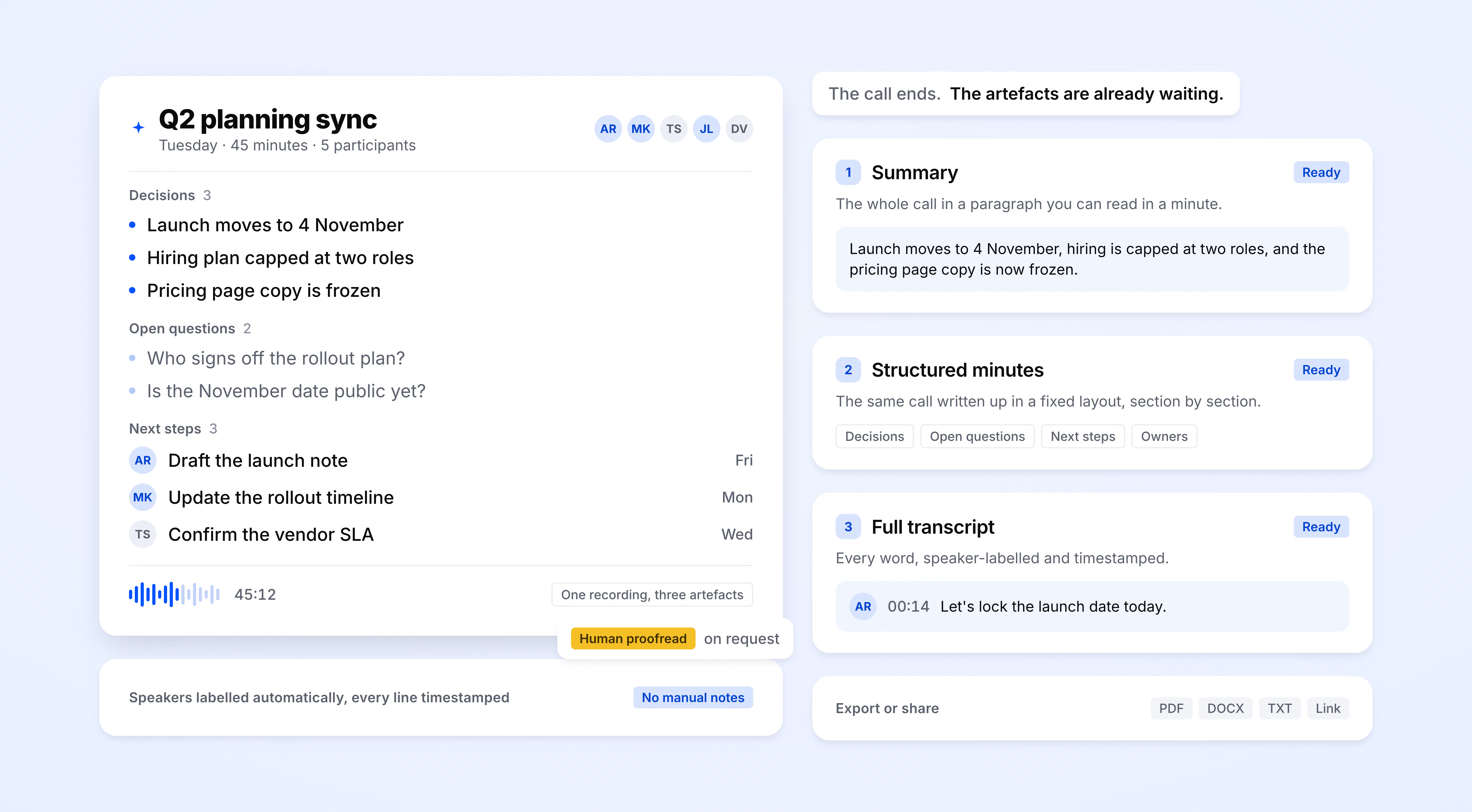
HappyScribe auto-detects the language being spoken. Supports 150+ languages and dialects.
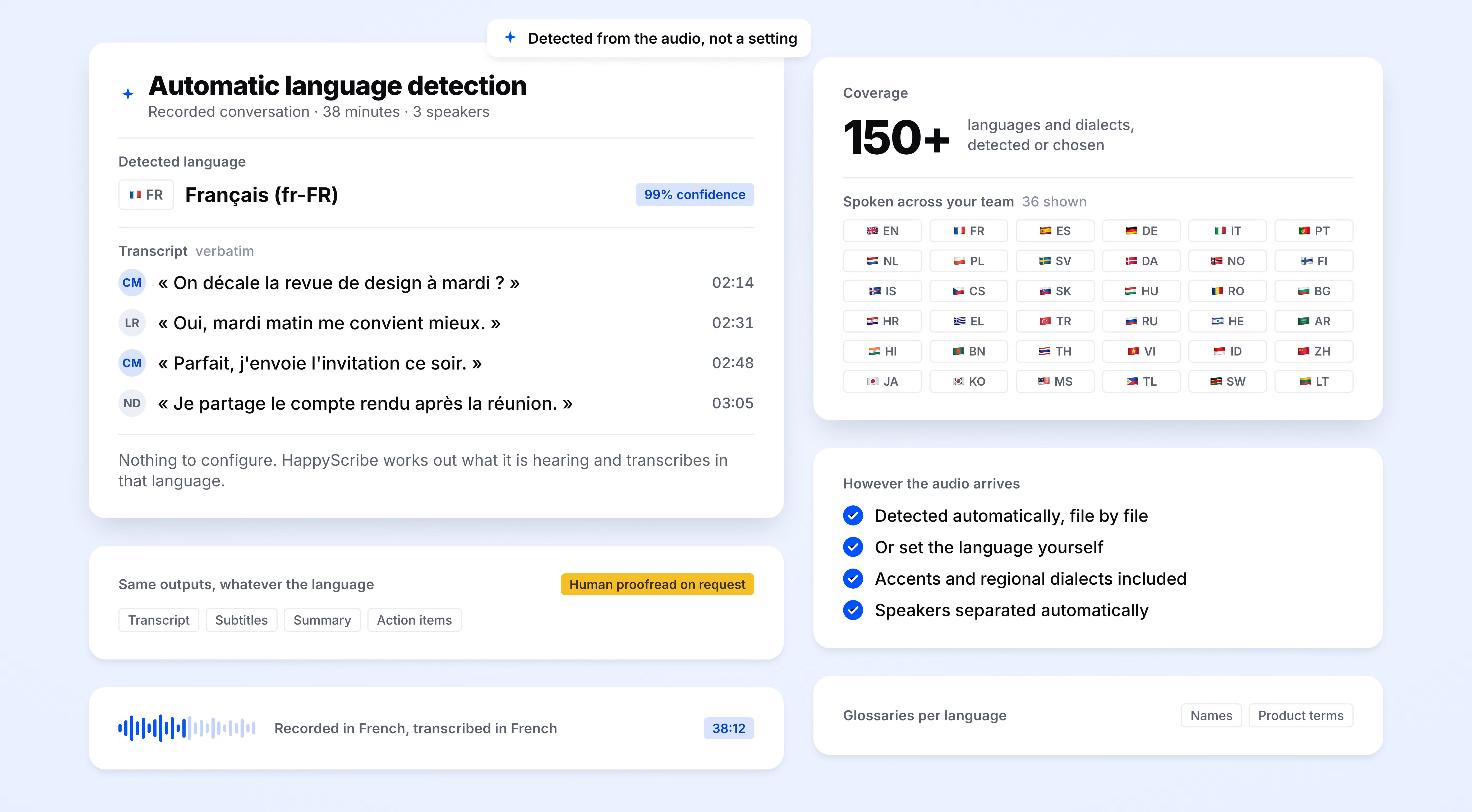
SOC 2 Type II-certified. GDPR-compliant. Headquartered in Barcelona with data stored in PCI DSS and ISO 27001-compliant EU data centers.
Data is encrypted in transit and at rest.
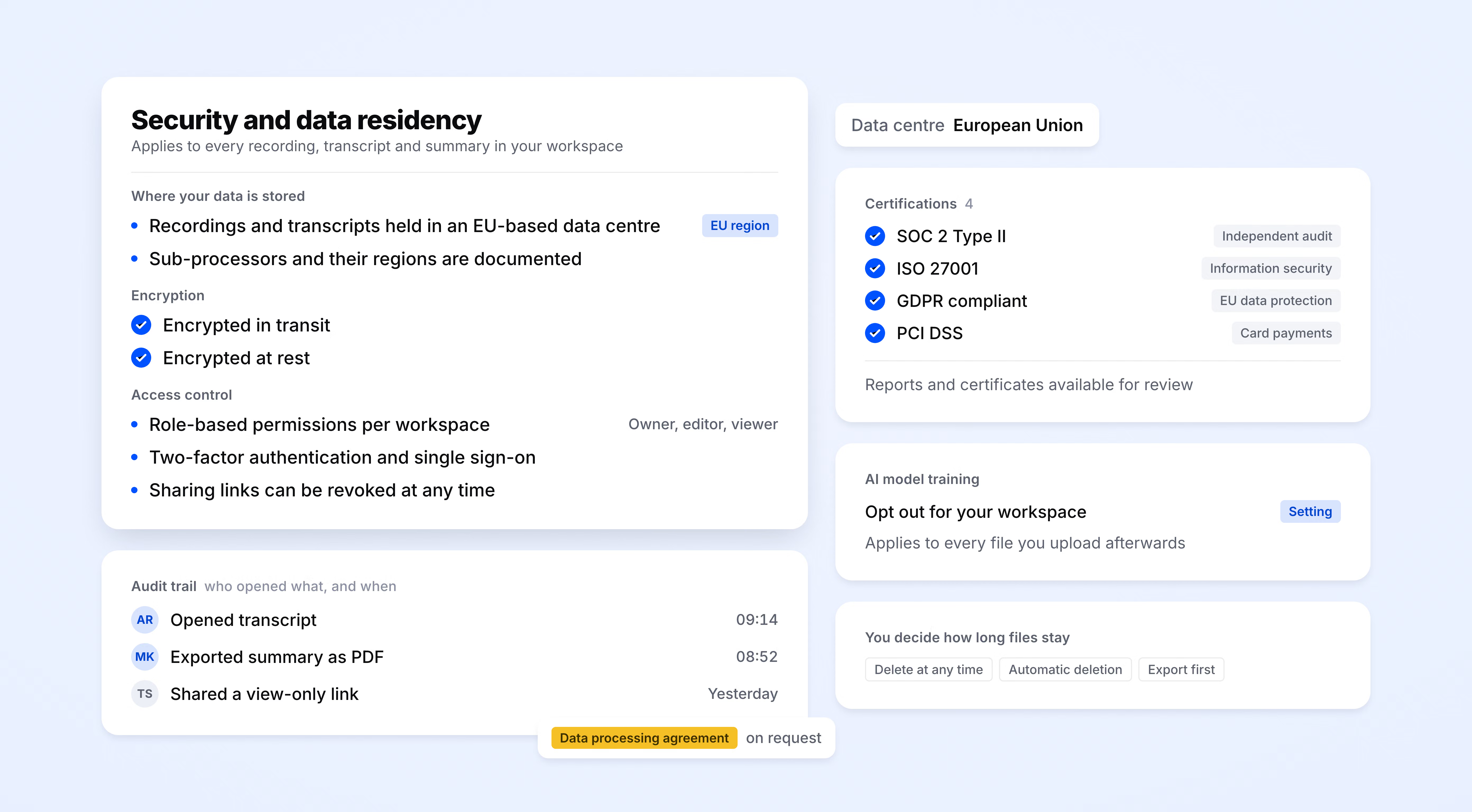
HappyScribe joins your scheduled meetings as a participant, or you can use the mobile app or browser-based recorder to go bot-free.
You control how your meetings are recorded.
6 hours
of manual transcription saved per research sprint
95%+
transcription accuracy
150+
languages and dialects supported
41,000+
teams already using HappyScribe
HappyScribe is an excellent tool, especially the subtitle translation feature. It improves your SEO in multiple languages!
Tried HappyScribe after wasting time with Rev. HappyScribe was far more accurate and their editor is great.
Excellent service to transcribe recordings and saving me much time!
I was pleasantly surprised by the accuracy of this transcription in Spanish, as well as by the usefulness of the playback feature, time stamps, and ability to correct it within the app.
I am a radio journalist and transcribing interviews always took up a lot of time. HappyScribe is very accurate and it saves me so much time.
I used them for free. They are way better than they claim.
I used to use Rev.com and recently moved over to HappyScribe based on the referral from a friend. Low cost, easy to upload/download, and quick, accurate captions. I definitely recommend.
First time using. Worked great to transcribe meeting recording. Love that it identified different speakers.
US English transcription is better than expected. Punctuation works and editing those parts that need correction works like a charm.
User research transcription turns interviews, usability tests, focus groups, and diary study check-ins into searchable text. HappyScribe adds speaker labels and timestamps, then lets you export transcripts for use in tools like Dovetail, Notion, Airtable, and Miro.
HappyScribe automatically identifies speakers and labels their contributions in the transcript. You can rename speaker labels after the session, making it easy to distinguish moderators, participants, or multiple speakers in a focus group.
Yes. HappyScribe’s AI Chat lets you ask questions across all sessions in a study. Find every mention of a specific discussion point and jump to the exact timestamp in the source recording.
Data is stored in a PCI DSS and ISO 27001-compliant EU data center. Participant recordings can be deleted on request, retention windows are configurable, and you can opt out of training AI models. HappyScribe is SOC 2 Type II-certified and GDPR-compliant.
Yes. HappyScribe offers a free plan with unlimited meeting recordings. No credit card required.
95%+ for AI transcription across all supported languages.
HappyScribe supports 150+ languages and dialects, with automatic language detection.
Yes. HappyScribe offers a bot-free browser recorder and mobile app to capture audio from your device.
All data is stored in an EU-based data center that is PCI DSS and ISO 27001-compliant.
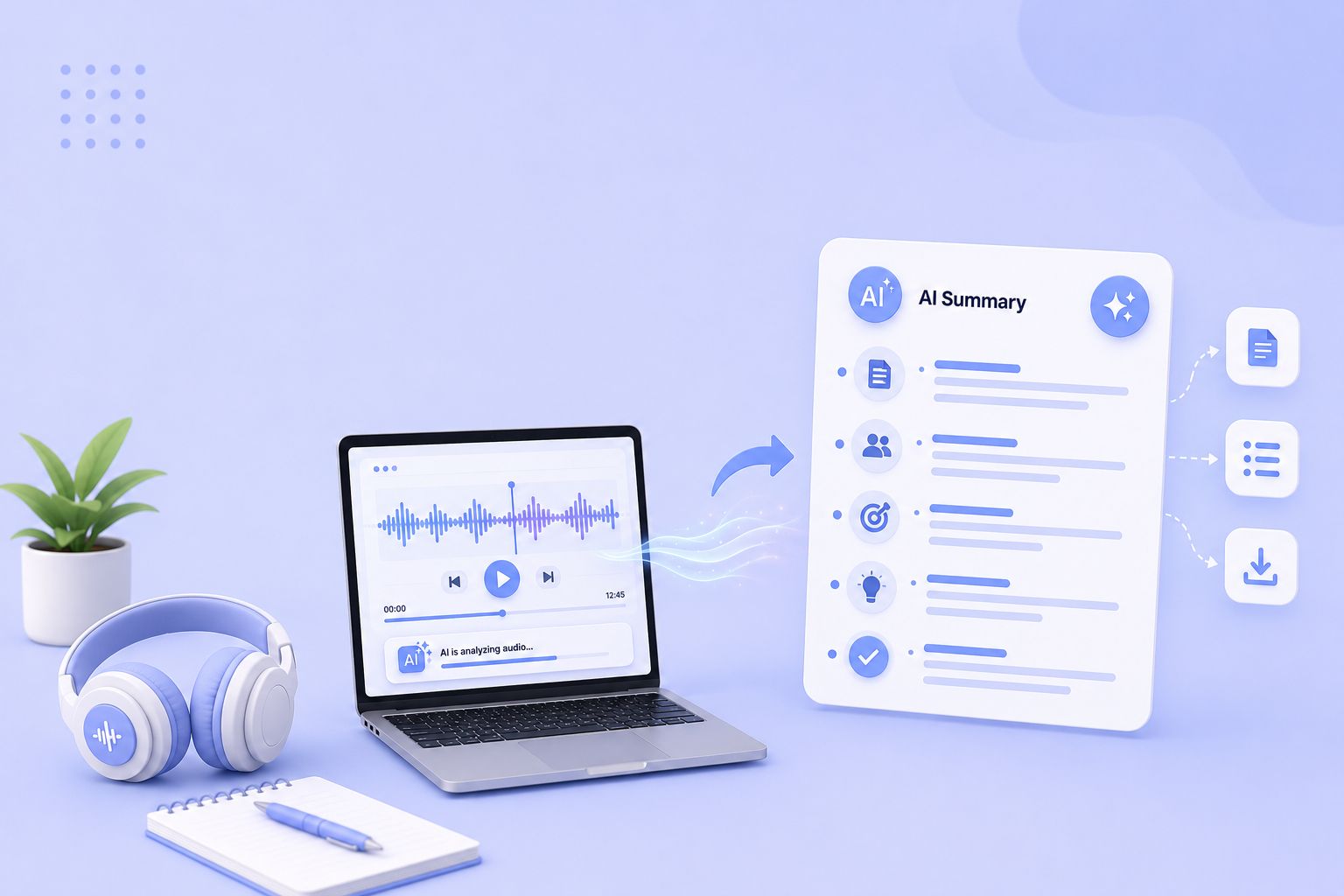
Compare the 5 best free audio summarizer tools in 2026. I tested each for accuracy, languages, and free plan limits so you can choose fast.
MeetGeek not keeping up? We've picked 5 alternatives that offer better accuracy, stronger language support, and more control over your meeting notes.
Looking for Otter alternatives? Compare the top 5 tools for AI meeting notes and discover why HappyScribe is the best one for security and accuracy.

Build a customer research repository with HappyScribe and Claude. Transcribe interviews, organize by folder, and query months of customer evidence on demand.

Turn recorded lectures into study guides with Claude. Transcribe in HappyScribe, connect the two, and build revision material from a whole module.
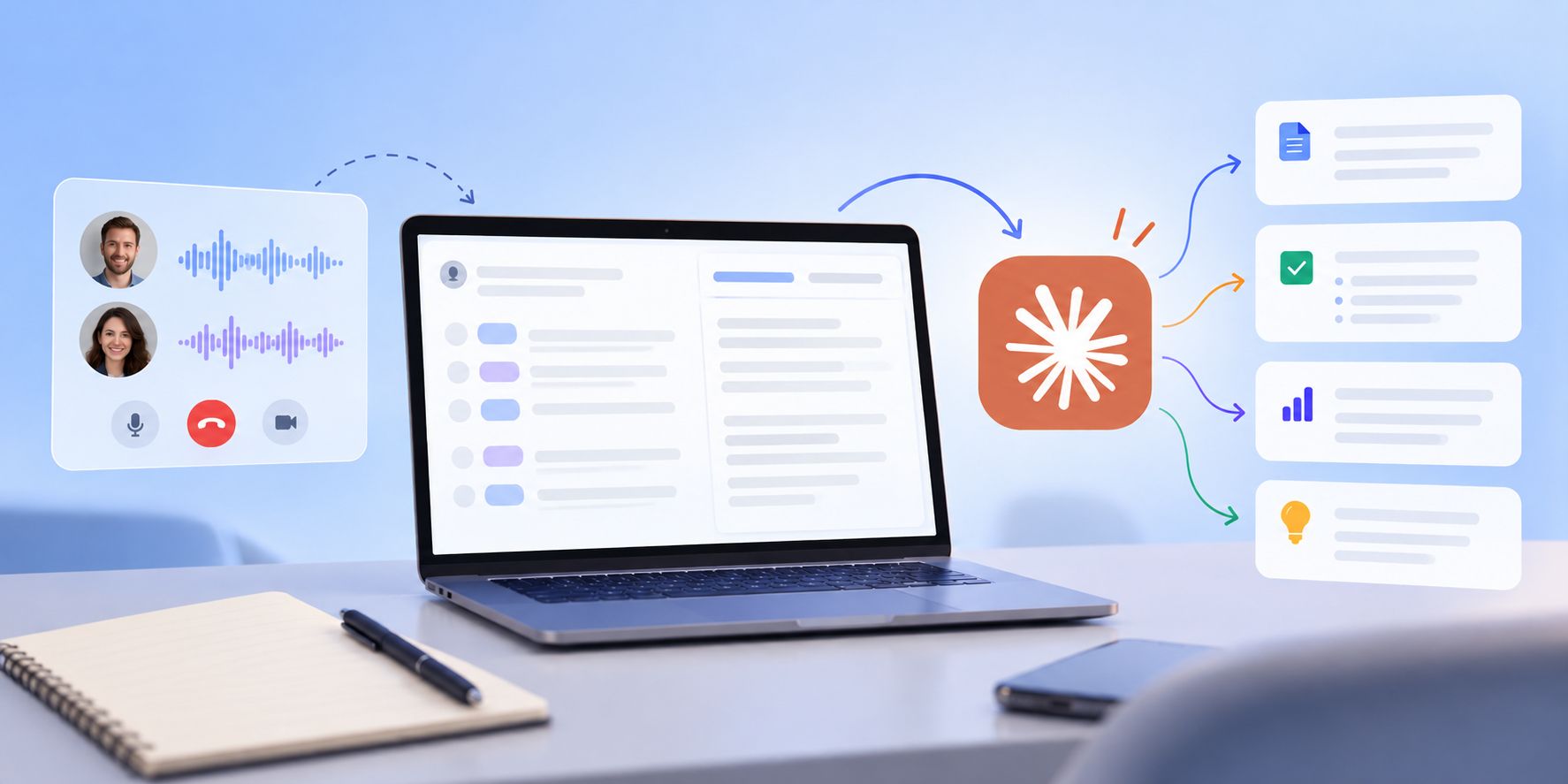
See how Claude helps sales teams analyze calls, review objections, coach reps, compare deals, and find recurring buyer themes.