
Connect your calendar
Sign up for free and connect your Google or Outlook calendar in under two minutes. HappyScribe then joins every scheduled standup on its own.
HappyScribe joins your Zoom, Teams, or Google Meet standup and posts daily standup notes — yesterday, today, blockers — to Slack before anyone opens Linear. Works in 150+ languages.
Trusted by 6m+ users and 41,000+ teams of all sizes
Sign up for free and connect your Google or Outlook calendar in under two minutes. HappyScribe then joins every scheduled standup on its own.
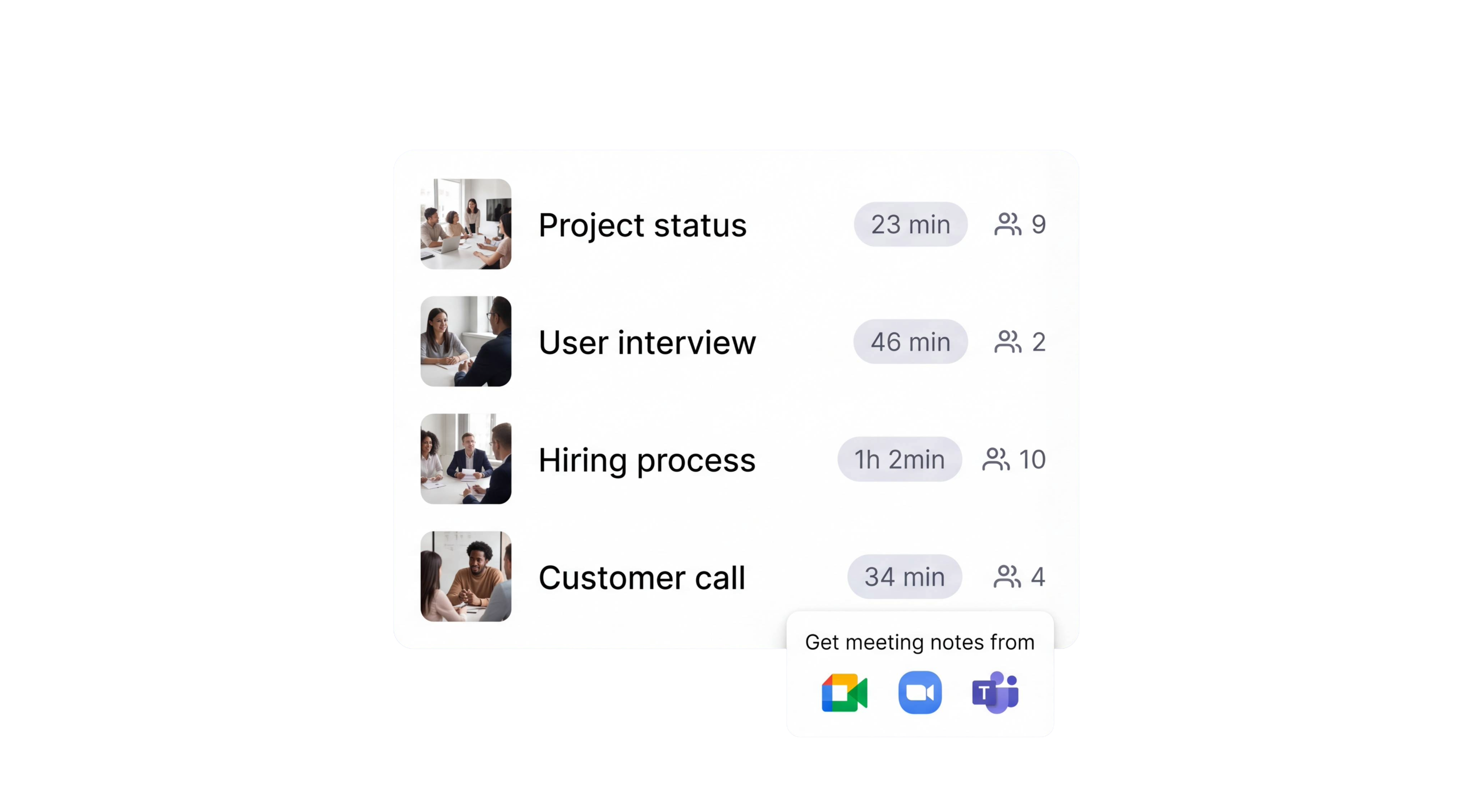
HappyScribe joins your Zoom, Google Meet, or Microsoft Teams standup as a participant and records audio and video. Async Loom-style updates drop in the same way.
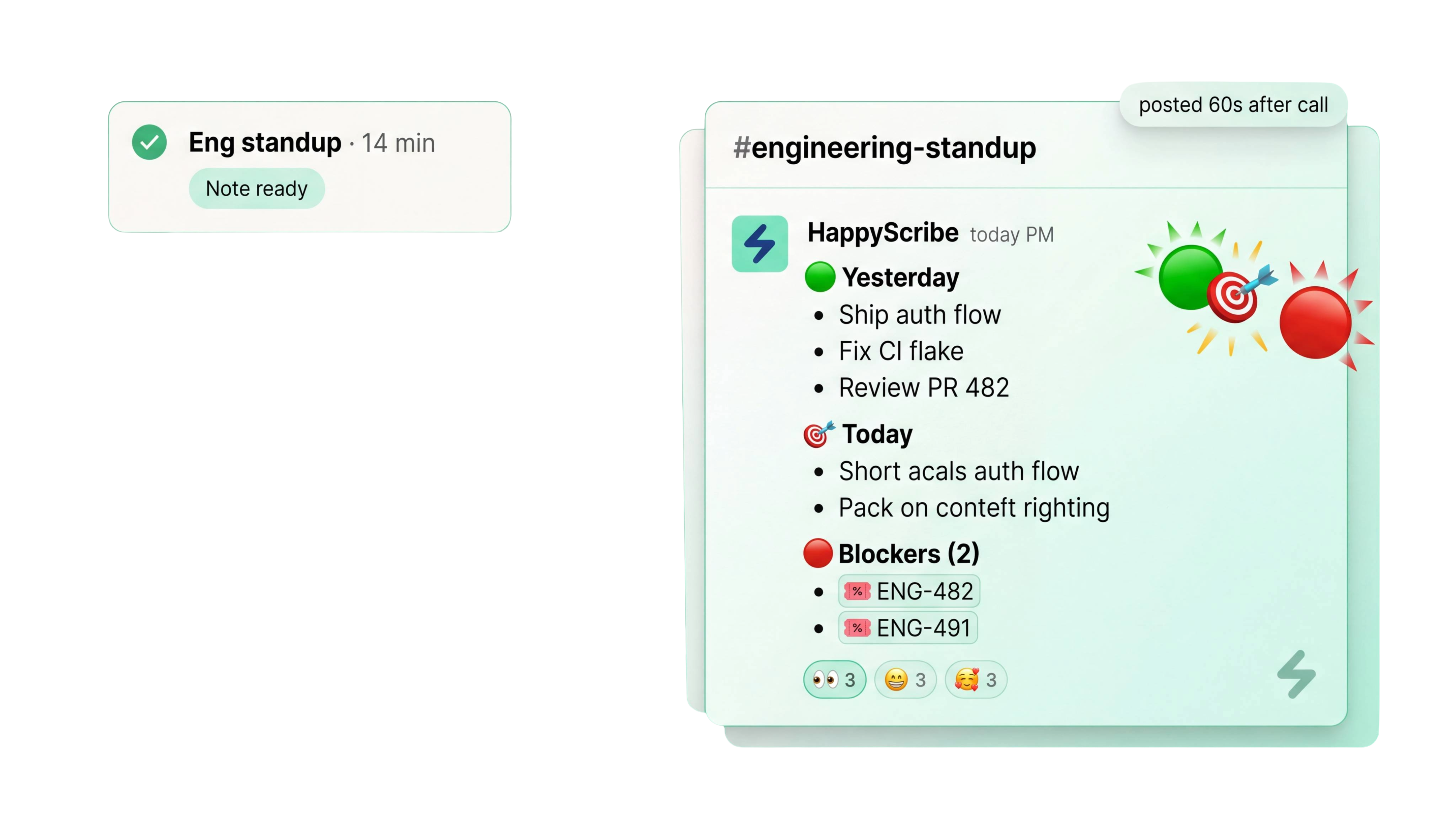
A per-person recap lands in Slack moments after the call ends. Yesterday, today, blockers, with Linear, Jira, and GitHub ticket IDs auto-linked. No three-page minutes for a 15-minute call.
Phrases like blocked on, waiting for, or can't ship until get flagged as blockers and assigned to the speaker. Carryover blockers from yesterday surface at the top of today's notes.
Notes post to your team channel in the same format every day. Sprint goal at the top, per-person updates below, blockers pinned.
Ask a question about any past standup and get an answer with the exact timestamp. Skip scrubbing through five days of recordings.
Search across every standup you've recorded. Find when a ticket was first flagged, who owned it, and whether a blocker has come up three days in a row.
Mentions of ENG-412, LIN-88, or a GitHub PR number become clickable links in Slack and Notion. Linear, Jira, and GitHub IDs stay live wherever the digest lands.
Every standup is recorded with audio and video. Skip the call when you're sick and catch up in three minutes.
Connect HappyScribe to Slack, Linear, Jira, Notion, GitHub, and more through Zapier, MCP server, or API. Route the digest to your team channel, blockers to on-call, transcripts to a Notion sprint page.
Every voice on the call is labeled automatically. See who owns each update, who flagged each blocker, and who committed to unblocking whom.
The AI Notetaker is a real game-changer for us. There's no need to write everything during meetings anymore; now I can actually engage.
Yesterday, today, blockers, per person, with ticket links. The engineer in Lisbon who sleeps through the 9am London standup opens Slack, reads 12 lines, and knows exactly what the team shipped and what needs unblocking. If your team skips the live call entirely, see async communication for recorded updates that never involve a scheduled meeting.
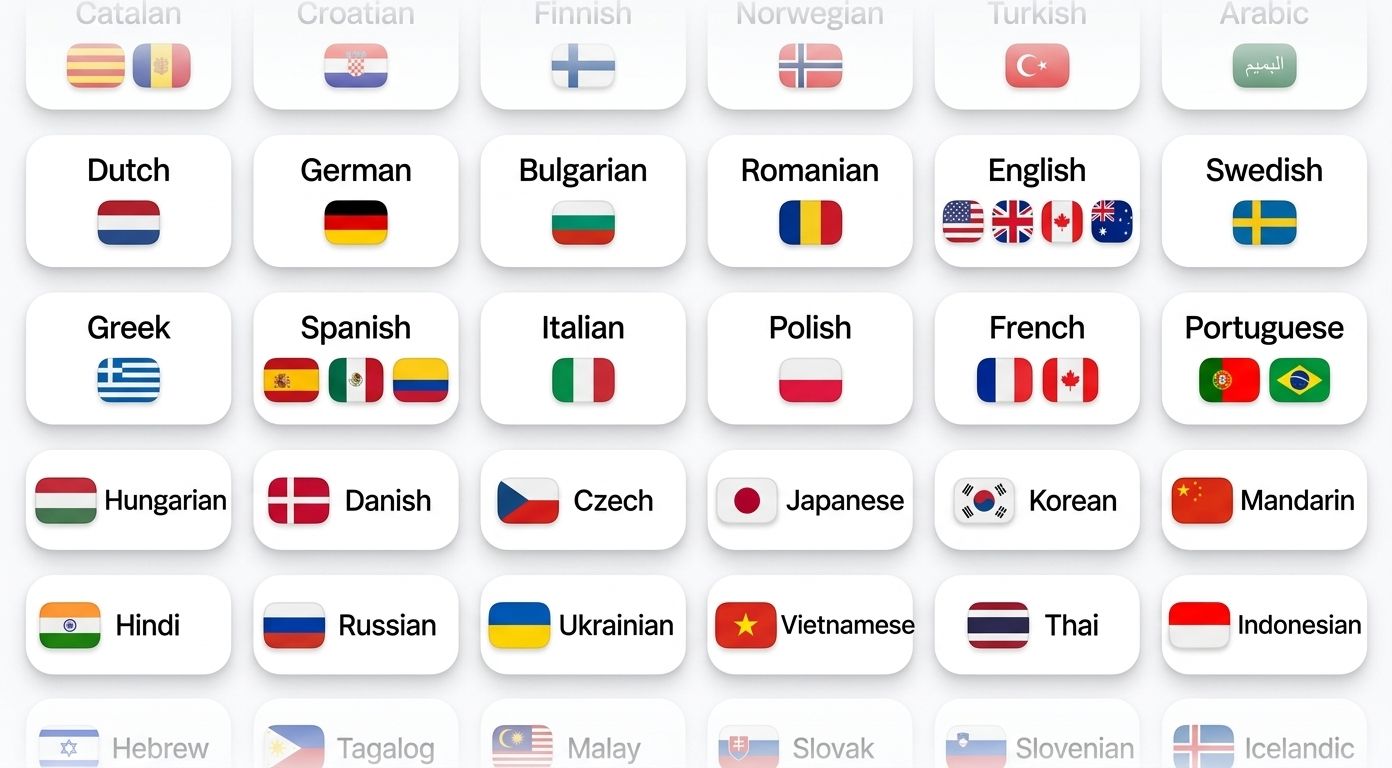
HappyScribe auto-detects the language being spoken and handles mid-call switching. Supports 150+ languages and dialects.
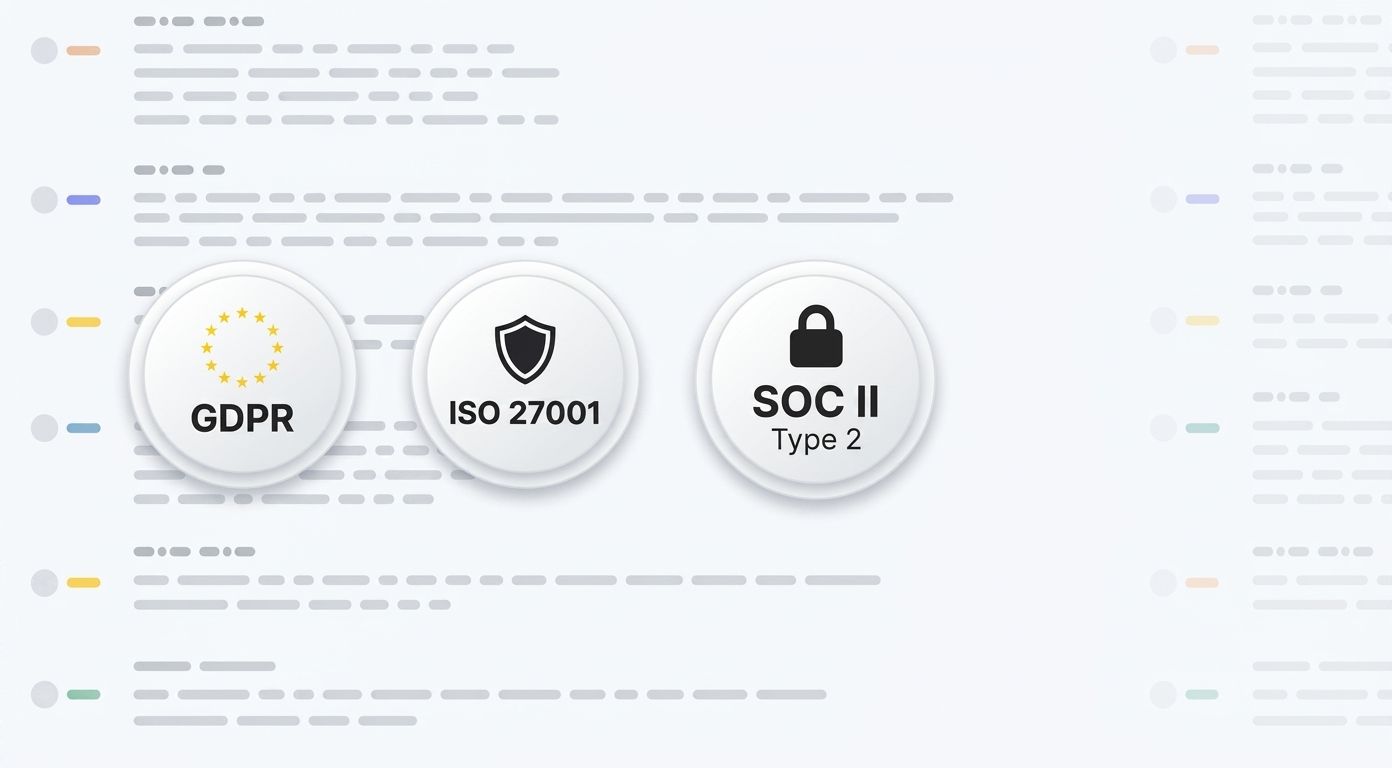
SOC 2 Type II-certified. GDPR-compliant. Headquartered in Barcelona with data stored in PCI DSS and ISO 27001-compliant EU data centers.
Data is encrypted in transit and at rest. Your content is never used to train AI models.
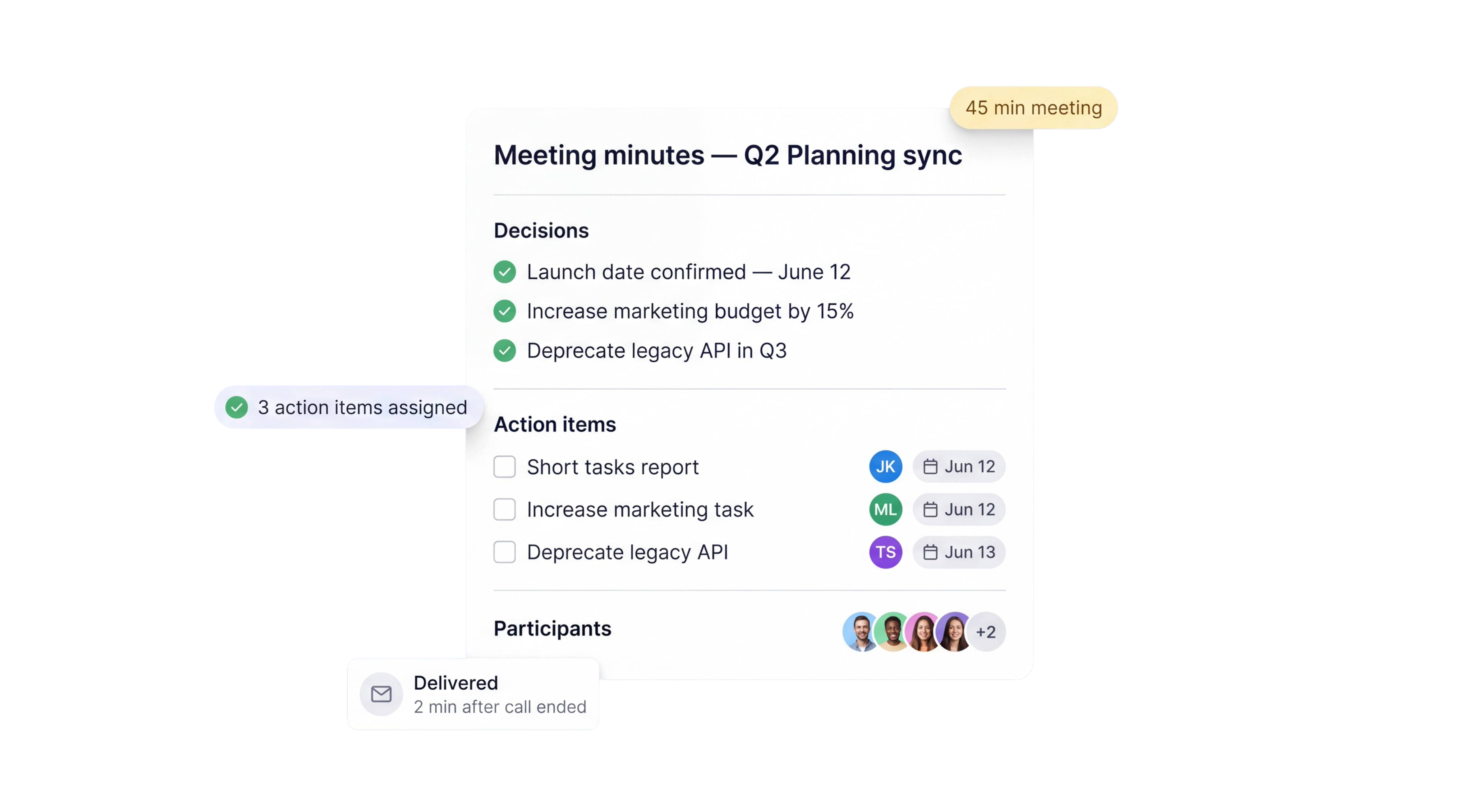
HappyScribe joins your scheduled meetings as a participant, or you can use the browser-based recorder to go bot-free.
You control how your meetings are recorded.
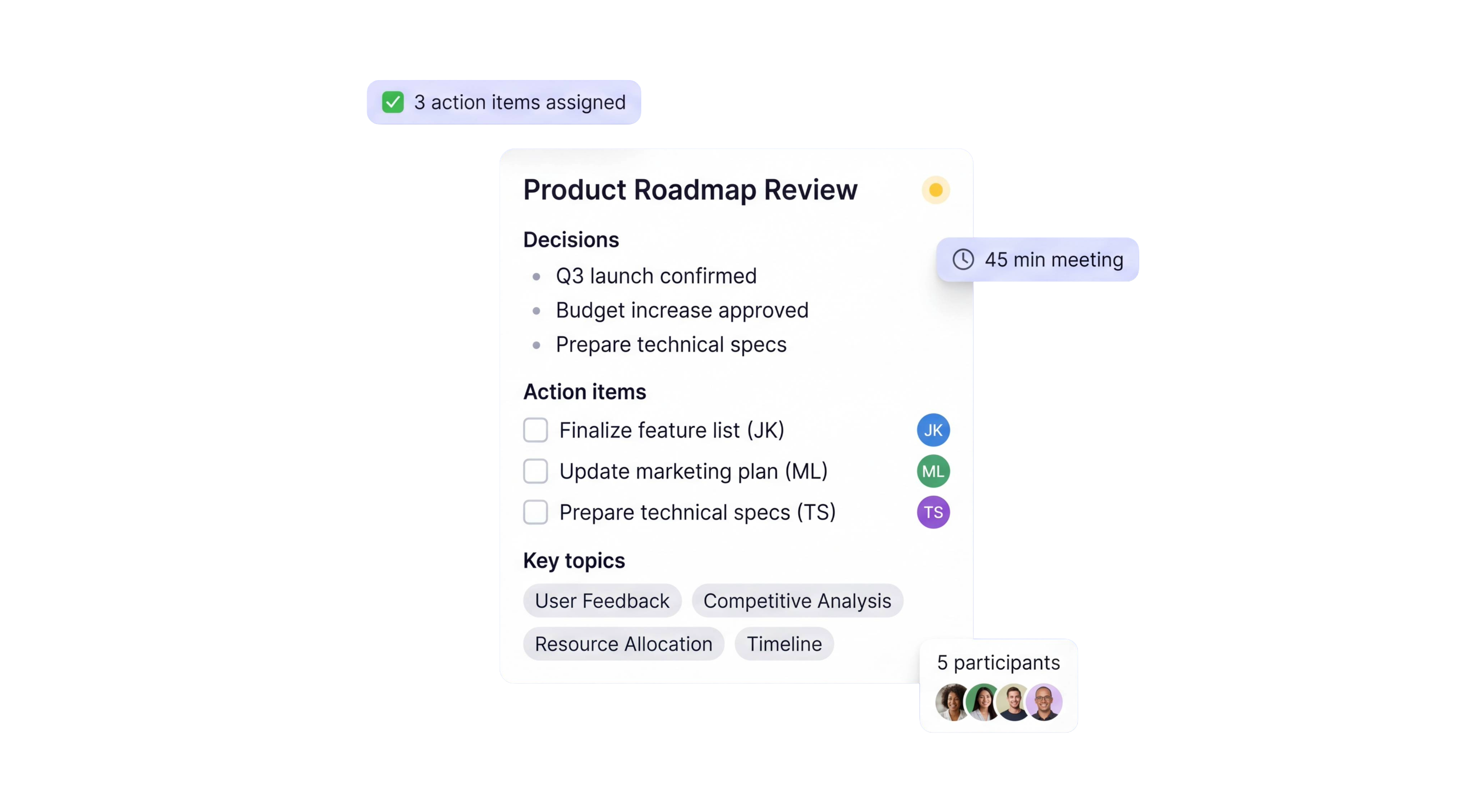
Three outputs from the same recording, shaped for agile teams.
Sprint goal at the top, per-person yesterday, today, and blockers below, carryover items surfaced from yesterday. Posted to Slack automatically. Export to Notion or Markdown.
Every blocker raised in the call, tagged with the owner and the Linear, Jira, or GitHub ticket ID. Open blockers from earlier standups stay on the list until they close.
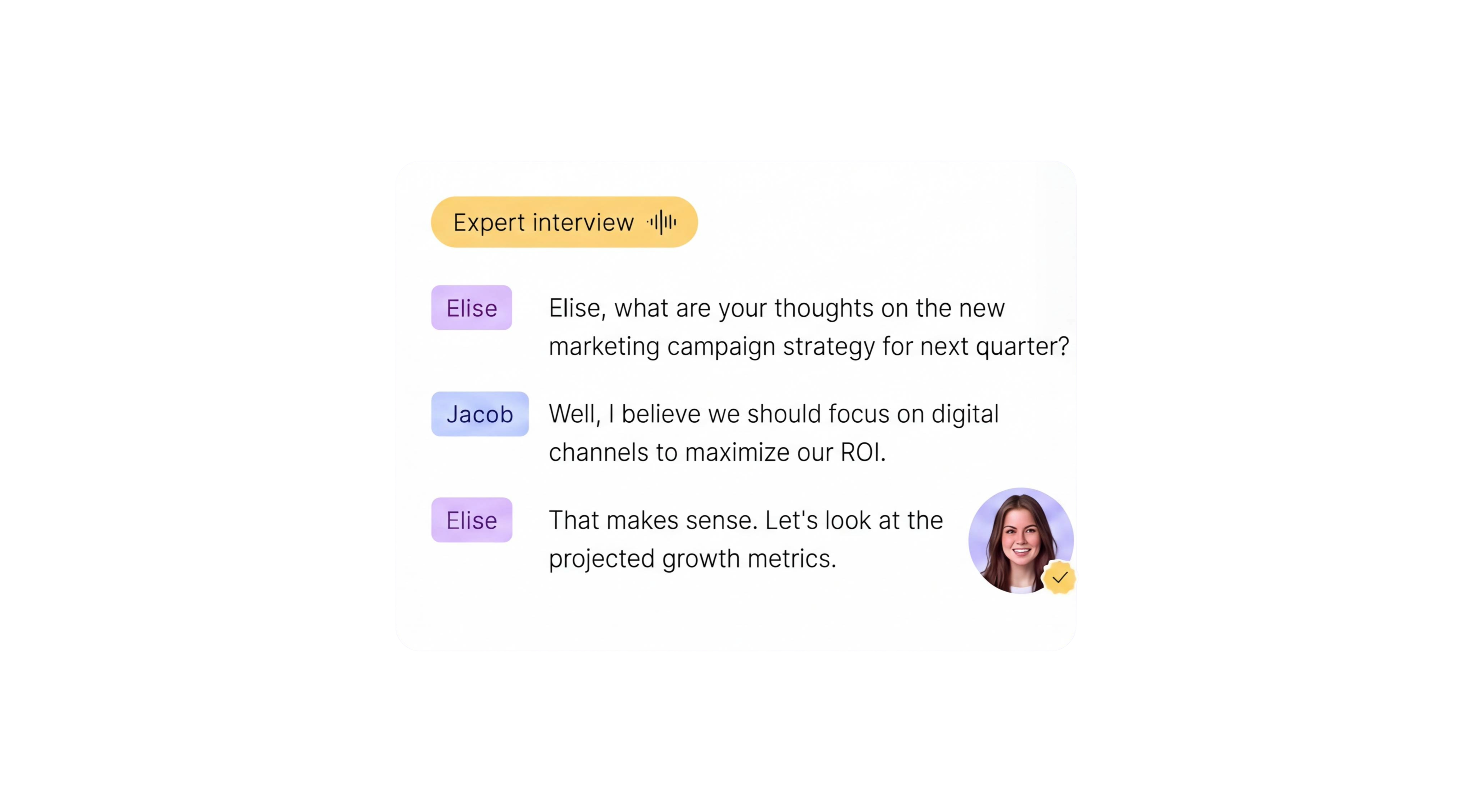
Word-for-word record with speaker labels and timestamps. 95%+ accuracy across accents, 150+ languages supported. Searchable so the async reader can jump to the exact 20 seconds that matter.
60 seconds
from call ending to digest posted in Slack
95%+
transcription accuracy
150+
languages and dialects supported
41,000+
teams already using HappyScribe
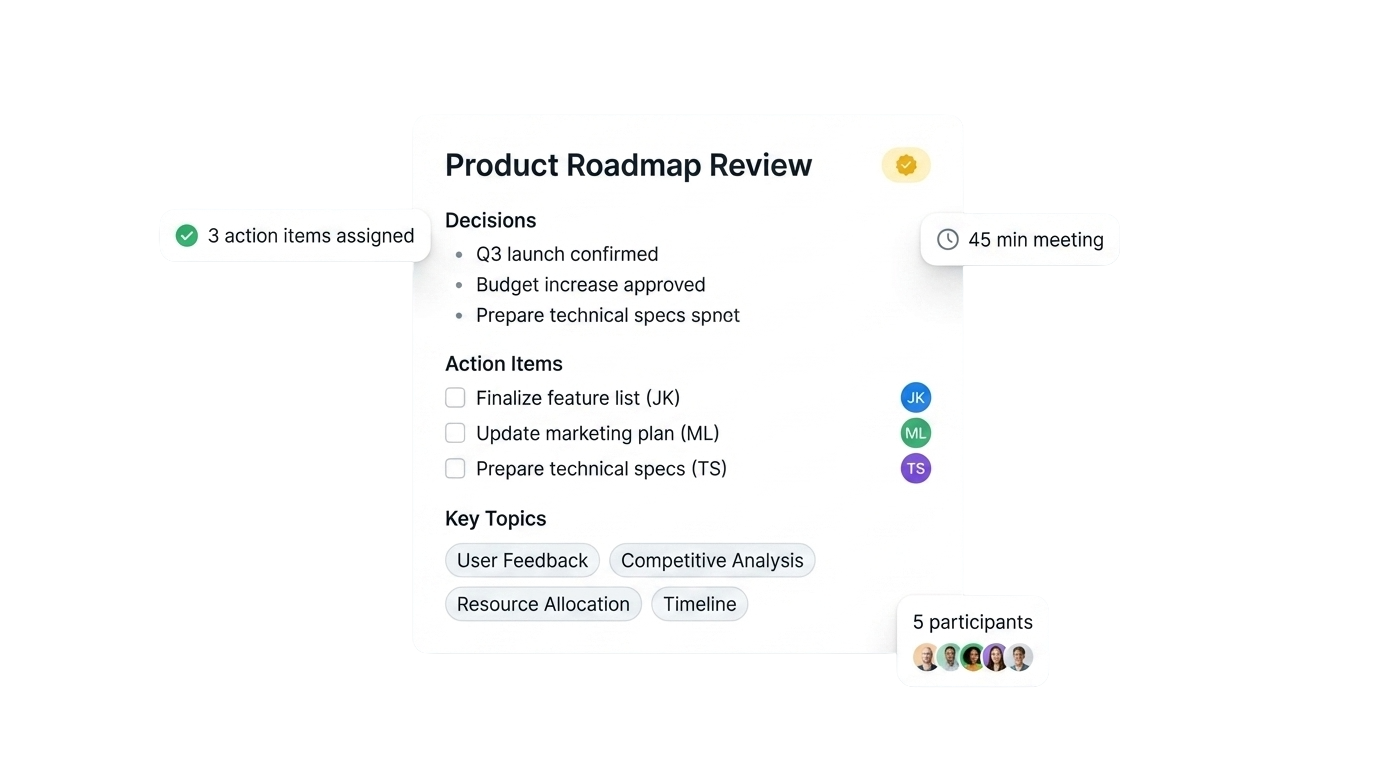
|
|
Scribble-on-the-fly |
AI daily standup notes |
|---|---|---|
|
Time to produce |
10-15 minutes after the call from whoever volunteered |
Posted to Slack in under 60 seconds |
|
Accuracy |
Depends on who was half-listening |
95%+ with full transcript backup |
|
Consistency |
Different format every day, different writer every week |
Same structured format every standup |
|
Blockers |
Often missed or buried in chat |
Auto-tagged with owner and ticket ID |
|
Carryover from yesterday |
Only if someone remembers |
Surfaced at the top of today's notes |
|
Async teammates |
Read 40 messages or watch the full replay |
Read the digest in 60 seconds |
|
Ticket and PR links |
Typed manually, often broken |
Linear, Jira, GitHub IDs auto-linked |
A very helpful tool, although could do with more free minutes.
Quick, accurate and with an excellent online editor, HappyScribe makes short work of your transcription needs.
Best transcription service there is.
Very easy in use, good quality despite low quality audio file
I found it very simple to understand and follow. It generated exactly what I wanted and what I expected. The results were very close to near perfect, word for word.
Easy to use, accurate transcriptions, effective
The best transcription for subtitles that I've ever seen. In French! Almost no need for correction, I corrected one word and one space in a 3-minute video.
Very happy with the product. Needed a document pulled from a Zoom video. HappyScribe was easy to use and did a great job!
HappyScribe enabled a no-mess, no-hassle service delivery of a flawless transcription. Couldn't be happier.
Daily standup notes are a short written record of an agile team's daily scrum, covering what each person did yesterday, what they plan to do today, and what is blocking them. HappyScribe generates them automatically from your Zoom, Teams, or Google Meet call. The format mirrors a normal scrum update, per person, three sections, blockers tagged, posted to Slack within 60 seconds of the call ending.
HappyScribe joins your standup as a meeting participant, records and transcribes the call, then structures the transcript into yesterday, today, and blockers per speaker. Ticket IDs like ENG-412 are auto-linked to Linear or Jira. The notes post to Slack within a minute of the call ending.
Teams that skip the live call can record a Loom-style update or upload an existing video. HappyScribe transcribes it, extracts the same yesterday, today, and blockers structure, and posts the digest to Slack in the same format as a live standup. Short 2-minute Zoom or Meet syncs use the same flow, so remote teams across timezones read one shared feed.
Yes. Phrases like blocked on, waiting for, or can't ship until are flagged as blockers and assigned to the speaker who raised them. Blockers that appear multiple days in a row are marked as carryover and pinned to the top of the digest. Over a two-week sprint, the carryover log becomes useful material for the retro.
Yes. Ticket references like ENG-412, LIN-88, or GitHub PR numbers mentioned in the call or detected in the transcript become clickable links in the Slack post and in Notion. The prefix pattern is configurable per workspace so ACME-123 routes to your Jira project and ENG-412 routes to your Linear team.
Yes. HappyScribe offers a free plan with unlimited meeting recordings. No credit card required.
95%+ across all supported languages.
150+ languages and dialects, with automatic language detection.
Yes. HappyScribe offers a bot-free browser recorder that captures audio from your device.
All data is stored in an EU-based data center that is PCI DSS and ISO 27001-compliant.

Compare the 5 best free audio summarizer tools in 2026. I tested each for accuracy, languages, and free plan limits so you can choose fast.
MeetGeek not keeping up? We've picked 5 alternatives that offer better accuracy, stronger language support, and more control over your meeting notes.
Looking for Otter alternatives? Compare the top 5 tools for AI meeting notes and discover why HappyScribe is the best one for security and accuracy.

Build a customer research repository with HappyScribe and Claude. Transcribe interviews, organize by folder, and query months of customer evidence on demand.

Turn recorded lectures into study guides with Claude. Transcribe in HappyScribe, connect the two, and build revision material from a whole module.

See how Claude helps sales teams analyze calls, review objections, coach reps, compare deals, and find recurring buyer themes.