
Connect your calendar
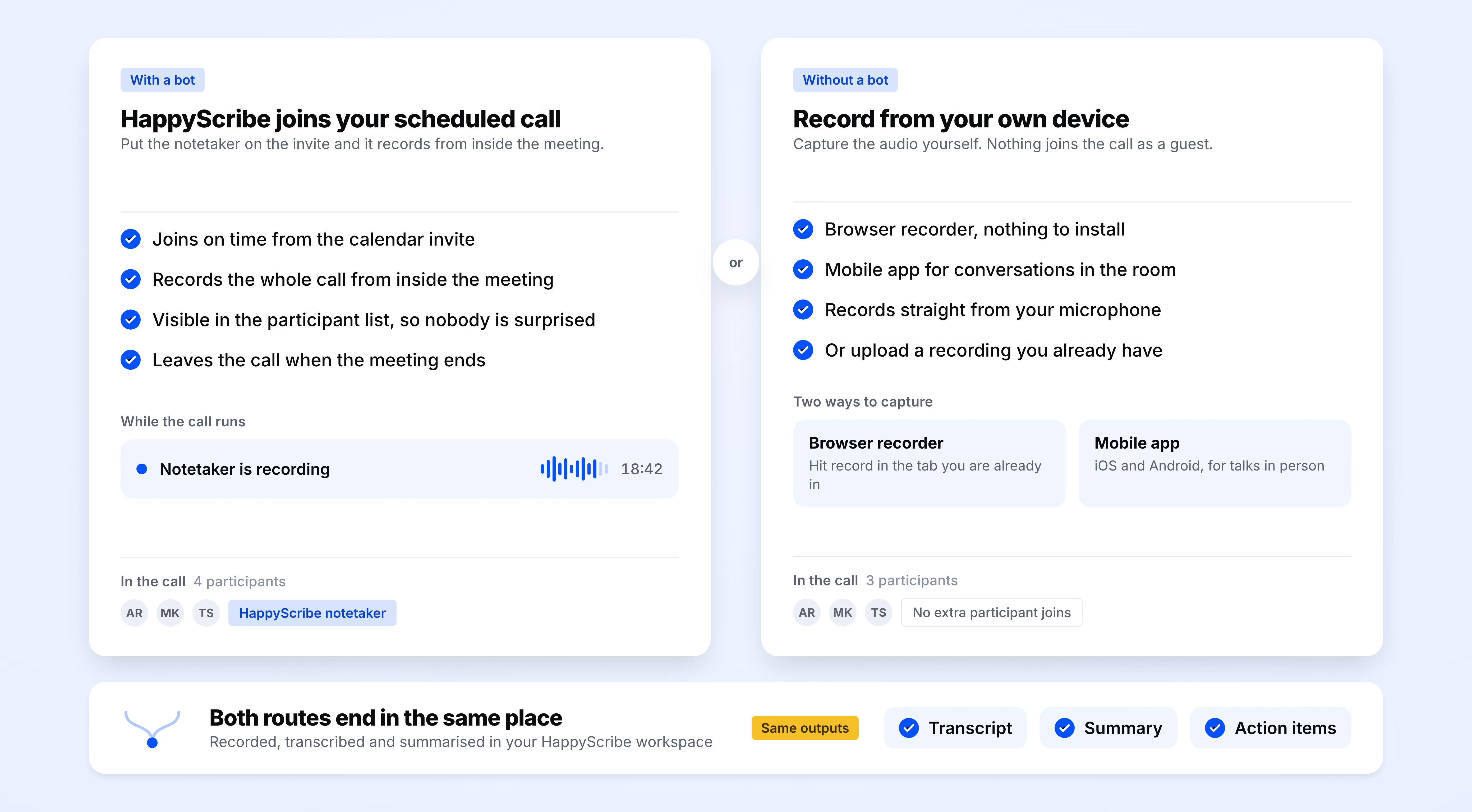
Sign up for free and connect your Google or Outlook calendar in under two minutes. HappyScribe then joins every scheduled interview on its own, or you can upload a file for ad-hoc sessions and field recordings.
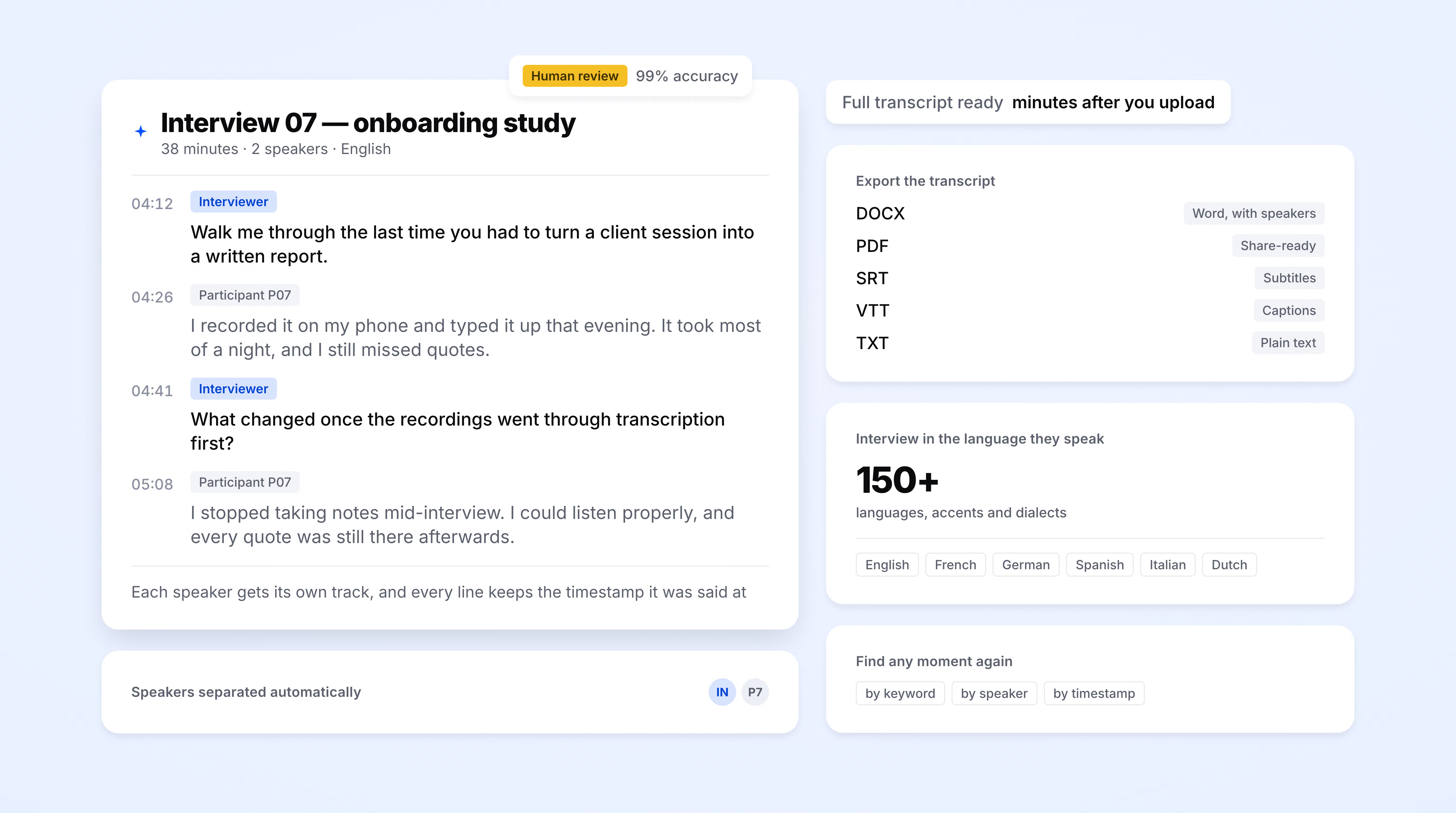
HappyScribe joins your Zoom, Teams, or Google Meet and delivers interview transcription with the interviewer and interviewee accurately labeled. Works in 150+ languages.
Trusted by 6m+ users and 41,000+ teams of all sizes
Sign up for free and connect your Google or Outlook calendar in under two minutes. HappyScribe then joins every scheduled interview on its own, or you can upload a file for ad-hoc sessions and field recordings.
HappyScribe captures both audio and video from your interview. Works for one-on-one and group interviews alike.
The transcript and meeting summary land in your inbox moments after the interview ends. Export to DOCX, SRT, VTT, PDF, or TXT, or ship it straight to Dovetail, Notion, or Google Drive through Zapier.
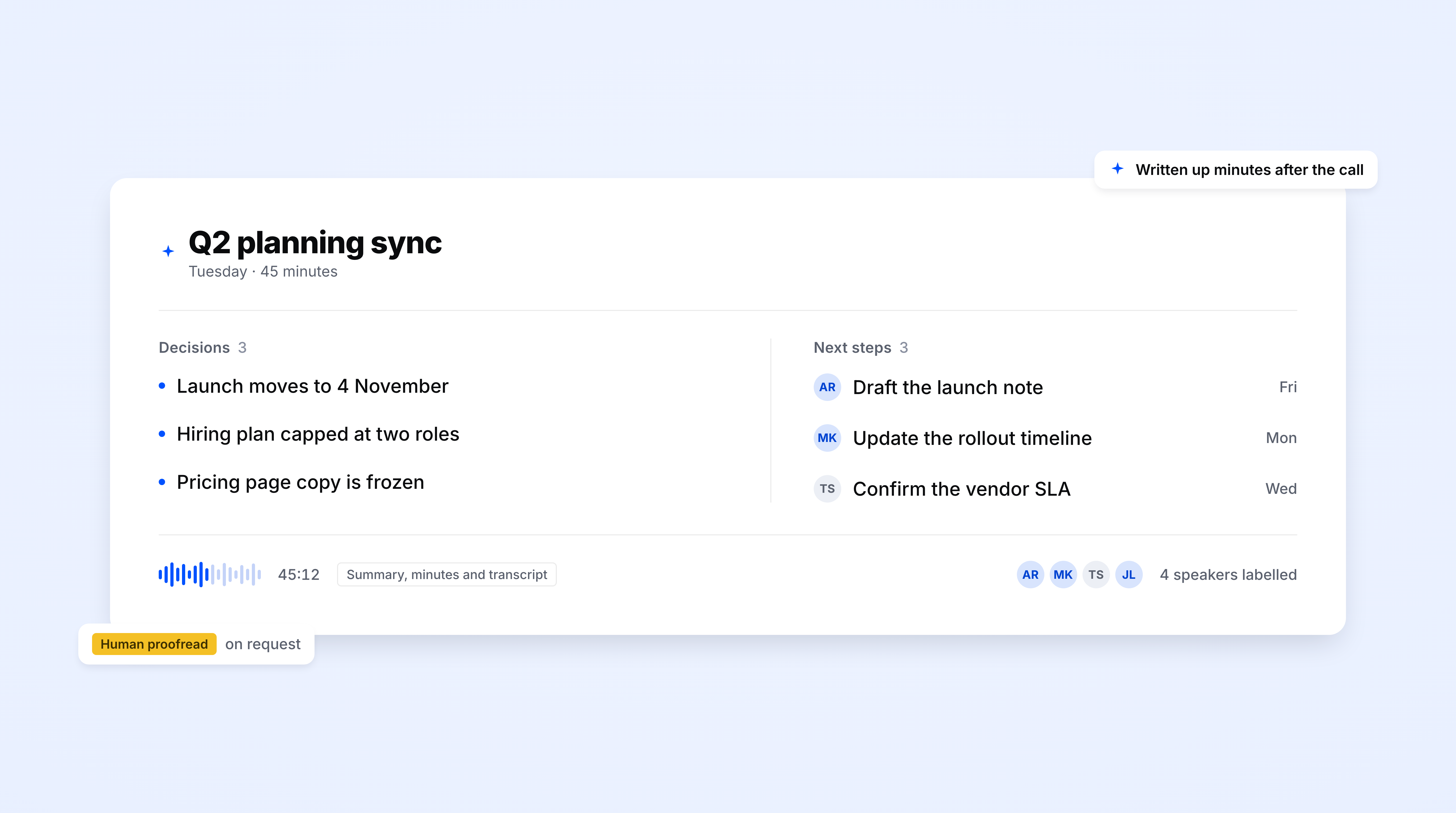
Hours of interviews, distilled in seconds. HappyScribe summarizes interviews with key takeaways, decisions, and action items.
Build your own summary templates and use them every time. Keep them private for personal use, or share them across your workspace so the whole team summarizes interviews the same way.
Ask a question about any past recording and get an answer with the exact timestamp. No more scrubbing through a 90-minute session to find the one quote you need.
Search across every interview you have ever recorded. Pull direct quotes with source and timestamp, and extract insights.
Turn any interview into a research memo, blog draft, email, or project brief in one click. One interview, endless ways to repurpose it.
Every session stored with audio and video. Revisit the source when a quote needs context, a translation needs checking, or a respondent asks for a passage to be removed.
Send transcripts straight to Dovetail, Notion, Google Drive, Airtable, or Slack via Zapier, the MCP server, or API. No manual export, no drag-and-drop.
DOCX for legal review. SRT or VTT when your video needs captions. TXT when your research lives in NVivo, Atlas.ti, or MAXQDA. PDF when the client expects a polished deliverable.
Define your style guide for formatting, grammar, and speaker notation. Build custom glossaries so jargon, acronyms, and proper nouns land right every time. Rename your AI note taker to match your brand.
The AI Notetaker is a real game-changer for us. There's no need to write everything during meetings anymore; now I can actually engage.
The moment your interview ends, HappyScribe gets to work. Within minutes, the full transcript is delivered straight to your inbox, ready to read, share, or act on.
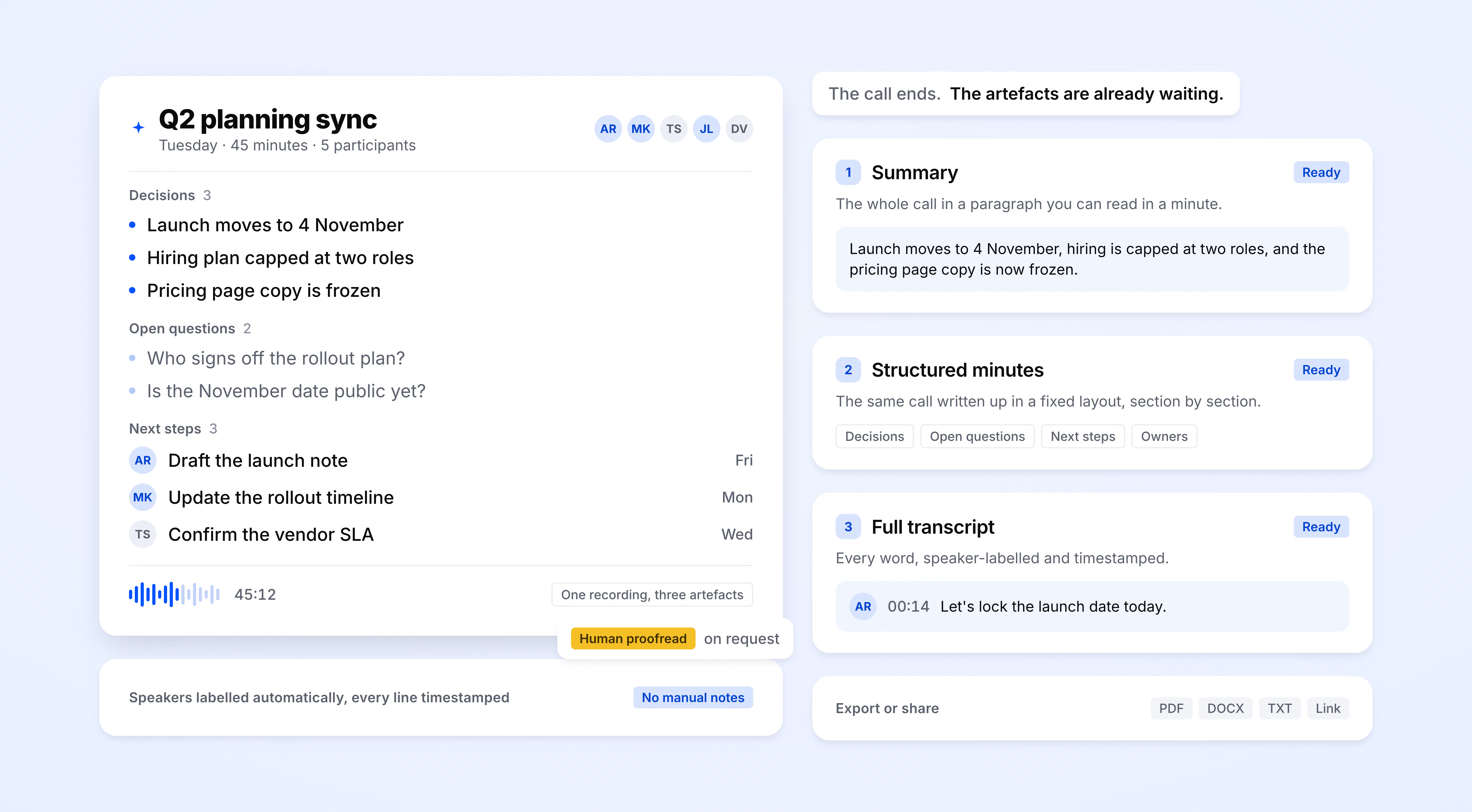
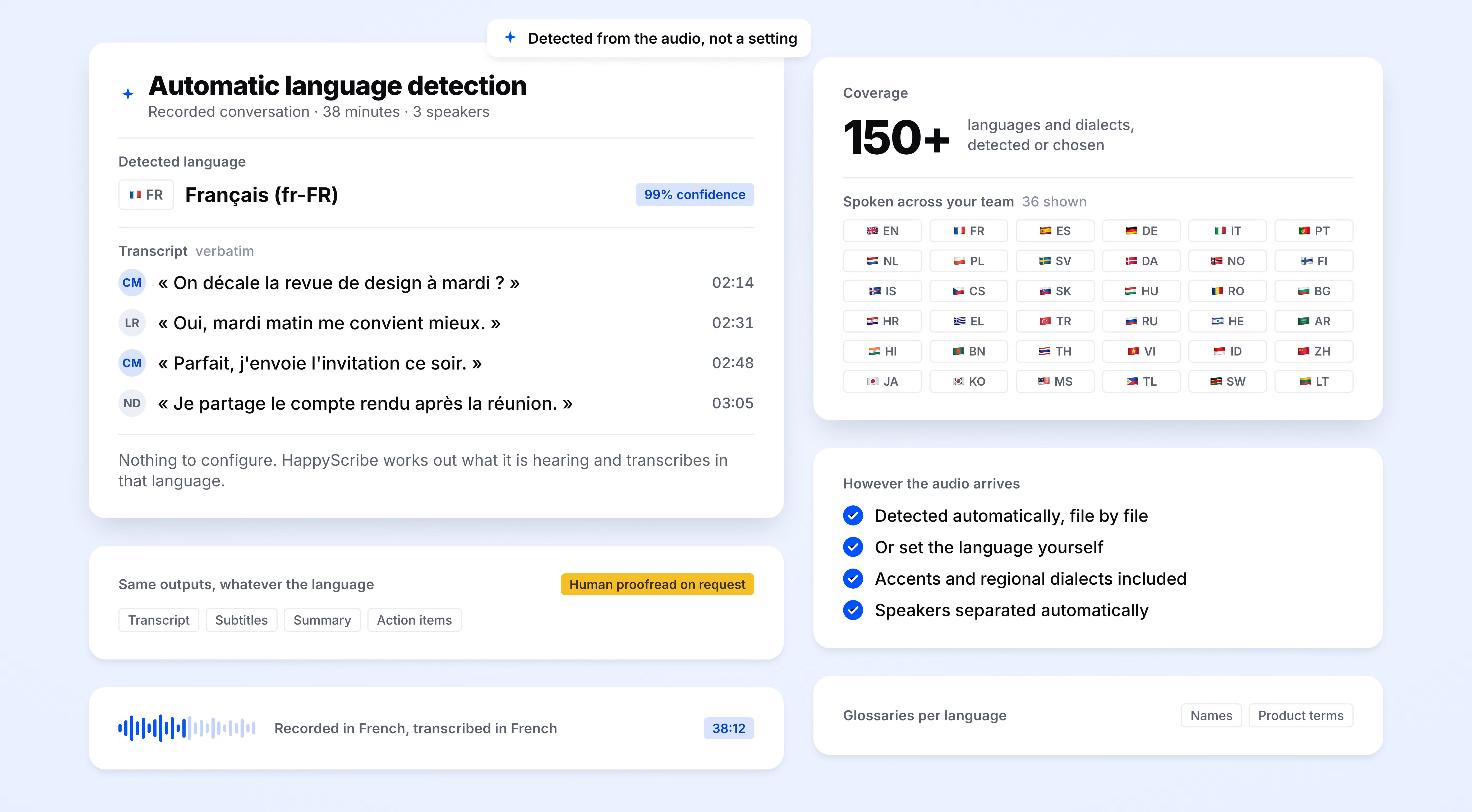
HappyScribe auto-detects the language being spoken and handles mid-call switching. Supports 150+ languages and dialects.
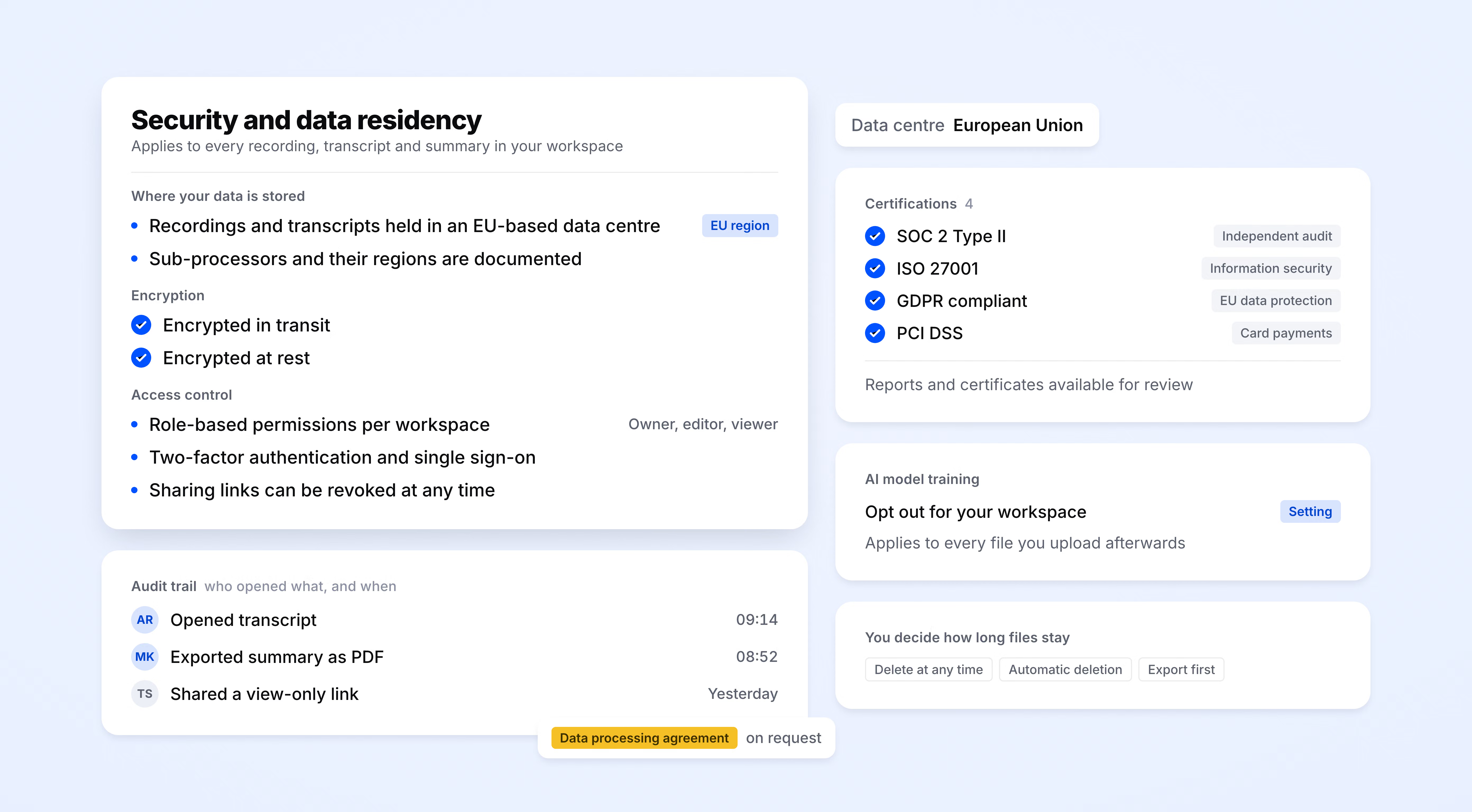
SOC 2 Type II-certified. GDPR-compliant. Headquartered in Barcelona with data stored in PCI DSS and ISO 27001-compliant EU data centers.
Data is encrypted in transit and at rest. Your content is never used to train AI models.
HappyScribe joins your scheduled meetings as a participant, or you can use the browser-based recorder to go bot-free.
You control how your meetings are recorded.
90 min
of qualitative coding saved per interview transcribed
95%+
transcription accuracy
150+
languages and dialects supported
41,000+
teams already using HappyScribe
|
|
Manual transcription |
HappyScribe |
|---|---|---|
|
Time to produce |
4-6 hours of typing per hour of audio, or 2-3 day turnaround from a paid service |
Full transcript ready in roughly 15% of the audio length |
|
Cost |
$1.50-$4.00 per audio minute |
Included in a flat monthly plan |
|
Accuracy |
Depends on typist's familiarity with jargon |
95%+ with full audio backup for spot-checks |
|
Speaker attribution |
Often unlabeled or inconsistent |
Automatic interviewer and interviewee labels |
|
Verbatim vs cleaned |
One format, pick up front |
Both formats from the same source, toggle any time |
|
Languages |
One per transcriber |
150+ with auto-detection and mid-session switching |
|
Research compliance |
Depends on your transcriber's policies |
GDPR, SOC 2 Type II, EU data residency, DPAs on request |
Super helpful service! I had a video that I didn't have time to manually add subtitles to and this solved it for me! HappyScribe works really well and I will use it again whenever I need subtitles!
I can't describe how happy I am after discovering the existence of this tool. Thank you for creating this, conversational analysis has never been so easy!
Saved me hours of work, very accurate and only required minor editing.
It's super easy to use, even with their automated transcription and translation from audio, they are 90% correct. Workflow is very easy to understand and the price rate is very reasonable even for a small creator with a budget
Easiness and precision in translation
Fast and reliable. Friendly, easy to understand.
I highly recommend. It is a super efficient and easy to use program. I'm glad I managed to find something to my taste
The app is easy and very useful. Thank you HappyScribe
Great product. Simple, quick, reliable.
Interview transcription converts a recorded interview into a written record with each speaker labeled. HappyScribe does this automatically for one-on-one, panel, and multi-respondent sessions recorded on Zoom, Teams, Google Meet, or uploaded as a file.
Speakers are detected automatically and labeled Speaker 1, Speaker 2, and so on. Rename them before export, for example "Moderator" and "P04," so your transcript lands in NVivo or Dovetail already coded. Renamed labels carry through to SRT and VTT exports, and panel interviews with 3 or 4 voices stay consistent across the full session.
Yes. Upload an MP3, MP4, WAV, M4A, MOV, or any common audio or video file and get a transcript, speaker labels, and export options.
HappyScribe offers 95%+ accuracy on clear audio across 150+ languages, even with heavy accents or mixed-language conversations. When the stakes are higher, like legal proceedings or sensitive research, opt for human-reviewed transcripts that deliver 99%+ accuracy, typically within 24 hours.
Yes. HappyScribe offers a free plan with unlimited meeting recordings. No credit card required.
95%+ across all supported languages.
150+ languages and dialects, with automatic language detection.
Yes. HappyScribe offers a bot-free browser recorder that captures audio from your device.
All data is stored in an EU-based data center that is PCI DSS and ISO 27001-compliant.
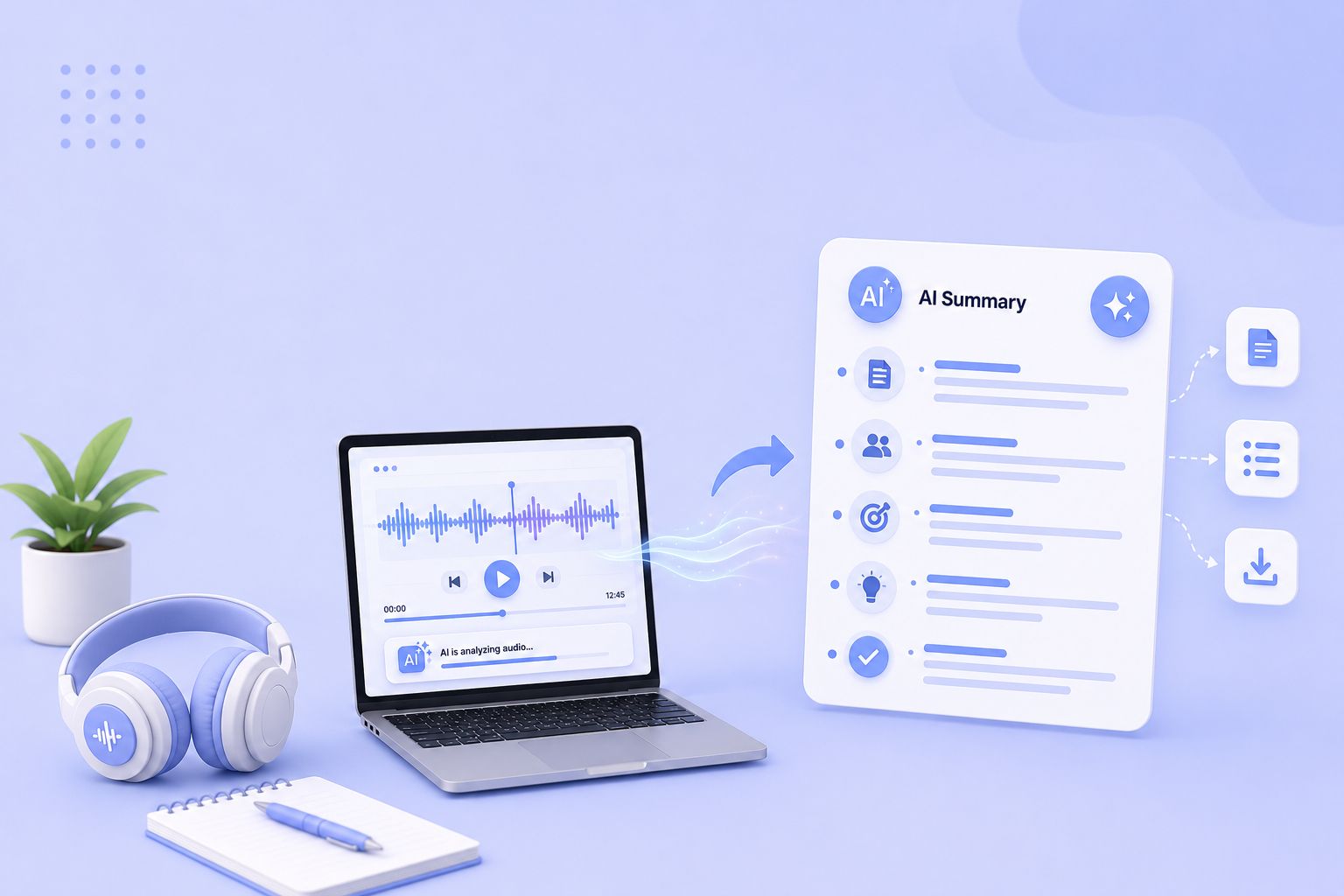
Compare the 5 best free audio summarizer tools in 2026. I tested each for accuracy, languages, and free plan limits so you can choose fast.
MeetGeek not keeping up? We've picked 5 alternatives that offer better accuracy, stronger language support, and more control over your meeting notes.
Looking for Otter alternatives? Compare the top 5 tools for AI meeting notes and discover why HappyScribe is the best one for security and accuracy.

Build a customer research repository with HappyScribe and Claude. Transcribe interviews, organize by folder, and query months of customer evidence on demand.

Turn recorded lectures into study guides with Claude. Transcribe in HappyScribe, connect the two, and build revision material from a whole module.
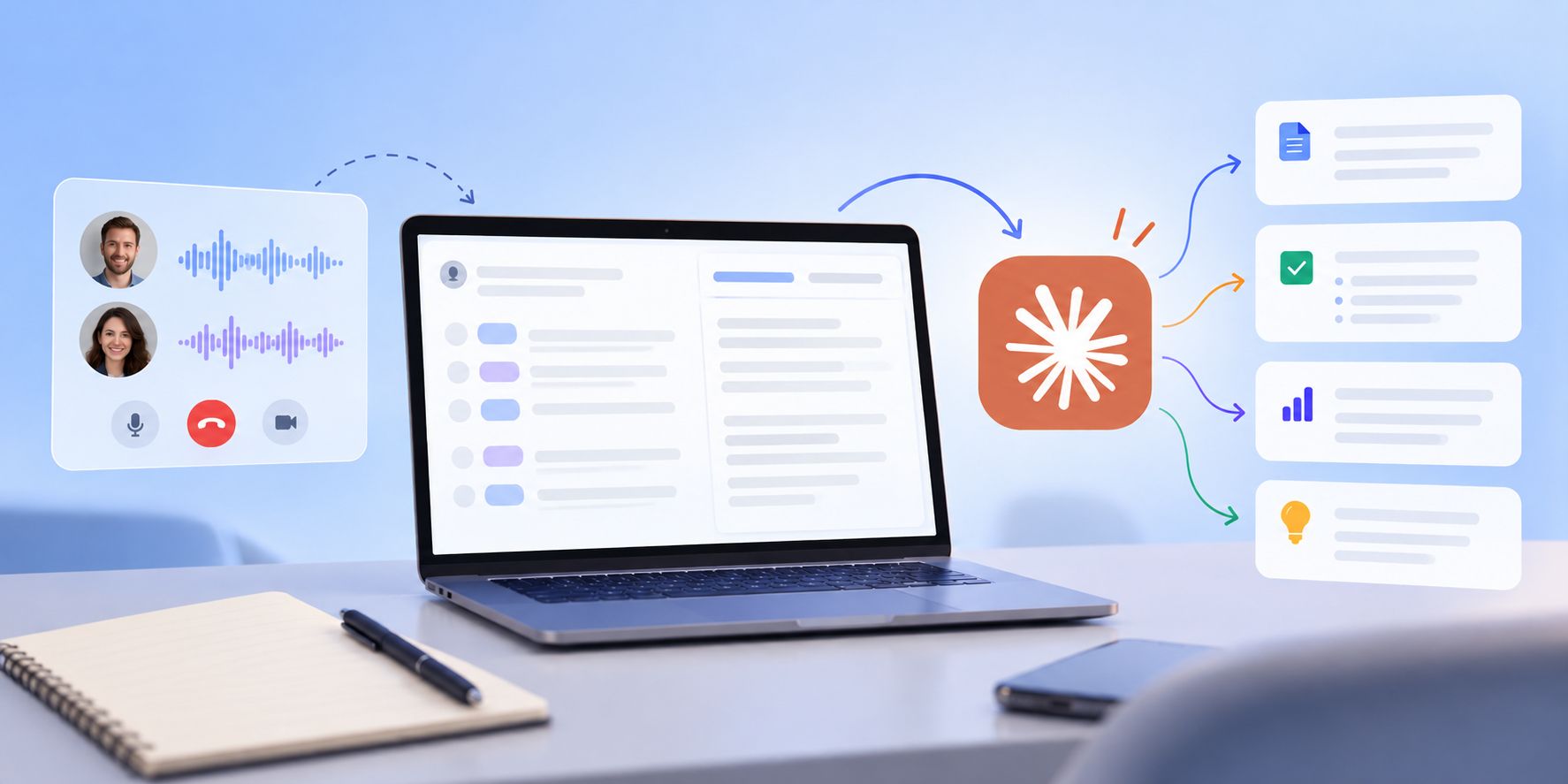
See how Claude helps sales teams analyze calls, review objections, coach reps, compare deals, and find recurring buyer themes.