
Connect your calendar
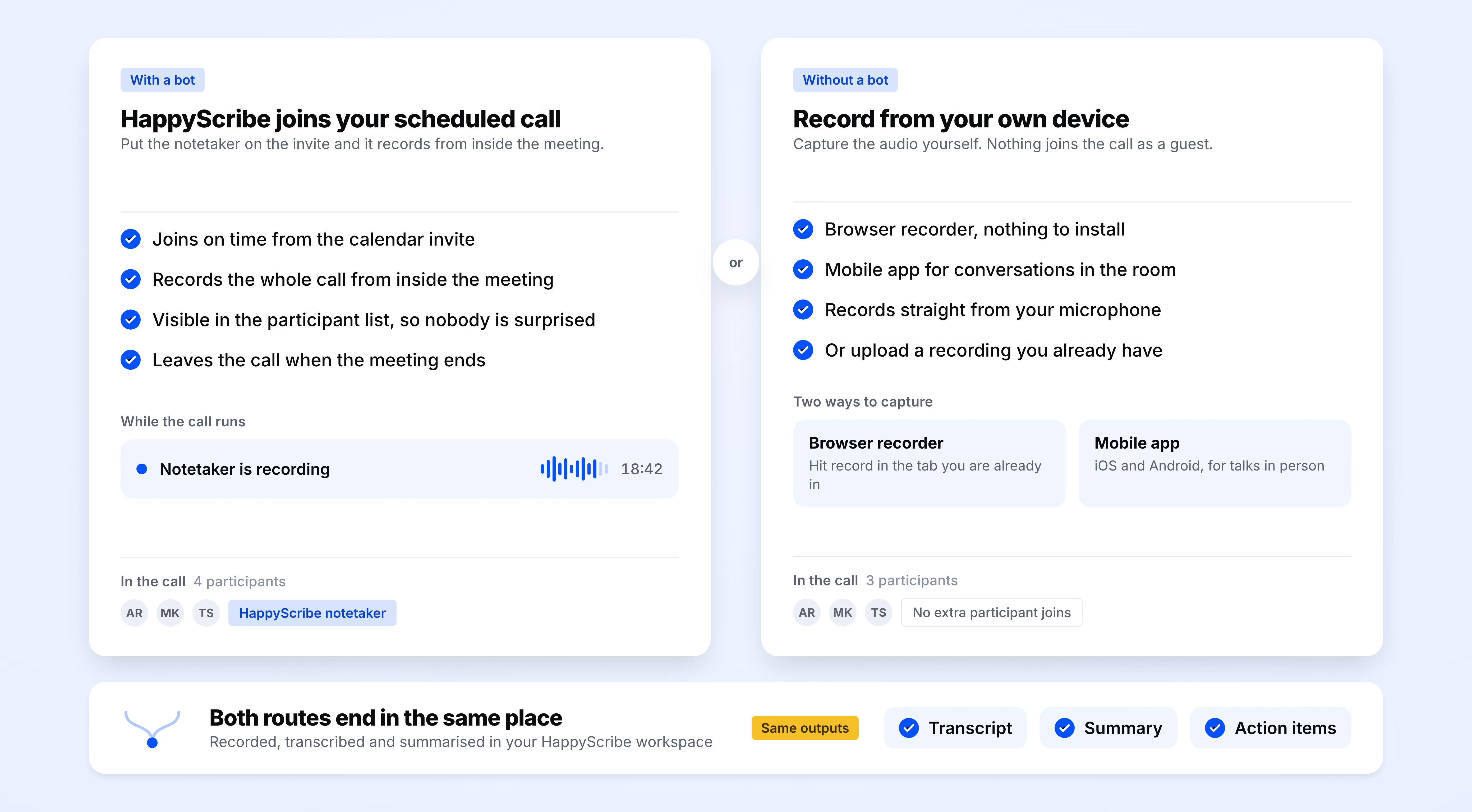
Sign up for free and connect your Google or Outlook calendar in under two minutes. HappyScribe will join every scheduled Zoom, Teams, or Google Meet on its own.
HappyScribe joins your Zoom, Teams, or Google Meet and delivers a meeting summary you can share in one click. Ready in minutes. Works in 150+ languages.
Trusted by 6m+ users and 41,000+ teams of all sizes
Sign up for free and connect your Google or Outlook calendar in under two minutes. HappyScribe will join every scheduled Zoom, Teams, or Google Meet on its own.
HappyScribe joins as a participant and records both audio and video with automatic speaker labels and timestamps.
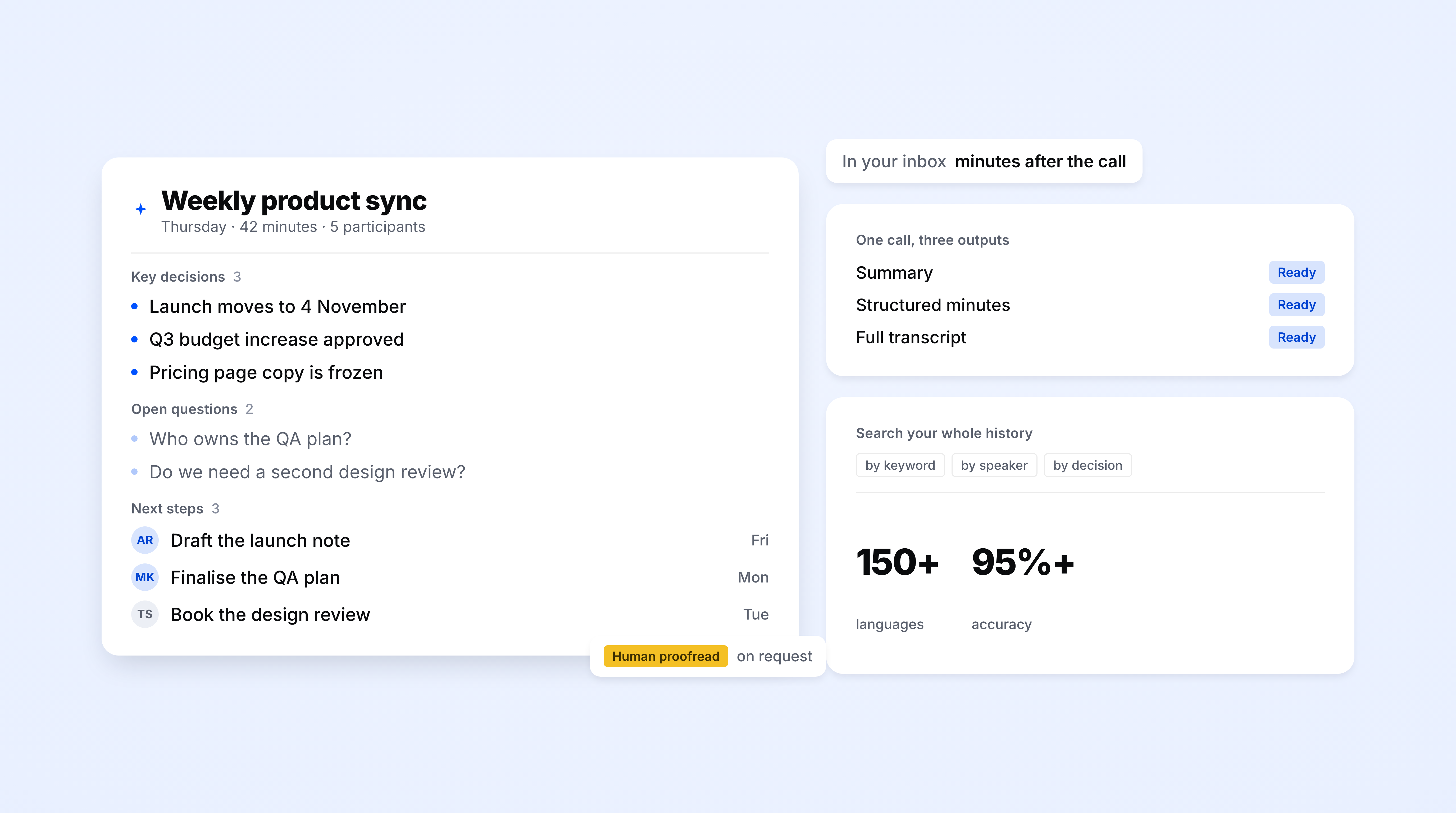
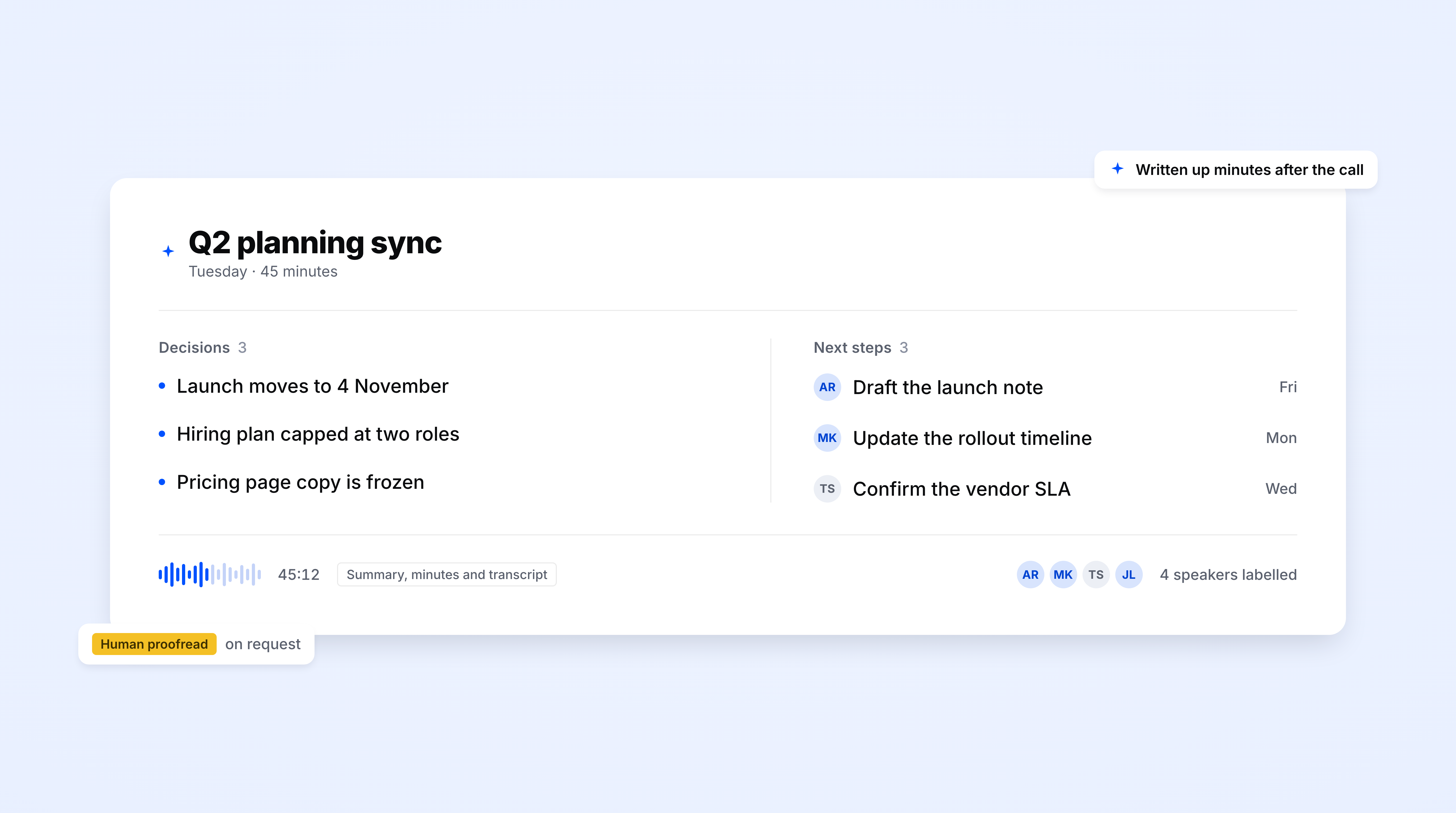
The recap lands in your inbox moments after the call ends. It also stays in your workspace, searchable by keyword, speaker, or decision. No digging through recordings. Your team can pull up any conversation weeks or months later.
Every call produces a recap with key takeaways and decisions. Contextual enough to make sense without watching the recording, short enough to skim on a phone between meetings. Ready to drop into any channel or thread your team already uses.
Ask HappyScribe’s AI Chat a question about any past call and get an answer with the exact timestamp. No more scrubbing through an hour of audio to find a decision.
The HappyScribe mobile app records and transcribes conversations wherever they happen, even without an internet connection. Record a client call from a coffee shop, a field interview, or a hallway conversation, and the transcript syncs to your workspace the moment you're back online.
Add your product names, acronyms, and industry jargon to a custom glossary, and HappyScribe recognizes them across every transcript. Set style guides so the output matches your specific requirements.
Every call is captured with full audio and video. When a stakeholder questions a summary bullet or wants the exact phrasing behind a decision, they click the timestamp and hear it for themselves. No one has to take the AI's word for it. The proof is always one click away.
Connect HappyScribe to your tech stack through Zapier, MCP, or API and let transcripts, summaries, and action items flow into the platforms your team already uses.
Configure summary formats for each meeting type, be it client calls, daily standups, or all-hands meetings. Templates live at the workspace level, so every teammate produces consistent output without worrying about formatting.
HappyScribe labels every voice on the call automatically. When the summary attributes a decision to someone, that name comes from the actual speaker track. "Marta agreed to move the launch to Friday" means Marta actually said it. No misattribution.
The AI Notetaker is a real game-changer for us. There's no need to write everything during meetings anymore; now I can actually engage.
A short, shareable recap lands in your inbox before your next meeting starts, so one paste catches the whole team up. This is the quick-share artifact, not the full record: if you need the formal record go to meeting-minutes; if you need tasks with owners go to action-items; if you need the full verbatim transcript go to meeting-transcription. Same call, same HappyScribe run, four different outputs.
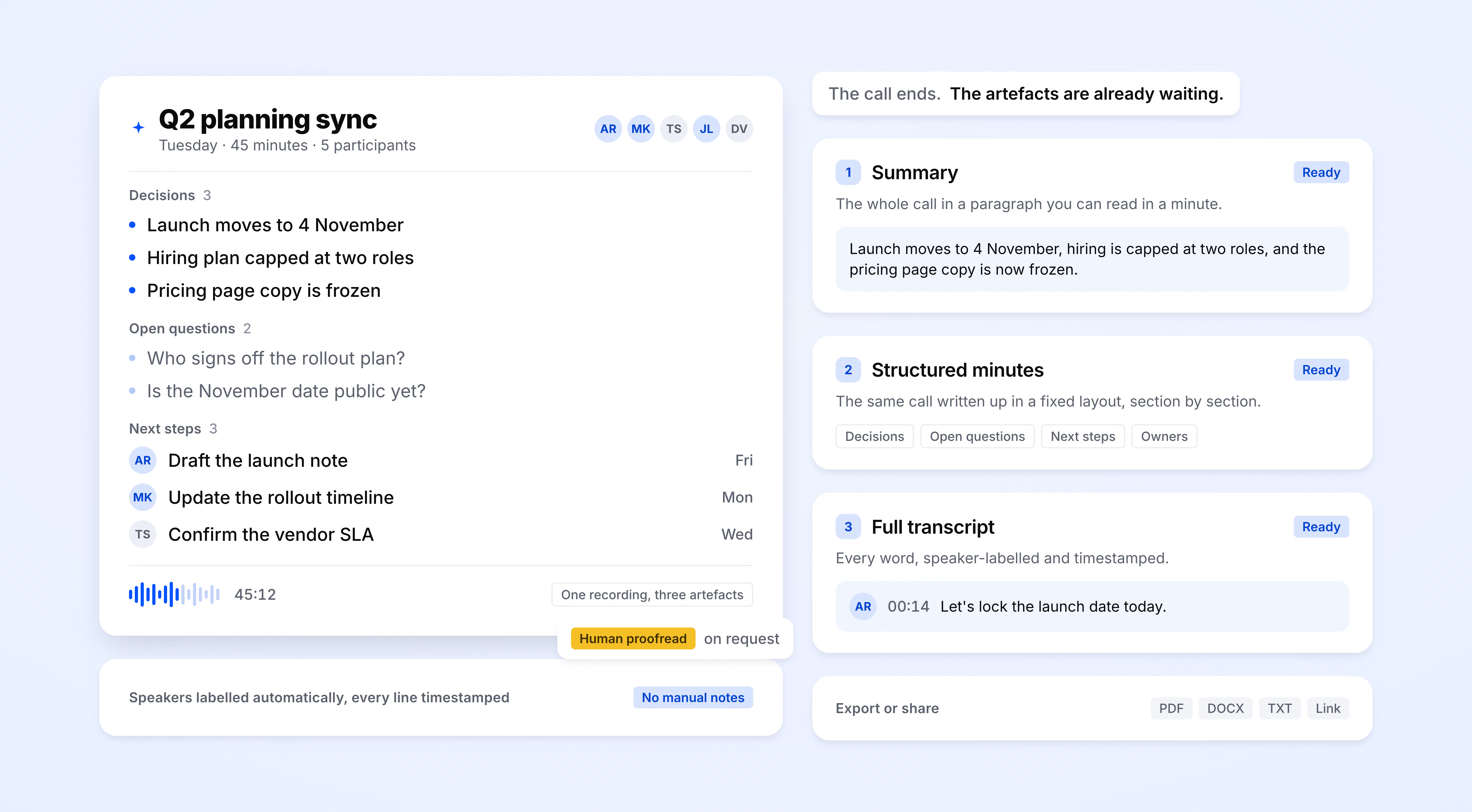
HappyScribe auto-detects the language being spoken and handles mid-call switching. Supports 150+ languages and dialects.
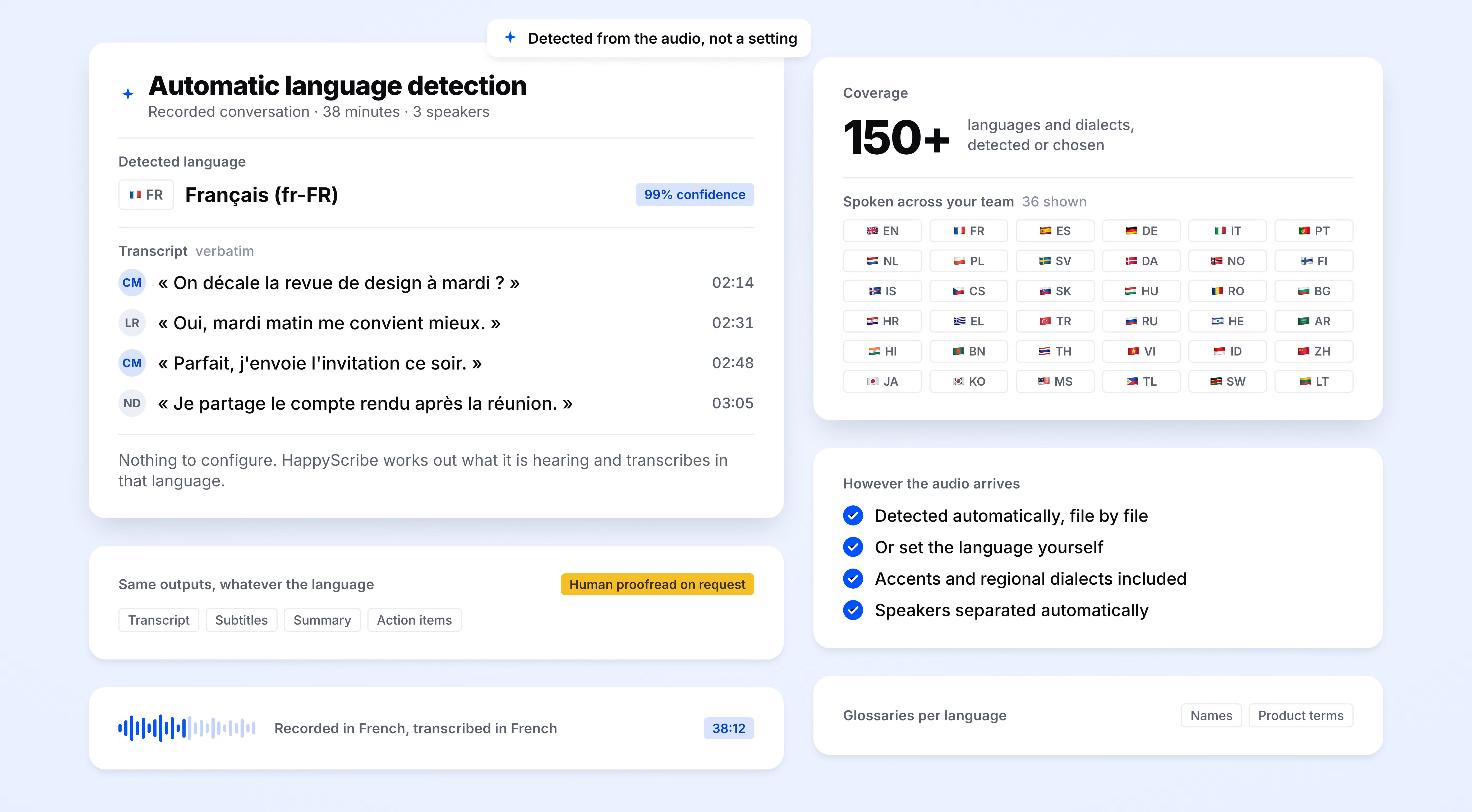
SOC 2 Type II-certified. GDPR-compliant. Headquartered in Barcelona with data stored in PCI DSS and ISO 27001-compliant EU data centers.
Data is encrypted in transit and at rest. Your content is never used to train AI models.
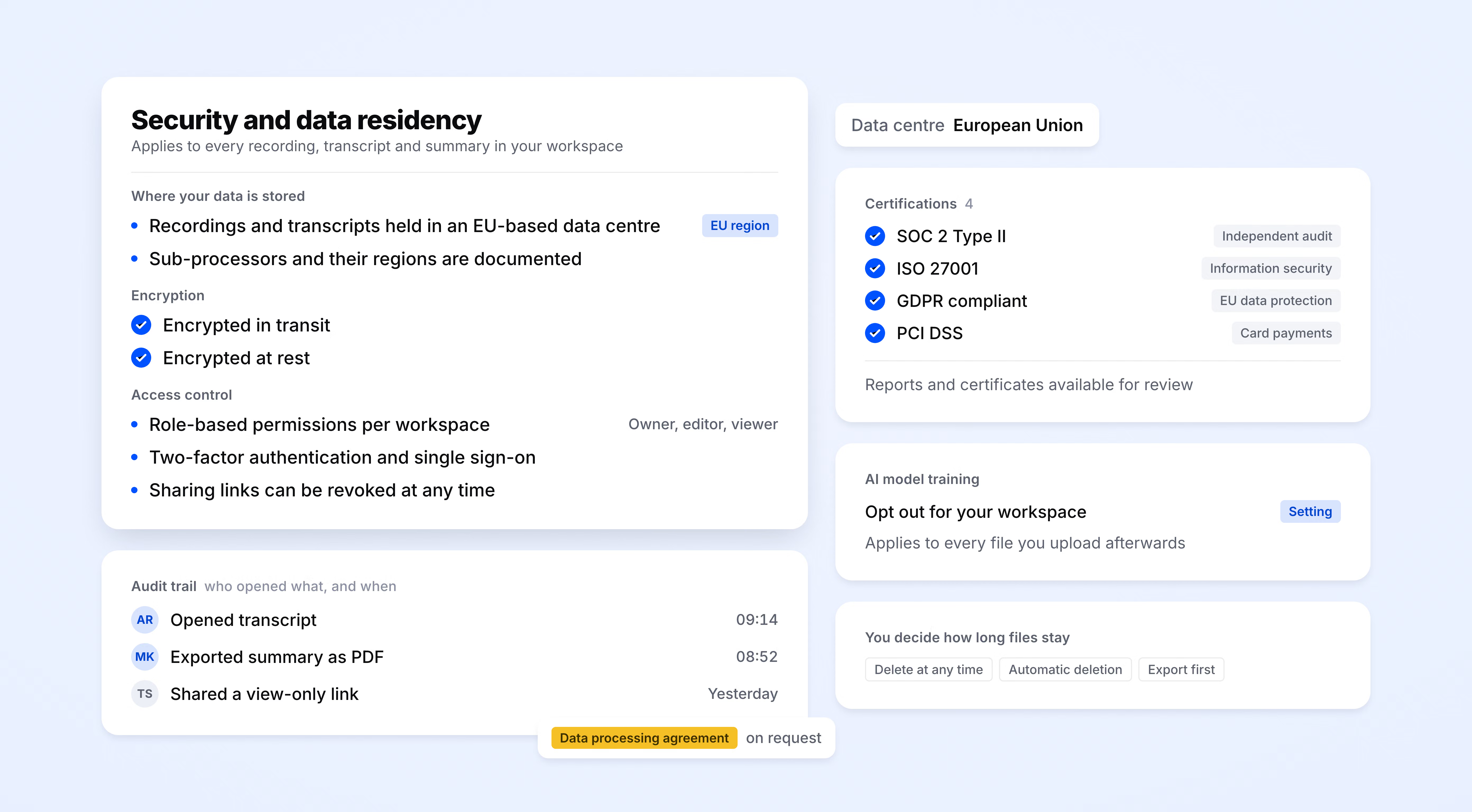
HappyScribe joins your scheduled meetings as a participant, or you can use the browser-based recorder to go bot-free.
You control how your meetings are recorded.
< 2 minutes
Meeting summary lands in your inbox after the call ends
95%+
transcription accuracy
150+
languages and dialects supported
41,000+
teams already using HappyScribe
Very nice and structured tool. Not only does it auto-caption very accurately, even if you have to change something; it is really easy and user-friendly to do so!
Great service. Convenient and very accurate.
Great product. I recommend this for anybody wanting quick and easy transcripts or subtitles.
This was the easiest, cleanest, and most accurate transcription site I've used and I have tried a lot
It is very easy to use, was very intuitive for me move through the platform. The rules are clear
HappyScribe is an innovative company that works with people from all over the world. I have nothing but praise for this company
Quick, easy, superior quality, reasonable pricing.
Amazing. Helped when we were in a jam.
Great tool to add text to video. It worked like a dream.
An AI meeting summary is an automated recap of a live or recorded conversation, generated by AI instead of a human note-taker. It pulls out key takeaways, decisions, and action items so your team can skip the recording and get straight to the point. HappyScribe generates these summaries the moment a call ends, delivering a structured, shareable recap to your inbox before you've moved on to the next thing on your calendar.
Meeting minutes are a detailed, chronological record of everything discussed, who said what, and in what order. They're thorough but time-consuming to produce and rarely fun to read. A meeting summary cuts to what matters: key decisions, action items, and enough context to understand why they were made.
HappyScribe joins your call on Zoom, Teams, or Google Meet, records the conversation, and transcribes every word at over 95% accuracy. From there, it identifies speakers, extracts decisions and action items, and builds a structured summary your team can act on. The full recap lands in your inbox moments after the call ends.
Yes. HappyScribe's free plan includes unlimited meeting recordings and AI meeting summaries. Sign up with a Google or Outlook account, connect your calendar, and your next call produces a summary automatically.
Yes. HappyScribe offers a free plan with unlimited meeting recordings. No credit card required.
HappyScribe offers 95%+ accuracy across all supported languages.
HappyScribe supports 150+ languages and dialects, with automatic language detection.
Yes. HappyScribe offers iOS and Android mobile apps and a browser-based recorder that capture audio from your device without a meeting bot.
HappyScribe stores all data in an EU-based data center that is PCI DSS and ISO 27001-compliant.
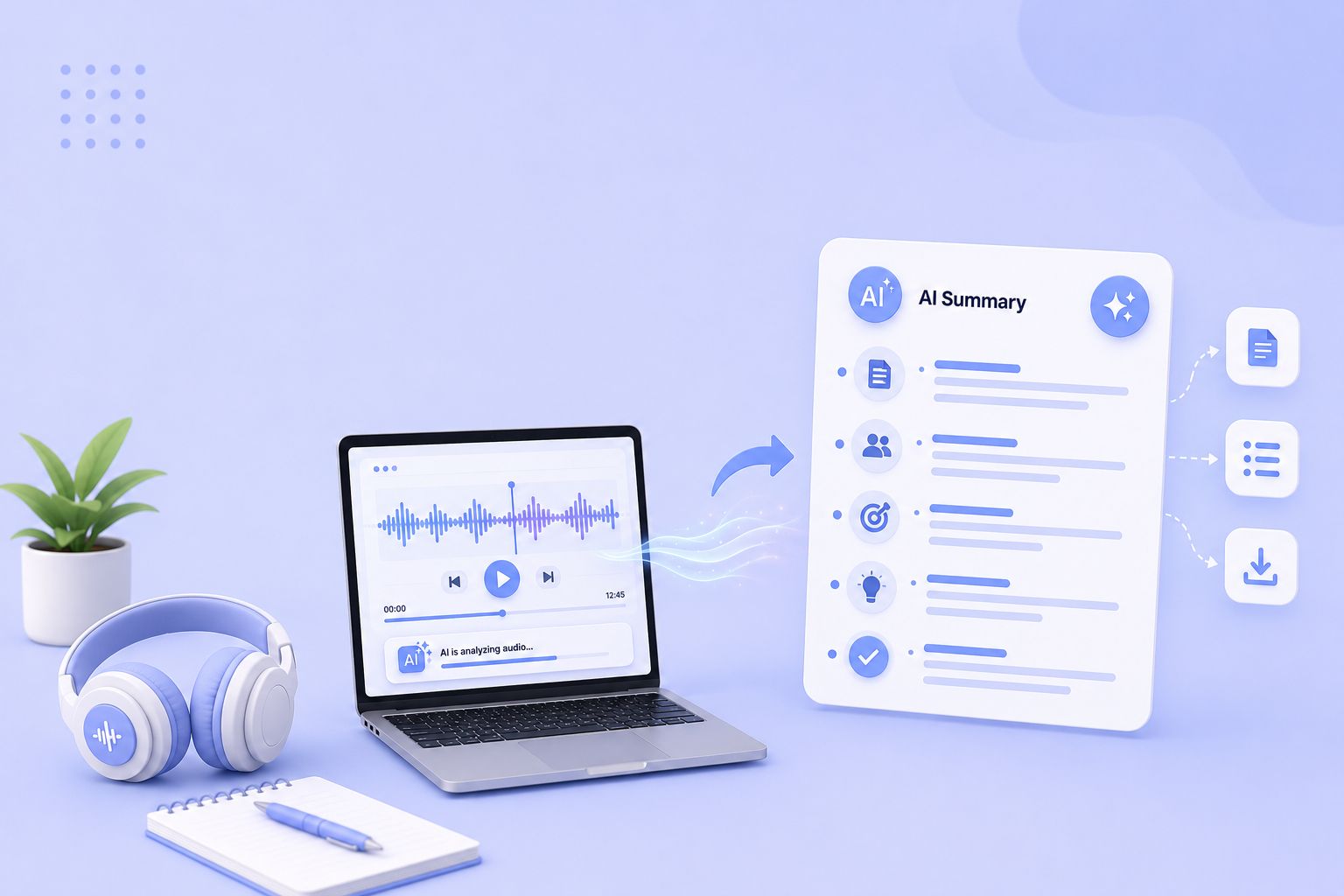
Compare the 5 best free audio summarizer tools in 2026. I tested each for accuracy, languages, and free plan limits so you can choose fast.
MeetGeek not keeping up? We've picked 5 alternatives that offer better accuracy, stronger language support, and more control over your meeting notes.
Looking for Otter alternatives? Compare the top 5 tools for AI meeting notes and discover why HappyScribe is the best one for security and accuracy.

Build a customer research repository with HappyScribe and Claude. Transcribe interviews, organize by folder, and query months of customer evidence on demand.

Turn recorded lectures into study guides with Claude. Transcribe in HappyScribe, connect the two, and build revision material from a whole module.
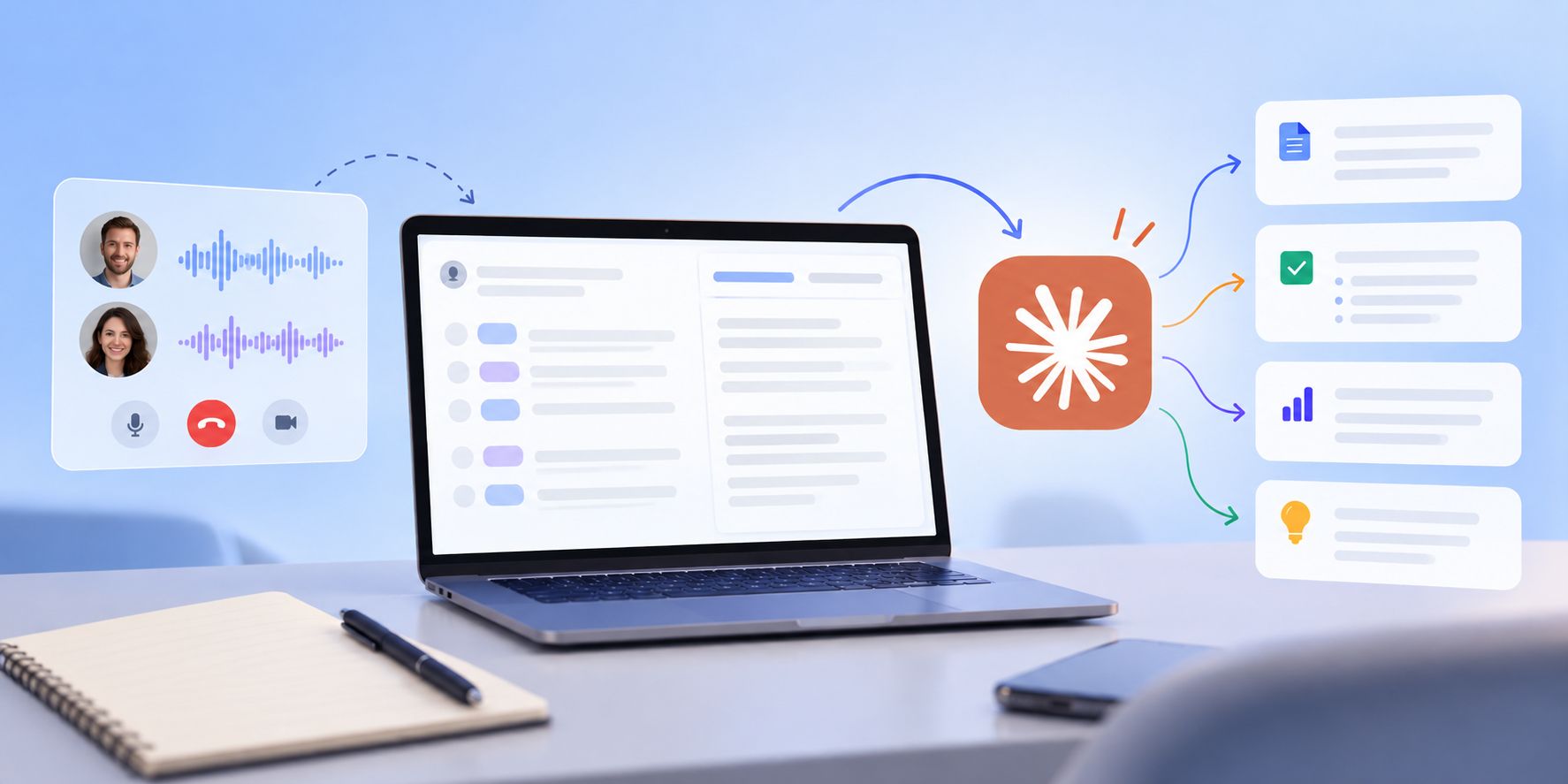
See how Claude helps sales teams analyze calls, review objections, coach reps, compare deals, and find recurring buyer themes.