
Connect your calendar
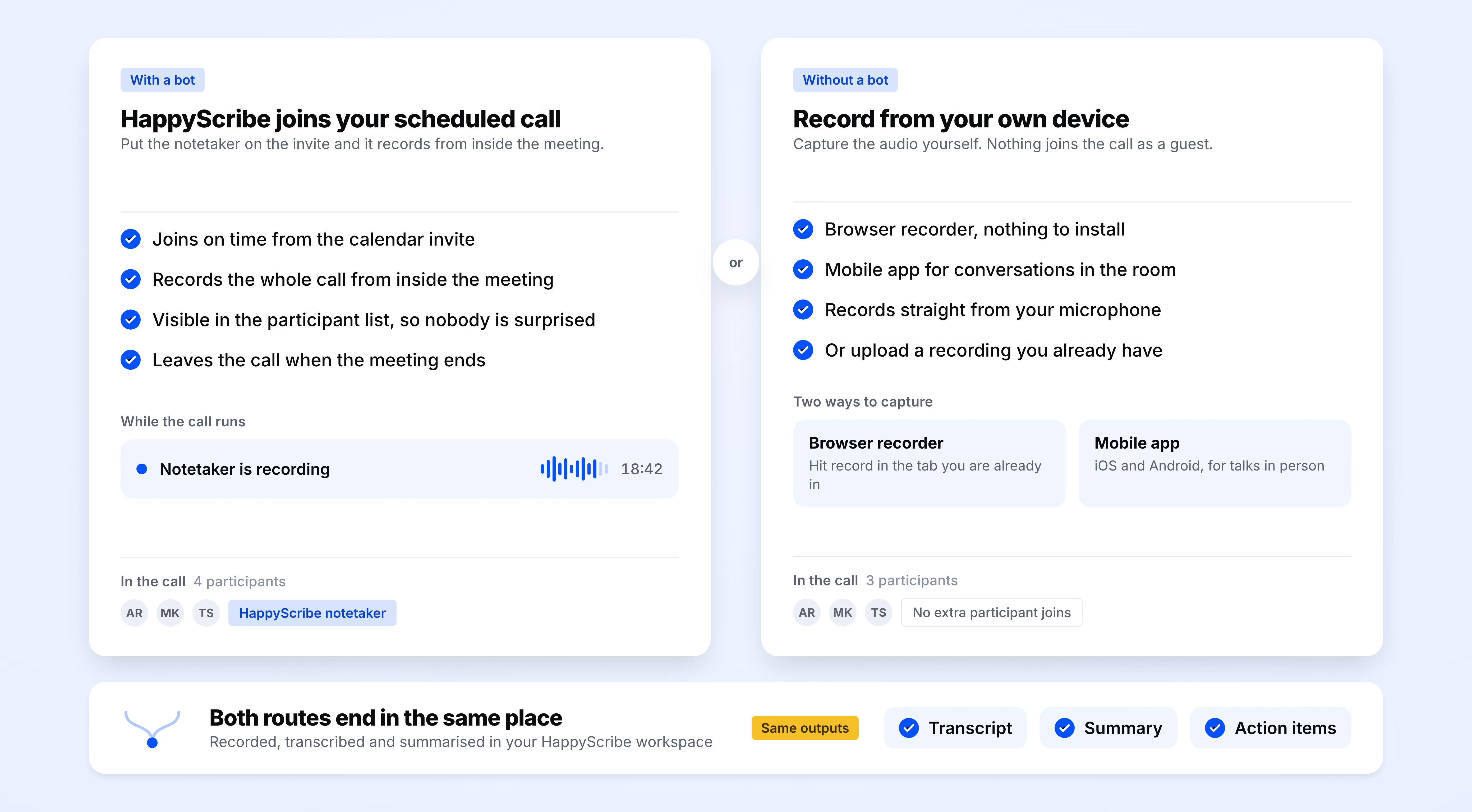
Sign up for free and connect your Google or Outlook calendar. It takes under two minutes, and HappyScribe then joins every scheduled meeting on its own.
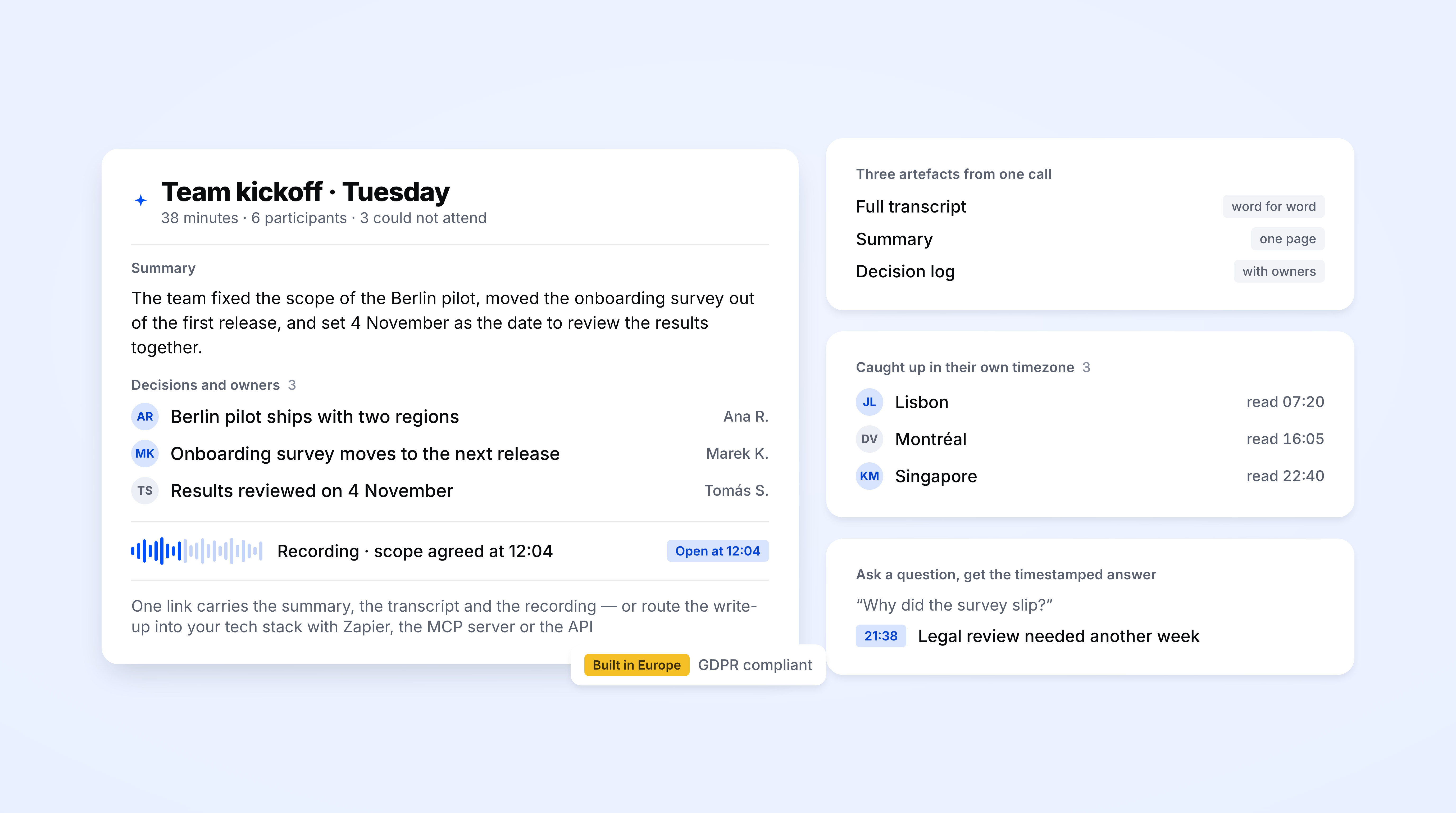
HappyScribe joins your Zoom, Teams, or Google Meet and turns every sync into an async artifact. Transcript, summary, and decisions ready for teammates in any timezone. Works in 150+ languages.
Trusted by 6m+ users and 41,000+ teams of all sizes
Sign up for free and connect your Google or Outlook calendar. It takes under two minutes, and HappyScribe then joins every scheduled meeting on its own.
HappyScribe records both audio and video from your Zoom, Teams, or Google Meet.
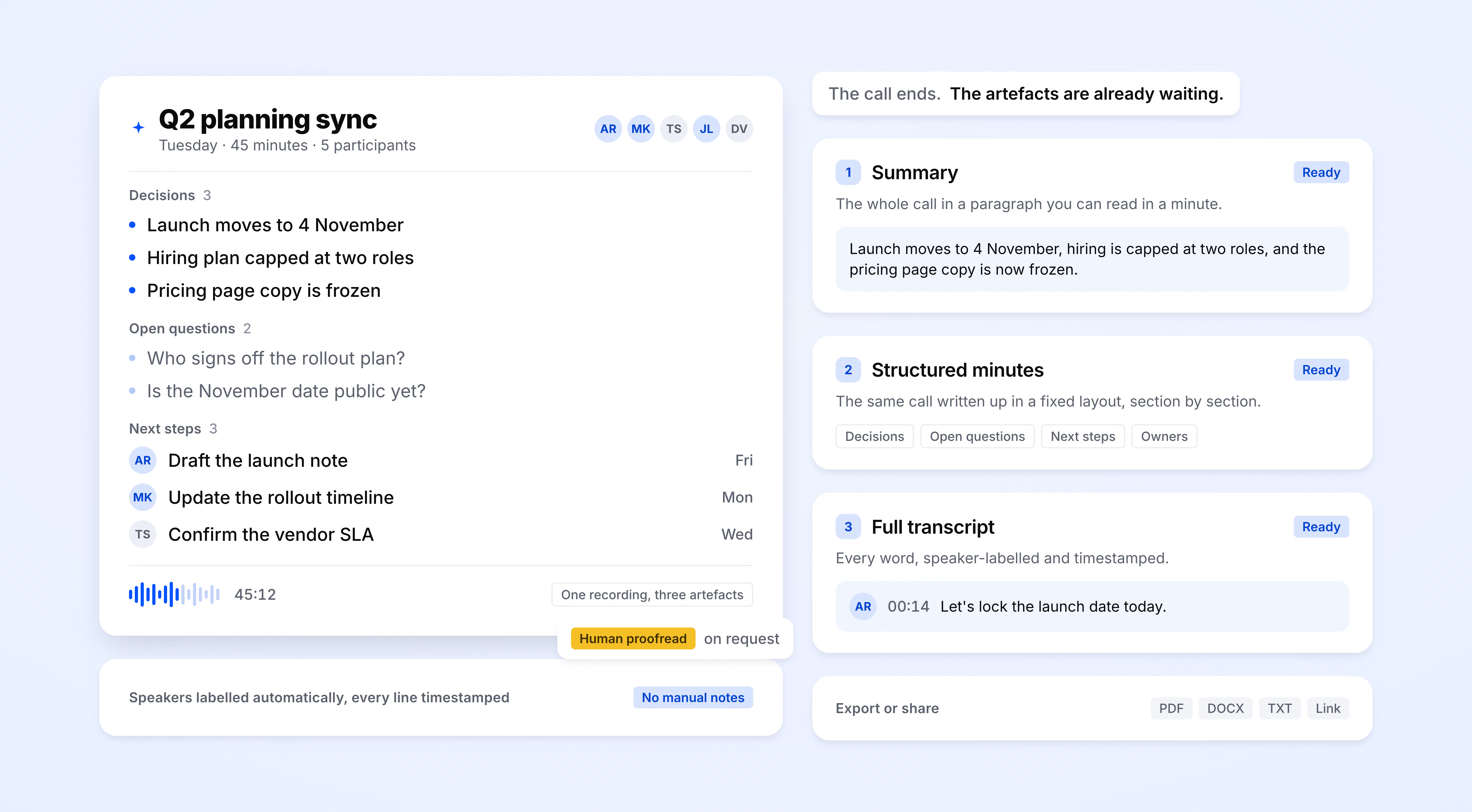
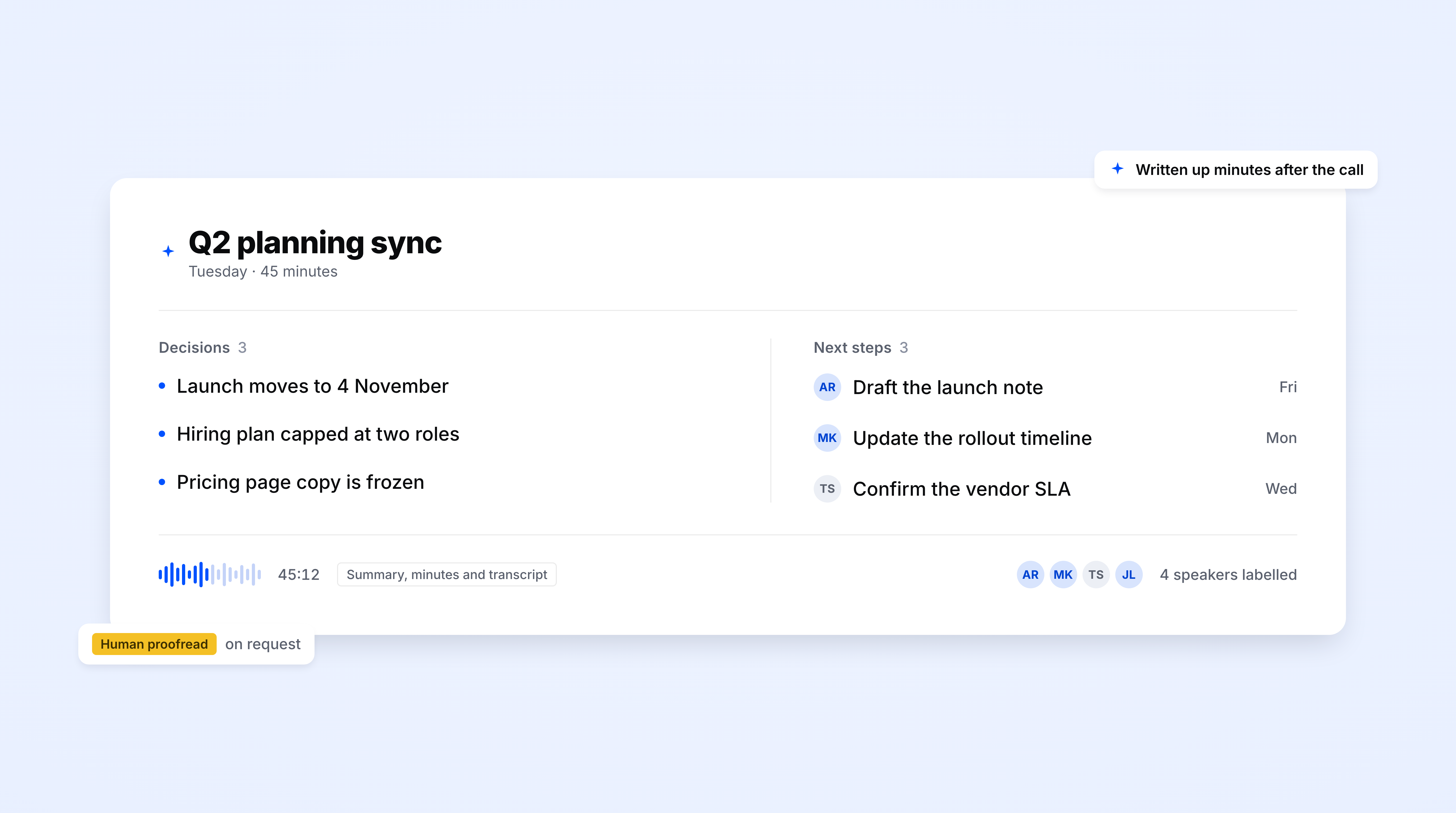
A full transcript, a structured summary, and a decisions-and-owners list land in your workspace and email moments after the call ends. Push them to your tech stack or export to PDF, DOCX, or TXT.
Decisions, topics, and next steps pulled into a single overview you can forward to anyone who missed the call. Ready before your next meeting starts.
Ask AI Chat a question about any past recording and get an answer with the exact timestamp. No more scrubbing through an hour of audio to find who said what.
Full-text search across every meeting you have ever recorded. Find when a decision was made and whether it changed three meetings later.
Turn any recording into an internal document, blog post, email, or LinkedIn post.
Every call recorded and stored with audio and video. Teammates in a different timezone can watch at 1.5x or jump to the exact timestamp that mentions their project.
Connect through Zapier, MCP server, or API. Artifacts flow straight to Slack, Notion, Linear, Google Drive, or wherever your team already works.
Configure the output to match your async workflow. Weekly reviews, design critiques, retros, board meetings — a different template for each.
Every voice on the call is labeled automatically. Teammates can see exactly who raised each concern and who owns the next steps.
The AI Notetaker is a real game-changer for us. There's no need to write everything during meetings anymore; now I can actually engage.
Your meeting notes arrive in a few minutes after the call ends. They remain stored in a shared workspace, accessible to all, including those who couldn’t attend the call.
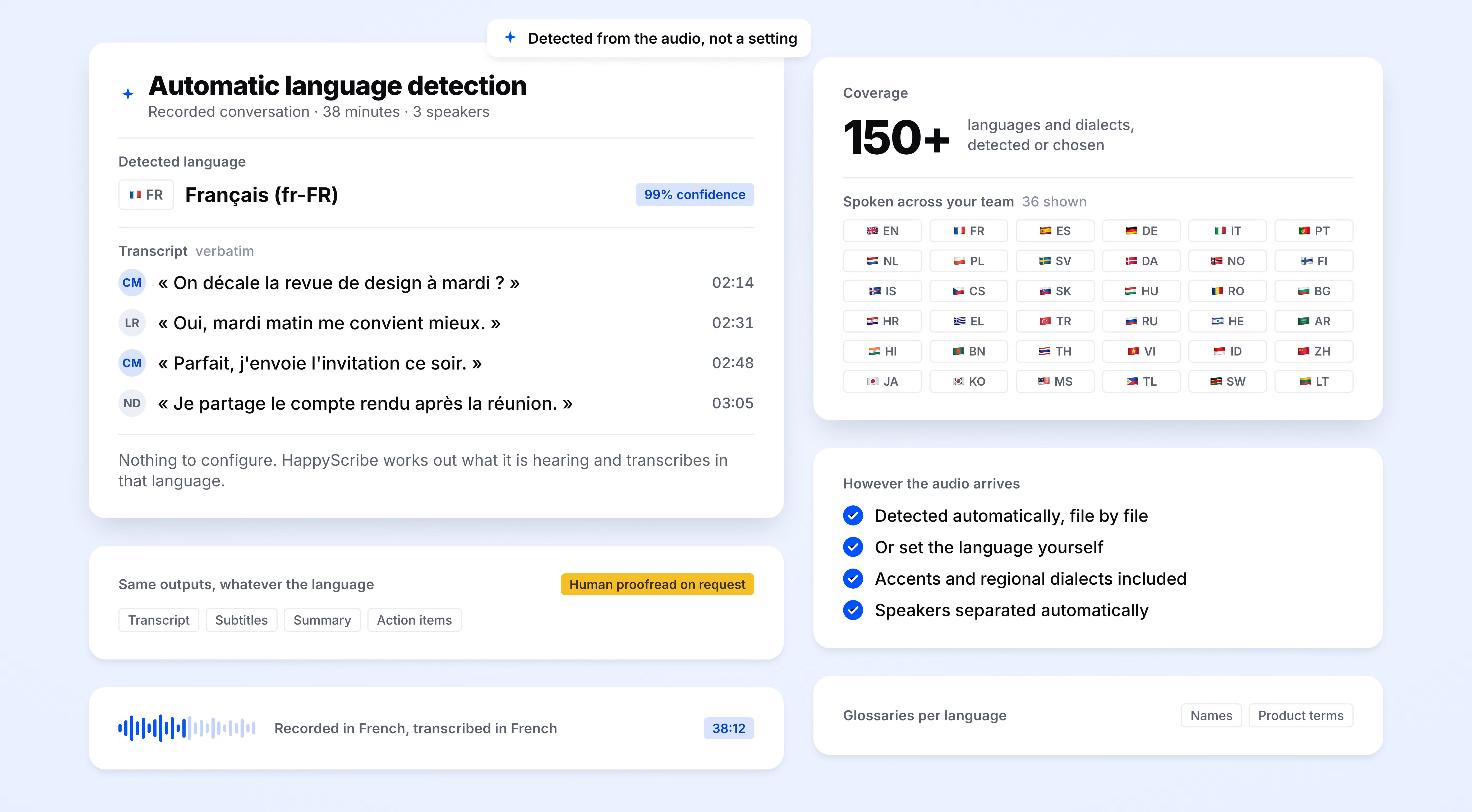
HappyScribe auto-detects the language being spoken and handles mid-call switching. Supports 150+ languages and dialects.
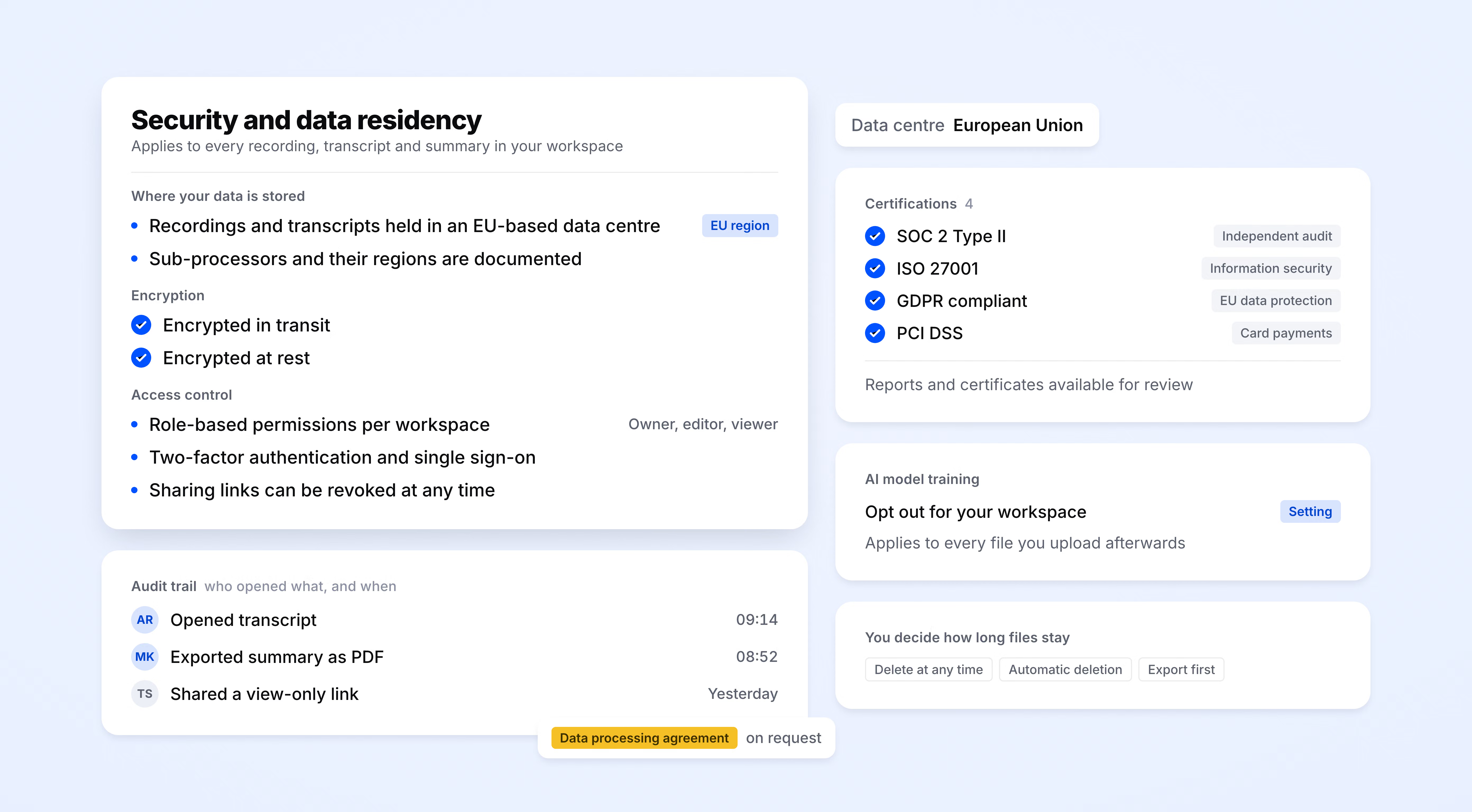
SOC 2 Type II-certified. GDPR-compliant. Headquartered in Barcelona with data stored in PCI DSS and ISO 27001-compliant EU data centers.
Data is encrypted in transit and at rest.
HappyScribe joins your scheduled meetings as a participant, or you can use the browser-based recorder to go bot-free.
You control how your meetings are recorded.
40%
fewer recurring meetings after teams adopt transcript-first async workflows
95%+
transcription accuracy
150+
languages and dialects supported
41,000+
teams already using HappyScribe
HappyScribe is super useful. I use it to create SRT files for my clients. Saves a lot of time.
The closest transcription I have ever found online! A bit pricey but worth the price. Save my time so much!
Great product. Not always super accurate but still faster than transcribing manually.
Excellent transcription, fantastic tool, works very well in French, very useful, I have made film interviews and transcriptions for writing a book. Gain of time
Decent. Some mistakes here and there but generally on the mark.
Great app. Really helpful and learns as you do more and more. Very happy.
Easy to use and saved me tons of time transcribing a homework assignment from an interview I did.
HappyScribe is the most useful and easy app I have downloaded for years. Go ahead for HappyScribe and your texting work will never become easier
Service works as advertised as far as I have tested. Very happy with the service. Thanks.
Async communication tools let teams share updates, decisions, and context without requiring everyone to be online at the same time. They come in different formats: shared docs, recorded video, project boards, transcripts, and summaries. HappyScribe sits in the transcript-and-summary category. It takes your live calls and turns them into structured, searchable documents that teammates in any time zone can read on their own schedule. The conversation happens live. The value travels async.
HappyScribe joins your Zoom, Teams, or Google Meet call and produces three things: a full transcript, an AI-generated summary, and a clear list of decisions with owners. Teammates in different time zones don't wait for someone to write up notes. They read the summary, check the decisions, and jump to specific timestamps when they need the full context. The meeting happens once. The artifact is what keeps the team aligned after that.
Yes. Drop any audio or video file into HappyScribe and get a full transcript, summary, and decisions. If your team has been recording calls without doing anything useful with the footage, this is the fastest way to turn that backlog into async documentation your team can actually search and reference.
Loom works when one person has something to share. But most workplace knowledge doesn't come from solo recordings. It comes from live conversations, debates, and decisions made on calls. HappyScribe captures all of that and delivers it as a clean, searchable record to everyone who wasn't in the room. Loom replaces the announcement. HappyScribe replaces the "can you fill me in?" that follows every meeting.
Zapier, the MCP server, and a public API. You can push the summary and decisions into Slack, Notion, Linear, Google Drive, Confluence, email, or any other tool you already use.
Yes. HappyScribe offers a free plan with unlimited meeting recordings. No credit card required.
HappyScribe offers 95%+ accuracy across all supported languages.
HappyScribe supports 150+ languages and dialects, with automatic language detection.
Yes. HappyScribe offers a bot-free browser recorder and iOS and Android mobile apps that capture audio from your device.
HappyScribe stores all data in an EU-based data center that is PCI DSS and ISO 27001-compliant.
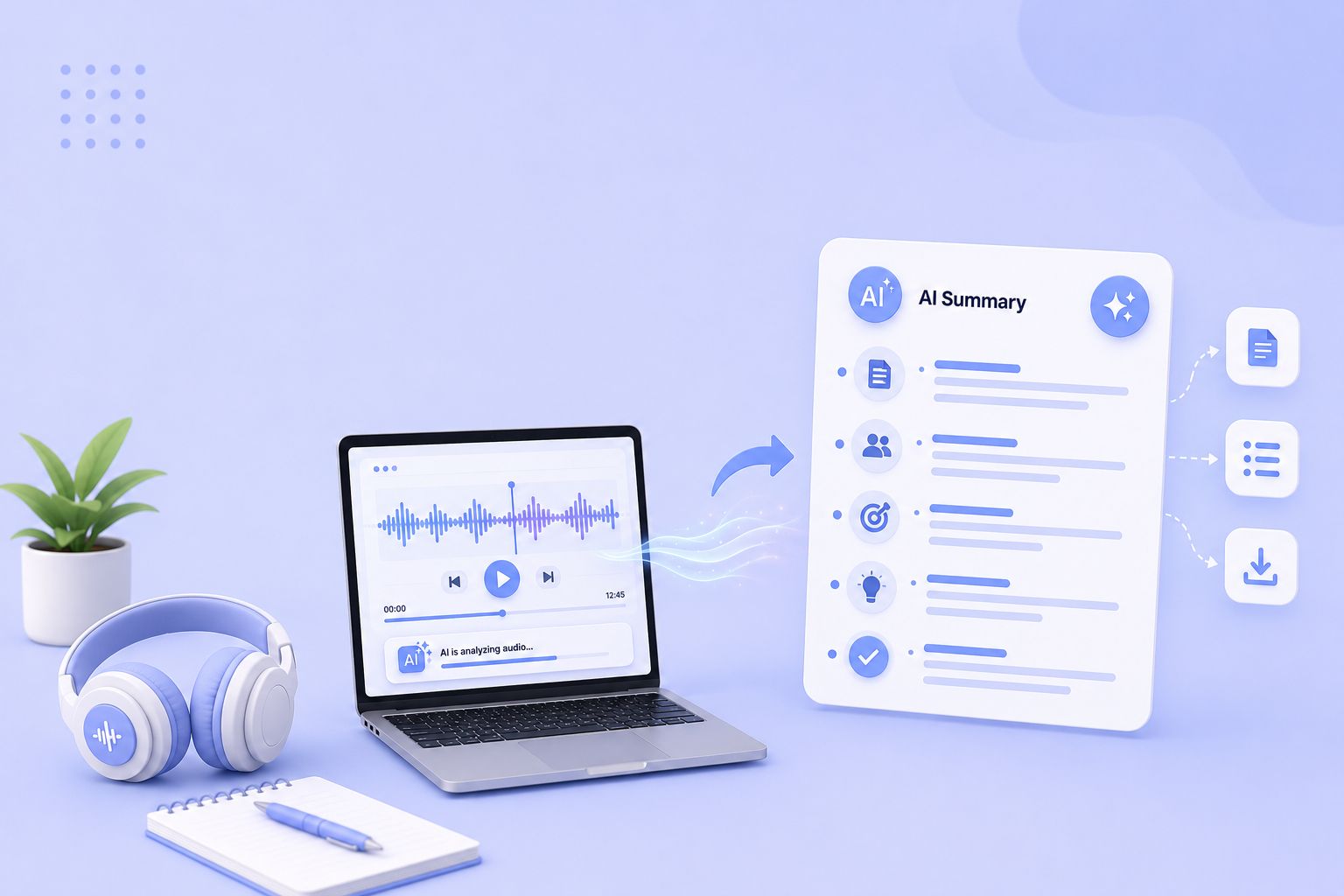
Compare the 5 best free audio summarizer tools in 2026. I tested each for accuracy, languages, and free plan limits so you can choose fast.
MeetGeek not keeping up? We've picked 5 alternatives that offer better accuracy, stronger language support, and more control over your meeting notes.
Looking for Otter alternatives? Compare the top 5 tools for AI meeting notes and discover why HappyScribe is the best one for security and accuracy.

Build a customer research repository with HappyScribe and Claude. Transcribe interviews, organize by folder, and query months of customer evidence on demand.

Turn recorded lectures into study guides with Claude. Transcribe in HappyScribe, connect the two, and build revision material from a whole module.
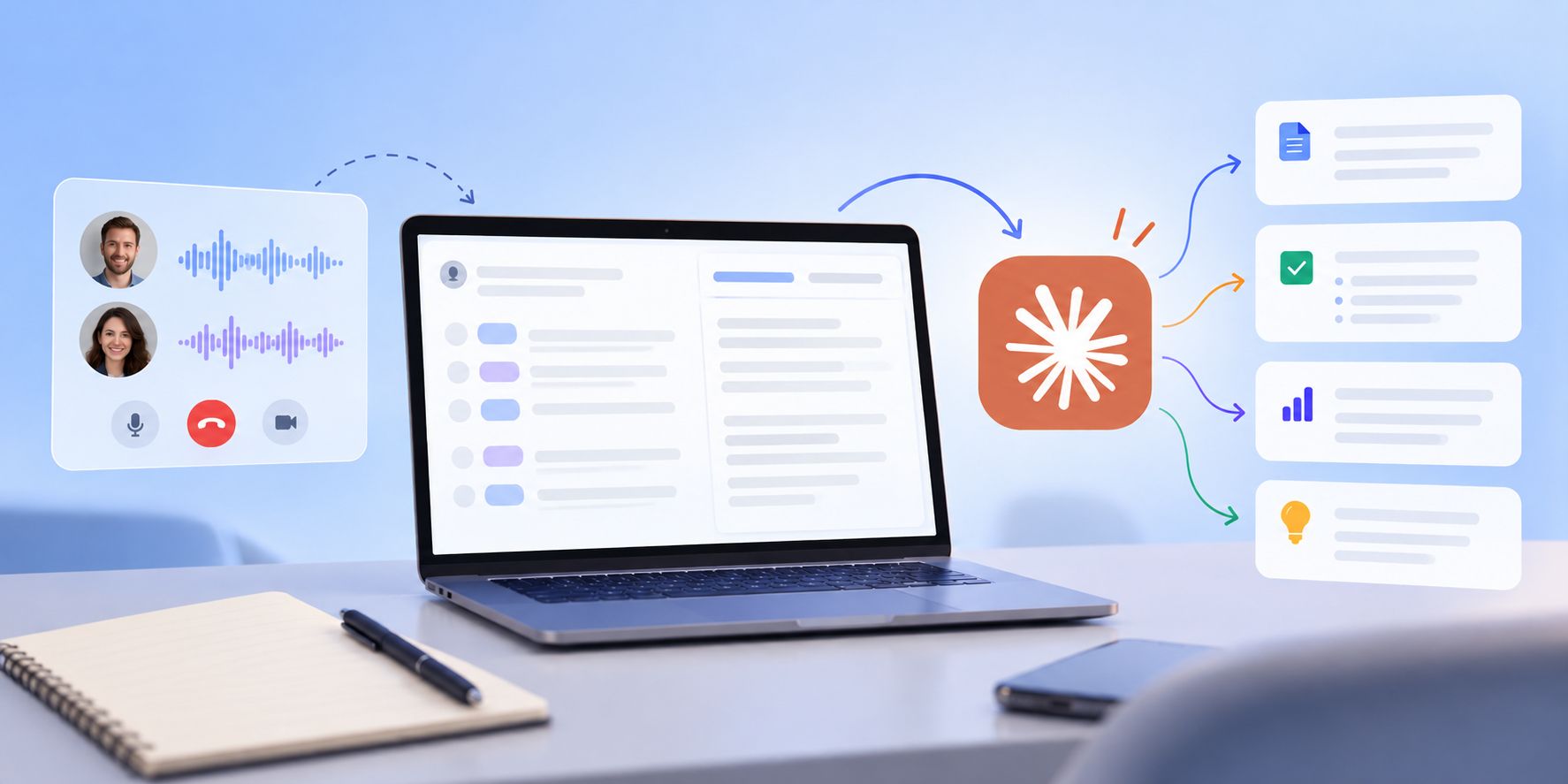
See how Claude helps sales teams analyze calls, review objections, coach reps, compare deals, and find recurring buyer themes.