
Connect your calendar
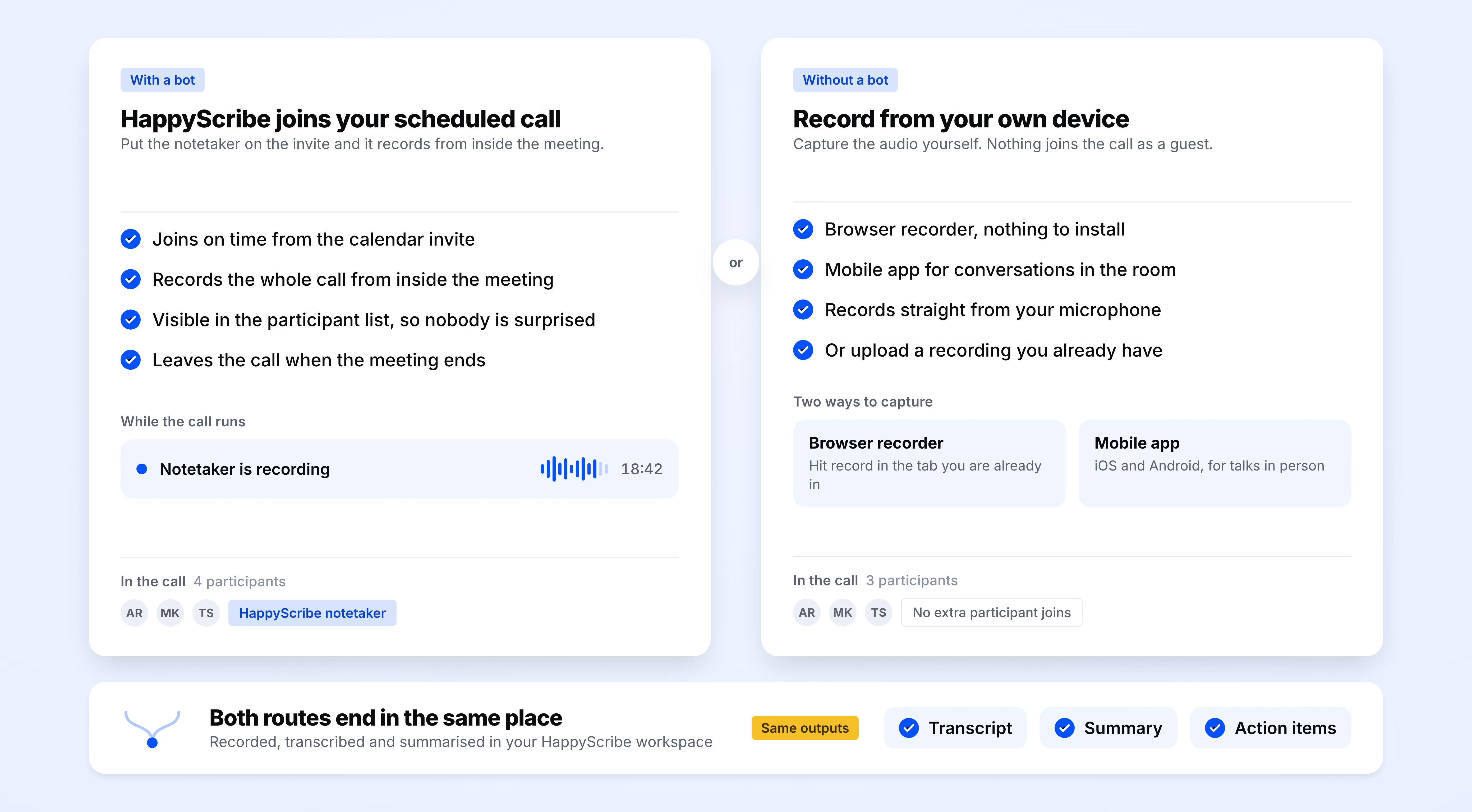
Sign up for free and connect your Google or Outlook calendar to HappyScribe. From there, HappyScribe joins every scheduled client call on its own.
HappyScribe joins your Zoom, Teams, or Google Meet and delivers client call notes with decisions, action items, and owners on every account. Works in 150+ languages.
Trusted by 6m+ users and 41,000+ teams of all sizes
Sign up for free and connect your Google or Outlook calendar to HappyScribe. From there, HappyScribe joins every scheduled client call on its own.
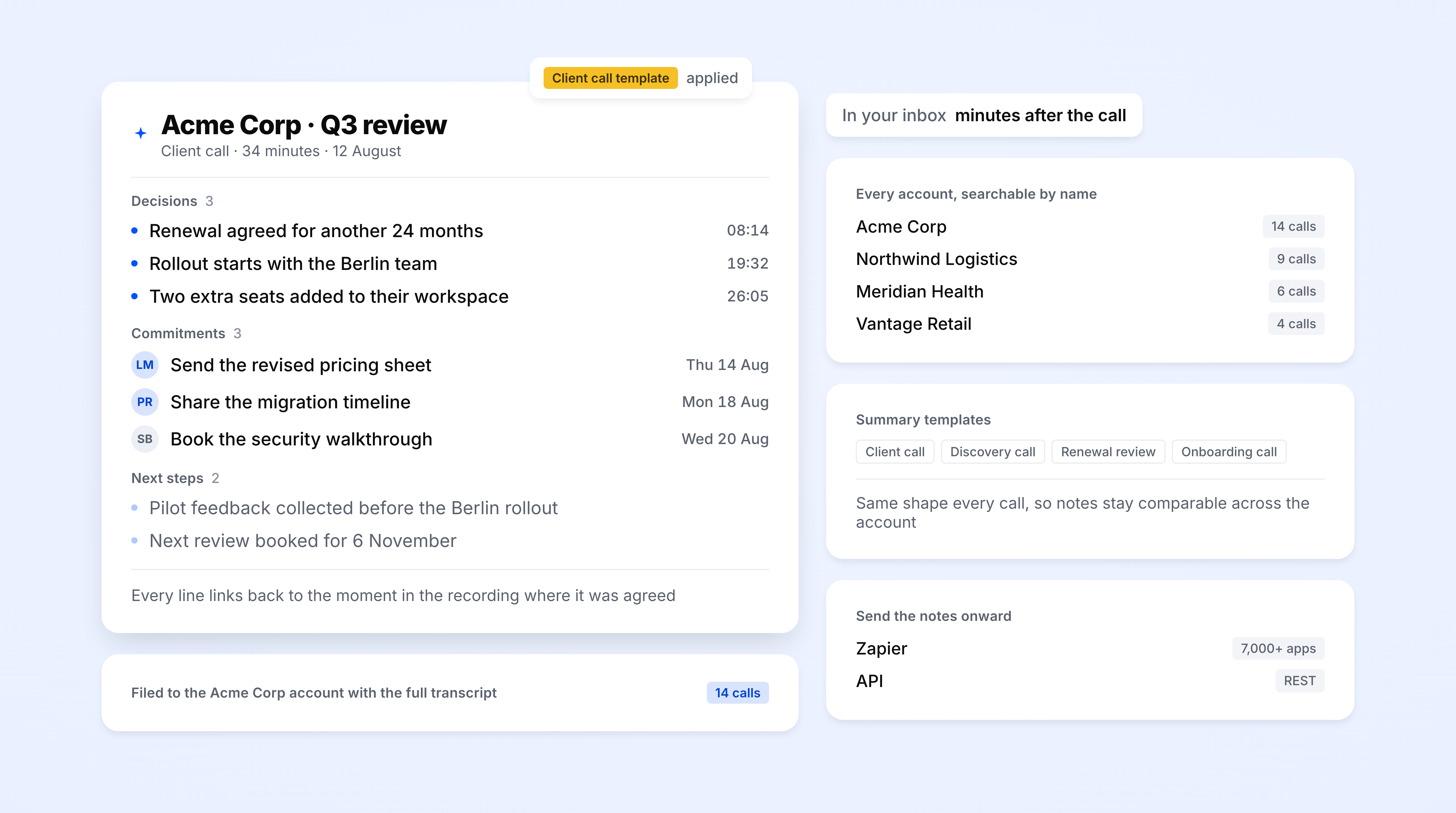
HappyScribe joins your Zoom, Teams, or Google Meet as a participant and records both audio and video. QBRs, renewals, check-ins. All escalations get captured the same way, with every speaker labeled automatically even on multi-stakeholder calls.
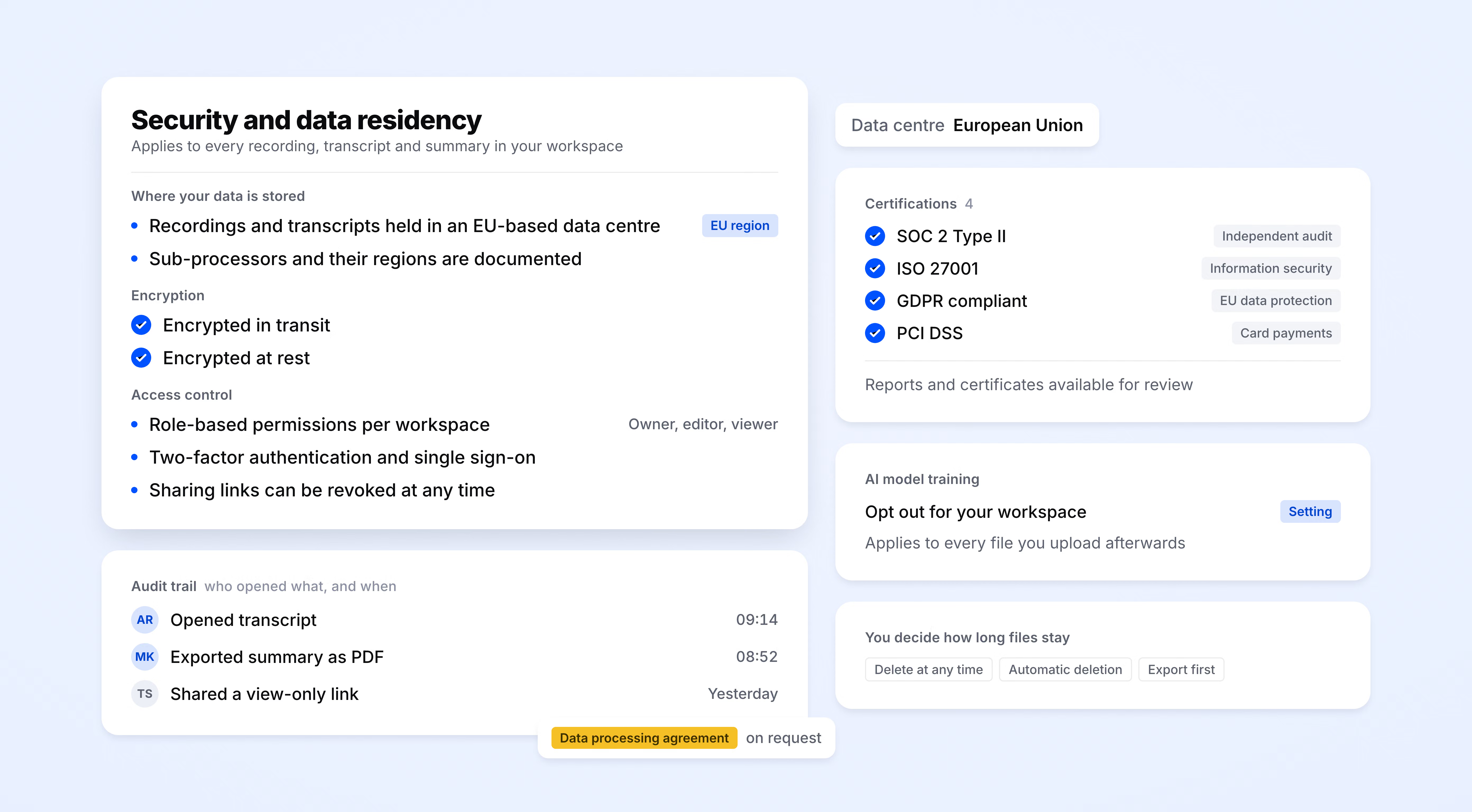
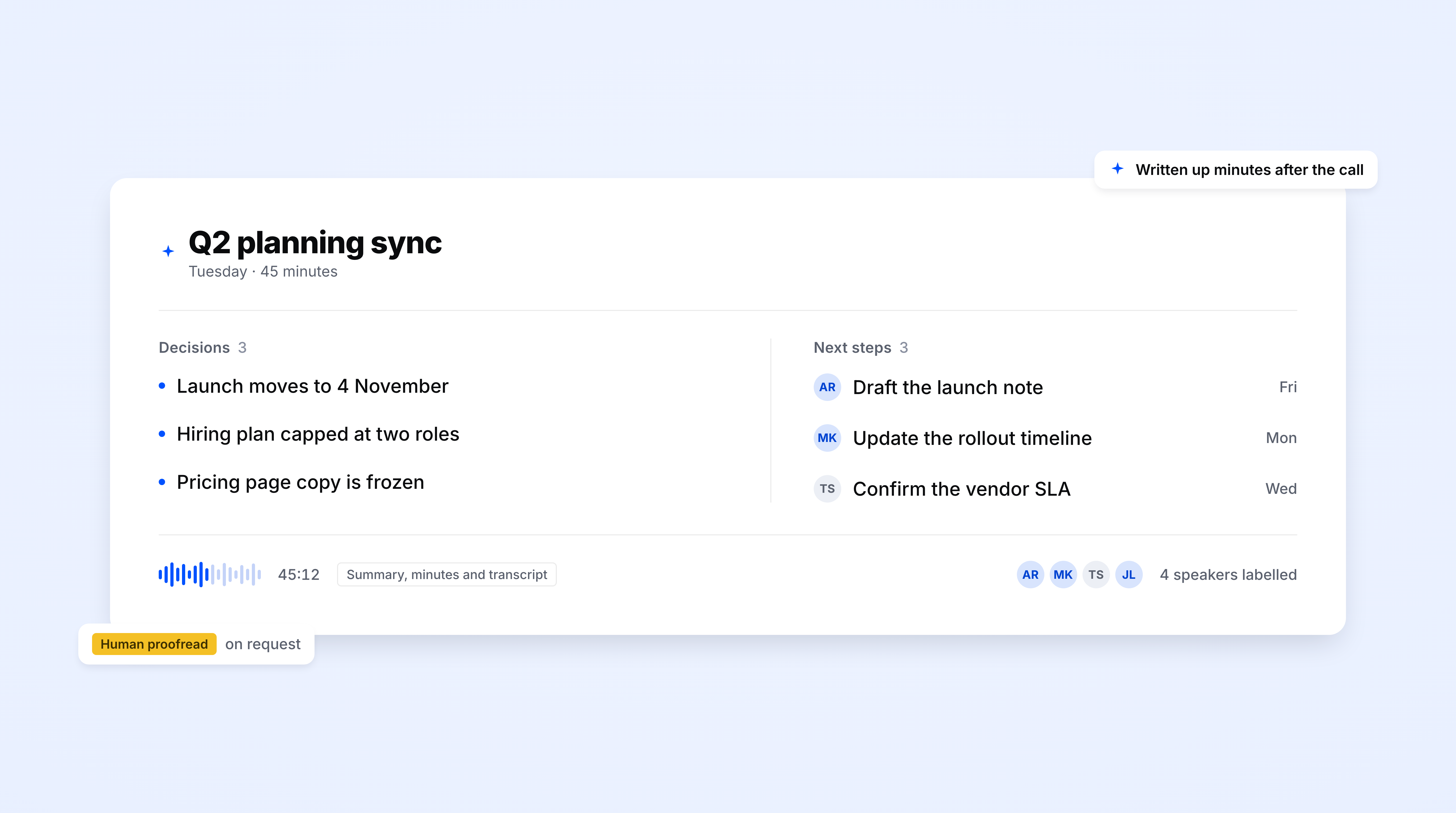
Structured notes land in your inbox minutes after the call ends, with decisions logged and action items captured for both sides of the account. Export to PDF, DOCX, or TXT, or push the notes to your tech stack through Zapier or the API.
Decisions, topics, and next steps pulled into one document, ready to send to the client.
Ask HappyScribe AI Chat a question about a specific meeting with an account, and jump straight to the exact timestamp.
Search across your entire meeting library, for one or multiple clients. Find when scope changed, when renewal terms came up, and whether a Q1 promise still holds in Q4.
Set different templates for QBRs, renewals, or support escalations. Each call type comes back structured the same way and slots straight into the account record.
Review calls, read notes, and search account history from your phone. A CSM walking out of an on-site or between back-to-back renewals gets the same record they’d have at their desk.
Every client call is stored with audio and video. Revisit the source when a dispute comes up or when an incoming CSM needs context on the account.
Every voice labeled automatically. See which stakeholder raised which concern and which account manager committed to what on multi-stakeholder calls.
Push notes to HubSpot Service Hub, Notion, Google Docs, Slack, or your CS platform through Zapier, MCP server, or API. No copy-paste.
The AI Notetaker is a real game-changer for us. There's no need to write everything during meetings anymore; now I can actually engage.
Decisions, commitments, and next steps, each owned by someone on both sides and filed as one searchable record per client. Anyone can pick up the account and see exactly what was agreed, and when.
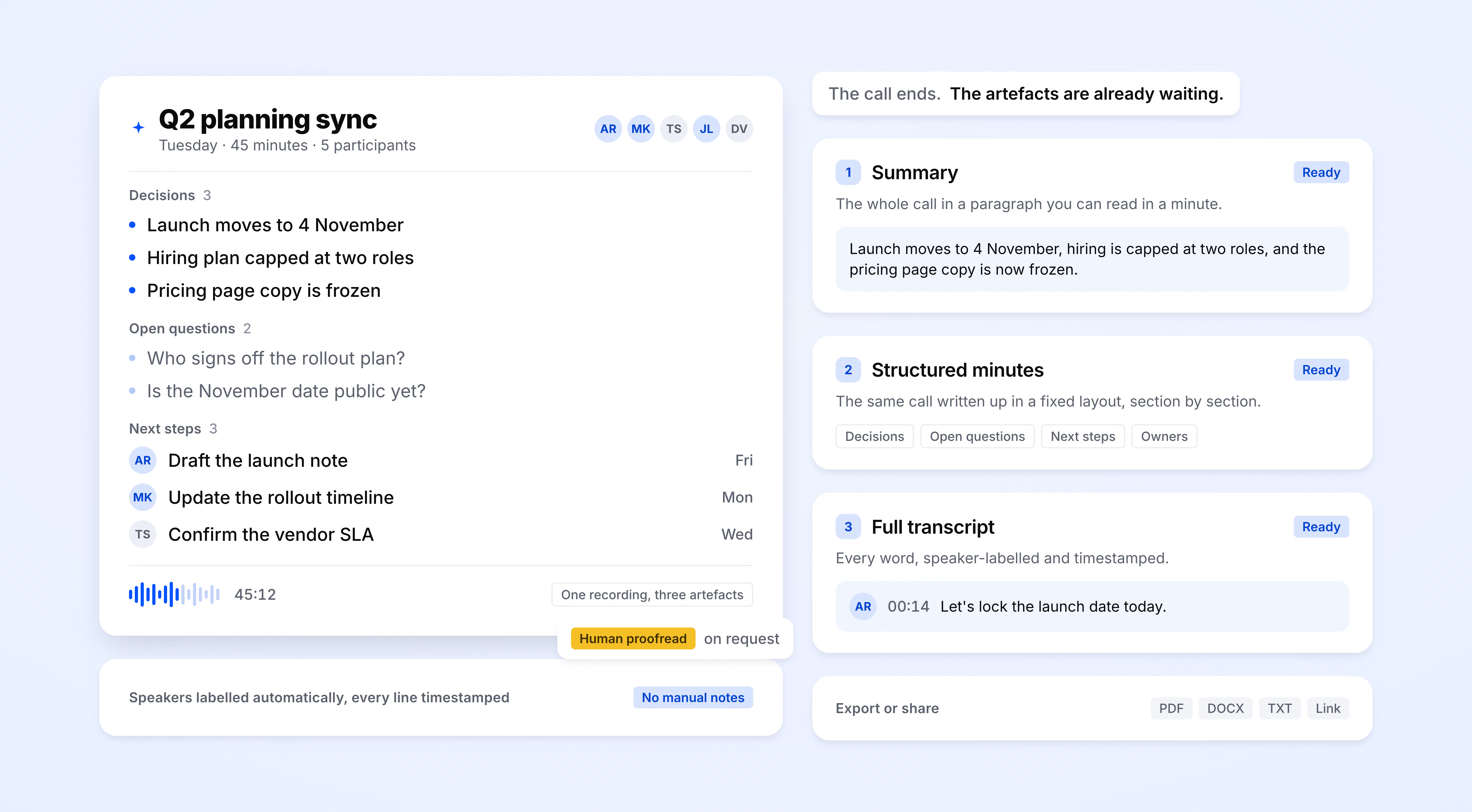
HappyScribe auto-detects the language being spoken and handles mid-call switching. Supports 150+ languages and dialects.
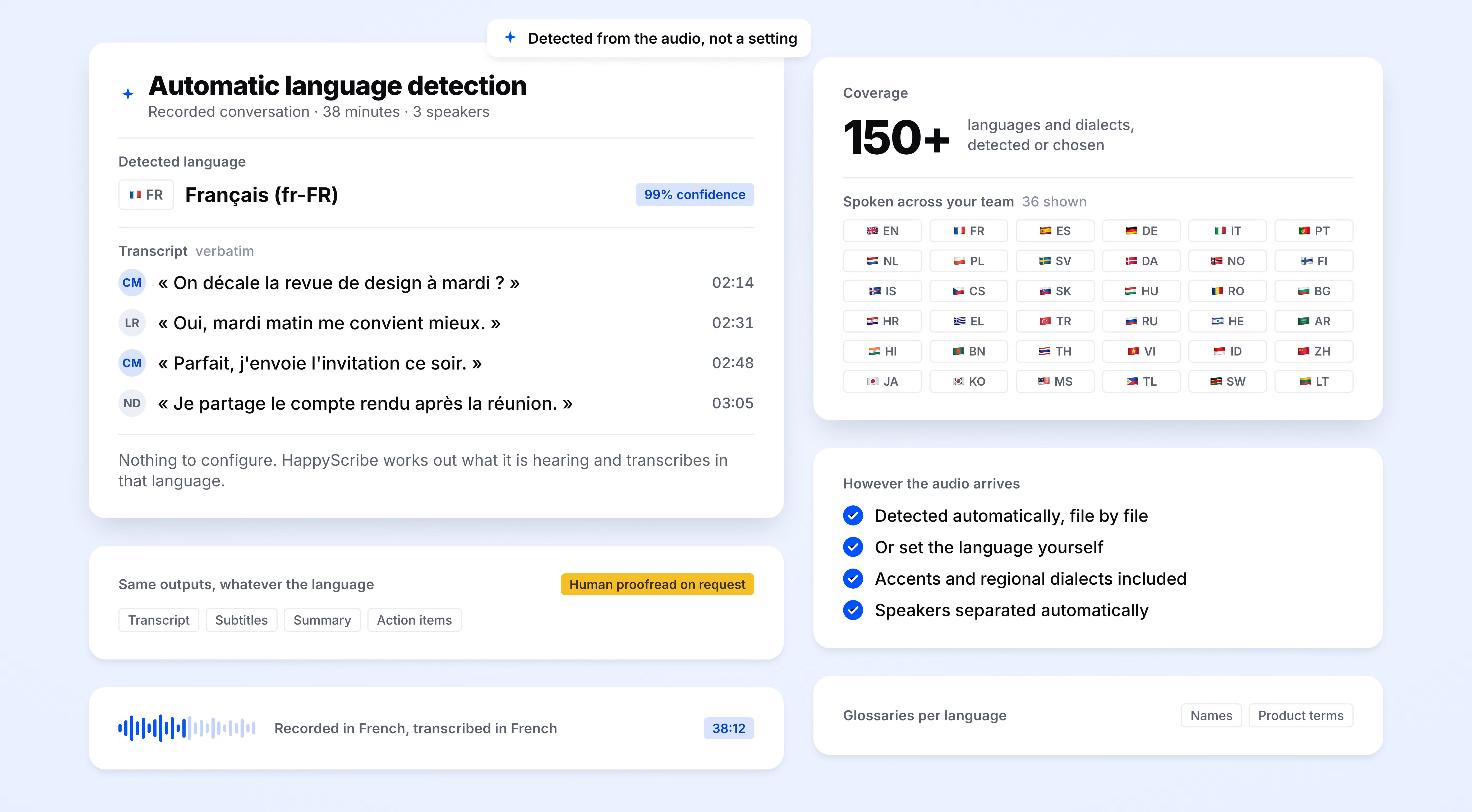
SOC 2 Type II-certified. GDPR-compliant. Headquartered in Barcelona with data stored in a PCI DSS and ISO 27001-compliant EU data center.
Data is encrypted in transit and at rest.
HappyScribe joins your scheduled meetings as a participant, or you can use the browser-based recorder to go bot-free.
You control how your meetings are recorded.
2 years
of account history searchable in one query
95%+
transcription accuracy
150+
languages and dialects supported
41,000+
teams already using HappyScribe
It's super easy to use. Even with their automated transcription and translation from audio, they are 90% correct. Workflow is very easy to understand and the price rate is very reasonable even for a small creator with a budget
Ready to use tool. Love the customization options too.
I'm using the subtitling & transcript tool HappyScribe and it works great. It even rematches the voice/speech with the captions you edit and place in a new field. That's AI. Well done and thank you, HappyScribe!
Excellent just could cost a little less for countries with weak currency like mine
HappyScribe is a nice and easy tool to transcribe your interview! I really recommend it.
Quick, easy, superior quality, reasonable pricing.
Perfect tool to work with. Put the cursor somewhere in the text and the video plays flawlessly from there.
Decent. Some mistakes here and there but generally on the mark.
HappyScribe enabled a no-mess, no-hassle service delivery of a flawless transcription. Couldn't be happier.
Client call notes are a structured record of what happened on a call with a customer or account. They capture decisions and commitments, action items with owners, and next steps. HappyScribe generates them automatically from the recording.
HappyScribe joins your Zoom, Microsoft Teams, or Google Meet call as a participant. It records audio and video, generates a transcript with speaker labels, and produces structured notes with decisions and action items. Output lands in your inbox within minutes and can route to HubSpot Service Hub, Notion, or Slack via Zapier or the API. You can use HappyScribe’s browser-based recorder or mobile app to capture meetings bot-free.
Yes. QBRs, renewals, account reviews, onboarding calls, check-ins, support escalations, and consulting sessions all work with the same workflow. You can set a different summary template for each call type. A QBR template captures strategic goals and health-score inputs. A renewal template captures pricing, terms, and commitment dates.
Every call with every account is stored and searchable. When a new CSM takes over, they can search for decisions, commitments, or specific topics across the full call history. No need to rebuild context from Slack messages or one-on-ones with the outgoing CSM. A new owner can be up to speed on a book of accounts in a fraction of the usual ramp time.
Yes. Chat across meetings lets you ask questions across the full recorded history of an account. Find when a feature was promised, when pricing was last discussed, what the client said about renewal three calls ago, or whether a concern raised last quarter was ever resolved. Every answer comes with a timestamp back to the exact moment in the source call.
Yes. HappyScribe offers a free plan with unlimited meeting recordings. No credit card required.
95%+ across all supported languages.
150+ languages and dialects, with automatic language detection.
Yes. HappyScribe offers a bot-free browser recorder and mobile app that capture meetings without a bot.
All data is stored in an EU-based data center that is PCI DSS and ISO 27001-compliant.
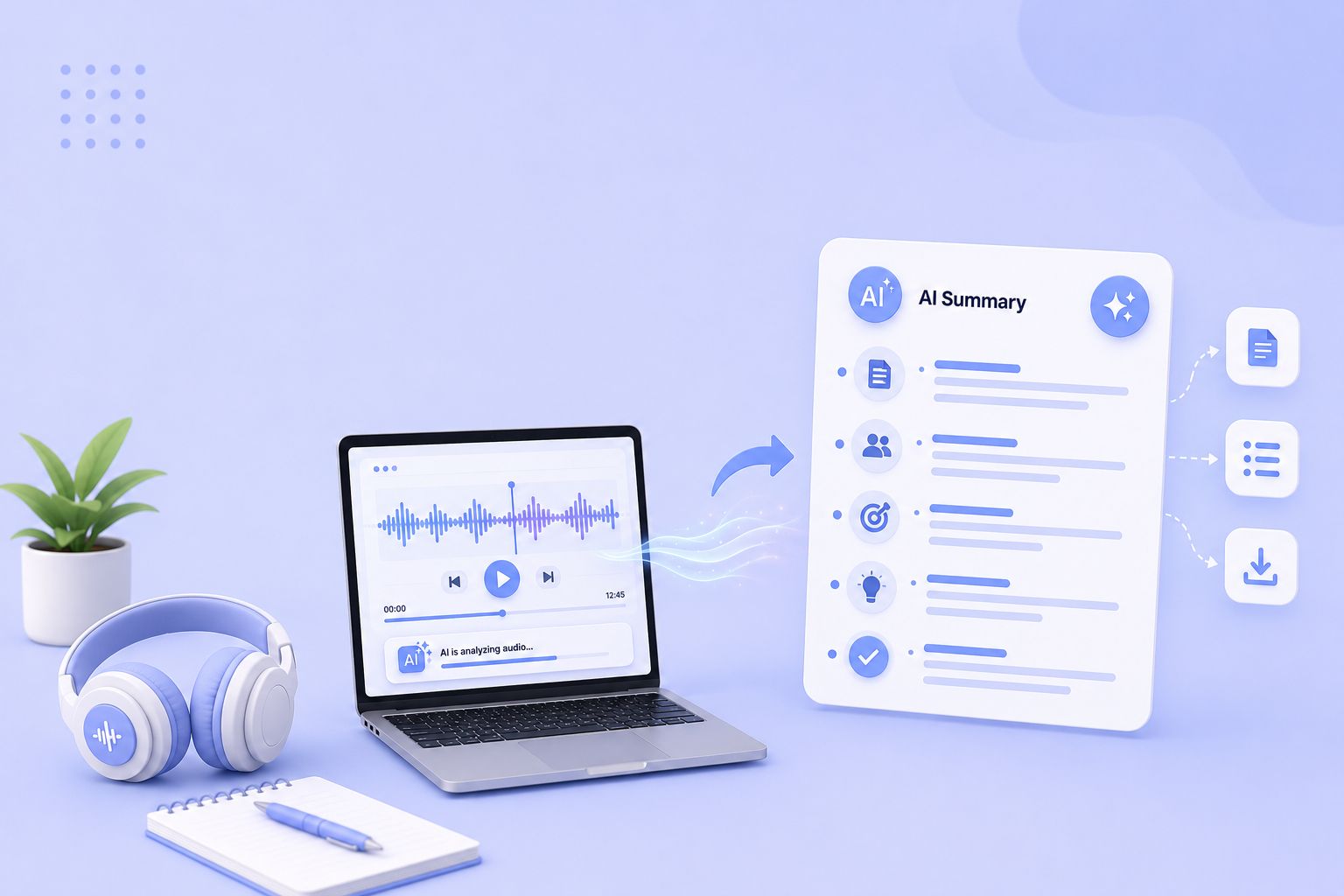
Compare the 5 best free audio summarizer tools in 2026. I tested each for accuracy, languages, and free plan limits so you can choose fast.
MeetGeek not keeping up? We've picked 5 alternatives that offer better accuracy, stronger language support, and more control over your meeting notes.
Looking for Otter alternatives? Compare the top 5 tools for AI meeting notes and discover why HappyScribe is the best one for security and accuracy.

Build a customer research repository with HappyScribe and Claude. Transcribe interviews, organize by folder, and query months of customer evidence on demand.

Turn recorded lectures into study guides with Claude. Transcribe in HappyScribe, connect the two, and build revision material from a whole module.
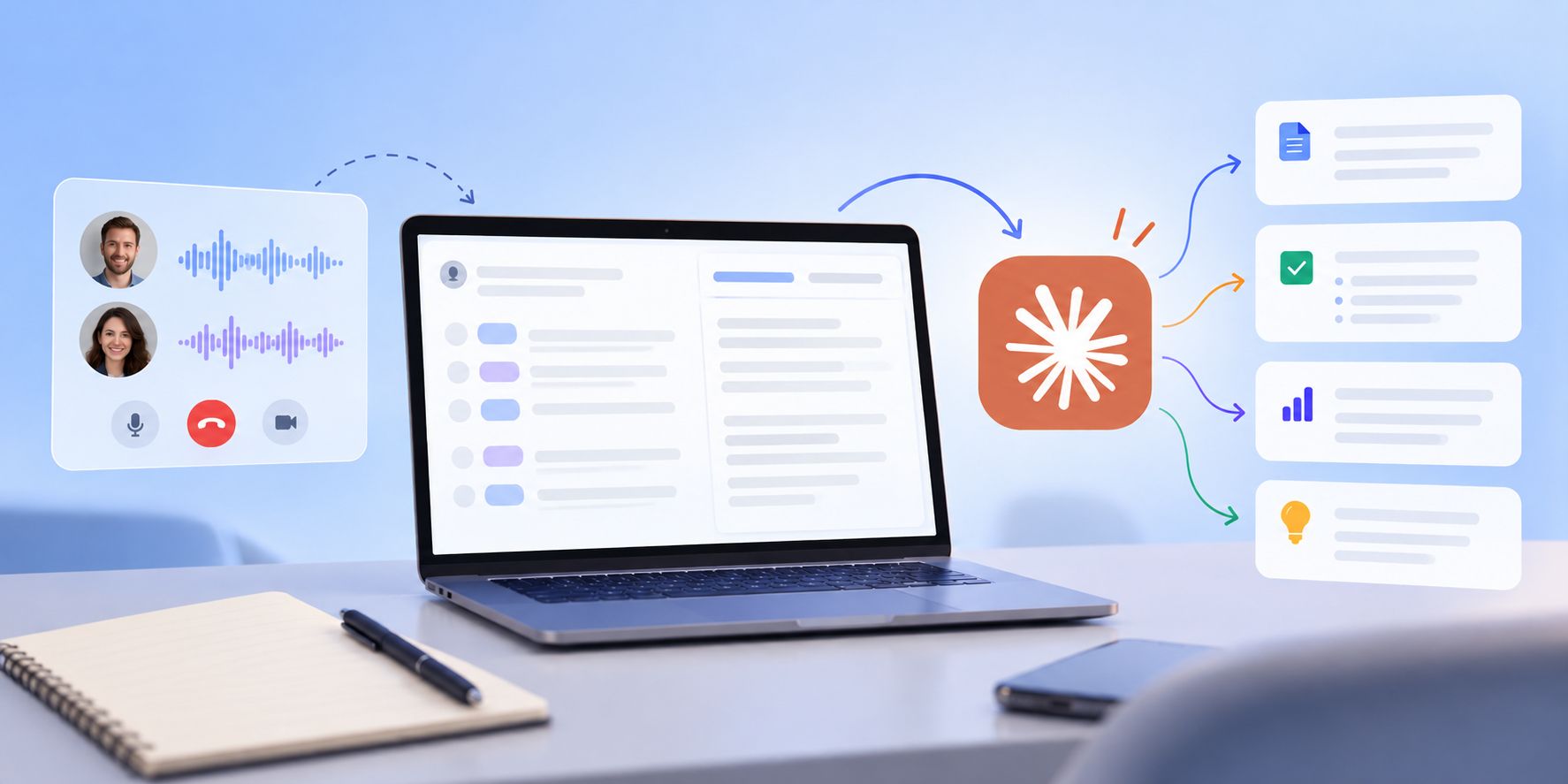
See how Claude helps sales teams analyze calls, review objections, coach reps, compare deals, and find recurring buyer themes.