![5 Best European Alternatives to Sonix [2026]](/sanity-images/ejgwz1gl/redesign/1b8ce1c5daa9065c79ba654b0493c2856b3f9cd6-2048x1152.jpg?auto=format&w=2048.0&rect=0,0,2048,1152)
TL;DR ⏩
Based on my experience, here are the best European alternatives to Sonix:
- HappyScribe: Best overall Sonix alternative for European teams that want secure and accurate file transcription, meeting notes, and subtitles in 150+ languages on EU infrastructure
- Amberscript: Best for regulated teams whose transcription tool has to clear a procurement review first
- Beey: Best for teams working in Slavic and Nordic languages that other engines don't handle well
- Trint: Best for newsrooms that need real-time transcription and collaborative editing on deadline
- Speechmatics: Best for organizations that need an ASR engine running on their own hardware
Sonix has a dedicated user base for file transcription and subtitle editing, but it’s not for everyone. Its actual transcript accuracy is a far cry from the claimed numbers, and it can’t auto-generate live meeting notes.
We’ve already gone over Sonix alternatives for users who want more bang for their buck, and it’s the European users who feel particularly let down by it.
San Francisco-based Sonix AI isn’t the best option in Europe because:
- It stores user data in the United States’ AWS servers, which means Sonix will share private data with local authorities under the CLOUD Act, if needed
- Sonix is SOC 2 Type 2-compliant, with HIPAA reserved for Enterprise users. These can’t cover up the lack of ISO 27001 certification, something the EU procurement teams and DPOs check
- Sonix pushes for sentiment analysis, but the EU AI Act Article 5 prohibits that in workspaces, and the fine runs to 7% of global turnover for you, not the vendor
- Sonix only supports 54 languages, and it doesn’t cover all EU languages. If you’re dealing with Irish, Maltese, Albanian, or Icelandic, Sonix can’t help you
- You can’t transcribe files and online meetings on the same platform. I have gone over how it fares on everyday tasks in my Sonix review, so you can read more about it
The good news is that avoiding Sonix doesn’t mean you have to sacrifice your transcription workflows. I’ve tested these tools for a long time, and here are the best European alternatives to Sonix.
Top 5 Sonix alternatives in Europe: At a glance
| Category | HappyScribe | Amberscript | Beey | Trint | Speechmatics |
|---|---|---|---|---|---|
| Best for | European teams that want accurate file transcription, meeting notes, and subtitles in one platform | Regulated teams whose tool has to clear a procurement review | Teams working in Slavic and Nordic languages | Newsrooms transcribing a live feed | Organizations that can't use a shared cloud at all |
| Key features | Bot and bot-free capture, AI Chat, custom glossaries, human proofreading, subtitle editor | AI and human transcription, custom dictionary, SDH subtitles, broadcast exports | Live captioning, translation, summaries, and custom dictionary | Trint Live, Story Builder, collaborative editing, newsroom integrations | Real-time and batch API, GPU containers, on-device deployment, Melia multilingual model |
| Supported languages | 150+ | 90+ with AI, 18+ with human review | 33 | 50+ | 56+ |
| Security and compliance | GDPR, SOC 2 Type II, DPA, and PCI DSS, ISO 27001-compliant EU data center | ISO 27001, ISO 9001, GDPR, NDA, and DPA on human services | GDPR as an EU company | ISO 27001, Cyber Essentials, GDPR, covered by UK adequacy | ISO 27001, SOC 2, GDPR, HIPAA |
| Starting price | Free plan available. Paid plans from $8.50/month billed annually or $17/month | €19/month | €8.40/hour pay-as-you-go. Paid plan starts from €25/month | $100/month | Free plan. Paid plan starts from $0.129/hour |
1. HappyScribe
Best for: European teams that want accurate file transcription, meeting notes, and a subtitle editor on secure EU infrastructure
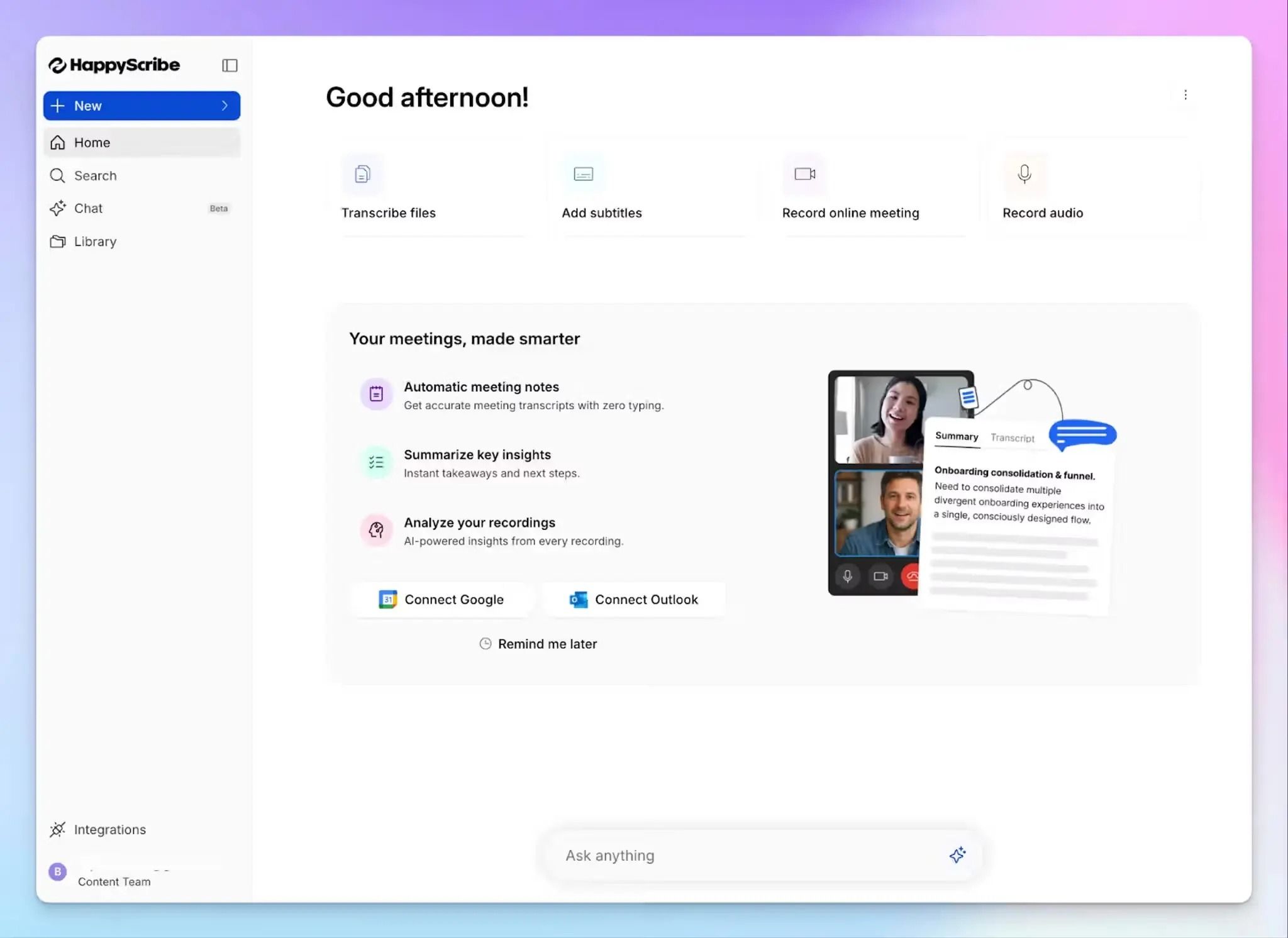
If you want the features that make Sonix useful but don’t want to compromise data security, Barcelona-based HappyScribe is the clear upgrade.
You upload audio files and video files, edit transcripts and subtitles synced to the media, and export to the formats your team already uses. What changes is everything underneath.
HappyScribe vs. Sonix
| Category | HappyScribe | Sonix |
|---|---|---|
| Data residency | Based in Barcelona, Spain. Files stored in a Tier IV EU data center certified to ISO 27001 and PCI DSS | AWS servers in the US. Residency option reserved for Enterprise accounts, SOC 2 report is only available to the $80 plan and above |
| Meeting capture | HappyScribe auto-joins Zoom, Google Meet, and Microsoft Teams calls, plus bot-free in-person recording | Sonix is upload only. You record elsewhere and bring the media files in |
| Languages and accuracy | 150+ languages with auto-detection, 95%+ with AI, or 99% with human proofreading | 54 languages with no auto-detection, around 90% accuracy on clean audio, no human tier |
| Subtitling workflow | Waveform view makes segments easy to add, merge, and mark, with styling you control | Denser and dated layout makes it difficult for new users |
For an in-depth comparison between the tools, check out HappyScribe vs Sonix
HappyScribe's key features
1. European-grade security and data sovereignty
If you have strict security and compliance requirements, chances are HappyScribe covers them. Data is stored in a Tier IV, PCI DSS and ISO 27001-certified EU data center, and HappyScribe is GDPR compliant and SOC 2 Type II certified as a company.
It publishes these certifications so your DPO can verify them before a sales call. Sonix reserves its SOC 2 report for the $80 tier, carries no ISO 27001, and keeps your recordings on US servers.
With HappyScribe, you also get a signed DPA, AES-256 encryption in transit and at rest, and SSO/SAML support.
2. Auto-join and transcribe meetings in 150+ languages with 95%+ accuracy
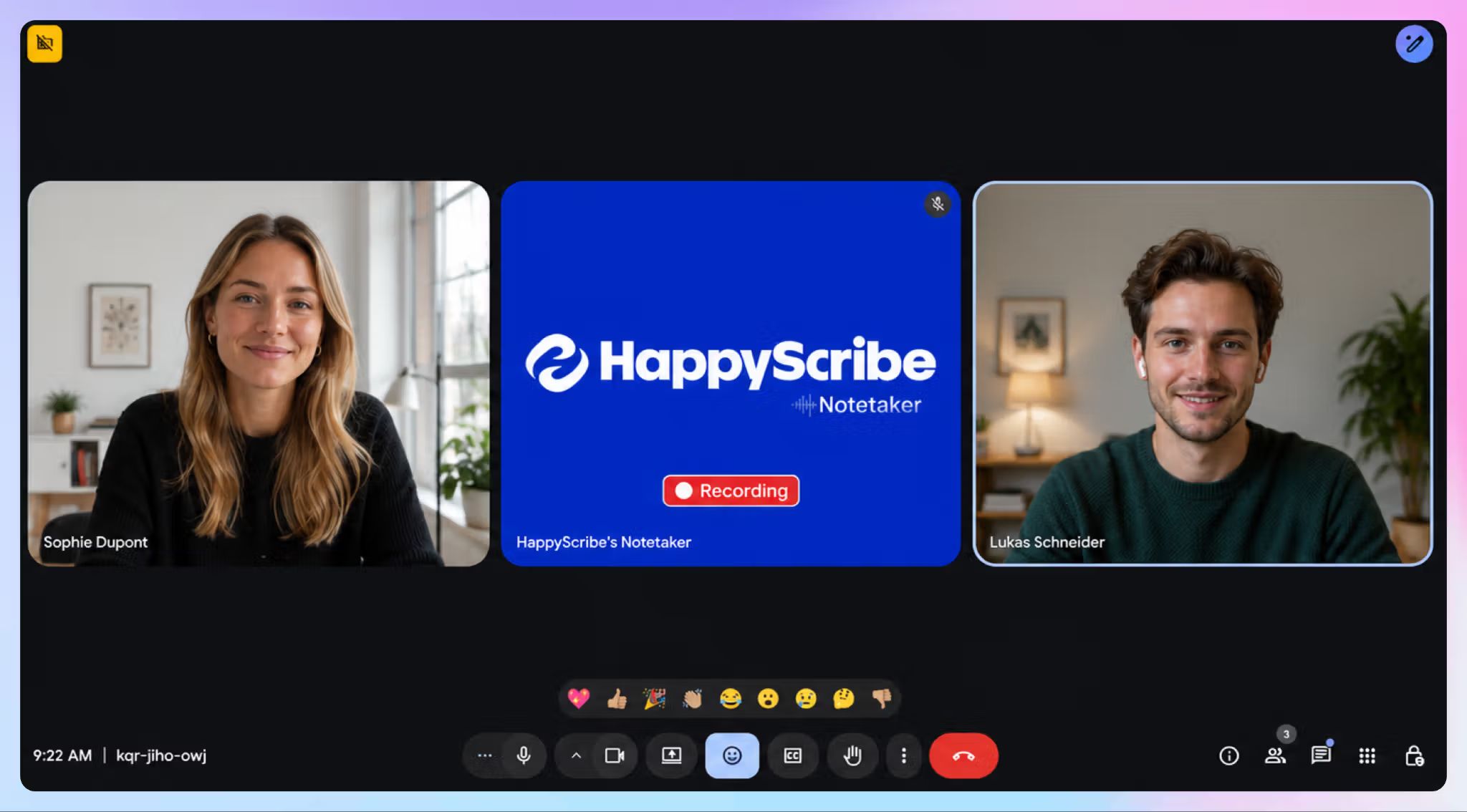
Connect your Google or Outlook calendar, and the HappyScribe AI note taker joins Zoom, Google Meet, and Microsoft Teams calls automatically. For in-person conversations, the HappyScribe apps capture audio without putting a bot in the room.
Pre-recorded work runs through the same platform, so you can upload files from your device, YouTube, Vimeo, Dropbox, Google Drive, Wistia, or Box and get transcripts back with speaker labels and timestamps.
HappyScribe covers 150+ languages and dialects against Sonix's 54, and that includes European languages Sonix has no model for, such as Albanian and Icelandic.
When a transcript has to be exact for research, journalism, or legal cases, send any file to a HappyScribe linguist for human transcription at 99% accuracy.
3. Use AI Chat for insights and meeting prep
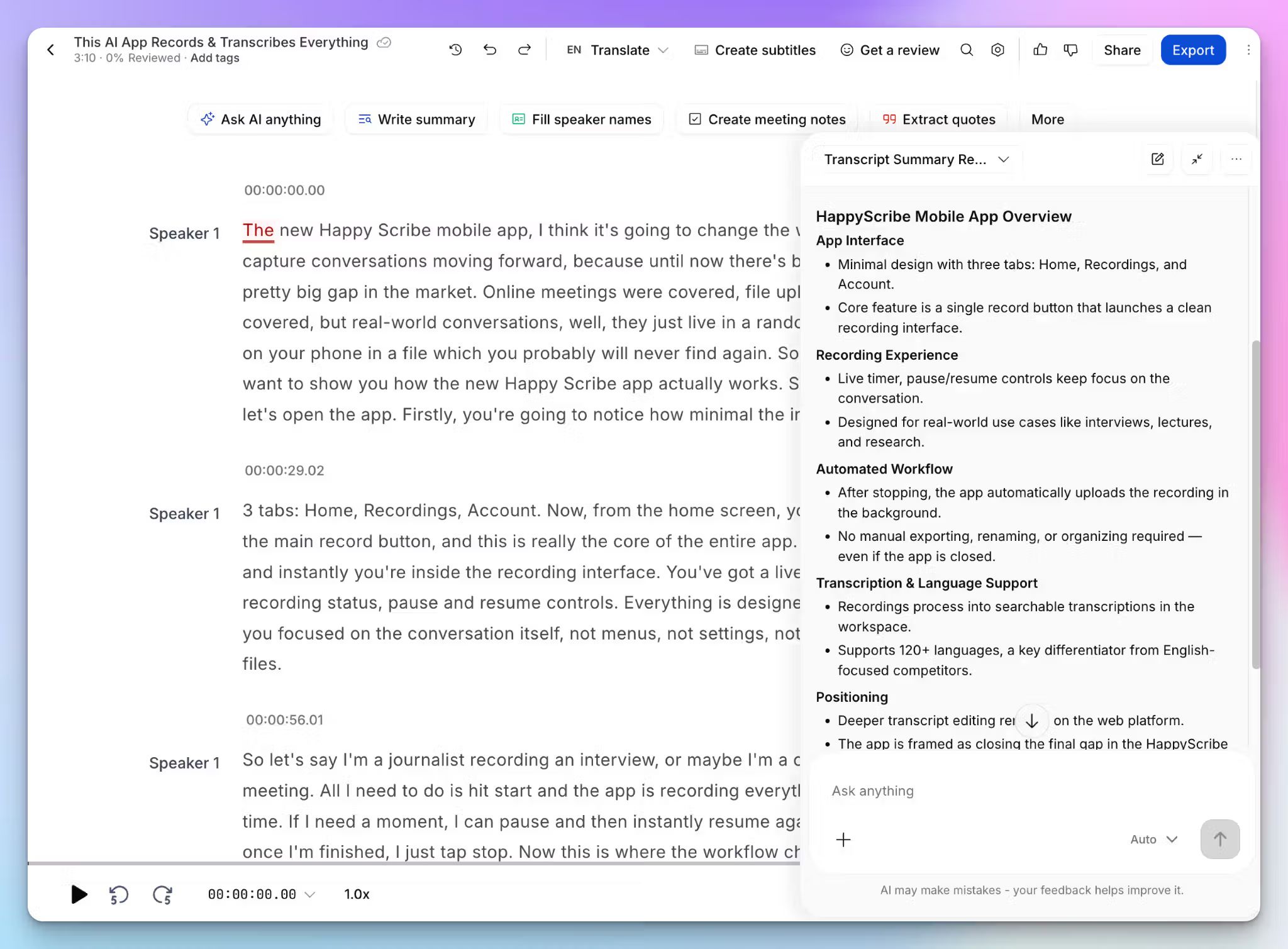
HappyScribe AI Chat analyzes your transcripts and answers in plain language. You can pull every quote a speaker gives on a topic, generate meeting summaries, or ask what a client agreed to across previous calls. It’s an AI meeting assistant that helps you make decisions and prepare for upcoming meetings.
The search runs across your whole workspace rather than one file at a time. Sonix keeps its AI features out of the pay-as-you-go tier, and its $25 plan can't search across all your transcripts.
4. Generous free tier with unlimited meeting recordings
HappyScribe’s free plan covers unlimited meeting recordings capped at 45 minutes each, plus a trial of AI Chat, translation, and subtitles, so you can test the platform on real calls before upgrading to a paid tier.
Sonix gives you only 30 minutes of free trial, after which you have to pick the pay-as-you-go model or a subscription. Keep in mind that it advertises no credit card required for trial, but it requires a card at signup anyway.
HappyScribe's pricing
AI transcription and meeting notes:
- Free: unlimited meeting recordings up to 45 minutes each
- Basic: $8.50/month billed annually or $17/month billed monthly
- Pro: $19/month billed annually or $29/month billed monthly
- Business: $59/month billed annually or $89/month billed monthly
- Enterprise: contact sales for custom terms
Human transcription and captioning services: Start from $2.00/min, billed separately
HappyScribe's pros
- Import files from your device or cloud storage and push finished captions straight back to YouTube, Vimeo, and Wistia
- Supports MP3, MP4, AAC, FLAC, M4V, PDF, DOCX, HTML, TXT, VTT, SRT, EBU STL, and other file formats for import and export
- Unlimited meeting recordings in the free plan with 95% AI accuracy in 150+ languages
- Create your custom glossaries to teach HappyScribe names and technical terms, so you get more accurate transcripts for every file
- Use HappyScribe mobile apps for recording on the go, with or without a bot
- Connect meeting data to your stack through the MCP server, Zapier, and the HappyScribe API
HappyScribe's cons
- It isn't built for real-time transcription
What are users saying about HappyScribe?
I'm a Spanish teacher, and this makes creating transcripts for my videos and audios so easy for my students!
I really like the precision and accuracy of HappyScribe's note-taking, especially in the Turkish language, where it works perfectly. [...] It helps us by providing meeting notes and action items, which we then use to create KPIs, targets, and follow-up items. The initial setup was just perfect; it only took a couple of minutes with a single sign-on to my Microsoft account, and it automatically connected with my calendar and agenda.
How to use HappyScribe: A step-by-step guide
- Click Transcribe files at the top to upload audio and video files, or import from YouTube, Vimeo, Wistia, Dropbox, Google Drive, or Box.
- Choose Machine generated for speed or Human made for 99% accuracy, and review the language.
- Link your Google or Outlook calendar, or paste a meeting link to invite the HappyScribe note taker. Record audio for bot-free meetings.
- Open AI Chat from the transcript editor to pull quotes, summaries, or action items.
2. Amberscript
Best for: Regulated European teams looking for an EU-hosted transcription and captioning service that needs to pass procurement review
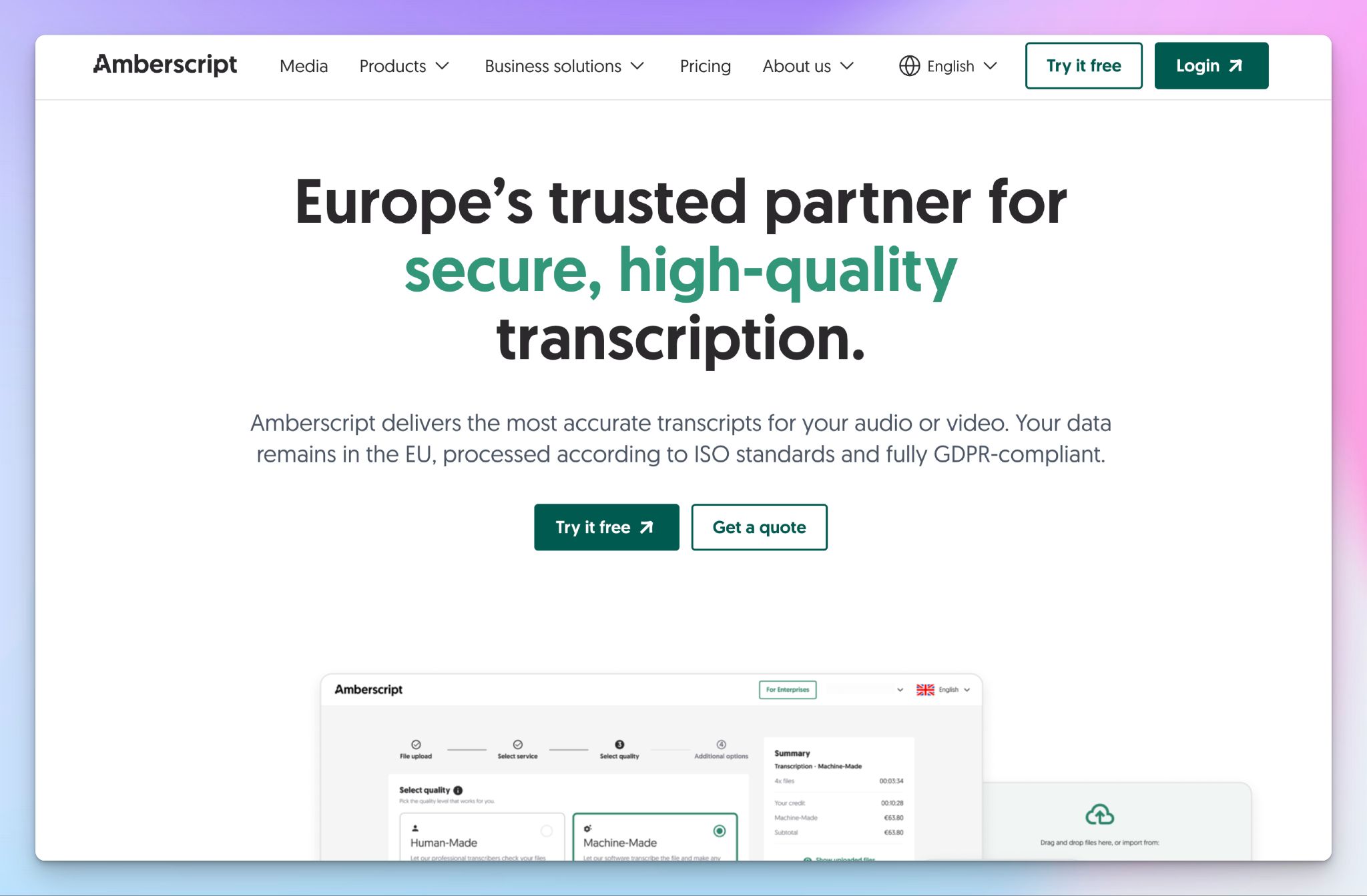
If a works council or an ethics board is what sent you looking for a Sonix replacement, Amberscript could be an option for you. It’s an Amsterdam-based transcription and subtitling platform that pitches itself to governments, universities, courts, and healthcare.
Amberscript vs. Sonix
Amberscript doesn’t pull any punches when it comes to certifications. It’s ISO 27001 and ISO 9001 certified, GDPR-compliant, stores data on EU servers, and offers NDA and DPA in its human-led services. In contrast, Sonix reserves its SOC 2 report for the $80 tier and DPA for Enterprise contracts.
Amberscript also answers something Sonix doesn't. When you want better than AI output, human transcribers can review your file and return 99%+ accuracy in a clean read or verbatim style.
Amberscript's key features
- Upload audio and video files for AI and human-made transcription with speaker identification and your custom dictionary for recurring names and technical terms
- Amber Notes is a separate service that offers AI meeting notes in 90+ languages
- Export transcripts in Word, JSON, TXT, and CSV, and subtitles in SRT, VTT, EBU-STL, and AVID with SDH versions for accessibility
- You can connect the API to your own stack, add SSO, and centralized billing on an Enterprise contract
Amberscript's pricing
- Starter: €19/month
- Pro: €29/month
- Power: €49/month
- Credits: €10/hour
- Human transcription: From €1.85/min
- Human subtitles: From €4.40/min
Amberscript's cons
- Amberscript’s AI transcription tops out at 90% accuracy, so sensitive work pushes you into the human tier, where a single hour of audio runs past €110
- Human review covers 18+ languages, so most languages have no route to 99% accuracy
- Meeting capture sits in a separate product called Amber Notes, so your files and your meeting notes never share a workspace
- Unused subscription hours expire at month's end instead of rolling over, and one-time credits have to be used within 60 days
📚 Also read:
3. Beey
Best for: European teams looking for transcription and live captioning in Slavic and Nordic languages
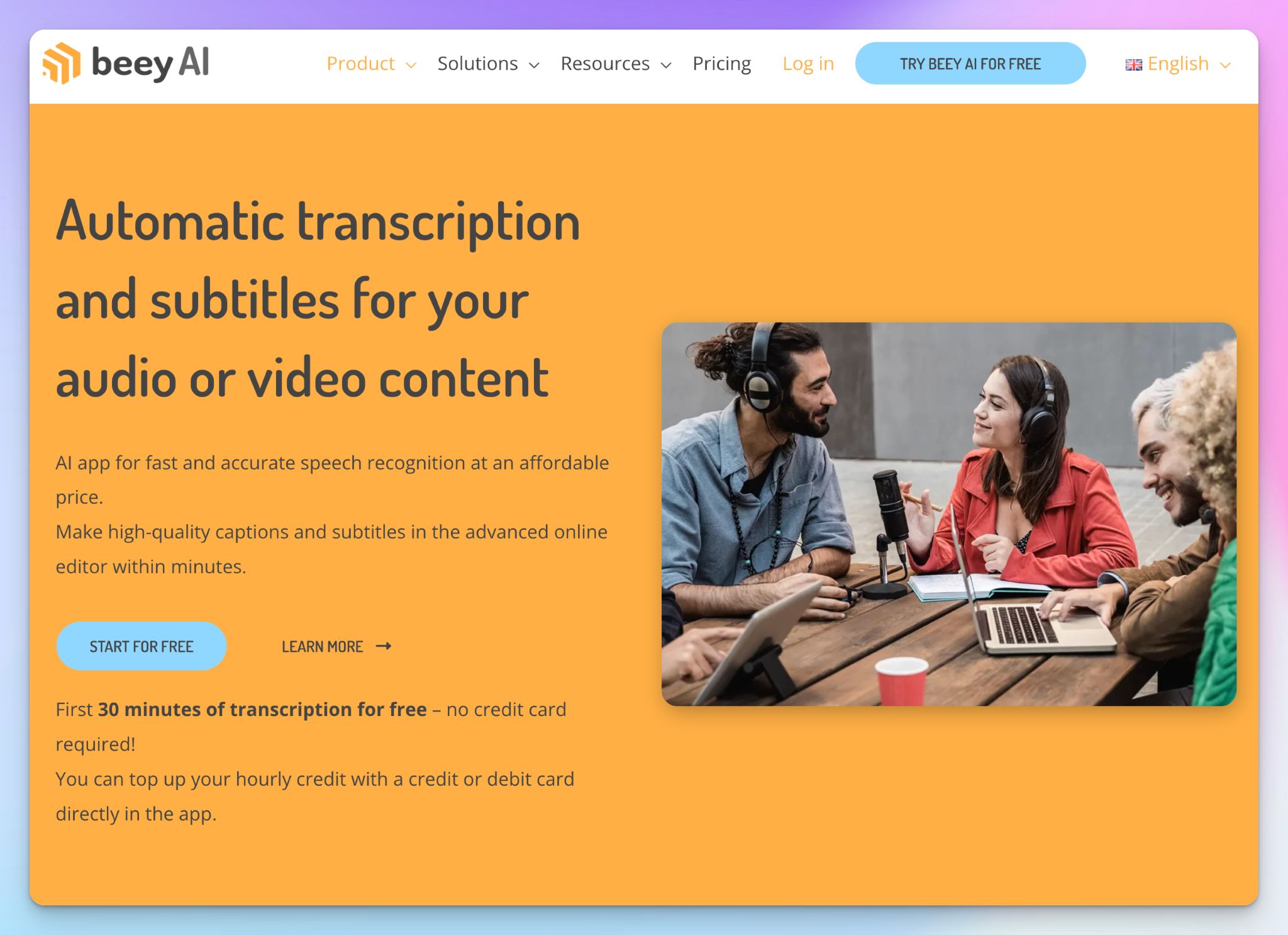
Sonix isn’t a reliable transcriber if you work in Czech, Polish, Serbian, or the Nordic languages. Prague-based Beey has been working on speech recognition tech for 15 years, and its ASR engine is trained on European speech by Europeans.
Beey vs. Sonix
Beey supports only 33 languages, which is fewer than Sonix, but it makes up for it with extra focus on Slavic and Nordic languages. Bosnian, Macedonian, and Montenegrin are also supported in Beey, and none of the three appears on Sonix's language list.
Its Nordic quality came from funded research rather than a model refresh. The NORDTRANS project, backed by a €1.24 million grant from Norway Grants, existed specifically to improve Swedish, Norwegian, and Danish recognition. If you deal with these languages, it’s hard to see how Sonix offers anything better.
Beey's key features
- Upload audio and video files, pull media straight from YouTube with Link, or break long recordings into workable pieces with the Splitter feature
- You can caption live conferences and streams through BeeyLive, or record and transcribe them after the event
- Translate transcripts and subtitles with the original timestamps preserved, then generate summaries in the same editor
- You can add a custom dictionary, search across your entire text archive, and use the API with your own stack
Beey's pricing
- Start: Pay-as-you-go credit at €8.40/hour
- Plus: €25/month (5 hours)
- Business: €45/month (10 hours)
- Enterprise: Custom pricing
Beey's cons
- 33 languages is the shortest list here, so Beey only works if your languages are actually on it
- Beey doesn’t auto-join scheduled calls, which means you have to record each meeting yourself and upload it
- There's no human transcription tier, so when the AI falls short on poor audio, you're the one fixing the transcript
- Beey doesn’t publish ISO 27001 or SOC 2 certification; your DPO has to discuss with the team to verify security and compliance
📚 Also read:
4. Trint
Best for: European media teams that want real-time transcription and collaboration with data stored in the EU
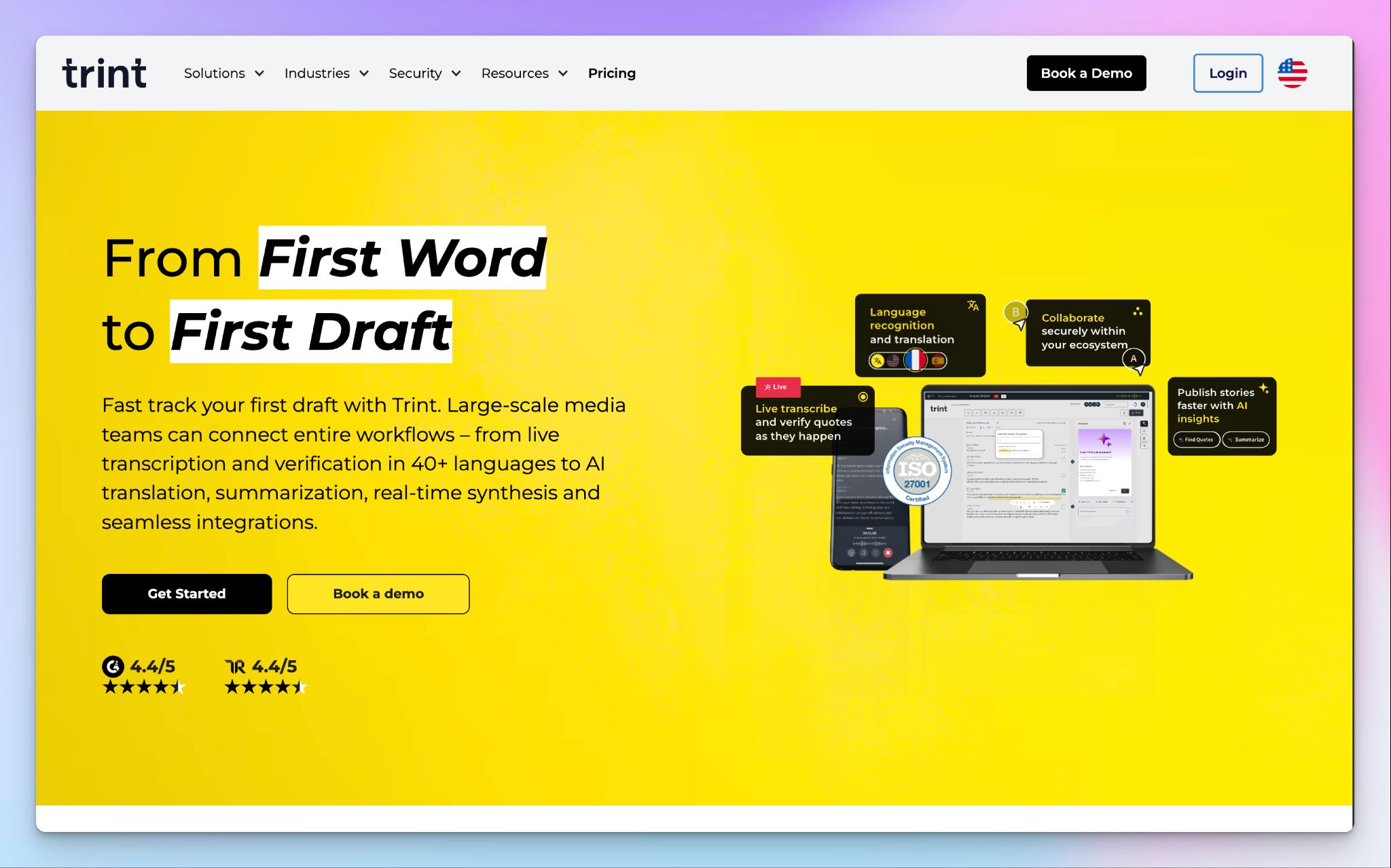
If you’re a reporter and prefer something more instantaneous than Sonix’s record and upload steps, Trint might be an option for you. The London-based platform was built by a former journalist, and it’s designed for newsroom workflows.
Trint vs. Sonix
Sonix gives Enterprise users some control over data residency, but Trint offers EU and US storage for its users. It’s ISO 27001 and Cyber Essentials certified, whereas Sonix carries no ISO certification.
Being a UK company used to complicate this. But not anymore. The European Commission renewed its UK adequacy decisions in December 2025, so transfers to Trint sit on the same legal footing as transfers inside the EEA. Trint also claims that it never uses your recordings to train its models.
Trint's key features
- Run Trint Live to transcribe press conferences and interviews as they happen with real-time transcription
- Transcribe audio and video files in 50+ languages with automatic speaker identification, then edit against synced playback
- You can work on the same transcript as your colleagues in real time, since collaborative editing lets stakeholders mark quotes and corrections at once
- Assemble narratives from several interviews with Story Builder and integrate with production tools like LiveU, Saga, AP ENPS, Octopus Newsroom, and Mimir
Trint's pricing
- Pro: $100/month
- Team: $90/user/per month (2-5 members)
- Business: Custom pricing
Trint's cons
- EU storage is a setting somebody has to switch on, so one misconfigured workspace puts your files in the US
- At $90 to $100 per seat, Trint is the most expensive option here, and it only pays off for media teams working through live news reporting
- Trint doesn’t have a free plan, and it can’t auto-join your meetings to take notes for you
📚 Also read:
5. Speechmatics
Best for: European organizations looking for an API-first ASR engine they can deploy on-premise or store in an EU data center
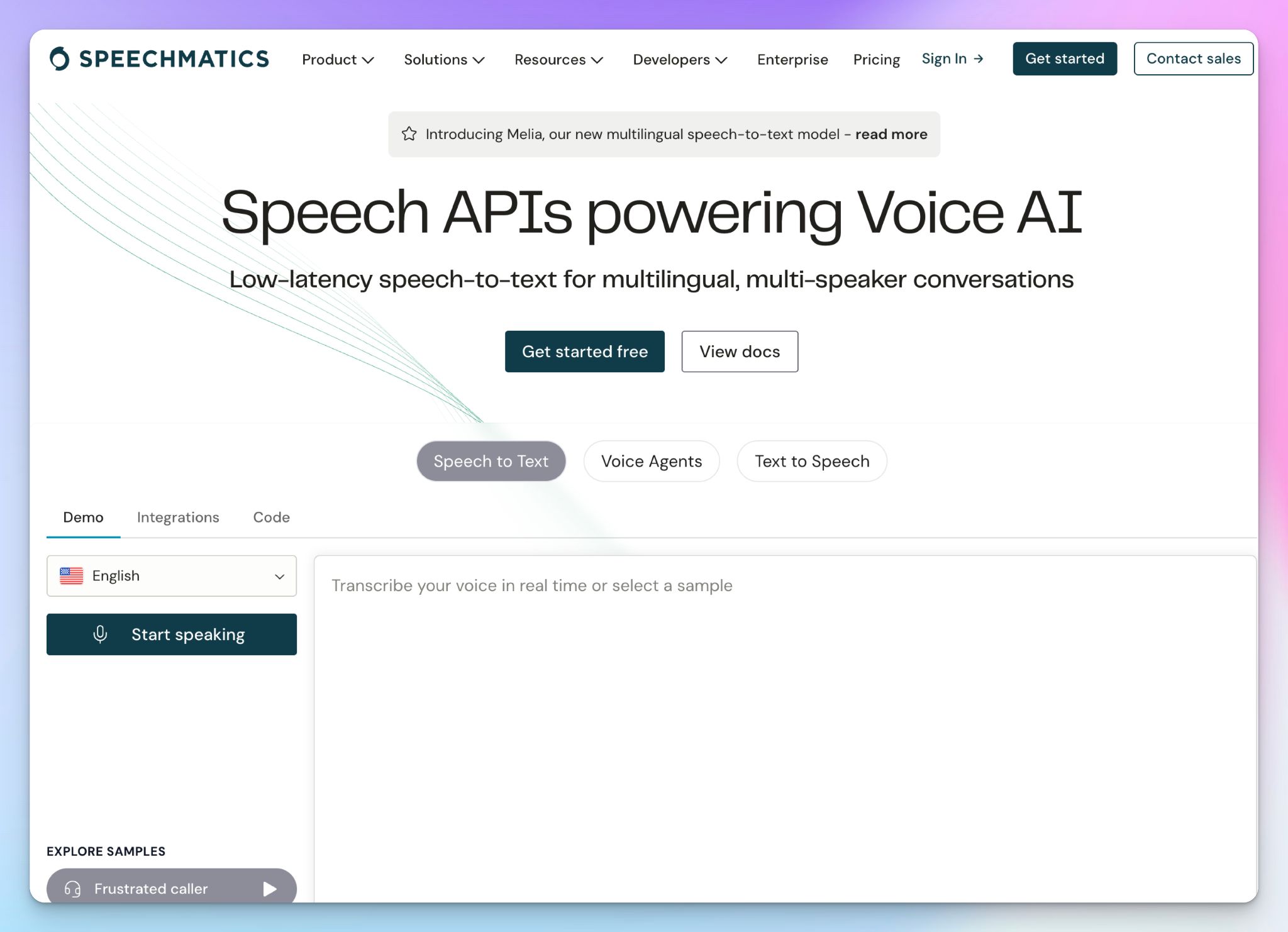
Speechmatics might be the right fit if your compliance answer to "which cloud" is "none of them." Speechmatics might be the one option here that fits. The Cambridge-based company sells the speech recognition engine rather than a finished app, and it will run that on your own hardware, behind your own firewall, or on a device with no network connection at all.
Speechmatics vs. Sonix
With Sonix, your only real choice is whether to trust its servers. Speechmatics ships GPU containers you deploy on your own infrastructure through Kubernetes, alongside private cloud, edge, and on-device options. It's ISO 27001 and SOC 2 certified with GDPR and HIPAA compliance, and model training stays off unless you switch it on yourself.
Its language coverage also answers something from earlier in this article. Speechmatics transcribes Irish and Maltese, the two official EU languages absent from Sonix's list, along with Galician and Basque. Its Melia model goes further and handles multilingual audio in one transcript.
Speechmatics' key features
- Transcribe in 56+ languages and translate across 69 language pairs, with custom vocabulary and formatting rules to fine-tune the output
- Run real-time or batch transcription through the API, with speaker diarization and a choice of Enhanced, Standard, or Melia models
- You can deploy Speechmatics as a GPU container on your own hardware, inside a private cloud, on edge devices, or entirely on-device
- Choose your cloud region on every plan, including the free tier, rather than waiting for an Enterprise contract to unlock it
Speechmatics' pricing
- Free: 3,000 minutes per month
- Pro: From $0.129/hour
- Enterprise: Custom pricing
Speechmatics' cons
- Speechmatics sells the ASR engine, so there's no editor, no workspace, and no subtitle tool. You might need a developer to get the best out of it
- Self-hosting runs on your own GPU hardware, and somebody who knows Kubernetes, so the sovereignty depends on your infrastructure
- Speechmatics doesn’t have a human transcription tier, and it can’t join your meetings. Standard features like summaries and chapters are paid add-ons
📚 Also read:
Which European Sonix alternative is right for you?
The right Sonix alternative in Europe depends on which part of the problem is actually blocking you.
👉 If a works council, an ethics board, or a public tender has to sign off before anyone can use the tool, Amberscript is a tool worth checking.
👉 If your recordings are in Czech, Polish, Serbian, or a Nordic language, Beey's engine was trained for exactly those.
👉 If you work in a newsroom, Trint transcribes the broadcasts and conferences while they’re still happening.
👉 If your compliance office won't accept any cloud at all, Speechmatics runs as a container on your own hardware.
👉 If you want the strongest all-round replacement for Sonix in Europe, choose HappyScribe.
Each of the others solves one piece of the Sonix problem and asks for something back. HappyScribe doesn't.
Your files sit in an ISO 27001-certified EU data center by default, transcripts come back at 95%+ accuracy with a human-verified option at 99%, and 150+ languages cover the European ones Sonix skips.
Meetings, uploaded files, subtitles, and translation run through the same tool, so you don't need to search for another tool halfway through your work. The generous free plan gives you unlimited meeting recordings, and paid plans start at $8.50/month billed annually.
Sonix's real value was turning your files into clean, editable transcripts. You don't have to give that up to keep your data in Europe.
FAQs about Sonix alternatives in Europe
Who are Sonix AI's main competitors?
Sonix's main competitors are HappyScribe, Trint, Rev, Notta, Otter, and Descript. Each one targets a different job. Notta transcribes ongoing meetings in real time and integrates with Zoom, Google Meet, and Salesforce, while Otter generates live captions for Zoom and Google Meet. Descript serves video creators and podcasters through Captivate and Buzzsprout, though its transcription quality is lower than its competitors. Among other AI tools in the category, HappyScribe is the closest match for Sonix's file transcription and subtitle workflow.
Is Sonix AI safe for Europeans?
Sonix is GDPR compliant and SOC 2 Type II certified, but it stores data on AWS servers in the United States, which places your recordings under US jurisdiction and the CLOUD Act. Data residency option is part of enterprise features. It doesn’t carry ISO 27001 certification, so its documentation is limited compared to European providers, where EU hosting and published certifications come as standard.
What is the best European alternative to Sonix AI?
HappyScribe is the best European alternative to Sonix. The Barcelona-based platform stores files in an ISO 27001-certified EU data center and transcribes 150+ languages at 95%+ accuracy, with human proofreading at 99%. It covers all the features Sonix offers for pre-recorded files, including multiple export formats and built-in translation, then adds what Sonix can't. It joins Zoom, Teams, and Google Meet calls automatically, and its AI assistant turns meeting transcripts into AI summaries. The free plan makes it a practical free alternative for small teams.
Is Sonix AI better than human transcription?
No. Sonix reaches 90% accuracy on clean audio, while professional human transcription reaches 99%. That distance widens when audio quality is poor or multiple speakers talk over each other. Sonix has no human tier at any price, so its pay-as-you-go rate of $10 per hour buys AI output only. Rev and HappyScribe both offer human transcription at 99% accuracy, and HappyScribe's starts at $2.00/min.
What are the best Sonix alternatives for transcription in the EU?
The best Sonix alternatives for EU transcription are: HappyScribe, Amberscript, and Speechmatics, to mention a few. HappyScribe suits teams that want file transcription and live meeting transcription in one place. Amberscript fits regulated organizations that require ISO-certified human review. Trint serves newsrooms with real-time transcripts and collaboration features. Speechmatics offers API access and on-premise deployment for advanced features around security. Good Tape hosts in Denmark and never trains on customer data, and MAXQDA Transcription is GDPR-compliant and built for academic research.

Biplab Mazumder
Biplab is a content marketer and writer who helps high-growth brands scale content visibility across AI search channels. His works have been published in HubSpot, Freshworks, Atlassian, SurferSEO, etc. When he's not planning content strategy, he's testing AI content workflows and use cases.