Smart summaries
Key decisions, open questions, next steps. In your inbox before the next call starts.
HappyScribe joins your Google Meet calls and delivers notes and action items your whole team can act on. Works across 150+ languages. No paid Google account needed.
Trusted by 6m+ users and 41,000+ teams of all sizes
HappyScribe gives you three flexible ways to capture your Google Meet conversations.
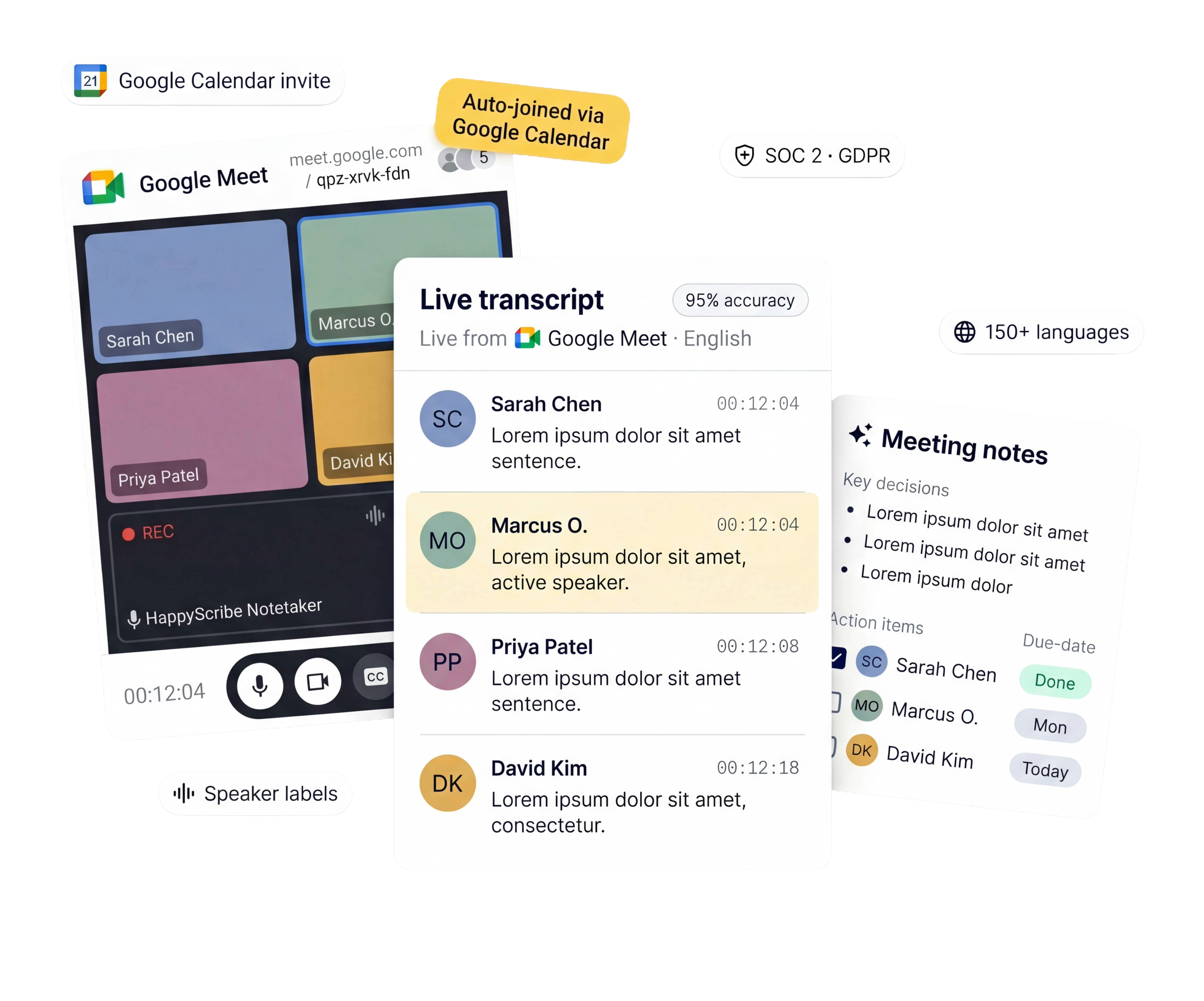
Connect your calendar. HappyScribe joins every Google Meet automatically — no manual invites.
Capture audio straight from your browser. No bot in the meeting. Built for sensitive conversations.
Already have a recording? Upload it and get full meeting notes in minutes.
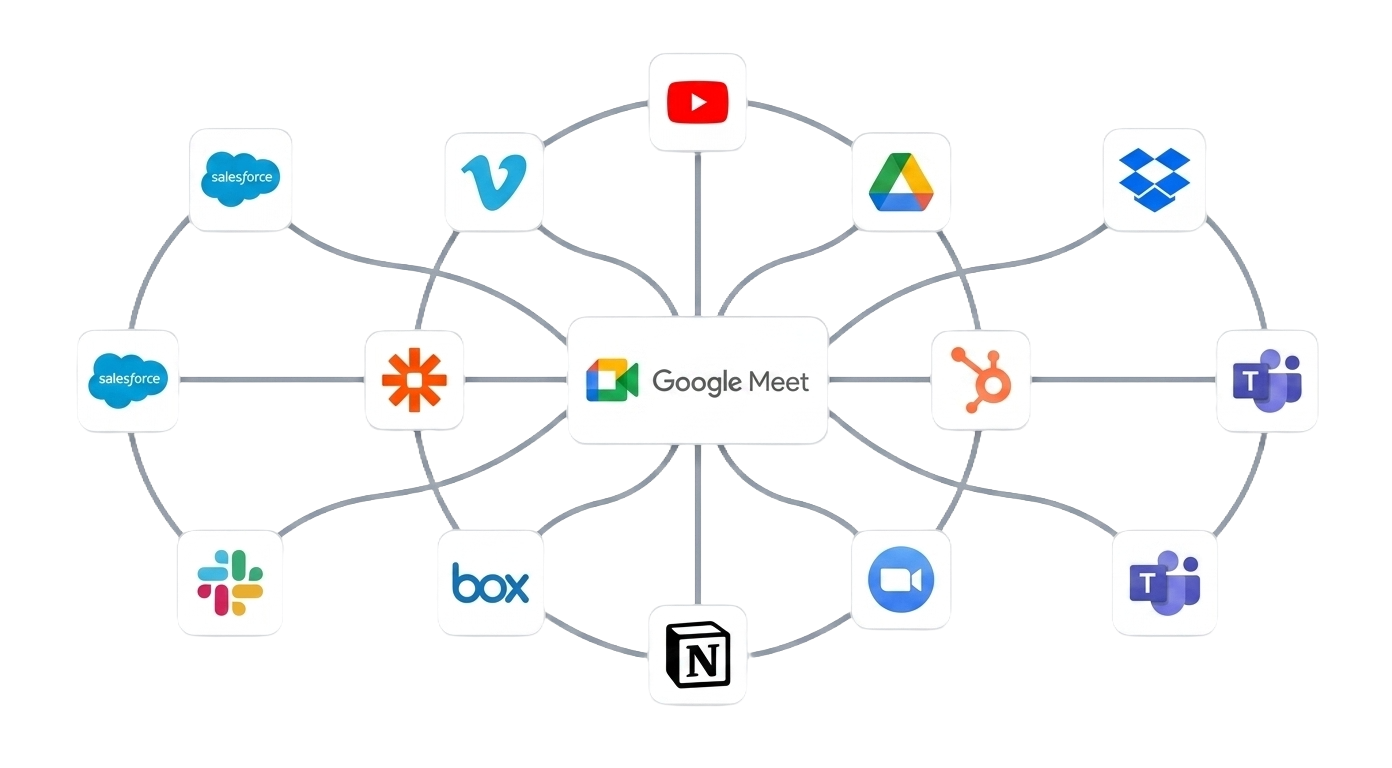
Push transcripts to Notion, HubSpot, Google Drive, or wherever your team works.
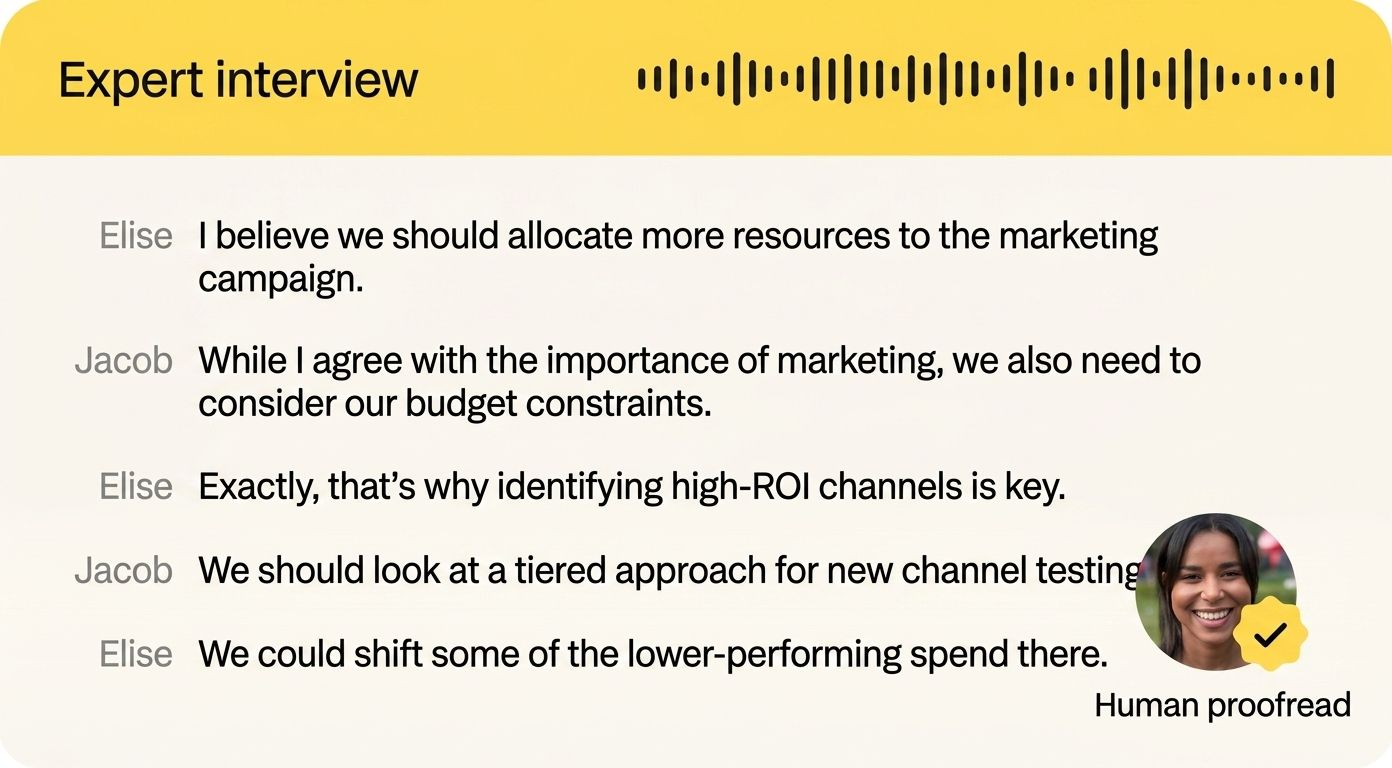
95%+ accuracy with speaker labels and timestamps.
Work in a specialized field? Add a Custom Glossary so the industry jargon never gets lost in translation.
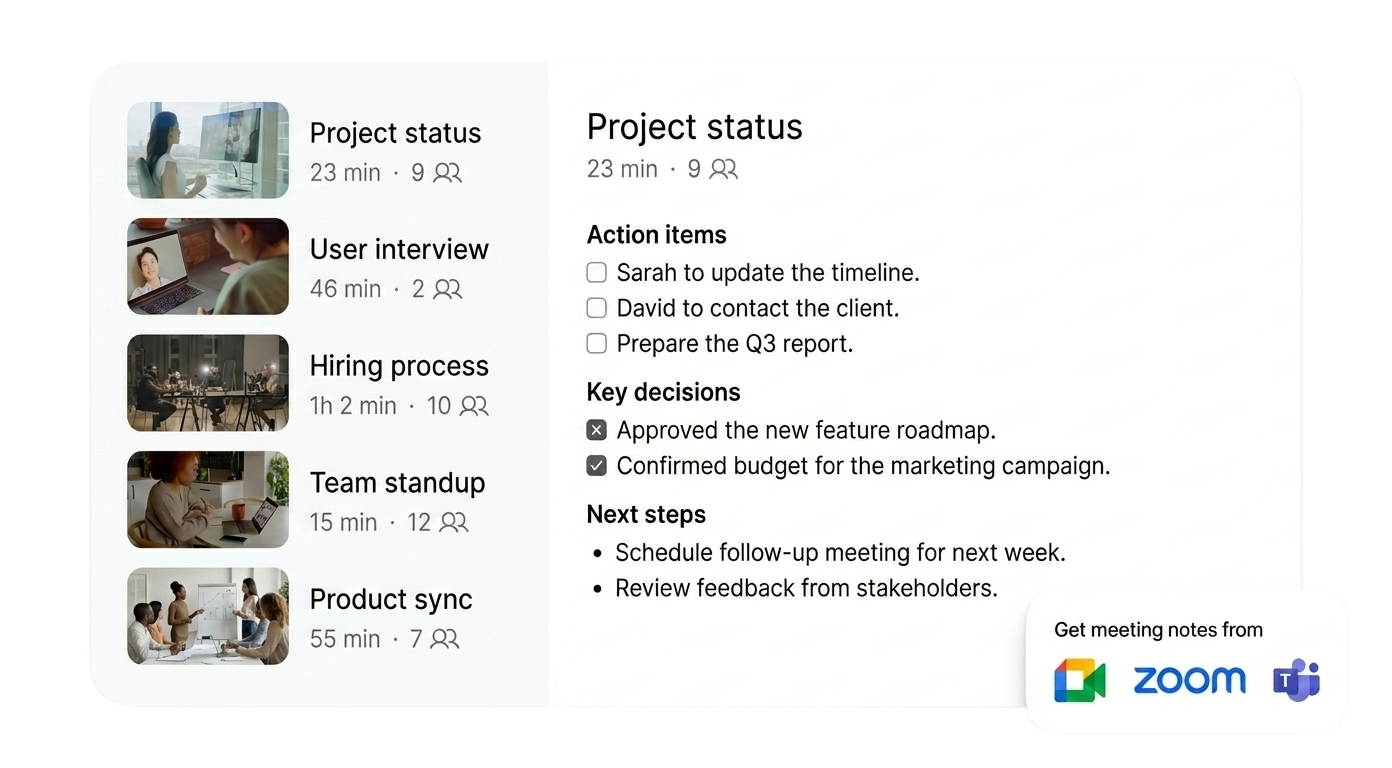
Get key decisions and action items from every Google Meet delivered straight to your inbox, minutes after the call ends.
Everyone gets the same source of truth. No more asking "Can someone send the notes?"
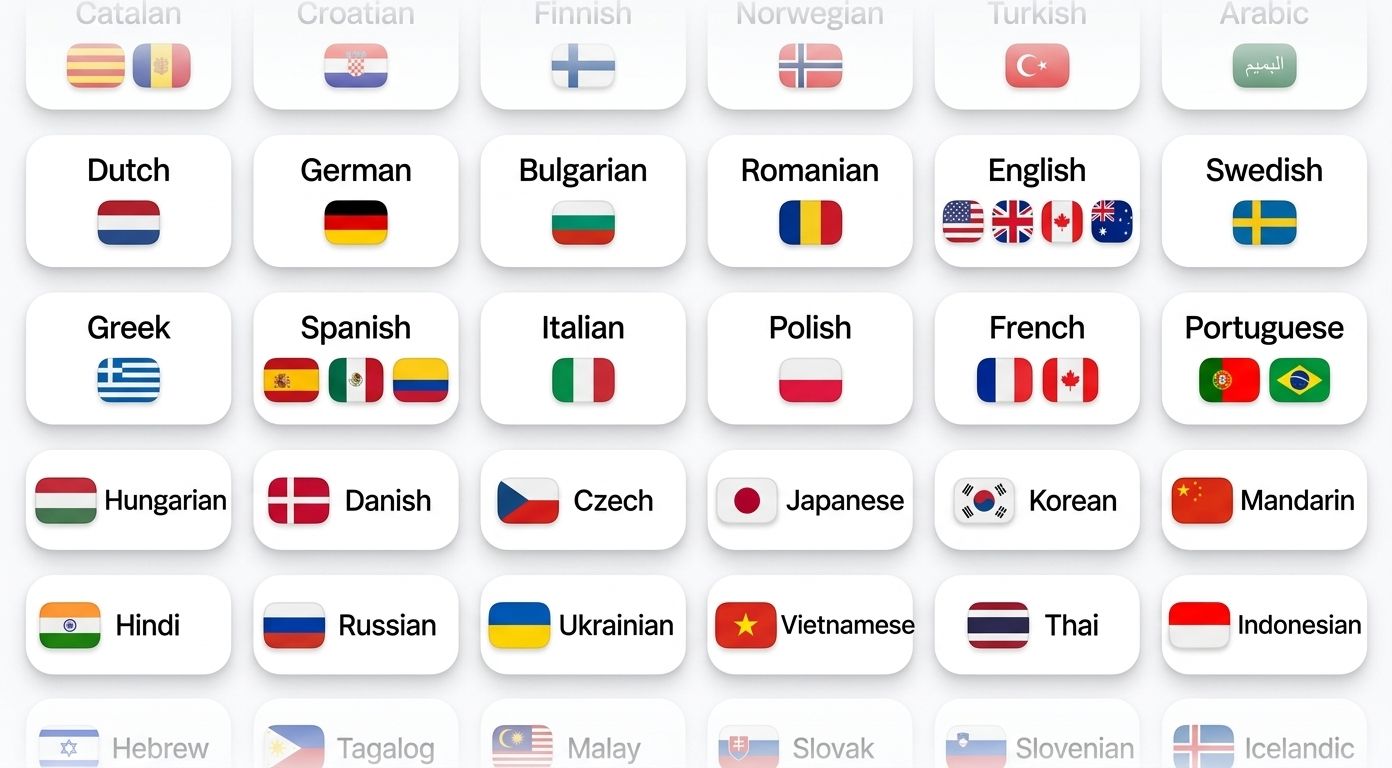
HappyScribe auto-detects the language being spoken and handles mid-call switching.
Supports 150+ languages and dialects. Built for global teams from day one.
Connect HappyScribe to your tech stack via API, Zapier, or MCP. Meeting notes land in Google Drive, Notion, HubSpot, Slack, ChatGPT, or Claude, automatically.
No copy-pasting or switching tabs. Your notes just show up.
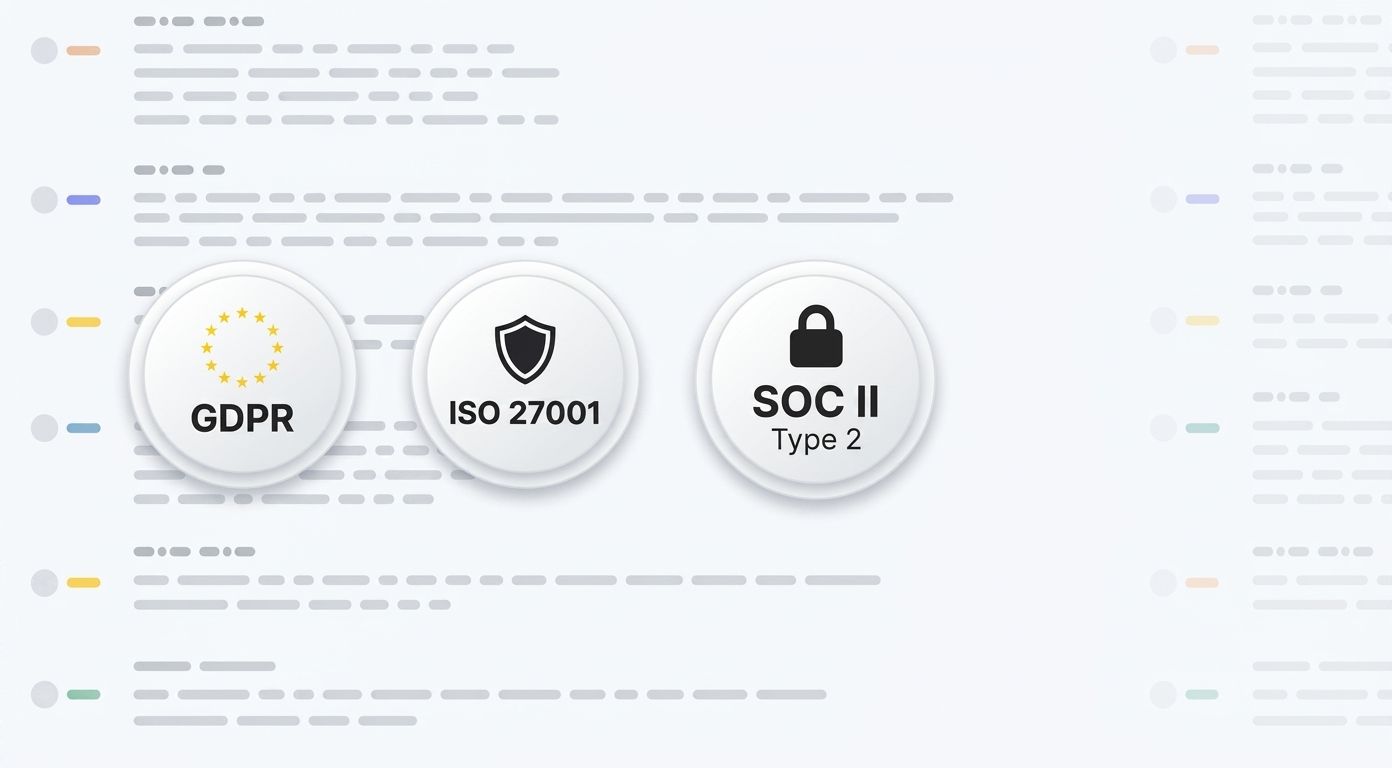
HappyScribe is SOC 2 Type II-certified and GDPR-compliant.
Headquartered in Barcelona, with data stored in PCI DSS and ISO 27001-compliant EU data centers. All data is encrypted in transit and at rest.
Ask questions, playback specific moments, write follow-ups, and create content from your meeting notes.
Key decisions, open questions, next steps. In your inbox before the next call starts.
"Did the client approve the budget?" Ask the recording. Get the answer with the timestamp.
Search every call from the last quarter. Find who promised what, and when.
Turn any Google Meet into a recap email, project brief, or action plan. One click.
Link your Google or Outlook calendar. Takes 30 seconds.
Shows up as a participant. Records audio and video. You don't lift a finger.
Summary, action items, full transcript. Export as PDF, DOCX, TXT, MP3, MP4, or SRT.
Yes. HappyScribe works with free Google accounts, Google Workspace, and Google Workspace Enterprise.
Gemini's note-taking requires a paid Google Workspace plan (Business Standard or higher). It supports 8 languages, one at a time. No multilingual meetings. Speaker attribution is unreliable.
HappyScribe works with both free and paid Google accounts. It supports 150+ languages, accurately identifies speakers, and handles language switching mid-call. You get full transcripts alongside AI summaries and the option to export to DOCX, PDF, SRT, or VTT. Works across Zoom and Microsoft Teams too.
Sign up at happyscribe.com (it’s free!), connect your Google Calendar, and HappyScribe joins your Google Meet calls automatically. For one-off meetings, paste the meeting link and manually invite HappyScribe.
150+ languages and dialects. HappyScribe automatically detects the language, even when speakers switch languages mid-call.
All data is stored in ISO 27001-compliant, Tier IV EU data centers. HappyScribe is headquartered in Barcelona and is SOC 2 Type II-certified and GDPR-compliant. No third-party model training on your content.
HappyScribe offers 95%+ accuracy across all supported languages. HappyScribe handles accents, crosstalk, technical vocabulary, and fast speakers. Speaker identification labels who said what.
Yes. HappyScribe AI note taker offers a generous free plan with unlimited meeting recordings, capped at 45 minutes per recording. No credit card required.
Create a free HappyScribe account. Connect your Google Calendar or paste a meeting link. HappyScribe joins your Google Meet, transcribes the conversation with speaker labels, and sends you notes and action items after the call. No Workspace subscription or Gemini add-on required.
This is my first time using closed captions on my YouTube video when I met HappyScribe. Before is very frustrating. Now is fun.
I have used HappyScribe for more than a year to transcribe videos and translate them. The editing tool is very useful. For me, HappyScribe is an indispensable work tool.
I'm so happy with the subtitles, are amazing and so easy to use
HappyScribe has everything I need and there are even features I didn't expect. Working with HappyScribe is really very pleasant and fast.
Awesome product and extremely accurate. In fact, I was surprised how accurate it was after having used Temi almost exclusively for a long time. I've completely switched over to HappyScribe and I couldn't be happier!
Works as expected, and the machine transcription saved me a humongous time for my thesis! I used it for Spanish (Mexican) transcriptions.
I've just discovered HappyScribe. I tried it out on some interview videos in Ukrainian. I was very pleasantly surprised at the results and at the ease of editing the result subtitles for exporting as SRT files.
Easy, intuitive and reasonably priced. 10/10 would recommend.
I needed something in a pinch and HappyScribe did exactly that. I was impressed how closely accurate the transcript was. Better than some of the others I had tried. Thank you
“The AI Notetaker is a real game-changer for us. There’s no need to write everything during meetings anymore; now I can actually engage.”
From multilingual calls to noisy rooms, discover AI note-takers for Google Meet that summarize, highlight action items, and keep your team on track.

Google Meet has become a go-to tool for seamless online communication, whether you’re hosting a team meeting or a global webinar. But when it comes to documenting discussions and decisions, automation can save you time and effort while ensuring accuracy.

AI transcription has revolutionized the way we document Google Meet conversations, providing speed and accuracy that far outpace traditional methods. In this guide, we’ll walk you through the steps to set up and leverage AI-powered tools like Happy Scribe to transcribe your meetings effortlessly and efficiently.