

Transcription vs Translation: What's the Difference?
Have you ever wondered, 'What is the difference between transcription and translation?' If so, read on.
Convert MP3 to text in seconds with our AI-powered transcriber. Get 98% accurate transcripts in 150+ languages, no registration required. Start your free trial today.


Drag and drop your MP3 (or any other audio file, 45+ supported formats), or paste a public link. Our MP3 to text converter automatically detects the language and gets your file ready for transcription.
Our powerful speech-to-text engine delivers fast, accurate transcripts—even on long audio files, noisy recordings, or different accents. Accuracy ranges from 85% to 99%.
Download your MP3 to transcript in multiple formats including TXT, DOCX, PDF, SRT, VTT, and more. You can also edit your transcript directly in our interactive editor.

Convert MP3 to text in 150+ languages and dialects, with automatic detection for accents and regional variations.
Our MP3 to text converter uses advanced AI speech recognition to handle background noise, accents, and fast speech better than competitors.
With HappyScribe, you can transcribe MP3 to text for a 1-hour file in just a few minutes—compared to 4-5 hours of manual work.
Every MP3 you upload is protected with 256-bit SSL encryption, GDPR compliance, and strict privacy standards.
Our transcription technology delivers up to 98% accuracy when converting MP3 to text. Unlike most tools that struggle with background noise, strong accents, or fast speech, HappyScribe is trained to handle real-world audio. This means you spend far less time editing transcripts and can rely on them for professional use cases from publishing content to keeping official records.
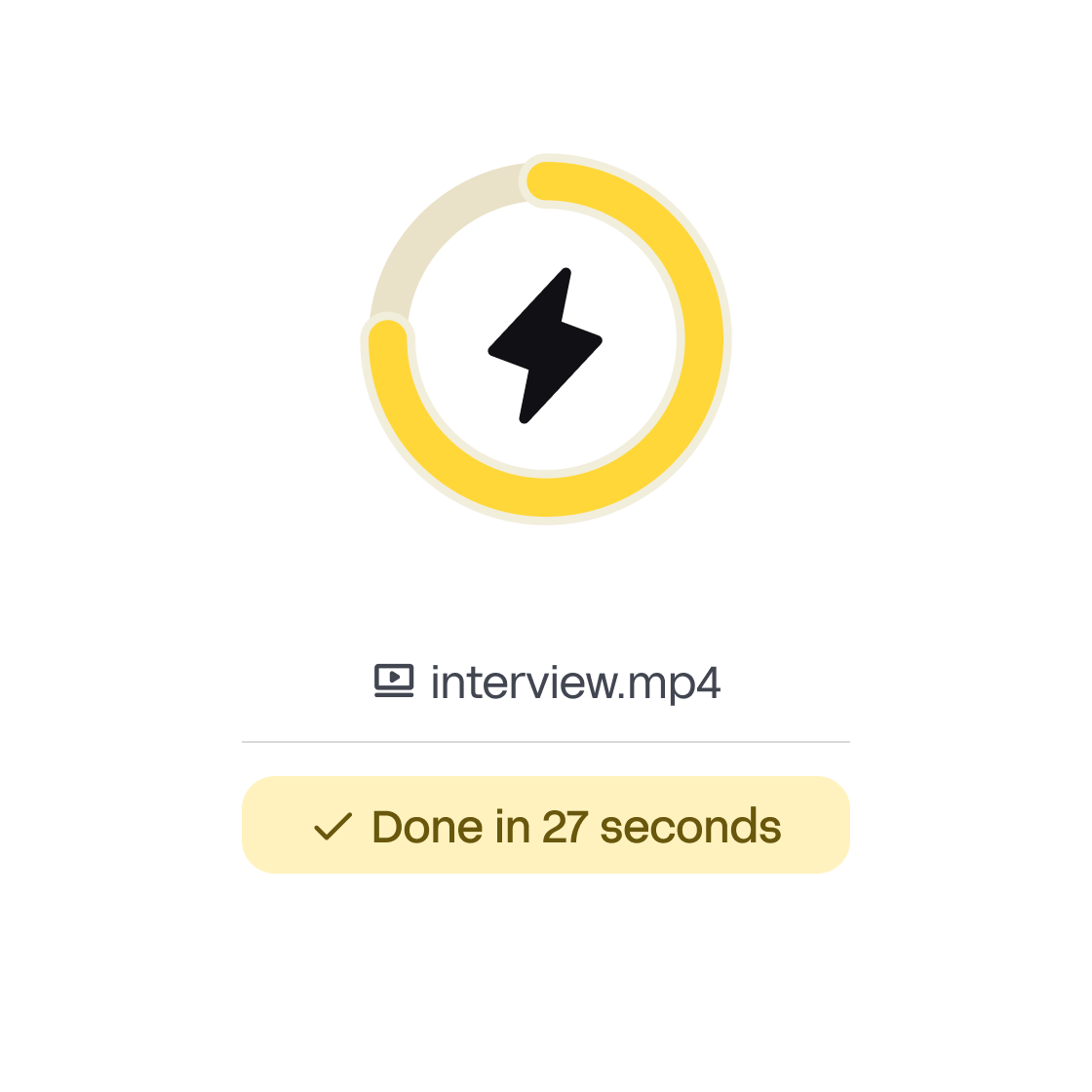
Transcribing manually takes about 4–5 hours for every hour of audio. With HappyScribe, a 1-hour MP3 file is processed in just a few minutes. The AI starts working immediately after upload, so you can download your transcript almost instantly. Whether you’re a journalist on deadline, a student rushing to finish notes, or a business team documenting meetings, speed makes all the difference.
HappyScribe supports over 150 languages and dialects, making it one of the most inclusive tools on the market. You can upload a MP3 file in English, Spanish, French, Arabic, Mandarin, or dozens of other languages, and the system will automatically detect and transcribe it. This flexibility is especially valuable for international teams, global content creators, and researchers working across borders.

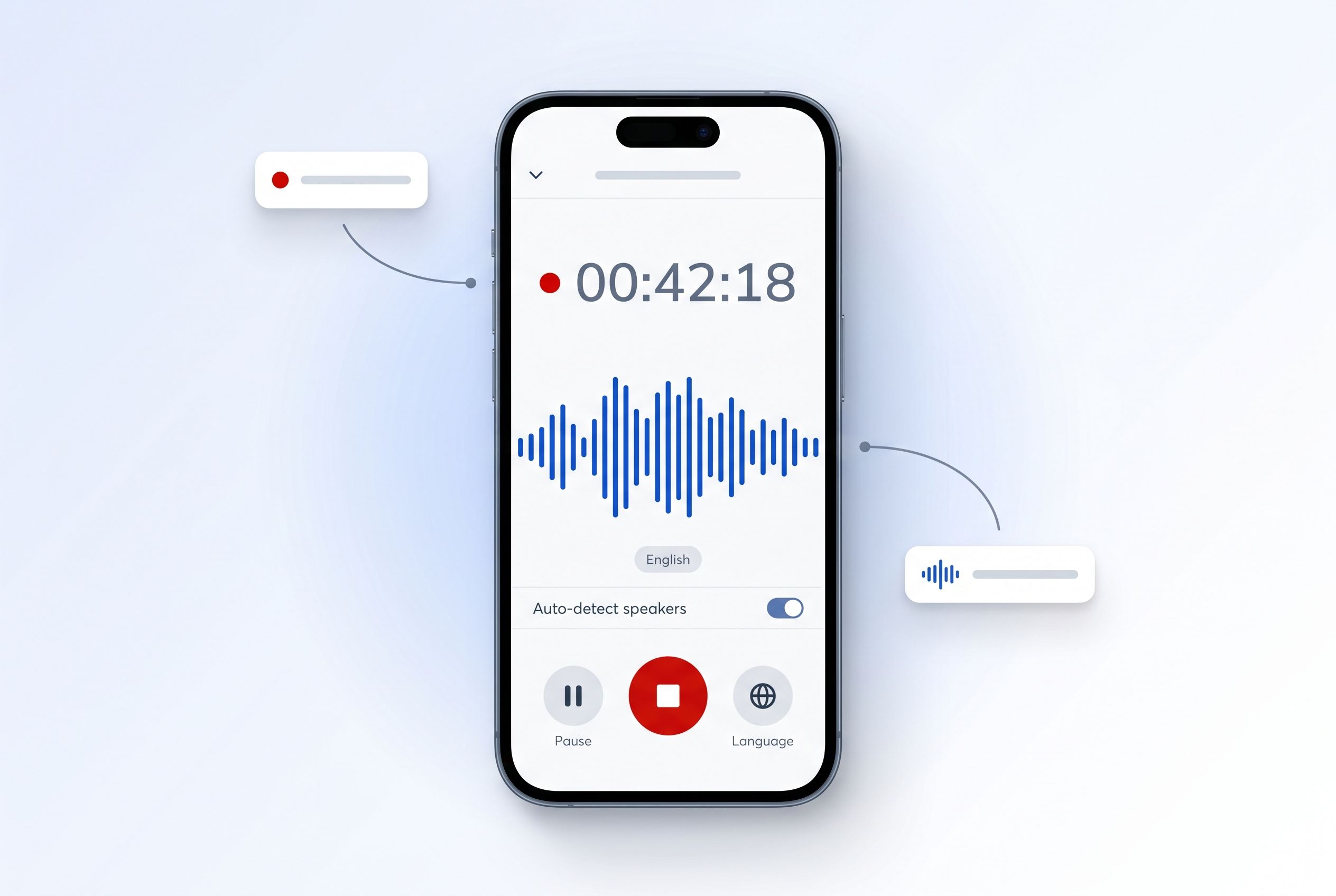
Recorded something on your phone? The HappyScribe mobile app transcribes meetings, lectures, interviews, and voice memos with AI in 150+ languages — record on the go, edit and export at your desk.
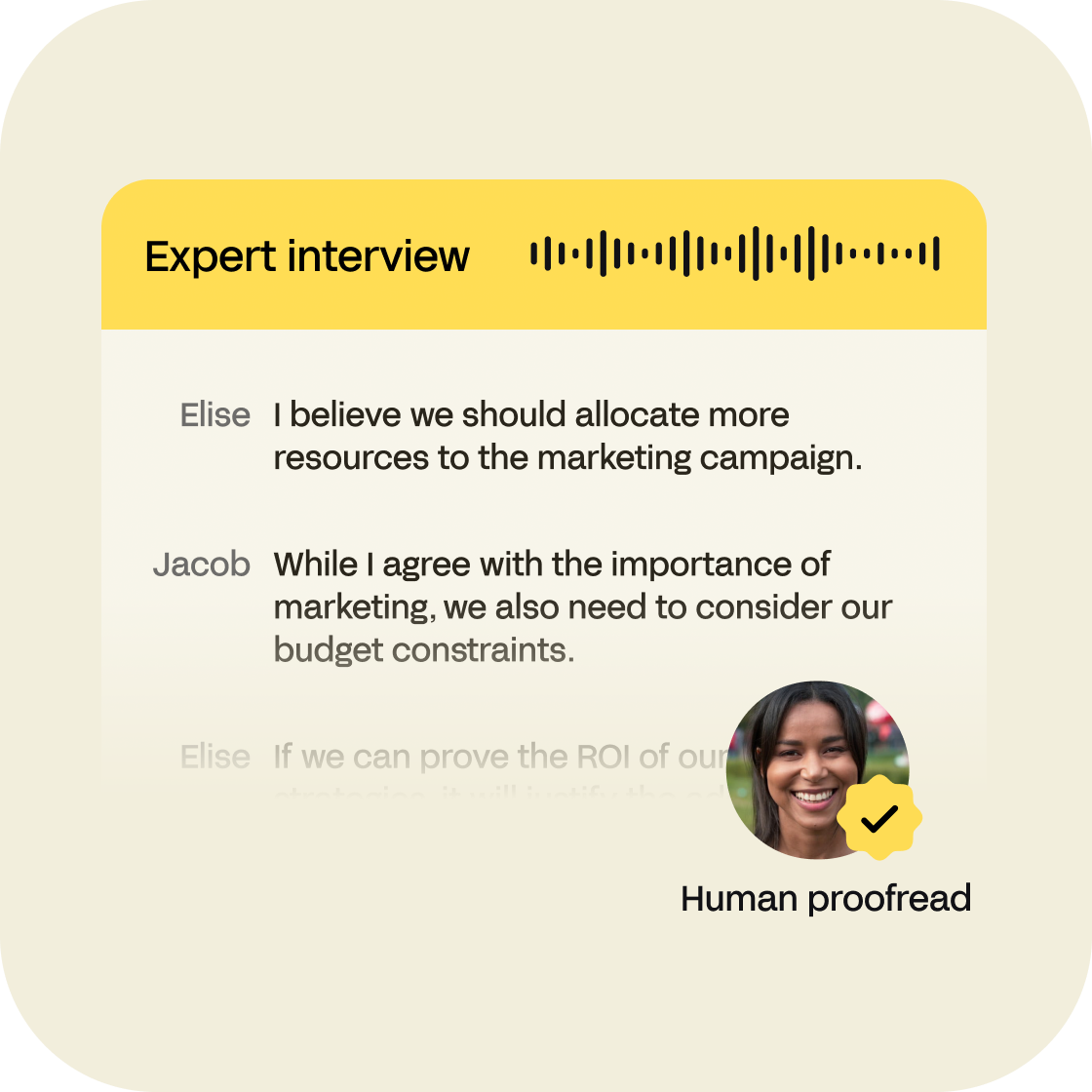
Yes, thanks to transcription services like HappyScribe, you can convert MP3 to text into an audio file. Using an automatic speech recognition software (ASR) we are able to extract the speech from any audio file, no matter the file size, format or language used in the audio/video. Our automatic transcription software transcribes and translates your MP3 Audio files to text in a matter of minutes with 85% accuracy. If you wish to get your transcripts proofread in 24 hours with 99% accuracy, you can opt-in for our human transcription service. If you are seeking to transcribe video files in any other format you will be happy to hear that you can also do that! Transcription services like HappyScribe are a huge advancement over manual transcription.
Yes. HappyScribe's MP3 to text converter delivers 98% accuracy with support for 150+ languages, multiple export formats, and optional human proofreading. Unlike basic converters, we handle real-world audio challenges like background noise and strong accents.
Our MP3 automatic and human transcription services have an accuracy of 85% and 99%, respectively. Automated transcription is much faster and works perfectly when you need to convert audio into text documents as fast as possible, and don't mind having to proofread the final transcription. On the other hand, a professional transcriber could deliver your transcripts within 24 hours turnaround with 99% accuracy.
Yes, we do! If you want 99% accuracy, you should always choose our human transcription service. Our team of expert transcribers will deliver your transcripts within 24 hours.
You can export your MP3 transcripts to many text formats as well as subtitle formats including Plain Text (.txt), Microsoft Word (.docx), PDF (.pdf), SubRip (.srt), VTT... The export can include timestamps, highlights, and speaker names. We offer as well a free subtitle file converter and a free transcription editor. In addition to that, you'll be happy to hear that not only you can upload MP3 but also other video and audio formats such as wav, mov, ogg, wma...
Yes! We do offer a free trial of 10 minutes so you can upload you MP3 files and try out the quality of our speech recognition engine. Once you receive your transcript, you can use our online text editor to proofread and fix misspellings or other mistakes. Our platform is user-friendly and you'll see that it's very easy to use our online tools. After this free trial you will be able to enjoy one of the most affordable pricing plans in the industry.
You will be able to transcribe your MP3 in over 150 languages, dialects, and accents. In addition to that, we also offer a translation service for your audio transcripts. We also offer human transcription in English, Spanish, French and German.
Yes, of course! We support importing Audio files from many services such as Google Drive, Dropbox, Wistia, Vimeo, and Youtube.
HappyScribe's MP3 transcription combines advanced AI with optional human proofreading. We support 150+ languages, deliver 98% accuracy, and process files in minutes instead of hours.
Nice site. Easy to navigate. Price very low. Accurate transcription, even with multiple accents. Was able to add the transcription to the video and download like within minutes.
Excellent! Difficult, scientific text, not clearly spoken, still got a nice transcript
Great concept and product. I've used it on many occasions! Also wonderful customer service.
Great program, gives you a free trial, and cheap if you want to continue. Easy to upload, easy to edit, and gives you a great result.
I love this app. The result of the transcript and subtitles is amazing
HappyScribe is fantastic! I've used a lot of video captioning tools and never found one that is so accurate. It saves me so much time in captioning videos. I love it!
This is an easy way to transcribe and subtitle all of your videos! Great interface, super easy, timesaver!
I am a Spanish teacher and I always have thought that putting subtitles was difficult. With HappyScribe, I can use many English videos in my classes only subtitling them to Spanish in an easy and clear way. I would love an educational plan!
The speaker system is pretty inaccurate but otherwise it's perfect and very fast I'd recommend it.
Have you ever wondered, 'What is the difference between transcription and translation?' If so, read on.

In this article we explain the differences between adapting and translating your subtitles. Find out what works best for your audiovisual content!

As Zoom transforms global communication, overcoming linguistic barriers becomes paramount, highlighting the need for webinar translations.