


YouTube Transcript Generator
Paste a YouTube link to transcribe the video to text automatically. Get an accurate YouTube transcript with timestamps, ready to edit, copy or download.
 Free to try, no credit card
 150+ languages
- Rated 4.6 on G2
Trusted by 6m+ users and 41,000+ teams of all sizes


How to transcribe a YouTube video to text
-
Paste your YouTube link
Select 'Public link' in the uploader and paste the URL of your YouTube video to import it to HappyScribe. The first 10 minutes are free!
-
Select the language of the video
Choose the language spoken in the video. HappyScribe transcribes YouTube videos in more than 150 languages, dialects, and accents.
-
Download your YouTube transcript
Click "Export" and download your transcript as TXT, DOCX, PDF, or SRT subtitles, with or without timestamps. It's that easy to turn a YouTube video into text!
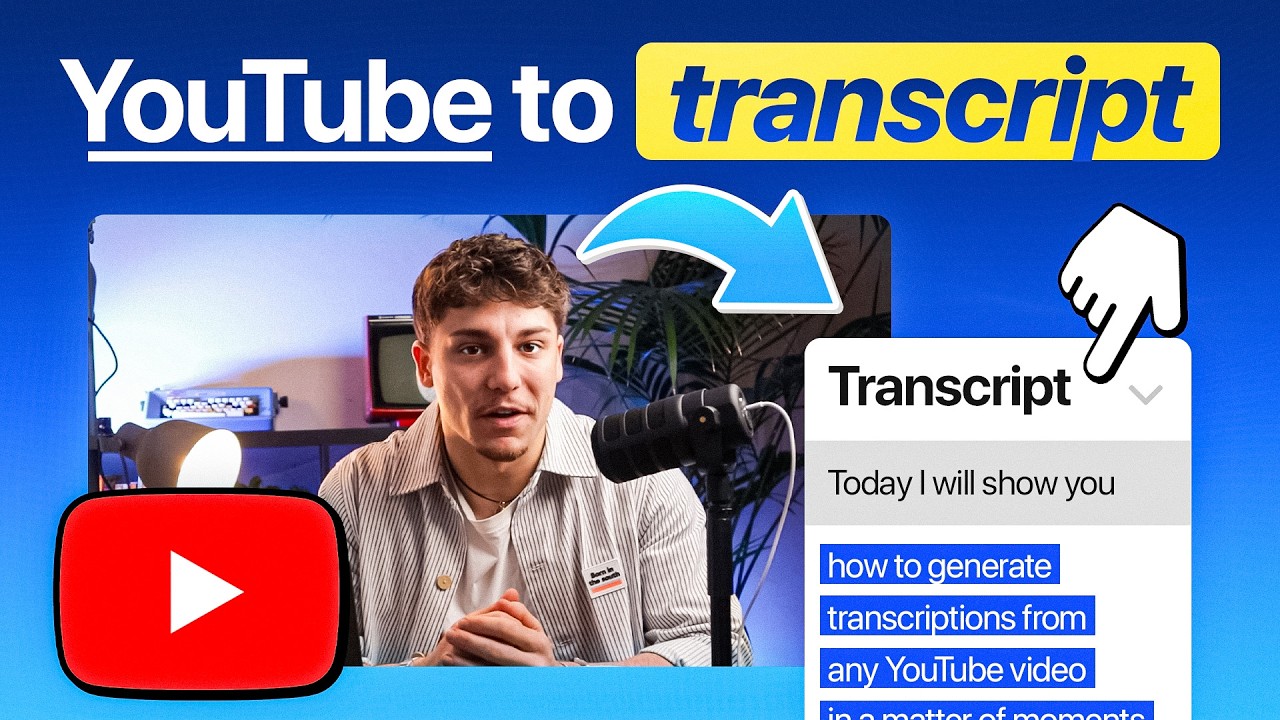
Turn YouTube views into global reach
HappyScribe helps your videos go further—literally. Transcribe, subtitle, and translate your content to connect with more viewers and unlock new revenue streams.

Get discovered by more people
Boost your SEO with accurate transcripts and multilingual subtitles. The more searchable and accessible your videos are, the more chances you have to grow your audience—and your income.

Sync, share, and scale your channel
Link your YouTube channel in seconds, auto-generate transcripts, and upload subtitles without breaking a sweat. Reach new markets, win international fans, and earn more—faster.

Frequently Asked Questions
Can I transcribe a YouTube Video?
Yes, you can! You can simply copy and paste the URL of the video into our uploader, select between automatic and human services, and the transcript should be available in a few minutes for the automatic option and 24 hours for the human option.
How accurate are our transcription services?
Ongoing technological advances continue to improve the accuracy rate of automatic transcription. Depending on the audio quality, speaker accents, and technical jargon, our automatic transcription software can achieve up to 98% accuracy. And with the help of our professional transcribers, your transcripts can be 99% accurate.
How to extract transcripts from YouTube videos for free?
HappyScribe is a great tool to transcribe online videos to text for free. Its YouTube transcript generator allows you to transcribe up to 10 minutes of video with a free trial. You just need to follow these steps:
- Import your YouTube video: Select 'Public link' in the uploader and paste the URL of your YouTube video to import it to HappyScribe. The first 10 minutes are free!
- Select the language of the video: HappyScribe supports more than 150 languages, dialects, and accents.
- Choose "Machine generated" or "Human made": HappyScribe has an automatic transcription software that is lightning fast and up to 98% accurate. With the human service, your transcript will be transcribed and proofread by an expert and native speaker and delivered with 99% accuracy.
- Receive your transcript: The automatic transcription software will convert your YouTube video to text in just a few minutes (depending on the length of your video). If you select the human service, your transcript will be ready within 24 hours.
- Click on "Export" and choose your preferred file format: Export to TXT, DOCX, PDF, HTML, and many more.
Can I download a YouTube transcript with timestamps?
Yes. Paste the YouTube link, and once your transcript is ready, click "Export" and download it as TXT, DOCX, or PDF, or as SRT and VTT subtitle files. You can keep or remove the timestamps when you export. HappyScribe transcribes the audio itself, so it also works for YouTube videos that have no captions.
Customer Reviews

 4.6/5 on G2
-
I primarily use HappyScribe for YouTube and other video transcripts, and it’s consistently the most accurate option I’ve found compared to AI LLMs.
Tre' H. G2 -
I use the app to transcribe my YouTube videos. I was surprised by the quality and speed of transcription. I highly recommend this website.
Wędkarskie Dylematy -
This software quickly transcribed my video and saved me time to get my work done.
Derashay Zorn
Related articles
-

How to Download Transcript from YouTube
Struggling to download a YouTube transcript? Compare free methods, tools, and when HappyScribe is the better choice for accurate, reusable text.
-
How to Transcribe YouTube Videos + 3 Best Tools to Do it Accurately in 2026
Need a quick YouTube transcript? Compare the best methods and see how HappyScribe delivers the most accurate transcripts for creators and students.
-

Best Free YouTube Transcript Generator Tools (2026 Guide)
In this guide, we’ll compare the best free YouTube transcript tools, show you how to download YouTube transcripts, and explain why HappyScribe stands out as one of the most accurate and flexible options in 2026.
-
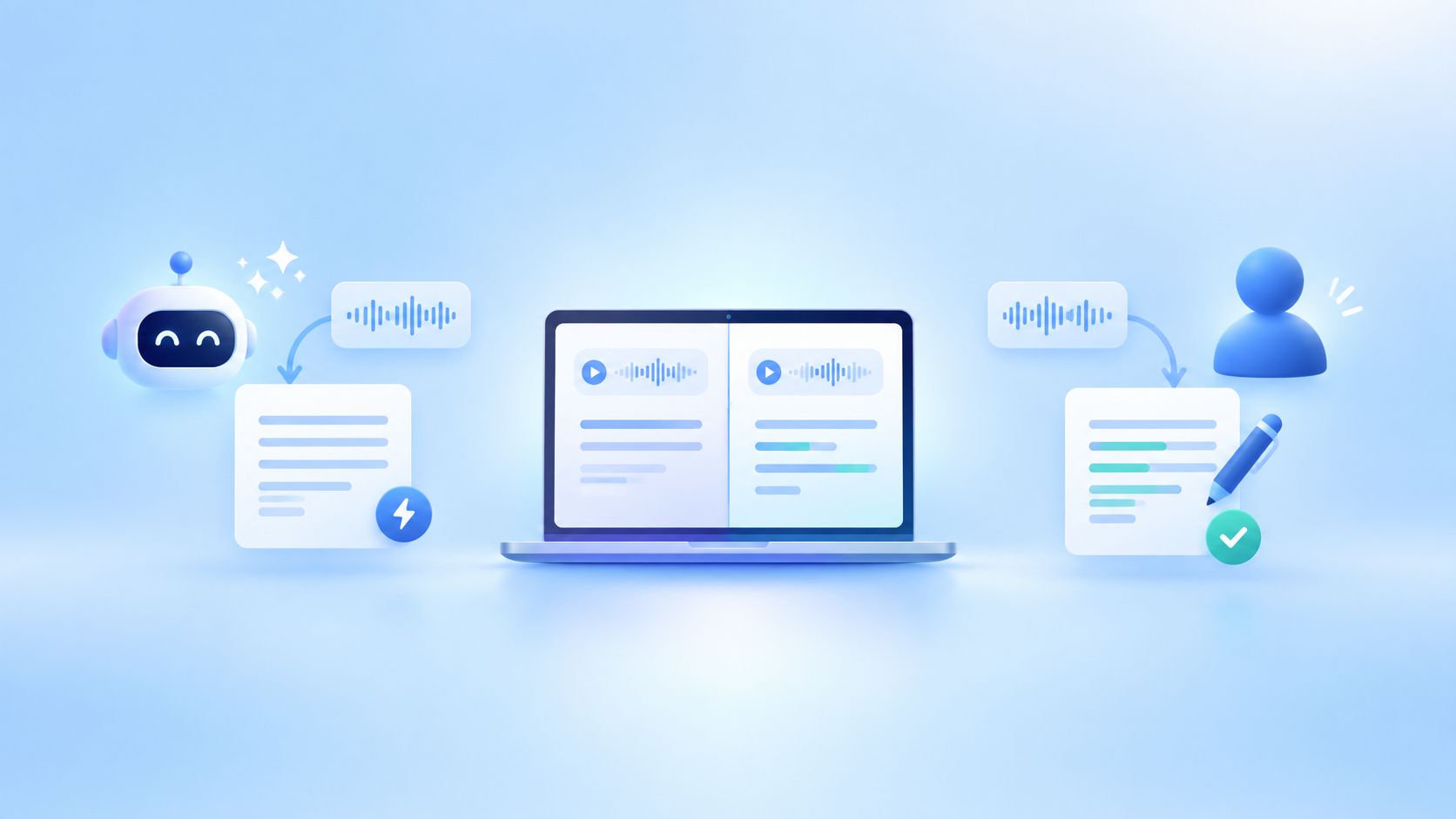
AI vs. Human Transcription: Which One Should You Use?
AI or human transcription? Learn when each works best, where accuracy can vary, and when human review is worth the extra time.
-

5 Best European Alternatives to Sonix [2026]
Find the best European alternatives to Sonix for file transcription, subtitles, and meeting notes, with verified EU data residency
-
5 Best European Alternatives to Rev [2026]
Find the best European alternatives to Rev for human transcription, subtitles, and meeting notes, with verified EU data residency.