So, you're here because you're wondering if there’s a better fit than HappyScribe. Totally fair.
Maybe you’re looking for a tool that has a dedicated mobile app, or maybe you need more wiggle room with free minutes. We get it.
We’re writing this from HappyScribe’s corner, but we want you to see the full picture. We’ll walk you through the best HappyScribe alternatives out there, show you what they do well, and be upfront about what you might lose or gain.
In the end, you’ll know if one of these tools is truly a better match for you, or if HappyScribe still has you covered.
What should you look for in a HappyScribe alternative?
HappyScribe focuses on accuracy and delivers high-quality transcripts across different workflows and use cases. If you're considering an alternative, you’ll want to look for something that can match that standard.
So as you compare tools, think about these key points:
Accuracy and transcription quality
HappyScribe sets the bar for accuracy pretty high. Look for an alternative that can handle your specific audio conditions and maintain accuracy, whether it’s dealing with strong accents, background noise, or industry-specific terminology.
Workflow flexibility and features
Beyond transcripts, HappyScribe also supports note-taking, captions, subtitles, and multiple export formats. Any alternative should offer similar versatility so it fits smoothly into your workflow.
Collaboration and usability
Think about whether the tool supports team collaboration as easily as HappyScribe does. Shared workspaces and intuitive interfaces are essential if you’re working with a team.
Privacy and data security
HappyScribe takes privacy seriously, so look for alternatives with strong data protection. The tool should offer encryption, compliance with privacy laws, and clear data handling policies.
Language support and international usability
HappyScribe offers broad language support. So if you’re working across multiple languages or dialects, make sure your alternative can do the same without compromising quality.
Things to consider before looking for a HappyScribe alternative
Before switching tools, it helps to take a clear look at what HappyScribe already does well and why it’s trusted by over 6 million users worldwide.
Many alternatives to HappyScribe focus on one narrow use case. In contrast, HappyScribe is built as a complete transcription, subtitling, and meeting documentation platform for professional and global workflows.
Here’s a quick recap of the core capabilities of HappyScribe you should weigh before moving on:
AI transcription
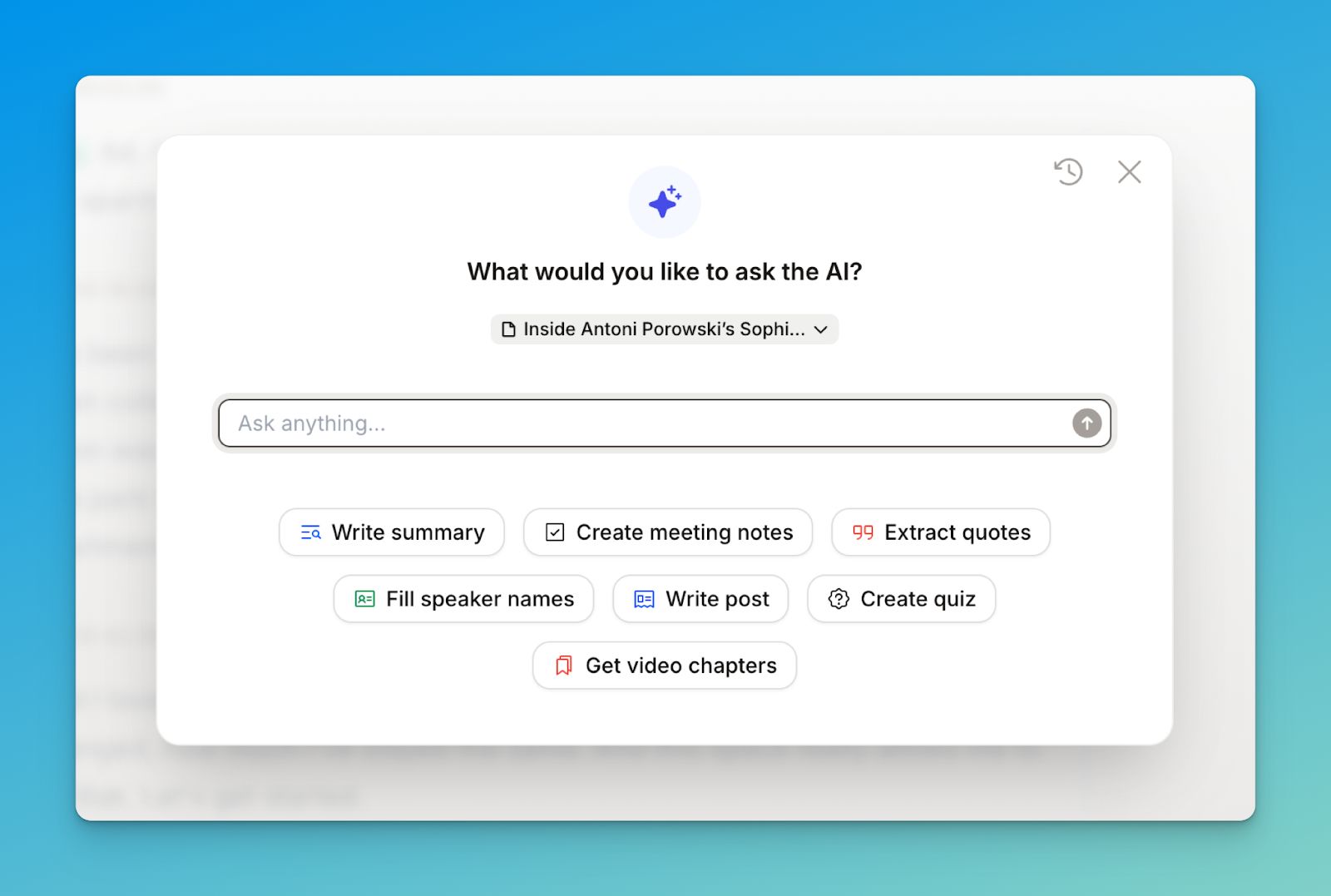
HappyScribe’s AI transcription converts audio and video into accurate, editable text in more than 140 languages. It’s designed for professionals who work with real recordings. You don’t need ideal studio-quality audio to get accurate transcripts.
Journalists, podcasters, educators, researchers, and business teams use it to produce transcripts quickly without sacrificing control.
The built-in editor makes post-processing efficient. You can correct text, add timestamps, create chapters for long recordings, and prepare transcripts for publishing or analysis.
Built-in translation lets you turn a single transcript into multilingual content, which is especially useful for global teams and international audiences.
AI subtitles
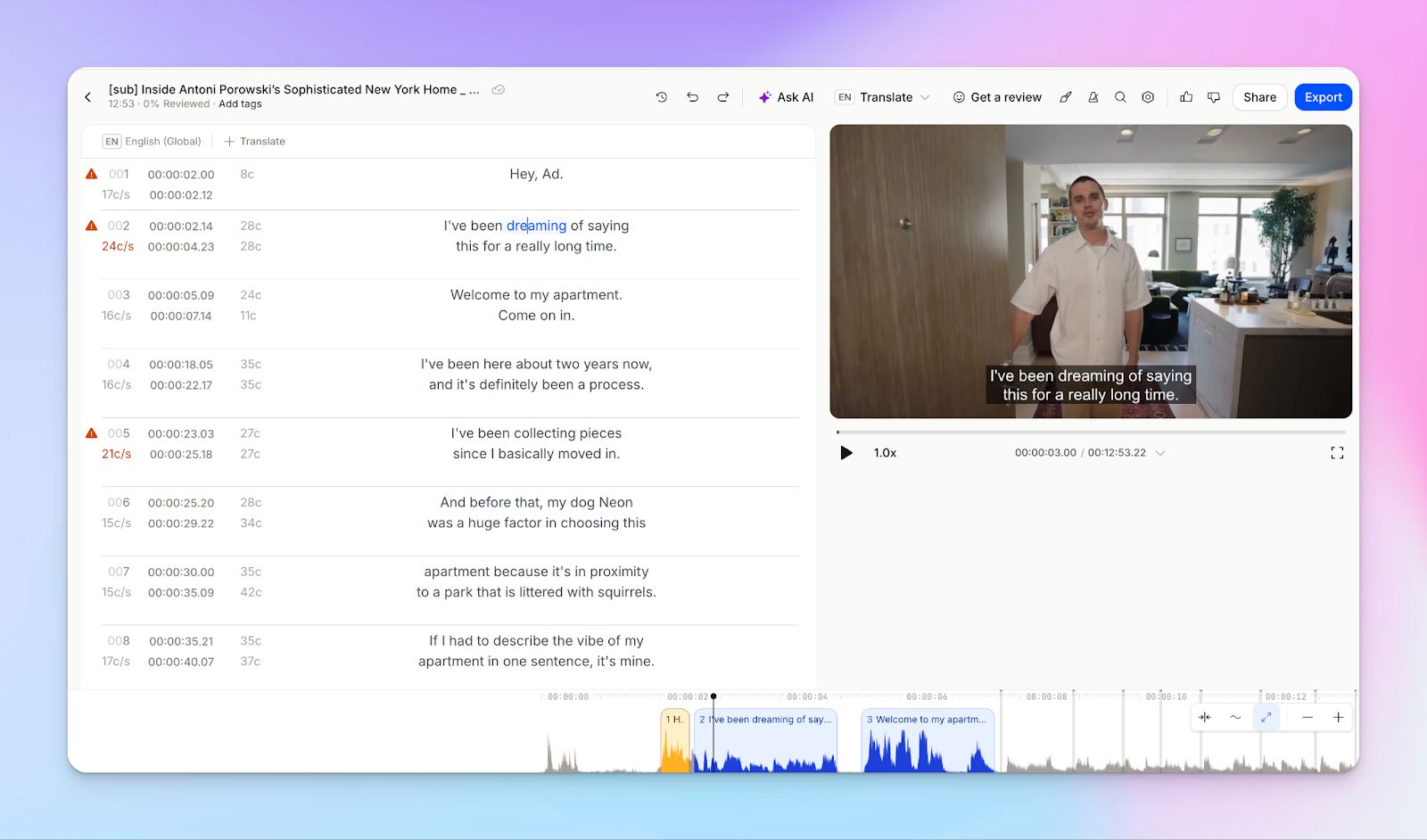
HappyScribe’s AI subtitle tool generates high-quality subtitles and captions in over 140 languages using advanced speech recognition.
Users can control CPS, CPL, and reading speed to meet broadcast and accessibility guidelines.
Subtitles can be edited, translated instantly, and visually customized with font, color, background, and positioning options.
You can export in formats like SRT and VTT or burn subtitles directly into the video for ready-to-publish output.
It’s a good fit for media teams, educators, and corporate comms teams that handle a high volume of content.
AI notetaker
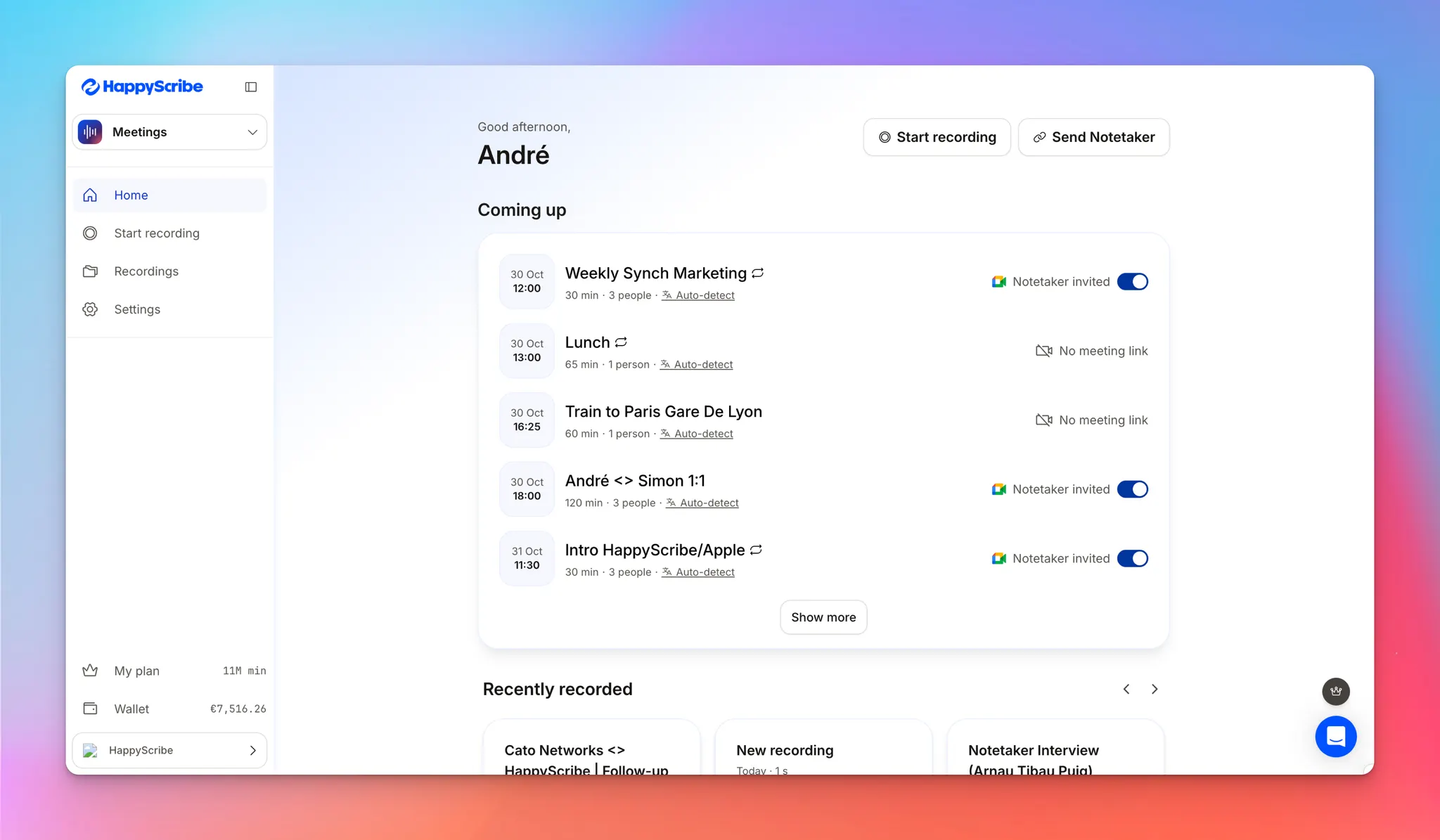
HappyScribe’s AI Notetaker is a meeting assistant designed for professional use.
It joins Zoom, Google Meet, and Microsoft Teams meetings, records sessions, transcribes conversations in real time, identifies speakers, and generates structured summaries with action items.
Summaries are delivered to your inbox and synced with your workspace, making follow-ups and documentation easier.
While many meeting tools that focus primarily on English, HappyScribe is a European-first tool that caters to a global user base.
Human transcription
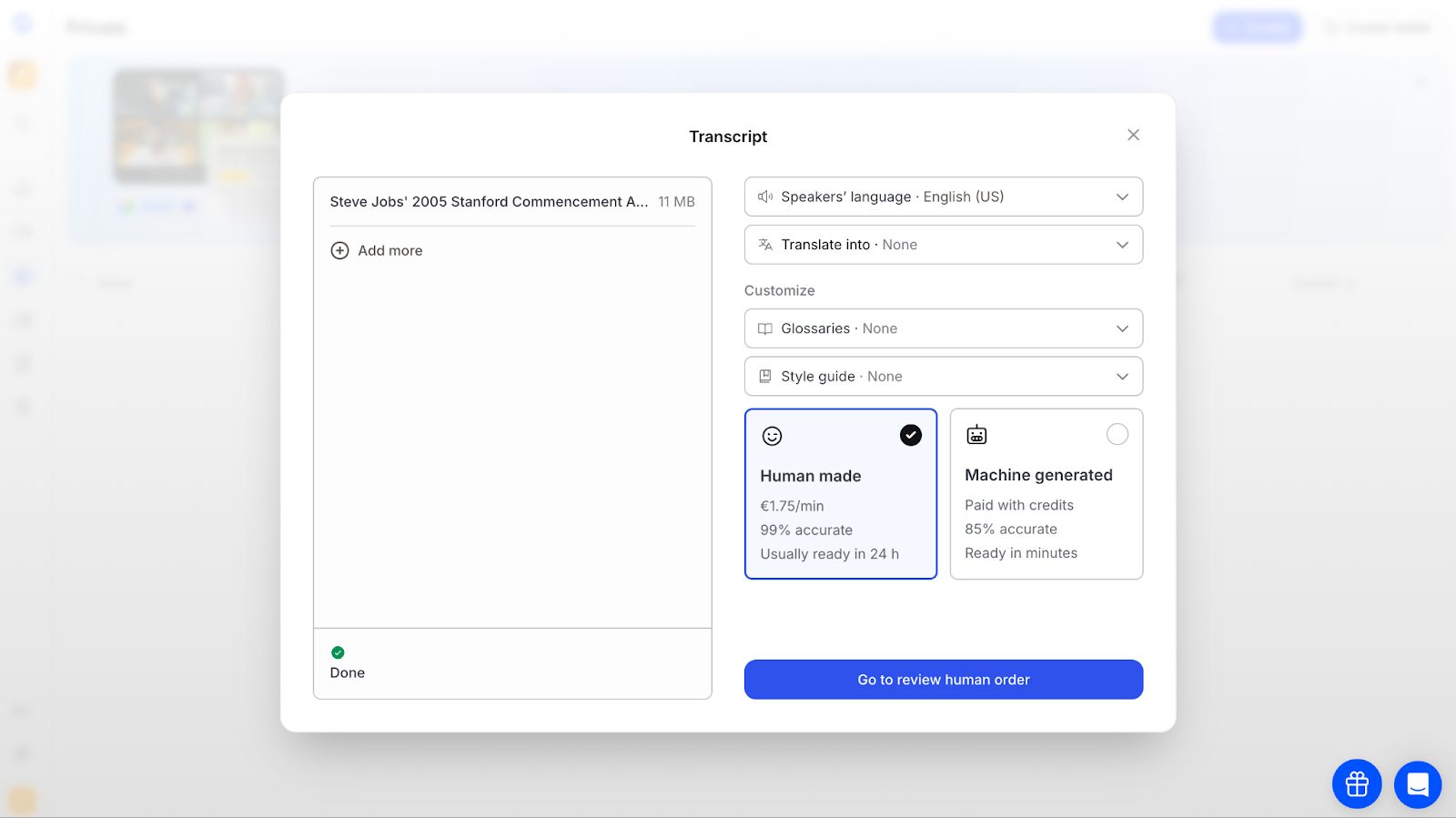
For use cases where accuracy cannot be compromised, HappyScribe offers a human transcription service with 99% accuracy.
Files are reviewed by vetted, native-speaking professionals trained in industry-specific terminology and confidentiality standards.
You can add glossaries and style guides to maintain brand or technical consistency. Turnaround is around 24 hours for major languages, with support for formats such as DOCX, PDF, and JSON.
Optional add-ons include verbatim transcripts, speaker labels, custom formatting, and rush delivery.
This service is designed for legal, medical, academic, research, and publishing workflows where transcripts need to be ready to use without further cleanup.
Human subtitling service
HappyScribe’s human subtitling service delivers broadcast-quality subtitles created and reviewed by professional linguists. Every subtitle is crafted by native experts who focus on accuracy, timing, readability, and tone, following international standards for CPS and CPL.
This service is aimed at media, education, and corporate teams that need reliable localization for films, interviews, e-learning, and branded video content.
You can receive ready-to-publish subtitle files or burned-in videos, as well as translated subtitles in more than 130 languages. It’s a strong option when automated captions are not enough and quality directly impacts credibility.
To sweeten the deal even further, HappyScribe offers an affordable pricing plan. For all of the features we discussed, the pricing starts from only $8.50/month (annually).
HappyScribe alternatives: At a glance
Take a quick look at the top HappyScribe competitors:
| Feature | Rev | Trint | Sonix | Notta | Otter |
|---|---|---|---|---|---|
| Best for | High-accuracy AI and human transcription at scale | Newsrooms and media teams | Multi-language transcription with strong in-browser editing | Real-time meeting and event transcription | Automated meeting notes and summaries |
| Key features | Dual workflow with AI and on-demand human review, caption and subtitle delivery, bulk file handling, mobile recording, and APIs for product integration | Live transcription with verification tools, collaborative quote building, shared workspaces, and direct exports to broadcast and video editing tools | Audio-synced text editing, speaker labeling, transcript analytics, secure sharing controls, and workflow integrations | Live capture across meetings and devices, auto-generated summaries and action items, speaker detection, and cross-language transcript translation | Auto-joining meetings, searchable transcripts, AI chat over meetings, collaborative annotations, and structured summaries |
| Paid plans start from | $14.99/month/user | $80/seat/month | $22/user/month + usage | $13.49/month | $16.99/month |
| Limitations | Human transcription becomes expensive at scale; limited language support | High entry price; limited subtitle and localization depth | Subtitling and formatting workflows need extra effort; dated UI | Requires stable internet; user data used for training on non-enterprise plans | Limited languages; accuracy drops with accents or noisy audio |
1. Rev
Best for: Professionals and teams that need highly accurate AI and human-powered transcription, captions, and subtitles at scale
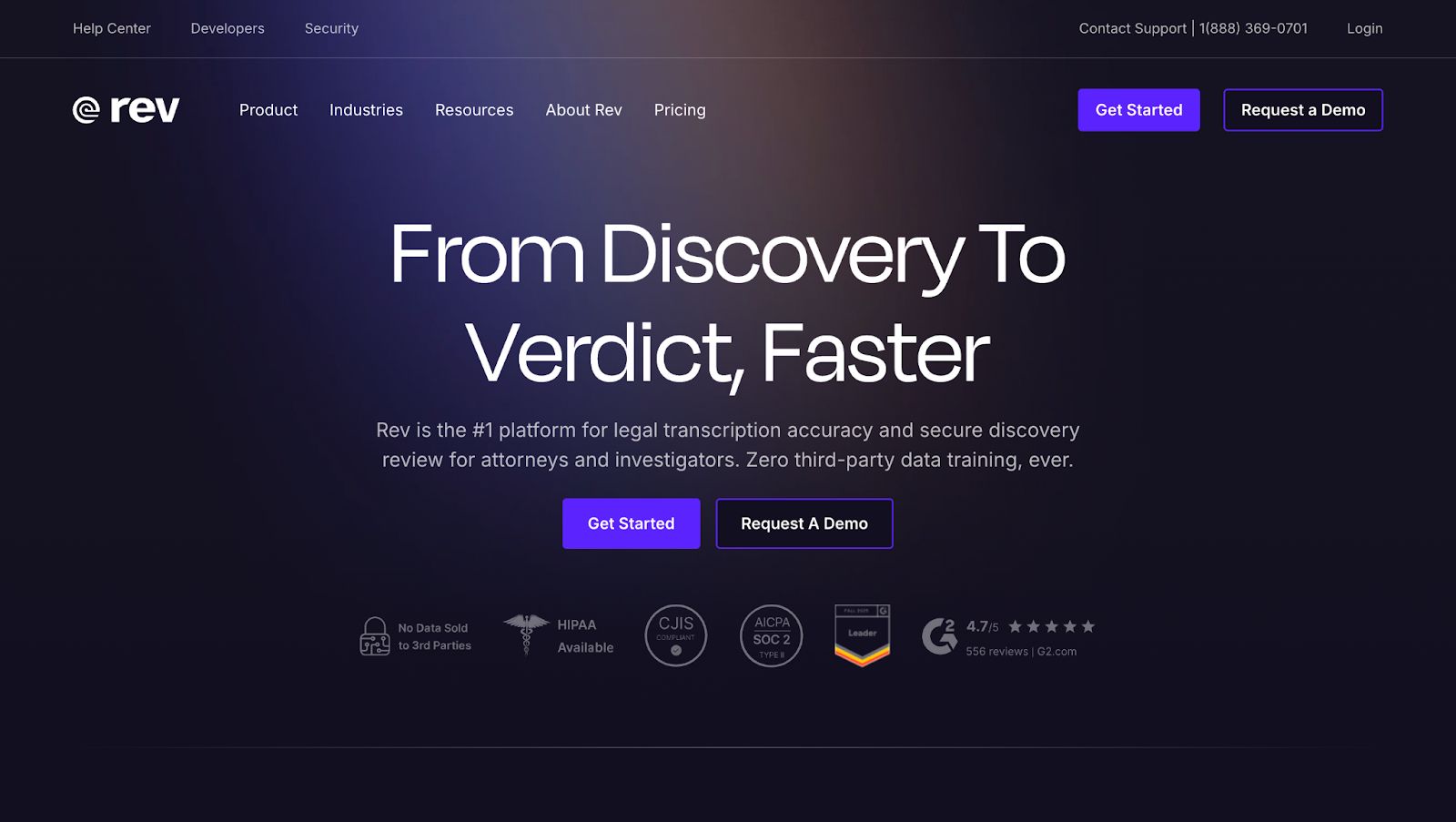
Rev is a speech-to-text platform that combines AI transcription with human transcription, and also offers captions and subtitles.
Key features
- AI transcription engine delivering high accuracy for fast, cost-effective transcripts
- 99%+ accurate human transcription via a large network of professional transcribers
- Captions and subtitles for videos, supporting accessibility and compliance needs
- Support for bulk upload of discovery files, including audio, video, and documents, with organized folders
- Mobile app for secure recording, with editing and collaboration tools
- APIs (Rev AI) for integrating transcription and human transcription into your existing products and workflows
Pricing
- Free
- Basic: $14.99/month/user
- Pro: $34.99/month/user
- Pay-per-minute: $1.99 (human transcription) or $0.25 (AI transcription)
Pros
- High transcription accuracy and reliability for both automated and manual services
- Fast turnaround times that help users handle long video or audio files quickly
- Easy-to-use interface makes uploading, ordering, and using transcripts intuitive for frequent business use
Cons
- Costs can add up for high volumes or long recordings, especially with human transcription
- Occasional accuracy issues in more challenging audio scenarios leads to extra editing for certain files
Rev vs. HappyScribe
If your work stays limited to basic English transcripts, Rev can get the job done.
But once you start thinking about scale or global reach, HappyScribe clearly pulls ahead. It supports transcription, subtitling, and translation in 140+ languages, which makes a big difference for teams localizing content, publishing internationally, or working across regions.
Rev, by comparison, is still largely centered on English, with only limited translation options.
The gap widens further when you look at how the work actually gets done.
HappyScribe is built around a full, end-to-end workflow. You can edit transcripts in a rich editor, add timestamps and speaker labels, apply glossaries, collaborate with teammates, and move straight into subtitles or translations without switching tools.
Read the detailed comparison between HappyScribe and Rev.
2. Trint
Best for: Newsrooms, journalists, and media teams that need live transcription and collaborative storytelling tools
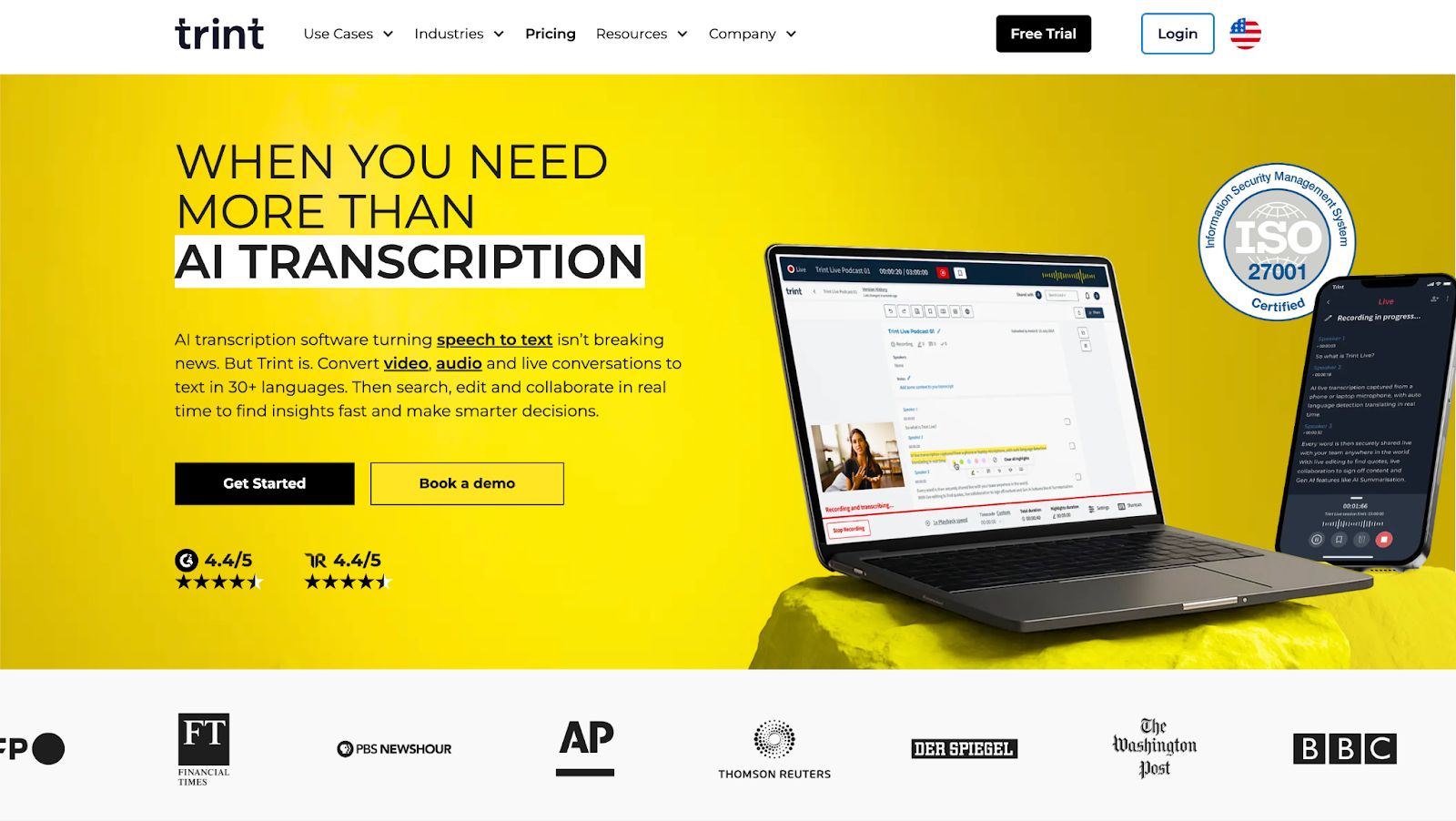
Trint converts audio, video, and live streams into interactive and editable transcripts for content creation.
Key features
- Live transcription for broadcasts and interviews in 40+ languages with automatic speaker detection
- Collaborative "Story" builder to arrange quotes and clips into narratives
- Real-time team editing with shared drives and granular access controls
- Verification mode to sync audio with text for fact-checking quotes
- Integrations with Adobe Premiere, Zoom, and caption export options (SRT, VTT)
Pricing
- Starter: $80/seat/month
- Advanced: $100/seat/month
- Enterprise: Custom pricing
Pros
- The transcription process is smooth and speeds up media workflows significantly
- Simple user interface with minimal learning curve
- Reliable customer support
Cons
- Occasional issues with transcription accuracy
- The cost is high compared to other tools
Trint vs. HappyScribe
If you want transcription that fits into a real production workflow, HappyScribe is the stronger pick over Trint.
In the HappyScribe editor, you get practical controls Trint doesn’t fully match, like the proofreading helper that flags shaky sections, plus style guides for consistent formatting across projects.
HappyScribe also wins on the stuff that matters once you’re operating at scale: verified accuracy (95% AI, 99% with expert proofreading), 140+ languages, SOC 2 Type II plus GDPR, and proper subtitle workflows like subtitle editing and styling and SDH compliance that Trint lacks.
Pricing is a big factor too: HappyScribe starts at $8.50/month, while Trint starts much higher.
Read the detailed comparison between HappyScribe and Trint.
3. Sonix
Best for: Teams and professionals that need accurate, multi-language transcription with powerful in-browser editing and collaboration features
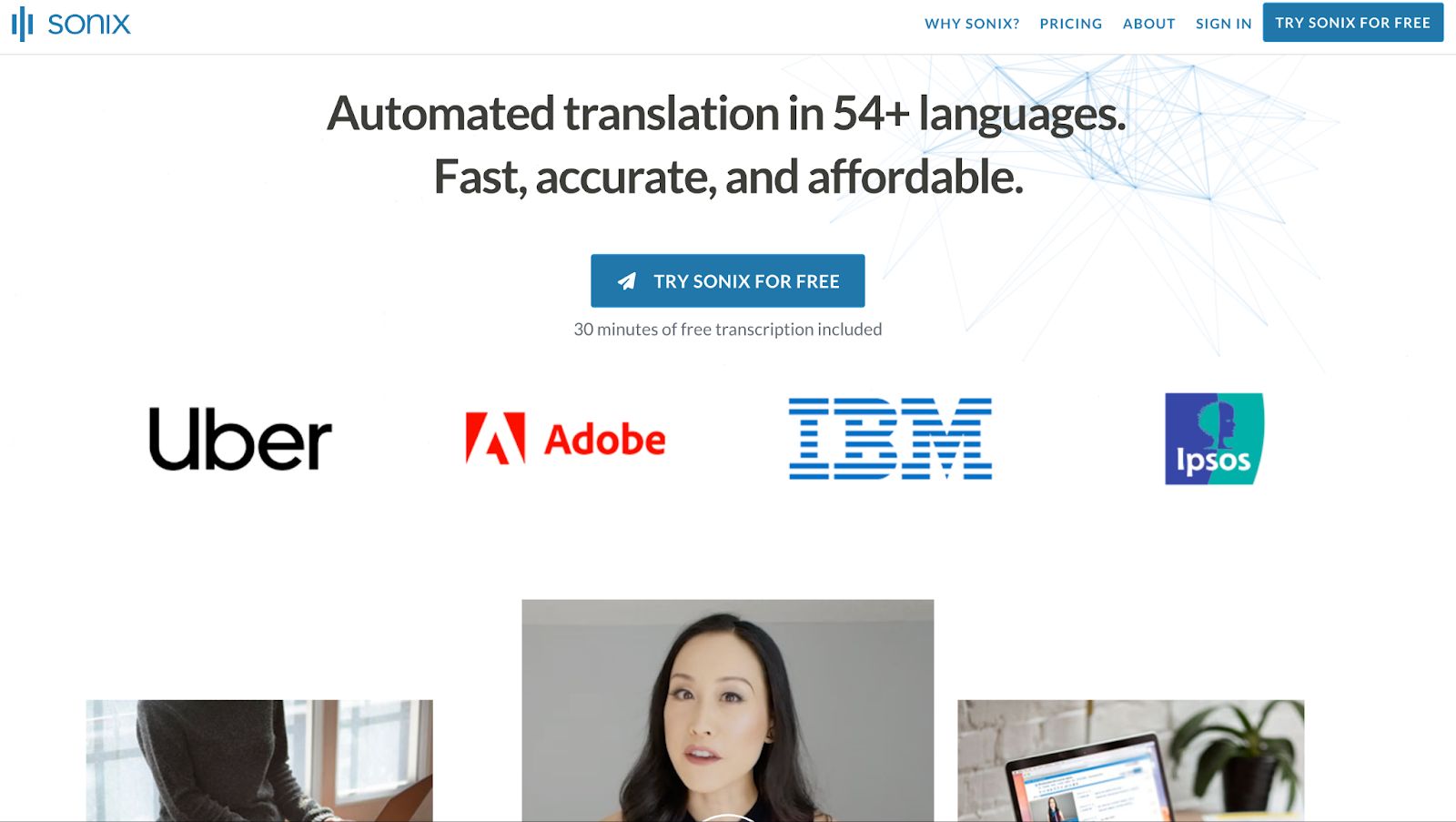
Sonix is an AI-powered transcription and translation platform. It converts audio and video into editable, searchable text, and is ideal for creators and global teams.
Key features
- Transcribes audio/video in 40+ languages and translates transcripts with high accuracy
- In-browser editor stitches text to audio for instant verification. Click any word to play the corresponding audio
- Provides automated summaries, thematic analysis, topic detection, and sentiment analysis based on transcripts
- Automatically identifies and labels different speakers, which is essential for interviews and meetings
- Offers granular permission management, secure read-only sharing, and enterprise-grade security (SSO/SAML) on higher tiers
- Connects with tools like Zoom, Adobe Premiere, and Zapier. API available for custom workflows
Pricing
- Standard: pay-as-you-go
- Premium: $22 per user/month + $5 per hour of audio
- Enterprise: Custom pricing
Pros
- Uses speaker labeling to identify and tag multiple voices for organized captions
- Lets you export subtitles in a format of your choice
- Offers useful transcript editing features
Cons
- It’s difficult to transcribe niche languages
- The UX feels a bit dated compared to modern tools
Sonix vs. HappyScribe
Sonix works well if your needs stop at quick, straightforward transcription.
But once your workflow extends beyond a simple transcript, its limits start to show.
Tasks like preparing subtitles, enforcing formatting standards, or maintaining consistency across projects often require extra manual work or external tools.
HappyScribe is built for that next step. It combines transcription, subtitling, translation, and editing in one workflow, with support for 140+ languages and optional human review when accuracy matters most.
For teams producing content regularly or publishing across markets, HappyScribe removes friction that Sonix leaves behind and scales more naturally with growing demands.
Read the detailed comparison between HappyScribe and Sonix.
4. Notta
Best for: Individuals and global teams that need real-time transcription for online meetings and in-person events
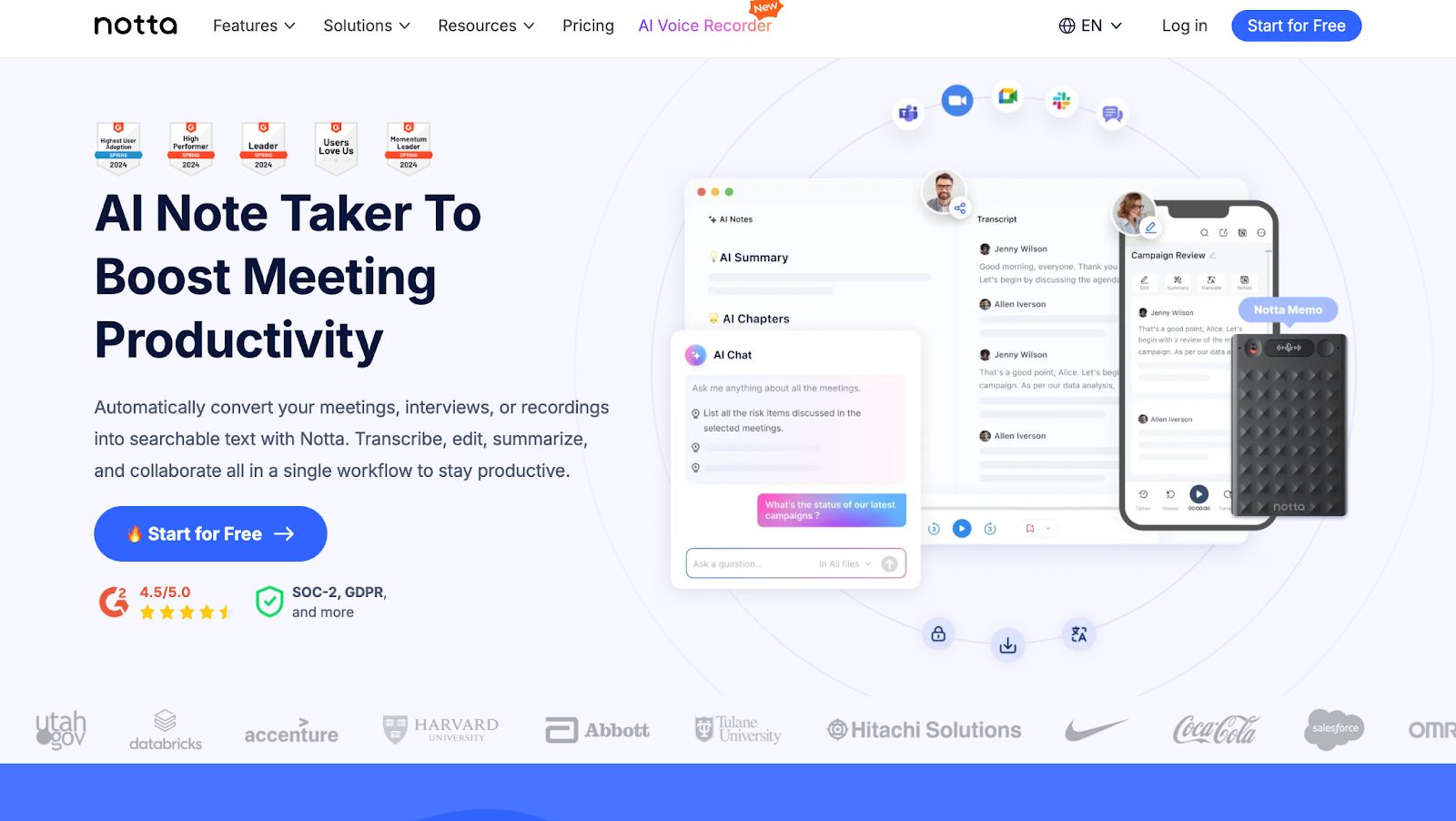
Notta is an AI-powered note-taker that records, transcribes, and summarizes meetings and audio files in real time across languages.
Key features
- Transcribes live meetings (Zoom, Google Meet, Teams) and in-person audio with up to 99% accuracy in quiet environments
- Automatically generates concise summaries, action items, and decision points to make post-meeting follow-ups easier
- Identifies and labels distinct speakers to create clear, readable dialogue scripts for interviews and team calls.
- Translates transcripts into 40+ languages which helps with cross-border communication for international teams
- Seamlessly syncs data across web, mobile apps, and Chrome extension
Pricing
- Free
- Pro: $13.49/month
- Business: $27.99/month
- Enterprise: Custom pricing
Pros
- Fast transcription. Notta claims to process an hour-long file within a few minutes
- Notta's interface is clean, modern, and easy to navigate
- Wide integrations support, including Slack, ClickUp, Google Meet, Notion, Zoom and Zapier
Cons
- Offline transcription isn’t always reliable and requires a stable internet connection to function well
- Notta trains its AI on user data, unless you're on the Enterprise plan
Notta vs. HappyScribe
Notta is geared toward lightweight meeting notes and quick summaries. It covers the basics and works fine for simple, real-time transcription, but its feature set is limited once you need deeper editing, structured output, or broader language coverage.
With fewer languages and minimal formatting controls, it’s best suited for short, internal use rather than polished content.
HappyScribe goes further by treating transcription as part of a larger workflow. It supports 140+ languages, offers higher accuracy with optional human review, and includes tools like style guides, glossaries, subtitle editing, and automated summaries.
For interviews, media, research, or multilingual projects, HappyScribe delivers more usable output with less manual cleanup.
Read the detailed comparison between HappyScribe and Notta.
5. Otter
Best for: Business professionals and students who need automated, real-time meeting notes and summaries for collaboration
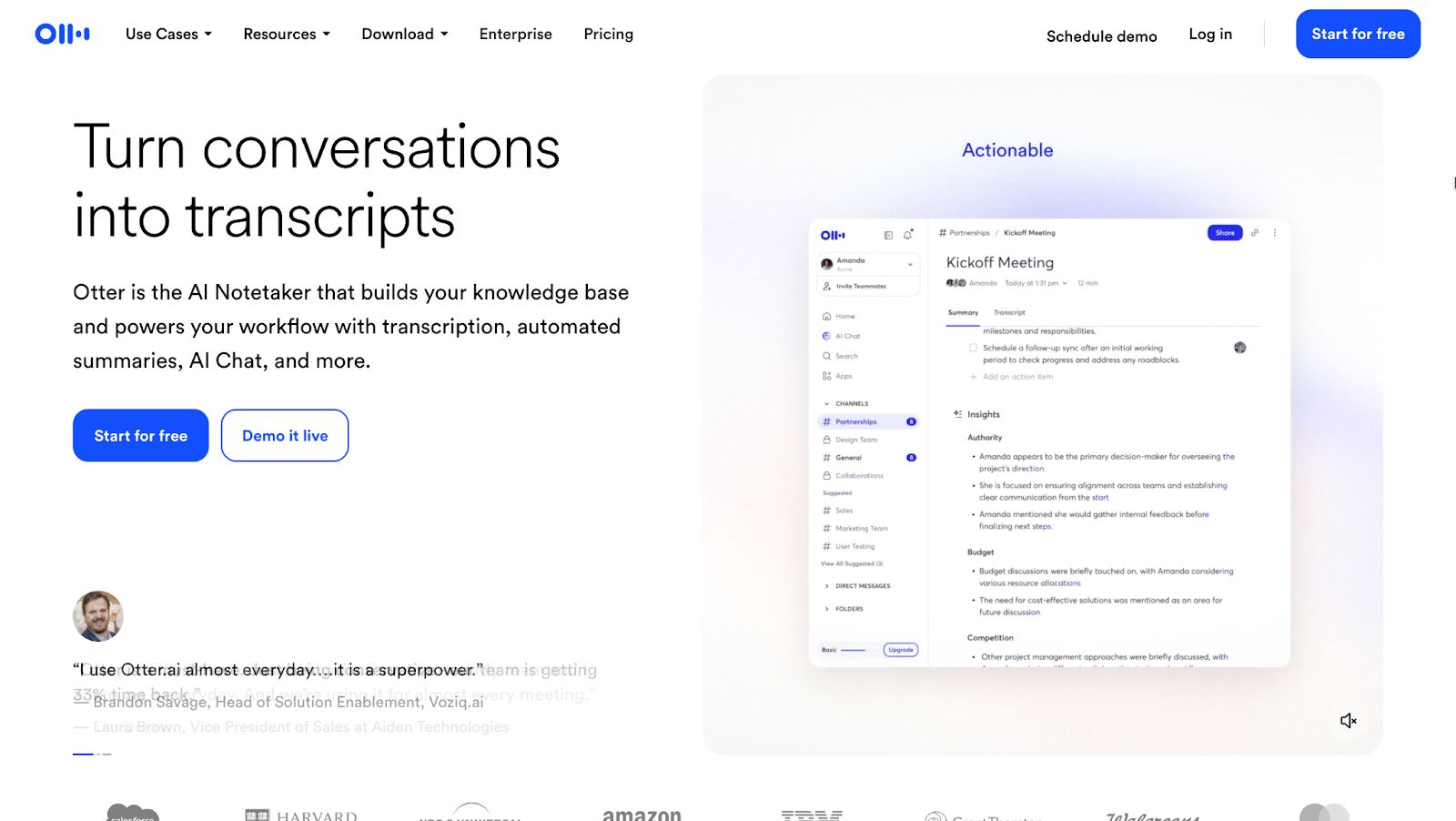
Otter.ai is an AI meeting assistant that records, transcribes, and summarizes conversations in real time, making audio searchable and actionable for teams.
Key features
- Real-Time Transcription & Sync: Transcribes live meetings (Zoom, Teams, Google Meet) and syncs recordings across devices.
- Meeting GenAI: A chat interface that answers questions about your meetings and generates content (emails, summaries) from transcripts.
- OtterPilot: Automatically joins scheduled meetings to record, transcribe, and share notes even if you can't attend.
- Automated Summaries & Action Items: Generates key takeaways, topic outlines, and assigns action items to teammates automatically.
- Collaboration Tools: Supports highlighting, commenting, inline images, and shared custom vocabulary for teams.
Pricing
- Basic: Free
- Pro: $16.99/month
- Business: $30/month
- Enterprise: Custom pricing
Pros
- Auto-joins scheduled meetings without setup friction
- Fairly accurate transcriptions across the board
- Feature-rich mobile app for ease of use
Cons
- Limited language support
- Otter fails to perform as accurately with heavy accents or background noise
Otter vs. HappyScribe
Otter.ai is strong at what it does: live meeting transcription, instant summaries, and real-time collaboration in English. It also has a mobile app for transcription on the go.
Otter is fast in calls and useful for teams that want quick notes without much setup, but its language support and subtitle/export options stay fairly narrow.
HappyScribe takes a broader approach. It supports 140+ languages across transcription, subtitling, and translation, and lets you export captions in multiple professional formats like SRT and VTT.
You can import files from cloud drives without needing a top-tier plan, and the editor includes tools for structured, publish-ready output rather than just raw meeting notes. For anyone working with recordings, videos, multilingual content, subtitles, and flexible exports, HappyScribe delivers more capability and versatility than Otter.
Read the detailed comparison between HappyScribe and Otter.
Why HappyScribe is still the best speech-to-text tool
When I sat down to write about HappyScribe alternatives, I kept coming back to how I actually use the product in real workflows.
Most tools I test are great at one slice of the job: they take notes in meetings or churn out a transcript from a file.
With HappyScribe, I can start with a messy recording and end with something that is genuinely ready to ship: a cleaned-up transcript, subtitles that meet professional standards, or a translated version for another market.
I do not have to move projects between three different apps just because the format or language changes in the middle.
What keeps HappyScribe ahead for me is the mix of automation and control.
I get fast AI transcription for everyday work, human services when the stakes are higher, and features like note-taking, captioning, subtitling, and translation sitting in the same workspace.
When comparing HappyScribe alternatives, this is the question I would use as a filter: can the other tool follow your content from recording to finished asset in the same way, or will you need to patch the gaps yourself?
What real-life users are saying about HappyScribe
Tamedia, Switzerland’s largest private media company, saves 3-4 hours per interview with HappyScribe’s AI transcription.
"The quality is now very good with HappyScribe, so adoption happened organically — journalists recommended it to their colleagues, and now it’s a standard tool in the newsroom."
Titus Plattner, Innovation Product Manager, Tamedia
Welcome to the Jungle (WttJ), an innovative job board platform, cut their subtitle editing time by 50% with HappyScribe.
"The impact of HappyScribe on our subtitling workflows has been transformative."
Wrapping up: Tips to choose the best HappyScribe alternative
If you’ve made it this far into comparing HappyScribe alternatives, the most useful thing you can do now is run a real-world test. Take an actual project you’re working on, run it through HappyScribe and another tool, and notice two things:
- How much editing you still need to do
- How easily you can move from transcript to whatever you need next, whether that’s a summary, notes, subtitles, or a translated version
While you’re testing, if you hit a wall or catch yourself thinking “I wish HappyScribe could do X,” please tell us so we can make the next version of HappyScribe fit you even better. A lot of what we build comes directly from conversations with people using HappyScribe in their day-to-day work.
We’d also love to look at your workflow and be honest about whether HappyScribe is the right fit. Let’s talk!
FAQ
Is HappyScribe worth it?
HappyScribe is worth considering if you regularly work with long recordings, interviews, or video content and need dependable output, not just raw text. It handles difficult audio, supports speaker identification, and gives you control through an interactive editor where you can clean, structure, and export transcripts for different uses. Starting at just $8.50/month, HappyScribe makes sure you get the most value for your money.
Which transcription tools offer similar features to HappyScribe?
Some tools overlap in specific areas, but none mirror the full workflow. Rev combines AI and human transcription. Trint focuses on newsroom collaboration. Sonix offers automated transcription and translation, but it does not provide human transcription services. Meeting-focused tools like Otter and Notta work well for live calls, but they fall short on subtitles, formatting depth, and broader multilingual support needed for publishing or research work.
Is HappyScribe better than TurboScribe?
Compared with TurboScribe, HappyScribe is better suited for professional and international use. TurboScribe focuses on fast, automated transcription with minimal workflow features. HappyScribe applies more advanced AI technology, supports complex editing, subtitles, and translations, and scales well when content needs to reach a global audience. If you only need quick transcripts, TurboScribe can work. If you need publish-ready output, HappyScribe is the stronger option.

Rodoshi Das
Rodoshi is the Content Lead at HappyScribe, the privacy-first transcription and AI notetaker platform based in Barcelona. Shaping content strategies and building AI workflows excites her as much as exploring new SaaS tools. She specializes in product-led content that informs rather than sells, grounded in honest product benchmarking and low tolerance for empty marketing speak.