![5 Best Fireflies AI Alternatives for AI Meeting Notes [2026]](/sanity-images/ejgwz1gl/redesign/1cff7ab0eb7cc3a82dd2c8c9bf929143522bcee9-2240x1260.png?auto=format&w=2240.0&rect=0,70,2240,1120&h=1120)
Fireflies AI alternatives were on my mind the first time I finished a call and thought, “Cool… now I have to clean this up myself.”
Fireflies does a lot, especially if you want deep conversation intelligence. But day to day, that “does a lot” can start to feel overwhelming. The UI feels busy when you just want a clear recap. On mixed-accent calls, the transcript quality gets inconsistent. Then there’s the billing experience, which was the final nudge for me to start testing other options.
So I put this list together the same way I’d want someone to do it for me: I tried the tools on real work calls, asked power users what they’d switch to (and why), then cross-checked reviews on G2, Reddit, and Trustpilot. If you mainly need clean, structured records of every call, you can also try our own AI meeting minutes generator for a faster path from transcript to formatted minutes. Let’s go!
TL;DR
The best Fireflies alternatives for AI note taking are:
- HappyScribe: Best for accurate and secure meeting notes, flexible meeting capture, audio and video file transcriptions, and extensive language coverage
- Fathom: Best for individuals looking for a free video recording and transcription tool
- Fellow: Best for managers who want to enforce a new meeting culture via structured agendas before and after meetings
- Avoma: Best for sales teams and revenue operations looking for deep CRM integrations, call routing, and coaching
- Sonix: Best for video creators who need highly accurate file transcription and a pay-as-you-go model
Why users are looking for Fireflies AI alternatives
While finalizing the best Fireflies AI alternatives, I looked into the user complaints, and a pattern emerged. These are the most common reasons people consider switching:
1. Missed terminology and accents
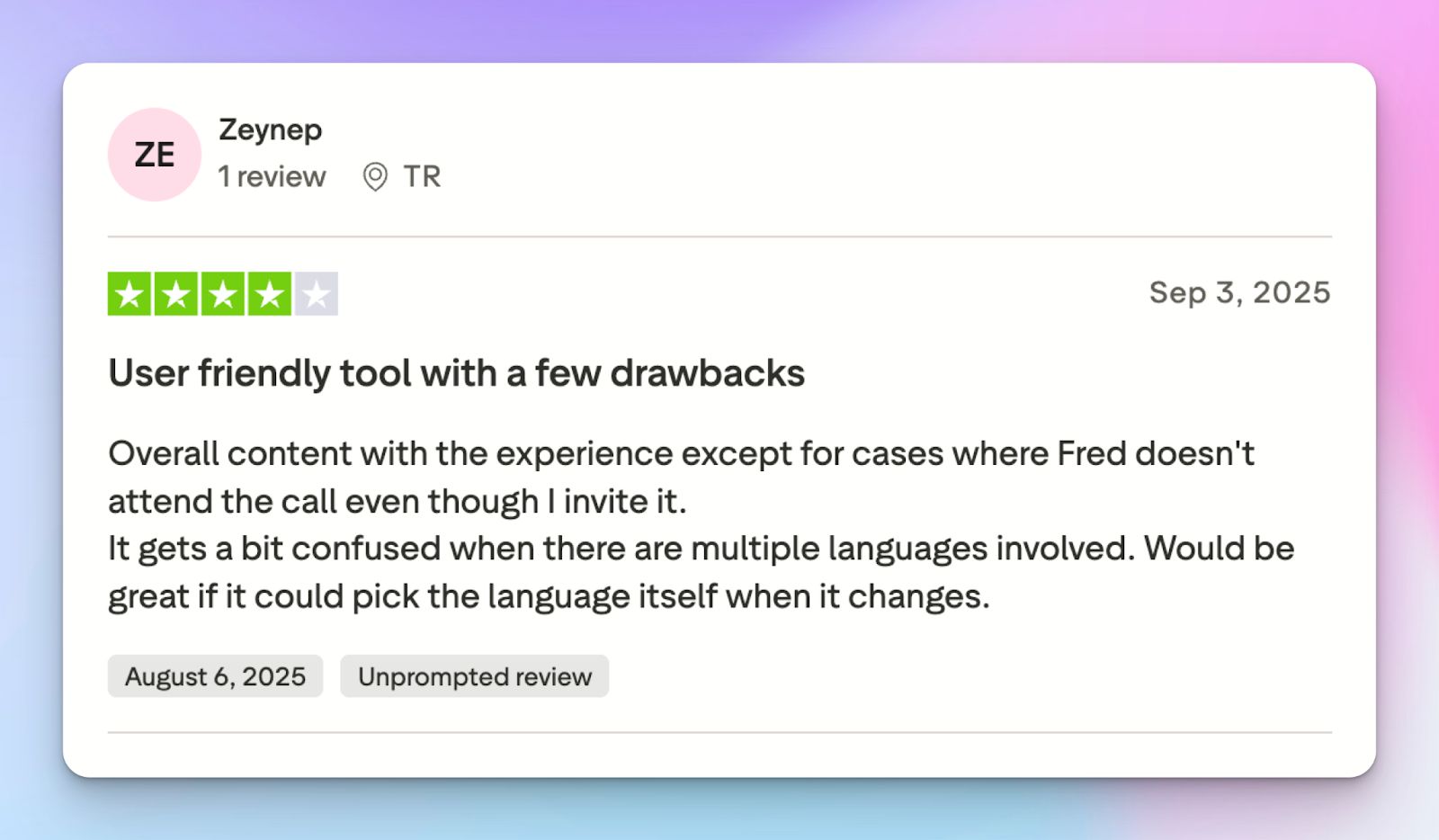
Fireflies struggles when virtual meetings deviate from standard American English. If your team has diverse accents or uses industry-specific jargon, you might find the accuracy drops significantly. Users frequently report that it misses niche terminology, forcing them to manually rewrite large chunks of the transcript.
2. Forced login and calendar permissions
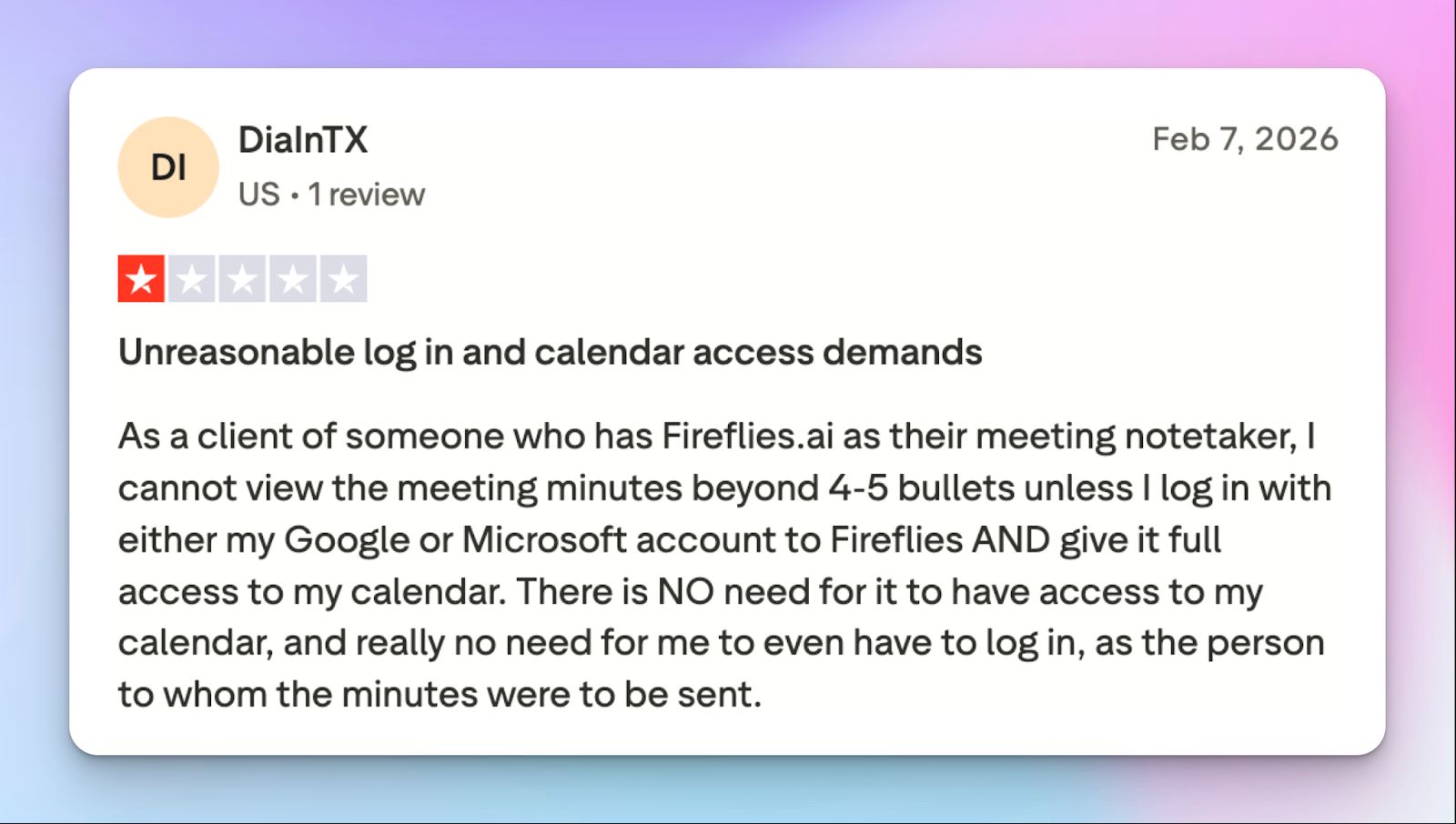
One of the biggest complaints is how invasive Fred, the Fireflies bot, can be. It has a habit of auto-joining meetings you didn't invite it to, which can be awkward with clients. Worse, some users report that when they share meeting notes with external guests, those guests are forced to create a Fireflies account and log in just to view the bullet points.
Given that the company is fighting lawsuits for creating voiceprints of people without consent, it’s better to check Fred's settings.
3. Transcripts and notes are delayed
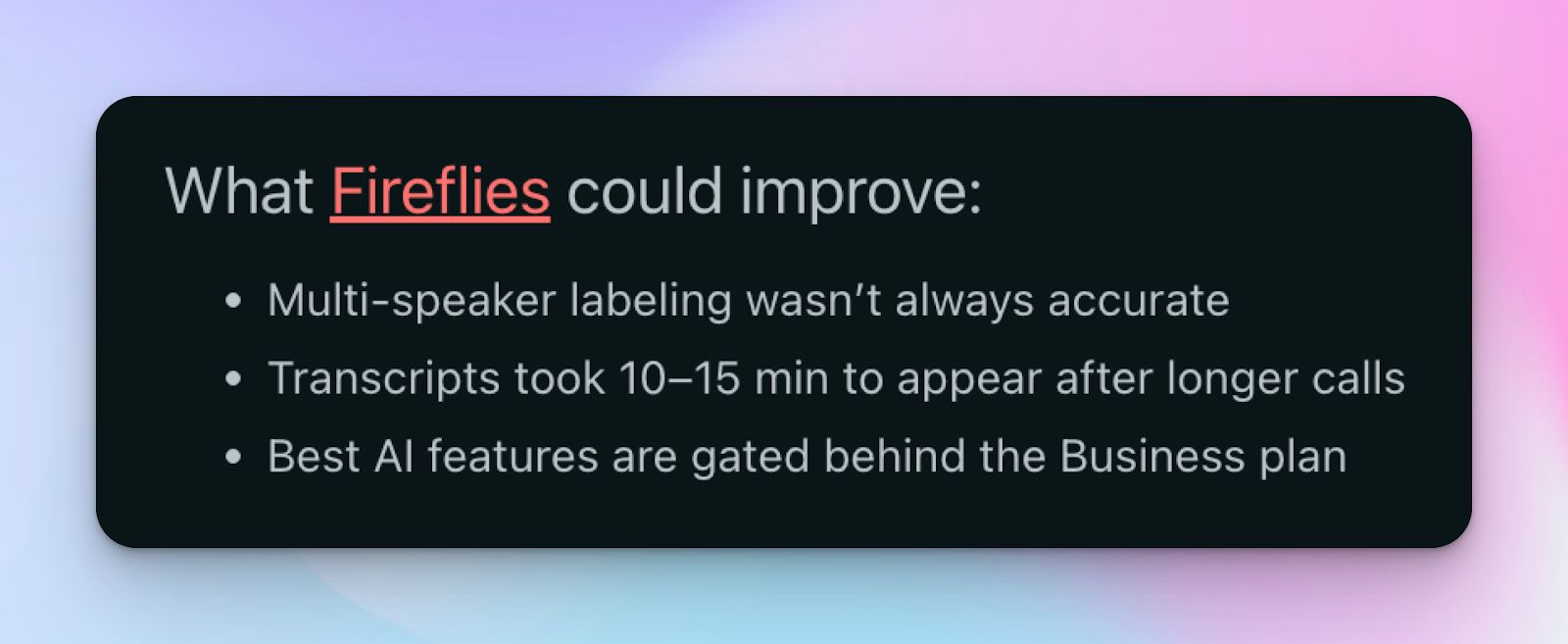
If you need your notes immediately after a call, Fireflies will test your patience. I’ve faced delays in transcript processing, especially for longer meetings. Unlike some competitors that stream text in real-time or deliver AI summaries instantly, Fireflies can leave you waiting before you can start your post-meeting work.
4. Predatory billing practices
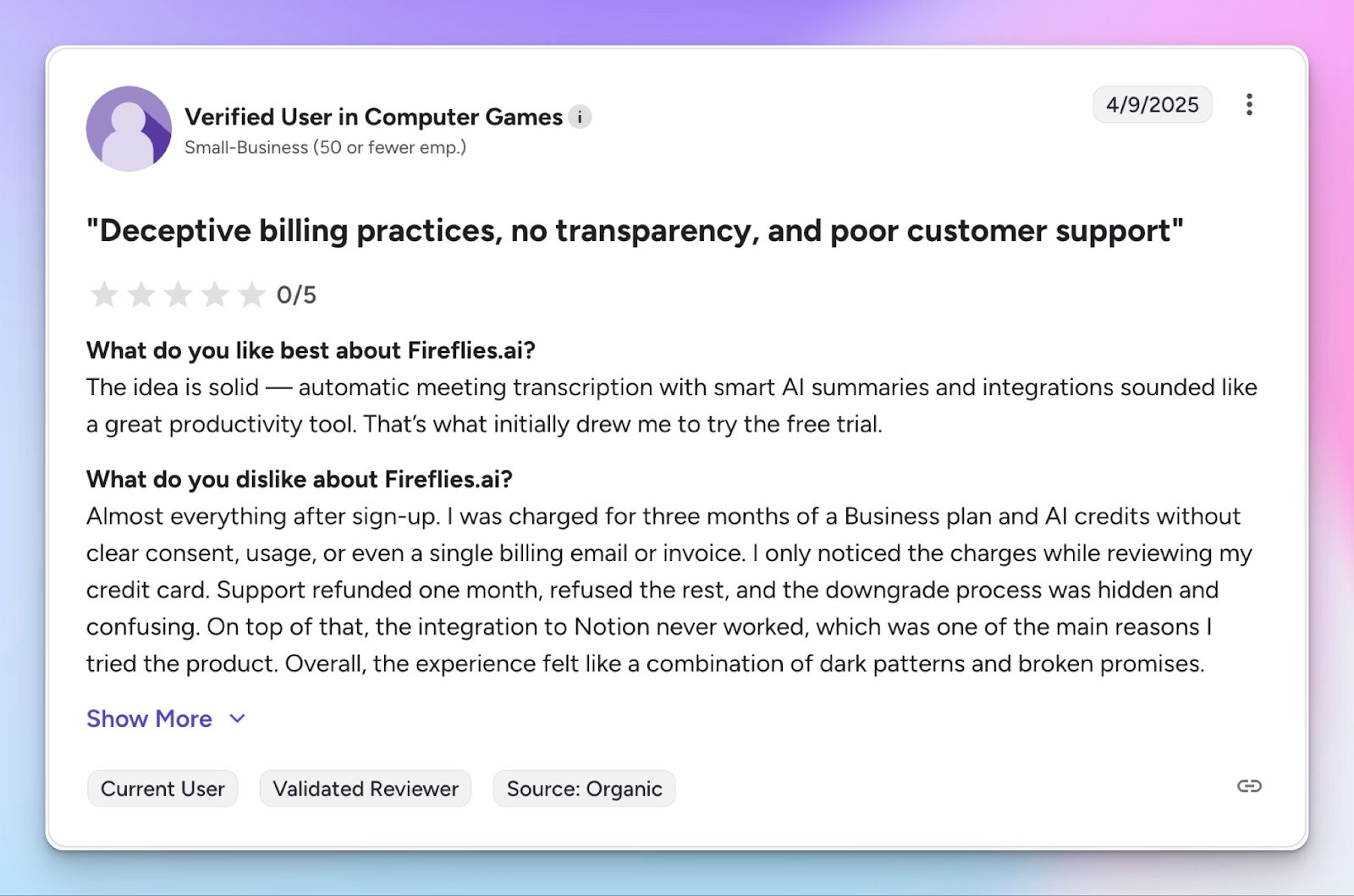
This is a serious one. Numerous users on Trustpilot and Reddit have flagged dishonest billing practices, such as being charged for a full year after cancelling or finding the cancellation button greyed out. Some even reported being auto-enrolled into higher-tier business plans without clear consent.
Top 5 Fireflies AI alternatives at a glance
| Feature | HappyScribe | Fathom | Fellow | Avoma | Sonix |
|---|---|---|---|---|---|
| Best for | Global teams that need accurate notes and fast file transcriptions | Individuals who want a free video recording tool | Managers who enforce structured meeting agendas | Sales teams that require deep CRM sync and call coaching | Video creators who need accurate file transcription and subtitles |
| Key features | 95% AI accuracy, transparent bot, Ask AI insights, translation, and subtitle editor | Unlimited free recording, shareable video clips, AI chapters, and sales templates | Collaborative agendas, Ask Fellow search, and bot-free option | Two-way CRM sync, AI scorecards, and inbound lead router | 99% file accuracy, AudioText editor, and subtitle control |
| Supported languages | 140+ languages and accents | 38 languages | 90+ languages | Not specified | 50+ languages |
| Platform integrations | Zoom, Google Meet, Microsoft Teams, and in-person calls | Zoom, Google Meet, and Microsoft Teams | Zoom, Google Meet, and Microsoft Teams | Zoom, Google Meet, Microsoft Teams, and Webex | Zoom, Google Meet, Microsoft Teams, and Webex |
| Security | SOC 2 Type II, GDPR, EU data center | SOC 2 Type II, GDPR, and HIPAA | SOC 2 Type II, GDPR, HIPAA, and CCPA | SOC 2 Type II, GDPR, HIPAA, CCPA | SOC 2 Type II and HIPAA |
| Pricing | Free. Paid plan starts from $8.5/month (billed annually) | Free. Paid plan starts from $20/month | Free. Paid plan starts from $11/month | Paid plan starts from $29/month | Pay-as-you-go model. Paid plan starts from $22/month |
1. HappyScribe
Best for: Accurate and secure meeting notes, flexible meeting capture, audio and video file transcriptions, and extensive language coverage
HappyScribe AI note taker is one of the best Fireflies AI alternatives because it prioritizes what Fireflies often misses: transcription accuracy across different languages and ease of use.
While Fireflies focuses heavily on overall meeting intelligence, HappyScribe focuses on giving you clean, ready-to-use meeting notes within seconds after a meeting is finished.
HappyScribe vs. Fireflies
| Category | HappyScribe | Fireflies |
|---|---|---|
| Language support | HappyScribe supports 140+ languages and accents, making it ideal for international teams | Supports 100+ languages, but accuracy drops significantly for non-native speakers |
| Accuracy | Delivers 95% accuracy with AI that is fine-tuned for diverse accents and noisy audio | Accuracy hovers around 85%-90% for clear English but struggles with accents and crosstalk |
| File flexibility | HappyScribe records bot-free in-person meetings AND allows uploads of audio and video files for transcription. | Primarily for live meetings; uploading past files requires higher tiers or credit usage. |
| Video recording | Video recording is available in all plans, including the Free tier. | Video recording is locked behind the expensive Business plan ($29/mo) |
| Privacy and control | Transparent bot with easy controls; strict GDPR & SOC 2 Type II compliance, EU data center; ideal for European teams | Bot is known for lurking and auto-joining; data is processed in the US by default |
HappyScribe’s key features
1. Take detailed meeting notes in 140+ languages and accents with 95% AI accuracy
Global teams find Fireflies limiting because it is heavily optimized for English. HappyScribe, on the other hand, covers 140+ languages and dialects, including rare ones like Swiss German, Turkish, Finnish, and Vietnamese.
Even though Fireflies claims 100+ language support, real-world usage shows its limitations. In contrast, HappyScribe AI captures words and phrases with 95% accuracy, saving you time in review.
2. Transparent and customizable meeting bot
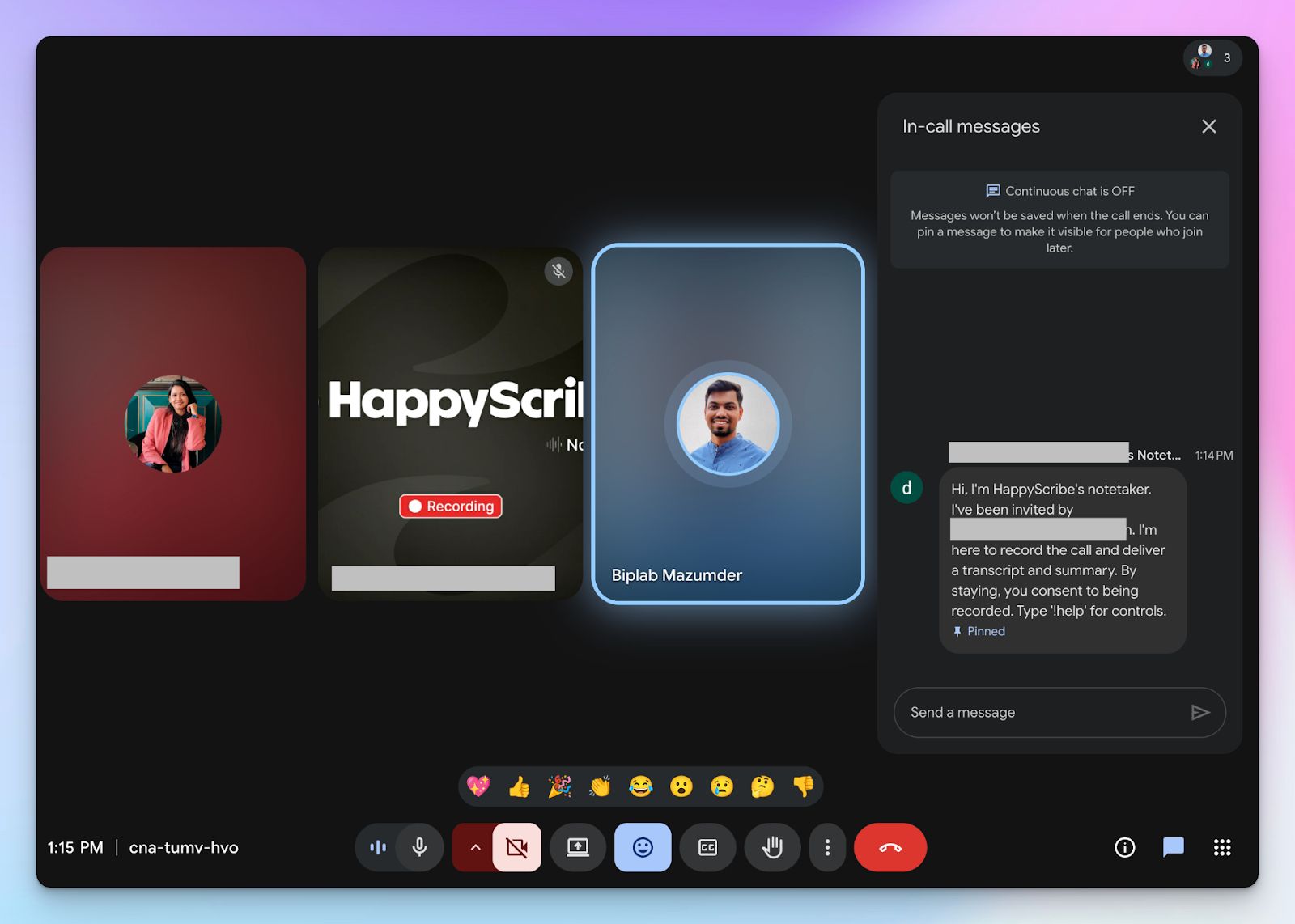
Fireflies has a bot that often joins virtual meetings uninvited and is hard to remove, whereas HappyScribe’s AI meeting assistant is designed for transparency.
You can customize its name, logo, and color to match your company branding and easily toggle when it joins. HappyScribe note taker announces itself and explains its role to attendees to make sure everyone’s on the same page.
3. Ask AI for quotes, action items, and conversations
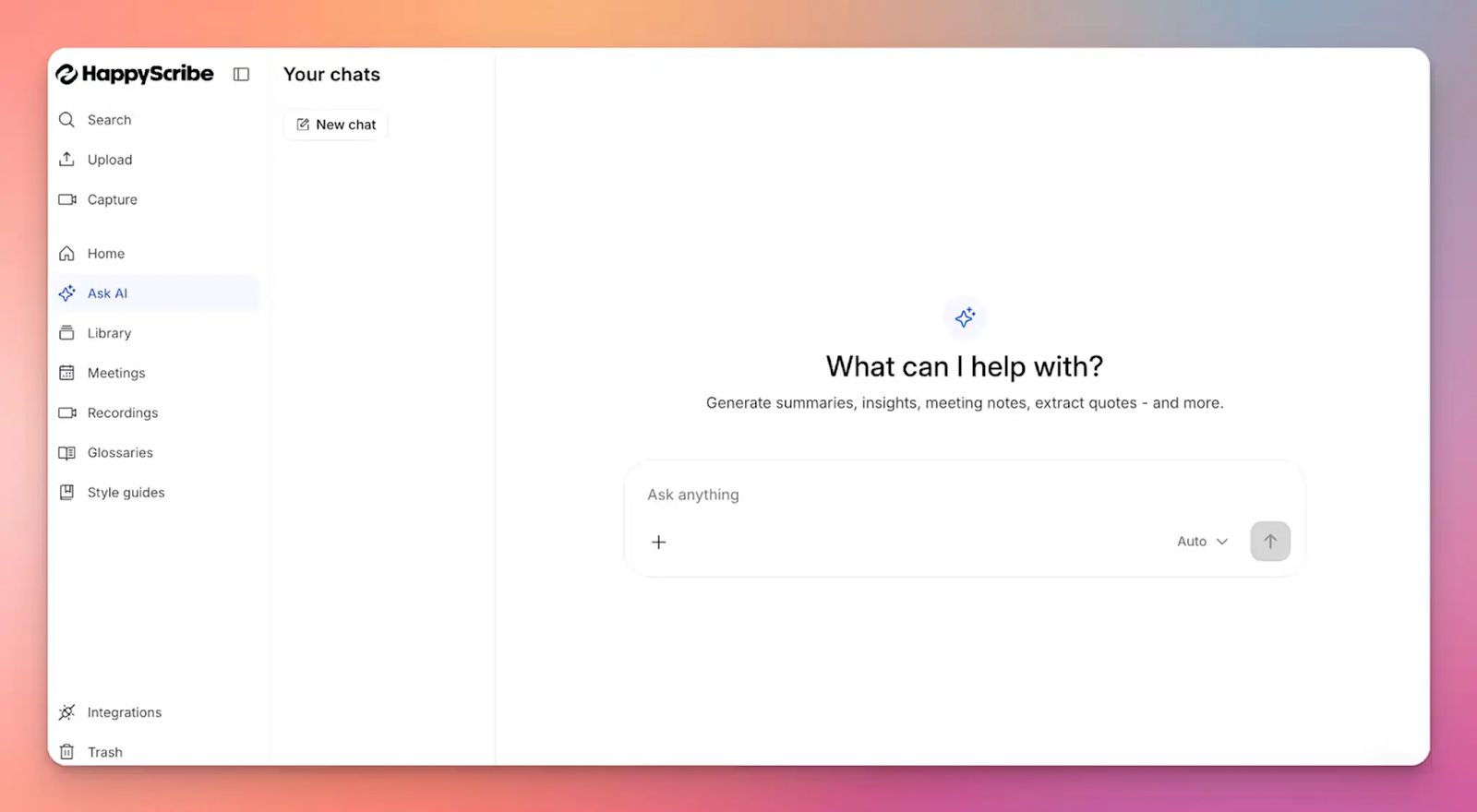
You do not need to wade through a long transcript. Simply ask HappyScribe AI to highlight speaker quotes, meeting notes, and action items. It can even draft follow-up emails and posts based on meetings.
HappyScribe AI is conversational, so you can ask it to dig deeper into specific moments and clarify contexts, just like a chatbot.
4. Edit and burn subtitles for video content
HappyScribe isn't just for notes; it’s a full media tool. You can mix and convert audio files, trim video, and translate notes in 140+ languages.
If you record a webinar or training session, you can use the built-in subtitle editor to create and burn captions directly onto the video. Fireflies doesn't offer this post-production capability.
5. Quick to set up and easy to use
Since Fireflies aims to do a lot more than just meeting transcriptions, it ends up being too cluttered for regular use.
In contrast, HappyScribe is easy to set up because it has a clear product roadmap. The UI is stable, the features are polished, and you get transparent billing options. HappyScribe doesn’t use dark patterns to make you pay more, and you’re always in control of what data is shared with whom.
Add the fact that it hosts data in a PCI DSS and ISO 27001 compliant data center in the EU, makes HappyScribe one of the most reliable note takers for Europeans.
HappyScribe’s pros
- Accurate meeting notes with 95% accuracy in 140+ languages and accents
- Ask AI for video chapters, quotes, follow-up emails, and deep conversations
- GDPR and SOC 2 Type II compliance, along with EU data residency and a simple opt-out of AI training for security and privacy
- Create and edit subtitles and mix audio for fast content sharing
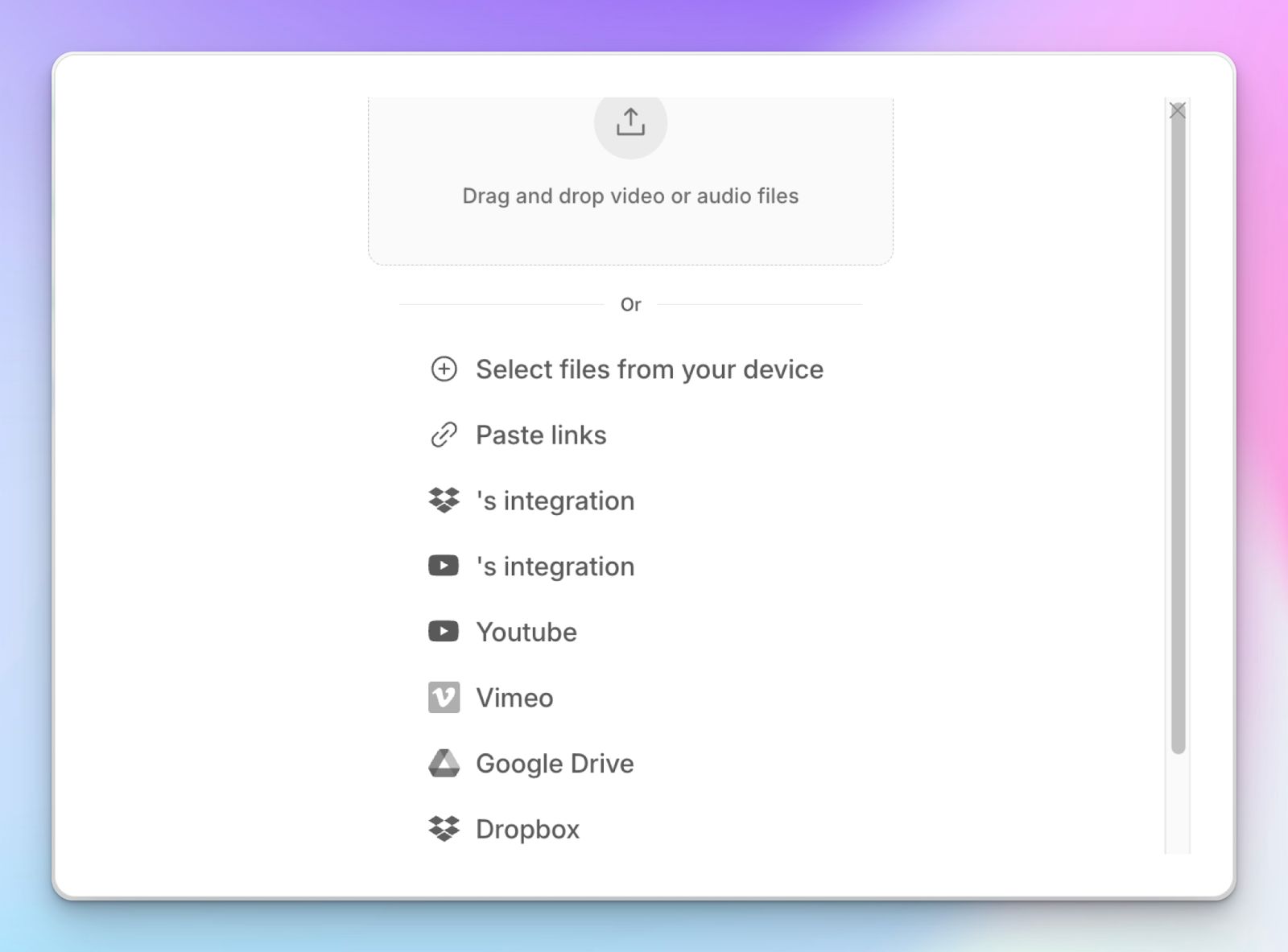
- Upload and transcribe video files and pre-recorded meetings from your device, YouTube, Vimeo, and Dropbox
- Transparent and flexible billing support for users
- Reliable and helpful customer support from real humans, not chatbots
HappyScribe’s cons
- HappyScribe is not ideal for live call transcriptions
HappyScribe’s pricing
- Free: Unlimited meeting recordings (45 mins/recording)
- Basic: $8.50/month (billed annually) or $17/month (billed monthly)
- Pro: $19/month (billed annually) or $29/month (billed monthly)
- Business: $59/month (billed annually) or $89/month (billed monthly)
- Enterprise:Contact sales to get tailored solutions directly
What are real users saying about HappyScribe?
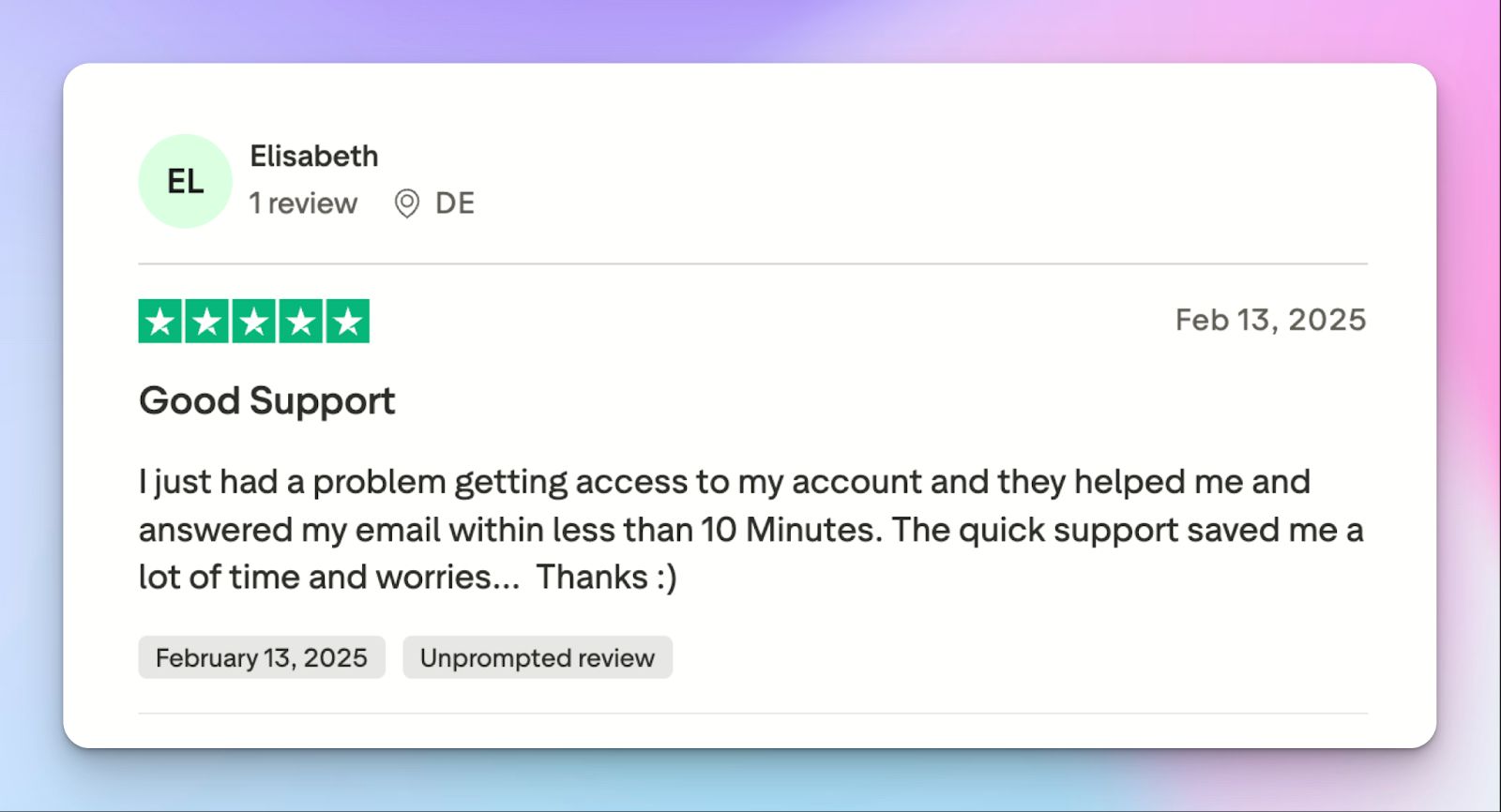
I use HappyScribe extensively for our editorial work. In 2025 alone, I’ve already used almost 400 hours to produce transcripts for journalists and the newsroom, as well as SRT subtitles. I highly recommend it. It’s great that it offers an API — I rely on it for automations. I’ve tried cheaper alternatives, but their quality just doesn’t compare.
Transcript was much more accurate than the guaranteed 85%. It was more like 98%. And it was really inexpensive and fast. I could not ask for a better experience.
How to use HappyScribe’s AI note taker? A step-by-step guide
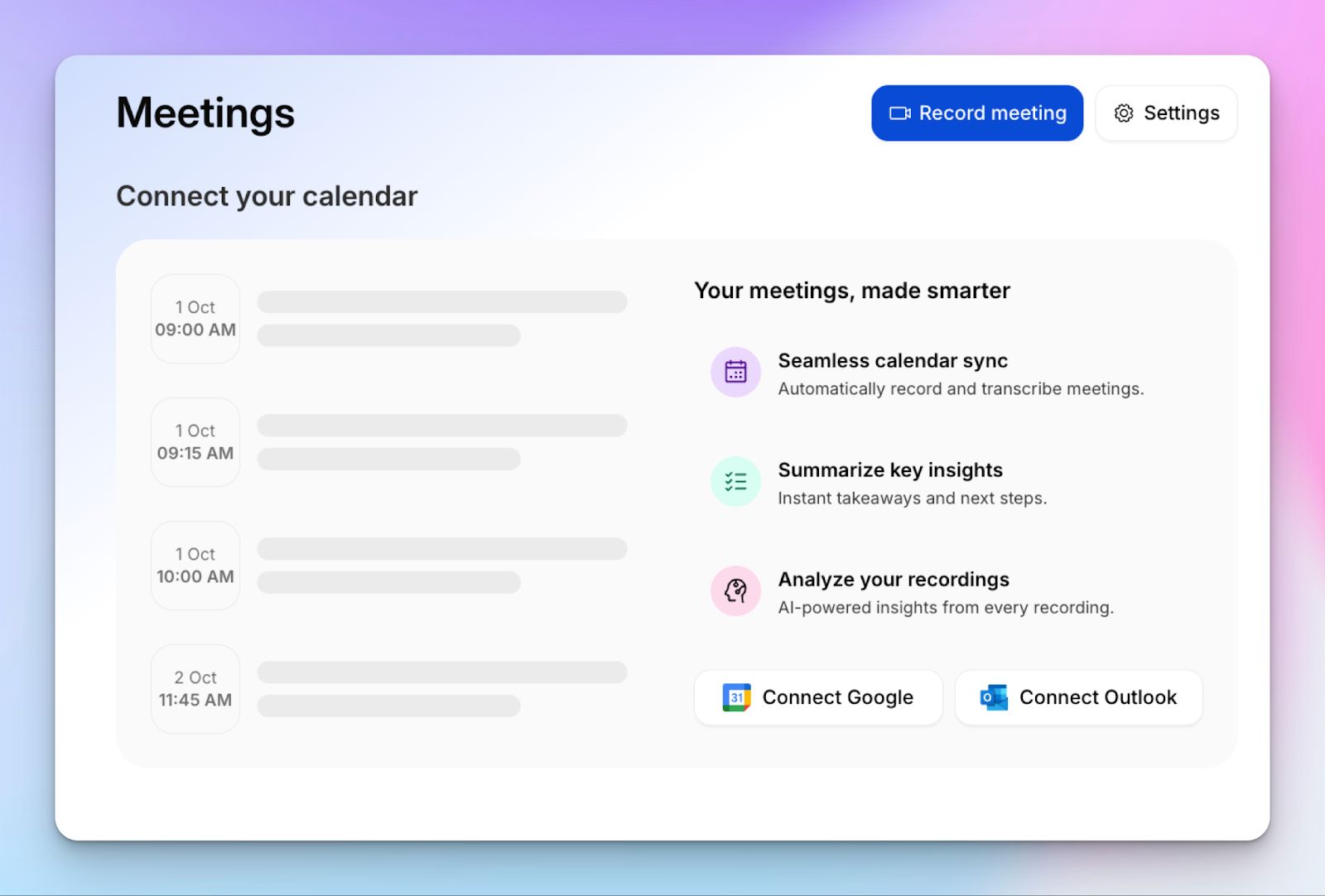
1. Link your Google or Outlook calendar or paste the meeting link to invite the HappyScribe note taker. For in-person meetings, you can record audio without a bot.
2. Select Meetings in the left sidebar and then check the options at the right to customize when the notetaker should join and who should receive the email summary.
3. Click on the Settings button at the top right to select when the notetaker should start recording and who can view the meeting transcription.
4. During an online call, the notetaker must be admitted by the meeting host to start recording. You can chat with the notetaker to control it.
5. And that's it! The meetings should be saved in your Workspace files or in the Private section, depending on your privacy settings.
2. Fathom
Best for: Individuals and small teams looking for a free video recording and transcription tool
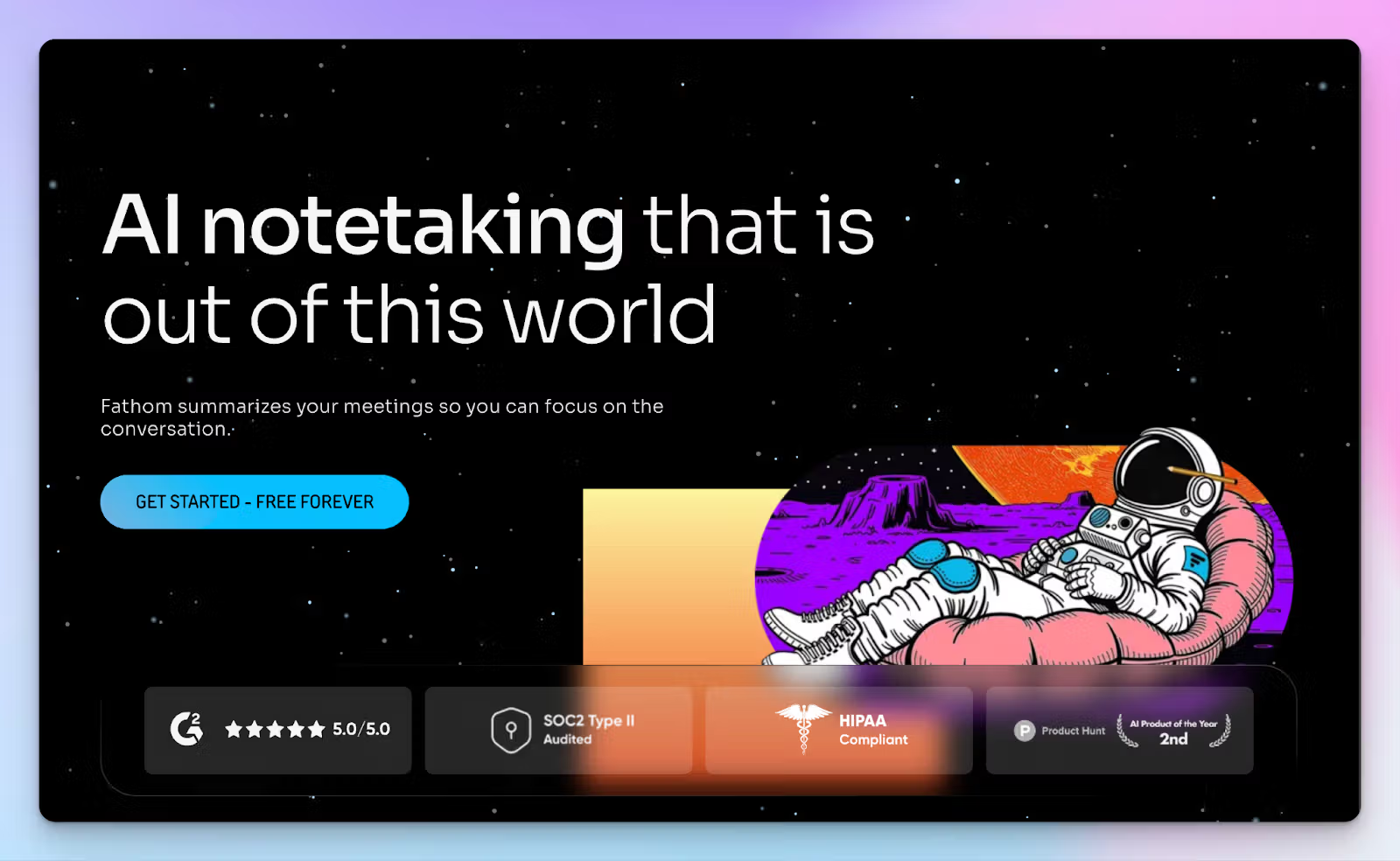
Fathom stands out because of its incredibly generous free plan. While Fireflies locks video capture behind an expensive business tier, Fathom gives you unlimited video recordings and transcriptions for zero dollars. It’s straightforward and requires almost no configuration.
If you just want a reliable record of your Zoom, Teams, and Google Meet calls, Fathom is a great choice. It doesn’t overwhelm you with deep team metrics or complex dashboards, which is a welcome change from Fireflies.
Fathom vs. Fireflies
| Category | Fathom | Fireflies |
|---|---|---|
| Free tier limits | Offers unlimited video recording but caps AI summaries at 5 per month | Offers basic AI summaries, but video recording is paywalled behind the $29/mo Business plan |
| Language support | Transcribes in 38 languages | Supports 100+ languages |
| Platform limits | Works only with Zoom, Meet, and Teams | Integrates with 12 different dialers and video conferencing platforms |
| Ease of use | Simple setup with zero maintenance | Complex workflows that require team training |
Fathom’s key features
- You can record as many meetings as you want without worrying about storage caps or minute limits. Fathom captures both the audio and the video feed automatically
- Highlight key moments during your call and turn these moments into short video clips so you can share exact quotes with your team
- Fathom AI breaks down your meetings into digestible chapters and extracts clear action items
- If you use specific sales frameworks like BANT or Sandler, Fathom allows you to set those templates so the summary matches your workflow
Fathom’s pricing
- Free
- Premium: $20/month
- Team: $19/month (minimum 2 users)
- Business: $29/month (minimum 2 users)
Fathom’s pros
- Unrestricted video recording and storage on the free tier
- Clean user interface that requires no technical setup, which might attract ex-Fireflies users
- Trim accurate video clips to share exact quotes with your team
- From Attive and Edgedive to Zero and Zapier, automatically sync your Fathom data with popular tools
Fathom’s cons
- Fathom does not allow you to upload pre-recorded audio or video files, forcing users to look for better Fathom alternatives
- If you use a meeting tool other than the big three, Fathom is not useful
3. Fellow
Best for: Managers who want to enforce a new meeting culture via structured agendas before and after meetings
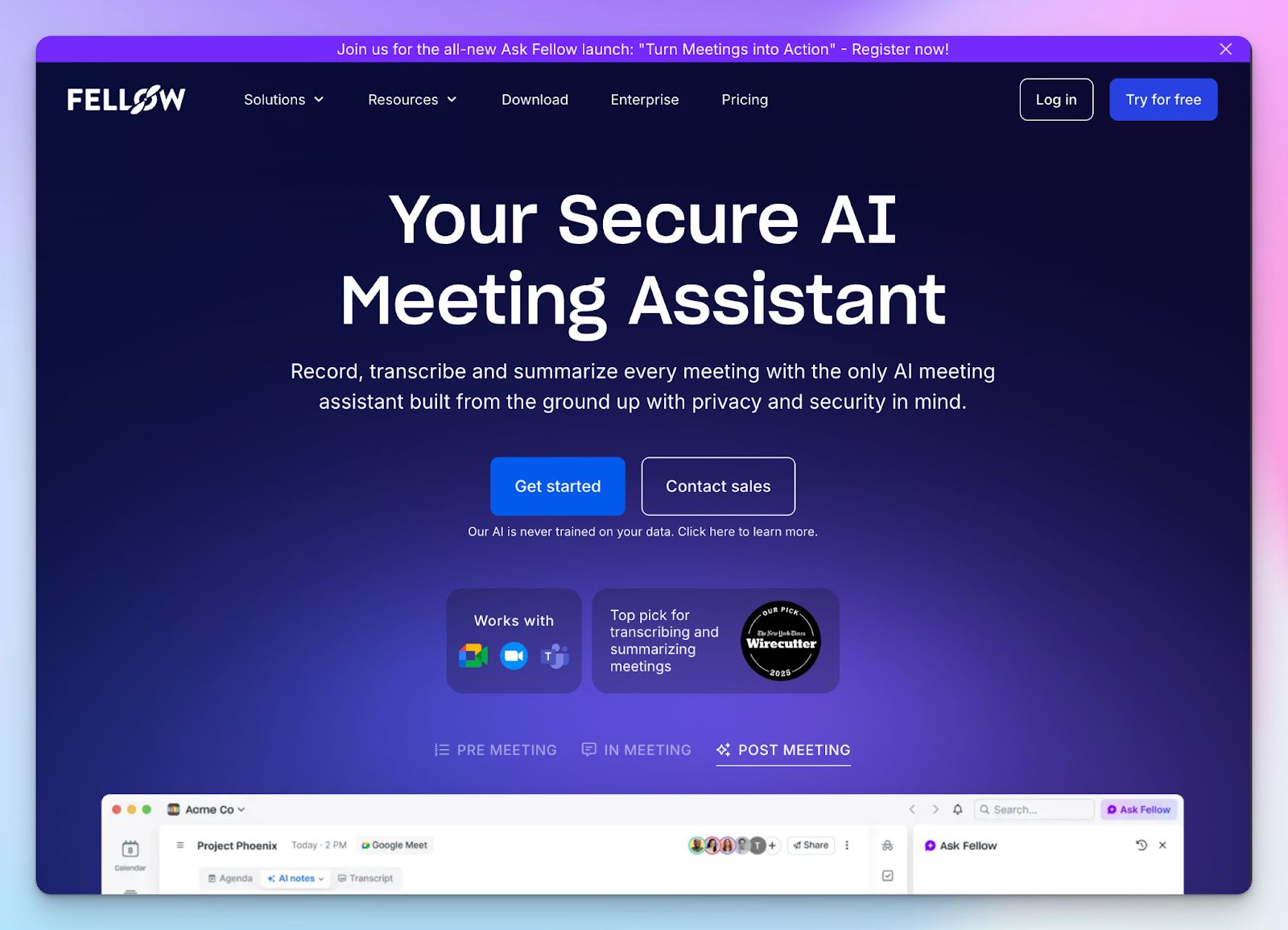
Similar to Fireflies, Fellow is a comprehensive meeting management tool, but it takes a different approach. Fellow manages the entire meeting lifecycle, from pre-call preparation to post-call follow-ups, so leaders can build better organizational habits.
What makes Fellow stand out is its focus on collaborative preparation. Everyone on your team can add talking points to a shared agenda before the meeting starts to keep your calls focused and productive.
Fellow vs. Fireflies
| Category | Fellow | Fireflies |
|---|---|---|
| Meeting preparation | Features collaborative agendas and AI pre-meeting briefs | Focuses primarily on in-meeting capture and post-meeting analytics |
| Search capabilities | Ask Fellow searches across your entire workspace meeting history | AskFred is generally limited to querying individual meeting transcripts |
| Bot governance | Offers bot-free recording with strict organizational privacy controls | Fireflies bot is known to auto-join calls and instantly push AI summaries to attendees |
| Language support | Transcribes meetings in 90+ languages | Supports over 100 languages |
| Free plan value | Heavily restricted to a lifetime limit of 5 AI notes per user | Offers unlimited transcription but caps storage at 800 minutes |
Fellow’s key features
- You can use hundreds of templates to structure your calls. Fellow allows your entire team to contribute to a shared agenda before the meeting starts
- Ask Fellow acts as a search engine for your entire meeting history, so you can instantly recall project updates
- Granular recording rules and strict organizational compliance with SOC 2 Type II, GDPR, HIPAA, and CCPA certifications
- Fellow gives you the option to record meeting audio without an invasive bot joining the call, unlike Fireflies
Fellow’s pricing
- Free: Capped at 5 AI notes
- Team: $11/month
- Business: $23/month
- Solo: $29/month
- Enterprise: $25/month (billed annually)
Fellow’s pros
- Exceptional ease of use for creating collaborative agendas before calls begin
- Fellow has wide integrations with third-party tools, including Figma, Glean, Miro, Todoist, and Workday
- Fellow’s AI chatbot allows you to search your entire organizational meeting history at once
- Deep admin controls help you maintain company-wide compliance and privacy
Fellow’s cons
- Fellow’s AI-generated action items are janky and sometimes hard to find
- Fellow’s moat is pre-meeting tasks, so its success depends on team members adopting the workflows
- Fellow is one of the more expensive options in this list
4. Avoma
Best for: Sales teams and revenue operations needing deep CRM integrations, call routing, and coaching
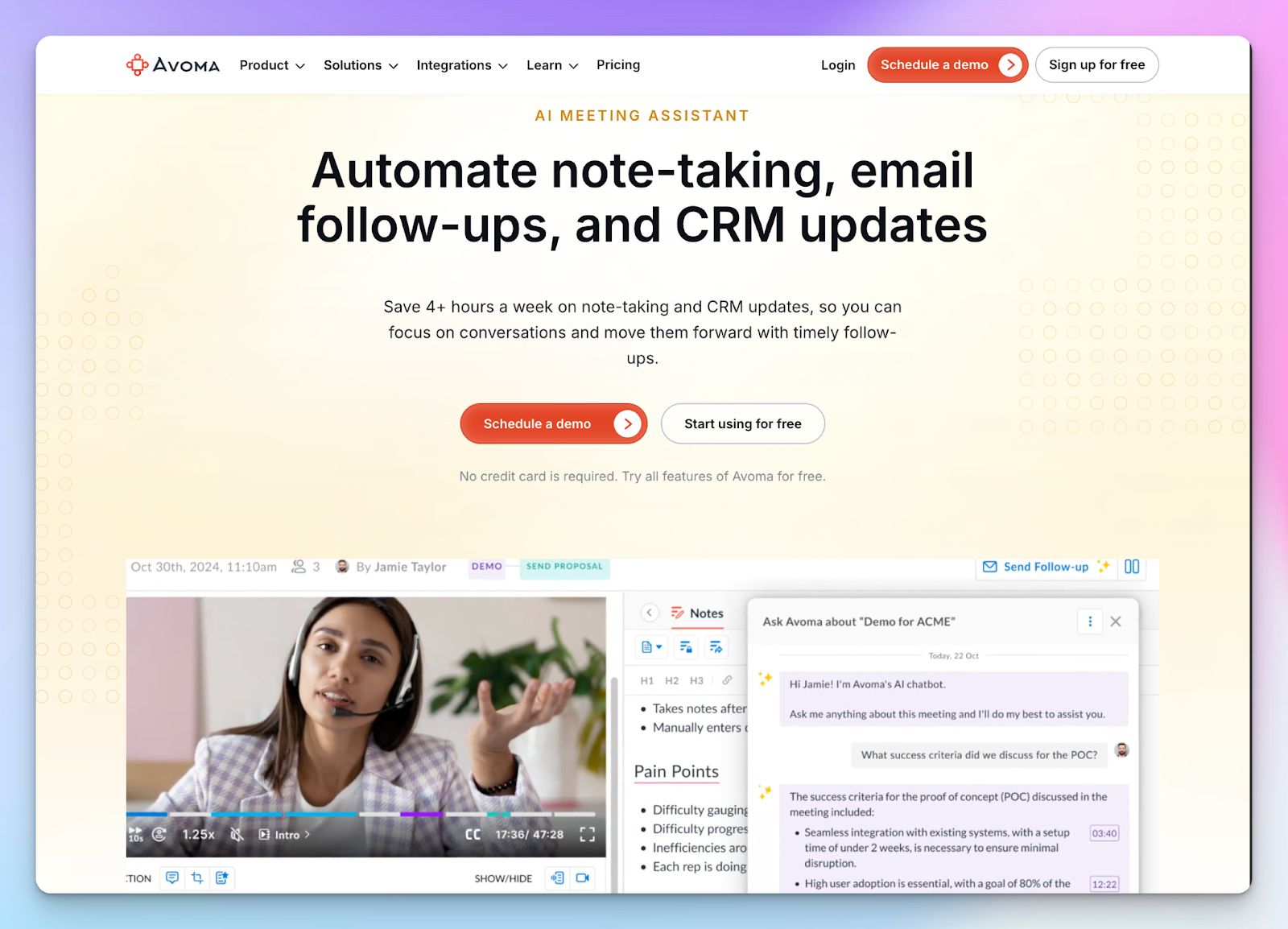
Avoma takes a distinctly different path from Fireflies. While Fireflies is built as a general productivity tool, Avoma acts as an AI meeting assistant designed for sales teams. It manages the entire sales conversation lifecycle from the initial inbound lead schedule to the final closed-won analysis.
Avoma vs. Fireflies
| Category | Avoma | Fireflies |
|---|---|---|
| Core focus | Revenue intelligence and sales coaching | General meeting transcription and meeting intelligence |
| CRM integration | Features two-way sync that updates custom methodology fields between Avoma and CRMs | Pushes basic AI summaries into standard CRM records |
| Call coaching | Generates automated scorecards based on frameworks like BANT and MEDDIC | Offers basic conversational metrics like talk time and requires AI apps for sales |
| Price positioning | Premium tier pricing built for enterprise sales budgets | Budget-friendly pricing meant for company-wide adoption |
Avoma’s key features
- With Avoma, you can run a two-way CRM sync that automatically updates custom fields for specific sales frameworks like MEDDIC or SPICED
- It includes an AI call scoring system that grades rep performance against customizable rubrics so managers can identify coaching gaps
- Avoma offers a built-in lead router for inbound representatives to instantly book handoff meetings, something you don’t get with Fireflies
- Smart trackers detect concept-level themes like pricing risks or competitor mentions, even when prospects use different phrasing
Avoma’s pricing
- Startup: $29/user/month
- Organization: $39/user/month
- Enterprise: $39/user/month (billed annually)
- Conversation Intelligence add-on: $35/month
- Revenue Intelligence Add-on: $35/month
- Lead router add-on: $25/month
Avoma’s pros
- Eliminates manual pipeline updates by letting you edit data either in your CRM or Avoma
- Avoma consolidates your tech stack by replacing dedicated scheduling and inbound routing apps
- Gives sales leaders immediate visibility into deal risks without requiring them to read through entire meeting transcripts
- Unlike Fireflies, Avoma goes deeper with talk ratios, monologue detection, and filler word tracking
Avoma’s cons
- Avoma focuses more on sentiments and signals, and might miss out on words when dealing with complex audio or strong regional accents
- Avoma offers a full revenue intelligence stack as add-ons, which makes it a lot more expensive than Fireflies
- The meeting bot is unreliable, so you need to double-check to make sure it joins on time
5. Sonix
Best for: Video content creators who need highly accurate pre-recorded transcription and a pay-as-you-go model
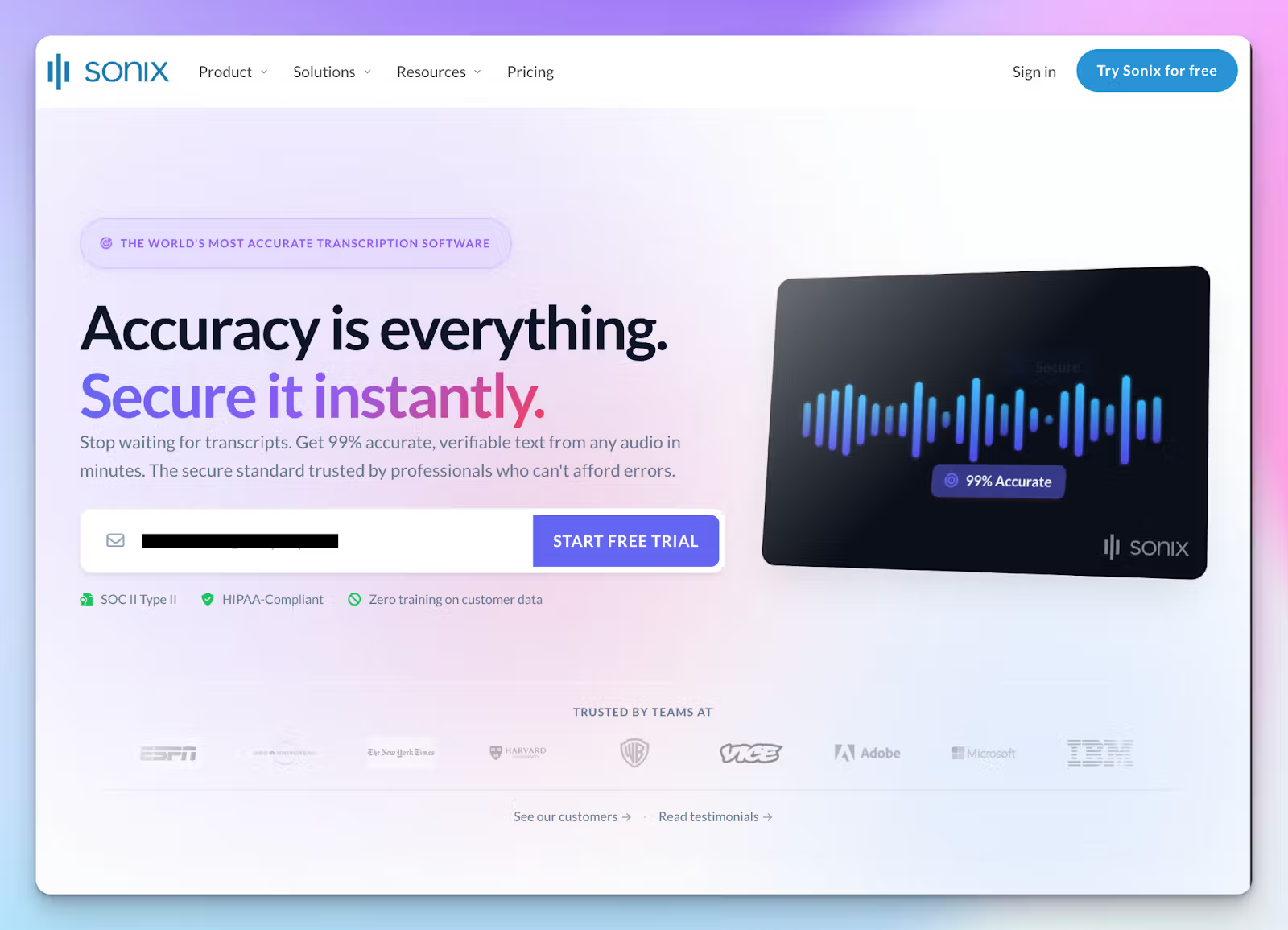
If you produce podcasts or marketing videos, you need tight precision and advanced media tools. While Fireflies focuses on conversational metrics, Sonix takes a different path. Even though you can invite Sonix via meeting links, its strength lies in transcribing pre-recorded audio and video files.
Sonix vs. Fireflies
| Category | Sonix | Fireflies |
|---|---|---|
| Primary use case | Post-production editing and subtitling for pre-recorded media files | Live meeting capture and conversational intelligence |
| Language translation | Translates completed transcripts into 50+ languages | Fireflies lacks native translation features for completed transcripts |
| Pricing structure | Offers pay-as-you-go hourly rates alongside subscriptions | Relies entirely on fixed monthly or annual user subscriptions |
| AI accuracy | Achieves up to 99% accuracy for clear audio recordings | Real-world accuracy hovers around 85%-90% and struggles with heavy accents |
Sonix’s key features
- Apart from detailed meeting notes, Sonix transcribes pre-recorded audio and video files with high accuracy, so you spend less time fixing typos
- The AudioText editor lets you edit audio and video files by editing transcripts, which is ideal for market researchers
- From subtitle splitting and millisecond timecode control to burn-in and export captions, Sonix offers a full-scale subtitle editor, which you don’t get with Fireflies
- You can extract recurring themes and emotional sentiment from your data using Sonix AI, which is a paid add-on
Sonix’s pricing
- Standard: $10/hour (pay-as-you-go)
- Premium: $22/month + $5/hour of transcription
- Enterprise: Custom pricing
Sonix’s pros
- The pay-as-you-go standard plan is highly cost-effective for users who only need to transcribe occasional projects
- You get an exceptional browser editor to make granular edits on subtitles and translations
- The platform maintains a strict zero-training policy on customer data to ensure your private recordings stay secure
- Sonix is one of the most accurate note takers in the list, right after HappyScribe
Sonix’s cons
- The premium plan features a confusing hybrid pricing model where you pay both a monthly subscription and an hourly usage fee
- Sonix does not automatically join and record live video conferencing calls
- Web-based and lacks mobile apps
Also read: HappyScribe vs Sonix
Which Fireflies AI alternative is right for you?
Choosing the right Fireflies AI alternative depends entirely on your daily workflow. Fathom is a solid choice if you want simple, free video recording, while Fellow keeps your organization accountable with strict pre-meeting agendas. Avoma is built specifically for sales teams, and Sonix handles pre-recorded media files better.
But they all miss out on something or the other. If you want reliable transcripts across all types of conversations, HappyScribe is the best overall solution. It delivers 95% AI accuracy across 140+ languages and dialects. It processes bot-free in-person calls, automatically joins your meetings if you connect it to your calendar, and supports direct file uploads as well. You end up getting clean and secure notes with AI insights and transparent billing.
FAQs on the best Fireflies AI alternatives for AI note taking
Which free AI transcription service is best?
For live video calls on Google Meet or Zoom, Fathom offers a generous free plan that includes unlimited recordings without visible meeting bots cluttering your screen. However, if you need a versatile AI meeting assistant that handles both online meetings and uploaded meeting audio, HappyScribe is arguably the best. It captures highly accurate meeting notes and supports multiple languages. This makes it exceptionally reliable even when there is heavy background noise. At the end of the day, the best free service depends on your specific needs.
What is the best free alternative to Fireflies.ai?
If you want to switch, HappyScribe and Fathom are two of the best Fireflies AI alternatives. HappyScribe is perfect if you want to capture meeting conversations in multiple languages without an intrusive bot. Fathom is another great free plan option if you strictly need video capture with okay-ish meeting notes. As your needs grow, upgrading to paid plans on HappyScribe unlocks advanced features. You gain access to powerful AI features and robust team collaboration features that outperform many other AI note-taking tools on the market.
What is the difference between Fireflies and AskElephant?
The main difference lies in their core purpose. Fireflies is a general AI meeting assistant designed to transcribe and extract key discussion points from your calls. AskElephant is an AI revenue automation platform built specifically for customer success teams and sales reps. While Fireflies provides transcripts and meeting insights to review later, AskElephant actively updates your CRM and triggers workflows. Depending on whether you need basic note-taking or automation after your sales calls, AskElephant can be one of the better Fireflies AI alternatives.
What is the difference between Fireflies AI and Otter AI?
While both are widely used AI meeting tools, Otter AI excels at real-time transcription. You can read the text live during the meeting and use its AI assistant to ask questions about past meetings. Otter also has a great mobile app for in-person meetings. Fireflies focuses more on post-call analytics using AI. Both tools require a stable internet connection and can struggle with heavy accents. If you need flawless accuracy, HappyScribe stands out as one of the strongest Fireflies AI alternatives.
Is Spinach AI better than Fireflies AI?
Spinach AI is better than Fireflies if you run an agile team. Instead of just giving you a long transcript, Spinach acts as an AI meeting assistant that generates concise AI-powered meeting summaries and suggests Jira tickets. Fireflies is better for general note-taking and offers an enterprise plan for company-wide storage. However, if you want clean meeting summaries that highlight key points and robust team features, HappyScribe is an excellent choice. It provides highly accurate notes from your meetings, which makes it one of the best Fireflies AI alternatives available in the market today.

Biplab Mazumder
Biplab is a content marketer and writer who helps high-growth brands scale content visibility across AI search channels. His works have been published in HubSpot, Freshworks, Atlassian, SurferSEO, etc. When he's not planning content strategy, he's testing AI content workflows and use cases.