![Best transcription software for podcasts [2026]](/sanity-images/ejgwz1gl/redesign/96db6de5815af350bf84e8158ea24e02a349ddc7-1738x1160.jpg?auto=format&w=1738.0&rect=0,146,1738,869&h=869)
If you make podcasts in 2026, you’re basically running a mini media company.
One episode turns into clips, reels, show notes, blogs, newsletters, and sometimes a whole X thread.
That only works if you have clean, reliable podcast transcription to build from.
The tough part is finding a tool that keeps up. Some podcast transcription services stay accurate even when your guests talk fast or talk over each other. Others choke the moment the audio gets less than perfect.
I tested the top software for podcasts on real recordings to see which ones actually help you move faster. Let me share what I found.
TL;DR
- HappyScribe: Best for podcasters who need fast and accurate transcripts in 140+ languages, with optional human-verified transcripts
- Adobe Podcast: Best for creators who want a simple, browser-based setup for recording and transcribing
- Descript: Best for editing podcasts directly through the transcript instead of a traditional timeline
- Podsqueeze: Best for turning one episode into transcripts, notes, clips, and social content automatically
- Sonix: Best for quick, multilingual transcription with flexible export options for repurposing
How I evaluated the transcription software for podcasts
Choosing the right tool only makes sense if the testing is fair.
I ran each platform through the same creator-style workflow: long interviews, remote calls, background noise, and multi-speaker episodes.
The goal was simple…see which tools stay accurate and which ones slow you down. I focused on a few practical criteria that matter for podcast teams:
Accuracy in real conversations
How well the tool handles fast speakers, overlapping dialogue, filler words, varied accents, and mid-sentence interruptions.
Speed and workflow flow
Upload time, transcription turnaround, and how quickly you can move from raw audio to something useful.
Editing and repurposing features
Support for text-based editing, timestamps, highlights, summaries, and export formats that fit podcast post-production.
Integrations and ecosystem fit
How easily it connects with your existing stack: recording platforms, storage apps, editing tools, and hosting dashboards.
Pricingvalue
Whether the cost matches what creators actually get, especially for teams producing multiple episodes a week.
Best podcast transcription services: At a glance
| Feature | HappyScribe | Adobe Podcast | Descript | Podsqueeze | Sonix |
|---|---|---|---|---|---|
| Best for | Fast, accurate transcripts with optional human-verified quality | Simple, browser-based recording + cleanup + transcription | Editing podcasts by editing the transcript | Auto-creating notes, clips, posts, and social content | Quick, multilingual transcription with flexible exports |
| Key features | AI + human transcription, speaker labels, editor, subtitles, translations, multiple export formats | Enhance Speech, browser-based recorder, multitrack, auto transcription, text-based edits | Auto transcription, text-based editing, filler-word removal, audio cleanup, multitrack | AI transcription, speaker ID, show notes, social posts, audiograms, clip generation | AI transcription, timestamps, speaker labeling, translations, subtitles, strong export options |
| Languages supported | 140+ languages, accents, dialects | 10+ | 20+ | English | 50+ |
| Pricing | Free plan; paid plans start from $17/month | Free plan; Premium at $9.99/month | Free; paid plans from $16/month | Plans from $5.99/month | Pay-as-you-go; Premium at $22/month + usage |
1. HappyScribe
Best for: Podcasters who need fast and accurate transcripts in 140+ languages, with optional human-verified transcripts
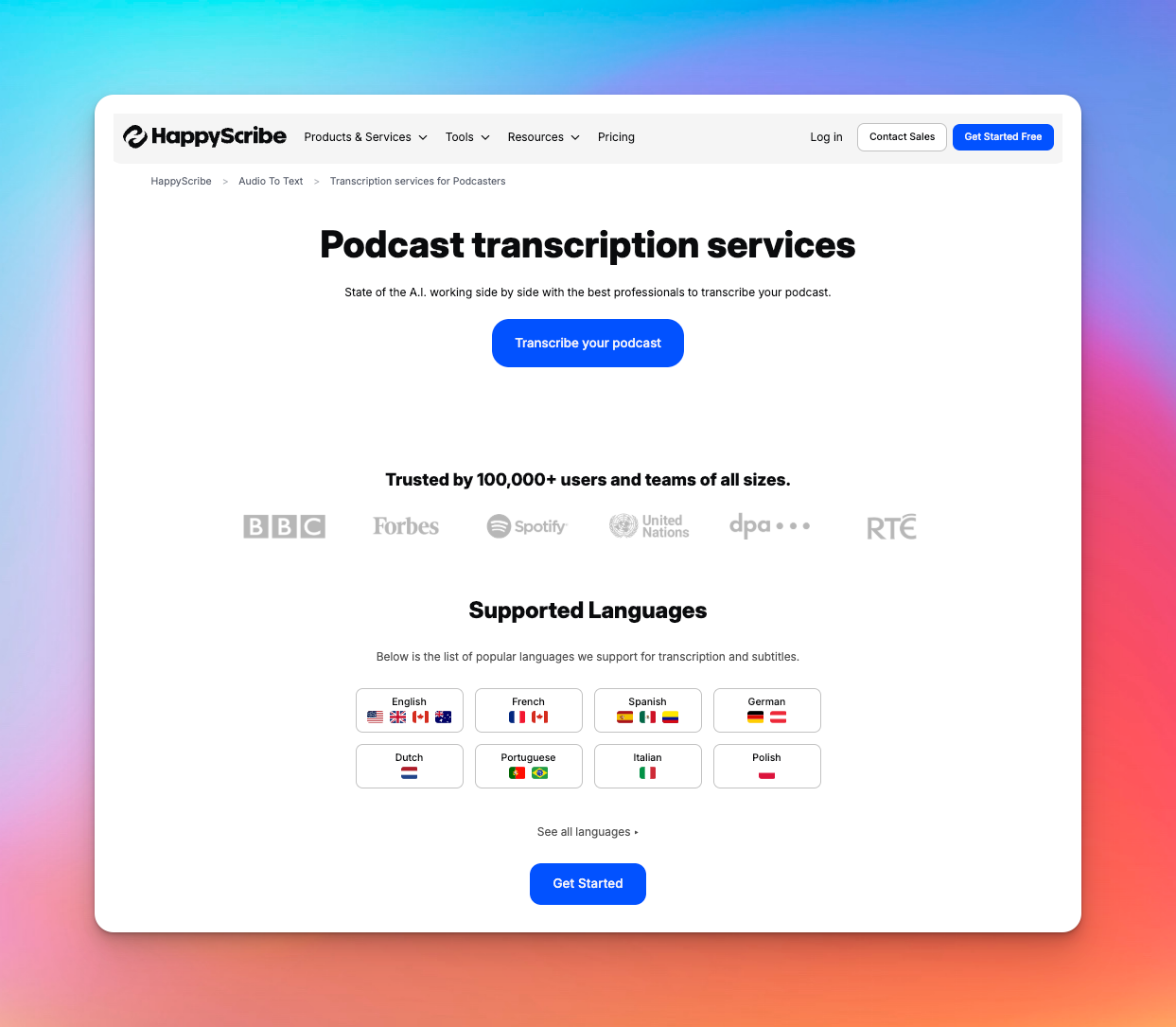
When it comes to turning podcast episodes into polished, readable text, HappyScribe is a reliable go-to. It speeds up the entire transcription process, making it easy to grab those key moments from your audio.
With just a few clicks, you can transform lengthy recordings into ready-to-use text. It’s perfect for repurposing into social posts, summaries, or quiz content.
HappyScribe’s key features
Automated and human transcription in one place
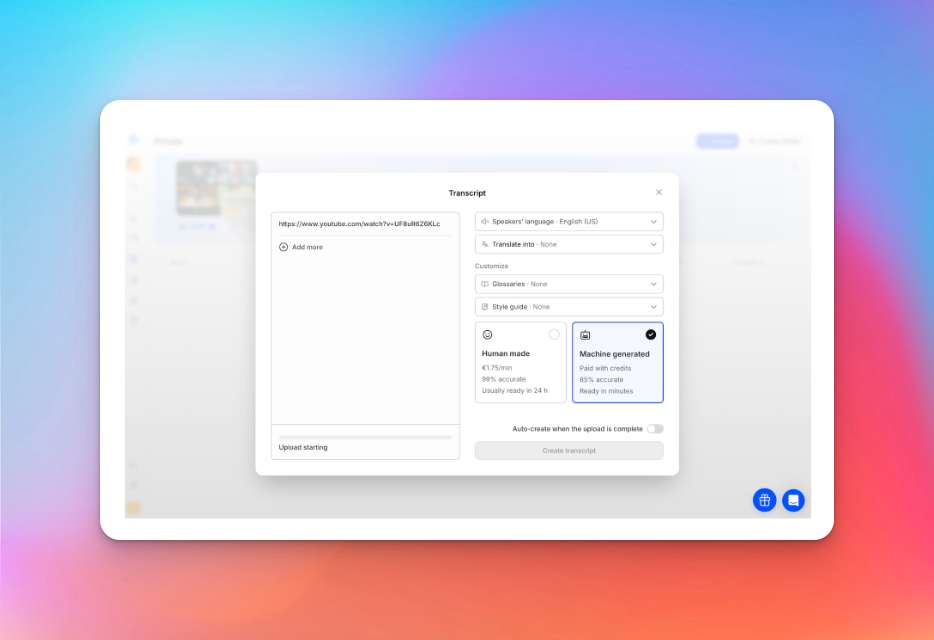
HappyScribe’s AI turns raw podcast audio into clean text in minutes, no matter the file type you upload.
If you want something even more precise, you can switch to human transcription and get a transcript reviewed by vetted native speakers. It’s a smooth balance between speed and accuracy, depending on what your episode needs.
Speaker detection with a clean editing workflow
Be it panel interviews or guest debates, HappyScribe can separate who said what without you doing any manual tagging.
Once the transcript lands in your workspace, you can tidy it up, cut filler, tweak names, and shape it into show notes using a simple online editor.
Built for global voices and multilingual podcasts
With support for more than 140 languages and accents, you don’t have to worry about mixed dialects or international guests.
HappyScribe handles multilingual conversations well, which makes cross-border episodes easier to produce.
Export however you work
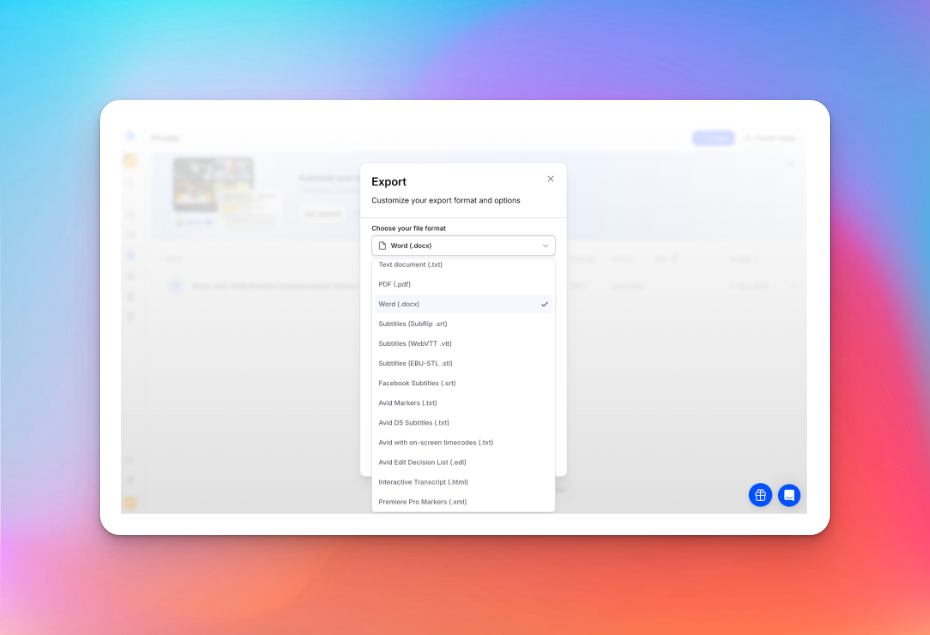
After you’re done refining the transcript, you can export it in the format that fits your workflow: TXT, DOCX, SRT, VTT, PDF, and more.
It helps you repurpose the same transcript into captions, blogs, social posts, newsletters or YouTube descriptions without any extra steps.
Translation and subtitles for wider reach
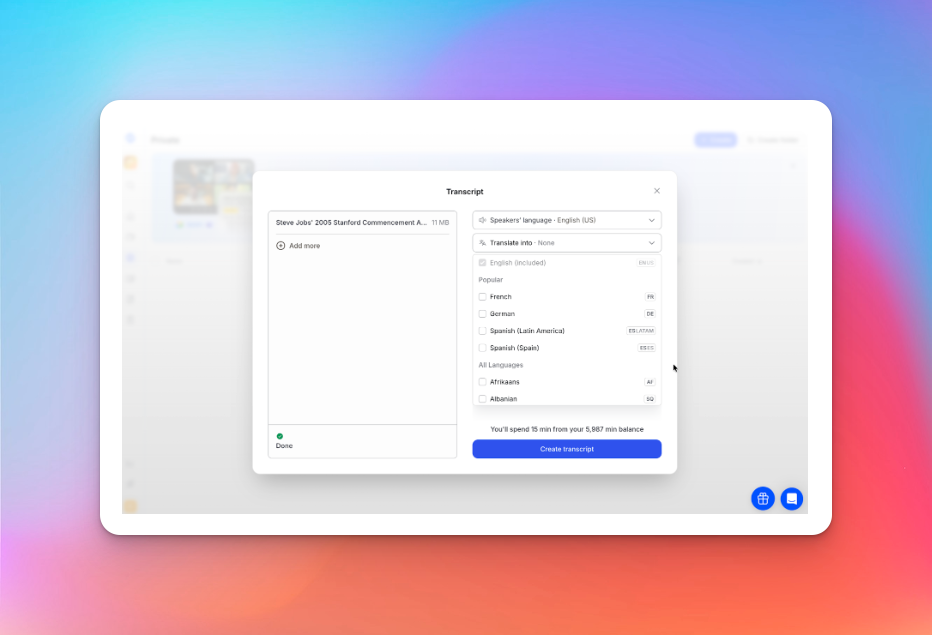
If your podcast has a YouTube version or caters to a global audience, HappyScribe can translate transcripts or turn them into subtitles.
It’s an easy way to make episodes more discoverable and inclusive without juggling multiple tools.
Easier repurposing
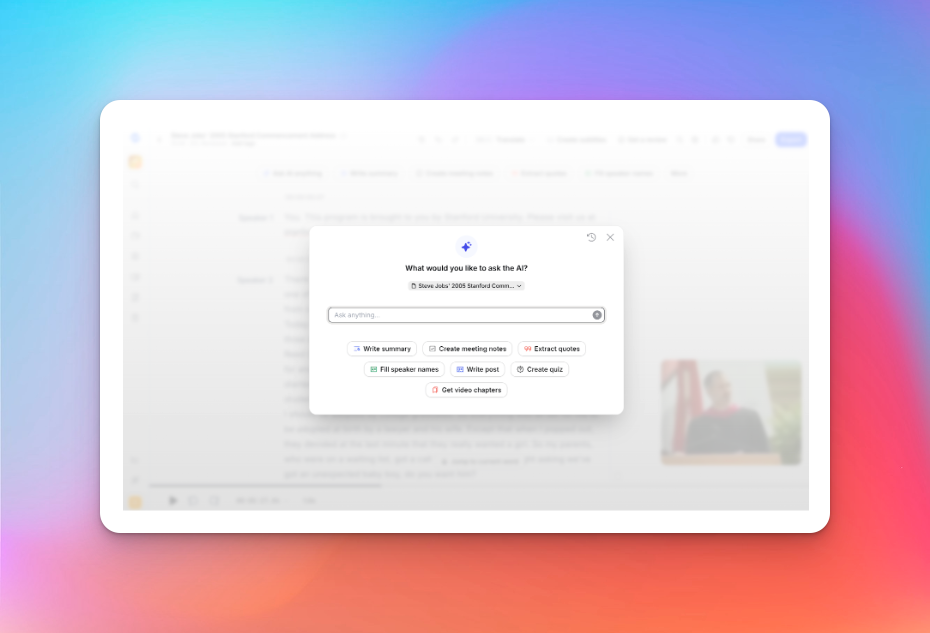
You skip the usual timeline scrubbing because the transcript lets you search for any moment instantly.
Once you find the right line and pull the quote, you can repurpose it into a post, build a quick quiz, or generate ready-made video chapters.
Accessibility and SEO built in
Publishing transcripts or subtitles helps more people access your podcast and gives search engines real text to index.
The result is a more inclusive listening experience and better long-term discoverability for your episodes.
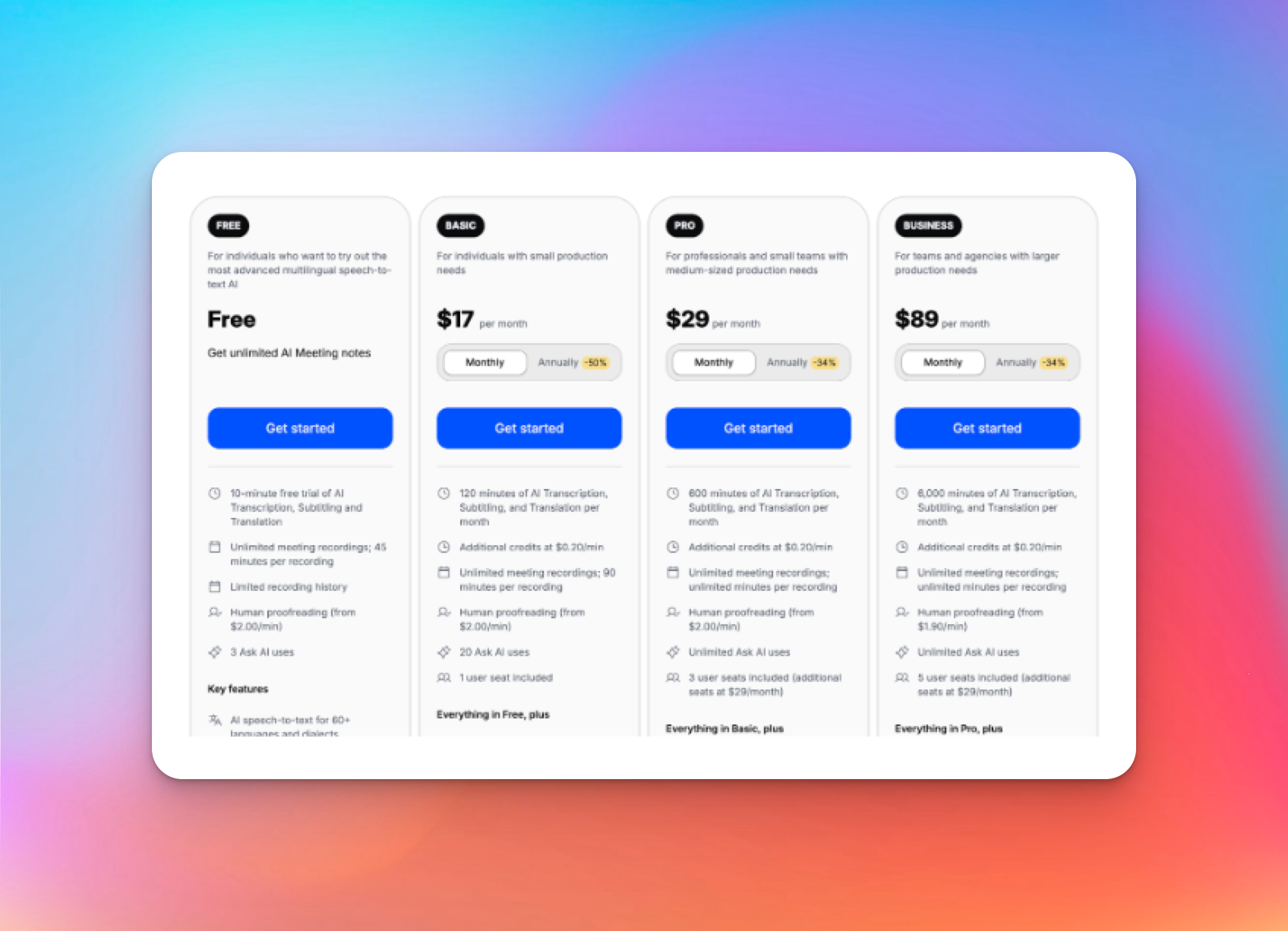
HappyScribe’s pricing
Pros
- Up to 99% accurate transcriptions verified by human experts
- Generate instant, AI-powered transcriptions in 140+ languages
- Encryption, SSO, GDPR, and SOC 2 Type II support for privacy and security
- Easy-to-use UI for team members
- Bulk order discounts available
Cons
- Doesn’t have a mobile app yet
What users are saying about HappyScribe
Pros
- Up to 99% accurate transcriptions verified by human experts
- Generate instant, AI-powered transcriptions in 140+ languages
- Encryption, SSO, GDPR, and SOC 2 Type II support for privacy and security
- Easy-to-use UI for team members
- Bulk order discounts available
Cons
- Doesn’t have a mobile app yet
What users are saying about HappyScribe
I use HappyScribe extensively for our editorial work. In 2025 alone, I’ve already used almost 400 hours to produce transcripts for journalists and the newsroom, as well as SRT subtitles. I highly recommend it. It’s great that it offers an API — I rely on it for automations. I’ve tried cheaper alternatives, but their quality just doesn’t compare.
How to transcribe podcasts with HappyScribe: A step-by-step guide
1. Upload your podcast episodes
Import your audio from your laptop, Google Drive, YouTube, Dropbox, or through RSS. The first 60 minutes are free, and you can upload as many files as you want.
2. Select the language
Pick from more than 140 supported languages, accents, and dialects.
3. Choose “machine generated” or “human made”
The AI option delivers fast transcripts with around 85% accuracy. If you prefer a polished result, the human transcription service provides expert-checked transcripts with 99% accuracy.
4. Get your transcript
AI transcripts are ready within minutes, depending on file length. Human-made transcripts are delivered within 24 hours.
5. Export in your preferred format
Download your transcript as TXT, DOCX, PDF, HTML, and other formats. Just export and you’re done.
2. Adobe Podcast
Best for: Creators who want a simple, browser-based setup for recording and transcribing.
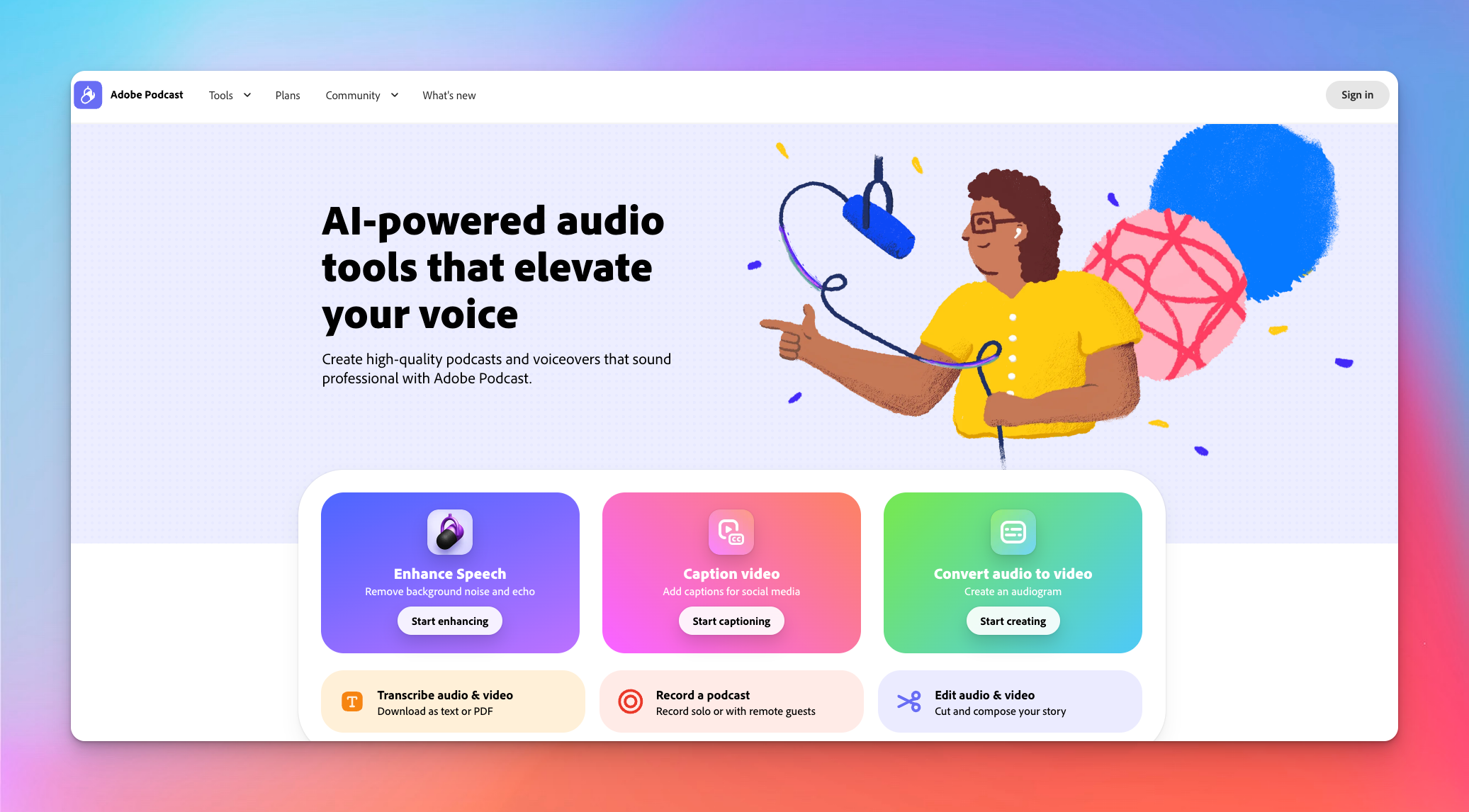
Adobe Podcast is a web-based podcast production suite that combines recording, AI-powered audio cleaning, automatic AI transcription, and editing right within your browser.
It’s designed for podcasters who want a simple, end-to-end workflow without switching between multiple tools.
Adobe Podcast’s key features
- AI-powered noise reduction and audio enhancement (Enhance Speech) to clean up background noise, echo, and uneven audio levels
- Built-in recording studio for solo or remote interviews, with support for multiple guests and separate speaker tracks
- Automatic transcription and text-based editing; you can edit your podcast by editing the transcript
- Download audio, video (if you recorded video), or transcript (text/PDF); ideal for repurposing content for blogs, captions, or newsletters
- Browser-based workflow; no need to install complex software
Adobe Podcast’s pricing
- Free plan
- Premium plan: $9.99/month
Pros
- Great for beginners or solo podcasters who want a one-stop, browser-based workflow without needing heavy-duty DAWs
- Enhance Speech rescues poor-quality recordings and makes them sound near studio-grade
- Built-in transcription with text-based editing speeds up post-production
- Free tier for light users, and a reasonable premium tier for creators who publish regularly
Cons
- For multitrack or high-end production workflows, features are somewhat basic
3. Descript
Best for: Editing podcasts directly through the transcript instead of a traditional timeline
Descript is an audio and video editor that treats transcripts like a document.
Upload your podcast (or video), get an AI-generated transcript, then cut, rearrange, or polish your content by editing the text. The underlying audio adjusts automatically.
Descript’s key features
- Automatic transcription with up to 95% accuracy, including speaker labels and timestamps
- Text-based editing; delete filler words and rearrange content by editing the transcript
- Audio enhancement tools like Studio Sound clean background noise, balance levels, and polish raw recordings
- Lets you generate show notes, captions, clips, or social media snippets from the transcript
- Collaboration and remote-guest support is useful for podcasts with guests in different locations
Descript’s pricing
- Free
- Hobbyist: $16/month per user
- Creator: $24/month per user
- Business: $50/month per user
- Enterprise: Custom pricing
Pros
- Transcription-driven editing makes post-production much faster and more intuitive
- Built-in audio cleanup and enhancement tools can rescue less-than-ideal recordings and give a near-studio polish
- Great for repurposing content
- Flexible pricing and a free tier make it accessible for solo podcasters or small teams testing what works
Cons
- Expect a learning curve with high-end AI features if you're new to AI-powered editors
- For music-heavy podcasts or complex mixing, it may lack the fine control of a dedicated DAW
Also read: Best Descript Alternatives: A clear comparison
4. Podsqueeze
Best for: Turning one episode into transcripts, notes, clips, and social content automatically
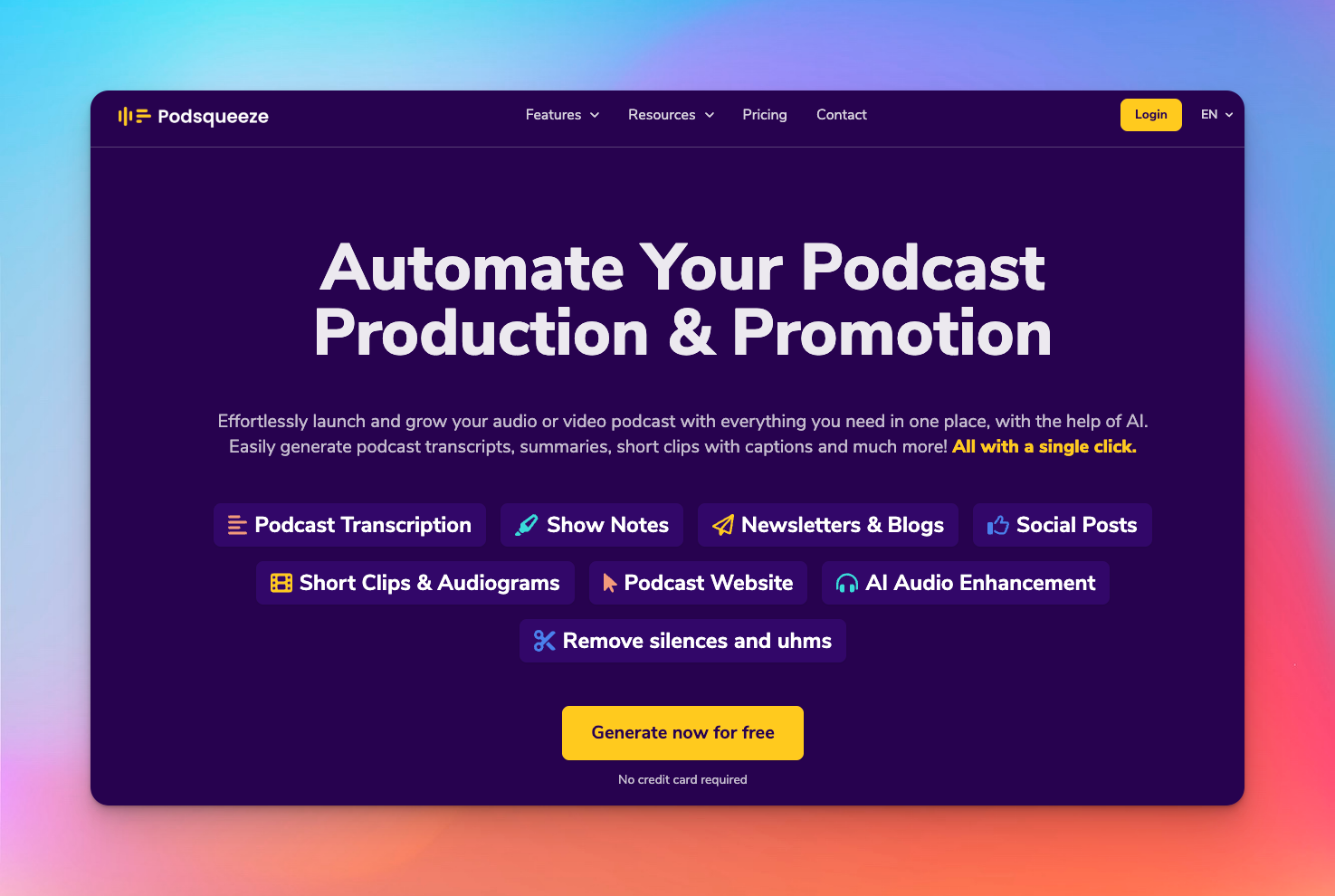
Podsqueeze goes beyond transcription; it turns a podcast episode into a full content package by offering show notes, clips, blogs, social posts, audiograms, and more.
It aims to handle both production cleanup and content repurposing.
Podsqueeze’s key features
- Fast AI-powered transcription with speaker identification, timestamps, and downloadable transcript/SRT files
- Automatically create notes, captions, quotes, and blog-ready copy; ideal for creators who want to repurpose podcast content broadly
- Clip and audiogram generation help you easily produce shareable snippets and social-ready content from podcast episodes
- AI-driven audio enhancement and cleanup help you improve raw recordings without complex editing workflows
Podsqueeze’s pricing
- Starter: $5.99/month
- Pro: $35/month
- Agency Lite: $62/month
- Enterprise: Custom pricing
Pros
- Saves time by generating multiple assets from a single upload
- Works especially well for solo podcasters, small teams, or content marketers
- AI-driven audio cleanup reduces post-production friction when recordings are less than ideal; useful for remote interviews or quick-release workflows
- The free tier lets you experiment with transcription and repurposing features without upfront cost
Cons
- Clip generation or automatic content creation might result in bland or templated outputs
Also read: 5 Best free audio transcription software in 2026
5. Sonix
Best for: Quick, multilingual transcription with flexible export options for repurposing.

Sonix is a fully online, AI-powered transcription platform that turns podcast audio (or any audio/video file) into text in minutes.
It handles transcription, translation, subtitles, and text-based editing.
It’s a flexible tool for content creators, podcasters, and teams who want quick, accurate transcripts and easy repurposing.
Sonix’s key features
- Automated transcription of audio and video in 50+ languages with speaker labelling and timestamps
- In-browser editor lets you edit text and update the transcript while simultaneously hearing the corresponding audio
- If your podcast is recorded with multiple speakers/tracks, Sonix can combine them and give a unified transcript
- Automated subtitles, translations, and export options (text, SRT, Word, etc.) come in handy if you repurpose episodes into blogs, captions, subtitles or for global audiences
Sonix’s pricing
- Standard: pay-as-you-go
- Premium: $22 per user/month + $5 per hour of audio
- Enterprise: Custom pricing
Pros
- Delivers transcripts with 90-95% accuracy rates
- Audio gets transcribed in minutes, helping creators move quickly from recording to publish-ready transcript
- Flexible export and repurposing options, including subtitles, multiple languages, and translations
- Scales well for teams or creators with high output; collaboration tools, multi-user plans, and multitrack support make it suitable for serious production workflows
Cons
- Accuracy depends heavily on audio clarity
- For highly production-heavy podcasts, Sonix’s tools are limited compared to full audio-editing software
The smartest way to transcribe your next episode
Podcast teams in 2026 need tools that keep up with fast production cycles, shifting formats, and the pressure to repurpose every episode into something bigger.
Each platform in this guide solves a different part of that workflow, from browser-based recording to transcript-driven editing to instant content generation for social.
If your priority is clean, dependable transcription you can build on, HappyScribe is the easiest place to start. It works smoothly for long interviews, multiple languages, mixed accents, and creator-style editing, and the human-verified option gives you publish-ready accuracy whenever you need it.
Frequently Asked Questions
Can ChatGPT transcribe a podcast?
Yes, ChatGPT can generate podcast transcripts if you upload an audio file directly. It works well for clear recordings, interviews, and solo episodes, but it isn’t a full transcription tool on its own. You won’t get speaker separation, export formats, or editing workflows like you would with dedicated platforms such as HappyScribe, Descript, or Sonix. For podcasters who publish frequently, using a tool built specifically for audio files is still the smoother setup.
What is the best audio transcription software?
The best option depends on your workflow and how much audio quality varies from episode to episode. HappyScribe stands out for accuracy and human-verified transcripts. Descript is ideal if you edit directly through text. Adobe Podcast works for creators who want everything in the browser. Podsqueeze is great for auto-generated content around each episode. Sonix is strong for multilingual teams. Each tool handles long-form dialogue differently, so the right pick is the one that fits how you produce and publish.
How to generate a transcript for a podcast?
You upload your audio file to a transcription platform like HappyScribe, choose your language, and let the tool process the episode. AI options give you fast podcast transcripts within minutes, while human services offer higher accuracy when you need something publish-ready. Once the text is ready, you can edit names, remove filler words, and export it for show notes, captions, or blogs.
Is there an AI that can transcribe podcasts?
Yes, several. HappyScribe, Sonix, Descript, and Podsqueeze all use AI models trained specifically for spoken audio, making them more reliable for podcasters than general-purpose apps. They handle multiple speakers, accents, and natural conversation patterns better than a standard chatbot. If your episodes include remote guests or imperfect audio quality, a purpose-built AI transcription service will give you cleaner results and a much faster workflow.

Rodoshi Das
Rodoshi is the Content Lead at HappyScribe, the privacy-first transcription and AI notetaker platform based in Barcelona. Shaping content strategies and building AI workflows excites her as much as exploring new SaaS tools. She specializes in product-led content that informs rather than sells, grounded in honest product benchmarking and low tolerance for empty marketing speak.