![Best AI Note Takers for Zoom [2026]](/sanity-images/ejgwz1gl/redesign/2ec56e7f7a9f3e07660c5c126ddc526cfbd6ad67-1024x1024.jpg?auto=format&w=1024.0&rect=0,256,1024,512&h=512)
Zoom meetings often leave teams guessing: decisions vanish, tasks go unassigned, and strategies get buried.
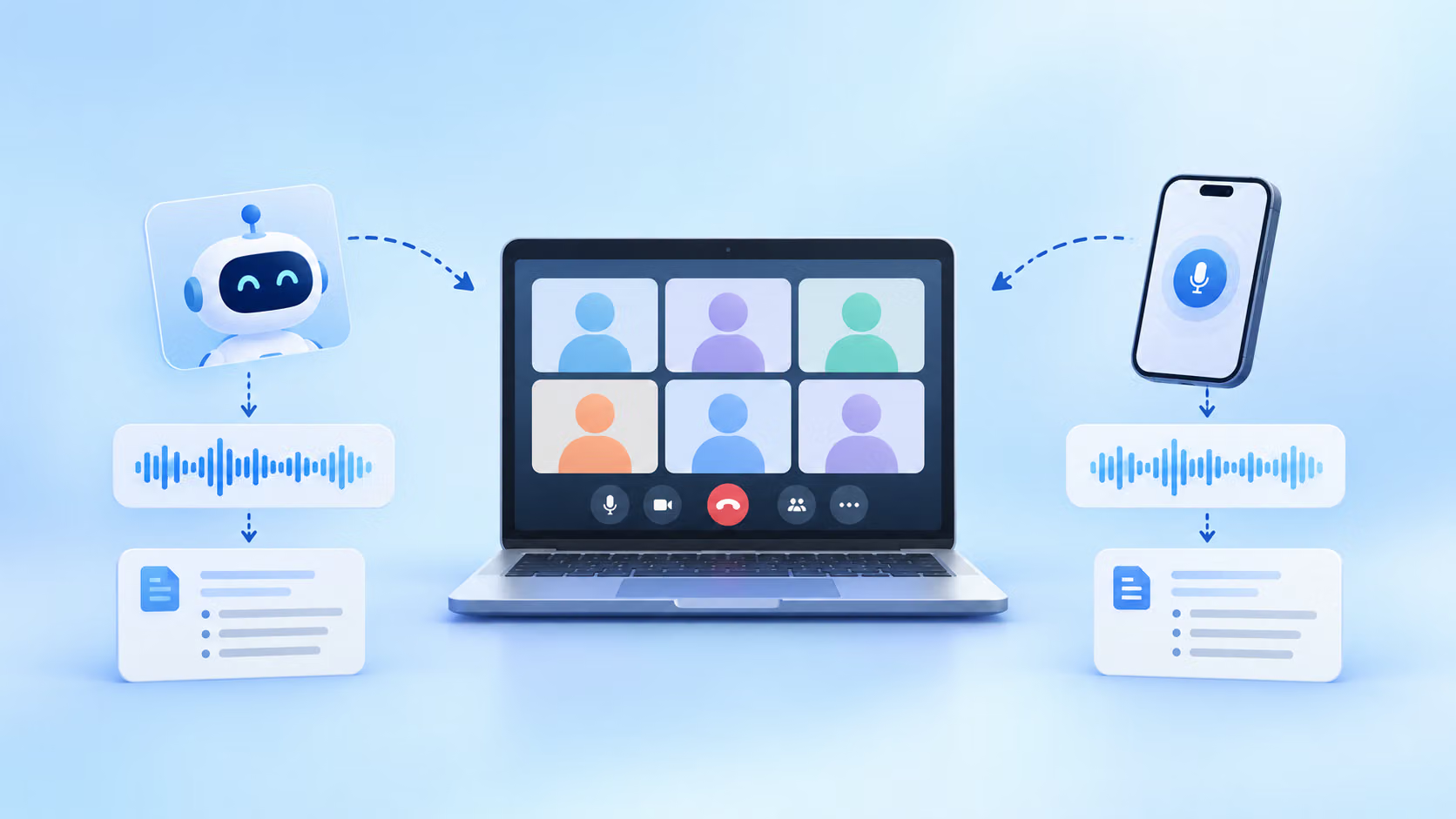
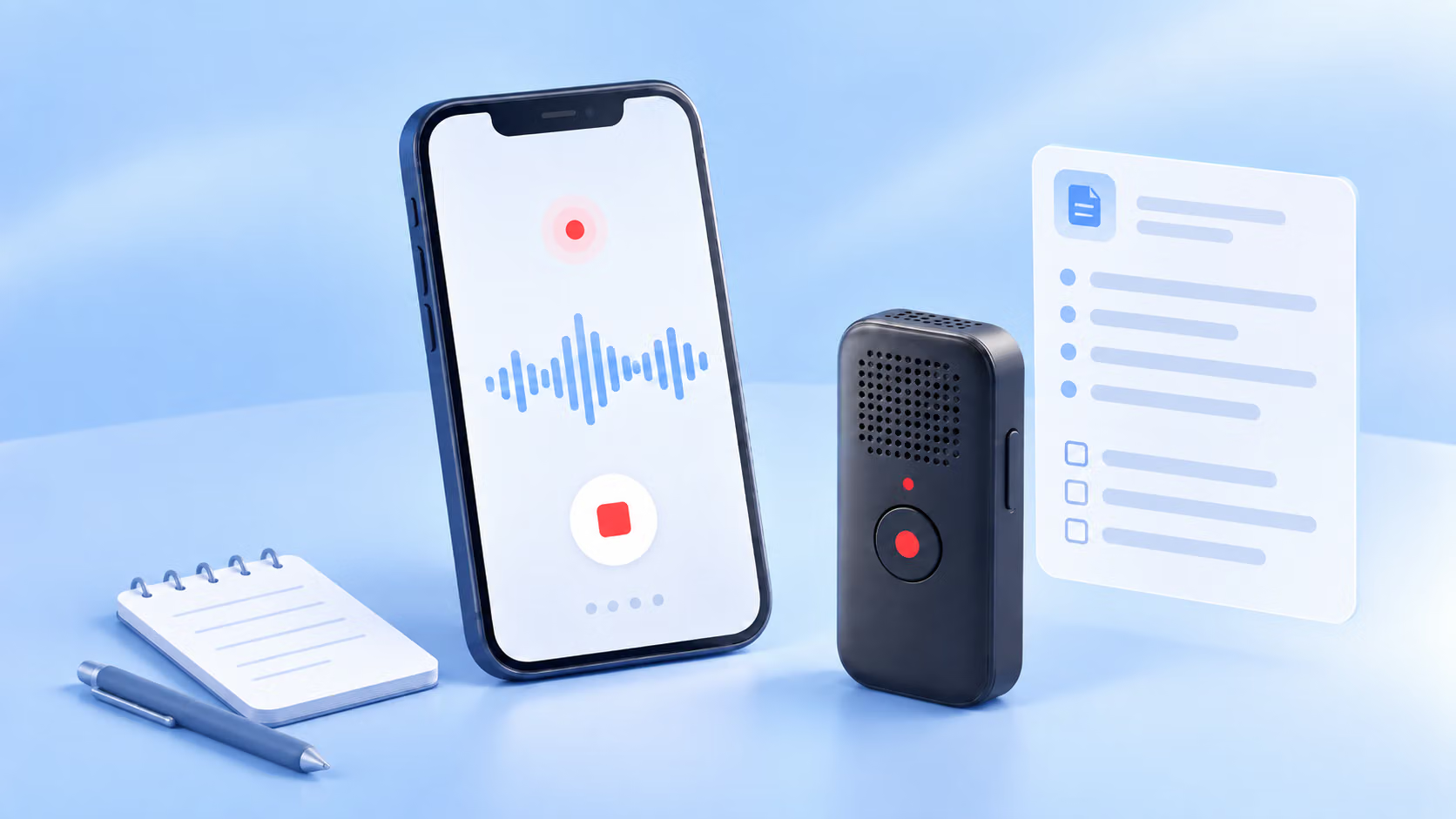
Normally, we scramble to take notes while nodding along, or wait for a recap that never comes. AI note takers for Zoom fix that by recording meetings and turning conversations into shareable notes.
The real test is, can they actually capture the important stuff when your screen freezes, or three people talk at once? To find out, I tested them in real-world scenarios: back-to-back calls, multi-speaker strategy reviews, internal discussions, and client check-ins with off-script decisions.
From Zoom’s native note taker to more refined third-party tools, I’ve tried them all. And I’m here to help you make the right choice.
TL;DR
- HappyScribe: Best for multilingual teams that need accurate transcripts and strong privacy compliance
- Zoom AI Companion: Best for Zoom-first teams that want native summaries and in-meeting assistance without extra tools
- Fathom: Best for quick summaries, searchable transcripts, and automated follow-ups across your workflow
- ClickUp: Best for turning meeting notes directly into tasks and Docs inside one workspace
- Tactiq: Best for real-time transcripts without a recording bot joining the call
What should you look for in an AI note taker for Zoom?
The features of AI note takers for Zoom vary more than they appear at first glance. Here’s what actually makes a difference in day-to-day meetings.
Accurate notes
A reliable note taker should distinguish between speakers when they interrupt each other, recognize industry terms without garbling them, and maintain clarity through audio drops.
Accuracy determines whether you can transcribe a Zoom video recording confidently without having to rewatch the entire meeting.
Works smoothly with Zoom
The tool should either integrate directly with Zoom or use calendar automation. Direct integration keeps it in your workflow, while calendar automation lets the bot join meetings automatically so you don’t have to babysit it.
Meeting summaries and action items
Raw transcripts are only useful if you’re willing to read them all. A smart note taker highlights decisions, assigns follow-ups, and organizes the output so you can forward it straight to your team.
Secure note-taking experience
When transcribing client calls or internal discussions, the tool should clarify where your data is stored, whether it trains AI models with your content, and what compliance certifications it holds. GDPR and SOC 2 Type II are baseline indicators.
Seamless export and sharing
Notes only help if they reach the people who need them. Look for tools that let you share, export, or push notes into other platforms without endless copy-pasting or reformatting.
What are the best AI Note Takers for Zoom?
| Category | HappyScribe | Zoom AI Companion | Fathom | ClickUp | Tactiq |
|---|---|---|---|---|---|
| Best for | Global, multilingual teams | Zoom-native AI notes | Fast summaries & follow-ups | Tasks & workflows from meetings | Real-time transcripts without recording |
| Key features | Auto-join, 140+ languages and dialects, AI summaries, Ask AI | Summaries and action items, in-meeting Q&A, cloud recordings | Summaries, searchable transcripts, workflow integrations | Structured notes, task conversion, historical search | Live transcription, AI actions, speaker ID, workflow sharing |
| Languages | 140+ | 30+ | 30+ | 100+ | 30+ |
| Collaboration | Shareable exports (TXT, PDF, DOCX, SRT, VTT) | Email & Team Chat | Slack/HubSpot/Asana sync | Workspace-connected Docs & tasks | Slack/Notion/HubSpot sync |
| Ease of use | Calendar or link | Native Zoom | Bot-based | Calendar or link | Chrome extension |
| Security | GDPR, SOC 2 Type II | Zoom security | SOC 2, encryption | Enterprise privacy | SOC 2 Type II, GDPR, HIPAA |
| Pricing | Free plan available. Paid plan starts from $8.50/month (billed annually) or $17/month (billed monthly) | Free plan available. Paid plan starts from $16.99/month per user | Free plan available. Paid from $20/month | Included in the Everything AI bundle that costs $33 per user/month | Free plan available. Paid plan starts from $12/month per user |
1. HappyScribe
Best for: Taking meeting notes across multiple languages while maintaining privacy and compliance
If your Zoom calls regularly involve international clients or highly technical discussions, clarity isn’t optional. In case you’re looking for an easy way to capture your meetings, HappyScribe AI note taker for Zoom is a reliable option.
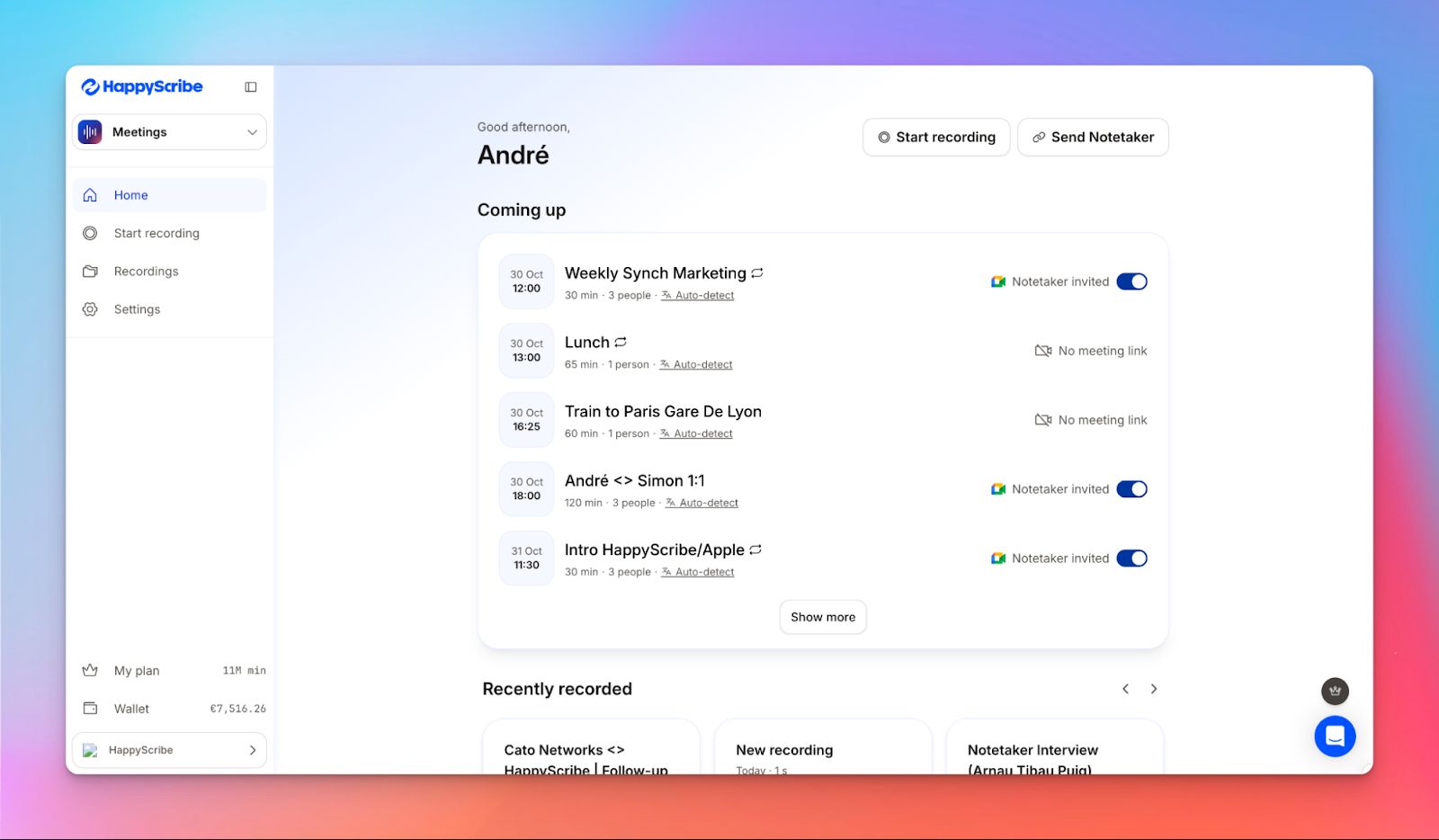
It fits into the way you already work. Connect your calendar, and it joins meetings automatically, or paste in a link when something comes upat the last minute. You get the full recording, audio and video, plus notes that are structured and ready to use.
And when it comes to privacy, there’s no fine print to worry about. HappyScribe operates under GDPR and SOC 2 Type II compliance, so security questions don’t slow your team down.
HappyScribe's key features
Get searchable and shareable meeting transcripts
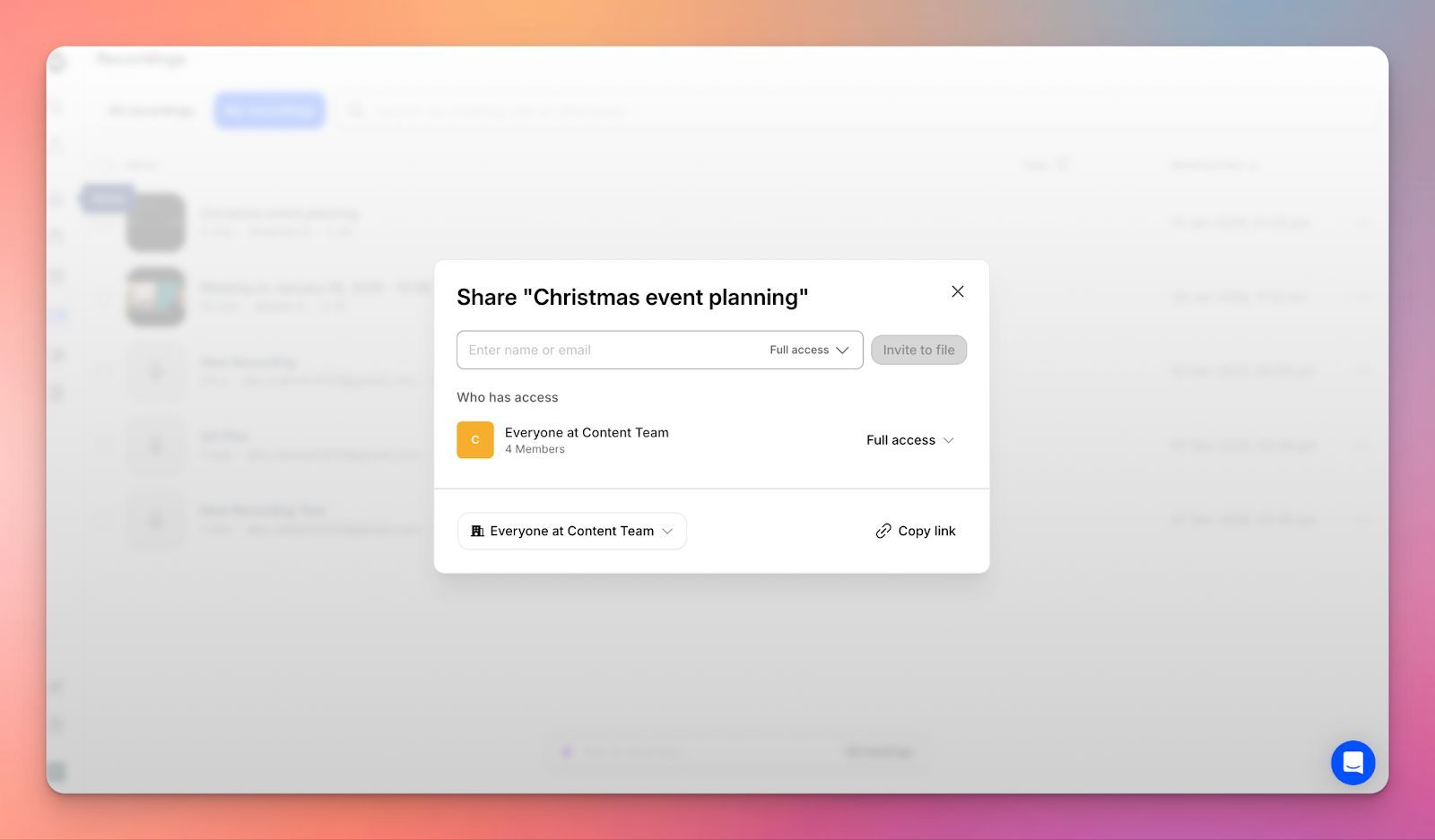
HappyScribe generates timestamped transcripts, so you can search for specific keywords or jump to exact moments across all your meetings. Share them via direct link in view-only or edit mode, giving teammates access instantly. No file transfers, no back-and-forth.
Transcribe meetings in 140+ languages and dialects
For teams working across regions, HappyScribe supports over 140 languages and dialects, including ones many competitors overlook. If a meeting was recorded in the wrong language setting, you can simply retranscribe the file afterward.
Generate summaries and action items
After each meeting, HappyScribe generates a summary that highlights key decisions and extracts action items. If you make edits to the transcript, you can regenerate the summary to keep everything aligned. Final summaries are delivered straight to your inbox.
Extract meeting insights with Ask AI
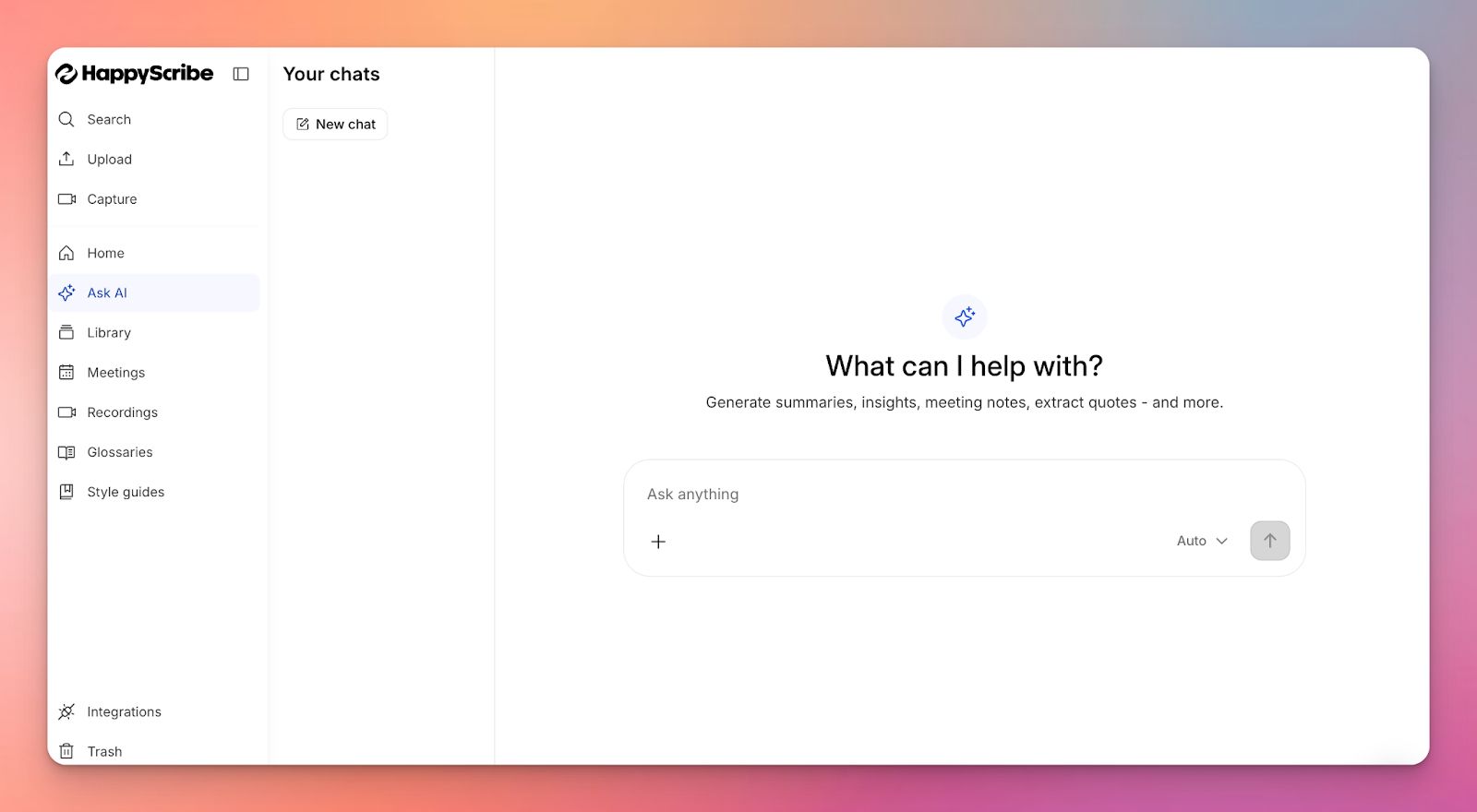
With AskAI, you can query your transcript directly: summarize a section, pull a specific quote, or fill in missing speaker names. Instead of scanning pages of text, you get straight to the point.
Customize your note taker
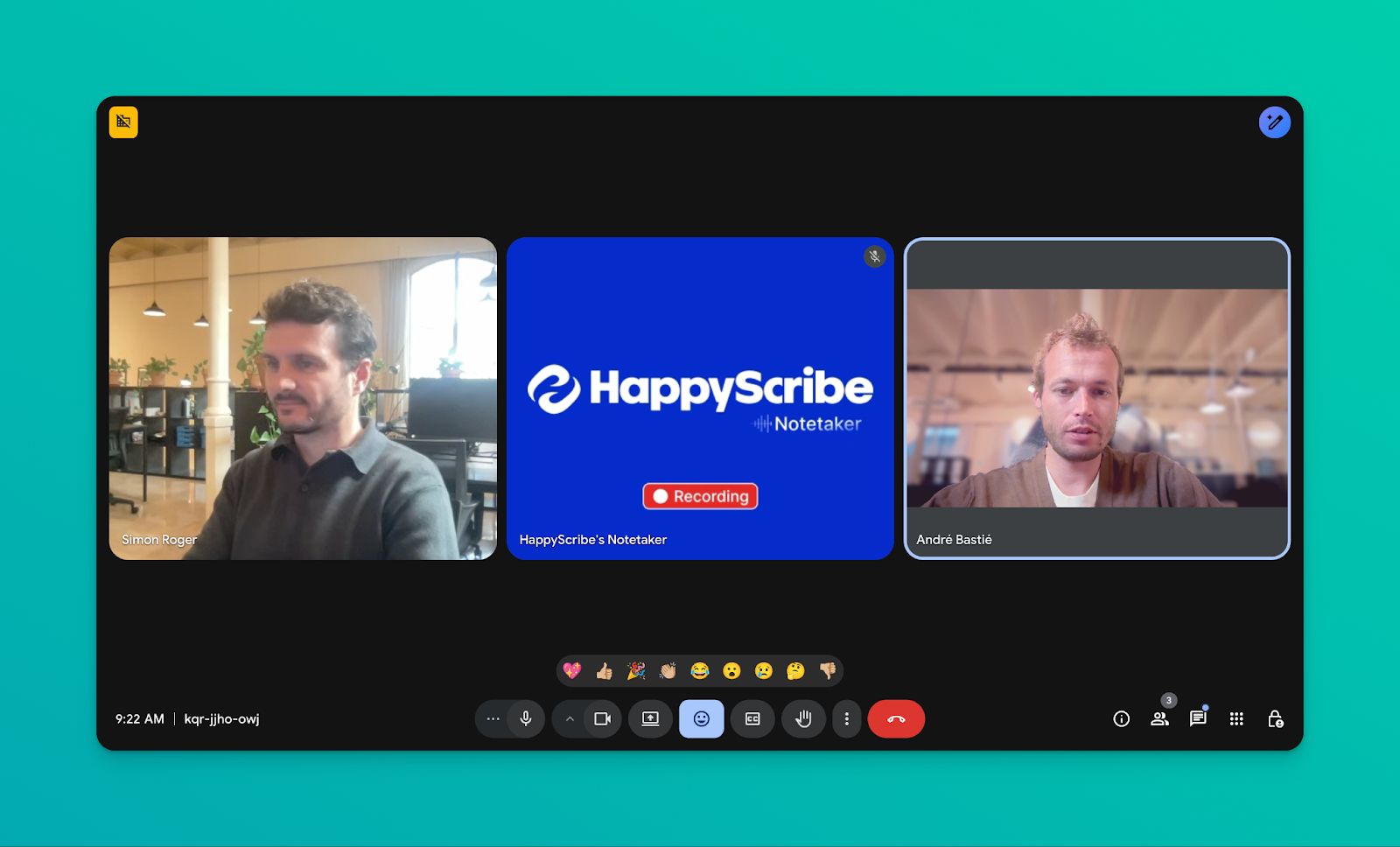
On the Pro plan, you can customize your AI meeting note taker’s name, logo, background color, and chat message. It’s especially useful for agencies or consultants who want the bot to feel like part of their brand when joining client calls. You can also control when recording starts and who receives the summary.
HappyScribe's pros
- Automatic language detection with no manual configuration required
- Browser-based bot-free recorder for capturing ad-hoc conversations without a meeting link
- Full branding customization for agencies and client-facing teams
- EU-based data storage infrastructure (Tier IV data centers)
- Uses speaker identification to clearly label participants for more structured transcripts
HappyScribe's cons
- Doesn’t offer real-time transcription
HappyScribe's pricing
- Free: Unlimited meeting recordings (45 mins/recording)
- Basic: $8.50/month (billed annually) or $17/month (billed monthly)
- Pro: $19/month (billed annually) or $29/month (billed monthly)
- Business: $59/month (billed annually) or $89/month (billed monthly)
- Enterprise:Contact sales to get tailored solutions directly
What are real-life users saying about HappyScribe's AI note taker?
I used the ai translator. It is quick and easy to use. The time stamp makes it easy to navigate through your recordings to make adjustments where the translation can be improved. A great time saver!! - kBoom
How to use HappyScribe AI note taker for Zoom: A step-by-step guide
- Connect your Google or Outlook calendar, and HappyScribe automatically joins your scheduled Zoom meetings, records them, and starts transcribing. No manual setup needed.
- From your dashboard, control when the note taker joins, whether recording starts automatically, who gets the email summary, and manage transcript access for your team.
- During meetings, it captures audio and video, and you can pause, resume, or remove it as needed.
- Afterward, get structured transcripts and AI-generated summaries. Ask AI lets you extract action items, pull quotes, or create custom outputs - without reviewing the full recording. Export in 10+ formats, including Word, PDF, TXT, SRT, and VTT.
- For pre-recorded Zoom meetings, upload the file or paste a link. HappyScribe handles 60+ formats and 140+ languages and accents, following the same workflow for summaries and exports.
2. Zoom AI Companion
Best for: Zoom-first teams that want AI notes, summaries, and follow-ups without introducing a separate tool
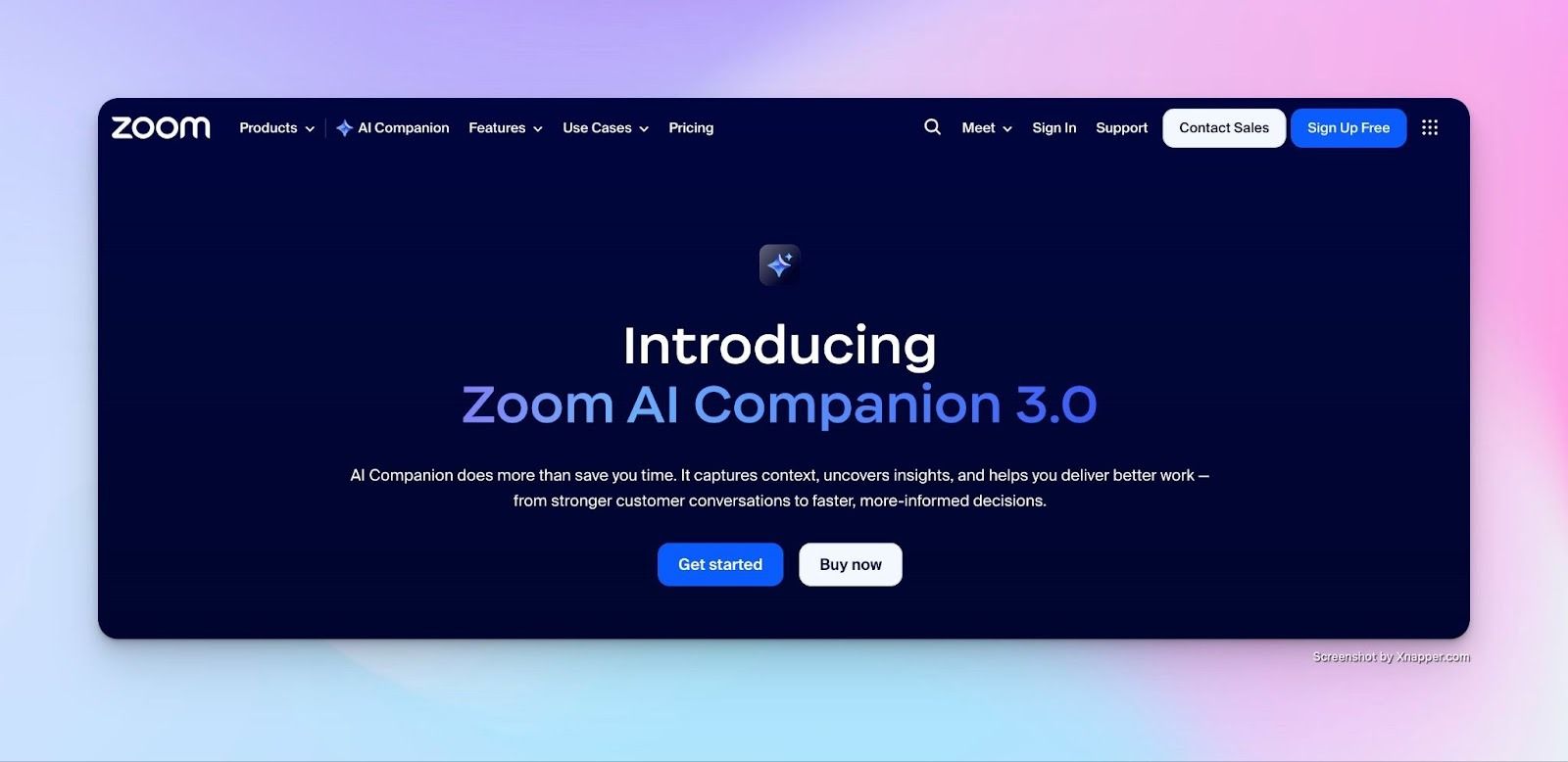
Zoom AI Companion is built directly into the Zoom ecosystem, which makes it feel less like an add-on and more like an extension of how your meetings already work.
It transcribes conversations in real time, captures key points and action items, and generates follow-up notes right on Zoom. However, summaries and suggestions can sometimes miss context or emphasize the wrong details, especially in fast, overlapping conversations.
Zoom AI Companion’s key features
- Automatically generates summaries and action items from Zoom meetings, which can be shared through email or Zoom Team Chat after the meeting ends
- Ask questions during a meeting to quickly understand what’s been discussed so far, without interrupting the conversation
- Cloud recordings are organized into chapters, highlights, and key moments, making long meetings easier to review later
- Pulls information from Zoom Meetings, Team Chat, Mail, Docs, and Phone to surface relevant insights without switching tools
- Live captions are available in dozens of languages, helping global teams follow discussions more easily
Zoom AI Companion’s pros
- Native to Zoom, with no external setup or third-party bot
- Notes, summaries, and recordings stay inside the Zoom environment
- Works across meetings, chat, mail, and docs for better context
- Strong focus on accessibility and inclusive meetings
Zoom AI Companion’s cons
- Limited usefulness outside the Zoom ecosystem
- Less flexible if your team uses multiple meeting platforms equally
Zoom AI Companion’s pricing
- Basic: Free
- Pro: $16.99/month per user
- Business: $21.99/month per user
Also read: Best AI Note Takers for Business Leaders
3. Fathom
Best for: Teams that want highly accurate summaries, fast follow-ups, and meeting insights
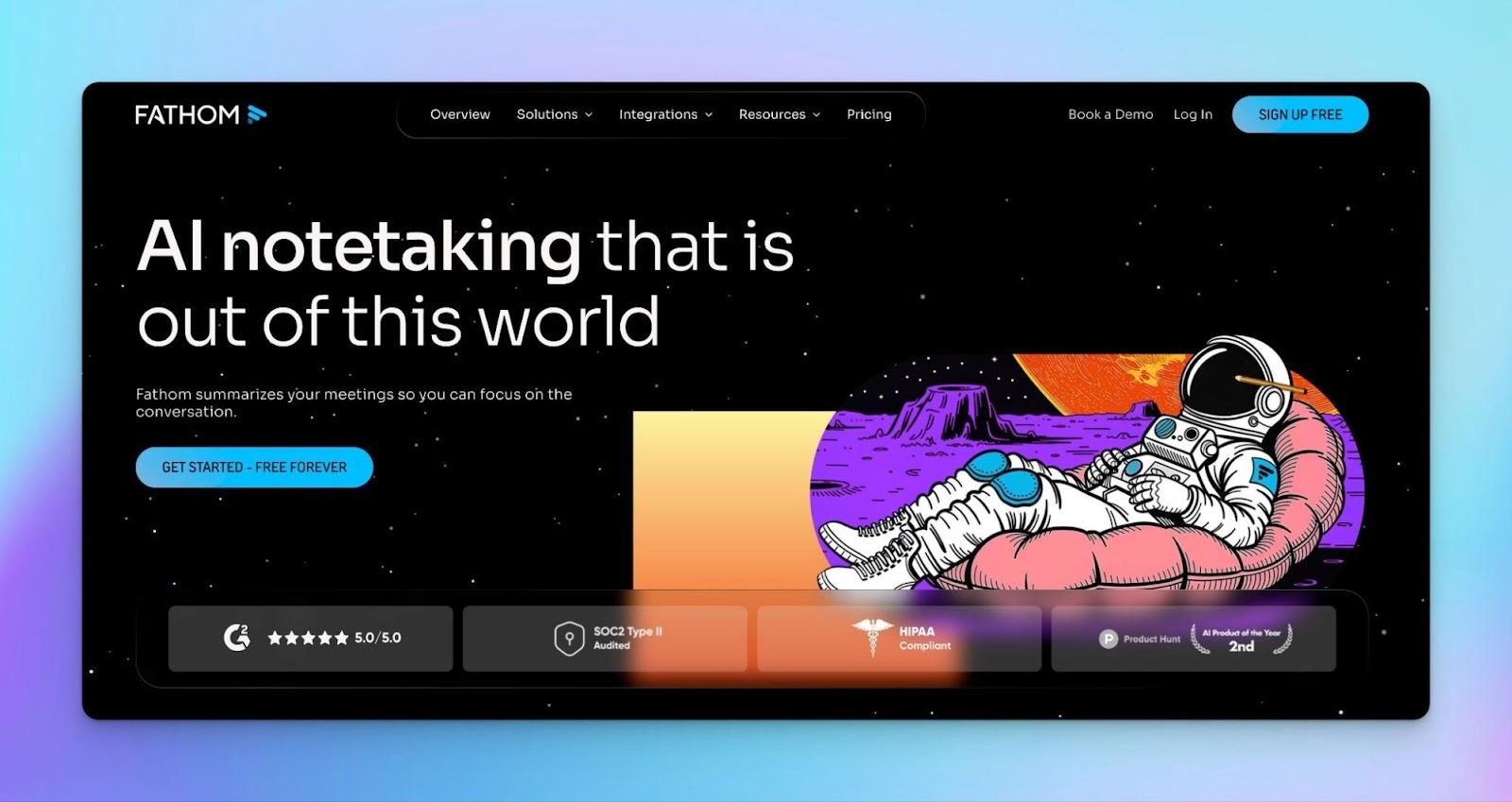
Fathom is designed to reduce the work that typically follows a meeting. It records and summarizes calls automatically, then routes decisions, action items, and highlights into the tools teams already use. That removes the need to rewrite notes or manually distribute follow-ups.
Fathom’s key features
- Lets you search across meetings or ask natural-language questions to locate specific decisions or moments
- Produces transcripts that handle multiple speakers and accents reliably
- Generates summaries and action items immediately after a meeting ends
- Allows teams to define summary formats that match different meeting types instead of using a fixed structure
- Syncs notes, highlights, and action items with tools like Slack, Salesforce, HubSpot, Notion, and Asana
Fathom’s pros
- Works smoothly with Google Meet and supports other major meeting platforms
- Strong emphasis on transcription accuracy and consistency
- Integrations reduce the need for manual follow-up across tools
- Clear policies around privacy and data ownership
Fathom’s cons
- Recording currently requires a visible bot (bot-free mode is planned but not live yet)
- Optimized for fast follow-ups, not deep transcript editing or long-form content workflows
Fathom’s pricing
- Free
- Premium: $20/month per user
- Team: $19/month per user (minimum 2 users)
- Business: $29/month per user
4. ClickUp
Best for: Teams that want meeting notes to turn directly into documents, tasks, and follow-ups inside one workspace
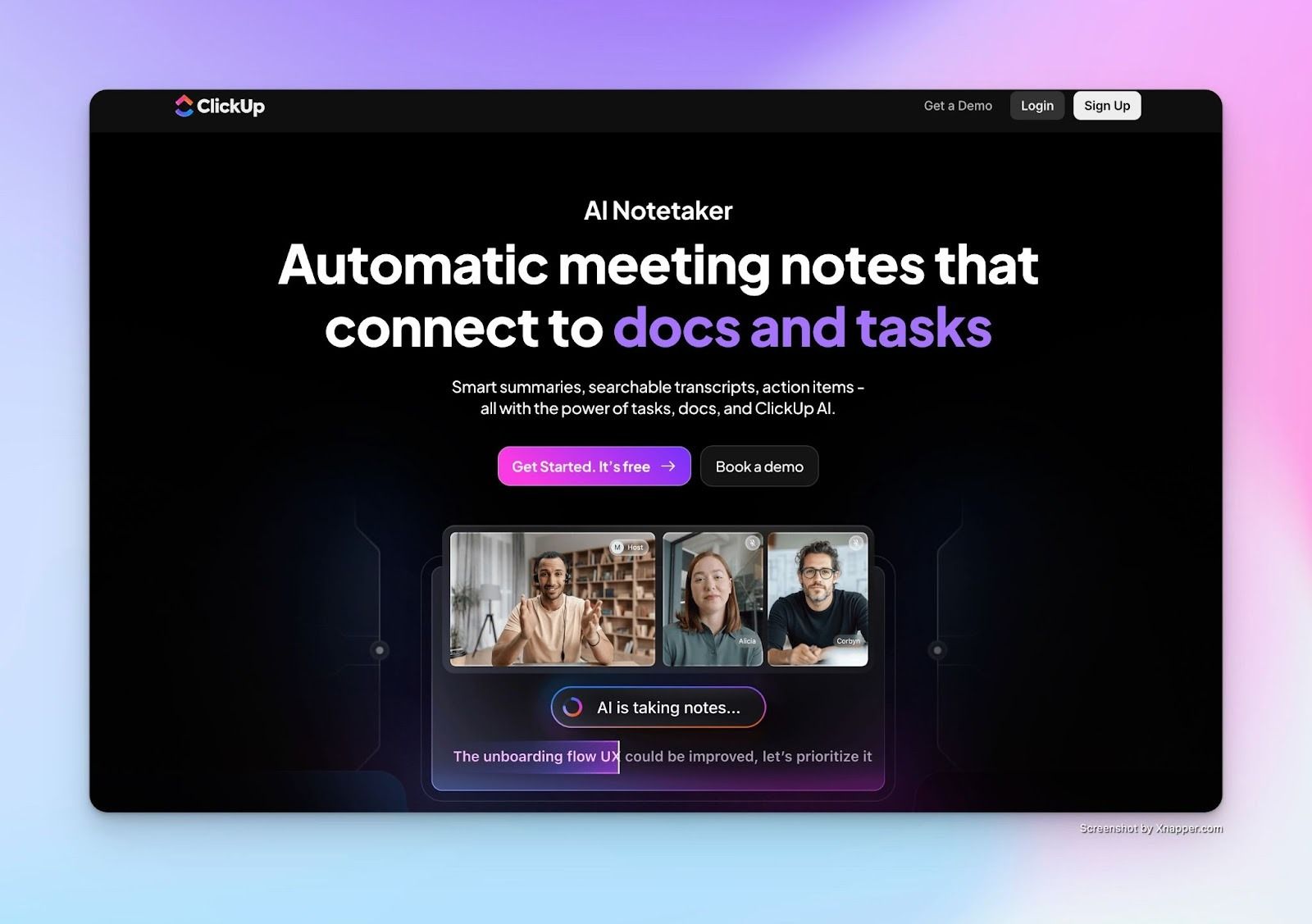
ClickUp’s AI Notetaker keeps meetings tied to execution. Calls are recorded, summarized, and saved as private Docs within your ClickUp workspace, where decisions and next steps remain connected to tasks and collaboration.
No need toexport notes elsewhere, as post-meeting work continues in the same workspace where planning and delivery already happen.
ClickUp AI Notetaker’s key features
- Meeting notes follow a consistent structure with takeaways, topics, a transcript, and next steps for easier review
- Past meetings are searchable by topic or speaker, making earlier decisions easy to find
- Summaries surface key points and decisions for quick catch-up
- Action items can be converted into tasks with context intact
- The notetaker joins scheduled meetings via calendar or ad-hoc meetings through a pasted link
ClickUp AI Notetaker’s pros
- Notes, tasks, and Docs remain connected in a single workspace
- Strong fit for teams that rely on structured follow-ups after meetings
- AI search and Q&A work across all historical meeting notes
- Private Docs keep early discussions from default visibility
- Enterprise-grade privacy with no third-party data training
ClickUp AI Notetaker’s cons
- Requires calendar connection and activation of the AI Notetaker ClickApp
- Not available to Free Forever users or guest roles
- Video recordings are limited and still in beta for longer meetings
ClickUp AI Notetaker’s pricing
- Included in the Everything AI Bundle (costs $33 per user/month)
Also read:Best AI Note Takers for Journalists
5. Tactiq
Best for: Professionals who want real-time Zoom transcripts and summaries without a recording bot joining the call
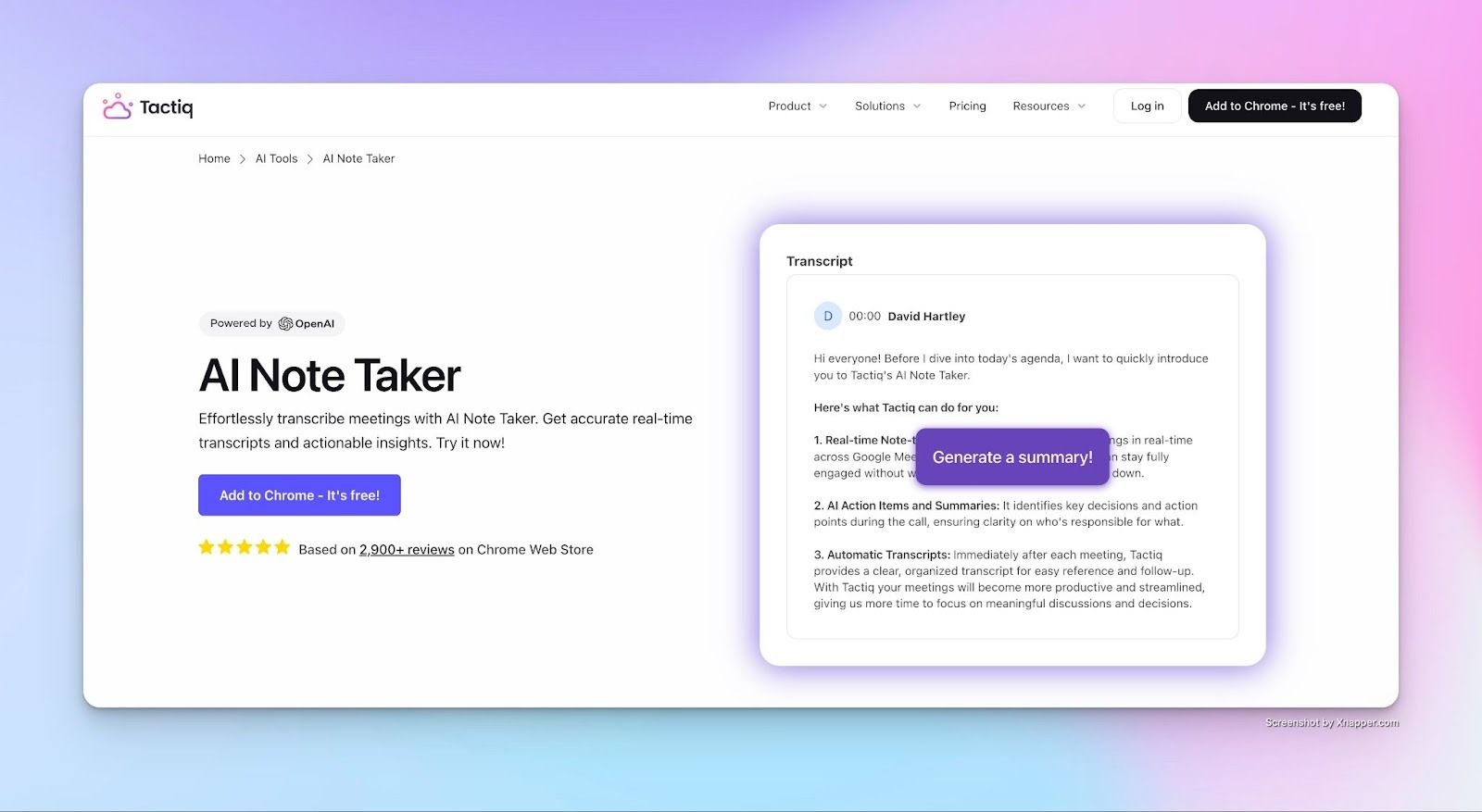
Tactiq works differently from most AI note takers. It runs as a Chrome extension that transcribes conversations live while you’re on the call. Nothing is recorded, and no audio is stored. You can stay focused on the discussion while still capturing quotes, decisions, and follow-ups in real time.
Tactiq’s key features
- Transcribes Zoom, Microsoft Teams, and Google Meet meetings live without joining the call or recording audio
- Generates meeting summaries, decisions, and action items during or immediately after the meeting
- Lets you query transcripts with reusable AI prompts
- Identifies speakers and makes past meetings searchable
- Shares transcripts and summaries to tools like Slack, Notion, Linear, and HubSpot, or triggers workflows
Tactiq’s pros
- Keeps interviews and external calls frictionless by avoiding visible bots
- Live transcription reduces context loss during fast-paced conversations
- One-click AI actions remove manual post-meeting cleanup between back-to-back calls
- Meets enterprise security standards with SOC 2 Type II, ISO 27001, GDPR, and HIPAA compliance
Tactiq’s cons
- Requires the Chrome extension to be installed
- Does not store raw meeting audio, which may limit replay options for some teams
Tactiq’s pricing
- Free
- Pro: $12/month per user
- Team: $20/month per user
- Business: $40/month per user
Also Read: 5 Best tl;dv Alternatives for AI Meeting Notes
Which AI Note-Taker for Zoom should you pick?
It comes down to what matters most: seamless integration, multilingual accuracy, or workflow efficiency.
- Zoom AI Companion is convenient if you’re fully in Zoom Workplace. Summaries and smart recordings happen automatically, but language support is limited
- Fathom works well for sales teams who want unlimited recording and AI Scorecards for coaching, though the always-on bot isn’t subtle
- ClickUp is handy if your team lives in ClickUp; meetings become tasks instantly, though long calls can dilute note quality
- Tactiq quietly transcribes in real time, but without audio or video recording, you miss the full story
Then there’s HappyScribe. It’s made for market researchers, journalists, business leaders, content managers, and professionals who need high quality meeting notes with zero to minimal cleanup..
With support for 140+ languages and accents, GDPR and SOC 2 compliance, calendar automation, and Europe-based data hosting, HappyScribe stands out as the top AI note taker for Zoom
For teams who can’t afford to lose context or accuracy, HappyScribe simply gets the job done.No shortcuts and no compromises on data privacy.
FAQs on the best AI note takers for Zoom
Is there an AI note taker for Zoom?
Multiple AI note takers work with Zoom, including both native and third-party options. Zoom AI Companion is built directly into Zoom Workplace and requires no external bot. Third-party tools like HappyScribe, Fathom, ClickUp, and Tactiq join meetings as bots or work via browser extensions to transcribe and generate notes.
Does Zoom have an AI transcriber?
Yes, AI Companion provides summaries, smart recordings, and in-meeting Q&A for paid users. Free accounts don’t get it. With third-party tools like HappyScribe, you get additional features like multilingual transcription and unlimited meeting notes, even on the free plan, along with GDPR compliance.
What are the productivity benefits of AI note takers?
AI note takers remove the need to choose between active listening and manual note-taking. They capture discussions in real-time, identify speakers, extract action items, and generate summaries that can be shared immediately. This reduces post-meeting workload, ensures nothing is forgotten, and provides a searchable record of decisions.
How to take notes during a Zoom meeting automatically?
Connect a tool like HappyScribe to your calendar and it joins scheduled meetings automatically, or paste a meeting link for ad-hoc calls. It transcribes in real time, labels speakers, and delivers summaries with action items once the call ends.
What are the best free AI note takers for Zoom?
If you’re looking for a free AI note taker for Zoom, each tool has different limits to consider. HappyScribe’s free plan includes unlimited recordings up to 45 minutes per session, making it ideal for shorter meetings or testing the platform before upgrading. Fathom offers unlimited recording and summaries, though it joins meetings with a visible bot. Tactiq provides up to 10 free transcripts per month without adding a bot to the call.

Akshay Kumar
Akshay builds pieces meant to reach people and stay visible where it matters. For him, it’s less about the name and more about whether the words did what they were meant to.