![Best AI Note Takers for Market Researchers [2026]](/sanity-images/ejgwz1gl/redesign/784c24bf0fb632a3e434efa3dbb329dd86b02eeb-1536x1024.png?auto=format&w=1536.0&rect=0,128,1536,768&h=768)
AI note takers for market researchers are most useful on busy days when you feel like you're running against time. One interview runs long, the next call starts right away, and you still have to pull insights and send a recap that makes sense to people who were not in the room.
If you are handling long recordings and stakeholders keep asking for “that one line from last week,” it is painfully easy to lose track of who said what and where it sits in the recording.
For this guide on the best AI note takers for market researchers, I tested each tool in real research sessions and spoke with working market researchers who use them regularly.
My team and I also went through hundreds of recent reviews to see where these tools genuinely save time and where they add extra admin. So, let’s get started!
TL;DR
- HappyScribe: Best for research teams running multilingual interviews who need accurate meeting notes and GDPR-compliance
- Notta: Best for researchers who prioritize speed and want quick, searchable transcripts across devices
- Dovetail: Best for UX and product teams that need deep tagging, synthesis, and a centralized insights repository
- Read AI: Best for teams that want engagement metrics and sentiment signals layered onto interview transcripts
- Otter AI: Best for day-to-day research calls that require live transcription and easy team collaboration
What should you look for when evaluating AI note takers for market researchers?
Accuracy in real research sessions
Look for tools that stay accurate when people talk over each other or jump between topics in response to stimuli.
As a market researcher, you deal with focus groups and in-depth interviews where people rarely speak in clean, slow sentences.
The AI should handle natural speech, brand terms, and product jargon so you are not constantly replaying the recording to repair broken notes.
Reliable language and accent coverage
If you run studies across regions, you need an AI note taker that understands local accents and supports more than one language well.
Check how it handles both your main research language and the markets you test in most often.
It should cope with code-switching when participants mix languages, so you do not lose nuance in multi-country projects.
Clear controls for privacy and consent
Research conversations often include confidential strategy and sensitive participant stories.
Your tool should make it clear where meeting data is stored and who can access it, and give you simple controls to delete or anonymize material when a project ends.
Look for strong security practices, regional compliance, and options like workspaces, private projects, and granular access, so your consent language matches how the tool behaves.
Features that support analysis, not just capture
A plain transcript is only your starting point.
You also want highlights, speaker labels, timestamps, and flexible ways to tag moments by theme or concept.
Strong AI note takers for market researchers make it easy to jump from a research question to the exact segment where a participant answered it. Then they turn those pieces into quotes, clips, and structured findings.
Smooth fit with your existing research stack
Your AI note taker has to work with the platforms you already use for sessions and analysis.
Check how it connects to tools like Zoom or Microsoft Teams and how easily you can move notes into spreadsheets, slide decks, or a research repository.
Reliable export formats and simple sharing links help you avoid long copy-paste sessions after a full day of fieldwork.
Collaboration that keeps stakeholders aligned
Research rarely happens in isolation. Product and marketing stakeholders, along with clients, need visibility into what happened in each session.
Look for shared projects, comment threads, summary views, and controlled access for external partners so you can share the story without handing over every raw recording or transcript.
Pricing that matches your study volume
Some teams run a few deep projects each quarter, while others live in back-to-back interviews.
Choose a tool with pricing that matches how often you run studies and how many colleagues need access.
Pay attention to limits on recording length, number of uploads, or collaborators, since those caps can quietly constrain your fieldwork once a project grows.
Also read: Best AI Note Takers for Business Leaders
What are the best AI note takers for market researchers?
Let’s see how the best AI note takers for market research stack up against each other.
| Criteria | HappyScribe | Notta | Dovetail | Read AI | Otter AI |
|---|---|---|---|---|---|
| Best for | High-volume multilingual meeting transcription with GDPR compliance | Fast transcription across remote and in-person interviews | UX and product teams building a centralized insights repository | Tracking participant engagement and sentiment during sessions | Real-time transcription and collaborative team notes |
| Key features | AI summaries, Ask AI chat, action items, theme tagging, repurposing tools, brand customization | AI chat (Notta Brain), markers, auto translation, cross-device sync | Tagging system, sentiment detection, highlight clips, Magic Insight reports | Engagement scoring, highlight detection, automated summaries | Live transcription, AI summaries, searchable archive, slide capture |
| Supported languages | 140+ languages and dialects | 50+ | 80+ | 20+ | 4 |
| Collaboration features | Shared workspaces, email summaries, theme tags, controlled access | Comments, searchable transcripts, snippet sharing | Shared projects, tagging system, research repository | Shared dashboards, personalized reports | Shared spaces, comments, grouped meetings |
| Meeting platform integration | Auto-joins via Google/Outlook calendar or via links; works with Zoom, Meet, Teams; offers browser-based bot-free recording | Zoom, Meet, mobile app, direct uploads | Zoom, Slack, Zapier imports | Zoom, Teams, Google Meet | Auto-joins via calendar on Zoom, Meet |
| Security and compliance | GDPR-compliant, SOC 2 Type II, EU data centers, encrypted storage | GDPR and CCPA-compliant | GDPR, CCPA, HIPAA-compliant | GDPR and CCPA-compliant | GDPR and CCPA-compliant; privacy concerns noted |
| Pricing | Free; paid plan starts from $8.50/month | Free; paid plan starts from $13.49/month | Free; Enterprise plan has custom pricing | Free; paid plan starts from $19.75/month | Free; paid plan starts from $16.99/month |
1. HappyScribe
Best for: Market researchers who run high volumes of interviews and need multilingual transcripts, fast theme extraction, and compliance-ready storage
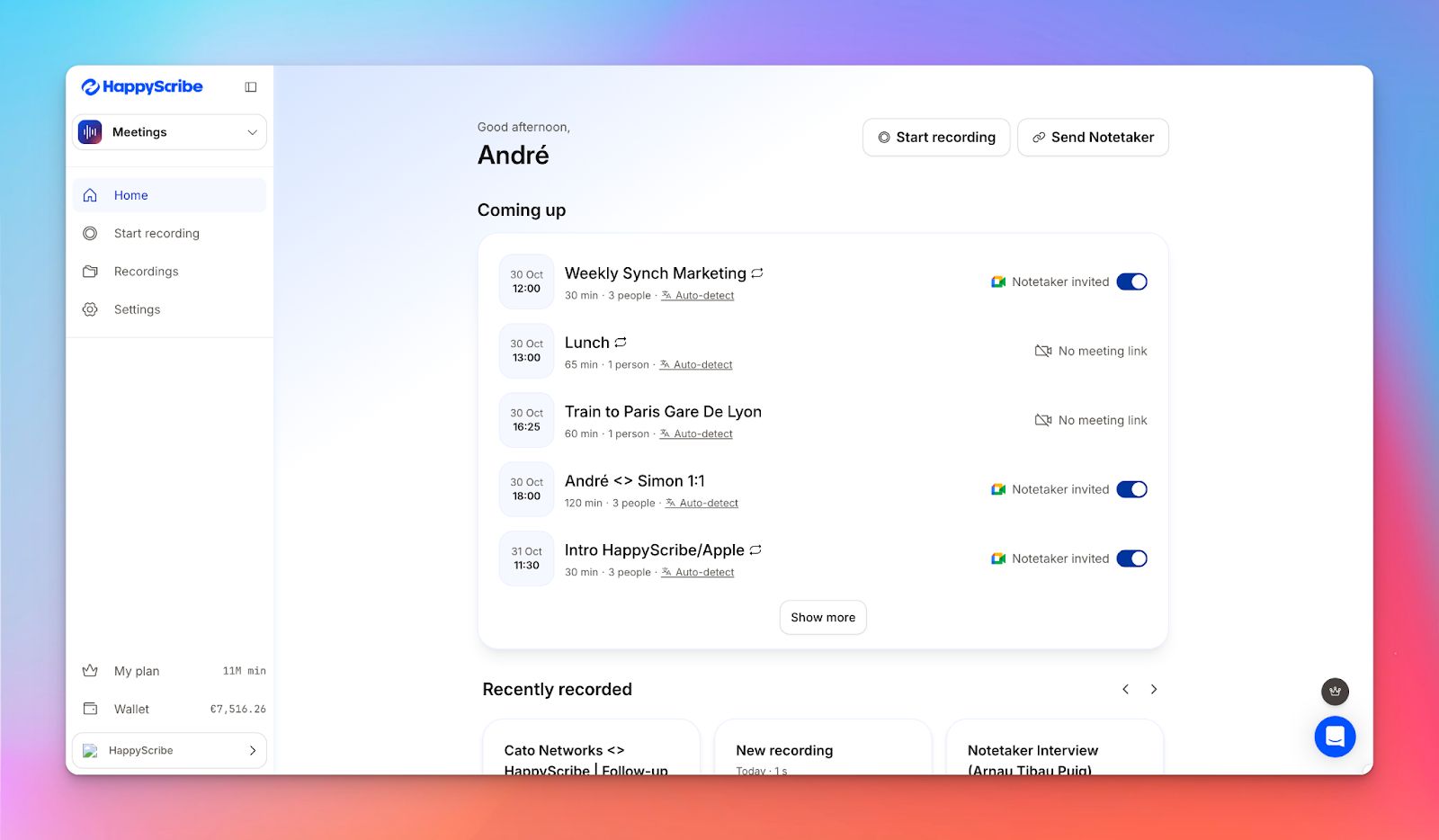
HappyScribe’s AI note taker is built for research-heavy work, when you’re busy with back-to-back interviews and stakeholder calls.
You can connect your Google Calendar or Outlook Calendar so that HappyScribe auto-joins scheduled sessions, or invite it with a meeting link when you want more control.
Prefer to keep sessions bot-free? Then you can record directly in your browser, be it a virtual conversation or an in-person one.
HappyScribe’s key features
Take notes in 140+ languages
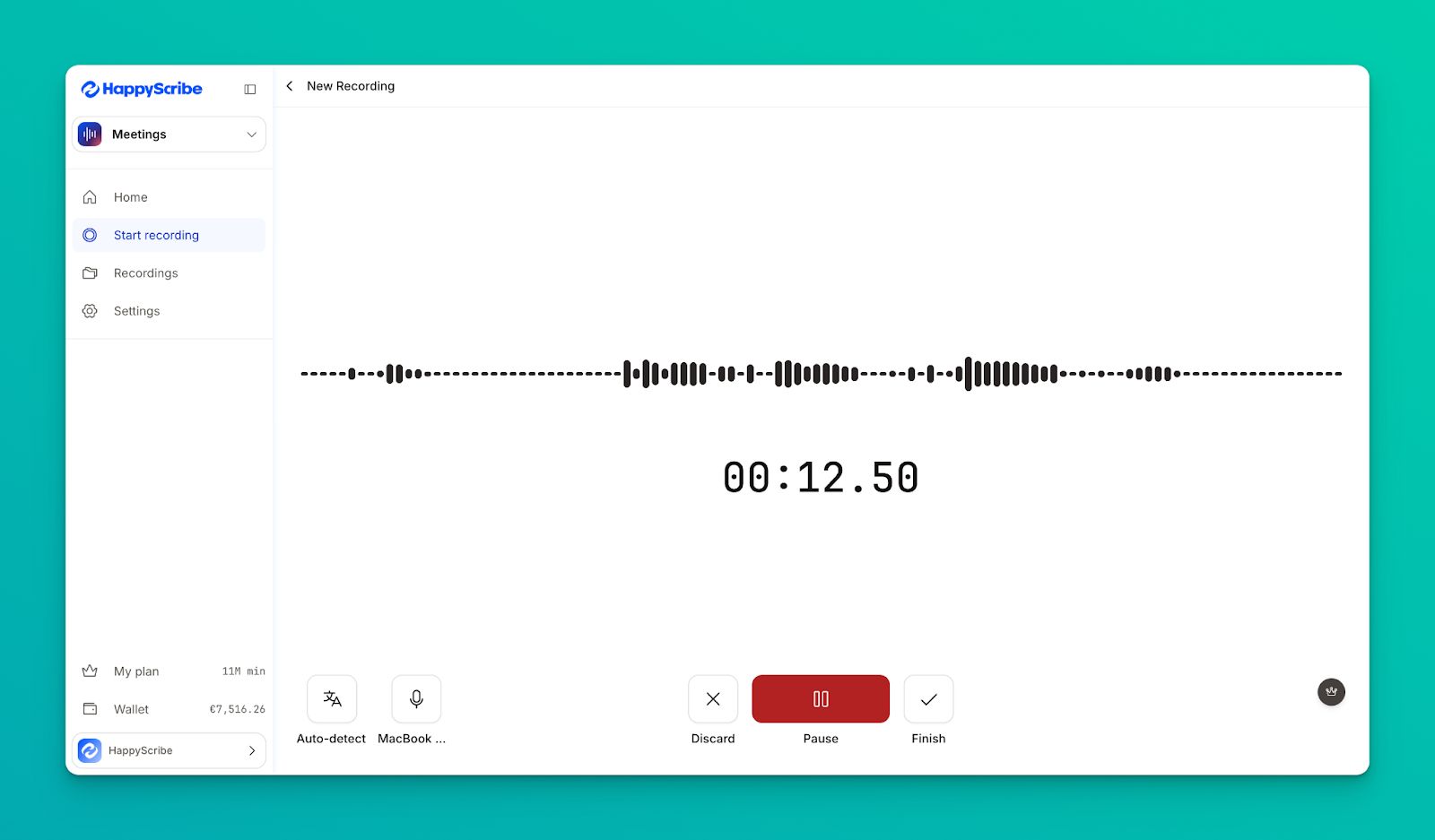
HappyScribe’s AI note taker automatically detects the spoken language in your session with support for more than 140 languages and dialects.
It works well for international research projects where you might run interviews in Spanish one day and a focus group in German the next, without changing settings between calls.
Generate summaries, action notes, and insights
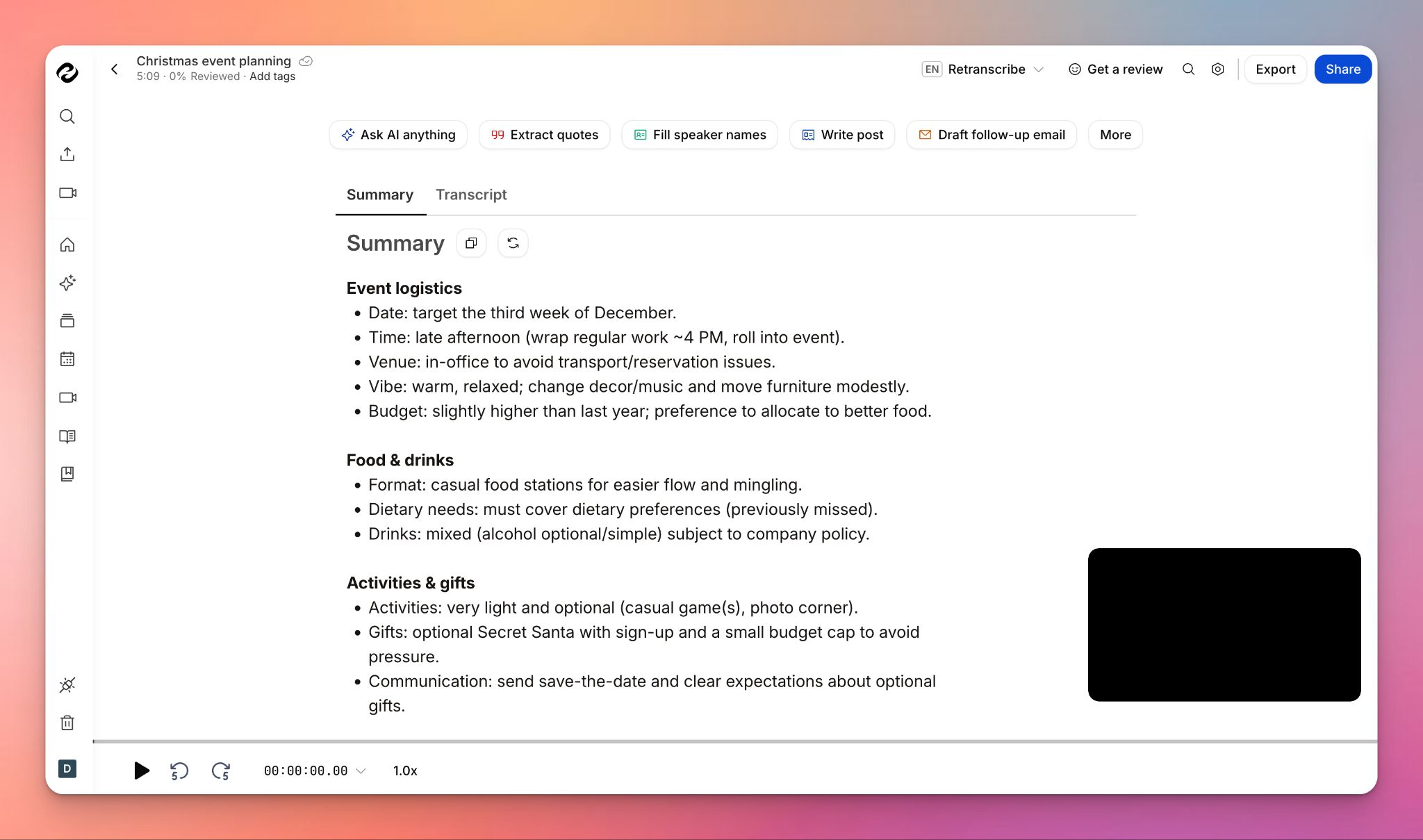
HappyScribe goes beyond a raw transcript with AI features that generate smart summaries and action items from each meeting.
For research projects, this ensures you can quickly surface decisions and interesting quotes from interviews, then move into analysis without first restructuring all the notes by hand.
Get 95%+ accuracy
The notetaker is built on speech to text models that are trained and tested to deliver over 95% accuracy across different languages and accents.
For market researchers, high precision reduces the risk of misquoting participants. It also keeps you from constantly replaying recordings to double check what was said.
Enterprise-grade security for every meeting
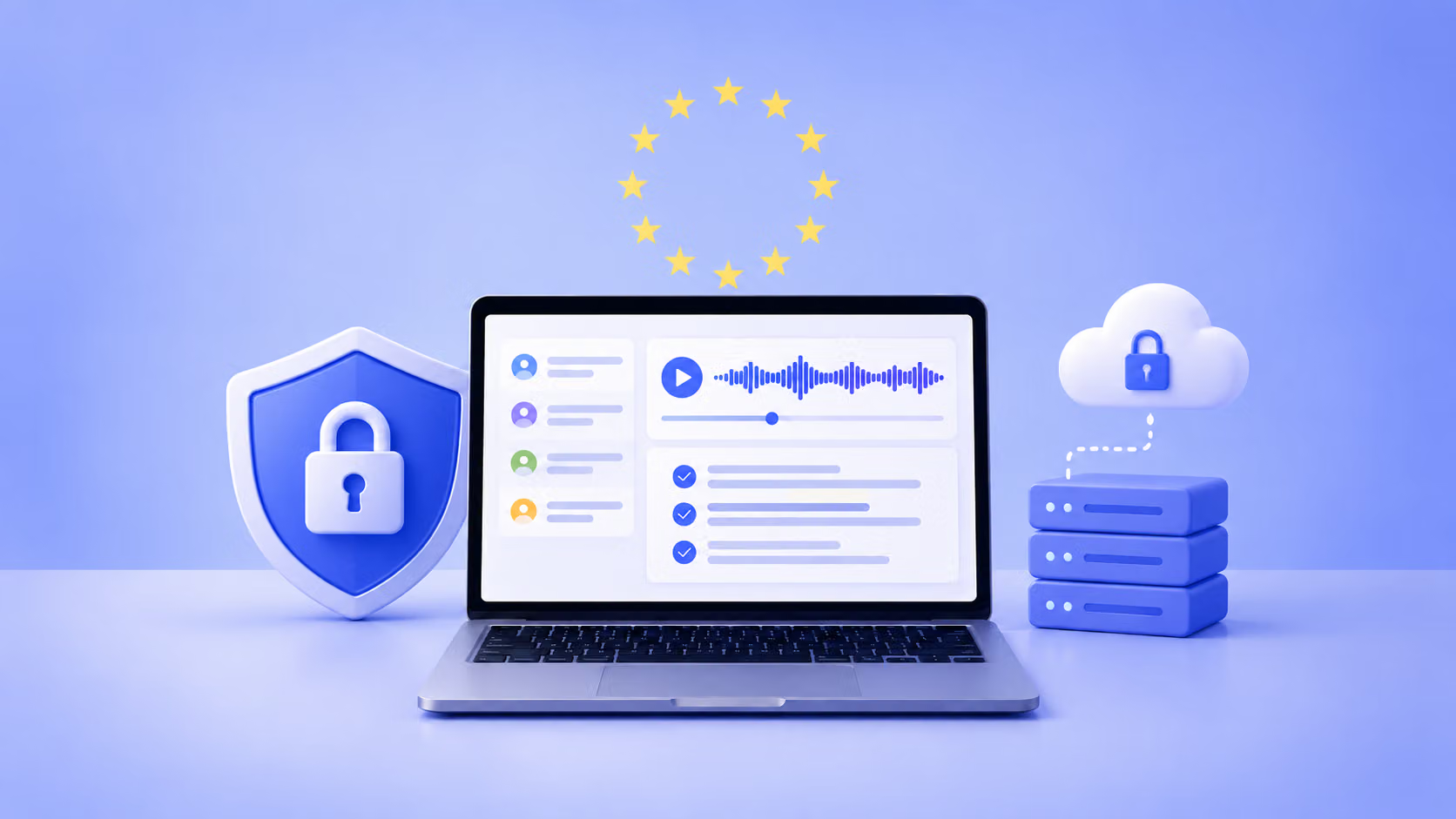
HappyScribe’s AI note taker is built on GDPR-compliant infrastructure and is SOC 2 Type II certified.
Your meeting data is encrypted while it’s moving (TLS) and while it’s stored (AES-256), and it’s hosted in EU-based Tier IV data centers.
Behind the scenes, we use firewalls, intrusion detection, DDoS protection, plus role-based access controls so only the right people can access what they should.
Turn interviews into validated insights faster
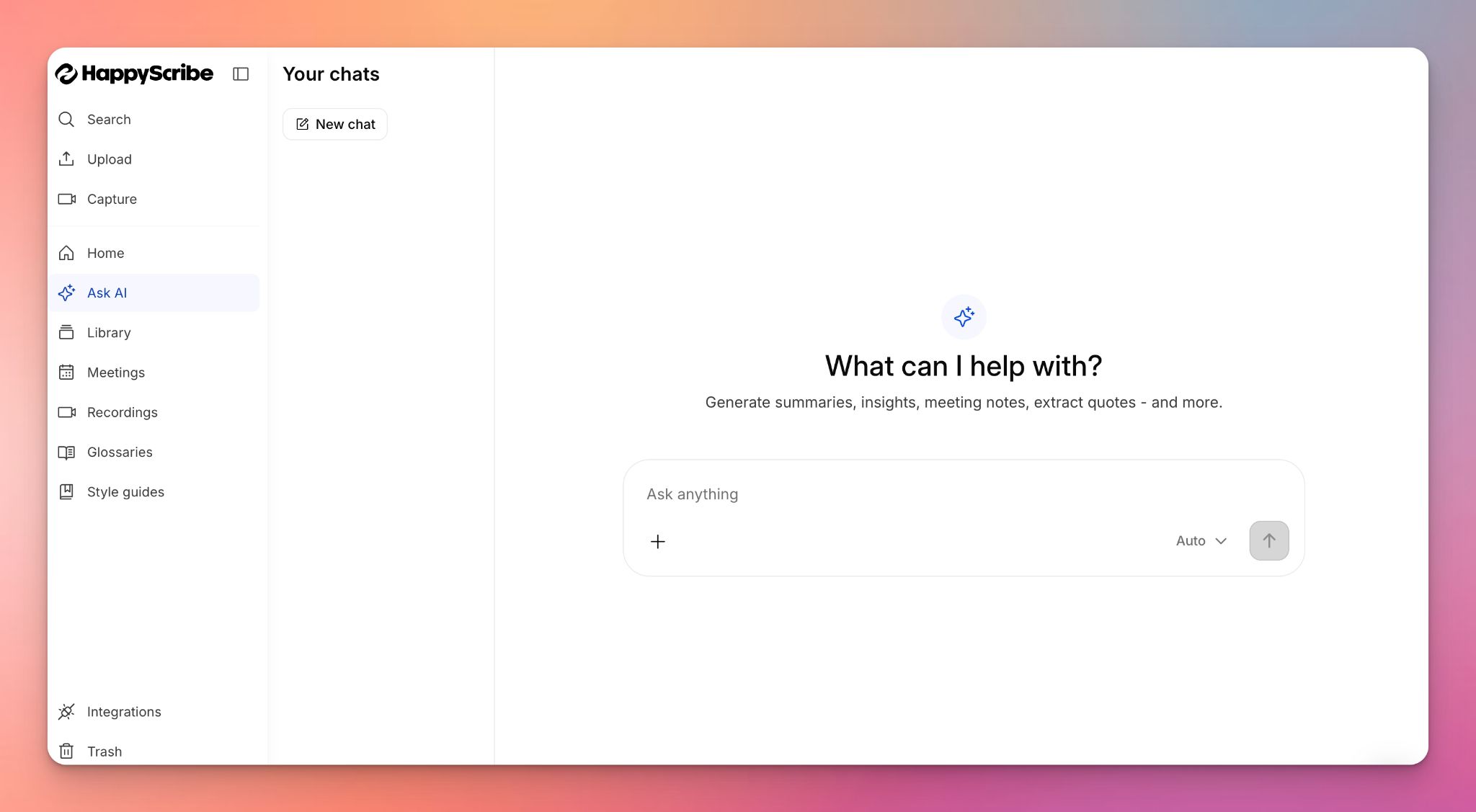
With HappyScribe’s Ask AI, you can have an ongoing back-and-forth with your transcripts, not just a single question and answer.
Ask follow-up questions, then drill into specific moments with context, so you can validate findings and confirm wording quickly.
You can also repurpose your research sessions (e.g. write follow-up emails or turn them into other written materials) without starting every deliverable from a blank page.
Work across your favorite video conferencing tools
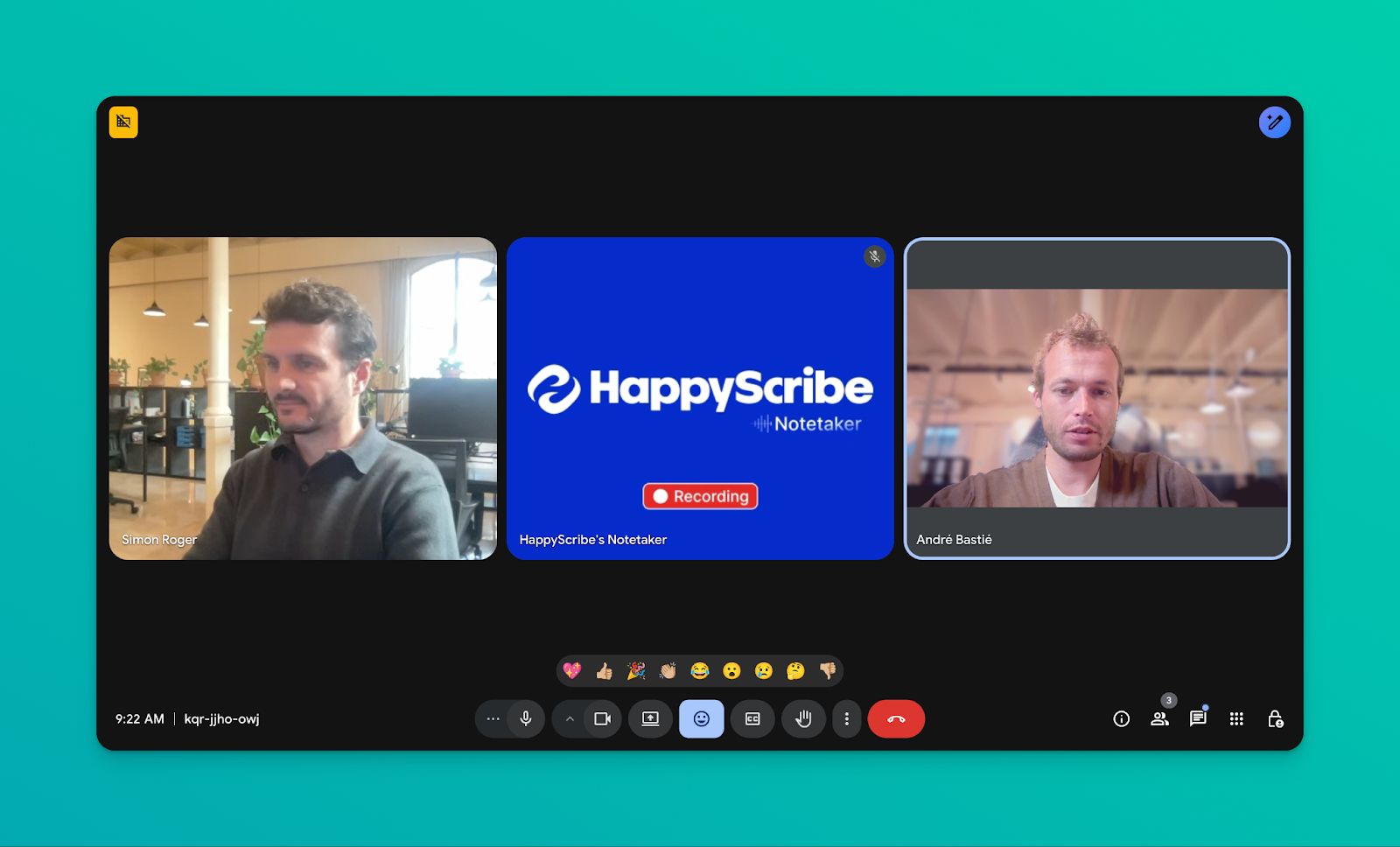
HappyScribe AI notetaker connects to Google or Outlook Calendar and automatically joins meetings on Google Meet, Microsoft Teams, or Zoom.
The setup fits naturally into remote research workflows, where you can capture interviews and online focus groups on the platforms you already use without changing your scheduling habits.
HappyScribe’s pros
- Get reliable and responsive customer support when you need it
- Receive AI-generated meeting summaries in your inbox or preferred workspace within minutes
- Pause, resume, or remove the AI note taker at any point during a meeting
- Tag meetings by themes for easy retrieval
- Repurpose meeting content into posts, briefs, quizzes, or recaps without starting from scratch
- Customize the logo, colors, and name of your note taker bot to match your brand and add a short welcome message
- Beyond meeting note taking, HappyScribe offers audio to text features, subtitle generation, translation, and human proofreading
HappyScribe’s cons
- HappyScribe is more focused on post-meeting workflows; live transcription isn’t available
HappyScribe’s pricing
- Free: Unlimited meeting recordings (45 mins/recording)
- Basic: $8.50/month (billed annually) or $17/month (billed monthly)
- Pro: $19/month (billed annually) or $29/month (billed monthly)
- Business: $59/month (billed annually) or $89/month (billed monthly)
- Enterprise:Contact sales to get tailored solutions directly
What are real-life users saying about HappyScribe’s AI note taker?
“The AI Notetaker is a real game-changer for us. There’s no need to write everything during meetings anymore; now I can actually engage.”
How to use HappyScribe’s AI note taker: A step-by-step guide
1. Choose how you want it to join. Connect your Google or Outlook calendar to let HappyScribe auto-join scheduled meetings. If you want tighter control, paste a meeting link and invite the note taker only for that session.
2. Set join rules and summary recipients. Go to Meetings in the left sidebar, then use the settings panel on the right to decide when it should join and who should receive the email summary.
3. Lock in recording and privacy settings. Open Settings (top right) to choose when recording starts and who can access the transcript and notes.
4. Start recording during the meeting. The host allows the note taker to begin recording. Once it’s in, you can message it during the call to control it.
5. Review and share the output. After the meeting, you’ll find the transcript, notes, and summary saved in your Workspace files or Private section, based on your privacy preferences.
2. Notta
Best for: Conducting multilingual interviews and focus groups where fast transcription is important
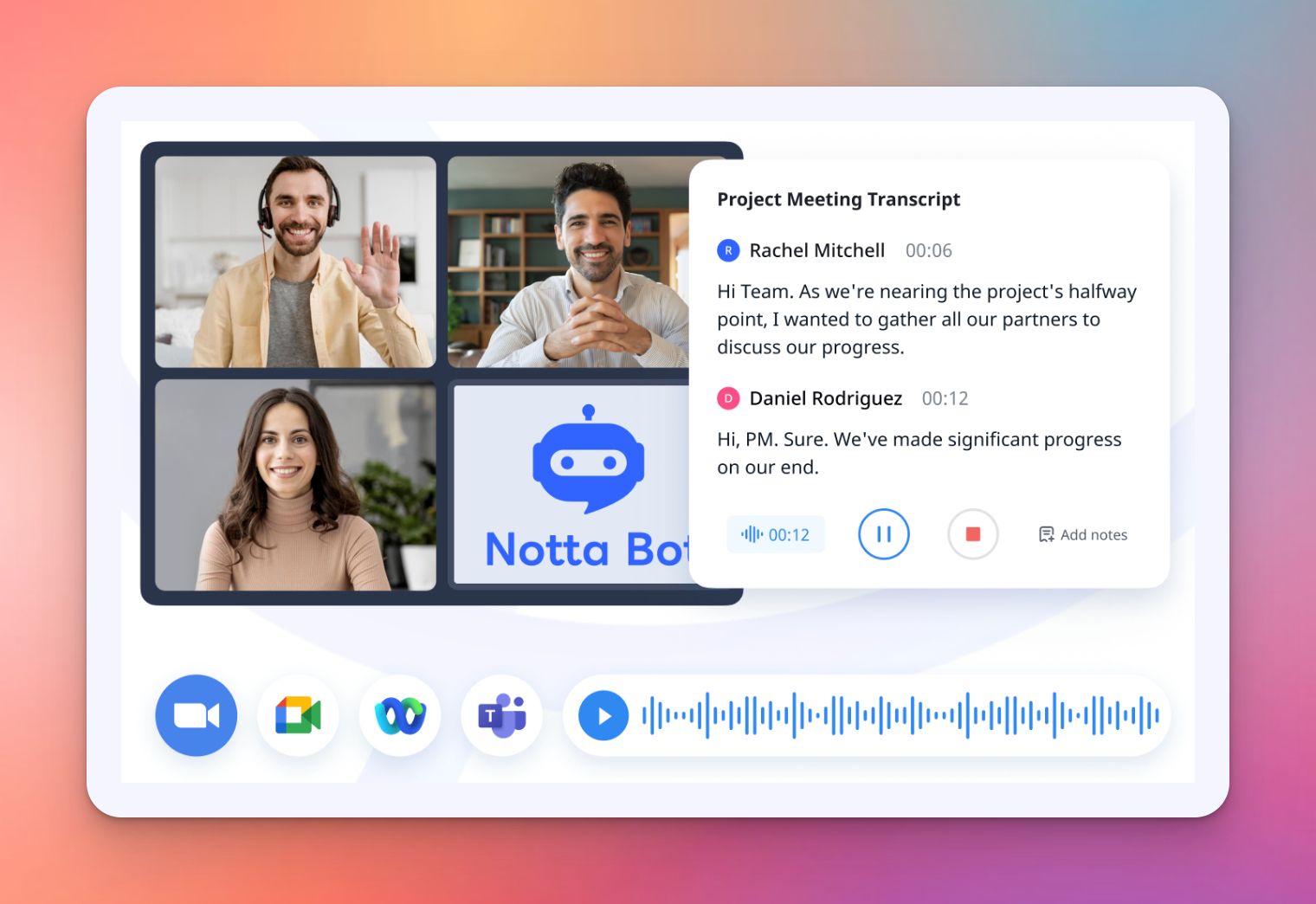
Notta turns speech into searchable text with AI-powered transcription that works across virtual meetings, in-person discussions, and uploaded audio files.
It delivers transcripts in approximately one-fifth of the recording time, which makes it particularly efficient for processing large volumes of research interviews.
Notta’s features
- Notta Brain AI Chat lets you search across all meeting transcripts to extract insights and auto-generate deliverables
- Automatically transcribes and translates focus groups and interviews conducted in different languages
- Notes and recordings sync seamlessly between phone, desktop, and browser
- Add context markers and comments at specific moments during recording for easier analysis later
- Capture up to 5 web pages simultaneously or record in-person conversations with the mobile app
Notta’s pricing
- Free
- Pro: $13.49/month per user
- Business: $27.99/month per user
- Enterprise: Custom pricing
Notta’s pros
- Delivers 98.86% transcription accuracy even with different accents, crucial for diverse research populations
- Clean, beginner-friendly interface requires minimal learning curve for research teams
- Automatically creates snippets for sharing essential quotes and findings with stakeholders
- Export integrations with CRM, Notion, Slack, and Zapier streamline workflow with research management tools
- Custom dictionary allows adding up to 200 industry-specific terms for specialized research vocabularies
Notta’s cons
- Offline transcription reliability suffers without stable internet connection, limiting use in field research settings
- Subscription pricing may be steep for independent researchers or small firms with occasional transcription needs
- Transcription struggles with multilingual conversations and non-native accents despite language support claims
Fun fact
At around 150 words per minute, a 60-minute interview gives you about 9,000 words. That’s roughly the length of a TED Talk transcript. Now imagine running six interviews in a week. You’ve basically produced your own conference!
3. Dovetail
Best for: UX researchers and product teams who need to transcribe, tag, and analyze customer interviews to build a searchable repository of insights
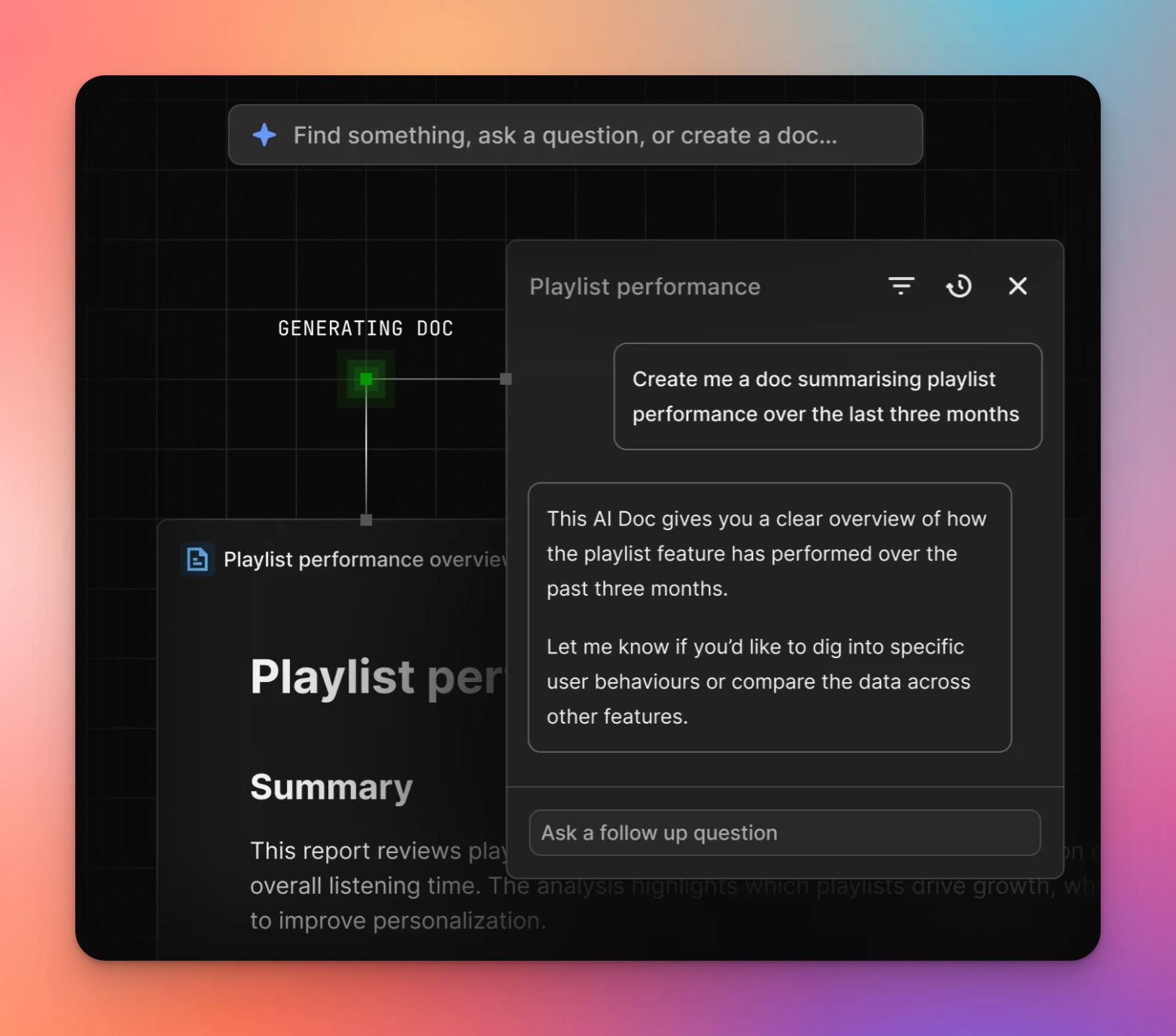
Dovetail is a customer intelligence platform that centralizes research data. It uses AI to automatically transcribe video and audio files from Zoom, Google Meet, or direct uploads.
The platform’s speech engine detects positive and negative sentiment while allowing researchers to highlight key moments and synthesize findings directly from the transcript text.
Dovetail’s key features
- Automatically transcribes uploaded audio and video files and detects spoken languages to generate editable text synced with the recording
- Magic Insight reports synthesize notes and transcripts into structured insight reports, summarizing key findings for stakeholders
- Creates shareable video clips by stitching together highlights from different interviews based on tags
- Allows adding specific jargon, product names, or acronyms to the dictionary to improve transcription accuracy for niche topics
- Sentiment analysis feature automatically identifies and labels positive or negative sentiment within transcripts to help spot patterns in customer feedback
Dovetail’s pricing
- Free
- Enterprise: Custom pricing
Dovetail’s pros
- Acts as a central repository, keeping all research data, tags, and insights in one searchable location
- Tagging system allows for detailed coding of qualitative data, which helps in quantifying research insights
- High-quality transcripts synced with video make it easy to click text and jump to that exact moment in the recording
- Clean, intuitive interface makes onboarding new team members and non-researchers simple
- Integrates seamlessly with tools like Zoom, Slack, and Zapier to automate data import and sharing
Dovetail’s cons
- Transcription accuracy for non-English languages can be inconsistent compared to English recordings
- Cross-project tagging feature to track themes across different studies is restricted to expensive enterprise licenses
- New users may find the blank canvas or flexible structure overwhelming without initial guidance on how to organize projects
4. Read AI
Best for: Analyzing participant engagement and sentiment during interviews or focus groups to gauge emotional responses
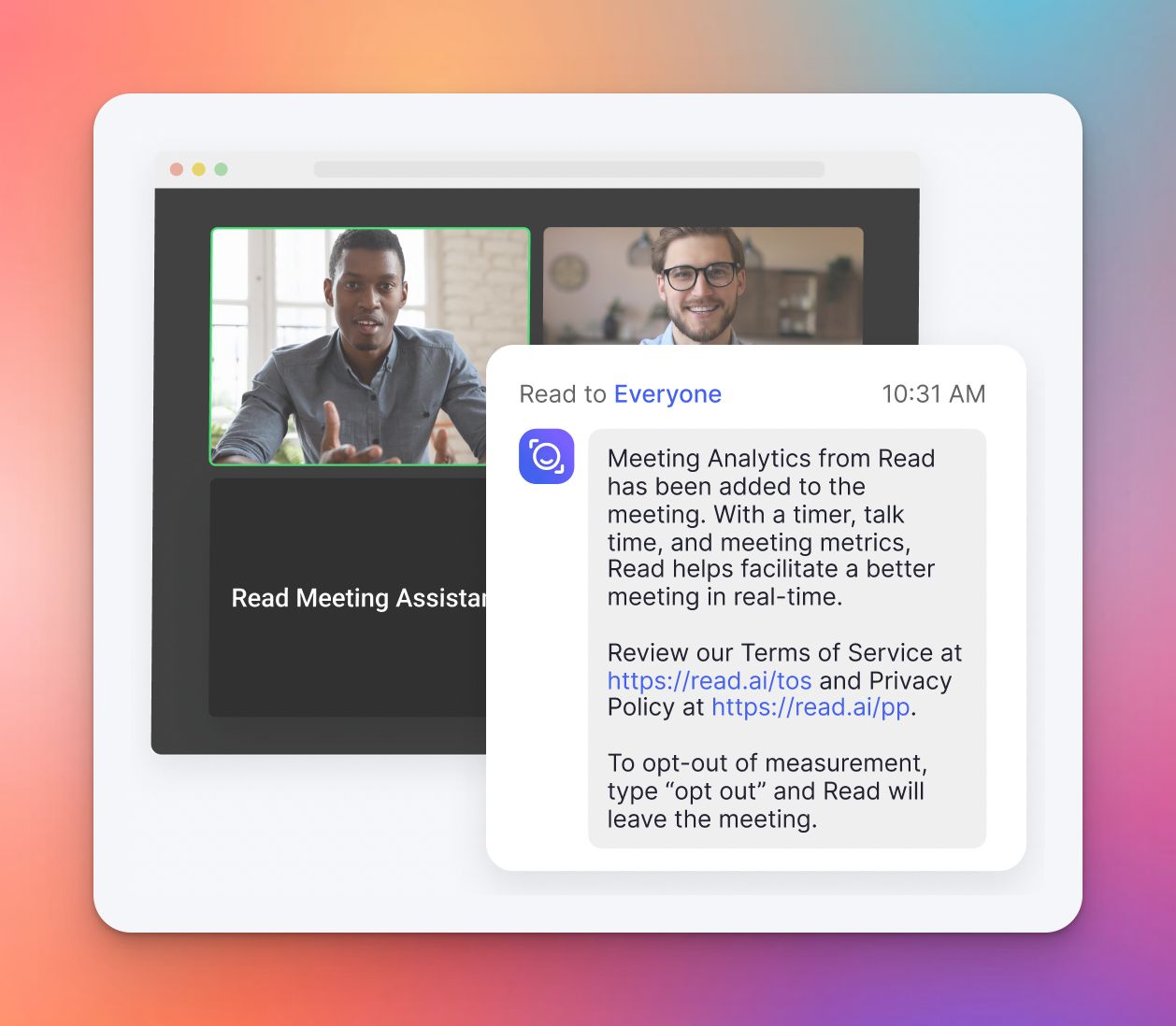
Read AI goes beyond standard transcription by measuring participant engagement and sentiment in real-time. It provides researchers with data-backed insights into how interviewees react to different topics.
The platform automatically generates meeting summaries, highlights key moments, and creates navigable playback videos. These allow researchers to jump directly to sections with the highest emotional impact.
Read AI’s key features
- Measures real-time participant reactions to identify which questions or topics trigger positive or negative responses
- Automatically detects and clips pivotal moments based on engagement levels, making it easy to review the most impactful parts of an interview
- Identifies next steps and follow-up tasks from the conversation automatically
- Allows users to click on transcript sections or highlight markers to instantly play back that specific portion of the recording
- Works across Zoom, Microsoft Teams, and Google Meet to capture insights regardless of the conferencing tool used
Read AI’s pricing
- Free
- Pro: $19.75/month per user
- Enterprise: $29.75/month per user
- Enterprise+: $39.75/month per user
Read AI’s pros
- Provides unique emotional intelligence data that helps researchers quantify qualitative reactions from interview subjects
- Automatic summaries are concise and effectively capture the core decisions and topics
- "Pre-read" feature offers context from previous meetings
- User-friendly dashboard aggregates data across multiple meetings, allowing researchers to spot broader trends in participant behavior
- Generates "For You" personalized reports that highlight relevant information for specific team members based on their role
Read AI’s cons
- The AI assistant can be intrusive, sometimes joining meetings uninvited even after being disabled or removed
- Free version has restrictive limits on reporting history, which makes it difficult to reference older research data
- Connectivity issues can occasionally cause gaps in transcription or analysis during live sessions
Also read:Best AI Note Takers for Content Managers [2026]
5. Otter AI
Best for: Automatic meeting attendance and real-time collaboration on transcripts
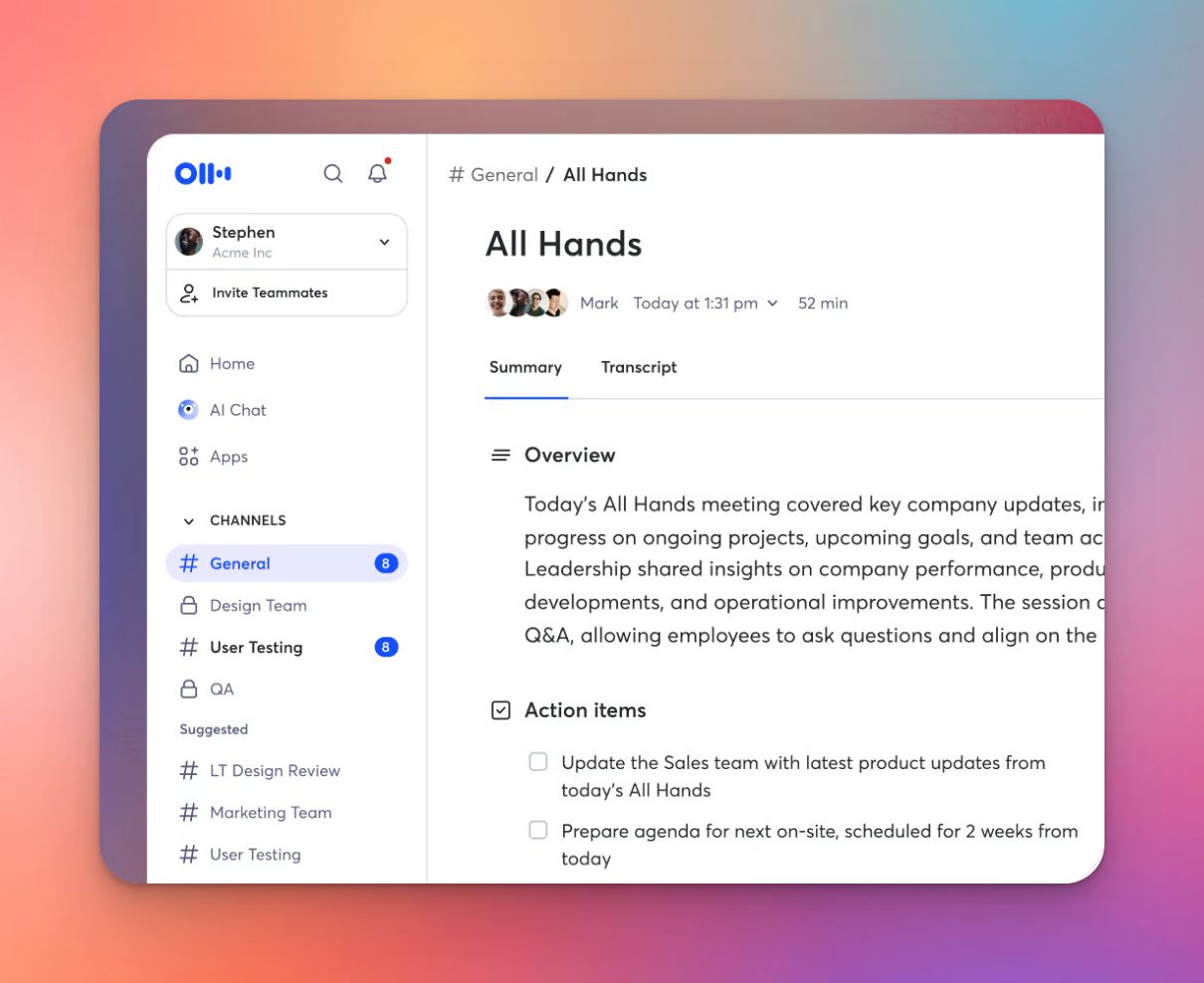
Otter AI serves as an AI meeting agent that joins virtual sessions automatically and delivers live transcription with up to 95% accuracy. It enables team members to collaborate on notes simultaneously.
The platform condenses lengthy research sessions into digestible summaries with automatically extracted action items and key decisions.
Otter AI’s key features
- Automatically captures presentation slides during virtual focus groups and stakeholder meetings for visual context
- Condenses meetings of any length into concise summaries with decisions, insights, and key findings
- Learns to distinguish different speakers after brief training
- Groups meetings by team, project, or research topic so recordings stay organized in shared collaboration spaces
- AI chat lets you ask questions about meeting content to quickly retrieve specific quotes or participant responses
Otter AI’s pricing
- Basic: Free
- Pro: $16.99/month
- Business: $30/month
- Enterprise: Custom pricing
Otter AI’s pros
- One-tap recording with widget shortcuts makes it easy to capture spontaneous research insights
- Photo insertion capability allows adding whiteboard discussions and visual aids directly into transcripts
- Calendar integrations automatically join scheduled meetings without manual setup
- Searchable transcript archive lets you find past quotes and references across multiple projects
- Useful for extracting actionable insights from sales conversations and offers sales coaching
Otter AI’s cons
- There are ongoing lawsuits that claim that Otter records private conversations without permission
- Recent free tier restrictions limit transcription minutes requires users to start new recordings as a workaround
- Limited training and onboarding resources make discovering full platform capabilities time-consuming
Also read:Best AI Note Takers for Journalists
Tips to choose the right AI meeting note taker for market researchers
Choosing the right AI note taker comes down to how you actually run research.
If your priority is deep tagging and structured synthesis, Dovetail stands out. It’s built for teams that treat research as a long-term asset and want everything centralized in a searchable repository.
If you care most about speed and quick transcription across devices, Notta is efficient and easy to adopt, especially when turnaround time matters more than advanced analysis.
If your work involves measuring emotional signals or engagement levels, Read AI adds a layer of behavioral insight that goes beyond plain transcription.
If you need real-time collaboration and automatic meeting capture, Otter AI works well for everyday research calls where the goal is shared notes and searchable archives.
But if your workflow involves high volumes of interviews, multilingual participants, compliance requirements, and the need to move quickly from transcript to insight, HappyScribe brings those pieces together more cohesively.
HappyScribe’s transcript is reliable. The summaries are ready to use. The security posture matches what research teams need when handling sensitive data, especially those based in Europe. And the flexibility to auto-join, paste links, or record bot-free makes it easier to adapt to different session formats.
There’s no single perfect tool for every research team. But if you want one that scales with you as projects grow and reduces the time between fieldwork and findings, HappyScribe is a strong place to start.
FAQs on the best AI note takers for market researchers
What separates the best AI note takers for market researchers from regular transcription apps?
The biggest difference is how well they support research teams working with messy, real-world audio. You want strong transcription accuracy so your interview notes stay usable, plus tagging for key themes so you don’t lose critical details. The output should feel like real value because you can share an easy to read summary without rewriting everything. Keeping all of these factors in mind, HappyScribe stands out as the best AI meeting notes app.
Do AI note takers for market researchers work smoothly across meeting platforms during back-to-back sessions?
Yes, but validate the basics: you need support for major meeting platforms, reliable joins for scheduled meetings, and compatibility with Google Meet, Zoom, and Microsoft Teams. A good tool should record meetings and give you clean AI meeting notes within minutes. HappyScribe ticks all these boxes.
What privacy and compliance features should I check before using an AI tool for research-related meeting notes?
Start with data security policies: storage location, encryption, access permissions, and deletion controls. Since your recordings can contain sensitive conversation data, a tool like HappyScribe is your best best, as it is built on GDPR-compliant infrastructure and is SOC 2 Type II certified. Your meeting data is encrypted while it’s moving (TLS) and while it’s stored (AES-256), and it’s hosted in EU-based Tier IV data centers.
Are free plans enough for taking meeting notes?
If you are testing, a free plan can be enough for a short pilot. Once your volume grows, compare paid plans carefully so your limits don’t block fieldwork. In case you're using HappyScribe, you can use the meeting note taker for free for an unlimited number of meetings, capped at 45 minutes per meeting.
How can AI note takers reduce admin while still delivering insights teams can act on?
The best AI notetakers help you capture meeting notes automatically, so you are not relying on scattered manual notes after long sessions. Instead of spending hours on post call admin work, you get structured transcripts and AI generated summaries that highlight patterns and decisions. From there, it becomes easier to extract key insights, organize clear key takeaways, and share them across internal meetings without rewriting everything. This is useful for small teams, large organizations, and even sales teams that need clarity fast but do not have time to comb through full recordings.

Rodoshi Das
Rodoshi is the Content Lead at HappyScribe, the privacy-first transcription and AI notetaker platform based in Barcelona. Shaping content strategies and building AI workflows excites her as much as exploring new SaaS tools. She specializes in product-led content that informs rather than sells, grounded in honest product benchmarking and low tolerance for empty marketing speak.