![Best Meeting Productivity Tools to Get Your Week Back [2026]](/sanity-images/ejgwz1gl/redesign/7af5a791f07daa0630da6387173432120fa6fbc6-1672x941.jpg?auto=format&w=1672.0&rect=0,53,1672,836&h=836)
TL;DR ⏩
- Build a system before you add another tool. Every meeting moves through five stages: schedule, prepare and run, capture, follow through, and skip
- Give each stage one tool with one job. Reclaim protects your focus time, Miro carries the agenda and the live session, Asana turns decisions into owned tasks, and Loom replaces status updates
- Put an accurate record at the center. HappyScribe's AI note taker accurately captures your meetings in 150+ languages, so every other tool works from what was said
- Start with the stage that costs you the most time. You don't need all five on day one, and every tool here has a free plan to test first
Meetings have a funny way of eating your day without looking particularly hungry.
We know this, so we try our best to make work more productive. According to Teamwork.com’s Sprint to AI report, 58% of professionals use three to five separate tools to get their work done. Except those tools don’t always talk to each other.
Before you add another tool to the mix, why not build a better system around your meetings?
So I put together the best meeting productivity tools as a stack, with one tool for each step.
Here’s the five-step journey this list follows:
- Schedule: Find a time that works for everyone without eating into the hours you need to actually work
- Prepare and run: Build and share clear meeting agendas and keep the discussion within them
- Capture: Get accurate meeting notes and draw from conversation intelligence to make smarter decisions
- Follow through: Turn every decision into a task with an owner and a due date
- Skip: Replace the “quick calls” with async communication to reduce meeting fatigue
These are intentional picks designed to cut through the clutter and get more value from the conversations you’re already having.
Let’s build the stack.
Best meeting productivity tools at a glance
| Category | Reclaim | Miro | HappyScribe | Asana | Loom |
|---|---|---|---|---|---|
| Meeting stage | Schedule | Prepare and run | Capture | Follow through | Skip |
| Best for | Smart scheduling that protects focus time | Agendas and live collaboration on one board | Accurate meeting notes in 150+ languages | Turning decisions into owned tasks | Replacing status updates with short videos |
| Key features | Auto-rescheduling, scheduling links, Buffer Time | Agenda templates, timer, and voting, AI summaries of sticky notes | AI note taker, bot-free recording, AI Chat across meetings | Tasks with owners and due dates, rules, AI Studio | Screen and camera recording, timeline comments, AI summaries |
| Works with | Google Calendar, Outlook, Asana, Jira | Zoom, Microsoft Teams, Google Calendar | Zoom, Google Meet, Microsoft Teams, Zapier, Claude, ChatGPT | Zoom, Slack, Trello, Claude, ChatGPT | Zoom, Google Meet, Microsoft Teams, Jira |
| Starting price | Free. Paid plans start from $12/month | Free. Paid plans start from $10/month | Free plan with unlimited meeting recordings. Paid plan starts from $8.50/month billed annually or $17/month | Free. Paid plans start from $13.49/month | Free. Paid plans start from $18/month |
1. Reclaim
Best for: Teams that want smart scheduling to fix meeting conflicts and build healthy habits around calls
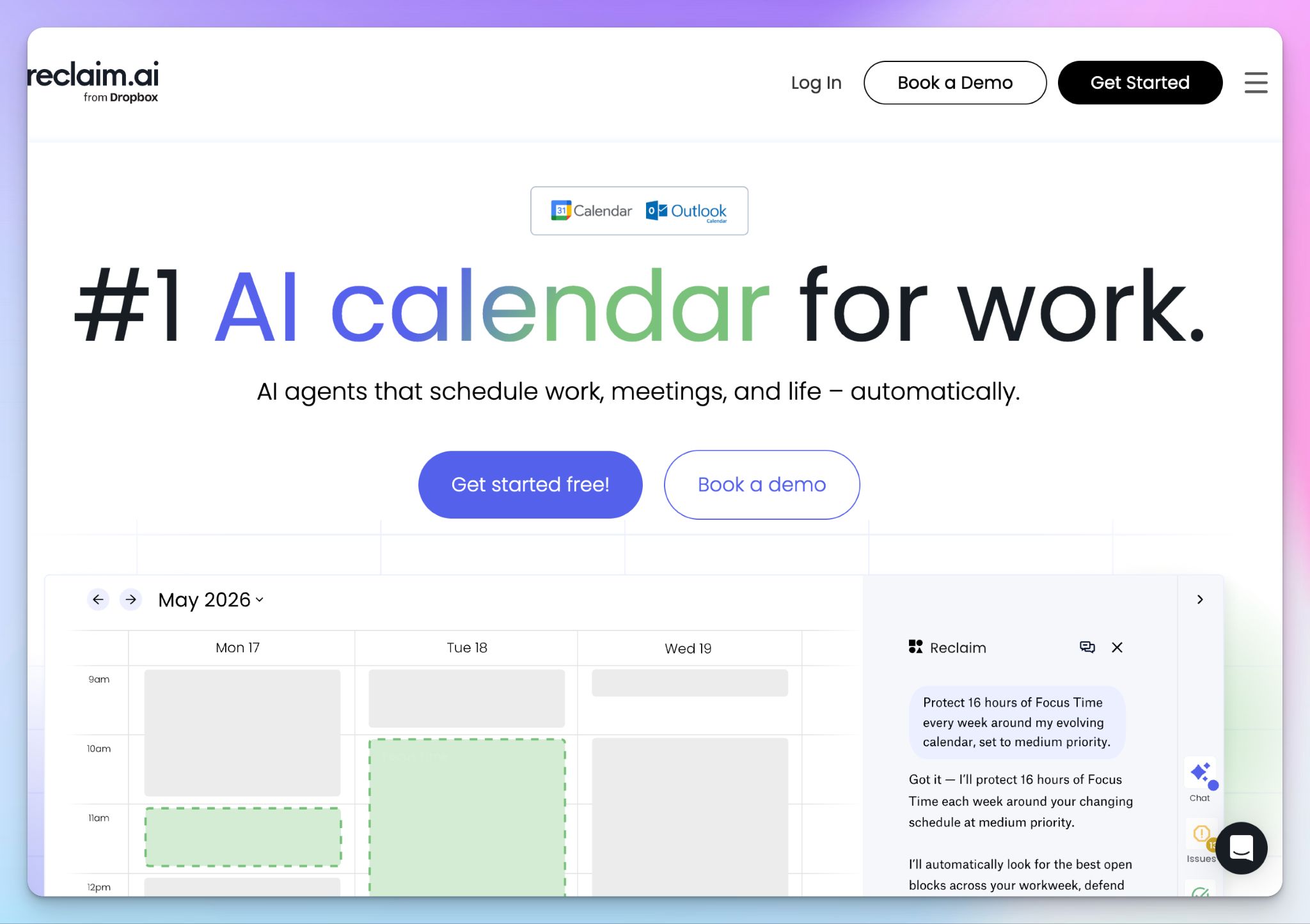
If meetings are overwhelming you, chances are you could fix some of it in your calendar. Reclaim sits on top of Google Calendar or Outlook and treats your week as a set of priorities.
It ranks your meetings and focus time from critical to low, then moves the flexible ones when something more important comes up. It opens this list because it reorganizes your meeting habits to protect focus time.
Calendly is the popular pick for booking links, but I'd go with Reclaim because it offers more value in terms of habits, smart breaks, tasks, and AI insights.
Reclaim's key features
- Find the best time for every attendee of your recurring meetings, then reschedule them automatically when a conflict or time off gets in the way
- With scheduling links, you replace back-and-forth emails. These can offer slots over your lower-priority events, and you can set up round robin and team links for shared bookings
- Buffer Time adds prep time before scheduled meetings and a break after video calls, so everyone arrives prepared. It also blocks travel time for in-person meetings
- Track how time is spent across teams and ask the AI assistant to fix a conflict in chat. Granular workforce analytics help you build a better work-life balance
Reclaim's pricing
- Lite: Free
- Starter: $12/month
- Business: $18/month
- Enterprise: $22/month (billed annually)
Reclaim's cons
- There's a learning curve at the start. You have to set your hours, priorities, and rules before the automation makes good calls. Without proper setup, Reclaim might feel invasive and complex
- The free plan covers one user with one scheduling link and a one-week scheduling range. Syncing tasks from project management tools like Asana or Jira needs a paid plan
- No mobile or desktop app and no direct iCloud calendar support
📚 Also read:
2. Miro
Best for: Bringing meeting agendas and collaboration together so everyone contributes during the meeting
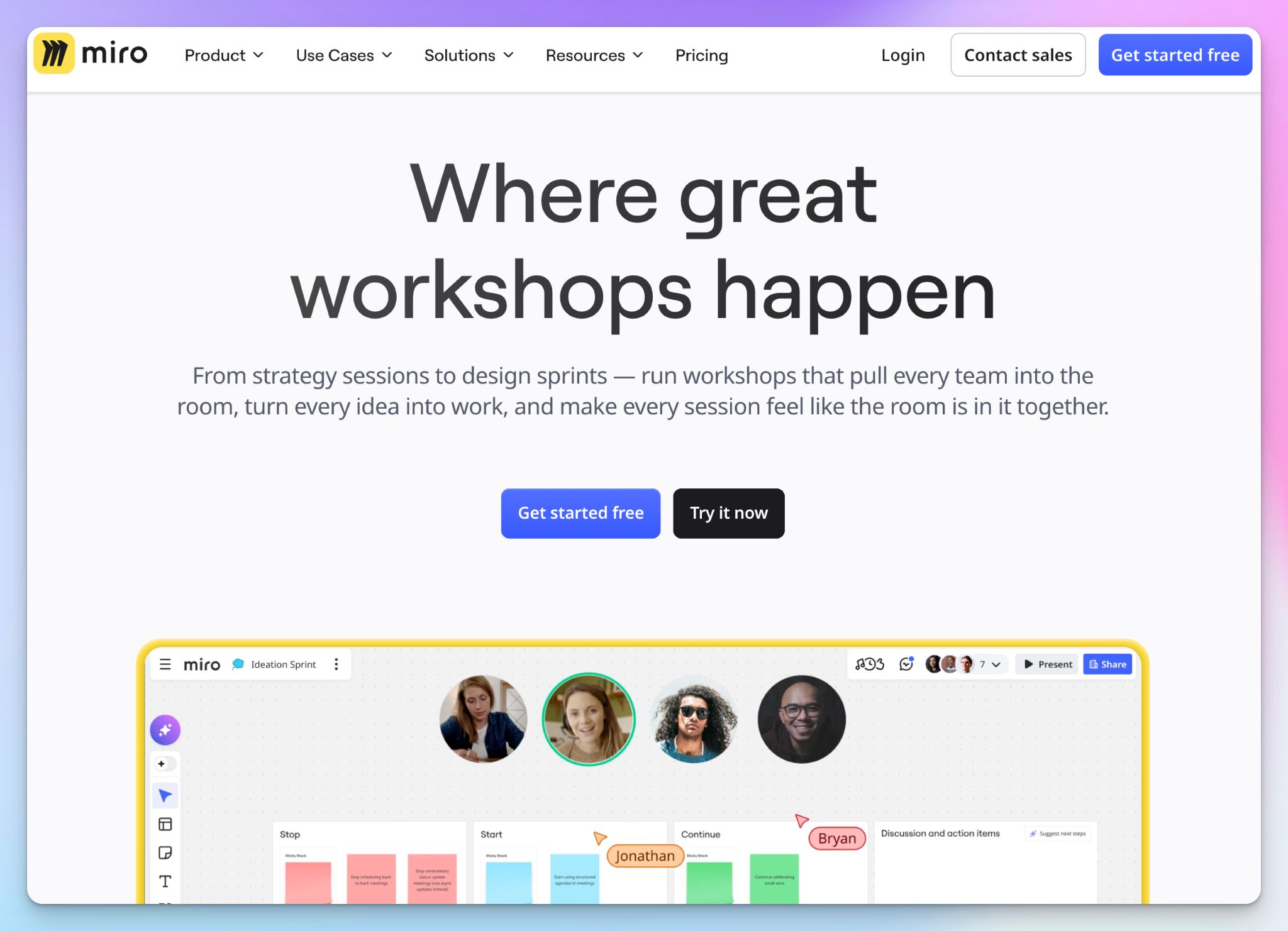
A lot of talking points get ignored because of one-way communication. I suggest you use a tool like Miro to bring collaboration and engagement into one place.
Miro gives everyone a shared board where they add sticky notes at once, so the quiet half of the room gets heard. It adds value before the call too. You build agendas on the board and attach them to the invite, so everyone arrives with clarity and intent.
You’ll see solid gains in meetings that must produce ideas or a decision. Miro itself suggests keeping sessions under two hours and 15 people, and that tells you what it's built for.
Miro's key features
- Use a pre-built meeting agenda template to set talking points and owners for next steps, then embed the board in your Google Calendar invite
- Timer keeps each agenda item time-boxed, and voting gets distributed teams to a decision faster. Private mode hides names for honest input
- Miro runs inside Zoom and Microsoft Teams meetings, so you don't juggle two links. There's also a built-in video chat for up to 25 people
- After the call, Miro AI clusters and summarizes the sticky notes, and you can speed up teamwork with custom AI agents and visual workflows
Miro's pricing
- Free
- Starter: $10/month
- Business: $25/month
- Enterprise: Custom plan
Miro's cons
- The free plan leaves out facilitation tools like timer and voting, and keeps only three boards editable
- Live polls and word clouds in Miro Engage need the Business plan, and cap at 50 participants, so they won't cover an all-hands
- There's a steep learning curve for first-time participants on a busy board, and large boards might start lagging
📚 Also read:
3. HappyScribe
Best for: Capturing accurate meeting notes in 150+ languages, so decisions don't depend on anyone's memory
The first two tools get the right people into a meeting with a plan, but neither is built to keep a record of what was said.
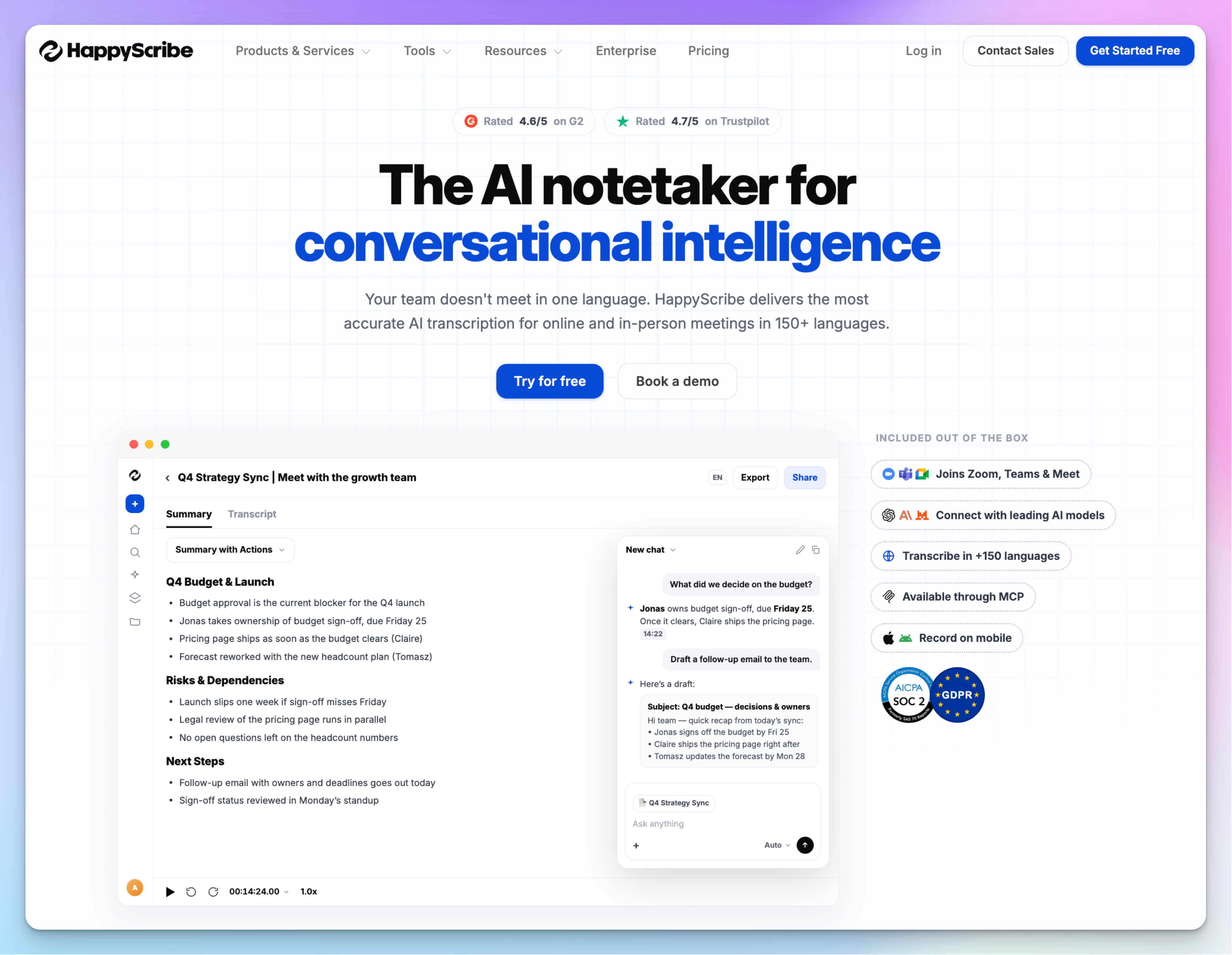
HappyScribe solves that issue by documenting your meetings accurately. Its AI note taker joins your Zoom, Google Meet, and Microsoft Teams calls, then emails a summary with action items minutes after you hang up.
It works well for one-off meetings. But the real value comes three weeks later, when you need a client's exact objection with the speaker and timestamp attached.
Meeting transcription is often bolted onto other platforms as an afterthought. When a decision rests on what was said, I suggest you use a tool like HappyScribe that’s built for accuracy and ease of use.
HappyScribe's key features
- Connect Google Calendar or Outlook, and the note taker joins scheduled meetings. For in-person or impromptu talks, you record bot-free in the browser or on the mobile app
- Transcripts cover 150+ languages at 95% accuracy with automatic language detection, which keeps global teams on the same page. You can create custom glossaries so your product names and acronyms are always right
- AI Chat answers questions across one meeting or your whole workspace. Ask it for a decision your team made or a number someone quoted
- You can upload pre-recorded meeting files, translate transcripts, and create and edit subtitles for global stakeholders
- The MCP server lets Claude or ChatGPT search up to 50 meetings at once. With Zapier, a finished transcript can trigger the next step in project management tools like Asana
HappyScribe's pricing
- Free: Unlimited meeting recordings (45 minutes per recording)
- Basic: $8.50/month (billed annually) or $17/month (billed monthly)
- Pro: $19/month (billed annually) or $29/month (billed monthly)
- Business: $59/month (billed annually) or $89/month (billed monthly)
- Enterprise: Contact sales
HappyScribe's cons
- There's no native push to Slack, Asana, or Miro yet. You connect them through Zapier or the API
- It's not ideal for following the transcript as you speak. Your notes arrive after the call ends
4. Asana
Best for: Turning meeting decisions into owned tasks with due dates, so follow-through doesn't rely on reminders
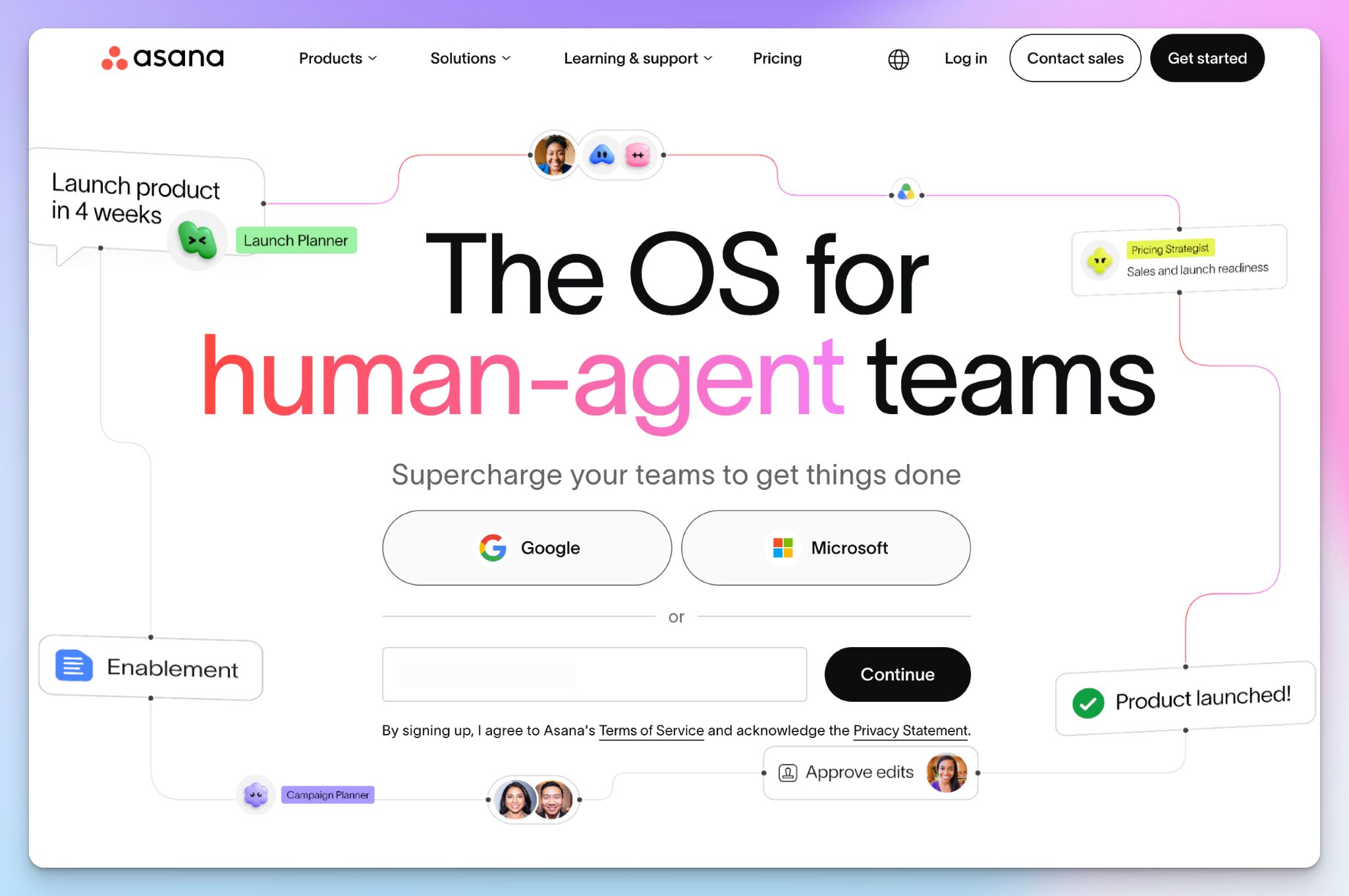
You have your schedules sorted, your agenda in one place, and your notes ready. Now it’s time to make sure the decisions produce actual work.
I suggest you use Asana to close that loop. Every action item becomes a task with one owner and a due date, right next to the project it belongs to. It’s easier to use than ClickUp and offers better support for task dependencies than Monday.com.
Asana does have its own note taker now, called Asana Meetings, which suggests tasks from a transcript. But it's limited to Asana Command and Client Management customers, so most teams still feed Asana from a dedicated note taker.
Asana's key features
- Turn each decision into a task with one owner and a due date. Recurring tasks cover the follow-ups that repeat every week
- Keep one meeting project with a section for action items. On Starter, dashboards show what's overdue before the next call
- On paid plans, you can set rules that fire when your Zoom transcript is ready, and AI Studio drafts the meeting summary and follow-up tasks. It only works for Zoom calls you host and record
- Asana connects to other AI assistants, so ChatGPT and Claude can read your HappyScribe meetings and create the tasks
Asana's pricing
- Personal: Free
- Starter: $13.49/month
- Advanced: $30.49/month
- Enterprise: Contact sales
Asana's cons
- You can't keep an Asana Meetings transcript private. It's shared with every invitee who has an Asana account in your domain
- AI Teammates and Dash include five requests per user each month. Extra requests cost $0.60 each on pay as you go
- Each task takes only one assignee, and you get bombarded with notifications until you adjust the settings
📚 Also read:
5. Loom
Best for: Replacing status updates and walkthroughs with short videos, so you have to join fewer meetings
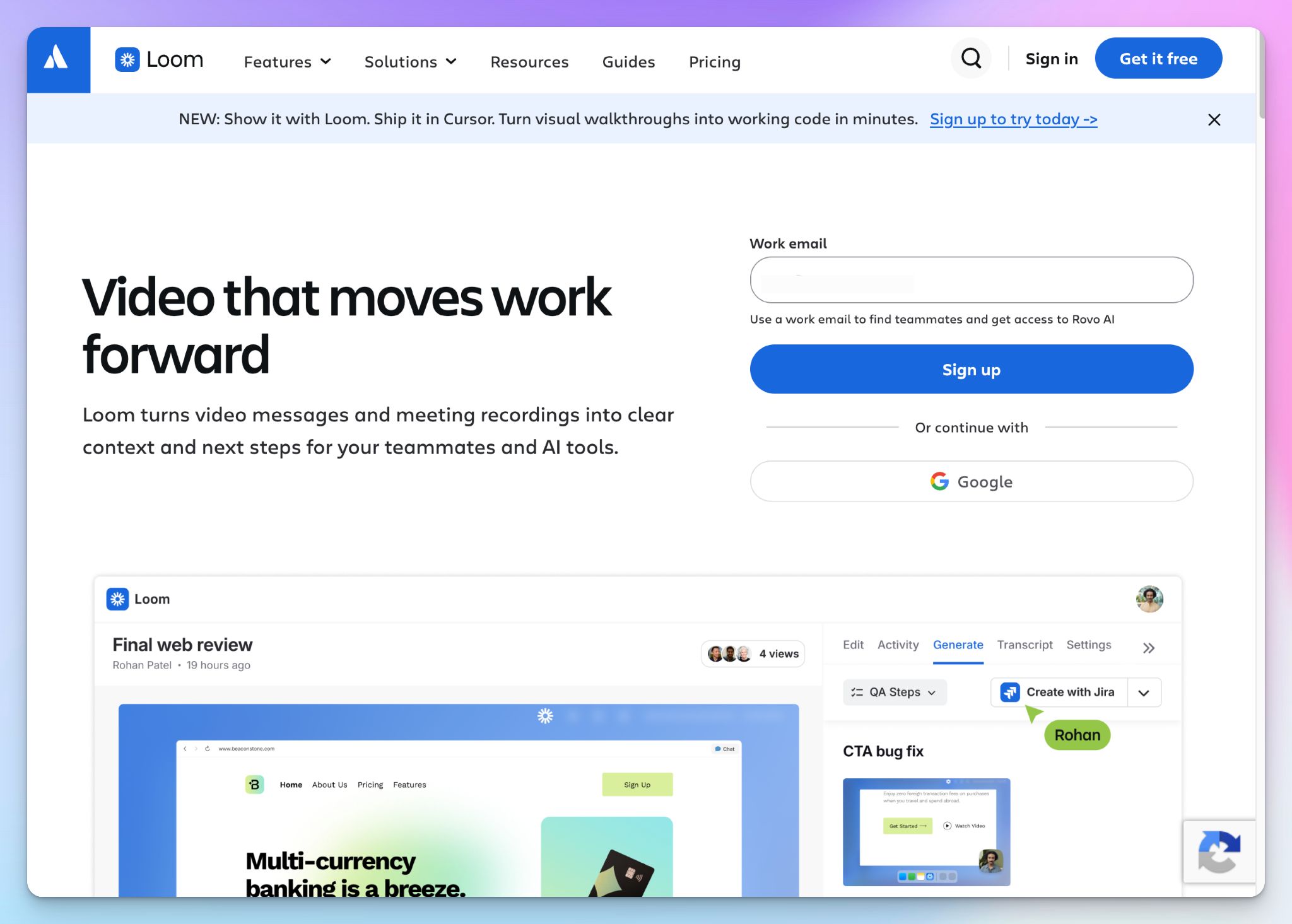
The first four tools improve the meetings you have to join. Loom is for the ones you shouldn't schedule at all.
Atlassian, which owns Loom, surveyed 5,000 knowledge workers, and 70% said meetings are ineffective for status updates. You can record those with Loom.
Simply talk over your screen for a few minutes and share a link, and your team watches when it suits them. Loom is async communication done right.
It also shortens the meetings you do keep. Send a quick video with the context beforehand, so the call can start right at the discussion.
Loom's key features
- Record your screen, your camera, or both on Mac, Windows, Chrome, iOS, and Android. Loom copies a shareable link the moment you stop
- Viewers react with emojis and leave text or video comments on the timeline, so questions get answered without a follow-up call
- On Business + AI, Loom writes the title, summary, and chapters, and removes filler words and silences. It can also turn a video into a doc or a Jira issue
- The same tier sends automatic meeting notes and recaps from your Zoom, Google Meet, and Microsoft Teams calls. Admins can see how many meetings Loom saved
Loom's pricing
- Starter: Free (25 videos, 5 minutes each)
- Business: $18/month
- Business + AI: $24/month
- Enterprise: Contact sales
Loom's cons
- The free plan stops at 25 videos of five minutes each, which runs out fast for product managers and support teams
- Loom’s summaries and meeting notes sit on the $24 tier. You can't add AI to the cheaper Business plan
- The AI workflows that turn videos into docs currently work only in English language
How the stack fits together
These five tools don't share one dashboard, but each one hands work to the next.
- Reclaim → Miro: Reclaim schedules the meeting in Google Calendar, and Miro attaches the agenda board to that invite
- Miro → HappyScribe: Miro runs inside your Zoom or Teams call, where HappyScribe's note taker records what's said
- HappyScribe → Asana: A finished transcript triggers a Zap, or Claude reads it and creates the tasks
- Asana → Reclaim: On paid plans, Reclaim pulls those tasks into your calendar as focus time
- Loom alongside: Paste a recording link into the Asana task when an update doesn't need a call
Build your meeting productivity stack one stage at a time
You don't need all five tools on day one. The idea behind this stack is that every stage of a meeting gets one tool with one job. I suggest you start with the stage that costs you the most time.
👉 Choose Reclaim if scheduling conflicts keep breaking your focus time.
👉 Choose Miro if your meetings need a clear structure and input from everyone in the room.
👉 Choose Asana if decisions get made, but nobody follows through.
👉 Choose Loom if quick one-on-ones and status updates fill your calendar.
👉 Choose HappyScribe if you need an accurate record of what was said, in any language your team speaks.
HappyScribe is the one that makes sure the other tools work well together. A calendar gets people into the room, a board collects their ideas, a task list tracks the work, and a video reduces unnecessary meetings. None of that helps if nobody can say for certain what was discussed. HappyScribe gives the stack that record.
FAQs on meeting productivity tools
What are meeting productivity tools?
Meeting productivity tools are productivity apps that improve one part of your meeting process, such as scheduling or note taking. Some platforms cover several jobs, and a single app often combines task management with team collaboration. The best productivity apps tend to do one job well and connect to your other productivity tools. Teams using structured meeting tools report improved productivity.
Which tools work best for remote and hybrid teams?
Remote and hybrid teams need more than video conferencing tools. Zoom, Google Meet, or a plan like Microsoft Teams Essentials covers virtual meetings and file sharing. Collaboration tools like Miro add real-time collaboration on a shared board. If you're managing remote teams across time zones, Loom replaces some calls with video, and HappyScribe transcribes the rest in 150+ languages. Real-time communication tools like Slack cover quick questions between calls.
How do you make meetings more productive?
Start with pre-meeting preparation. A meeting without an agenda is like a ship without a rudder, so share one before any team sync or client presentation. Record the discussion, since effective meeting documentation prevents the loss of valuable insights. Afterward, turn decisions into assigned tasks. A shared to-do list rarely covers larger work, so break projects into steps and use task tracking to check progress.
What is an AI-powered meeting assistant?
An AI-powered meeting assistant joins your online meetings and records them. It then writes the summary and action items, so nobody is stuck with manual note taking. HappyScribe does this on Zoom, Google Meet, and Microsoft Teams. Its transcripts also feed AI tools like Claude, which speeds up task creation in Asana. Less retyping after each call is a direct gain in team productivity.
Can you build a meeting productivity stack for free?
Yes. HappyScribe's free plan records unlimited meetings of up to 45 minutes each, and Asana lets two people organize tasks at no cost. You'll want a paid teams plan once you need more seats or automation tools like Asana's rules. Extras such as time tracking and project tracking dashboards also sit on paid plans.

Biplab Mazumder
Biplab is a content marketer and writer who helps high-growth brands scale content visibility across AI search channels. His works have been published in HubSpot, Freshworks, Atlassian, SurferSEO, etc. When he's not planning content strategy, he's testing AI content workflows and use cases.