



TL;DR ⏩
Here are the best three tools for startups on a tight budget:
- HappyScribe: Start free, then pay $8.50 per user a month on Basic (billed annually). Pro adds team features at $19 per user. Transcribes 150+ languages and stores data in the EU.
- Fathom: Unlimited free recordings and transcripts for every customer call. Advanced AI summaries stop after five calls a month.
- Granola: Bot-free notes on every plan, so nobody sees a notetaker join your investor or hiring calls. Business costs $14 per user a month.
Early-stage teams pay far more for software per person than slightly larger companies. Cledara’s 2025 Software Spend Report found that startups with up to 20 employees spend $8,000 per full-time employee, against $2,583 per employee at companies with 50 to 100 staff.
AI tools are now a fast-growing part of that bill. Zylo’s 2026 SaaS Management Index found that spend on AI-native apps more than doubled in the past year.
But the payoff is real. In Microsoft’s 2026 Work Trend Index, 66% of AI users say AI has allowed them to spend more time on high-value work.
An AI notetaker can win back hours of follow-up work. But it only stays affordable if its pricing still makes sense after your next few hires.
In this guide, I’ll help you evaluate which AI notetaker works best for startups on a tight budget. For the wider picture, see our guide to choosing an AI notetaker by team size.
What should a startup look for in an AI notetaker?
Feature lists look alike across tools, so compare plan limits first. Those limits decide whether the tool still fits your budget six months from now.
Check these five things before you sign up:
- How long the free plan lasts: Look for caps on AI summary generator, recording length, and meeting history
- What each new hire costs: Per-user pricing rises with every person you add, so compare the rate on the plan your team will actually need
- Billing terms: Annual discounts need a yearly commitment, which is hard to make when your headcount changes every quarter
- Whether a bot joins the call: A visible bot is fine on a product demo, but it can feel out of place in a fundraising meeting. Know the tool’s setup before paying
- What happens to your data: Some notetakers train AI models on your calls by default. Check the default, and who on your team can turn it off
📚 Also read:
Which pricing model fits your startup?
Based on my research and hands-on experience, three tools made the shortlist: HappyScribe, Fathom, and Granola. Each one solves a different early-stage problem. Let’s look at their pricing models:
| Category | HappyScribe | Fathom | Granola |
|---|---|---|---|
| Pricing model | Free, then per user | Free, then per user | Free, then per user |
| Free plan limit | 45-minute recordings, 30-day history | 5 advanced AI summaries a month | 30 days of visible meeting history |
| Paid plans start from | $8.50/user/month (Basic), billed annually | $16/month for 1 user (Premium), or $15/user/month (Team, 2-user minimum), billed annually | $14/user/month (Business), billed monthly |
| Capture method | Bot, browser recorder, mobile app | Bot, or bot-free on Mac (beta) | Bot-free desktop and mobile apps |
| AI training on your data | Off unless a workspace admin opts in | Anonymized data used unless you opt out | On by default; each user can opt out |
📌 Note:
Prices reflect each tool’s public pricing as of November 2026 and may change at any time. HappyScribe and Fathom figures use annual billing, while Granola’s Business plan is billed monthly only. Prices exclude taxes and don’t include startup discounts or promotional offers, so check each vendor’s pricing page before you buy.
HappyScribe: Multilingual meeting notes your whole team can afford
All three tools on this list charge per user, so the per-user rate decides what you pay as you hire. The HappyScribe AI notetaker has the lowest paid rate of the three.
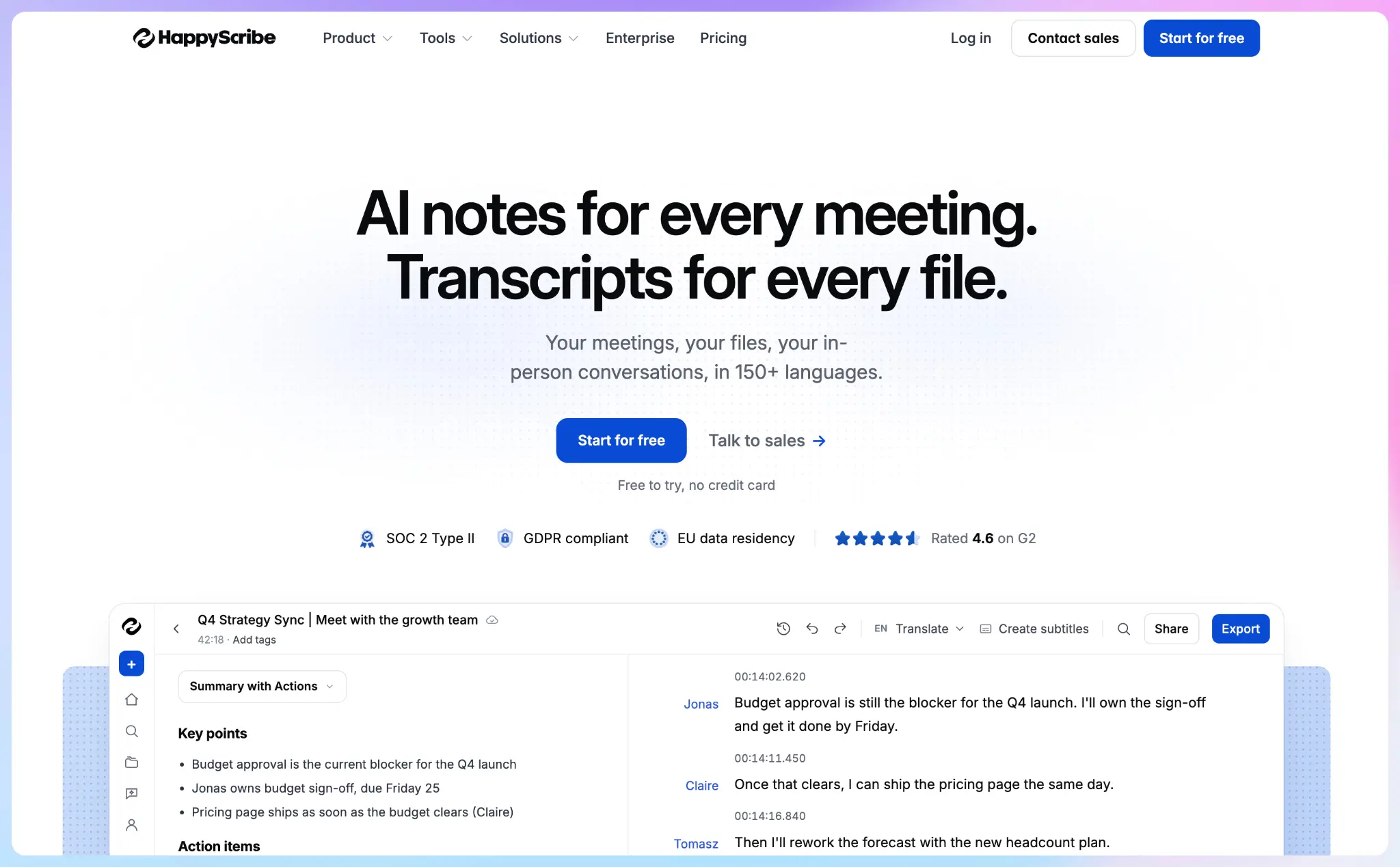
Here’s what each plan costs per user on annual billing:
- Basic, $8.50 per user a month: Recordings up to 90 minutes, unlimited history, and API access
- Pro, $19 per user a month: Adds unlimited recording length, custom summary templates, and user management
- Business, $59 per user a month: Adds workspace roles and permissions and a usage analytics report
On monthly billing, Basic costs $17, Pro $29, and Business $89 per user.
Every plan includes unlimited use of the AI Notetaker, the web recorder and the mobile app. You can record meetings without a bot from your browser, or capture an in-person customer visit with the HappyScribe mobile app.
Transcription covers 150+ languages and dialects. HappyScribe stores data in EU data centers, is GDPR and SOC 2 Type 2-compliant, and doesn’t train AI models on your recordings unless a workspace admin opts in.
Your notes are fully searchable, thanks to HappyScribe's AI Chat. You can send notes to the rest of your stack through Zapier, the API, or HappyScribe’s MCP server for AI assistants.
Caveats you should watch out for:
- No live transcription. The notetaker isn’t ideal if you need a transcript during the call.
- Team features start at Pro. Basic has no user management or custom summary templates, and workspace roles and permissions need Business.
Best for:Small business owners who want the lowest per-user price for a paid notetaker, especially teams that run calls in more than one language.
Fathom: Log every prospect conversation before you can afford a sales stack
Your first hundred customer calls are your earliest product research. Fathom lets you keep every one of them without paying.
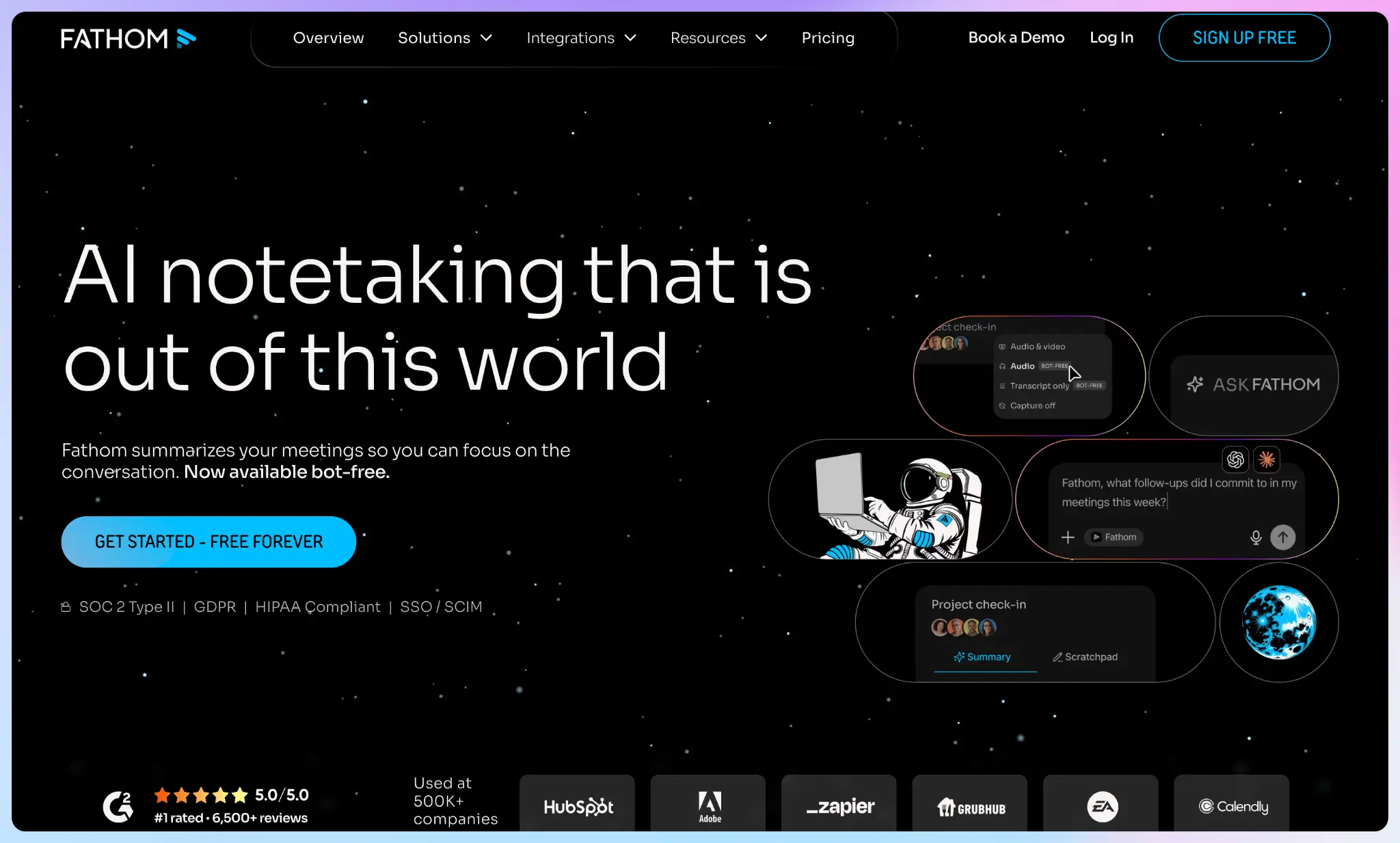
The free plan includes unlimited recordings and transcription in 25 languages. A bot joins your calls by default, and Mac users can switch to bot-free capture, which is still in beta.
The limit is on the AI summaries. Free users get advanced summaries for their first five calls each month, then only the Chronological template. A founder running daily sales calls will hit that cap within a week.
Premium costs $16 a month on annual billing for one person. Team costs $15 per user on annual billing, or $19 on monthly billing, with a two-user minimum.
Caveats you should watch out for:
- Key AI features are paid-only: AI action items, AI follow-up emails, and “Ask Fathom” need Premium
- No EU storage: Fathom stores user data in the US, which pushes users in the EU to look for Fathom alternatives in Europe
- Model training is on unless you opt out: Fathom is SOC 2 Type II, HIPAA, and GDPR-compliant. However, it may use anonymized data to improve its own models. Turn this off in your settings before recording sensitive calls
Best for: Founders and sales-led teams who need every customer call recorded and searchable before they have a budget for a notetaker. Upgrade when you need AI action items and follow-up emails.
Granola: Take notes in investor meetings without a bot
A bot in the attendee list is awkward in fundraising and early hiring conversations in startups. Granola AI captures notes without a bot on every plan, and its iOS, Apple Watch, and Android apps are free to use.
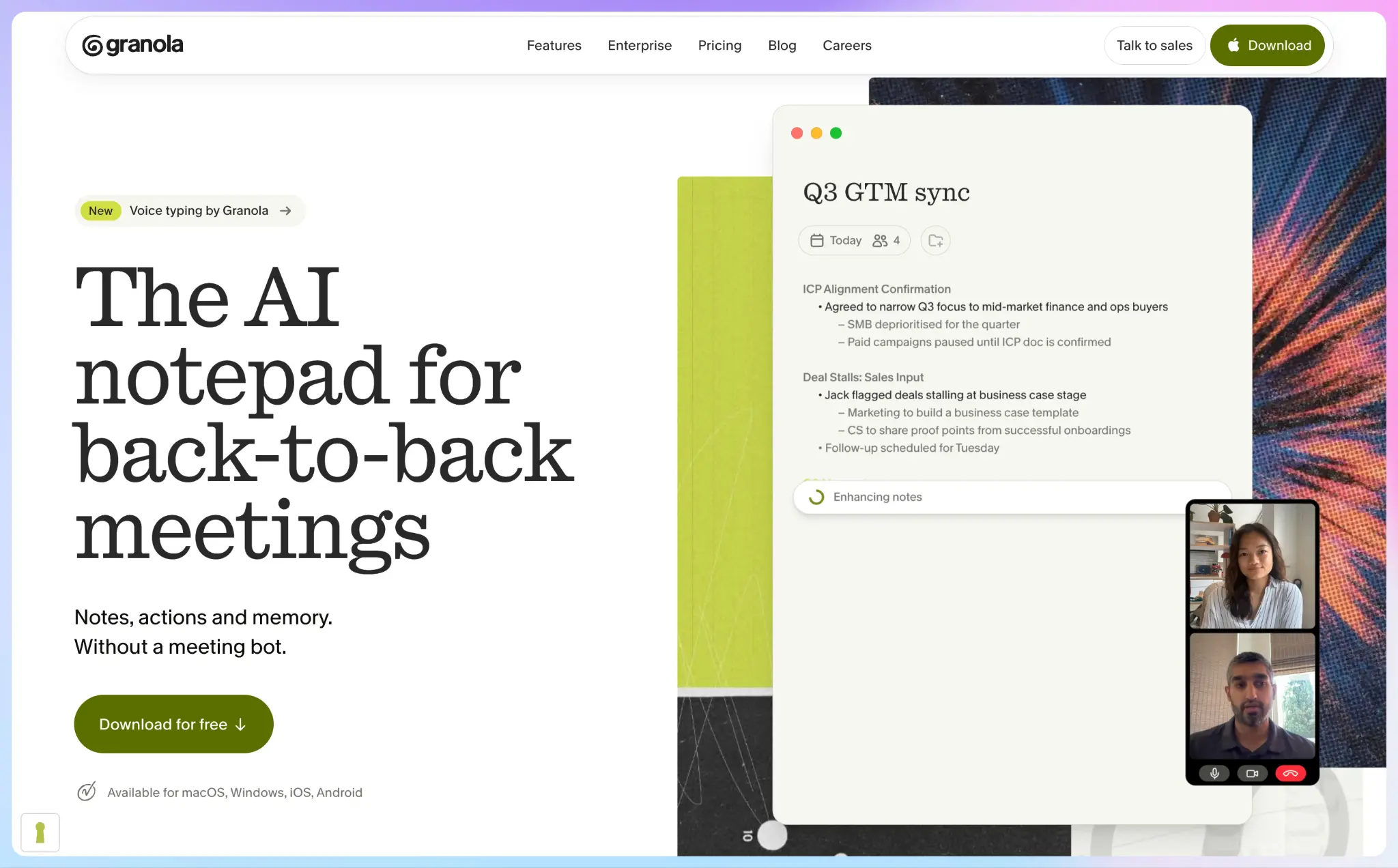
The free Basic plan hides notes older than 30 days until you upgrade, though it keeps them stored.
Business costs $14 per user per month, billed monthly, and unlocks integrations with Notion, HubSpot, Attio, Affinity, and Zapier. Every active member, including admins, takes a paid seat.
Caveats you should watch out for:
- Model training is on by default: On Basic and Business, Granola trains on anonymized data unless each user opts out in Settings, pushing users to look for Granola AI alternatives
- Governance features are Enterprise-only: Admin controls, SSO, and HIPAA-compliant workspaces only come with Enterprise
- You handle consent yourself: No one sees a notetaker join the call, so tell participants that you’re recording the call
Best for: Founders who run sensitive investor and hiring conversations and want no bot in the room.
How much will you pay for one, three, five, and eight people?
HappyScribe, Fathom, and Granola charge on a per user basis, so your bill is the per-user price multiplied by your headcount. The table shows each tool’s cheapest paid plan for one, three, five, and eight users.
| Team size | HappyScribe | Fathom | Granola |
|---|---|---|---|
| 1 person | $8.50/month on Basic | $16/month on Premium | $14/month on Business |
| 3 people | $25.50/month on Basic | $45/month on Team | $42/month on Business |
| 5 people | $42.50/month on Basic | $75/month on Team | $70/month on Business |
| 8 people | $68/month on Basic | $120/month on Team | $112/month on Business |
How do you set up HappyScribe for a startup team?
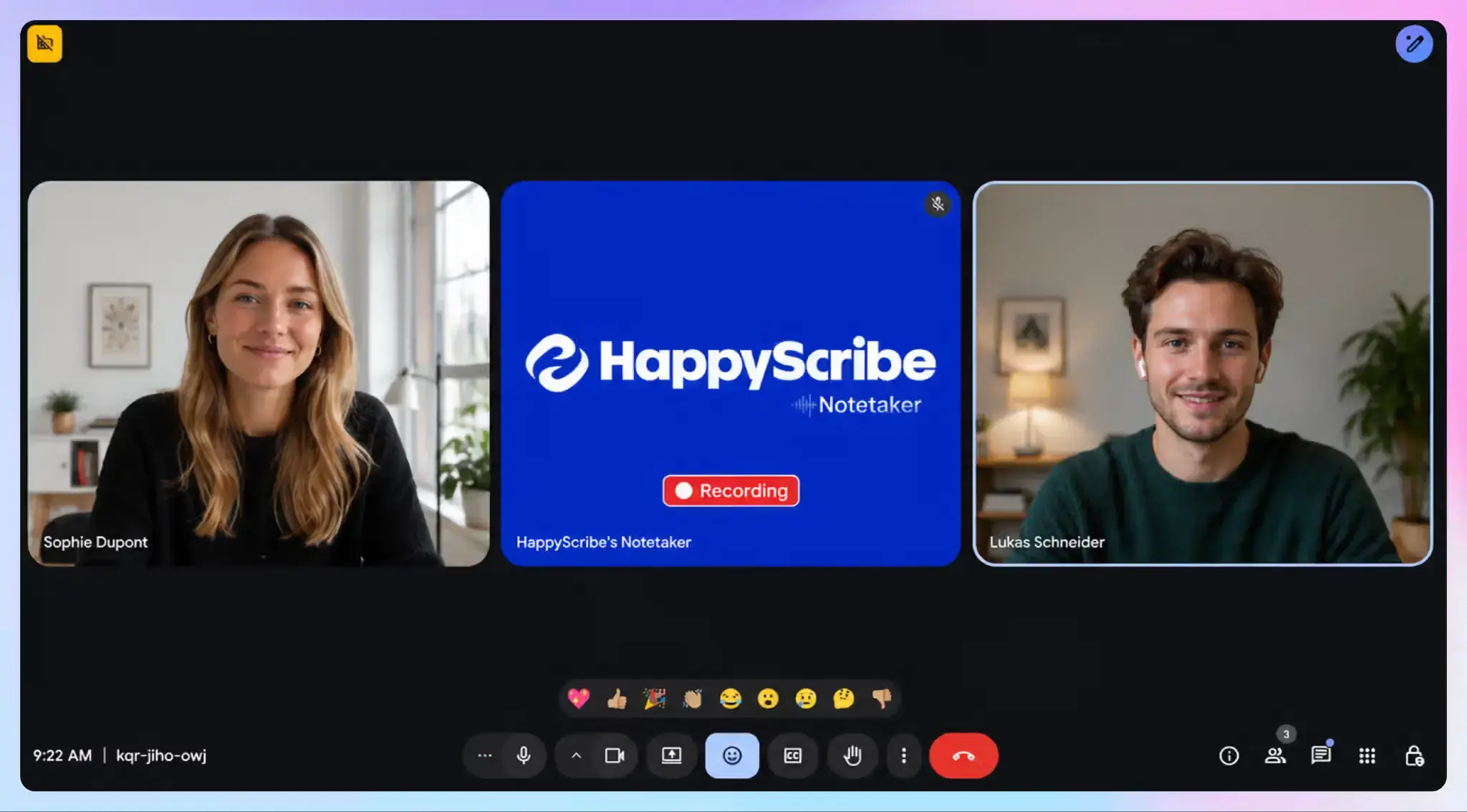
- Sign up for free. Connect Google Calendar or Outlook, and the AI Notetaker automatically joins your Google Meet, Microsoft Teams, and Zoom calls.
- Cover one-off calls. For a meeting that isn’t on your calendar, paste the meeting link and invite HappyScribe manually.
- Go bot-free when you need to. For sensitive calls, the browser-based recorder captures audio from your device without adding a visible participant.
- Record in person. Use the mobile app as a voice recorder for in-person meetings. Recordings sync between your phone and the web editor.
- Add your team. Upgrade to Pro for user management, then invite teammates and set up custom summary templates for sales calls and customer interviews.
So, which AI notetaker should your startup choose?
Choose by the problem you have today:
- Pick HappyScribe if you want the lowest per-user price, run calls in several languages, or want your data stored in the EU. Start with the generous free plan; upgrade only when your requirements go beyond what the free plan offers.
- Pick Fathom if your calendar is full of customer calls and you want an unlimited meeting archive for free.
- Pick Granola if your most important meetings are with investors or candidates and a bot would feel intrusive.
Whichever tool you pick, check what it will cost at your next headcount, not your current one. HappyScribe runs from a free plan to $8.50 per user a month on Basic, then through Pro, Business, and Enterprise with SSO/SAML. Every recording stays in the same EU-hosted, SOC 2 Type 2-compliant workspace, so you never have to migrate your notes as you grow.
FAQs on best AI notetakers for startups on a tight budget
What is the best free AI meeting assistant for a startup?
HappyScribe is the best pick for startups that want a free tier with a clear path to paid plans. Its free plan covers 45-minute meeting recordings with 30 days of history, and transcription runs in 150+ languages with data stored in the EU. When you outgrow it, Basic costs $8.50 per user a month on annual billing.
Fathom offers unlimited free recordings, but advanced summaries stop after five calls a month, so meeting-heavy teams will hit the cap within a week. Granola keeps notes from past meetings visible for 30 days. A free meeting note taker works well while you test which tool fits, but check the history limit before your notes pile up.
Can an AI note taker capture investor calls without a bot?
Yes. Granola runs as a desktop app and mobile app with no bot on any plan, which suits fundraising and board meetings. HappyScribe’s browser recorder captures online calls without a meeting bot, and its mobile app lets you record in-person meetings and sync each meeting recording to the web editor.
Fathom’s note taker joins as a visible meeting participant by default, and its bot-free options on Mac are still in beta. With no visible bot, meeting hosts need to tell everyone on the call that they’re recording.
How much do paid team plans cost for small teams?
Most tools charge per user, so your bill grows with every hire. HappyScribe Basic costs $8.50 per user per month billed annually, and the Pro plan adds user management and custom meeting templates at $19 per user on annual billing.
Fathom’s Team plan costs $15 per user on annual billing, with a two-user minimum. Granola Business costs $14 per user, billed monthly, and includes unlimited meeting notes and history. For five people, that comes to $42.50 a month on HappyScribe, $70 on Granola, and $75 on Fathom.
Which advanced features should a startup pay for in an AI meeting notetaker?
Start with an accurate meeting summary and structured notes you can share after every call. Check that meeting transcripts include speaker identification, so you can see who agreed to what.
Next, look at your post-meeting workflow. HappyScribe sends notes to other tools through Zapier and its API, and its AI Chat lets you query your meeting content to pull key insights. Granola Business connects to project management tools like Notion, and Fathom’s full CRM sync for sales teams sits on its Business plan.
Conversation intelligence features, sentiment analysis, conversation analytics, and AI voice agents are built for larger sales organizations; early-stage teams can skip them.
Do AI meeting note takers work with different meeting platforms?
Yes. Platform support is wide for all three tools. HappyScribe connects to your Google or Outlook calendar and joins Google Meet, Microsoft Teams, and Zoom calls automatically, including recurring meetings.
Granola captures audio from your device, so it works across meeting tools without joining the call. HappyScribe also handles meeting transcriptions in 150+ languages and covers in-person meetings through its mobile app.
Using one tool for all your meetings keeps meeting context in one searchable place, from internal meetings to client calls. Every AI meeting note then sits under the tool's data policy, so check where each vendor stores meeting data before you connect your calendar.

Rodoshi Das
Rodoshi is the Content Lead at HappyScribe, the privacy-first transcription and AI notetaker platform based in Barcelona. Shaping content strategies and building AI workflows excites her as much as exploring new SaaS tools. She specializes in product-led content that informs rather than sells, grounded in honest product benchmarking and low tolerance for empty marketing speak.