Key takeaways ⏩
- Consent is your job as the host. Some US states require it from everyone on the call, and in the EU it rarely works as a legal basis for internal meetings.
- Encryption is only the start. Most of the risk sits in consent and retention, and a SOC 2 Type II badge doesn't cover privacy by default.
- Banning note takers backfires. Some 66% of office professionals already use AI tools their company doesn't allow, so approve one tool and set clear rules instead.
- Bot-free and built-in tools aren't safer by default. Invisible recording puts the consent burden on you, and built-in note takers still need the same review as any other tool.
If you use an AI meeting note taker, you probably like the convenience of using it. You can stay in the conversation instead of scribbling and get a summary with action items.
So here's a less fun question: Where do those recordings go once the call ends?
Most people never check, and that's understandable. But several vendors now face privacy lawsuits, and unapproved AI tools show up in a growing share of data breaches. So it's a good time to take a closer look at the tool that captures your meetings.
This guide helps you work out whether your note taker is safe and what you can set up on your side to lock it down.
Why AI meeting note taker security became urgent in 2026
Most note takers branch out via calendars. Someone connects their Google Calendar once, and the tool starts joining meetings automatically. Colleagues who want to see the notes often have to sign up too, and the cycle repeats.
That's how one Nudge Security customer ended up with 800 new accounts for a single note taker in just 90 days.
And it isn't one company's problem. In PagerDuty's Shadow AI survey, 66% of office professionals said they had used AI tools at work that they believed company policy didn't allow. The more striking detail is that 40% had shared meeting notes or summaries with public AI tools like ChatGPT and Gemini.
What this means for you: Even if your company picked a secure note taker, copies of your meeting content may already live somewhere else.
Some tools keep a record of you even if you never signed up. When I tested Fireflies for our Fireflies AI review, a new account came pre-filled with meetings going back to 2024, all from calls where someone else had the bot running.
Courts have started paying attention too. Beyond Fireflies, Otter AI, and Granola also face privacy lawsuits over how their tools capture meetings.
Most of those cases come back to one question: Did everyone on the call agree to be recorded?
Is it legal to use an AI note taker in meetings?
Using a note taker is legal, but the risk comes from recording people who haven't agreed to it.
US federal law and most states only need one person on the call to consent. California isn't one of them. Its penal code requires every party's consent before anyone records a confidential conversation, and roughly a dozen US states follow the same all-party rule.
Your meeting note taker can’t check where each participant dials in from. So when a call crosses state lines, follow the stricter consent rule.
If you host the call, getting explicit consent from attendees is your job. It's also the safest habit outside the US, though Europe adds its own rules for internal meetings.
Regulated industries
- Healthcare: In the US, if your meetings involve patient information, your note taker counts as a HIPAA business associate. You need a signed BAA before the first call. Europeans are covered by the GDPR.
- Financial services: The FTC's Safeguards Rule requires you to oversee any service provider that handles customer information, and that includes your note taker.
This is general guidance, not legal advice.
Consent covers the moment the recording starts. What happens to it afterward is a security question, which brings us to the next question.
What "secure" means for an AI note taker
Most security reviews ask one question: Is the data encrypted? That's a fair start. IBM's 2026 breach report found only 37% of breached organizations encrypt sensitive data both at rest and in transit.
But encryption protects only part of your meeting's life. A note taker handles every call in four stages, and each one can fail on its own. Here's how to check yours:
1. Capture: Who knows they're being recorded
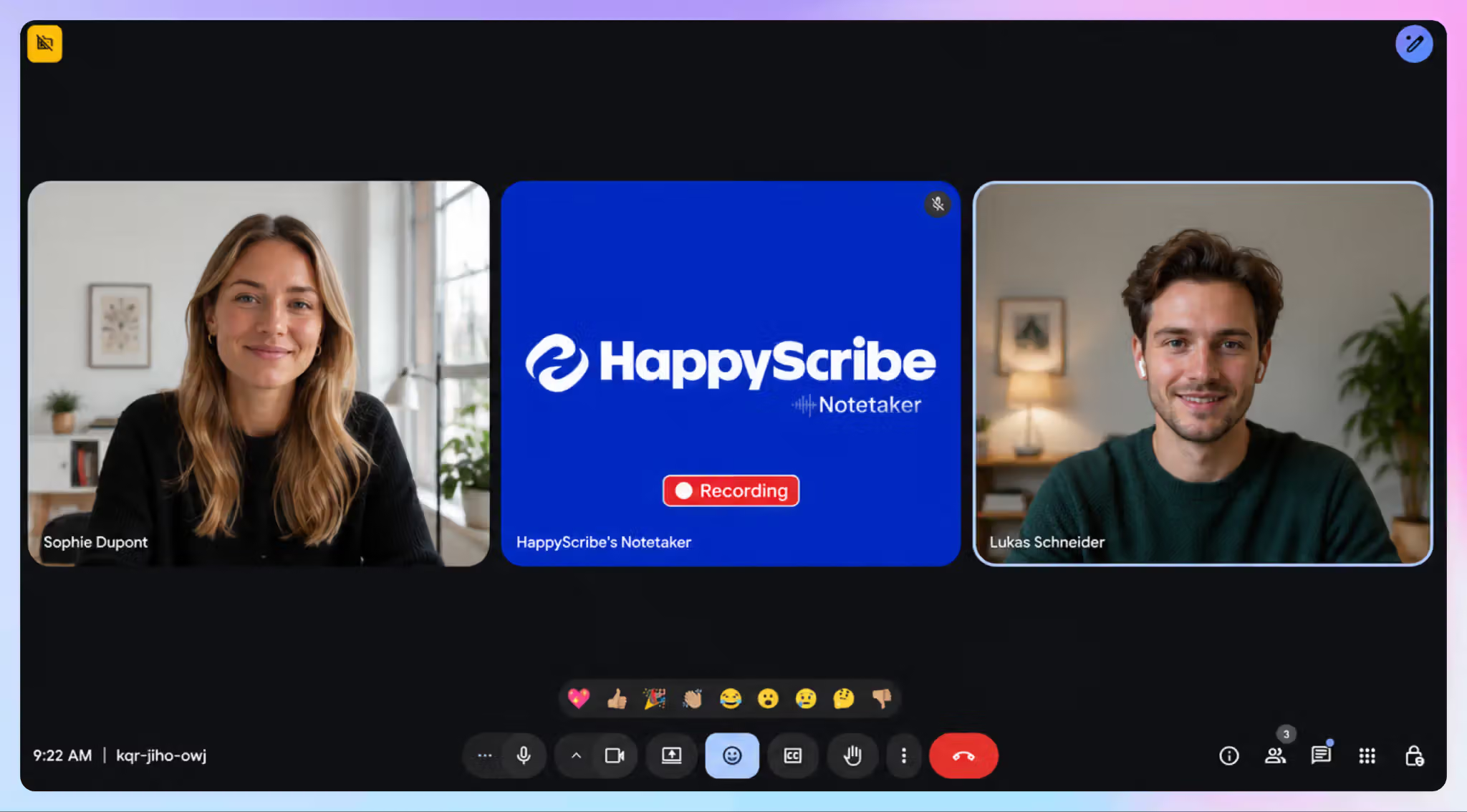
The risk: The bot joins the meeting as a participant without alerting others, or a bot-free tool records without any signal to your guests.
Check it:
- Join a test call from a second account as a guest. See whether you get a clear notice before recording starts.
- Look for a way to pause, resume, and stop recording during confidential moments.
2. Storage: Where your meeting data lives
The risk: Your data is processed on third-party servers you didn’t know about.
Check it:
- Find the vendor's subprocessor list. If you can't find it without emailing sales, that tells you something.
- Confirm where your data is stored and that it's encrypted at rest and in transit.
3. Access: Who can open the transcript
The risk: Shared links and auto-emailed summaries spread meeting content well beyond the people on the call.
Check it:
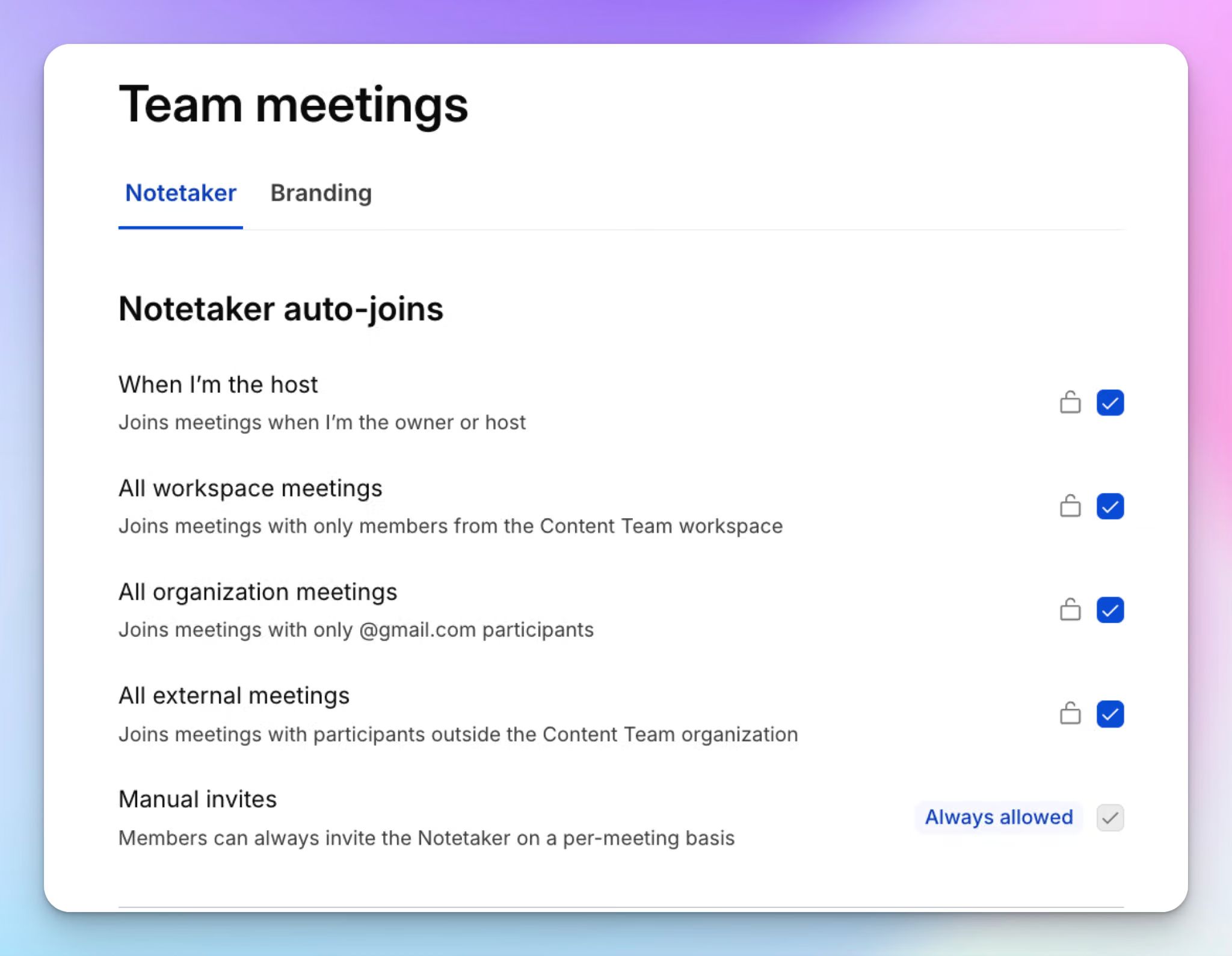
- Open the sharing settings, usually under account or workspace settings. Configure how and which transcripts should be shared. Don’t leave it to the default options.
- Confirm your plan supports SSO and MFA, so a leaked password isn't enough to get in. This is especially important for enterprise meeting notes being accessed by hundreds of profiles.
4. Afterlife: What happens once the call ends
The risk: Your transcripts feed vendors and their partners’ AI models or sit on servers indefinitely.
Check it:
- Check your account settings and the privacy policy for how the vendor handles AI training. You want opt-in, not opt-out.
- Look for a retention setting that deletes recordings automatically after a set period. If something is not clear, you can always reach out to the company.
Why a SOC 2 badge isn't enough:SOC 2 Type II means an auditor tested the vendor's controls over time, so ask for the report. But security is the only mandatory part of a SOC 2 audit. The privacy criteria, which cover consent and retention, are optional. Check the report's scope.
For a sense of what passing looks like, HappyScribe is an AI notetaking platform that publishes its subprocessor list and security documentation in its Trust Center. Your content is never used to train AI models unless you opt in. On Enterprise, you can set separate retention windows for recordings, transcripts, and meeting summaries.
If your current tool fails most of these checks, your first instinct might be to ban it. That usually isn’t the best way to go forward.
Why banning AI note takers backfires
If a meeting note taker fails your security review, a ban feels like a safe call. In practice, it just moves note-taking somewhere you can't see it.
The same PagerDuty survey I mentioned earlier shows why. Some 39% of office professionals would rather use AI without telling anyone than risk being told they can't. At companies with $1B+ in revenue, that rises to 47%. And 44% have already used AI to work around limits in their company-approved tools.
So the ban doesn't stop meetings from being recorded. Half of office professionals have used personal devices for AI work tasks. After a ban, your meetings get recorded on phones and personal accounts, and nobody tracks where those transcripts go. That's how bans create blind spots in your data governance.
Remember those 800 accounts from earlier? A ban alone wouldn't have stopped any of them.
What works better:
- Vet and approve one tool your team actually wants to use. People look for workarounds when a tool slows them down.
- Write an AI acceptable use policy. Spell out which tools are allowed, for which meetings, and when participants must be told.
- Keep access in one place. You should be able to remove someone's access in a couple of seconds.
HappyScribe's Enterprise plan is built for larger teams, where shadow AI and scattered access are hardest to track. Your team works in one workspace with SSO and role-based permissions, instead of hundreds of personal accounts IT can't see.
If you're a smaller team, these AI meeting note takers for small businesses are a better starting point.
Are bot-free or built-in note takers safer?
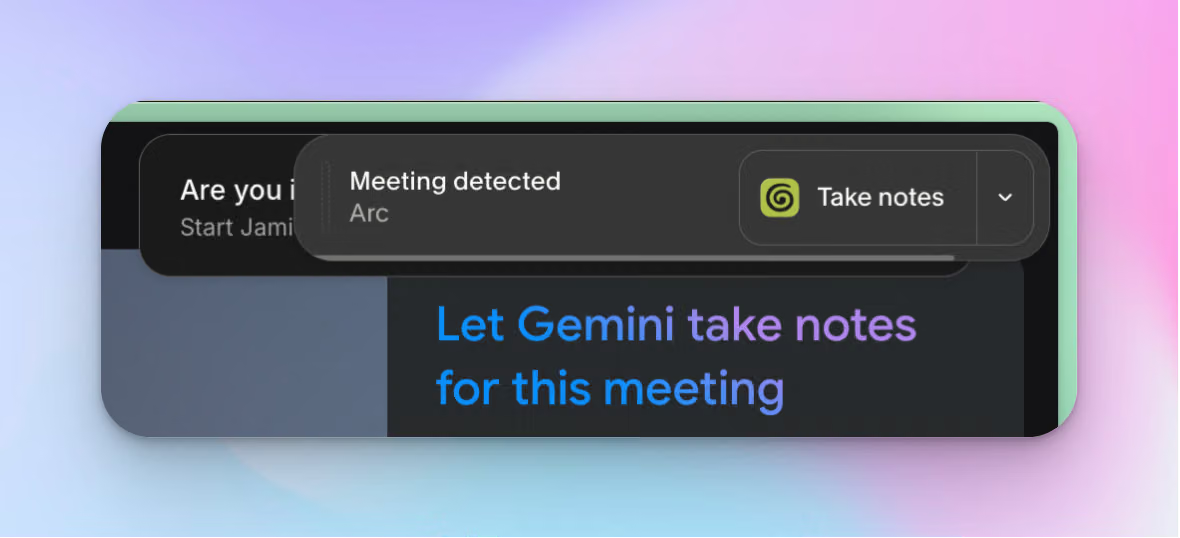
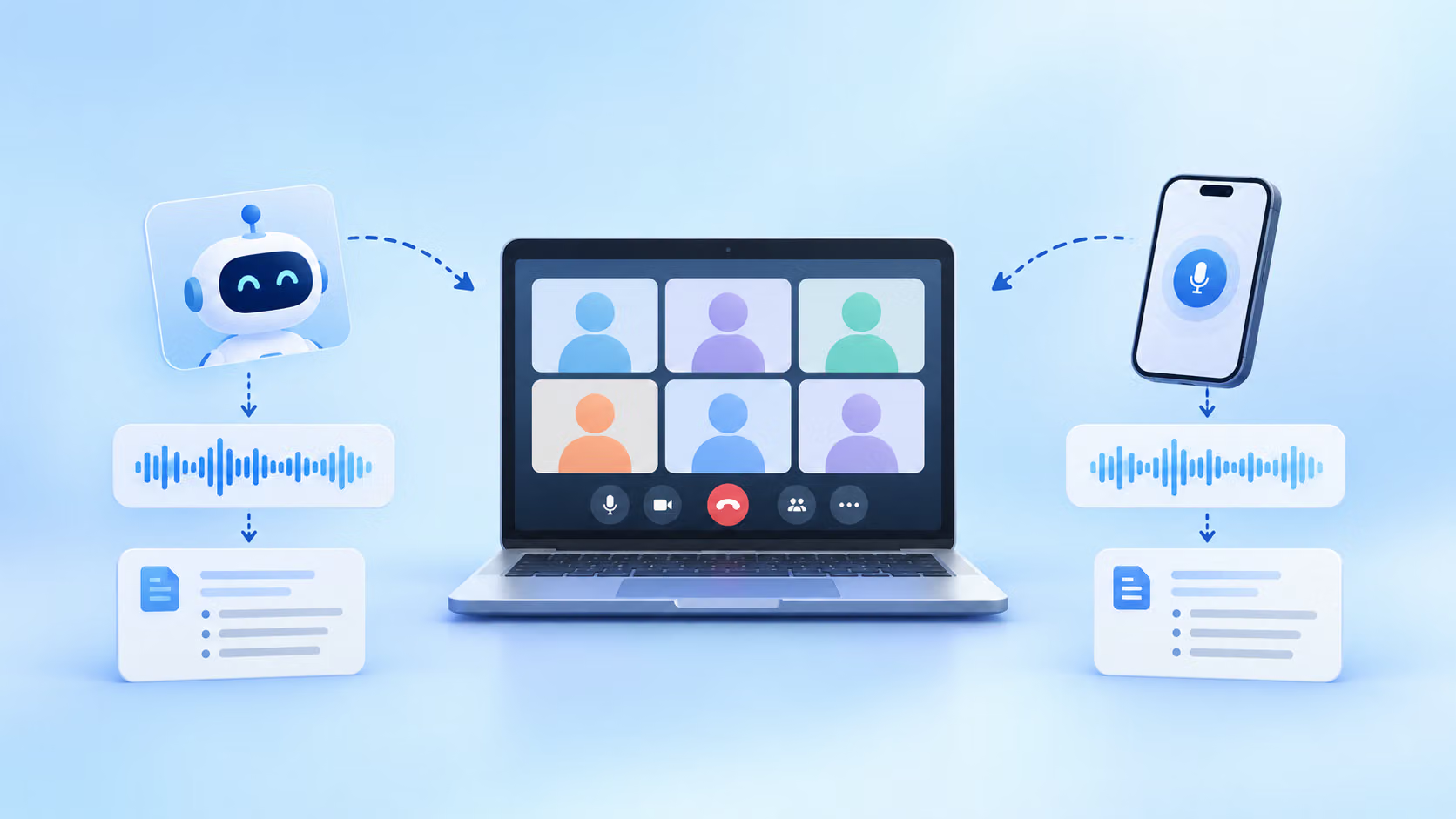
So you've ruled out a ban, and now you need to pick what your team can use. You already know about the standard note-taking bot in calls, but you also have two more options: bot-free recording that picks up your device audio, and the note taker already built into Google Meet or Zoom.
Neither is safer by default. Each one moves the risk somewhere you might not think to look. Here's where to look before you sign off on either:
Bot-free note takers
A bot-free tool records from your own device, so no bot shows up in the participant list. Being invisible is the selling point, and it's also a legal problem.
The class action against Granola makes this exact argument. It alleges the app was designed to record calls without requiring disclosure to all participants, and that it uses those conversations to train its AI models by default.
A visible bot can feel awkward, but being compliant and transparent upfront saves you from trouble later on. Without a note-taking bot, getting consent falls entirely on you.
Built-in note takers
Note takers built into Google Meet, Teams, or Zoom feel safer because they come from a platform you already trust.
But a platform you trust isn't the same as a tool you've reviewed. Built-in note takers tend to have fewer features, and they feel more restrictive when you switch between meeting platforms.
Since late September 2026, Google Meet has turned on automatic note-taking by default for meetings with three or more people on Business Standard and Business Plus plans. Unless someone changes that setting, your client calls and interviews can get AI notes automatically.
AI policies in Microsoft Teams are often too complex, forcing users to look for Copilot AI alternatives. The new My Notes by Zoom works across platforms, but its settings change often enough that users have lost past transcripts.
What this means for you: Choose the recording mode per meeting, not per tool. HappyScribe supports both bot and bot-free recording, so you can keep a visible bot on external calls.
Either way, the rules get stricter once someone joins from Europe.
What changes when your meetings include Europe
If your company has EU employees, users, or an office there, everything above still applies. Europe adds a few questions that US buyers often skip, but you should settle them before rolling anything out.
If you're an EU company
- Don't lean on consent for internal meetings. GDPR needs a lawful basis for every recording, and consent looks like the easy choice. But under EDPB guidance, employees can only give free consent in exceptional circumstances because of the power imbalance with their employer. Ask your DPO which basis fits your internal calls before you add a consent checkbox.
- Know which transfer rule your vendor relies on. Most US vendors rely on the EU-US Data Privacy Framework. It's valid today, but an appeal against it is pending at the EU's top court. Ask whether your vendor also has Standard Contractual Clauses as a backup. While you’re at it, also look into the US CLOUD Act to see if the premise threatens your European data sovereignty policies.
If you're a US company with EU operations
- Bring your works council in early. In Germany, works councils have co-determination rights over technical tools that could monitor employee behavior or performance. A company-wide note taker is very likely in scope.
- Check for emotion scoring. Since February 2025, the EU AI Act has banned AI systems that infer employees' emotions at work, and voice counts as biometric data. If your note taker scores sentiment or engagement, ask the vendor in writing whether that's off for your EU staff.
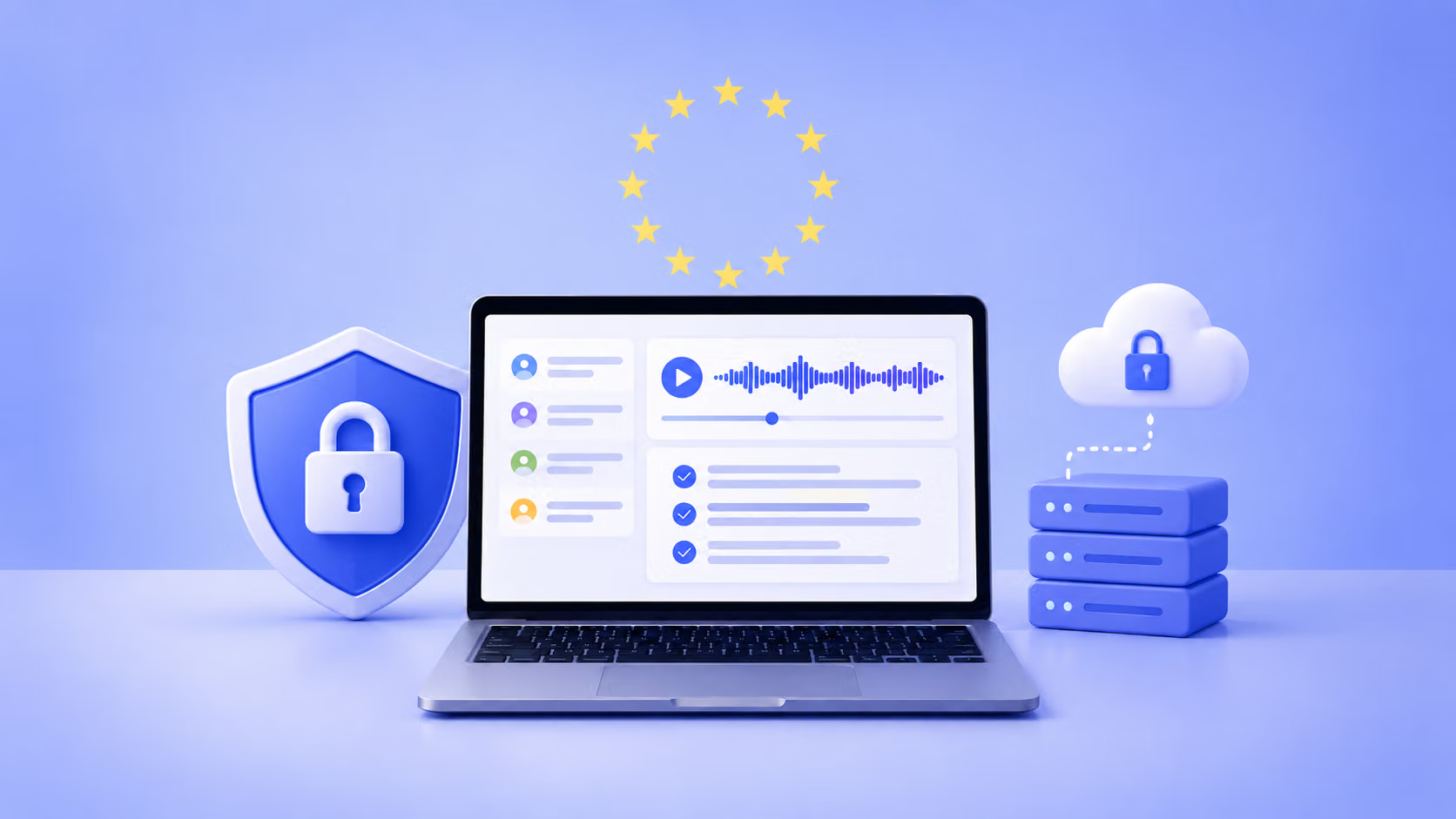
What this means for you: Where your meeting data lives now shapes your GDPR answers. HappyScribe is based in Barcelona, Spain, and stores your files in a Tier IV, PCI DSS and ISO 27001-compliant EU data center, including when you record without a bot.
Here's how to turn all of this into a review you can run this week.
Your 5-step AI note taker security checklist
You don't need a new security program for this. Simply work through these five steps in order:
| Step | Do this | You're done when |
|---|---|---|
| 1. Find what's already recording | Check which third-party apps are connected to your Google Workspace or Microsoft 365 accounts, and review Teams, Zoom, and Google Meet's default note-taking settings. |
You have a list of every note taker with calendar access |
| 2. Approve one tool and set the rules | Run the four checks from earlier, and get a signed BAA first if you're in US healthcare. Write a short AI acceptable use policy that names the tool and the meetings it can't join. In the EU, bring in your DPO and works council at this stage. |
One tool is approved, and the policy is visible to people scheduling meetings |
| 3. Configure before rollout | Based on your tier, you can turn on SSO and MFA, configure transcripts privacy and sharing, and set raw recordings to auto-delete after a short window. | Removing access is quick, and nothing is stored without an expiry date |
| 4. Standardize consent | Add a recording notice to calendar invites and a short prompt for the start of each call. Show people how to pause and stop recording during confidential moments. |
Every recorded meeting has notice both in the invite and on the call |
| 5. Review every quarter | Recheck connected apps and the vendor's subprocessor list, and confirm retention is still deleting on schedule. |
A named owner has the review in their calendar |
If you use HappyScribe:
- For enterprise users, step 3 sits in one place: SSO, role-based permissions, and separate retention windows for recordings, transcripts, and summaries.
- On Zoom, Google Meet, and Teams calls, anyone can type "!help" in the chat to pause or remove the bot, which covers step 4.
Keep the note taker, lose the guesswork
At the start, I asked where your recordings go once the call ends. If you've worked through the checklist, you can answer that now. You know who can open each transcript, and you know when it gets deleted.
So keep using your note taker. Just make sure it's one you picked on purpose.
If you want a place to start, HappyScribe's meeting note taker stores your files in the EU and never trains on your content unless you opt in.
FAQs about AI meeting note taker security
Are AI notetakers secure?
Some are, but many AI notetakers aren't secure by default. Before you adopt one, review the provider's security posture. Look for SOC 2 Type II certification, GDPR compliance, encryption at rest and in transit, and strong access control and privacy controls.
A quick risk assessment should also cover data storage, clear data retention settings, and whether third-party AI models process data from your calls or use it for model training. HappyScribe is SOC 2 Type II certified and stores your files in an EU data center. It never uses your content for model training unless you opt in.
Is it legal to use an AI notetaker?
Yes, using an AI notetaker is legal. The legal risk comes from recording meeting participants without the consent your or their location requires. In the US, about a dozen states require every party's consent, so announce the recording at the start of every call.
In the EU, GDPR needs a lawful basis for data processing, and consent rarely works for internal meetings between an employer and employees. Regulated teams carry extra compliance duties. For example, financial services firms must oversee any vendor that handles customer data, including the note taker on a customer call.
Do AI notetakers record meetings?
Yes. Most AI notetakers record meetings, either through a bot that joins your video calls or by capturing audio from your device. They turn those meeting recordings into AI-generated transcripts and meeting summaries.
Many connect through a calendar integration and join Zoom and Teams meetings automatically. Since sensitive business discussions and confidential information end up in AI transcriptions, review the data handling of any tool that connects to your cloud storage or collaboration apps.
What are some safe meeting note takers in Europe?
The safest options keep your data in the EU and publish their security controls. HappyScribe is based in Barcelona, holds SOC 2 Type II certification, and stores your files in an EU data center. Leexi keeps data within France, and Noota uses EU data centers in France, Belgium and the Netherlands. Jamie is bot-free but lacks the SOC 2 Type II certification many enterprise customers require. Whichever you pick, verify its data security yourself, because a European address lowers some security risks but doesn't replace a vendor review.

Biplab Mazumder
Biplab is a content marketer and writer who helps high-growth brands scale content visibility across AI search channels. His works have been published in HubSpot, Freshworks, Atlassian, SurferSEO, etc. When he's not planning content strategy, he's testing AI content workflows and use cases.