![5 Best Fathom Alternatives in Europe [2026]](/sanity-images/ejgwz1gl/redesign/5eeeef7e90bbd088b71c7262593003caf6ff030f-2048x1152.jpg?auto=format&w=2048.0&rect=0,0,2048,1152)
TL;DR ⏩
Based on my experience, here are the best European alternatives to Fathom:
- HappyScribe: Best overall Fathom alternative for European teams that want accurate notes and file transcription in 150+ languages and a generous free tier, all hosted in the EU
- Jamie: Best for teams that want bot-free capture with every recording kept in Frankfurt
- tl;dv: Best for European sales teams that want a video-first, clip-and-search workflow with EU hosting
- Klang: Best for regulated and research teams that need on-premise or air-gapped deployment
- Seedext: Best for large French organizations where procurement and data sovereignty drive the purchase
As a note taker, Fathom’s biggest pull is the unlimited meeting transcripts in the free tier. It’s useful for solopreneurs, consultants, and students looking for only meeting notes.
The problem starts when you want to transcribe files, can’t compromise with note accuracy, and require European data hosting for regulated work.
I’ve gone over Fathom alternatives for people who want more reliable notes, but European use cases are specialized.
Fathom isn’t the best AI note taker for Europe because:
- It stores user data in the USA, which means it cannot guarantee EU data safety from the CLOUD Act. GDPR or DPF doesn’t solve this issue
- Fathom supports only 38 languages and can’t identify European languages like Lithuanian, Basque, and Icelandic
- Fathom can’t transcribe pre-recorded meetings and interviews, so if you’re running academic research or media projects in Europe, Fathom can't help you
- Fathom isn't ISO 27001 certified, so if your procurement team wants to verify data safety, it will nudge them towards the SOC 2 report, which isn't a substitute.
That does narrow your options, but you don’t have to go looking for and trying different tools to see if they work. I’ve done the hard yards, and here are the best European alternatives to Fathom.
Top 5 Fathom alternatives in Europe at a glance
| Category | HappyScribe | Jamie | tl;dv | Klang | Seedext |
|---|---|---|---|---|---|
| Best for | Multilingual European teams that need secure, accurate notes and file transcription | Teams that want bot-free capture in the EU | Sales teams that want a video-first, clip-and-search workflow | Regulated and research teams needing deployment control | Enterprises where procurement drives the purchase |
| Key features | AI meeting notes, file transcription, human accuracy option, bot-assisted and bot-free recordings, AI Chat, subtitles, translation | Bot-free local capture, in-person recording, speaker memory | Clips, playlists, multi-meeting AI, sales coaching | Bot and app capture, scheduled analyses, BYOK, MCP, custom glossary | Custom report templates, structured deliverables, Foxy assistant, per-customer data isolation |
| Supported languages | 150+ | 100+ | 30+ | 17 | 15+ |
| Security and data residency | ISO 27001-compliant EU data center, GDPR, SOC 2 Type II, AES-256 encryption | Frankfurt storage, GDPR, ISO 27001, audio deleted after transcription | EU servers, GDPR, SOC 2, EU AI Act compliance | France and Sweden storage, on-premise and air-gapped option, GDPR, ISO 27001 | European data center, France, on request, GDPR, EU AI Act, CNIL |
| Pricing | Free plan available. Paid plans from $8.50/month billed annually or $17/month | Free plan, paid plans start from €25/month | Free plan, paid plans start from $29/month | Free plan, paid plans start from €20/month | Contact sales |
1. HappyScribe
Best for: European teams that want accurate meeting notes and file transcription in 150+ languages without their data leaving the EU
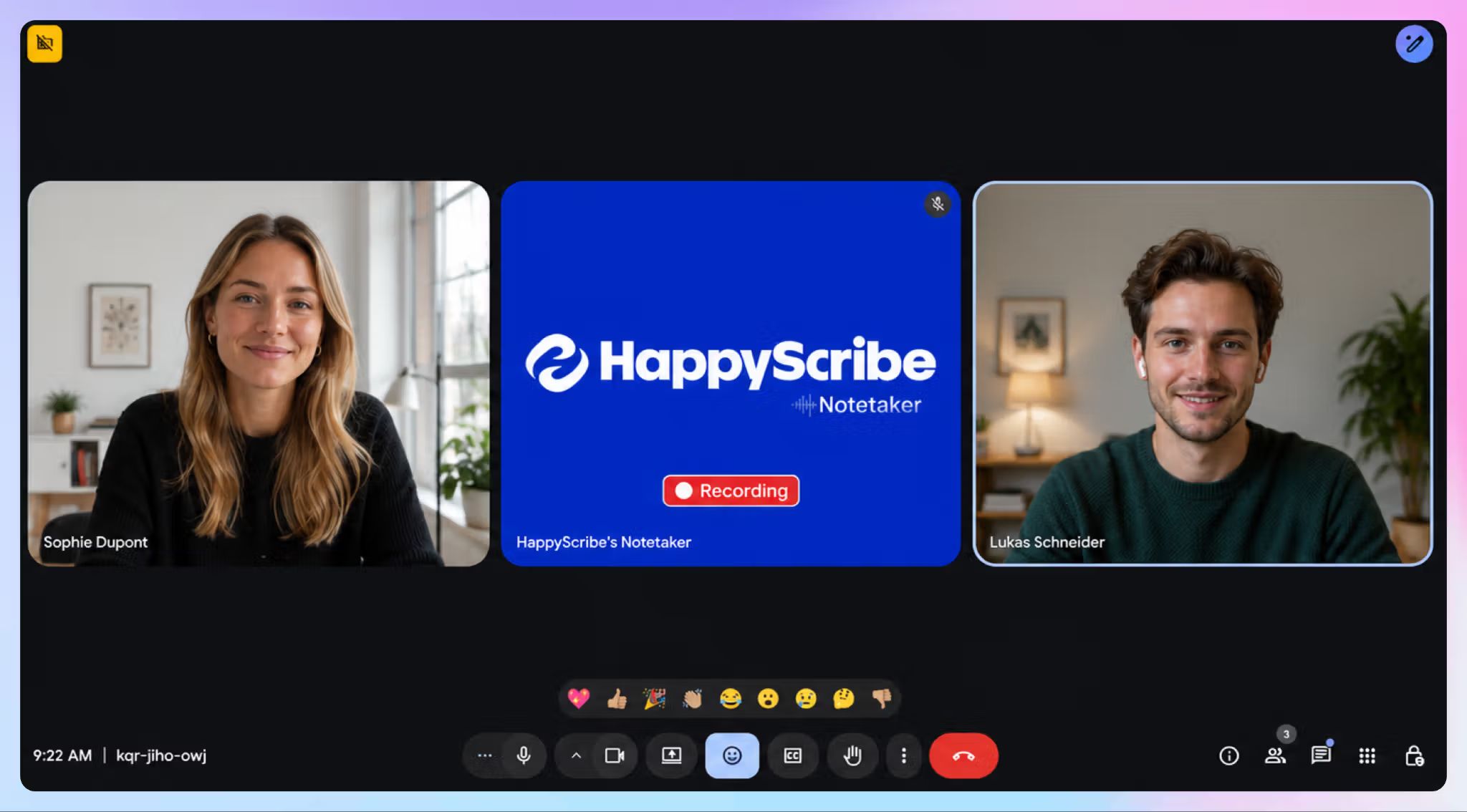
HappyScribe is an AI meeting note taker based in Barcelona, which is one of the most linguistically diverse regions in Europe. European data residency is a core part of the product.
But HappyScribe does more than just take notes in calls. You can upload pre-recorded interviews and archived footage, which makes it one tool for both your meetings and your files.
For a regulated team that has outgrown Fathom’s limitations, these are usually the reasons to switch:
HappyScribe vs. Fathom
| Factors | HappyScribe | Fathom |
|---|---|---|
| Meeting data storage | Tier IV, PCI DSS, and ISO 27001-compliant EU data center | AWS servers in the USA |
| Transcription accuracy | 95%+ with AI transcription. 99% in human-verified transcripts | Around 85%–90% AI accuracy on clean audio |
| File transcription | Yes. Upload audio and video files to transcribe in seconds | No. Live meetings only |
| Language support | 150+ languages, including niche European dialects | 38 only |
HappyScribe's key features
1. European-grade security and data sovereignty
HappyScribe is GDPR-compliant and SOC 2 Type 2 certified, which means its data processes are audited by an independent firm.
Your recordings and transcripts stay in a Tier IV, PCI DSS, and ISO 27001-certified EU data center, and it’s physically separate from other data center customers. HappyScribe signs a DPA, and you can opt out of optional training anytime you want.
For academic research, business, and public sector work, HappyScribe lives up to the scrutiny and expectations around privacy and security.
2. Transcribe meetings and files in 150+ languages and dialects
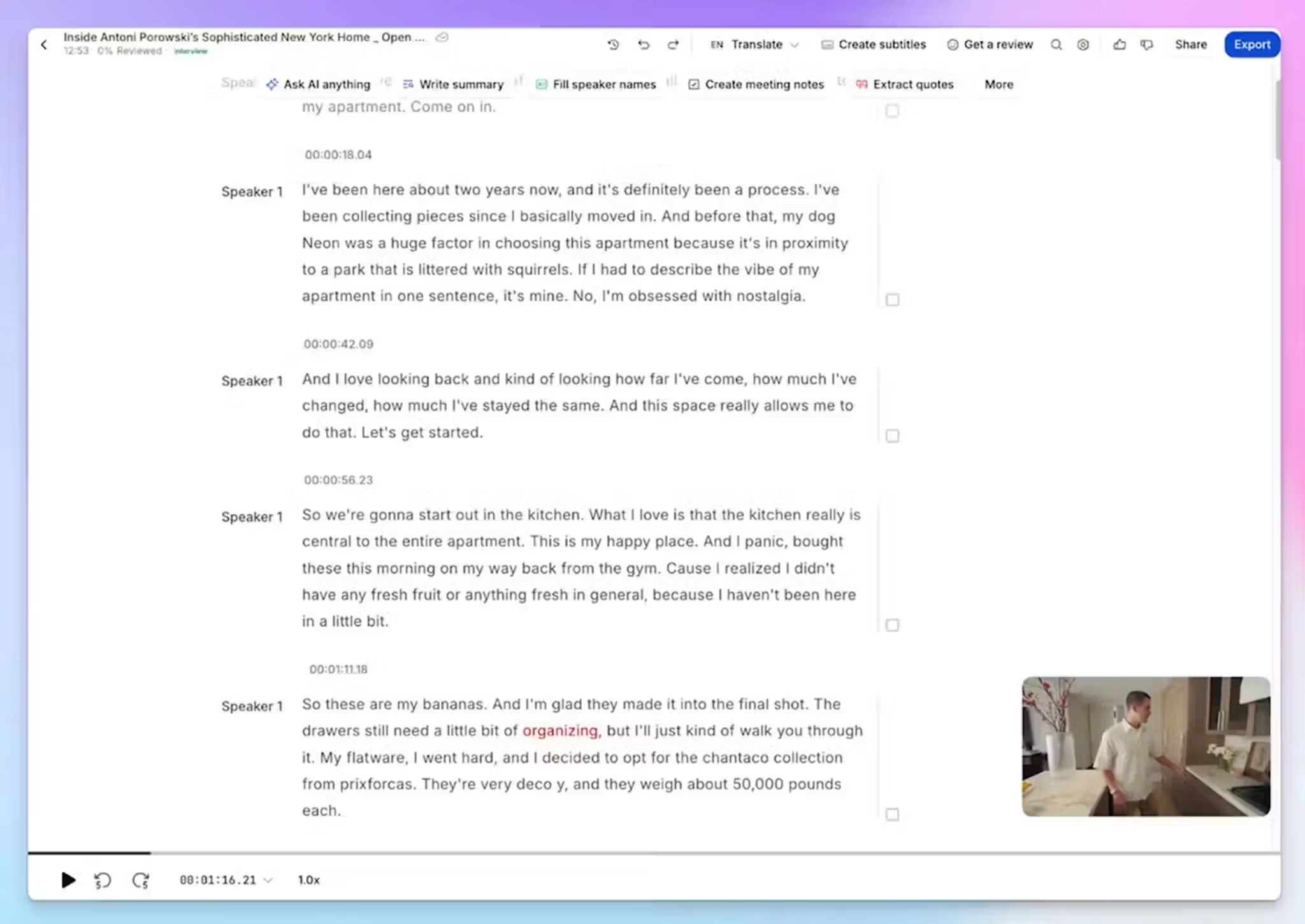
You get meeting notes and file transcription in one place, across 150+ languages and dialects. So a Portuguese client call and a batch of archived German interviews run through the same tool at the same quality.
But HappyScribe goes beyond the popular European languages. It supports meetings in Basque, Catalan, Icelandic, Belarusian, Swiss German, Albanian, and Galician as well.
In contrast, Fathom covers 38 languages and only what happens live, which limits the transcript work for multilingual teams.
3. Bot-assisted meetings for compliance, bot-free for sensitive talks
You choose how the HappyScribe AI notetaker shows up. When you need proper records of attendee consent and compliance, you can let the bot join as a visible participant.
But not all conversations happen on your screen. For impromptu convos or in-person meetings, you can record without a bot in the browser or via HappyScribe mobile app. This keeps sensitive meetings distraction-free.
It’s best to gather consent from people before bot-free recordings. Read more on recording consent and implications.
4. AI Chat to find insights and prep for meetings
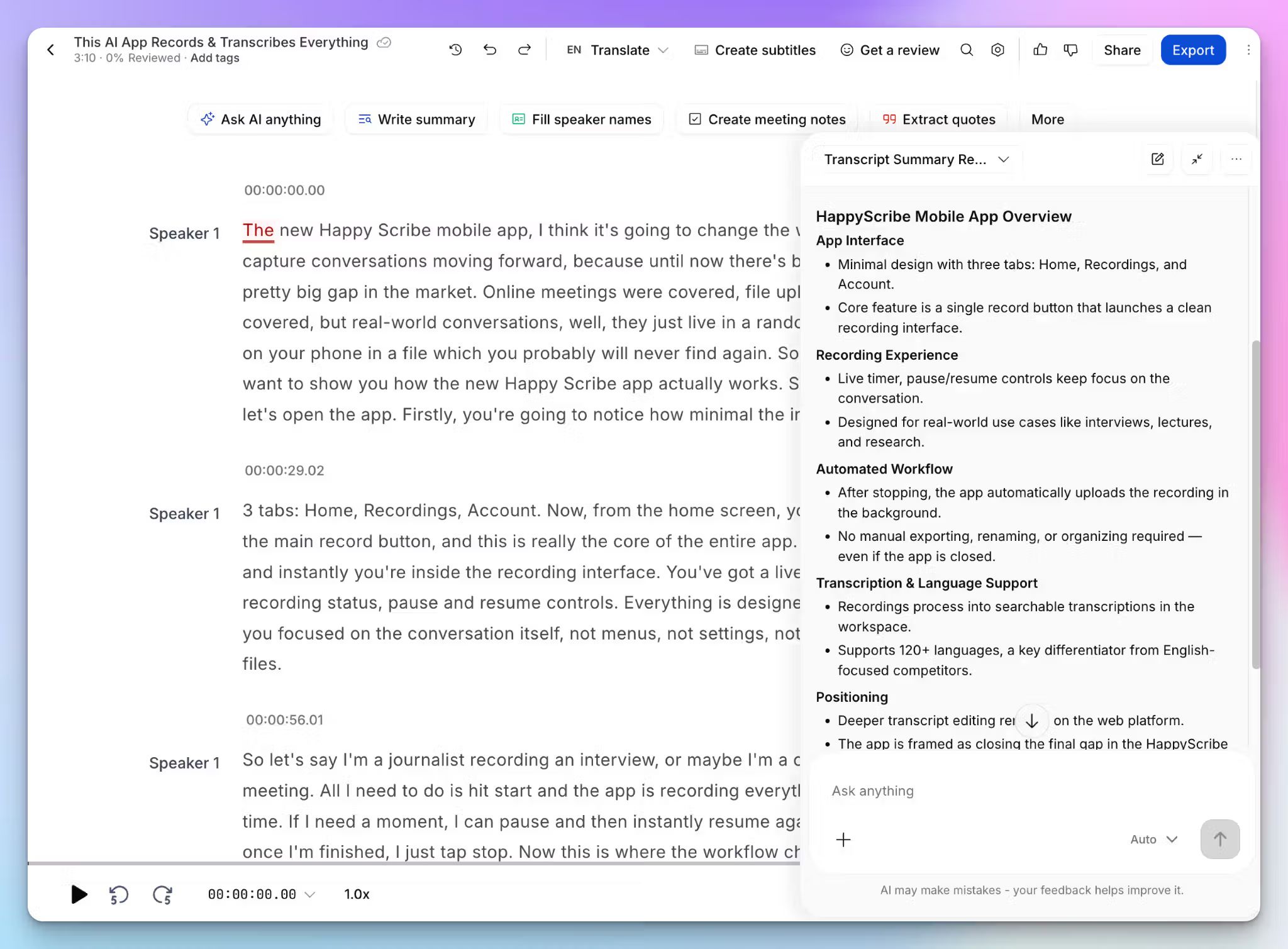
Going through hundreds of meeting notes and files from months ago to find that one data point can be tedious. Instead, you can ask HappyScribe AI Chat to surface talking points and patterns with proper citations from your meetings.
It acts as your AI meeting assistant to keep things organized and transparent. Chat can also help you prepare for upcoming meetings by highlighting decisions, action items, and summaries.
HappyScribe's pricing
AI transcription plans:
- Free: Unlimited meeting recordings, capped at 45 minutes per recording
- Basic: $8.50/month billed annually or $17/month
- Pro: $19/month billed annually or $29/month
- Business: $59/month billed annually or $89/month
- Enterprise: Custom pricing with SSO and dedicated support
Human transcription service: Starts at $2.00/min.
HappyScribe's pros
- HappyScribe lets you record unlimited meetings in the free plan, rivaling Fathom’s offer
- Record and transcribe AI meeting notes and files with 95%+ accuracy in 150+ languages and dialects
- All of your notes and files are securely stored in the EU, with encryption in transit and at rest
- With HappyScribe desktop and mobile apps, you can record meetings on the go and without visible bots
- You can create or add subtitles to videos and translate texts to other languages from the same dashboard
- Connect your meeting data with the MCP server, Zapier, and HappyScribe API
- Fast and helpful support by real humans, not bots
HappyScribe's cons
- Not the best fit for real-time transcription
What are users saying about HappyScribe?
I use HappyScribe for all my meetings to record the sessions, take notes, get summaries, and have everything connected with their MCP in my Claude account. I love that the transcriptions in my language (Bulgarian) are accurate and save me a lot of time. Most of my meetings are in Bulgarian, so that was a crucial factor when selecting such a tool. The ease of use of HappyScribe makes it way better compared to other options. The initial setup was really easy, which I appreciate. Overall, it's a really good software.
I needed to transcribe talks given 30 years ago and the accuracy was astounding. Highly recommend it!
How to use HappyScribe's AI note taker: a step-by-step guide
- Sign in and link your Google or Outlook calendar, or paste the meeting link to invite the HappyScribe note taker. For bot-free meetings, you can record audio without a bot
- Click Transcribe files at the top of your dashboard to upload your file directly, or import it from YouTube, Vimeo, Dropbox, Google Drive, or Box
- Configure preferences and choose between AI transcription or human transcription
- Open the finished transcript in the interactive editor to fix names or terms while you listen along
- Export it as DOCX, TXT, HTML, SRT, VTT, or PDF, or open AI Chat to find deeper insights
2. Jamie
Best for: European teams that want Fathom's bot-free convenience with recordings kept inside the EU
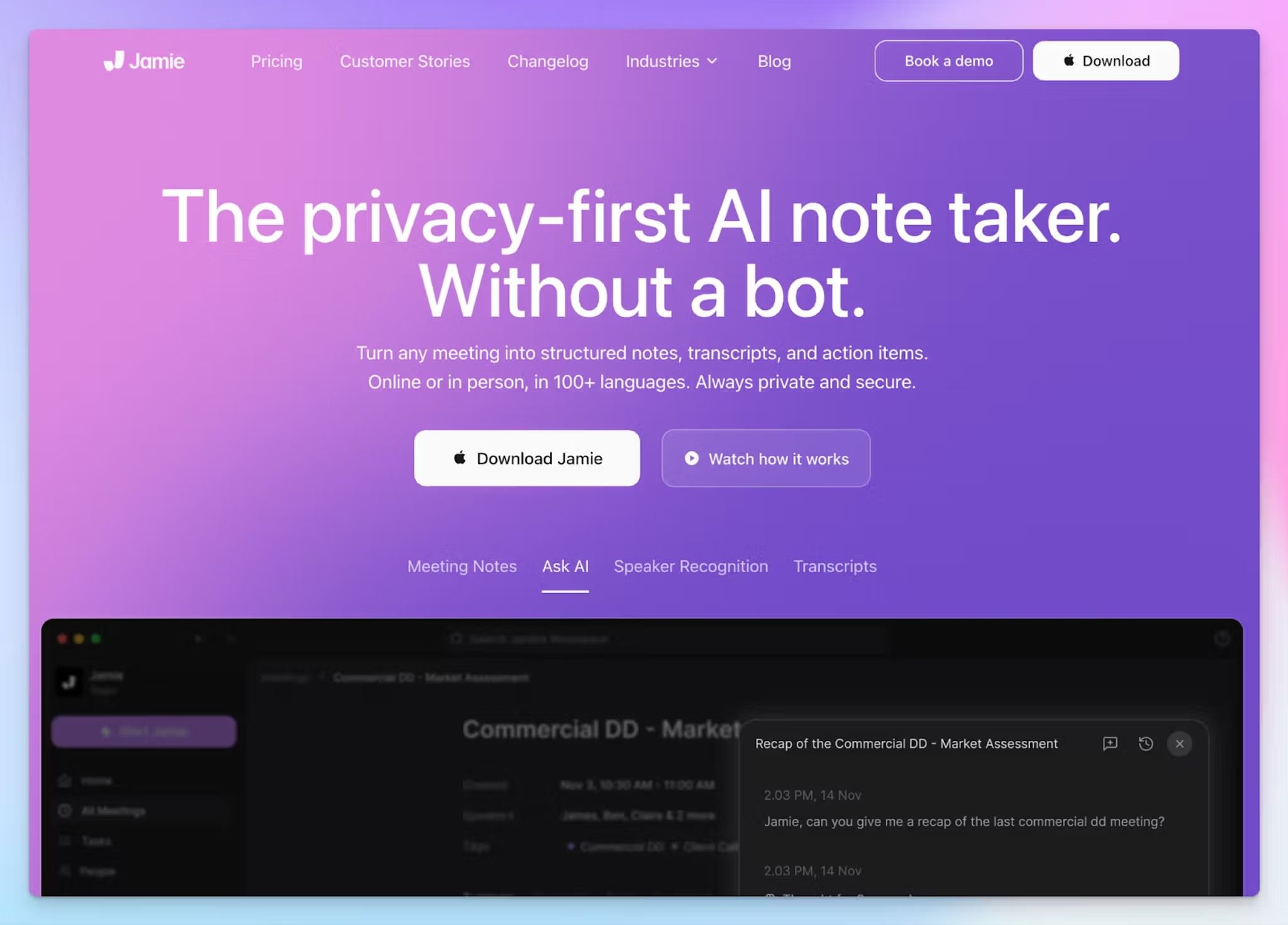
Jamie works similarly to Fathom, minus the part that sends your meetings across the Atlantic. It's a German company, and it runs as a native desktop and mobile app to avoid meeting bots. Jamie captures your device’s audio directly, so there's no visible participant.
Jamie vs. Fathom
The local-capture approach helps Jamie handle the meetings Fathom can't. Fathom is online-only, so an in-person client meeting or a corridor conversation never reaches your dashboard. Jamie records both and uploads them to the cloud when you’re online.
Where it pulls clear of Fathom for European work is jurisdiction. Recordings are hosted and processed in Frankfurt, and the raw audio file is deleted the moment transcription finishes.
Jamie's key features
- Record online and in-person meetings without a bot, straight from the macOS, Windows, or iOS app
- You can transcribe and summarize in 100+ languages, including mixed-language calls where people switch mid-sentence
- Ask Jamie’s AI assistant across your whole meeting history to pull a decision or draft a follow-up
- You can teach Jamie your product names and acronyms with custom vocabulary, and let its speaker memory label recurring voices for better accuracy
Jamie's pricing
- Free: 10 meetings per month, 30 minutes each
- Plus: €25/month
- Pro: €47/month
- Team: €39/month (minimum 2 users)
- Enterprise: Custom pricing
Jamie's cons
- Jamie records audio only and then deletes the file. You can't go back and review what was shared on screen or follow the media playback to verify the transcript
- Jamie’s security takes a hit because it’s not a SOC 2 Type 2 certified AI note taker
- Coming from Fathom, it’s not an affordable option. The €25 tier only covers 20 meetings before you're pushed to the €47 plan, pushing many users to look for Jamie AI alternatives
- Jamie’s apps tend to nag you about permissions, and you have to manually start recording before every meeting. The automated triggers have a lot of false positives, so it becomes annoying really fast
📚 Also read:
3. tl;dv
Best for: European sales teams that want Fathom's video-first, clip-and-search workflow kept under EU hosting
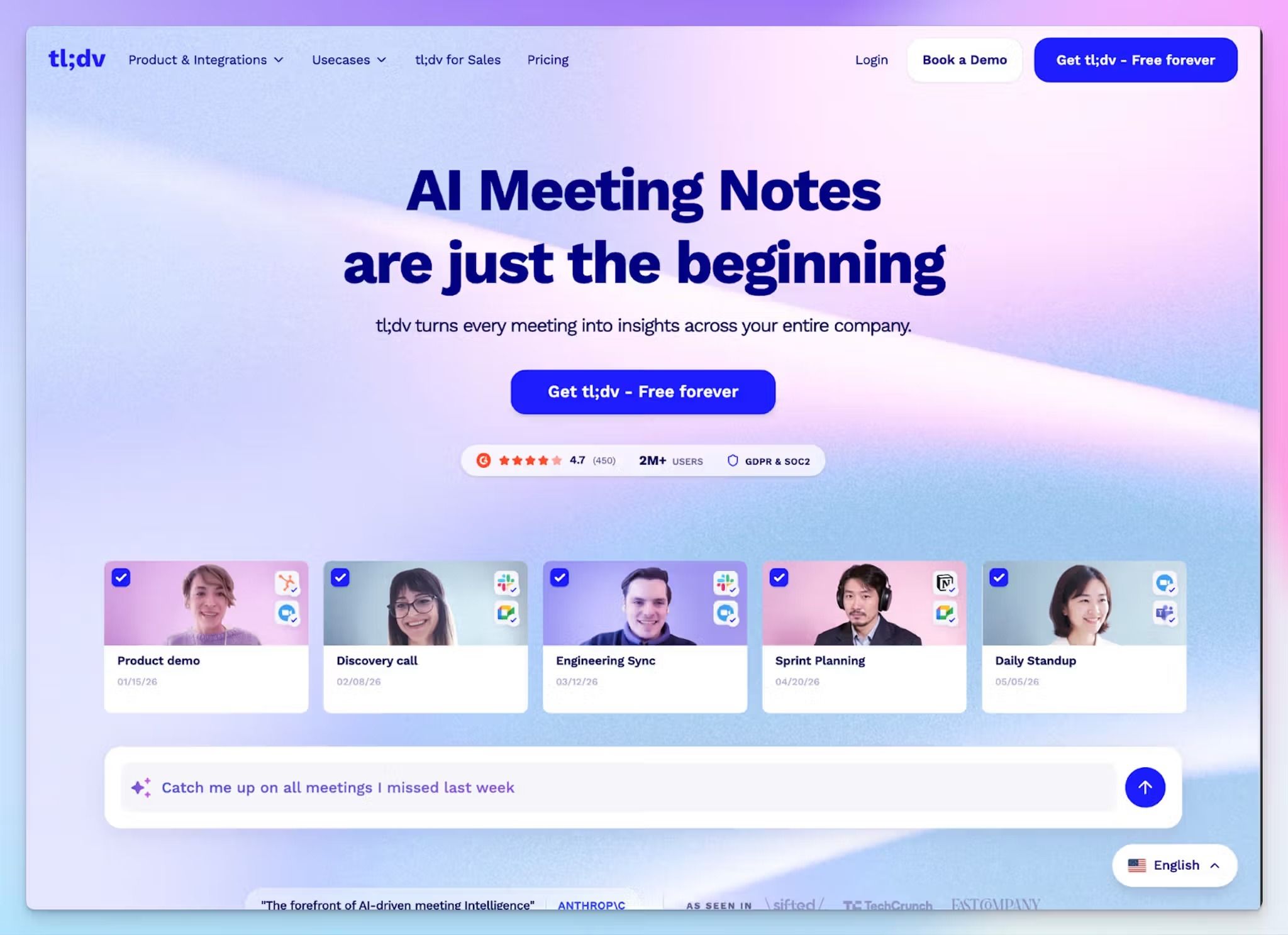
tl;dv is a German company, and like Fathom, it's built around video. It records your sales calls and lets you clip moments, create playlists, and search across everything you've captured. For someone leaving Fathom, but wants to keep coordinating with teams via short clips, tl;dv is an option.
tl;dv vs. Fathom
The workflow is similar, so the real difference for a European sales team is where the tool sits. Fathom stores data in the US, while tl;dv hosts on EU servers and operates under the EU AI Act, which is why it can’t build features like sentiment tracking.
The catch is that EU data hosting doesn't automatically mean EU processing. tl;dv runs its AI processing in either the EU or the US, depending on your configuration, so regulated teams have to confirm the processing region carefully.
tl;dv's key features
- Record and transcribe calls on Zoom, Google Meet, and Teams, timestamp the key moments while you're in meetings, and turn them into short clips for stakeholders
- Ask AI across your entire meeting history in natural language to surface a decision or a recurring objection, and schedule AI reports based on your goals
- In higher tiers, tl;dv lets you track reps’ calls and optimize sales performance with AI coaching insights
- Push notes and action items into HubSpot, Salesforce, or Pipedrive on the paid tiers, so meeting outcomes land in the pipeline your team already runs on
tl;dv's pricing
- Free: Unlimited recordings and transcription, 10 AI summaries (lifetime)
- Pro: $29/month
- Business: $39/month
- Enterprise: Custom pricing
tl;dv's cons
- The free plan looks unlimited but isn't where it counts. AI summaries are capped, downloading isn’t allowed, and recordings get archived within 72 hours, pushing many users toward tl;dv alternatives
- tl;dv struggles with transcript accuracy in general. On top of that, it paywalls better quality transcripts behind higher tiers
- The meeting bot is not reliable, sometimes joining without permission or failing to join at all. You might also find occasional glitches in your dashboard
📚 Also read:
4. Klang AI
Best for: Regulated and research teams in Europe that need control over how the tool is deployed, not just where the data sits
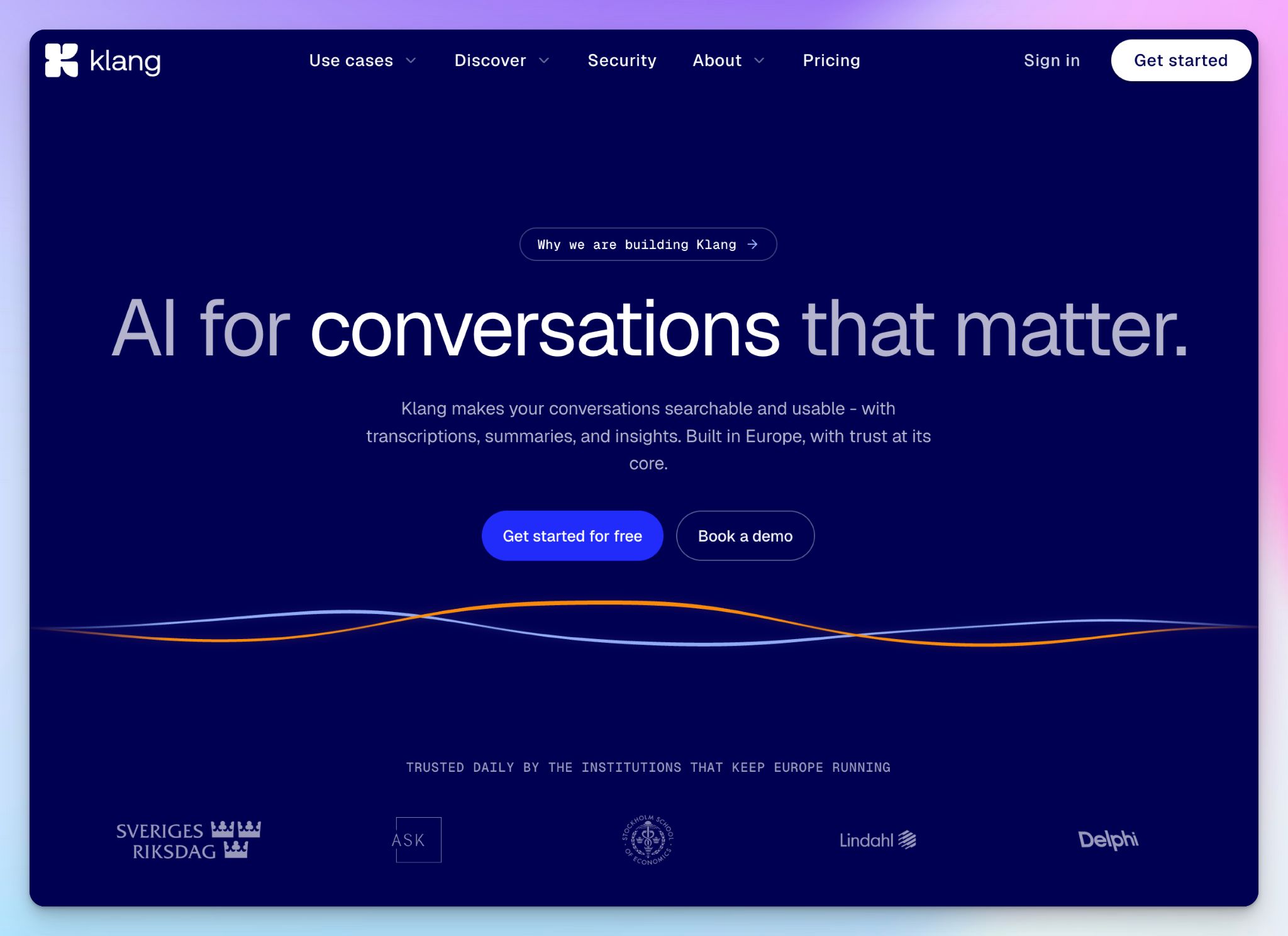
Klang is a Swedish company built for public sector, insurance, legal, and research teams who want proper control over sensitive conversations. It lets you choose between cloud and on-premise deployments, so if your compliance office signs off on tools before your team does, Klang is built for that.
Klang vs. Fathom
Fathom is only available over the cloud, but Klang gives you choices. The standard product runs on French servers, while private cloud customers have their data stored in a Swedish data center. But it can also be deployed on-premise, running your own language model, and approved for air-gapped networks.
With Klang’s on-premise option, you can avoid the CLOUD Act issue, but Fathom's US hosting can't make that claim regardless of the DPA it signs.
Klang's key features
- Capture meetings with a bot in Zoom, Google Meet, or Teams, or record in-person meetings and phone calls from the mobile app with speaker recognition
- You can run scheduled analyses that sweep every new conversation on a timer, so a weekly roundup of research themes and client objections is ready for you
- Hold your own keys with BYOK and Klang Vault under a zero-knowledge model, where Klang never sees your encryption keys, and you decide what can be decrypted
- You can connect Claude, ChatGPT, or Cursor read-only over MCP and build on an EU-hosted API, with a custom glossary across the whole workspace
Klang's pricing
- Freemium: €0
- Pro: €20/month
- Team: Price on demand
Klang's cons
- Klang covers only 17 languages, with emphasis on Nordic and Western European. So a team working across Baltic, Celtic, or smaller-language audio outgrows it fast
- Klang’s moat is the on-premise sovereignty, which is reserved for custom Team plans. So a small team can't self-serve into the deployment control Klang talks about
- It struggles to pick up names and terms in different accents, so you have to manually review the transcripts
📚 Also read:
5. Seedext
Best for: Large French and European organizations where procurement and data sovereignty decide the purchase
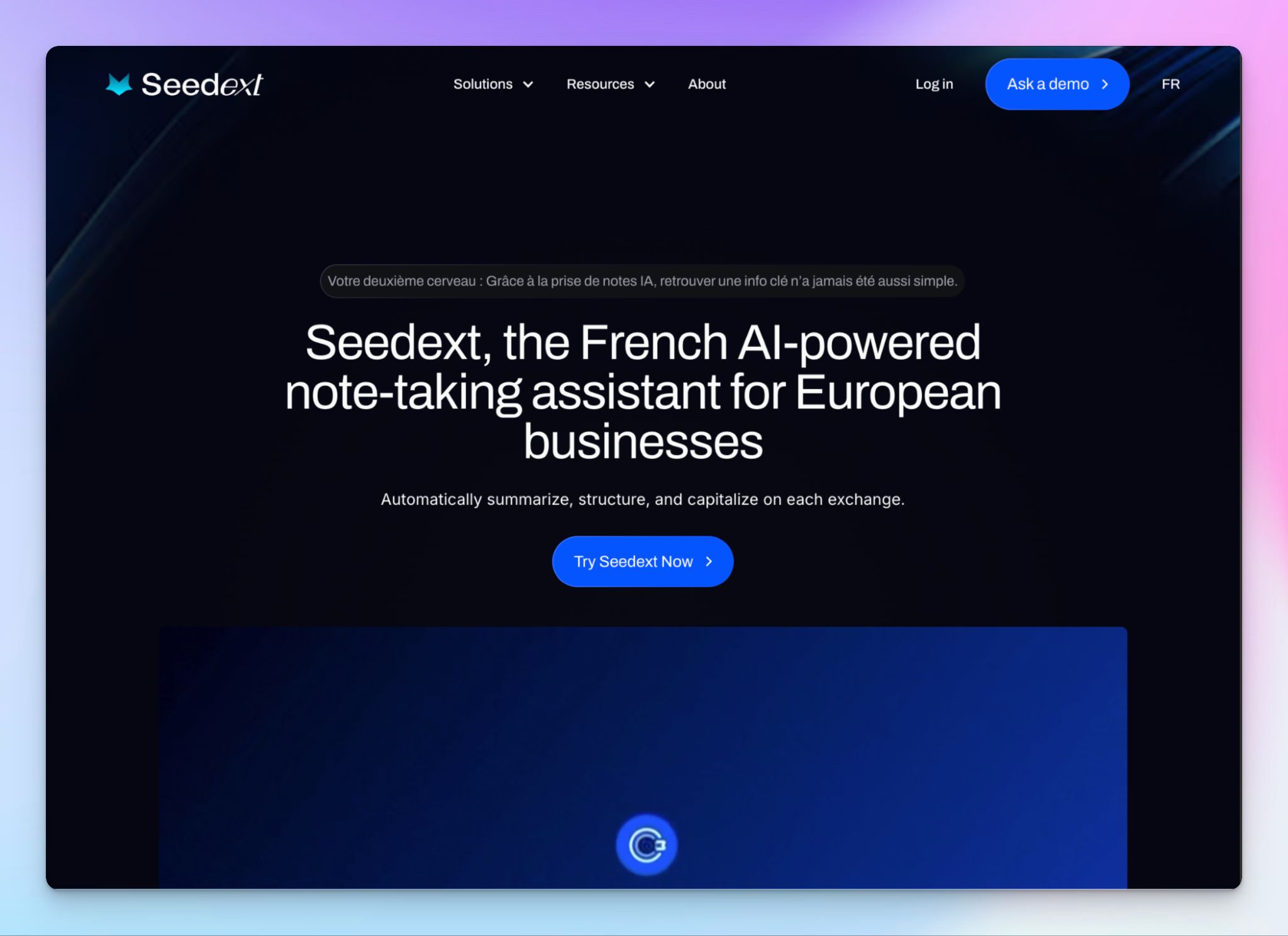
Seedext is a French note taker built for enterprise use cases where legal teams sign off before the end user does. Its assistant, Foxy, records and structures meetings into reports that match your company's own templates. It fits big organizations that run recurring governance meetings; not ideal for a small team that wants to start this afternoon.
Seedext vs. Fathom
Fathom is instant; Seedext is the opposite by design. There's no public price and no self-serve, so you buy it through a sales conversation shaped around your security and volume needs.
That friction is the feature for its buyer. Data is hosted in Europe, and in France on request, on Azure or Numspot, with an isolated environment per customer and CNIL and EU AI Act compliance on top of GDPR. It's the profile a French public body or bank hands its DPO, and the profile Fathom's US stack can't produce.
Seedext's key features
- Foxy learns your vocabulary, acronyms, and report templates, so summaries come out in your preferred format
- Seedext generates structured deliverables after each meeting with tags for sprint reviews, KPIs, scorecards, and project milestones
- You can record across in-person, remote, and hybrid meetings, with an optional screen recorder you switch on in settings
- Keep every customer in a partitioned environment, encrypted with AES-256 and TLS 1.3, where no one can see your data without access
Seedext's pricing
- Custom pricing
Seedext's cons
- Seedext’s purchase is demo-led with no free trial, so a small team that wants to test before committing hits a sales process instead
- It's built for large organizations running recurring meetings, so a smaller or faster-moving team won’t get the best out of it
- Language coverage is on the narrower side and weighted to European speeches, so multilingual teams working beyond that should enquire about language support first
Which Fathom alternative should you choose in Europe?
The right Fathom alternative depends on what problems you need to solve.
👉 If you want a desktop app for bot-free capture that keeps every recording in Frankfurt, Jamie is the closest option.
👉 If you liked Fathom's video-first, clip-and-search workflow and mostly need it out of the US, tl;dv is a choice.
👉 If your compliance office reviews the deployment itself, Klang runs on-premise, air-gapped, on your own models.
👉 If procurement and data sovereignty drive a large-organization purchase, Seedext is built for that sales conversation.
👉 If you want the strongest all-round replacement for Fathom in Europe, choose HappyScribe.
Most of these tools fix one problem; HappyScribe fixes the whole thing without asking you to trade something away to get there. Your recordings and transcripts stay in the EU by default, you get live meeting notes and file transcription in one place, across 150+ languages, with a human accuracy option. And none of it sits behind a sales call or a deployment project. You can open it and start today.
That's the difference between leaving Fathom for a tool that's merely European and leaving it for one that's more capable and European.
FAQs about Fathom alternatives in Europe
Who are Fathom's competitors?
Fathom's main competitors as an AI note taker are HappyScribe, Fireflies, Otter, tl;dv, and Gong. They range from simple note-taking apps to enterprise conversation intelligence platforms that give sales leaders and sales teams revenue intelligence across multiple meetings. HappyScribe, for instance, is a privacy-focused AI note taker while Gong is focused on Enterprise sales teams tracking user behaviour and session replays.
What is the European alternative to Fathom?
HappyScribe is the strongest European alternative to Fathom. It's a Barcelona-based AI note taker that keeps your data in the EU, supports 150+ languages, and adds the in-person meeting support Fathom used to lack. It runs the whole meeting workflow, from AI-generated summaries to deeper meeting insights, in one tool. Jamie and tl;dv are other options built in Europe.
Is Fathom AI safe?
Fathom AI is safe for general use. It's SOC 2 Type II compliant and encrypts your meeting content, but it stores all data in the United States, which brings it under US laws like the CLOUD Act. Fathom also uses de-identified data to improve its own models unless you opt out. For EU teams that want full control over where meeting data sits, the real concern is US hosting.
Why do people look for Fathom alternatives in the EU?
People in the EU look for Fathom alternatives because Fathom stores data in the US, isn't ISO 27001 certified, and can't transcribe pre-recorded files. Fathom focuses on live online calls, so it skips file transcripts that European teams often need. Many switch to EU-built tools like HappyScribe for data residency, wider language support, and secure European data hosting.
Which is better, Fathom, Fireflies, or Otter AI?
It depends on your team. Fathom is best for solo users who want free, simple note-taking. Fireflies suits sales and customer success teams that need CRM sync, sales methodology coaching, and objection handling suggestions, with multi-language on its business plan. Otter works for quick collaboration. None keeps data in the EU, so European teams comparing these other tools often make HappyScribe their go-to choice for follow-up email drafts, search across past conversations, and support for Microsoft Teams, Google Meet, and Zoom.

Biplab Mazumder
Biplab is a content marketer and writer who helps high-growth brands scale content visibility across AI search channels. His works have been published in HubSpot, Freshworks, Atlassian, SurferSEO, etc. When he's not planning content strategy, he's testing AI content workflows and use cases.