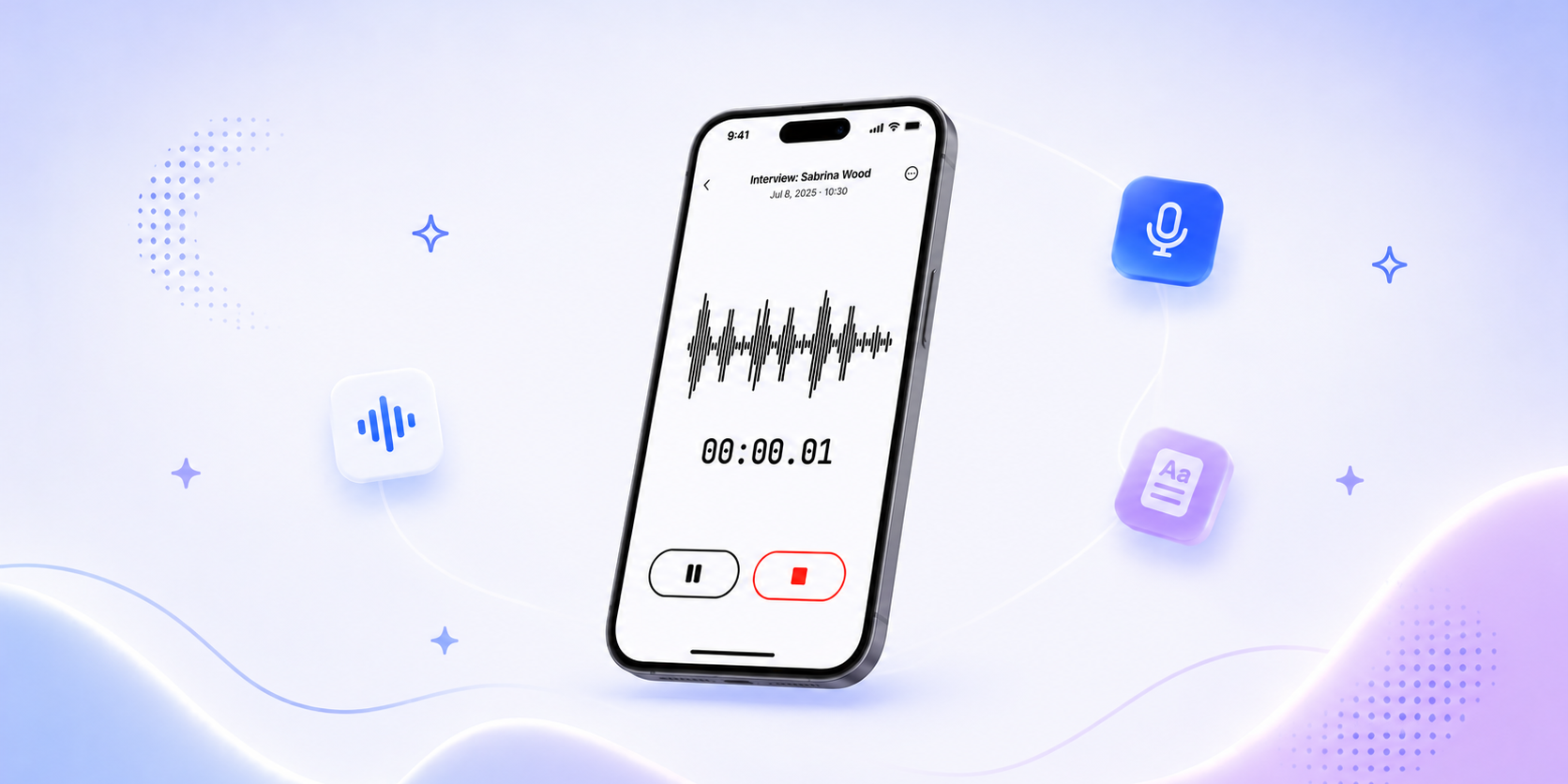
The HappyScribe mobile app is here, on iOS and Android. Every conversation you record on your phone flows directly into your HappyScribe library. Ready to transcribe. Ready for AI analysis. Searchable alongside everything else in your workspace. No manual uploads, no getting back to your desk first.
For researchers who do fieldwork across languages, journalists who record sources in person, and anyone whose most important conversations happen away from a computer, this changes the capture workflow entirely.


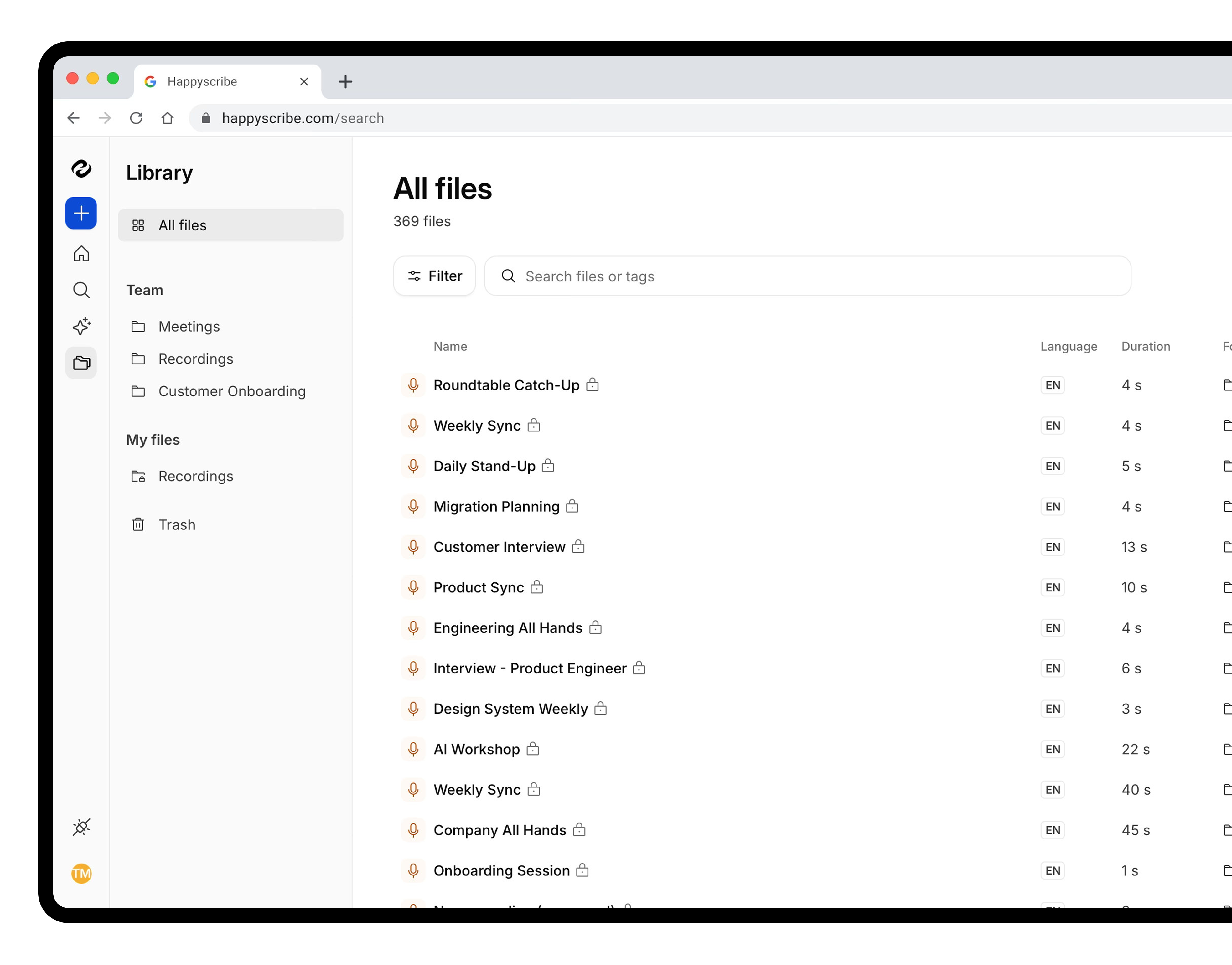
Everything you record, in one library
Record from anywhere
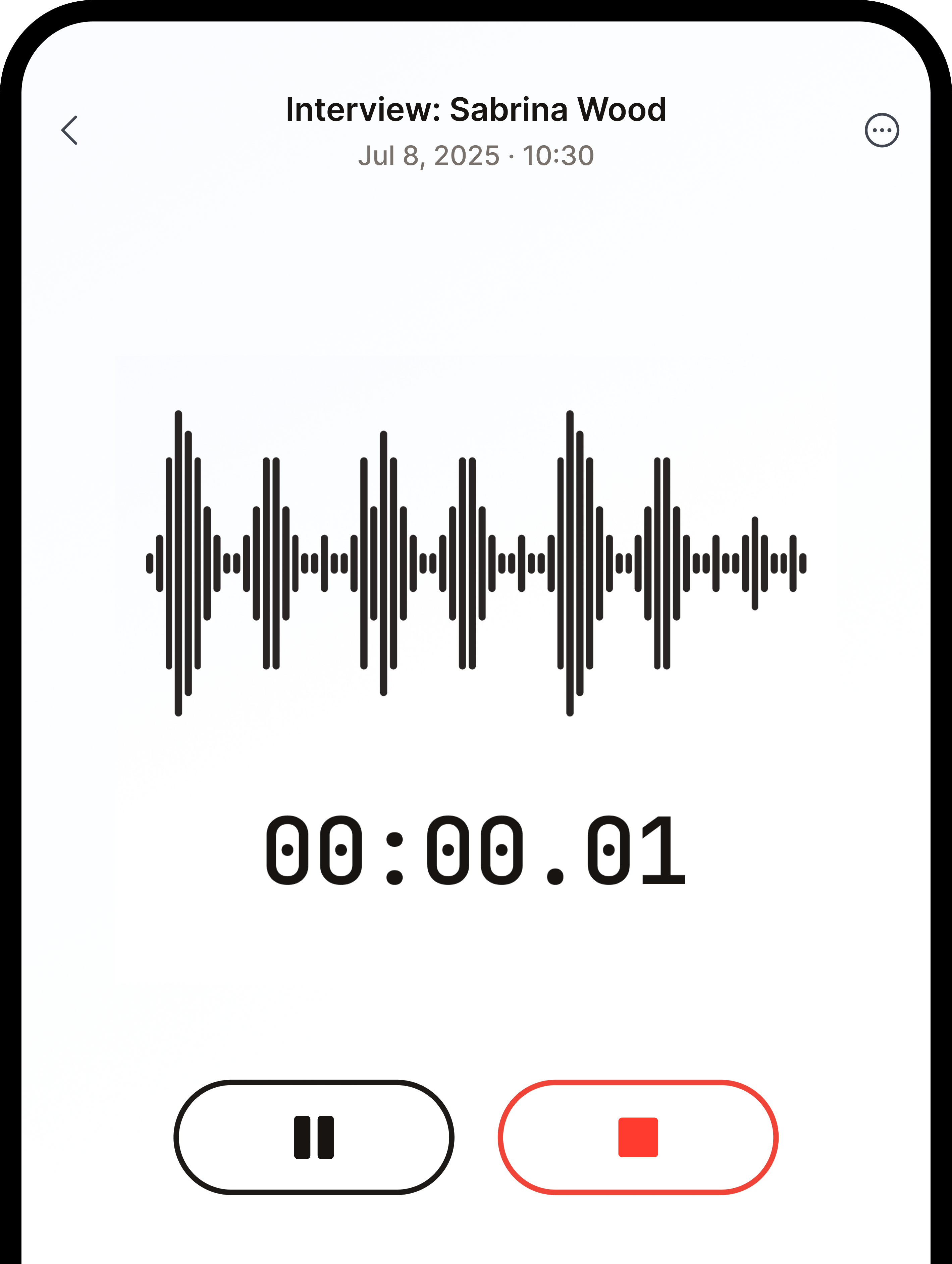
Open the app, tap Record, and your phone becomes a professional recorder tied directly to your workspace. A live waveform and running timer confirm everything is being captured. The recording keeps going while you switch to another app, take a call, or lock your screen.
Pause and resume mid-conversation. Switch the language at any point during the recording — useful for multilingual interviews where the discussion moves between two or three languages. When you tap Stop, a save sheet appears: name the recording, confirm the language, and tap Save. Your file uploads in the background while you move on to your next conversation.
Transcribe in 150+ languages
The mobile app uses the same AI engine as the HappyScribe web app, supporting 150+ languages and dialects. The same option to add human review for broadcast or research-grade accuracy. The same GDPR-compliant infrastructure and SOC 2 Type II-certification that research teams in Europe depend on.
When your recording arrives, the transcript is typically ready a minute or two later — with speaker labels and per-paragraph timestamps. Tap any line in the app to jump straight to that point in the audio, and the transcript auto-scrolls as it plays so you can follow along without touching the screen. Tagged the wrong language? Hit Retranscribe to redo it in any supported language.
Background sync that survives poor signal
Uploads run through native iOS and Android background services. The upload survives your app being closed and a weak signal. If connectivity drops mid-upload, it resumes automatically once you are back online. And if an upload genuinely cannot recover, a one-tap Save to device fallback drops the audio into your phone's Files app so it never disappears.
Capture meetings the AI Notetaker cannot join
Your phone's calendar appears on the app's Home tab. When an in-person meeting starts — the kind the AI Notetaker cannot attend — tap it once and recording begins, auto-named after the meeting. Stakeholder interviews, on-site reviews, conferences, hallway debriefs: every conversation that happens off-screen lands in the same library, labeled correctly, ready to find.
Built for people who capture conversations in the real world
For researchers doing fieldwork
You are running in-depth interviews at a client site. Five conversations, two days, three languages. Until now, those recordings lived on your phone until you returned to a laptop and manually uploaded each one.
With the mobile app, you tap Stop after each interview and move to the next one. All five recordings arrive in your HappyScribe workspace automatically. Transcribed in the right language, labeled, and searchable, ready to query with AI Chat or export for analysis.
For journalists recording sources
Your source agreed to an on-the-record conversation over coffee. You record on your phone. You tap Save. By the time you are back at your desk, the transcript is waiting. You can search it, share it via link, and move directly to writing.
For anyone whose work happens off-screen
In-person conversation. Stakeholder interviews. Post-event debriefs. The mobile app captures any conversation that does not happen in a browser, and adds it to the workspace where your team already works.
How it works
No new account. No setup. Three steps.
- Download the HappyScribe app on iOS or Android.
- Sign in with your existing HappyScribe account.
- Tap Record. When you are done, tap Stop, name it, and save. Your recording uploads automatically.
The transcript appears in your workspace as soon as the upload completes. From there, the full HappyScribe toolkit is available: AI transcription in 150+ languages, human review, AI Chat, folder organization, and sharing.
Available on every plan
The HappyScribe mobile app is free to download and available on all plans, including free accounts. Your transcription credits and workspace settings carry over from your existing account.
Frequently asked questions
Is the HappyScribe mobile app free?
Yes. The app is free to download and works on every HappyScribe plan, including free accounts. Your transcription credits and workspace settings carry over from your existing account.
Do I need a separate account?
No. Sign in with your existing HappyScribe credentials and your recordings land in the same workspace you already use.
Does the app work offline?
You can record offline — the upload resumes automatically once you're back online. Transcription itself happens after the upload reaches our servers.
Can I switch language mid-recording?
Yes. Change the language at any point during a recording — useful for multilingual interviews where the conversation moves between languages.
Can I record in-person meetings?
Yes. That's exactly the gap the app fills. The AI Notetaker joins online meetings; the mobile app captures every conversation that happens off-screen — fieldwork, on-site interviews, hallway debriefs.
Your library, wherever you are
The HappyScribe library is built on one idea: every conversation you have had should be easy to retrieve. The AI meeting note taker captures your online meetings. File upload handles your existing recordings. The mobile app captures everything in between.
Whatever you said, wherever you said it, it is now part of the same searchable record.
Get the app: Download on the App Store · Get it on Google Play.
New to the app? See the full step-by-step walkthrough in our Help Center.

Cristina G
Cristina G is a former journalist who transitioned into PR and Communications before diving into growth marketing and ultimately product marketing. She loves learning and writing about how HappyScribe customers use the product to achieve their goals.