![5 Best Circleback Alternatives for AI Meeting Notes [2026]](/sanity-images/ejgwz1gl/redesign/de99cac84c00eb04890ec89f500ecd3df8e31093-2240x1260.png?auto=format&w=2240.0&rect=0,70,2240,1120&h=1120)
Circleback alternatives are worth exploring when the tool feels promising, but the cracks start to show once you rely on it more heavily.
I like Circleback for its simplicity. But after using it across different types of meetings, I kept noticing the same issues.
The output feels less dependable when audio gets messy, such as overlapping speakers or a conference-room setup. Once you move past solo use, you may start wanting a workflow that’s more privacy-focused (especially if you’re based in Europe, you’d want to stay compliant), or more flexible around how you capture and share notes.
So I went hunting for better fits. I tested the free versions of AI note takers wherever they exist and ran them through real meetings.
Then I cross-checked my picks by talking to users and reading through reviews on G2, Reddit, TrustPilot, plus a few other corners of the internet where people complain loudly when something breaks.
The tools in this list earned their spot because they can survive in day-to-day use. Enjoy!
TL;DR ⏩
- HappyScribe: Best for market researchers, journalists, business leaders, and content teams that need accurate meeting notes in 140+ languages and dialects, flexible meeting capture, generous free plan, and EU data hosting
- Krisp: Best for teams that work in noisy environments and want meeting transcripts and summaries without inviting a bot
- Tactiq: Best for teams that use Chrome and want bot-free, in-meeting transcription with reusable templates
- Granola: Best for taking notes on your own, then have AI fill in the gaps afterward
- Bluedot: Best for teams that want meeting notes with strong CRM automation and video clip sharing
Why users are looking for Circleback alternatives
1. Lack of accuracy
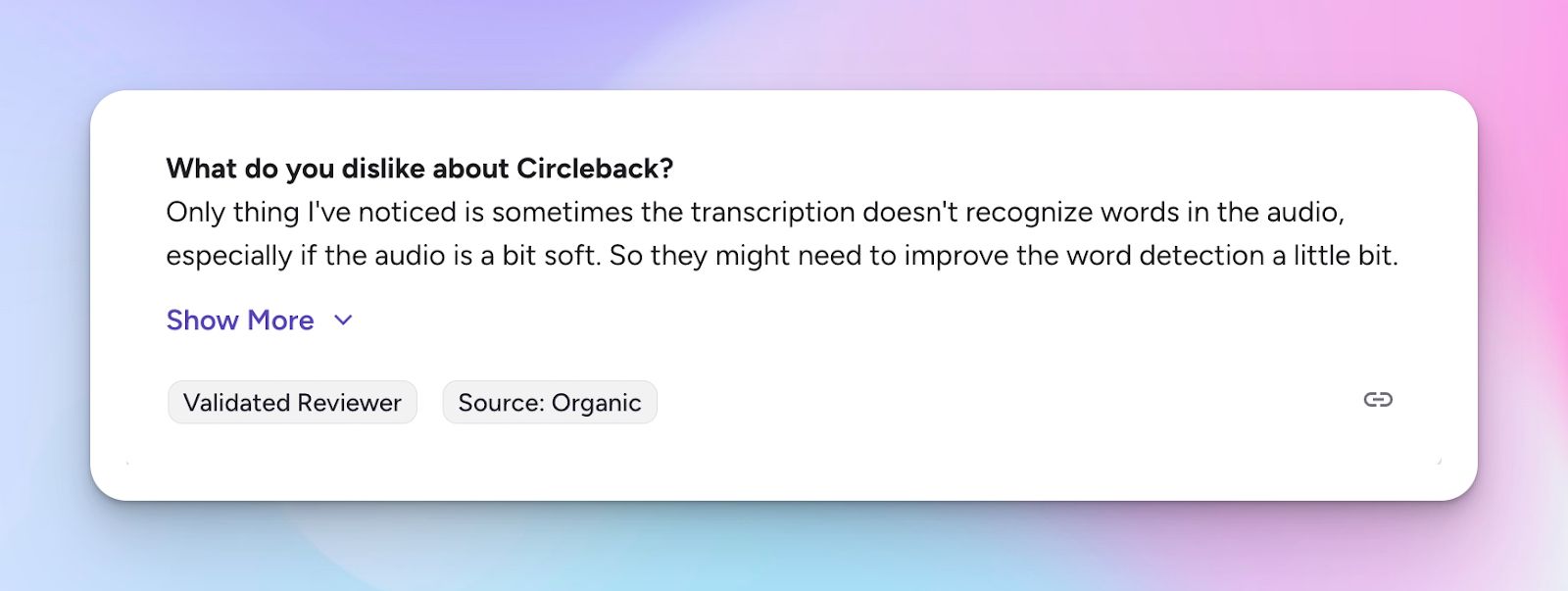
Circleback AI users encounter transcription gaps when audio quality is less than ideal. If a speaker’s voice is soft or the recording volume is low, the tool can miss or mis-detect certain words, which means you may need to double-check the transcript for accuracy.
2. No proper onboarding support
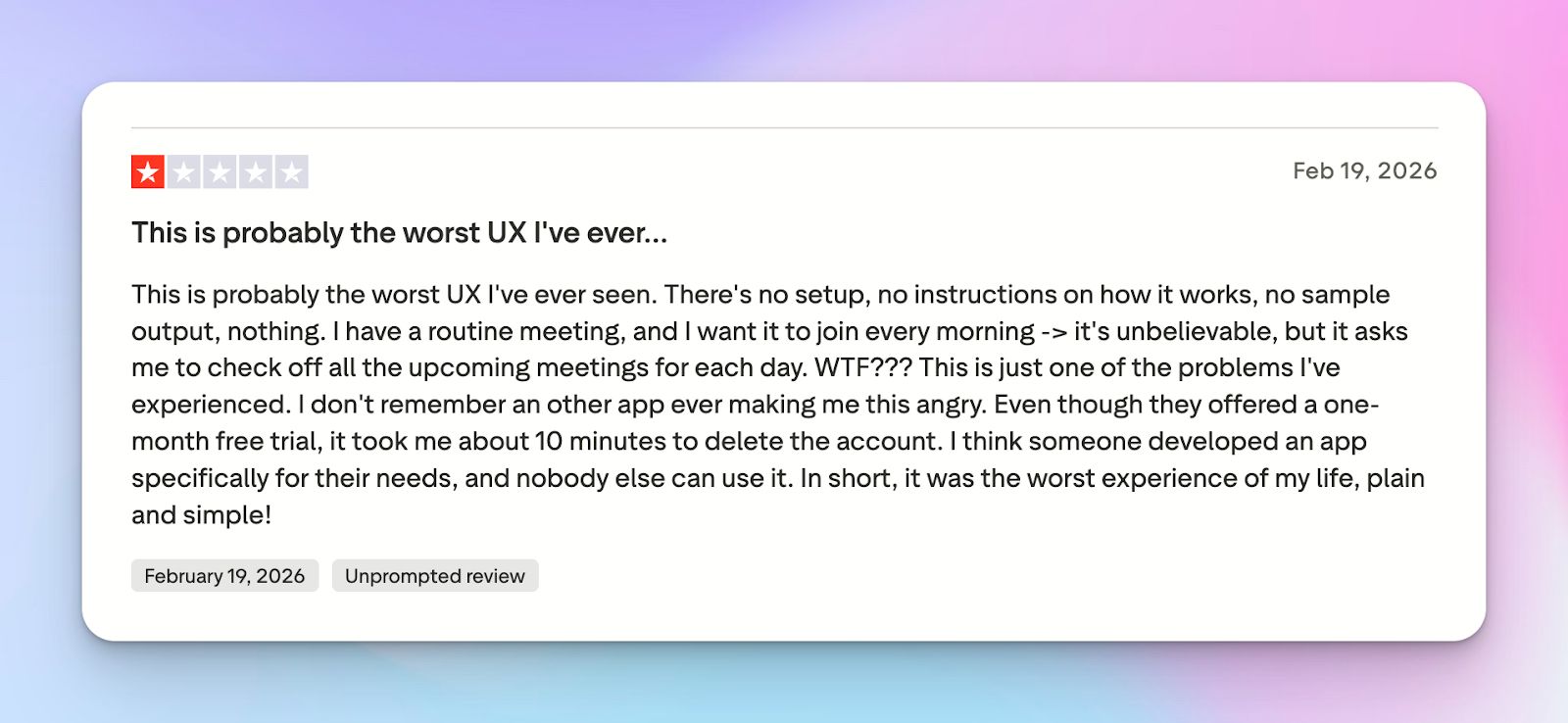
Circleback’s UX feels incomplete. There’s barely any onboarding or explanation of what you’re supposed to do, and the recurring meeting workflow isn’t truly automatic.
If you want it to join a daily standup, you may have to manually approve or tick off meetings each day, which feels absurd for a tool meant to reduce admin. The result is frustration, and some users bounce almost immediately.
3. Not-so-great customer support
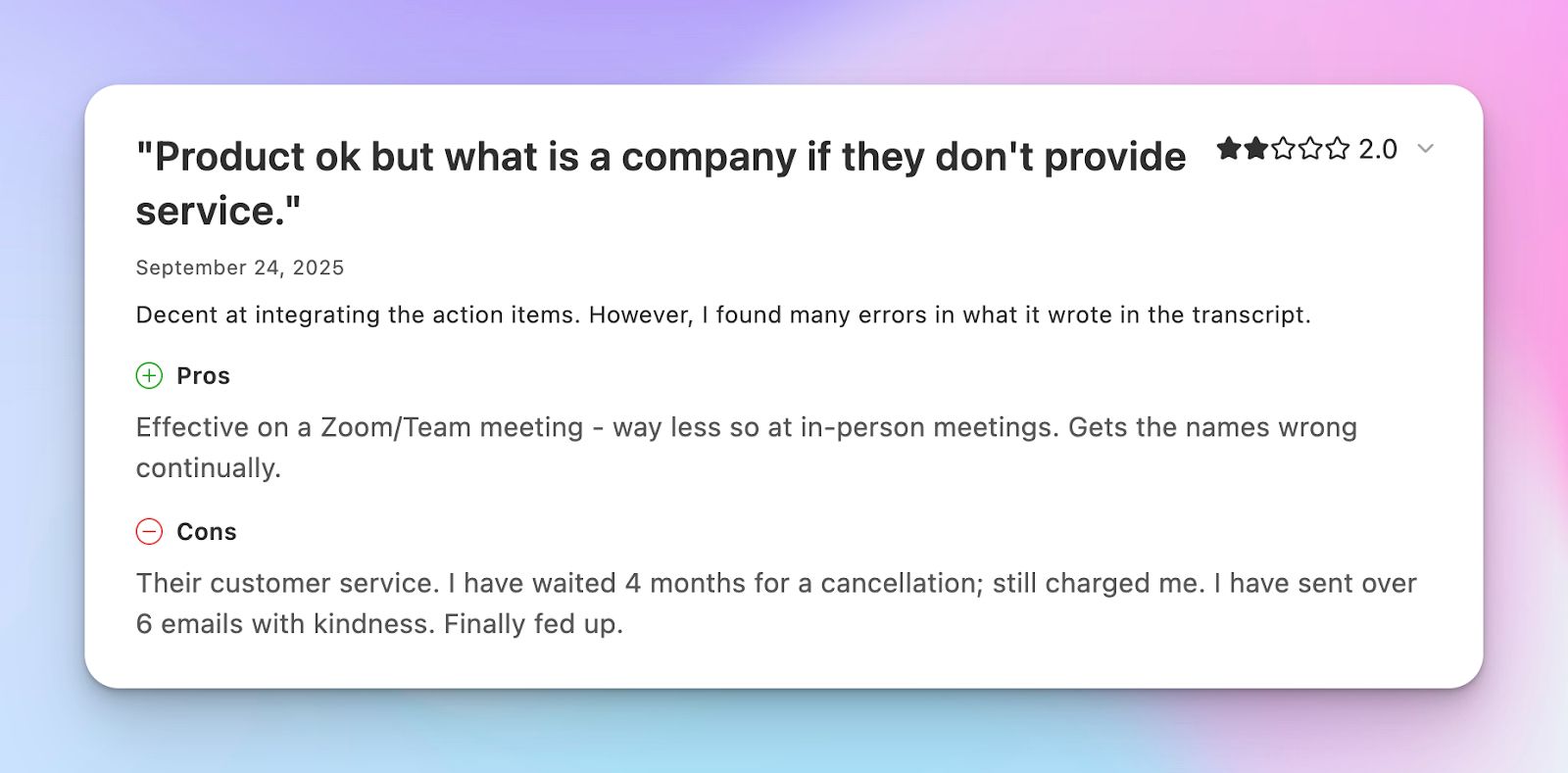
Dealing with Circleback’s support can test your patience. When billing issues come up, especially around cancellations, the response time can feel painfully slow. A few users mention sending multiple emails for cancellation over weeks or months, but charges keep going through.
Top 5 Circleback alternatives at a glance
| Category | HappyScribe | Krisp | Tactiq | Granola | Bluedot |
|---|---|---|---|---|---|
| Best for | Market researchers, journalists, content managers, and business leaders who need multilingual meeting notes with EU data hosting | Teams in noisy environments that want clearer calls, meeting transcripts, and summaries | Chrome-based teams that want bot-free live transcription and reusable AI prompts | Teams that prefer writing their own notes while AI refines and structures them afterward | Sales and customer teams that want CRM automation and shareable meeting clips |
| Top features | Automatic language detection, AI summaries and action items, Ask AI insights across meetings, subtitle generation, bot and browser-based recording | Noise cancellation, accent conversion, AI meeting summaries | Real-time transcription, tagging and screenshots during meetings, reusable AI prompts | Live note editing with AI refinement, templates for meeting types, AI chat | Bot-free recording, meeting highlights and clips, conversation analytics |
| Languages supported | 140+ languages and dialects | 16 | 60+ | 15+ | 100+ |
| Privacy and compliance | SOC 2 Type II, GDPR compliant, EU data residency | Standard enterprise security (details vary by plan) | Standard SaaS security practices | Standard SaaS security practices | Privacy-friendly bot-free recording setup |
| Pricing | Free plan available. Paid plans start from $8.50/month | Plans start from $16/month per user | Free plan available. Paid plans start from $12/month per user | Free plan available. Paid plans start from $14/month per user | Free plan available. Paid plans start from $18/month per user |
1. HappyScribe
Best for: Market researchers, journalists, content managers, and business leaders who need AI meeting notes in 140+ languages and EU data hosting
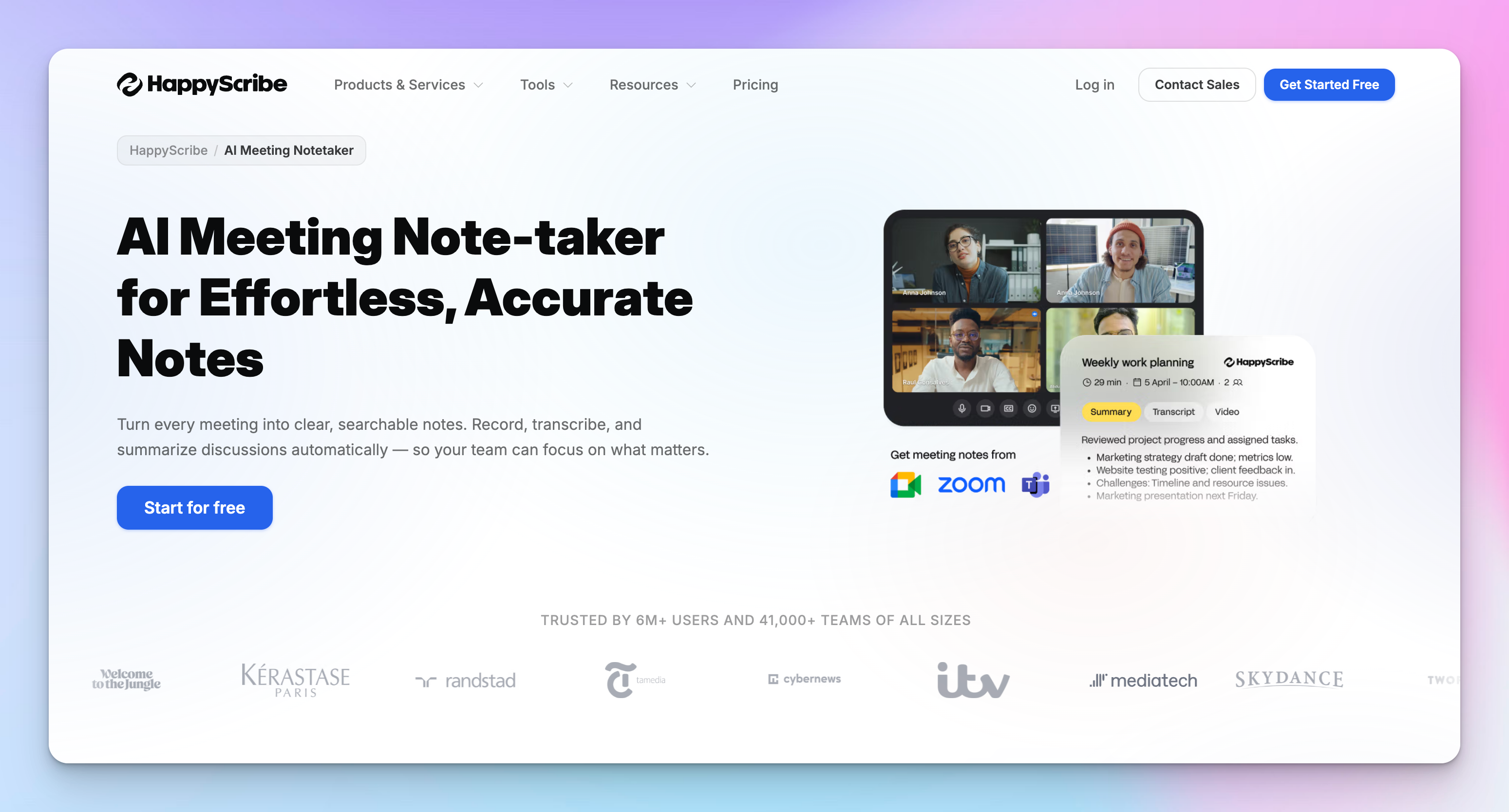
HappyScribe AI note taker is the best Circleback alternative when accuracy and language diversity are critical to your workflow. It automatically joins your Google Meet, Zoom, or Teams calls, then records, transcribes, and summarizes discussions across multiple languages and dialects.
With GDPR compliance and secure data hosting on EU servers, HappyScribe keeps your confidential data private, always.
HappyScribe vs Circleback
| Category | HappyScribe | Circleback AI |
|---|---|---|
| Best for | Teams and professionals who need high-quality meeting notes, aggregated insights, and European data hosting | Teams that want automatic meeting summaries and notes push into their tech stack |
| Language coverage | 140+ languages and dialects | 100+ languages |
| Security and compliance | SOC 2 Type II, GDPR compliant, EU data residency | SOC 2, GDPR, and HIPAA-compliant |
| Integrations | HubSpot, Google Calendar, Outlook Calendar, YouTube, Vimeo, Google Drive, Dropbox, Box | Google Calendar, Slack, HubSpot, Salesforce, Attio, Monday |
| Subtitle generation | Yes | No |
| Free plan | Free plan available with unlimited meeting recordings | No free plan, only 7-day free trial |
HappyScribe's key features
Automatic language detection and transcription
HappyScribe listens to your meeting audio and automatically identifies which language participants are speaking from a library of 140+ supported languages and dialects. Then it transcribes the conversation with over 95% accuracy.
Multilingual teams can jump between languages mid-conversation without manually switching settings or stopping the recording.
Calendar integration and auto-join
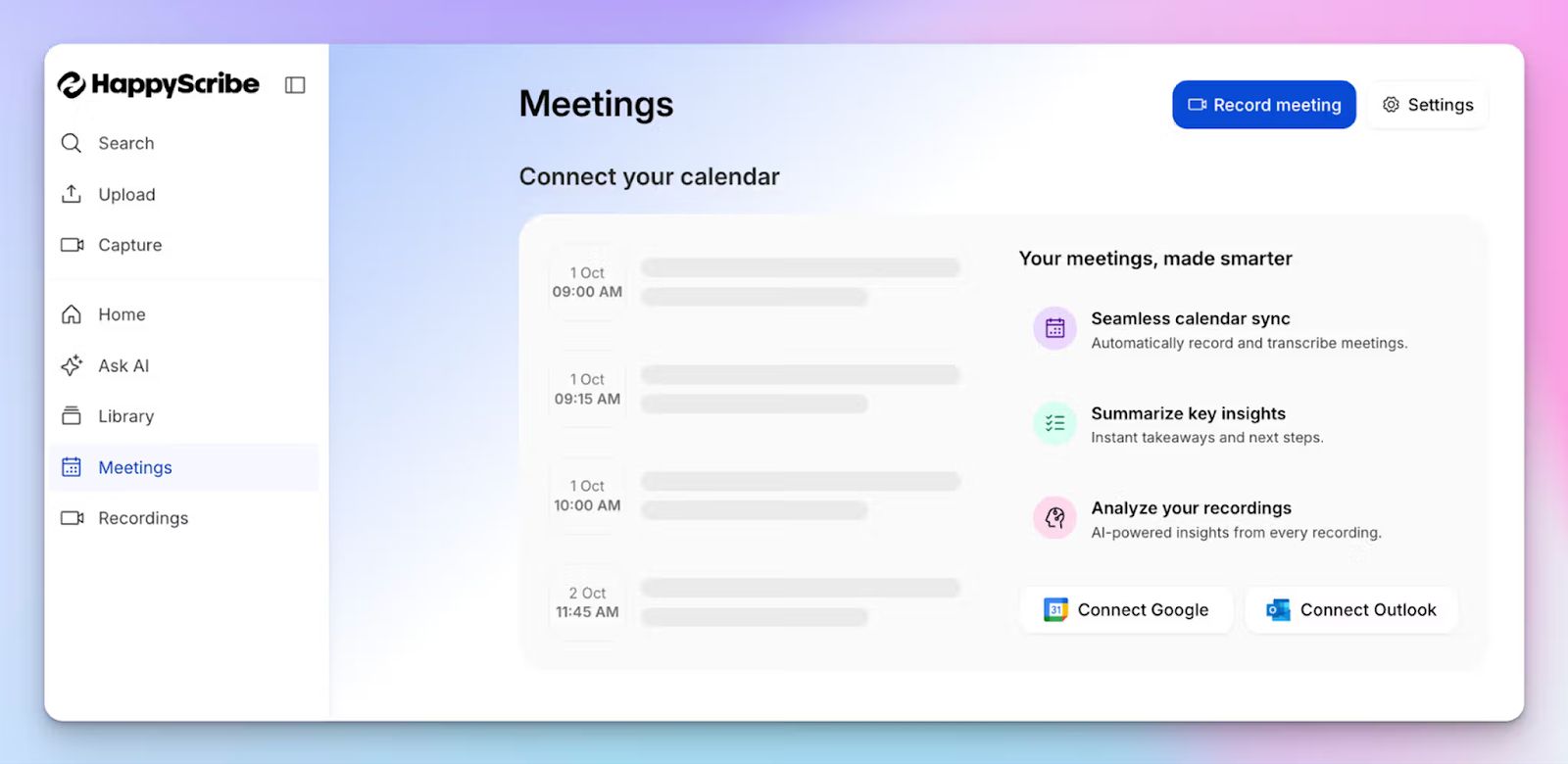
Once connected to Google Calendar or Microsoft Outlook, HappyScribe autonomously joins upcoming meetings at the scheduled start time.
The bot enters the call, introduces itself (optionally with your custom branding message), and begins recording without requiring you to click "start" or remember to activate it.
The hands-free workflow ensures no meeting goes undocumented, even when you're running late or joining back-to-back calls.
Smart summaries and action items
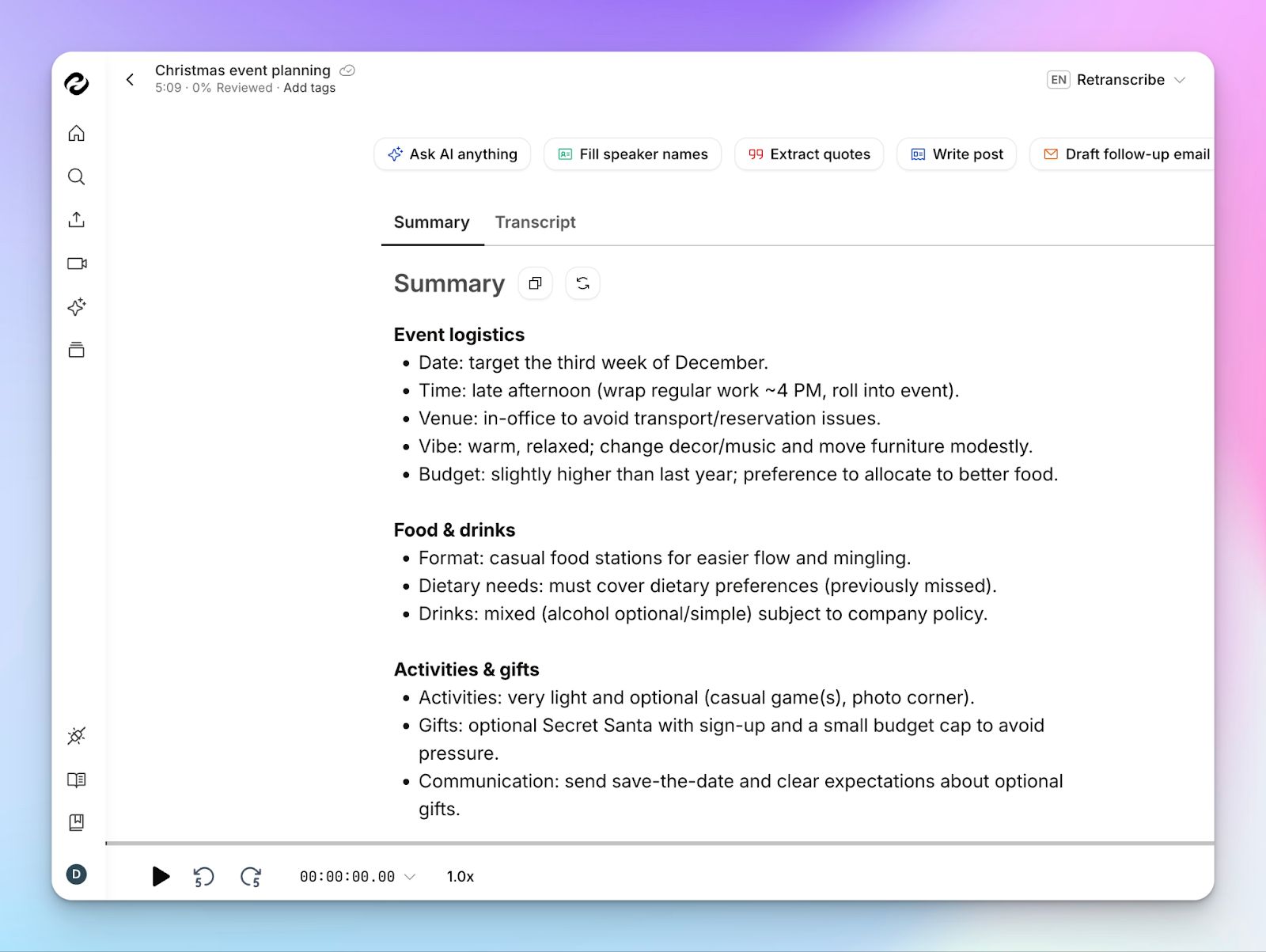
After each meeting concludes, HappyScribe's AI analyzes the full transcript and generates a structured summary highlighting key decisions, important discussion points, and next steps.
It also picks out action items and turns them into a simple checklist. If someone mentioned who owns a task or when it’s due, that gets captured too, so everyone can quickly see what they’re responsible for. No need to re-read the entire transcript.
Get meeting insights using Ask AI
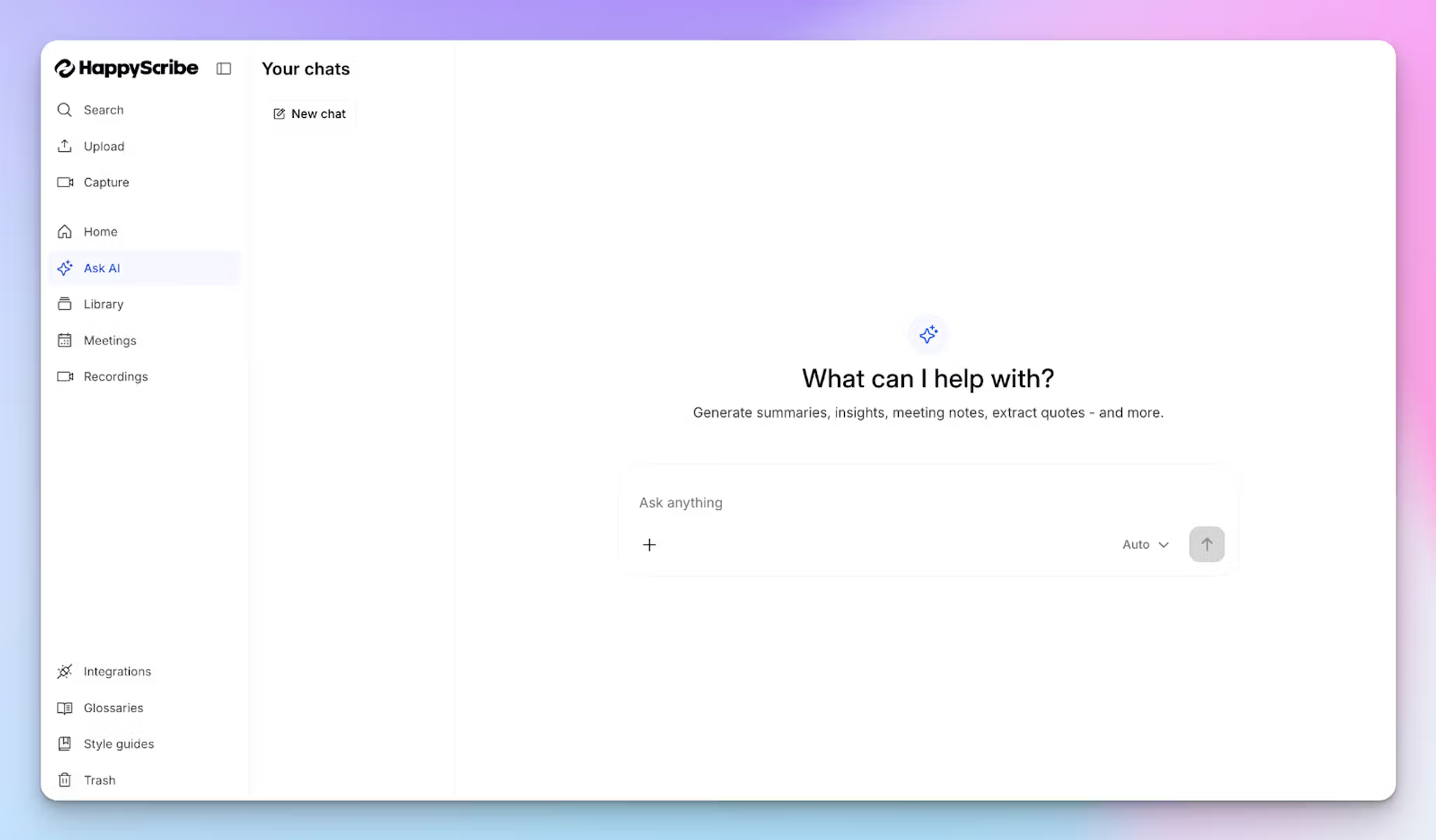
Ask AI in HappyScribe is your conversational AI assistant. You can start with a simple question, then keep pushing with follow-ups until the answer is actually clear…the way you’d talk it through in ChatGPT or Claude.
You can ask for aggregated insights across all your meetings, such as recurring objections, common customer asks, recurring decisions, or what the team agreed on last week.
So if the first reply is a little broad, you can say “wait, which part are you referring to?” or “show me where that was said,” and it’ll help you zoom into the exact moment in the transcript and unpack the context without starting over every time.
Customizable meeting bot
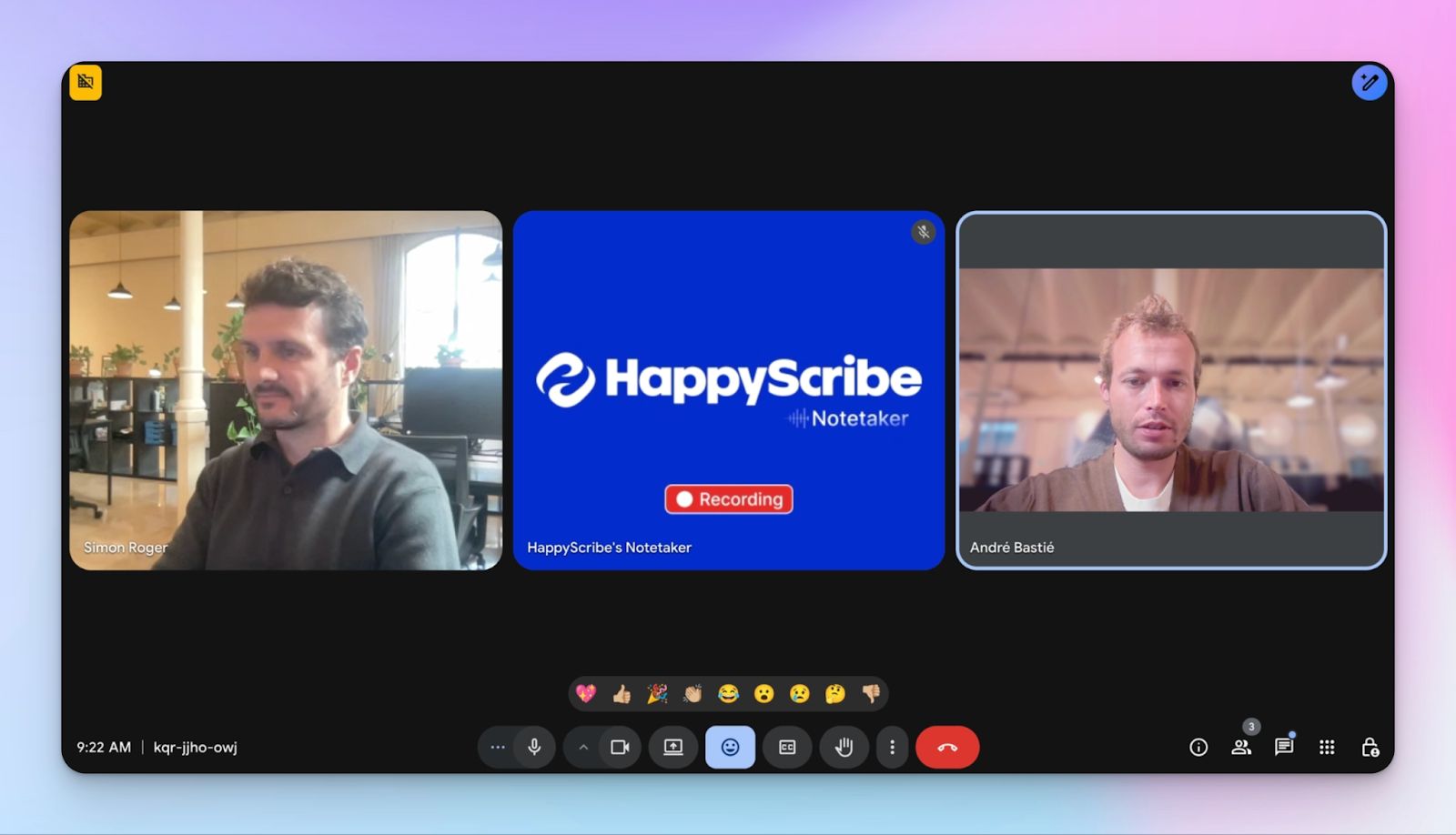
You can personalize the AI note taker's identity by uploading their company logo, selecting brand colors for the interface, renaming the bot, and crafting custom welcome messages that play when the bot joins meetings.
Available on paid plans, this feature turns the notetaker into an extension of your brand during client calls.
Browser-based bot-free recording
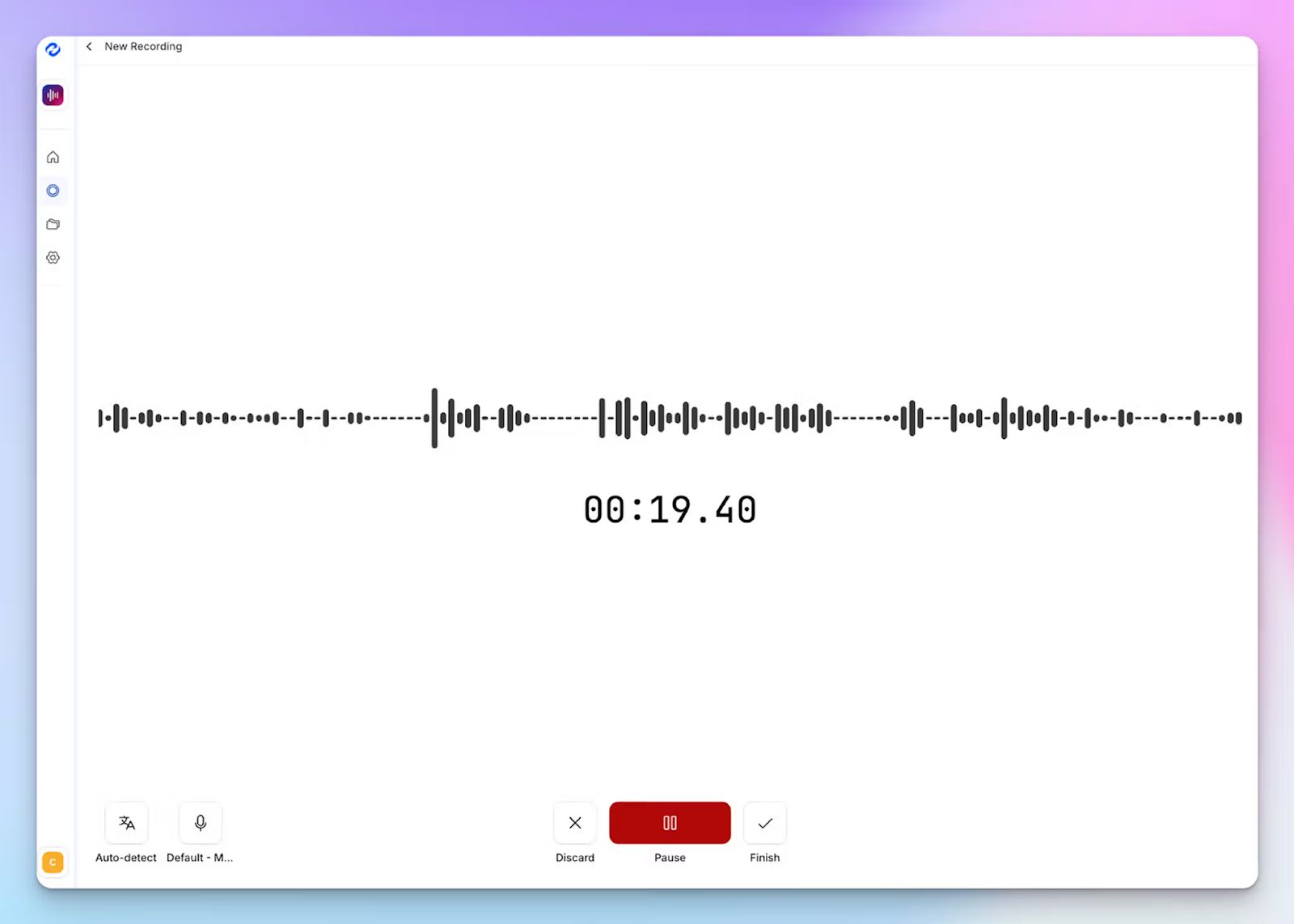
Beyond scheduled meetings, HappyScribe offers an in-browser recording tool that captures audio directly from your desktop without needing a calendar invite or meeting link.
It’s useful for impromptu brainstorming sessions, one-on-one coaching calls, interview recordings, or any in-person spontaneous conversation where you decide mid-discussion that you want a transcript and notes.
HappyScribe's pricing
- Free: Unlimited meeting recordings (45 mins/recording)
- Basic: $8.50/month (billed annually) or $17/month (billed monthly)
- Pro: $19/month (billed annually) or $29/month (billed monthly)
- Business: $59/month (billed annually) or $89/month (billed monthly)
- Enterprise:Contact sales to get tailored solutions directly
HappyScribe's pros
- Ideal for European teams and privacy-conscious users
- Offers both audio and video recording, along with meeting notes
- Reliable, on-time customer support from real humans, not chatbots
- Transparent and flexible billing for users, along with a free tier
- Create and edit subtitles and translate meeting notes to collaborate with global teams
- Add tags to organize meeting notes
- Upload and transcribe files and pre-recorded meetings from your device, YouTube, Vimeo, and Dropbox
- Integrates with Google Calendar, Outlook Calendar, HubSpot, Google Drive, and Box
- Supports both virtual and in-person meeting capture
HappyScribe’s cons
- Doesn’t offer real-time meeting transcription
What are real users saying about HappyScribe?
I have tried many systems in the past to convert speech to text. I recently did an initial test with Happyscribe and I have to say, it worked sensationally well. And that was with German. It really makes work easier!
Transcript was much more accurate than the guaranteed 85%. It was more like 98%. And it was really inexpensive and fast. I could not ask for a better experience.
How to use HappyScribe’s AI note taker? A step-by-step guide
1. Link your Google or Outlook calendar or paste the meeting link to invite the HappyScribe note taker. For in-person meetings, you can record audio without a bot.
2. Select Meetings in the left sidebar and then check the options at the right to customize when the notetaker should join and who should receive the email summary.
3. Click on the Settings button at the top right to select when the notetaker should start recording and who can view the meeting transcription.
4. During an online call, the notetaker must be admitted by the meeting host to start recording. You can chat with the notetaker to control it.
5. And that's it! The meetings should be saved in your Workspace files or in the Private section, depending on your privacy settings.
2. Krisp
Best for: Teams that work in noisy environments and want meeting transcripts and summaries without inviting a bot
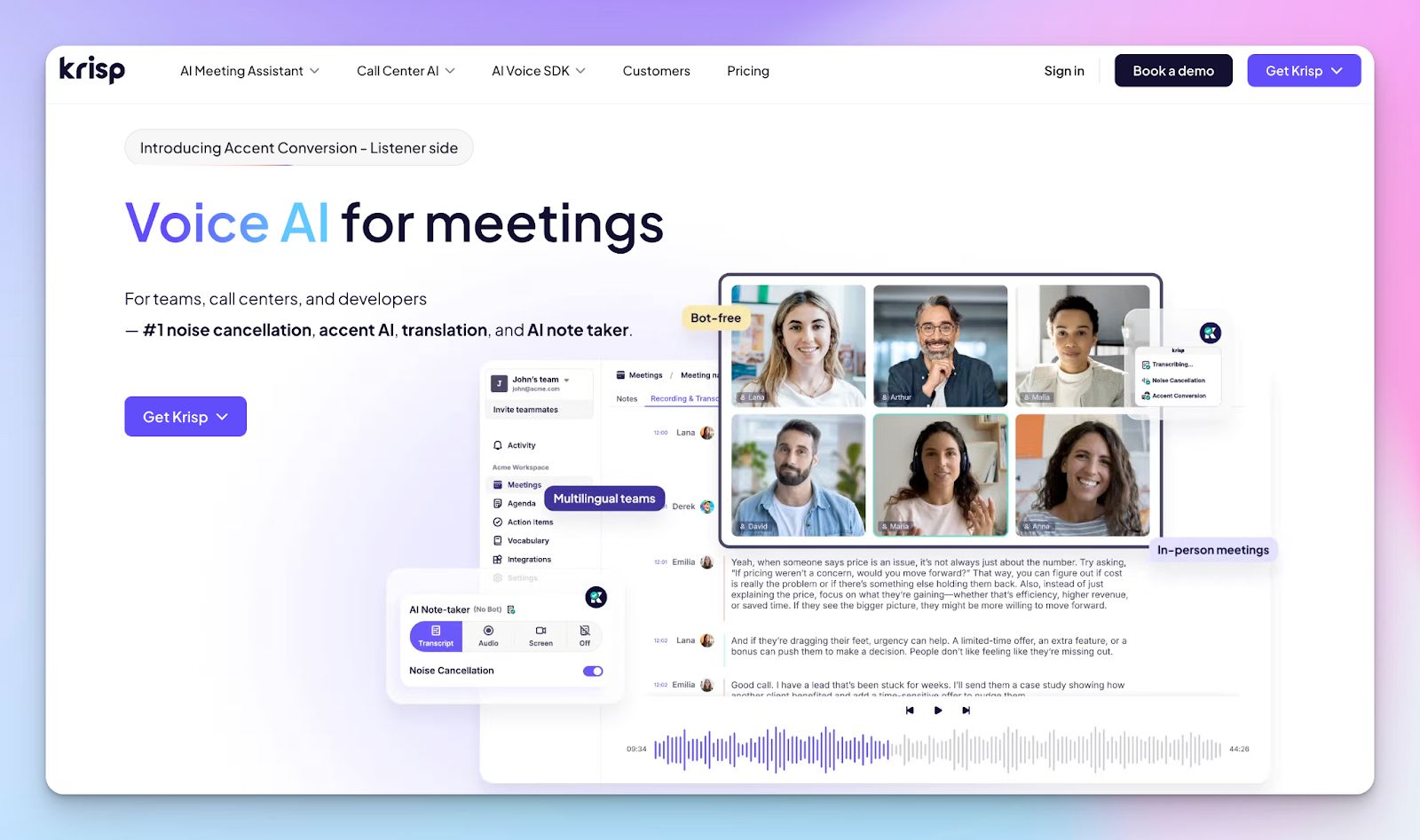
Krisp is a strong Circleback alternative for people who need better meeting notes, but also want the conversation itself to sound clearer from the start.
Where Circleback leans more toward meeting capture and follow-up, Krisp brings audio quality into the equation. So if your meetings get interrupted by background noise, echo, or overlapping voices, Krisp is the more practical fit because it improves call clarity while still giving you summaries and meeting notes.
It’s ideal for remote workers, sales teams, support teams, and anyone who often joins calls from unpredictable environments.
Krisp vs Circleback
| Category | Krisp | Circleback |
|---|---|---|
| How it captures meetings | Routes your call audio through Krisp Microphone and Krisp Speaker | Either joins as a bot, or records locally via desktop and mobile, plus imports |
| Noise handling | Dedicated background noise cancellation and echo handling | Not available |
| Language coverage | 16 | 100+ languages |
Krisp’s key features
- Handles online and offline meetings, along with pre-recorded audio and video files
- Syncs notes and action items to tools like Salesforce and HubSpot
- Includes an AI assistant for instant queries and follow-ups
- Offers real-time accent conversion to improve clarity and understanding across international teams
Krisp’s pricing
- Free trial
- Core: $16/month per user
- Advanced: $30/month per user
- Enterprise: Custom pricing
Krisp’s pros
- When audio quality is unpredictable, Krisp’s voice layer can reduce the amount of manual fixing you end up doing afterwards
- With support on mobile and desktop, it can capture and transcribe everything from walk-and-talks to formal sit-down meetings
- Keeps the full meeting flow in one place, including pre-meeting briefs, agendas, and follow-ups, so it’s easy to find what you need later
Krisp’s cons
- Transcription accuracy falters at times, which means extra cleanup time for important calls
- Occasional performance issues during long calls
📚 Also read:
3. Tactiq
Best for: Teams that use Chrome and want bot-free, in-meeting transcription with reusable templates
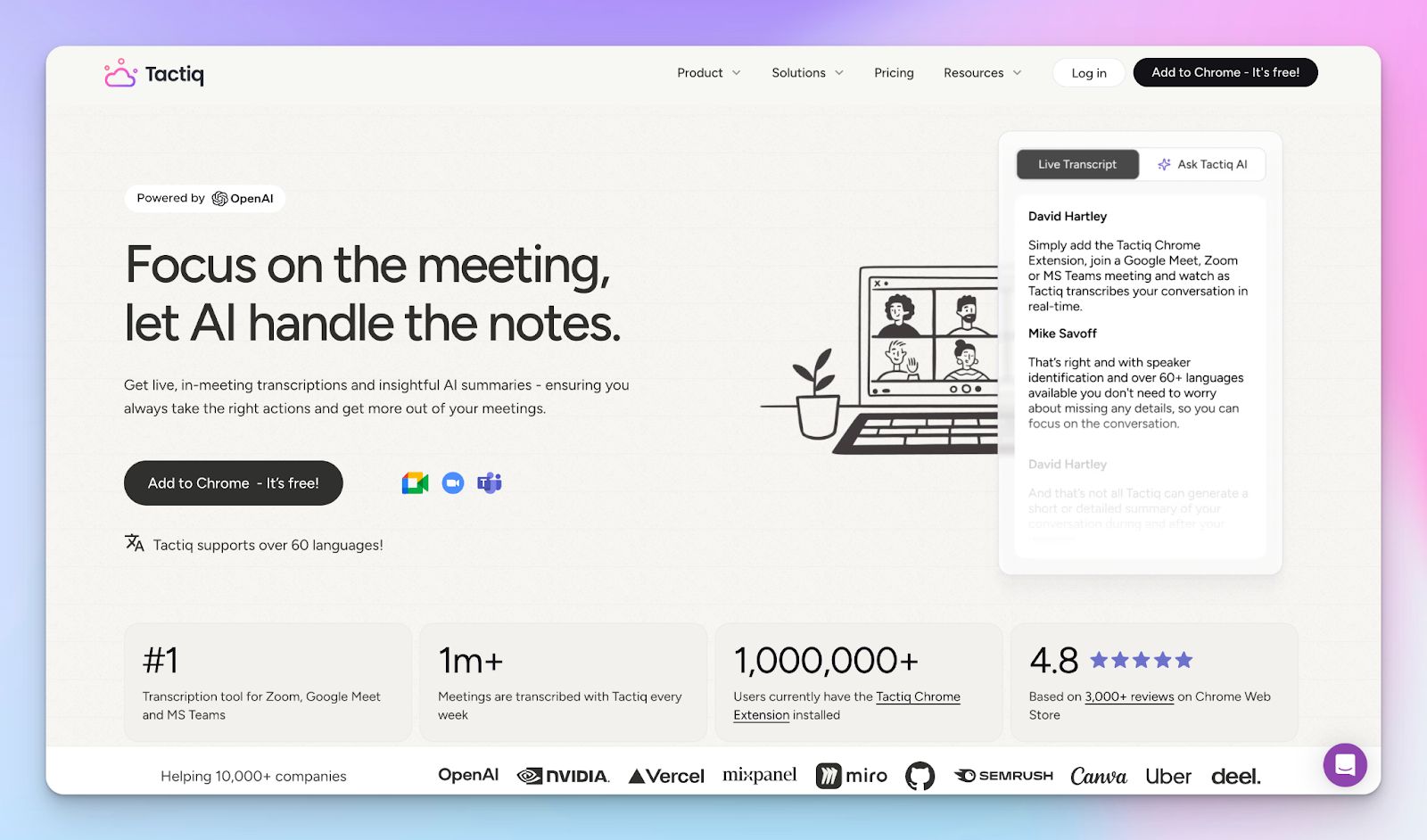
Tactiq runs as a Chrome extension and shows a non-intrusive, bot-free transcript window during calls. It offers real-time transcription along with summaries, action items, follow-up emails, and custom prompt-based outputs.
Where it stands out is speed and flexibility: you can tag moments live, capture screenshots into the transcript, and share the output with stakeholders.
Tactiq vs Circleback
| Category | Tactiq | Circleback |
|---|---|---|
| Core strength | Live transcription during the meeting, quick AI summaries, action items, and reusable AI prompts | Structured notes, auto-assigned action items, automations, playback, and AI search across all conversations |
| Integrations | Can share to Slack, Notion, Linear, HubSpot, and more | Supports integrations with multiple apps and meeting automations after calls |
| Languages | 60+ | 100+ |
Tactiq’s key features
- Live transcription with speaker identification, and quick search to jump to the right moment
- Tags, labels, and comments for decisions and action items while the meeting is happening
- Screenshots captured into the transcript for pitch decks or demos, and speaker participation stats after the call
- PDF or TXT exports and notes sharing via email or a shareable link
- Custom AI prompts you can save and reuse across future meetings
Tactiq’s pricing
- Free
- Pro: $12/month per user
- Team: $20/month per user
- Business: $40/month per user
- Enterprise: Custom pricing
Tactiq’s pros
- Low-friction rollout if your team already runs video calls in Chrome
- Useful for repeatable workflows thanks to saved prompts and templates
- Handy for documentation-heavy workflows, e.g., in CS and product teams
- Push notes to Slack, Notion, Linear, Hubspot, and Pipedrive
Tactiq’s cons
- Chrome dependency can be a real constraint if your org uses desktop meeting apps or non-Chromium browsers
- The free tier only includes around 10 transcripts and a small number of AI credits per month, which runs out quickly for people in frequent meetings
4. Granola
Best for: Taking manual notes in meetings, then have AI fill in the gaps afterward
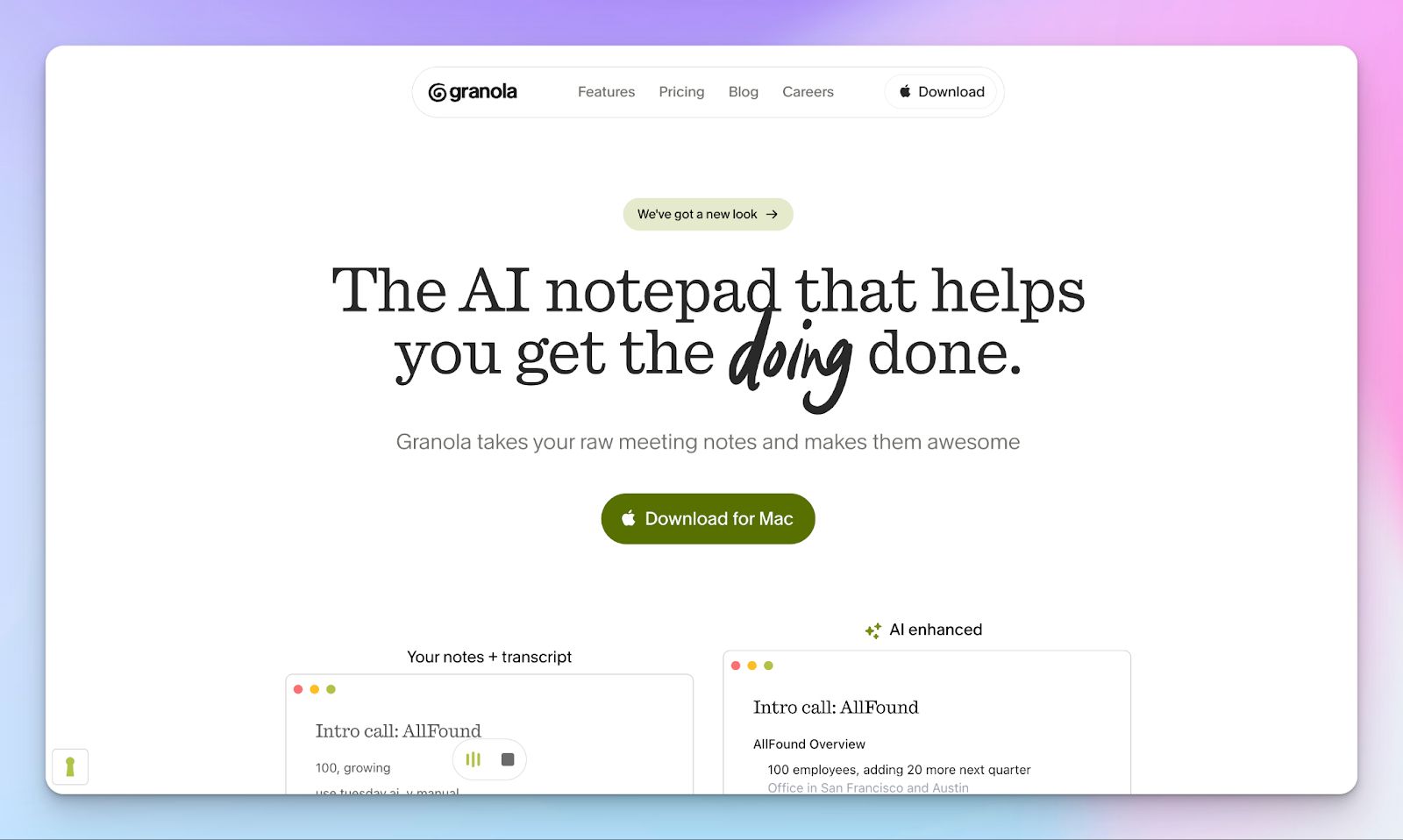
Granola takes a collaborative approach to note-taking by refining the notes you write during the meeting. As you jot down rough discussion points, Granola processes the conversation in the background and turns those raw notes into a clearer, structured summary once the meeting ends.
The result feels less like an automated transcript and more like a polished version of your own notes.
For people who prefer staying engaged in the discussion while capturing key points in their own words, this setup offers AI support without taking control of the meeting workflow.
Granola vs Circleback
| Feature | Granola | Circleback |
|---|---|---|
| Meeting capture | Does not record audio or video; designed as an augmentation layer for your notes | Records meetings and generates transcripts automatically |
| Collaboration | Strong collaborative editing and note refinement with teammates | Notes can be shared, but collaboration happens mostly after the AI summary is generated |
| Ideal workflow | Teams that still want human note-taking but more organized | Teams that want hands-off meeting documentation with minimal manual effort |
Granola’s key features
- No-bot note-taking that transcribes from your computer audio, and works across major meeting tools
- Get customizable templates for different meeting types
- AI chat lets you retrieve past notes
- Share notes and updates to HubSpot, Attio, and Affinity
Granola’s pricing
- Basic: Free
- Business: $14/month per user
- Enterprise: $35/month per user
Granola’s pros
- Write documents, follow-up emails, and briefs based on your notes
- Granola’s ‘Recipes’ turn complex questions or frequently used prompts into reusable shortcuts that you can share with others
- Business plan offers MCP integration in apps (beta)
Granola’s cons
- Doesn’t store audio or video, which makes it difficult to cross-check information later
- Customer support could be more prompt
📚 Also read:
5. Bluedot
Best for: Teams that want meeting notes with CRM automation and video clip sharing
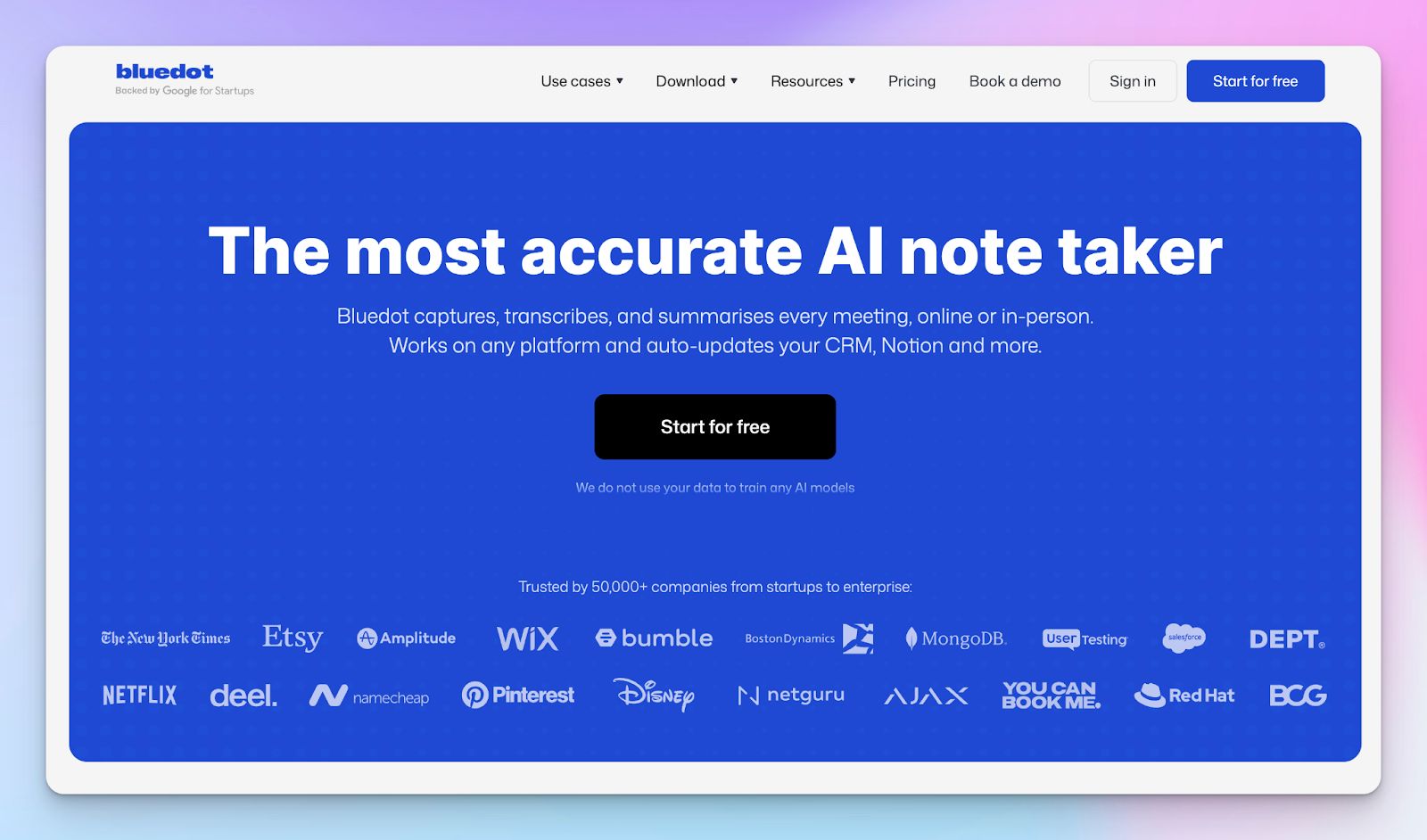
Bluedot is a useful Circleback alternative if you want discreet recording combined with shareable meeting highlights.
It runs as a Chrome extension and captures Google Meet, Zoom, Teams, and in-person meetings without notifying participants. Then it turns those recordings into transcripts, AI notes, action items, and email drafts.
Bluedot offers post-meeting workflow automation. Notes can auto-sync to HubSpot, Salesforce, Notion, or Slack, and you can clip specific meeting moments instead of sending full recordings.
Bluedot vs Circleback
| Feature | Bluedot | Circleback |
|---|---|---|
| Best for | Bot-free capture and sharing recordings after the call | Turning meetings into searchable follow-up and automated next steps |
| Core strength | Recording workflow. Bluedot captures the meeting, transcribes it, summarizes it, and then pushes it into CRM or Notion | Post-meeting workflow. Circleback offers accurate notes, assigns action items, and offers automations across tools |
| Free plan | Available | No free plan, 7-day free trial |
Bluedot's key features
- Bot-free recording via Chrome extension, along with the ability to upload existing audio and video files for transcription and AI notes
- Automatic sync with Salesforce, HubSpot, plus integrations with Slack, Notion, and Google Drive
- Meeting highlights and clips let you annotate moments during calls, then share specific clips instead of full recordings
- Conversation analytics, including speaker insights, talk time, and engagement patterns for sales coaching
- AI chat and search across all meeting transcripts to find specific answers or summarize multiple conversations
Bluedot’s pricing
- Free
- Basic: $18/month per user
- Pro: $25/month per user
- Business: $39/month per user
Bluedot's pros
- Strong fit for sales and customer success teams who need automatic CRM updates and conversation insights without manual data entry
- For recruiters, Bluedot sends the notes and key details straight into your ATS
- Draft follow-up emails in your tone using insights from transcripts, meeting notes, and call recordings
Bluedot's cons
- Transcription accuracy can struggle with overlapping speakers or strong accents
- The free plan is very restrictive, limited to 5 recordings as a trial
So, which Circleback alternative should you pick?
The best Circleback alternative depends on where Circleback starts falling short for your team:
👉 Krisp is the one to look at if messy audio is wrecking your transcripts
👉 Tactiq makes sense if you want live transcription during the meeting
👉 Granola is a better fit if you prefer to take rough notes yourself and want AI to clean them up later
👉 Bluedot stands out for sales workflows
👉 HappyScribe makes the strongest case if you want the best overall Circleback alternative. You get 140+ languages, EU data hosting, GDPR compliance, highly accurate AI meeting notes, aggregated insights through Ask AI, and the flexibility to work with scheduled calls, browser-based recording, and uploaded files.
When your team handles multilingual conversations, sensitive discussions, research interviews, client calls, and a mix of online and in-person meetings, HappyScribe makes the whole process much easier to manage.
FAQs on the best Circleback alternatives for AI note-taking
What is a free Circleback alternative?
HappyScribe is a strong free alternative to Circleback if you want more room to test the product before upgrading. Its free plan includes unlimited meeting recordings, which makes it a more generous free plan than many other circleback alternatives. For teams that need reliable meeting notes, multilingual transcription, and privacy-friendly workflows, it gives you a lot to work with from day one.
Which Circleback AI alternatives are best for sales teams?
If your workflow revolves around sales calls, the best Circleback AI alternatives are usually Bluedot, Fireflies AI, and Krisp. These tools are built for sales teams that need conversation analytics, AI coaching, CRM sync, and actionable insights from customer conversations. HappyScribe can also work well here if your sales org handles multilingual calls or wants clearer documentation across regions, though its edge is broader language coverage rather than pure sales coaching.
What key features should I look for in an AI meeting assistant?
When comparing any AI meeting assistant, focus on key features such as transcription accuracy, automatic speaker recognition, summary quality, seamless integration with productivity tools, and support for both online meetings and in person meetings. It also helps when the tool supports Google Meet, Microsoft Teams, and calendar sync. HappyScribe stands out here because it combines broad recording flexibility with strong multilingual support and browser-based capture.
Which Circleback alternative is best for multilingual teams?
HappyScribe is one of the best options for multilingual teams and international teams because it supports 140+ languages and regional dialects. If your team works across markets, handles interviews, or runs meetings with mixed-language participants, that kind of multilingual support can make a real difference. It is especially useful for global teams that want one place for transcripts, summaries, and searchable insights across multiple meetings.
Are there Circleback alternatives with better collaboration and workflow integration?
Yes. Some alternatives do a better job with team collaboration, shared notes, and workflow integration. Bluedot is useful for CRM-heavy teams, while Tactiq is handy for live capture and lightweight follow-up. HappyScribe is also relevant here because it supports integrations with tools like Google Calendar, Outlook, Google Drive, and HubSpot, which makes meeting notes easier to move into the rest of your workflow.
Which Circleback alternative should I choose overall?
The right pick depends on what Circleback is missing for you. Choose HappyScribe if you want strong privacy, better multilingual coverage, and flexible recording across virtual and in-person conversations. Choose Krisp if audio quality is your main issue. Choose Bluedot if your team lives in CRM workflows. Choose Tactiq if live note taking matters most. Among the top Circleback alternatives, HappyScribe makes the strongest all-round choice for teams that want accuracy and room to scale beyond a basic note-taking setup.

Rodoshi Das
Rodoshi is the Content Lead at HappyScribe, the privacy-first transcription and AI notetaker platform based in Barcelona. Shaping content strategies and building AI workflows excites her as much as exploring new SaaS tools. She specializes in product-led content that informs rather than sells, grounded in honest product benchmarking and low tolerance for empty marketing speak.