![5 Best Krisp Alternatives for AI Meeting Notes [2026]](/sanity-images/ejgwz1gl/redesign/cd914125ea29dbc23a29ffa2df65e4e4d448f57a-1600x900.jpg?auto=format&w=1600.0&rect=0,50,1600,800&h=800)
Krisp alternatives are worth considering when you like Krisp for noise cancellation, but you also need meeting notes you can actually count on.
I’ve used Krisp on real calls, and the audio cleanup is genuinely great. The problem shows up when I’m relying on it for AI note-taking. If the tool crashes or fails to capture the meeting properly, the “nice audio” part doesn’t hold up.
I want a smooth, reliable flow where I get high-quality notes every time, with clear action items and decisions I can share right after the call.
And that’s why I’ve compiled the best Krisp alternatives. To build this list, I tested the free versions of each tool, talked to people using these tools daily, and read through G2 reviews, Reddit threads, and Trustpilot reviews to understand what real users have to say about the tools. Here's what I found.
TL;DR
- HappyScribe: Market researchers, business leaders, journalists, and busy professionals who need accurate meeting notes in 140+ languages
- Fireflies: Best for revenue teams that need searchable meeting intelligence and native CRM sync
- Fathom: Best for teams that want unlimited transcription and AI summaries completely free
- tl;dv: Best for multi-meeting analysis and sales coaching
- Notta: Best for mobile and in-person recording with real-time transcription on the go
Why users are looking for Krisp alternatives
Before shortlisting the best Krisp alternatives, I wanted to understand what drives people away. Certain patterns kept coming up, and they’re worth knowing before you commit.
1. Krisp struggles beyond English meetings
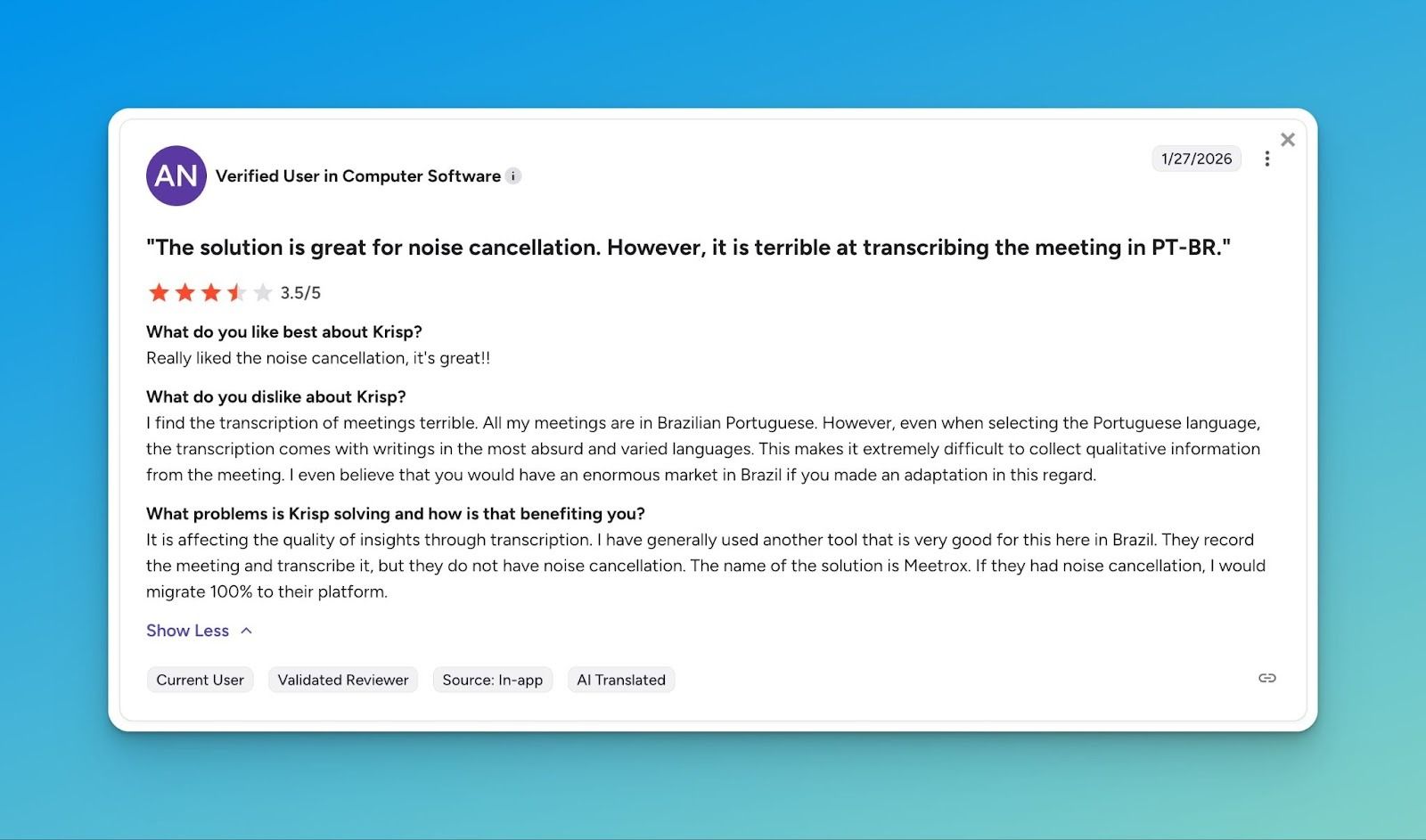
Non-English users sometimes find that even with the correct language selected, the transcript comes back unreadable. Noise cancellation still works, but you can’t always rely on the notes.
2. Notes vanish after the meeting ends
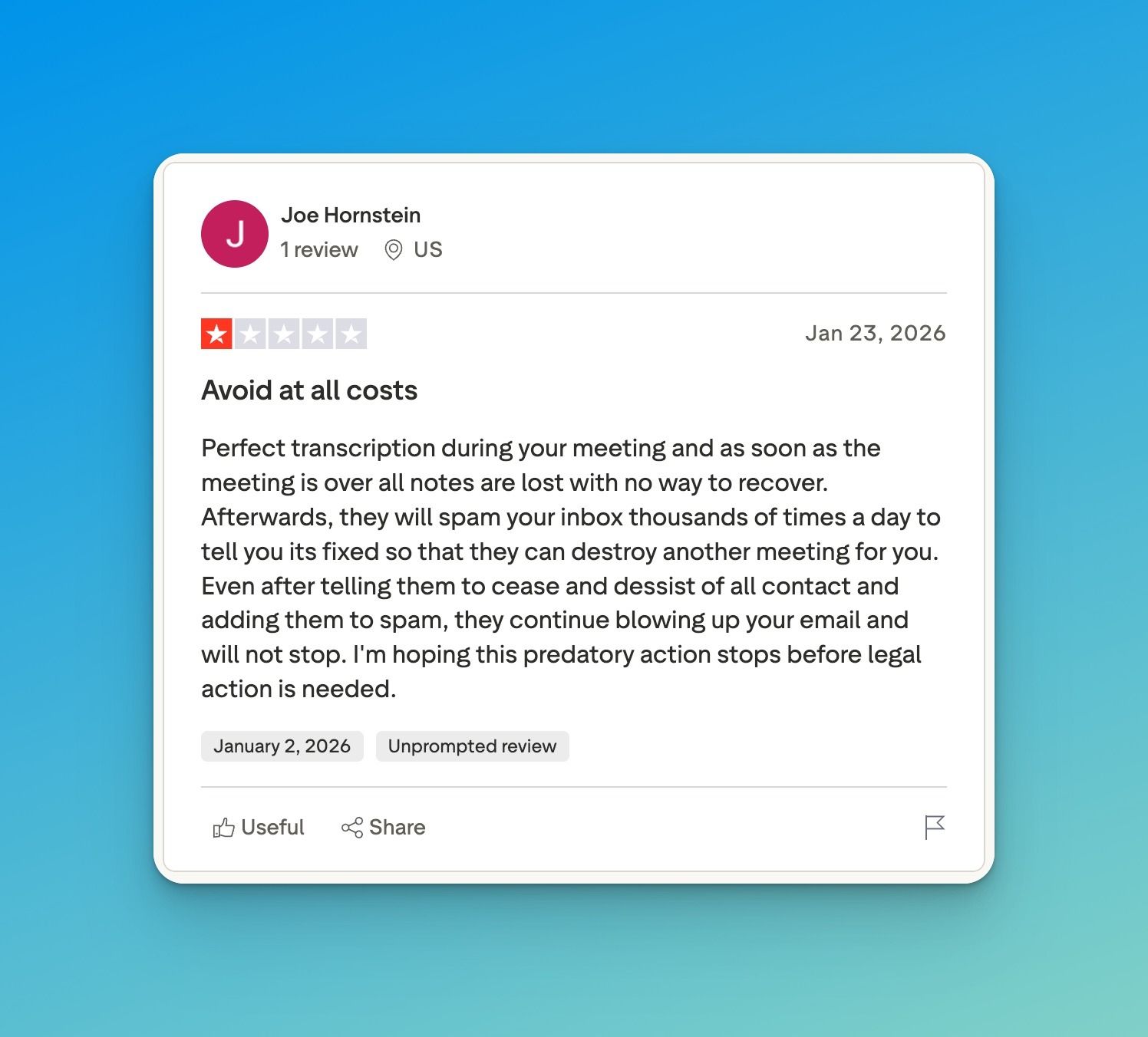
Some users report transcripts disappearing after calls, causing users to lose valuable meeting data. These reports reflect subjective experiences, yet they point to a clear obstacle for anyone needing reliable records.
3. Renewals happen silently
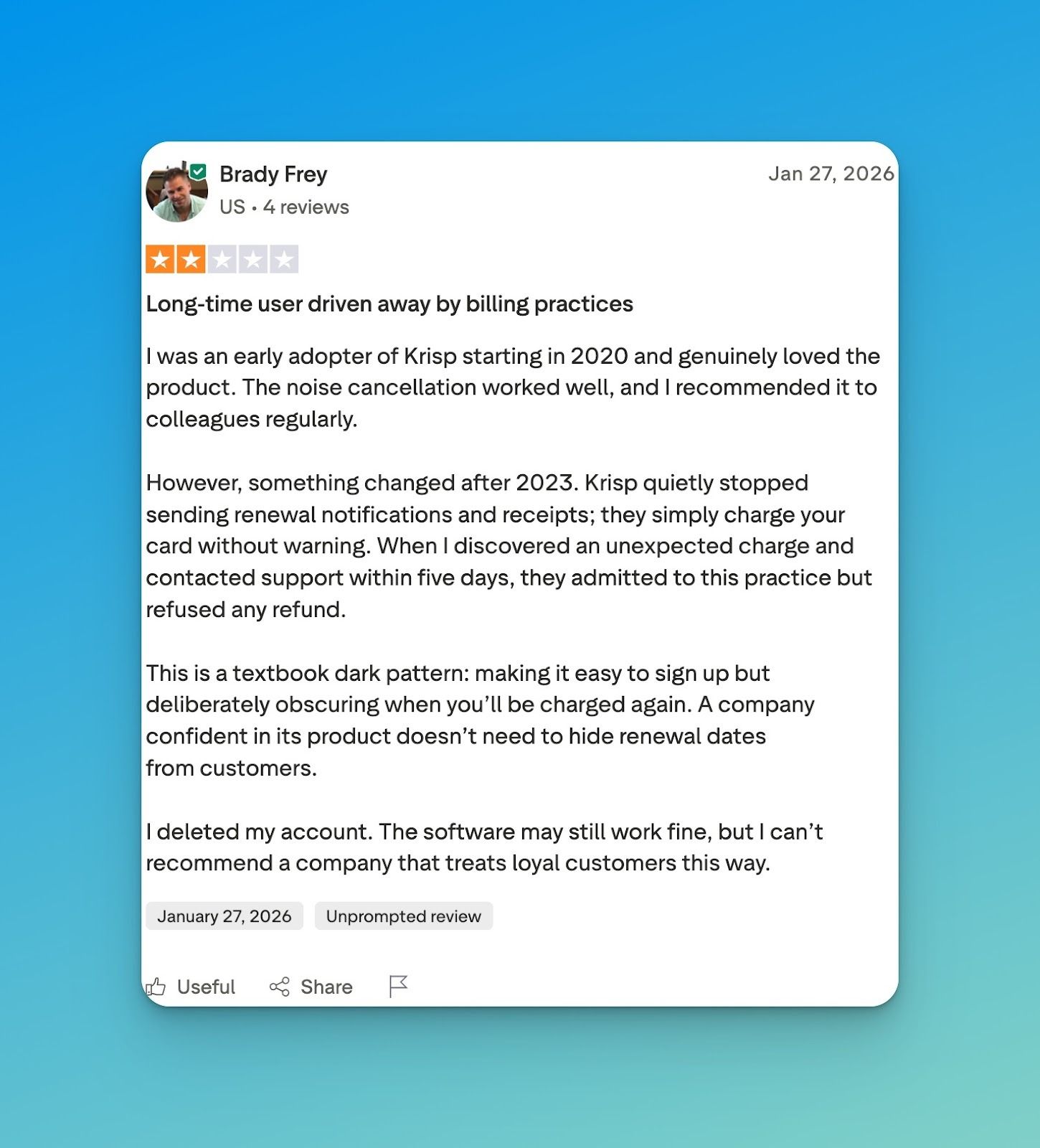
Occasionally, users experience unexpected charges without prior notification. While this may not affect every account, it’s a friction point worth noting.
4. Performance degrades over time
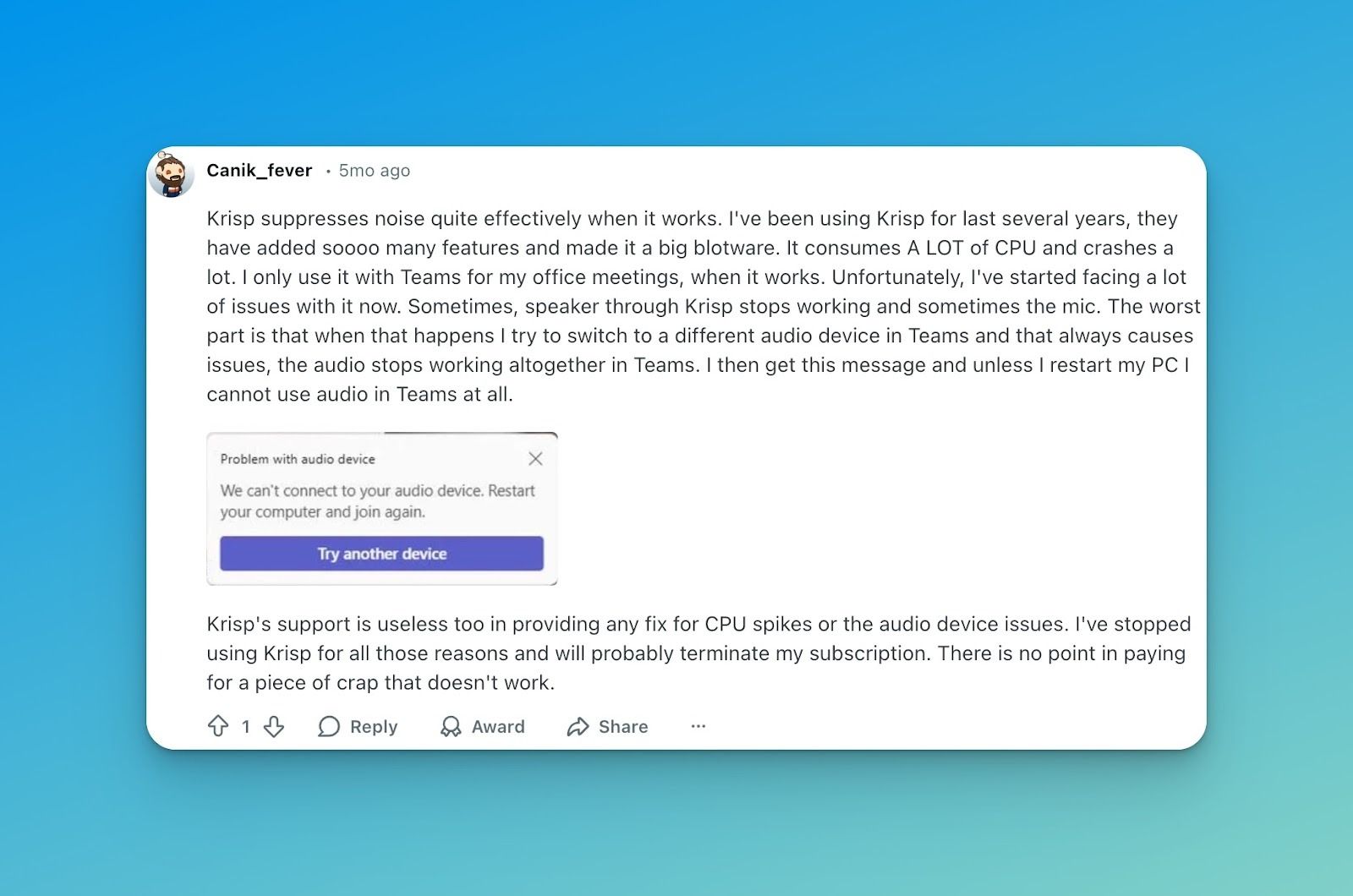
Updates and added features can increase resource use, and some users report that the tool crashes and interrupts calls. For anyone who runs multiple meetings or relies on recording and transcription, it’s a potential pain point.
Top 5 Krisp alternatives at a glance
| Feature | HappyScribe | Fireflies | Fathom | tl;dv | Notta |
|---|---|---|---|---|---|
| Best for | Multilingual teams | Sales call analysis and CRM integrations | Sales, Marketing, Team Collaboration | Multi-meeting analysis | Mobile, in-person recording |
| Key features | AI summaries, file uploads | AI bot, structured summaries, CRM sync | AI summaries, clips, collaboration | Multi-call reports, CRM mapping | Mobile recording, bilingual transcription |
| Languages | 140+ | 100+ | 30+ | 30+ | 50+ |
| Integrations | Zoom, Teams, Meet, plus any file upload | Zoom, Meet, Teams, Webex | Desktop only | Zoom, Meet, Teams | Zoom, Meet, Teams, Webex, mobile |
| Security | SOC 2, GDPR, EU data residency | SOC 2, GDPR, HIPAA | SOC 2, HIPAA | SOC 2, GDPR, EU storage | SOC 2, CCPA, GDPR |
| Pricing | Free plan available. Paid plan starts from $8.50/month (billed annually) or $17/month (billed monthly) | Free plan available. Paid plan starts from $18/month per seat | Free plan available. Paid plan starts from $19/month per user | Free plan available. Paid plan starts from $18/month per user | Free plan available. Paid plan starts from $13.49/month |
1. HappyScribe
Best for: Market researchers, business leaders, journalists, and busy professionals who need accurate meeting notes in 140+ languages
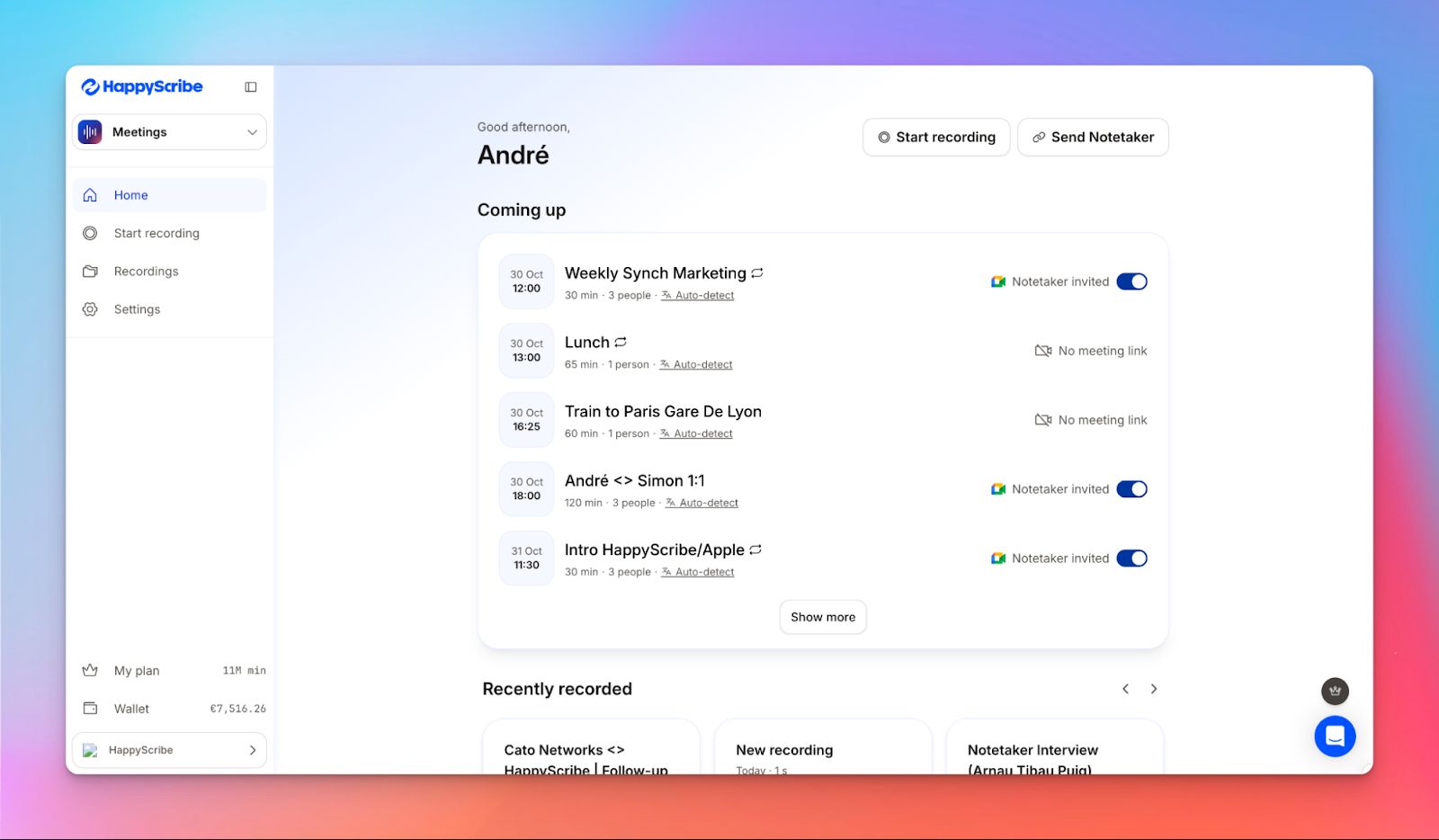
If you work across languages, regions, or distributed teams, meeting documentation can quickly get messy. The HappyScribe AI note taker is built for this reality. When your Google or Outlook calendar is connected, it can automatically join Google Meet, Microsoft Teams, and Zoom calls.
After the meeting, you receive a structured transcript with labeled speakers and an AI-generated summary highlighting key decisions, next steps, and action points.
HappyScribe vs Krisp: What's different?
Experience 95%+ accuracy
HappyScribe delivers highly accurate transcriptions, achieving over 95% precision in supported languages. Its advanced speech-to-text models handle a wide range of accents, speech patterns, and even code-switching between languages.
Get meeting notes in 140+ languages and dialects
Where Krisp handles 16 languages with varying quality, HappyScribe supports 140+ languages and regional dialects. With coverage for Greek, Polish, Swedish, Swahili, to Brazilian Portuguese, HappyScribe is truly built with global teams in mind.
Repurpose meeting notes using AI
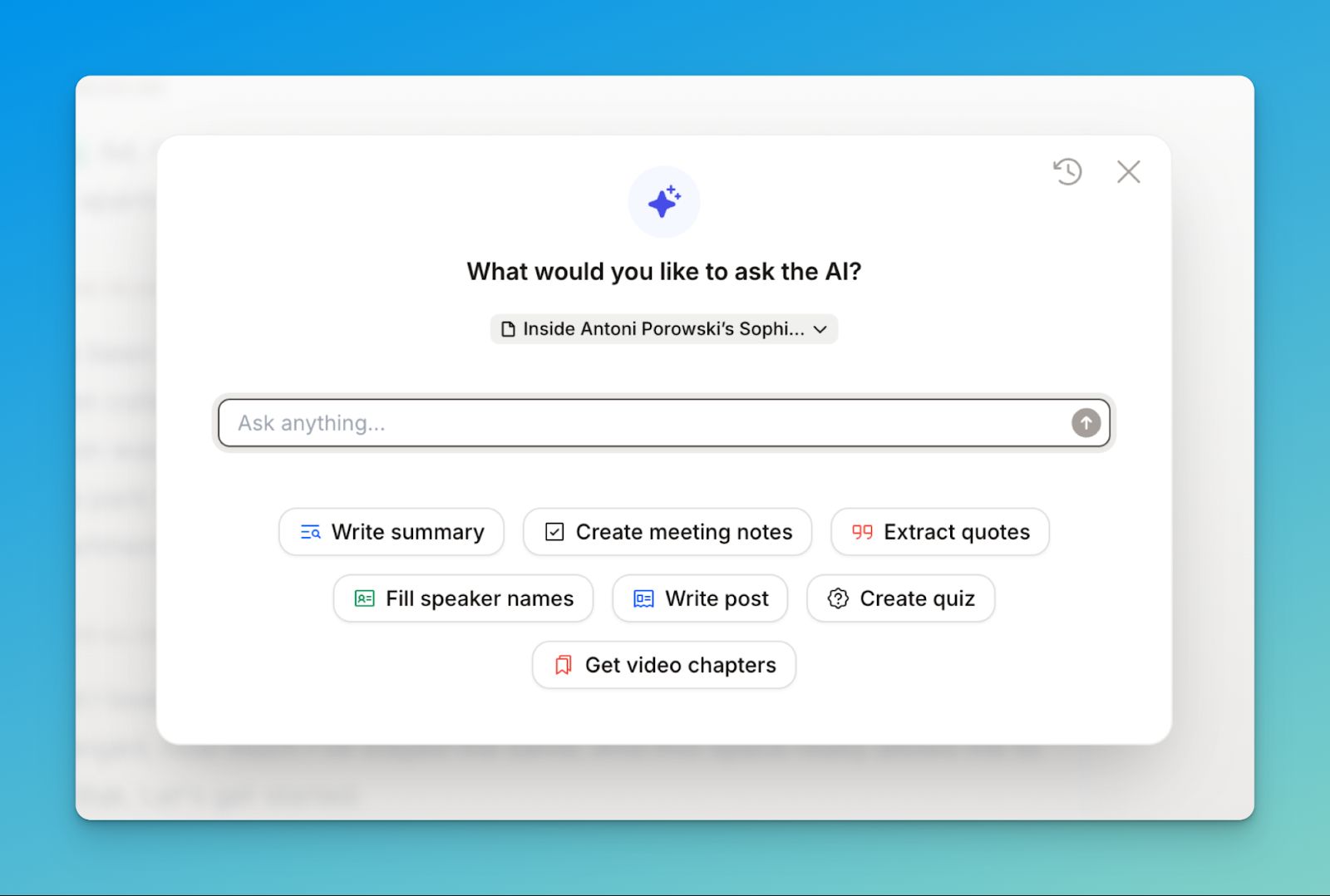
HappyScribe’s Ask AI helps you explore your transcripts by highlighting insights, extracting quotes, summarizing conversations, and suggesting speaker labels. You can refine results, make custom requests, and revisit past queries.
Customize your meeting note taker
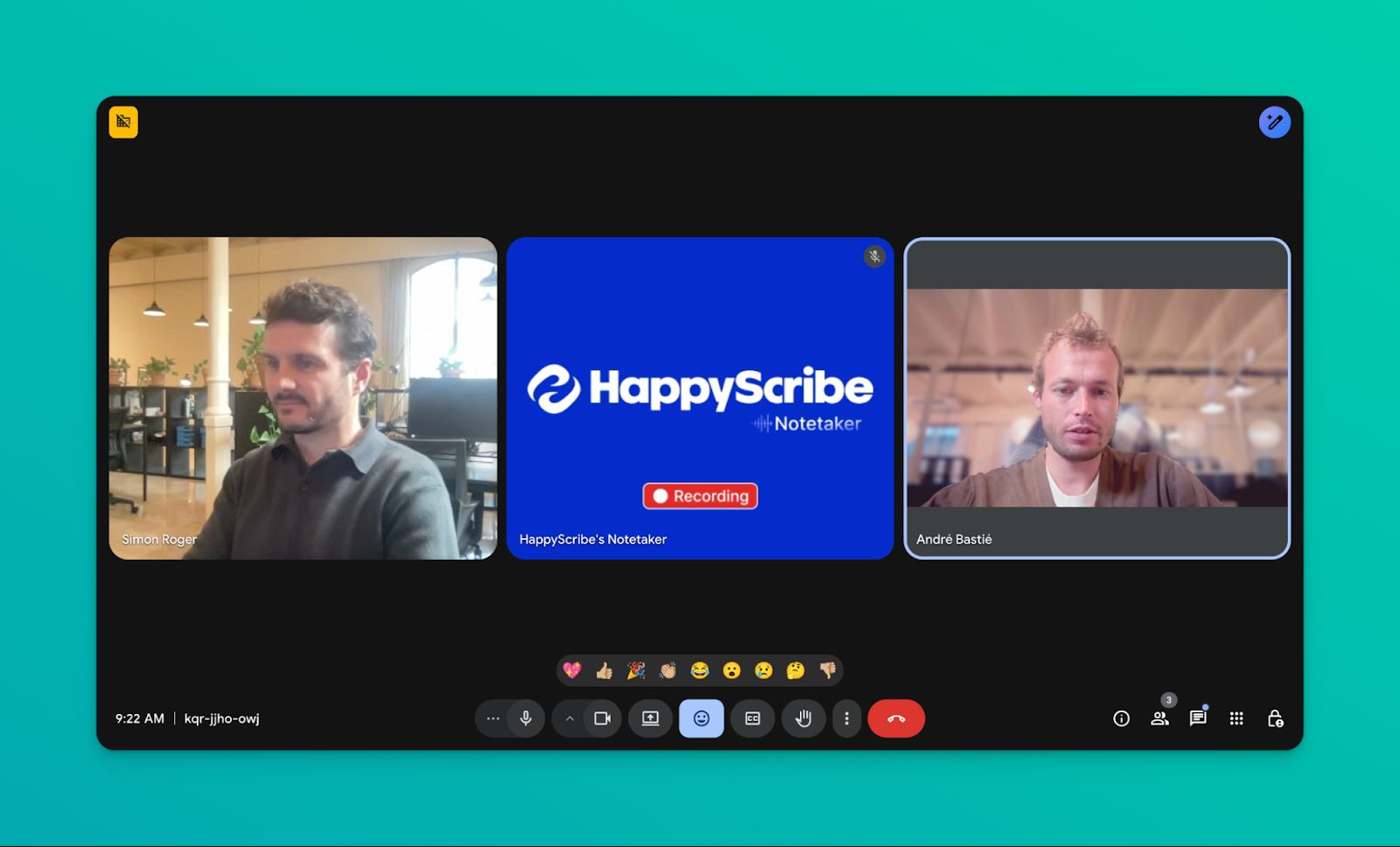
You can brand the bot with your logo and colors, set a custom name, and write a welcome message for participants. When it comes to meeting notes, Style Guides let you define formatting rules and summary structures, ensuring consistent output across projects.
Work across Google Meet, Teams, Zoom, and more
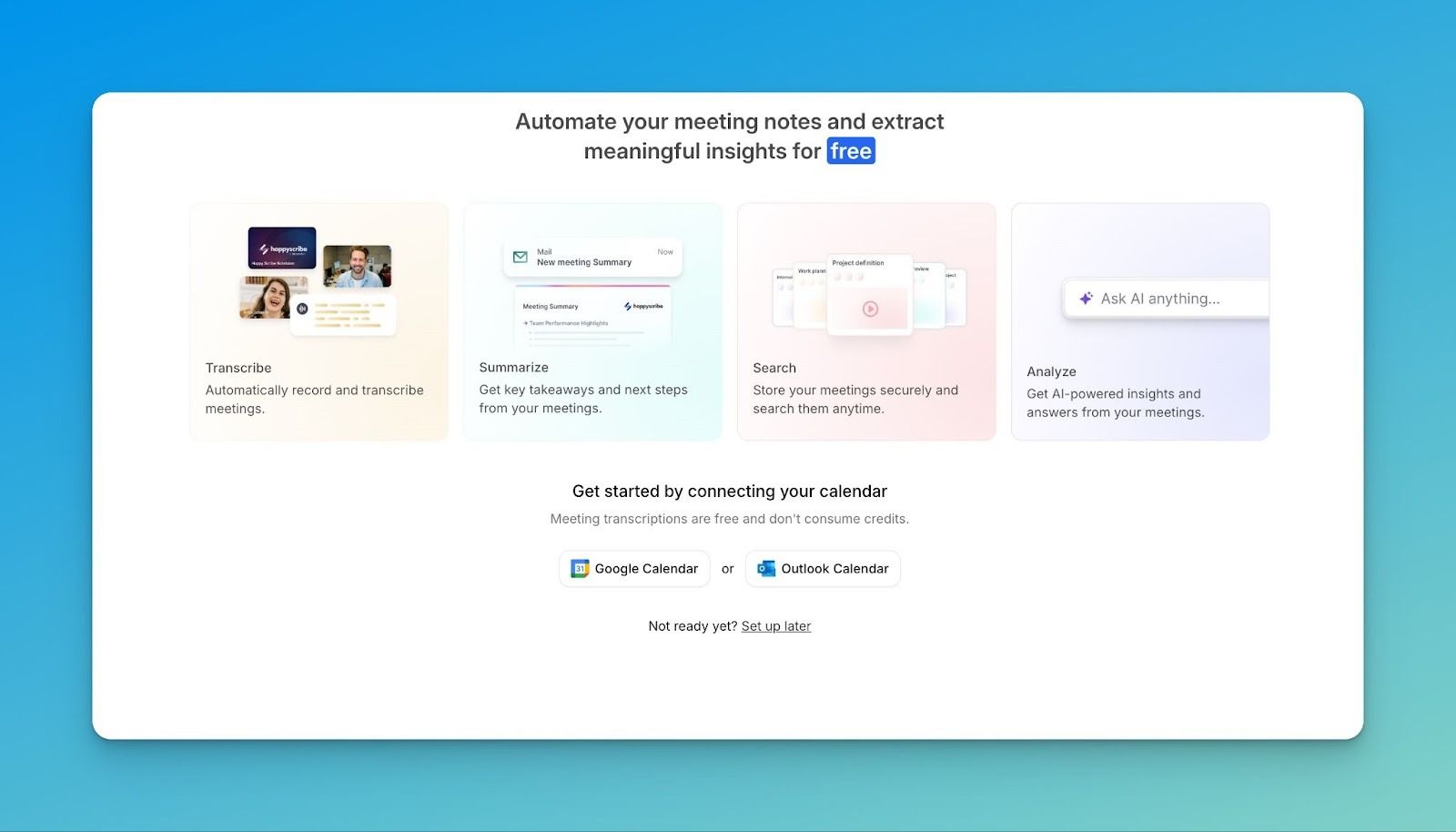
Connect with Google Calendar or Outlook to auto-join scheduled meetings. Need to jump into a call manually? Just paste the URL. Record impromptu conversations via browser, or upload pre-recorded files in 60+ formats (MP3, MP4, WAV, MOV).
HappyScribe’s pros
- Strong multilingual support with automatic language detection
- Ensures compliance with GDPR and SOC 2 Type II standards
- Automatic calendar-based meeting joining
- Delivers built-in smart summaries with email recap
- Identifies speakers clearly for more accurate follow-ups
HappyScribe’s cons
- Real-time transcription isn’t available
HappyScribe’s pricing
- Free: Unlimited meeting recordings (45 mins/recording)
- Basic: $8.50/month (billed annually) or $17/month (billed monthly)
- Pro: $19/month (billed annually) or $29/month (billed monthly)
- Business: $59/month (billed annually) or $89/month (billed monthly)
- Enterprise:Contact sales to get tailored solutions directly
What are real users saying about HappyScribe?
Very user friendly software. Transcriptions are accurate even with non-native speaker English recordings. - Margaret
Does exactly what it claims it will do. Easy to use and a huge time saver. - John Van Hulst
How to use HappyScribe's AI notetaker
How to use HappyScribe's AI notetaker
- Sync your Google or Outlook calendar so the AI notetaker can automatically join scheduled meetings. If you’d rather add it manually, simply paste the meeting URL to invite it.
- Go to Meetings in the left sidebar. From there, use the options on the right to decide when the notetaker joins and who receives the summary email afterward.
- Open Settings (top right corner) to choose when recordings begin and control who has permission to view the transcript.
- When the meeting starts, the host needs to allow the notetaker into the session before recording begins. You can also use chat commands to manage it during the call.
- Once the meeting ends, the recording and transcript are saved either in your Workspace files or in the Private section, depending on your selected privacy settings.
2. Fireflies
Best for: Revenue teams that need conversation intelligence and CRM auto-sync
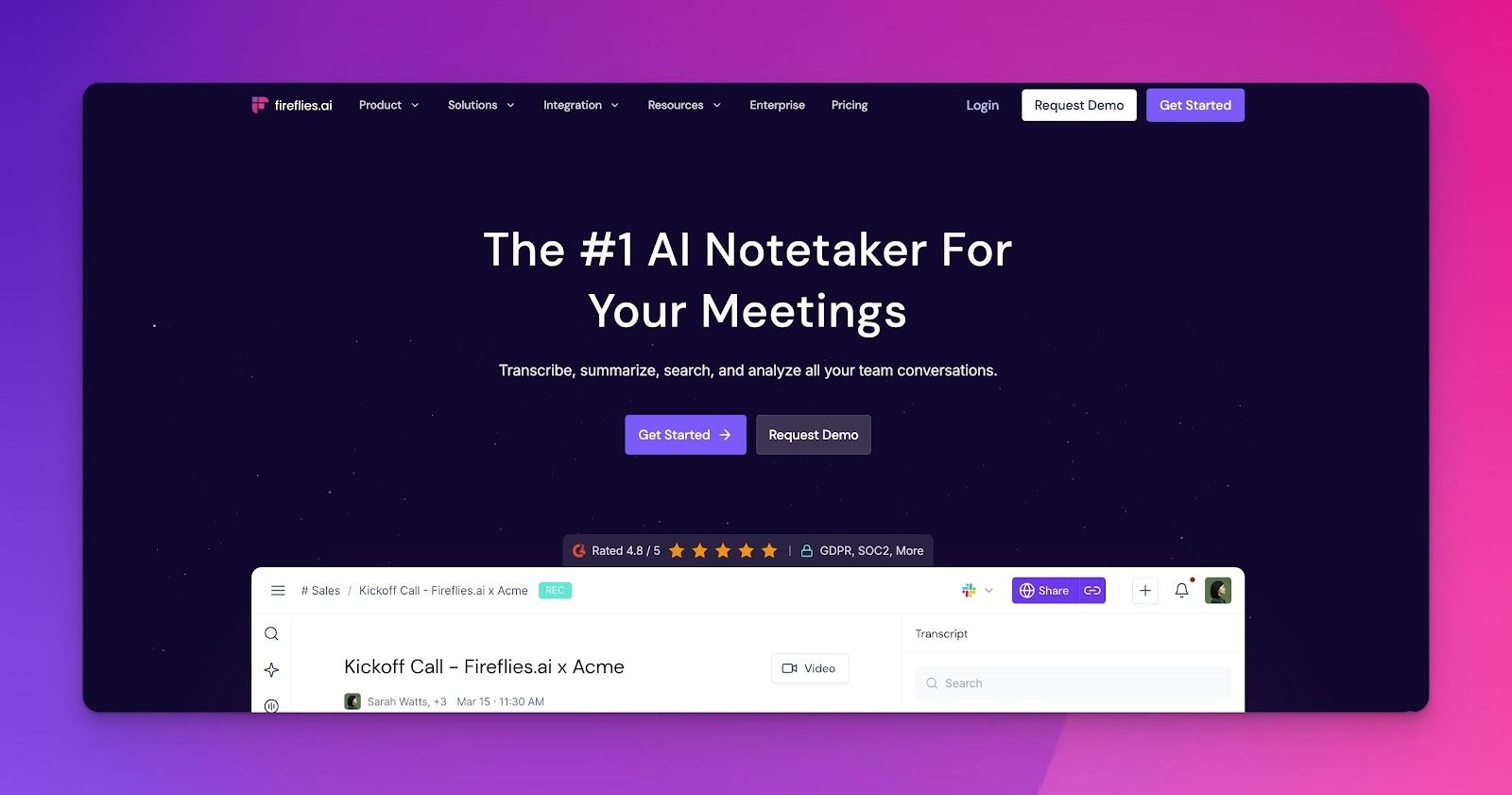
Fireflies is designed to ensure meetings don’t end as forgotten conversations. It records calls across major platforms, transcribes them in 100+ languages, and converts discussions into structured summaries.
It turns meetings into searchable memory that can be filtered, analyzed, and synced into CRM or project systems.
Fireflies vs Krisp
Krisp operates at the audio layer. It improves sound quality in real time (noise cancellation, accent conversion) and can work bot-free.
Fireflies operates at the intelligence layer. It relies primarily on a meeting bot but in exchange, provides structured summaries, analytics (talk time, sentiment), topic filters, and cross-meeting search.
Fireflies’ key features
- Auto-join meetings from your calendar across all major platforms with Fred, its AI notetaker bot
- Generates AI summaries with overviews, bullet points, action items, and custom formats
- Surfaces competitor mentions, budget signals, and objections automatically using topic trackers and AI filters
- Syncs CRM data natively to Salesforce and HubSpot
- Extracts specific outputs like candidate evaluations, prospect pain points, and research themes using custom AI Apps
Fireflies’ pros
- Unlimited transcription on the free plan (800 min storage/seat)
- One of the wider platform ecosystems: Zoom, Meet, Teams, Webex, dialers, file uploads, Chrome extension
- Supports a large number of integrations, including major CRMs, project management, and ATS tools
Fireflies’ cons
- The bot cannot be removed mid-call
- Customer support is slow to respond
- Deeper analytics require the Business tier
Pricing
- Pro: $18/month per seat
- Business: $29/month per seat
- Enterprise: $39/month per seat (billed annually)
💡 Also read:
3. Fathom
Best for: Teams that want real-time collaboration and structured AI meeting notes
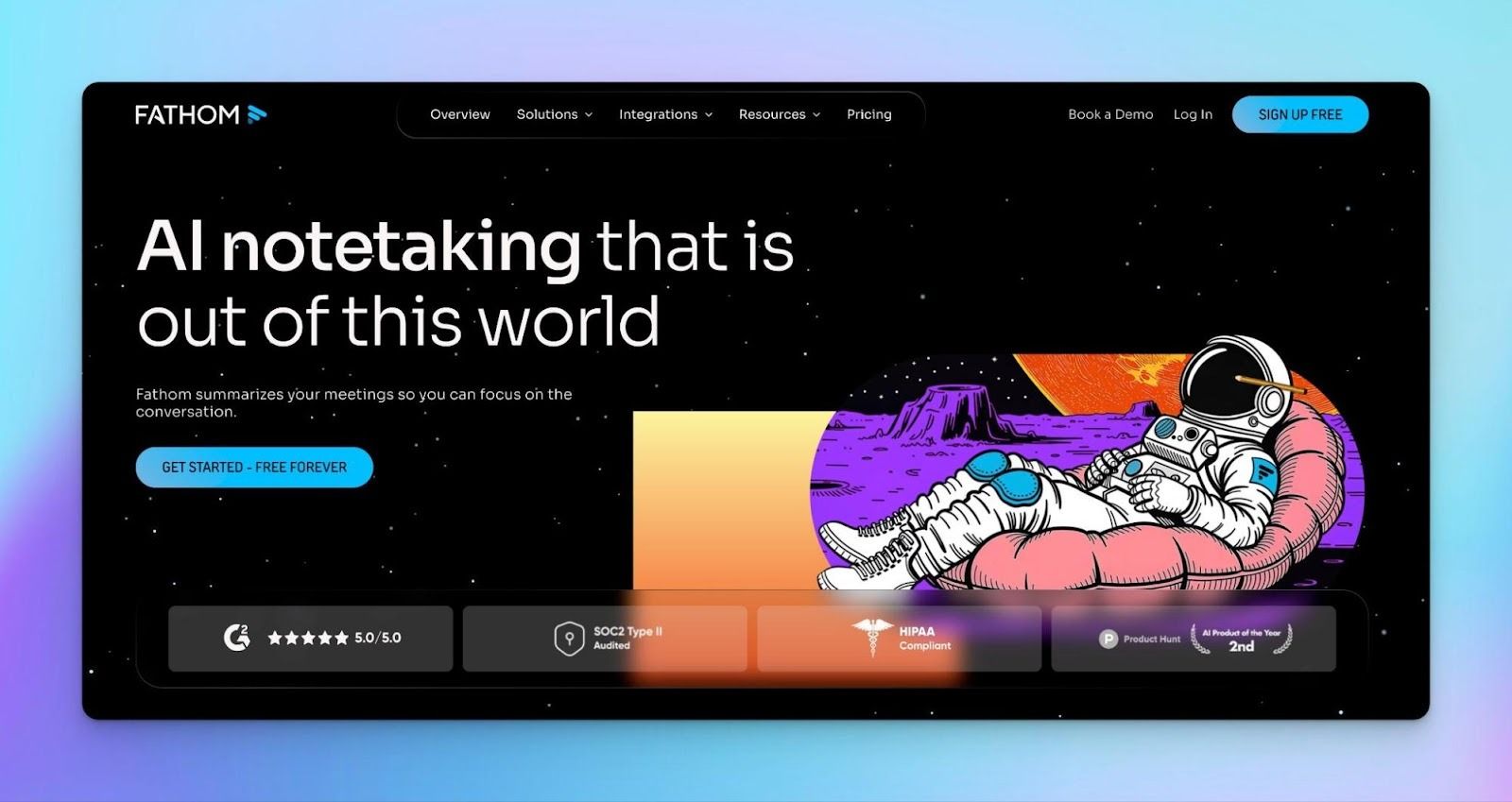
Fathom is built to reduce post-meeting busywork. For sales teams, Deal View plus customized call summaries help you see the key players, what they care about, and where the deal sits at a glance, so you’re not piecing context together across tabs.
For marketing, you can pull quotes and story moments straight from calls, then turn them into marketing assets.
Fathom vs Krisp
Krisp focuses on real-time audio clarity and noise cancellation. Fathom emphasizes real-time collaboration and post-meeting intelligence. Both reduce manual note-taking, but Krisp improves live call quality while Fathom organizes and acts on meeting insights after the call.
Fathom’s key features
- Get instant AI-generated meeting summaries after every call
- Generate multi-speaker transcripts with high accuracy
- Enable natural-language queries across past meetings with “Ask Fathom”
- Share clips and highlights without sending full recordings
- Sync structured meeting data directly into Salesforce and HubSpot
Fathom’s pros
- Unlimited recordings and transcription on the Free plan
- 90-day free trial for Team and Business users
- SOC 2 Type II audited
- Net Zero certified
Fathom’s cons
- Fathom can’t transcribe uploaded recordings yet (live only)
- Some collaboration and CRM automation features require Team or Business plans
Pricing
- Premium: $20/month per user
- Team: $19/month per user (2+ seats minimum)
- Business: $29/month per user (2+ seats minimum)
💡 Also read:
4. tl;dv
Best for: Sales, research, and leadership teams analyzing conversations at scale
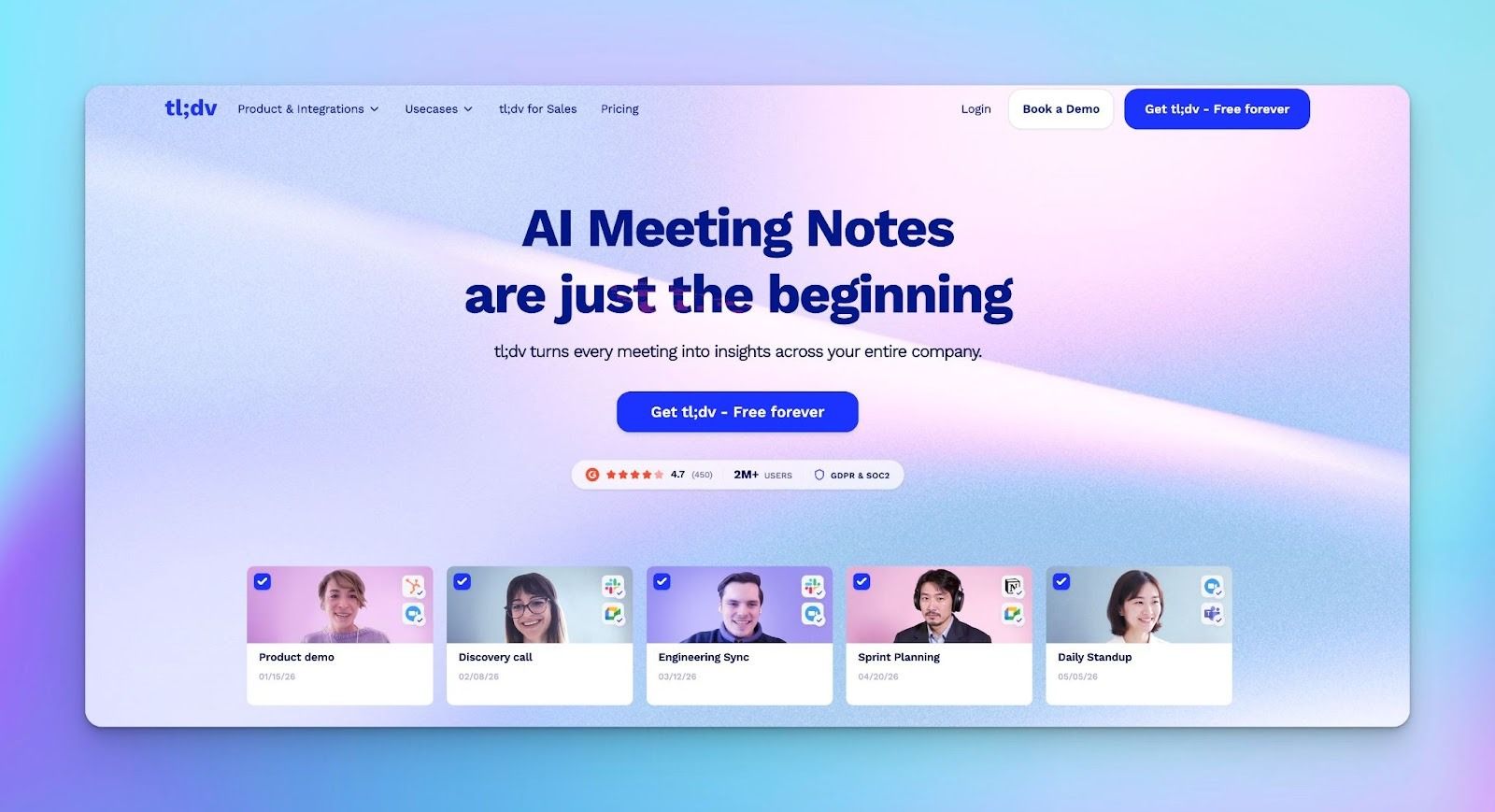
tl;dv aggregates insights from all your past meetings. It emphasizes automation: recurring reports, CRM field mapping, and sales coaching dashboards, and is helpful for revenue, CS, and product teams.
tl;dv vs Krisp
Krisp supports you during calls in noisy environments, making sure the conversation sounds right as it happens. tl;dv leans toward oversight, helping someone track what’s happening across many meetings rather than just one.
tl;dv’s key features
- Offers multi-meeting AI reports after analyzing dozens of calls at once, filtered by topic, participant, or meeting type
- Recurring reports delivered to your inbox on a schedule you set
- AI summaries using BANT, SPIN, MEDDIC, and custom templates
- Transcription in 30+ languages
- Integrations include Slack, Notion, HubSpot, and Salesforce
tl;dv’s pros
- Offers an adequate free plan to test the platform
- CRM field mapping through custom templates removes all post-call data entry
- Sales coaching features are more developed than those of any competitor
tl;dv’s cons
- Customer support response time draws consistent criticism across reviews
- Transcription accuracy is inconsistent
- The interface logic takes time to learn before the tool starts feeling intuitive
Pricing
- Pro: $18/month per user
- Business: $98/month per user
💡 Also read:
5. Notta
Best for: Mobile-first users recording in-person meetings
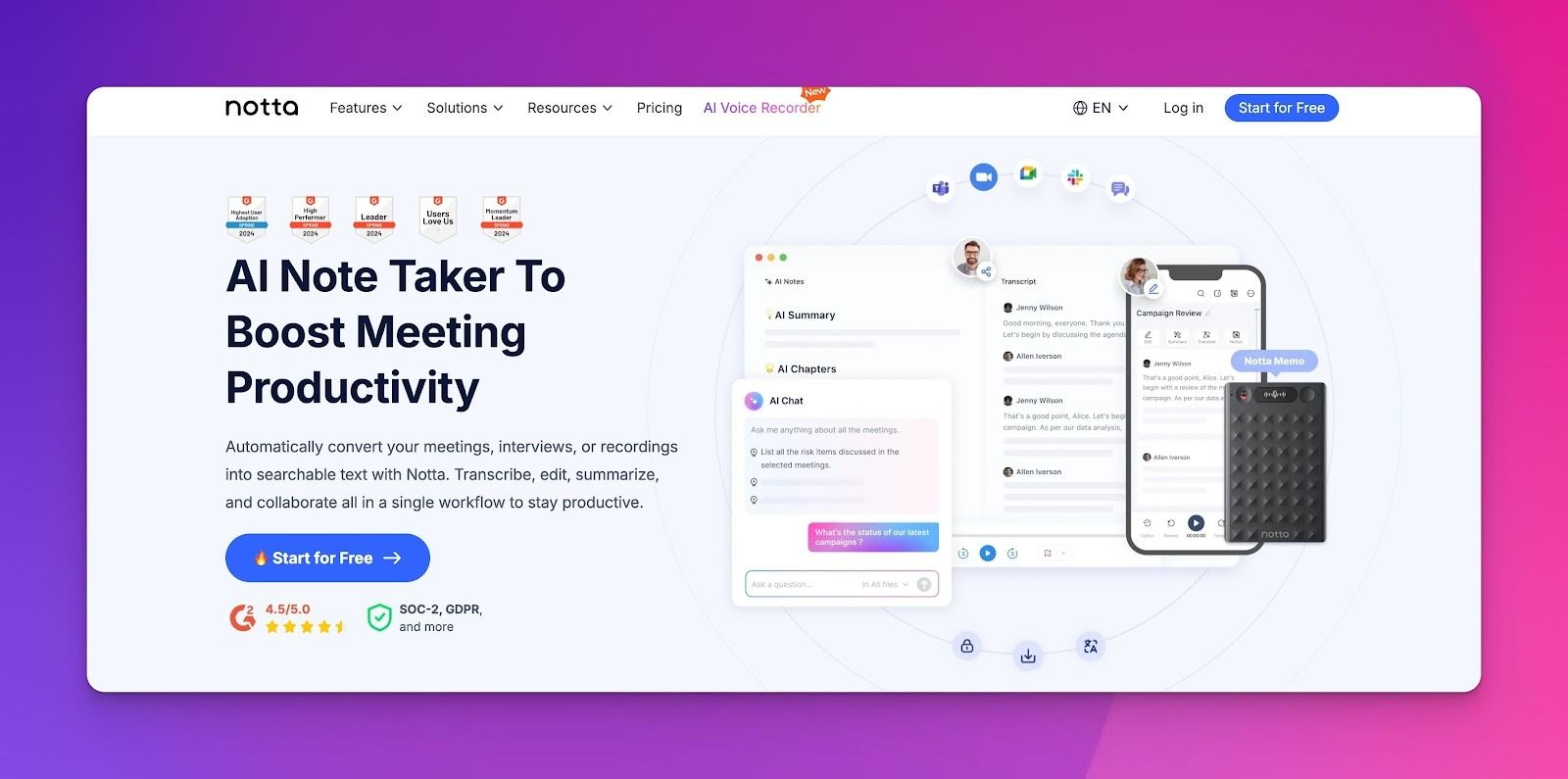
Besides online meeting capture, Notta's iOS and Android apps let you record face-to-face discussions, transcribe with the same AI accuracy as virtual calls, and generate summaries immediately.
Notta vs Krisp
Both Notta and Krisp handle in-person recording. Krisp prioritizes clean audio in messy environments, while Notta helps with automatic meeting scheduling.
Notta’s key features
- 58 languages with automatic detection and bilingual transcription mode
- File upload transcription across 10+ formats (WAV, MP3, MP4, AVI, MOV, YouTube links)
- Custom AI prompts to extract specific information from any recording
- Virtual meeting recording via bot across Zoom, Meet, Teams, Webex
- Export in TXT, DOCX, PDF, SRT, XLSX, or push directly to Notion and Google Docs
Notta’s pros
- Mobile app provides full functionality for in-person meetings on the go
- Bilingual transcription mode handles conversations where participants switch languages
- Audio-to-blog converter turns podcast episodes into written content
Notta’s cons
- Several user reviews report inconsistent accuracy in live transcription
- Trial and billing issues have caused complaints, including unexpected charges
Pricing
- Pro: $13.49/month
- Business: $27.99/month
💡 Also read:
Which Krisp alternative is right for you?
The right AI note-taking tool depends less on features and more on where your meetings break down.
If your team works across languages and accuracy isn’t negotiable, few options match HappyScribe. It supports 140+ languages, offers 95%+ accuracy, allows both auto-recording and bot-free capture, and is GDPR compliant.
Fireflies handles sales intelligence at scale, tl;dv analyzes patterns across multiple meetings with automated reports, Fathom provides unlimited meeting transcription and AI summaries for free, and Notta captures the conversations even in in-person meetings.
For teams looking to cover the full spectrum: multilingual accuracy, clean summaries, and flexibility across recorded files and live meetings, HappyScribe stands out as the most balanced starting point.
FAQs on the best Krisp alternatives for AI note-taking
Is Otter AI better than Krisp?
Otter AI emphasizes live transcription, speaker tagging, and collaboration features like shared highlights and comments. Krisp focuses primarily on audio enhancement and noise suppression. So if your priority is clarity of sound, Krisp leads.
What is the best AI audio transcriber?
What’s “best” depends on what you need. Some tools shine in accuracy, others in scale or collaboration. For real-world versatility, multilingual teams, clear summaries, actionable notes, HappyScribe tends to stand out.
Which Krisp alternative has the best language support?
HappyScribe supports 140+ languages and dialects with dedicated AI models trained for each language's phonetics and grammar. This is significantly more than Krisp (16 languages), Fireflies (100+ languages), tl;dv (40+ languages), or Notta (58 languages). HappyScribe also offers the unique option to add human verification by native linguists for publication-quality accuracy.
Are these tools secure for confidential business meetings?
Yes. All Krisp alternatives follow enterprise security standards and encrypt data in transit and at rest. HappyScribe keeps everything GDPR- and SOC 2 Type II-compliant in EU data centers. Fireflies meets GDPR, SOC 2, and HIPAA (Enterprise) standards. Fathom is SOC 2 and HIPAA compliant, tl;dv offers GDPR and SOC 2 protections with EU storage, and Notta is GDPR compliant.

Akshay Kumar
Akshay builds pieces meant to reach people and stay visible where it matters. For him, it’s less about the name and more about whether the words did what they were meant to.