![5 Best AI Meeting Note Taker Tools for Interviews [2026]](/sanity-images/ejgwz1gl/redesign/a6f0a355c37459663750967510605ddf23223dc1-1536x1024.png?auto=format&w=1536.0&rect=0,128,1536,768&h=768)
TL;DR ⏩
The best AI meeting note takers for interviews are:
- HappyScribe: Best for researchers, journalists, and recruiters who need accurate multilingual transcription for their interviews, with EU data hosting and bot-free recording
- My Notes by Zoom: Best for teams already on Zoom who want native note taking built into their existing platform
- Fellow: Best for HR teams and hiring managers who need structured interview workflows with agenda-building, action items, and enterprise-grade governance
- Granola: Best for solo interviewers and journalists who want bot-free, privacy-first note capture
- Noota: Best for European recruiting and HR teams that need GDPR-compliant interview transcription with ATS-ready candidate reports
Here's something nobody talks about when they recommend AI note taker tools for interviews: the word "interview" covers a lot of ground.
A journalist interviewing a source is doing something completely different from a qualitative researcher running a study session, or a recruiter screening candidates.
The stakes are different, the output is different, and what counts as a good set of notes is different every single time.
So when you're looking for a tool to help, a generic meeting recorder probably won't cut it.
The best tool depends on how you conduct interviews and what you need afterward. Some people need bot-free recording so conversations feel natural. Others need structured summaries that fit directly into a hiring workflow. Research teams may care more about multilingual transcripts or speaker accuracy than AI-generated action items.
I’ve kept these factors in mind during my testing and found out the top ones for you.
What are the best AI meeting note takers for interviews? At a glance
| Category | HappyScribe | My Notes by Zoom | Fellow | Granola | Noota |
|---|---|---|---|---|---|
| Best for | Researchers, journalists, and multilingual interview teams | Teams already on Zoom that want native note-taking | HR and hiring managers who need structured interview workflows | Solo interviewers who need bot-free, discreet capture | European recruiting teams that need ATS-ready GDPR compliance |
| Key features | Bot-free recording, AI Chat, 150+ language transcription, 80+ language translation, custom glossaries, summary templates | Real-time transcription, meeting summaries, action items; works across Zoom and third-party platforms | Collaborative agendas, AI summaries, AskFellow chatbot, bot and botless recording | Bot-free device audio capture, AI-enhanced notes, custom templates, folder-level querying | Interview templates, candidate reports, ATS integration, EU data storage |
| Languages | 150+ | 30+ | 93 | 10+ | 50+ |
| Security & compliance | SOC 2 Type II, GDPR, data stored in ISO 27001, PCI DSS, Tier IV EU data center | GDPR | SOC 2 Type II, GDPR, HIPAA | SOC 2 Type 2, GDPR | GDPR, SOC 2, ISO 27001, EU data centers: France, Belgium, Netherlands |
| Starting price | Unlimited free plan; paid starts from $8.50/mo | Basic free version; paid from $10/mo | Basic free version; paid from $11/mo | Basic free version; paid from $14/mo | Free plan available; paid from $29/mo |
1. HappyScribe
Best for: Researchers, journalists, and recruiters who need accurate multilingual transcription with EU-based privacy and flexible recording modes
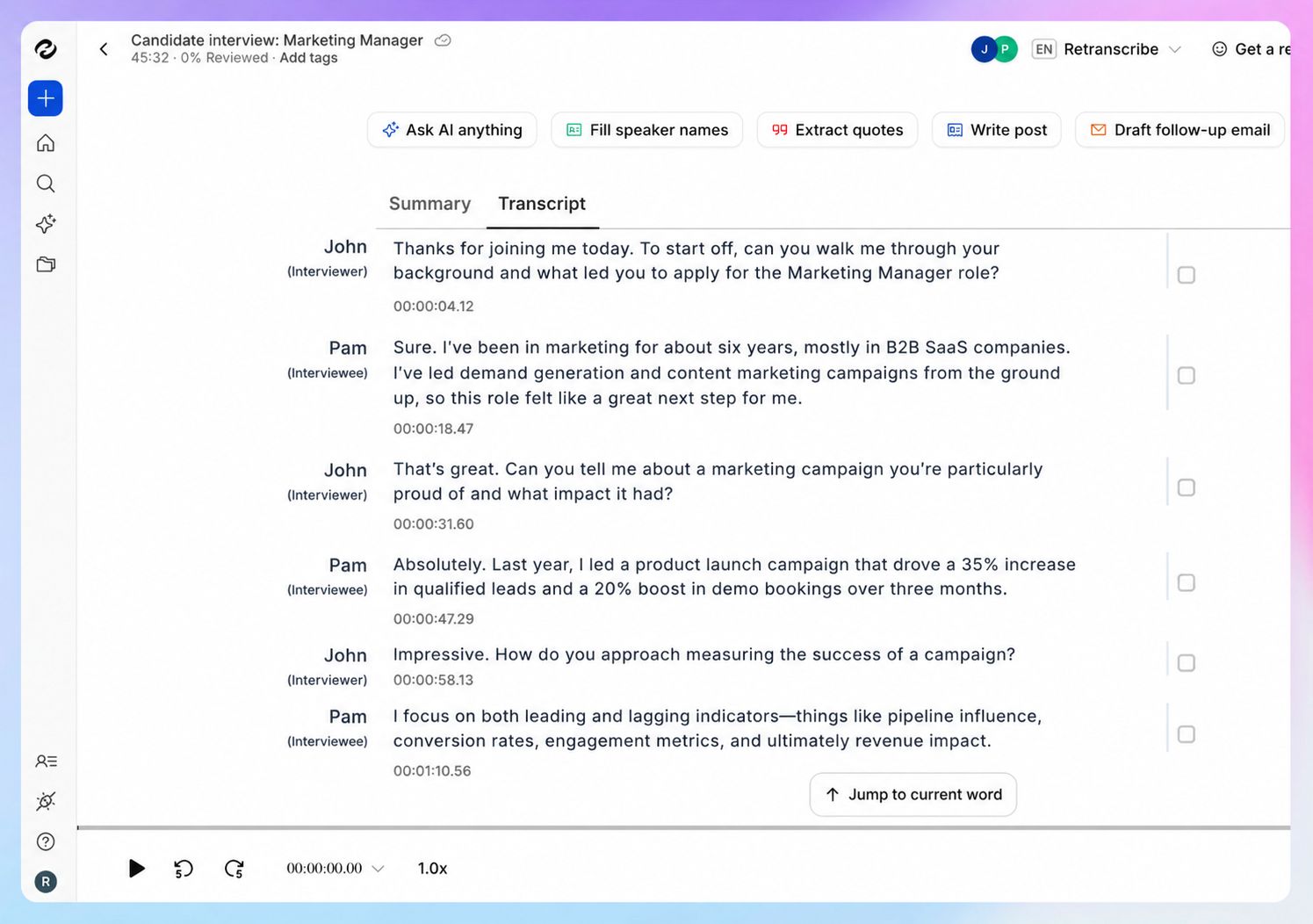
HappyScribe is a Barcelona-based transcription and AI meeting note taker platform that lets you capture every word of a conversation without forcing you to choose between listening and documenting.
The platform works across in-person meetings, Zoom, Google Meet, and Microsoft Teams, with file upload option for pre-recorded audio.
All data is stored in a Tier IV EU data center that is ISO 27001-certified and PCI DSS-compliant. For teams handling sensitive interview conversations, privacy is crucial, and HappyScribe's architecture is built around it.
HappyScribe's key features
Bot-free and bot-assisted recording
HappyScribe gives you the choice. Use the browser-based recorder for bot-free capture: no bot joins the call, nothing appears in the participant list, and no recording announcement plays.
Or connect your Google Calendar or Outlook and let HappyScribe's bot join automatically.
On mobile, the iOS and Android apps extend that same capability.
During bot-joined sessions, attendees can type !help to pause, resume, or remove the bot at any point.
Be it live meeting capture or an uploaded file, you get AI transcripts and summaries for every recording, with speaker labels and timestamps.
Transcription across 150+ languages and dialects
HappyScribe's transcription covers 150+ languages and dialects.
Transcription accuracy sits at 95%+, and custom glossaries let you train the system on specialized terminology: product names, medical vocabulary, or niche domain language that generic models miss.
If you often work with multilingual interviews, HappyScribe’s wide language coverage is the real draw.
Translation into 80+ languages
Once a transcript is ready, HappyScribe can translate it into 80+ languages.
For international research teams or journalists filing in a different language from the interview itself, this removes a significant post-production step and saves hours of manual work.
AI Chat across interview recordings
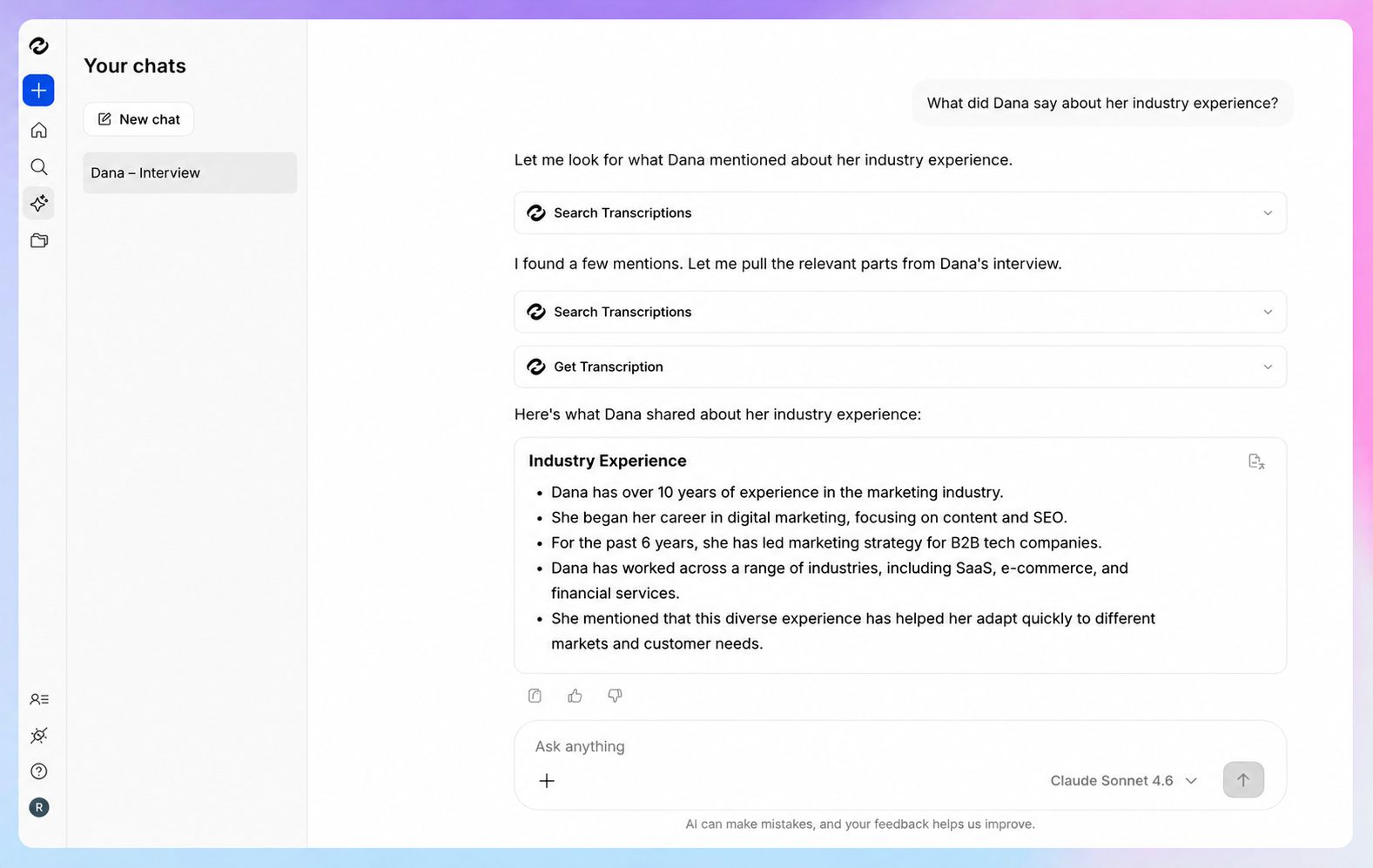
After an interview is transcribed, HappyScribe's AI Chat lets you query a single recording or your entire recording library in natural language.
Ask it to pull the key points across three interviews or find every moment a subject mentioned a specific topic.
Individual transcripts become searchable transcripts across your whole interview archive.
HappyScribe's pricing
- Free: Unlimited meeting recordings (45-minute cap per recording)
- Basic: $8.50/month (billed annually) or $17/month
- Pro: $19/month (billed annually) or $29/month
- Business: $59/month (billed annually) or $89/month
- Enterprise:Contact sales
HappyScribe's pros
- Bot-free recording via browser, mobile app, or file upload
- SOC 2 Type II and GDPR-compliant tool, with data stored in an ISO 27001 and PCI DSS compliant Tier IV EU data center
- Connect your transcripts and meeting notes to your preferred AI tool using HappyScribe’s MCP server, or to your tech stack using the API
- AI Chat for asking questions and extracting themes across multiple interviews
- HappyScribe generates subtitles for video files; useful when interview recordings become published content or internal training material
- Custom glossaries improve transcription quality on specialized terminology
- Works across Zoom, Google Meet, Microsoft Teams, and in-person meetings
- One-toggle AI training opt-out in settings
- Enterprise plans include SSO, SAML, and granular file-sharing permissions
HappyScribe's cons
- No real-time transcription during live calls; the transcript is generated after the session ends
What are users saying about HappyScribe?
Literally a lifesaver. Had to transcribe an interview which was 40 minutes and they were able to do it within less than 5 minutes. Would have taken me about 5 days to do manually.
I must say - the translations are superb! I'm impressed. I use AI translations for subtitles for my video projects and I am surprised at how minimal "fixing" I have to do afterwards! It says that machine generated translations are about 88% accurate, but I've experienced almost 97% . I also use for Greek translations and that's quite impressive too - not as good as English, but still very high accuracy! The customer service is excellent too - I get a reply immediately and the explanations to help me are very clear. 10/10 guys!
How to use HappyScribe to transcribe and analyze interviews
- Link your Google or Outlook calendar or paste a meeting link to invite the note taker. For in-person meetings, use the web recorder or mobile app to record audio without a bot.
- During an online call, the host admits the note taker to start recording, and you can type in the chat to control it mid-call.
- Once the call ends, your transcript, summary, and action items appear together in your Workspace files or the Private section, depending on your privacy settings.
- Open AI Chat to ask questions across the meeting, lift quotes, or draft a follow-up email.
2. My Notes (by Zoom)
Best for: Teams already on Zoom who want native note-taking without adding a third-party tool
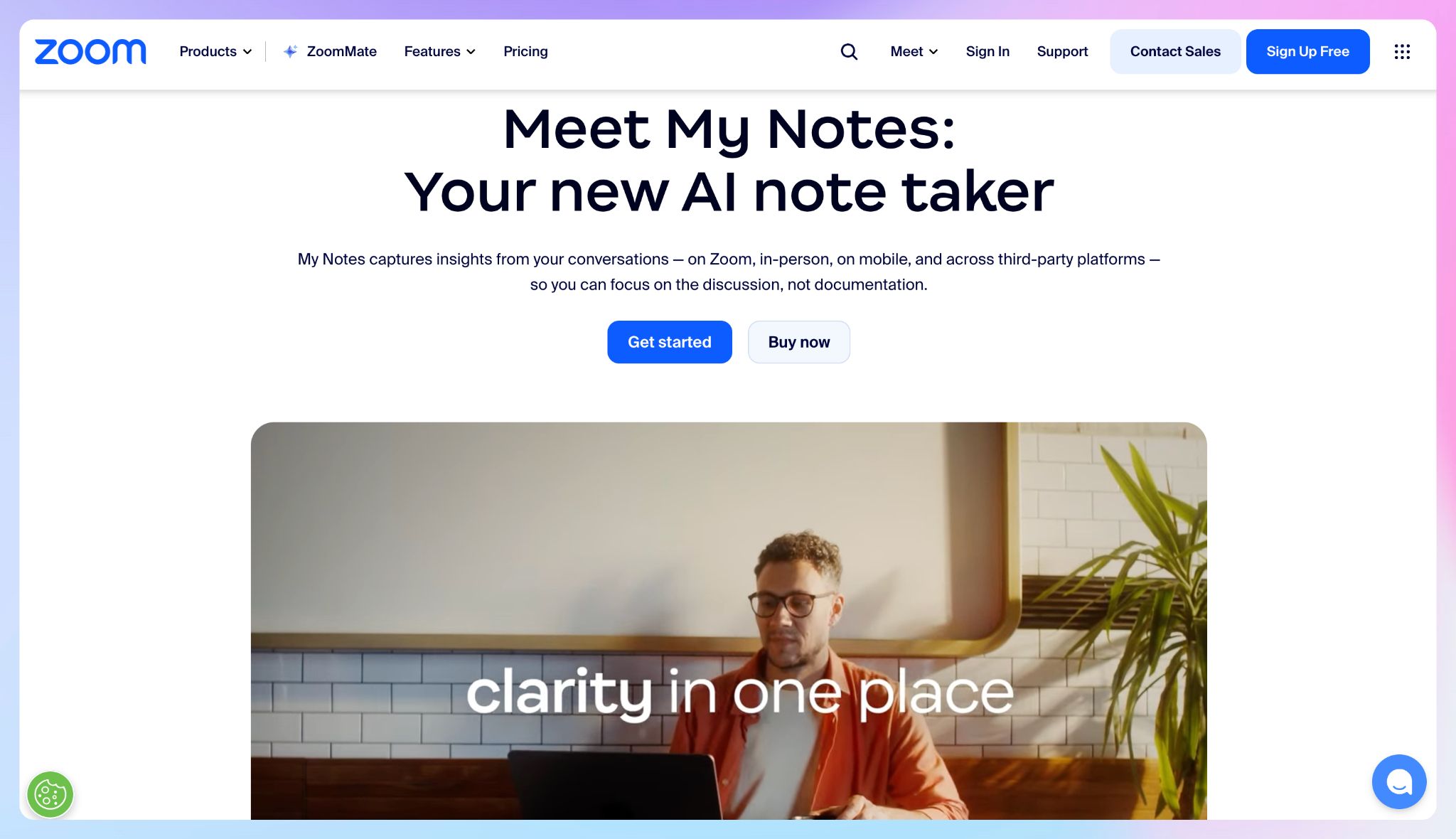
Zoom AI Companion's My Notes feature is the built-in note taker that’s helpful for interviews.
It transcribes calls in real time, generates meeting summaries with key points and action items, and organizes everything into a single page accessible from your calendar.
My Notes extends beyond Zoom to Google Meet and Microsoft Teams, so it's not locked to one platform. But for teams already in the Zoom ecosystem, it's the path of least friction.
My Notes' key features
- Transcribes live and generates meeting summaries with key discussion points, decisions, and action items after the call, without requiring a video recording
- Works across Zoom meetings, Google Meet, Microsoft Teams, and in-person meetings
- Attach post-interview workflows to auto-send follow-up emails, update team channels, or handle task creation
- Connects to Google Drive, Microsoft OneDrive, Gmail, and Outlook Mail for retrieval across meeting data
- Translated captions included with Enterprise plans; available as an add-on on other paid tiers
My Notes' pricing
- Basic: Limited My Notes features included with Workplace Basic
- My Notes: $10/month per user
- ZoomMate: $20/month per user
My Notes' pros
- Included at no extra cost with most Zoom Workplace paid plans
- Generates meeting summaries without requiring a video recording
- Workflow automation for post-interview follow-ups and task creation
- No third-party tool or onboarding required for existing Zoom users
My Notes' cons
- AI Companion features are not available in all regions or industry verticals
- Occasionally misses nuance in strategic or technical discussions
3. Fellow
Best for: HR teams, hiring managers, and interview panels that need structured pre-interview agendas and post-interview action tracking
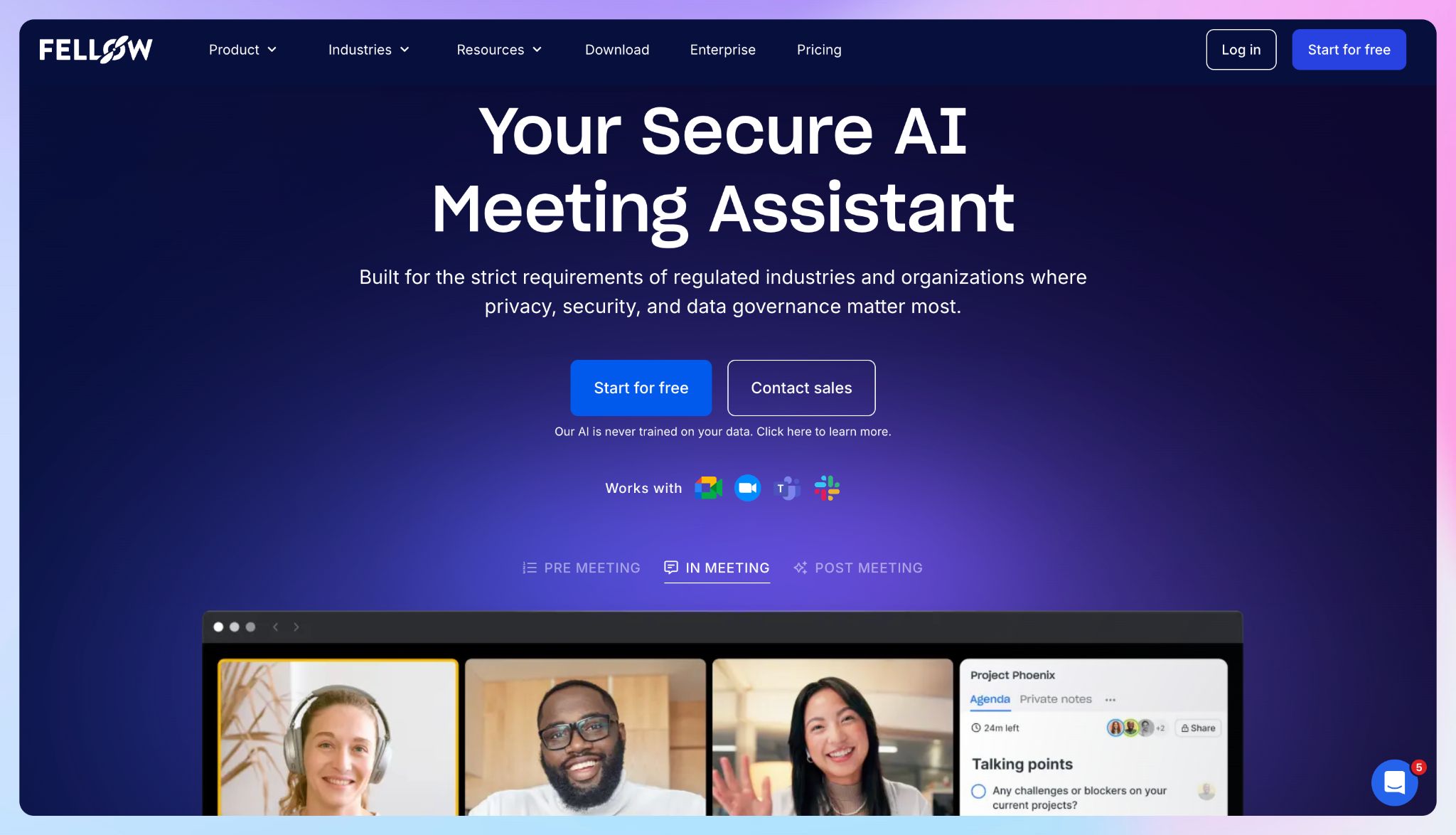
Fellow is built around the full interview lifecycle.
You co-author questions with your panel before the call, capture notes collaboratively during the meeting, and let Fellow extract follow-ups automatically when it ends.
Fellow works across Zoom, Google Meet, Microsoft Teams, and Slack Huddles, with both bot and botless recording.
Fellow's key features
- Co-author questions and discussion points inside Fellow before the call so every interviewer works from the same structure
- Generates AI summaries of key discussion points, candidate responses, and action items within minutes
- Query past meetings to surface candidate quotes or action items without rereading full transcripts
- Both bot and botless recording options are available, covering Zoom, Teams, Google Meet, Webex, phone, and in-person meetings with speaker identification
- Action items sync automatically to project management tools: Asana, Jira, Linear, Monday, ClickUp, Salesforce, and HubSpot
Fellow's pricing
- Free: 5 AI notes (lifetime); 5 AI recordings (lifetime) per user
- Team: $11/month per user
- Business: $23/month per user
- Enterprise: $25/month per user (billed annually)
Fellow's pros
- SOC 2 Type II, GDPR, and HIPAA certified; never trains on customer data
- Transcript redaction on Enterprise for sensitive content
- Integrates with Asana, Jira, Salesforce, HubSpot, Slack, and more
Fellow's cons
- Free plan's 5 lifetime AI notes are very limited for teams doing frequent interviews; users often look for Fellow alternatives with a more generous free plan
- Botless recording is a more recent addition; some teams may find the bot option easier to start with
- Limited value for solo interviewers without a panel structure
📚 Also read:
4. Granola
Best for: Solo interviewers and journalists who want bot-free, privacy-first note capture
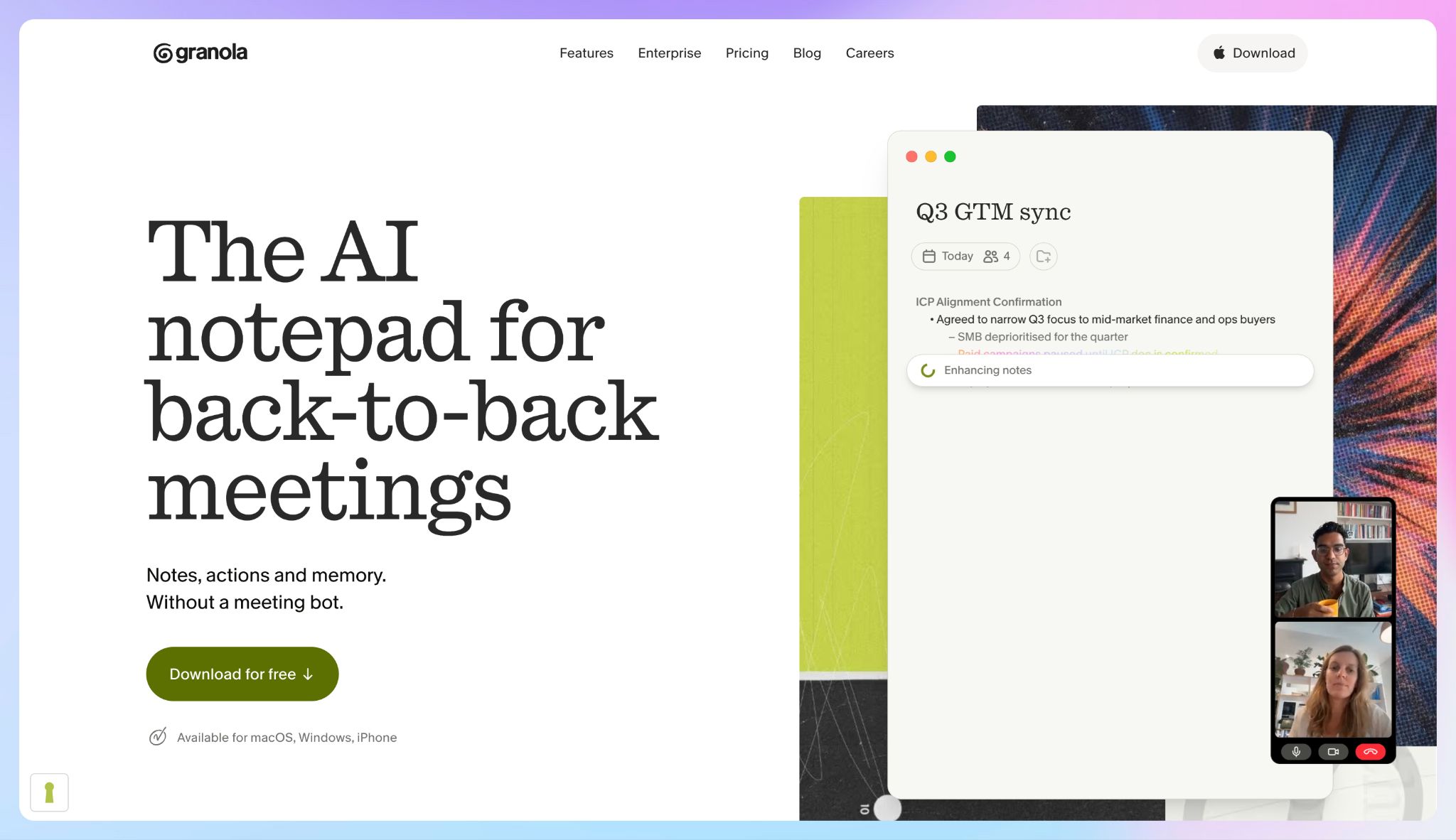
Granola captures device audio locally on your Mac, Windows, or iPhone while you jot rough notes during the interview, then enhances those notes with the full transcript after the session.
No bot joins the call, no recording announcement plays, and no audio is stored after processing.
Conversations stay natural, which is important when candid answers are the whole point.
Granola's key features
- You jot rough notes during the interview and Granola enhances them with transcript context afterward, producing structured notes that reflect your judgment rather than a generic AI summary
- Saved prompts for recurring post-interview actions like coaching feedback, follow-up emails, and feature request extraction, available on all plans
- Business plan shared folders let teams query themes and patterns across multiple interviews simultaneously
- The Business plan connects to Notion, Slack, HubSpot, Attio, Affinity, and Zapier, plus MCP for external AI tool access
Granola's pricing
- Basic: Free. Limited history limit
- Business: $14/month per user
- Enterprise: $35/user/month per user
Granola's pros
- Bot-free, locally processed capture; no recording stored after the session
- SOC 2 Type 2 and GDPR compliant
- Free plan covers unlimited meetings with no minute caps
Granola's cons
- No audio playback; audio is deleted immediately so recordings can't be reviewed afterward. This pushes some users toward Granola alternatives
- No Android app yet; macOS, Windows, and iOS only, which rules it out for Android users
- Limited history on the free tier means older interviews become inaccessible without upgrading
📚 Also read:
5. Noota
Best for: European recruiting teams and HR professionals who need GDPR-compliant interview transcription with structured candidate reports, ATS integration, and EU data storage
Noota is built for recruiting and HR interview workflows. It transcribes conversations, analyzes candidate responses, generates structured candidate reports, and pushes data directly into your ATS, with all processing staying within EU-hosted infrastructure.
Data is stored across servers in France, Belgium, and the Netherlands, with GDPR, SOC 2, ISO 27001, and ISO 27701 certifications in place.
Noota's key features
- Automates transcription and generates structured candidate reports covering qualifications, communication style, and confidence levels
- Connects to Salesforce, HubSpot, BullHorn, and other applicant tracking systems, updating candidate records automatically after each interview
- Record via the Noota Chrome extension (bot-free) or calendar-connected bot across Zoom, Google Meet, Teams, Webex, and in-person meetings
- Transcribes in 50+ languages and translates into 30+ languages
Noota's pricing
- Free: Unlimited recording, 300 minutes of AI notes per month, 1 month storage
- Pro: $29/month per user
- Business: $49/month per user
- Enterprise: Custom pricing
Noota's pros
- Specifications made for recruiting: candidate reports, ATS sync, and interview templates out of the box
- EU data hosting with GDPR, SOC 2, ISO 27001, and ISO 27701 certifications
- No customer data used to train AI models
- Bot and bot-free recording options available
Noota's cons
- Language support is way narrower than tools like HappyScribe or Fellow, pushing users to look for better Noota alternatives
- The feature set is heavily recruiter-focused; you wouldn’t find it useful for other types of interviews
- The free plan limits recording time and storage
📚 Also read:
Which AI meeting notetaker should you choose for interviews?
Every tool on this list captures interview conversations and turns them into structured notes. The right pick depends on the interview context and what happens to the notes afterward.
👉 Zoom’s My Notes makes sense if your interview workflow already runs inside Zoom and you want native note-taking without adding a new tool to the stack.
👉 Fellow is the right call for structured hiring processes where pre-interview agendas, collaborative scoring, and automatic ATS or CRM updates matter as much as the transcript itself.
👉 Granola fits solo interviewers (journalists, researchers, independent consultants) who need bot-free capture that keeps conversations natural and leaves no audio trail after the session.
👉 Noota is built for European recruiting and HR teams that need GDPR-compliant, ATS-integrated interview capture with structured candidate reports generated automatically.
👉 HappyScribe is ideal for recruiters, journalists, researchers, and consultants who conduct different types of interviews. It supports 150+ languages for transcription, offers EU-hosted security, flexible recording modes, and translates notes into 80+ languages.
HappyScribe's generous free plan offers unlimited meeting notes (up to 45 minutes/meeting) and it’s the lowest-friction way to find out if it fits your workflow.
FAQs on AI meeting note takers for interviews
Do AI note takers work for in-person interviews?
Yes. HappyScribe's mobile app records in-person conversations directly with the same transcription quality as online sessions. Granola captures audio locally on your device with no platform required. Noota's Chrome extension also covers in-person meetings.
HappyScribe also supports audio file upload for voice notes captured on a separate recorder.
How accurate is AI transcription for interviews?
AI note takers typically achieve 90-95% accuracy in English in clean audio conditions.
Transcription quality drops with background noise, strong accents, or multiple simultaneous speakers.
Where tools diverge is on specialized terminology and context-dependent nuances. HappyScribe's custom glossaries let you train the system on specialized vocabulary before the interview, improving accuracy on technical or domain-specific terms.
Speaker labels and timestamps help separate voices in multi-person sessions.
Can AI note takers handle multilingual interviews?
Coverage varies. HappyScribe supports transcription in 150+ languages and translation into 80+, the widest range in this category and the strongest option for international teams.
Noota covers 50+ languages with translation into 30+. Fellow supports 93 languages.
Multi-language support matters most when interviewing subjects in their native language or coordinating recruiting teams across regions.
Do AI meeting assistants work without a bot joining the call?
Yes, some AI meeting assistants work without a bot. HappyScribe's browser recorder and Granola both capture audio locally without appearing in the participant list or triggering a recording announcement.
This keeps conversations more natural, which counts when you need candid answers from research subjects, candidates, or sources.
Bot-based tools send a visible participant into the call. If candidate experience or source sensitivity is a key factor, bot-free capture is worth prioritizing.
What should I look for in an AI note taker for hiring workflows?
The key factors: structured candidate evaluations generated from transcripts, integration with applicant tracking systems so meeting data flows into your hiring workflow automatically, speaker identification to separate interviewer and candidate voices, and data compliance for GDPR or other privacy regulations.
How do AI note takers handle privacy in interviews?
Privacy is crucial for sensitive interview conversations. The key things to check: where data is stored, whether audio is retained after transcription, and whether the tool trains on your content. HappyScribe stores all data in a Tier IV EU data center with SOC 2 Type II and GDPR compliance. Granola deletes audio permanently after transcription. Noota holds GDPR, SOC 2, and ISO 27001 with EU-only hosting. Fellow adds HIPAA for regulated industries. Always inform participants before recording begins.

Rodoshi Das
Rodoshi is the Content Lead at HappyScribe, the privacy-first transcription and AI notetaker platform based in Barcelona. Shaping content strategies and building AI workflows excites her as much as exploring new SaaS tools. She specializes in product-led content that informs rather than sells, grounded in honest product benchmarking and low tolerance for empty marketing speak.