Transcription has evolved into a non-negotiable workflow for modern agencies. Yes, non-negotiable.
We’re leaving behind the era of isolated, single-user apps and moving rapidly toward tools designed for true collaboration. Teams now operate within shared workspaces where edits happen in real-time.
This transition was accelerated these couple of years by advanced AI note-takers and meeting intelligence that capture every detail automatically. Adopting the right transcription software for teams and agencies turns raw a conversation into a shared asset, keeping everyone on the same page without the manual grunt work.
Wanna catch up with the scene and not miss out? And most of all, wanna make the most of your valuable time? Here are the top transcription software tools for teams and agencies, tried and tested.
What Teams and Agencies Need in Transcription Software
Agencies today operate at a velocity that leaves standard, single-user tools in the dust. You need a transcription software that’s engineered for volume, capable of handling sensitive client data, and robust enough to keep twenty people aligned on a single project. These are the specific capabilities that separate a basic utility from a true enterprise asset.
1. Real time collaboration
Simultaneous editing is the standard now, not a luxury. Modern transcription software allows multiple team members to jump into the same document, make corrections, and highlight key quotes without locking each other out. This immediate synchronization cuts turnaround times in half and prevents the version control nightmares that come with emailing files back and forth.
2. Shared folders and workspace roles
Files need homes, and users need boundaries to keep everything secure. A structured transcription service lets you organize recordings by client or project while assigning strict permissions, so the interns don't accidentally edit sensitive executive interviews. Granular access controls ensure that everyone sees exactly what they need to see and nothing they don't.
3. Multi speaker detection
Conversations involve back-and-forth, and your transcript should reflect that clearly. A competent AI meeting note taker automatically distinguishes between different voices, labeling exactly who said what during a chaotic brainstorming session. This speaker diarization saves editors hours of re-listening just to attribute a quote to the correct person.
4. Team level billing
Finance departments hate chasing down individual expense reports for every single employee. Enterprise-grade platforms consolidate usage into one central invoice, giving you full visibility over how much your team uses their ai note taking app. It simplifies subscription management and prevents those surprise charges from forgotten individual accounts.
5. API and integration support
Silos kill efficiency, so your tech stack needs to communicate seamlessly. Robust speech to text software connects directly with your CRM or video storage, automating the file upload process without manual intervention. Developers can even use these hooks to feed data into conversation intelligence software, turning raw text into actionable business insights.
6. Editing, comments, and approval workflows
Getting the text down is only step one. But refining it is where the real work happens. The best AI note taking app provides a dedicated layer for feedback, allowing managers to leave comments and request changes before a document is marked as final. This structured approval loop guarantees that the final deliverable meets quality standards before it ever reaches a client.
7. Accuracy across accents and technical terms
Bots often trip over technical jargon or strong regional dialects, leaving you with a mess to clean up. High-quality AI note taking tools are trained on diverse datasets to recognize industry-specific terminology, from medical diagnosis codes to engineering specs. You need a tool that adapts to the nuance of human speech rather than just guessing based on phonetic sounds.
8. Legal and compliance considerations
Client trust is hard to earn and incredibly easy to lose with one data breach. Professional legal transcription services guarantee GDPR-, SOC 2 compliance and encryption, ensuring that depositions and court records remain strictly confidential. You simply can’t afford to transcribe proprietary information on a platform that treats data privacy as an optional feature.
9. Export formats for media, marketing, legal, and research teams
Data is useless if it’s stuck in a format your team can’t use. A video editor needs SRT files for subtitles, while a researcher might just want a clean text document from their AI voice recorder. Versatile tools, acting as both a transcription app and meeting minutes software, offer diverse output options like PDF, Word, or JSON to fit every department's specific workflow.
Ranking The Best Transcription Software for Teams and Agencies
We didn't just skim the marketing brochures. We actually put every top-rated transcription software and tool through the wringer. We tested them all, keeping our eyes open for the specific features that make or break an agency workflow. We wanted to see which platforms actually delivered when the pressure was on and which ones were just hype.
Here are the criteria we used to separate the winners from the noise:
- Accuracy: Fixing bad text often takes longer than typing it out manually. We prioritized engines that nail accents, nuance, and technical jargon on the first pass, saving you from becoming a glorified spell-checker.
- Speed: Deadlines are tight and waiting on a loading bar isn't an option. The top picks convert hour-long meetings into text before you can finish your coffee, letting the team move instantly to the editing phase.
- Collaboration Features: Agencies need "multiplayer" mode. We looked for real-time syncing and granular permissions that prevent colleagues from accidentally overwriting each other's work during crunch time.
- Price: We analyzed the cost per minute versus the features you actually get. You want scalable billing models that fit your agency's fluctuating workload without hiding fees in the fine print.
- Team Readiness: Complexity kills adoption. We chose interfaces that require zero training, allowing new hires to log in and start contributing to projects immediately.
And the best transcription software for teams and agencies are:
HappyScribe
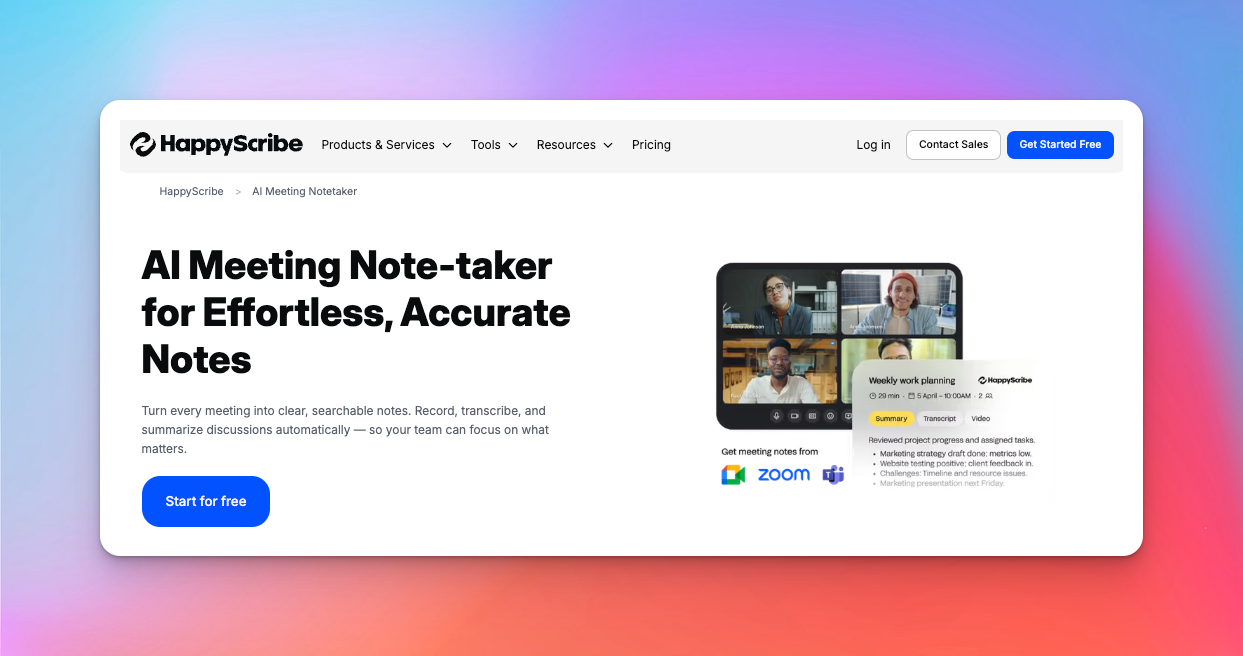
HappyScribe claims the top spot for a simple reason: it refuses to force you into a single workflow. Most platforms make you choose between the speed of AI and the precision of a human, but this tool bridges that gap seamlessly.
We loved how HappyScribe functions as a complete language platform where you can toggle between automated drafts for quick internal meetings and professional human transcription for client-facing assets.
But what really pushes it to number one is trust.
Being based in Europe means HappyScribe operates under the strictest European data laws. While other tools might treat your data loosely, HappyScribe locks it down with GDPR compliance and SOC 2 Type II certification, creating a digital vault that meets the high security demands of enterprise agencies.
Workspace Management
If your current file organization involves a messy Google Drive folder, you will love this. HappyScribe’s workspace features let you create distinct areas for different clients or projects. You can assign roles, like giving a freelance editor "upload only" access while your project manager gets full admin rights.
It stops the chaos of everyone seeing everything and ensures that confidential files stay confidential.
Shared Subtitles, Transcription, and Translation Tools
The platform shines as a collaborative hub where your team can tackle everything from raw transcripts to broadcast-ready subtitles.
You can edit text, adjust timecodes, and even style captions for social media… all in the same browser tab. It is designed for "multiplayer" mode, so you don't have to email files back and forth just to fix a typo.
Accuracy across multiple languages
Global agencies cannot afford to be monolingual, and HappyScribe flexes a massive 150+ language capacity. Whether you’re dealing with a fast-talking French interviewee or a technical German webinar, the engine adapts to the nuance of the dialect.
This incredible range makes it an instant asset for international campaigns, handling diverse content without breaking a sweat.
Pricing
HappyScribe pricing model is refreshingly transparent, splitting AI speed from human precision so you only pay for what you actually use.
- Free: A trial tier to test the waters with AI transcription and subtitling.
- Basic: Starts at $17 per user/month (billed annually) for lighter needs.
- Pro: The agency standard at roughly $29 per user/month, unlocking unlimited AI transcription and advanced exports.
- Business: $89/ per month with more features and more user seats for your agency.
Pros
- Massive language support: Handles 150+ languages, accents, and dialects with ease.
- Top-tier security: European-based with GDPR and SOC 2 Type II compliance, keeping client data strictly private.
- Hybrid p;ower: Instant switching between fast AI and 99% accurate human services.
- Smart speaker diarization: Actually knows who is talking, even when the talkers interrupt each other
- Clean-read AI: Generates clean podcast transcripts by default, removing filler words like "um" and "uh" so you don't have to delete and edit them manually
- Glossary: Lets you create a custom glossary or dictionary for industry-specific terms and jargons
- Interactive editor: Click on a word to jump to that exact audio moment (a huge time saver)
- Creator integrations: Pulls directly from YouTube, Zoom, Zapier, and RSS feeds.
- Flexible exports: Gives you SRT, VTT, PDF, and Word files instantly.
- Powerful AI: You can use AskAI to do tasks such as cleaning up the transcription, summarizing it, or creating action plans
- No file limits: Upload huge video files without the browser crashing.
Limitations
- Human cost: Professional human review could be pricier than AI, though you are paying for near-perfection.
Ideal for
- Agencies will find the secure workspaces indispensable for juggling multiple client accounts.
- Media teams benefit immensely from the seamless transition between transcription and subtitling.
- Research teams can rely on the strict privacy standards to handle sensitive interviews without fear of data leaks.
Otter ai
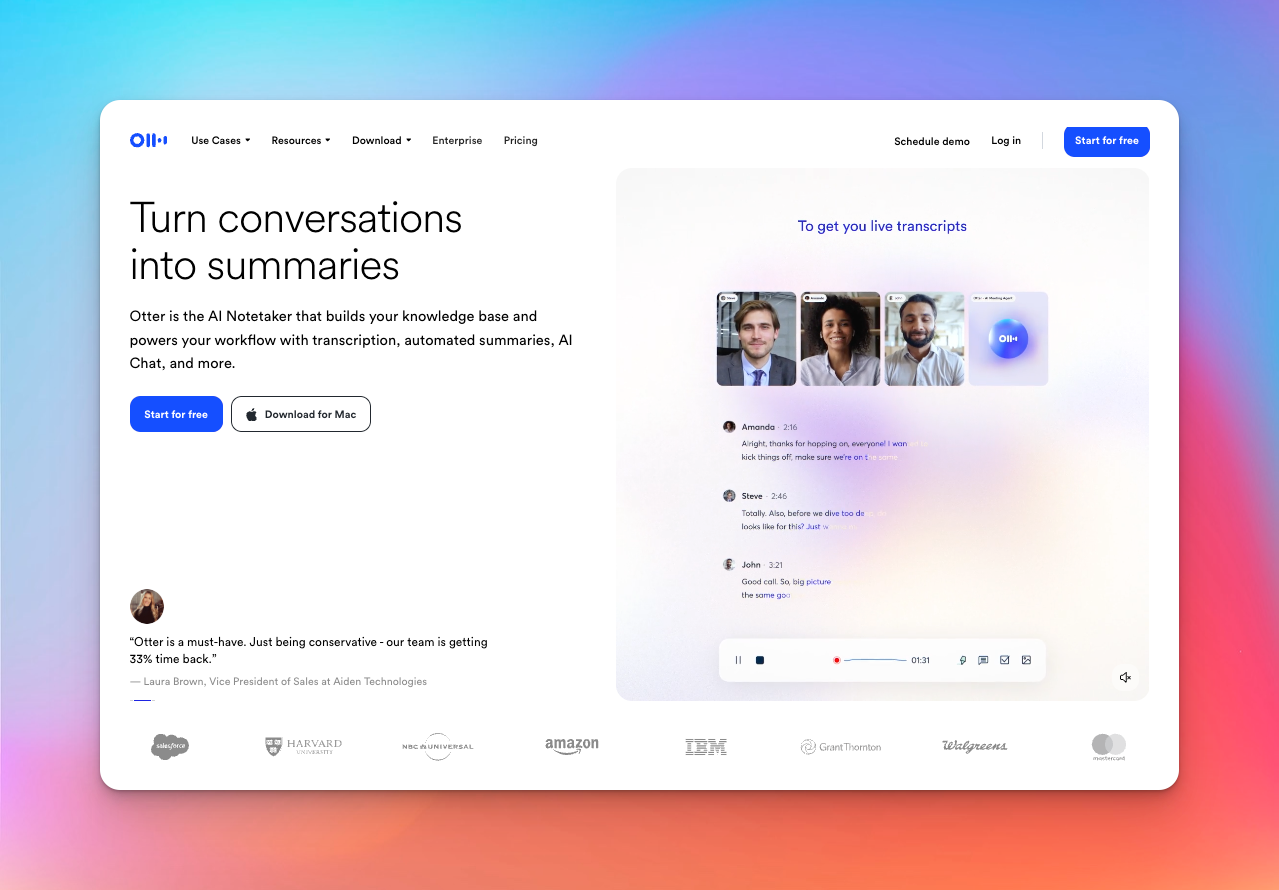
If your agency lives and dies by Zoom calls, you’ve likely bumped into Otter. It has carved out a massive niche as a dedicated AI meeting note taker that focuses almost entirely on internal communication.
While it lacks the media production and multi-language versatility of our top pick, it’s incredibly sticky for teams that just need a reliable record of their daily standups. I threw it into a few chaotic marketing brainstorms, and it managed to keep up with the conversation flow surprisingly well.
Strengths in meetings, real time notes, and team collaboration
This tool is built for speed. You watch the text appear on the screen as people speak, which is great for late joiners who need to scroll back and see what they missed in the first ten minutes. It turns note taking AI into a multiplayer experience where everyone leaves comments in the margins before the call even ends.
Automated summaries and highlight extraction
Nobody actually reads a full hour-long transcript unless they absolutely have to. Otter knows this, so it generates an automated summary email immediately after the session wraps up. It’s generally accurate enough to refresh your memory, though you might find it occasionally flags a casual joke as a critical business decision.
Integrations with Zoom and Google Meet
You can sync it with your calendar, and the bot automatically joins your calls to start writing, so you don't have to fiddle with recording settings every time. However, this leads to the occasional "uninvited guest" moment where the bot awkwardly pops into a sensitive 1-on-1 or a casual coffee chat because you forgot to toggle it off, announcing itself to everyone in the room like a digital crasher.
Pros
- Set and forget: The calendar integration means you rarely miss recording a session.
- Searchability: You can search across all your past voice conversations by keyword, which is a lifesaver for finding lost details.
- Speaker identification: It is quite good at learning voices over time and tagging "Sarah" or "Mike" automatically.
Limitations
- Limited language support: Unlike the robust multi-language support of HappyScribe, Otter only offers very few language options.
- No media exports: It is designed for notes, not video production. You won't find advanced subtitle export options or timecode adjustments here.
- Data security: While secure, it doesn't heavily market the same level of European GDPR strictness as some enterprise-focused alternatives.
Ideal for
Remote Teams who spend half their day on video calls will find this to be the best AI note taking app for simply keeping a record of who said what. It is less of a creative tool and more of a corporate safety net for your internal comms.
Turboscribe AI
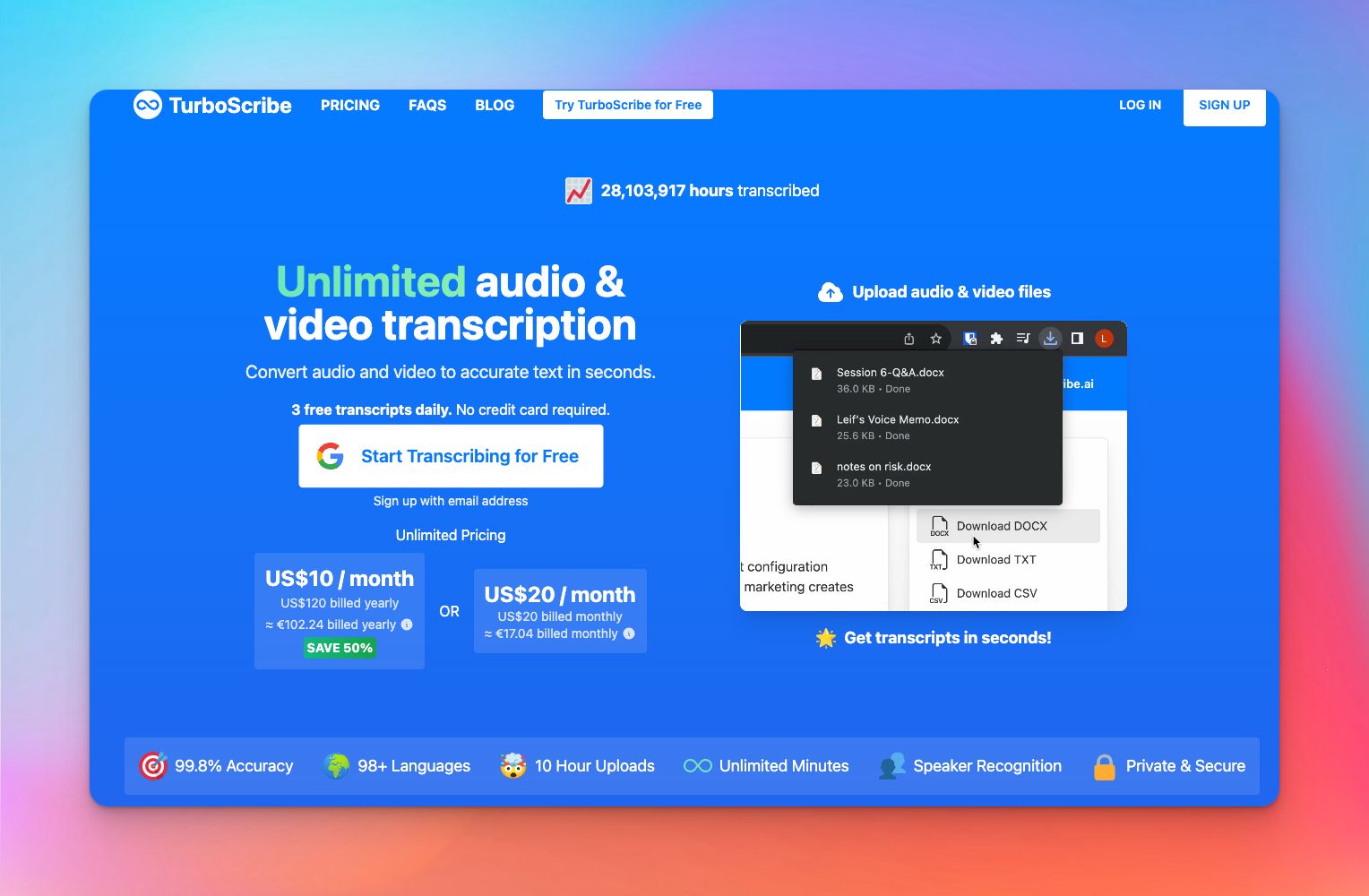
After using it for weeks, I can say that TurboScribe is like the "Costco" of the industry. It doesn't care about bells and whistles. It cares about volume.
This platform runs on the open-world Whisper engine, meaning the accuracy is incredibly sharp for an automated tool, easily handling over 98 languages. If you have a mountain of raw interviews and a shoestring budget, this transcription software is your heavy lifter.
You pay a flat fee and dump as many audio or video files as you want into the system without worrying about a meter running out.
Fast AI transcription for high volume teams
Speed is the name of the game here. Its GPU-powered engine can crunch through hours of audio in just minutes, often 10x faster than real-time playback. For agencies drowning in content, this means you can process an entire month's worth of podcast recordings in a single afternoon. It is a workhorse that doesn't complain, no matter how large the file size is.
Simple workspace structure
While it lacks the deep, complex permission hierarchies of HappyScribe, TurboScribe recently added a "Teams" plan that keeps things refreshingly simple.
You can manage multiple unlimited subscriptions under one centralized billing account, making it easy to onboard freelancers or staff without passing around a shared credit card. It is less about "multiplayer" editing and more about ensuring everyone has their own unlimited lane to work in.
Pros
- True unlimited: No caps, no timers. You can transcribe hundreds of hours for one flat rate.
- Massive file support: Uploads up to 10 hours long (or 5GB) are supported, which is rare for budget tools.
- Speaker recognition: It automatically tags speakers, saving you from manually identifying "Interviewer" vs "Subject".
Limitations
- No human layer: Unlike HappyScribe, there is no option to click a button and have a human perfect the text. You are on your own for edits.
- Limited collaboration: You won't find real-time collaborative editing or shared subtitle workspaces here. It is designed more for individual processing than team co-authoring.
- Basic exports: While functional, it lacks the advanced, broadcast-ready subtitle formatting tools found in premium alternatives.
Ideal for
- Agencies on a budget who need to process massive archives of content without burning through a per-minute budget.
- Research Teams who have hundreds of hours of interviews where "good enough" AI accuracy is acceptable.
Descript
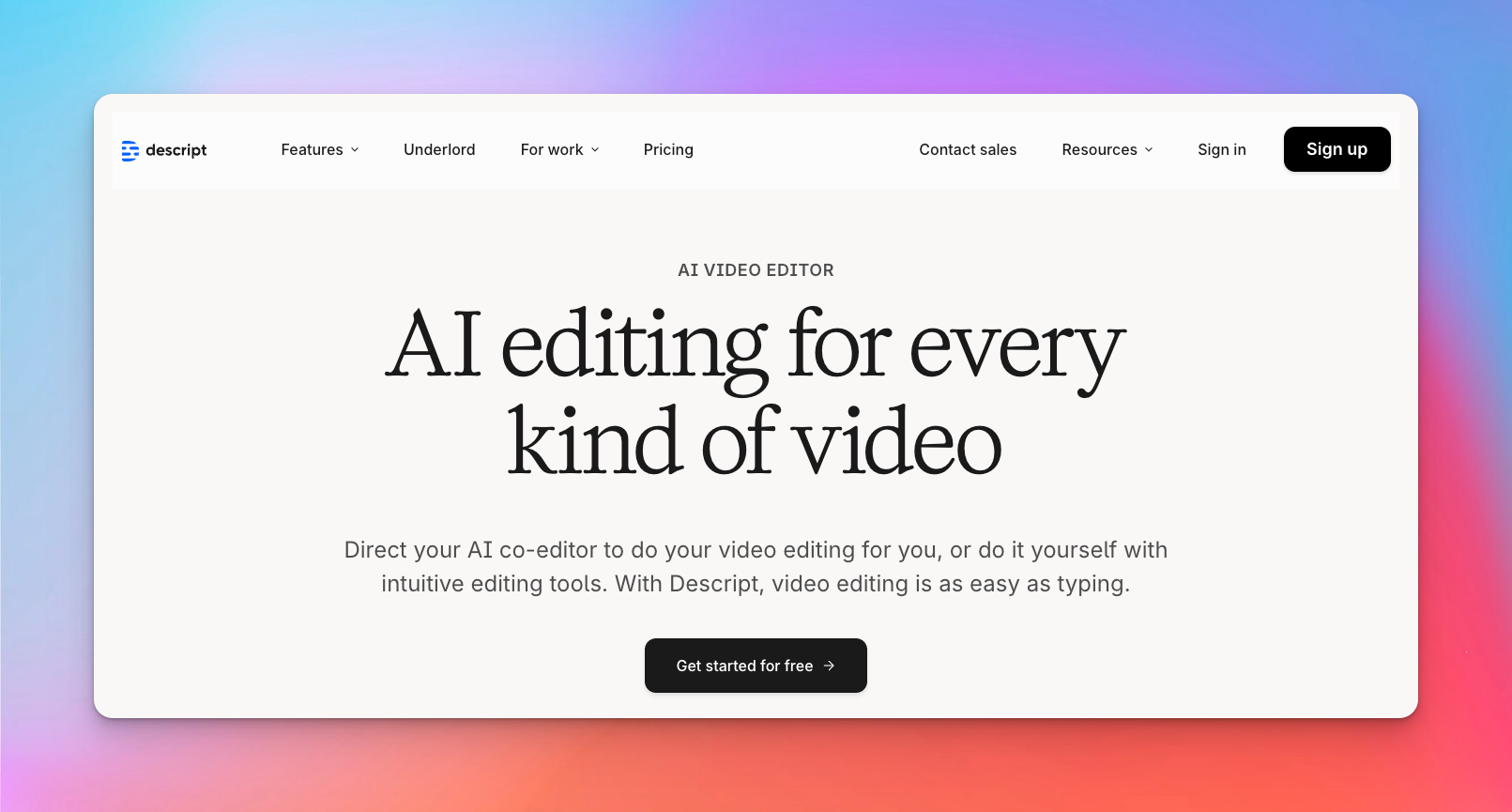
Descript is one full-blown editing suite. You don't use this just to get a text file. You can also use it to build your final project or even video. It treats your media exactly like a word document, making post-production feel less like technical surgery and more like writing an essay.
Audio and video editing for production teams
Most editors stare at waveforms all day, which is exhausting. Descript hides those waves behind a clean text interface. You upload your raw footage, and it generates a transcript that acts as your editing timeline.
AI transcription tied directly to editing workflows
The magic happens when you need to fix mistakes without re-recording. The "Overdub" feature lets you type new words, and the AI synthesizes them in your own voice to patch the audio seamlessly. The transcription here isn't a static record. It’s the controller for your entire creative process. You’re editing the story structure and the media file simultaneously, saving hours of scrubbing through timelines.
Shared project workspaces
Creative teams often struggle with version control, but Descript lives in the cloud to solve that. You can invite your colleagues or clients to leave comments directly on specific timestamped words in the script.
It works similarly to Google Docs, where multiple people can view the project status, making it easy to get sign-off on a rough cut before you commit to the final render.
Pros
- Text-based Editing: Deleting "ums" and "uhs" takes one click and edits the underlying audio instantly.
- Overdub: You can fix spoken typos by typing, using a cloned version of the speaker's voice.
- Studio Sound: The AI noise removal is shockingly good at cleaning up bad microphone audio.
Limitations
- Transcription accuracy: While good, the raw transcription accuracy can struggle with complex jargon compared to dedicated tools like HappyScribe.
- Export complexity: The export options for video timeline XMLs can sometimes get messy if you plan to finish in Premiere or Final Cut.
Ideal for
- Podcasters who want to edit their show as fast as they can read it will love this workflow. Creative Agencies producing social clips can churn out content faster here than on traditional timelines.
- Editors looking to speed up their rough cut assembly will find this indispensable.
Evernote
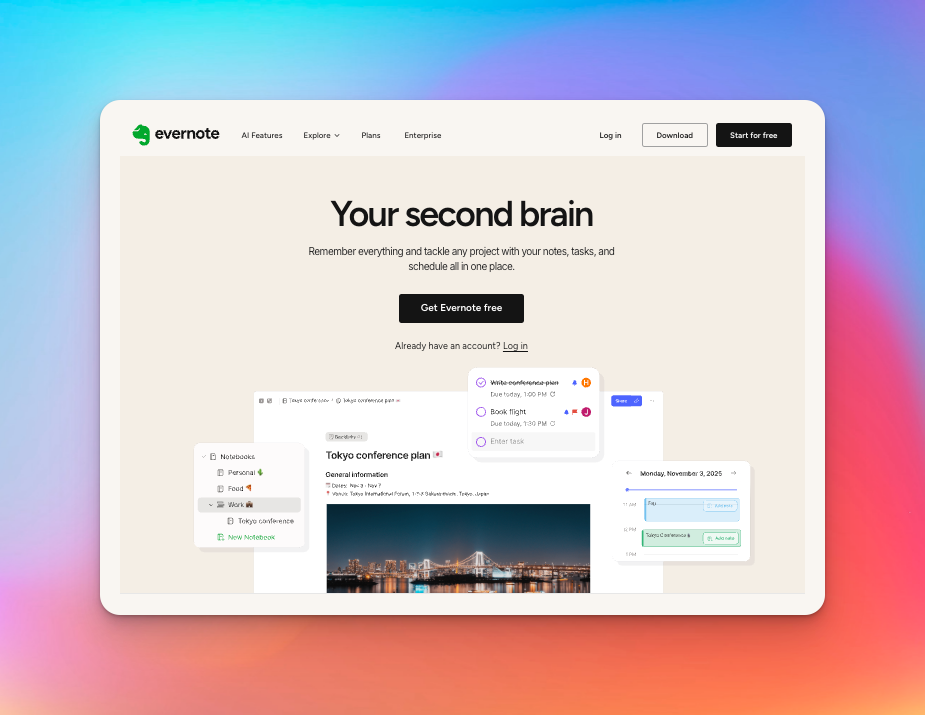
Evernote works best for teams that want to embed short audio clips directly alongside their typed meeting notes and checklists, treating the recording as a reference rather than the main event.
Note heavy transcription approach
Most tools treat the transcript as the star of the show, but here, the text is just one part of the puzzle. You record a meeting directly inside a project note, meaning the audio sits right next to your PDFs, images, and typed bullet points.
It keeps the conversation tethered to the actual work materials rather than isolating it in a separate app, ensuring you never lose the context of why the recording was made in the first place.
Best for text first workflows
If your agency lives in text documents, this workflow feels incredibly natural. You aren't uploading a file to get a transcript. You are typing your agenda and hitting the "record" button to capture the nuance.
It suits teams that treat audio as a backup reference, allowing you to quickly scrub through a recording to verify a quote without leaving your primary workspace.
Good for agencies focused on research, content planning, or analysis
Creative strategists and researchers often need to connect dots between different media types. Evernote shines here by allowing you to search for text within your notes alongside your web clips and scanned documents.
It creates a searchable database of every brainstorming session, making it easier to find that one brilliant idea mentioned three months ago without digging through a separate audio repository.
Pros
- Contextual storage: Audio files live inside related project notes, keeping everything organized by topic rather than by file type.
- Universal search: You can find specific keywords across your entire history of notes, scanned images, and hand-typed memos.
- Offline access: It works reliably without an internet connection, syncing your audio and notes once you are back online.
Limitations
- Basic transcription: It lacks the sophisticated speaker identification, time-stamping, and accuracy like most top transcription softwares.
- Limited export: Getting the audio out for video editing or subtitles is a clunky, manual process that production teams will hate.
- No real-time collaboration: It’s primarily a personal productivity tool, so "multiplayer" editing on a live transcript isn't part of the package.
Ideal for
Research Teams and content planners who need to aggregate massive amounts of mixed media, audio, text, and images, will find this to be the ultimate organizational locker.
Rev
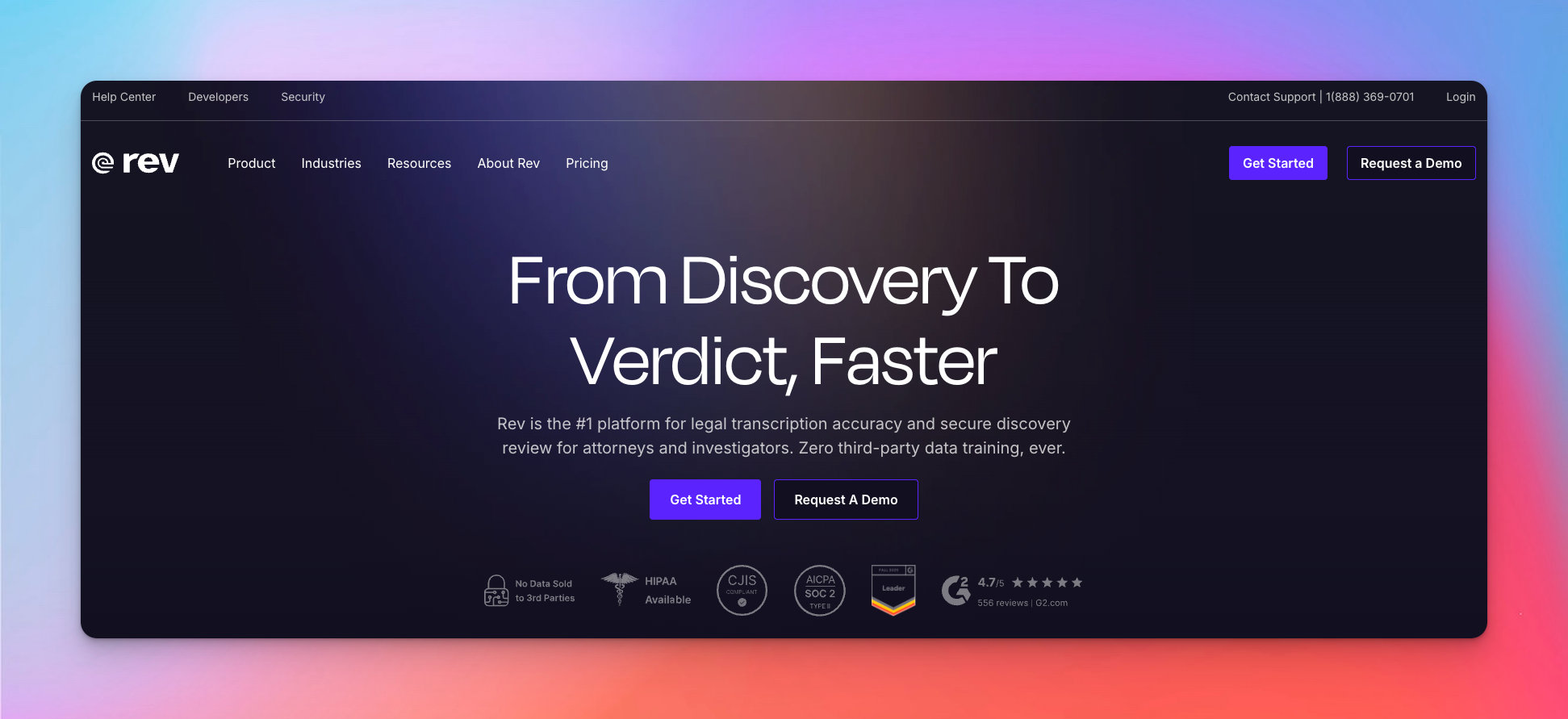
While other tools focus on the speed of automation or the collaborative features of a workspace, this platform staked its entire reputation on having a massive army of human typists. It functions less like a piece of software and more like a massive, on-demand service bureau.
You upload your files, pay a premium, and receive a document that’s nearly ready to print.
Strong human transcription for legal, medical, or compliance heavy teams
Automated tools still struggle with mumbling witnesses, heavy accents, or complex medical terminology, but humans don't. Rev employs thousands of freelancers who specialize in distinct fields to handle legal transcription services.
Hybrid workflows
You don't always need a human for every rough draft, so the platform offers an automated speech to text software option for quick turnarounds. You can run a rough machine pass to get the gist of a meeting instantly and then upgrade that same file to human review if you decide it needs to be client-ready.
It keeps everything under one roof, though the interface feels more transactional than the collaborative workspaces found in HappyScribe.
Accuracy in specialized industries
Context is king in transcription. A computer often hears "write" and "right" as phonetic sounds, but a skilled typist understands the sentence structure.
Rev shines when dealing with difficult audio or overlapping speakers in a loud room. The service guarantees a level of precision that makes it the industry standard for journalism and academic research, where every quote must be verbatim.
Pros
- Accuracy: Their human transcription service consistently hit that 98% mark, saving you from the editing hell that comes with cheaper AI tools.
- Fast human turnaround: You can often get files back in hours rather than days, which is rare for manual services.
Limitations
- Costly at scale: Paying per minute for humans drains budgets fast compared to flat-rate AI subscriptions.
- Siloed workflow: It functions more like a vending machine than a team workspace. You order, you receive, you leave.
- Paywalls: Advanced features often sit behind higher tiers or extra fees for "rush" delivery or "difficult audio."
Ideal for
Agencies needing near perfect accuracy for high-stakes content like legal depositions or broadcast subtitles will find the premium worth every penny.
Trint
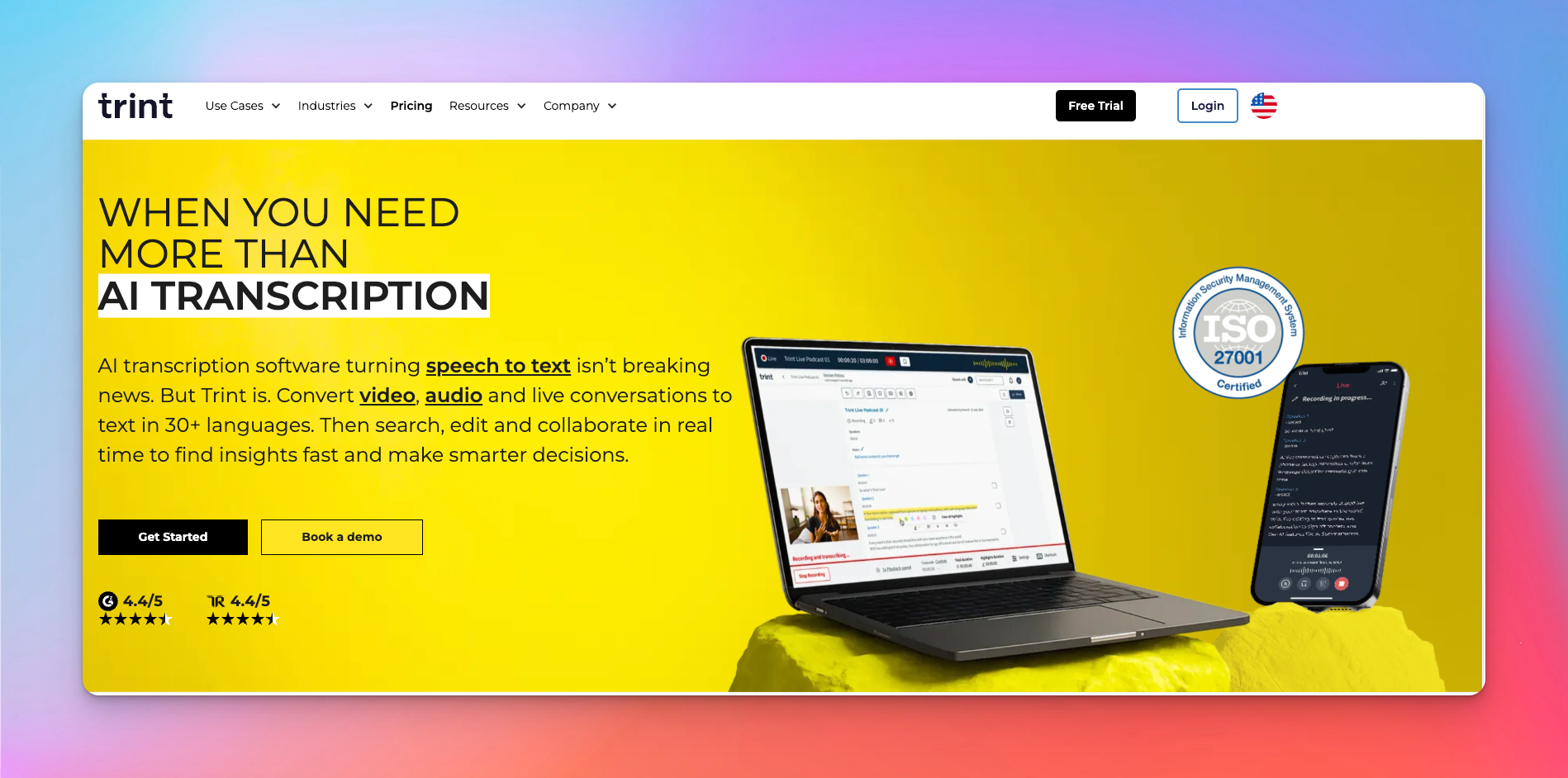
Trint focuses less on perfect archival and more on getting the story out the door. If you are a writer looking to build a narrative from raw interviews, this tool fits your mental model perfectly.
Enterprise grade collaboration
As teams and agencies, we often panic about data leaks. Trint locks things down with strict permission controls. You assign specific roles to users, ensuring the legal team sees the depositions while the marketing interns only access the social clips.
Review and approval workflows
Emailing Word docs back and forth creates version control nightmares. Trint lets you tag managers directly in the transcript for sign-off. You leave a comment on a specific timecode, they get a notification, and they approve the quote instantly. It centralizes the chaos of editorial feedback into one timeline.
Team insights and searchable transcripts
This platform indexes everything. You can search for a competitor's name across five years of interviews and find every mention instantly. It turns a graveyard of MP3s into an active knowledge base for your strategy team.
Pros
- Story Builder: The ability to aggregate quotes from different files into one document is a massive time-saver for content creators.
- Interactive editing: The text-to-audio synchronization is tight, making verification incredibly fast.
- Security: ISO 27001 certification makes it a safe bet for corporate IT departments.
Limitations
- Cost: It is significantly more expensive than most automated competitors, pricing out smaller agencies.
- No human backup: There is no integrated option to send a difficult file to a human for perfect cleanup.
- Video export: It handles video but lacks the granular visual editing capabilities found in tools like Descript.
Ideal for
Large Teams and Enterprises that need a secure, collaborative environment for journalists or analysts to build stories from raw audio.
Fireflies
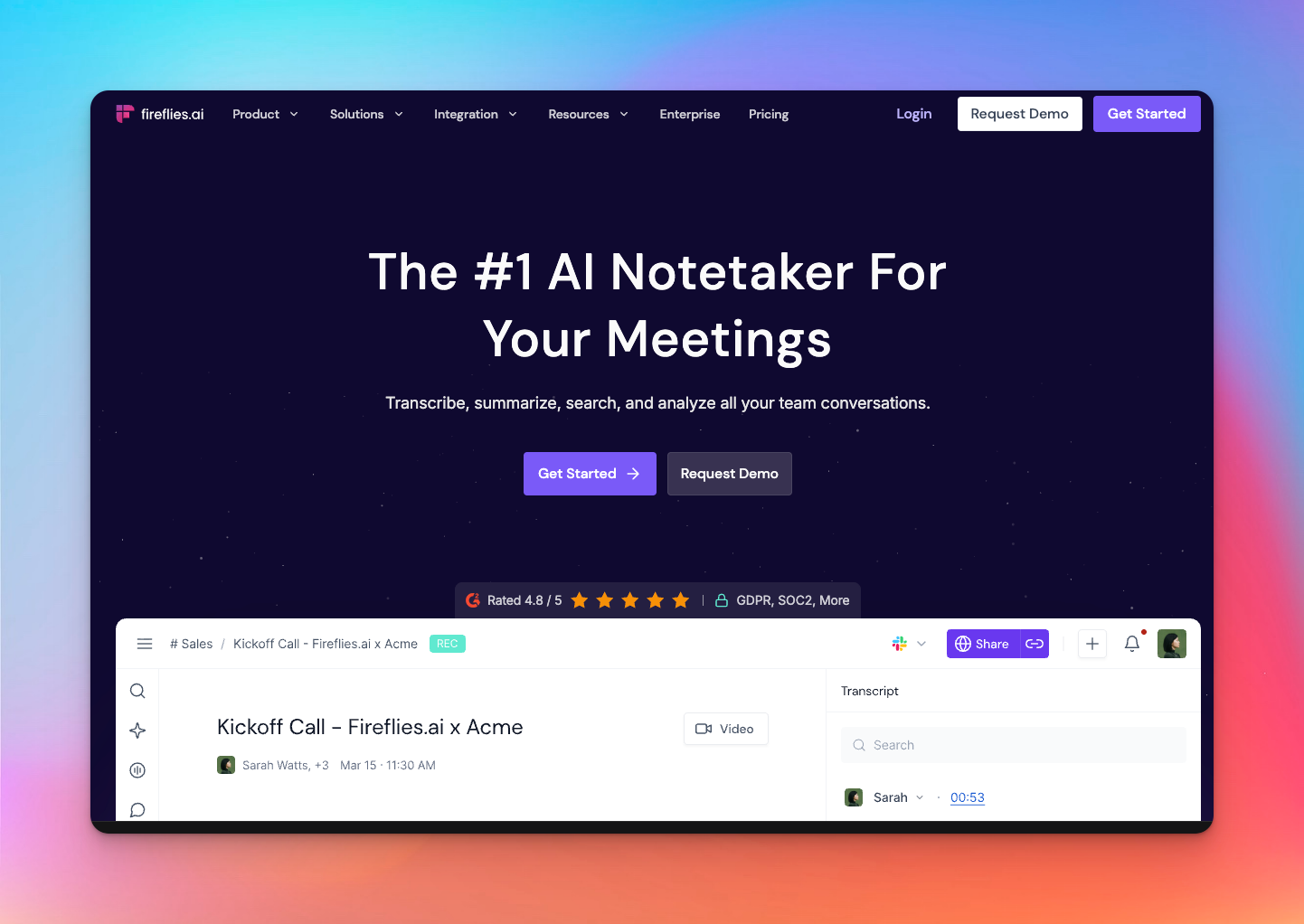
Fireflies works best when you need a bot to attend your meetings so you don't have to. It acts less like a partner and more like a relentless data-entry clerk, capturing spoken information and pushing it straight into your corporate systems without asking for a coffee break.
Meeting intelligence and summaries for busy call heavy teams
Fireflies utilizes AI meeting note taker capabilities to listen to sales calls or recruiting interviews and logs them directly into your system. You aren't really meant to polish the text here. You’re meant to mine it for insights. It prioritizes the text output by generating "Smart Search" filters that allow you to jump immediately to "Action Items" or "Questions Asked."
CRM and workflow integrations
Sales teams often despise manual data entry, and Fireflies solves that by pushing notes directly into Salesforce, HubSpot, and Slack. It saves hours of admin work by ensuring every client interaction is logged automatically.
Pros
- CRM inegrations: It pushes notes directly into your tech stack, saving hours of manual data entry.
- Smart search: You can filter transcripts by sentiment, dates, or specific metrics like "talk-to-listen" ratio.
- Meeting recap: The automated summaries are generally decent at capturing the gist of standard business meetings.
Limitations
- No video editing: Unlike HappyScribe or Descript, you cannot use this to edit video content or create subtitles.
- Robotic accuracy: It relies entirely on AI, so it lacks the human-in-the-loop precision option found in our top pick.
- Meeting focus: It is designed strictly for conference calls, so it struggles with uploaded, pre-recorded media files.
Ideal for sales teams and client facing teams
Sales Teams who need to aggregate and analyze data from hundreds of calls will find the analytics features and CRM automation indispensable for spotting patterns13.
Sonix
Sonix is the choice for teams that want raw speed and have the manpower to polish the results. It skips the human service entirely to focus on a slick, automated editor that helps you clean up AI-generated text efficiently.
Fast transcription with strong multi speaker segmentation
Sonix crunches huge files in minutes. The real win is the speaker labeling. It separates voices cleanly, saving you the tedious work of figuring out who interrupted whom during a heated debate.
Collaboration tools for research groups
Sharing files via email is a security nightmare. This platform lets you manage access centrally. You grant specific permissions to colleagues, letting them comment or edit without giving them full admin rights. It keeps data tight and workflows organized.
Pros
- Visual cleanup: The confidence score highlights low-quality words, showing you exactly where to focus your editing efforts.
- Security: Features like SOC 2 Type 2 compliance make IT departments happy.
- Translation: It handles over 53 languages, which is solid for basic localization needs.
Limitations
- No human backup: You cann’t outsource the cleanup. If the audio is bad, fixing it is your problem.
- Complex math: The pricing involves a subscription plus an hourly fee, which is annoying to calculate.
- Fewer languages: It supports fewer languages than the massive library found in HappyScribe.
Ideal for distributed teams
Distributed Teams who need a central, secure hub to organize and search through thousands of hours of audio.
Jamie
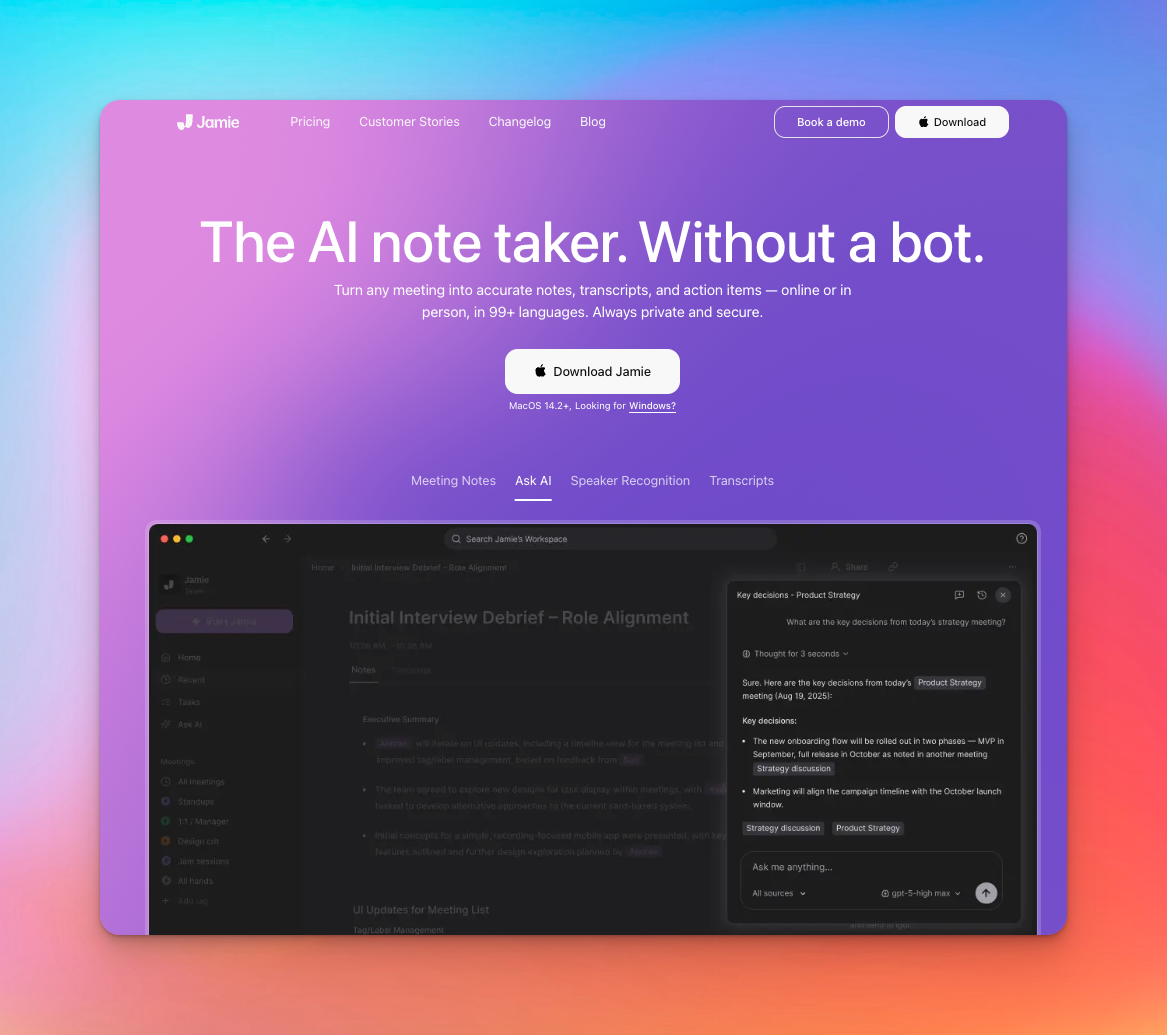
Jamie sits quietly in your meetings, taking impeccable notes, and saves you the headache of remembering who promised to deliver what by next Tuesday.
AI meeting assistant with high accuracy on calls
Jamie is engineered specifically for professional environments, meaning it handles corporate jargon and structured sentences far better than a generic voice recorder.
Summaries, action items, follow ups
After the call, you aren't handed a massive wall of text to decipher. Instead, you get a structured executive summary. The AI automatically extracts key decisions and compiles a list of action items, effectively writing your follow-up email for you.
Collaborative team spaces
Notes are useless if they are trapped on one person's laptop. Jamie builds a shared knowledge base where your entire team can access insights from past meetings. You can search across the company's collective call history to pinpoint exactly when a specific strategy was approved. It
Pros
- Executive quality: The automated summaries are structured well, often requiring zero editing before you send them to a client.
- Platform agnostic: It works across Zoom, Teams, and Google Meet without needing deep, complex integration setups.
- Native experience: It runs smoothly as a native app on macOS and Windows, feeling integrated into your OS rather than just another browser tab.
Limitations
- No video tools: You cannot edit video footage or create subtitles here; it is strictly a text and notes utility.
- Language support: While capable, it doesn't match the massive 150+ language library you get with HappyScribe.
- Pricey: It positions itself as a premium tool, so casual users might find the entry cost a bit steep compared to basic recorders.
Ideal for
Hybrid and Remote Teams who need a reliable, automated secretary to keep track of decisions and tasks without the overhead of managing heavy media files.
Best Tools by Use Case
Different teams face different bottlenecks, so we matched the top transcription tools to the specific problems they actually solve. Here’s your quick cheat sheet to finding the perfect fit without the trial and error.
Best for creative agencies
Descript allows producers to edit video footage simply by deleting text from the transcript, turning a complex technical task into a creative writing process.
Best for sales teams
Fireflies logs call details directly into your CRM, freeing up your reps to focus on the conversation instead of frantic note-taking.
Best for content production
HappyScribe streamlines post-production by housing transcription, subtitling, and translation in one secure workspace, taking you from raw audio to a global-ready asset instantly.
Best for legal teams
Rev provides the 99% human accuracy required when a single typo could alter the meaning of a deposition or contract.
Best budget friendly option
TurboScribe offers a flat rate for unlimited uploads, making it a financial lifesaver for teams that need to process massive backlogs of audio.
Best for fast high volume transcription
Sonix uses visual confidence scores to highlight potential errors, allowing editors to skim through hours of content and only stop where the AI struggled.
Best for multilingual needs
HappyScribe supports over 150 languages and accents, ensuring that your international campaigns remain accurate regardless of the dialect.
Final thoughts
It’s easy to get distracted by flashy features, but the best software is the one that actually fits your team's rhythm without causing a Slack revolt. You aren't just buying a text converter. You’re
If you’re stretchinf the budget and drowning in files, TurboScribe saves the day. But for most agencies needing a balance of AI speed today and human perfection tomorrow, HappyScribe takes the lead. It secures your data, handles every language you throw at it, and doesn't force you to pick a lane. it just lets you drive.
Frequently Asked Questions

André Bastié
Hello! I'm André Bastié, the passionate CEO of HappyScribe, a leading transcription service provider that has revolutionized the way people access and interact with audio and video content. My commitment to developing innovative technology and user-friendly solutions has made HappyScribe a trusted partner for transcription and subtitling needs.
With extensive experience in the field, I've dedicated myself to creating a platform that is accurate, efficient, and accessible for a wide range of users. By incorporating artificial intelligence and natural language processing, I've developed a platform that delivers exceptional transcription accuracy while remaining cost-effective and time-efficient.