Sifting through AI transcription tools can get tiring fast.
The market is crowded, every platform claims to be “the most accurate,” and it’s hard to tell which ones can actually handle real-world audio instead of polished demos. On top of that, you still have to deal with choppy speaker labeling, odd punctuation choices, and transcripts that drift off the moment background noise shows up if you want to transcribe audio to text.
To make things easier, I tested each tool under the same conditions. Nothing fancy. Just practical checks that reveal how well a tool performs when you actually need it:
- Accuracy on real conversations
- Speed from upload to finished transcript
- Speaker identification quality
- Punctuation and formatting stability
- Handling of accents, noise, and less-than-perfect audio
The 7 tools ahead earned their spots by performing well where it counts.Together, they give you a clear look at which audio and video transcription tools are genuinely ready for real work….and which ones are better left off your shortlist.
Our Testing Methodology: Accuracy, Speed, and Compliance
We tested these tools the way real teams use them: with messy, unpredictable audio.
That means multi-speaker interviews, noisy recordings (cafés, traffic, low-volume speakers), meetings with people talking over each other, recordings with background noise that sounded like someone was wrestling a plastic bag, and multilingual clips with different accents that could trip up even seasoned transcribers.
The results were judged by how usable the transcript felt straight out of the transcript generator - not after a manual rewrite.
Testing steps were straightforward and repeatable.
Each audio transcription was judged on how usable it looked the moment it landed on the screen. No polishing. No fixing typos to “help” the tool. Just raw, honest output.
We measured accuracy against clean reference transcripts, timed how long each tool took to process the files, and checked if speaker labels made sense or felt like the tool was guessing. We also tested how smooth the editing experience was.
Some tools make corrections easy, others feel like you’re fighting the interface for custody of your own transcript.
Key criteria we scored:
- Accuracy percentage: Raw word error rate against reference transcripts; the higher the score, the fewer manual fixes.
- Video transcription support: Native handling of video files, automatic subtitle export, and timestamp fidelity.
- Security standards: SOC 2/GDPR compliance, encryption in transit and at rest, and team access controls.
- Editor features: Speaker tagging, inline editing, searchable timestamps, and export formats (SRT, VTT, TXT).
This way, we’ve kept the focus on real usefulness: speed, clarity, and trustworthiness.
Choose Your Top-Tier AI Transcription Tool
1. HappyScribe (Best for Multilingual, B2B, and High-Volume Work)
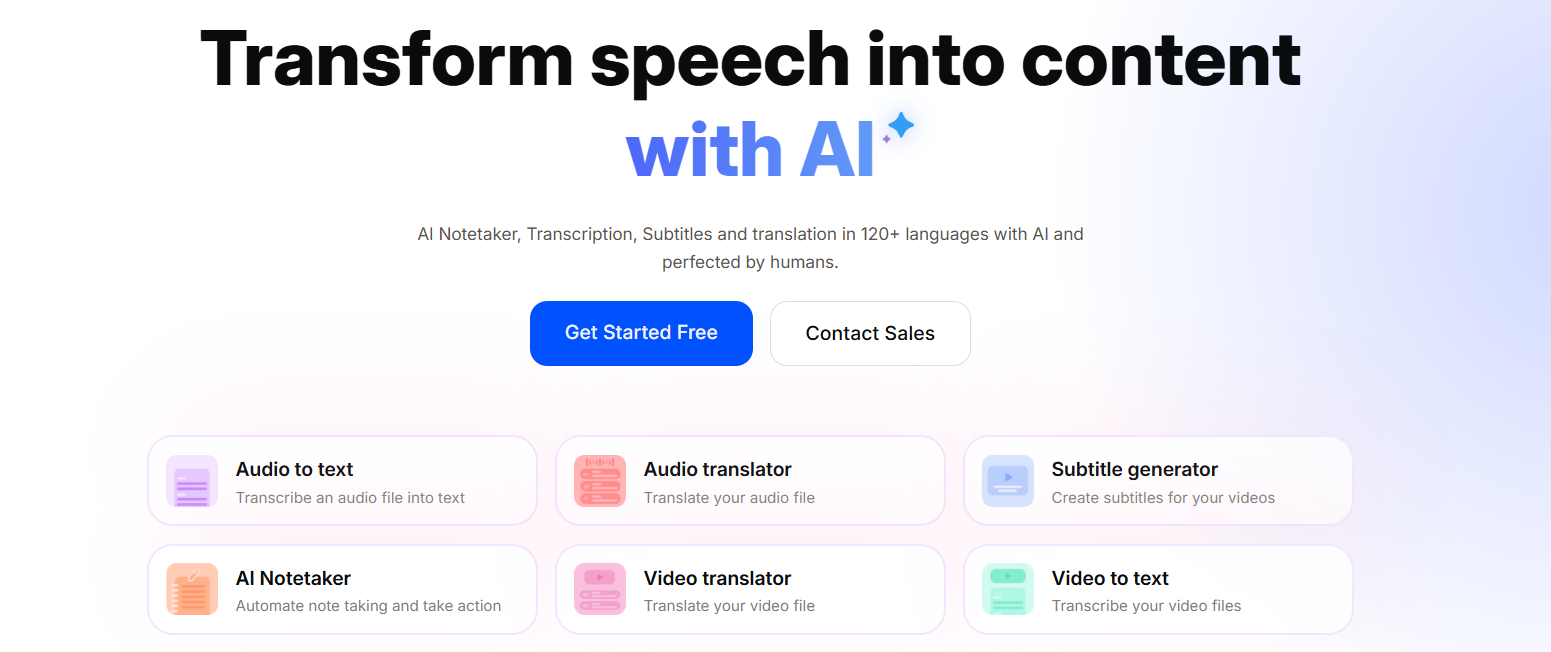
Meet HappyScribe: the European transcription tool built for professionals who juggle multilingual audio, large volumes, and strict compliance while transcribing.
With 120 + supported languages and enterprise-level security that not all AI transcription tools have (hello SOC 2 and GDPR compliance!), it’s designed for people and teams that can’t afford sloppy transcripts or weak editing tools.
It’s also great as a video transcription tool.
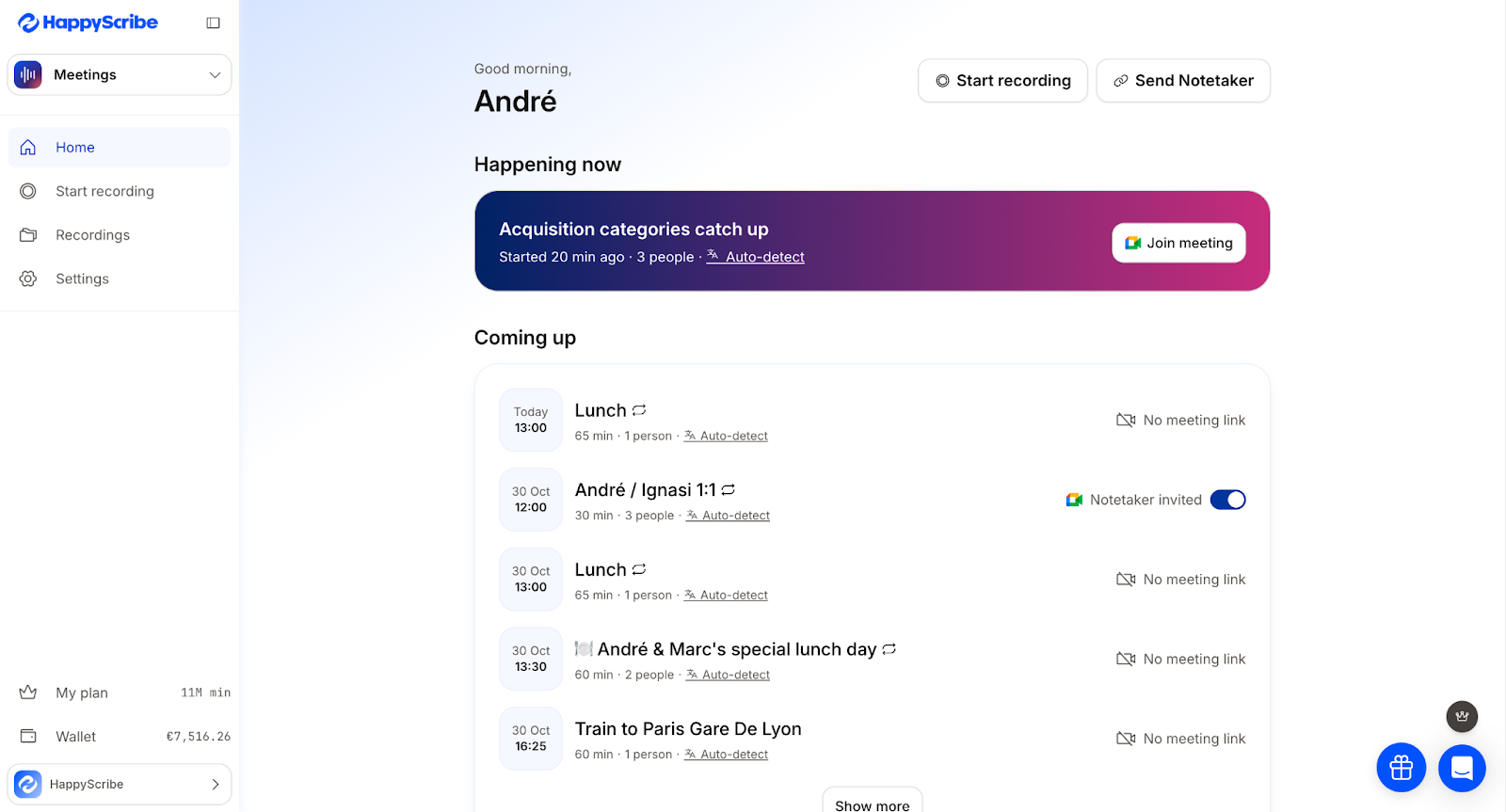
The interactive editor keeps corrections intuitive, the AI Notetaker surfaces summaries instantly, and if perfect accuracy matters, the optional human-reviewed service is ready (HappyScribe also has one of the most satisfactory human transcription services today).
If accurate speaker diarization is your deal-breaker, you’ll be glad to know that it’s one of Happyscribe’s best features along with its free audio transcription.
And best of all? It can integrate with your workflow, so you won’t have to change anything to accommodate a new tool.
What stands out:
- 150+ languages: one of the widest language coverages for global teams, podcasts, and even YouTube videos.
- SOC 2 Type II / GDPR: it’s based in Europe, so it has a compliance-first approach when it comes to security that matters for client work and enterprise contracts
- AI Notetaker: auto-summaries and highlights that speed up review
- AskAI: it can create action items, articles, quizzes, and more out of your transcription
- Interactive editor: clean UI for fixing mistakes, adding timestamps, and exporting subs
- Human-made option: you can opt for human-reviewed transcripts when you want perfect accuracy
Pros:
- Excellent multilingual support
- GDPR compliant and SOC 2 Type II Certified so you can be sure of privacy and confidentiality
- Flexible editor and export options
- Flawless speaker diarization
- Human proofreading available
Cons:
Human-made transcriptions are excellent, but the turnaround time won’t always match last-minute deadlines.
Pricing:
Starter (Pay-as-you-go): You get a 10-minute free trial for AI transcription, subtitling, and translation.
Lite Plan: $17/month (or equivalent in other currencies) for 120 AI minutes/month.
Pro Plan: $29/month for 600 AI minutes/month, includes 3 user seats.
Business Plan: $89/month for 6,000 AI minutes/month, plus team management, glossaries, and 5 user seats.
Human-Made Transcripts: Starts at $2.00/min for English audio.
2. Otter.ai (Best for Google Meet/Zoom integration)
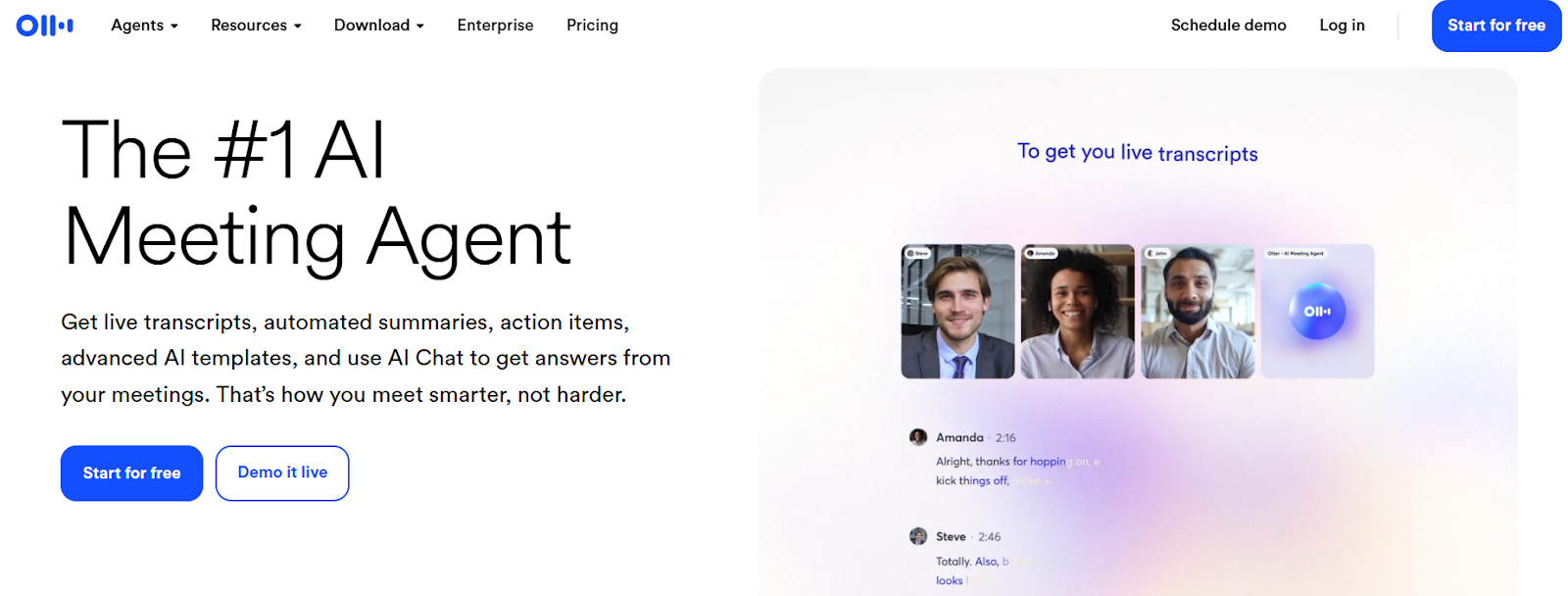
Otter is great for people who live in meetings. It’s one of the easiest ways to capture live notes, auto-join calls, and get tidy summaries without pawing at a recorder.
What stands out:
- Live meeting agent: Otter can join Zoom/Google Meet sessions, record, and transcribe in real time.
- AI summaries and action items: After the call you get an outline, highlights, and searchable notes so follow-ups don’t vanish into Slack.
- Speaker ID: It tags speakers and grabs shared slides for context, which is handy for long calls.
Pros
- Excellent real-time transcription for virtual meetings.
- Useful post-meeting features (summaries, highlights, searchable history).
- Simple integrations with Zoom, Google Meet, and calendar apps.
Cons
- Accuracy drops with poor audio or heavy cross-talk.
- The auto-join agent can feel intrusive in small, private meetings.
- Some advanced team features require Business/Enterprise plans.
Pricing
- Free (Basic): 300 monthly transcription minutes, up to 30 minutes per conversation. Good for casual users.
- Pro: $16.99/month (or about $8.33/month billed annually). Includes more monthly minutes and longer session limits.
- Business: Around $30/user/month (discounted if billed annually). Adds team controls, shared vocabularies, and higher minute caps for heavy meeting use.
3. Rev (Best for Hybrid (AI + Human) Accuracy)
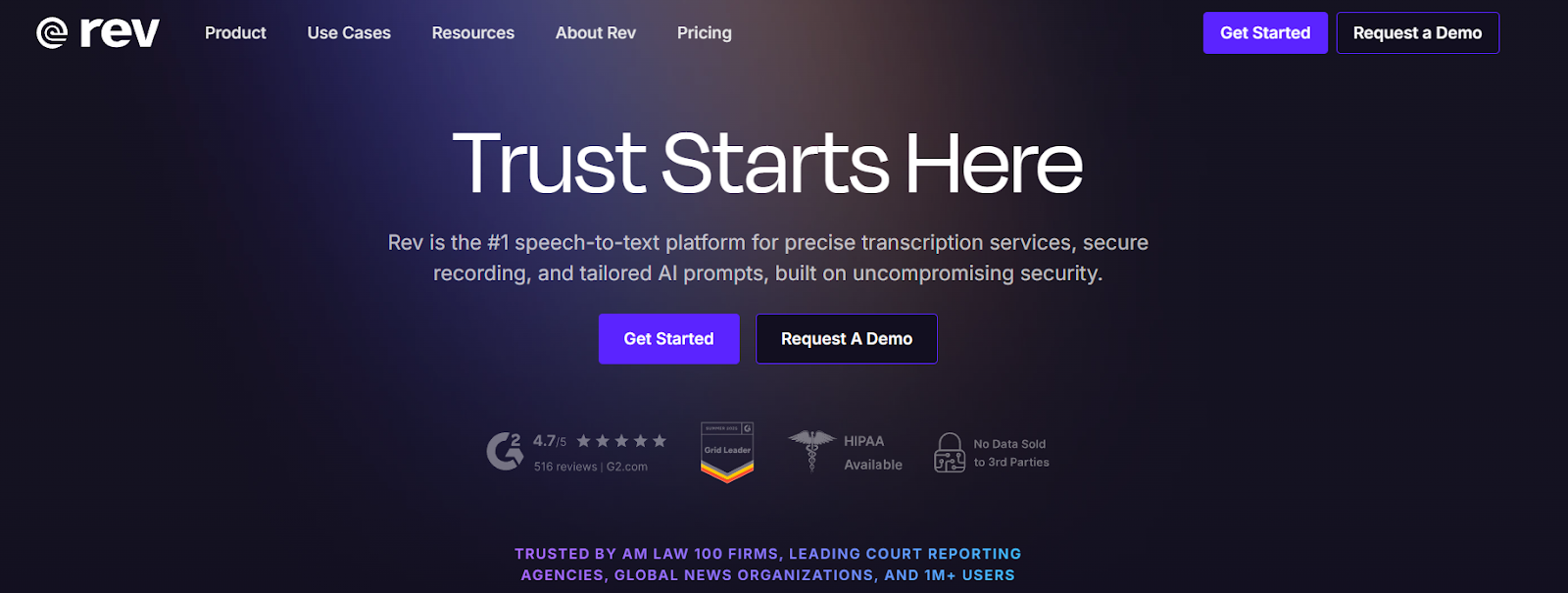
Rev can be your go-to when you want machine speed plus human-level polish. Many teams use Rev because it lets you grab fast AI drafts and upgrade to human transcription when accuracy truly matters.
What stands out:
- AI + human workflow: Start with quick AI output, then pay for human review when you need near-perfect text.
- AI meeting tools: Integrates with Zoom, Google Meet, and Teams for meeting capture and summaries.
- Interactive editor and captions: Clean editor for fixes and subtitle support.
- API ans enterprise features: Rev offers a speech-to-text API for devs and enterprise options with stronger security and SLAs.
Pros
- Good human transcripts with good accuracy.
- Fast AI drafts let you move quickly on routine work.
- Good tooling for captions and workflows that need both speed and precision.
Cons
- Human transcripts cost noticeably more than pure-AI options.
- Not the best choice if you need fully real-time meeting captions (AI is fast, but live accuracy varies).
- Some advanced enterprise features require custom plans and onboarding.
Pricing (Per-minute vs Subscription)
- AI (pay-as-you-go): ~$0.25 per audio minute for fast automated transcripts.
- Subscriptions / Seats: Rev’s Basic and higher tiers (from about $9.99/month) bundle AI minutes and team features, which cuts per-minute AI costs for heavy users.
4. Fireflies.ai (Best free transcription software)
If most of your week is spent hopping from one video call to another, Fireflies is basically that teammate who shows up, listens for the important bits, and organizes everything for later. It slides neatly into Google Meet, Zoom, and the usual office suspects without you having to babysit it.
What stand out:
- Smooth integrations with Google Meet, Zoom, Teams, HubSpot, and a whole buffet of work apps. Your transcripts and summaries go straight where they need to be.
- Automatic summaries so you can grab action items or specific quotes without replaying the whole recording.
- AskFred AI assistant that lets you ask things like “What did we decide about the deadline?” and it digs up the answer instantly.
Pros
- Works really well in team setups where notes need to flow into CRMs or project tools.
- The free plan is actually usable- good for testing or light meeting weeks.
- The searchable meeting history saves a surprising amount of time.
Cons
- Accuracy can dip if the call is chaotic or everyone talks over each other.
- Some of the more advanced features sit behind the higher-tier plans.
- Not the best choice if you need super-formal, studio-quality transcription every time.
Pricing:
- Free: Basic recording/transcription plus limited storage, nice for casual use.
- Pro: Around $10/user/month (annual). Adds unlimited transcription, summaries, and more storage.
- Business: Around $19/user/month (annual). Adds video recording, team analytics, and admin tools.
- Enterprise: Custom pricing for things like SSO, extra security, and compliance needs.
5. Descript (Best for Creator-friendly Workflows)
Descript shines by letting you edit audio and video like a text document.
Its transcript-based workflow makes cutting, rearranging, and polishing clips surprisingly simple. I love how its filler-word removal and the Overdub feature help clean mistakes without extra recording. You can also add captions, screen recordings, and basic multitrack editing, all in one place.
It’s a solid choice for creators who want powerful tools without the complexity of traditional editors.
What stands out
- Text-based editing that instantly trims your audio or video
- Overdub voice cloning for quick line fixes
- Easy collaboration and project sharing
- Captions and subtitles that don’t take forever to format
Pros
- The editor is simple enough to use without tutorials
- Great for creators who repurpose clips across platforms
- Strong all-in-one setup for podcasts and video content
Cons
- Heavier projects can slow the desktop app
- The best AI features are locked behind paid tiers
- Not ideal for meeting-heavy teams needing live notetakers
Pricing
- Free plan with 1 hour of transcription
- Paid tiers range from affordable creator plans to more robust Pro and Business options
- Human transcription available for an additional per-minute rate
6. Sonix (Best Subtitle Automation)
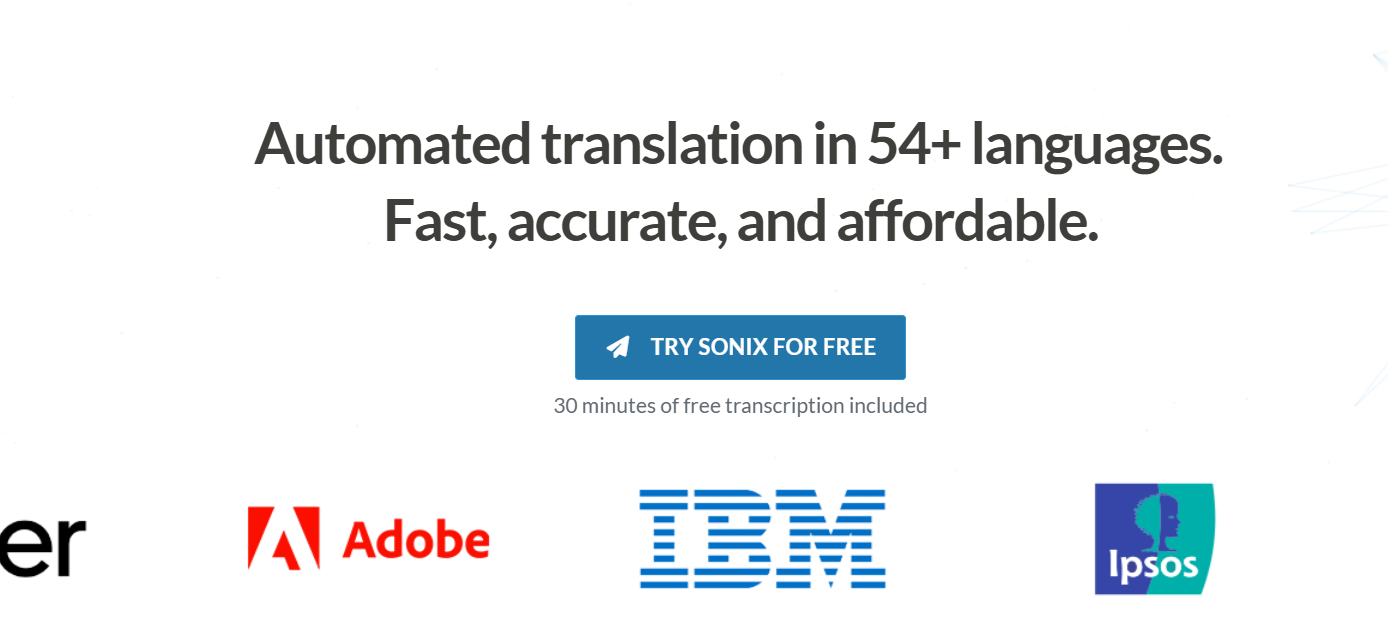
Sonix is built to turn piles of audio and video into usable text…fast. Its strength is doing that reliably across lots of languages, then giving you a neat browser editor to clean things up, export captions, or run simple AI analysis.
It’s streamlined and practical: you upload, Sonix transcribes, and you get search-ready text plus subtitle files without wrestling with complicated settings.
What stands out
- Wide language support and decent accuracy out of the box.
- Subtitle automation that actually saves time. It creates timed captions and lets you style and export them quickly for video publishing.
- Scale-friendly workflow, multi-file search, team sharing, and integrations (Zoom, CMS tools) help when you’re handling lots of interviews, lectures, or episodes.
Pros
- Fast automatic transcripts that are usually good enough to edit, not rewrite.
- Solid multilingual support and automated translations for repacking content into other languages.
- Useful export formats for publishing: subtitles, SRT, VTT, DOCX, and SEO-friendly text files.
- Options to add human transcription when accuracy matters most.
Cons
- Pricing can get difficult for teams with heavy usage.
- Extra, higher-tier features (advanced sharing, more hours, enterprise controls) require paid plans, so casual users may hit limits quickly
Pricing
Sonix offers both a pay-as-you-go option and subscription tiers.
There’s a free trial (about 30 minutes), a Standard pay-per-hour option for occasional users, and Premium/Team plans that combine a monthly user fee with discounted per-hour transcription. Enterprise plans are available for high-volume customers. Exact dollars vary by plan and billing cadence.
7. Notta (Best for mobile)
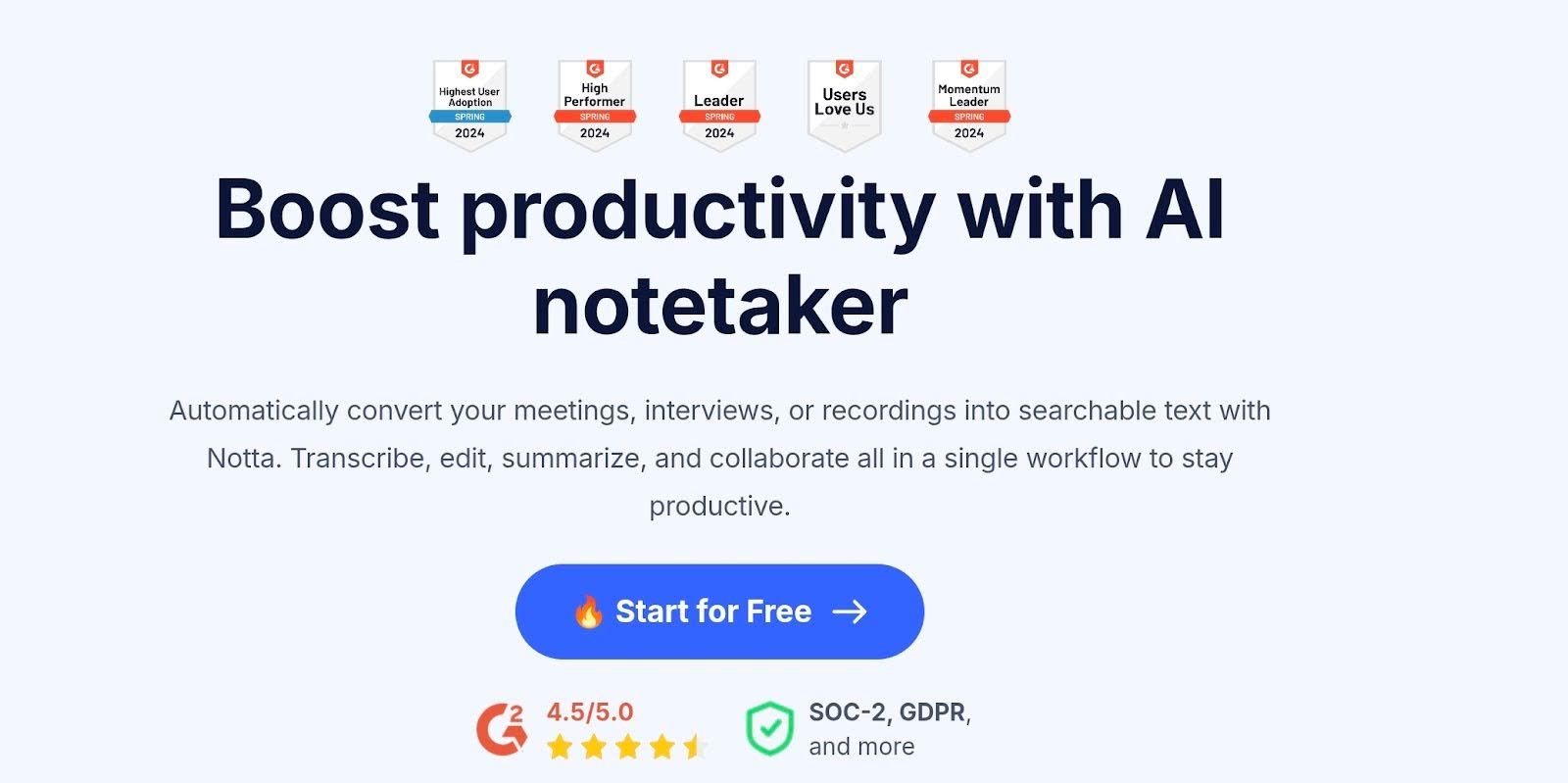
Notta leans hard into real-time transcription and quick takeaways. It captures meetings as they unfold, then hands you a clean transcript, a short summary, and action items without any extra work on your end.
The interface stays lightweight, so you can jump in, record, and move on with your day. It’s a handy pick for people who sit through a lot of calls and want something that keeps pace.
What stands out:
- Live transcription that keeps up with fast conversations
- AI-generated summaries that collect decisions and tasks into tidy sections
- Wide language support plus quick translation
- Straightforward exports and link sharing
Pros
- Fast turnaround that’s ideal for recurring meetings
- Helpful summaries that cut down post-call admin
- Strong language-and-translation combo
- Clean, simple interface
Cons
- Speaker labeling sometimes needs cleanup
- Costs can stack for teams with long meetings
- Not designed for creative editing or content production
Pricing
- Free plan with limited monthly minutes
- Pro plan with longer recordings and higher quotas
- Business plan with team features and expanded limits
- Enterprise available for custom needs
Core Features That Drive Accuracy
Accurate transcription starts with how well a tool can listen, sort, and understand what’s being said. These core features are what make the difference between a messy transcript and something you can actually use.
- Speaker separation (Mandatory for meetings):
If the AI can’t tell who’s talking, your meeting notes will be a jumble of words. The best tools automatically separate voices, label them correctly, and keep the conversation readable. This is essential for tracking decisions, assigning tasks, or just remembering who said what without replaying the whole meeting.
- Transcribe audio to text quality in noisy environments
Background noise happens. Keyboards clacking, traffic outside, or a dog barking shouldn’t ruin your transcripts. The right transcription tool filters out distractions and keeps the words accurate. That way, you spend time using your notes, not fixing them.
- Custom vocabulary / glossaries
Every team has its own shorthand, acronyms, and jargon. Tools that let you add custom words make sure those get captured correctly. It saves a ton of editing later and keeps your transcripts looking professional.
Security, Compliance, and Language Support
Transcription isn’t just about words on a page. It’s about keeping them safe and making them useful across teams.
Why GDPR / SOC 2 matters for professional use:
If you’re handling client calls, legal meetings, or sensitive projects, your transcripts need protection. Tools with GDPR and SOC 2 compliance encrypt your data and follow privacy rules, so your notes stay secure.
It’s basically a must-have for professional use.
In fact…
HappyScribe was recently listed in Andreessen Horowitz’s “AI Application Spending Report” among the top 50 AI companies where startups actually spend their money. That kind of recognition says a lot about how much trust businesses are placing in tools that give them the best level of security, especially for meeting notes and transcription workflows.
HappyScribe has also been cited by top AI reviewers as the best AI notetaker.
The importance of 150+ language support
International teams or global research need tools that handle multiple languages. A good AI transcription service covers a wide range, so you can capture conversations in different languages without extra effort.
HappyScribe, for example, supports over 150 languages, which makes it much easier to collaborate globally.
Final Verdict: Which Best Transcription Software is Right for You?
After using the big 7 of AI transcription tools, HappyScribe takes the crown for professional transcription.
Its speaker separation keeps long meetings and interviews from turning into a jumbled mess, support for over 150 languages makes it handy across the globe, and GDPR plus SOC 2 Type II compliance means your sensitive content stays under lock and key.
If you’re watching your wallet, Otter sneaks in as a surprisingly capable free option. It handles notes, lectures, and team calls smoothly, labeling speakers and producing tidy transcripts. Just don’t expect all the bells and whistles.
On the go?
Notta is a mobile buddy. Hit record, and your audio transforms into a crisp transcript in almost no time, perfect for field interviews, client calls, or quick classroom notes.
Still on the fence about which tool to get?
If you want an all-rounder that adapts to nearly any transcription need, HappyScribe is the one to try. It’s reliable, secure, and works well for individuals and teams alike.
Frequently Asked Questions
Is AI transcription accurate?
Yes. Modern AI transcription can reliably transcribe audio to text for clear recordings. Expect near-human accuracy on good audio; messy files or heavy accents still need a quick edit. Use an AI draft as a fast transcript generator and skim for the few fixes.
How much do AI transcription tools cost?
Prices vary a lot. Some tools offer free audio transcription for light users, while pay-as-you-go plans work well if you just need to transcribe audio now and then. For example, HappyScribe is pretty solid value: its monthly plan gives you a good chunk of AI minutes, and you can add human-reviewed transcripts if you want top-tier accuracy. That combo means you get both speed and precision without breaking the bank.
What is the difference between AI transcription and human transcription?
AI is fast and cheap, great for bulk audio to text transcription. Humans are slower and pricier but catch nuance, names, and tricky accents. Many teams run AI first, then use humans for final QA.
Can AI transcription tools handle multiple speakers and languages?
Yes. Good platforms do speaker separation, timestamps, and video transcription, plus multi-language support. HappyScribe is especially strong here: wide language coverage and reliable speaker diarization for multilingual projects.

André Bastié
Hello! I'm André Bastié, the passionate CEO of HappyScribe, a leading transcription service provider that has revolutionized the way people access and interact with audio and video content. My commitment to developing innovative technology and user-friendly solutions has made HappyScribe a trusted partner for transcription and subtitling needs.
With extensive experience in the field, I've dedicated myself to creating a platform that is accurate, efficient, and accessible for a wide range of users. By incorporating artificial intelligence and natural language processing, I've developed a platform that delivers exceptional transcription accuracy while remaining cost-effective and time-efficient.