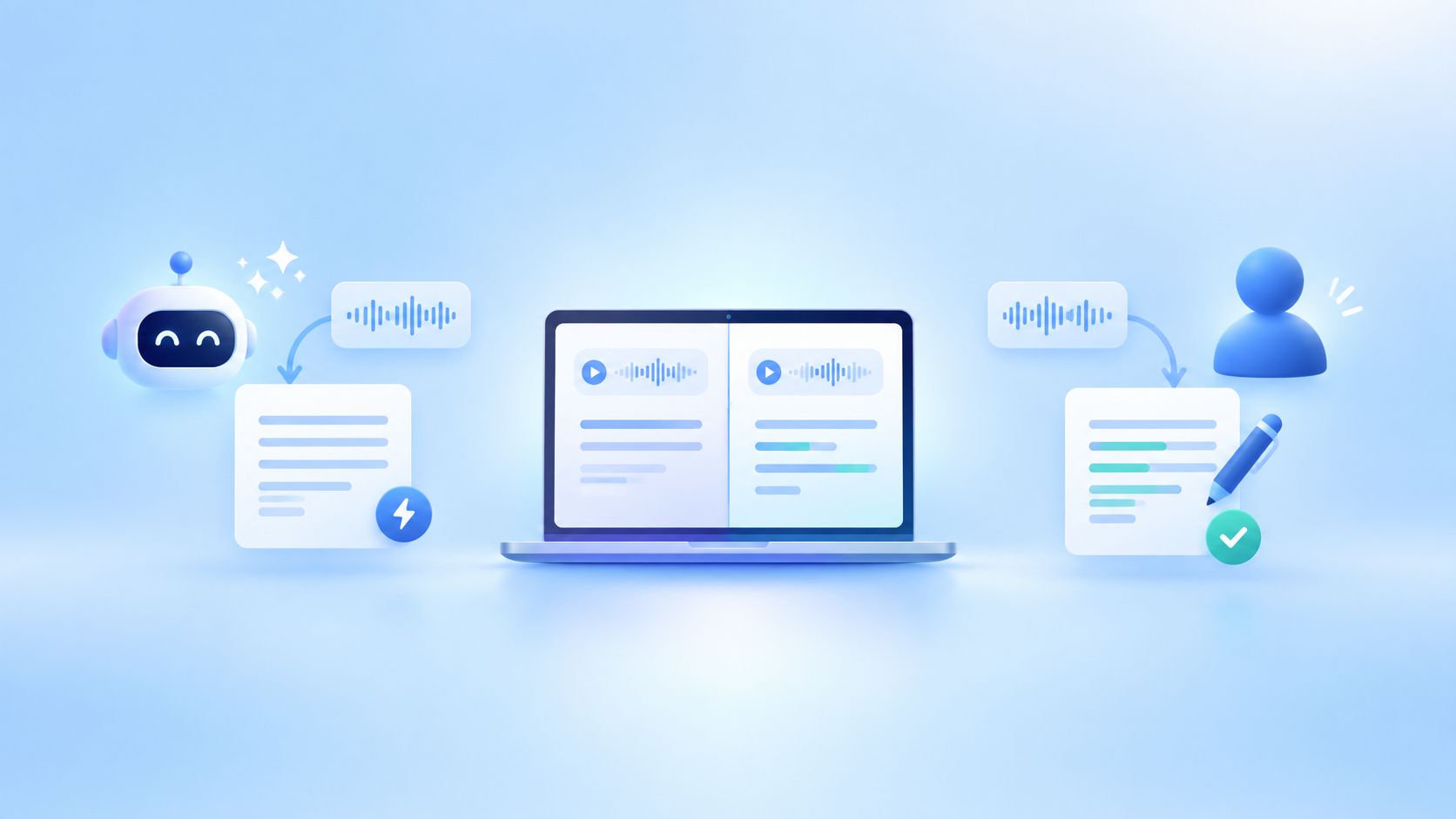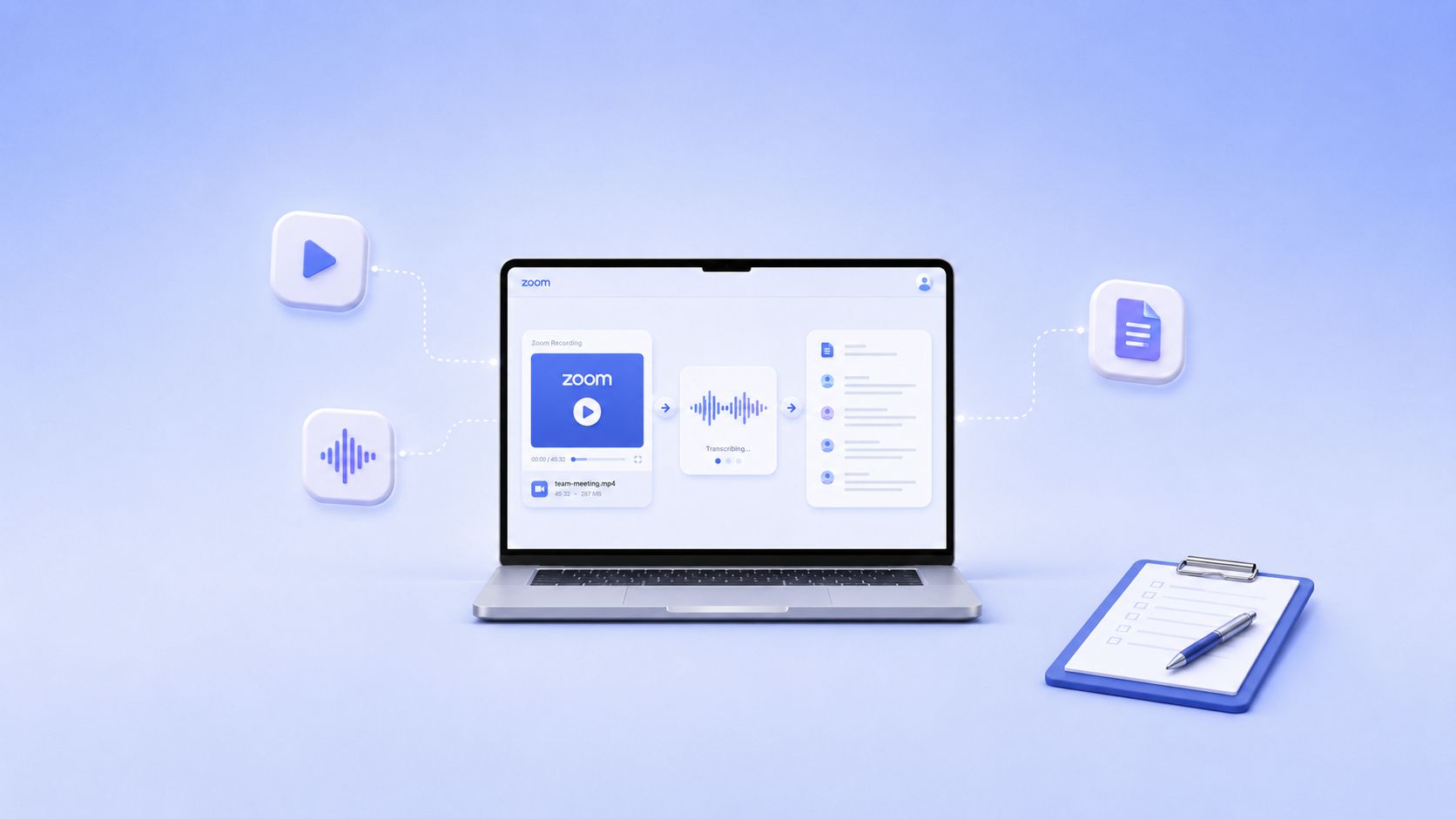
HappyScribe is an automated transcription software that helps to transcribe quickly by using automatic speech recognition engines. The applications of HappyScribe can range from the transcription of a Zoom meeting to a variety of audio and video transcriptions, all by using an internet connection, and HappyScribe is the perfect tool to leverage the power of transcription. Andre Bastie created HappyScribe in May 2017. Since HappyScribe is done manually, the company hires transcribers from all over the world, for example, in places like Canada, Spain, Germany, etc.
Why is HappyScribe considered the best transcribing tool or the best transcription software? There are many reasons why HappyScribe is the best, and they will be listed below.

Accurate Transcription
Looking at accuracy, it is one of the most important factors to consider when transcribing audio or video content. The platform's speech recognition technology is capable of recognizing various accents, dialects, and languages, making it suitable for transcribing content from around the world. HappyScribe is very reliable because it gives a very high level of accuracy compared to IBM (International Business Machines Corporation).
Easy to Use
HappyScribe is an easy-to-use transcription software that allows people unfamiliar with transcriptions to use the platform easily. You can also send information from your Google Drive to HappyScribe for easy transcription. The platform will enable users to upload audio or video files in various formats, including MP3, WAV, M4A, MP4, and more. Once the file has been uploaded, users can choose from various transcription options, including the ability to transcribe multiple speakers, add timestamps, and more. The platform also offers a range of editing tools that make it easy to correct any mistakes that may have been made during the transcription process.
Amazing Features
This tool has many outstanding features; for example, it can serve as video editing or audio transcription software. It can be used to create a video montage that can be used in various businesses, organizations, and countries. It has features like minutes-free transcription, speech recognition, a subtitle feature, etc. With the aid of a subtitle feature, HappyScribe can be used to translate and transcribe the movies and shows people watch on Netflix, Disney, and other platforms.
Cheap pricing compared to other transcription software
Another important factor that sets HappyScribe apart from its competitors is its competitive pricing. HappyScribe also offers a free trial that allows users to test the platform's capabilities before committing to a paid plan. During the free minutes of usage, an individual can try out as many features as he or she wants.
The platform offers a range of friendly pricing plans that cater to businesses and individuals of all sizes. The pricing plans are based on the audio or video file length.
Wide range of integrations
Finally, HappyScribe offers a wide range of integrations with popular third-party platforms such as Zapier (used to send information from your Google Drive to HappyScribe), Dropbox, Google Drive, Microsoft, and more. This makes it easy to automate the transcription process and integrate HappyScribe into your existing workflows.
Customer Support
Another exceptional reason HappyScribe is the best is because of its customer support. HappyScribe has a support team that is always available to assist users with any technical issues they may encounter. Individuals with difficulty can easily reach the support team via email or live chat, and the support team responds promptly to the user's query.
Helps in Transcription for Students
Apart from businesses and company usage, HappyScribe also helps students transcribe their Zoom recordings. All they have to do is join the meeting and record the class. Once the Zoom meetings end, they are to make sure the video is saved, then take it to the HappyScribe translation tool, which will do the rest of the work. Another very good thing about the HappyScribe translating software is that it has an amazing discount price for students using the platform, making it easier for students to use it.
User-Friendly Interface
HappyScribe has a user-friendly interface that is easy to navigate, even for users who need to learn more about transcription sites and platforms. The software has a drag-and-drop feature that makes it easy to upload files, and its editor has a simple interface that makes it easy to edit transcriptions. The features are straightforward to use, and there needs to be more technicality.
The workflow is speedy
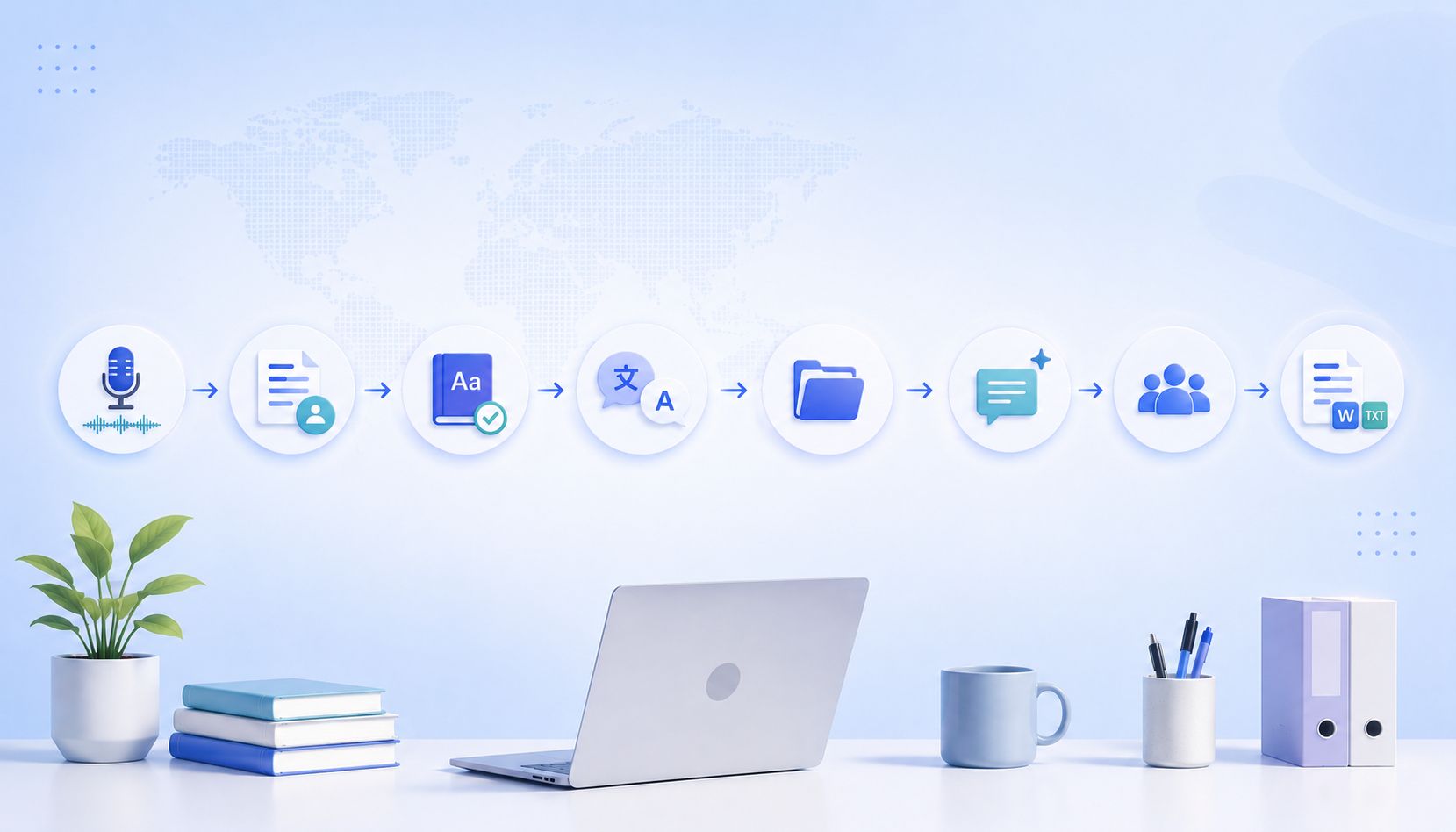
In HappyScribe, a "workflow" refers to the step-by-step process of transcribing an audio or video file using the platform.
The workflow in HappyScribe involves several stages that enable users to transcribe their files accurately and quickly. The first step is to upload the audio or video file to the platform by dragging and dropping it or importing it from a cloud storage platform like Dropbox or Google Drive. Once the file is uploaded, an individual can choose its language and any other settings they require for the transcription process.
The next stage is the actual transcription process. HappyScribe uses advanced speech-to-text technology to transcribe the audio or video file, and the transcription is completed within a few minutes. Once the transcription has been completed, the user can edit the text and make corrections.
The final stage of the workflow is the export stage. Here, the individual can export the transcription as a text file, a Word document, or a subtitle file that can be added to the video.
Secure and Confidential
HappyScribe takes data security and confidentiality seriously, and no other person can access your data. The software uses SSL encryption to secure users' data, and it has strict privacy policies that ensure users' data is not shared with third parties.
Another interesting thing about HappyScribe is that it allows users to delete their transcriptions from the server after downloading them. This ensures that users' data is not stored on the server, reducing the risk of data breaches and cyber-attacks.
HappyScribe: The Best Transcribing Software
HappyScribe is the best transcription tool available due to its high accuracy, affordable pricing, user-friendly interface, speedy workflow, highly recommended customer support, and strict security measures. This software has transformed the transcription industry and has helped businesses and individuals save time, effort, and money while maintaining high-quality transcriptions. Whether you need to transcribe audio or video files for personal or business use or even for educational purposes, HappyScribe is the best tool for the job.

André Bastié
Hello! I'm André Bastié, the passionate CEO of HappyScribe, a leading transcription service provider that has revolutionized the way people access and interact with audio and video content. My commitment to developing innovative technology and user-friendly solutions has made HappyScribe a trusted partner for transcription and subtitling needs.
With extensive experience in the field, I've dedicated myself to creating a platform that is accurate, efficient, and accessible for a wide range of users. By incorporating artificial intelligence and natural language processing, I've developed a platform that delivers exceptional transcription accuracy while remaining cost-effective and time-efficient.