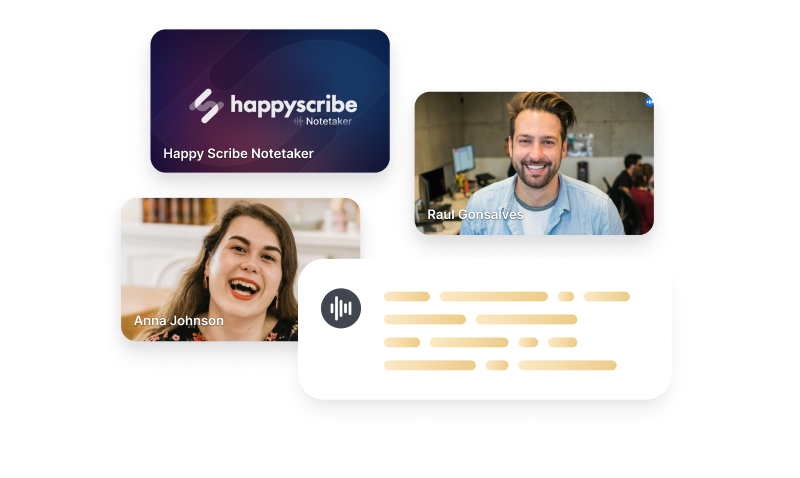
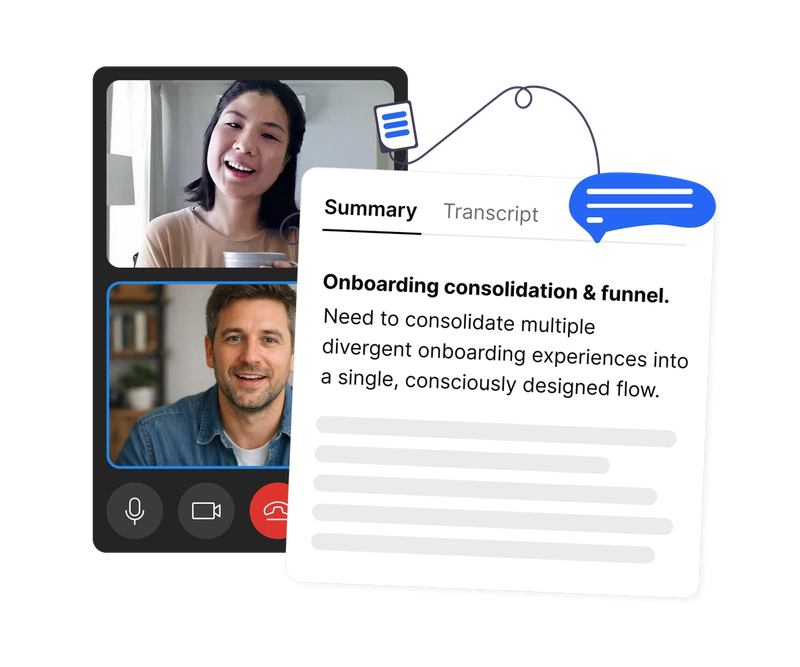
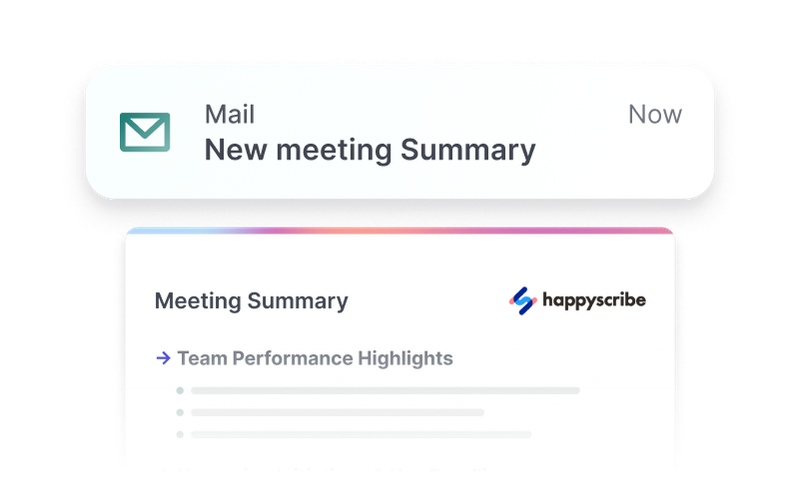
The HappyScribe Zoom integration brings automatic Zoom meeting transcription directly into your workflow. An AI Notetaker bot joins your Zoom meetings via calendar integration, records the conversation, transcribes it with speaker identification, and delivers an AI-generated summary once the meeting ends. You can also paste any Zoom cloud recording URL to transcribe past meetings on demand.
How it works
Connect your calendar (Google Calendar or Outlook) and HappyScribe will automatically detect upcoming Zoom meetings. Based on your recording rules, the AI Notetaker bot joins the call at the scheduled time, records the audio, and begins transcription as soon as the meeting wraps up. Speaker labels are automatically assigned so you always know who said what. The finished transcript, along with an AI-powered summary highlighting key decisions and action items, appears in your HappyScribe dashboard within minutes.
Key capabilities
- Automatic bot join — the Notetaker joins Zoom calls based on your calendar, no manual action needed
- Speaker identification — each participant is labeled in the transcript for easy navigation
- AI meeting summaries — get a concise summary with key decisions and action items
- Cloud recording import — paste any Zoom cloud recording URL to transcribe past meetings
- Multi-language transcription — supports meetings in dozens of languages with high accuracy
Recording rules
You have full control over which Zoom meetings get recorded. Configure your preferences to record all meetings, only meetings with external participants, or set custom rules based on specific criteria. This ensures you only transcribe what matters while keeping costs predictable. Rules can be updated at any time from your HappyScribe settings, and changes apply immediately to upcoming meetings.